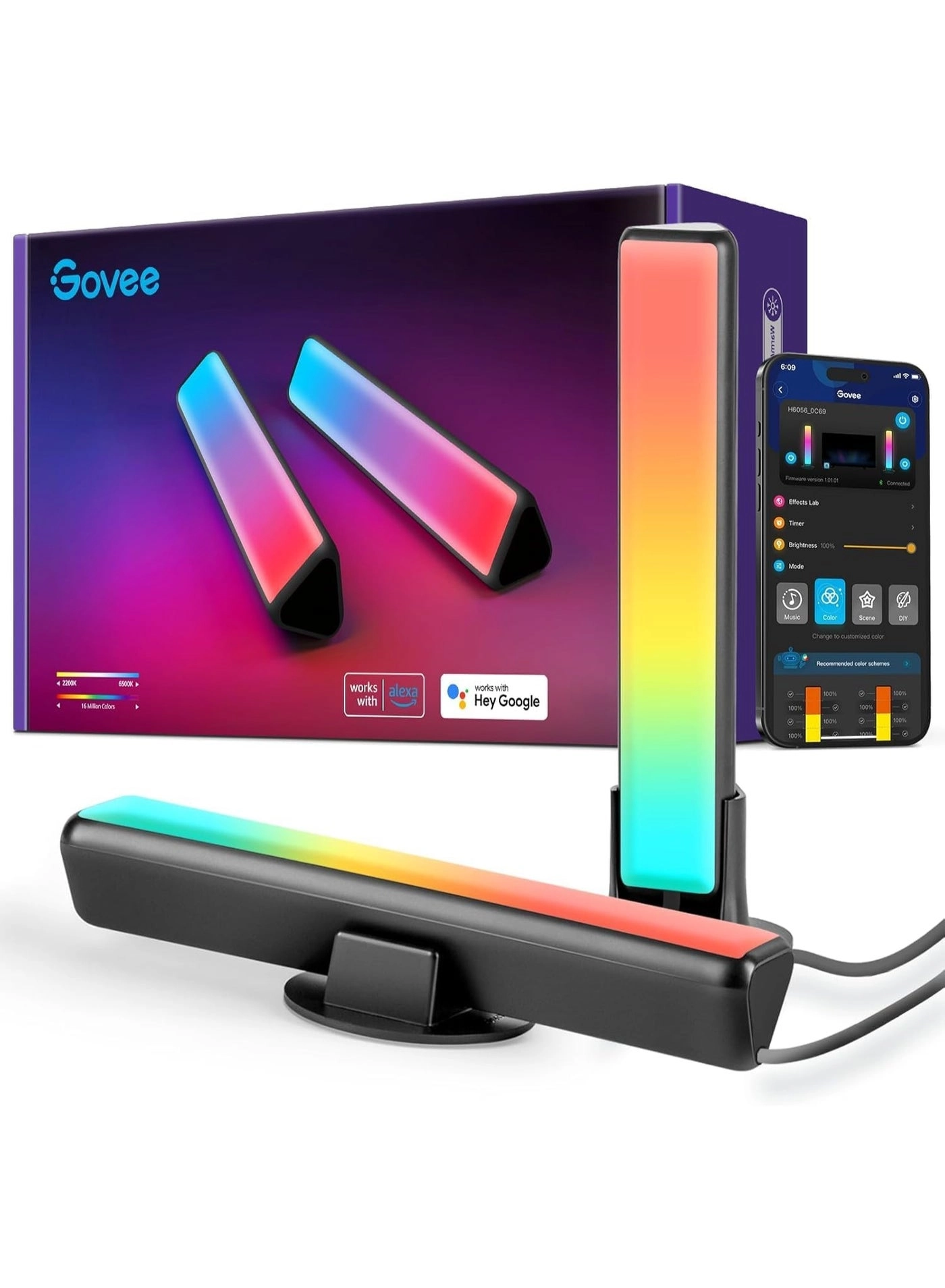
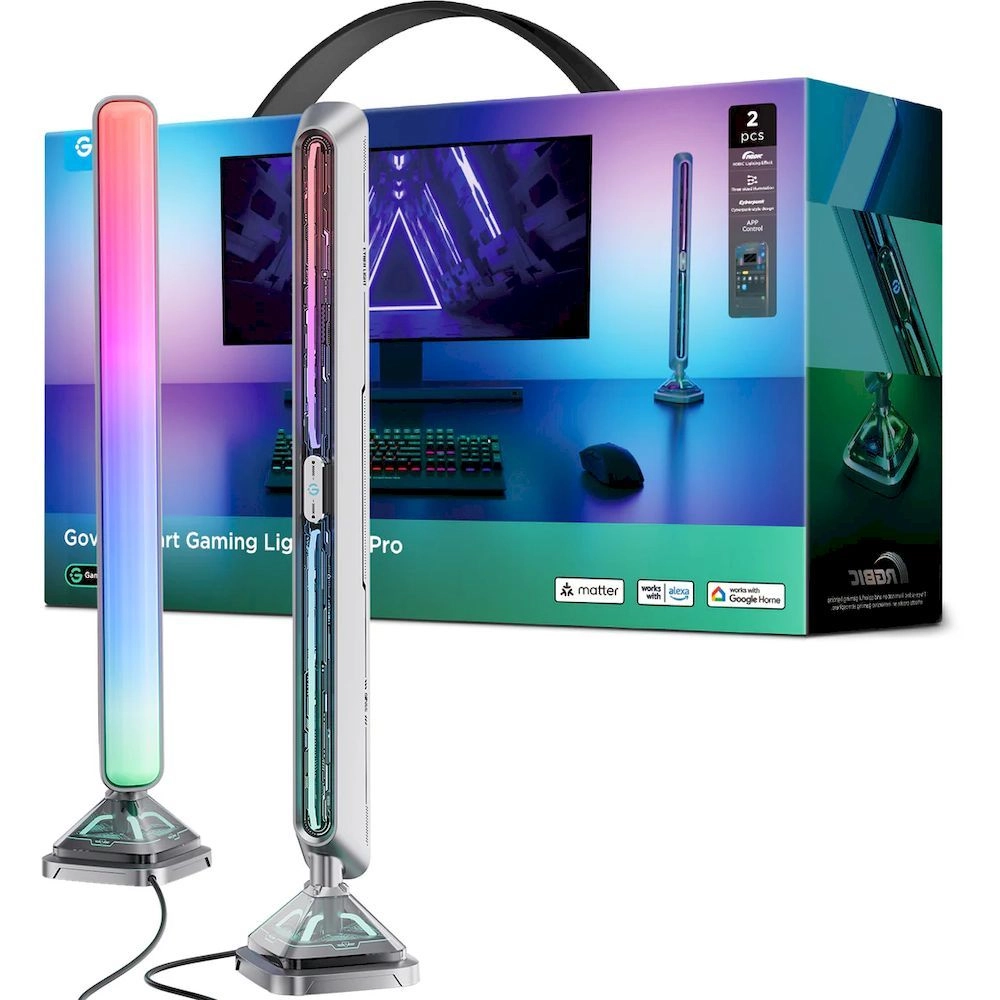
Elevate your TV viewing with versatile RGBIC light bars. Enjoy
vibrant effects, remote control, and voice assistant
compatibility for a customized, immersive setup.
Review: Stunning TV Backlighting - The Govee RGBIC TV Light Bars
(38cm pair) are an absolute standout addition to my home
entertainment setup, easily earning 5 stars. With double light
beads for true RGBIC effects, they display multiple vibrant
colors simultaneously on each bar, creating immersive flowing
patterns that perfectly sync with on-screen action via the app's
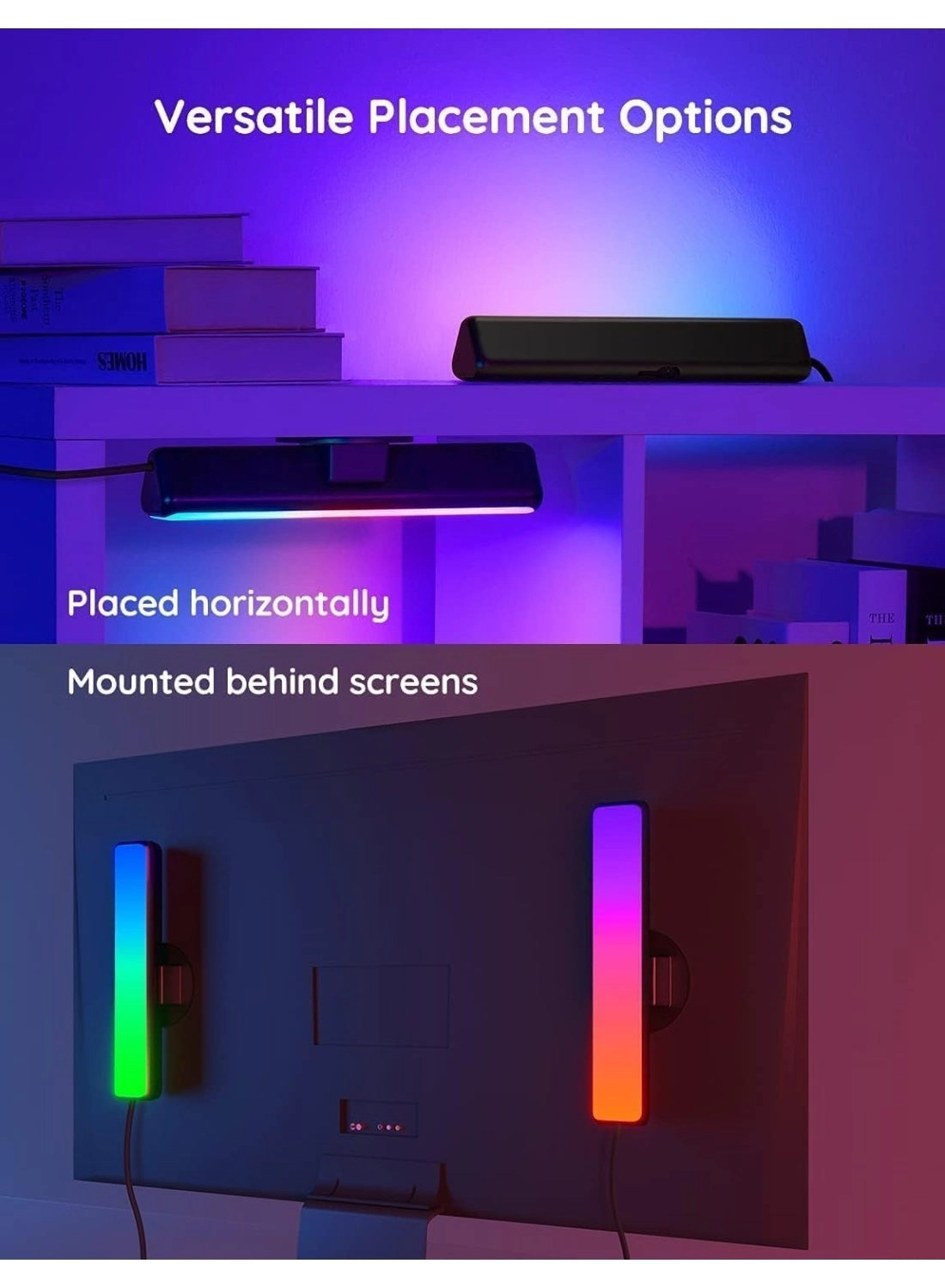
scene modes or music sync. Setup is straightforward with multiple
placement options – I have them standing vertically behind my
55-inch TV, and the stable bases keep them secure. The smart
features shine: seamless integration with Alexa and Google
Assistant for voice control, plus the Govee app offers endless
customization, timers, and dynamic effects. Brightness is
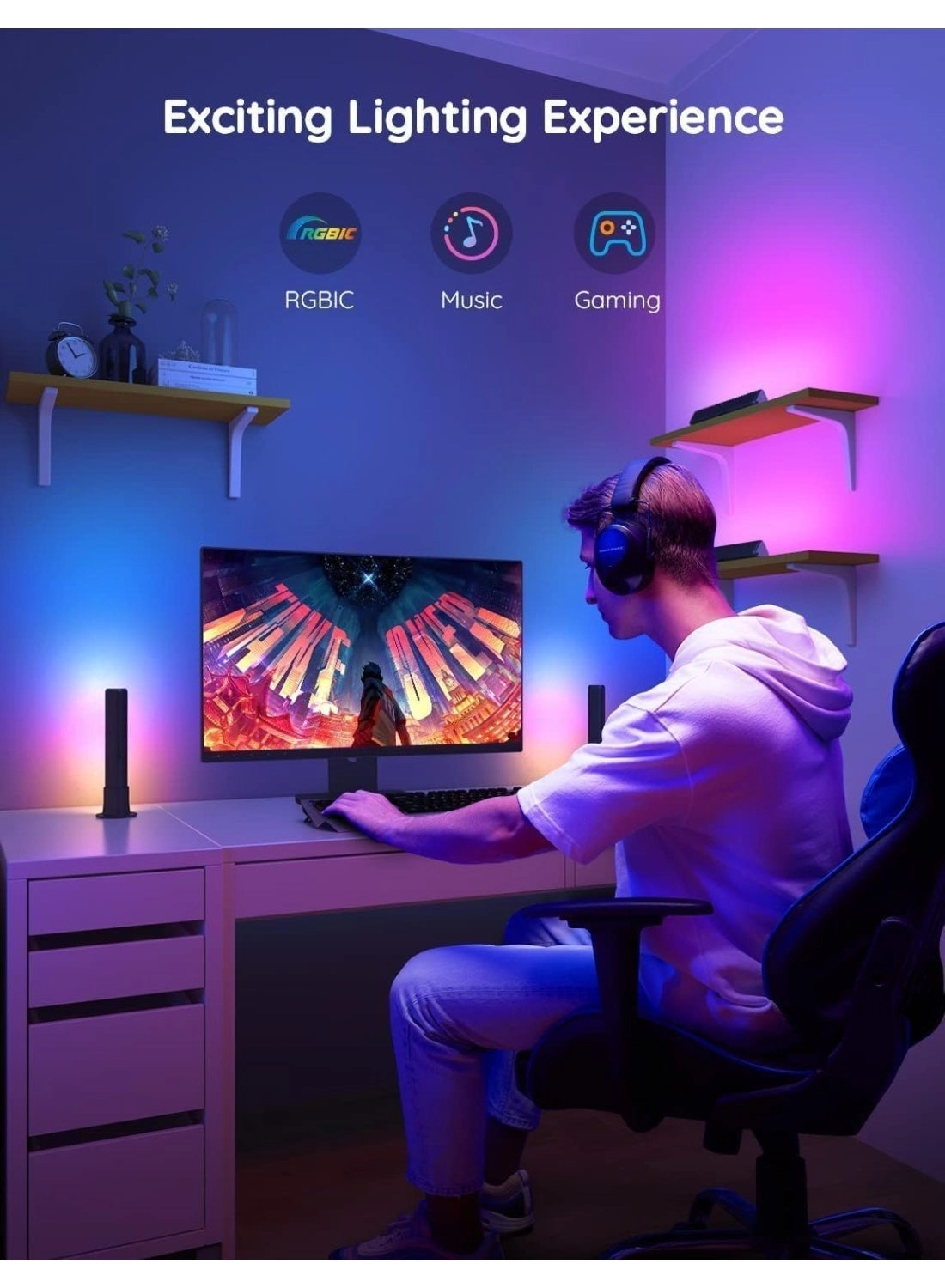
impressive without glare, and they add such a cool ambiance for
movies, gaming, or even as mood lighting. Build quality feels
solid, and they've been reliable with no connectivity issues.
Review: A significant improvement over standard light bars for
big screens - Having previously purchased the original Govee RGBW
light bars a while ago, I always felt they were a bit small for a
65 inch TV. Those original Govee light bars (H6056) are about
27cm high from the base when used vertically behind a TV, and I
place them on transparent perspex stands. Our OLED TV is a bit
fragile to want to stick these on the rear, so having them
positioned freestanding on acrylic stands makes it easier to
experiment with their positioning. These ones (H6046) are about
43cm high when mounted in their bases and provide a much brighter
and more even illumination behind our 65 inch TV. I usually use
them set to well below 100% brightness which should also keep
them running cooler and prolong their lifespan. These are really
simple to set up. There's a traditional wall wart type power
supply which plugs into a small control unit and then the lights
(which are joined on the same cable) also plug into the control
unit. After you've installed the Govee app on your phone or
tablet, simply press the pairing button on the control unit and
within less than a minute you can get them set up in the app.
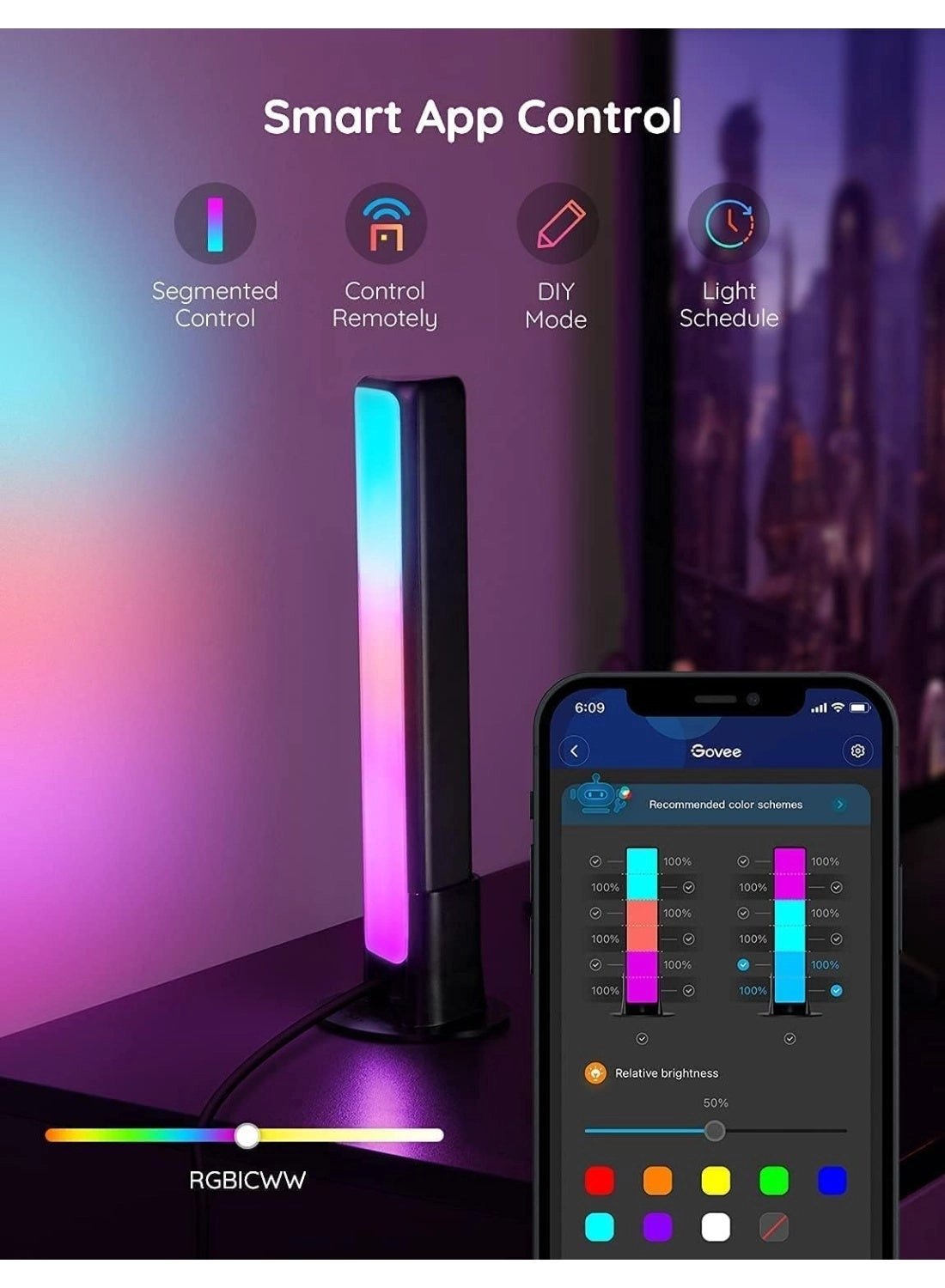
Whilst the app itself is very versatile in terms of being able to
control each light independently, including setting the colours
and relative brightness of each segment and saving your own
'scenes', I do find it a little non-intuitive in places. You can
set both light bars to either white (continuous choice from cool
to warm white) or RGB mode, but not a mixture. They are extremely
bright in white mode at 100% brightness and will easily light up
a room. In RGB mode you are able to either set all segments of
the bar to a single colour, or indeed choose individual colours
for each segment. You can also have different combinations of
colour and brightness for the left and right bar. Once you've
configured your favourite selection of colours and levels, you
can save this as a scene. The app also includes many built-in
preset scenes, as well as some lighting effects that change
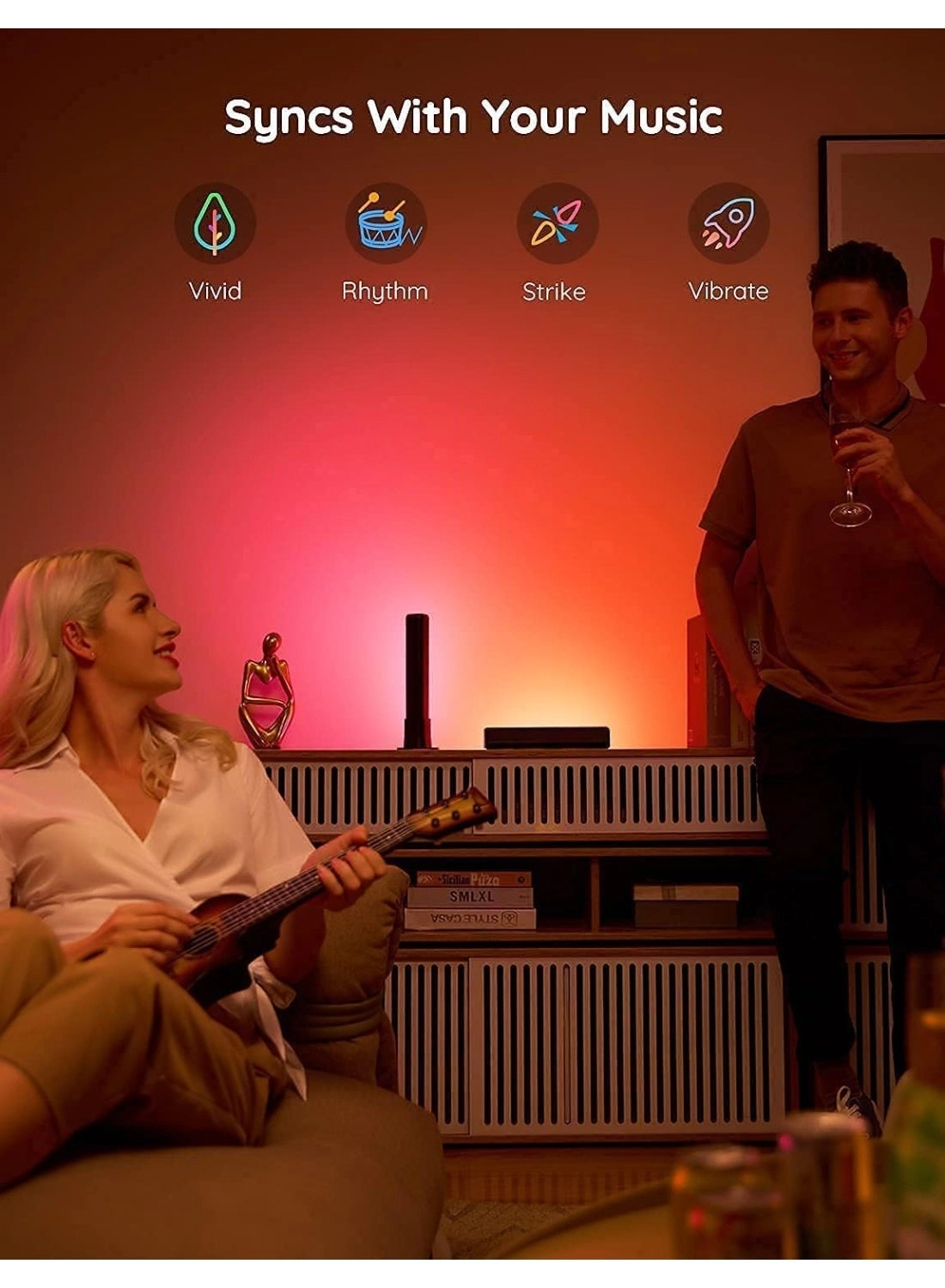
colours automatically. There's even a sound operated mode that
will use the built-in microphone of the control unit or your
phone to change the light patterns on the beat. It's also easy to
control these from your favourite smart speakers. After
installing the Govee skill on my alexa app, I was able to fully
control the brightness, choice of solid colours and switch them
on and off from my smart speakers. The lights will remember the
last setting, so you can set a colour scene in the Govee app with
mullti-colours and then just turn them off and on, or set the
brightness, with an Alexa command. Overall these are the perfect
mood light for a larger screen TV and I would thoroughly
recommend them.