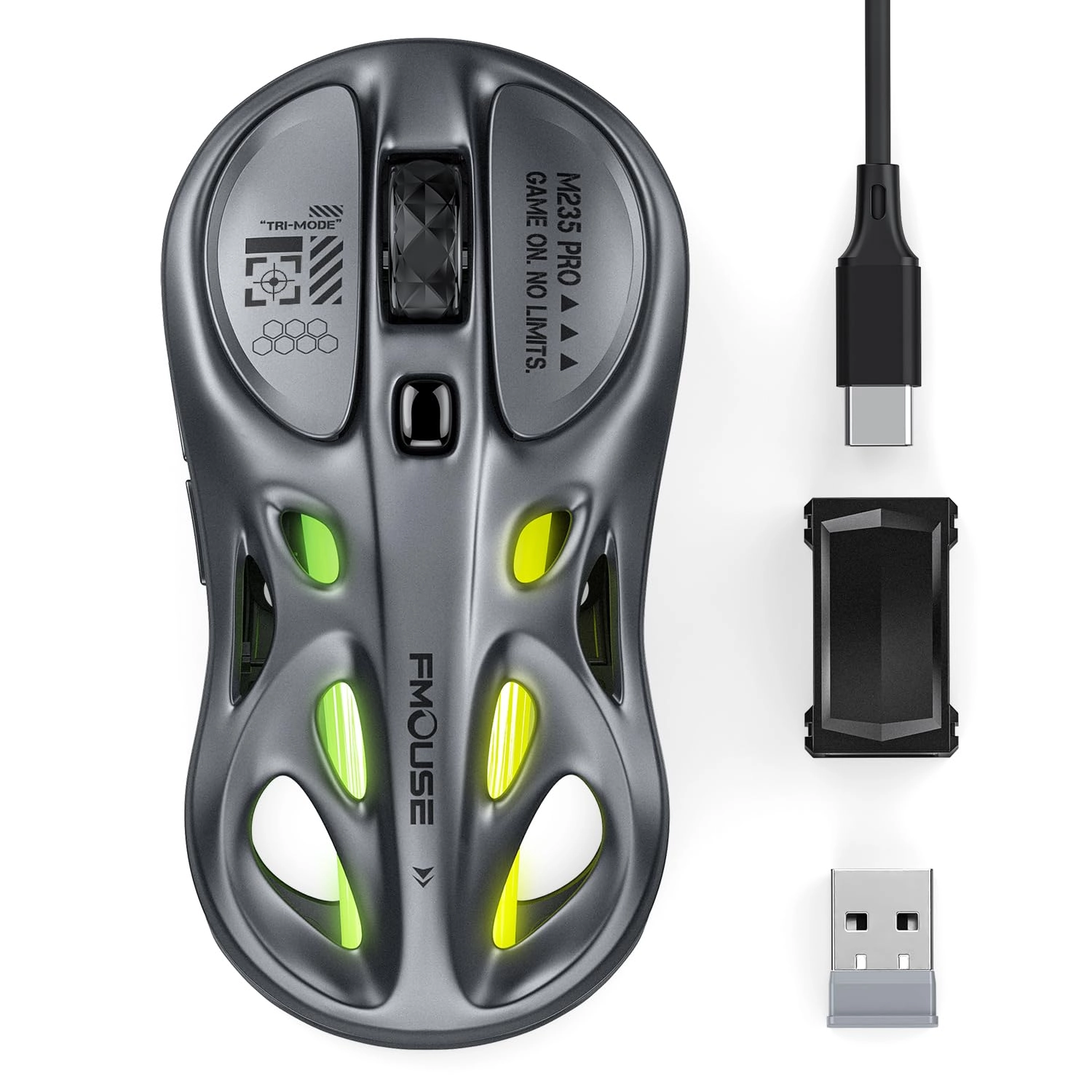
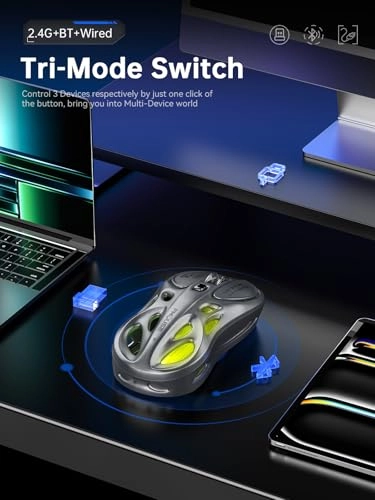
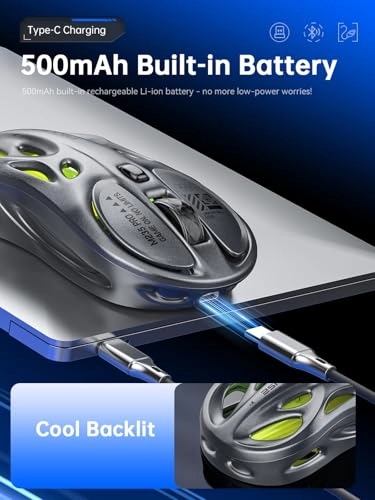
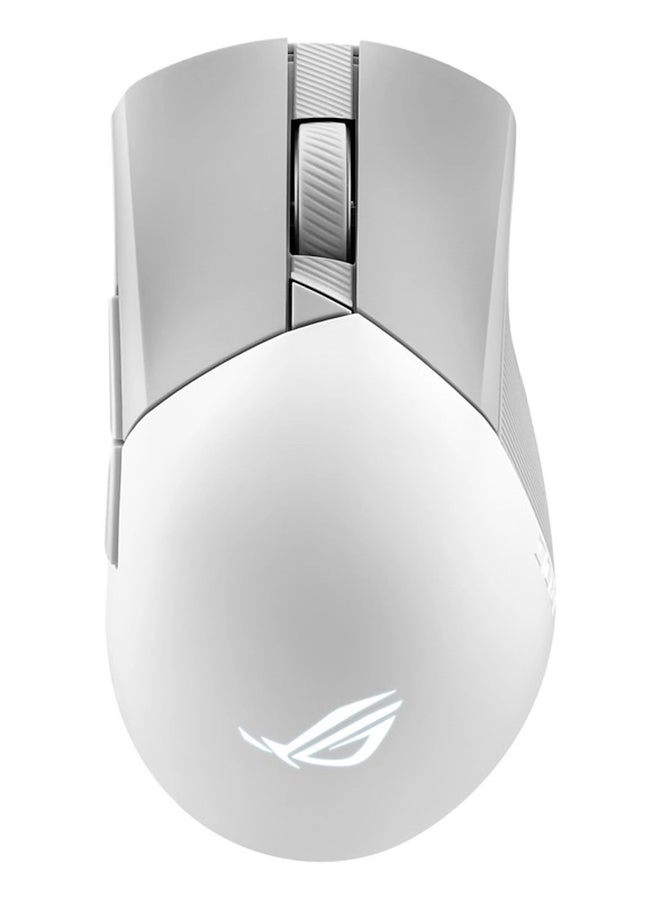
Meet the FMOUSE M235 PRO — a lightweight wireless mouse that blends stylish design with reliable all-round performance. Featuring a distinctive honeycomb hollow shell and premium gloss surface, it delivers stunning layered RGB lighting to elevate any desktop setup. Whether you enjoy casual gaming, tackle daily office workloads, or switch between multiple devices frequently, this mouse handles every task with ease. This model comes in four stylish color options: Gray, Turquoise & Gray Gradient, Solid White, White & Gray Gradient. Each unique finish is designed to match different desktop aesthetics and personal styles. Specifications Model: FMOUSE M235 PRO Sensor: PixArt PAW3311DB-TJDT Optical Sensor DPI Levels: 800 / 1600 / 3200 / 6400 / 12000 (5 adjustable levels) Tracking Speed: 300 IPS Acceleration: 35G Polling Rate: 1000Hz (Wired & 2.4GHz Mode) Connectivity: 2.4GHz Wireless / Dual Bluetooth (5.0 & 3.0) / Wired USB-C Total Buttons: 6 (Left Click, Right Click, Scroll Wheel, DPI Key, Forward Key, Back Key) Dimensions: 4.7 x 2.4 x 1.3 in / 119 x 61 x 33mm Net Weight: 65g Built-in Battery: 500mAh Rechargeable Lithium-ion Charging Port: USB-C (Supports charging while in use) System Compatibility: Windows 7/10/11, macOS 10.8+, ChromeOS, Android 5.0+ Warranty: 2-Year Manufacturer Warranty What You Get in the Box 1 x FMOUSE M235 PRO Wireless Mouse 1 x 1.8m USB-C Charging Cable 1 x USB-A to USB-C Adapter 1 x 2.4GHz Wireless Receiver Key Features Hollow Shell & Premium Surface Crafted with a precision honeycomb hollow structure, this mouse creates gorgeous layered lighting effects when the RGB backlight is on. The high-gloss exterior delivers a comfortable premium touch, combining lightweight design and eye-catching appearance. True Tri-Mode Connectivity Three connection modes for flexible use: 2.4GHz mode for low-latency daily use and gaming; Dual Bluetooth 5.0 & 3.0 for stable multi-device pairing; Wired USB-C mode for zero-delay operation. It supports pairing with up to 3 devices, allowing instant switching as you need. Reliable PixArt Optical Sensor Equipped with professional PixArt PAW3311DB-TJDT optical sensor, it maintains a steady 1000Hz polling rate under both wired and 2.4GHz connection. 5 adjustable DPI levels ranging from 800 to 12000, with 300 IPS tracking speed and 35G acceleration, meet diverse demands — from precise graphic design work to competitive FPS gaming. Easy Control Without Extra Software Adjust sensitivity in one click: simply press the DPI button to cycle through 5 DPI levels. Press and hold the DPI key for 2 seconds or longer to switch RGB colors, change lighting modes or turn off the backlight. All basic functions work right out of the box, no driver installation required. Customizable Settings via Official Driver For advanced users, the official FMOUSE driver enables full button remapping and macro programming. The driver is safe and clean without extra bloatware. You can fully customize the mouse functions, or use the default button layout directly as you like. Long-Lasting USB-C Rechargeable Battery Powered by a built-in 500mAh lithium-ion battery for long daily use. Turning off the RGB light can greatly extend battery life for office and productivity work. It supports pass-through charging via standard USB-C cables, so you can keep using the mouse while charging with zero downtime. Operation Guide 2.4GHz Wireless Mode Plug the included 2.4GHz receiver into your device. The mouse will connect automatically without extra pairing steps. Bluetooth Mode Hold the mode button to activate Bluetooth pairing mode, then select "FMOUSE M235 PRO" on your device to complete connection. You can pair a second device via the secondary Bluetooth channel following the same steps. Wired Mode Connect the mouse to your device with the supplied USB-C cable for instant wired operation or charging. Device Switching Press the mode button to cycle quickly between 2.4GHz, Bluetooth Channel 1 and Bluetooth Channel 2. DPI Adjustment Short press the DPI button to switch DPI sequentially: 800 → 1600 → 3200 → 6400 → 12000. RGB Light Control Press and hold the DPI button for more than 2 seconds to switch RGB colors, lighting modes or turn off the backlight. Application Scenarios Gaming Desktops Low-latency 2.4GHz connection and 1000Hz polling rate deliver responsive performance for casual to competitive gaming. The hollow RGB design also adds a stylish touch to your gaming setup. Home & Remote Office Seamless multi-device switching lets you toggle between work laptops, MacBooks and iPads freely. The ultra-light 65g design effectively reduces wrist fatigue during long working hours. Student & Study Desks Compact, cable-free and stylish, it fits perfectly for dorm rooms and study spaces. Universal USB-C charging also simplifies your daily carry. Creative & Design Work High-precision tracking and adjustable DPI are ideal for Photoshop, Illustrator and other creative design tasks. Who This Mouse Is For Gamers who pursue beautiful RGB styling and high-precision performance Students and young professionals who favor aesthetic design and multi-device convenience Remote workers who manage multiple electronic devices every day Creative designers needing a responsive and good-looking peripheral Users looking to upgrade basic mice for a distinctive desktop accessory