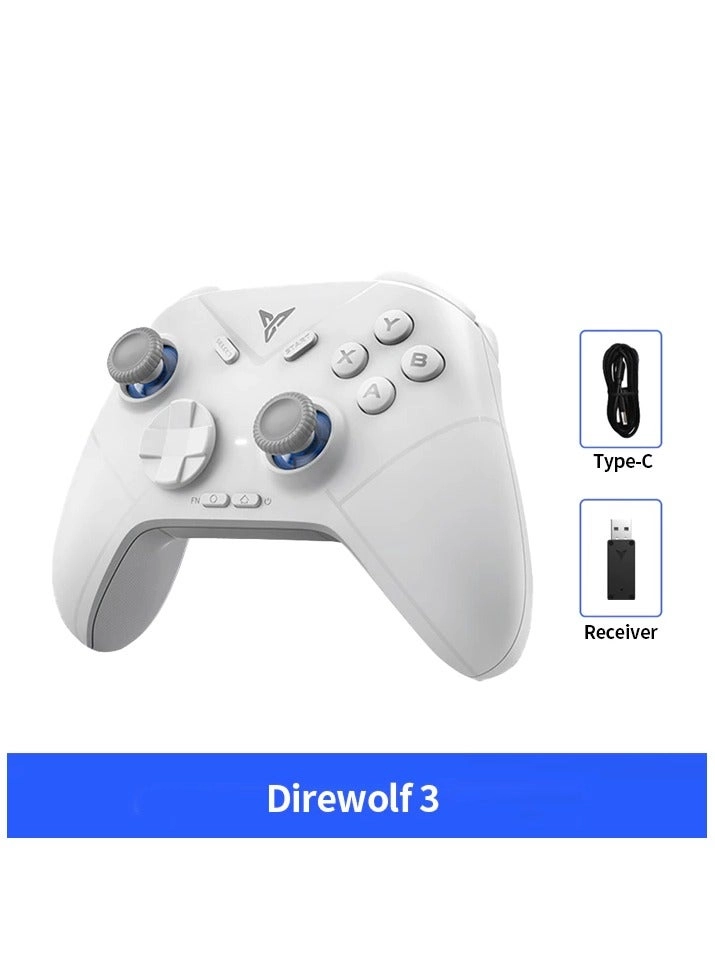
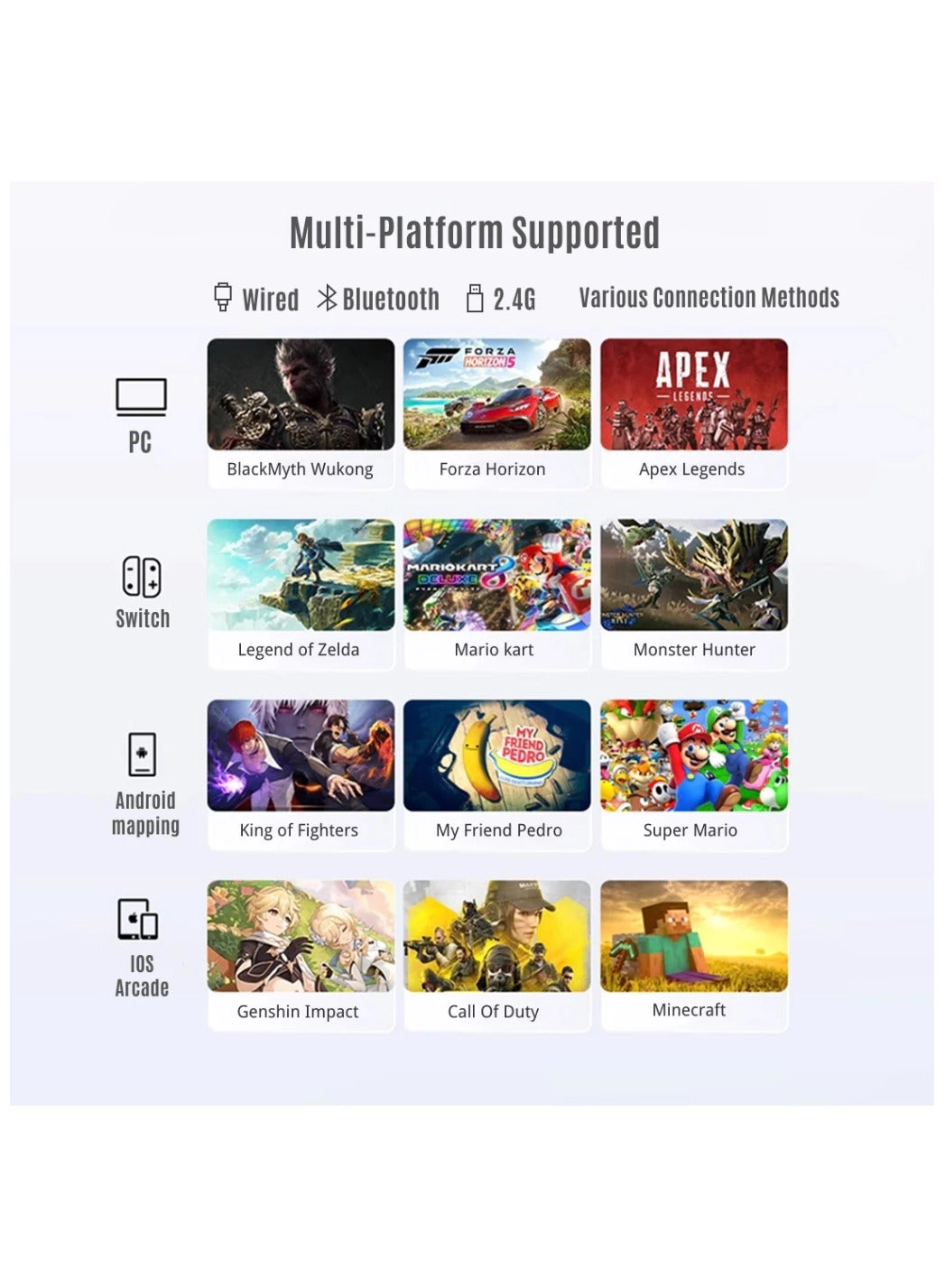
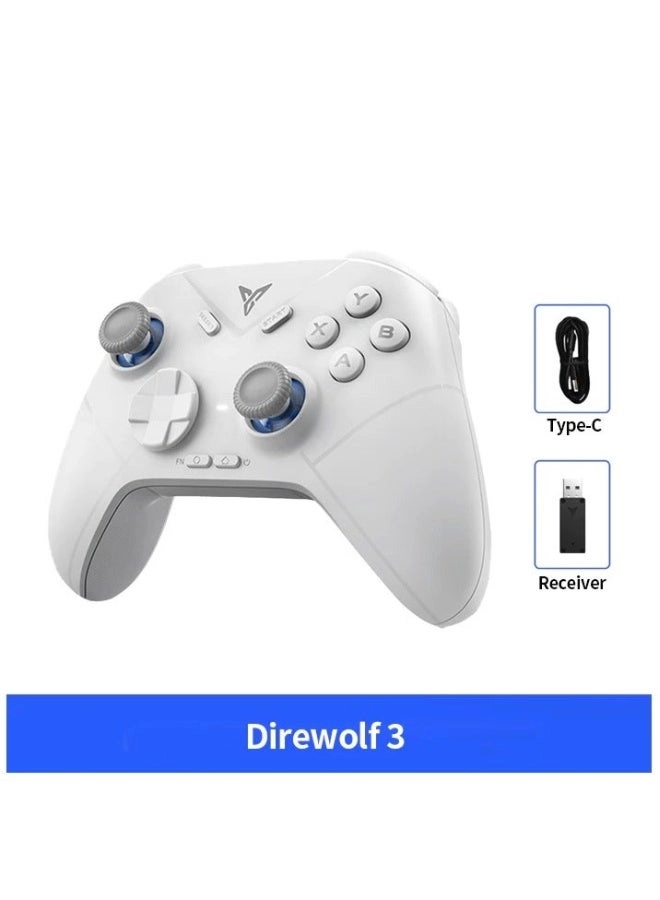
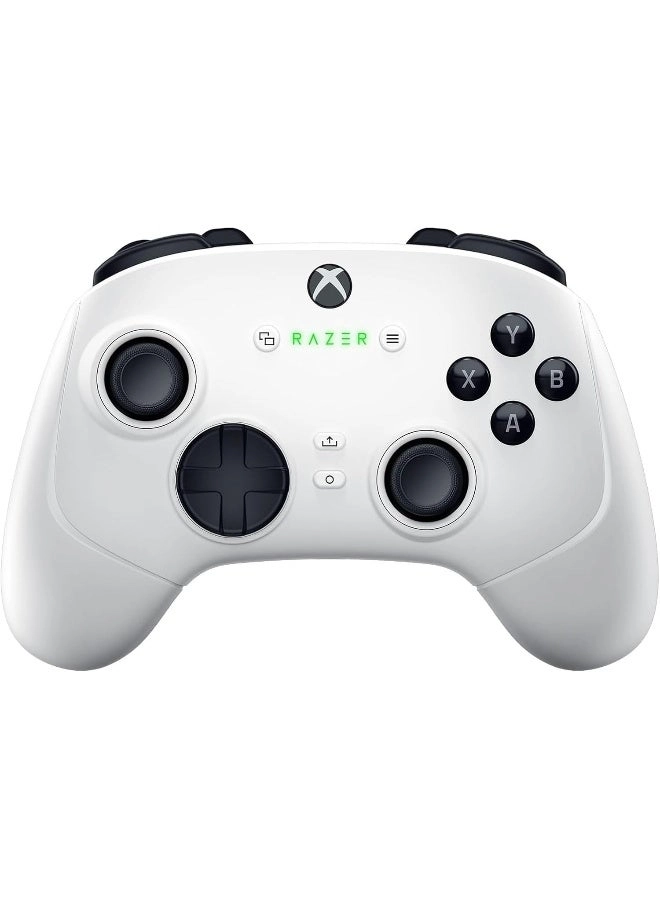
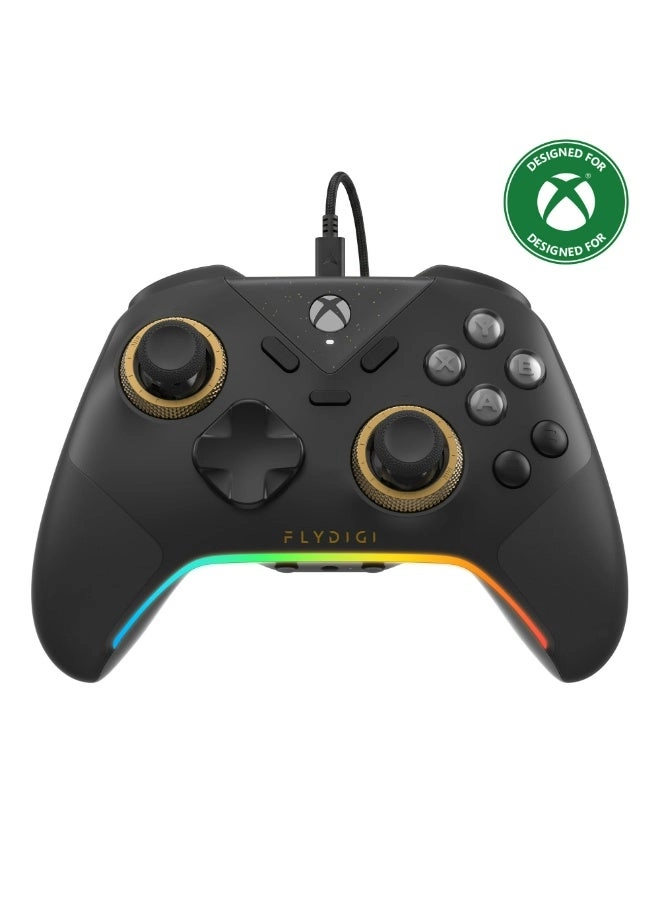
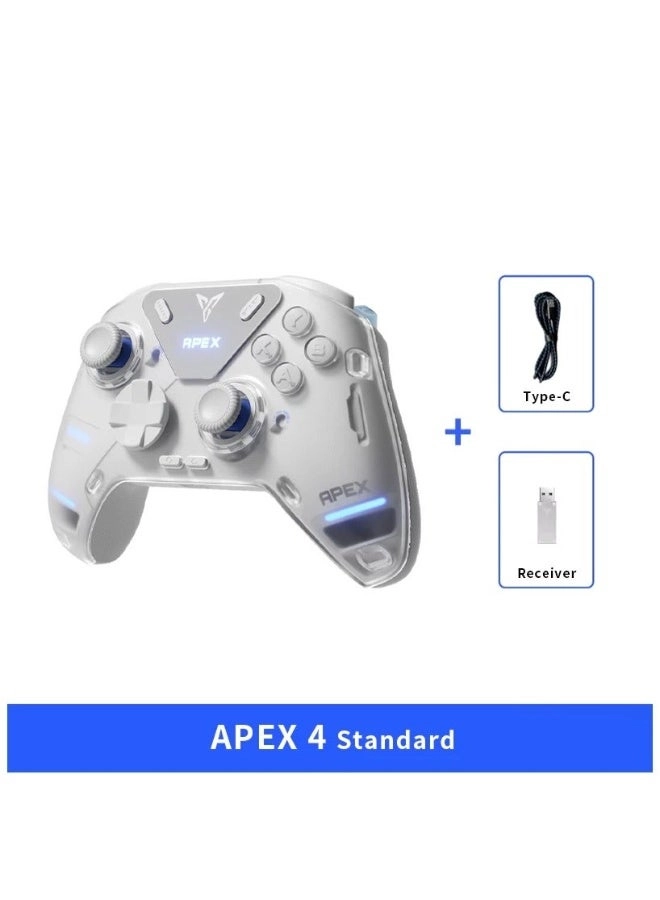
PC wireless receiver connection :
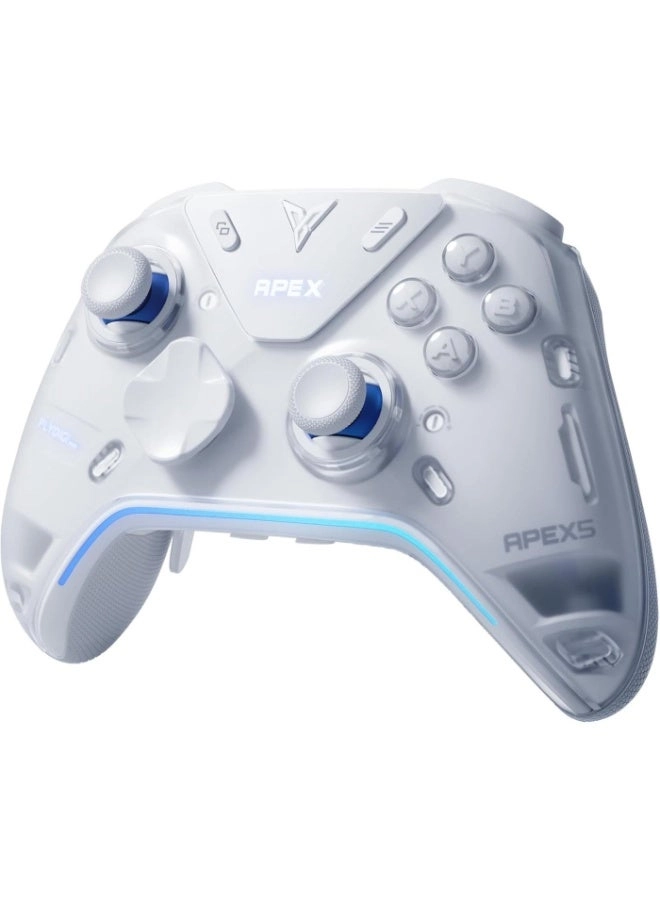
1) Plug the receiver into the computer usb port
2) Push the button on the back of the controller to 1st position
3) Click the HOME button , controller will connect automatically (indicator light will stay White)
PC wired connection :
1) Push the button on the back of the controller to 2nd position
2) Connect computer and controller via usb cable (indicator light stay White to indicate success)
Nintendo Switch connection :
1) Click the handle icon on the home menu of SWITCH to [Change Grip/Order]
2) Push the button on the back of the controller to NS
3) Click the HOME button , controller will connect automatically (indicator light will stay Blue)
IOS Native connection :
1) Push the button on the back of the controller to IOS
2) Click the HOME button , bluetooth name of controller is Xbox Wireless Controller
Reviews
Loading...
Loading...
Loading...
Loading...
Loading...
Loading...
Loading...
Loading...
Loading...
Loading...
Loading...
Loading...
Loading...
Loading...
Loading...
Loading...
Loading...
Loading...
Loading...
Loading...
Loading...
Loading...
Loading...
Loading...
Loading...
Loading...
Loading...
Loading...
Loading...
Loading...
Loading...
Loading...
Loading...
Loading...
Loading...
Loading...
Loading...
Loading...
Loading...
Loading...
Loading...
Loading...
Loading...
Loading...
Loading...
Loading...
Loading...
Loading...
Loading...
Loading...
Loading...
Loading...
Loading...
Loading...
Loading...
Loading...
Loading...
Loading...
Loading...
Loading...
Loading...
Loading...
Loading...
Join our newsletter
Be the first to know about new arrivals, sales, and exclusive picks
Sign in to unlock newsletter access and stay in the loop

Please enable location access or select an emirate