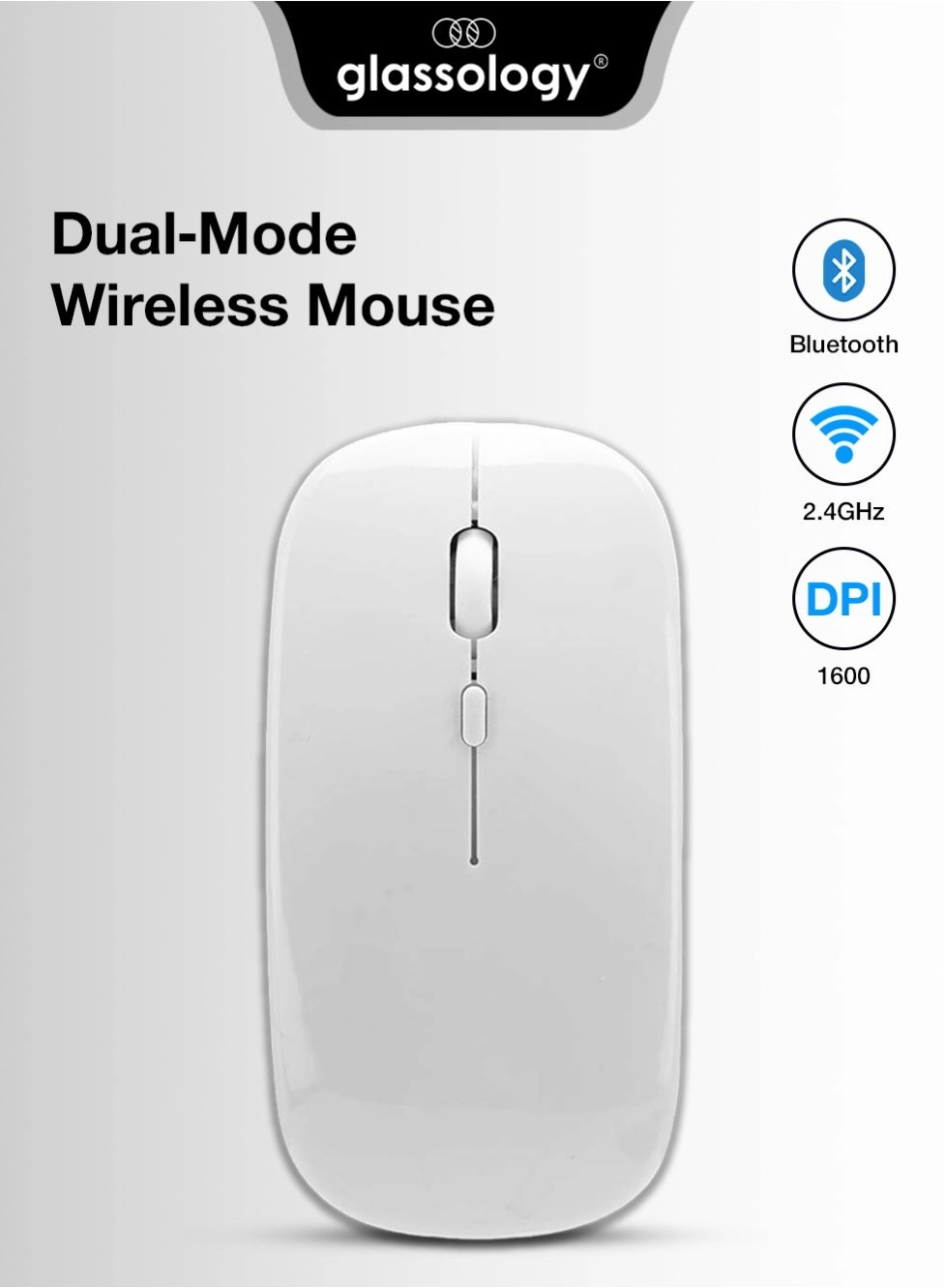
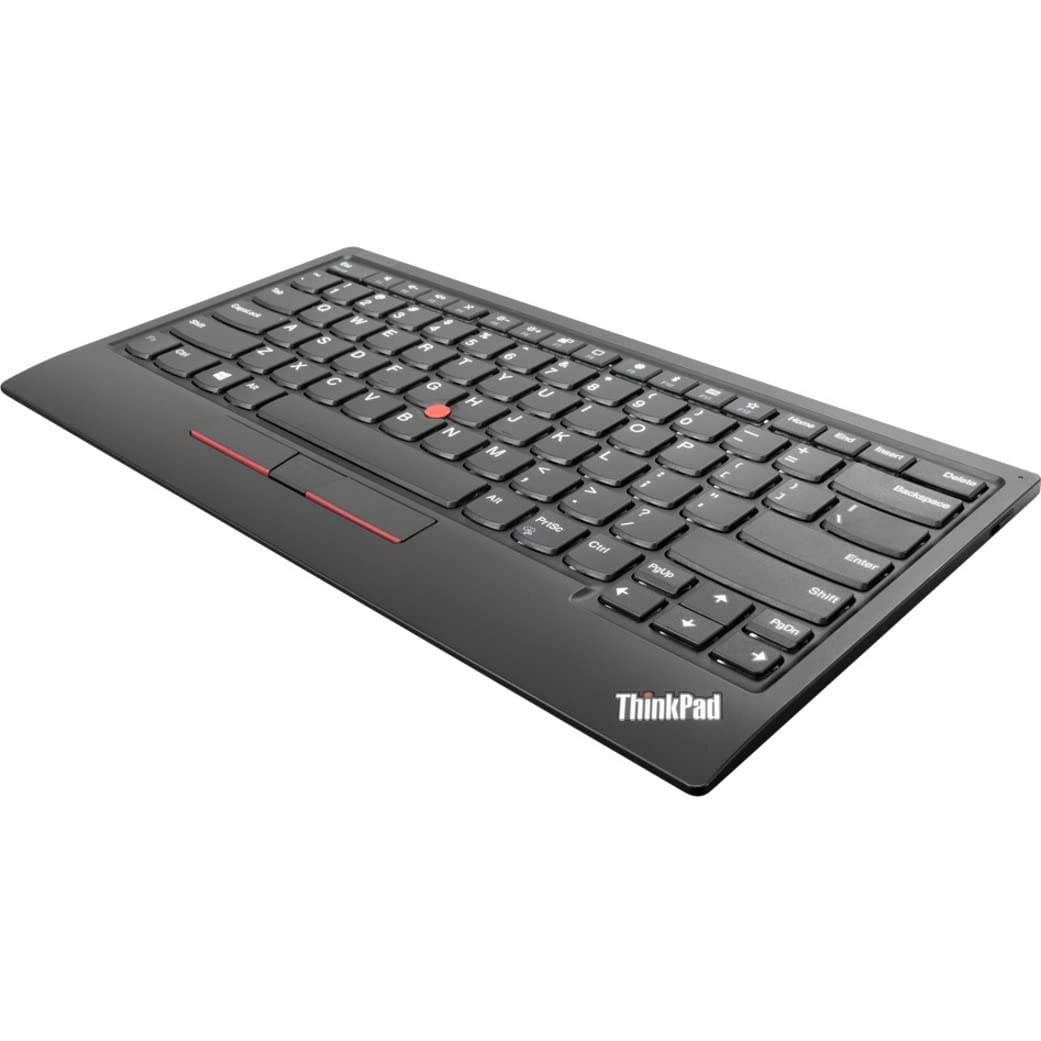
Linux.. ...
The version support WindowsMacios/ android.
How to use:
2.4G
Step 1: Push the power switch at the bottom of the to the"ON", and switch the button to 2.4G mode, the corresponding light is flashing green, and then the green light off after connecting the device, enter the normal mode.
Tri-Mode:
connection(BT1-BT2)
Step 1: Push the power switch at the bottom of the to"ON", click the three modes button@, the blue lights corresponding to the BT1BT2 mode flashes, and start to enter the code mode.
Step 2: Open the tabletcomputerphone, click the""
interface in the settings menu, Connect the pairing(BT5.1Mouse). After the device is connected, the blue light goes off, Enter normal mode.
Step 3: Move the or press the leftright button to use it
normally.
Remarks
- Code checking prompt: When the is not yet connected to the device
- (1)the green light flashing at the bottom of the back of the(2.4G mode),
- (2) the blue light flashing at the bottom of the back of the(BT1 mode),
- (3) the blue light flashing at the bottom of the back of the(BT2 mode).
Instructions and precautions
- When the cursor moves slowly, please check whether the battery is low. It is recommended to charge it in .
- When the cannot be connected, please check whether the power switch at the bottom of the is turned on, and select the correct connection method or move the USB receiver to another USB port for use.
- If you do not use the for a long , turn off the power switch manually to save power.
- If the is not used for a long , it will automatically enter the sleep mode. Move the or press any key to the.