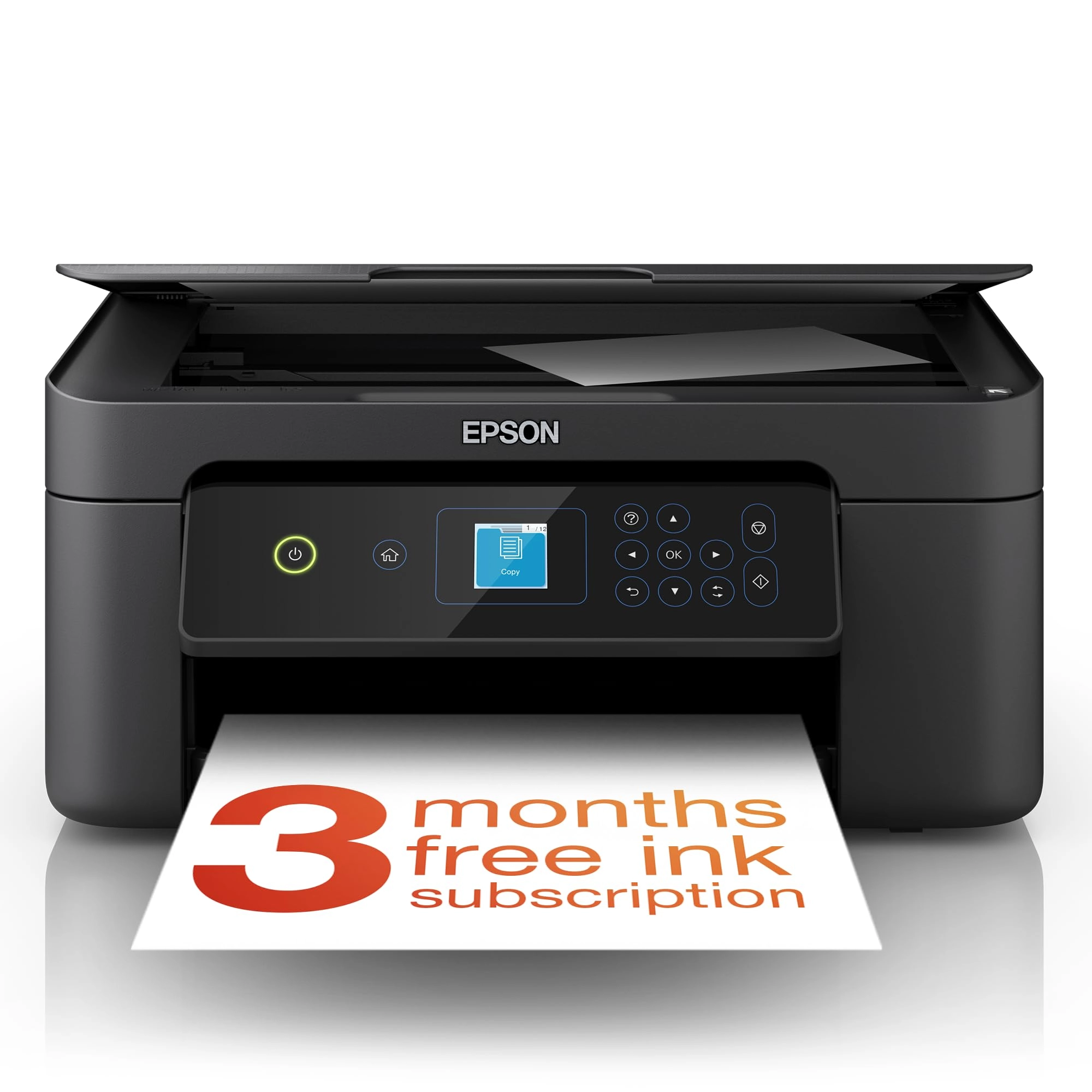
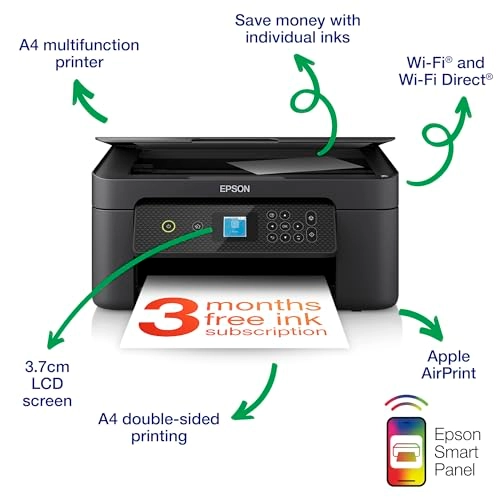
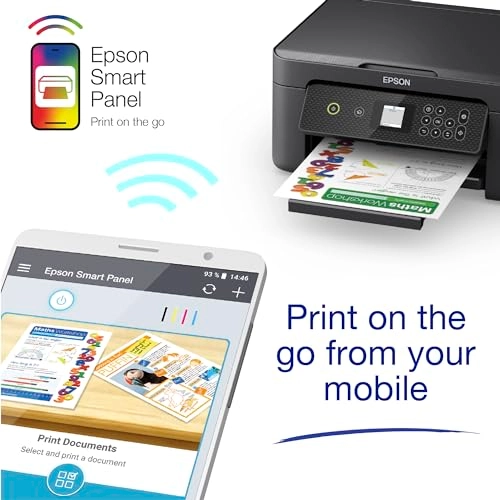
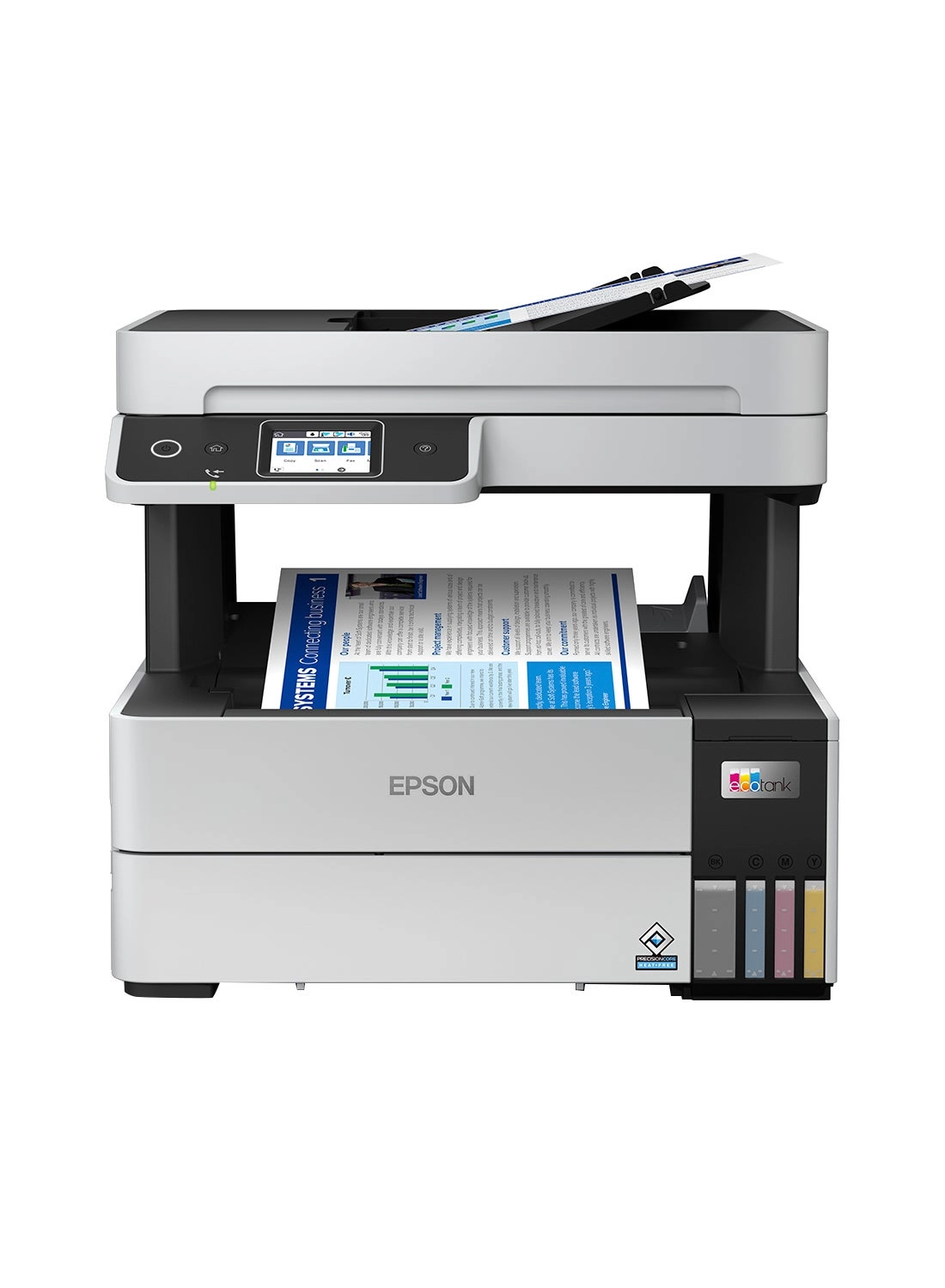
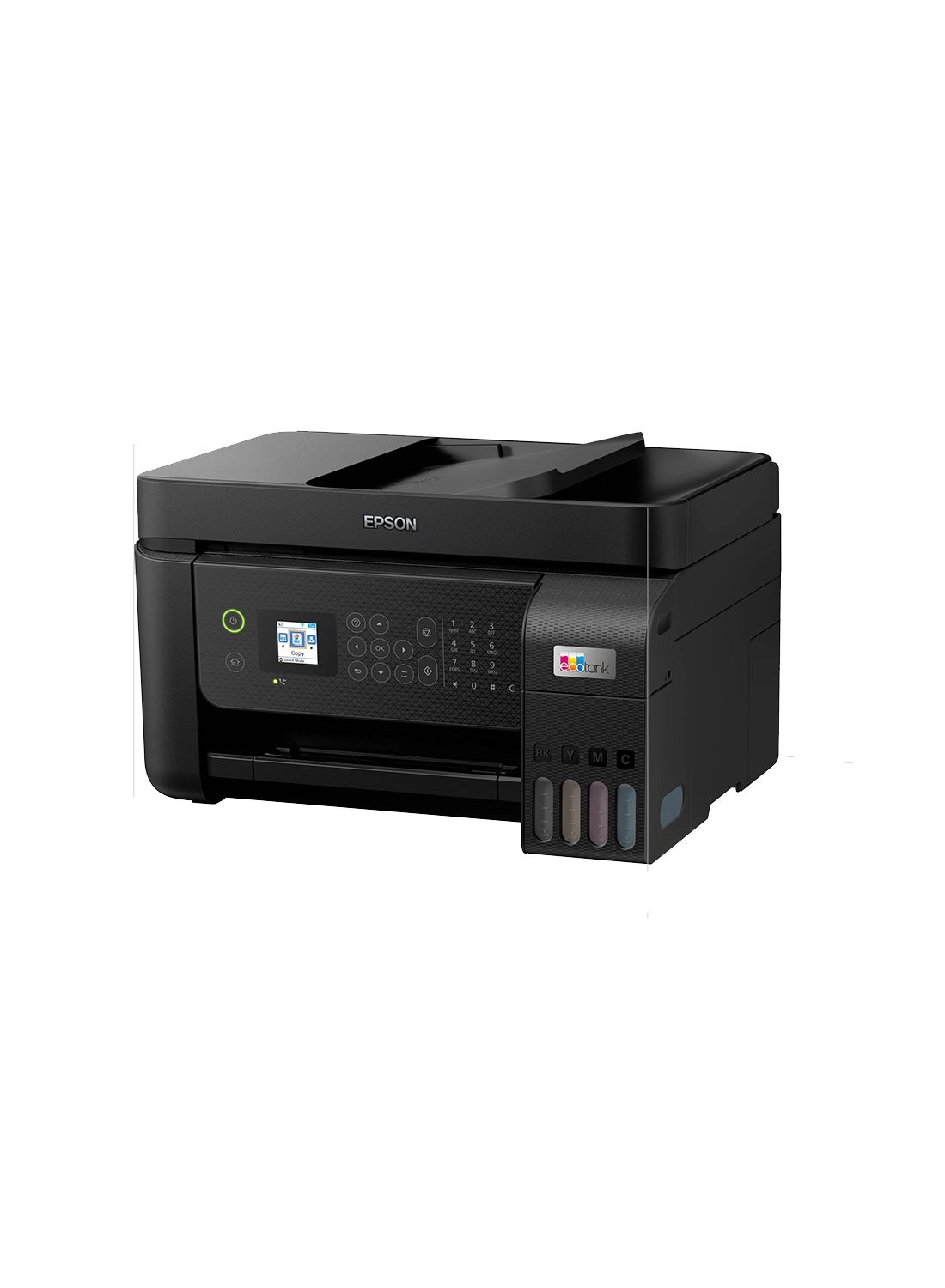
From the manufacturer EPSN Printer Video Wi-Fi, Wi-Fi Direct, USB
and Apple Airprint* Use the Epson Smart Panel app* to set up,
monitor, print and more from your mobile Wi-Fi, Wi-Fi Direct, USB
and Apple Airprint* Use the Epson Smart Panel app* to set up,
monitor, print and more from your mobile Print, copy and scan A4
multifunction printer with double-sided printing Print, copy and
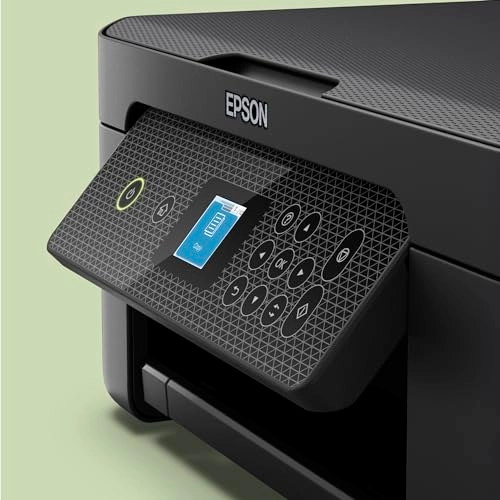
scan A4 multifunction printer with double-sided printing 3.7cm
colour LCD screen Easily navigate through the printers functions
3.7cm colour LCD screen Easily navigate through the printers
functions Inks Save money with individual inks that provide
reliable, clear prints. Ink Series: Pineapple, 4 individual inks
(604/604XL) Inks Save money with individual inks that provide
reliable, clear prints. Ink Series: Pineapple, 4 individual inks
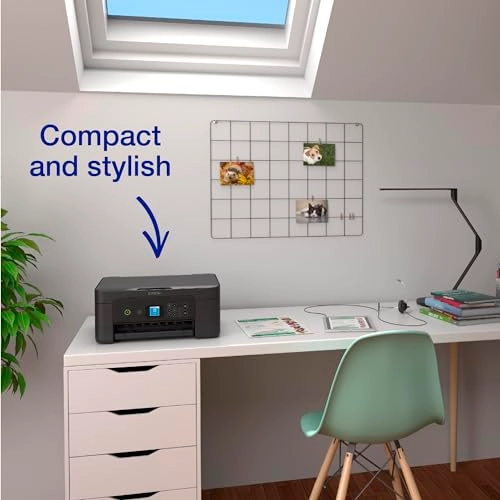
(604/604XL) Compact Compact, easy-to-use printer with a stylish
panel design Compact Compact, easy-to-use printer with a stylish
panel design
Review: So easy to set up - I am not a computer whiz Kid, and I
am not knowledgable on Apps etc, just wanted a basic
printer/scanner to run off my computer after my very old printer
gave in. I took a chance on this printer concerned that most
reviews were about linking to mobiles etc. In fact I just plugged
the mains lead in and connected the printer to a USB port on my
computer, turned on and the printer did the rest. It installed
without any reference to downloading off the net etc and even the
small screen for 5 minutes showed what was happening, then it
just atomatically ran, the only thing I had to do was put the 4
inks (supplied in the package) into the machine, but even the
small screen covered this. I have only had it 3 days, prints are
excellent and are produced reasonable quickly, scanner works
perfectly. Not tried double sided print outs yet nor connected to
apps on phones (don't want to). I will keep count of copies to
comment at a later date on the life of the ink cartridges
supplied. If you want a reasonably priced printe/scanner, very
very easy to set up, looks strong and not plasticky then I can
recommend the xp3200. Lastly pleased I went for this with the
small screen for just £15 more, well worth being able to see what
is happening and receiving instructions, there is no manuel but
one is not needed. (I suppose I could download one, but no need)
.
Review: The XP3200 is a good printer but it doesn't come with
much ink - Since my trusty XP322 decided to cease to work I
needed a similar replacement and having always used Epson
printers decided on the XP3200 as a close match. The printer has
virtually the same capabilities as my old XP322 but annoyingly
they don't seem to come with full ink cartridges these days. The
supplied cartridges are just for Setup and Configuration as shown
on the cartridge. I managed to get a few pages of print out of
them. After that I used some third party inks which work just as
well. Installation wasn't too hard. Since this has Wifi and can
work with a smartphone and can also take part in Epson's
Readyprint ink subscription service, it initially wants to
connect to the your network and internet. Since I didn't want
this I ignored that option and just continued to set it up using
a USB cable. Windows 10 immediately found the printer and
installed a defaut print driver but this has limited capability
so its better to download the setup utility fron Epson's web site
- once again I declined any attempt to connect to the internet
and also disabled automatic updates. The printer itself feels a
little more plasticy than my old one and the paper movement
mechanism is a lot noisier. One feature the SP3200 has that my
old XP322 didn't have is automatic double sided printing. To be
honest it might seem like a nice convenient feature but its a lot
slower than turning over the paper manually. It prints, scans and
copies just like my old printer and the driver options look just
the same, so it was an easy switch over. Good quality print and
scan but genuine inks are expensive and you'll need something to
get going as those supplied are only for setup.