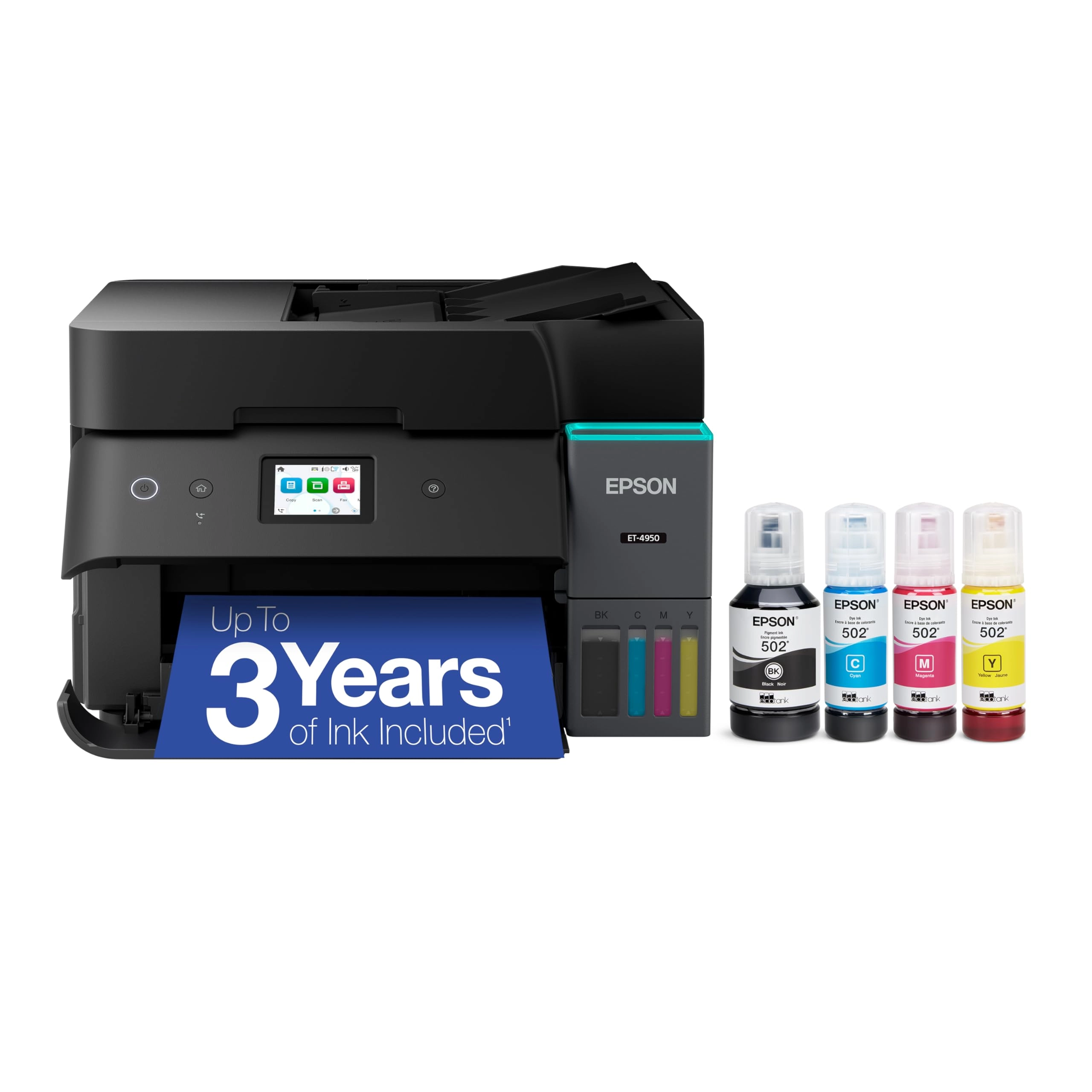
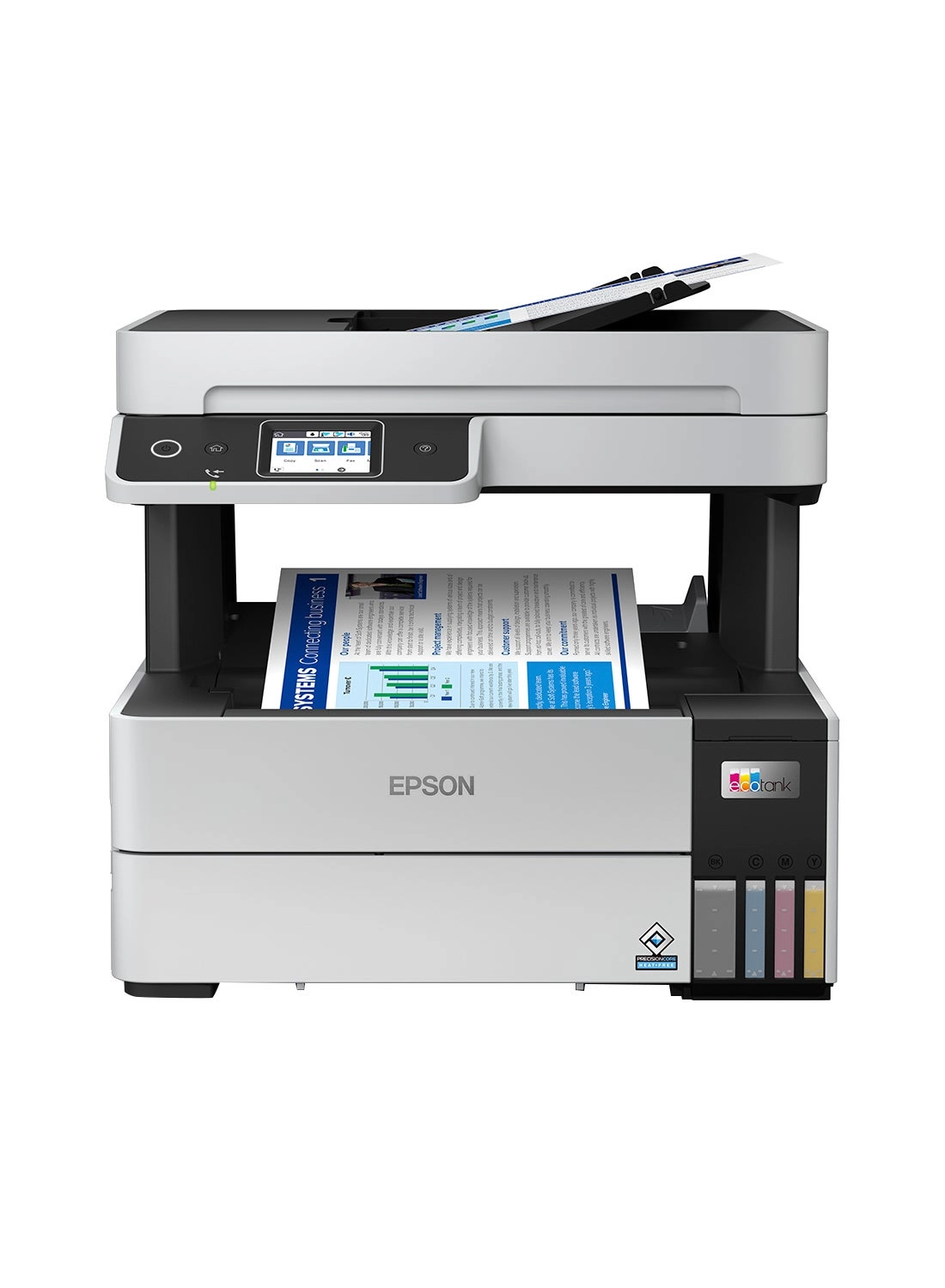
Introducing the EcoTank ET-4950—The Ultimate Home Office Printer.
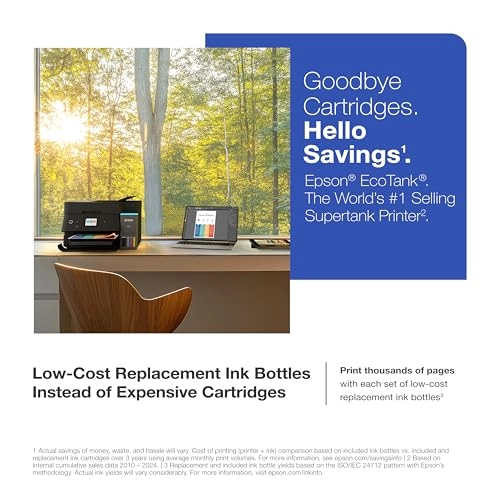
Say goodbye to expensive cartridges with the Epson EcoTank
ET-4950, the newest innovation from a recognized leader in
photographic printing. Combining simplicity with a modern design,
the ET-4950 features advanced technology that enhances both
performance and print quality, making it an ideal choice for
productive office printing—including content created by AI.
Powered by PrecisionCore Heat-Free technology, the ET-4950 offers
a duty cycle that’s twice as robust as its predecessor³. And
unlike conventional thermal inkjet printers, its unique permanent
printhead is engineered to last the life of the printer. Designed
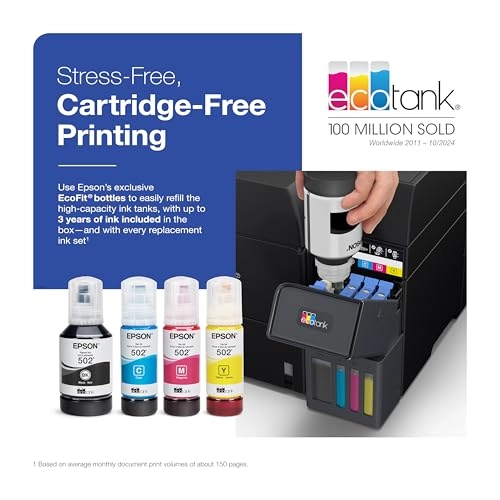
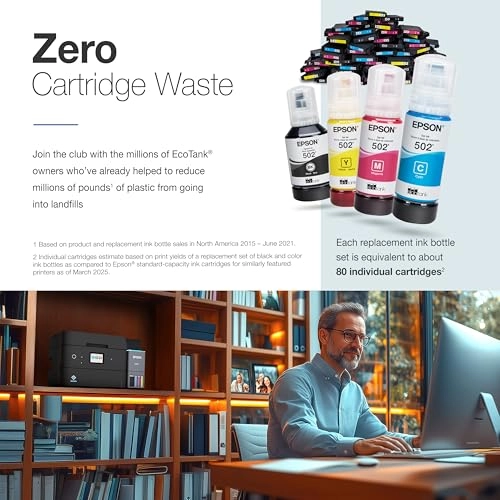
to be simple and error-free, refilling ink is a breeze with large
ink tanks and uniquely keyed EcoFit bottles—no mess, no stress
and no ink bottle mix-ups. And with enough ink in the box to last
up to three years⁴, you'll enjoy affordable, worry-free color
printing without the hassle of frequently replacing cartridges.
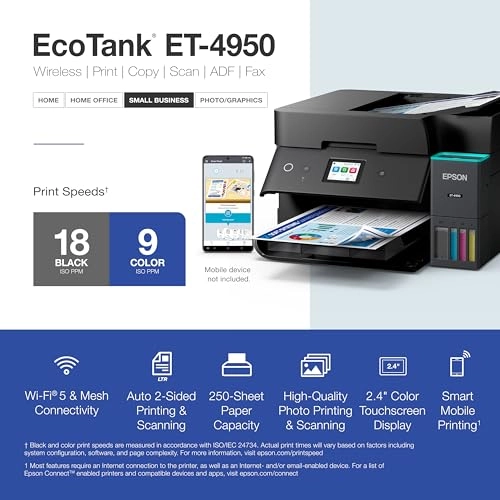
Featuring Ethernet and Wi-Fi for seamless connectivity, along
with the user-friendly Epson Smart Panel app⁵, you can easily
print, scan, and more directly from your computer or wireless
mobile device⁶. Choose Epson EcoTank, the World’s #1 Selling
Supertank Printer². With more than 100 million units sold
globally⁷ across seven generations of innovation, EcoTank
consistently delivers affordable, photo-quality prints, making it
a reliable choice for all your printing needs.
Review: Quality printing, great monochrome print speed and holds
a lot of ink - As with any printer, there are ups and downs.
There are definitely more ups than downs, but this is not the
panacea for printers, yet it is the best we have had. Let's start
with the basics, which is what are most important, print quality
and speed. The print speed is fast for monochrome printing and I
really appreciate that. The print speed is average for color and
that's fine. We definitely print more monochrome than color, so
for us, 90% of our prints will be faster. While it advertises no
warm up time, there is some lag between pressing "print" and
printing, maybe that is transmission time, but just be aware that
it may not be instantaneous. With all this said, this printer is
the best in class that I have owned for speed, especially once it
starts. Quality is perfectly fine too. If you do a LOT of photo
quality prints, you might upgrade one level higher and get the
400 dpi version. I have not found any way to get 400 dpi on this
one. For us that is probably a once or twice a year small gripe,
so again, for the vast majority of prints, this will be as high a
resolution as you will need. It does not come out grainy or
pixelated. I appreciate the epson app, and yes you should
download it to set things up. It goes through detailed step by
step so you never question what is happening or what you should
do next. With that said, we got bogged down in the set up phase.
Mid set up, there was a nasty paper jam that took 20 minutes to
clear and it screwed up the installation process and it became
far more convoluted than it had to. Overall set-up took us
probably 45 minutes. This was a poor experience and since other
reviews have mentioned paper jams, I think Epson ought to look
into this. Outside of this though, their set-up process is at
least well coordinated. Wireless connectivity has been great. The
set-up took care of all of that initially. We have not had to
fight with finding the printer, it being offline, or not ready to
go. This has worked seamlessly for both our desktop and our
mobile devices. Although we have had it only a few days, this is
promising. Adding ink was a breeze and I love that you can see
the ink fill levels and add color one by one instead of having to
replace all colors because one color is running low. This holds a
LOT of ink, and reasonably priced so it really should last quite
a while. This is a huge upgrade from our old ink cartridges. 5
out of 5 stars here The durability is perhaps only a 4 out of 5.
There are a lot of moving parts. Trays come out automatically
although i have no idea if we are supposed to manually move them
or not. Some of the internal areas to access sound like you are
breaking them when you lift something. It sounds like plastic
snapping although nothing technically broke. I think there could
be some enhancement here. I don't think any trouble issues would
actually cause the printer to stop functioning, but there is more
for improvement here. Also, after the initial paper jam mentioned
earlier, everything has been flawless as far as function goes, so
I am actually quite happy as far as ongoing performance is
concerned. Lastly, we bought this on sale for Thanksgiving Sales,
and found this to be a reasonable price with a discount. It is a
little expensive at MSRP, but there will be substantial savings
in the long run on ink. So overall, I am happy with this. I would
say there is a bit of a learning curve as you figure out how and
when to feed paper initially, but this has been a substantial
step up from the cartridge printers that I am used to. Hope this
helps.
Review: BEST PRINTER YET!! - LOVE THIS PRINTER!!!! I had this
same printer 2 or 3 versions ago. It was a workhorse! I think the
software must not have been supported by Epson anymore. This old
printer stopped connecting to the internet... sometimes lol. I
realized it was time for an upgrade. This is the latest version
of the same printer. They have REALLY upped their game!! The ink
tank design is absolutely brilliant! I used to use gloves because
of the mess. This time...no gloves! The ink bottle is like it's
smart! It comes out only when it is filling up the tank. I'm sure
if I squeezed it, it would come out. But just turning the bottle
upside down the ink doesn't come out! The ink setup was seamless!
Sooooo easy! The whole setup was so easy! You download the app,
and it takes you step by step. My kid could have done this. The
design of the printer is beautiful. Love how it has a smaller
foot print and the top is flat. They really got some brilliant
engineers in designing this one. I'm super impressed. If you have
never had a tank printer, you have no idea what you are missing!
I used to spend hundreds of dollars on ink cartridges a year. Do
they even sell those types of printers anymore? I fill up ink now
maybe twice a year. Now with how simple this is, it takes less
than 3 minutes literally! You can print hundreds if not thousands
of pages. Love, love, love this printer!!!