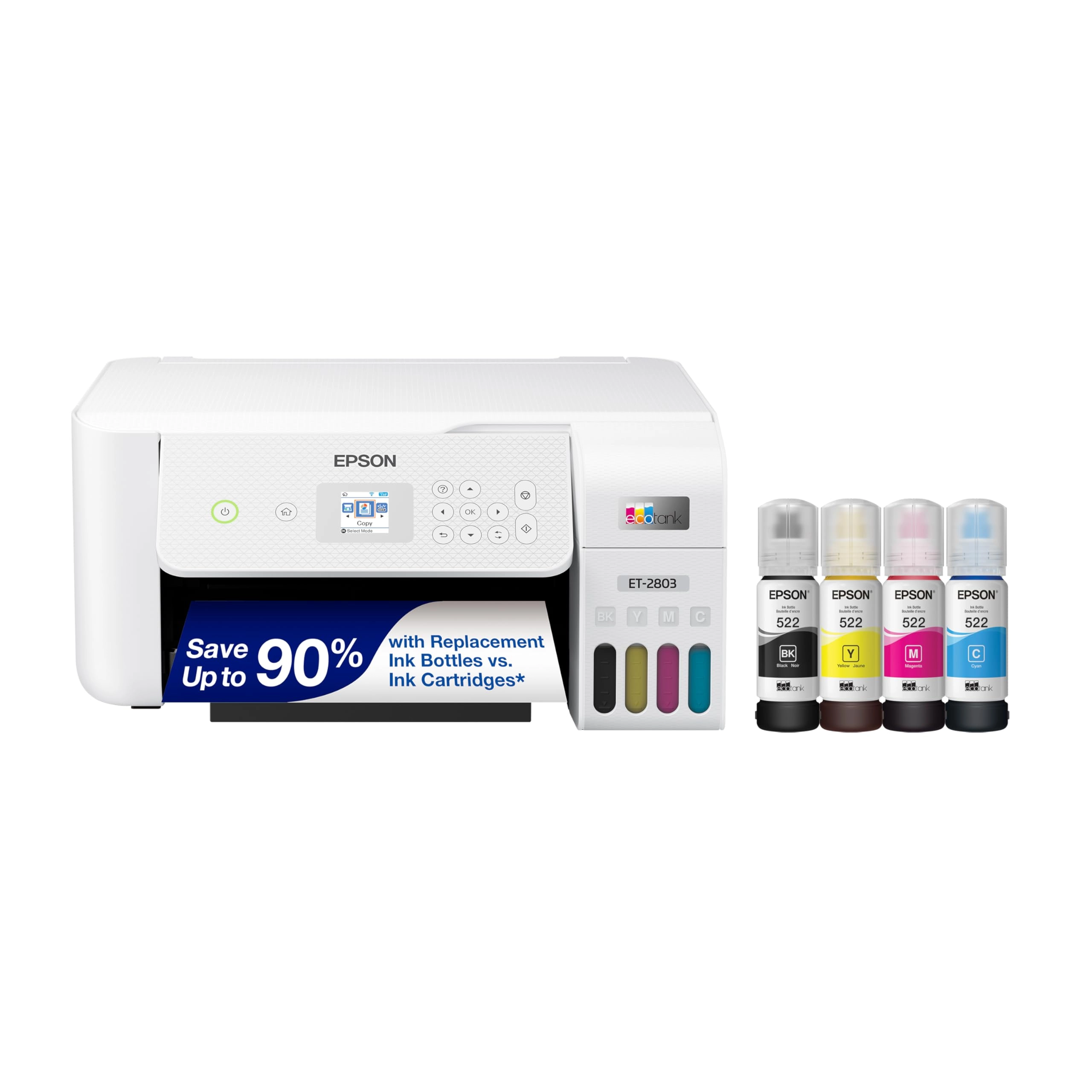
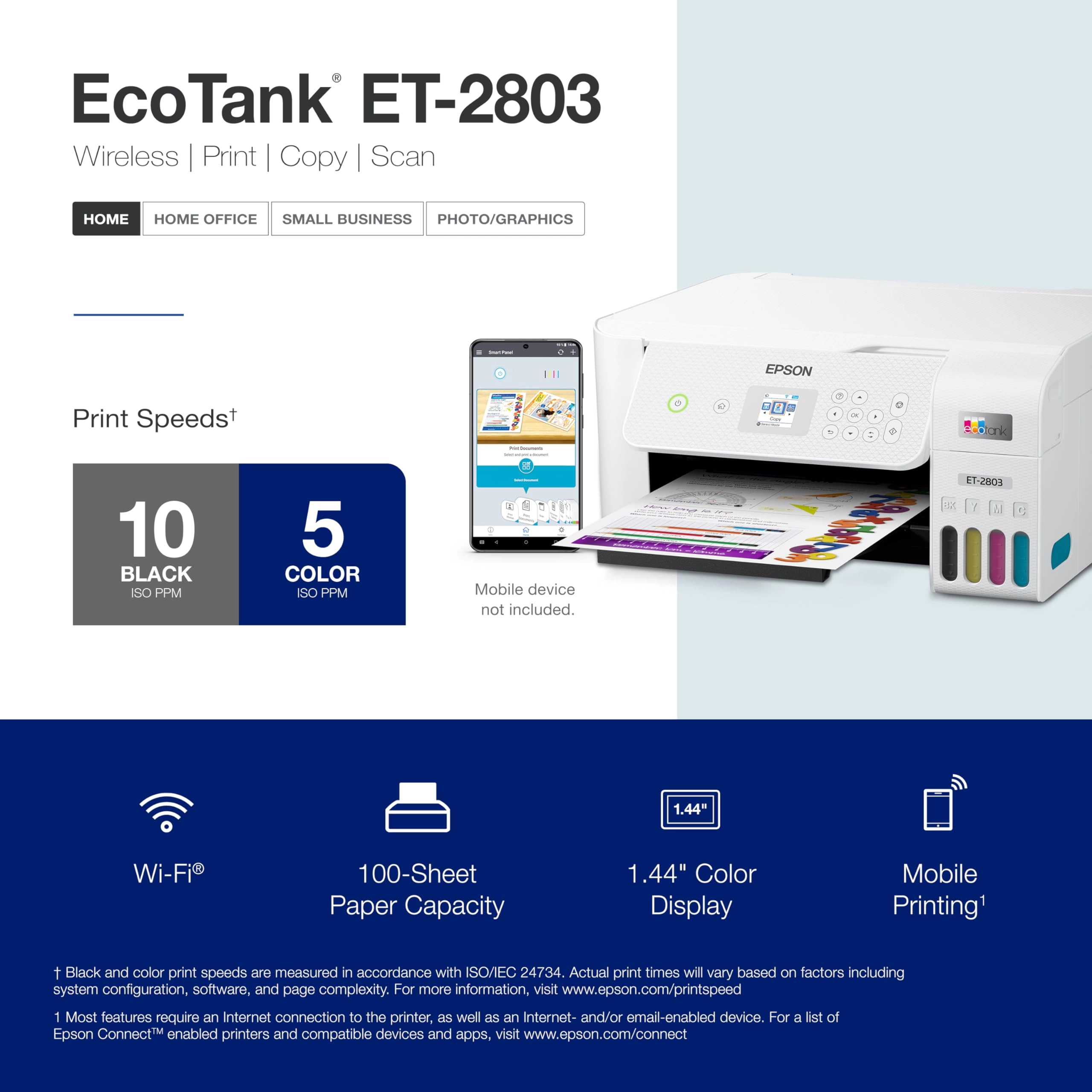
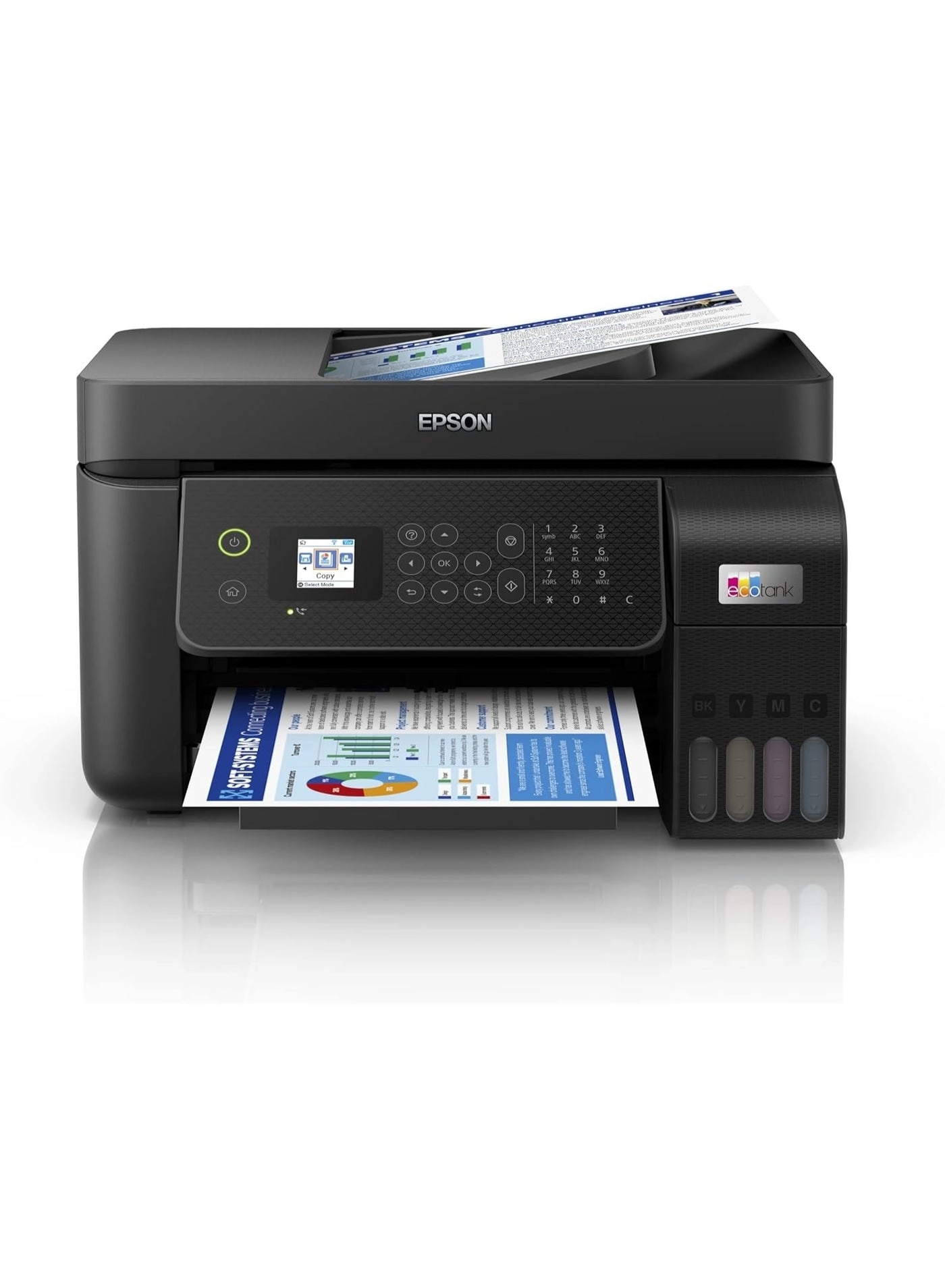
Your family needs a printer that’s fast, affordable, and easy to
use. That’s why we developed the EcoTank ET-2803 – an innovative
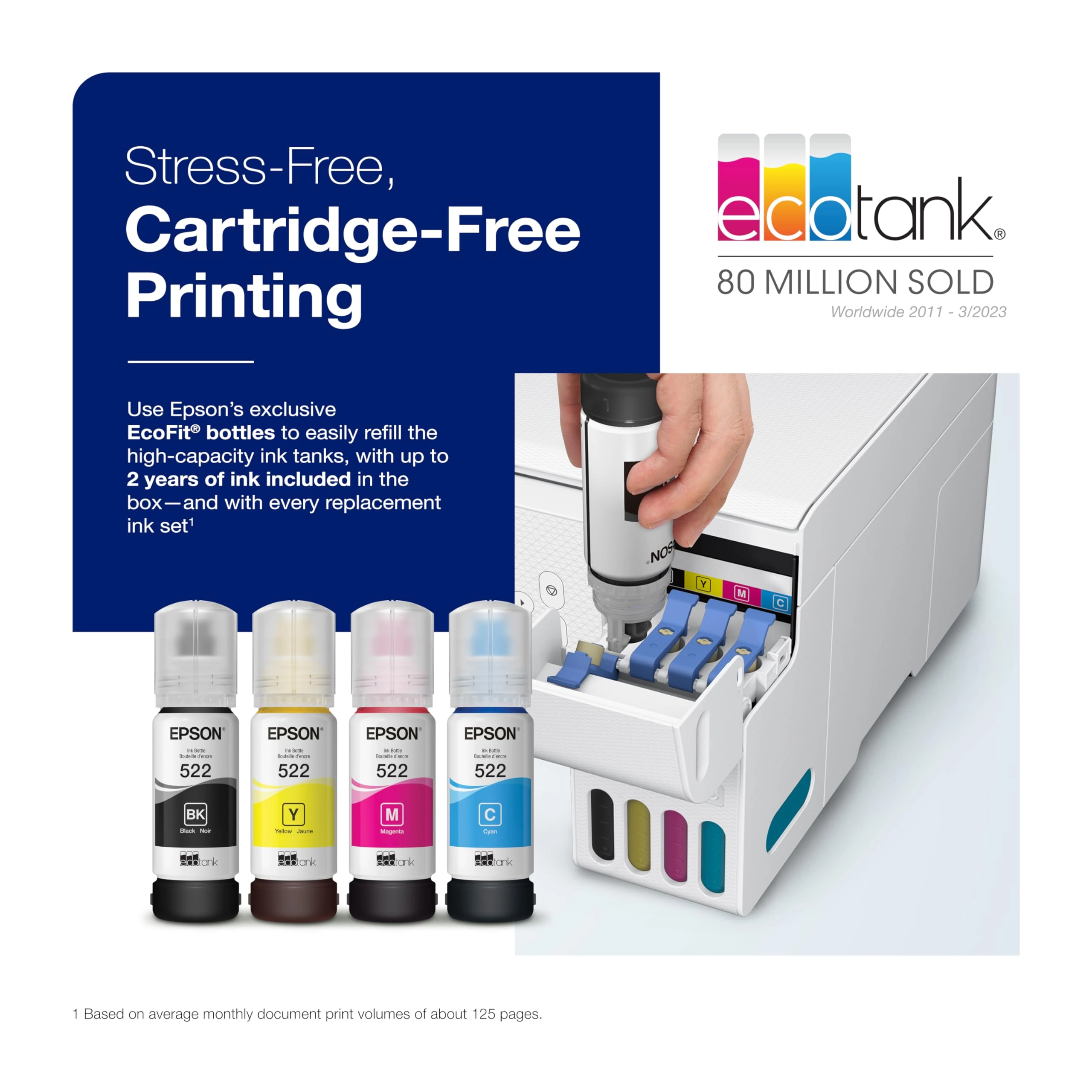
cartridge-free solution that uses high-capacity, easily
refillable ink tanks. So you’ll worry less about running out of
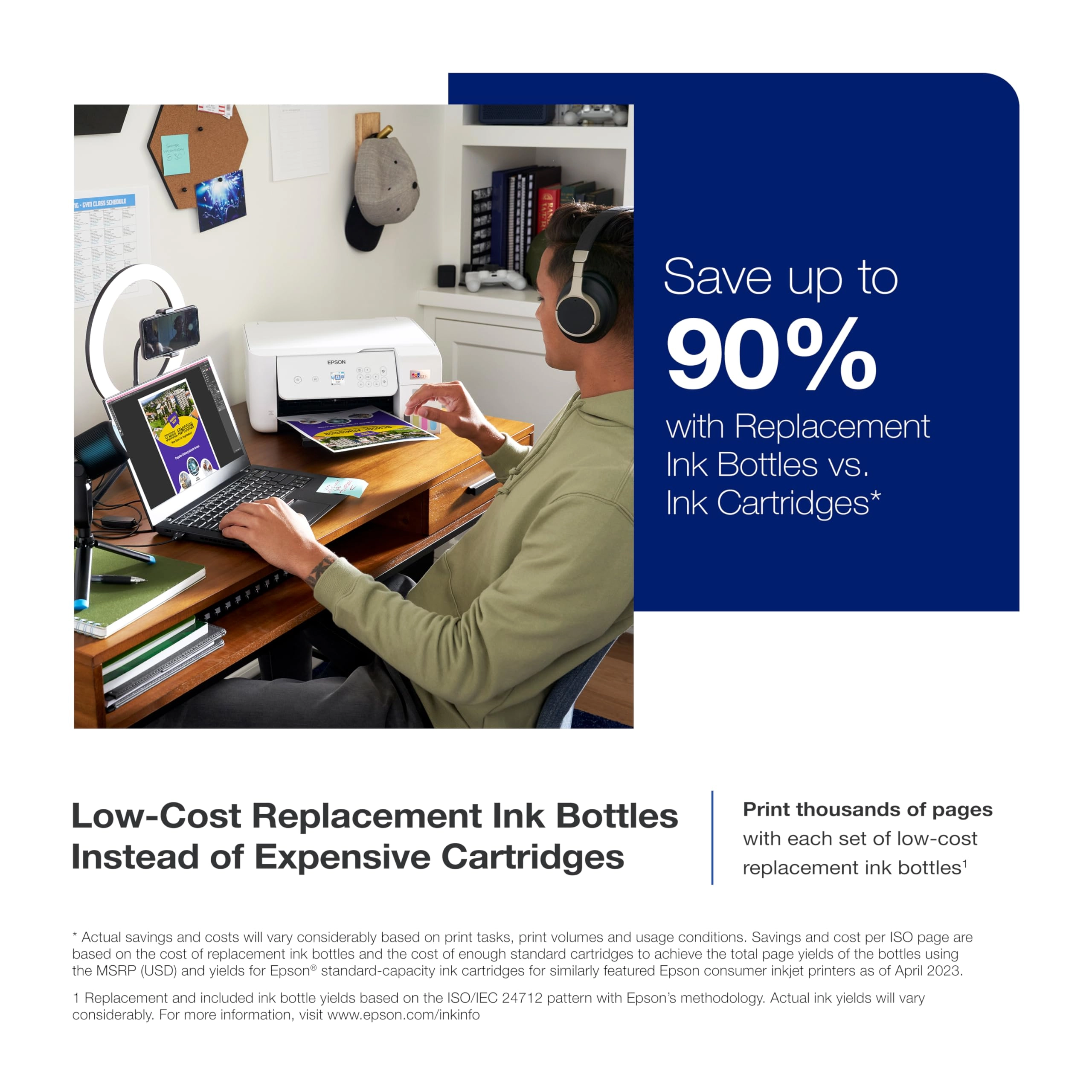
ink, and save a lot on replacement ink (1). The ET-2803 features
genuine Epson print quality, a high-resolution flatbed scanner,
and convenient color display – making it the ideal basic home
printer. Epson strongly recommends the use of genuine ink to
ensure optimal print quality and performance. Use of non-genuine
ink could cause damage not covered under the printer’s ltd. wnty.
1. Actual savings and costs will vary considerably based on
print tasks, print volumes and usage conditions. Savings and cost
per ISO page are based on the cost of replacement ink bottles and
the cost of enough standard cartridges to achieve the total page
yields of the bottles using the MSRP (USD) and yields for Epson
standard-capacity ink cartridges for similarly featured Epson
consumer inkjet printers as of March 2024. | 2. Individual
cartridges estimate based on print yields of an included or
replacement set of black and color ink bottles as compared to
Epson standard-capacity ink cartridges for similarly featured
printers as of March 2024. | 3. Part of the ink from the included
bottles is used for initial setup; yields are lower than those of
replacement ink bottles. Replacement and included ink bottle
yields based on the ISO/IEC 24712 pattern with Epson’s
methodology. Actual ink yields will vary considerably for reasons
including images printed, print settings, temperature and
humidity. Yields may be lower when printing infrequently or
predominantly with one ink color. All ink colors are used for
printing and printer maintenance, and all colors must be
available for printing. For more information, visit
www.epson.com/inkinfo | 4. Based on average monthly document
print volumes of about 125 pages. | 5. See www.epson.com/voice
for device compatibility. Epson Connect™ account and
voice-activated account registration required. | 6. Most features
require an Internet connection to the printer, as well as an
Internet- and/or email-enabled device. For a list of Epson
Connect enabled printers and compatible devices and apps, visit
www.epson.com/connect | 7. Requires Epson Smart Panel app
download. Data usage fees may apply.
Review: WOW! This printer has been VERY impressive thus far
*UPDATE* - My old printer broke (sooner than I would have liked)
so I did A LOT of research before deciding to buy this Epson
EcoTank printer for home office use. This is my honest review of
it this far and I will definitely update my review if I run into
any issues. So far, this printer has been pretty impressive (I've
been using it for about a month). The price was pretty average
for a printer... but I personally think all printers are
overpriced so it was a bit more than I would have liked to spend.
It is smaller and more lightweight than I was expecting which is
a plus because it takes up less desk space than my previous HP
printer. It is very easy to set up, comes with step-by-step easy
instructions and guided instructions through the app. It only
took me about 10 minutes (Mostly just waiting for the printer to
initialize on its own). It is very easy and surprisingly
satisfying to fill the ink tank. I like the idea that this ink
might last longer than traditional cartridges and won't have as
much plastic waste that went along with my old HP Inkjet. I have
printed plain black and white documents as well as photos. I
print all my photos at home, which is most of the printing that I
do, so quality was important to me. The photos came out with
pretty good quality! No ink smudges or off colors, colors are
bright/vivid, and it is easy to modify what paper you're using
with automatic prompts on the printer. Now for the negatives and
the reason I'm giving this 4 stars... app to printer connection
issues. This was a big issue with my old printer as well. I'm
pretty tech savvy and I just have no idea why this is still
always an issue for me. There is an extra Epson app that you are
supposed to download for printing. Sometimes it can find my
printer, sometimes it can't. Sometimes it gives me printer errors
or won't let me print documents. And now every time I go to print
something it says the paper being used doesn't match the paper
settings so I have to bypass that error message (even though it
does match in settings and the app, and this happens for both
regular paper and photo paper). I've turned everything off and
back on again, but the issues with consistent connection and
error messages are still an issue. Usually with some fiddling
around, I can get the documents/pictures to print but sometimes
it feels like I'm jumping through unnecessary hoops. I'm still
working out the kinks so if I find some magic solution I'll
update my review. Considering this is an issue with most home
printers I've used, it's not a deal breaker. All in all, if you
are looking for a new home printer, I would definitely recommend
this one. The quality has been great for me and I am pleased with
my purchase (so far). Hope this helps! *UPDATE*: I have now
printed HUNDREDS of photos, they are all excellent quality, and
my ink tanks are still mostly full. This is WAY better than my HP
printer as far as ink longevity. Changing my review to 5 stars
just based on how long this ink lasts. User interface is still a
tad annoying but so worth it regardless.
Review: Great Value! No mess ink! Effortless Setup and ink
refill. Inexpensive ink! - This is a really good printer and a
lot of bang for your buck. The seller is really nice and
processes things quickly including returns. The ink is very low
cost and economical compared to a big old Brother printer I’ve
been using. One ink cartridge for a brother can be as high as
over $100. The best part about this printer is the ink is very
easy to refill, fast and absolutely no mess.It’s a no brainer and
effortless to initially load the ink. Refilling is exactly the
same steps.. My only issue with this printer is it doesn’t print
double sided but if you’re someone who doesn’t print a lot (<50
pages per day) then it’s not an issue and don’t waste your money
on a more expensive printer.. You can download the Epson App and
print through the App bc it’ll print all the respective pages all
at once and it tells you how to feed the handful of papers back
into the printer all at once so that way the manual double sided
printing process is not as grueling. If you do the setup using
your phone via QR code it’s very easy. The design is compact &
very light weight so it's great for a small office. Scanning is
very fast and simple.