From the brand EPOMAKER G84 HE & HE68 Lite Visit the store
EPOMAKER G84 HE & HE68 Lite Visit the store Our Top Mechanical
Keyboard Visit the store Our Top Mechanical Keyboard HE30 & HE68
Lite & HE80 Visit the store HE30 & HE68 Lite & HE80 WIN60HE &
WIN68HE & MINI60HE Visit the store WIN60HE & WIN68HE & MINI60HE
More at EPOMAKER: Screens Tri-Mode Mechanical Keyboard with
Screens More at EPOMAKER: Screens Tri-Mode Mechanical Keyboard
with Screens RT82 & RT80 & RT85 Visit the store RT82 & RT80 &
RT85 F75 MAX & EA75 MAX Visit the store F75 MAX & EA75 MAX TH108
PRO & F108 PRO Visit the store TH108 PRO & F108 PRO EPOMAKER X
AULA F Series F65 & F99 & F99 PRO & F108 Visit the store F65 &
F99 & F99 PRO & F108 Numpad & Ergonomic Visit the store Numpad &
Ergonomic EPOMAKER Silent Switch Visit the store EPOMAKER Silent
Switch EPOMAKER Creamy Switch Visit the store EPOMAKER Creamy
Switch Cable & Keycap Visit the store Cable & Keycap Gaming Mice
& Headphones Visit the store Gaming Mice & Headphones
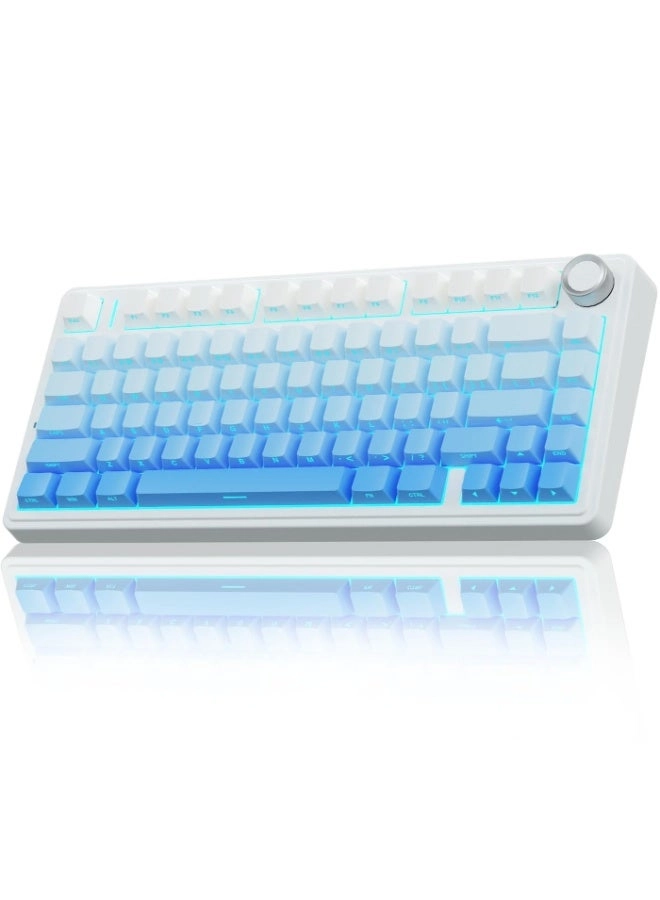
Review: 75% wireless keyboard - Amazing keyboard! Decent battery
life although recently I have kept it plugged in just to keep my
spare cable tidy. Size is perfect for my setup. Plenty of space
for mouse use while gaming. Easy to use and set up. Low noise
levels and satisfying key press
Review: A Perfect Blend of Style, Functionality, and Satisfaction
- First and foremost, this keyboard perfectly meets my
expectations. It strikes a balance between being compact yet
functional on certain keys, avoiding for the constant use of the
FUNCTION key for common keys, and it isn't so large that it
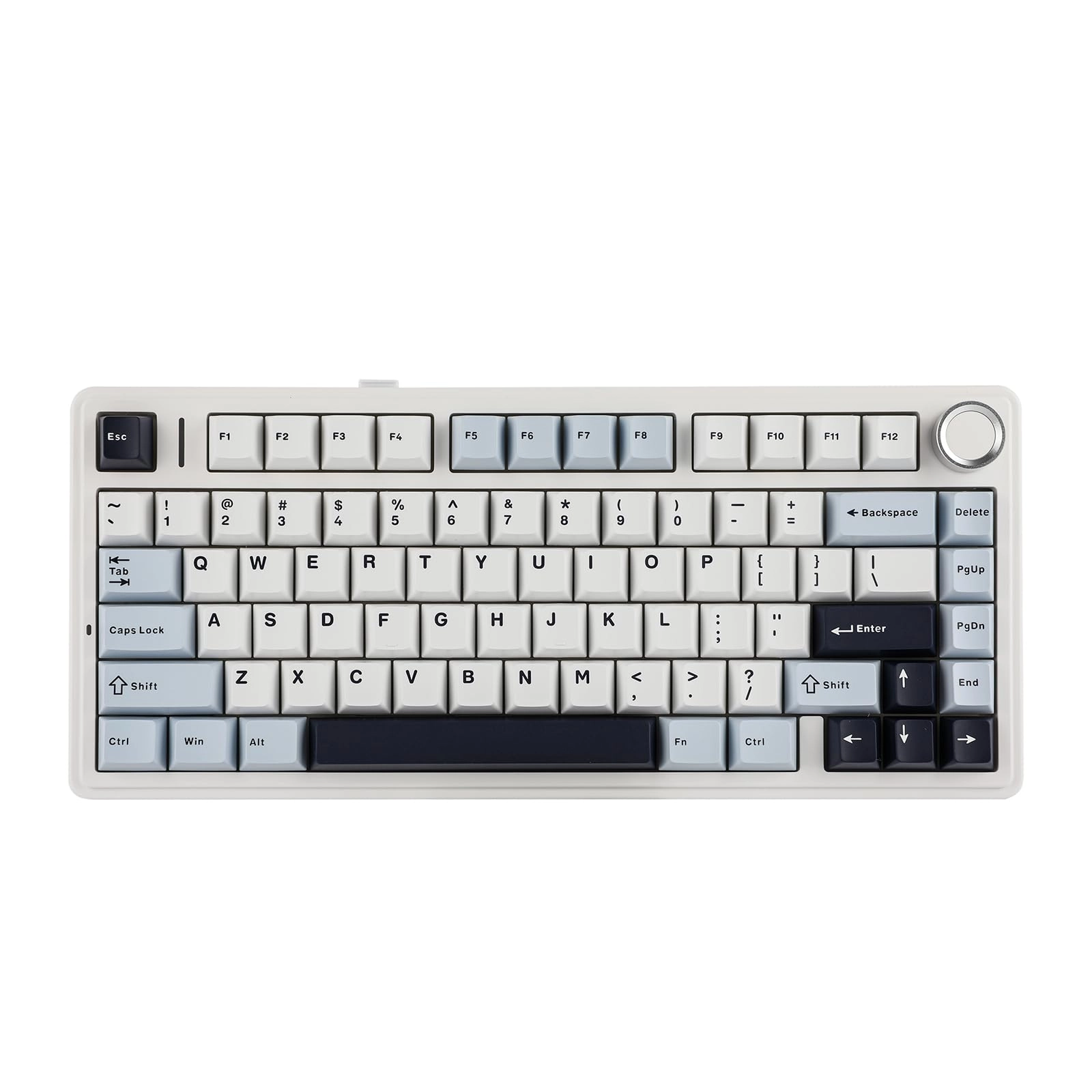
dominates the entire desk. Its aesthetic is stunning, making it
an ideal choice for white or warm and cozy PC setups. As a fan of
minimalist keyboards, I initially chose a 60% model by Royal
Kludge. While I was initially satisfied, I soon found myself
missing the convenience of dedicated single F keys, Up and down
arrows and a couple of other keys. Although they were accessible
through the use of the FUNCTION key, this setup proved
impractical for certain applications, such as FLIGHT SIMULATOR
which i play a lot. This led me to upgrade to a 70% keyboard.
EPOMAKER had caught my eye for some time, not only due to their
broad range of visually appealing products but also for the
tactile feedback and distinctive "thock" sound they produce. This
auditory and tactile experience is incredibly satisfying, making
typing a delight and inspiring me to write this review. This
keyboard offers three modes: Wireless, Bluetooth, and Wired. I
already owned a USB-C coiled cable, so switching to this keyboard
was seamless. Currently, I am using it wirelessly and have
noticed no detectable latency. My wireless mouse complements this
setup, maintaining a clean desk space since it's also wireless. I
have not yet tested the Bluetooth function, as my primary
connections are through Wired and Wireless modes. Upon unboxing,
I was greeted with the keyboard, a keyboard protector and several
accessories, including a USB-C cable and a keycap puller, which
is useful for future keycap customization thanks to its
hot-swappable feature. I chose the ICY VEIN switches, and I
cannot overstate how stylish, ergonomic, and aesthetically
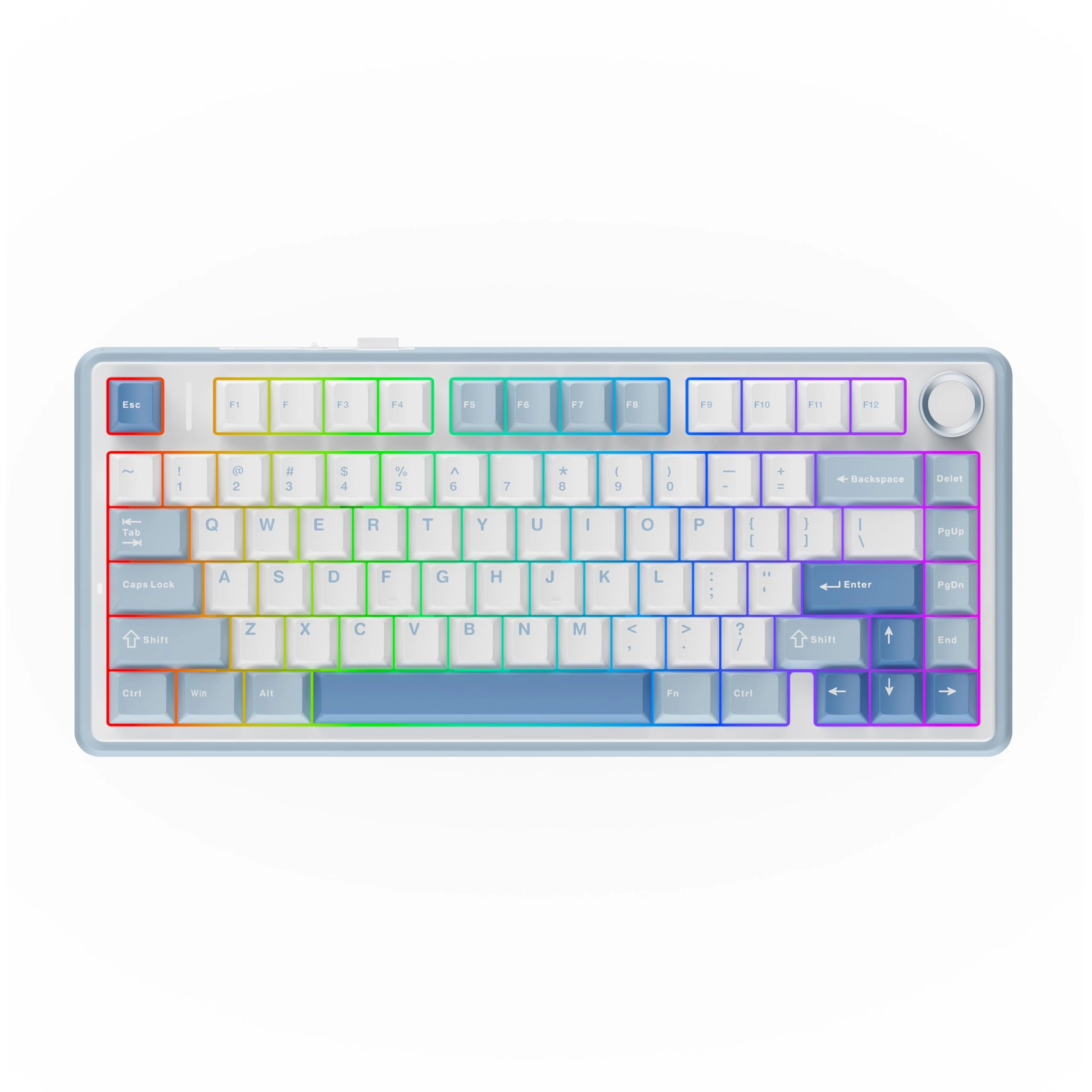
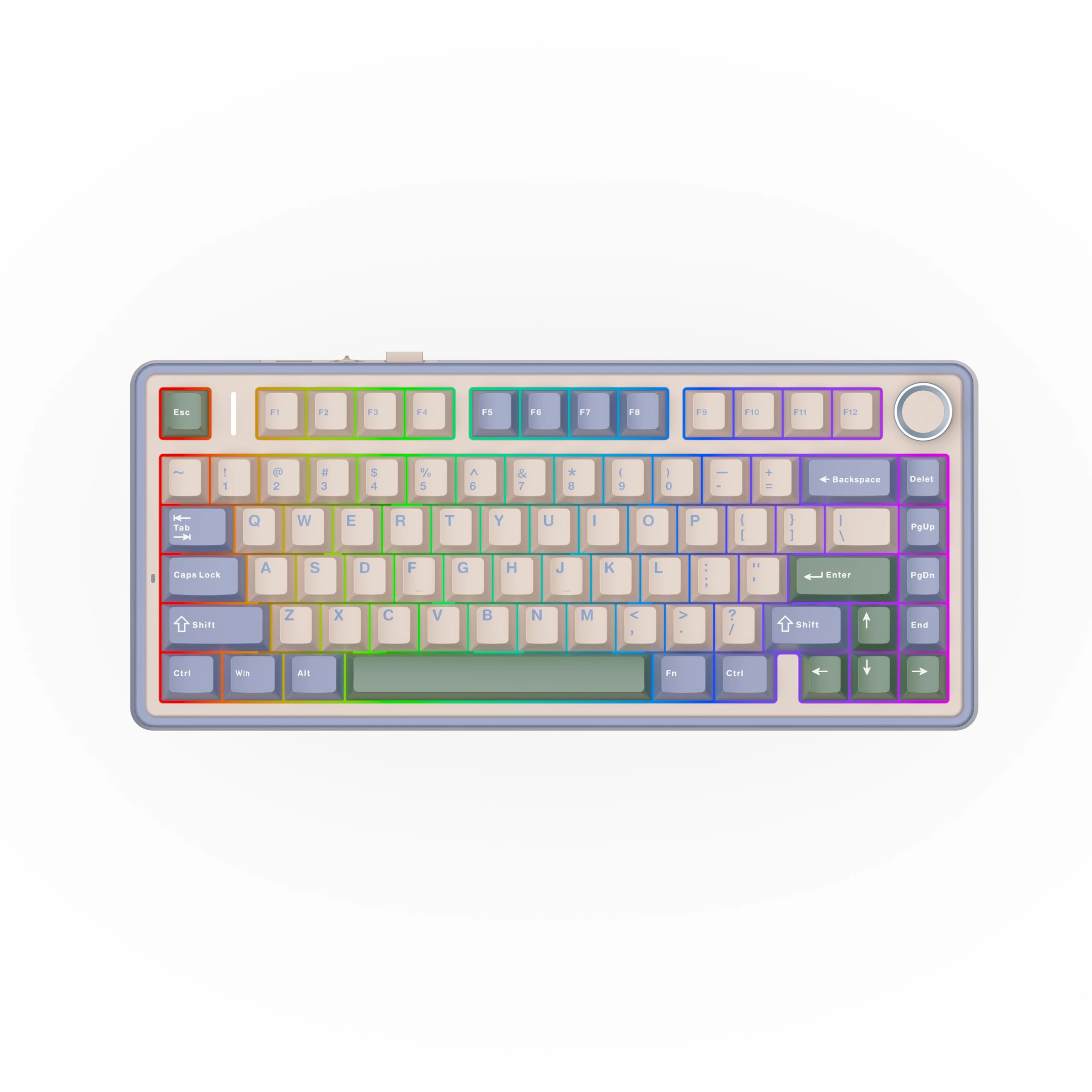
pleasing this keyboard is. I have not tested the RGB modes yet,
as the default icy white color complements my setup perfectly and
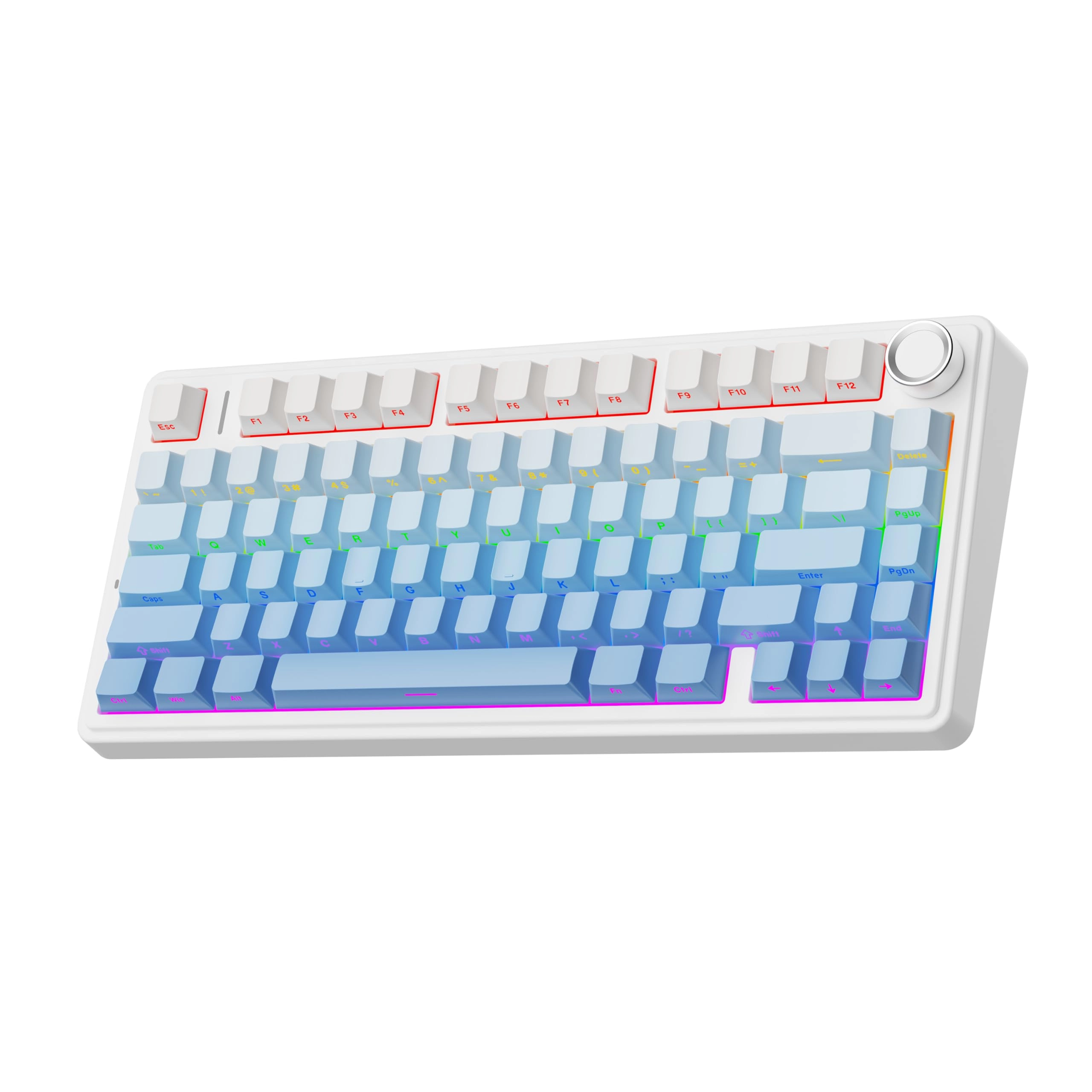
would be my preferred choice regardless. The 80% layout includes
an additional rotary knob on the top right, allowing me to easily
adjust my PC’s volume. This feature is a convenient addition,
enhancing the overall user experience and adding to the
keyboard's attractive design.