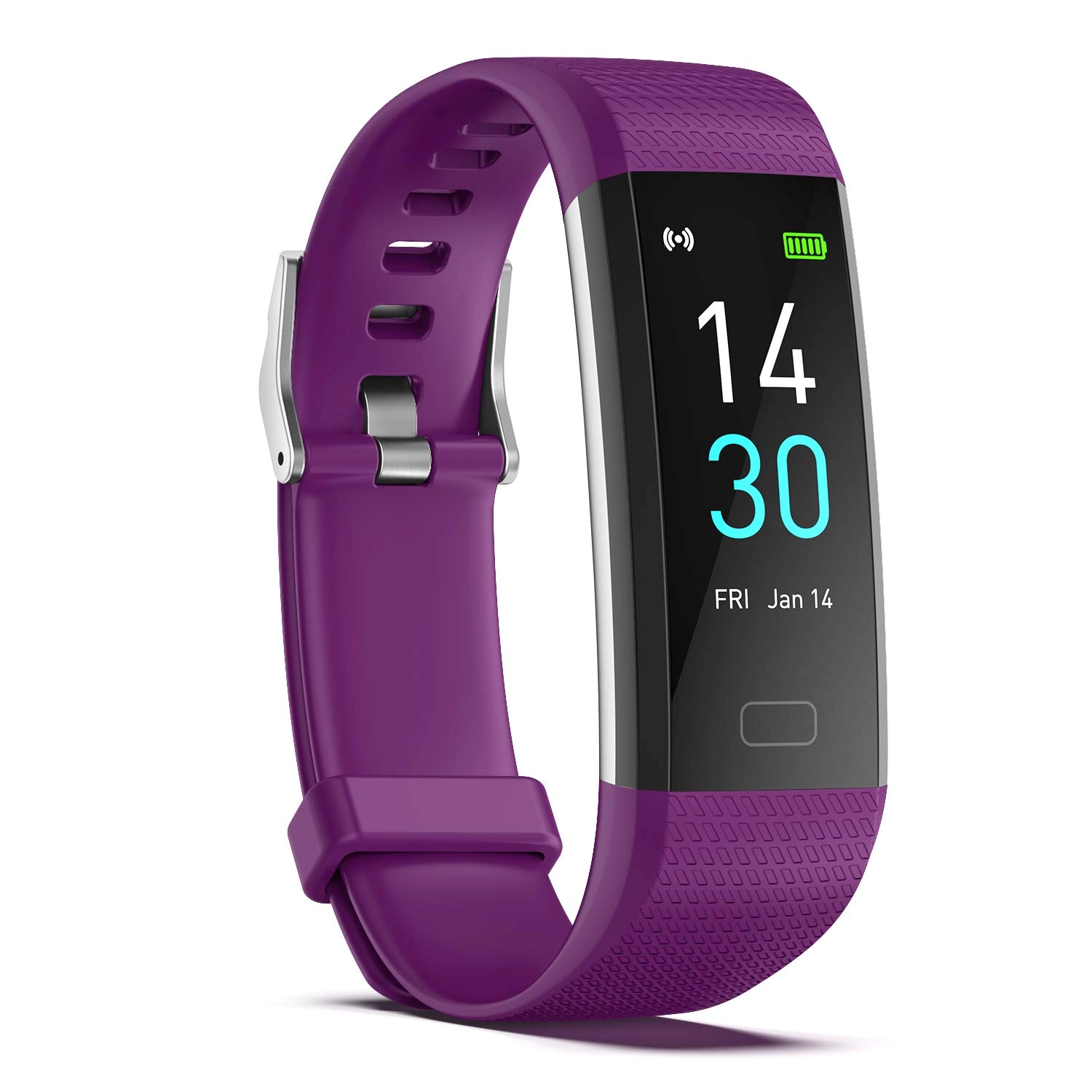
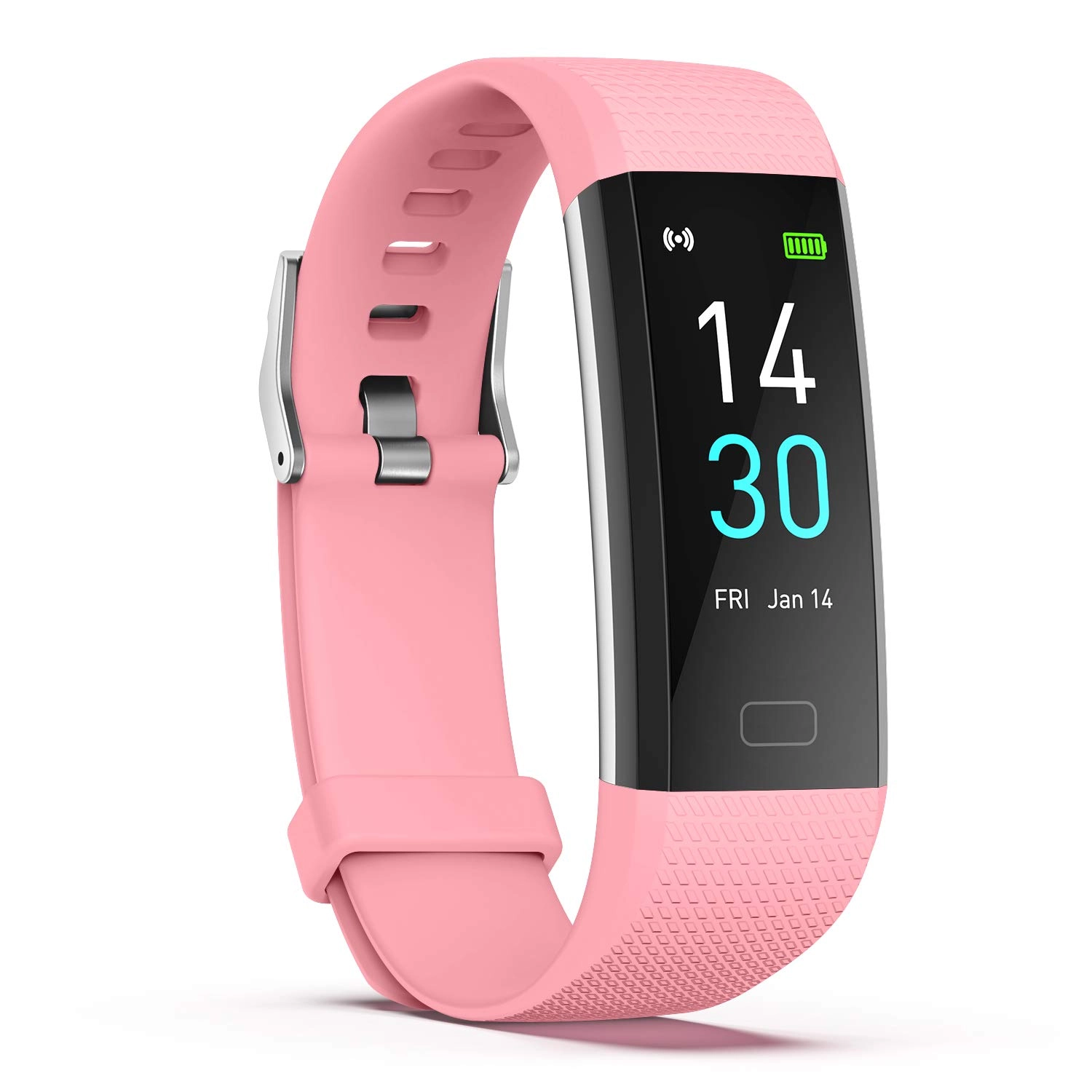
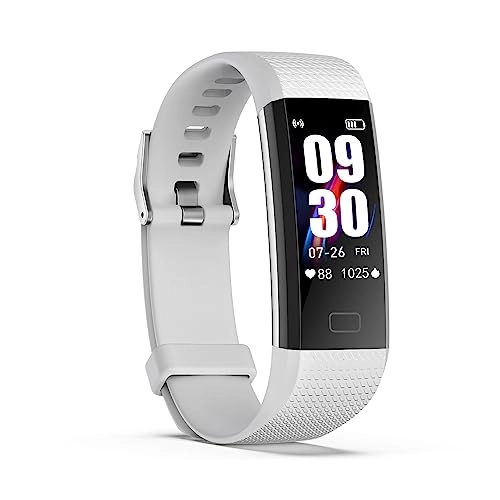
Product description The Main Function Waterproof IP68 Heart Rate
Monitor Sleep Monitor Calorie Counter Step Counter 16 Sports
Modes Remote Camera Call & Message Alert Connected GPS Pre-use
information 1. After receiving the tracker, please fully charge
it. After making sure it is fully charged, press and hold the
button on the smart tracker to turn it on. Generally it can be
fully charged within 2 hours. The usage time is 5-7 days. 2. Time
Setting: After successfully connecting the tracker to the
Runmefit app via Bluetooth, the tracker will automatically sync
with your phone's time. 3. If the tracker and app are unable to
maintain a connection: Please refer to the FAQ in the Runmefit
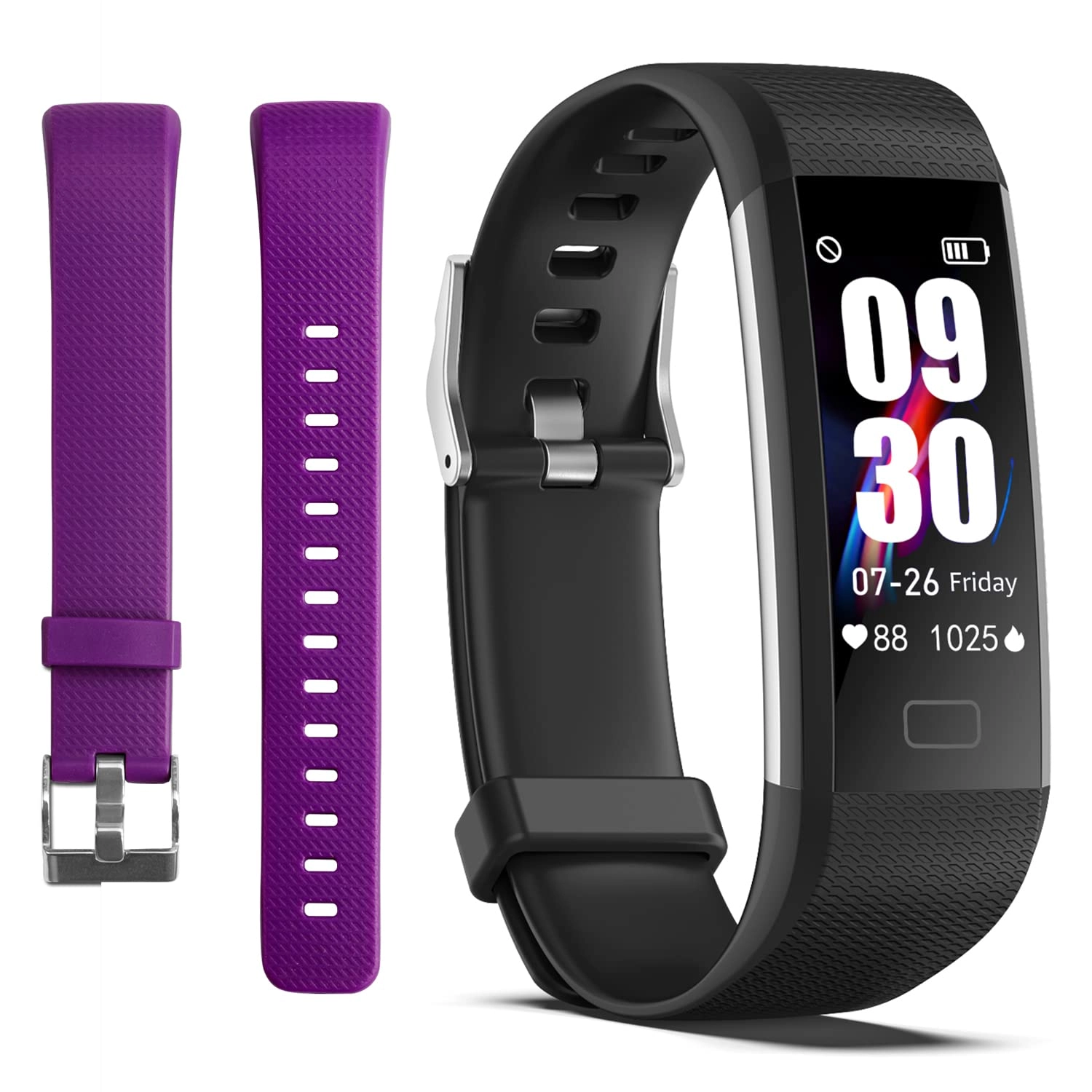
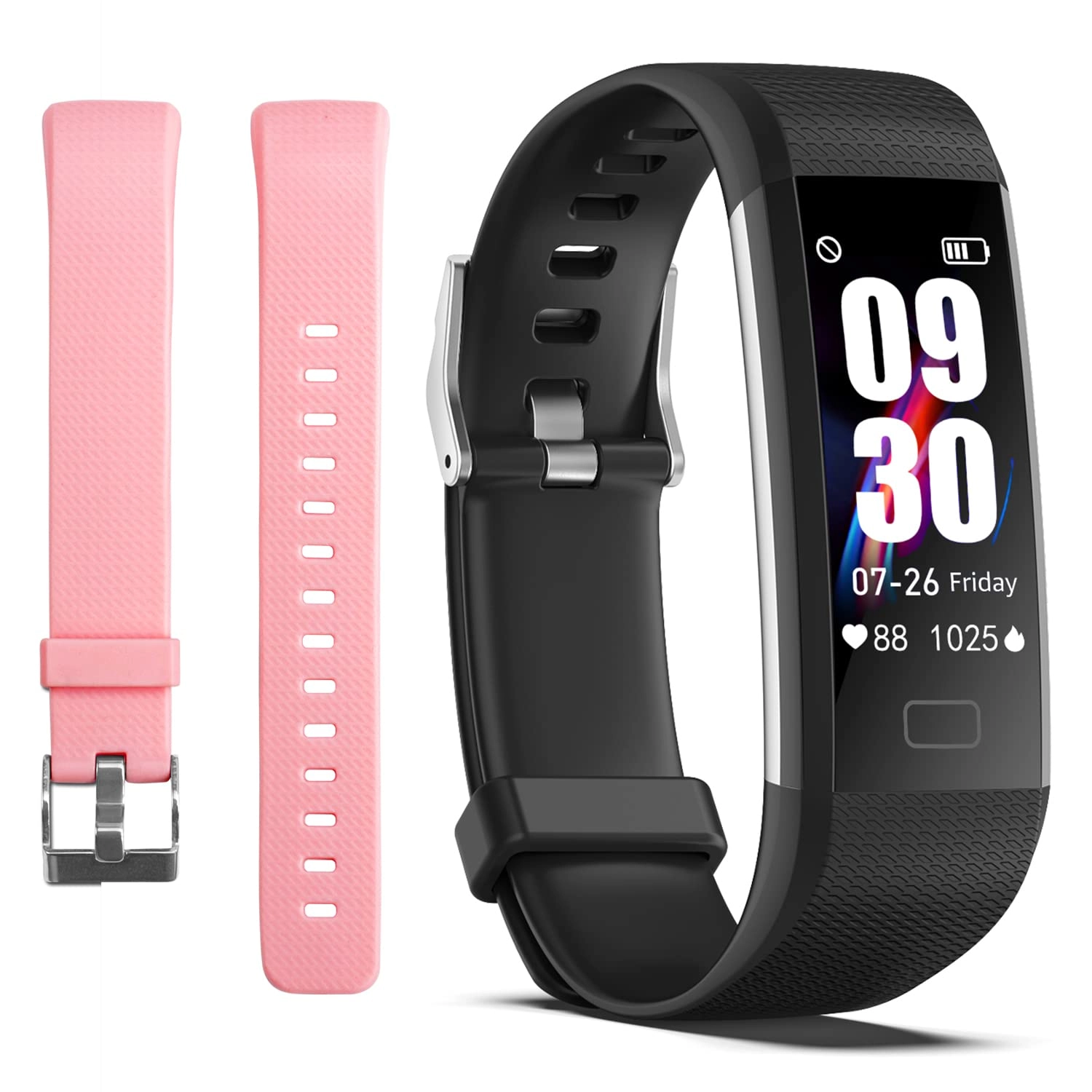
app. ENGERWALL store sells fitness tracker replacement wristbands
in other colors to make your smart bracelet look more like
fashion accessories. (You can search for B0CMQBPHDD on
desertcart.) If you have any questions about the product, please
let us know through the way on the card. (Usually reply within 12
hours) 16 Sport Modes With the Fitness Tracker, you can record
your exercise data during exercise. For example: steps, calories,
distance, heart rate, exercise time, etc. Let you exercise more
scientifically. Note: There are 16 sport modes in the application
RUNMIFIIT. The fitness tracker can store 4 exercise modes. You
can save 4 commonly used sport to Fitness Tracker Track your
24-hour heart rate. One button to monitor current heart rate.
Keep your data recorded on the app.For example: maximum, average,
minimum heart rate value, heart rate value curve graph. New
function: Smart Bracelet can detect body temperature, blood
oxygen, blood pressure Sleep Monitor & Silent Vibration Alarm
Clock This Activity Tracker can track your deep sleep/ light
sleep/ awakening and analyze your sleep quality all day. You can
also add up to 8 alarm clocks to wake you up by gentle vibration,
no need to worry about disturbing people around you. The Fitness
Tracker support message notification (SMS or SNS from Facebook,
Linkedin, WhatsApp, Wechat, Twitter, Snapchat, Instagram,
Messenger, QQ, Skype, Line and so on.) Please connect the fitness
tracker with your phone in the app(RUNMEFIT), then turn on the
message notification Drink Water & Sedentary Reminder Turn on the
"Sedentary Reminder" or "Water Reminder" function in the APP.
Sedentary will vibrate to remind you to move and remind you to
drink water. Remember to stay active and help reduce stress, and
set the time you need to relax. Stopwatch You can set the
stopwatch directly on the fitness watch. Assist you to exercise
more scientifically. Customizable Watch Face A variety of watch
faces are available for you to choose from the Runmefit app. You
can also choose your picture as the watch face, such as your
selfie or photo of your kid, family, pet ,etc. Remote Camera
Control Just enjoy the time together. This tracker can remote
control your phone's camera to capture the cherished moments.
Super Long Battery Life Charging for 2 hours, you can enjoy up to
5-7 days of long battery life or 30 days of standby time. It has
a built-in USB charging port, so no additional cables are needed.
Both computers and mobile phone chargers can charge this Fitness
Tracker, which is more convenient. FAQ Troubleshooting Q1: My
fitness tracker won't charge? A1: Please check the metal parts of
the USB port on my phone charger and the metal parts of the USB
port on the tracker. (The tracker will only charge if they are
metal to metal.) Once charging begins, the tracker will vibrate
and a charging symbol will appear on the screen. Q2: Time display
error/How to set the time? A2: After pairing with the app, the
fitness tracker automatically syncs the time and date with your
phone. If the time is incorrect after the battery is low,
recharge and reconnect to sync to the correct time. Q3: Regarding
step count accuracy. A3: My fitness tracker has a built-in 3D
sensor. Most fitness trackers on the market count steps based on
hand movements while walking. Therefore, after walking for a
while, the data may take some time to sync. You can check if your
step count has increased after walking 100 steps to determine if
the tracker is functioning properly. Distance data is calculated
using an algorithm based on step count, height, and weight. There
may be some error, but this is within the normal range. Q4: My
notification function isn't working. A4: If notifications don't
work, follow the app's prompts during the initial connection to
grant the necessary permissions to your phone app. Ensure the app
is running in the background even when the screen is off. If the
issue persists, please let us know and we will help you. Q5: Will
my exercise data be permanently saved on the watch? A5: The watch
only stores up to 7 days of data. You need to sync your data with
the app to permanently save it. (After connecting to the app,
pull down the "Home" tab to complete the sync.)
Review: Great Fitness Tracker - I was looking to replace my old
fitness tracker. Researched several and I chose this one. Fits my
wrist perfectly, seems to track accurately. Looks good with any
fashion. You won’t be disappointed if you choose this model, and
the price is good!!
Review: From NY....I love my health tracker - I purchased this in
August, it stopped working in Dec. I got in contact with customer
service and they replaced it immediately and I received it in a
few days which was awesome. I love my watch, it is definitely
accurate with all the options that it has. this watch has
comfortable fit for small wrists, it is easy to download, battery
life last for days. and it's waterproof. So I would definitely
recommend this fitness tracker watch, when I didn't have my
watch....Ohhhh how I missed it!!! but now I have it and I am
feeling better than ever!!! Thank you Smart Watch Sales for the
awesome customer service...I appreciate all you have done!!!