Spec:
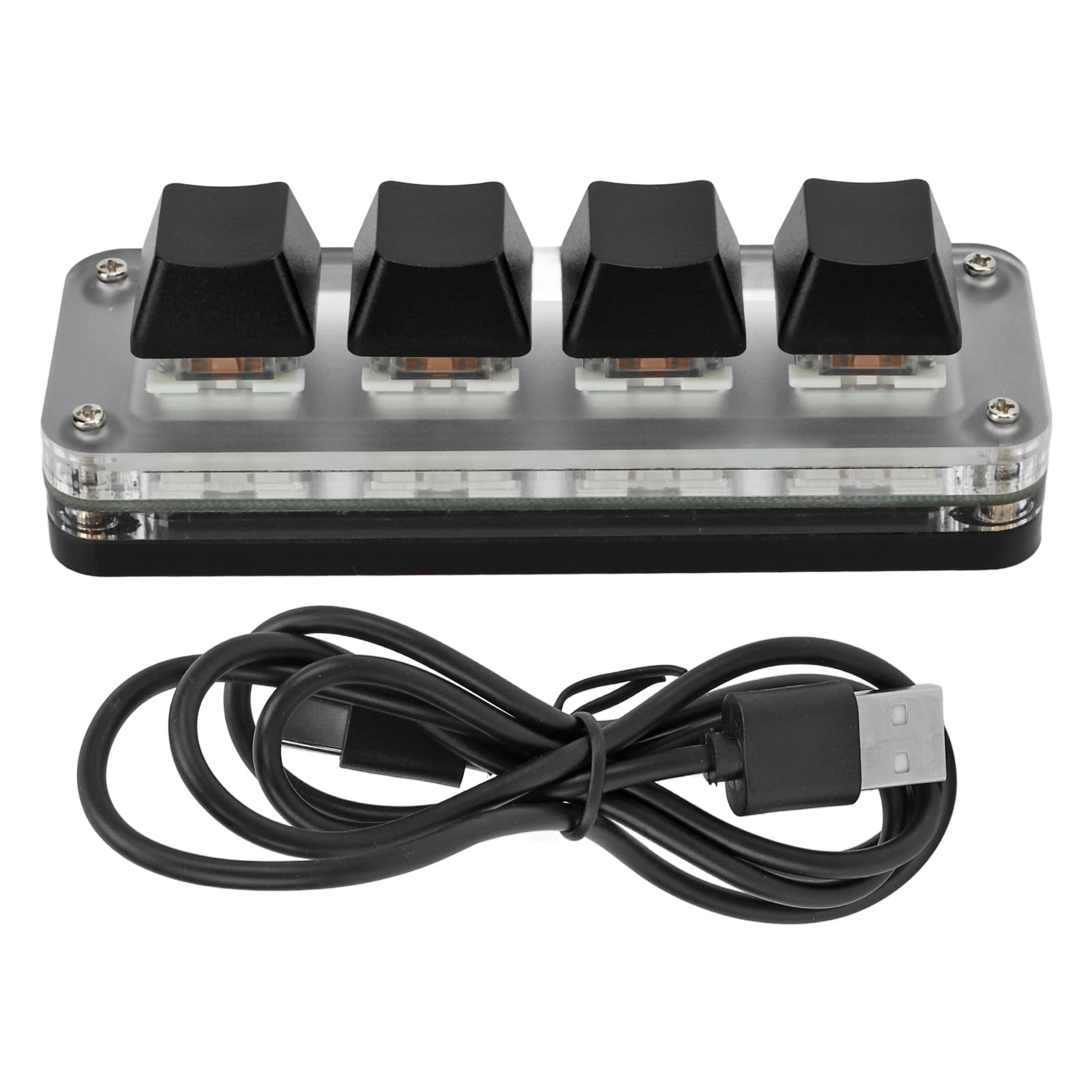
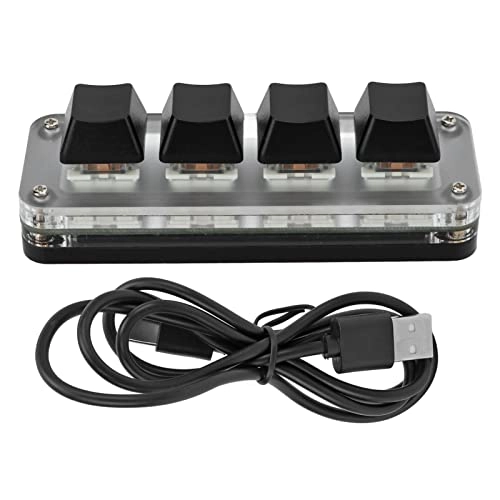
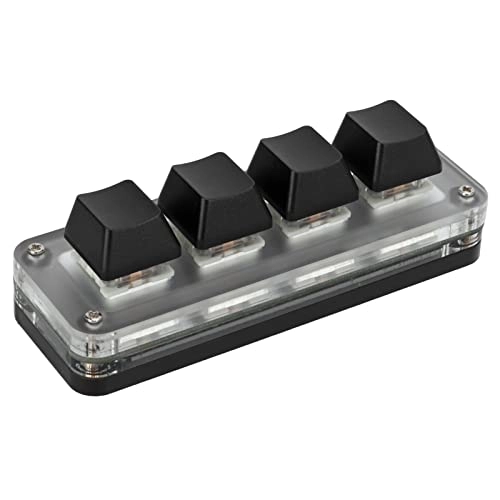
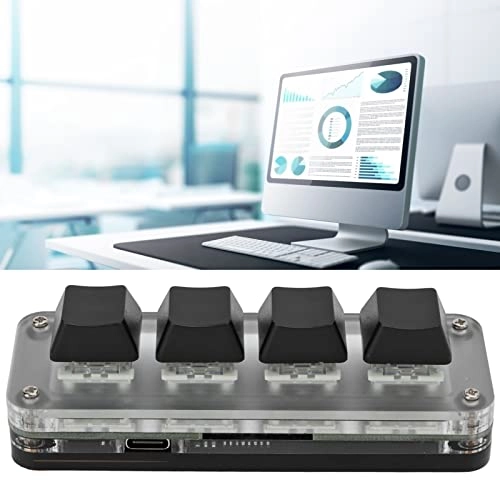
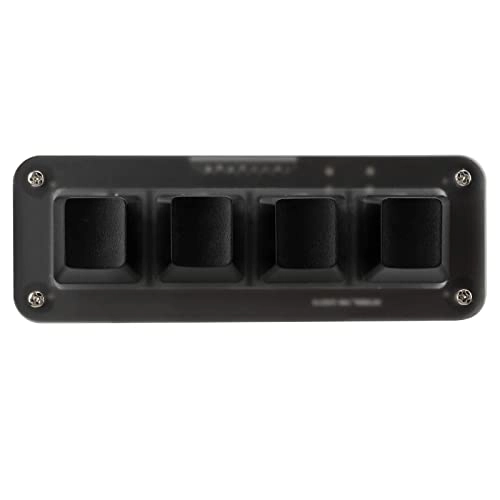
Item Type: 4 Key Keyboard
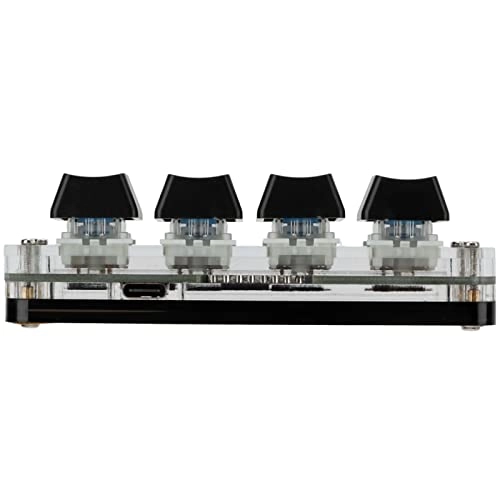
Material: Acrylic + PCB
Application: Office, games, music, media, industrial control, laboratory, production line testing and other fields.
Lighting: RGB
System Support: for , for VISTA, for Linux, OS X
Button Life: Up to 50 million times
Type: green shaft
Number of Keys: 4 Keys
Product Size: Approx. 100x35x30mm/3.9x1.4x1.2in
Working Temperature: -10℃ to 50℃
How to Use:
1. Open the custom software on the computer.
2. On the custom software, click (yellow area) Key Setting area or Knob Setting area and then click the keys KEY1-KEY12 to be set or any key of Knob 1 or Knob 2 (green area); Displays red.
3. Click the function button corresponding to the simulated keyboard on the custom software, click download, and it will prompt that the download is successful, and our custom small keyboard can be used. For example: I want to set the keyboard key 1 as a shortcut key for copying (Ctrl+C), click Key Setting Area on the software, click KEY1 and then click Ctrl and C on the software to simulate the keyboard, click Download, and it will prompt that the download is successful.
Common Problems and Solutions:
Question 2: After downloading the custom software, it cannot be opened. Solution: Check whether the security software is blocking the operation, and set it as a trusted file.
PackageList:
1 x4 Key Keyboard
1 x USB cable
Notice:
This software can only be run on for system temporarily, try to download it on the PC computer, the setting software does not need to be installed, it can be run directly after opening it, and it will be automatically stored on the chain disk after setting, and then plugged into the USB protocol such as for Linux, OS X and other systems.