Allware
Loading...
  • News
  • Price drops
  • New arrivals
  • Featured categories
  1. Computers & Peripherals
  2. Printers & Scanners
  3. Printing Equipment
  4. Inkjet Printers
s04a8d7ku6
s04a8d7ku6
s04a8d7ku6
s04a8d7ku6
s04a8d7ku6
s04a8d7ku6
s04a8d7ku6
s04a8d7ku6

Depisuta s04a8d7ku6

Best offer
AED
25515

Key Features

  • Colour name: #311
  • Weight: 900g
  • Offers
  • Price History
  • Specifications
  • Product Details
  • Review IconReviews
  • Community & Expert Opinions

Specifications

Features

Colour name
#311

Weight & dimensions

Weight
900 g

Product Details

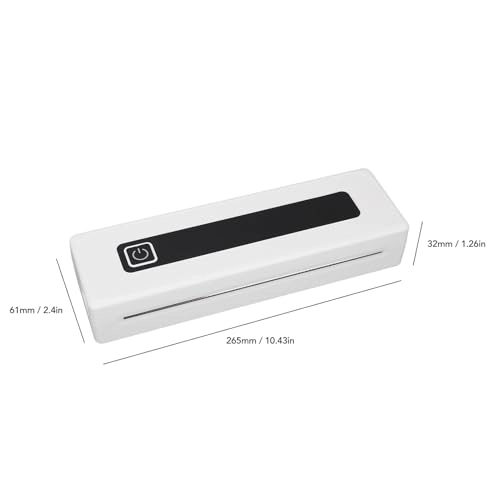
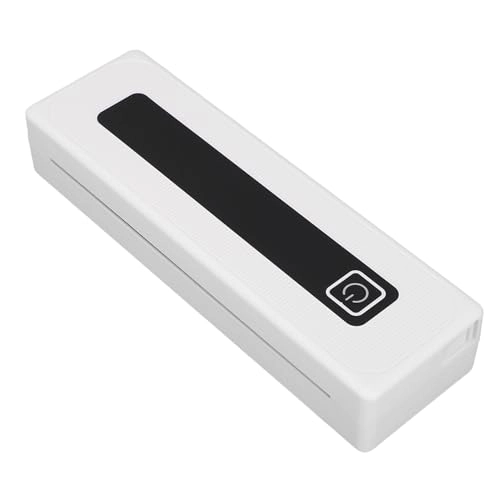
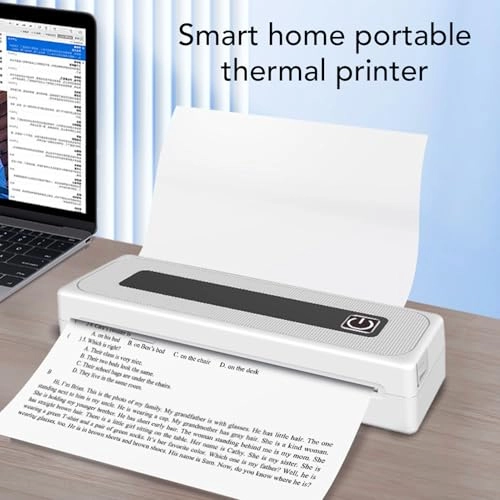
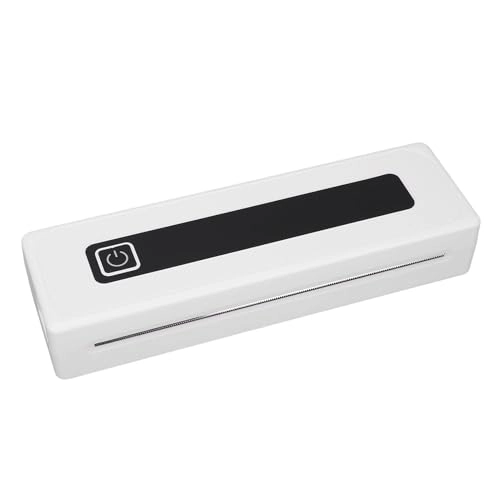
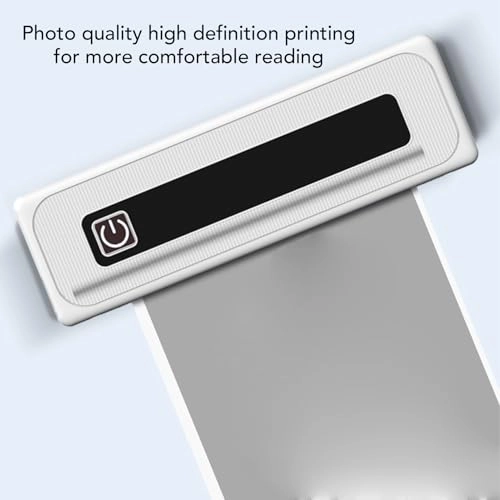
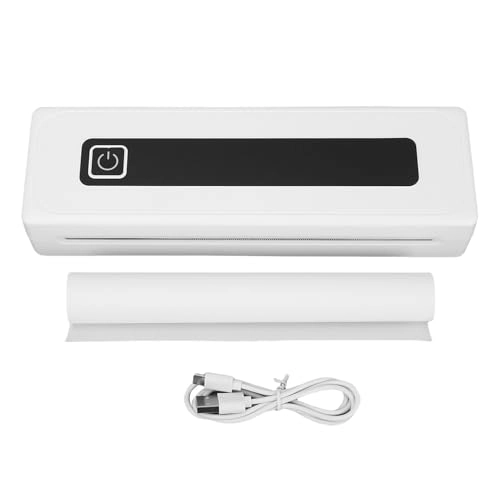
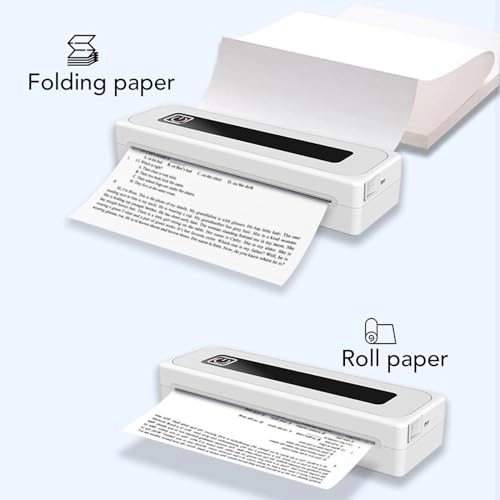
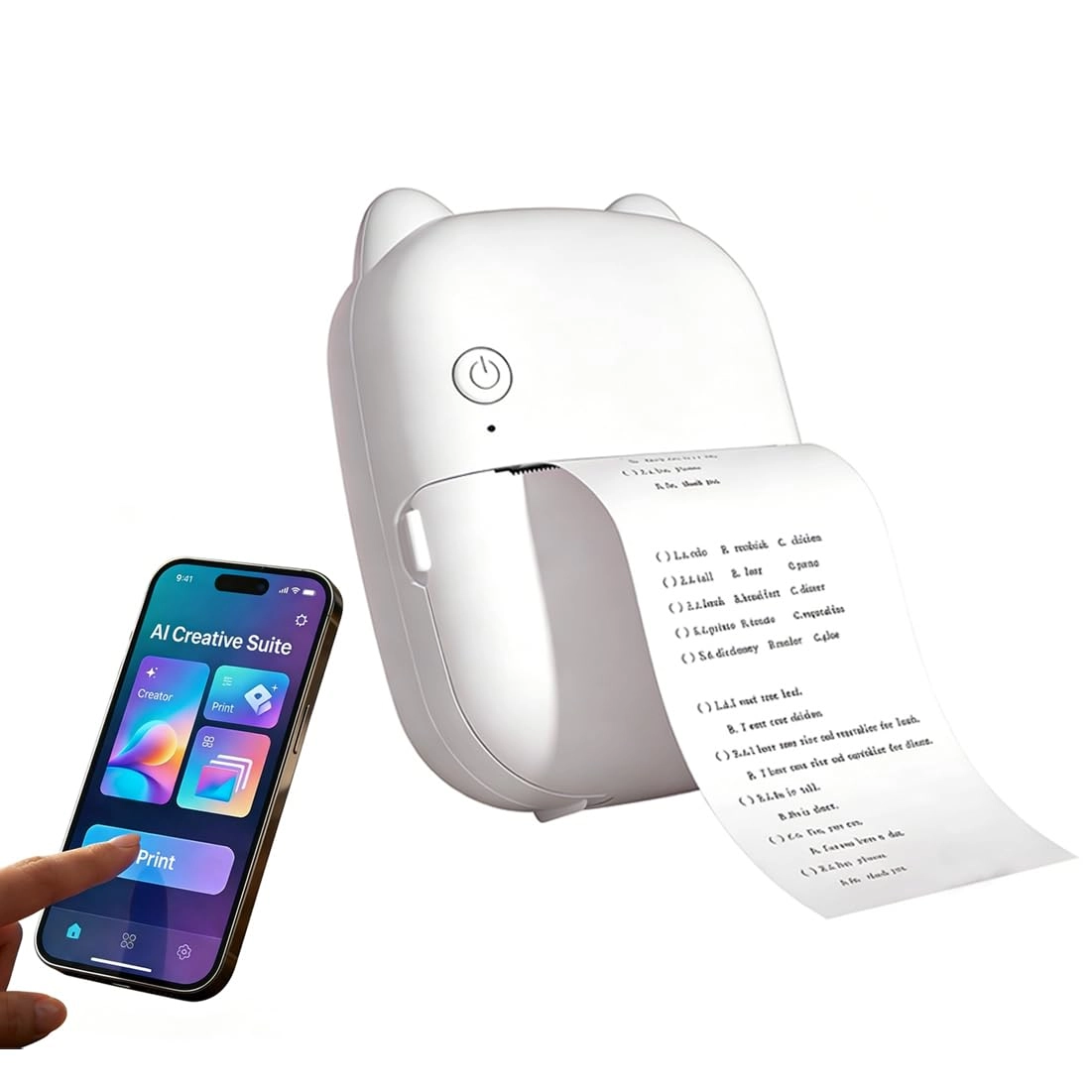
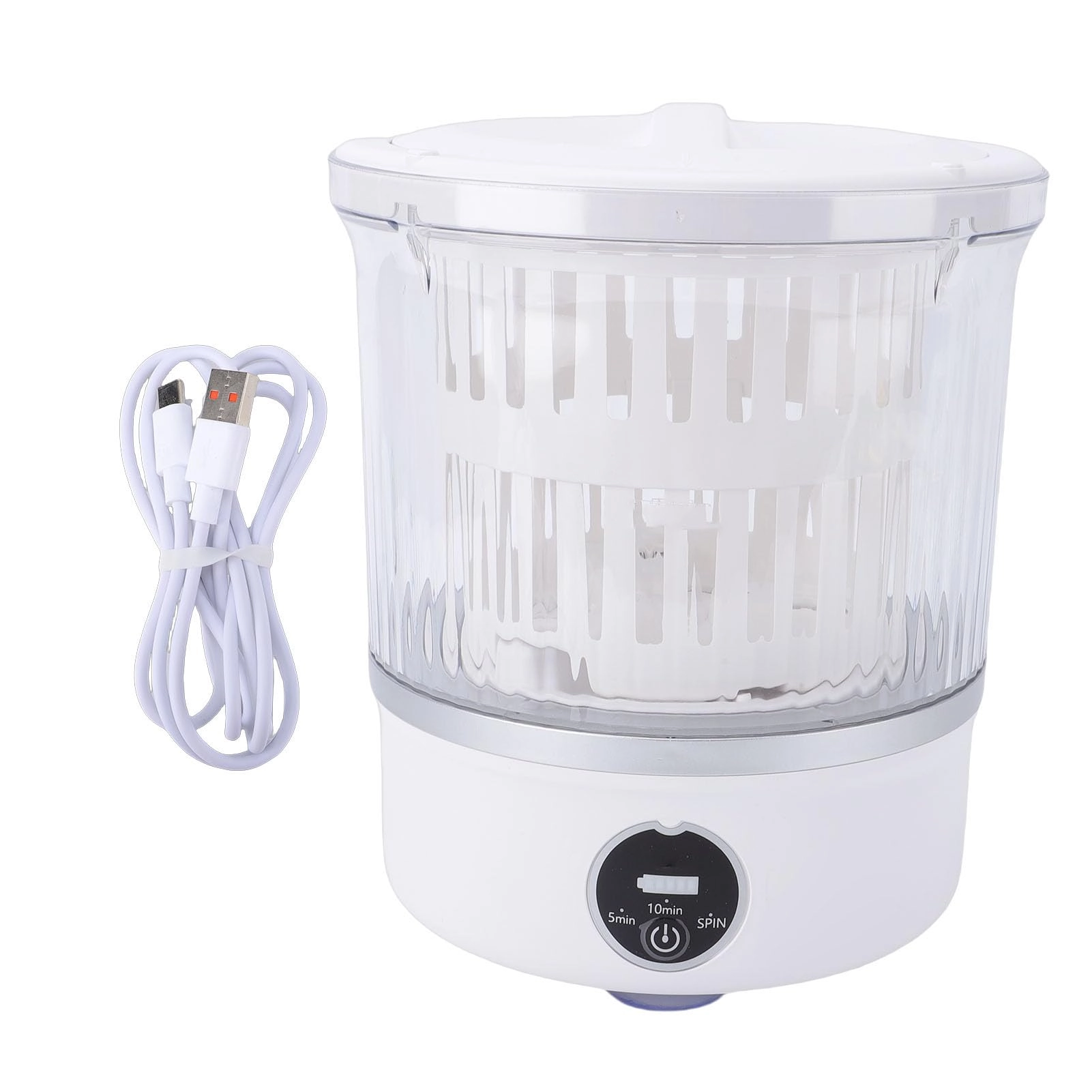
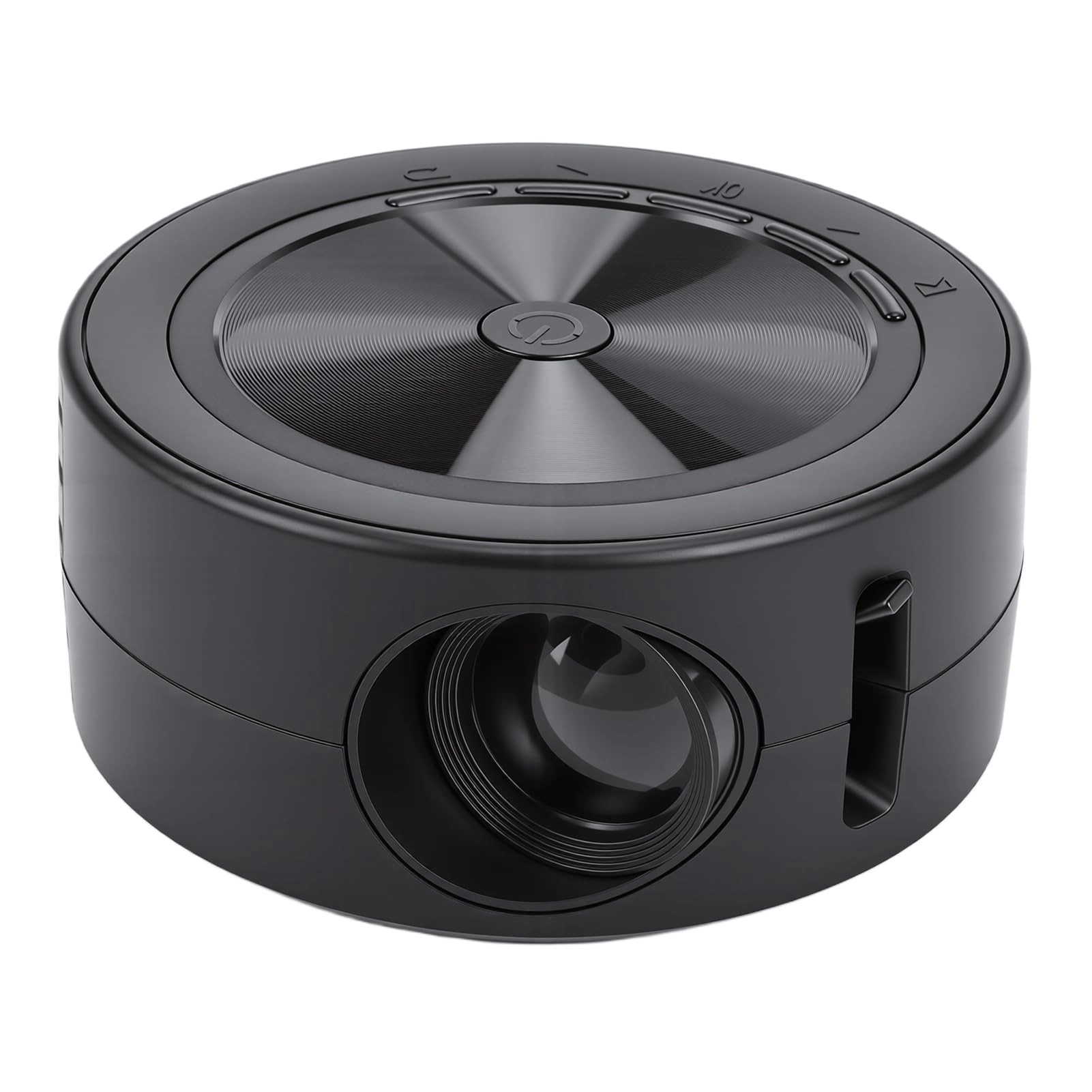
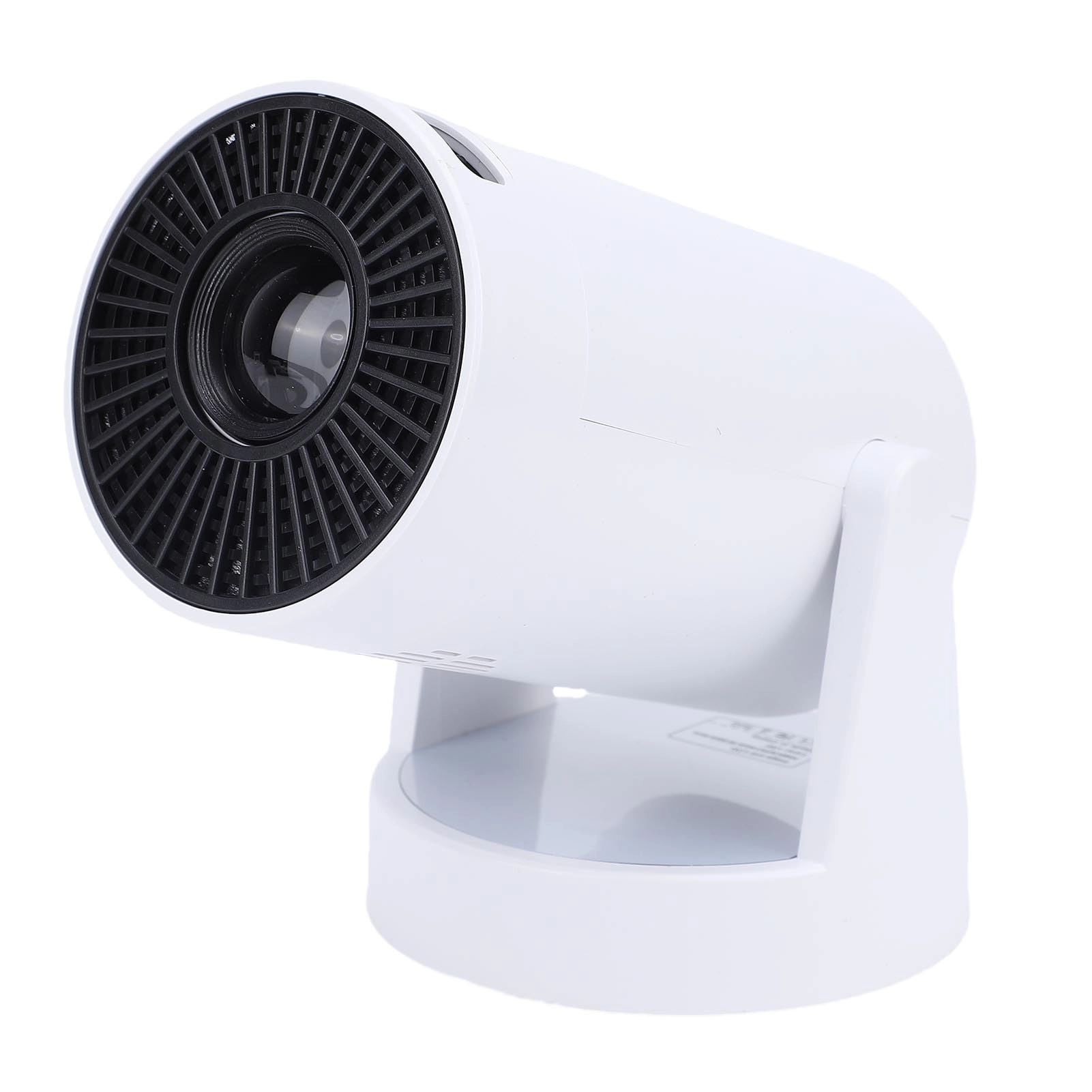
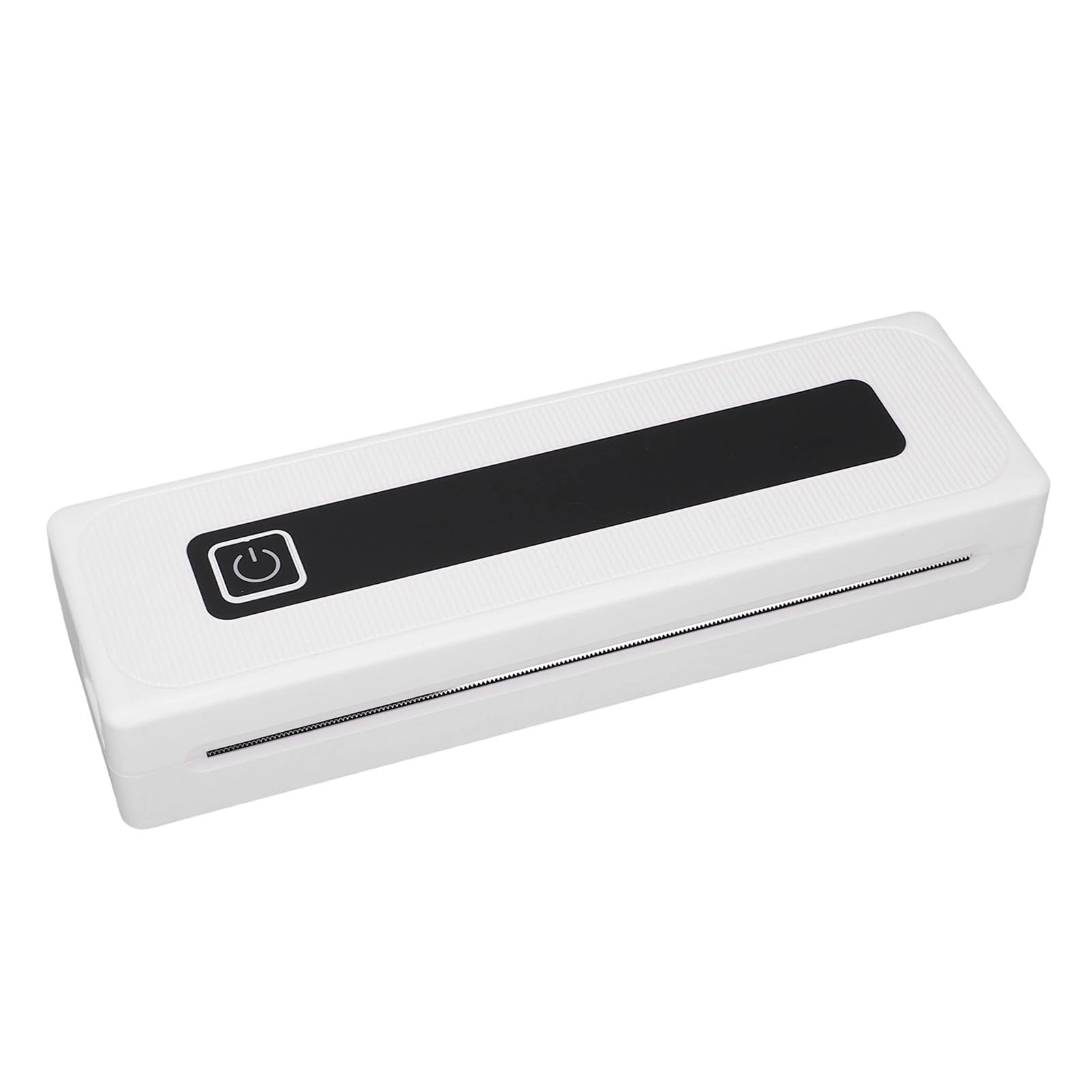
1. SUPPORTS 5 SIZES AND 2 PAPER TYPES: The portable printer supports 2.24in(57mm), 3.15in(80mm), 4.41in(112mm), A4 and 8.5inx11in US letter paper. Supports roll paper and folded paper. There is no need to carry paper separately in business trips, cars, trucks and other vehicles 2. APPLICABLE SCENARIO: The multi functional thermal portable printer uses non ink printing and can print receipts, contracts, photos, pictures, periodicals, greeting cards, study notes, lists, labels, long banners, play coloring, card recognition, study or other games at home, office, school, client, student, etc. 3. PORTABLE AND LONG LASTING: The non ink portable printer is the size of two mobile phones connected together and weighs 1.5 pounds. Connect wirelessly via Bluetooth and can be easily placed in a laptop bag or backpack for printing anytime and anywhere. Equipped with a 2000mah rechargeable battery, which takes about 1.5 hours to fully charge. Can print 90 sheets of A4 thermal paper continuously. If not used for 30 minutes, will automatically shut down. The standby time can up to 30 days 4. OUTSTANDING PERFORMANCE: The travel thermal printer is compatible with support for iOS and support for phones(via Bluetooth). Connect to Bluetooth, download the for iprint APP, and print anytime and anywhere. With a resolution of 200dpi, you never have to worry about blurry prints. Very suitable for use in offices, schools, business trips and at home 5. ENERGY SAVING: The portable printer for travel wirelessly supports printing on thermal paper ranging from 2in to 8.5in. Adopt advanced thermal technology and can print any content with a small printer, saving more time than traditional inkjet printers Specification: Item Type: Thermal Printer Connectivity: Bluetooth 4.0 or above Supported App System: For iprint App, compatible with support for and support for iOS systems (not compatible with computers) Printing Specs: 200dpi Battery Capacity: 1 x 2000mAh rechargeable li ion battery Auto Power Off: 30min Charging Time: Approx. 1.5H Charging Interface: Type C Continuous Printing Battery Life: 90 Sheets A4 thermal paper Printing Speed: 10mm/s Material: ABS How to Use: 1. Install the application by searching for iprint in the app market for both for and for iOS users. 2. Once the app is installed, open the app and turn on the Bluetooth function on your phone. Click on the Select Device button at the top, go to My Devices page, and click on the Bluetooth name starting with GT08 to connect the internal Bluetooth. If the Bluetooth does not appear after inputting, click on the refresh button and try again. Package List: 1 x Thermal Printer 1 x USB Cable 1 x User Manual 1 Roll of Thermal Paper (built in printer) Note: 1. If the device Bluetooth cannot be found, you can try the following steps to search again: a. Restart the printer to ensure it is not connected to other devices. 2. Make sure the phone Bluetooth is enabled. 3. Please enable GPS(location information) on your phone in Settings, and grant location permission for the app in App Permissions. Please go to the My Devices list in the app, click on the device to connect. 2. This printer is only suitable for thermal paper and cannot be used for regular paper printing. 3. QA Common Questions: Q: I cannot find the connected device when adding the device to the application? A: Please check if the device is turned on to ensure Bluetooth is working properly. Q: What should I do if my device cannot print? A: 1. Make sure the phone Bluetooth is enabled and exclude the possibility of others connecting to this device. 2. Check if the thermal paper is jammed. 3. Check if the print head is overheated, if so, wait for the print head to cool down before trying to print again. Q: Why is the printout with no content? A: This may be caused by improper installation of the printing paper. Please refer to the Replacing Printing Paper instructions to reinstall. Q: Why do the printed words fade? A: 1. Please check if the device is low power. 2. Check if the print head is stained, please gently wipe with a pad.

Reviews

Loading...
Loading...
Loading...
Loading...
Loading...
Loading...
Loading...
Loading...
Loading...
Loading...
Loading...
Loading...
Loading...
Loading...
Loading...
Loading...
Loading...
Loading...
Loading...
Loading...
Loading...
Loading...
Loading...
Loading...
Loading...
Loading...
Loading...
Loading...
Loading...
Loading...
Loading...
Loading...
Loading...
Loading...
Loading...
Loading...
Loading...
Loading...
Loading...
Loading...
Loading...
Loading...
Loading...
Loading...
Loading...
Loading...
Loading...
Loading...
Loading...
Loading...
Loading...
Loading...
Loading...
Loading...
Loading...
Loading...
Loading...
Loading...
Loading...
Loading...
Loading...
Loading...
Loading...

Join our newsletter

Be the first to know about new arrivals, sales, and exclusive picks

Sign in to unlock newsletter access and stay in the loop

Allware
info@allware.com
+971522500911
World technology awards winner badge

Allware

  • About Us
  • Terms And Conditions
  • Privacy Policy
  • Contact Us

Partners

  • Why become a partner?
  • How to list your Online Shop?

Newsletter

  • Subscribe

Info

  • How Allware works
All Rights Reserved.
Allware does not sell products. Prices shown are aggregated from verified merchants.
Please enable location access or select an emirate
-
00:00:00
Prayer timings

Offers (1)

Amazon logo

1 offer

From
AED
255

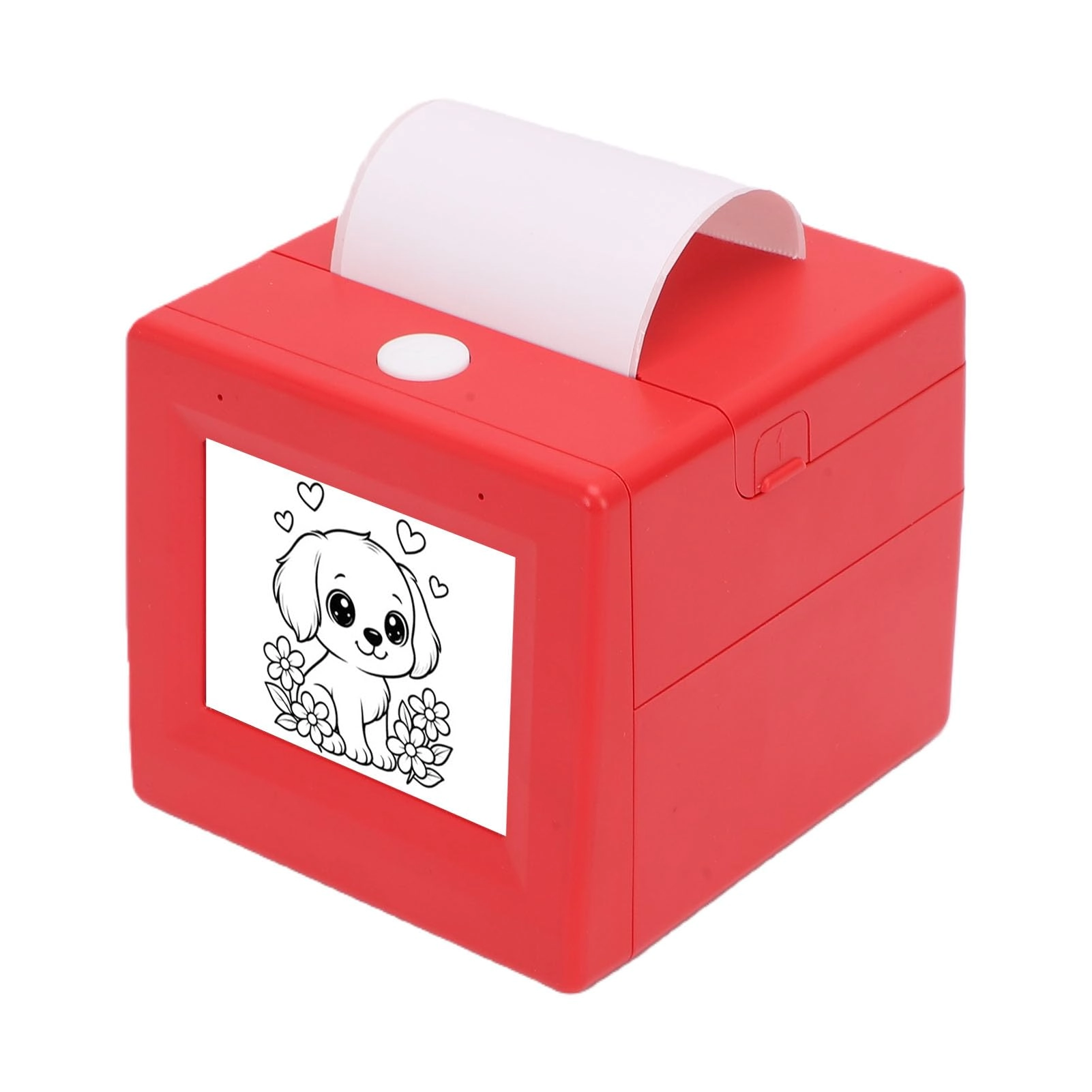
Depisuta Inkless Portable Printer, 200dpi Wireless Thermal Printer with Paper Roll for Home Car Office Business Travel

AED
25515

Price History

Price History Skeleton
Price History Shimmer Effect
Loading price history...

Similar Products

See all
-10%
HP OfficeJet 202 N4K99C

HP OfficeJet 202 N4K99C

AED
1 09900
AED
98499
8 offers
Epson ET-3950

Epson ET-3950

AED
1 52696
2 offers
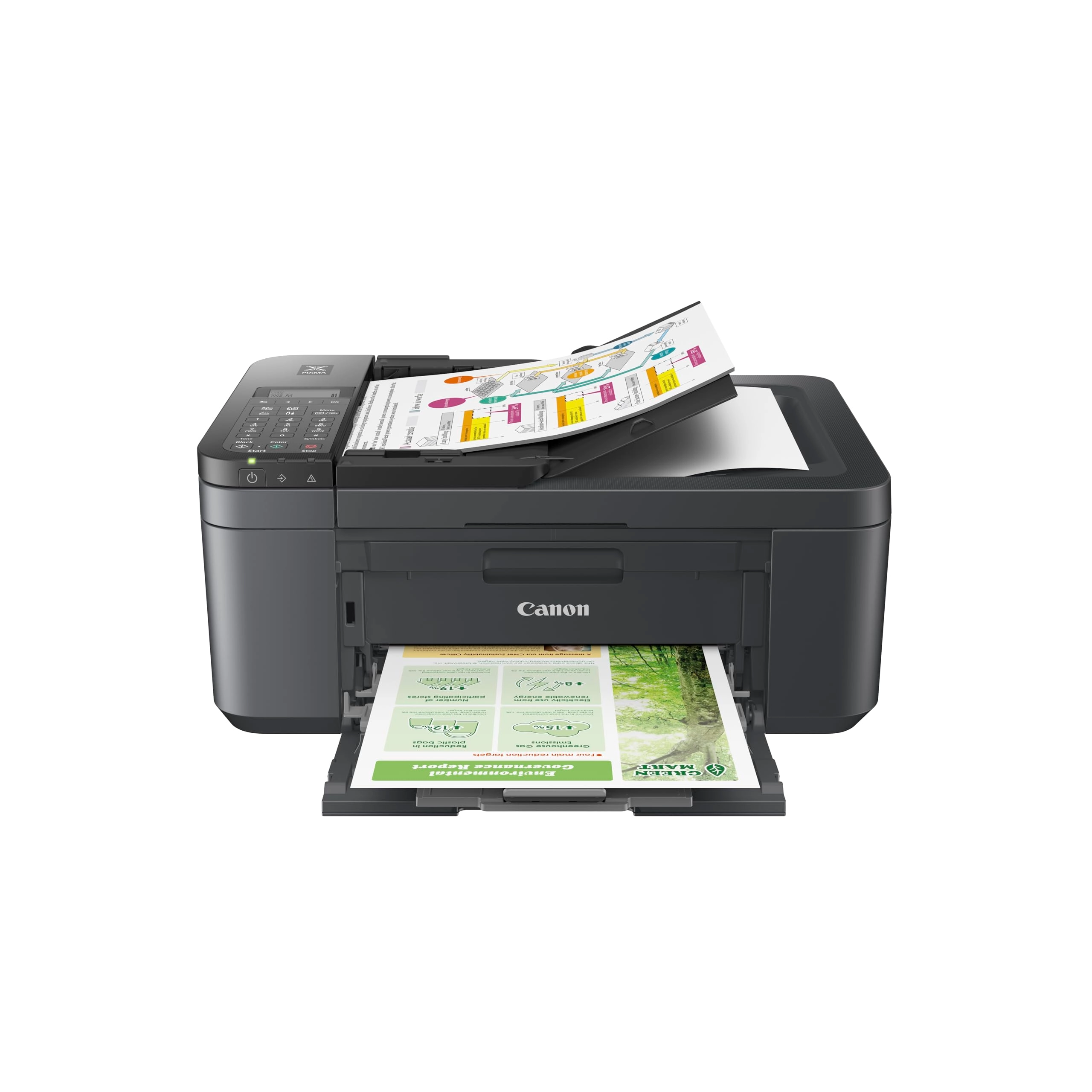
Canon PIXMA TR160 7069C002

Canon PIXMA TR160 7069C002

AED
84838
2 offers
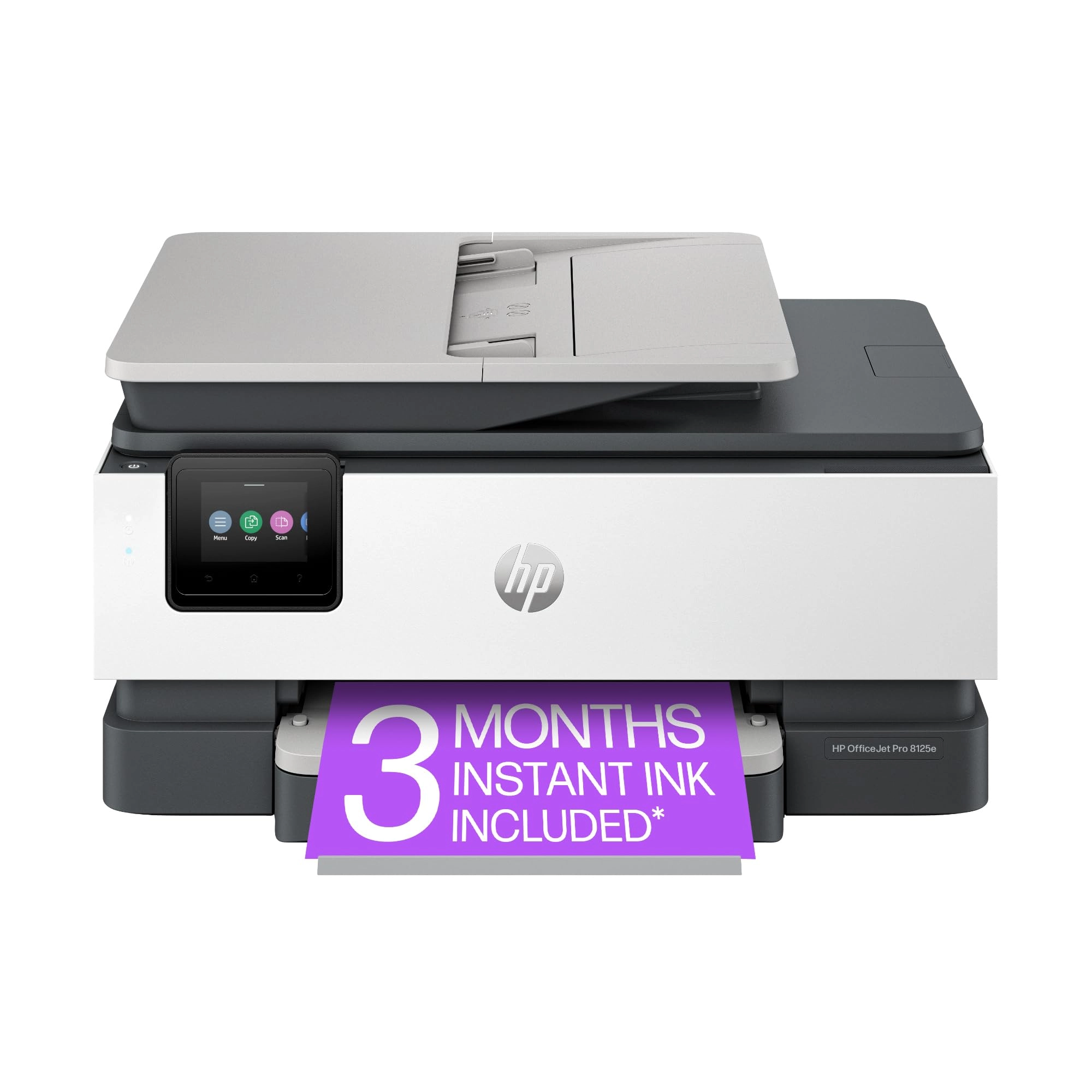
HP OfficeJet Pro 8125e

HP OfficeJet Pro 8125e

AED
70118
2 offers
<1%
HPRT GT1

HPRT GT1

AED
72000
AED
71500
3 offers
WJYLM PO1

WJYLM PO1

AED
2 58600
2 offers
Canon MAXIFY GX6050

Canon MAXIFY GX6050

Unavailable
1 offer
-19%
Canon TR4755i

Canon TR4755i

AED
88400
AED
71500
1 offer
Fockety3vzdh2sa

Fockety3vzdh2sa

AED
10825
1 offer
YUEHISY dim8g516ou

YUEHISY dim8g516ou

Unavailable
1 offer

More from Depisuta

See all
Depisuta Bone Conduction Wireless Headphone

Depisuta Bone Conduction Wireless Headphone

AED
6999
2 offers
Depisuta 3o69ytf4wi-12 - 48MP Thermal Printing

Depisuta 3o69ytf4wi-12 - 48MP Thermal Printing

AED
12299
2 offers
Depisutaiuzsca406h

Depisutaiuzsca406h

AED
8801
3 offers
Depisutabjisk49w2f 1920 x 1080

Depisutabjisk49w2f 1920 x 1080

AED
8699
1 offer
Depisuta Smart Glasses - Bluetooth 5.4 8 Hours

Depisuta Smart Glasses - Bluetooth 5.4 8 Hours

AED
6803
5 offers
Depisuta Smart Ring - 8#

Depisuta Smart Ring - 8#

AED
7880
2 offers
Depisutasxg3amt69h 20 ANSI lm

Depisutasxg3amt69h 20 ANSI lm

AED
12709
1 offer
Depisuta Open Ear Bone Conduction Headphones Wireless Headphone

Depisuta Open Ear Bone Conduction Headphones Wireless Headphone

AED
4129
4 offers
Depisutawbudnpxoe0-13

Depisutawbudnpxoe0-13

AED
8696
2 offers
Depisuta gcbdstv9y8-13

Depisuta gcbdstv9y8-13

AED
19323
1 offer
Loading...
Loading...
Loading...
Loading...
Loading...
Loading...
Loading...
Loading...
Loading...
Loading...
Loading...
Loading...
Loading...
Loading...
Loading...
Loading...
Loading...
Loading...
Loading...
Loading...
Loading...
Loading...
Loading...
Loading...
Loading...
Loading...
Loading...
Loading...
Loading...
Loading...
Loading...
Loading...
Loading...
Loading...
Loading...
Loading...
Loading...
Loading...
Loading...
Loading...
Loading...
Loading...
Loading...
Loading...
Loading...