Allware
Loading...
  • News
  • Price drops
  • New arrivals
  • Featured categories
  1. Computers & Peripherals
  2. Printers & Scanners
  3. Printing Equipment
  4. Multifunction Printers
PIXMA TS8750 - Inkjet Color

Canon PIXMA TS8750 - Inkjet Color

Key Features

  • Faxing: No
  • Total number of input trays: 1
  • Scanning: Colour scanning
  • N-in-1 copy function: Yes
  • ID-card copy function: Yes
  • Total input capacity: 100sheets
  • Paper tray media types: Card stock, Envelopes, Photo Paper, Plain paper
  • Multi-Purpose tray: Yes
  • Maximum ISO A-series paper size: A4
  • Power consumption (copying): 26W
  • Duplex functions: Print
  • N-in-1 copy function (N=): 2, 4
  • Duplex printing: Yes
  • Envelopes sizes: 10, DL
  • Borderless printing media sizes: 10x15, 13x18, 20x25, A4, B5, Letter
  • Offers
  • Price History
  • Specifications
  • Product Details
  • Review IconReviews

Specifications

Features

Borderless printing
✓
Card reader integrated
✓
Control type
Touch
Security algorithms
WPA-AES, WPA-PSK, WPA-TKIP, WPA2-AES, WPA2-PSK, WPA2-TKIP, WPA3-SAE
Product colour
Black
Printing colours
Black, Cyan, Grey, Magenta, Pigment black, Yellow
Maximum resolution
4800 x 1200 DPI
Maximum scan area
216 x 297 mm
Print technology
Inkjet
Display
LCD
ISO A-series sizes (A0...A9)
A4
Colour display
✓
Maximum number of copies
99 copies
Optical scanning resolution
2400 x 4800 DPI
Envelopes sizes
10, DL
N-in-1 copy function (N=)
2, 4
Duplex functions
Print
Maximum ISO A-series paper size
A4

Weight & dimensions

Width (imperial)
14.65 "
Weight
6600 g
Height
301 mm
Depth
651 mm
Width
372 mm

Power

AC input voltage
100 - 240 V
AC input frequency
50/60 Hz
Power consumption (off)
0.10 W
Power consumption (copying)
26 W

Paper handling

Duplex print options
Yes
Custom media width
55 - 215.90 mm
Custom media length
89 - 676 mm
ISO B-series sizes (B0...B9)
B5
Borderless printing media sizes
10x15, 13x18, 20x25, A4, B5, Letter
Paper tray media types
Card stock, Envelopes, Photo Paper, Plain paper

Copying

ID-card copy function
✓
N-in-1 copy function
✓

Input & output capacity

Multi-Purpose tray
✓
Total input capacity
100 sheets
Total number of input trays
1

System requirements

Mac operating systems supported
Mac OS X 10.2 Jaguar, Mac OS X 10.3 Panther, Mac OS X 10.4 Tiger, Mac OS X 10.5 Leopard, Mac OS X 10.6 Snow Leopard, Mac OS X 10.7 Lion, Mac OS X 10.7.5 Lion, Mac OS X 10.8 Mountain Lion, Mac OS X 10.9 Mavericks, Mac OS X 11.0 Big Sur, Mac OS X 12.0 Monterey, Mac OS X 13.0 Ventura
Windows operating systems supported
Windows 10, Windows 11, Windows 8.1
Other operating systems supported
ChromeOS
Mobile operating systems supported
Android, iOS

Other features

Mobile printing technologies
Apple AirPrint, Mopria Print Service
DVD/CD printing
✓
Colour faxing
✗
Copier resize
25 - 400 %

Storage

Compatible memory cards
MicroSD (TransFlash), MicroSDHC, MicroSDXC, SD, SDHC, SDXC

Design

Built-in display
✓
Market positioning
Home & Office

Packaging content

Cables included
AC
Cartridge(s) included
✓

Network

Wi-Fi
✓
Wi-Fi standards
802.11a, 802.11b, 802.11g, Wi-Fi 4 (802.11n), Wi-Fi 5 (802.11ac)
Ethernet LAN
✗

Ports & interfaces

USB port
✓
USB connector
USB Type-B

Operational conditions

Operating temperature (T-T)
15 - 30 °C
Operating relative humidity (H-H)
10 - 80 %

Technical details

Printing
Colour printing
Duplex printing mode
Auto
Copying
Colour copying

Printing

Number of print cartridges
6
Duplex printing
✓

Scanning

Scanner type
Flatbed scanner
Scan technology
CIS
Scanning
Colour scanning

Fax

Faxing
No

Product Details

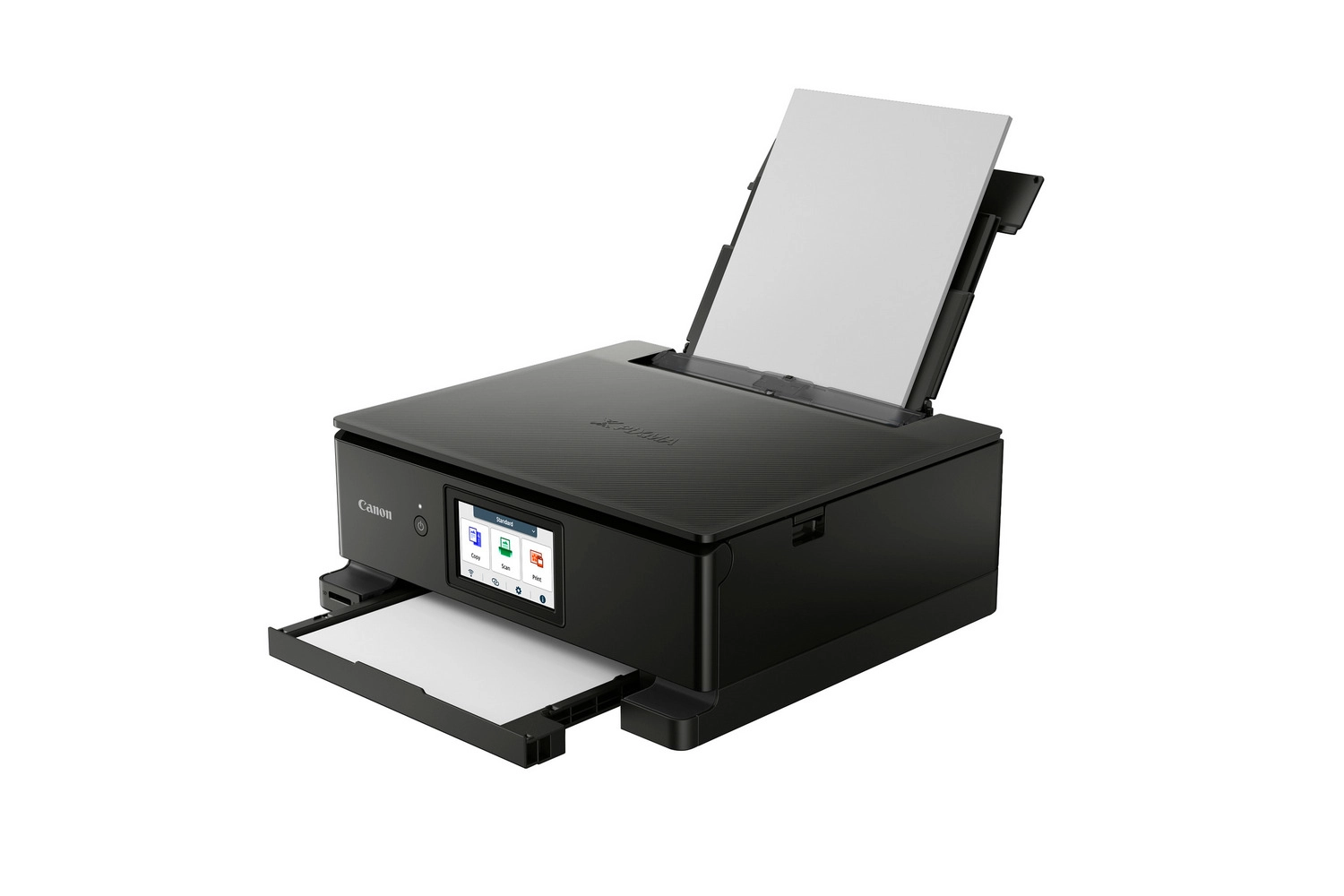
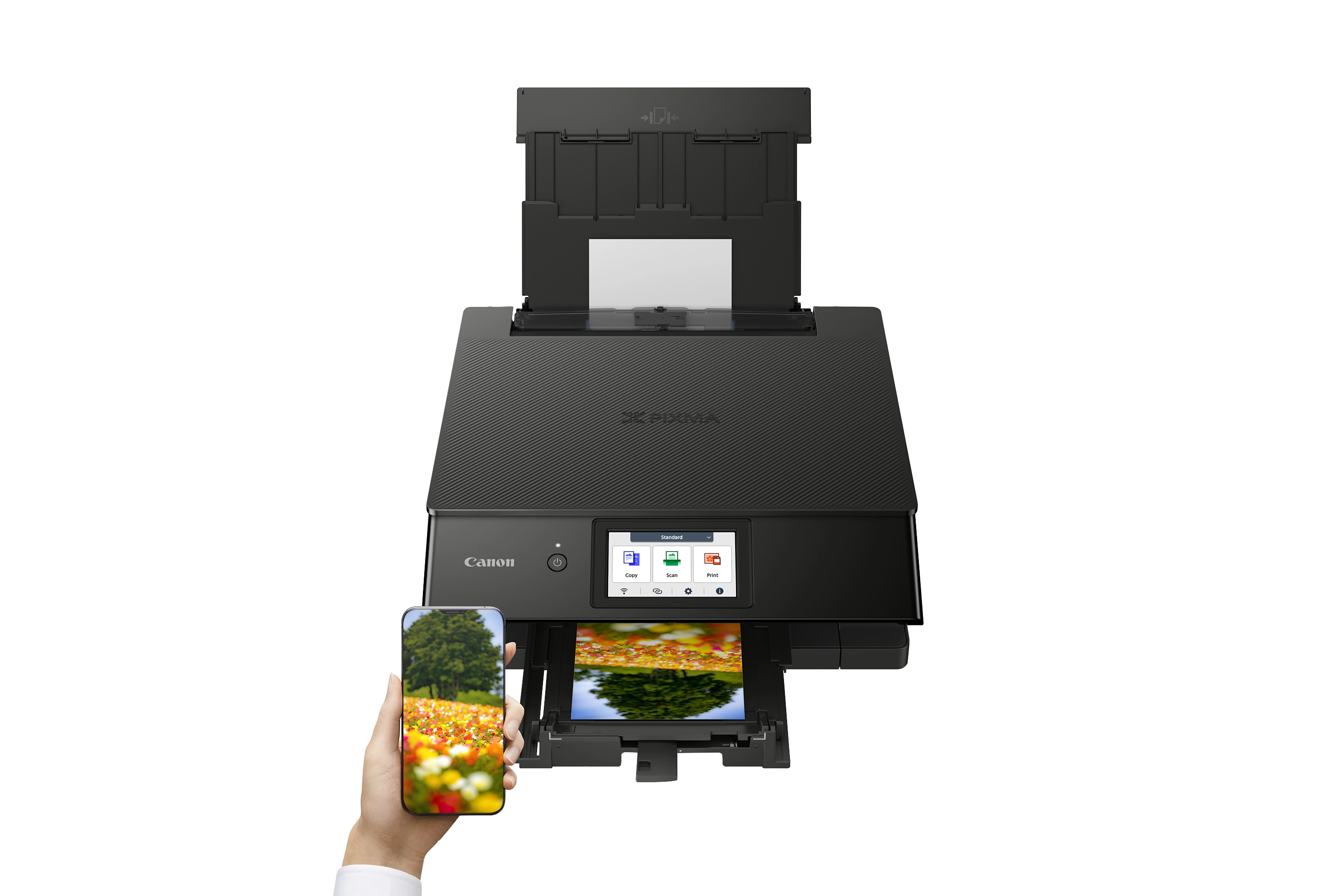
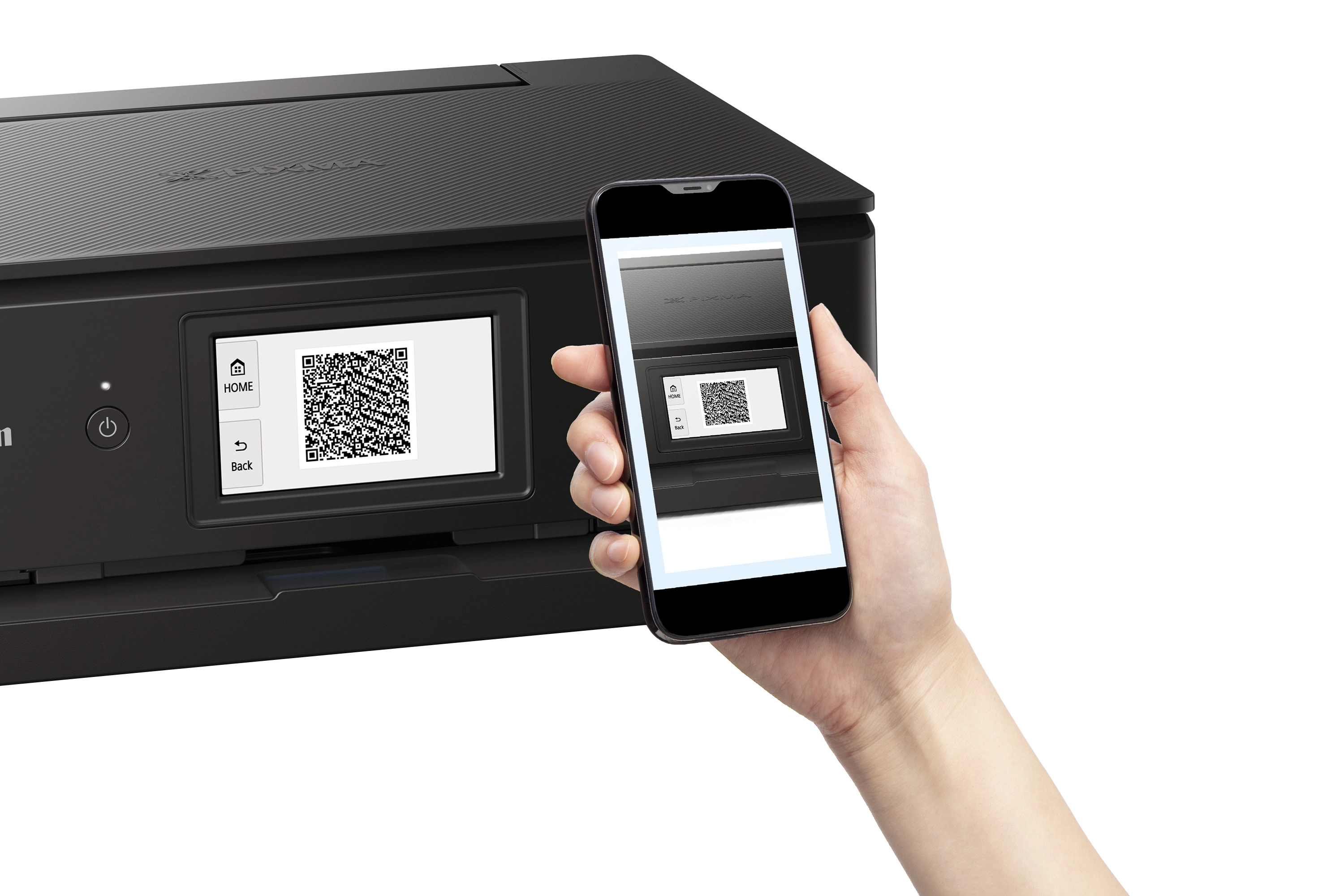
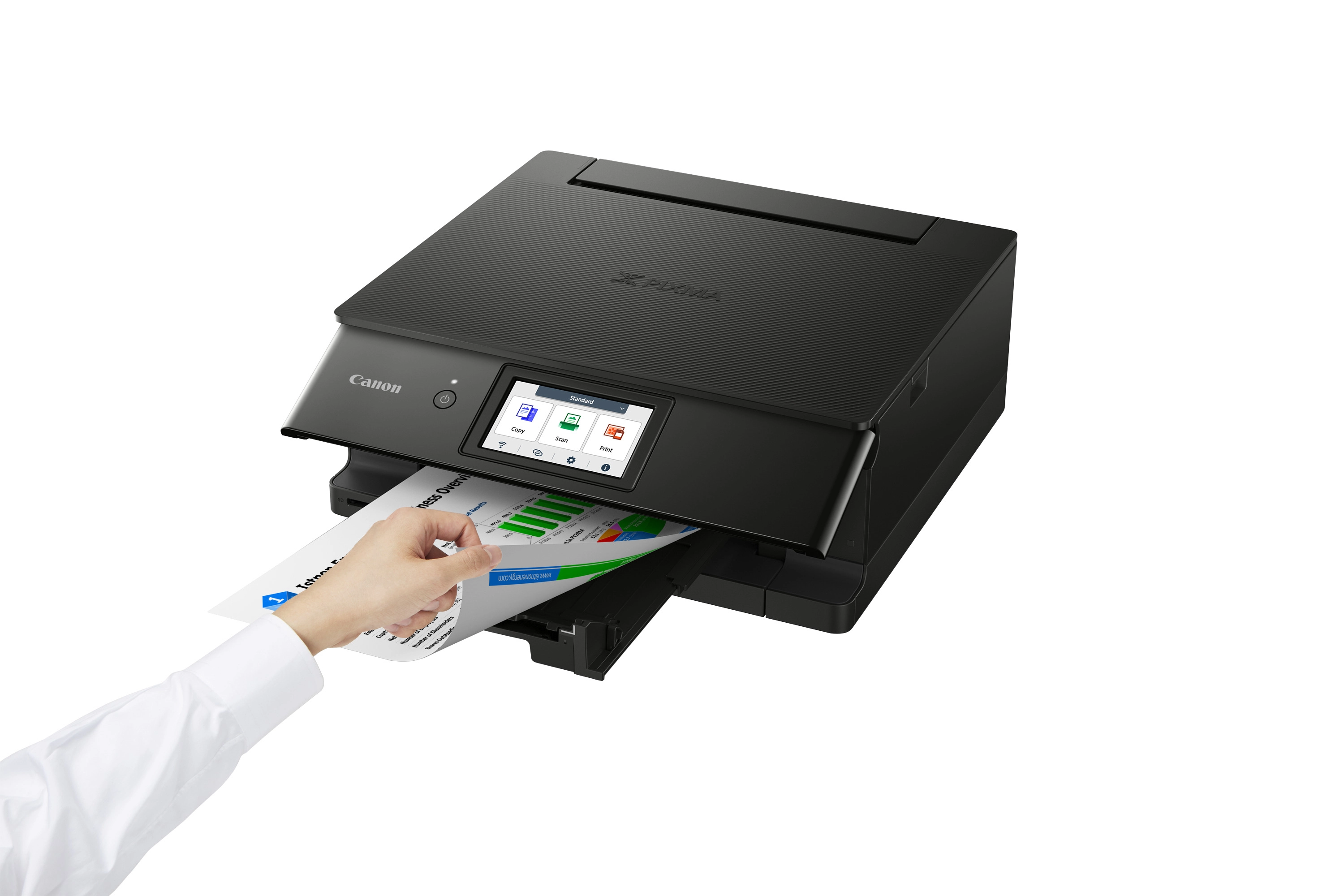
Get high-quality photo and document prints swiftly and effortlessly with the Canon PIXMA TS8750, a high-performance and user-friendly multifunction home printer. A joy to use thanks to its 10.8 cm touchscreen, seamless Wi-Fi setup and streamlined, customisable Switch UI interface, the Canon PIXMA TS8750 3-in-1 inkjet printer uses six individual ink cartridges to produce fast, stunning results for all types of prints: documents, colour photos and more. A premium small printer for home, it meets all the family’s needs: work, education, creativity and more. Easy to use with simpler menus The Canon PIXMA TS8750 printer is effortless to use thanks to a large, tilting 10.8 cm screen and the streamlined, customisable Switch UI touch interface, which makes accessing functions and settings simpler than ever. Seamless PC-free printing Print photos and documents on the Canon PIXMA TS8750 wirelessly from your mobile device using the Canon PRINT app. Set up Wi-Fi quickly by using the information already on your device (iOS only), or connect directly by scanning a QR code with Android and iOS smartphones. Fast, high-quality prints for work or play Quickly print pin-sharp documents (15 ipm mono; 10 ipm colour) and brilliantly vibrant colour photos (4x6”/10 x 15 cm with borderless photo printing in 13 seconds) with the Canon PIXMA TS8750’s six individual ink system. Save even more time by keeping the front tray loaded with plain paper and rear tray loaded with photo paper. Designed to fit your lifestyle Maximise your space with the Canon PIXMA TS8750’s subtly streamlined and compact premium design, which fits any home décor. Available in white and black colour finishes. More ways to stay productive Print on different types of media thanks to the two-way paper feed, create disc labels with the multipurpose tray and save money with automatic double-sided printing. Switch UI The streamlined interface consolidates functions for various use cases (work, study and lifestyle) into different scenes, keeping operation simple. Quickly switch between scenes using the menu at the top of the screen, customise background colour and icons and lock functions that aren’t required. Simple Wi-Fi setup for iOS users Users with Apple iOS devices can use the Wi-Fi setup information already stored on their device to connect the Canon PIXMA TS8750 to the same network, removing the need to enter a password manually. Direct connection with QR code Quickly set up a direct wireless connection between the Canon PIXMA TS8750 printer and a mobile device, simply by scanning a QR code on the printer’s screen. Your all-round solution to home printing Find out why the PIXMA TS8751 is your first choice for reliable home printing, with a customisable interface, fast printing speeds and six individual ink tanks providing superb printing quality

Files

User manual

mmo_114403347_1704210085_8075_26637.pdf

PDF• 6.4 MB

Reviews

Loading...
Loading...
Loading...
Loading...
Loading...
Loading...
Loading...
Loading...
Loading...
Loading...
Loading...
Loading...
Loading...
Loading...
Loading...
Loading...
Loading...
Loading...
Loading...
Loading...
Loading...
Loading...
Loading...
Loading...
Loading...
Loading...
Loading...
Loading...
Loading...
Loading...
Loading...
Loading...
Loading...
Loading...
Loading...
Loading...
Loading...
Loading...
Loading...
Loading...
Loading...
Loading...
Loading...
Loading...
Loading...
Loading...
Loading...
Loading...
Loading...
Loading...
Loading...
Loading...
Loading...
Loading...
Loading...
Loading...
Loading...
Loading...
Loading...
Loading...
Loading...
Loading...
Loading...

Join our newsletter

Be the first to know about new arrivals, sales, and exclusive picks

Sign in to unlock newsletter access and stay in the loop

Allware
info@allware.com
+971522500911
World technology awards winner badge

Allware

  • About Us
  • Terms And Conditions
  • Privacy Policy
  • Contact Us

Partners

  • Why become a partner?
  • How to list your Online Shop?

Newsletter

  • Subscribe

Info

  • How Allware works
All Rights Reserved.
Please enable location access or select an emirate
-
00:00:00
Prayer timings

Offers (1)

Amazon logo

1 offer

From
AED
Infinity

Canon PIXMA TS8750 3IN1 MFP PRINT

Unavailable

Price History

Price History Skeleton
Price History Shimmer Effect
Loading price history...

Similar Products

See all
-50%
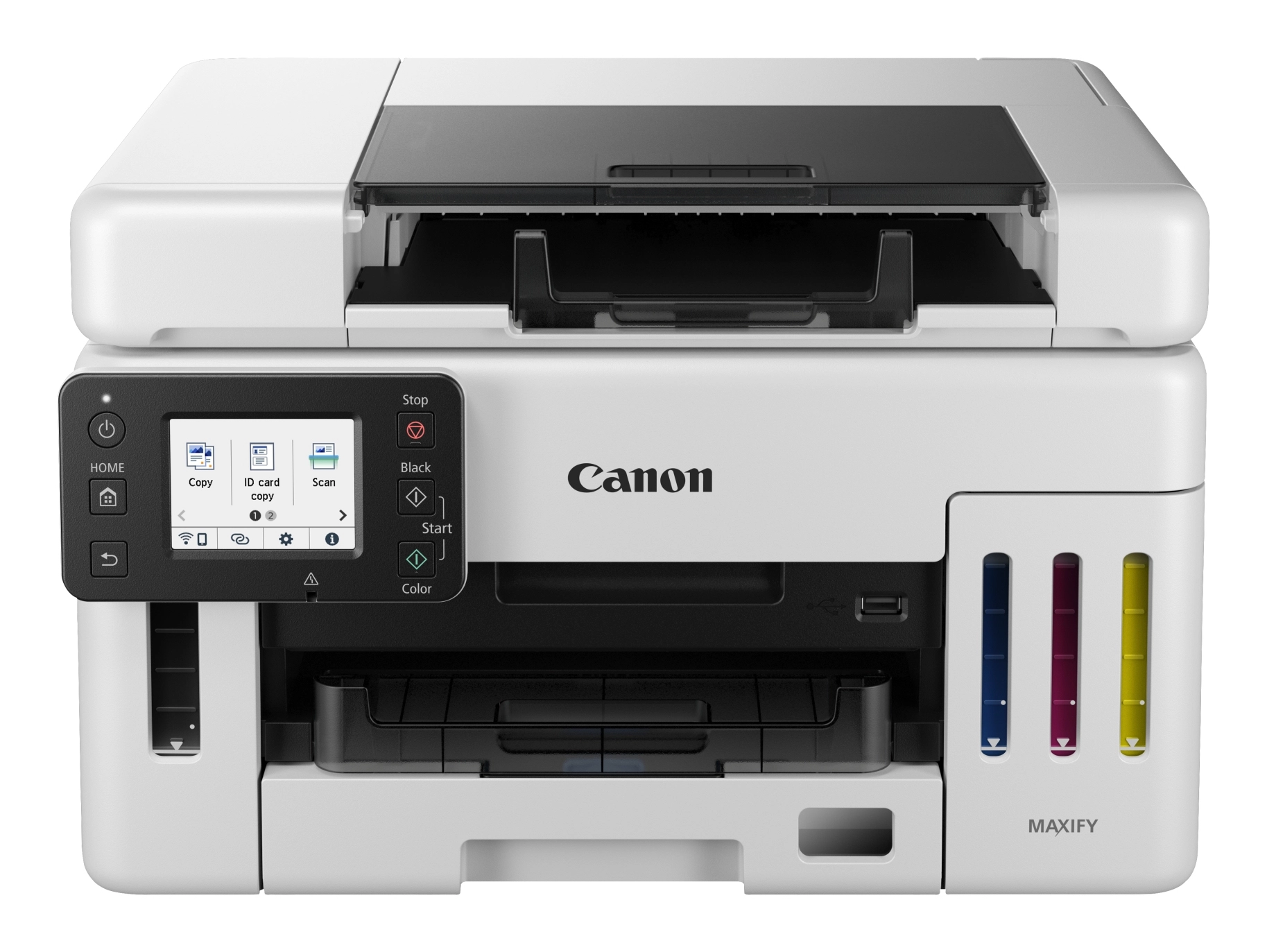
Canon i-SENSYS MF655CDW - Laser Color

Canon i-SENSYS MF655CDW - Laser Color

AED
1 50700
AED
74900
13 offers
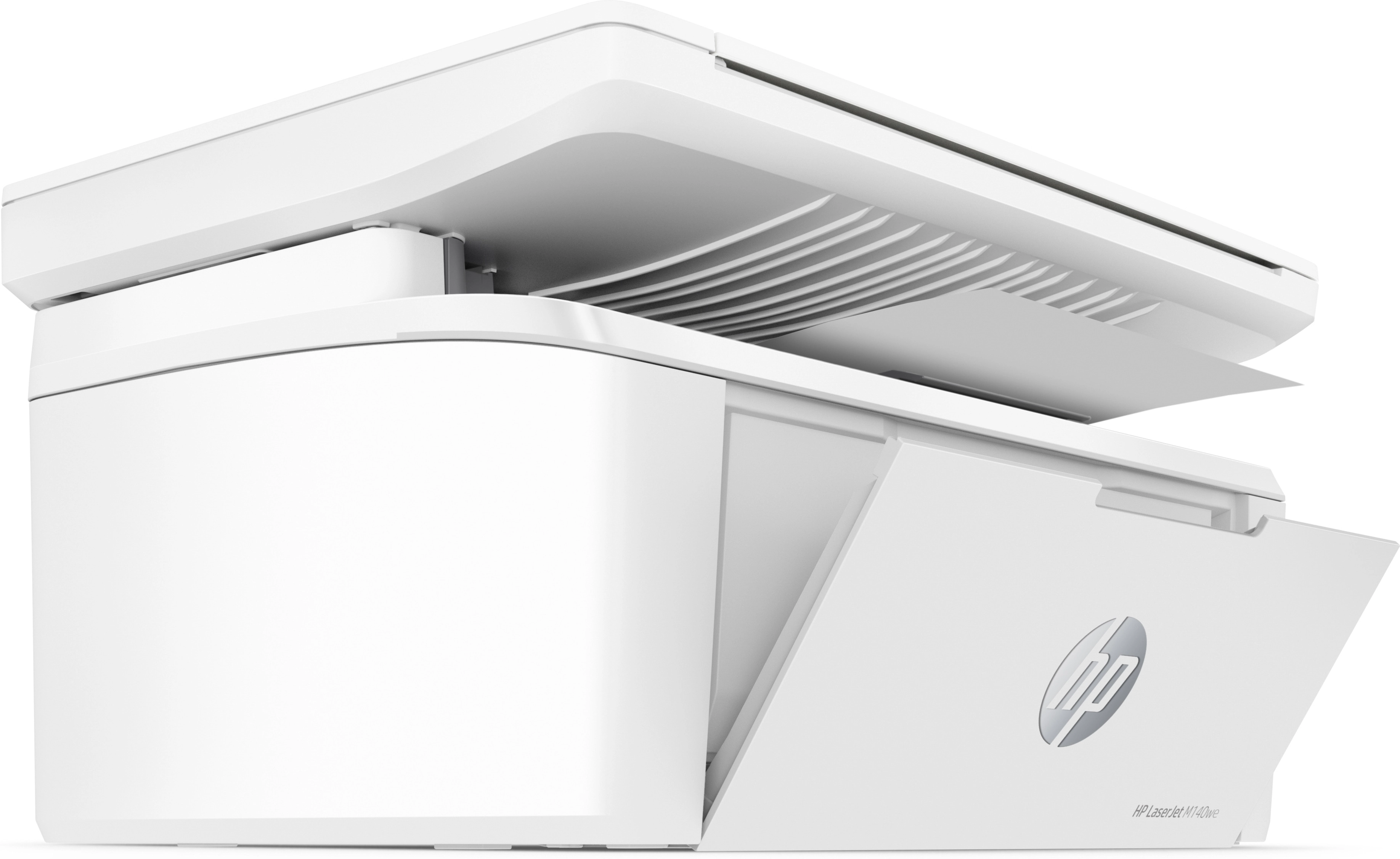
HP M141W - Laser White

HP M141W - Laser White

AED
49200
8 offers
-26%
Epson EcoTank L6490

Epson EcoTank L6490

AED
1 95900
AED
1 43800
5 offers
-1%
Epson L15150 - Ink Tank

Epson L15150 - Ink Tank

AED
1 87900
AED
1 85500
11 offers
-10%
Brother MFC-J2340DW - Inkjet Black and color

Brother MFC-J2340DW - Inkjet Black and color

AED
79900
AED
71500
4 offers
Brother MFC-L8690CDW - Laser Color

Brother MFC-L8690CDW - Laser Color

AED
1 57800
4 offers
-29%
Epson EcoTank L4260 - Ink Tank Color

Epson EcoTank L4260 - Ink Tank Color

AED
1 19900
AED
84900
5 offers
-20%
Canon G3410 - Ink Tank

Canon G3410 - Ink Tank

AED
49900
AED
39900
5 offers
-31%
Epson L3256 - Ink Tank Color

Epson L3256 - Ink Tank Color

AED
79900
AED
54900
4 offers
-16%
Brother MFC-T920DW - Inkjet Color

Brother MFC-T920DW - Inkjet Color

AED
1 13355
AED
95000
4 offers

More from Canon

See all
Canon PIXMA TS9521Ca 2988C052

Canon PIXMA TS9521Ca 2988C052

AED
96512
1 offer
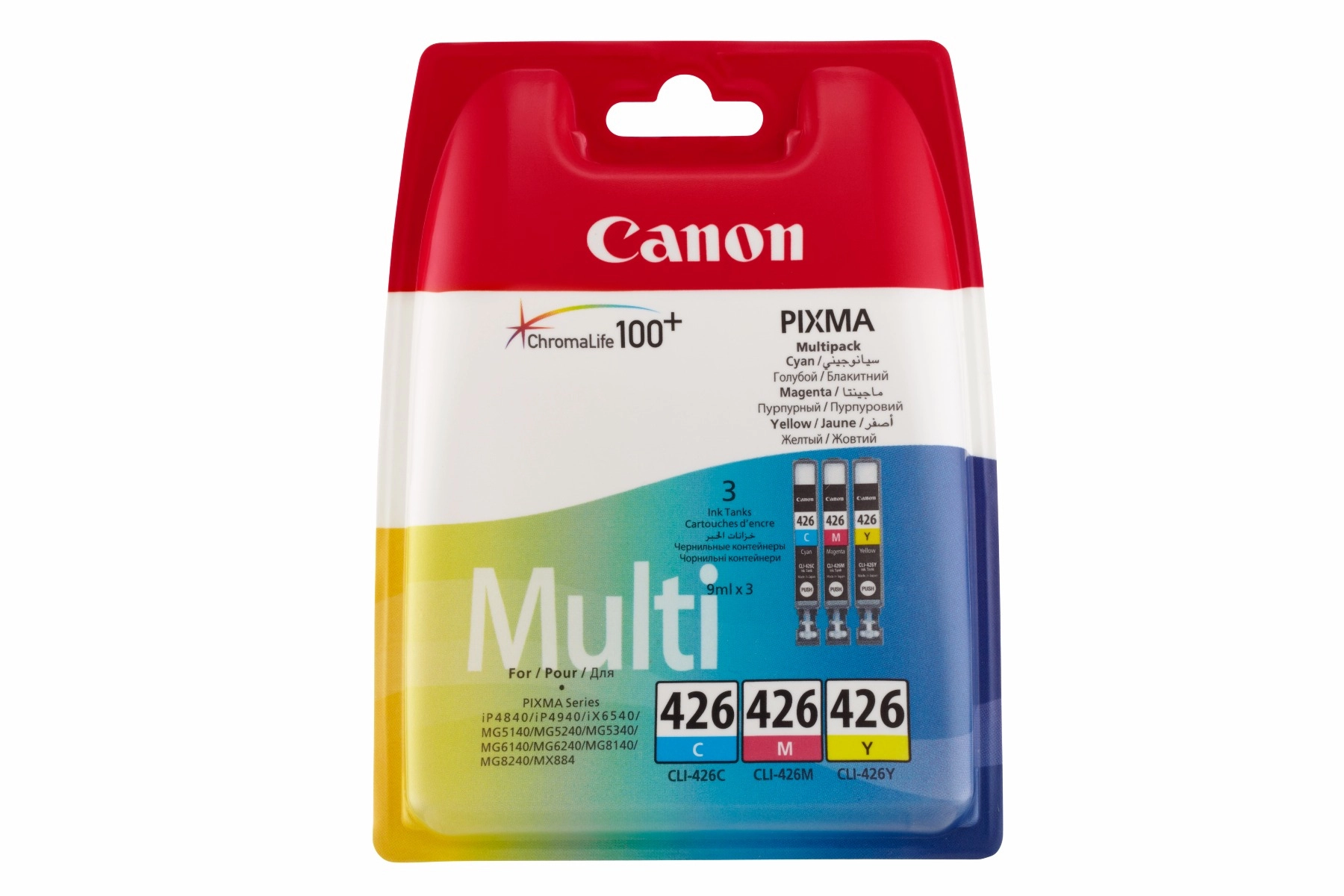
Canon CL441XL - High Yield Multicolor

Canon CL441XL - High Yield Multicolor

AED
9600
2 offers
Canon PowerShot G7 X Mark III

Canon PowerShot G7 X Mark III

AED
4 11800
5 offers
Canon TS6550I - Inkjet Color

Canon TS6550I - Inkjet Color

AED
53554
1 offer
Canon EOS 2000D + EF-S 18-55mm + CB-SB130 + SD Card

Canon EOS 2000D + EF-S 18-55mm + CB-SB130 + SD Card

AED
2 69860
2 offers
Canon PIXMA TR4645

Canon PIXMA TR4645

Unavailable
1 offer
Canon PIXMA G620 4620C002

Canon PIXMA G620 4620C002

Unavailable
1 offer
Canon CL441 Standard Yield Multicolor

Canon CL441 Standard Yield Multicolor

AED
8200
2 offers
-36%
Canon EOS R5 C

Canon EOS R5 C

AED
16 96151
AED
10 69900
3 offers
Canon PG440 Standard Yield Black

Canon PG440 Standard Yield Black

AED
6100
2 offers
Loading...
Loading...
Loading...
Loading...
Loading...
Loading...
Loading...
Loading...
Loading...
Loading...
Loading...
Loading...
Loading...
Loading...
Loading...
Loading...
Loading...
Loading...
Loading...
Loading...
Loading...
Loading...
Loading...
Loading...
Loading...
Loading...
Loading...
Loading...
Loading...
Loading...
Loading...
Loading...
Loading...
Loading...
Loading...
Loading...
Loading...
Loading...
Loading...
Loading...
Loading...
Loading...
Loading...
Loading...
Loading...