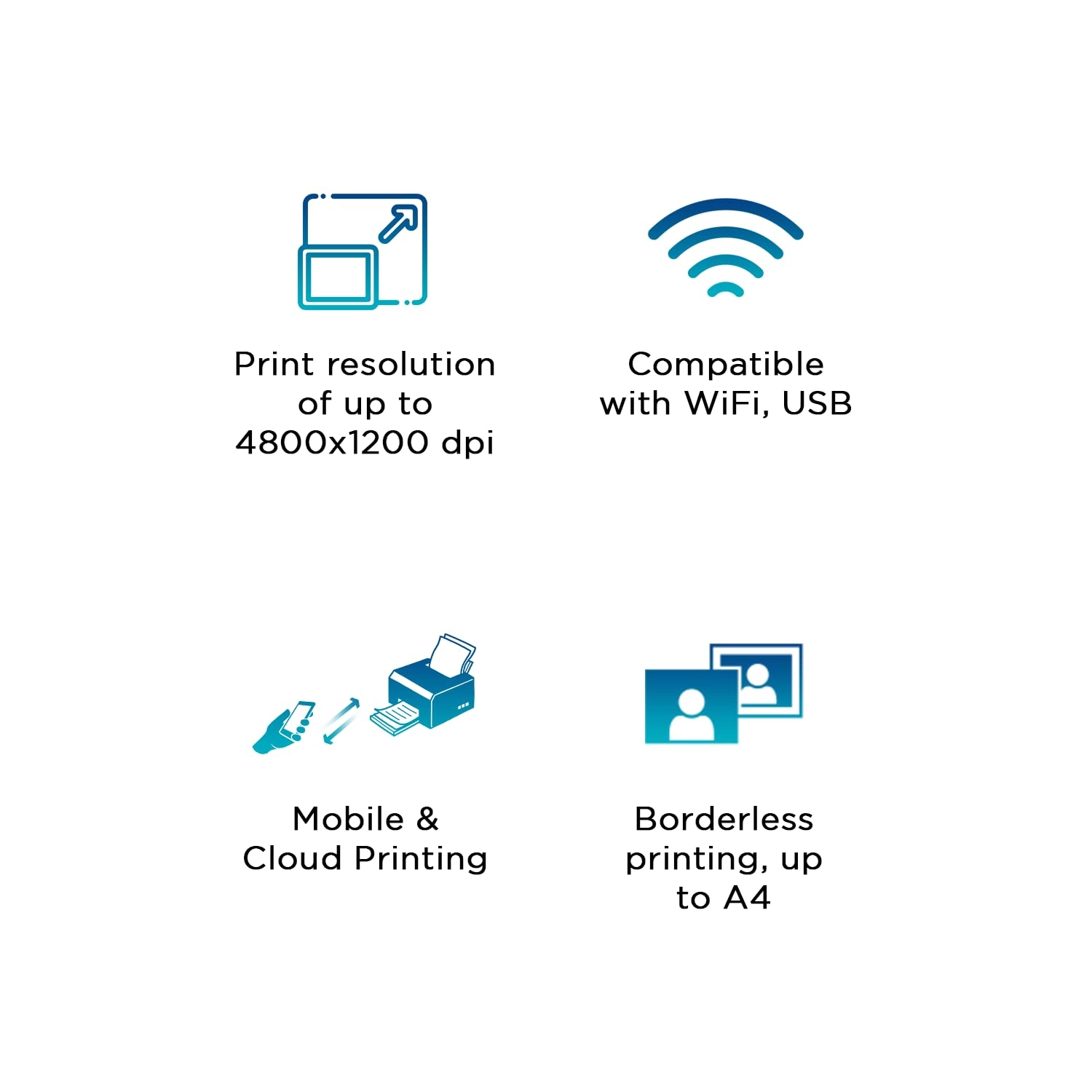
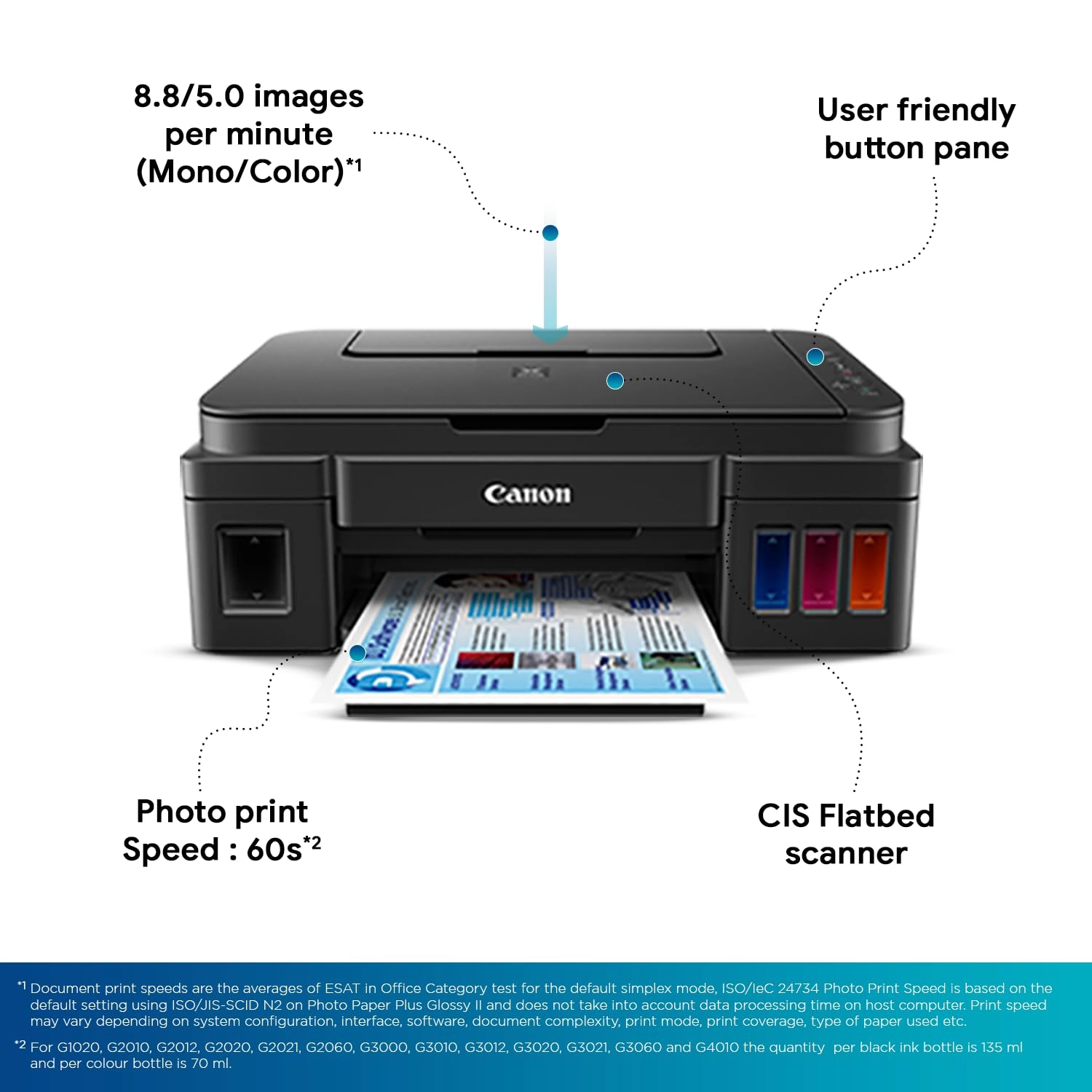
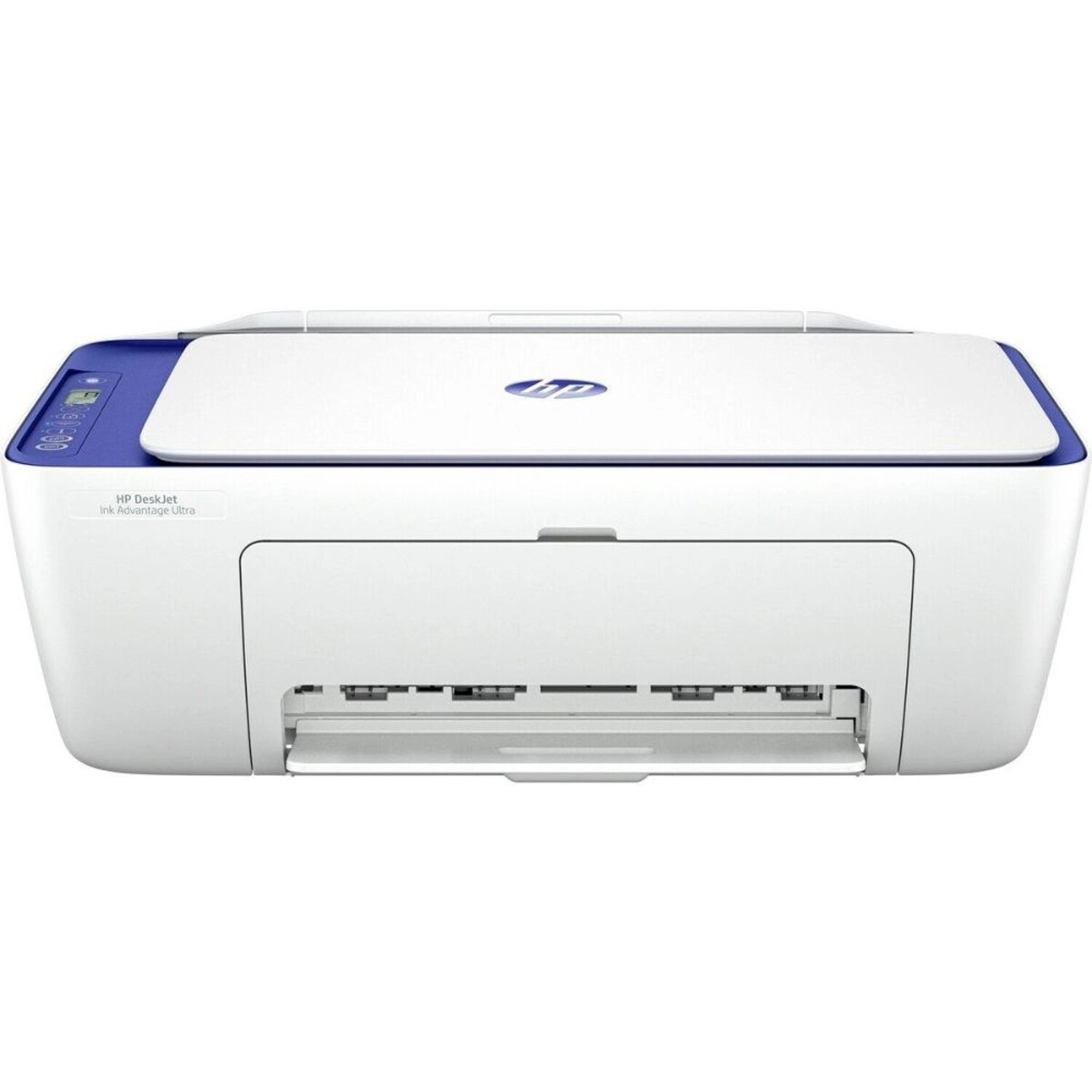
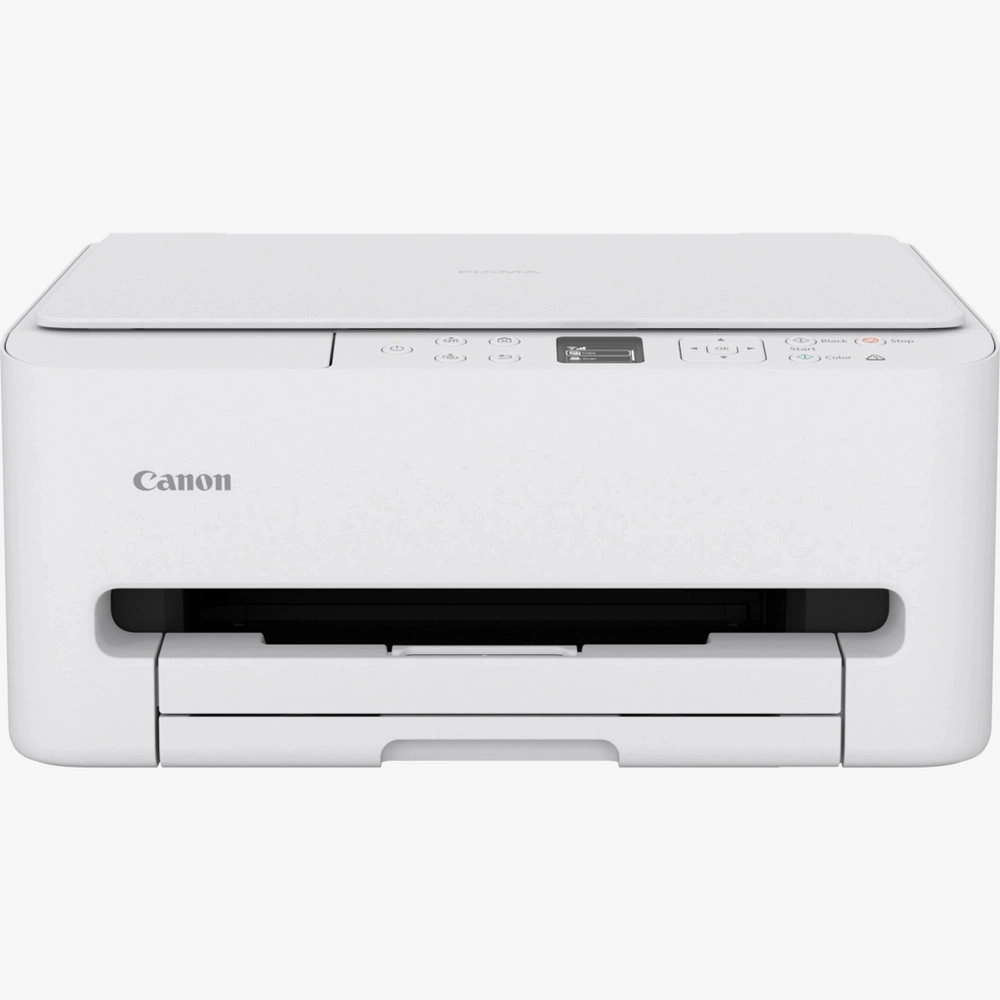
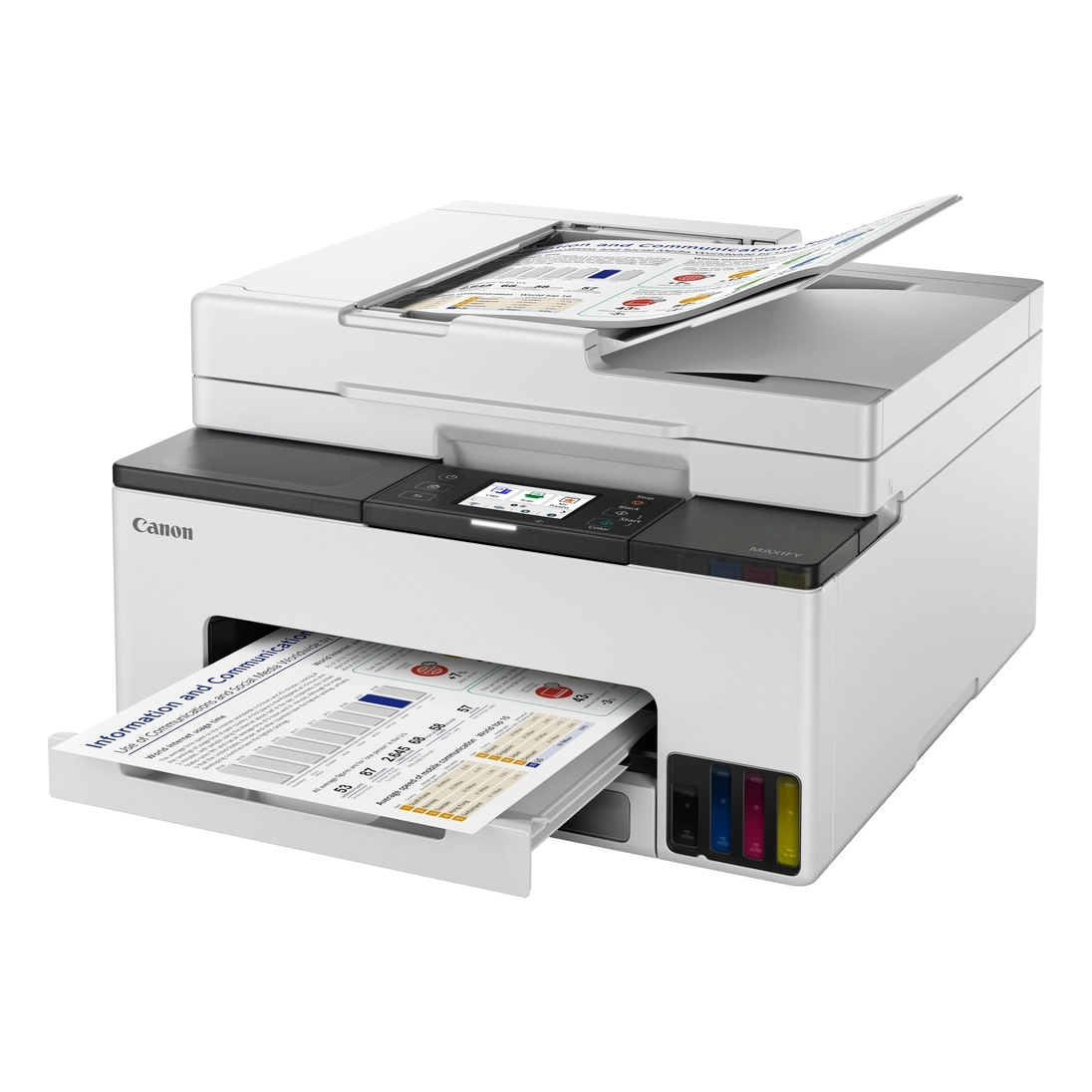
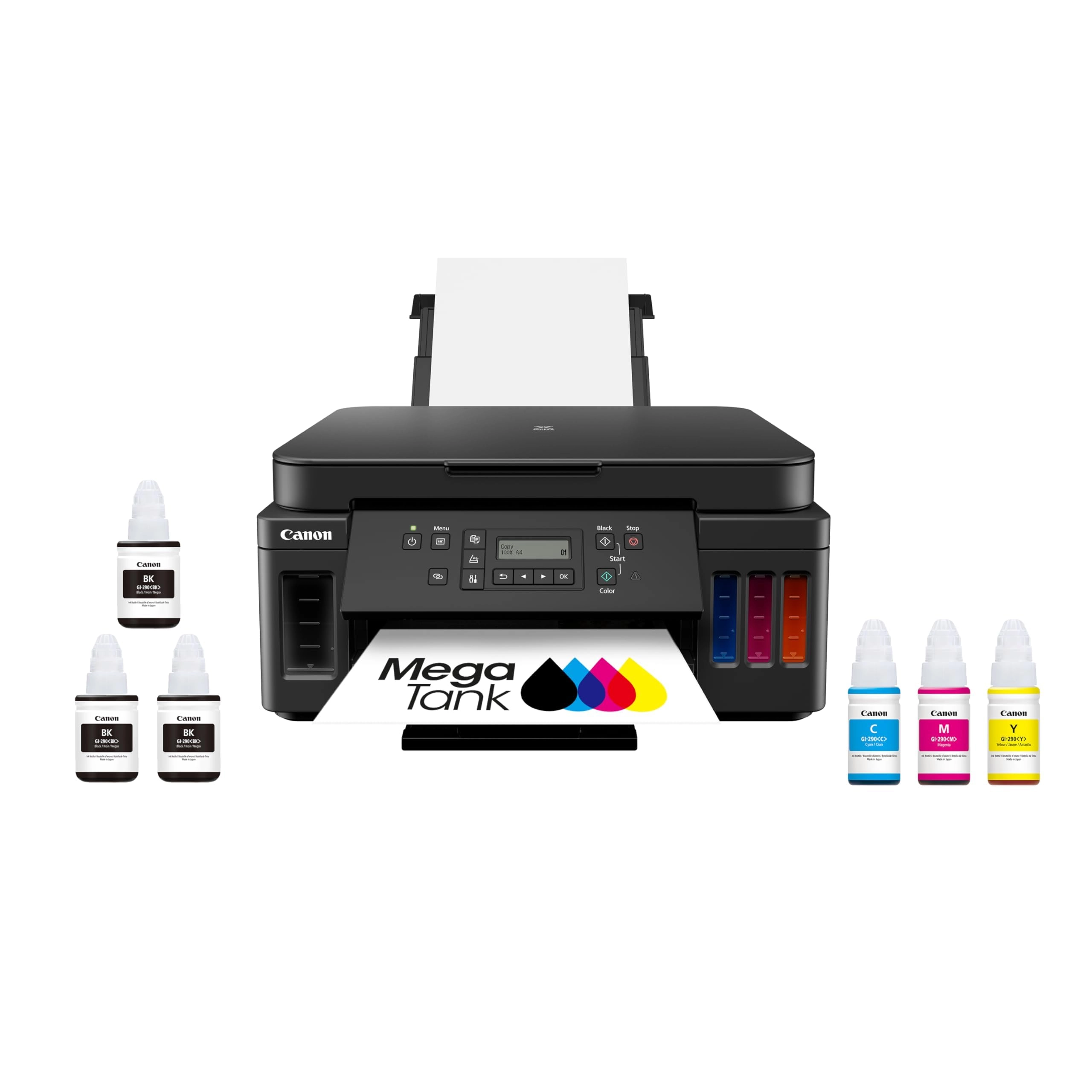
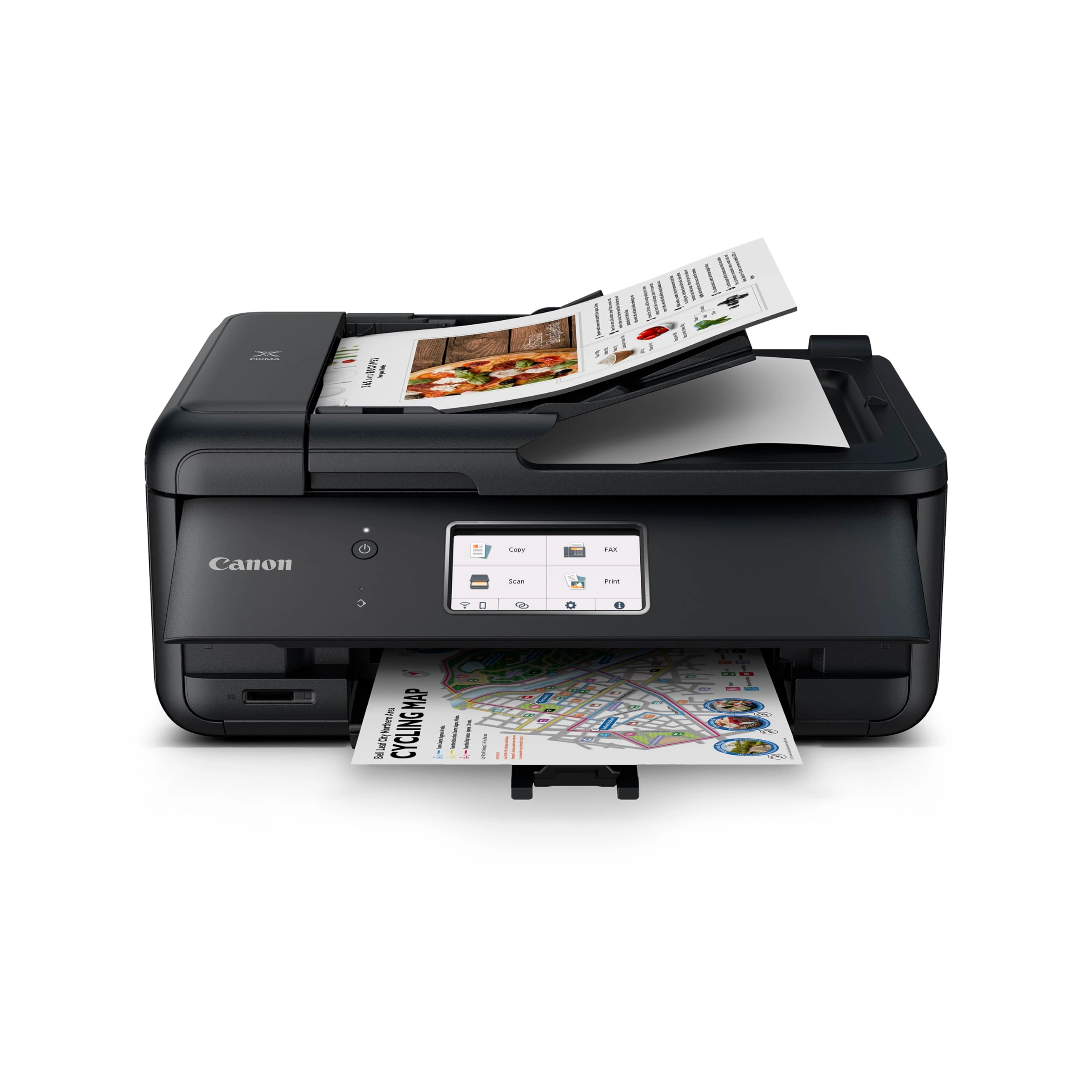
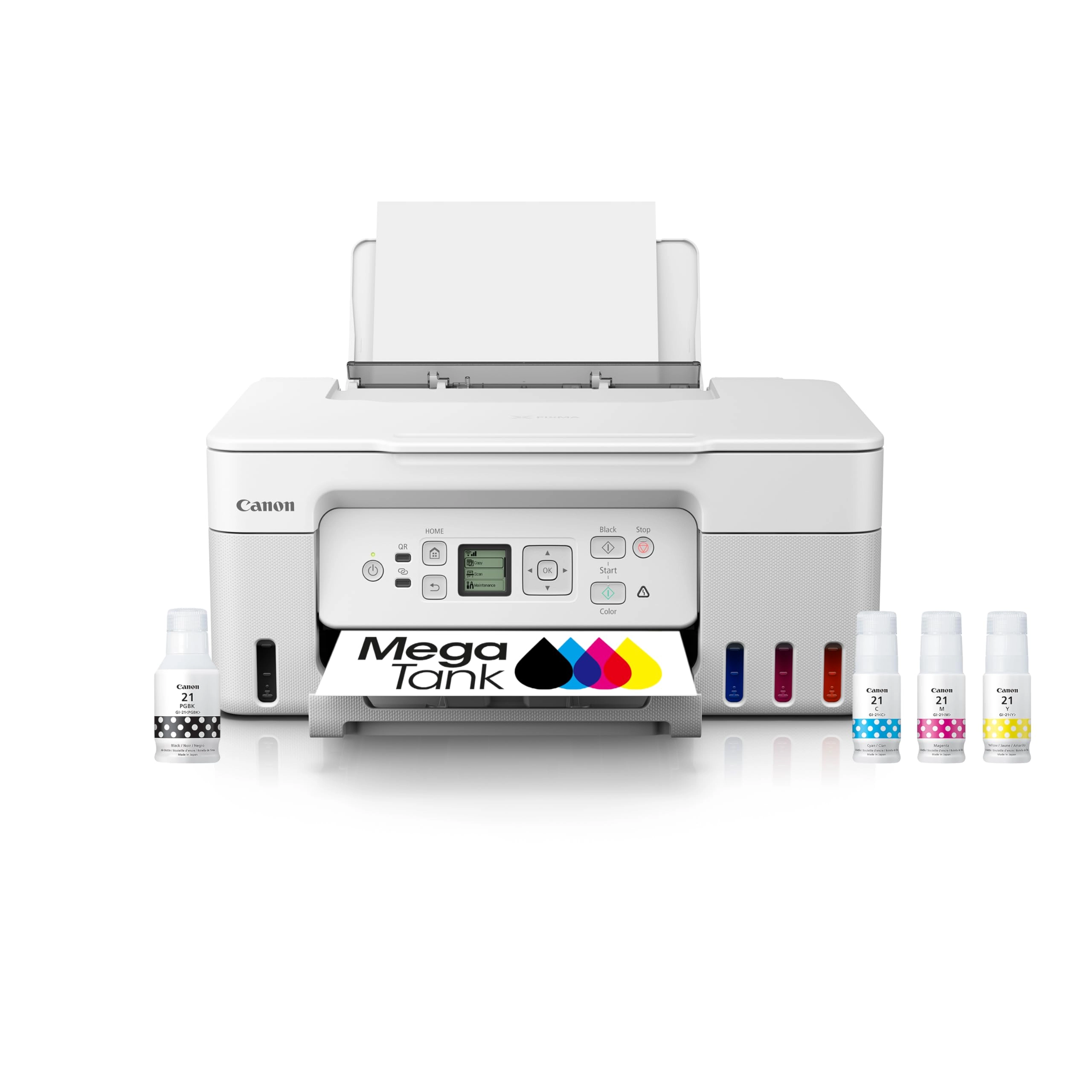
From the manufacturer 8.8/5.0 images per minute (mono/colour)
User-friendly button panel Photo print speed of 60s CIS flatbed
scanner Printer ink levels
Review: Review after using this printer for over an year - I am
writing this review on this printer after using it for over a
year. In this year, I printed about 2000+ pages both color and
black&white. So my review is based on observations on them. ===
Print Quality === This is definitely the brightest point with
this printer. I used Epson ink tank printer earlier and were not
satisfied with the results of it. But this Canon printer makes
the cut. I am amazed to see the results of the printing both
color and B&W. I printed many photos on photo papers and the
results were better than the inkjet printers. === Ink Longevity
=== This is another biggest selling point of this printer. The
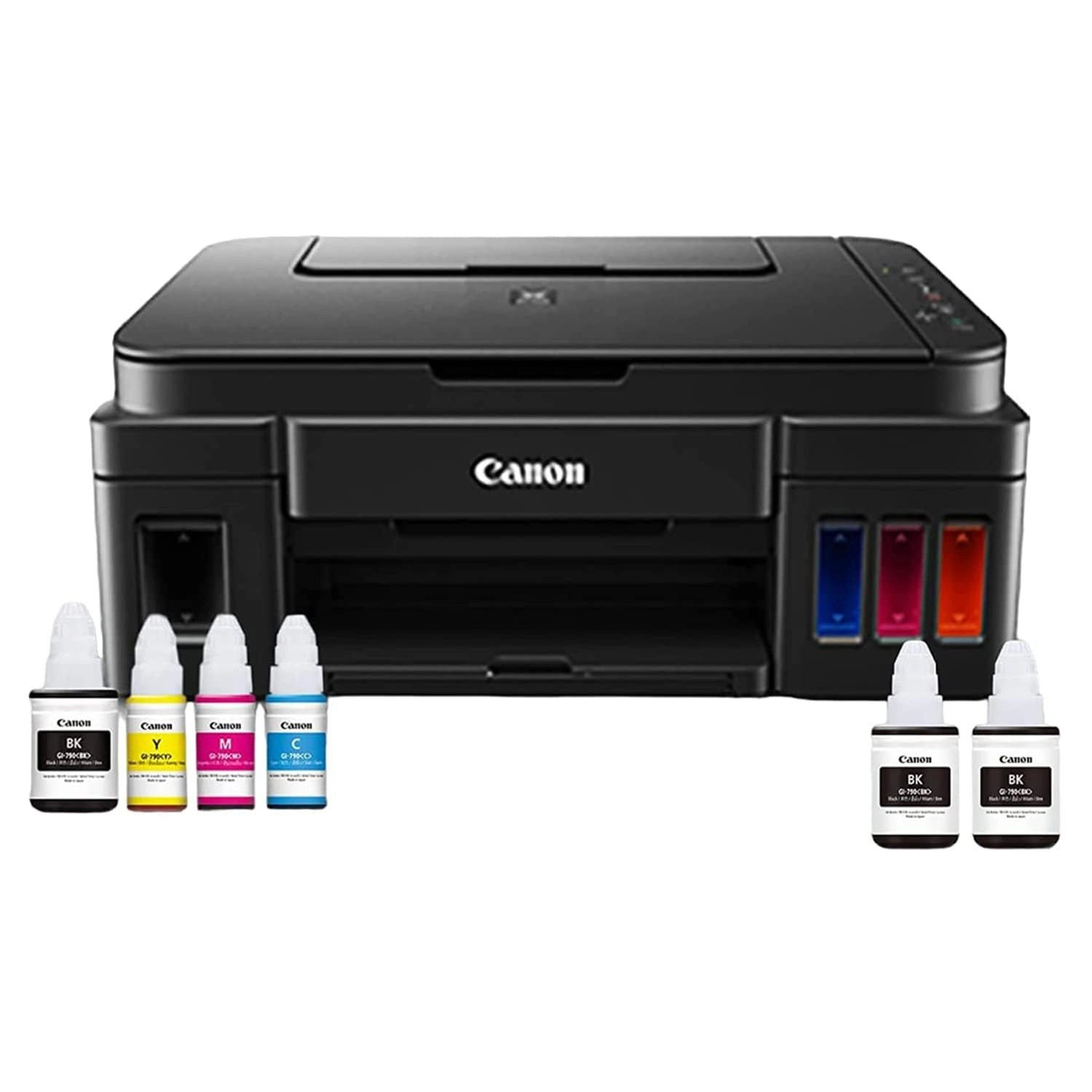
printer came with 4 ink bottles - Black, Cyan, Magenta, Yellow.
After printing over 2000 pages so far (photos and documents) I
still see 50% of the ink left. === Ease of Use === I can connect
this to my wifi router and get started in 5 minutes. All I need
is to read the instructions carefully. And voila, all my devices
- Computer, Laptop, Mobile and iPad - can print without any
hassles. They can detect the printer and starts printing just in
minute. === Paper Feeding === In my more than one year experience
with this printer, I never faced a single paper jam. If at all
something happens, check paper feeder if any small objects stuck
accidentally. === Scanner === Not used much but overall quality
was ok. If you want crystal clear scans, this is not for you. ===
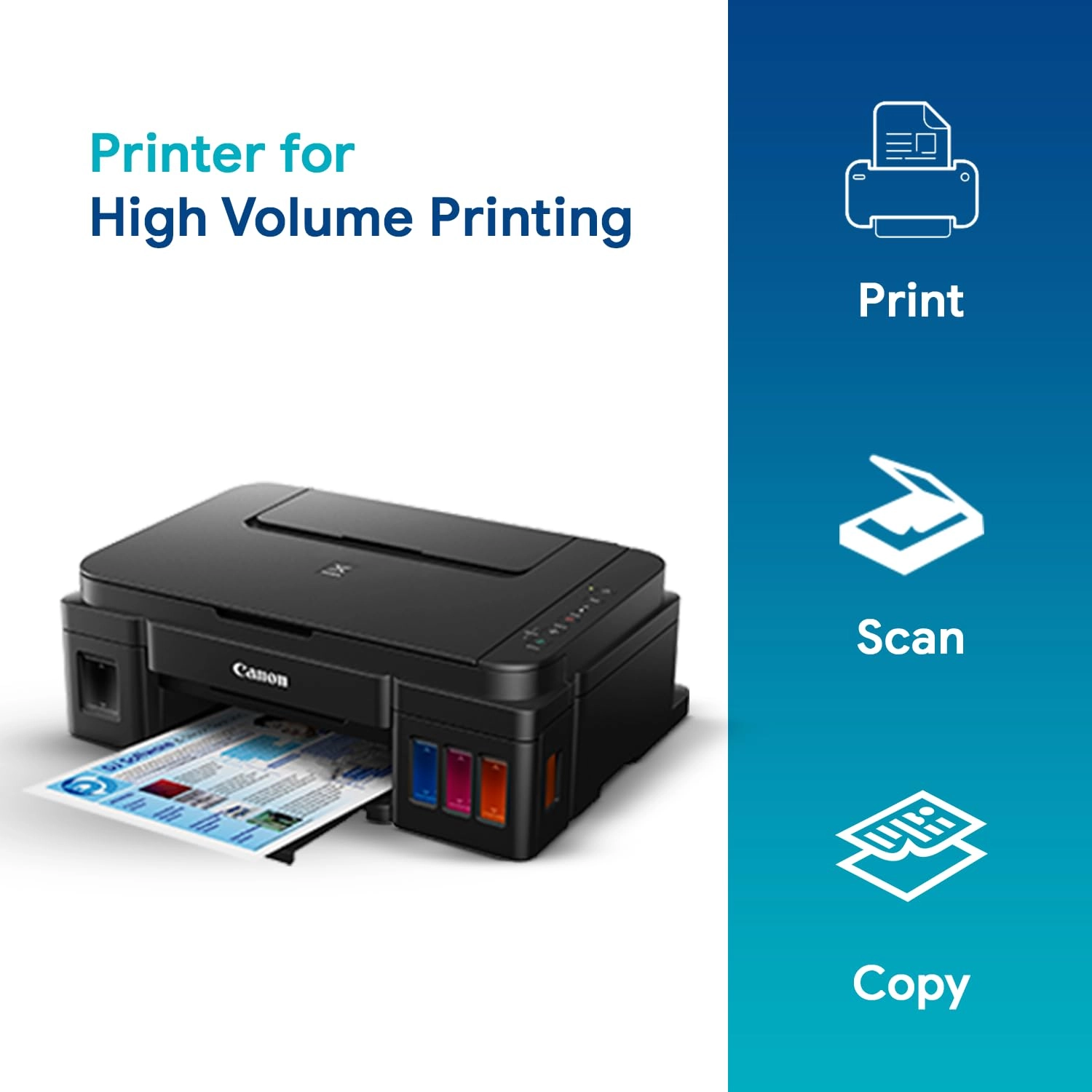
Copier === Its just a click of button. Keep your document inside
the scanner and click on blabk or color button. Your document
copy is ready. === Issues === So far I came across only one
issue. The printer orange light starts blinking and the messages
shows that the ink cleaner bed was overflown and needs a service.
But I followed the instructions on Youtube videos, cleaned the
ink cleaning bed and cartridges for 4 to 5 times and then the
printer came back to normal. But this took over 4 hours to
understand and solve the issue. === Advice === 1. Do not perform
system cleaning too many times. This will cause overflowing of
tank on ink cleaner bed and malfunction your primter. 2. Do not
use cheap paper, use paper such as JK Sparkle etc. 3. Do not
print photo prints on normal paper, use photo paper or thick
paper. 4. Make sure to print few papers at least once a week with
all colors. This will reduce color logging inside the tubes.
Overall, I am very satisfied with this printer and the quality of
prints it gives you. Update 11/11/19 I faced one more issue after
long time. The printer unable to feed the paper and I couldn't
find any object inside the feed. After two days of struggling I
came up with an idea of reverse feeding the paper from inside the
printer, i.e. open the top box to see printer inside and switch
off and onthe printer. While stopping, it reverses spinning wheel
and load paper manually to it just in time. Voila, it started.
Review: Good printer but difficult to configure for wireless
connection - Printer: It's meant for regular and perhaps heavy
use. The amount of ink provided wouldn't be utilised even in many
years with occasional use. It stopped working after about two and
half years, perhaps because of low use (ink dried in the line
and/or printer head). I would suggest to use the printer head
cleaning software option once every few months if you are not
using it regularly, to avoid having printer issues due to clogged
lines due to dried ink. It doesn't print on both sides of the
pages on its own. You have to print one page then feed it again
manually if you want to print on both the sides, which is
cumbersome. So, consider a printer with feature of duplex
printing if you intend to print large no. of pages on regular
basis, to avoid wasting paper by leaving one side unused. Photo
printing: I tried it only for a few photos. Quality seems okay
but not great. But I am no expert on this and I don't have much
experience with photo printing at home. Scanner: it's good, no
complaint about resolution/performance. However, S/w is not very
user friendly. If the document is faded, it's difficult to choose
the best mode from many scan modes available. Photocopier: works
well - both colour and black & White modes. OnsiteGo Warranty
(purchased along with printer) I had taken extended warranty for
2 years from OnsiteGo which repaired it free of any charges.
Their service was very smooth and convenient as they picked it
and delivered to my home after a day or two. So, it was a quick
and convenient service. The only issue I came across with
OnsiteGo is that their pick up guy didn't have any Identity card
or authorisation letter from the company, so it was difficult to
ascertain the authenticity of the service person whlle allowing
him to take the printer away. It caused some inconvenience but I
handed over the unit after some phone calls and email exchanges
with the support team. I would recommend to go for OnsiteGo
warranty particularly for items like printers, so that you get
door step service in case of need. Overall, it was good
experience with them.