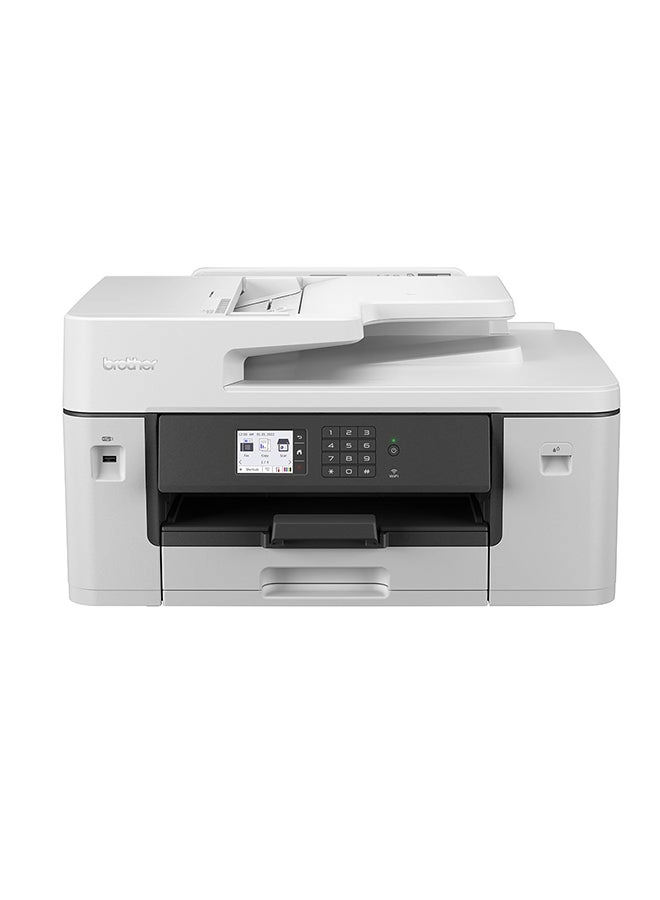
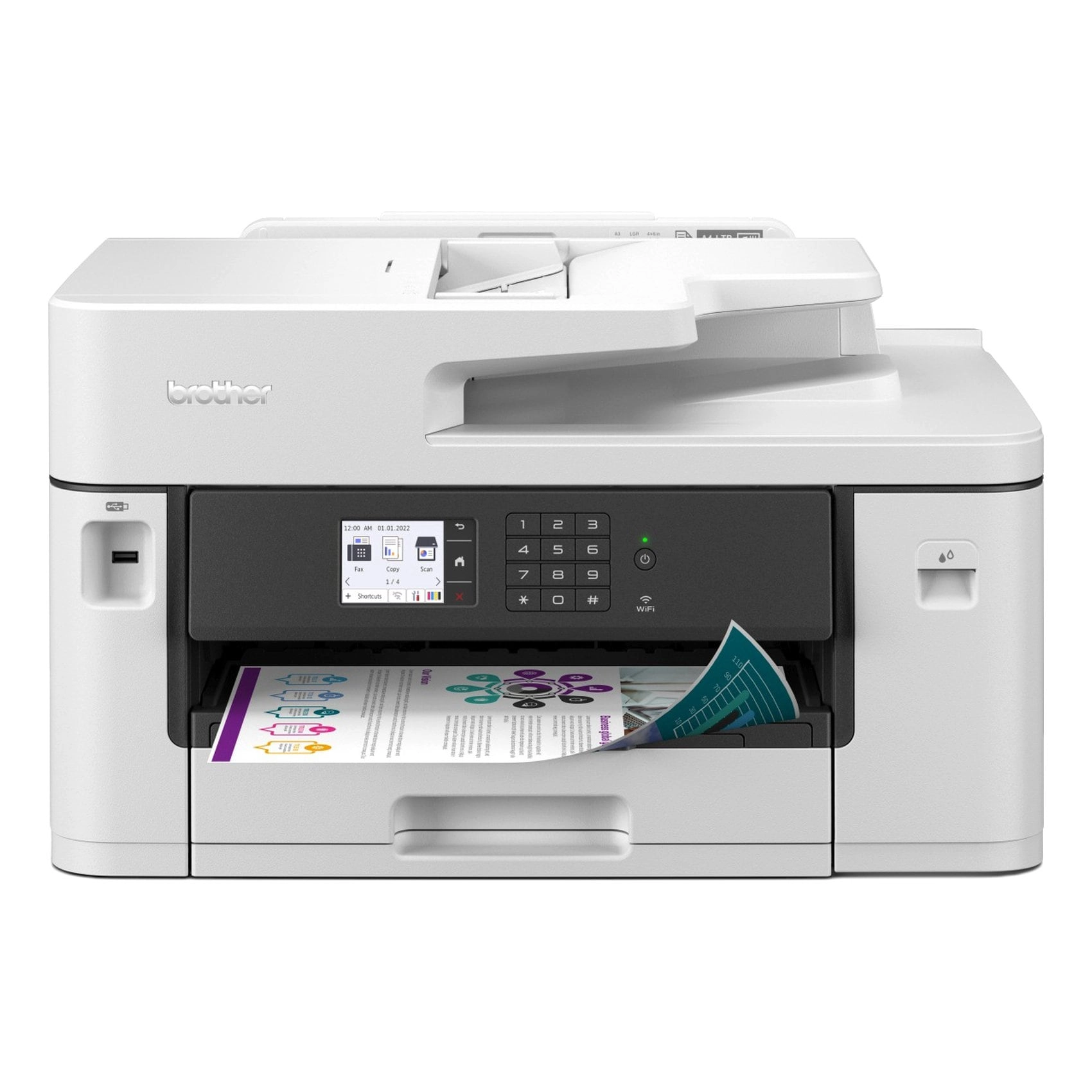
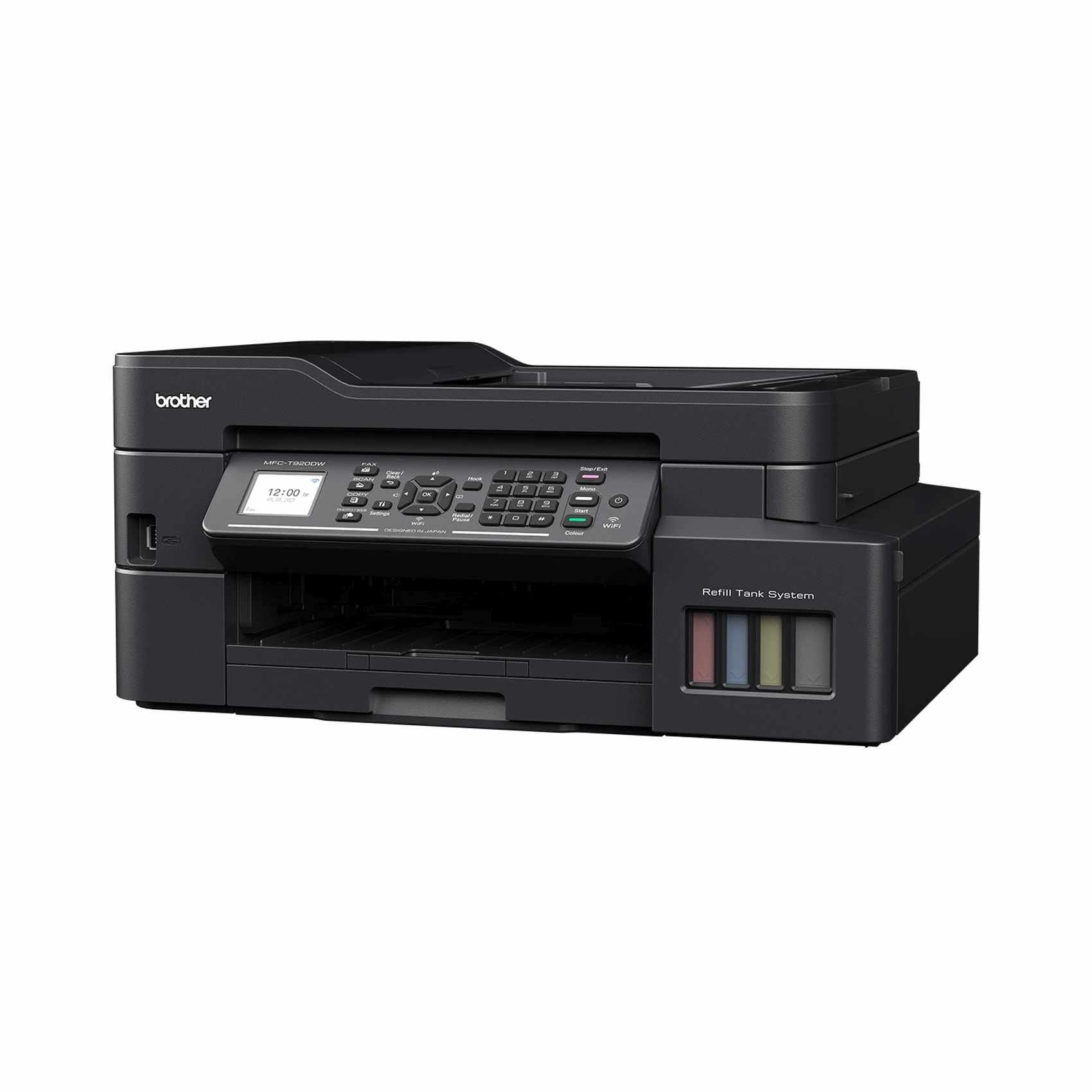
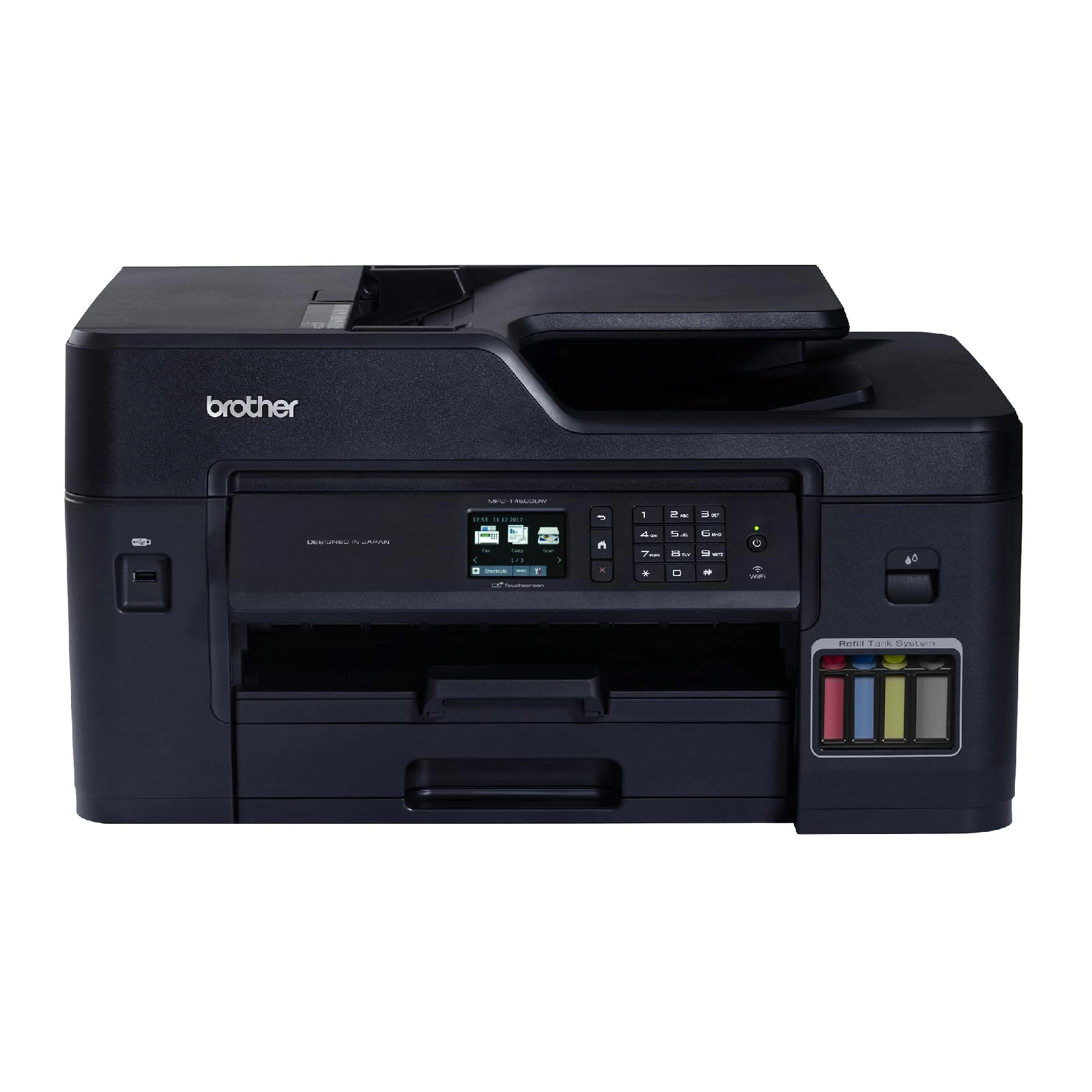
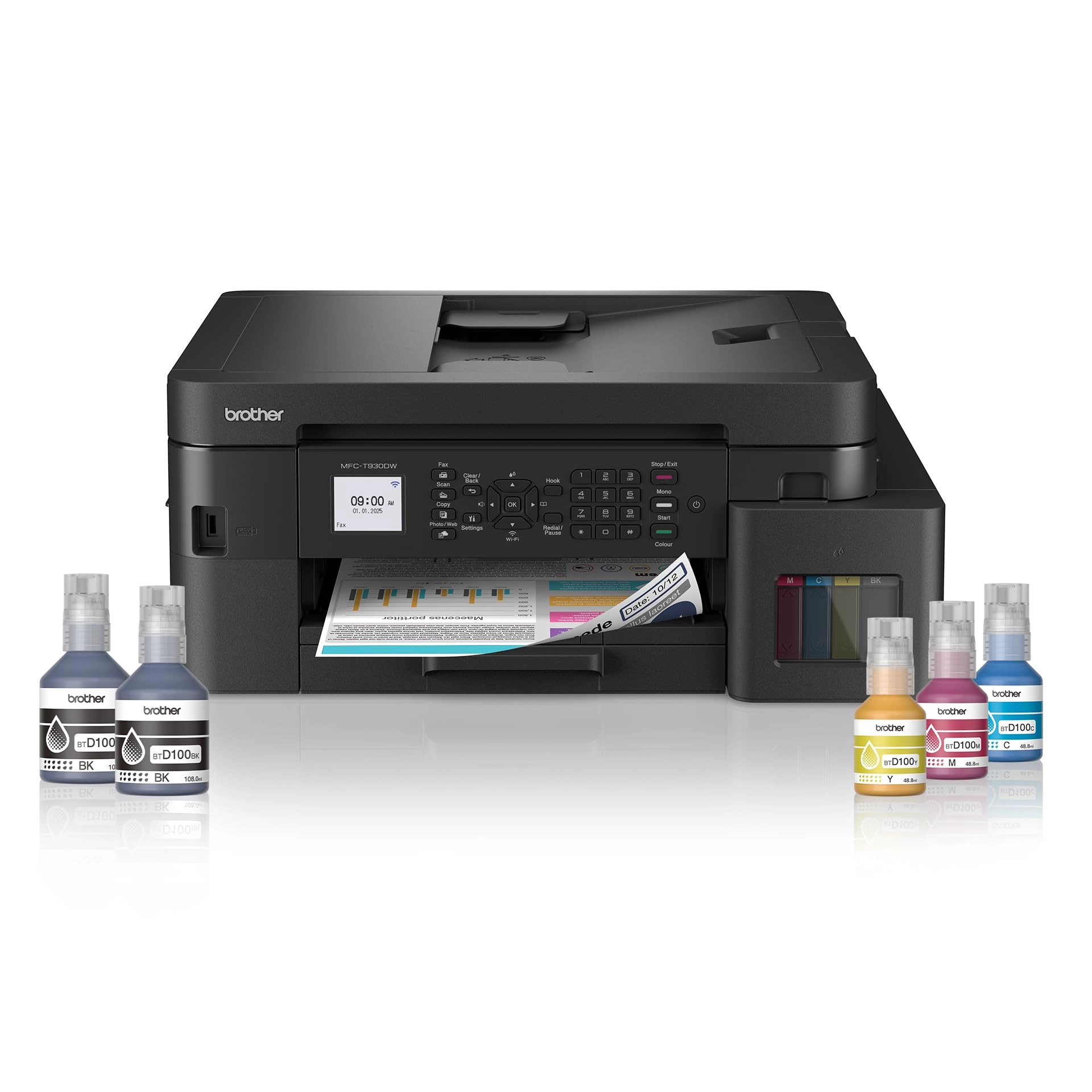
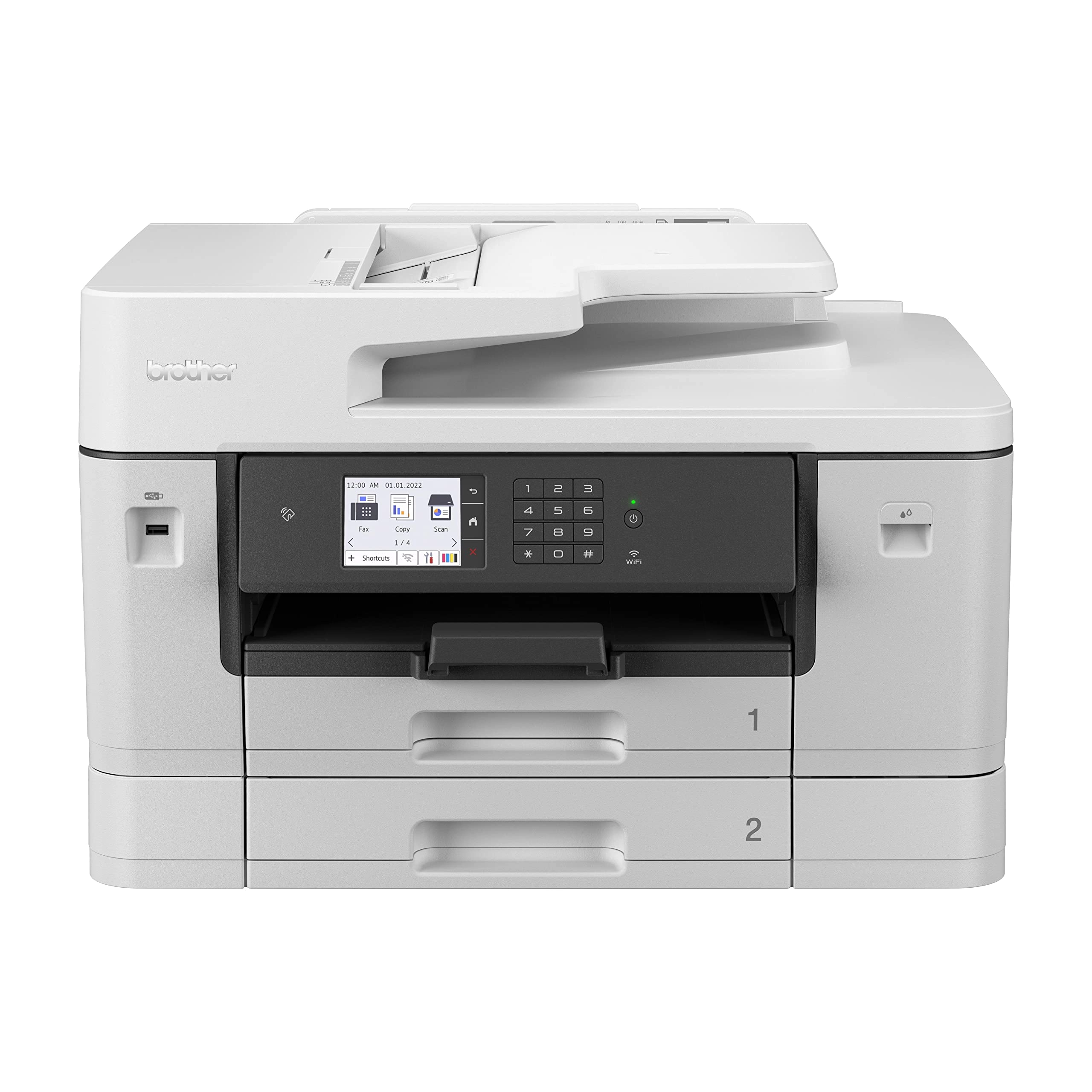
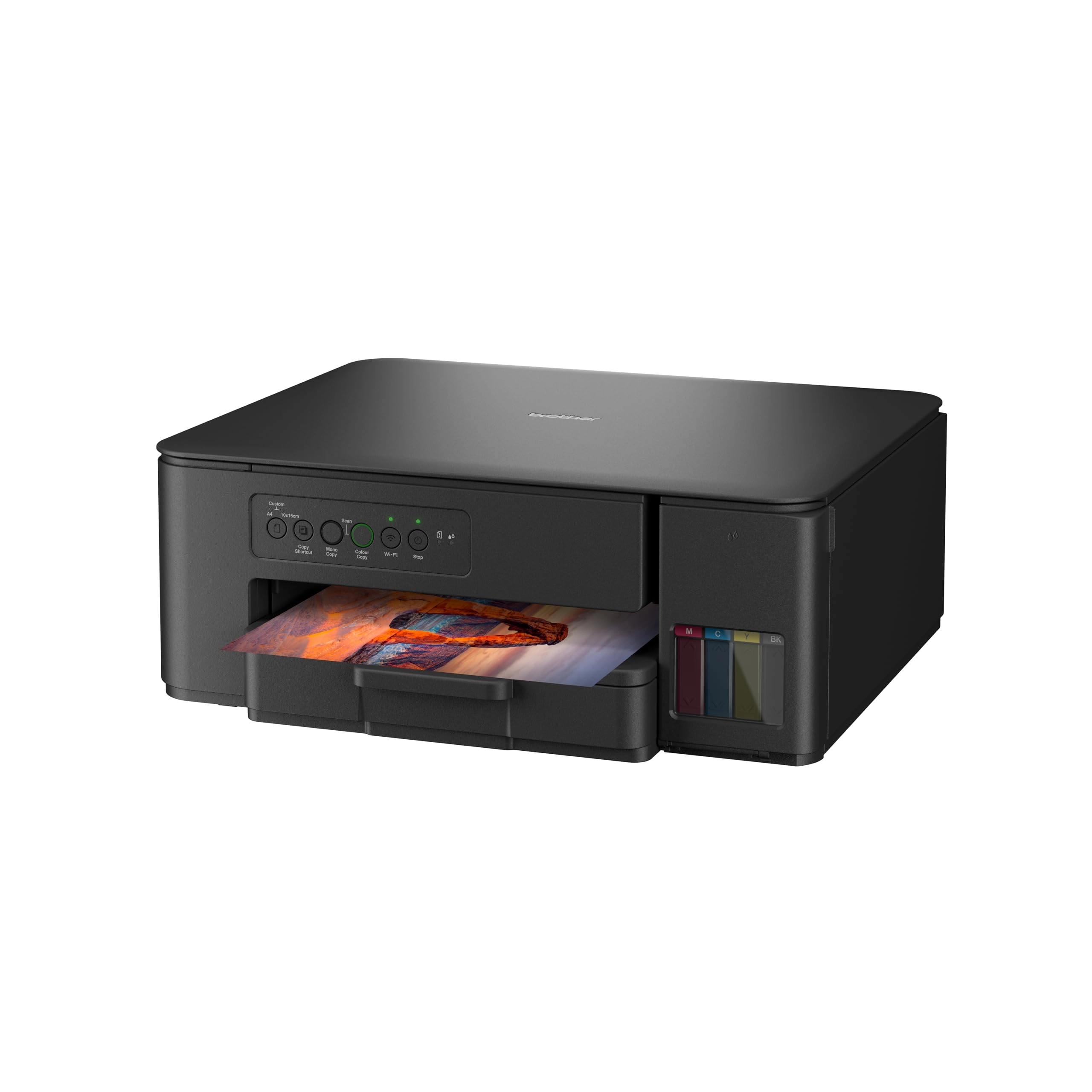
Print, copy, scan, and fax up to A3 size with this 4-in-1
wireless printer featuring a 6.8cm LCD touchscreen, 28ppm print
speeds, and mobile printing capabilities.
Review: All-In-One Office Ninja - in a Business Suit - I bought
the Brother MFC-J5334ODW printer as a middle ground between a
semi-pro home office printer. Just for background: MFC =
Multi-Function Centre - An all-in-one device that can print,
scan, copy, and fax J = Inkjet technology 5340 = Model number
within the series D: Automatic double-sided printing W: Wi-Fi
connectivity There's a more expensive 'E' version with comes with
a 4 month free 'EcoPro' subscription trial. My key decision
factors for buying this were: - Business/Home-Office use -
AirPrint connectivity - Dual duplex function for single-pass
double-sided scanning - A3 capability for occasional larger
format printing and scanning It certainly has a more premium feel
as a semi/prosumer home office printer. Design: The styling is
sleek and modern, departing from typical boxy black printers. Its
predominantly white housing with rounded corners creates a
visually lighter presence that complements my home office setup
without dominating the desk space. While the construction is
indeed plastic (similar to consumer-grade Canon and HP models),
this is expected at this price point. The build quality feels
appropriate for the market segment, balancing aesthetics with
affordability without compromising functionality. But where this
Brother printer stands out is that it looks quite appealing in
it's cream/white livery with charcoal grey front. Features: The
large retractable 2.6 inch touchscreen is a standout
feature—practical, bold, and exceptionally clear with intuitive
navigation. I appreciate being able to execute common tasks like
scanning or printing with just one or two taps, streamlining my
workflow considerably. It has a number of clever openings anf
backdoors which easily allows you to get inside the printer,
change cartridges, remove paper jams etc. Having said that, I've
hardly experienced much paper jams with this printer. Just pay
attention to loading paper correctly. It has an internal external
USB-A slot. It also has Ethernet Port (LAN) Ideal for office use
where a stable network connection is needed or to setup a
home/office LAN print server. The wi-fi is Wi-Fi (Wireless LAN
IEEE 802.11b/g/n). The device connects to your wireless router
for network printing/scanning and supports wireless printing from
laptops, desktops, and mobile devices. But this does not have
Near Field Communication (NFC) or Bluetooth. Ink Cartridge Usage
and Printing Quality: The printer comes with supplied cartridges,
which is a nice touch. However, in practice, after a couple of
months of moderate use (only about 350 printed pages), two colour
cartridges ran out. But of course, this is not a gripe, just an
expectation - I would say compared to previous printers i've had
like Epson, Canon and HP, these ink cartridges last longer. I
only print occasionally as I work paperless when possible. The
actual product information on Brother's website says it prints
550 pages from a full cartridges. The printer takes four ink
cartridges – black, cyan, magenta, and yellow – which come in two
types, the standard-sized LC422 cartridge and the bigger LC422XL
variety. Brother LC422BK Ink Cartridge – Black: about £24.00
Brother LC422C Ink Cartridge – Cyan: about £17.00 Brother LC422Y
Ink Cartridge – Yellow - about £17.00 Brother LC422M Ink
Cartridge – Magenta - about £17.00 or: Brother LC422VAL ink
cartridge multipack - all colours - about £62 The Clip-in ink
cartridges are easy to install via the front loading compartment
to thr right of the printer. Borderless printing works very well,
and both quality and speed are very good. However, compared to
ink tank devices that are now widely available, the cost per page
is considerably higher, which is the one drawback of this
otherwise excellent device. While the printer's price is really
competitive for its quality, like most home consumer/semi-pro
printers, be prepared to spend money on new cartridges after a
few months of use. Paper Handling: Don’t be misled by reviews
stating you can only load A3 paper one sheet at a time. Simply
pull out and extend the paper tray as shown in the instructions,
and you’ll be able to load an entire ream of A3 paper with ease.
It prints a variety of paper types really well—card, glossy paper
up to 300 gsm—but you need to load the document feeder carefully,
ensuring proper alignment with the roller heads to prevent jams.
In essence, treat the printer well—don't just carelessly load
reams of paper, or it will get stuck. The Brother MFC-J5330DW can
handle a variety of paper weights, and the key figure you're
looking for is the maximum supported GSM (grams per square
metre). - Standard Tray (Tray 1): Supports: 64 to 220 gsm -
Manual Feed Slot: Supports: 64 to 300 gsm So, if you want to
print on thicker card stock or photo paper, use the manual feed
slot — it can handle up to 300 gsm, which is pretty robust for an
office inkjet printer. Connectivity: Stays reliably connected to
Wi-Fi.It does not cut out, which is excellent for home office
use. I use the internal USB port for direct connection to my
desktop computer. The device also Includes a convenient external
USB-A port on the front. Performance / Everyday Use: It's very
quiet and unassuming, even when printing. In fact it has quite a
pleasant muted printing sound - compare that to the irritating
screech of inkjet printers of yesteryear. Be warned though, it
does sometimes go into an automatic self-clean cycle - this could
wake you up at 12am if you so happen to have it in your bedroom,
but again, it's very very quiet and muted (almost pleasant in an
ASMR kind of way) and not too disturbing at all. Some stats: -
Fast printing – A4 at around 28ppm, A3 at around 24ppm - < 1 min
for photos on glossy 10x15cm (4x6in) paper - Scans plain text on
A4 at 300dpi in under 5 seconds - Passable prints at Normal
quality setting Document Handling The auto document feeder (ADF)
allows A4 documents to be scanned directly on both sides without
having to flip the paper manually. My girlfriend scans around 100
pages per week via the ADF with no problems, even with sticky
notes attached. The document feeder is possibly not ideal for A3
on a professional basis (speed-wise) but works fine for home use.
My daughter's watercolours can be scanned in A3 at very good
quality via the flatbed, which is fantastic. My Son's high
megapixel DSLR photography prints come out really well on glossy
paper too, but It'll make you cringe at the amount of ink it's
using! When I'm particularly in a hurry, I use the Scan directly
to email or to my Desktop via the ADF and scan directly from my
Mac. Like i say, I bought the printer as a middle ground between
a semi-pro home office printer but also as a casual printer that
the kids will use frequently, but it sits in my home office so I
can control when the cheeky monkeys send 500 print jobs from
their upstairs bedroom to the printer in my downstairs office, I
can control this with the printer queue management software.
SUMMARY All in all, the Brother MFC-J5334ODW does the job well,
both functionally and practically. It strikes an excellent
balance between professional features and home usability, making
it a worthwhile addition to any home or small office environment.
Its combination of A3 capability, duplex scanning, wireless
connectivity, and appealing design delivers solid performance for
everyday printing needs while providing enough advanced features
for more demanding tasks when required. No real complaints, so 5
out of 5 for me.
Review: Better quality and cheaper than an HP printer - This
printer was purchased to replace a 1 year old faulty HP printer .
It is cheaper , quicker, less noisy and produces excellent print
quality. Would recommend