Spec:
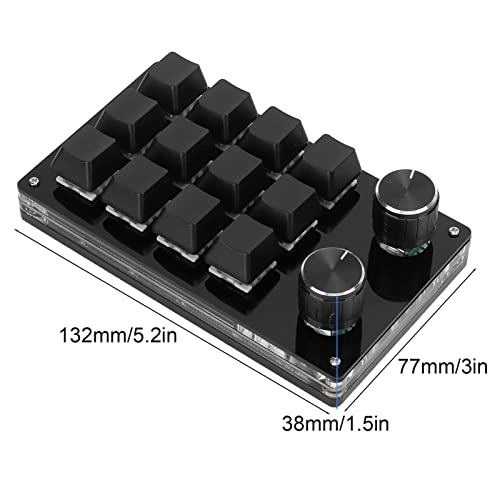
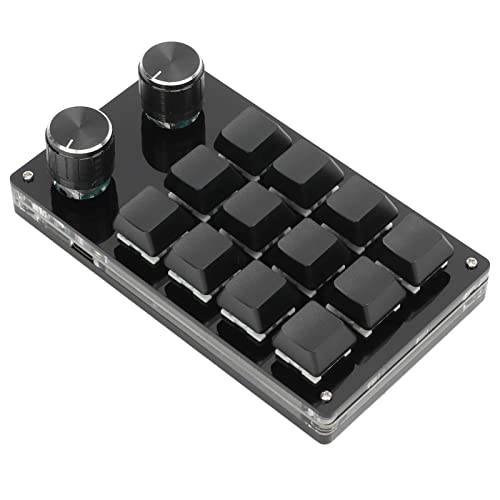
Item Type: Macro Mechanical Keyboard
Material: Acrylic, PCB
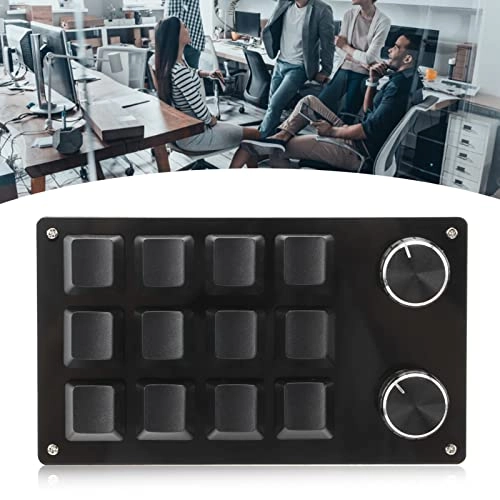
Usage: Suitable for office, games, music, media, industrial control, laboratory, production line testing and other fields
System Support: For , for VISTA, for OS X
Button Life: Up to 50 Million Times
Type: Dustproof Green Shaft
Quantity of Keys: 12 Keys
Size: Approx. 132 x 77 x 38mm / 5.2 x 3 x 1.5in (L x W x H)
Current and Voltage: DC 5V/1A
Working Temperature: -10℃-50℃
Package List:
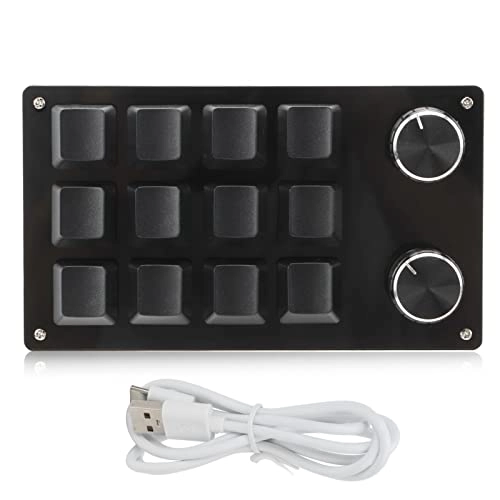
1 x Keyboard
1 x USB Cable
How To Use:
1. Small keyboard, open the custom software on the computer.
2. On the custom software, click the key setting area or Knob setting area (yellow area) and then click the key key1‑key12 or any key of knob 1 or knob 2 (green area) to be set; If selected, it will appear red.
3. Click the function key corresponding to the simulated keyboard on the custom software, click download, prompting download success, the custom keypad can be used. For example, if you want to set small keyboard key 1 as the shortcut key of copy (Ctrl+C), click Key Setting area on the software, click KEY1, then click Ctrl and C on the software simulation keyboard, click Download, and the message download successful is displayed.
Note:
This software can only be run on for system temporarily, try to download it on the PC side of the computer, the setting software does not need to be installed, it can be run directly after opening it, and it will be automatically stored on the chain disk after setting, and then plug it into the USB protocol that supports the USB protocol. Use on for , for OS X and other systems (the first time you run it, pay attention to the release of antivirus software and set it as a trusted file)!