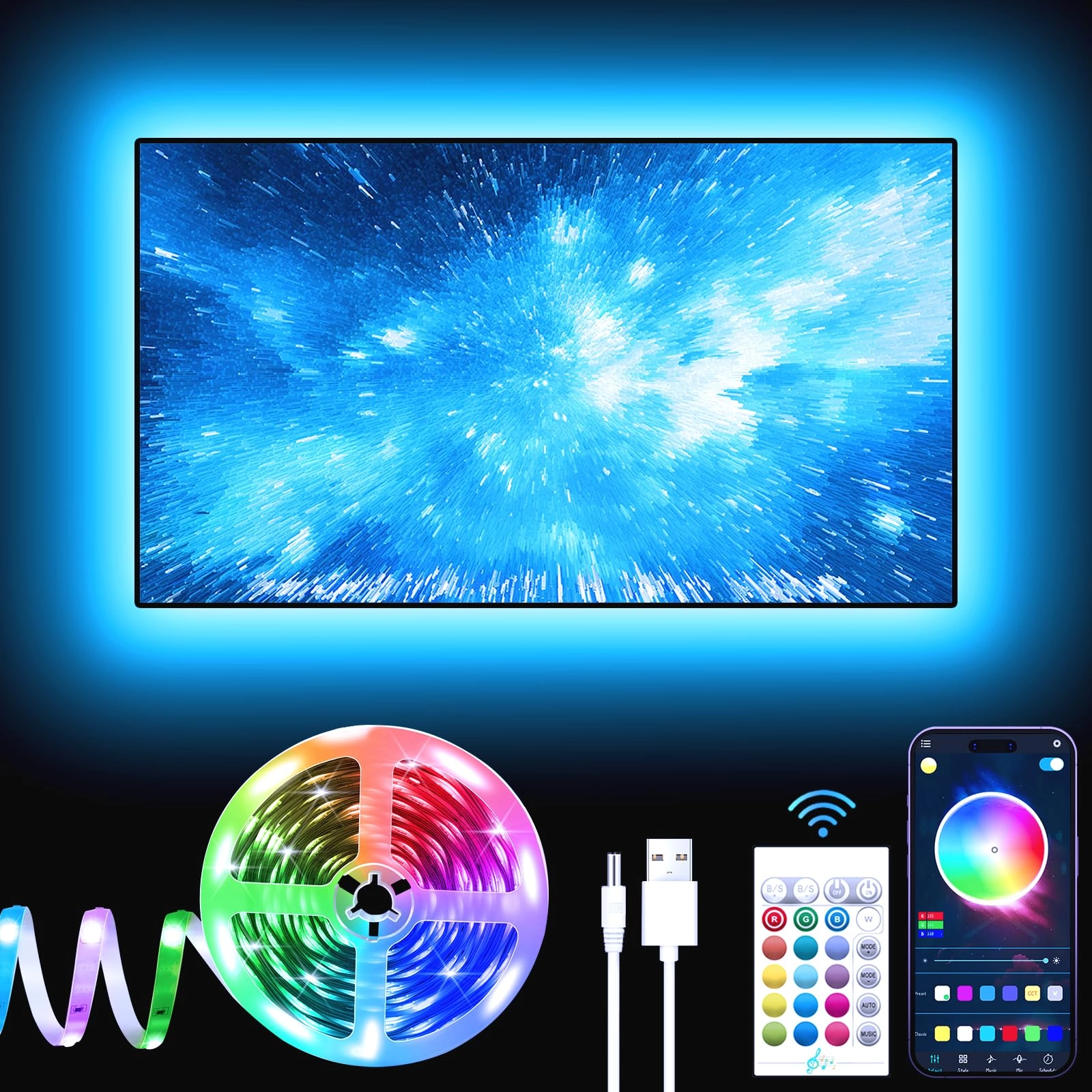
desertcart.com: BASON LIGHTING TV LED Backlight, 14.76ft USB Led
Lights Strip for 60-70 TV/Monitor Backlight, LED TV Lights with
Remote, 4096 DIY Colors TV Bias Lighting for HDTV, PC,Updated. :
Tools & Home Improvement
Review: PERFECT lights to use your imagination. Endless
opportunities and possibilities. Literally. - So.. Do you really
think you need to buy these lights to place on the back of your
TV? LOL, use your imagination! They can be used anywhere. Check
out my photos, they're used for my aquarium stand and seriously
amplify the entire living room. It's quite.. Awesome. I've
received nothing but awe's from everyone when they walk in the
house. I also have these lights hooked up under my 2 year olds's
lamborghini adventador $400 power wheel! Nothing but compliments
and stares from that one as well.. I mean you only live once
right? And you're especially only a kid once right..? So might as
well get him something awesome that he and I would enjoy for many
years to come. These lights add to that joy mentioned. Okay, on
to the lights.. They are perfect for whatever you need it for.
The sensor for the remote works pretty damn far as well.. That's
a huge plus. It will be placed behind a TV with no problem. Plug
the power adapter it comes with in the back into your USB on the
TV and it will turn off and on with your TV. Keep in mind some
TV's (JUST LIKE MINE) keeps the lights on even after the TV is
turned off, but that's only for a matter of 3mins until the TV's
power sensor completely shuts off all power to all accessories,
including USB ports. Again, some TV's are not necessary powered
down until a few minutes later. That's when these lights should
turn off as well. One thing I should mention to the newbies, YOU
DO NOT need to plug the power into the USB on the TV to power
these... any, ANY USB adapter plug will work just fine to plug it
into your wall. That's what I'm doing for the aquarium. For the
power wheel, I use a device called a "power bank". It's basically
a battery that holds charge and you can plug in things to charge
phones or whatever you please. So.. You do not need to use the
USB behind the TV or any USB in general to power these. You can
use your Samsung USB phone charger adapter even if you wanted.
Any adapter that has a USB option to plug into works. What
else...... That's about it. Product works as expected. Excellent
package. Very sticky tape that comes with it for adhesive. Remote
comes with a battery. Also, keep in mind everyone.. If you are
reading this review about these LED lights then be aware that
this review can relate to ALL the LED products you see out there.
For everyone brand of TV back lighting has the same situation, as
far as not needing to use the TV's USB port for power. You can
use any adapter, power bank, Playstation 5, etc. Please, If you
found this review helpful hit the "like" button. I have never got
past helping 10 individuals for leaving a review yet. Okay guys,
I gotta stop typing on my phone now and continue watching this
Bachelorette show on ABC with the wife... Ugh.. I wish I had more
to say.
Review: We are very pleased with installation and results - We're
very pleased with these LED light strips. I've installed them on
a 65" Samsung QLED TV. It looks like all of the criticisms that
others have mentioned in earlier reviews have been addressed. The
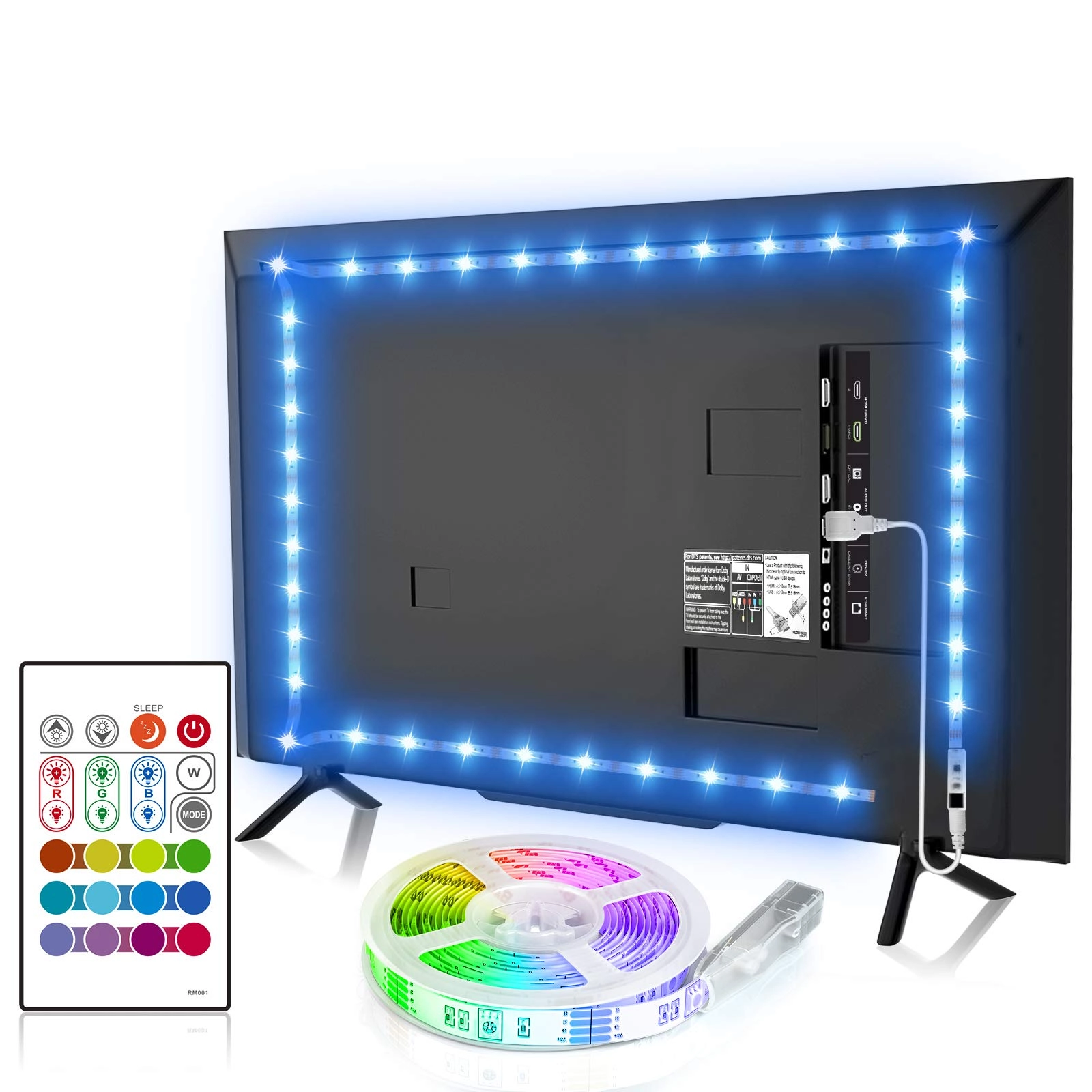
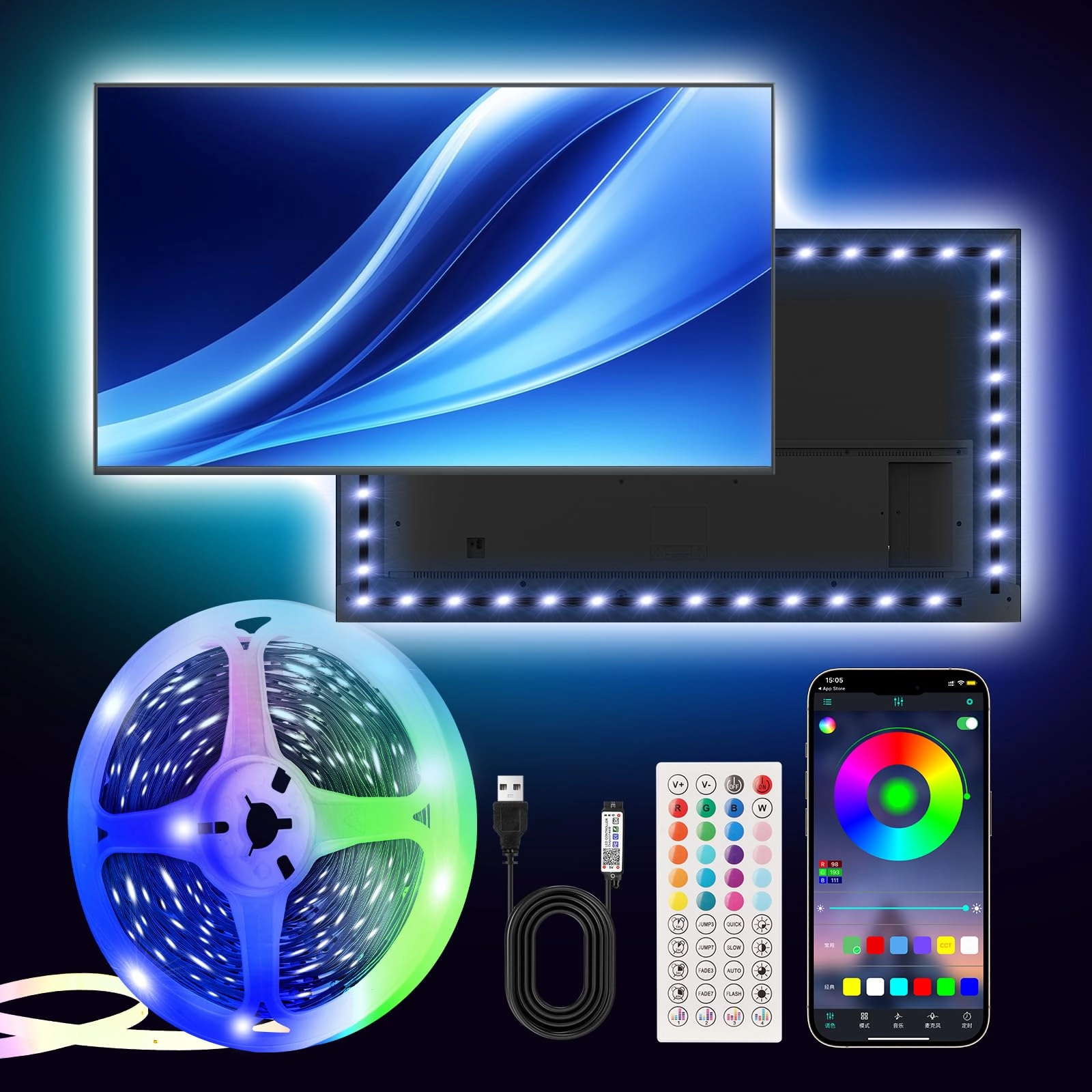
light strips came on a film reel, with all four strips connected
to each other. They separated easily. One end of each strip is a
male connector and the other female. There is one vertical strip
that has the IR sensor and the USB cable, and another strip the
same length for the opposite side of the TV. One long strip that
connects between the two vertical strips, and a fourth long strip
that connects to one of the vertical strips. All four strips have
clearly visible arrows on them so that it is very obvious which
way they should be connected. There are also three flexible
ribbon strips that can fold and twist and are used to connect the
vertical strips to the horizontal strips at each corner. I
connected the whole system together first in a straight line on
the floor to be sure everything worked. It did. Then I took the
advice in some of the reviews and put the strips in place on the
back of the TV using tape to be sure I knew they would fit and
where I should place them. Connected everything again, including
folding the ribbons and tested again. Everything worked. The back
of our Samsung TV is ribbed horizontally so that it looks nice
even if it is in a setting where it shows. I didn't know how well
the adhesive on the back of the strips would hold, but after a
few days it is still holding well. I did use the alcohol wipe
that Bason supplies to wipe down the area where the strips would
be attached before I put them in place permanently. The adhesive
side, labeled Bason, came off easily. In one place the outer side
came off a bit but left part of its backing on the adhesive. That
was easily corrected with a fingernail. The USB cord that is
permanently attached to the sensor end is white and very
flexible. I wish it was longer. The Samsung TV uses a
"OneConnect" box and allows all the cables to be hidden, even in
a table top setting like mine. The USB connection is in the
OneConnect box and the roughly 18-24" cable couldn't reach. I
bought a USB extension cable and was able to route it through the
TV stand so that it is hidden too. The remote is easy to use.
Since the sensor is hidden on the back of the TV we find that the
Bason remote isn't strong enough to operate the lights from our
normal viewing position. But not a problem. We tend to keep the
room pretty dark, at least in the TV area, at night. We turn the
lights on as it gets dark outside and leave them on until we're
through with the TV for the night. They use about 2.5w at a low
setting and 4.5w at the max setting. We have been keeping it one
setting brighter than the lowest. We just use the Bason remote
and move closer to the side of the TV and then the sensor does
pick up the IR signal that bounces off the wall. I've also added
the Bason lights as a device on our Harmony remote. They're in
the system. The Harmony puts out a strong signal and that can
control the lights from any where we are sitting. We picked a
color that comes closest to the wall that is behind the TV. We
got this to make my wife more comfortable. Abrupt changes in
light on the TV are uncomfortable for her and this backlighting
is creating a more pleasant environment. We think it has been a
good investment.