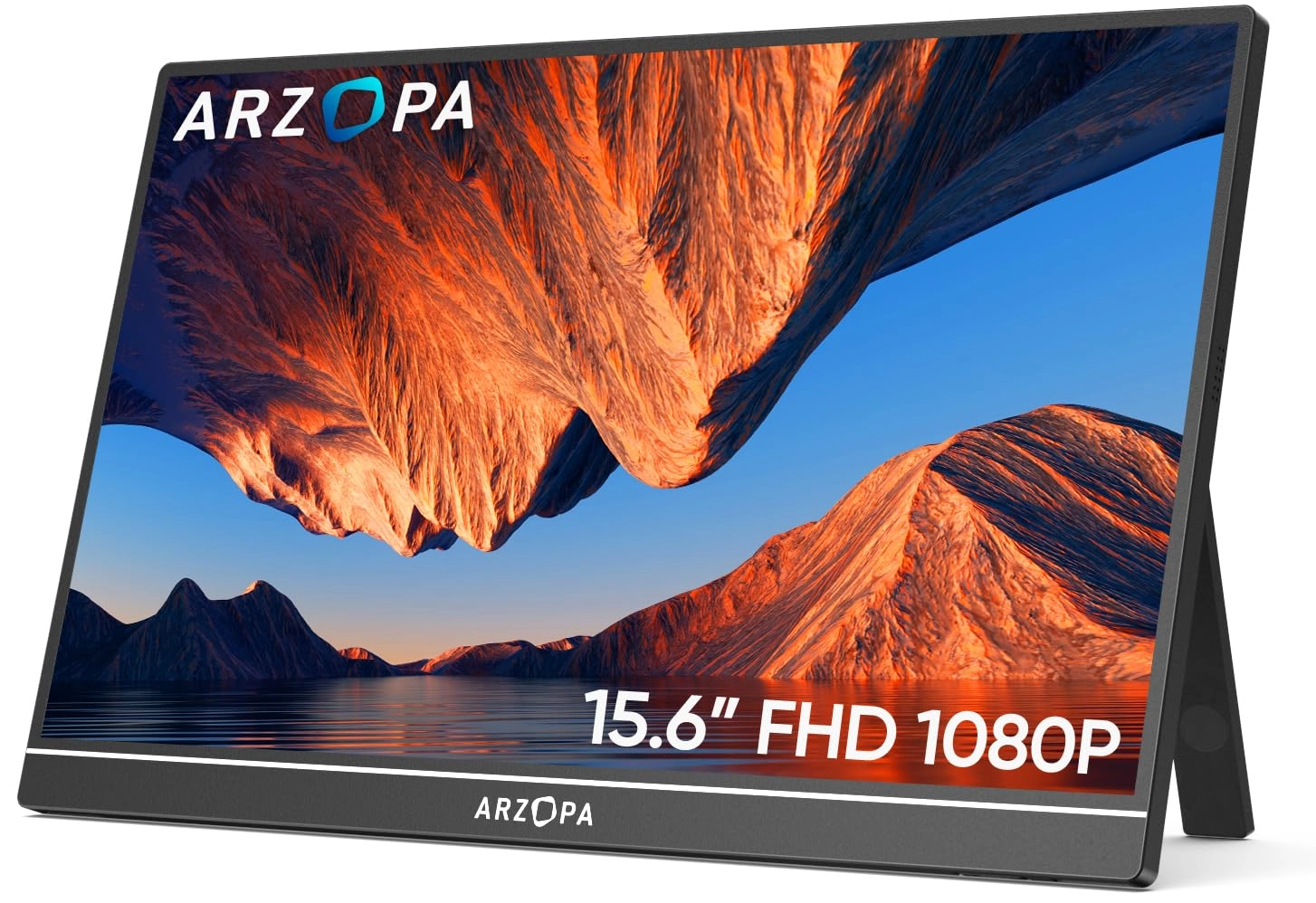
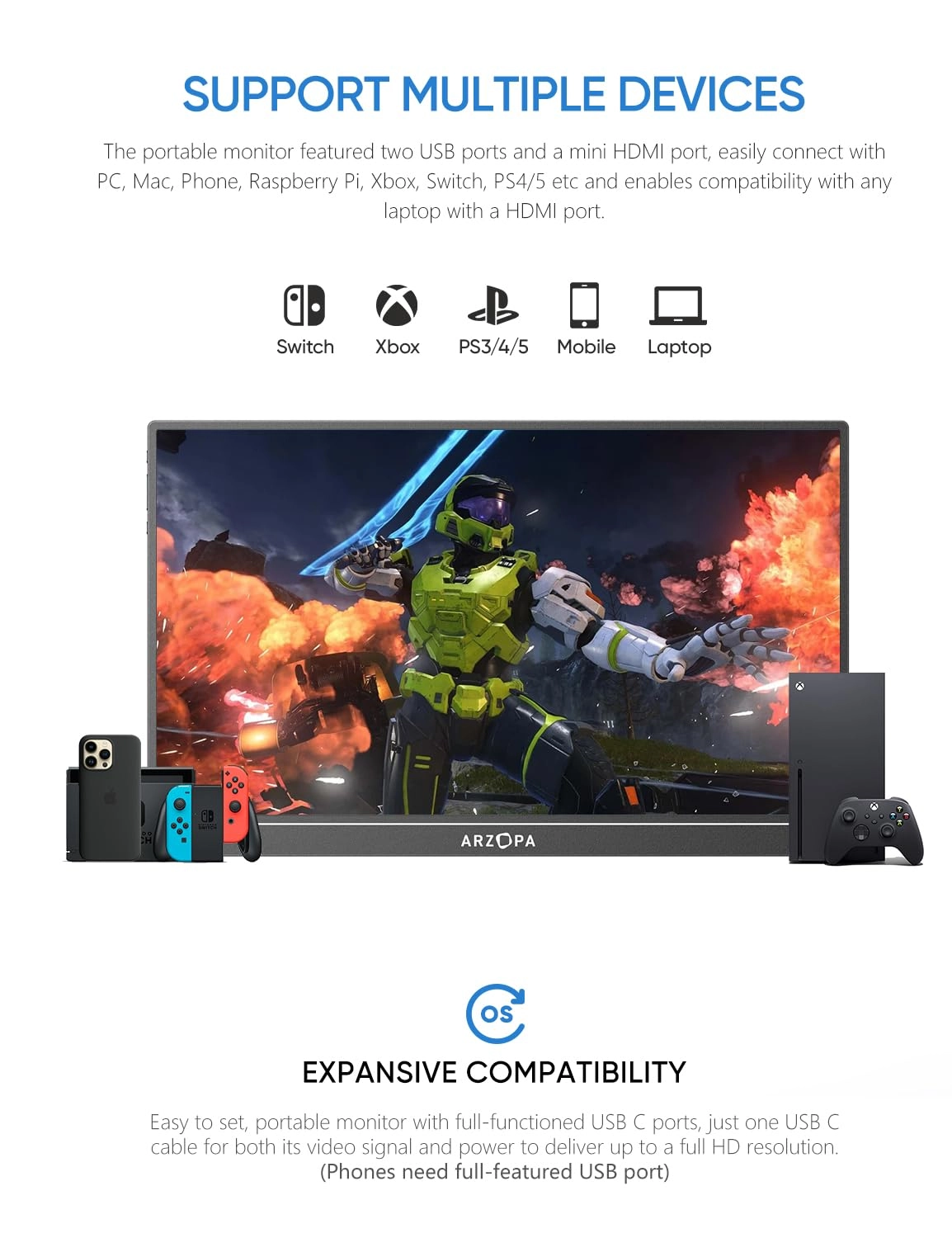
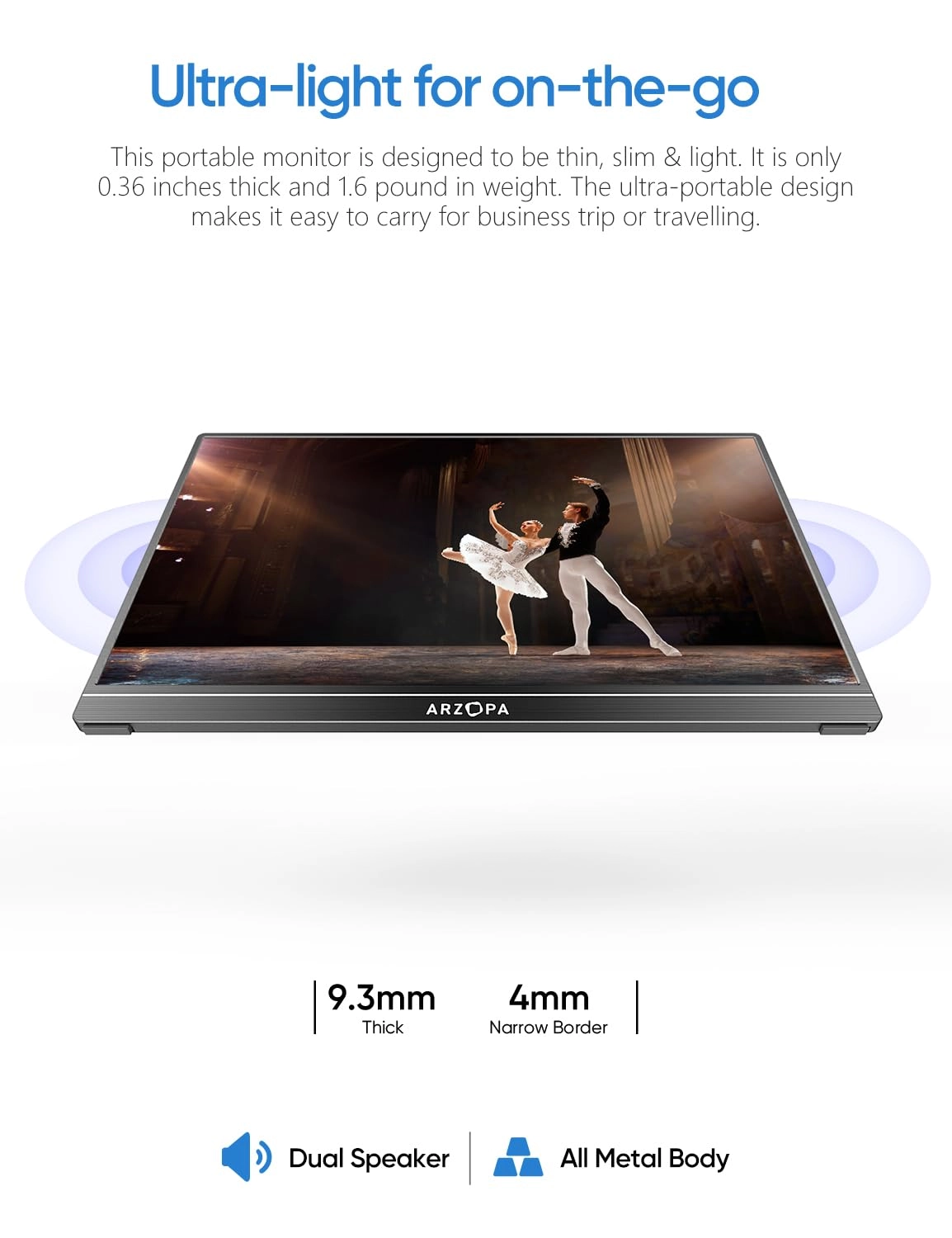
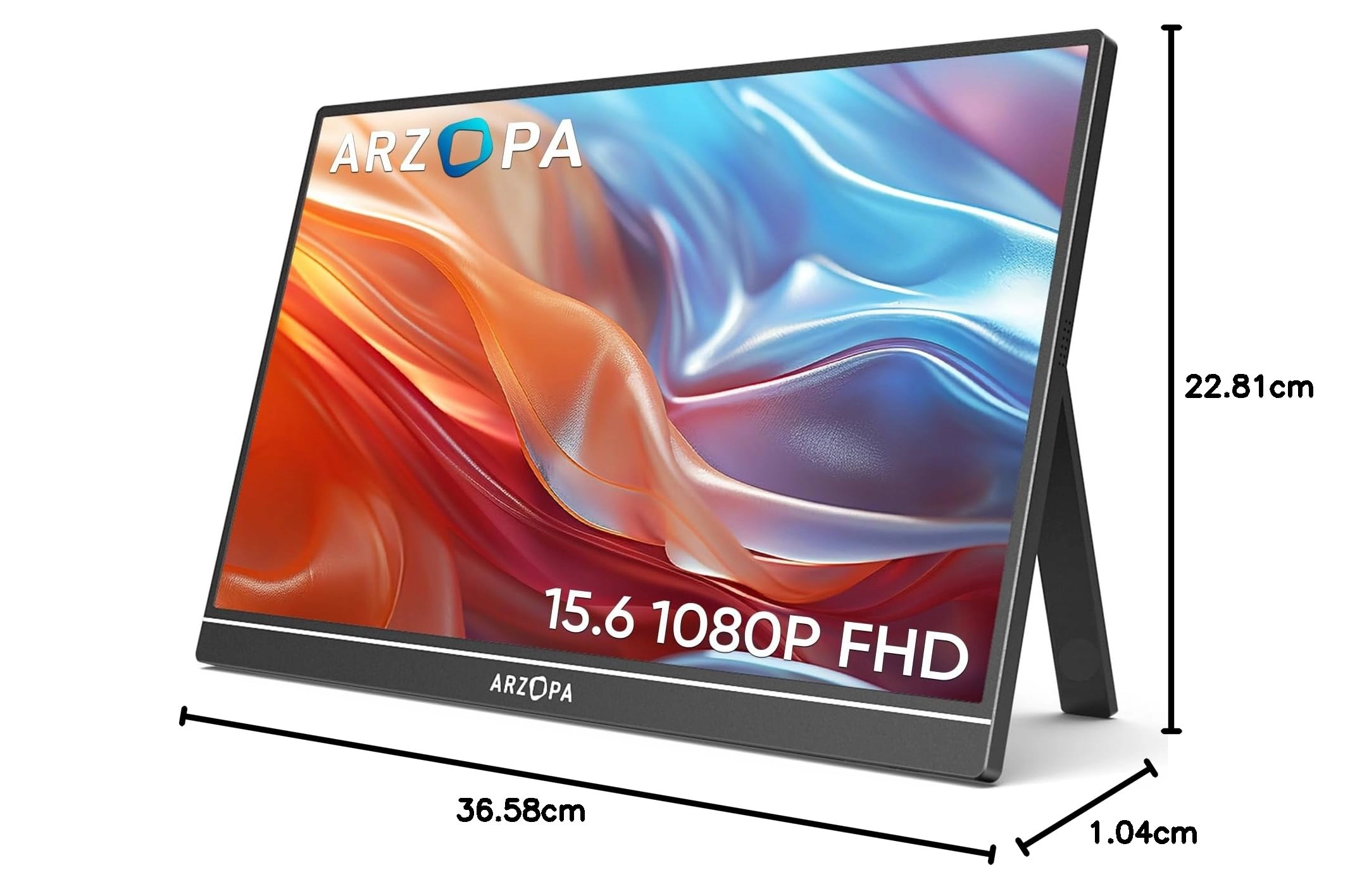
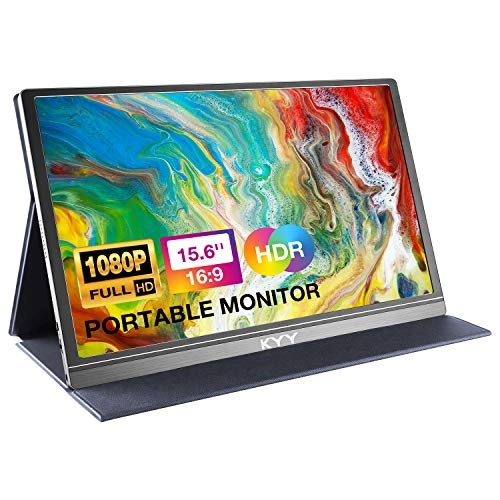
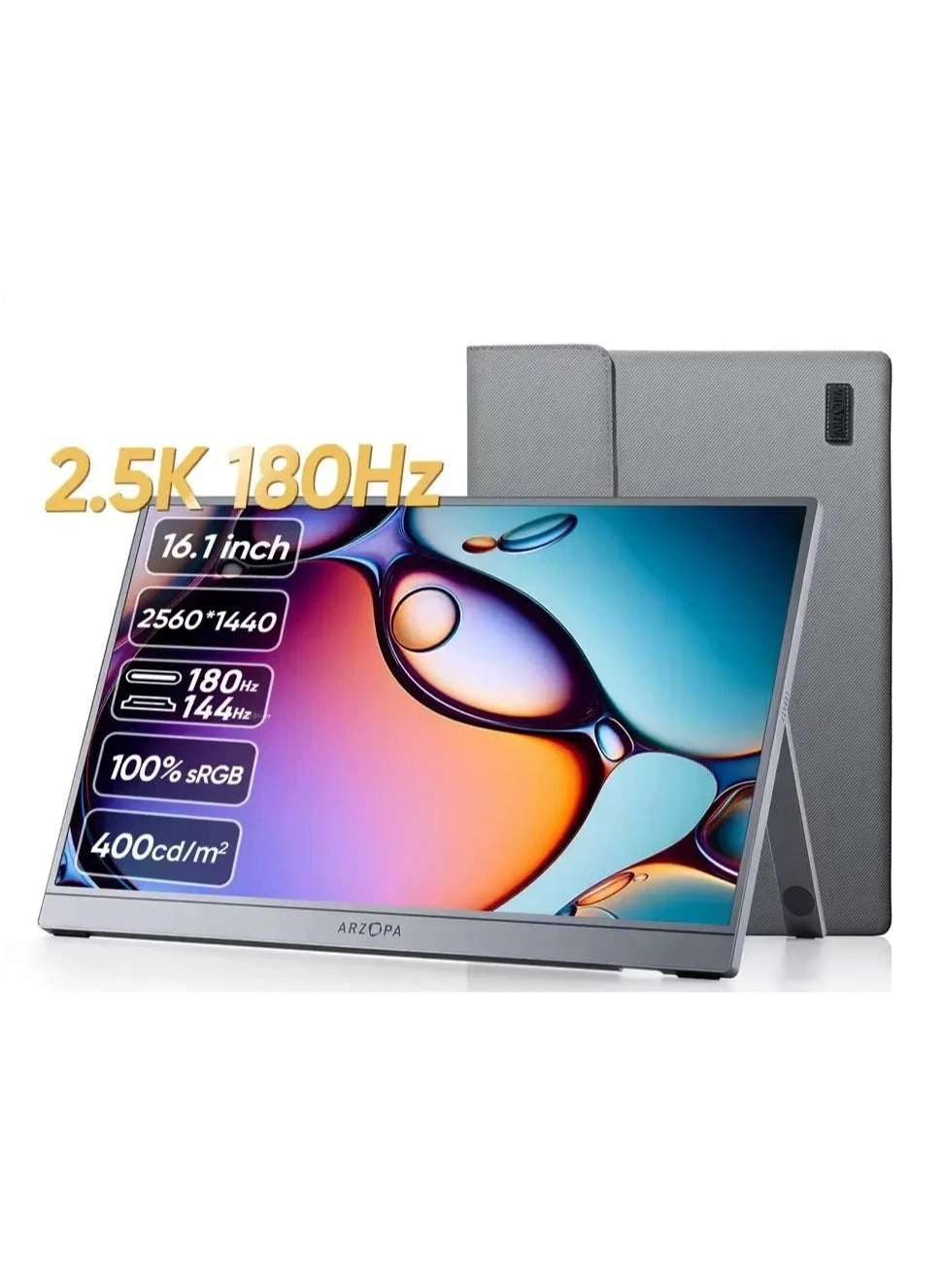
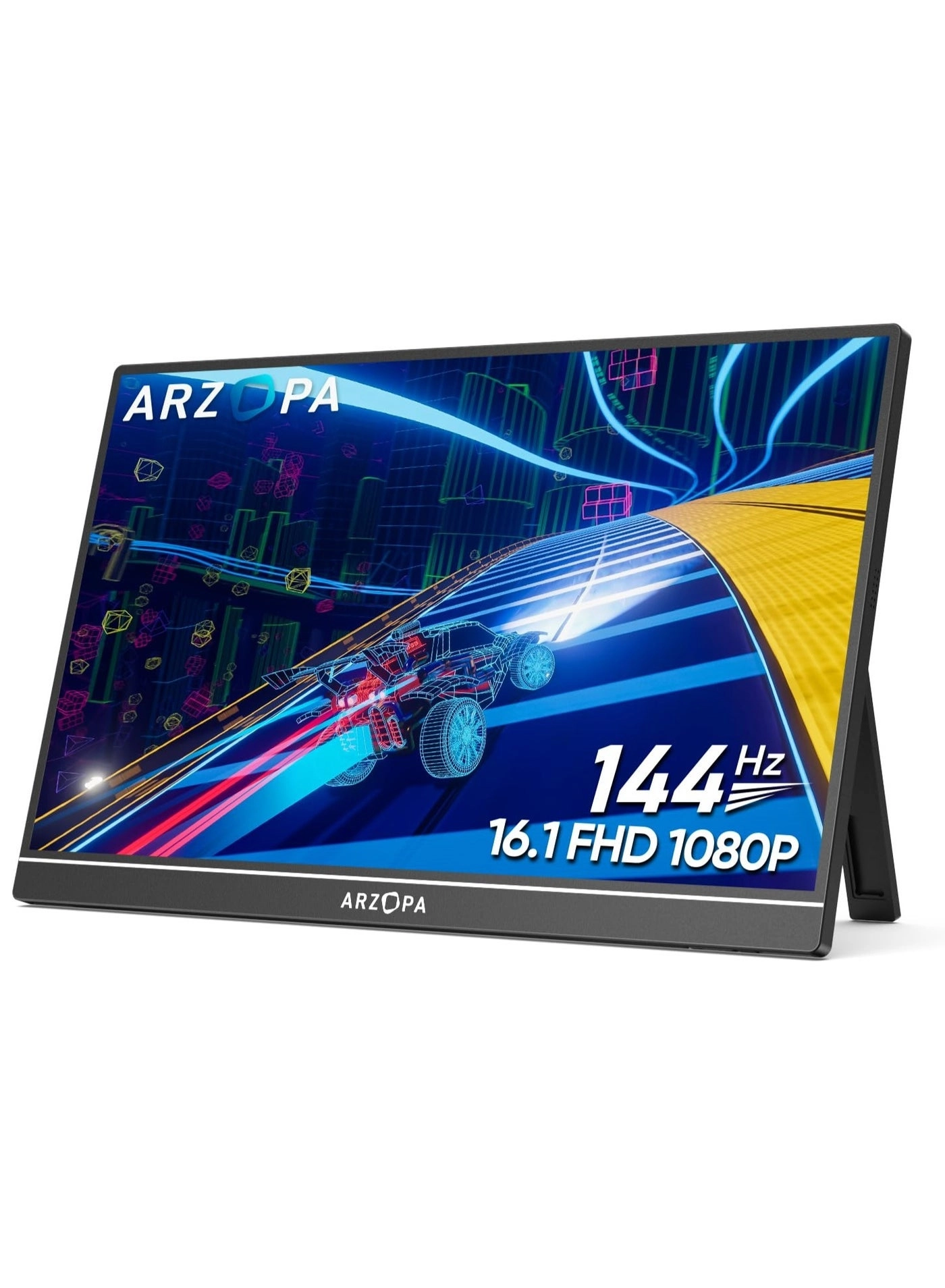
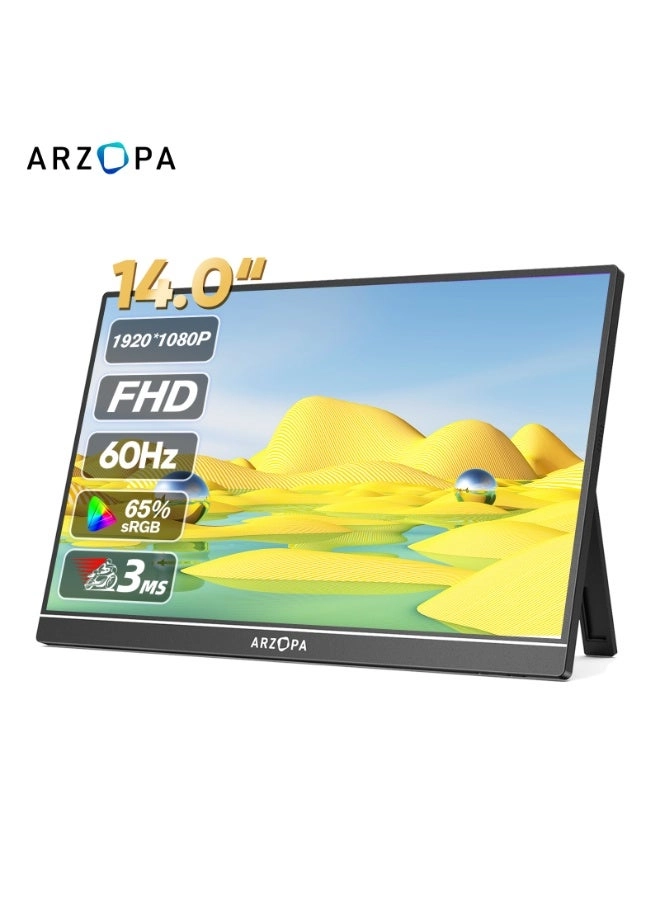
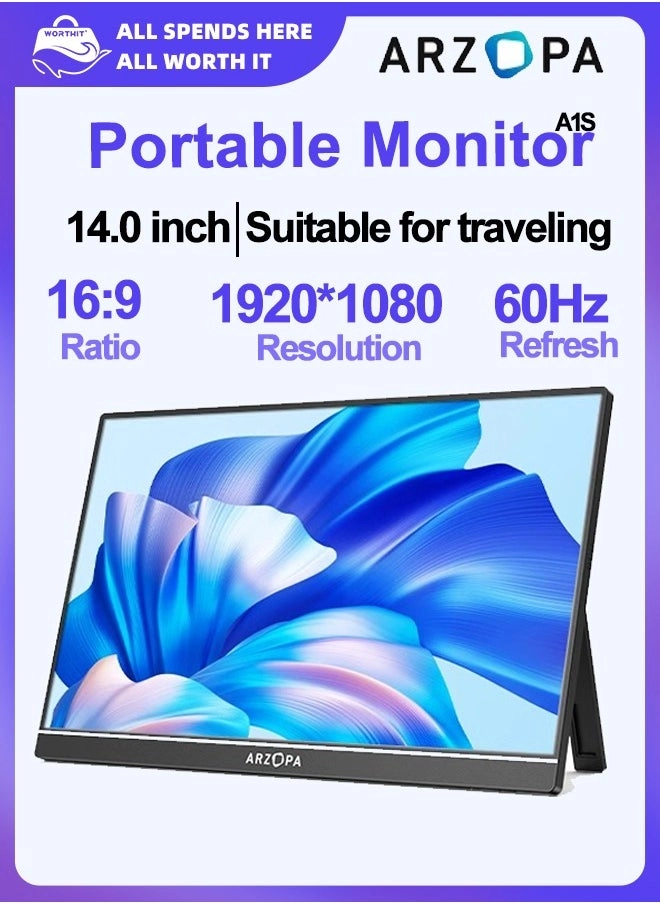
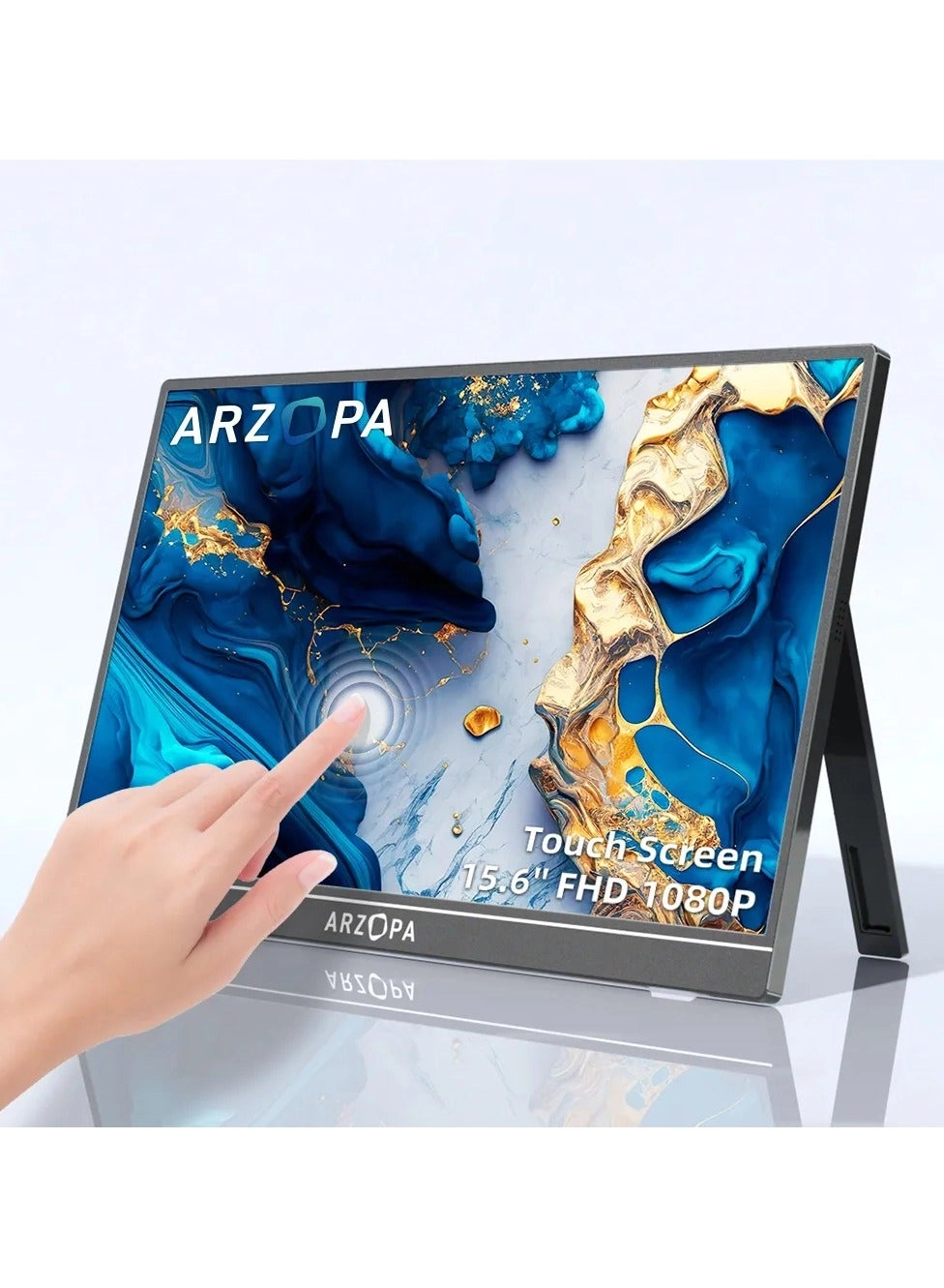
Enjoy a 15.6" FHD IPS portable monitor with a slim, lightweight
design, adjustable kickstand, and multiple display modes for
seamless dual-screen setup on the go.
Review: Pleasantly surprised, great Black Friday price. - Right,
this is a review for multiple items that make up my current
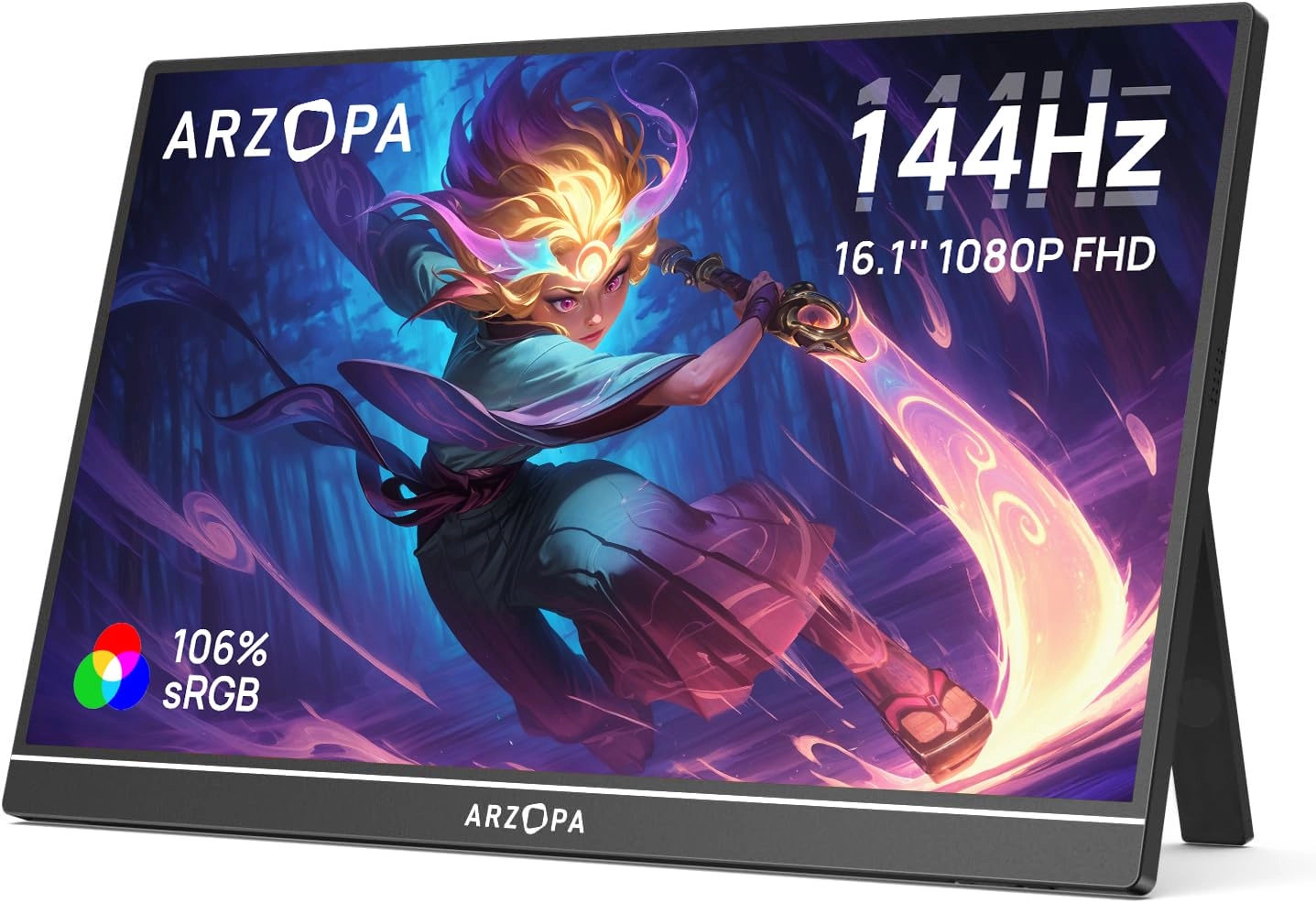
monitor arrangement :- 1. "Arzopa" A1 Monitors :
https://www.desertcart.co.uk/dp/B0CJCCDV65 2. "Duttek" U Shape
HDMI Adapter : https://www.desertcart.co.uk/dp/B0BXK8ZCVD 3.
"Seminer" USB-C 180 Degree Adapter :
https://www.desertcart.co.uk/dp/B09KG463G7 4. "Abewe" HDMI Switch
: https://www.desertcart.co.uk/dp/B07SR1S2JL 5. "Lisen"
Monitor/Tablet Stand : https://www.desertcart.co.uk/dp/B0BTDHQJ6
First up are the "Arzopa" A1 monitors. These replaced a larger
single curved monitor that I didn't really get on with. I have
multiple computers, and these two allow me to have my Windows box
one one screen, and my Mac Mini on the other, using a 2-1 USB
switcher for the keyboard and mouse. Very pleased with these,
they are light, clean, sturdier and better built than I thought
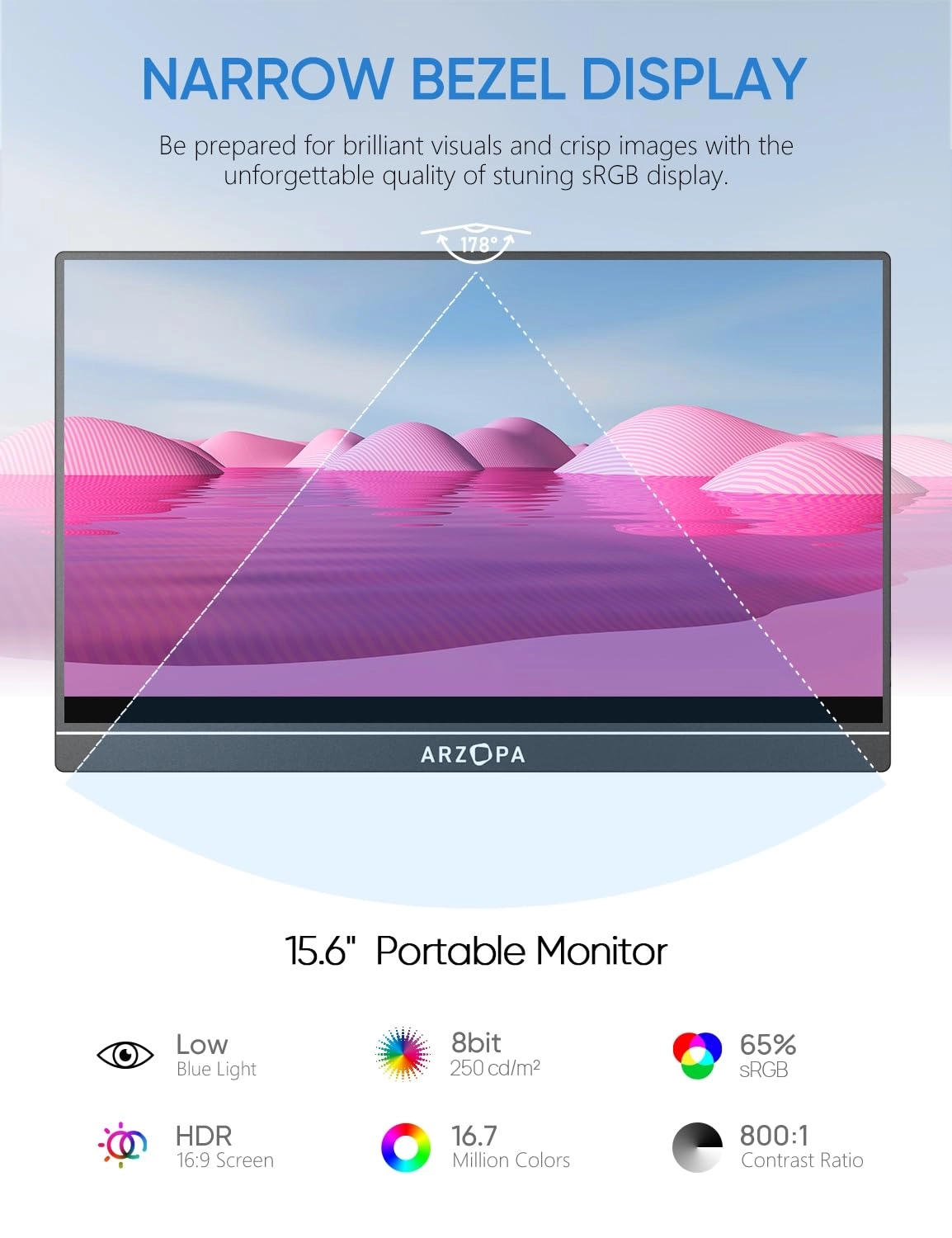
they would be. The display is crisp and clear, and although I
won't be using them much, the speakers are surprisingly adequate
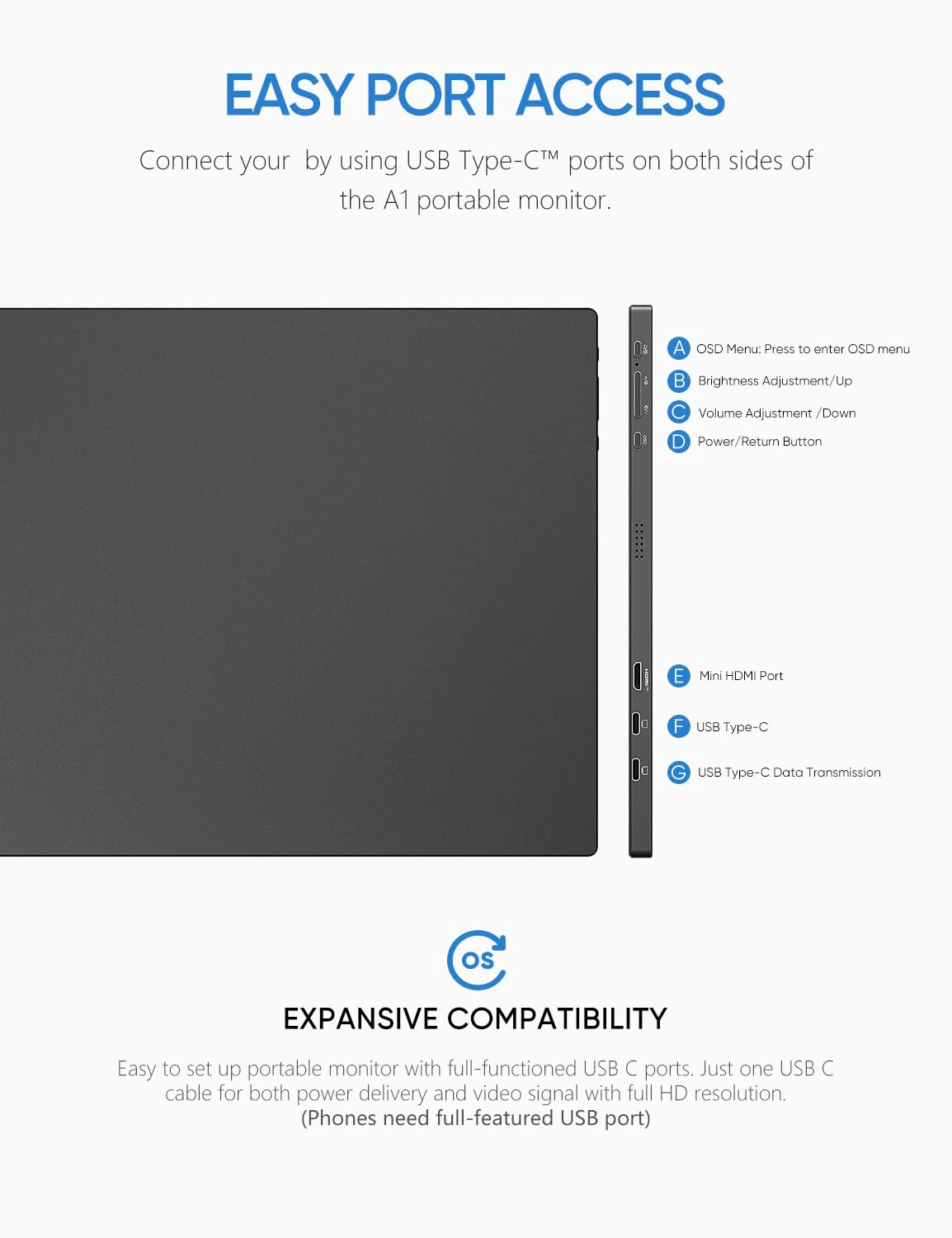
:-) It's a shame that the connectors and buttons are on the side,
since that would allow me to butt the two monitors next to each
other. Which brings me to the next two items, the "Duttek" and
"Seminer" U shaped 180 degree adaptors, for the HDMI and USB-C
ports. The HDMI adapter also converts the monitor's mini HDMI
connection to a full size one. Didn't pay attention when I
ordered it, but wasn't a problem - I have more HDMI cables than
mini HDMI. I've used the USB-C adapter previously for phone
charging in the car. These two allow the cables to be placed more
neatly behind the monitor, where they can then be hidden more
easily. I know I need to clean up the cabling, but I've only just
got them :-) The "Abewe" HDMI Switches allow me to have multiple
configurations, depending on what hat I'm wearing. The first
monitor swaps between my Windows box, and my work laptop dock.
The second monitor swaps between the Window box and the Mac Mini.
This means at any time I can have :- Windows on a dual screen,
Windows on #1, Mac on #2, Work laptop on #1 and Windows or Mac on
#2. My only gripe with these is that the button is either up or
down, and they both differ. On one of them if the button is up,
number 1 is selected, on the other, number 2 is selected with the
button up. I guess it depends on who is putting them together at
the factory. Doesn't make any difference to its use or quality of
picture, just pokes at my OCD. The last item is the "Lisen"
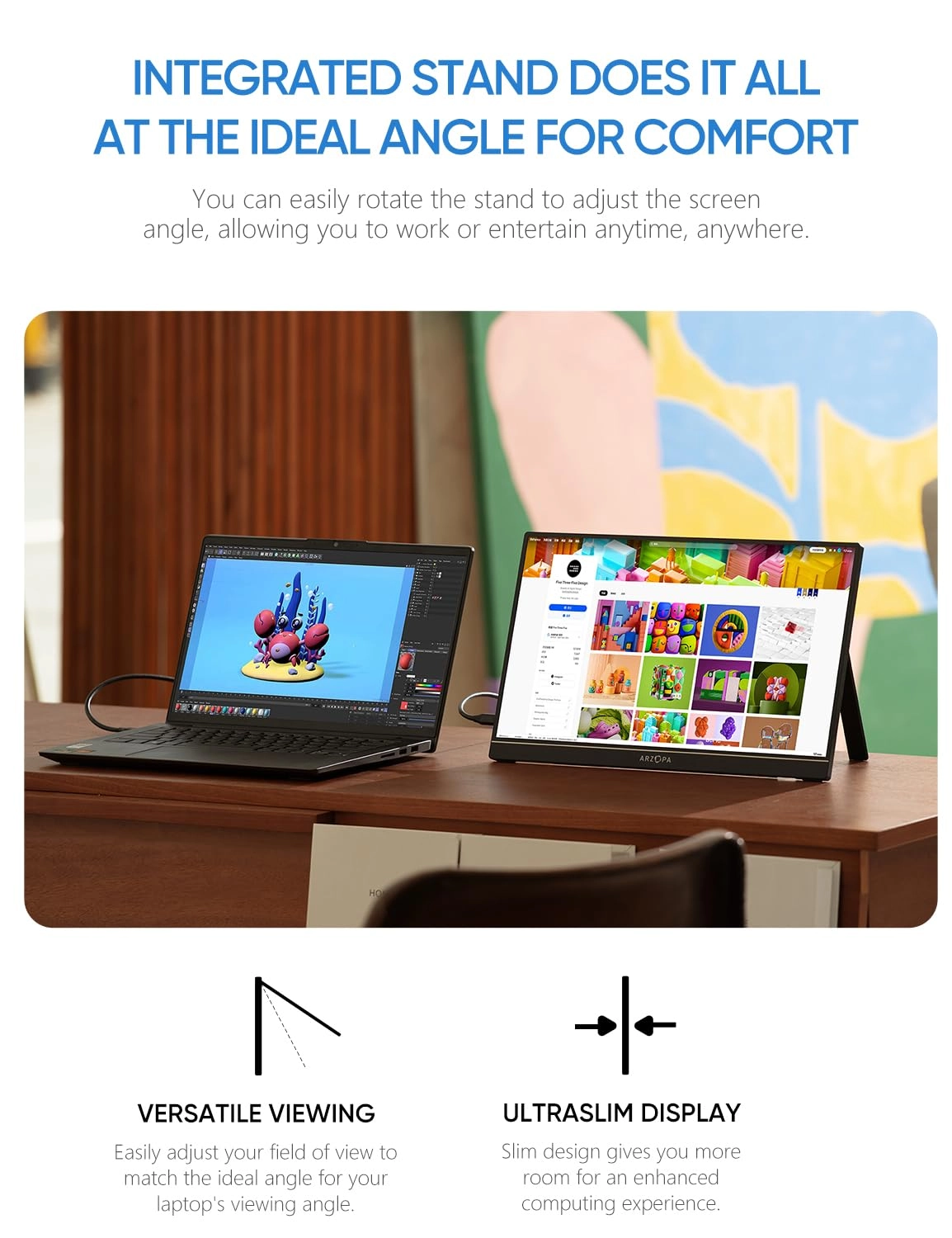
Tablet stands. Clean, well made and happily take the weight of
the monitors. Also bought a third so that my iPad doesn't feel
left out. Adjustable in many angles, they feel well made and
quite sturdy. I may make some type of strap/magnet arrangement,
since due to their relative size the monitors are a bit top
heavy, and if I position the stands any more upright, they'd tip
forward. They fold flat enough to throw in a bag with the iPad
Mini 6 and my ancient Logitech slim keyboard, for a decent
portable arrangement. All these items work together well, and
give me the flexibility I need/want.
Review: Great screen, full HD, good value. - Monitor is great
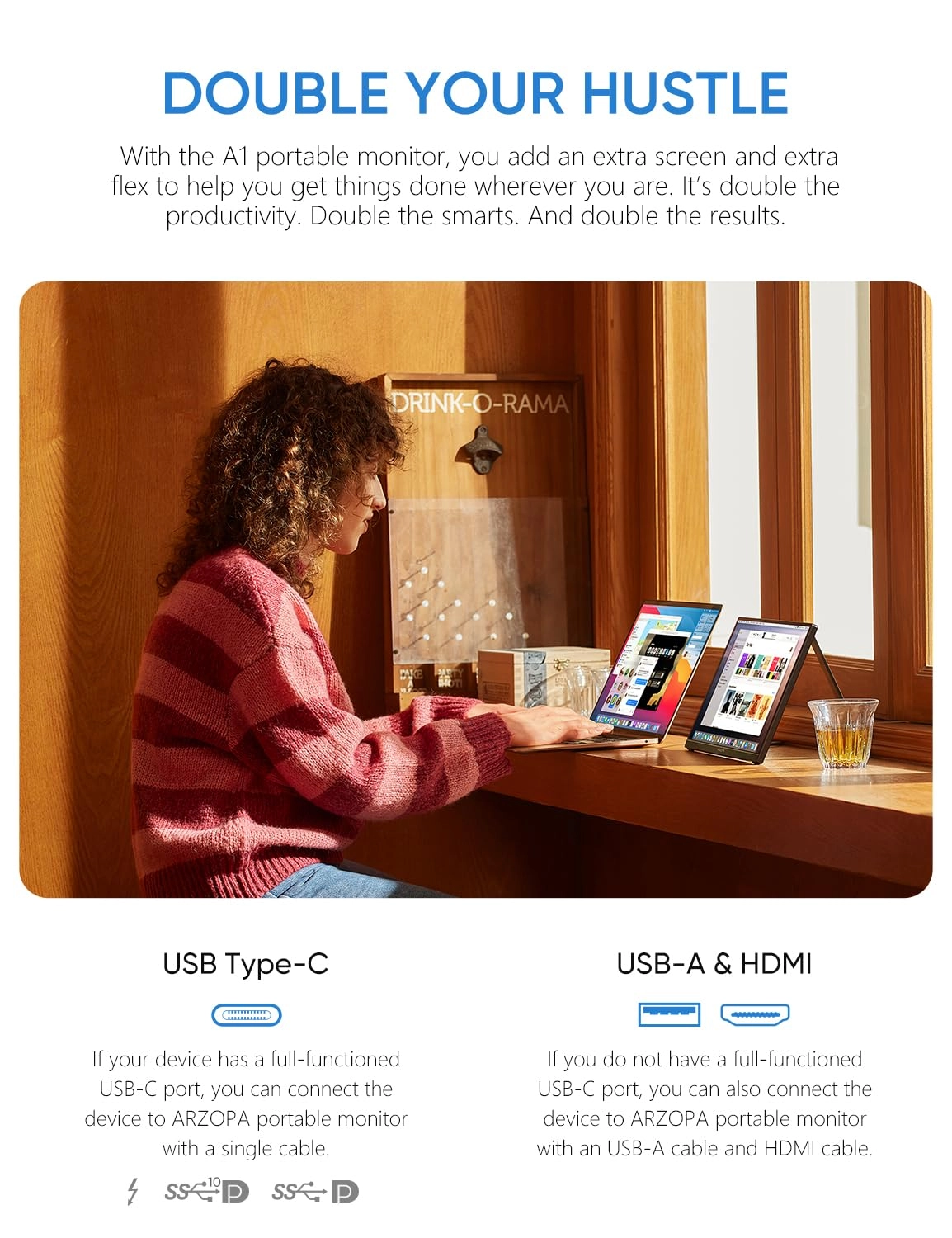
value for money. It works perfectly with my Macbook air, just
plug the cable from the screen to the Macbook (USB C cable-
included) and it comes straight up, very easy set up. I am very
happy. The product feels good quality and the screen picture is
crisp and full HD. Even the cable accessories that were included
are of good quality. Highly recommended for the price, 10/10.