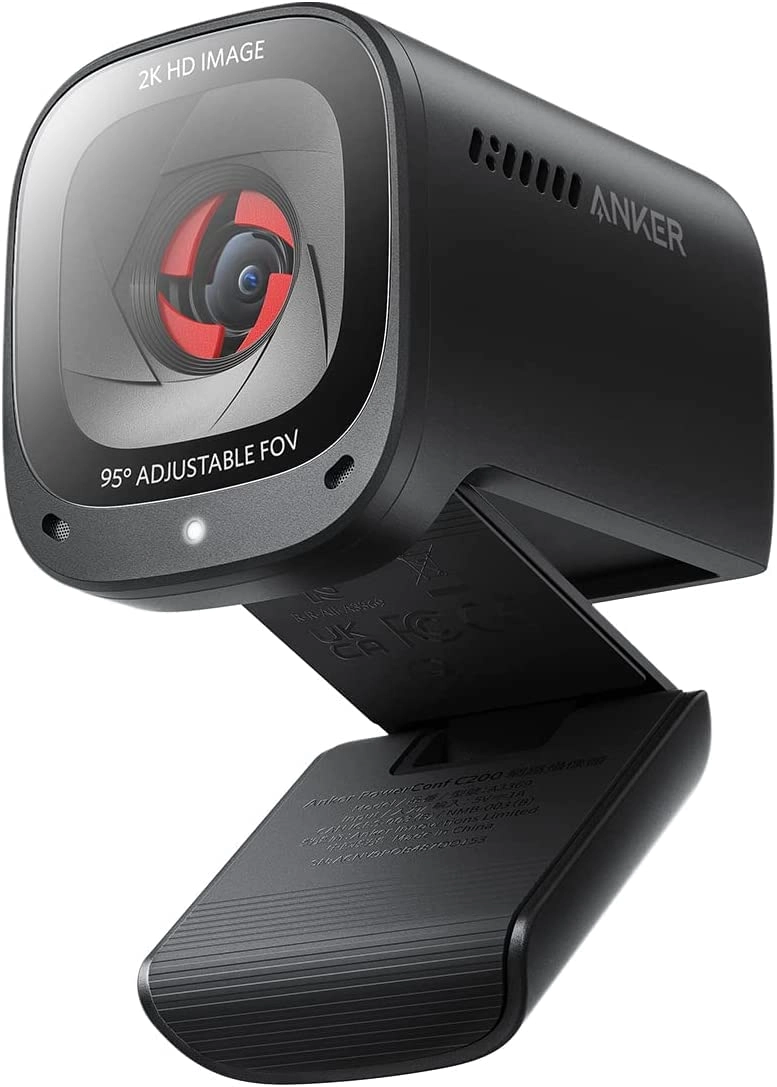
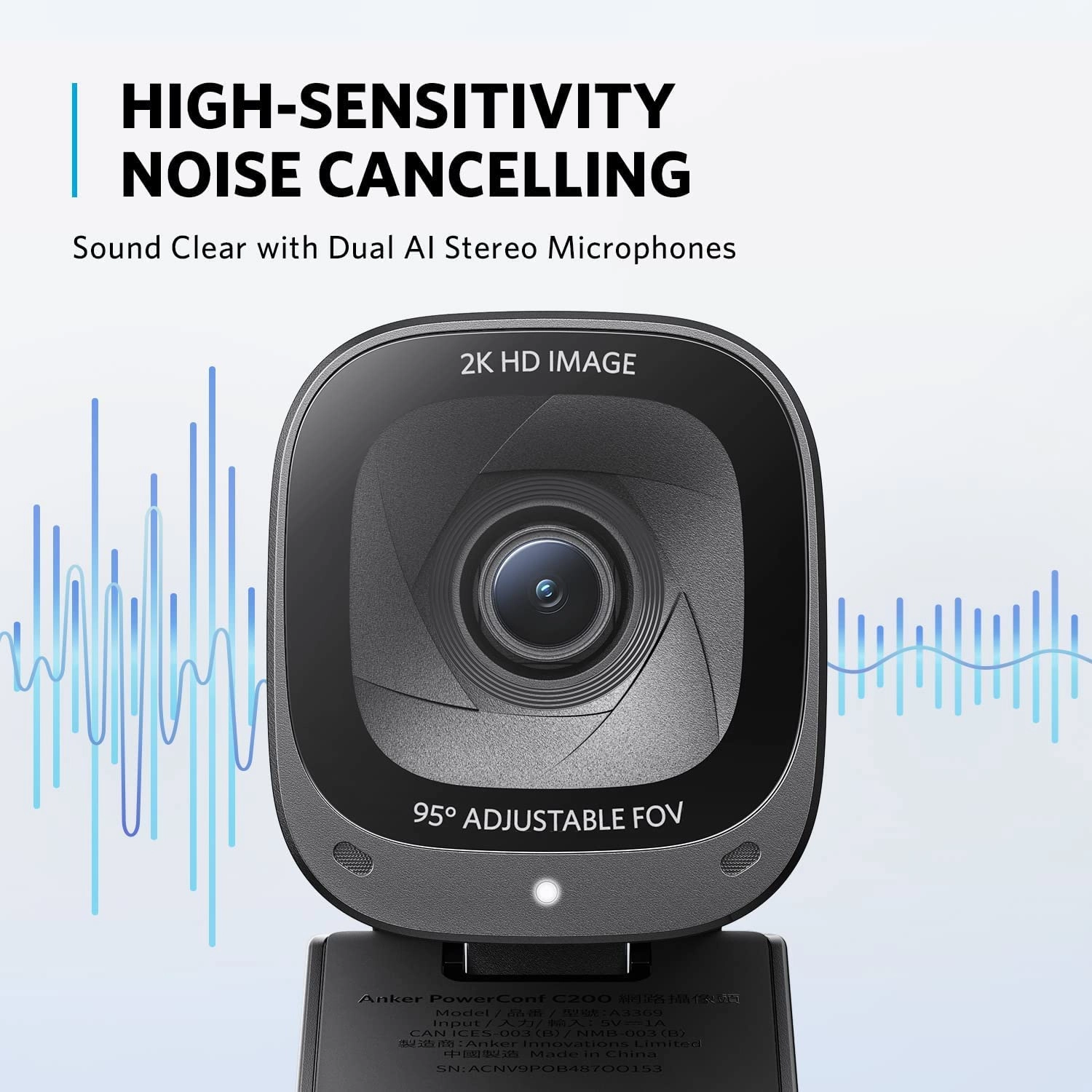
Product Description Adjustable Vedio Work Make a Great Impression
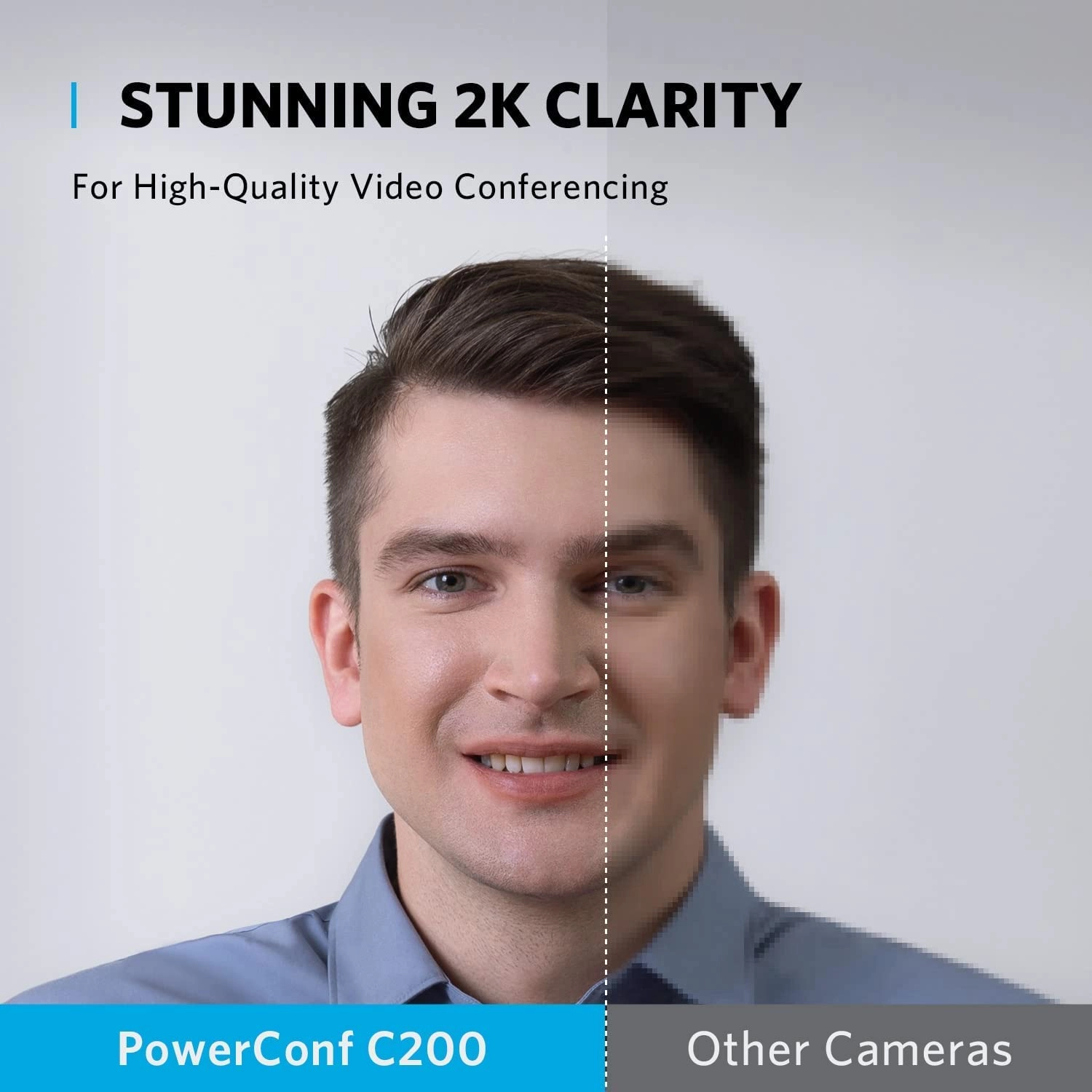
See the difference ultra-clear 2K makes compared to
1080p—bringing sharpness to every meeting. Adjust What Others See
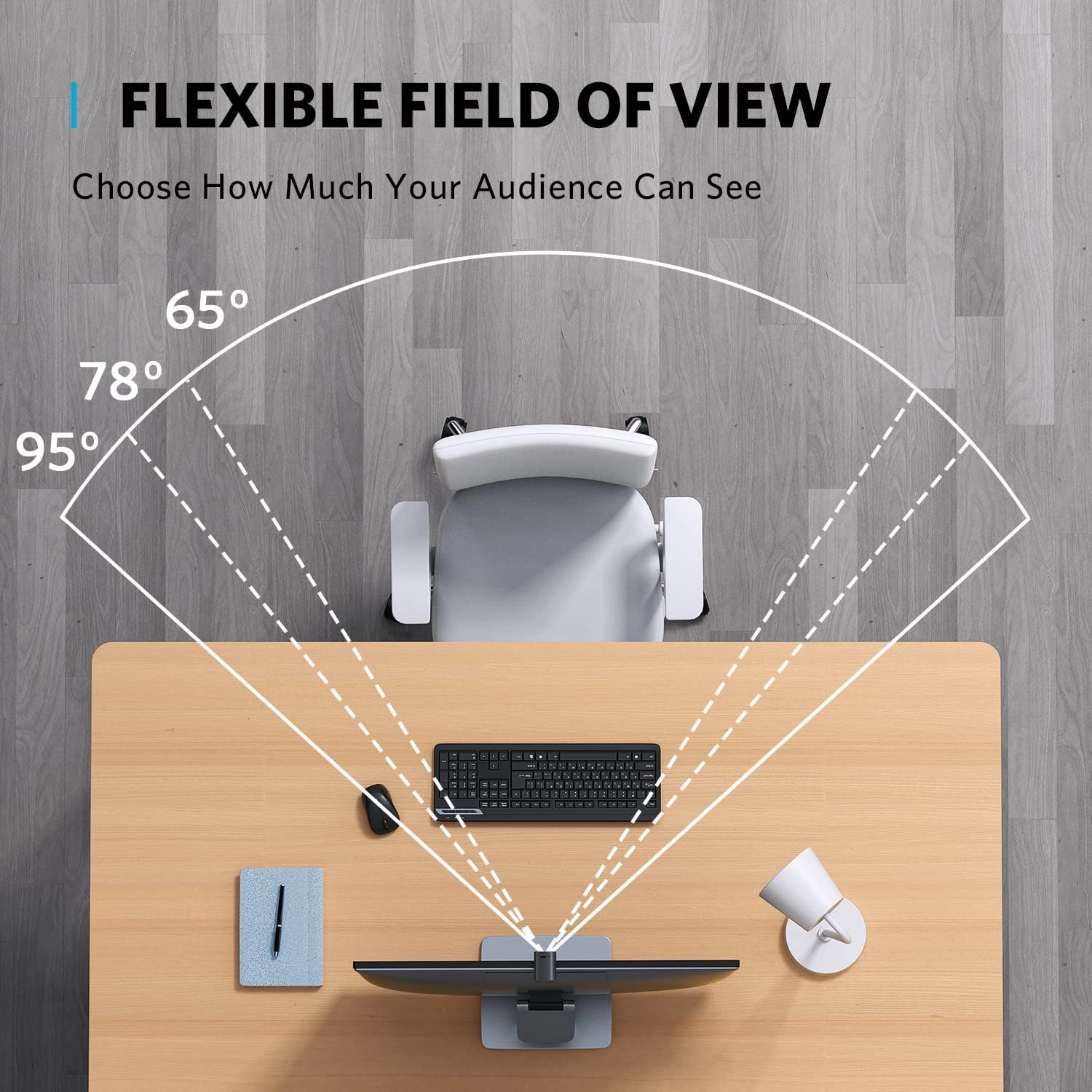
Decide to show only your face or your room with versatile 65°,
78°, and 95° fields of view. Customize Your Direction Choose a
directional or omnidirectional vocal pickup to eliminate noise in
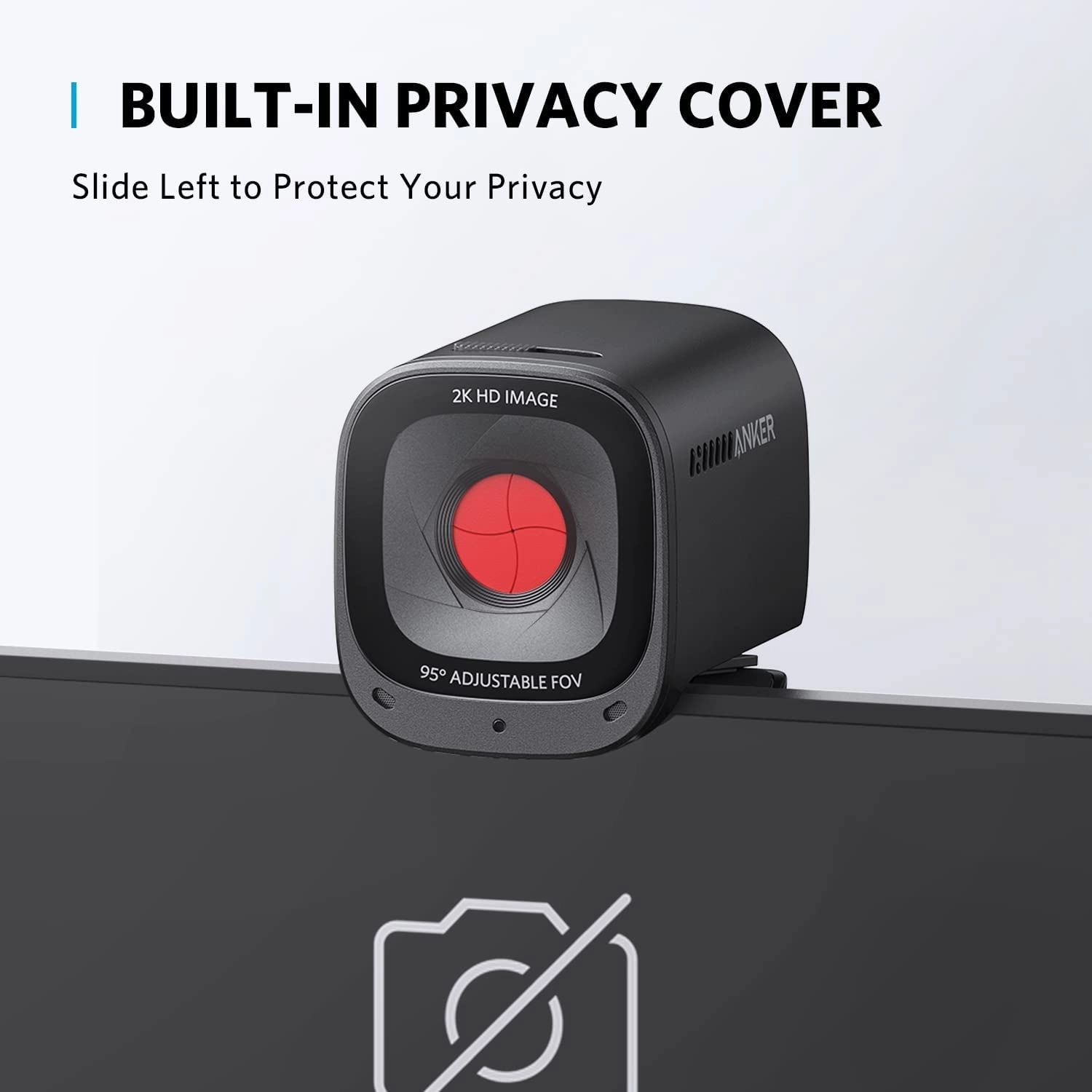
the background. Protect Your Privacy When not in use, slide the
built-in privacy cover over the lens to block anyone from seeing
you. Complete with Software Download the AnkerWork Software to
manually change field of view and more on PowerConf C200. Tech
Specs PowerConf C200 AnkerWork C310 soundcore Work PowerConf S3
MS PowerConf S3 PowerConf S330
Review: Good all round camera - Excellent camera for the price -
we have bought a few at work now and I have one at home as well,
so it is now standard issue when we need another webcam at work.
(Helped by it frequently being on discount on desertcart) Image
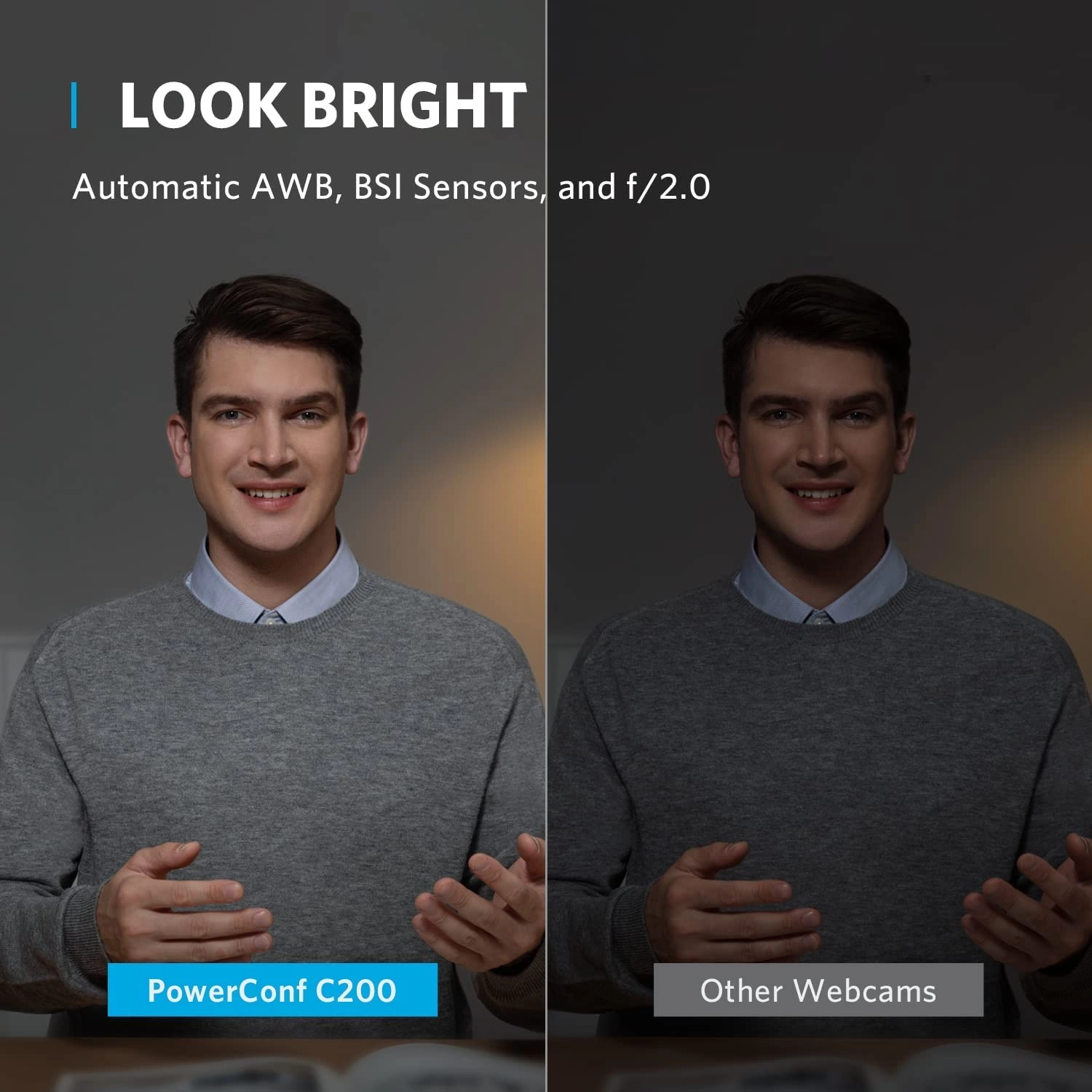
quality is crisp with good colour balance and
brightness/contrast, and decent low light performance. The camera
has auto focus so is equally adept at close up use sitting on
your monitor or covering an entire boardroom table from a
distance. Field of view is 95 degrees, wider than many cameras,
but can also be switched to 78 or 65 degrees in software. For
close up use sat on a monitor I find the default 95 degrees a bit
wide showing a lot of background, however setting it to 78
degrees is just right. We also have one sat on top of a 65" TV
screen at the end of a large boardroom table and here the 95
degree field of view is perfect - it's able to get everyone
sitting at the table in shot where cameras with narrower field of
view would crop some people out. Microphone audio quality is
excellent for normal desktop use with the person speaking within
a metre or so - it is sensitive, the sound is crisp and well
balanced, and sounds like a recording microphone, not the bubbly
noisy compressed sound of many webcams. While the built in
Microphone can work at a pinch in a boardroom table scenario, I
recommend a table mounted microphone in the middle of the table
rather than using the built in microphone, this is what we use.
Pros: Zero software setup required for most functionality, at
least on Windows 11 - just plug it in and go. Seems very reliable
- I've not had a single problem with any of the 5 we have. They
have replaced some cheaper webcams which had issues like sound
cutting out after 10-15 minutes of use. Cons: If you don't
install the Ankerwork app you will be stuck with the default 95
degree field of view which in my opinion is a bit wide for close
up use. However once you change the field of view this seems to
be remembered as a preference setting in the camera which will
apply even if you move it to another PC or uninstall the
software. The microphone is a dual microphone system and has two
modes - 360 and 90 degrees - it defaults to 360 however can be
changed in the Ankerwork app. The more directional 90 degree mode
seems like a good idea on paper to reduce ambient noise from
other directions (perhaps useful in an open plan office) but in
practice I was disappointed. The default 360 mode sounds clean
and high fidelity - like a music recording microphone, however
the 90 degree mode sounds compressed, hollow and somewhat low
quality, like a cheap webcam. While it does indeed seem to add
significant directionality to the microphone pickup the loss in
overall sound quality is unacceptable in my opinion, so I would
leave it on the default 360 degree mode. I've used this Webcam
extensively in Microsoft Teams but have also tried it in OBS
where it works well and gives a good looking image and good sound
quality for the price.
Review: Crystal Clear Video and Excellent Audio - The Anker
PowerConf C200 2K Webcam is fantastic. The video quality is sharp
and clear thanks to the 2K resolution, and the colours look
natural without needing extra adjustments. It works well even in
lower light, which is a huge plus for streaming set ups. it was
compatible with my built pc just attached and off i went, just
selected the input on my streaming app and worked like a charm.
it also fits nicely in my ring light so im able to have it in a
comfortable position for the stream. The AI noise-cancelling
microphone is impressive — it picks up my voice clearly while
filtering out background noise, making virtual meetings much more
professional and distraction-free. Setup was straightforward, and
it works seamlessly with Zoom, Teams, and other video apps. The
webcam is light weight and sturdy and well built, and the
adjustable mount makes positioning easy. Overall, it’s a
high-quality, reliable webcam that’s perfect for remote work,
streaming, or online classes. Definitely worth the investment.