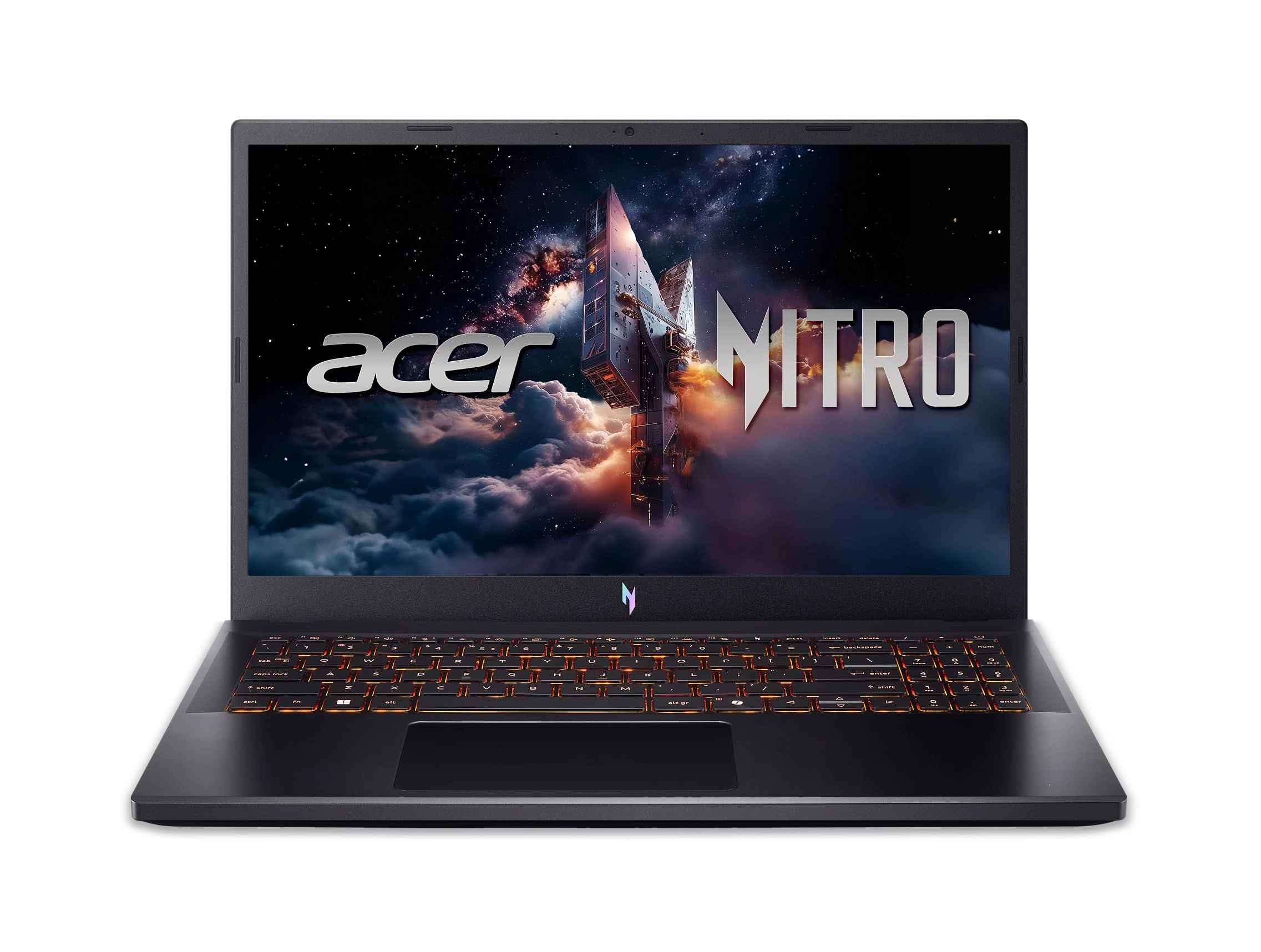
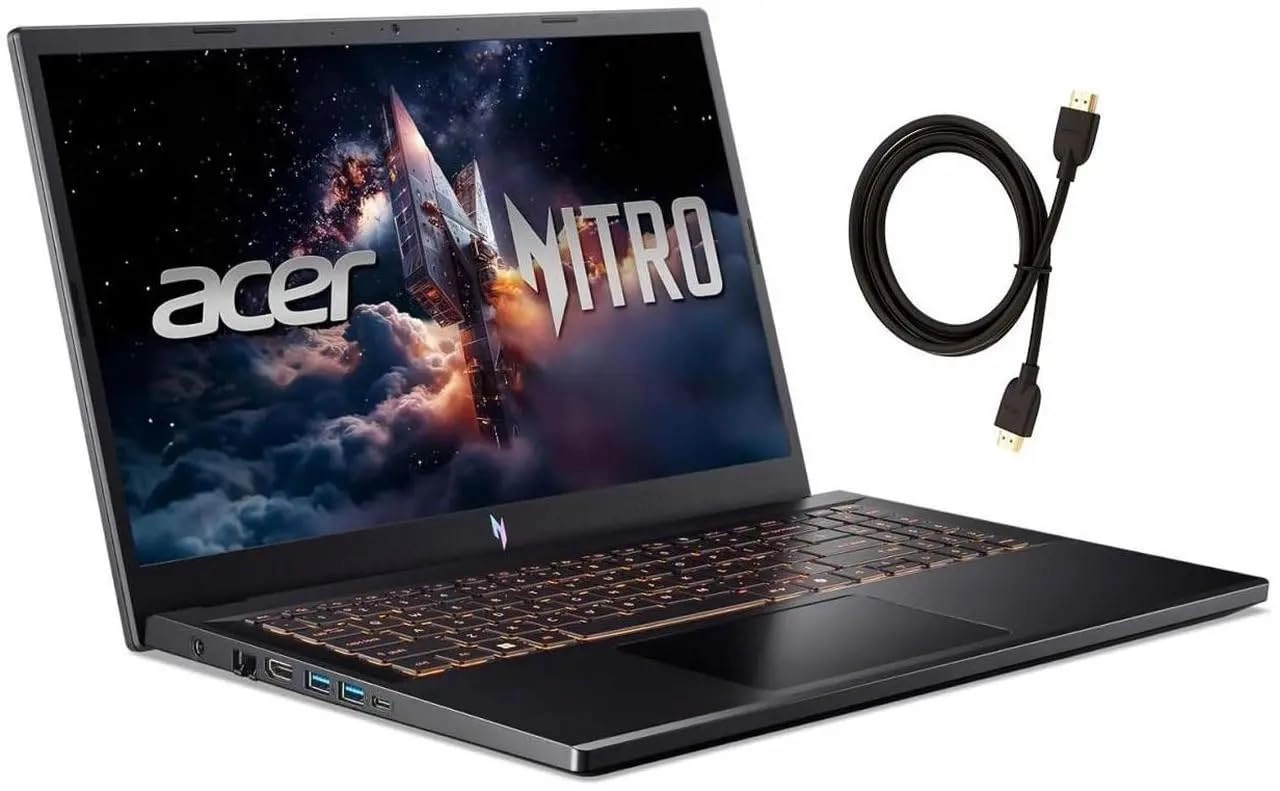
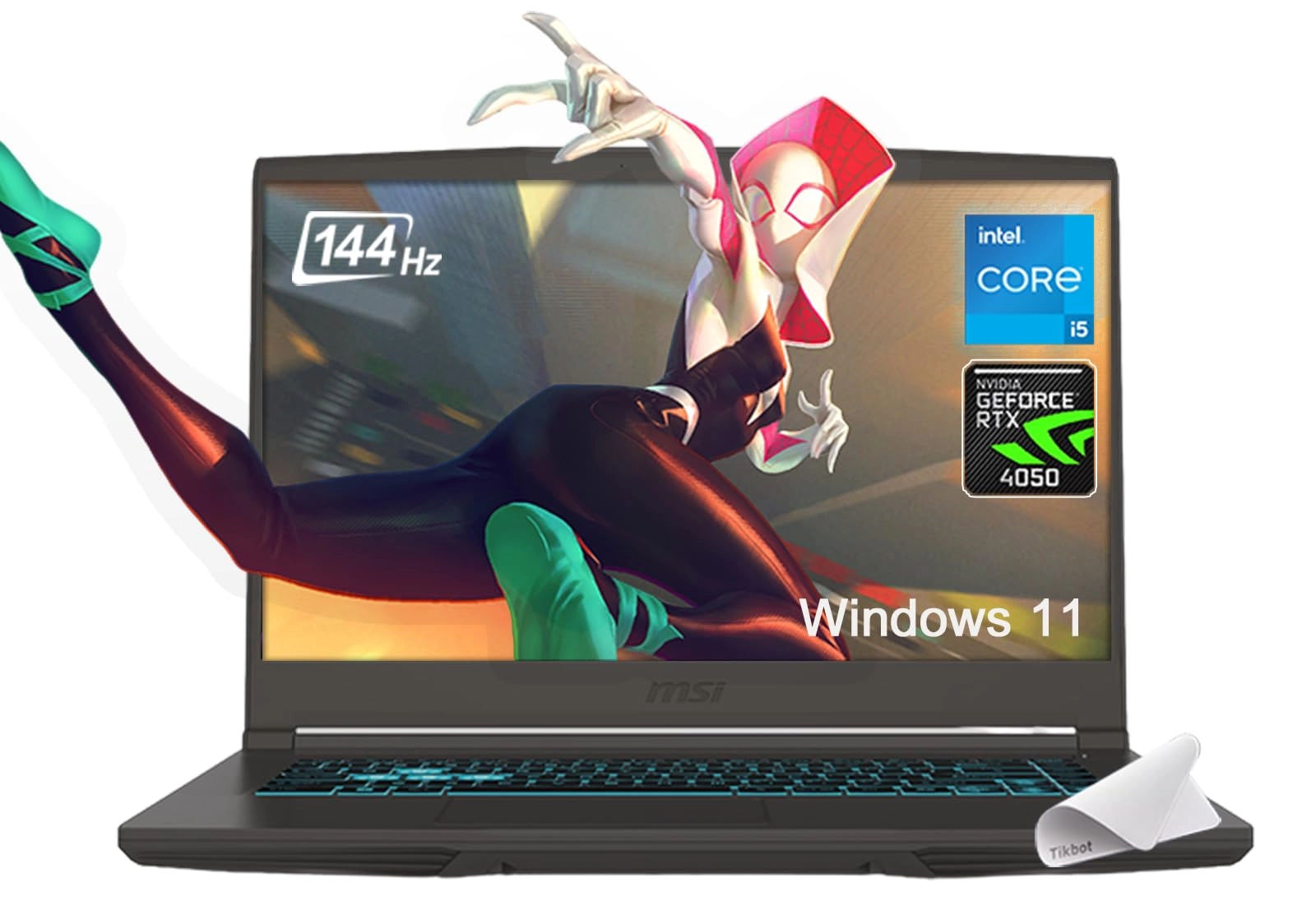
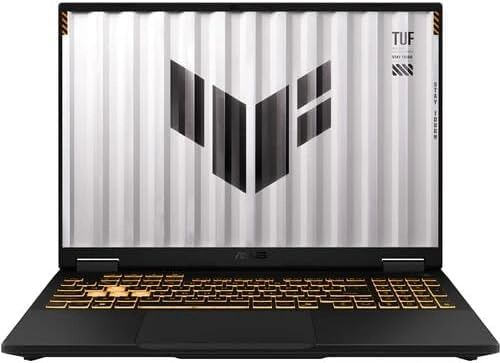
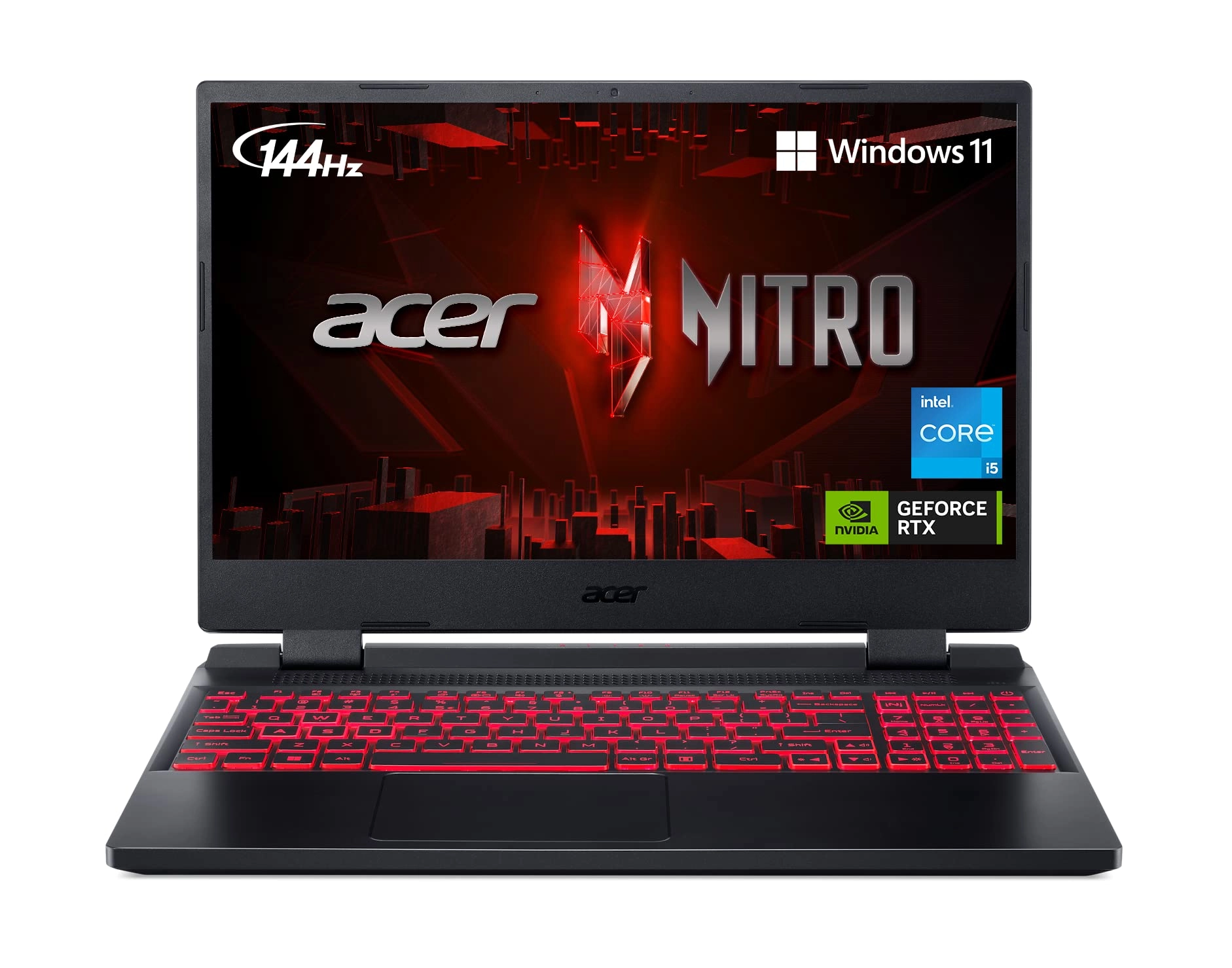
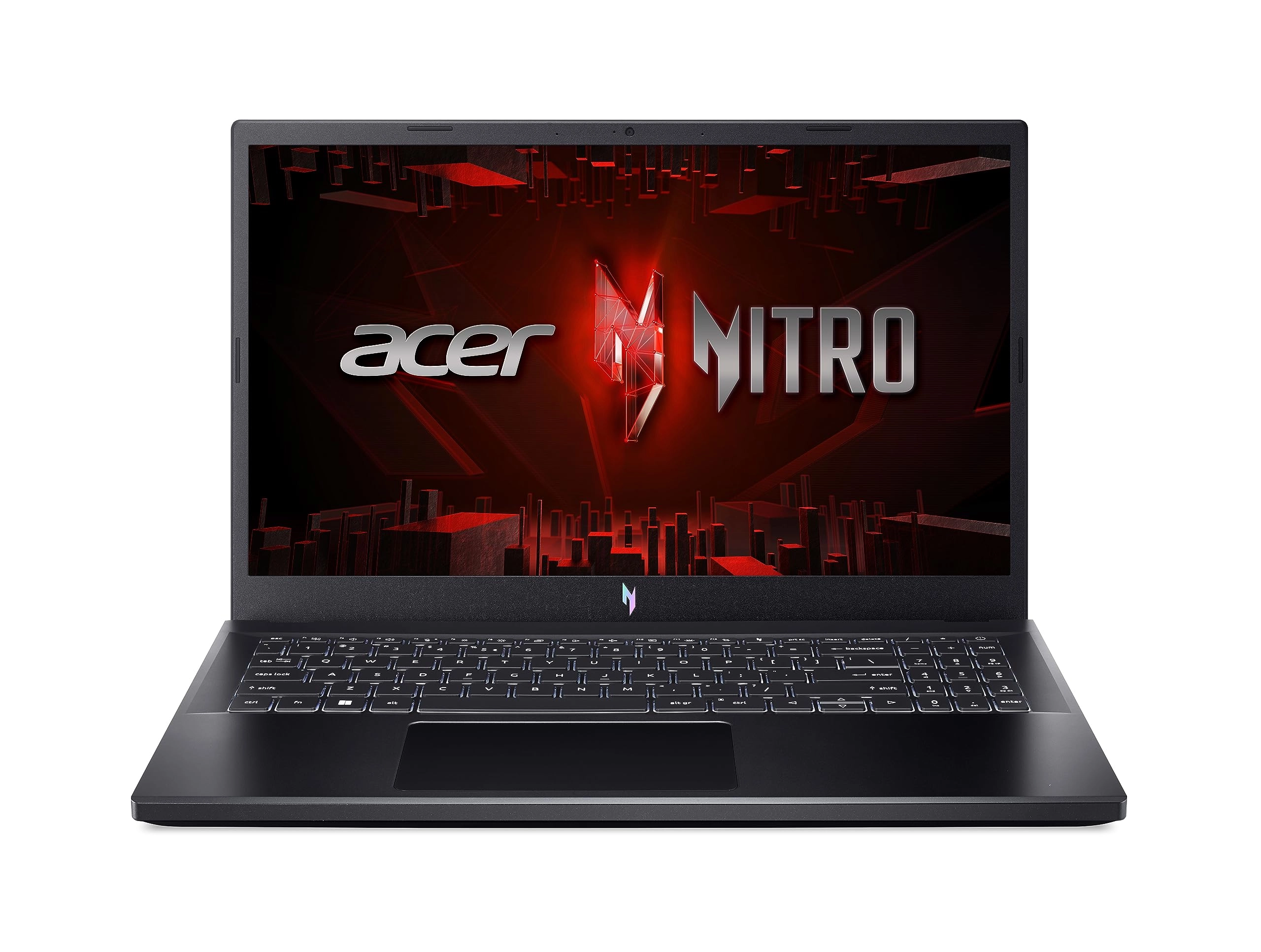
Live For Victory: Elevate your gaming adventure with the Acer
Nitro V 15, your gateway to an adrenaline-charged journey. This
laptop is the perfect blend of power and style, pushing the
boundaries of what’s possible on a laptop. Powered by an Intel
Core i5-13420H processor and NVIDIA GeForce RTX 4050 laptop
graphics and showcasing a crystal-clear 15.6” Full HD display
with a 165Hz IPS panel - you can see why the Nitro V 15 is a
knockout hit for gamers of every level. (NH.U0NAA.001)
Review: It's good, but it could be better - I've been using this
computer for a while now, it works very well, but there are times
when it stutters, the FPS drops to 0, which usually takes less
than 1 second, but it's still very annoying. The screen's 165Hz
refresh rate is spectacular, but I did an online test and I'm
almost certain it has ghosting, which is also quite annoying.
Also it's a bit slow when performing various tasks, such as
opening the browser or simply changing categories on Steam. I'm
going to add more RAM since the 8GB it has doesn't seem enough to
me; I even think that might be the root of the problem I
mentioned. So, I'll try to upgrade to 32GB of RAM. But despite
all of the above, it's still a very good computer. I like that it
comes with the Nitro Sense application and also with Intel's
graphics software, since it allows for some customization. The
camera looks good and works smoothly in good lighting, but the
computer doesn't have anything to cover the camera. You have 3
fan options: silent, balanced, and performance. Expect a lot of
noise from the fan in performance mode. Also, another bad thing
is that when I connected my headphones with a built-in
microphone, the computer only recognized it as audio output, not
as both audio input and output, so I had a lot of problems with
that. I even had to restart my PC in safe mode to reset
everything because I had no sound anymore, so be careful with
that, If you experience the same issue, simply open the Realtek
Audio Console application, then go to advanced device settings
and program it as an input and output. So I think it's a very
good computer. You have to do a couple of things beforehand to be
ready to use it for gaming or anything like that, but I don't
think I'll be changing it for a long time. Just add more RAM and
you'll probably be good to go. I'll update this review when I add
more RAM to let you know if there are any changes to the
stuttering. So my final thoughts on this laptop are that I wish
it were more of a turn-on, ready-to-use thing, but I guess you
can't expect that at this price. Despite that, I give it 5 stars
Review: Best deal on a gaming laptop - Performance: This thing
eases through all the games you practically throw at it UNLESS
you want highest quality on the LATEST AAA game. You also get
frame generation with the nice gpu inside there(4050). Quality,
Speed, Brightness: The quality of a laptop at this price point is
not something you find everyday, I also love the glossy look on
the front panel. The brightness is really really high so no
issues here. The speed , well you really need to upgrade this
thing to 16gb for 100% usage. It’s absolutely worth it to do it
yourself, you will feel incredible for the amount of money you
save. Just buy another DDR5 8gb 5200MHZ and install it and you
are set for everything really. Issues: Not so much of big issues,
just new computer stuff like Driver issues where a usb might bug
or something similar. Just update the laptop as soon as you get
it. Battery: battery on a gaming laptop has never been good so
always carry your charger. All in all, good investment for your
gaming hobbies. Just install your ram and carry your charger when
moving.