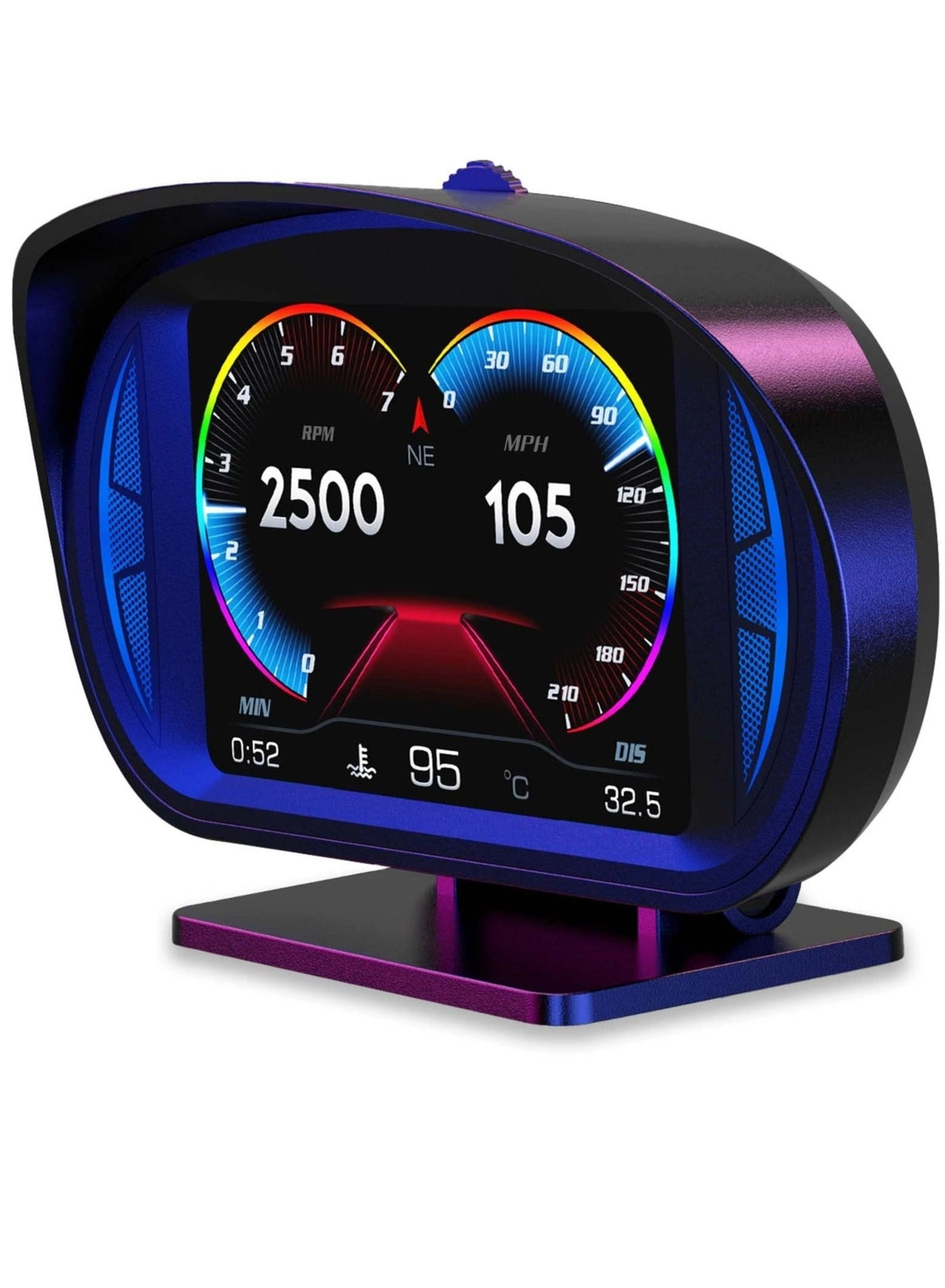
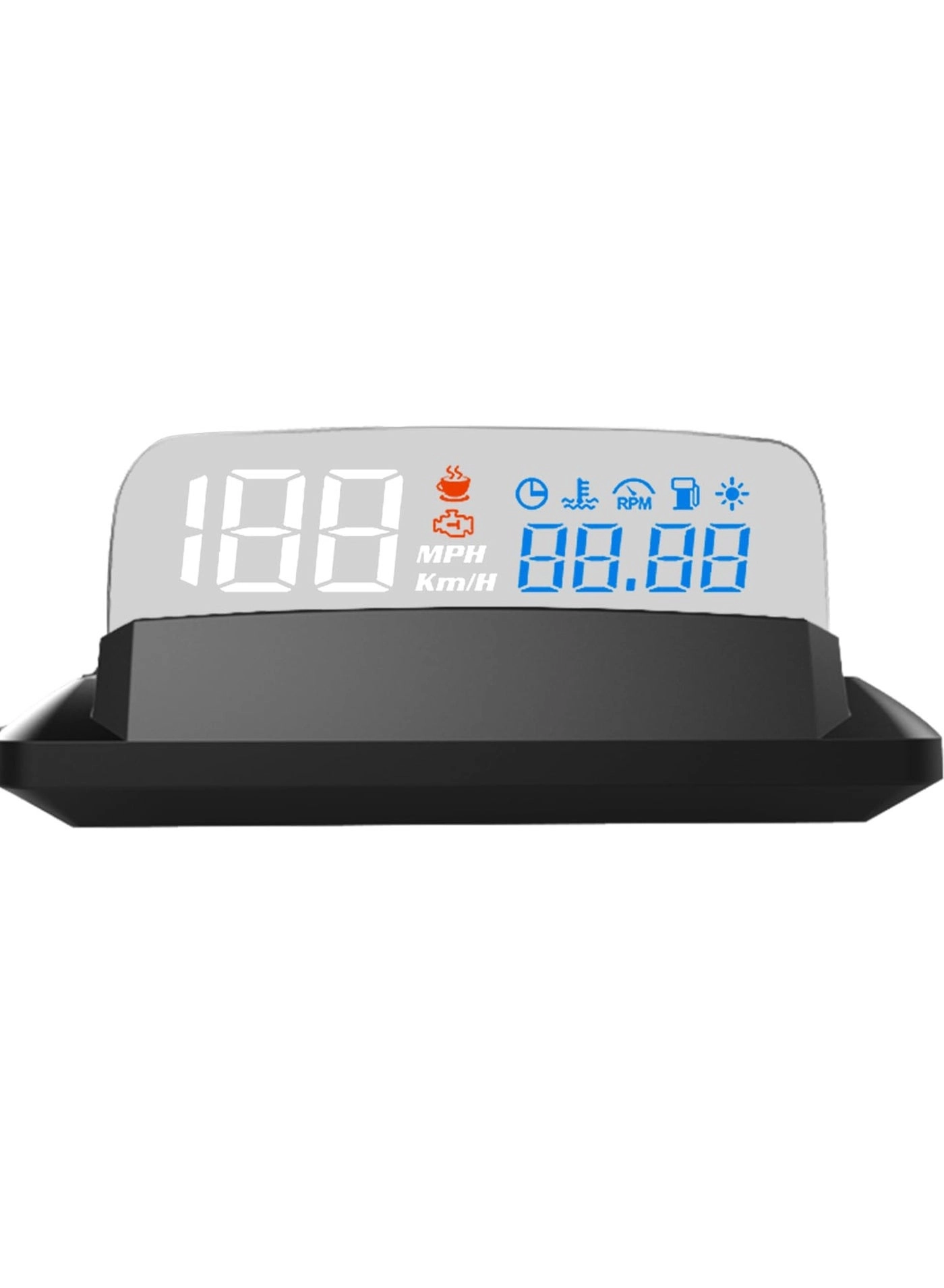
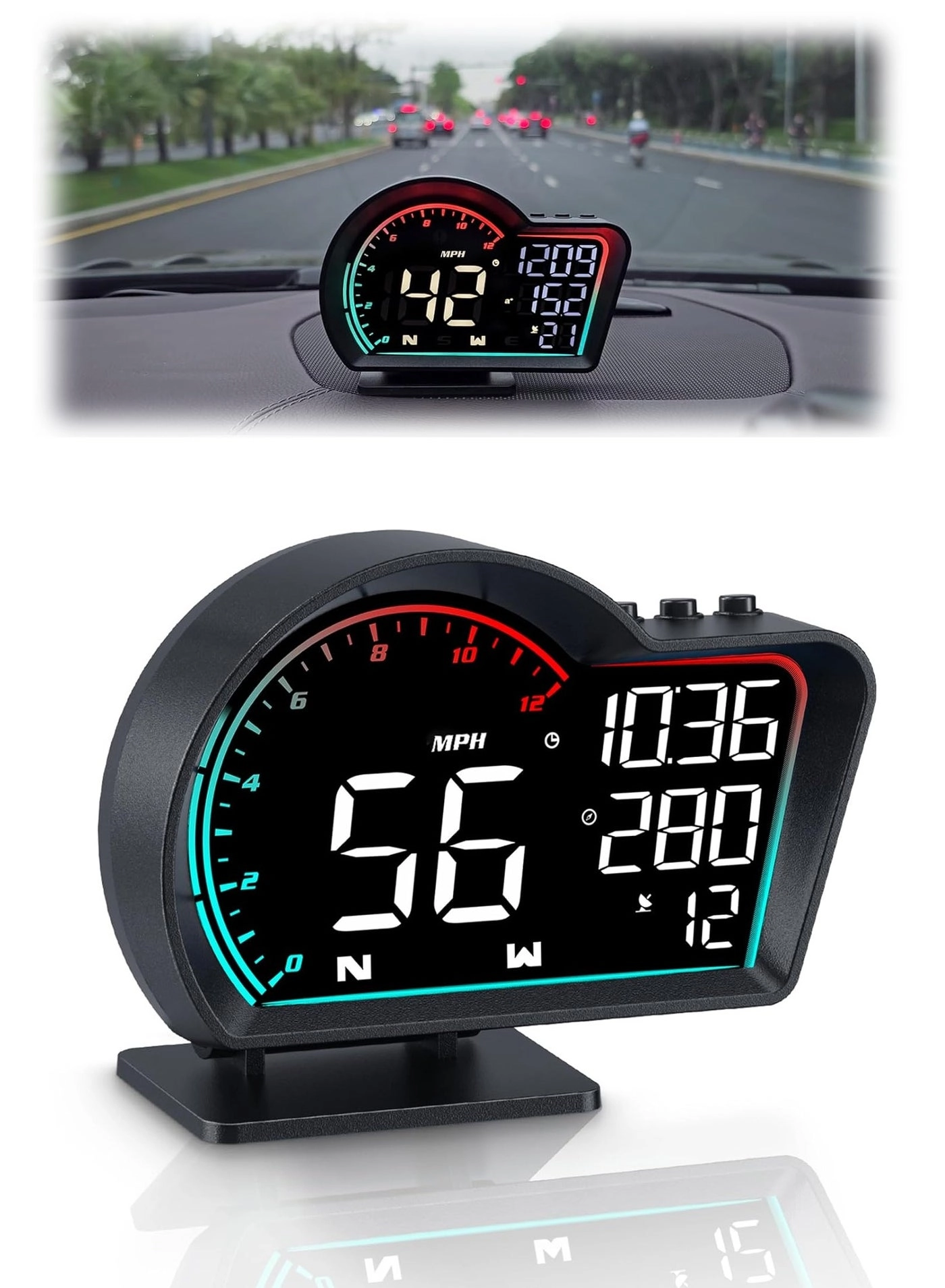
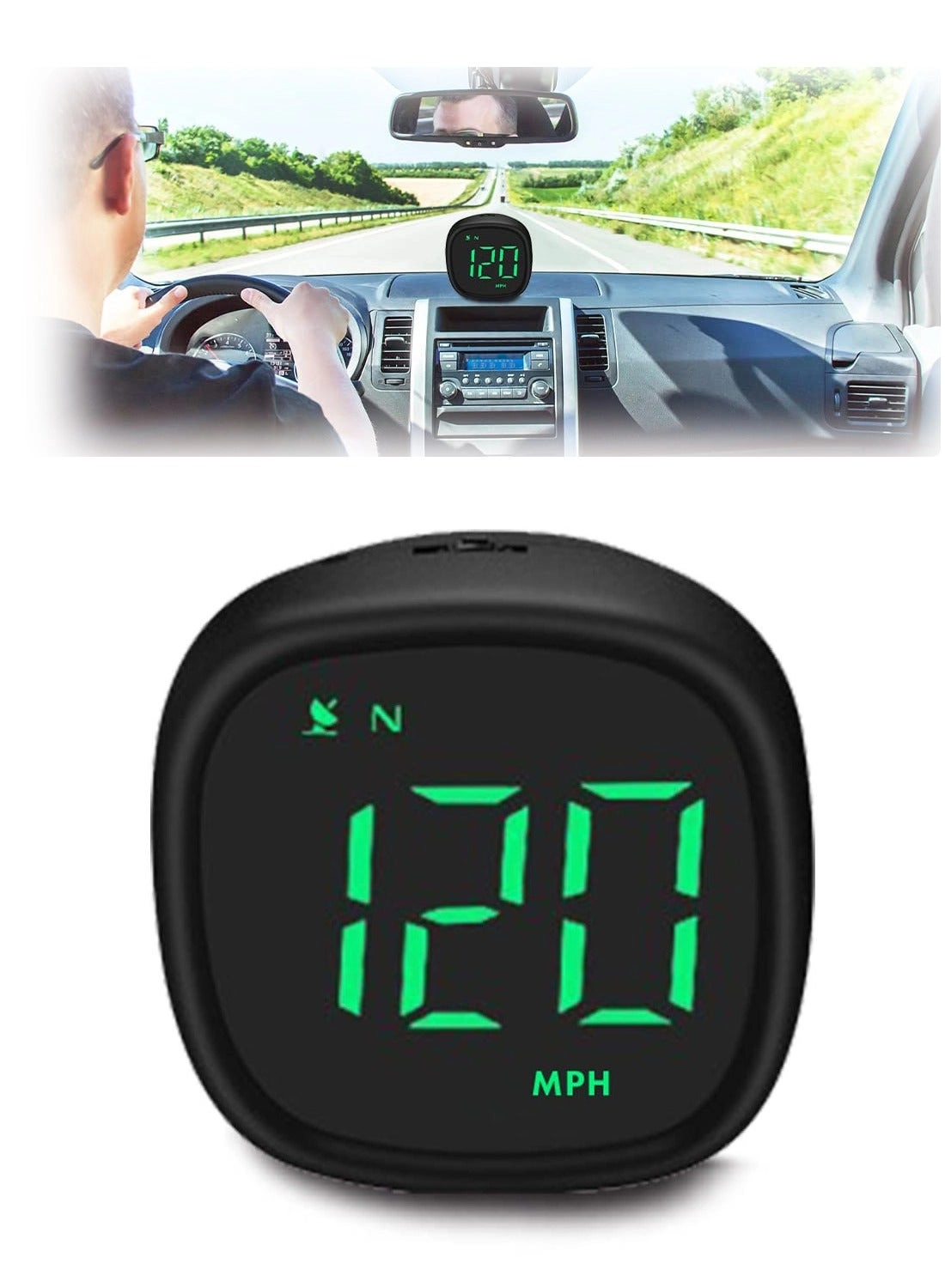
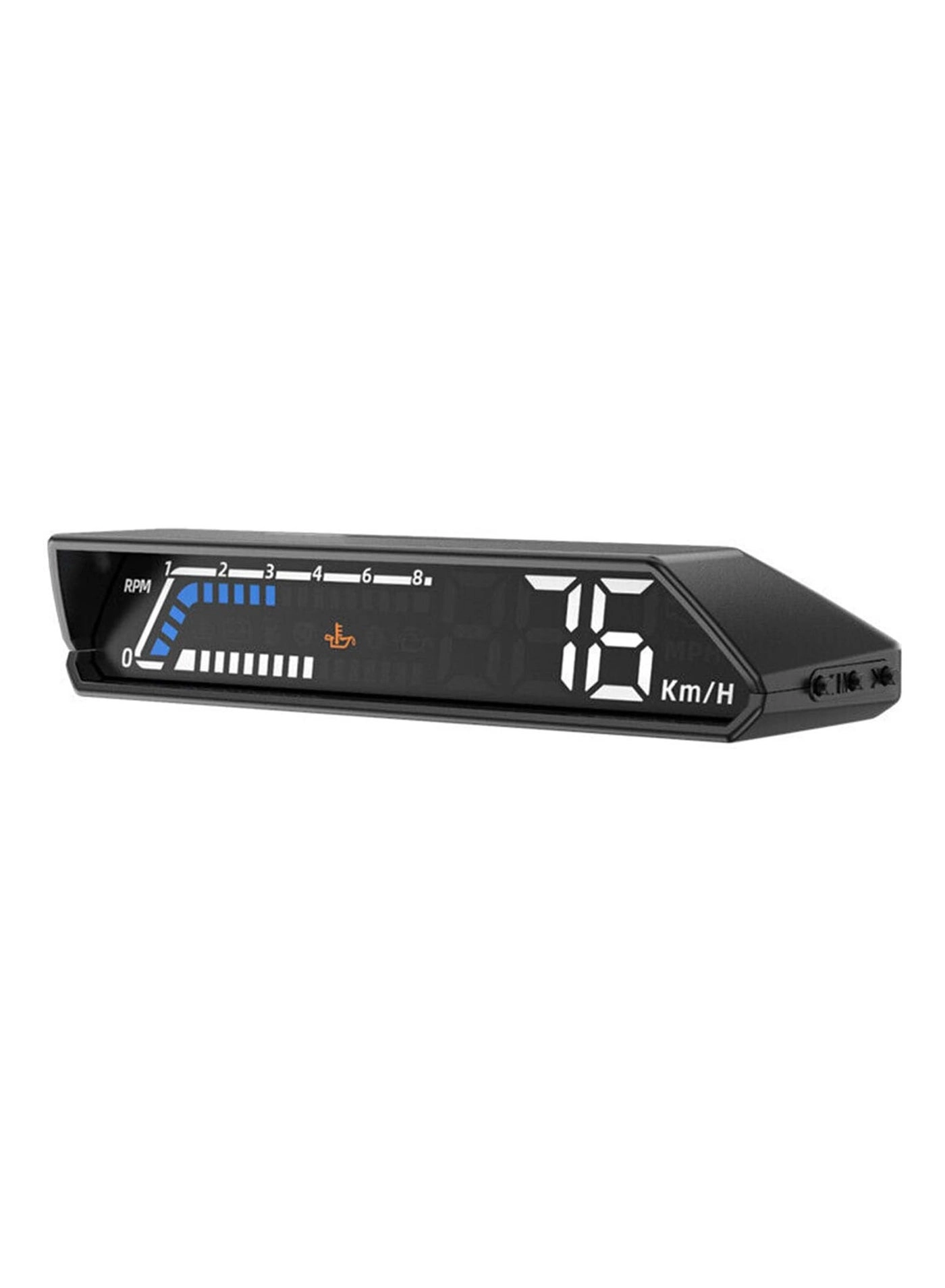
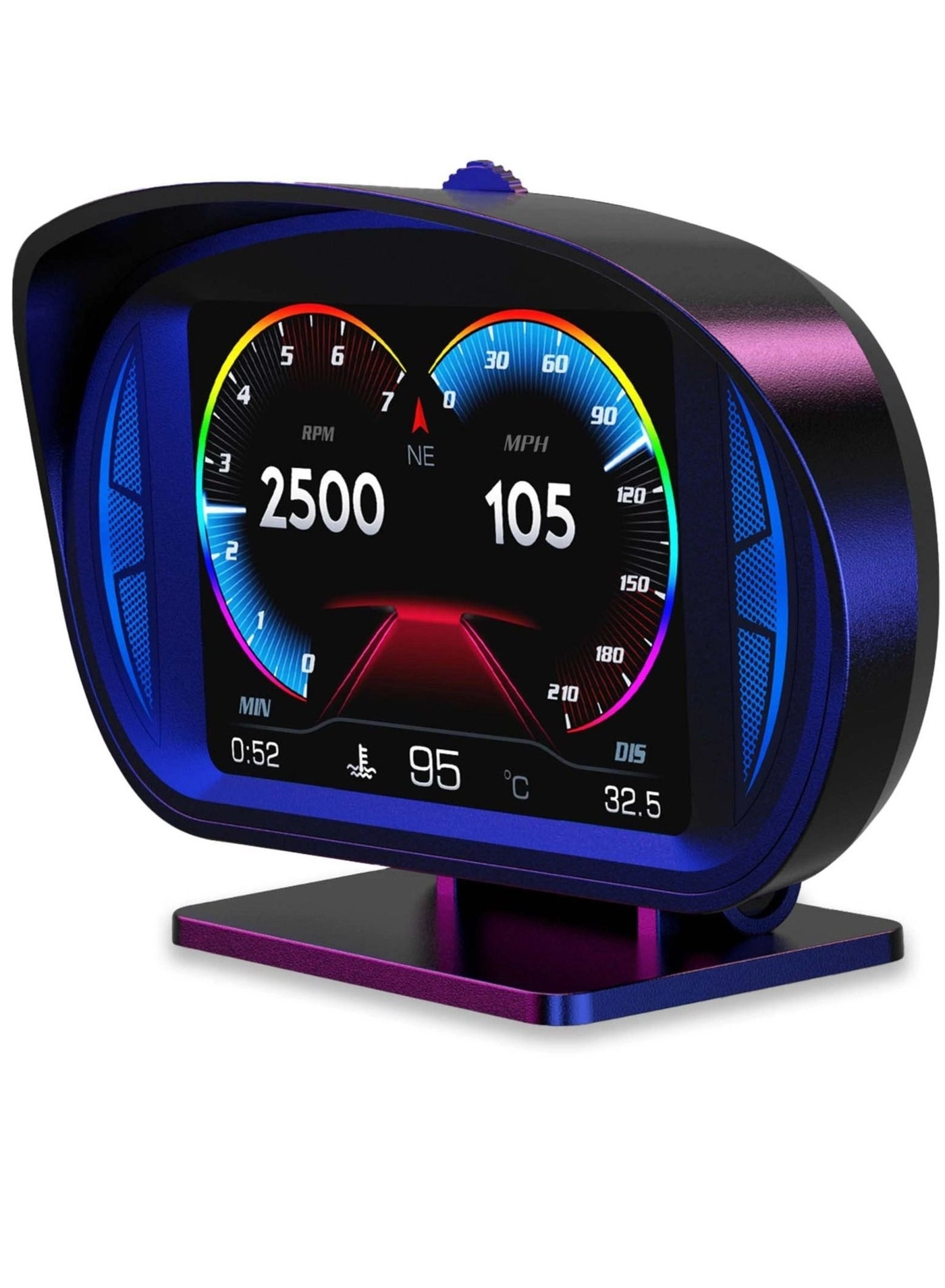
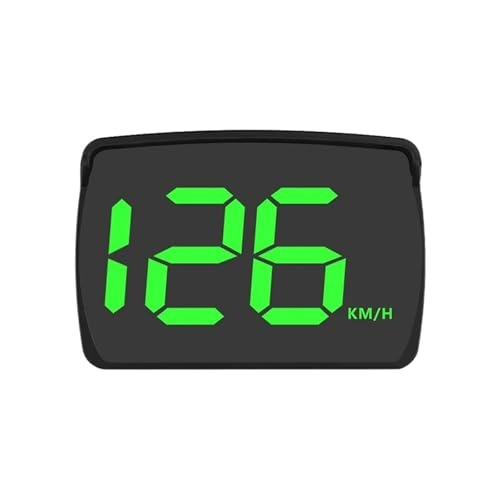
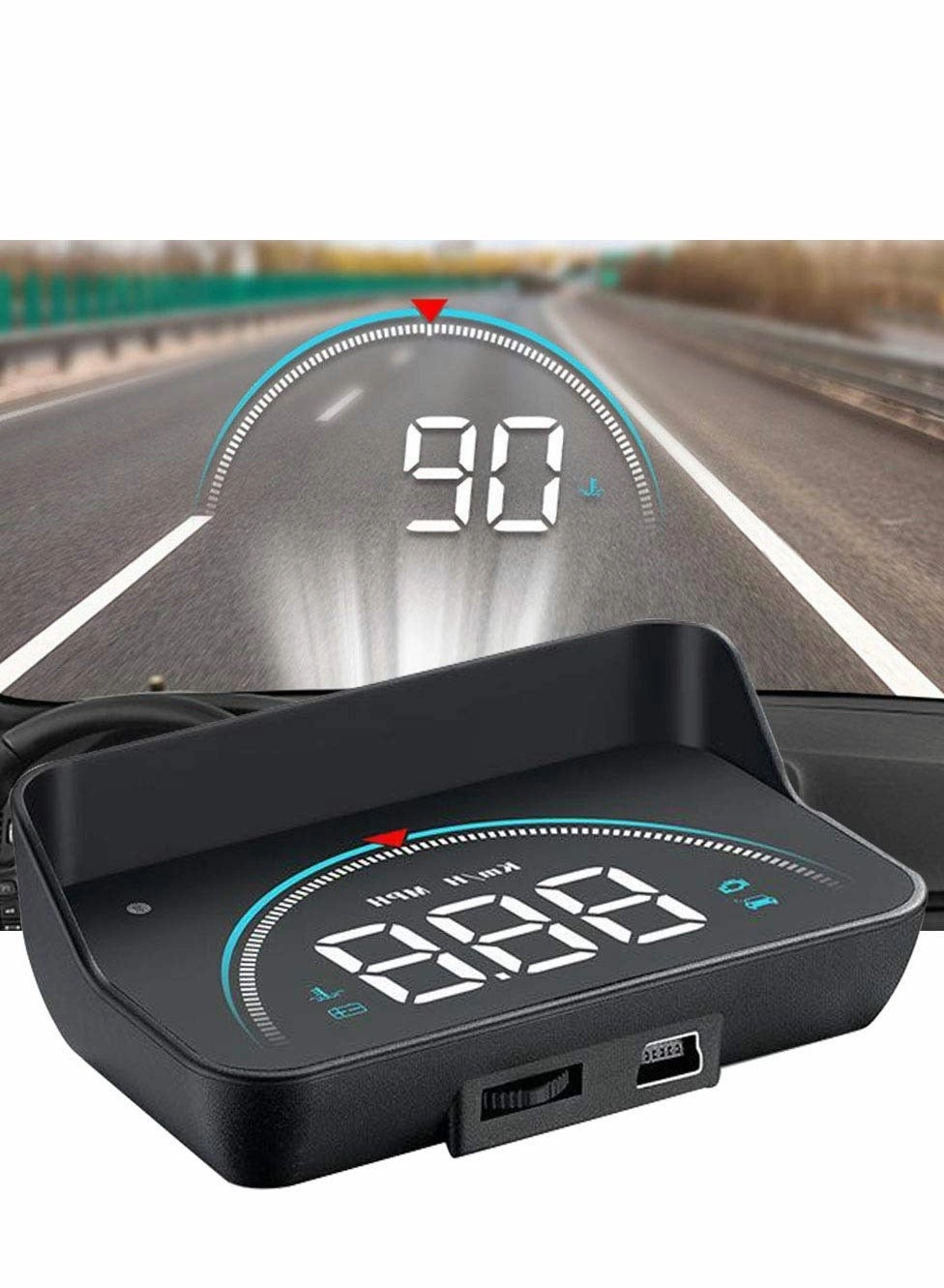
Usage method
1. ** Preparation ** : - Ensure that the vehicle's OBDII interface is working properly and check the head-up display's battery level or connection status.
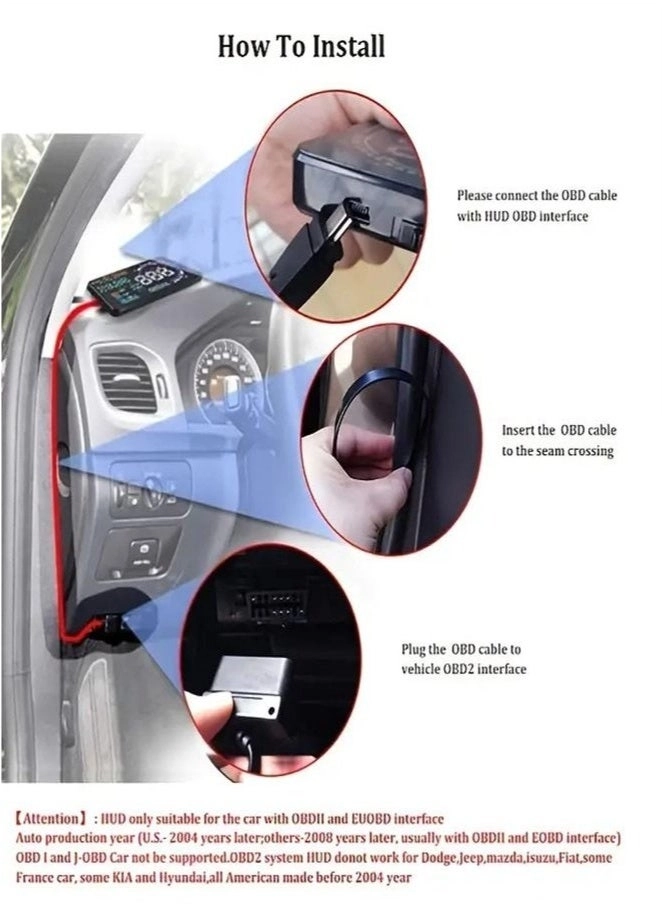
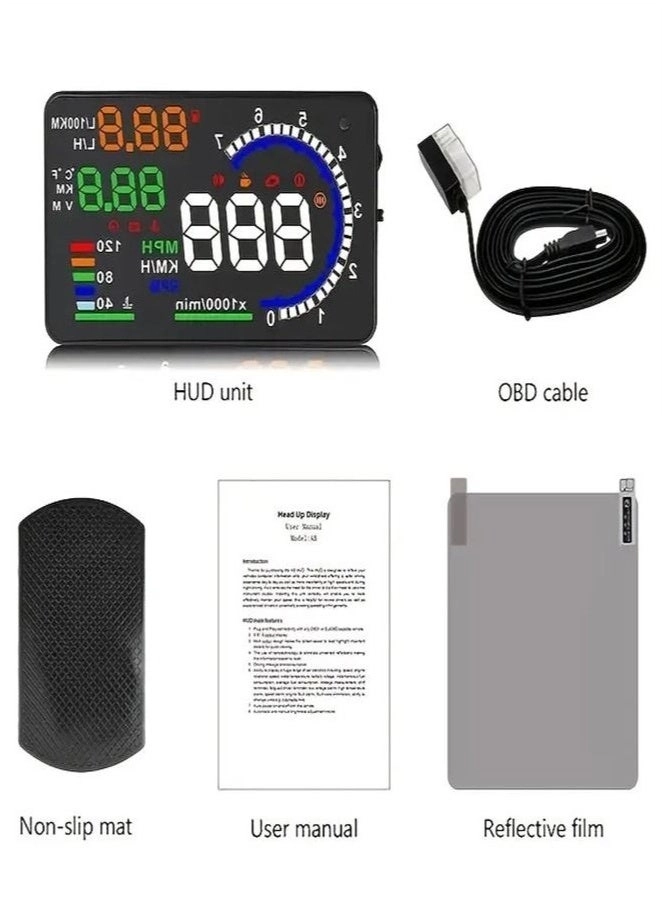
2. ** Installation equipment ** : - Connect the head-up display to the vehicle's OBDII interface, usually located on the dashboard below the steering wheel.
3. ** Set display ** : - Start the car, the engine fires, and the head-up display automatically starts. - Select different display modes and interface Settings according to personal preferences.
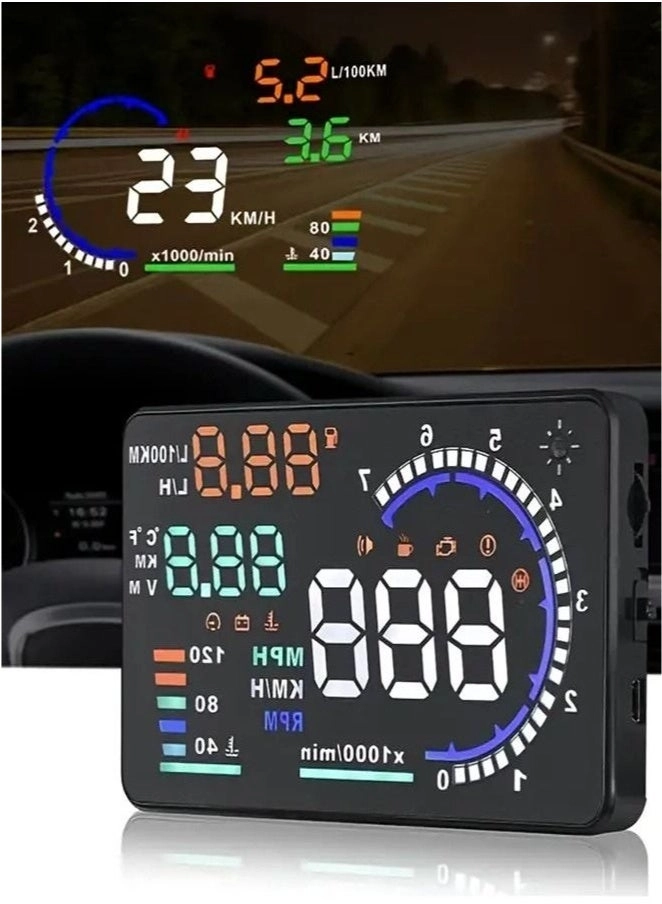
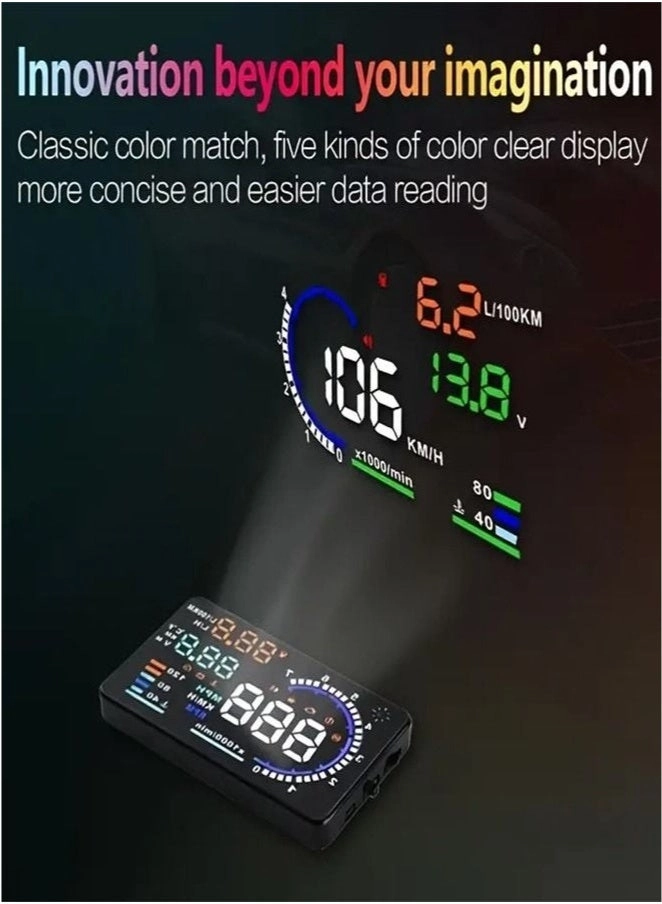
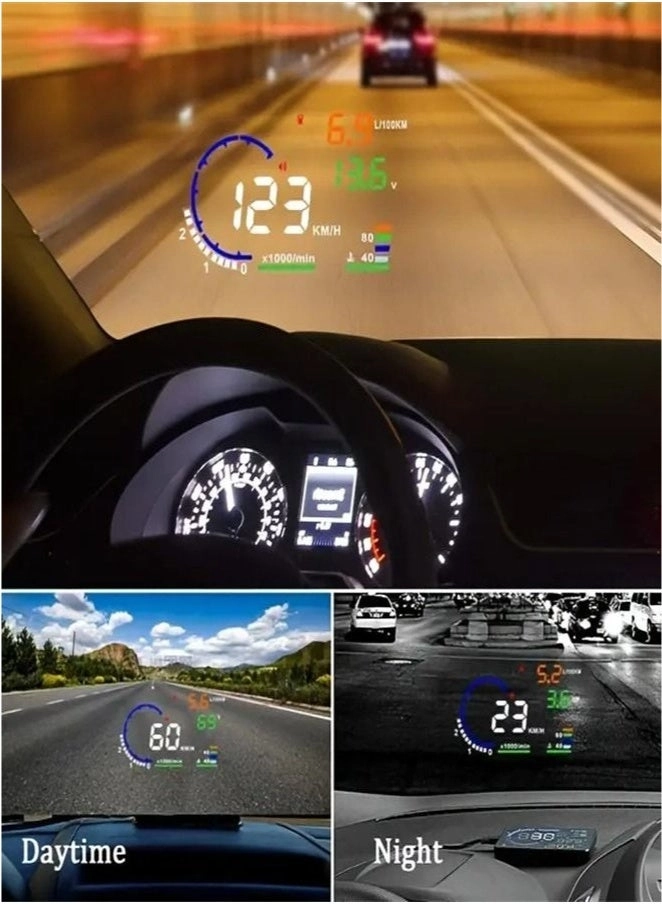
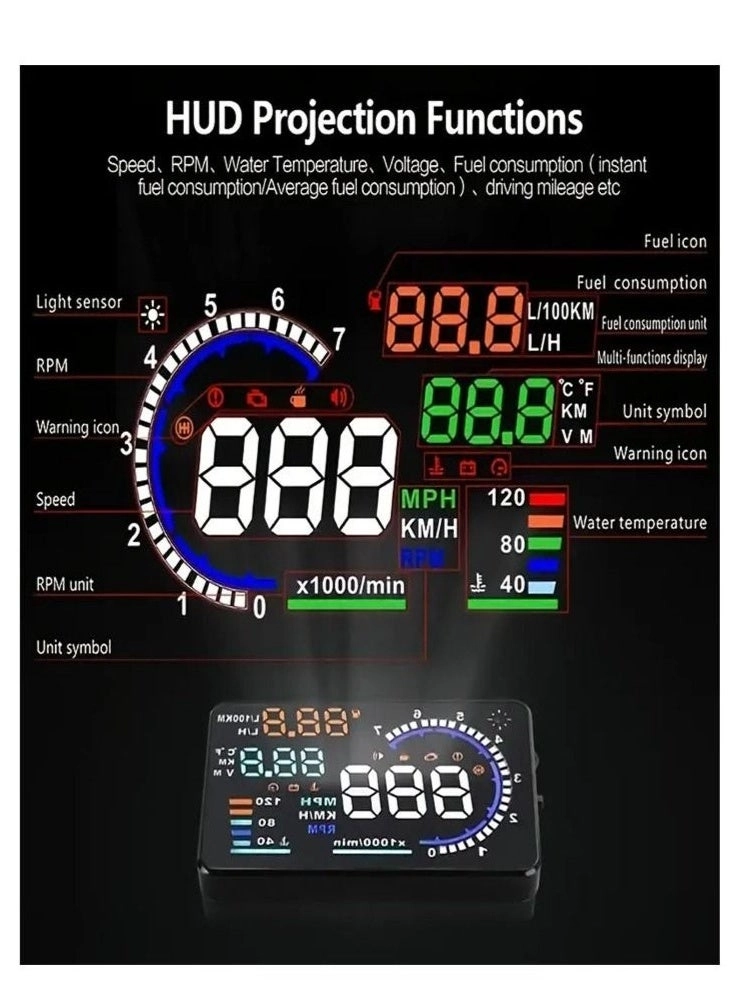
4. ** View data ** : - The monitoring screen will display the speed, speed, fuel consumption and other information of the vehicle in real time to ensure that it can be clearly viewed during the driving process.
5. ** Read the fault code ** : - Use the display's function to read the vehicle's OBDII fault code to help diagnose potential problems.
6. ** Adjust the brightness ** : - Adjust the brightness of the display according to changes in ambient light to ensure legibility.
7. ** Turn off the device ** : - After driving, the display can be turned off manually, or the engine can be turned off automatically.
Matters needing attention
1. ** Safe Driving ** : - During driving, ensure that you are not distracted and do not stare at the monitor for a long time to ensure driving safety.
2. ** Compatibility Check ** : - Ensure that your vehicle supports the OBDII protocol to avoid incompatibilities resulting in unavailability.
3. ** Avoid direct light ** : - Try to avoid direct sunlight on the display, and use occlusions to improve readability if necessary.
4. ** Regular inspection ** : - Check cables and equipment regularly to ensure that they are not loose or damaged to maintain normal working condition.
5. ** Proper use of functions ** : - Avoid changing the Settings while the vehicle is driving, so as not to affect the driving experience.
6. ** Storage environment ** : Do not expose the equipment to high temperatures, humidity or direct sunlight to extend its service life.