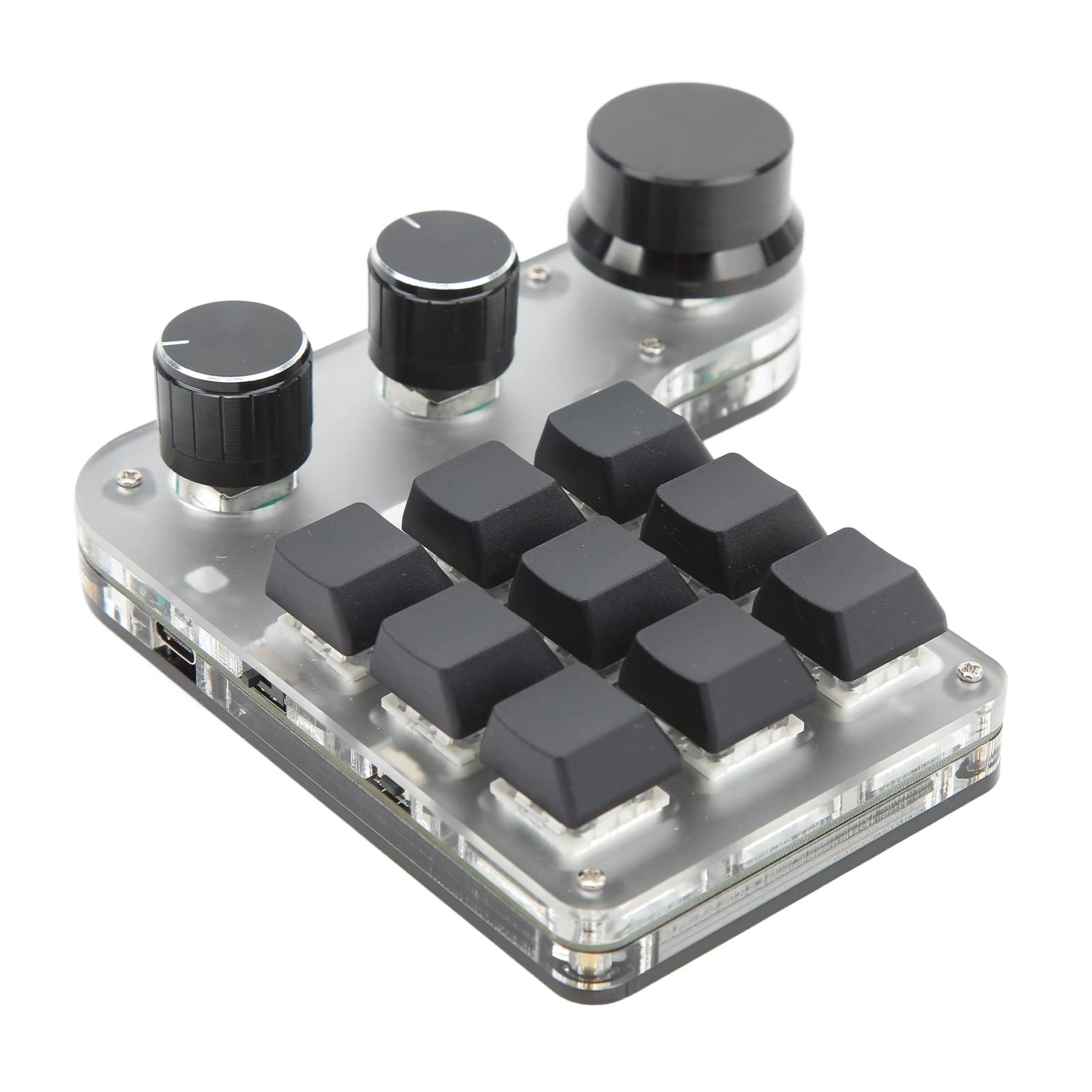
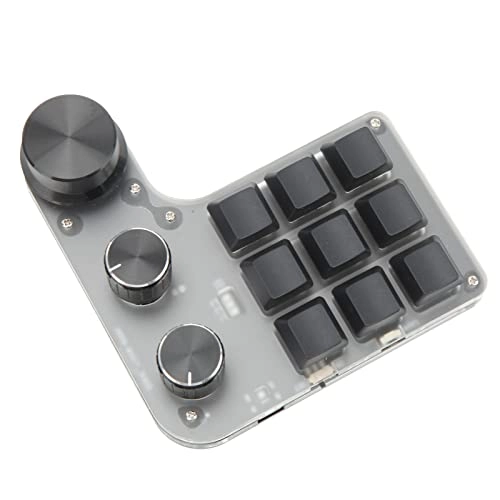
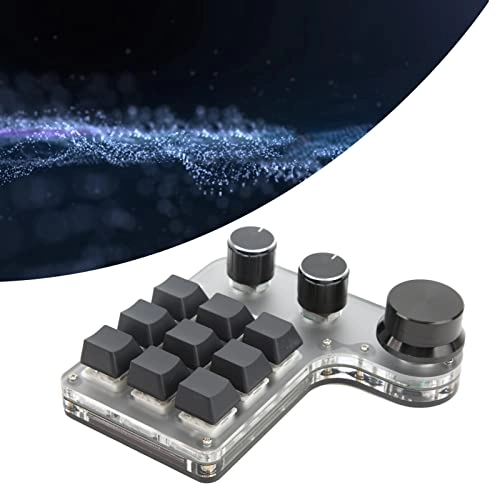
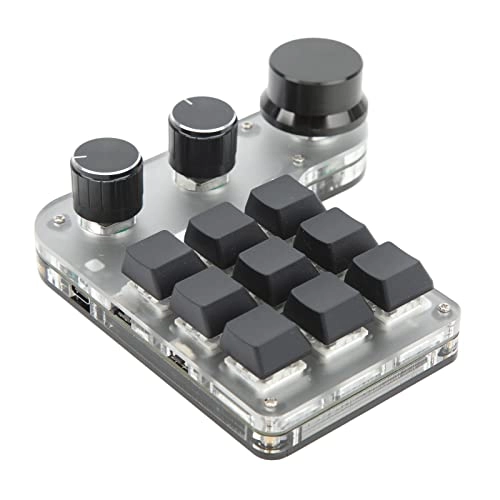
1. Mini Keypad: Multi function 9 key customized keyboard with 3 knobs, support for up to 18 character shortcut key superposition, one key output, more convenient.
2. Dual Mode: Dual mode keyboard, supporting USB and BT connection modes, and automatic switching. BT wireless will automatically enter the sleep mode after 15 minutes of inactivity.
3. 3 Knobs: The knob has a click function, which can be used as the left and right mouse buttons. The knob can be set with zoom in, zoom out, pause, play and other functions.
4. Multifunctional: The delay function can be set up to 6000 milliseconds. With RGB function, various light colors can be adjusted. With storage function.
5. Applicable Scene: Applicable to office, games, music, media, industrial control, laboratory, production line testing and other fields.
Spec:
Item Type: Mini Keypad
Material: Acrylic, PCB
Purpose: Applicable to Office, Games, Music, Media, Industrial Control, Laboratory, Production Line Testing and Other Fields
Connection Mode: BT, USB
System Support: for , for Vista, for Linux, for OS X
Key Life: Up to 50 Million Times
Lights: RGB
Type: Dustproof Blue switch
Number of Keys: 9
Product Size: Approx. 120 x 115 x 38mm / 4.7 x 4.5 x 1.5in
Current and Voltage: Dc 5v 1a
Working Temperature: - 10 ℃ to 50 ℃
Battery Type: 1000mah Lithium Battery (built In)
How to Use:
1. Small keyboard, open the custom software on the computer.
2. On the custom software, click the "key setting area" or "Knob setting area" (yellow area) and then click the key key1‑key12 or any key of knob 1 or knob 2 (green area) to be set; If selected, it will appear red.
3. Click the function key corresponding to the simulated keyboard on the custom software, click download, prompting download success, the custom keypad can be used. For example, if you want to set small keyboard key 1 as the shortcut key of copy (Ctrl+C), click "Key Setting area" on the software, click "KEY1", then click Ctrl and C on the software simulation keyboard, click Download, and the message "download successful" is displayed.
Common troubleshooting methods:
Problem 1: When the keyboard is connected to the computer, there is no response or a message indicating that the device is running abnormally.
Solution: Check whether the cable and interface are connected properly, and remove and reinsert them. Replace the USB port on the computer and plug it back in.
Fault 2: The custom software cannot be opened after being downloaded.
Solution: Check whether the antivirus software intercepts the operation and set it as a trusted file.
Question 3: After connecting the computer, why is it always "a" when pressing a key or knob?
Solution: Output a is the normal factory setting, please open the custom software to redefine the key function.
PackageList:
1 xMini Keypad
1 x USB Cable
Note:
1. BT wireless 15 minutes without operation, will automatically enter the sleep mode. Click "Key 1" to wake up while sleeping. Wake up time, about 2 seconds to complete, and automatically connected.
2, battery life, fully charged, normal use of about 1 month, charging time, the indicator light is "red" light, full indicator light is "green" light.
3, layer function switch, press the button of one layer, switch one layer, the current layer will be automatically remembered after power failure. This software can only run in for system for the time being, try to download it on the PC. 4. Output a single letter is the normal factory setting, open the custom software to redefine the key function.
5, the setup software does not need to be installed, open can be directly run, set up after the automatic storage in the chain disk, and then inserted into the support of usb protocol such as for Linux, for OS X and other systems for use (the first run attention to antivirus software to release, set as a trust file)