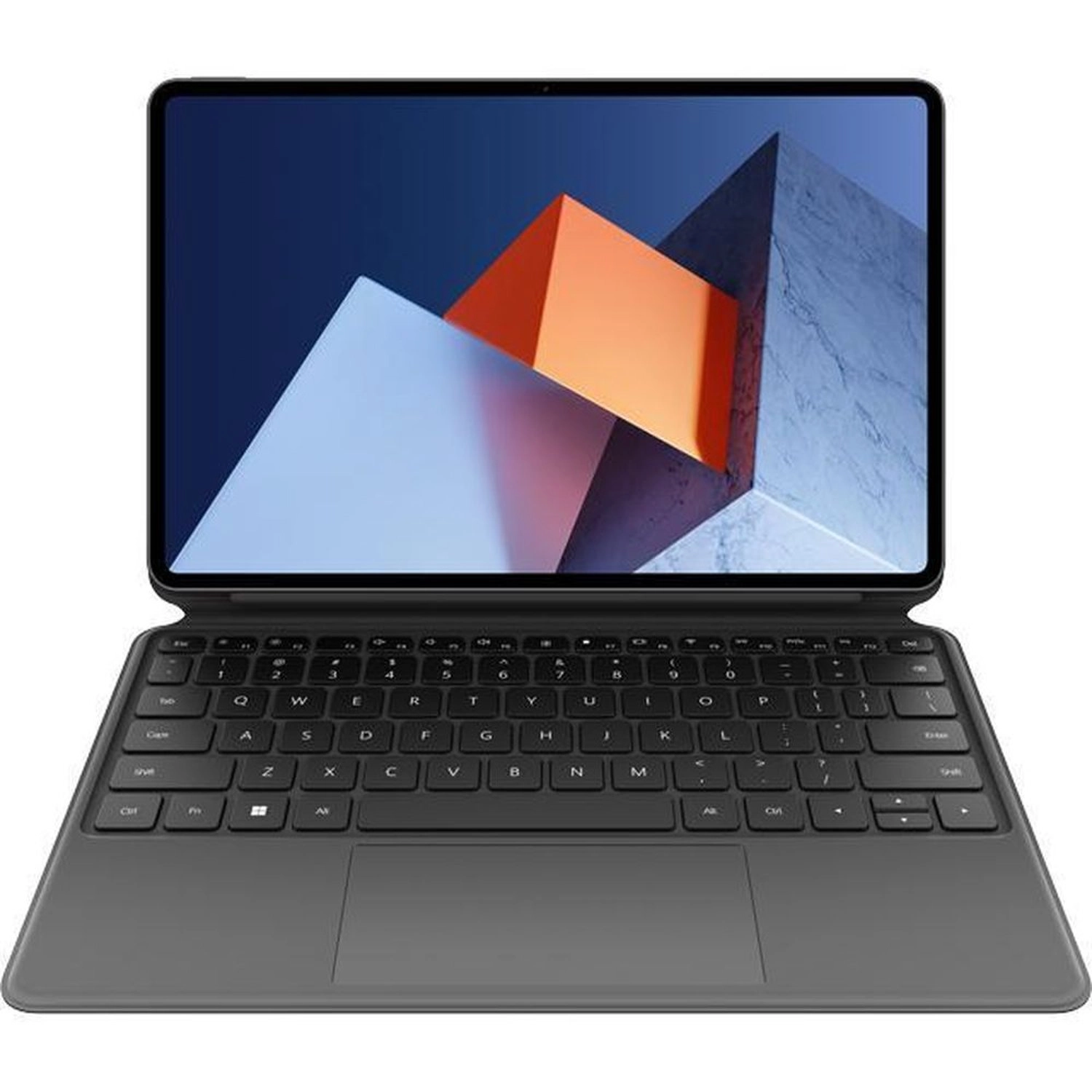
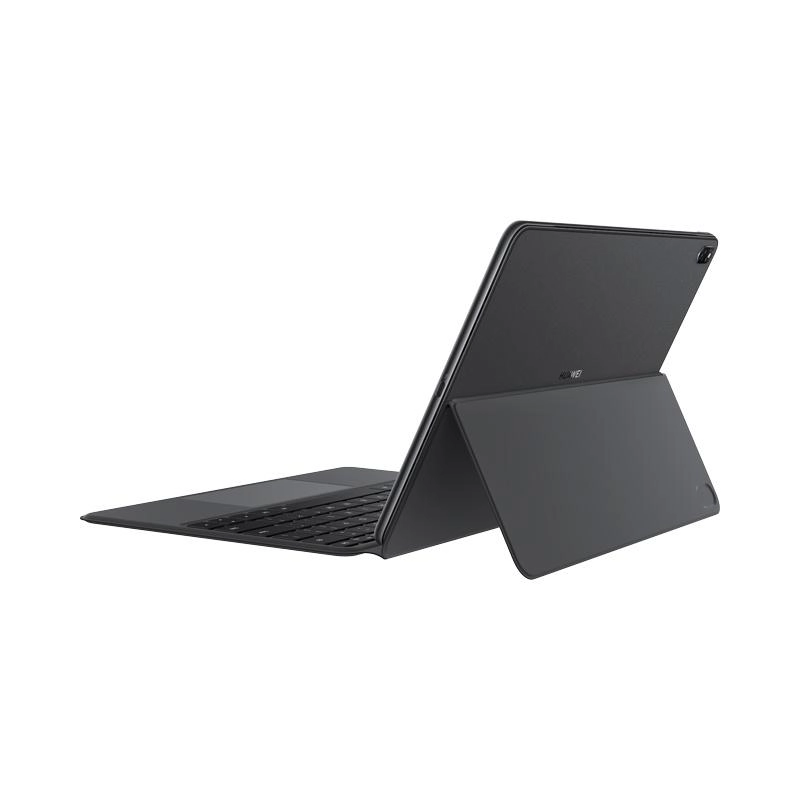
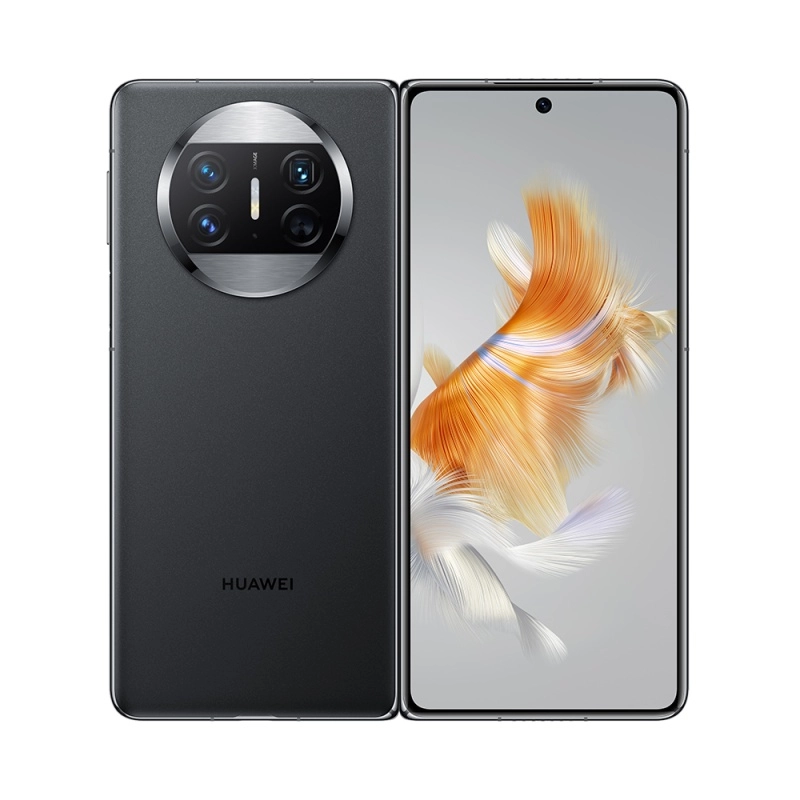
The innovative spraying process, incorporating micron-sized silicone resin particles, complements the pure background color, like a vast universe. The beauty and texture are extraordinary Multi-channel exquisite craftsmanship, the surface of the body is smooth and delicate, so that the fingertips can enjoy the comfort. 360° suspension designAdvanced minimalism Cooling air vents, speakers, microphones, etc. are all closed in the gap When presenting a speech, remove the keyboard and the notebook becomes a tablet in seconds. Use the HUAWEI M-Pencil to draw a circle and make a presentation, trim it at will, double the communication efficiency, and explain more clearly. Even when traveling, efficiency is still online. Whether it is studying reports or reviewing documents, HUAWEI M-Pencil is in hand, and inspiration is easily captured. Efficient cooling and calm response The 7.99mm body has an eight-layer heat dissipation structure built in to help release performance. HUAWEI MateBook E uses graphene with high thermal conductivity for the first time to transfer heat quickly. Shark fin fan with thin air-cooled VC heat dissipation, efficient heat dissipation, cool and cool. Fast and stable, one step faster HUAWEI MateBook E exclusive keyboard and HUAWEI M-Pencil have an independent Bluetooth antenna, pairing in seconds, high-speed and stable data transmission, and does not occupy Wi-Fi bandwidth, and the network is stable and smooth. Innovative antenna design to enjoy high-speed Wi-Fi The combination of high-performance antenna technology and Wi-Fi 6 enhances Wi-Fi signal reception efficiency in complex network environments. Four-speaker high and low frequency crossover Work and play quietly and enjoy wonderful sound HUAWEI SOUND professional tuning, four-speaker high and low frequency crossover, clear treble, deep bass and distinct layers. With the spatial perception algorithm, it creates a 360° surround sound field. Intelligently identify music, movies, calls, and game scenes, and automatically switch to better sound effects. Huawei Sharing Breaks Boundaries PC + Mobile The connection area shared by Huawei is built under the trackpad.You can use your mobile phone to touch the touchpad to achieve multi-screen collaboration. The mobile phone is quickly "separated" to the computer, and the mobile phone interface can be directly operated on the computer screen. PC + HUAWEI PixLab X1 When the printer is ready to be connected to the network, move the HUAWEI MateBook E close to it, and a pop-up window38 will automatically pop. Huawei's full-scenario ecosystem is increasingly enriched, and more devices cooperate with each other in a tacit understanding. HUAWEI MateBook E can not only cooperate with more than screens of Huawei mobile phones and tablets, but also easily interconnect with more terminals such as HUAWEI MateView and smart speakers. Like a mobile phone, it becomes a control center that you carry with you.