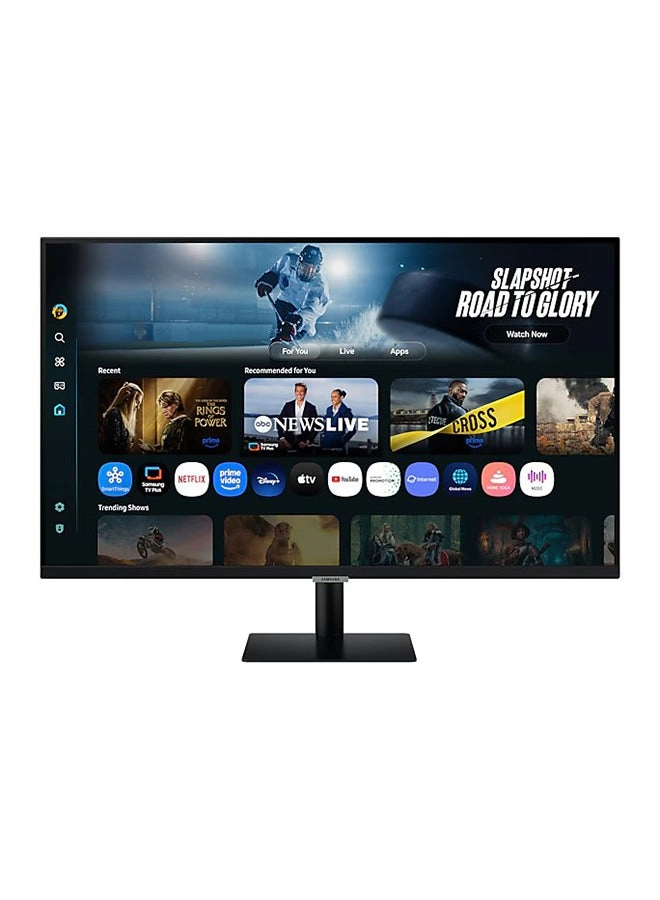
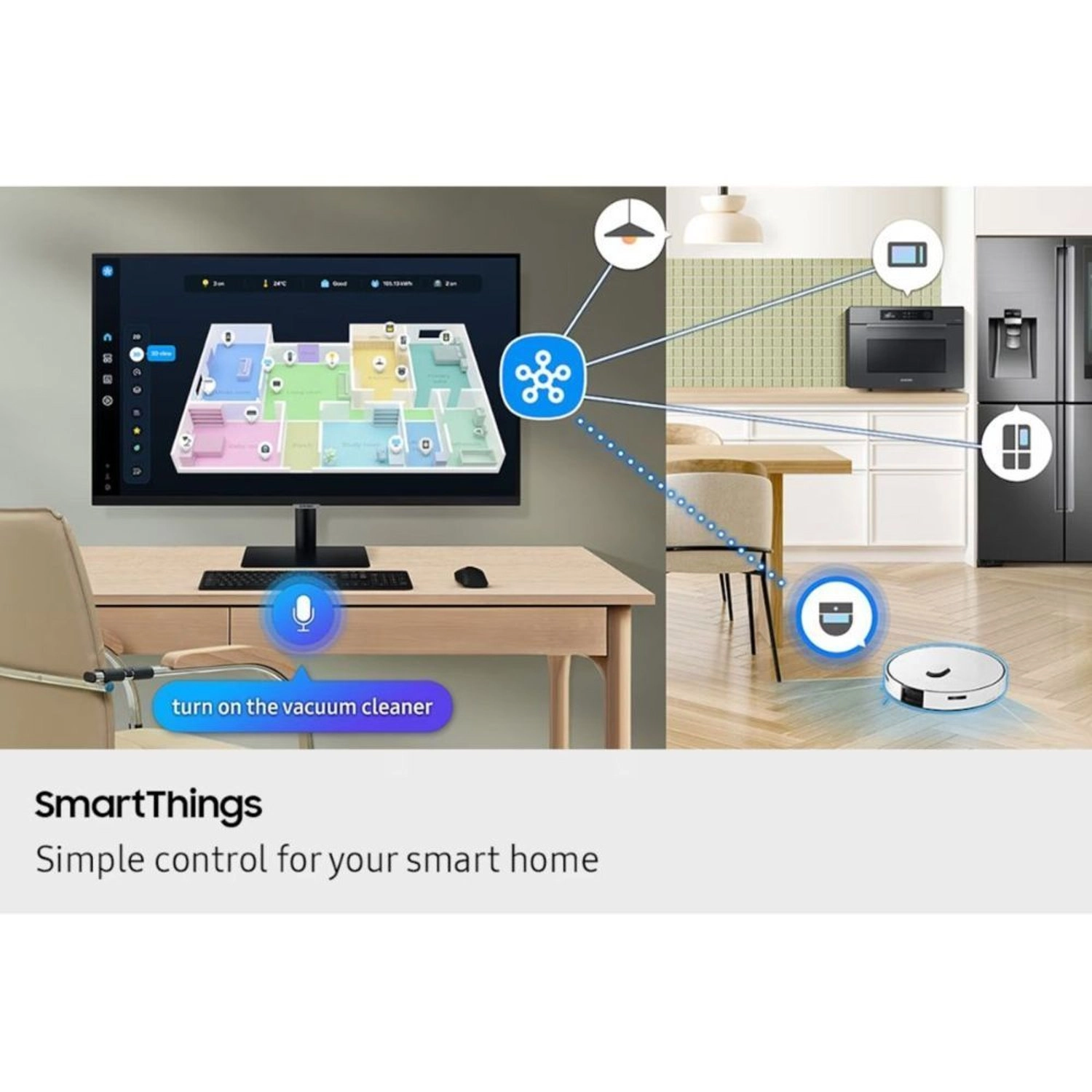
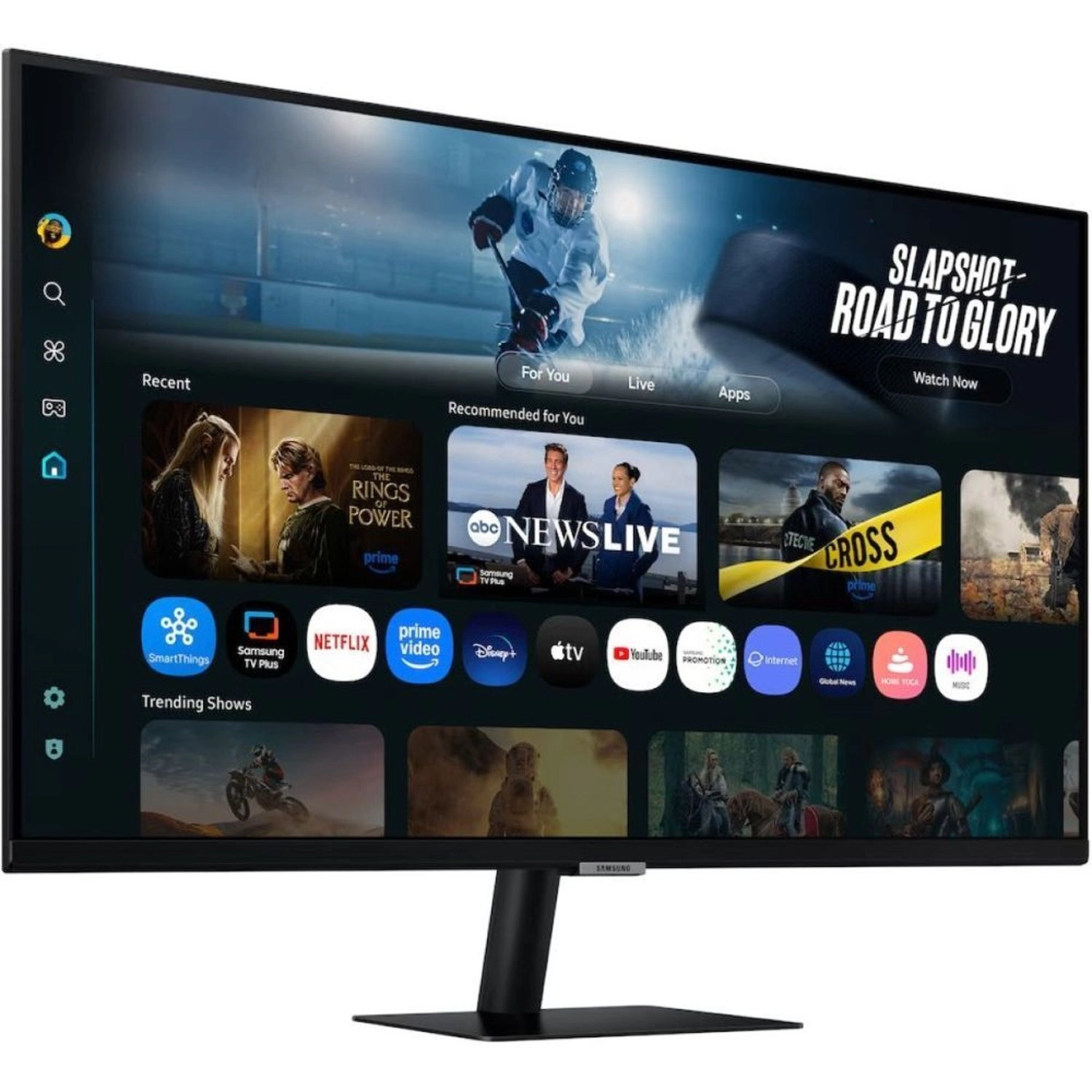
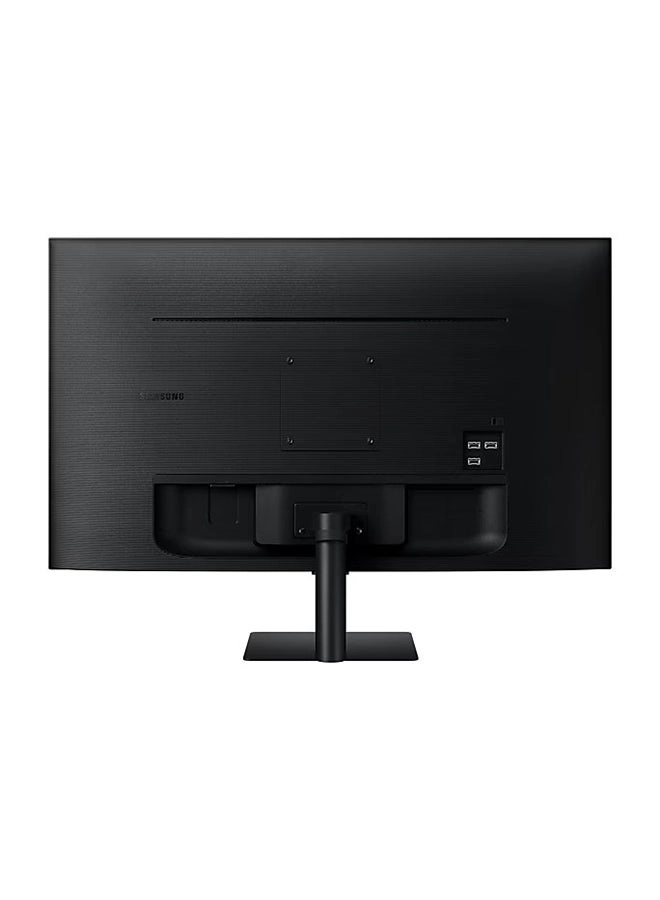
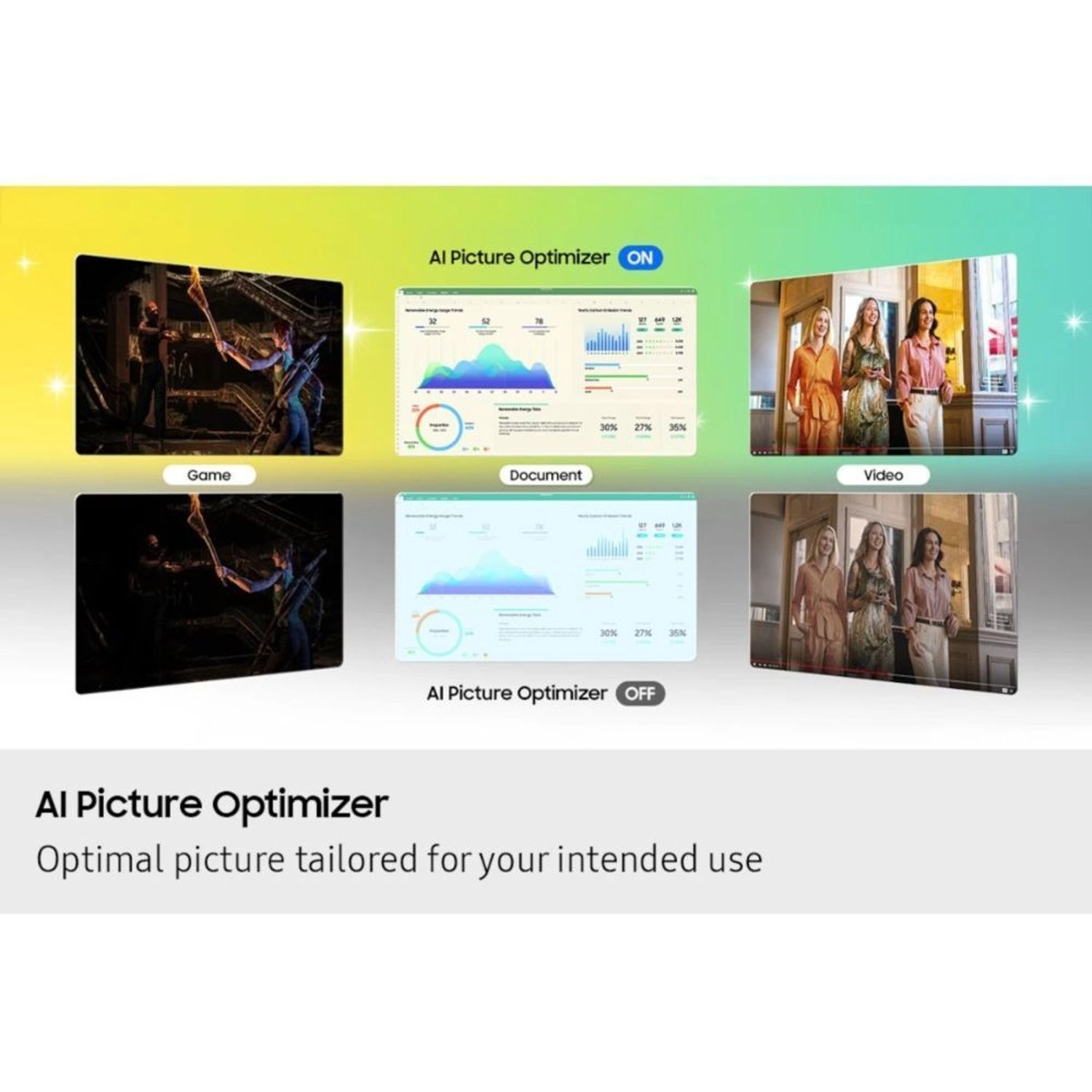
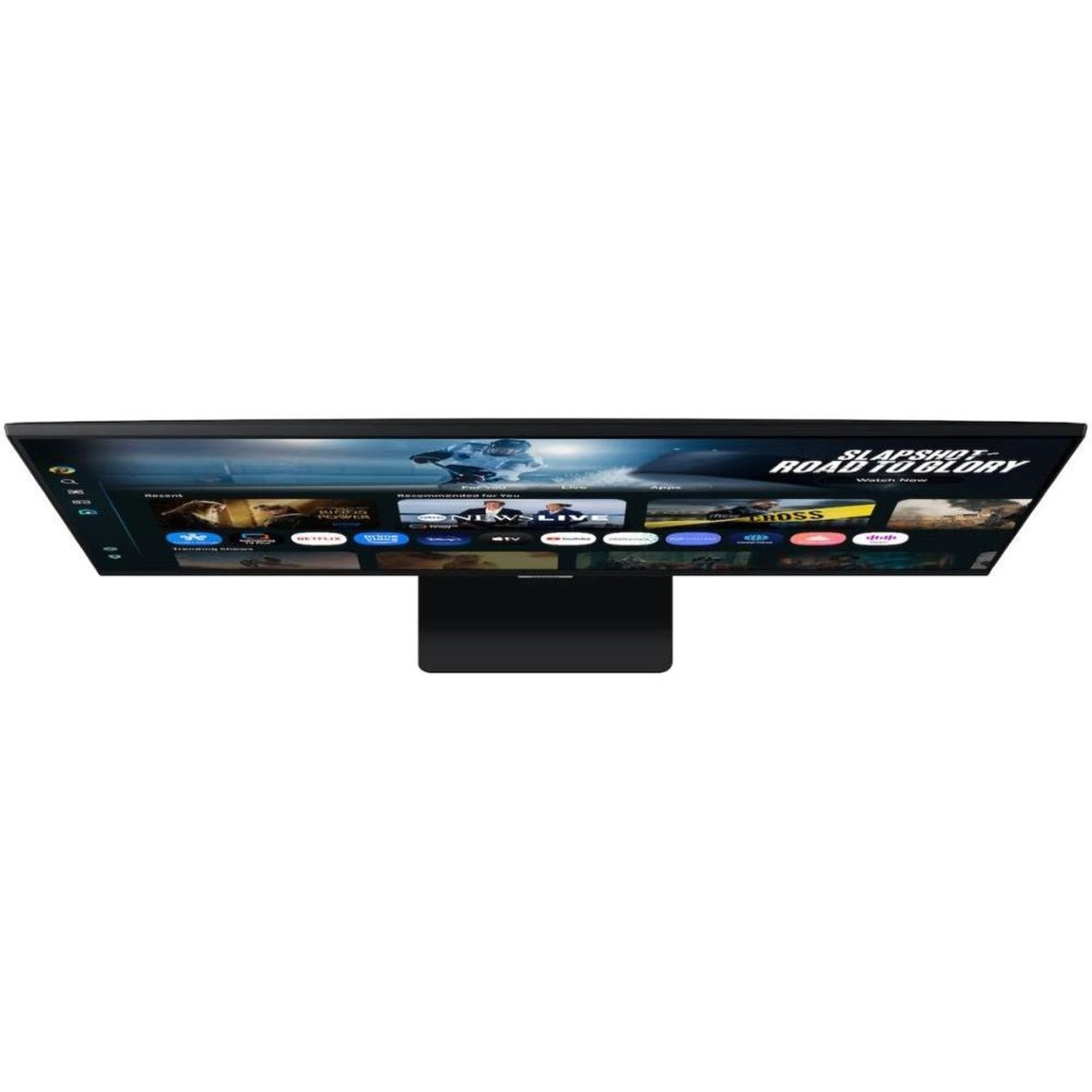
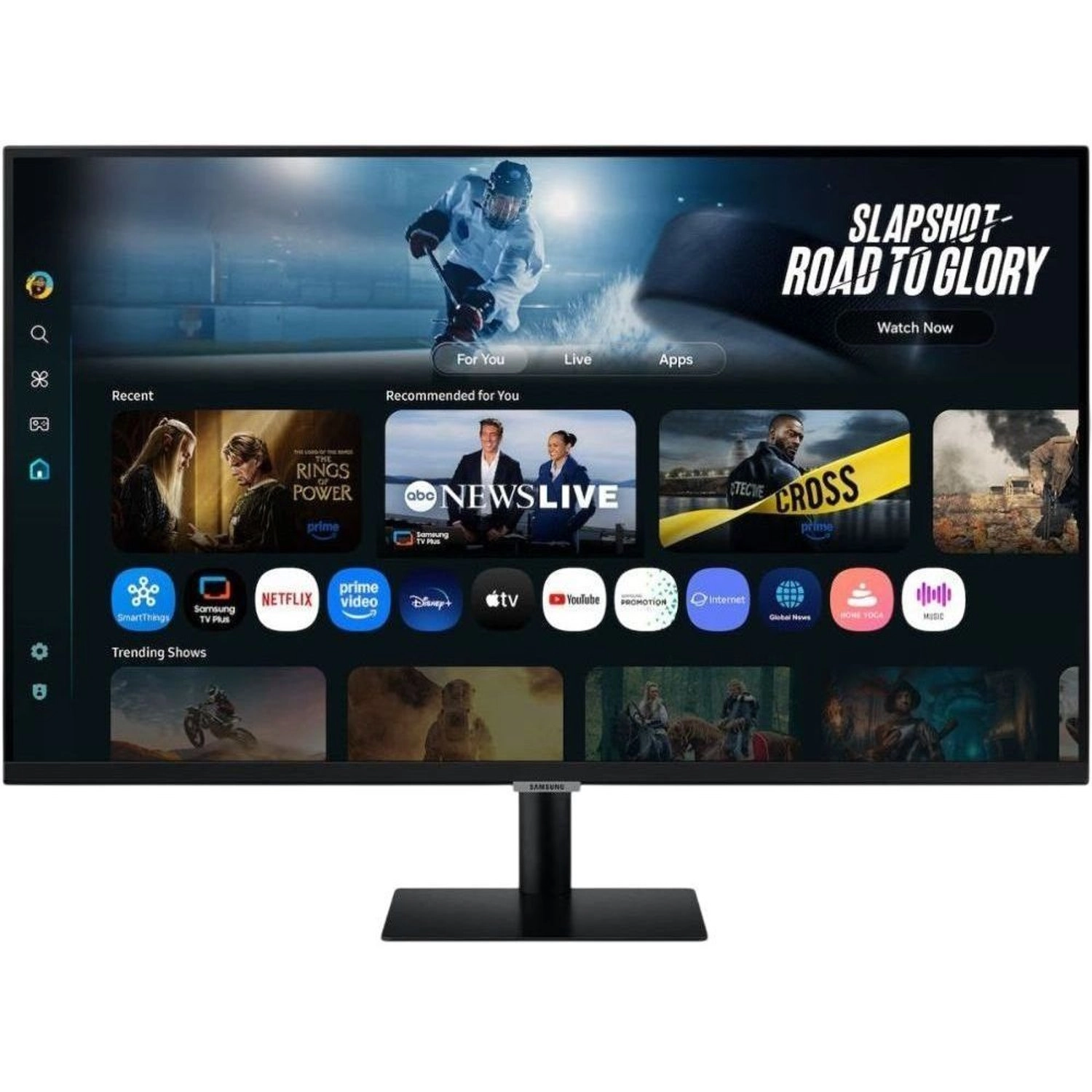
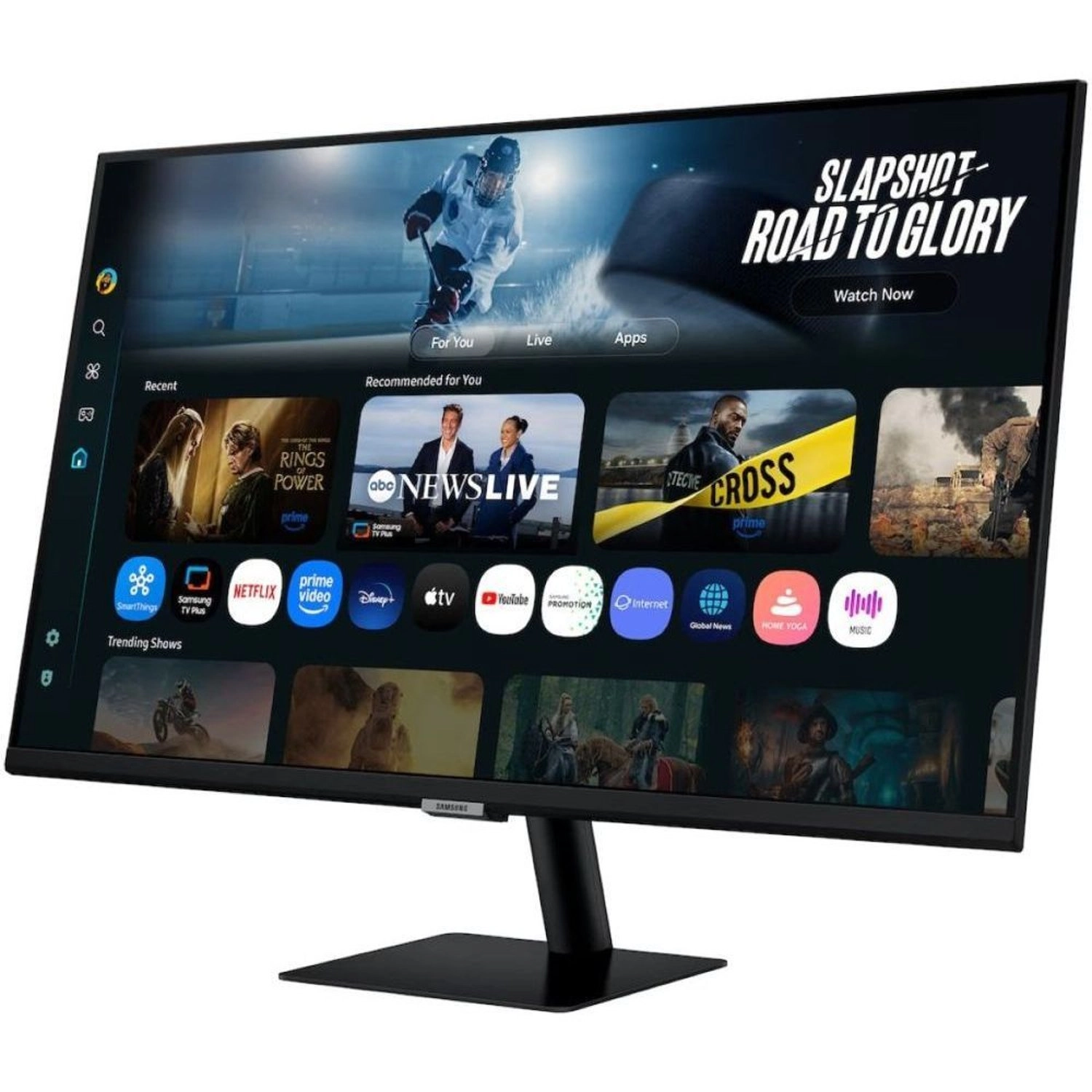
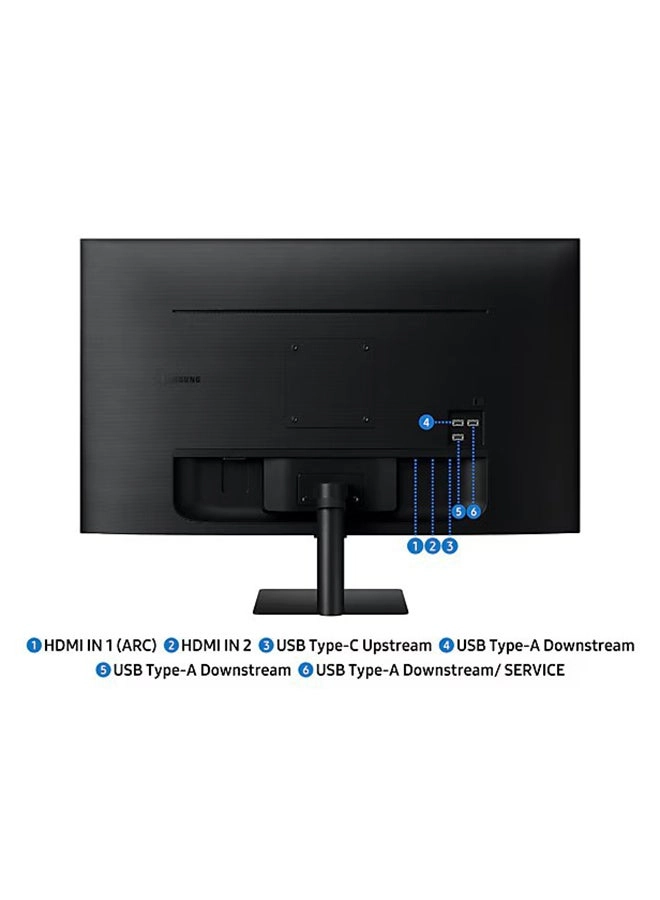
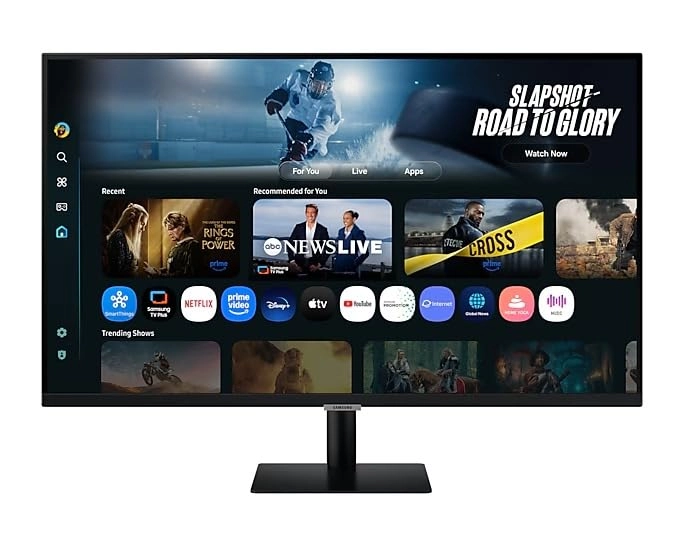
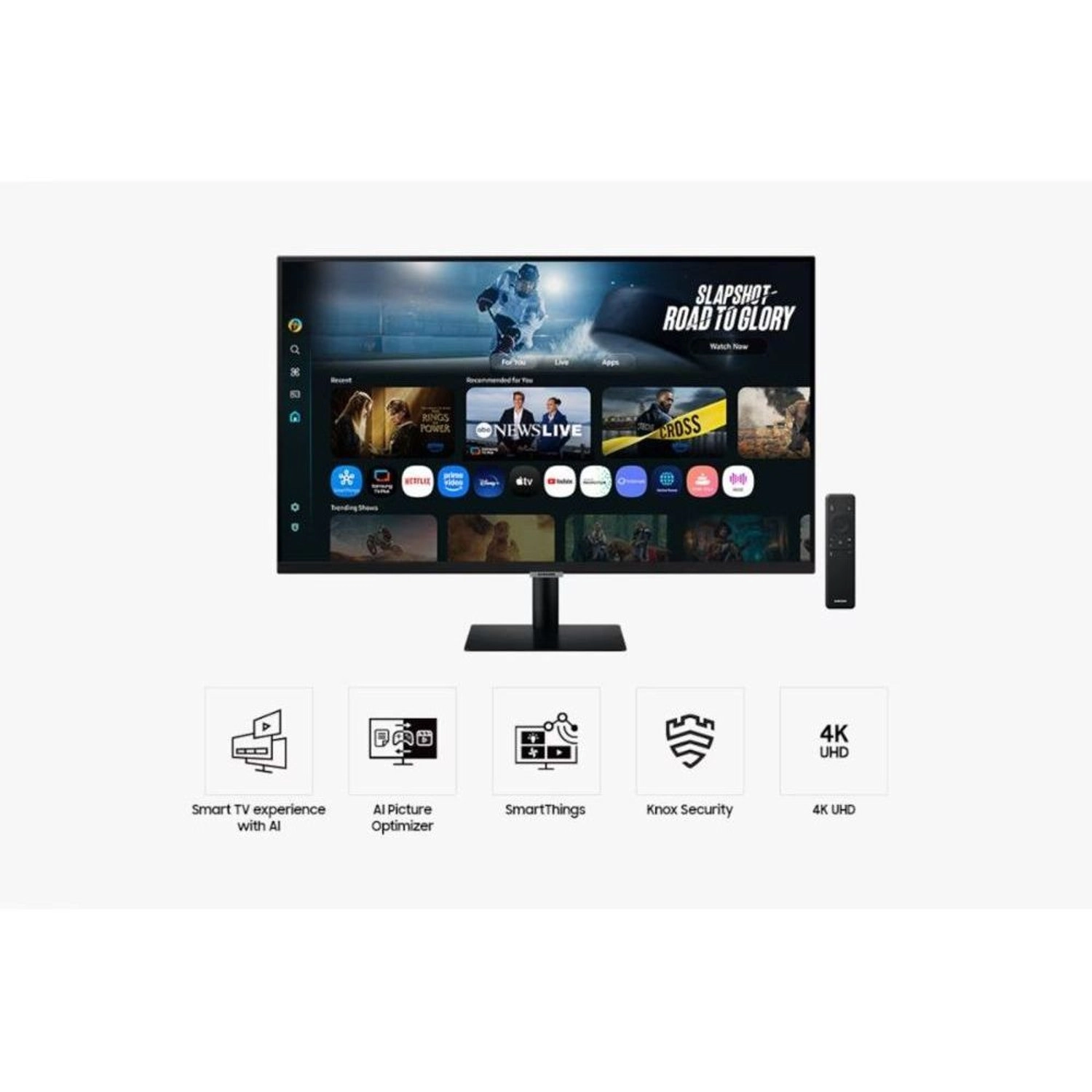
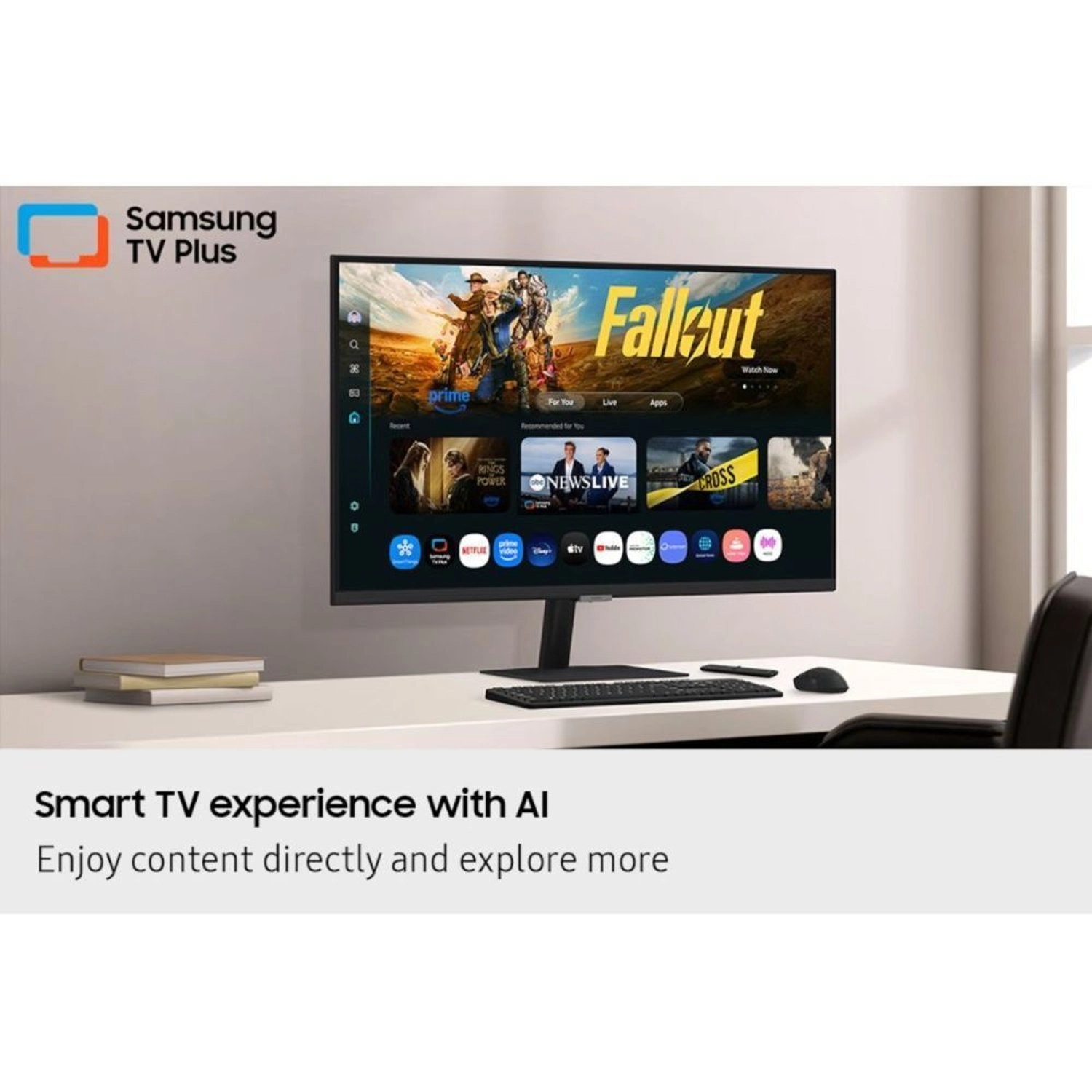
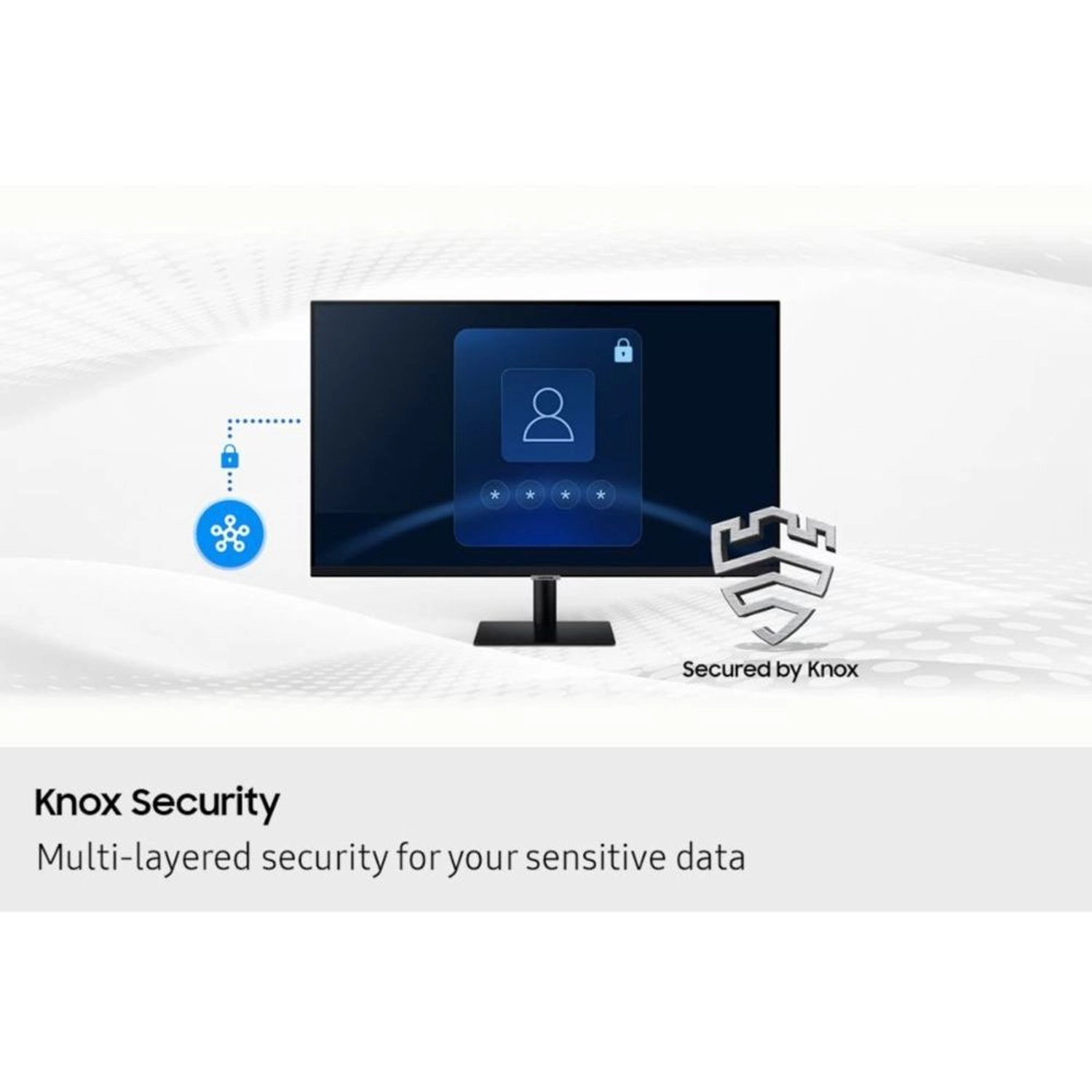
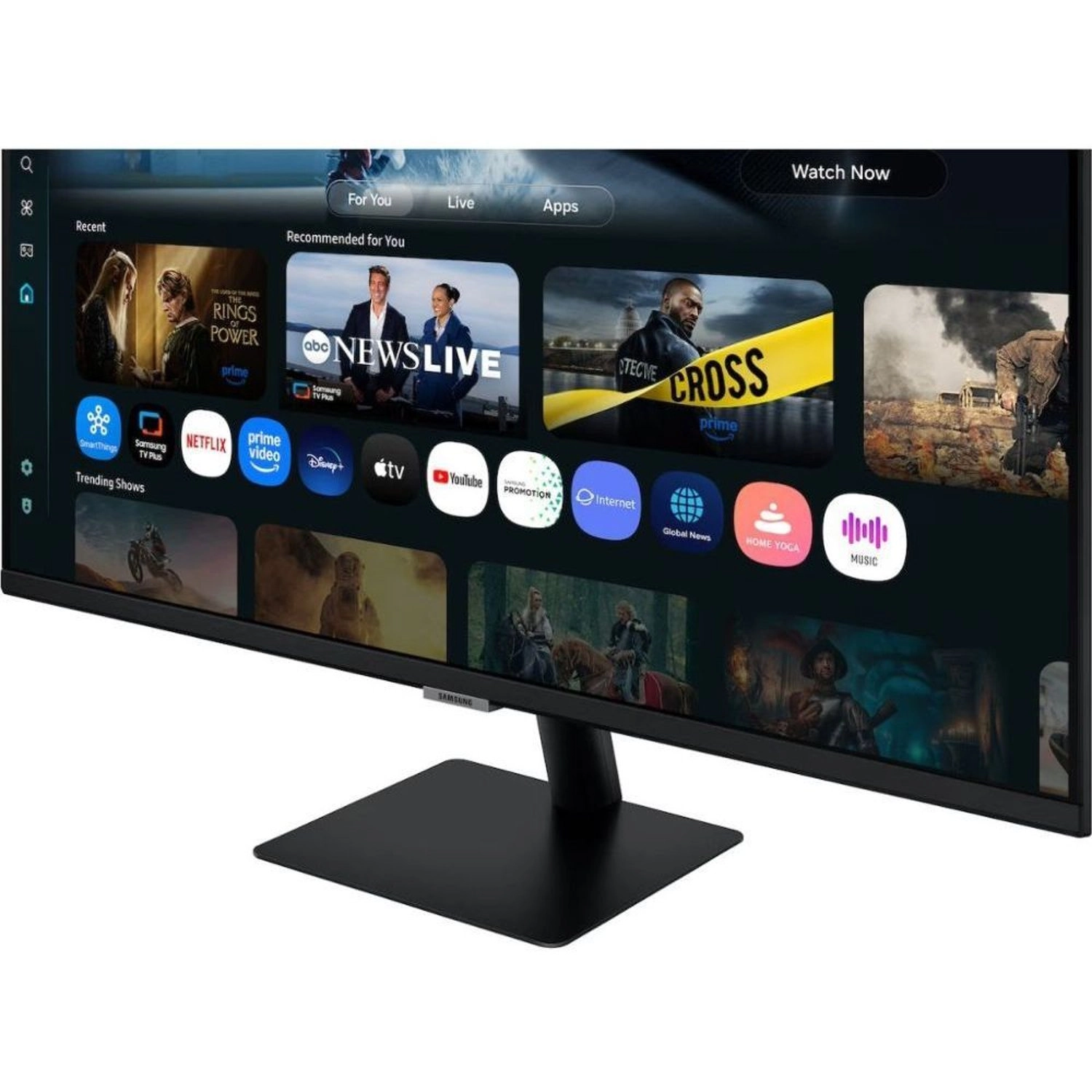
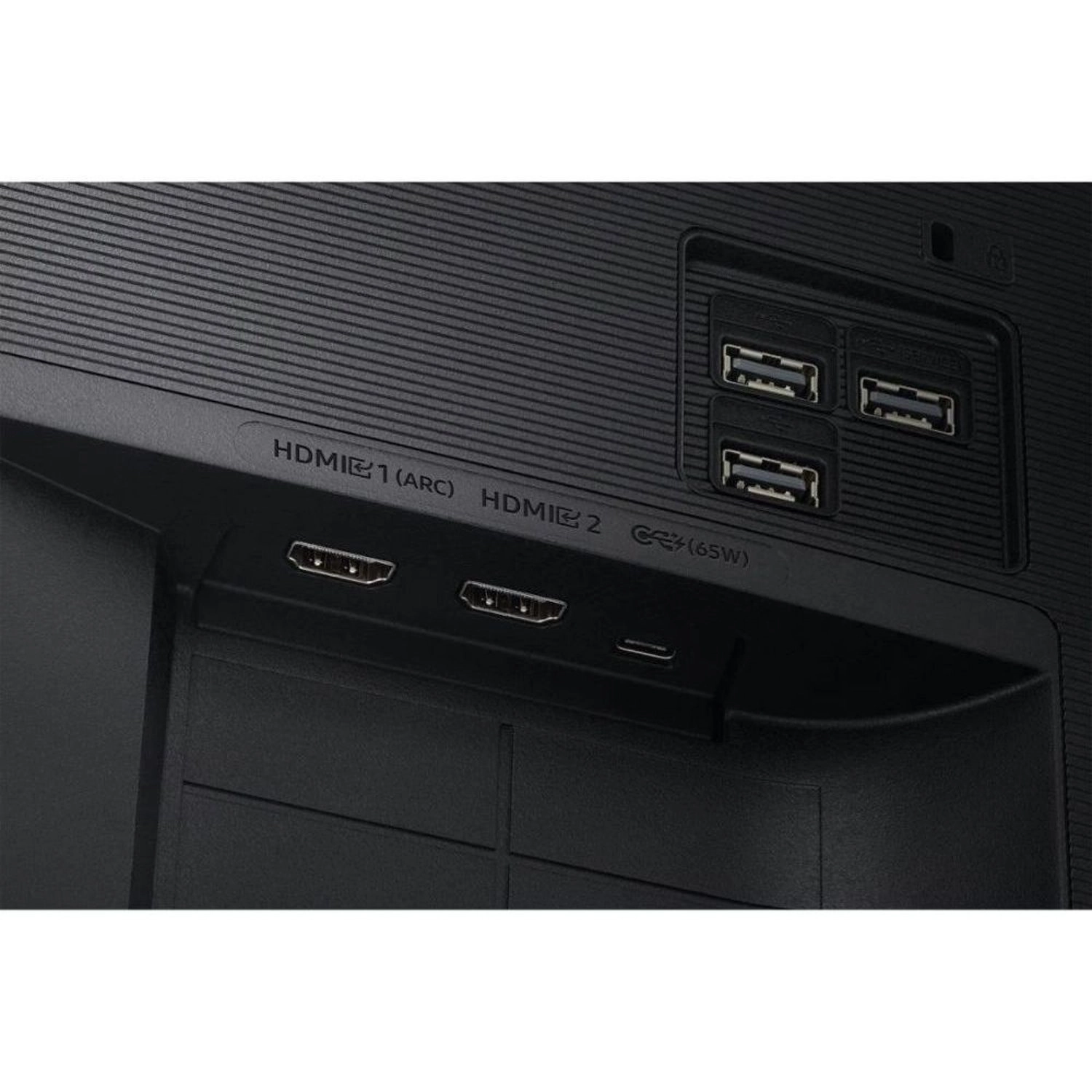
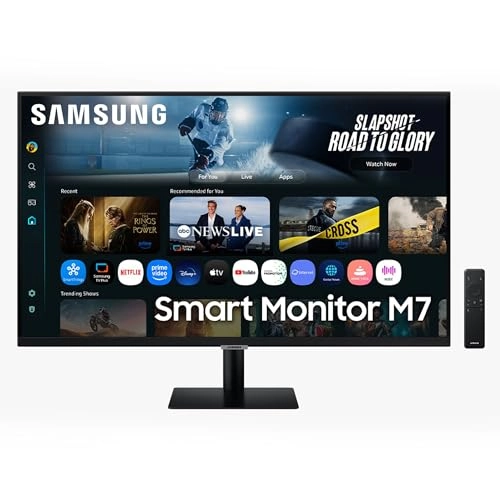
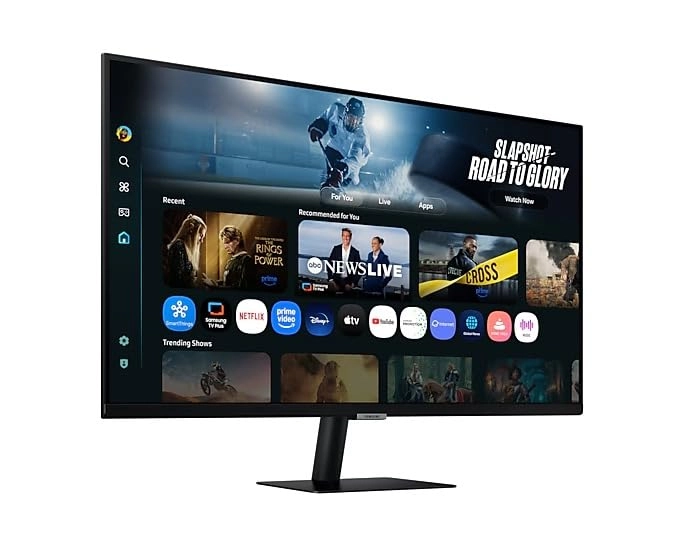
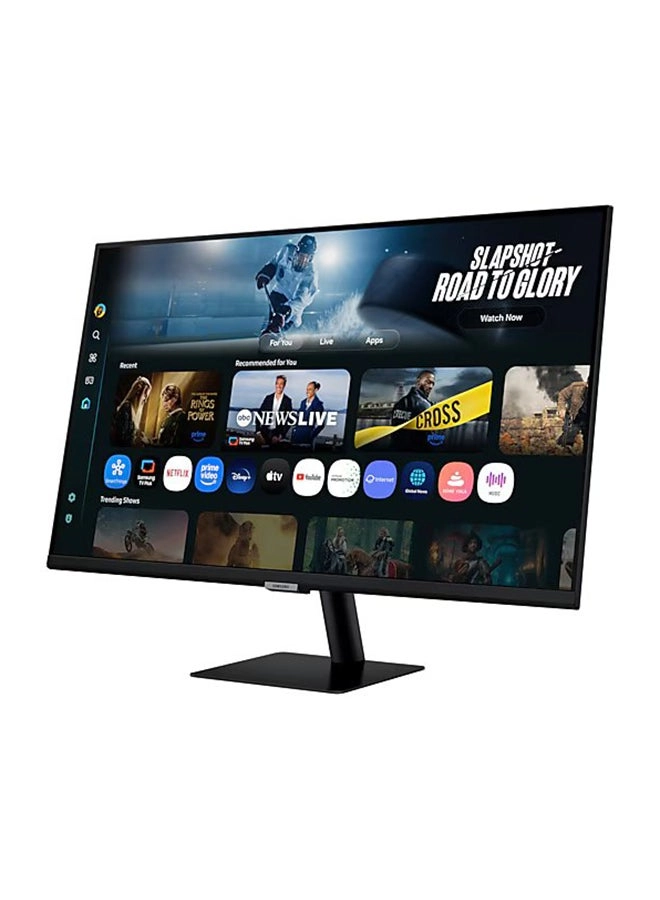
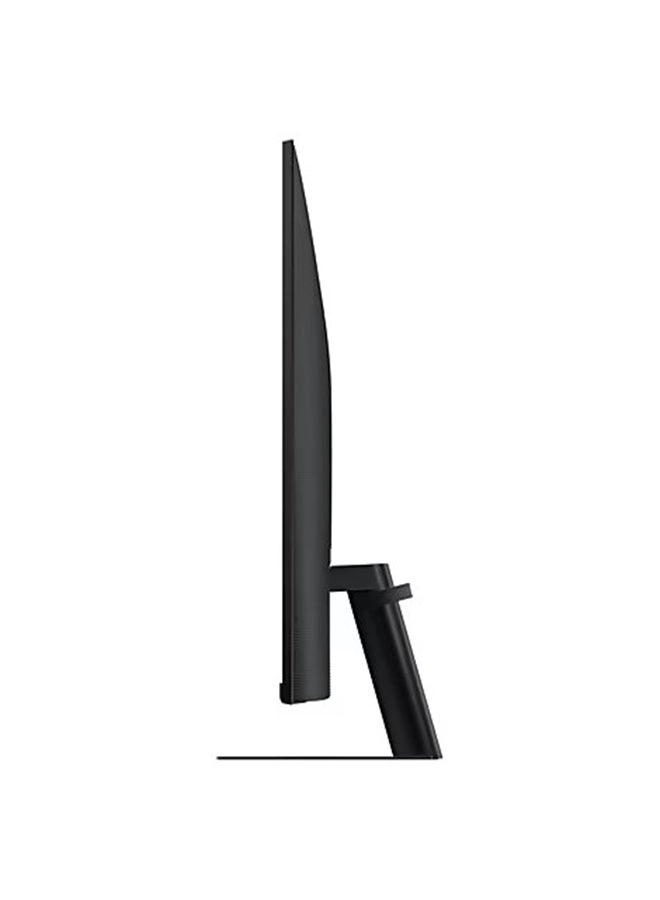
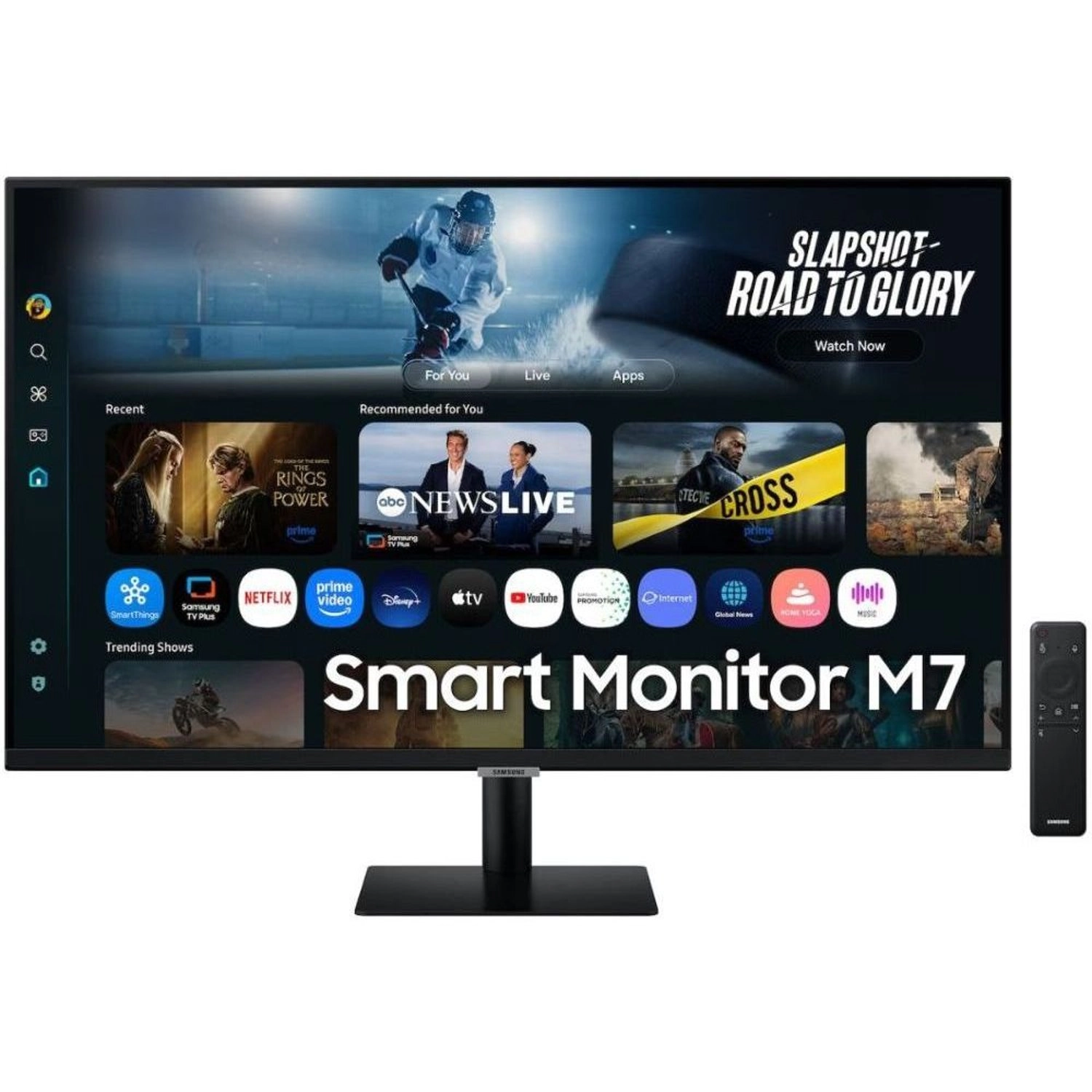
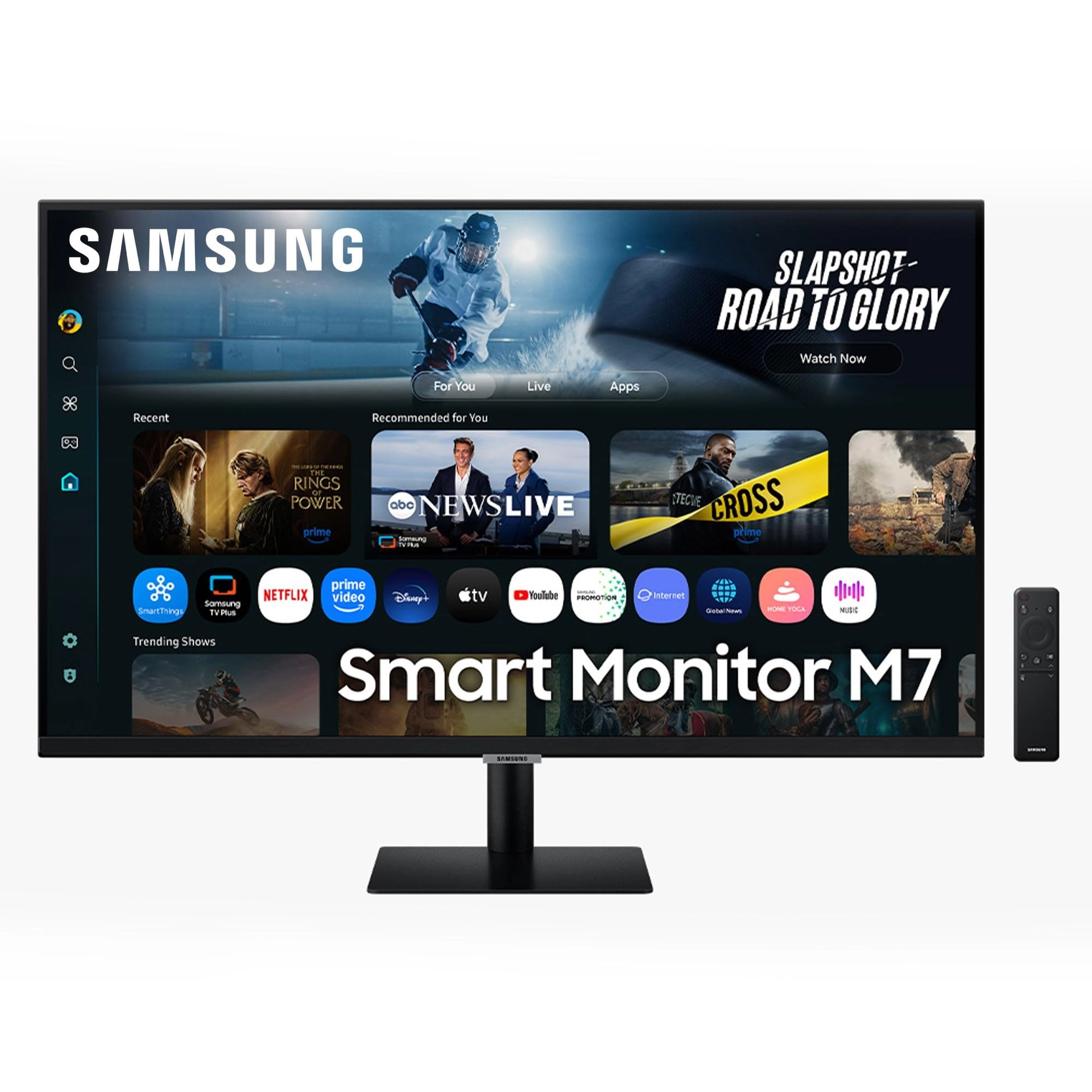
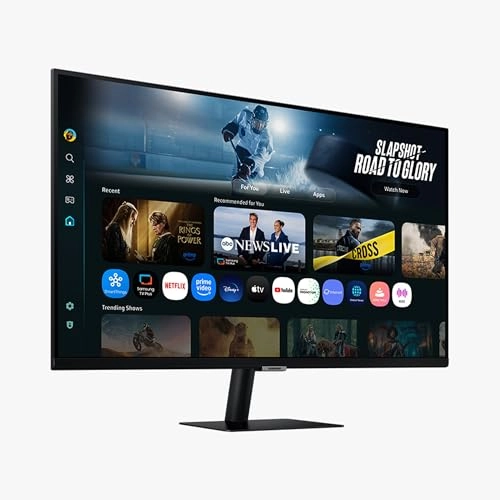
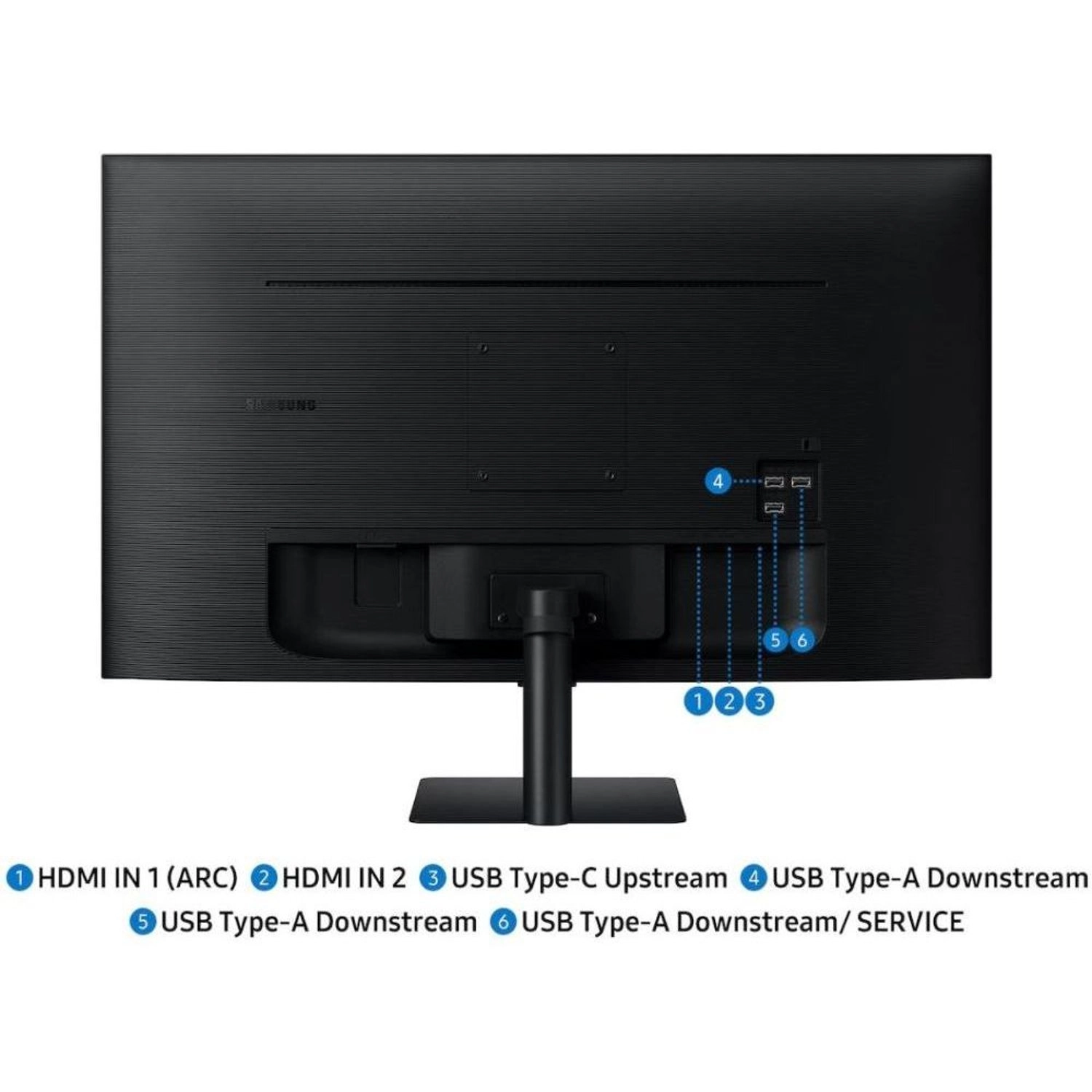
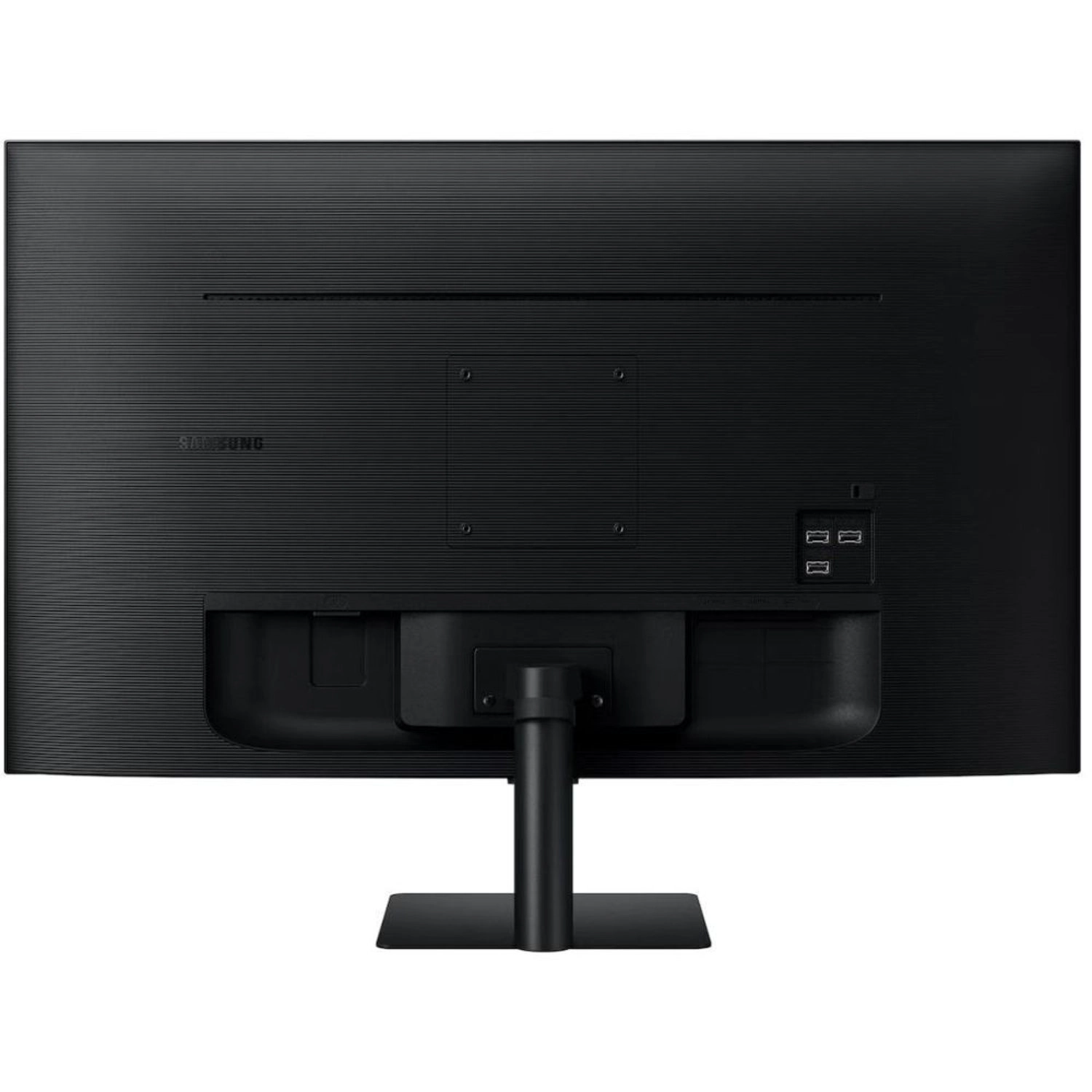
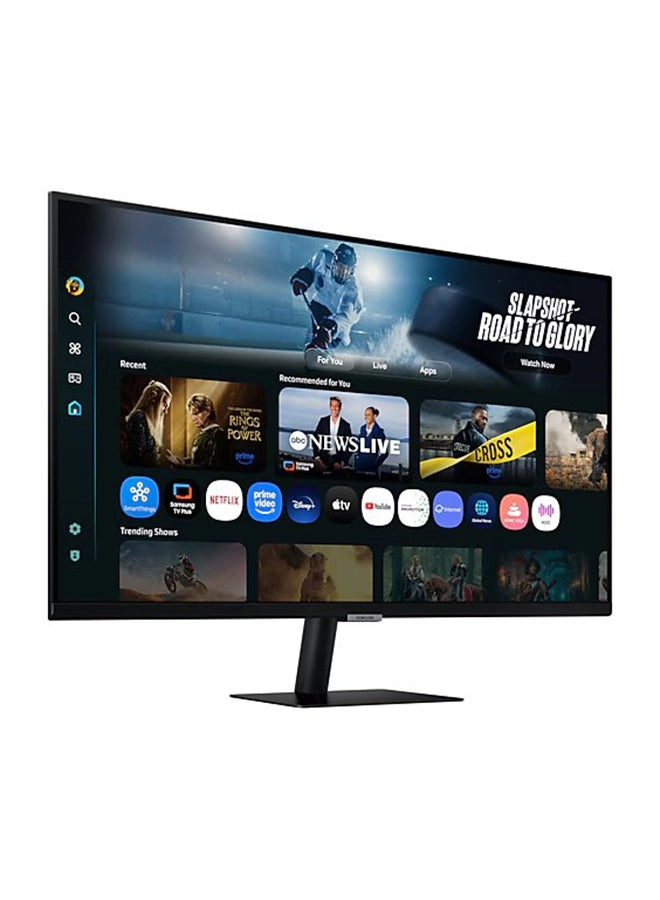
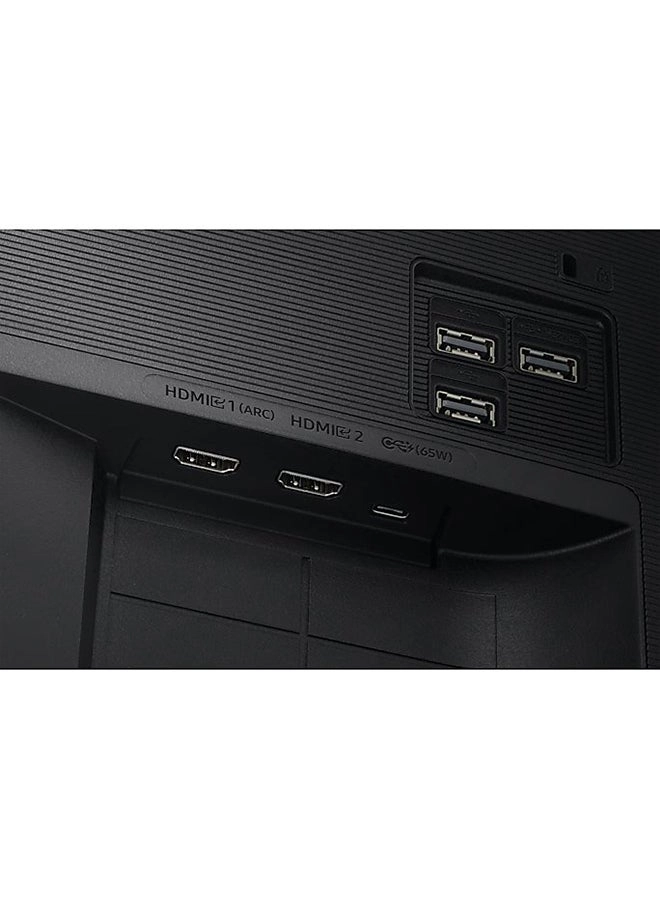
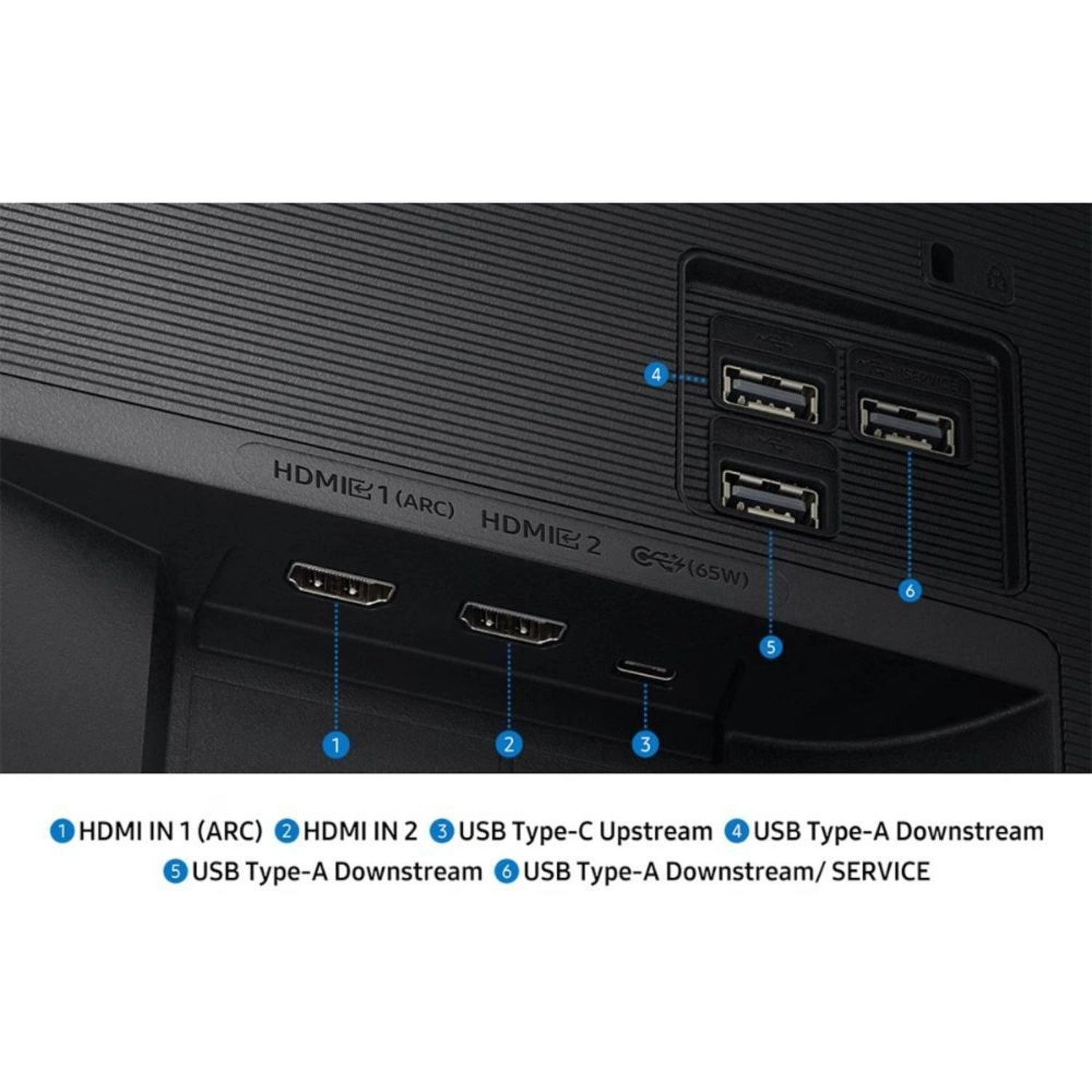
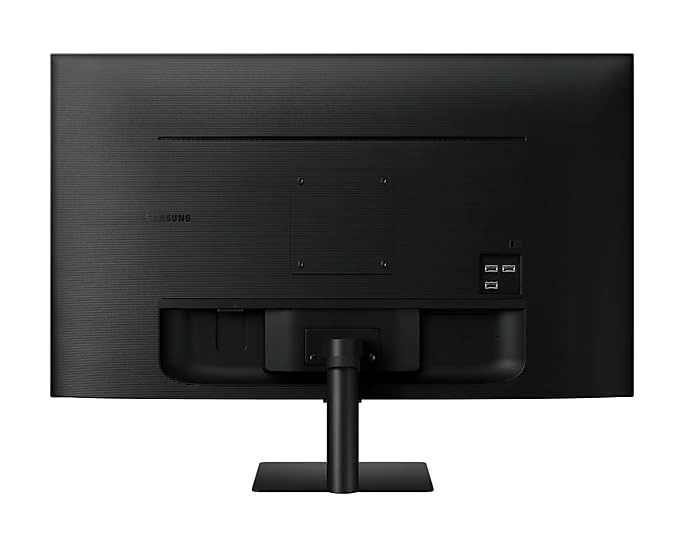
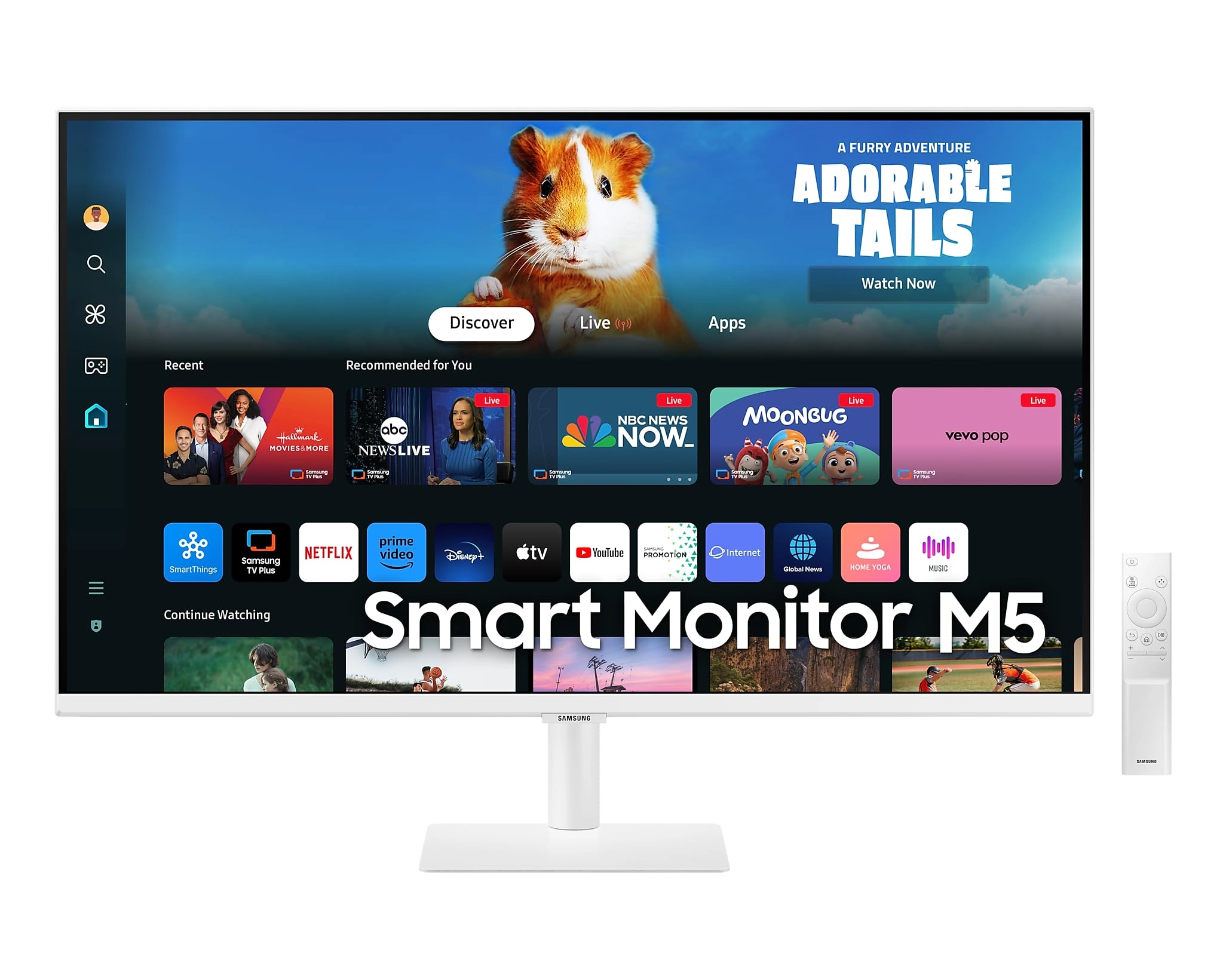
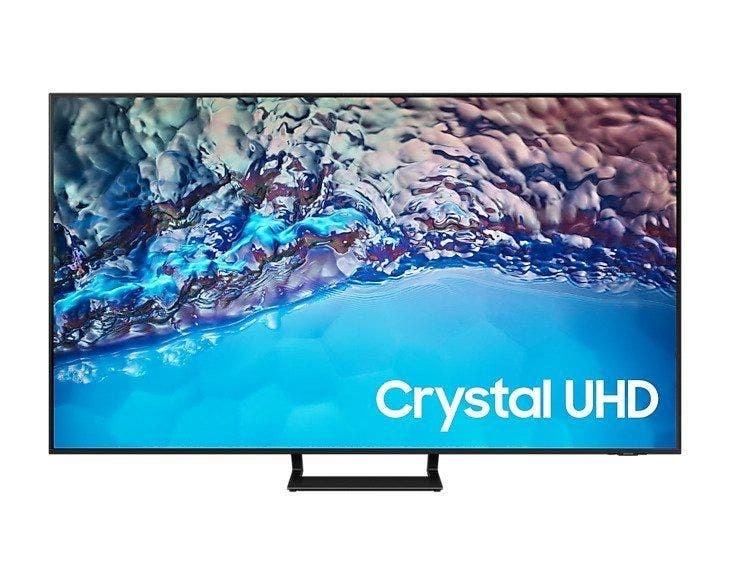
Experience the Samsung Smart Monitor M7, a versatile display that combines a high‑resolution screen with built‑in smart features for streaming, productivity, and connectivity. Its smart platform gives easy access to entertainment apps and tools without needing a separate device. Instant access to your favorite streaming content. Smart TV Apps Stream content directly from your monitor, or tune into Samsung TV Plus to get live TV channels and on-demand content at zero cost. Features, services and app availability may vary by country and region. Samsung TV Plus and Universal Guide may not be available in some regions. Some features may require separate subscriptions. The user interface is subject to change without notice. This Smart Monitor does not include a TV tuner, which is not necessary for streaming apps. Internet connection is required. Remote control specifications vary by country and region. Keyboard and mouse control compatibility varies by app. Access to the full range of smart features, such as network-based services, applications including games and streaming services, and smart home functionality, requires a Samsung Account. Without logging in, functionality is limited to external devices via HDMI. You can sign up for a free Samsung Account. Terms and conditions apply. Enjoy years of Monitor upgrades at no cost. One UI Tizen Enjoy years of Monitor upgrades at no cost. One UI Tizen is your personalized and enhanced screen experience, powered by Samsung Tizen OS. With One UI Tizen, you can take advantage of the latest and innovative Samsung features. One UI Tizen will also support Tizen OS upgrades for the coming years. Content and services may vary by region and are subject to change without notice. Agreement to Smart Hub Terms and Conditions and Privacy Policy is required before use. Some content and services require registration and subscription. Requires Samsung Account. Please note that the upgrade does not cover hardware-related performance, features or durability. AI-Powered Picture and Sound Optimally tailored visuals with AI. AI technology adjusts picture and sound performance to enhance viewing comfort, immersion, and clarity across different types of content. AI Picture Optimizer Experience optimal picture quality adjusted to your needs. AI Picture Optimizer adapts the visuals to help you work on documents with comfort, get fully immersed in games with deep, rich blacks and watch videos in vibrant colors. Only available when using a PC connection. Supported image quality may differ based on the type of content detected. Enjoy your content in vivid detail. 4K UHD Watch content come to life with incredible clarity as 4K UHD resolution enhances even fine details in images and videos, making visuals appear more vibrant and realistic. Availability of 4K content may vary depending on content service subscription type and internet connection. Active Voice Amplifier Adapts to noisy environments. Active Voice Amplifier analyzes background noise around the monitor and automatically adjusts the volume of your content, helping you hear dialogue clearly even in loud settings. Simple control for your smart home. SmartThings View smart home devices using a 3D Map View and manage them with ease. Check energy usage and cost by device and activate energy-saving modes. Access the all-in-one IoT hub through your mobile phone or voice command without pausing your content. Functions and features may vary by country, service provider, network environment or product and are subject to change. Requires wireless network connection and devices registered to the SmartThings app. Connected devices are sold separately. Your privacy secured on Samsung monitors. Knox Security Samsung Knox provides multi-layered security and controlled access to help keep your monitor data safe and confidential, while also enhancing the security of IoT connections made through your Smart Monitor. Faster, easier access to your work tools. Workspace Access and control your PC remotely or work directly on the monitor. Built-in apps like Microsoft 365 allow you to work without a PC for a simpler experience. Multi View enables side-by-side app display to enhance productivity. Microsoft 365 requires a Microsoft account and some features require subscription. Compatible operating systems and network settings are required. Expand your workflow with seamless control. Multi Control Drag and drop documents and images across multiple Samsung devices onto your Smart Monitor using a single mouse and keyboard. Each device must be registered with the same Samsung Account and connected to the same Wi-Fi network. Feature availability may vary by region and device compatibility. Content on the big screen made easy. AirPlay Wirelessly connect Apple devices to your Smart Monitor to mirror media, apps, documents and websites on a larger display. Compatibility depends on device model, operating system and region. Connect with convenience. Multiple Ports USB-C, HDMI and USB-A ports allow you to charge devices, transmit data and create a flexible multi-screen setup without the need for adapters.