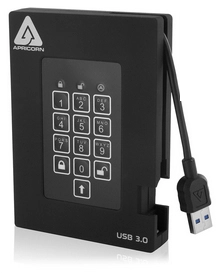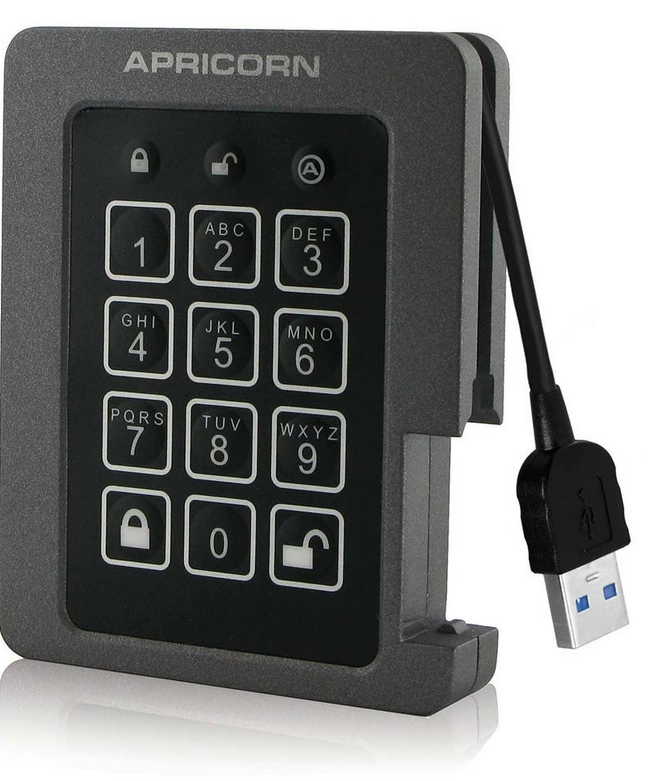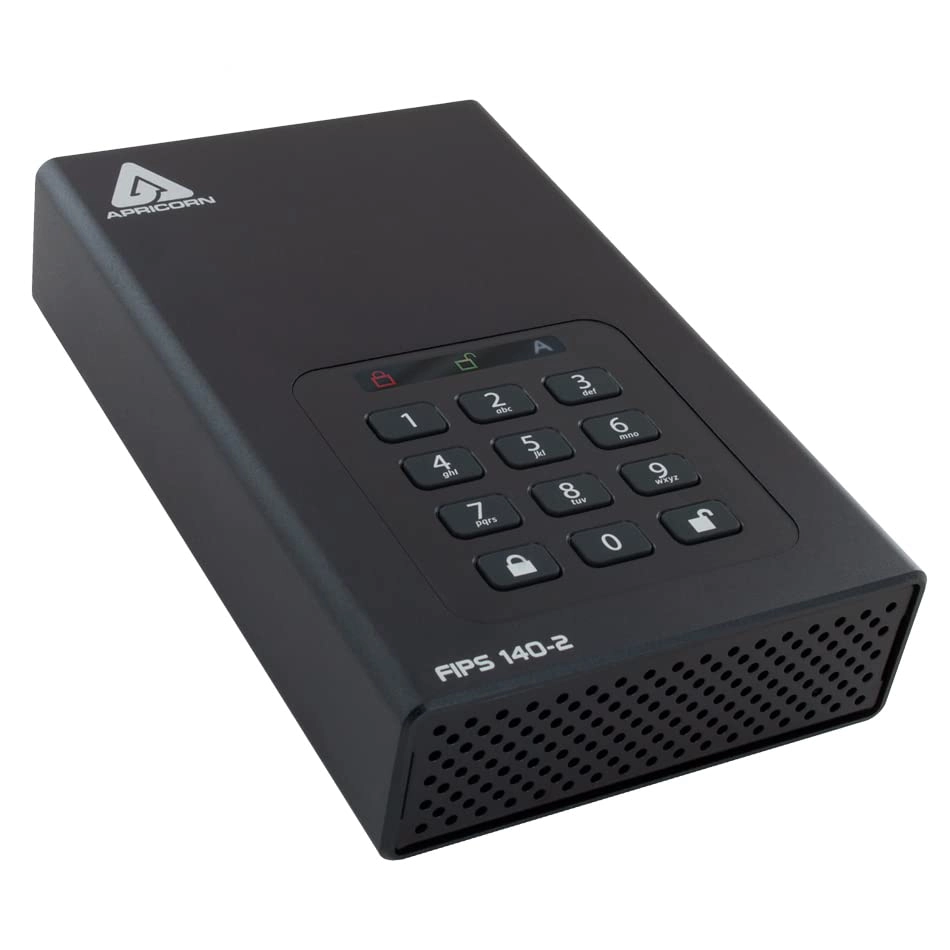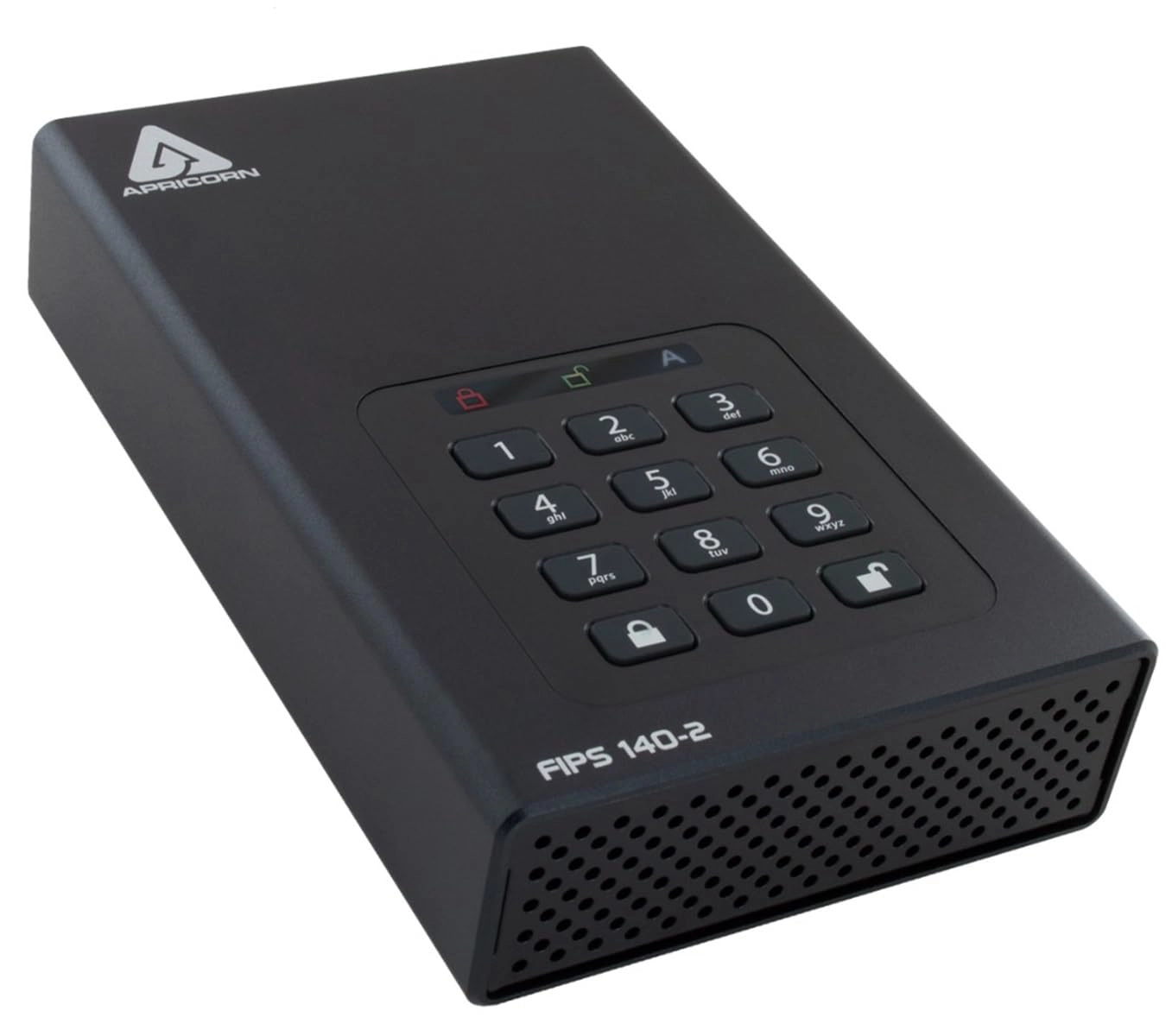
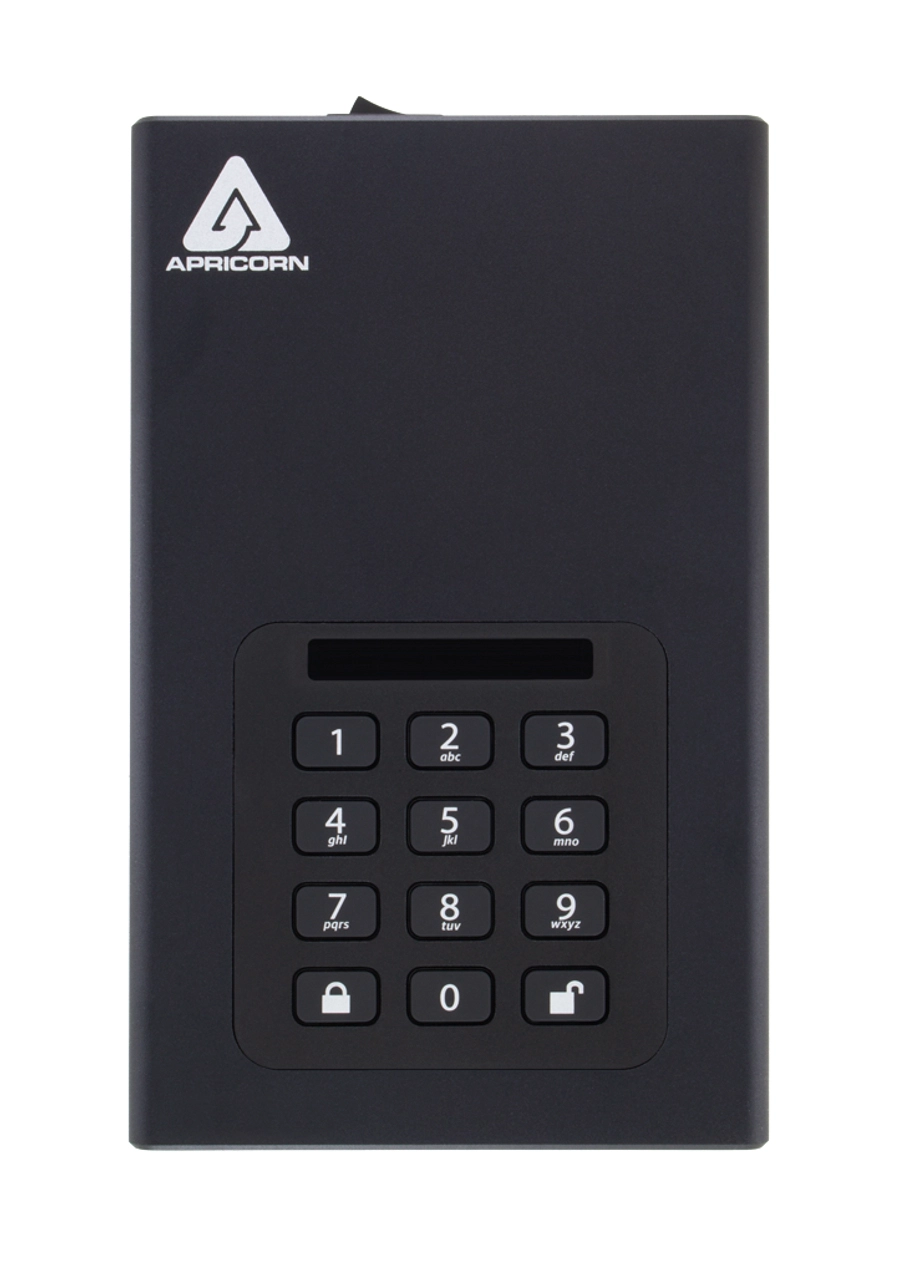
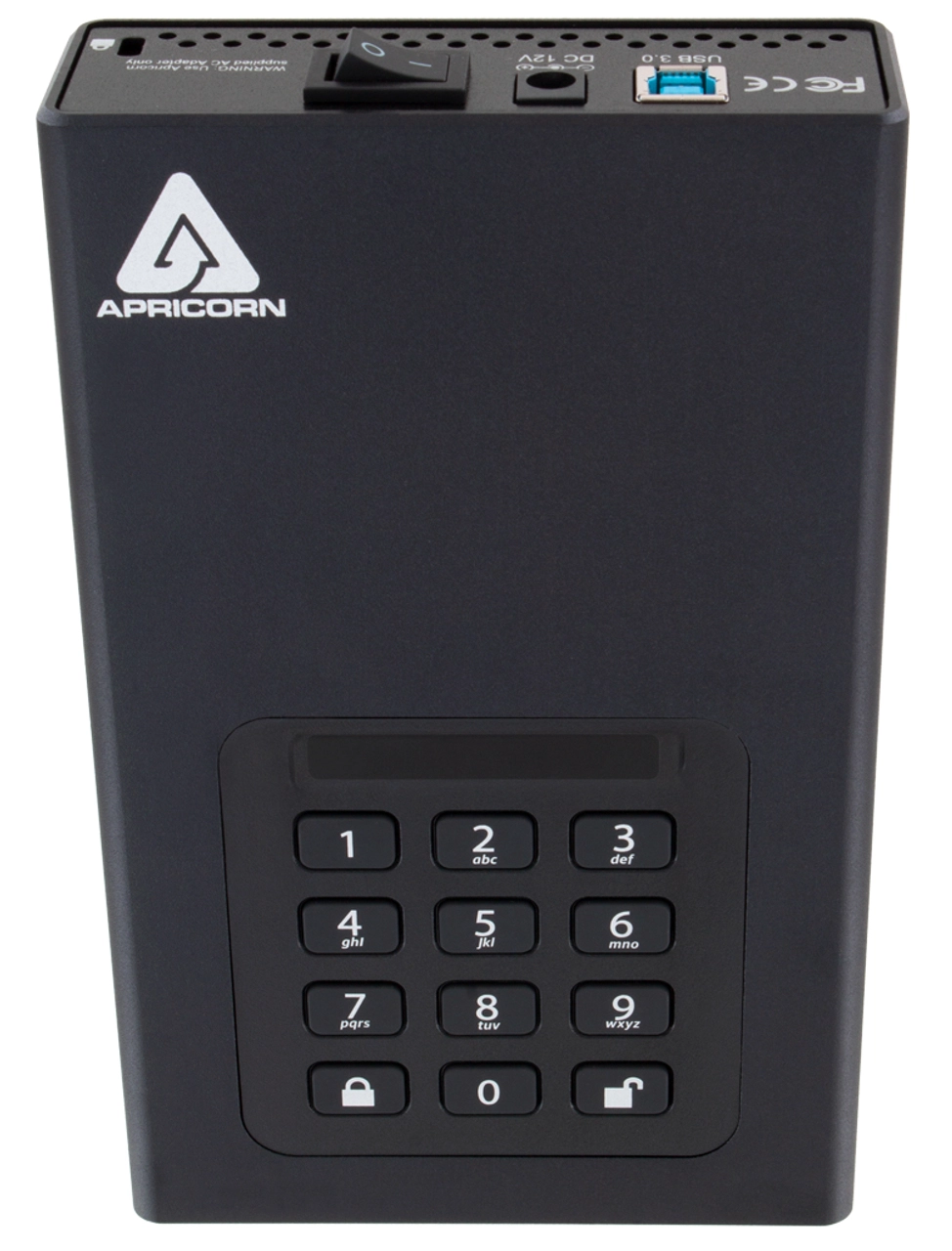
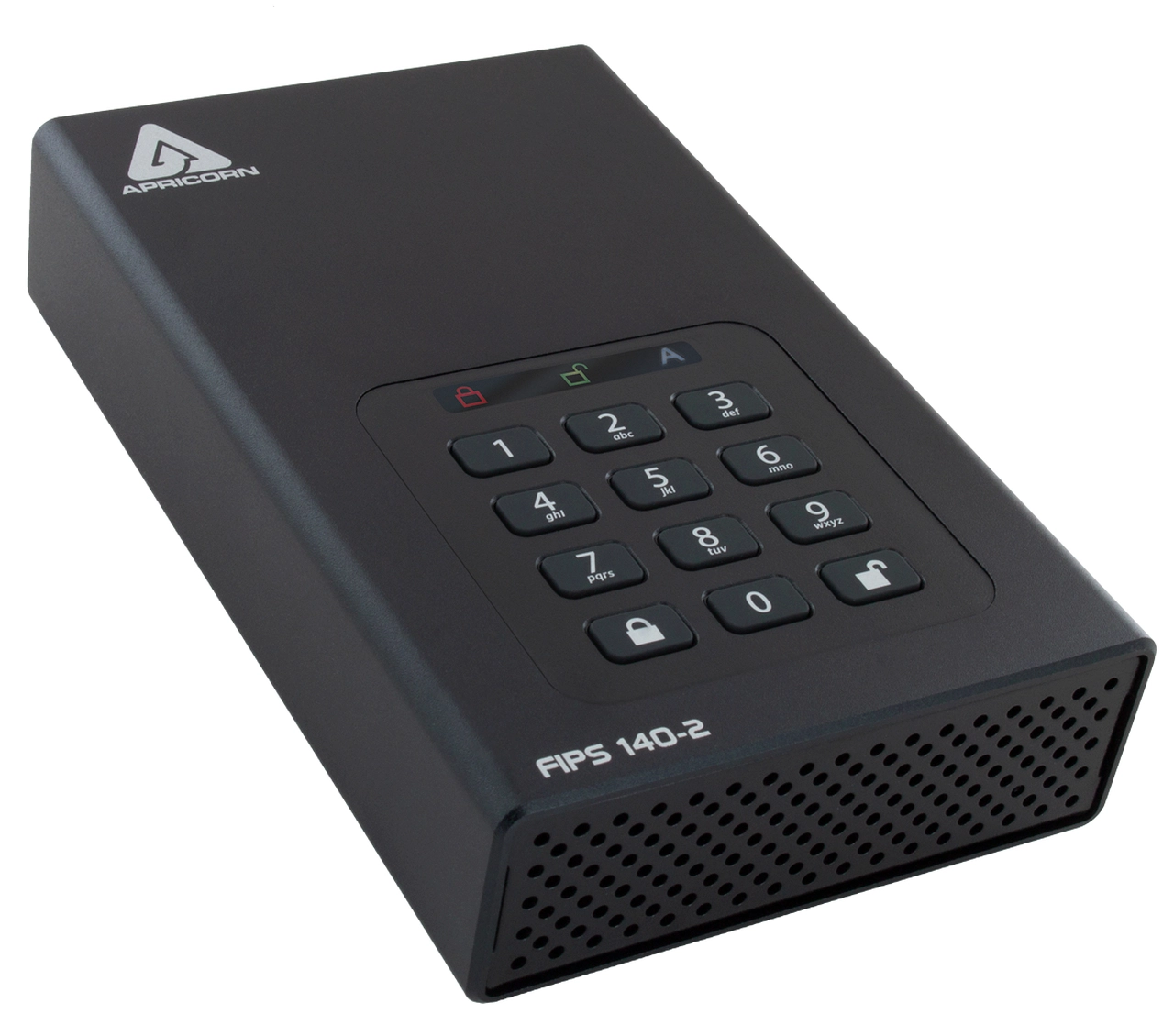
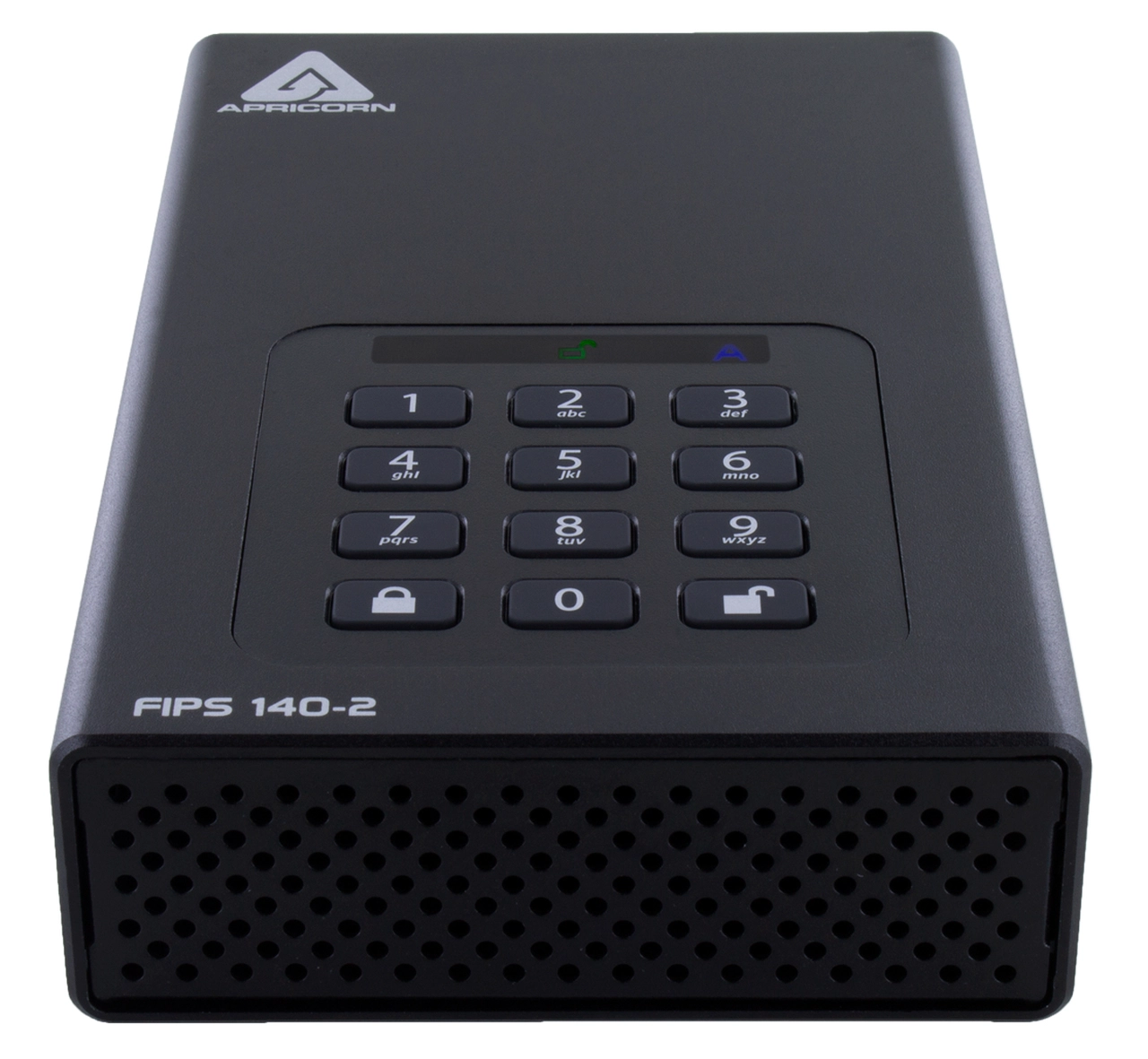
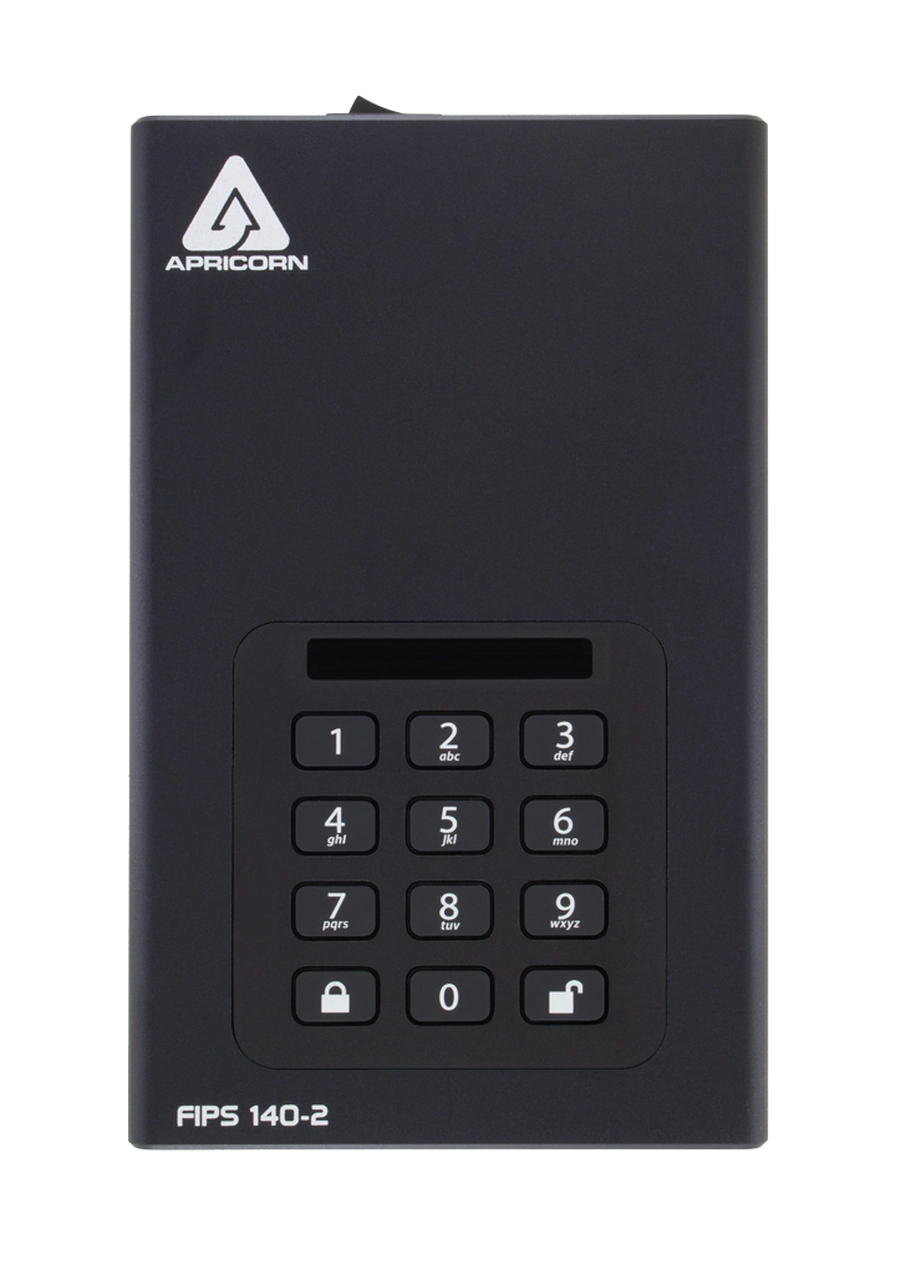
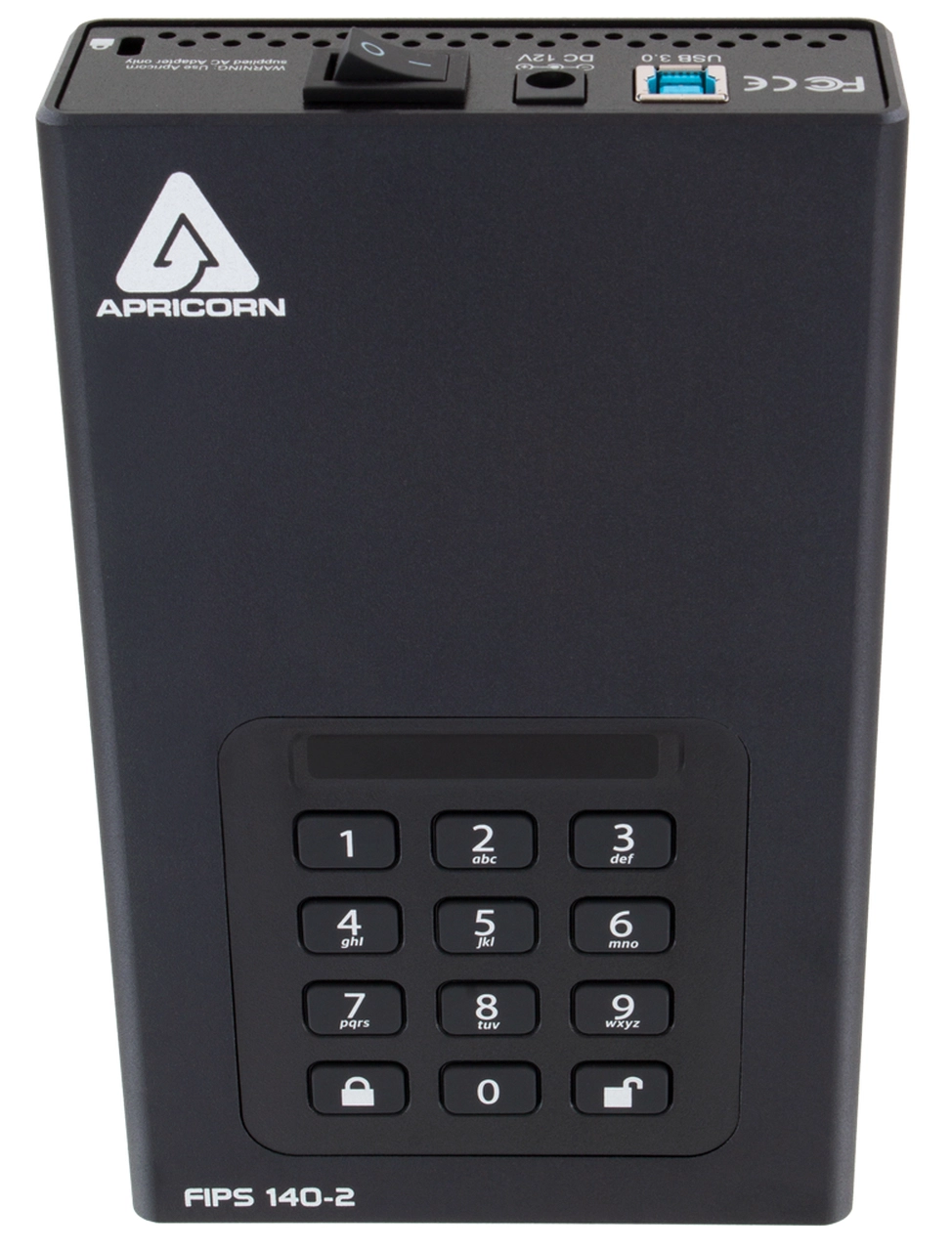
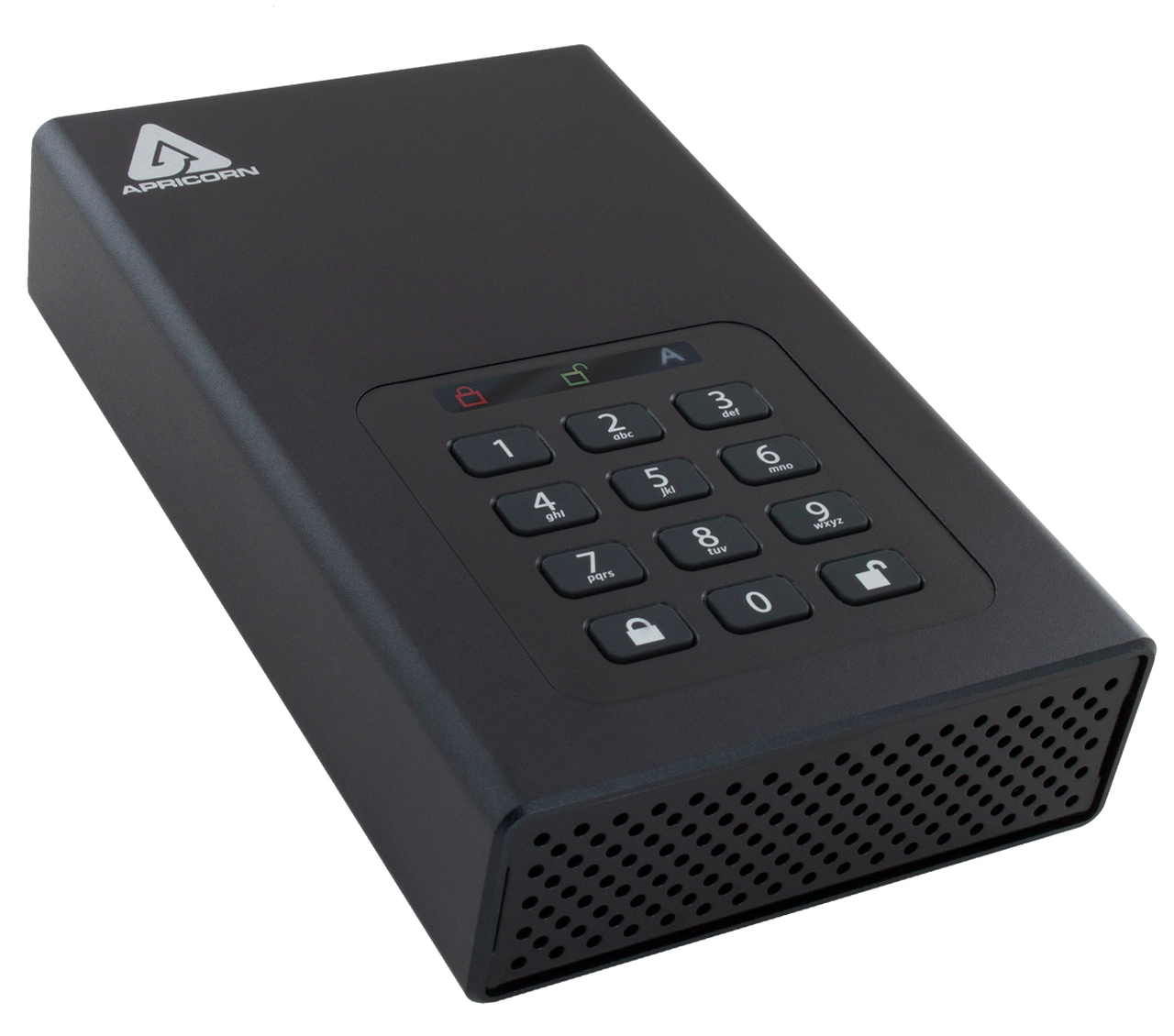
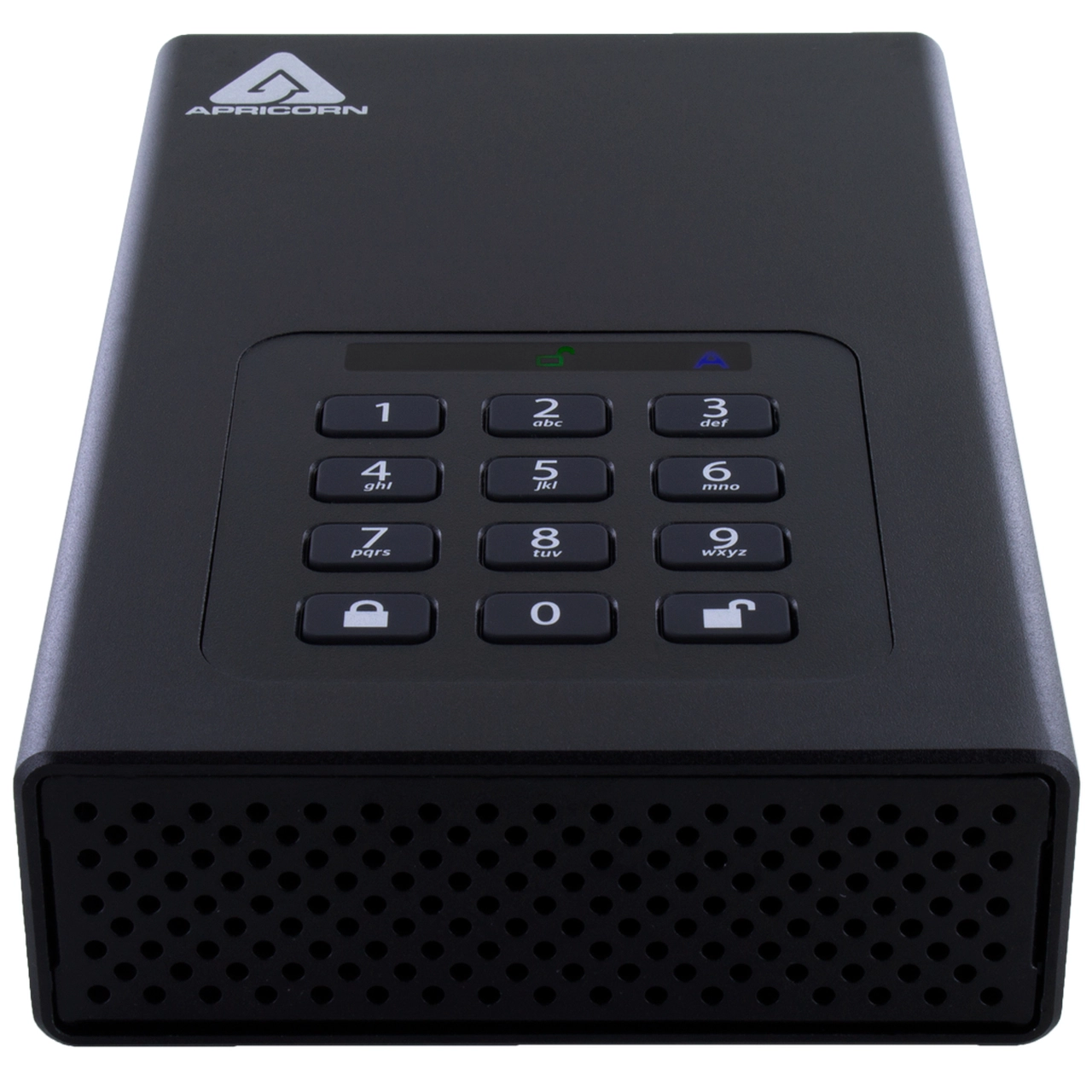
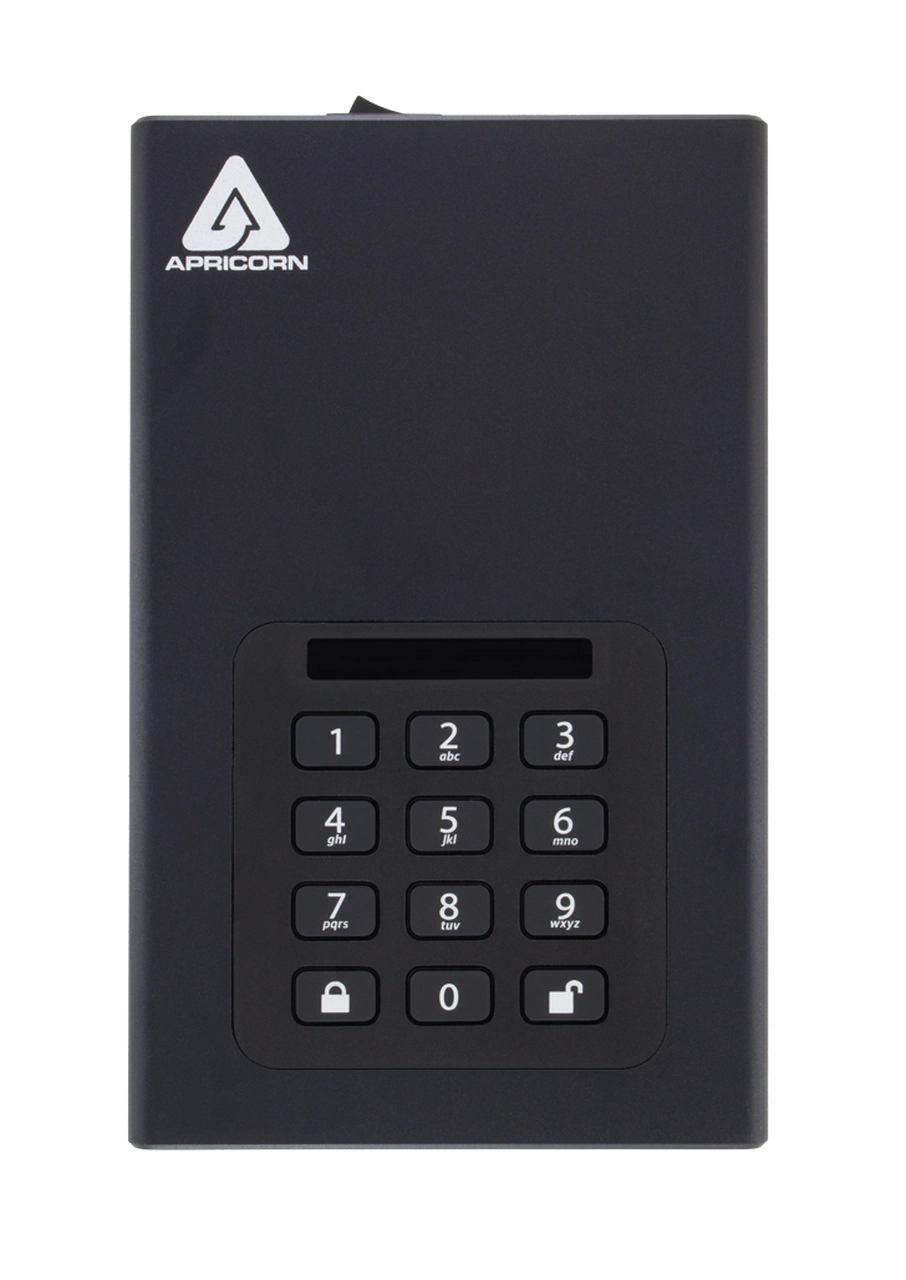
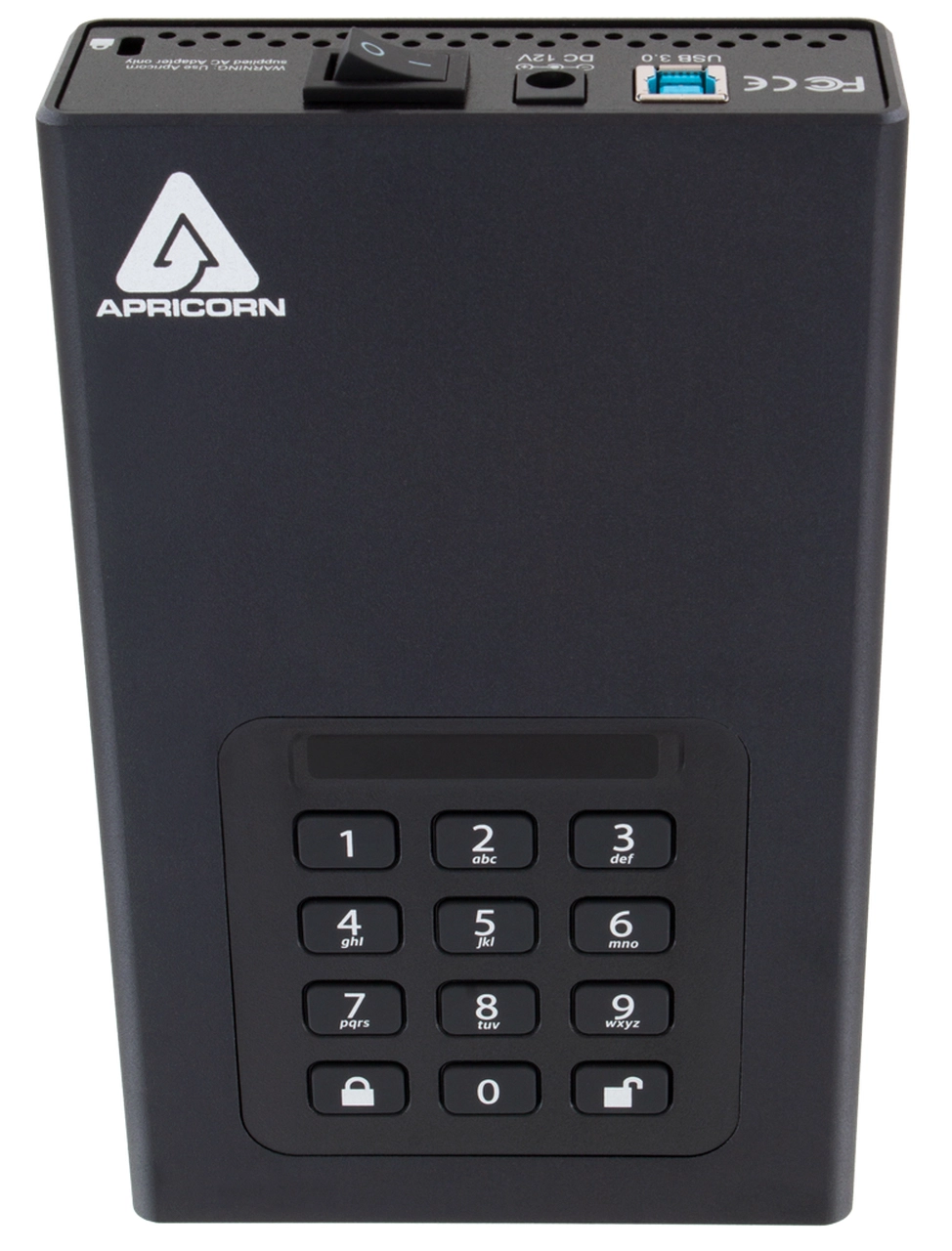
Apricorn Aegis Padlock 8TB
Best offer
AED
2 18915
Key Features
- Storage drive buffer size: 8MB
- PIN-secured access: Yes
- Lock-out function: Yes
- Maximum data transfer rate: 5000Mbit/s
- Keypad integrated: Yes
- Storage drive average seek time: 12ms
- Keypad number of keys: 12
- Ethernet LAN: No
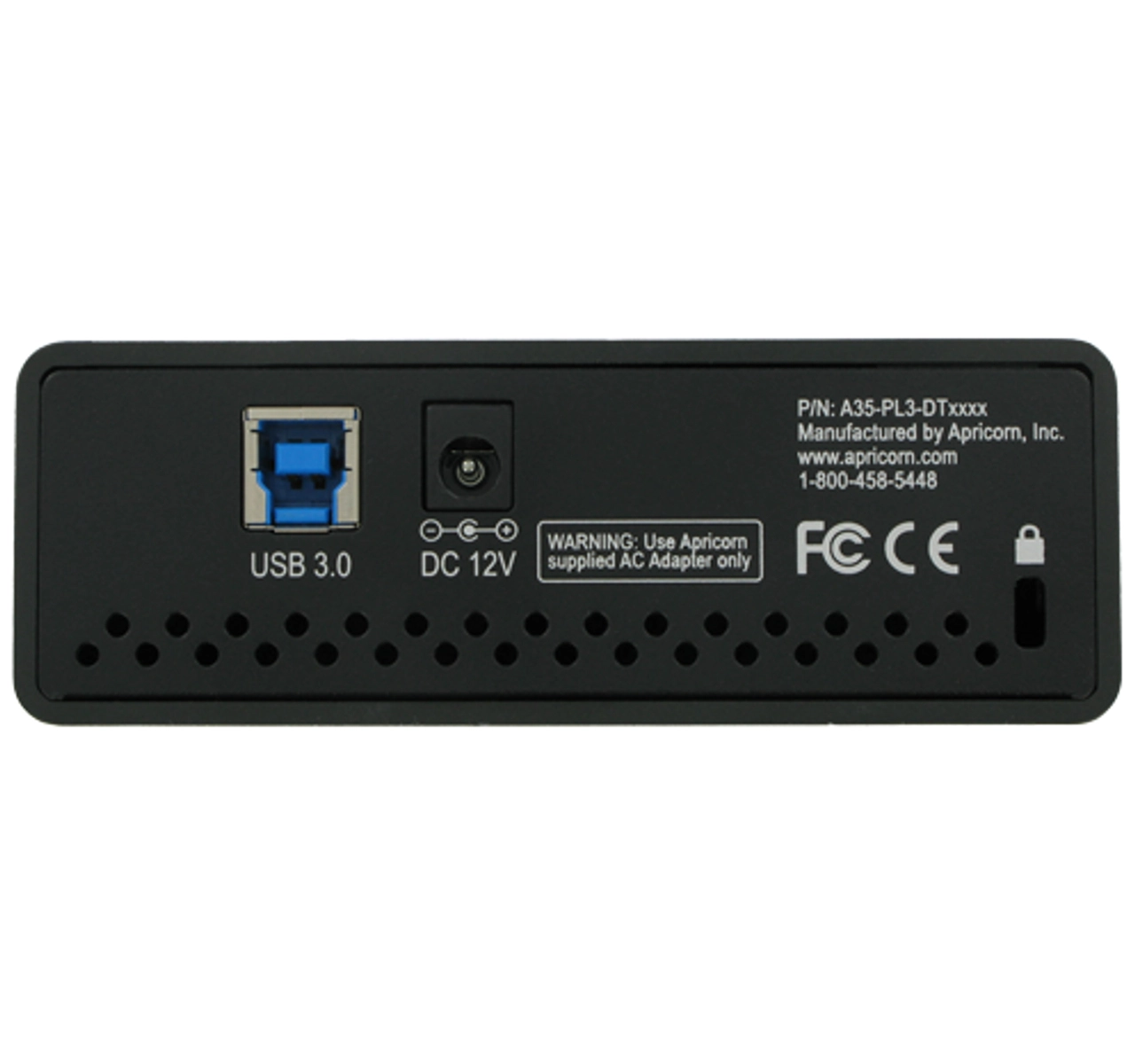
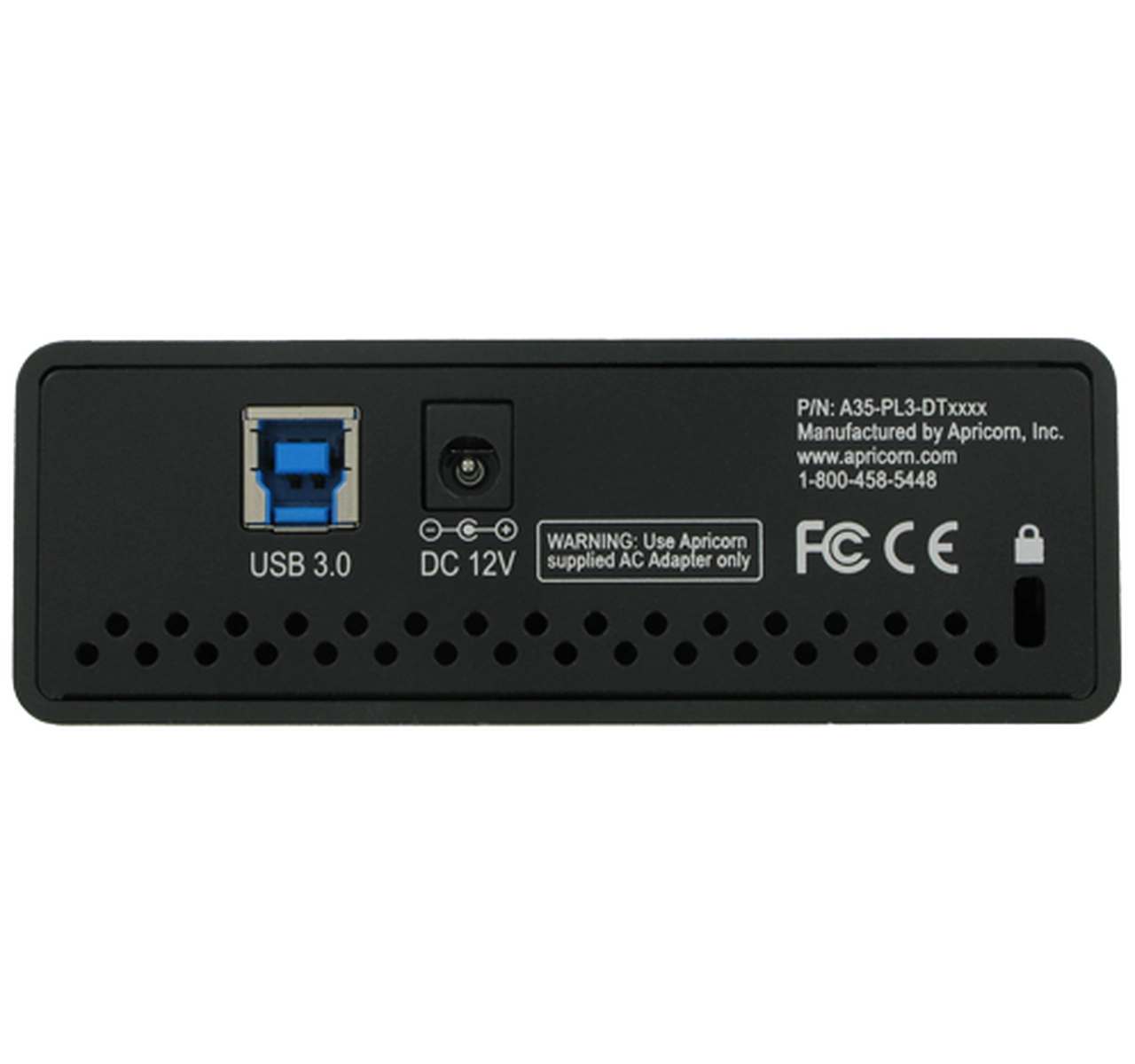
- USB connector: USB Type-B
- USB version: 3.2 Gen 1 (3.1 Gen 1)
- Thunderbolt technology: No
- Compliance certificates: CE, Federal Communications Commission (FCC)
- Hardware encryption: Yes
- Product colour: Black
- Cable lock slot: Yes
Specifications
Features
Protection features
Shock resistant, Vibration proof
Password protection
✓
On/off switch
✓
Security algorithms
256-bit AES-XTS, FIPS 140-2, FIPS 197
Product colour
Black
Maximum data transfer rate
5000 Mbit/s
Keypad integrated
✓
Weight & dimensions
Width (imperial)
4.50 "
Weight
1360 g
Height
38.10 mm
Depth
182.90 mm
Width
114.30 mm
Power
External power adapter
✓
AC adapter output voltage
12 V
Other features
Storage drive average seek time
12 ms
Keypad number of keys
12
Storage
HDD capacity
8000 GB
Design
Housing material
Aluminium
Cable lock slot
✓
Network
Wi-Fi
✗
Ethernet LAN
✗
Ports & interfaces
Interface
Serial ATA
USB connector
USB Type-B
USB version
3.2 Gen 1 (3.1 Gen 1)
Technical details
Sustainability compliance
✓
Thunderbolt technology
✗
Compliance certificates
CE, Federal Communications Commission (FCC)
Security
Hardware encryption
✓
Lock-out function
✓
PIN-secured access
✓
Logistics data
Harmonized System (HS) code
84717050
Solid state drive
Storage drive buffer size
8 MB
Product Details
Apricorn's Widest Selection of Storage Capacities: Aegis Padlock DT FIPS
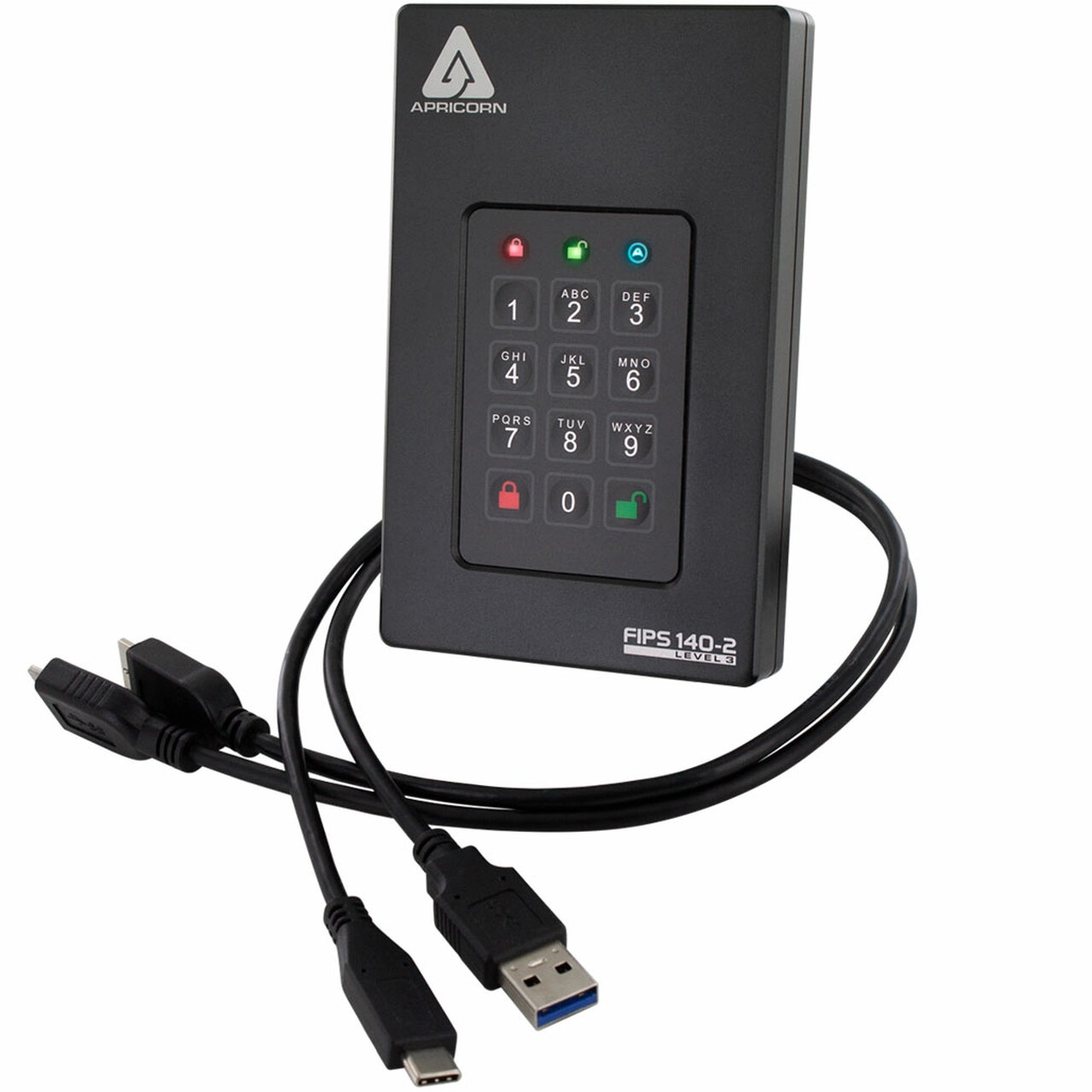
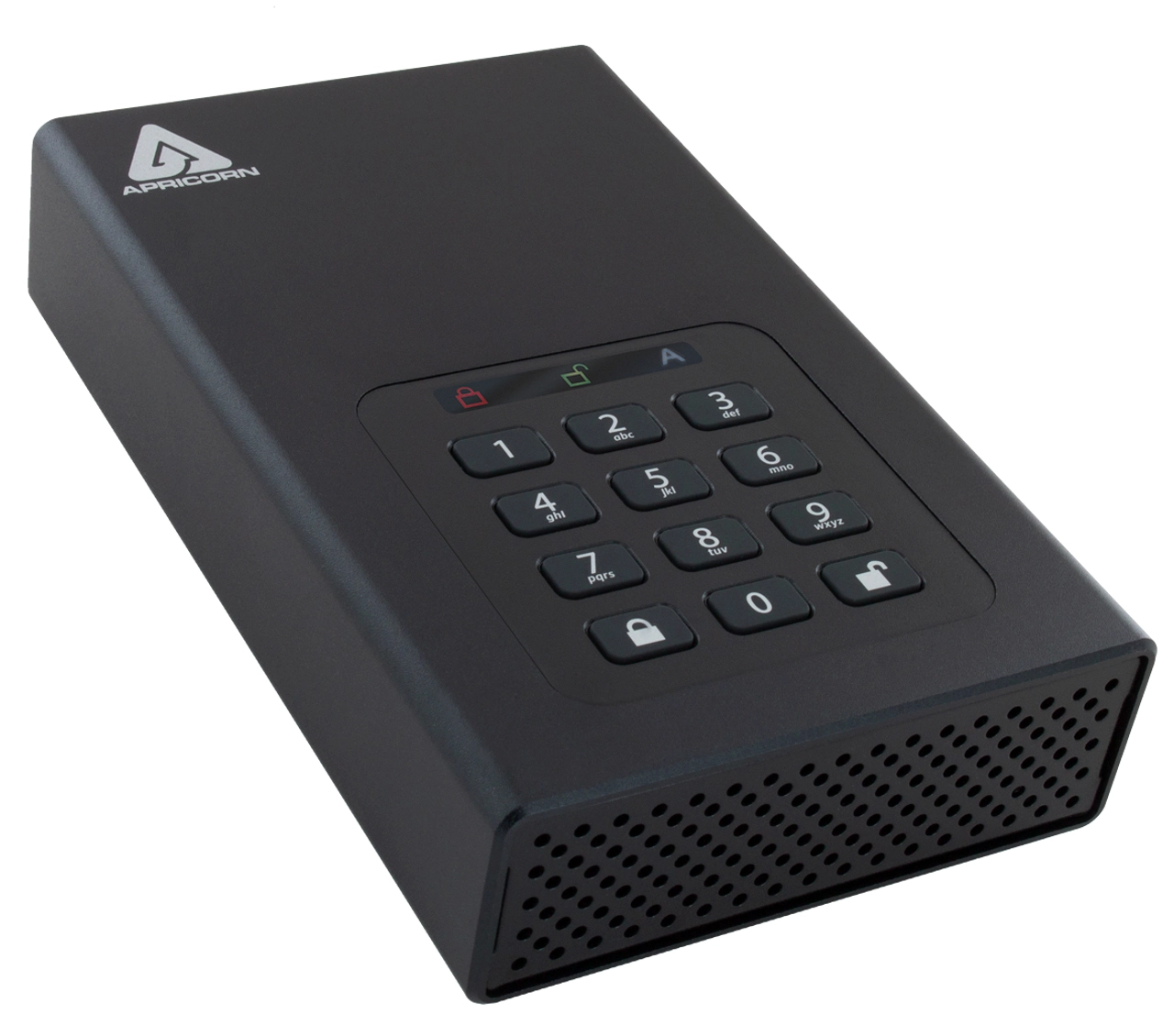
The perfect desktop storage innovation for your most sensitive information, the Padlock DT FIPS delivers the ultimate data security in a wide variety of storage capacities. Software-Free, 100% hardware-based 256-bit AES XTS encrypted, onboard keypad PIN authenticated, and ultra-fast USB 3.2 (3.0) data transfer speeds. All Data is encrypted on the fly and the device’s PINs and Data remain encrypted while the drive is at rest. Completely cross-platform compatible and OS agnostic; the Padlock DT FIPS thrives with Windows, Linux, Mac, Android, and Chrome. It also thrives where software-based encrypted devices can't function such as embedded systems, diagnostic machinery, and equipment in possession of a powered USB port and storage file system. All internal componentry is protected from physical tampering with a layer of hardened epoxy, and its firmware is locked down, preventing any modifications which make it immune to malware attacks such as BadUSB.
Featuring AegisWare
The heart and soul of every Apricorn Secure Device, AegisWare is our patent-protected firmware combined with the industry’s most advanced feature set.
FIPS 140-2 Level2
Meets the U.S. government standards for information technology and computer security. NIST FIPS 140 is the cryptography standard program required by the US federal government for protection of sensitive data.
The Aegis Padlock DT’s FIPS 140-2 validation covers 11 areas of its cryptographic security system, including physical security, cryptographic key management and design integrity. The Aegis Padlock DT’s FIPS 140-2 Level 2 encryption validation encompasses both the Padlock DT’s physical tamper-resistant features as well as its identity-based authentication. Tested and validated by the National Institute of Standards and Technology (NIST) for use by the Federal governments of the USA, Canada and others, the Aegis Padlock DT Drive is based on Apricorn’s FIPS 140-2 Level 2 validated encryption module as indicated by certificate #3944. The Padlock DT’s security policy is located on the NIST site at the following link. The epoxy coated boundary includes all encryption functions and all Critical Security Parameters (CSPs) such as PIN storage, encryption key generation and storage, random number and seed generators, and all firmware storage. The FIPS module is a complete encryption system, and all CSPs never leave the boundary and are never shared with a host system. By design, the HDD/SSD that stores the encrypted data is excluded from this boundary to both maximize affordability and product line flexibility in capacity and form factor offerings.
Aegis Configurator Compatible
Windows-Based App that Quickly Sets Up Multiple Devices Simultaneously. Create custom profiles and mass configure multiple devices in a matter of seconds using the Aegis Configurator. To configure an expanded number of devices, use the Powered Aegis Configurator Hub bundle.
Separate Admin and User Mode
Admin (Device Configuration) Mode and User Access Mode. The Aegis Padlock supports one independent Admin and up to four separate User PINs. The Admin mode controls the universal programmable settings of the device and can only be accessed with the Admin PIN. The User mode is limited to basic external drive functions like read /write, unlock / lock, etc. The data on the drive can also be accessed with the admin PIN in the User mode.
Polymer-Coated Wear-Resistant Onboard Membrane Type Keypad
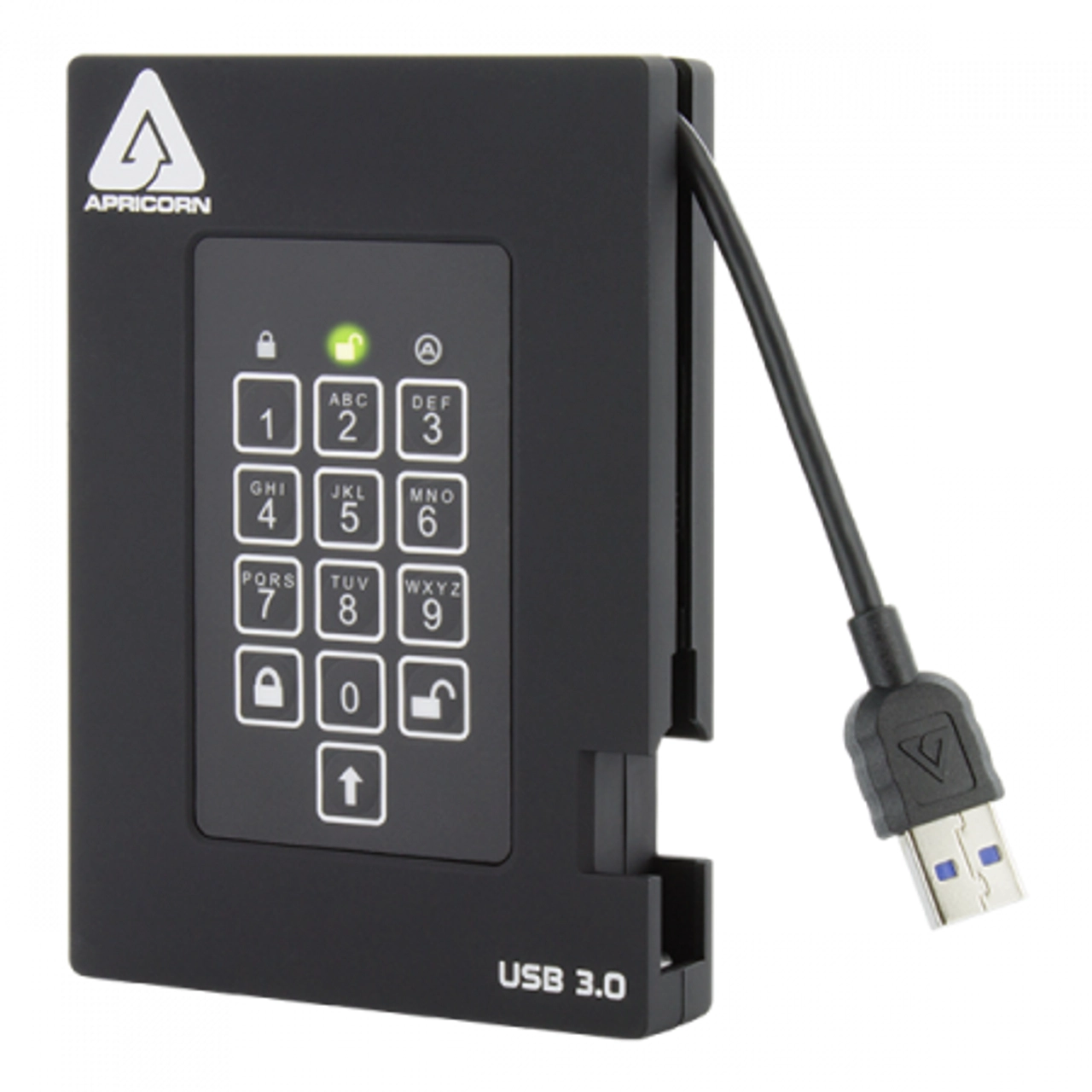
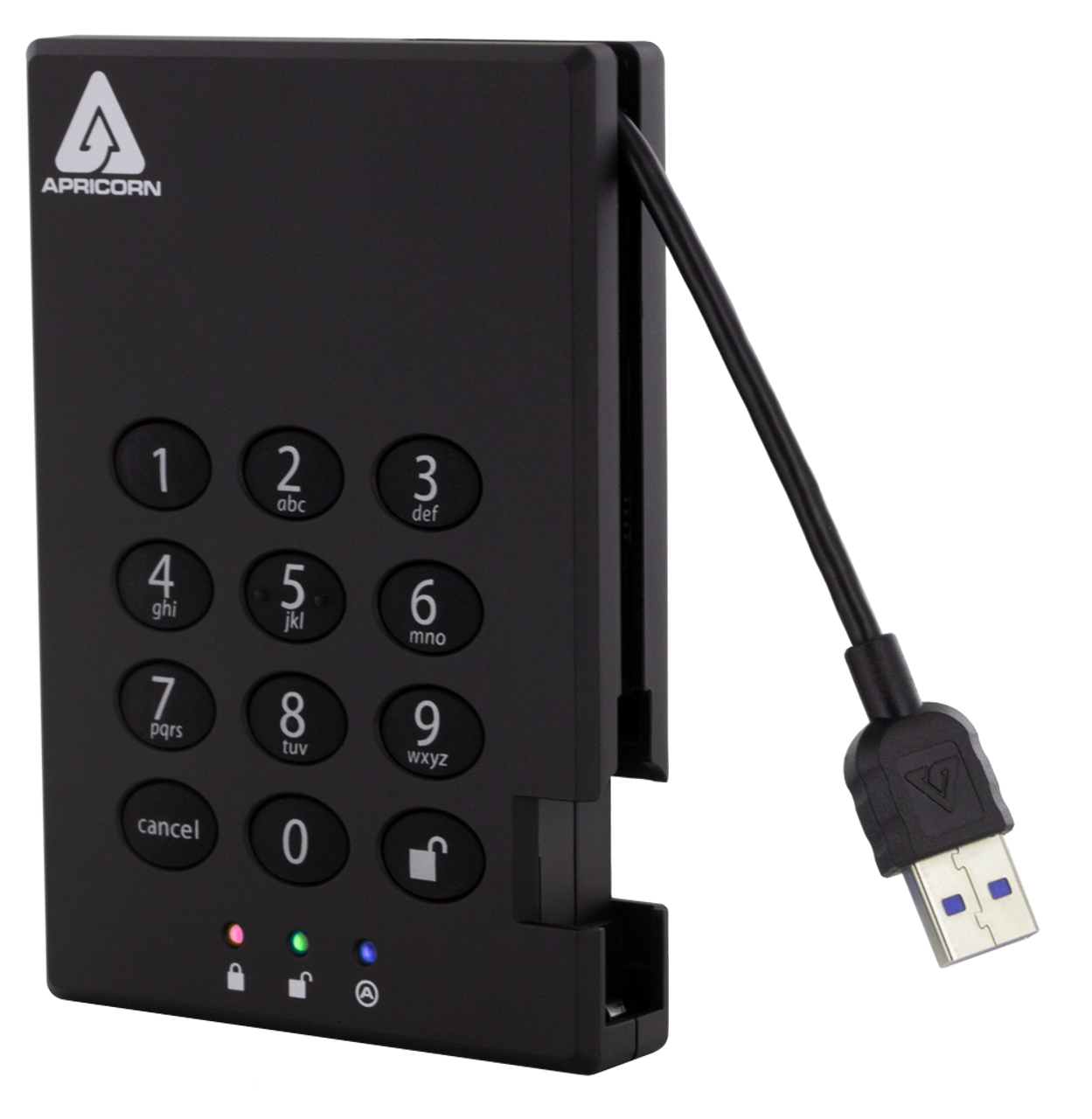
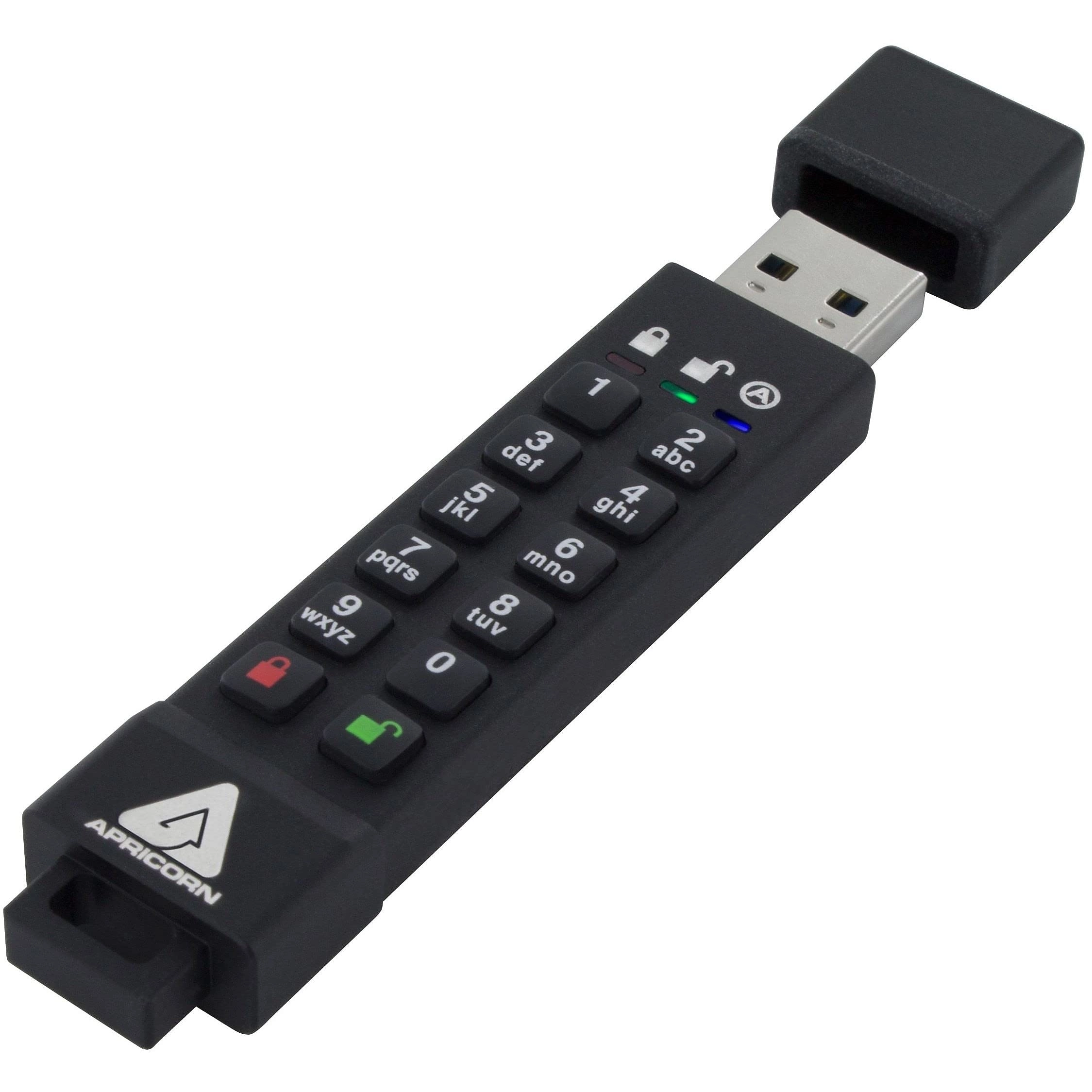
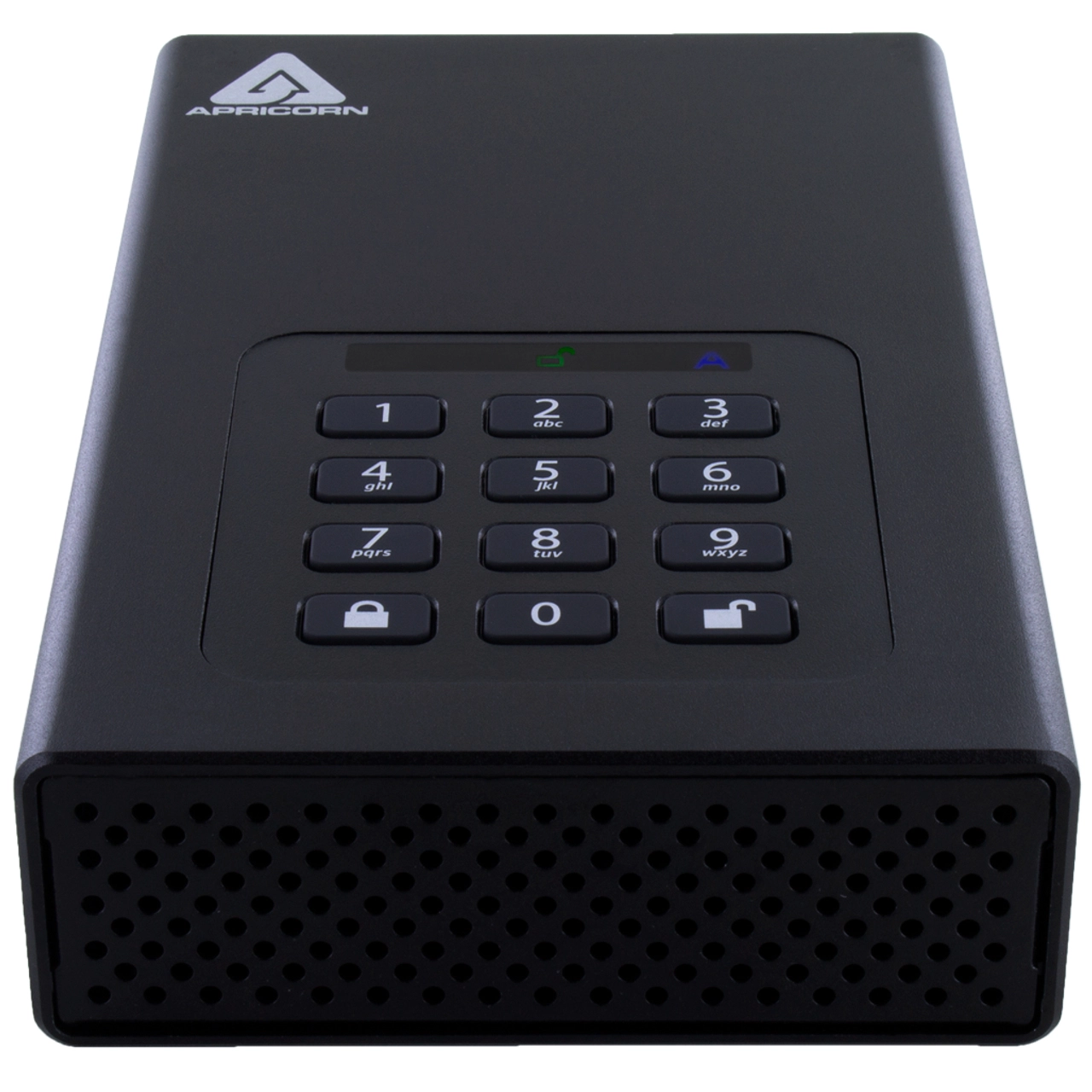
Drive is Unlocked by Entering a PIN on Keypad and not the Host Computer’s Keyboard. Until the keypad USB drive is unlocked via its onboard keypad, it remains invisible to the host. The embedded keypad circumvents all hardware and software key logging attempts to capture passwords by excluding the host system from the authentication process. Polymer-coated buttons are wear-resistant and designed to not reveal most commonly used buttons to unlock the hardware encrypted USB drive.
Admin Forced Enrollment
Unique PIN Must be Established at Time of Setup. Eliminates Factory Default PIN Vulnerability. Out of the box, there are no factory pre-set default PINs. In order to set up and use the drive, a unique PIN must first be established by the Admin, from within the Admin mode.
User Forced Enrollment
Creates State of User Forced Enrollment that Restores Access to Drive. In the event that a User PIN is forgotten, Recovery PINs can be programmed into the device to permit access to the drive’s data by creating a new state of User Forced Enrollment while the Admin PIN and the drive’s data remain intact. Once a replacement User PIN is generated, access to the drive is restored for the user.
Data Recovery PINs
Creates State of User Forced Enrollment that Restores Access to Drive. In the event that a User PIN is forgotten, Recovery PINs can be programmed into the device to permit access to the drive’s data by creating a new state of User Forced Enrollment while the Admin PIN and the drive’s data remain intact. Once a replacement User PIN is generated, access to the drive is restored for the user.
Two ReadOnly Modes
Global, All Access Settings Controlled by Admin, and User Mode Controlling Individual Settings. Employed in situations that require the drive’s contents to be kept intact and unaltered for later examination. The two Read-Only modes are as follows: Universal Read Only is set by the admin from within the admin mode and can’t be modified or disabled by anyone but the admin. The second read-only mode can be set and disabled by a user but can also be enabled or disabled by the admin as well.
Programmable Pin Lengths
Admin Designates Minimum and Maximum PIN Lengths (between 6 and 16 Characters). The longer the PIN, the more secure the data on the device becomes. For example, the odds of brute force success go from 1/10,000,000 with a 7-digit PIN to 1/100,000,000 with an 8 digit PIN. In cases where the User sets up his or her own PIN from User Forced Enrollment, the Admin can set an enhanced User password length requirement as part of the overall security policy.
Brute-Force Defense
Select the Number of Consecutive Invalid PIN Attempts Permitted (4-20) Before Crypto-Erase. All Aegis Secure Drives are unlocked (authenticated) by entering a PIN on their own onboard keypad. Since the PIN is not entered using the host computer’s keyboard, they are not vulnerable to software or hardware-based key-loggers or software-based brute force attacks. However, if the device comes under a physical brute force attack, your data is protected with a programmable “Brute Force Hack Defense Mechanism” which, if the programmed number (between 4 and 20) of consecutive incorrect password entries has been attempted, the hardware encrypted hard drive device will delete its own encryption key and destroy the ability to decrypt its stored data.
Unattended Auto Lock
Programmable Length of Time of Inactivity Permitted Before Drive Locks Itself. All Aegis Secure Drives will automatically lock once disconnected from a computer’s USB port or the power to that USB port is interrupted, or after a pre-programmed period of inactivity.
Lock Override
Allows Drive to Remain Unlocked During USB Port Re Enumeration (Virtual Machine, Remote Boot). Designated for specific cases in which the Aegis Padlock needs to remain unlocked through USB port re-enumeration such as during reboot, or passing through a virtual machine.
Drive Reset Features
All Apricorn Devices can be Reset and Redeployed Over and Over. Drive reset clears both the User and Admin PINs, destroys the data, creates a new randomly generated encryption key and allows the drive to be reused repeatedly, with an infinite number of randomly generated encryption keys, allowing the admin and or user to reset the drive as often as is needed.
Self-Destruct PIN
When Programmed and Activated, Performs a Crypto-Erase and Becomes New Access PIN. The last line of defense for data security when the device’s physical security is at risk. The Self-Destruct PIN defends against these physically compromising situations by erasing the drive’s contents, leaving it in normal working order appearing yet to be deployed.
LED Key Press Indicator
Visually Confirms Successful Button Presses via the Device’s LEDs.
Reviews
Loading...
Loading...
Loading...
Loading...
Loading...
Loading...
Loading...
Loading...
Loading...
Loading...
Loading...
Loading...
Loading...
Loading...
Loading...
Loading...
Loading...
Loading...
Loading...
Loading...
Loading...
Loading...
Loading...
Loading...
Loading...
Loading...
Loading...
Loading...
Loading...
Loading...
Loading...
Loading...
Loading...
Loading...
Loading...
Loading...
Loading...
Loading...
Loading...
Loading...
Loading...
Loading...
Loading...
Loading...
Loading...
Loading...
Loading...
Loading...
Loading...
Loading...
Loading...
Loading...
Loading...
Loading...
Loading...
Loading...
Loading...
Loading...
Loading...
Loading...
Loading...
Loading...
Loading...
Join our newsletter
Be the first to know about new arrivals, sales, and exclusive picks
Sign in to unlock newsletter access and stay in the loop