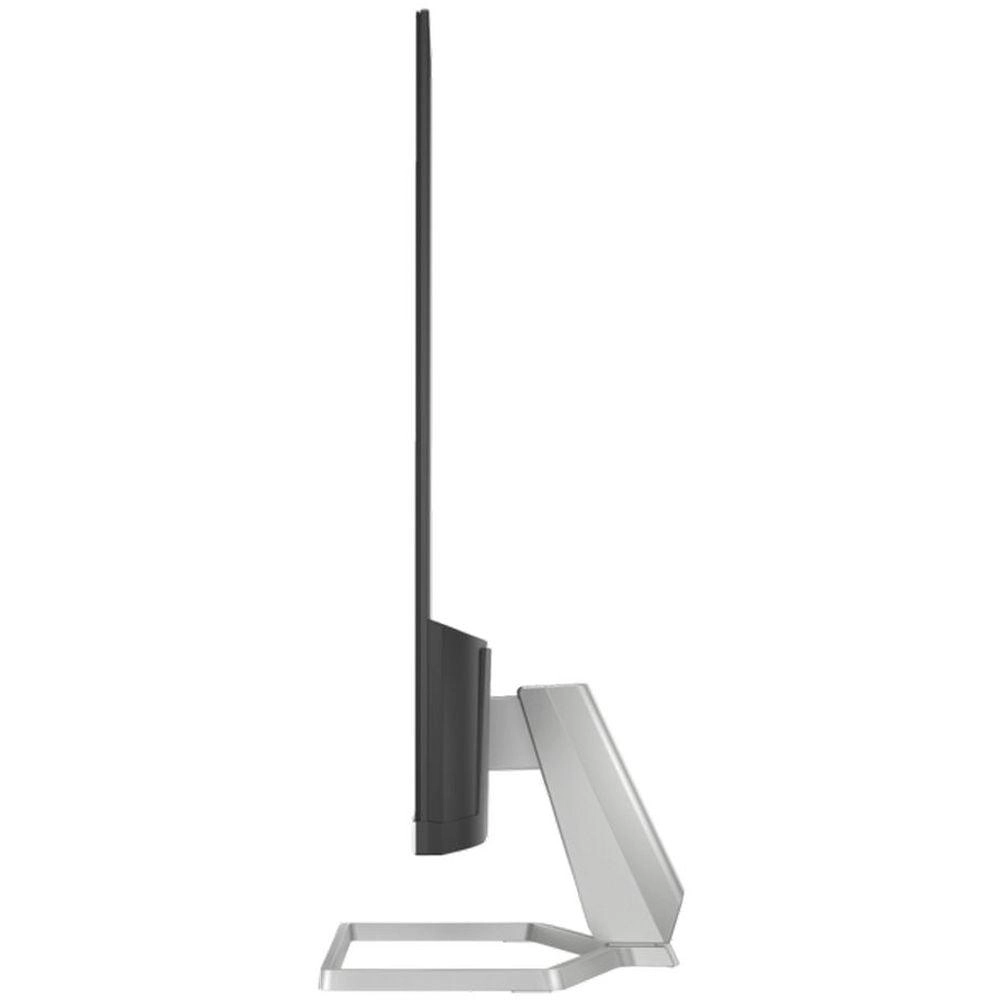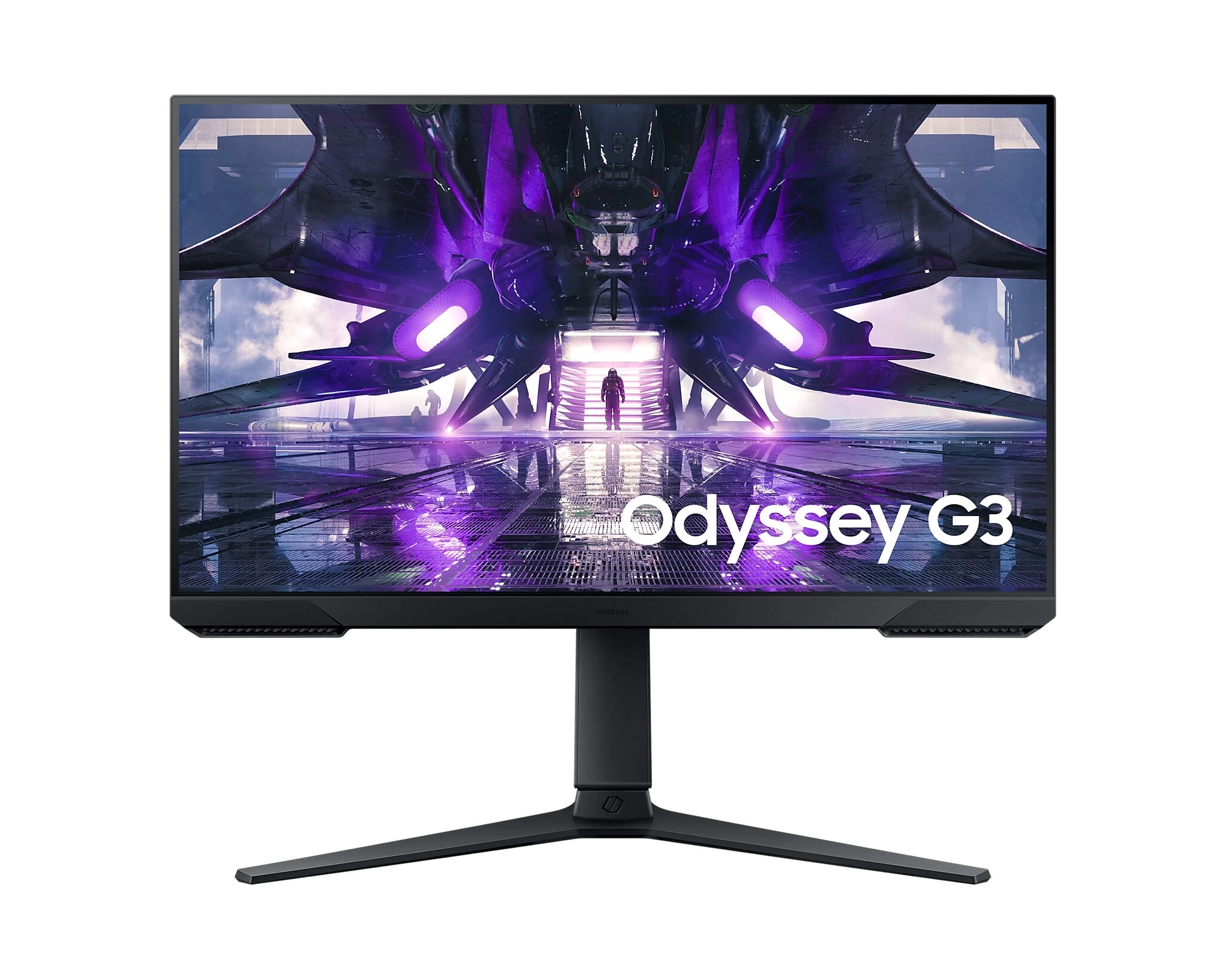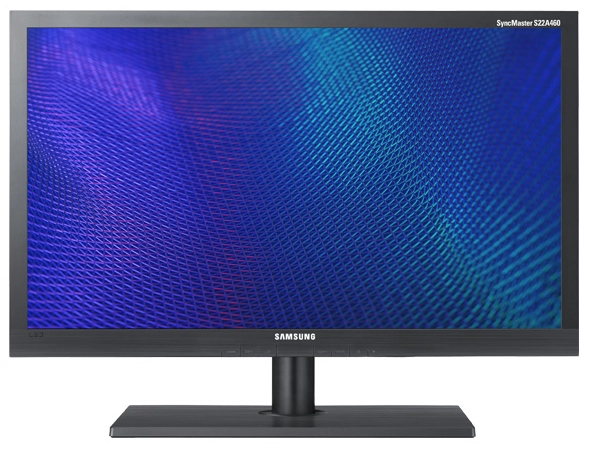
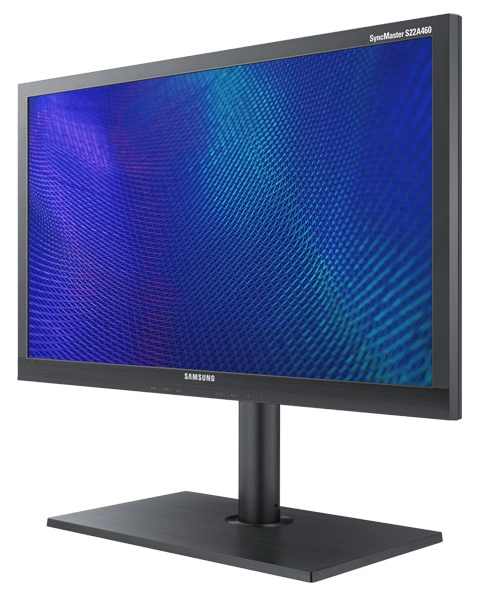
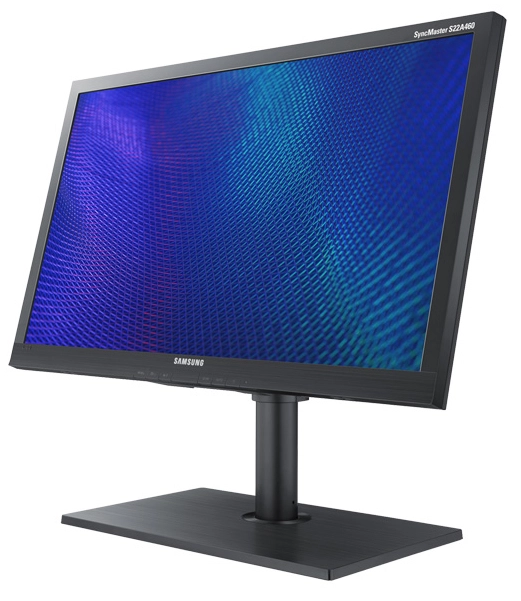
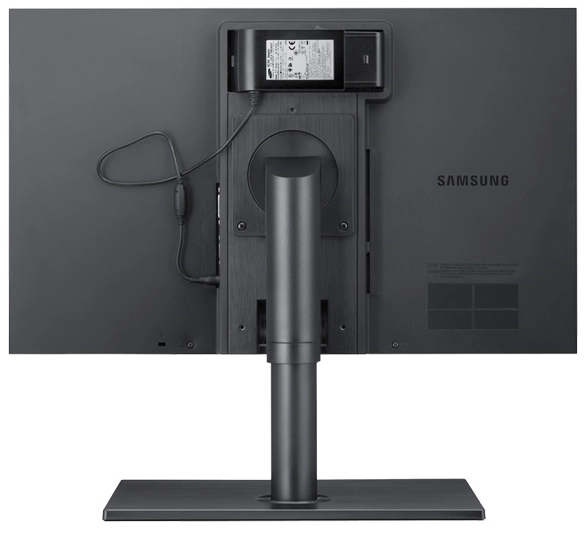


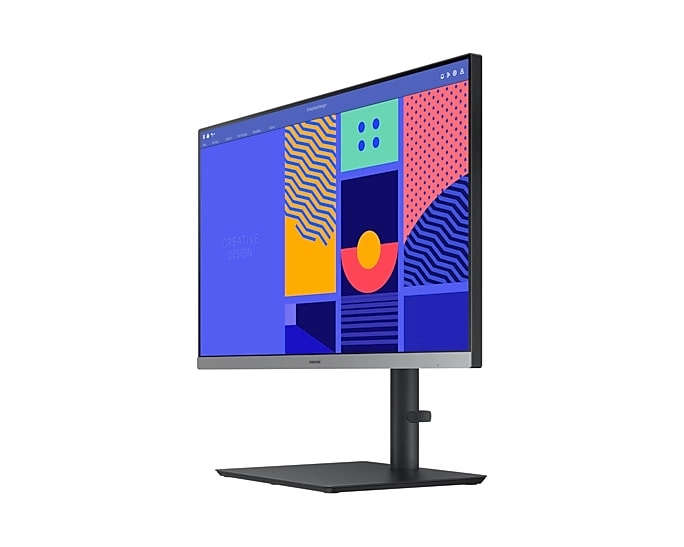
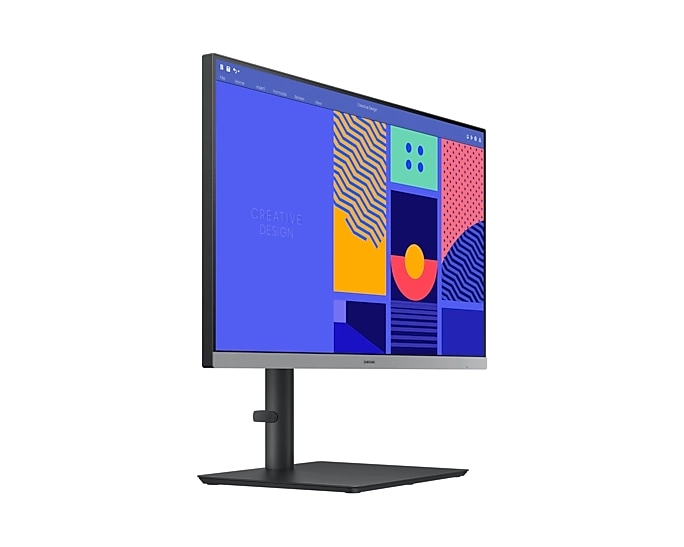


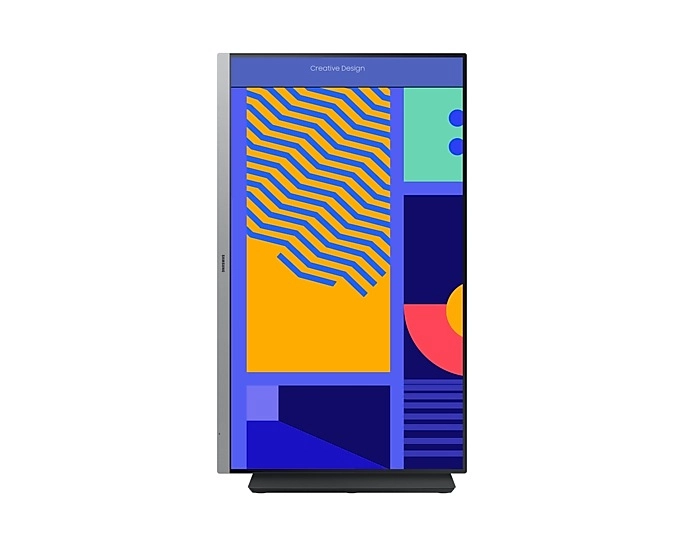

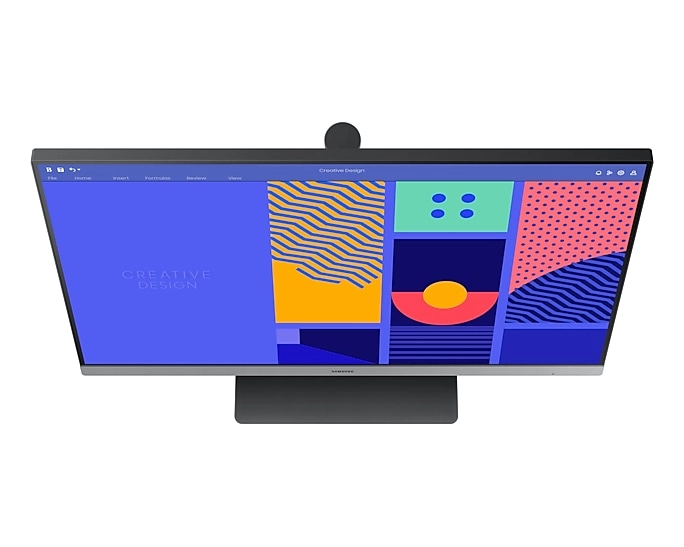


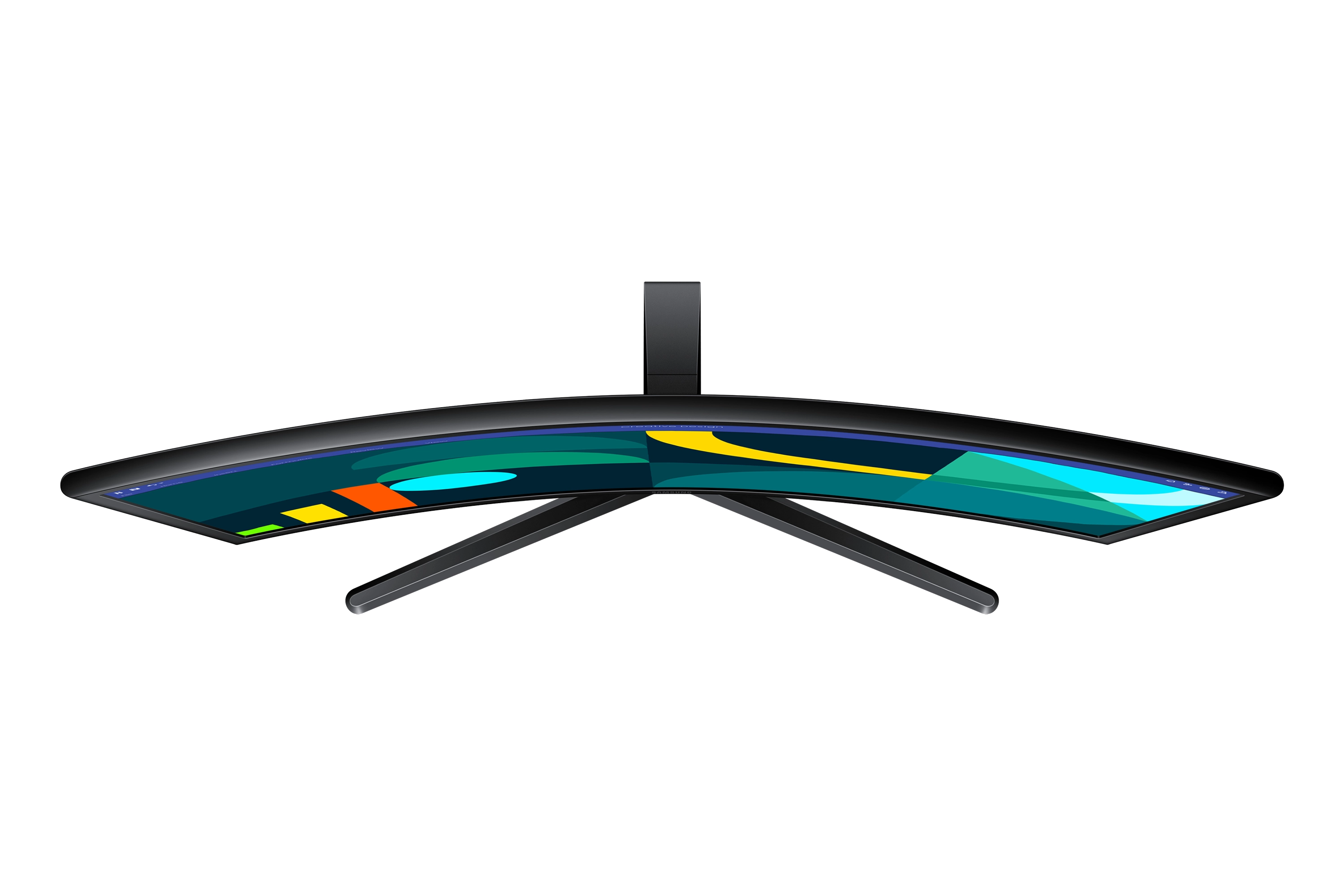


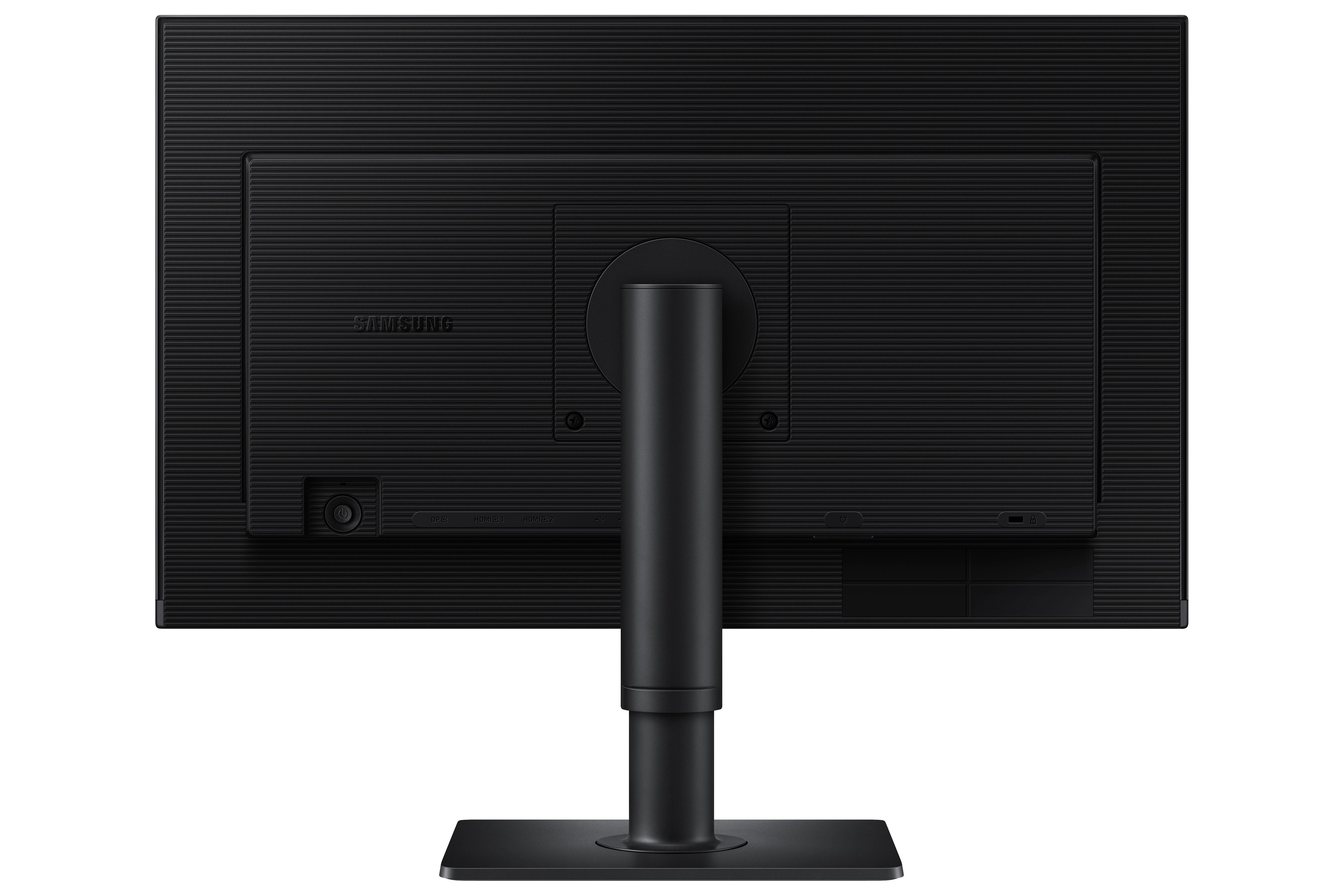

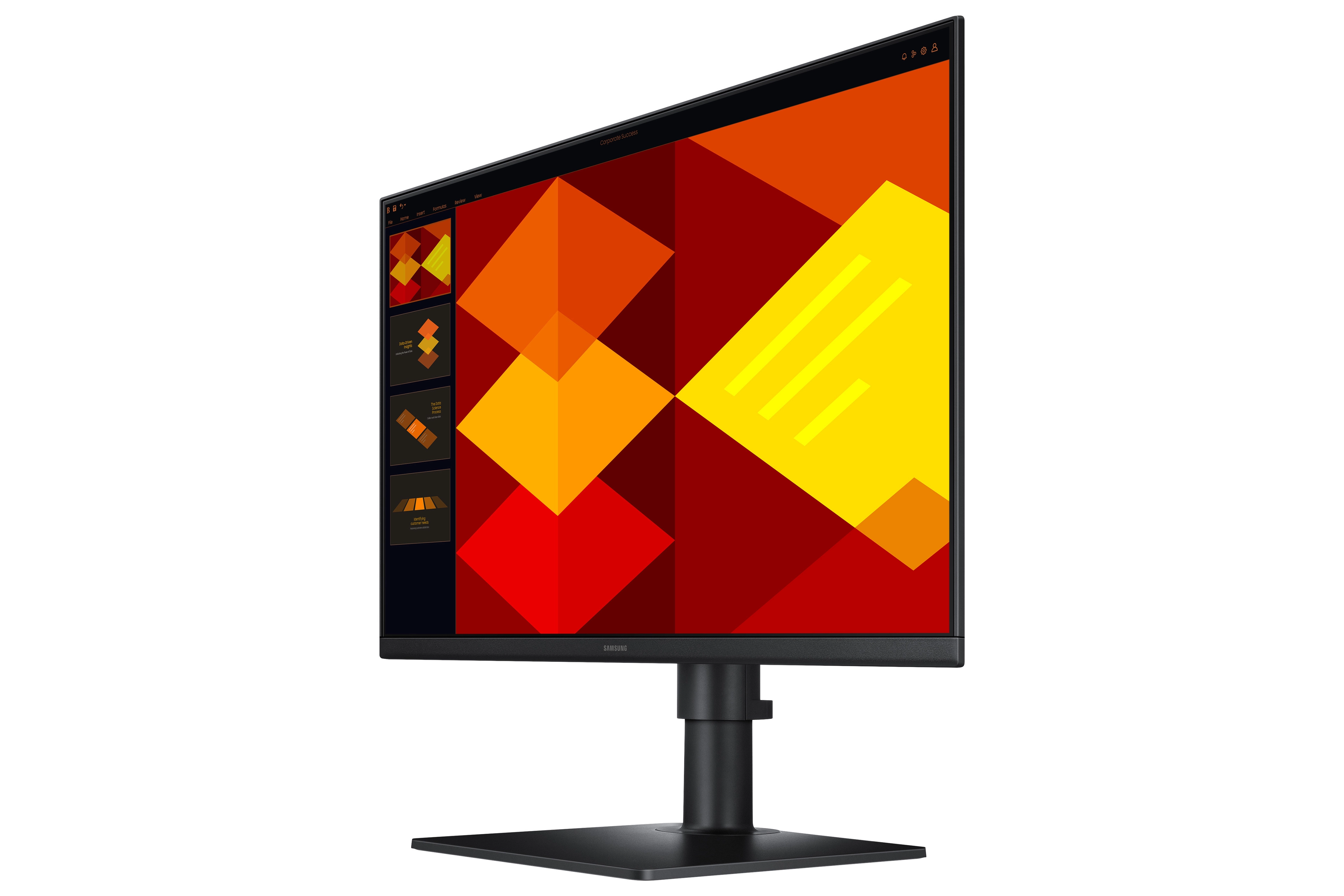
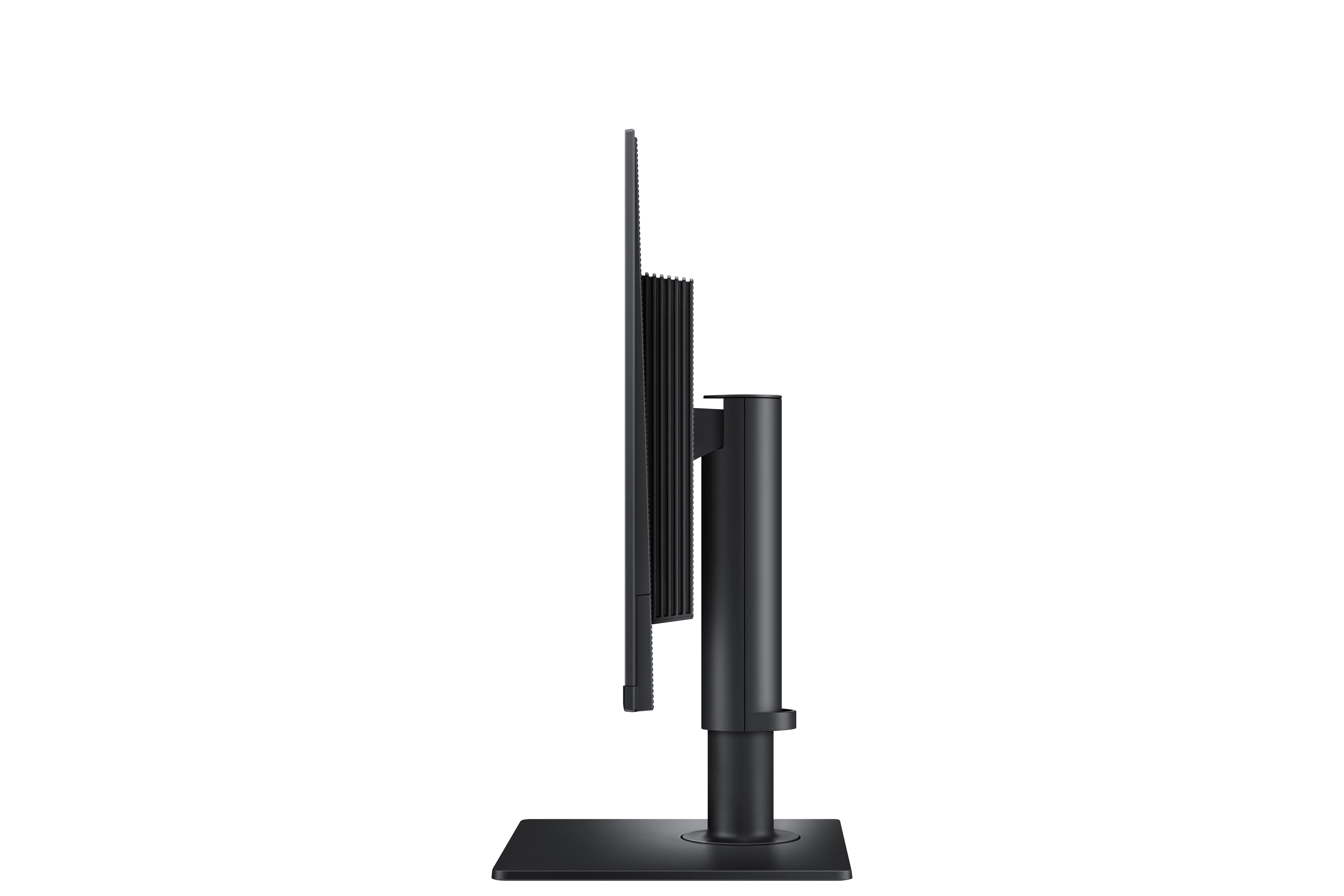
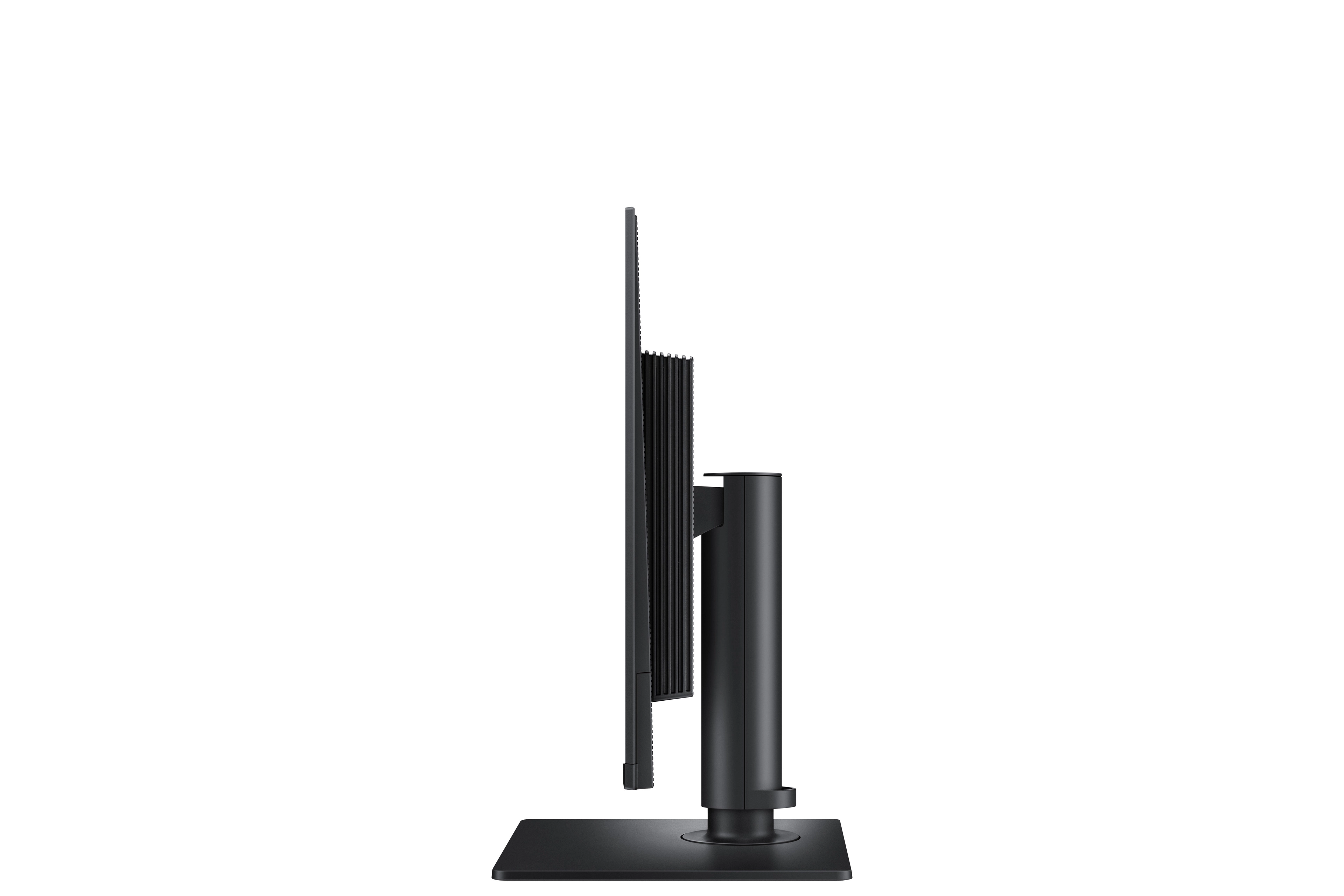
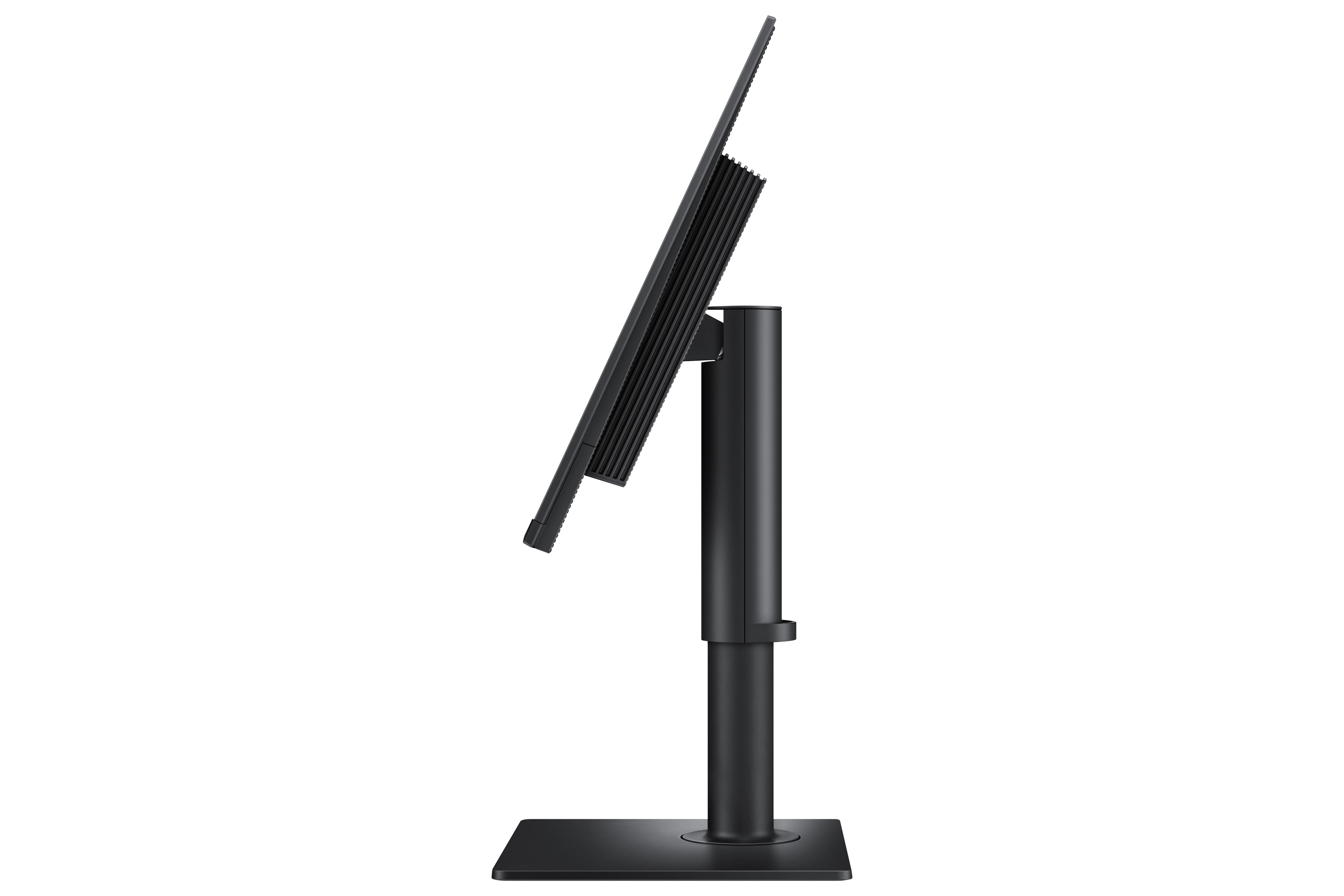
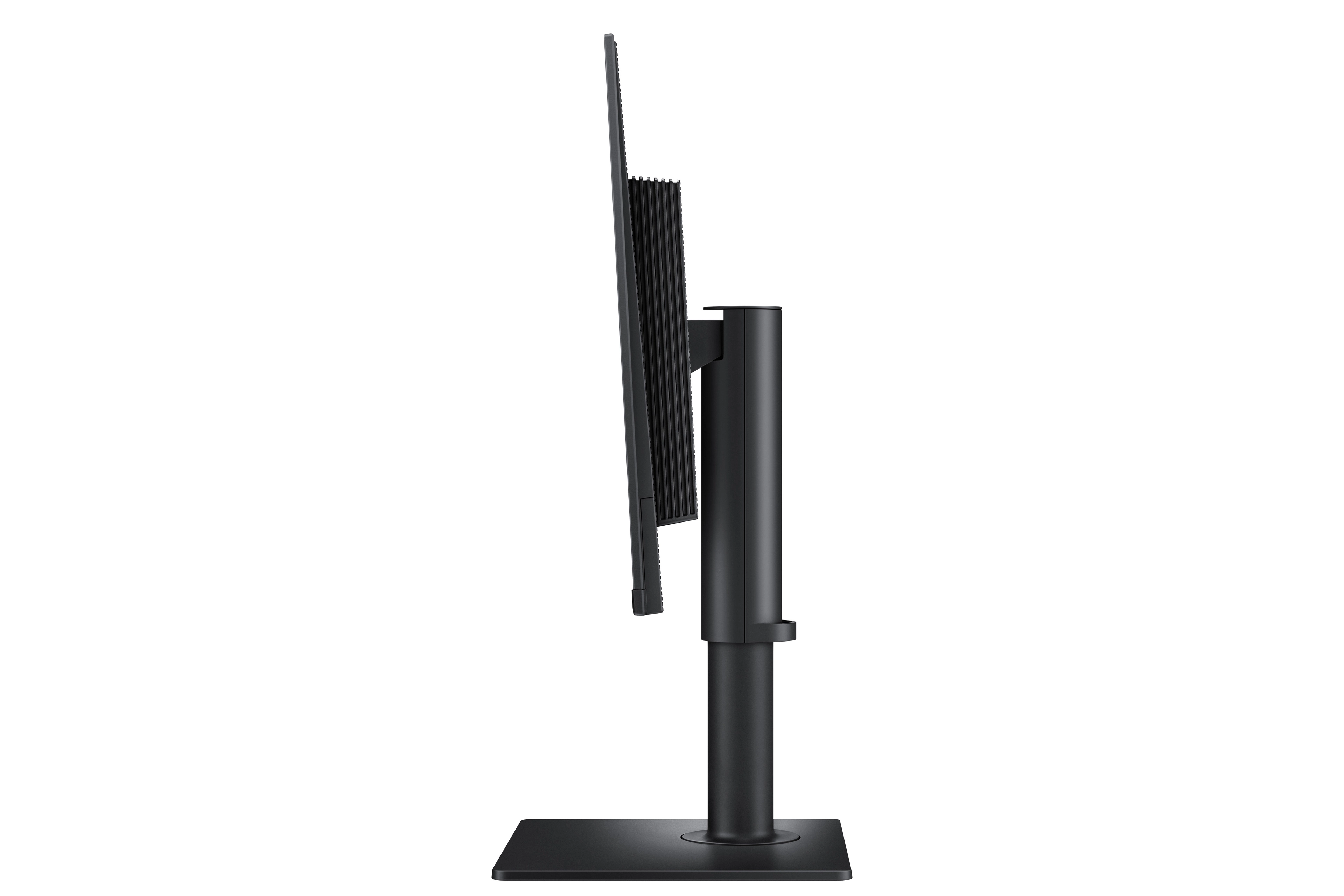
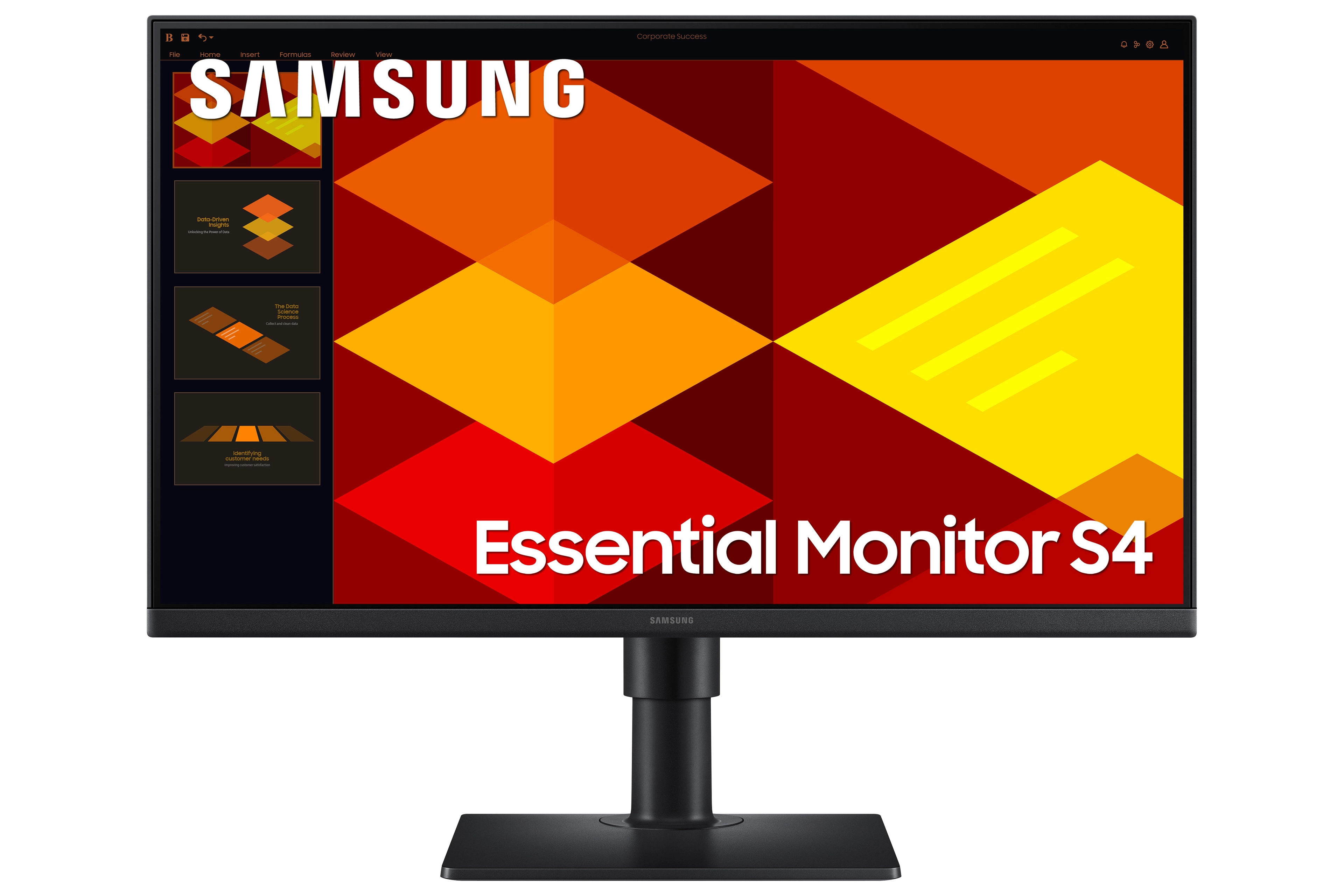


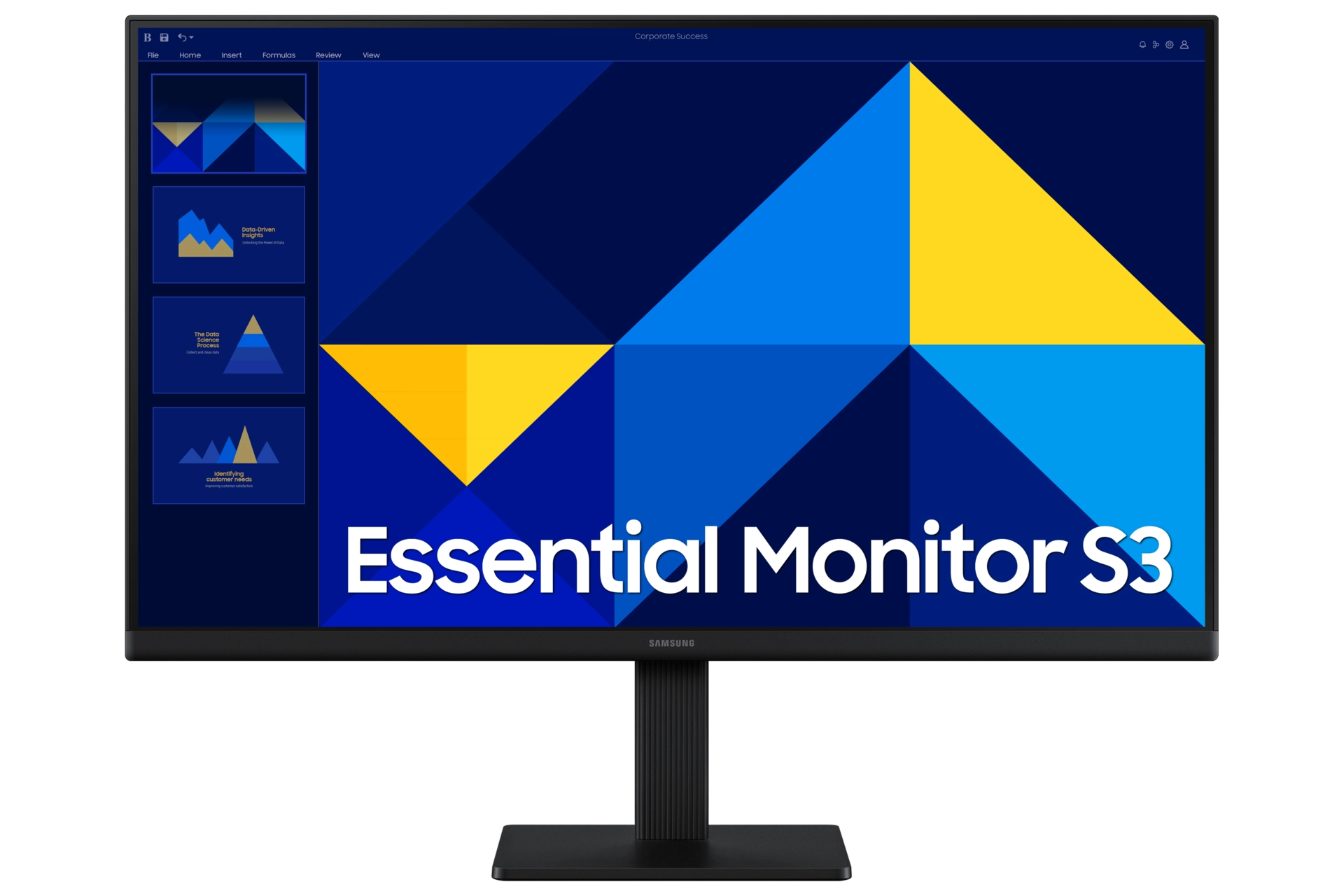



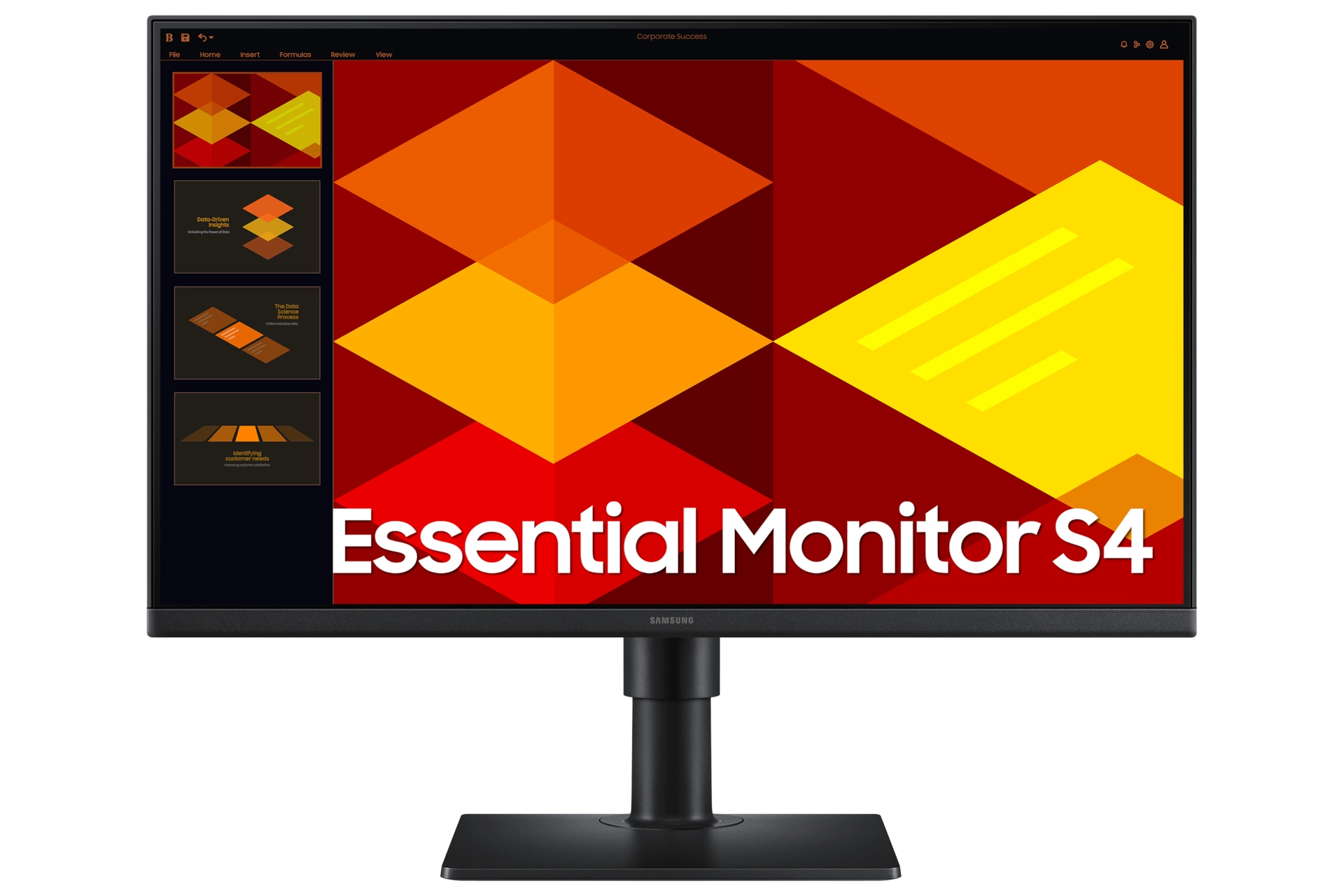
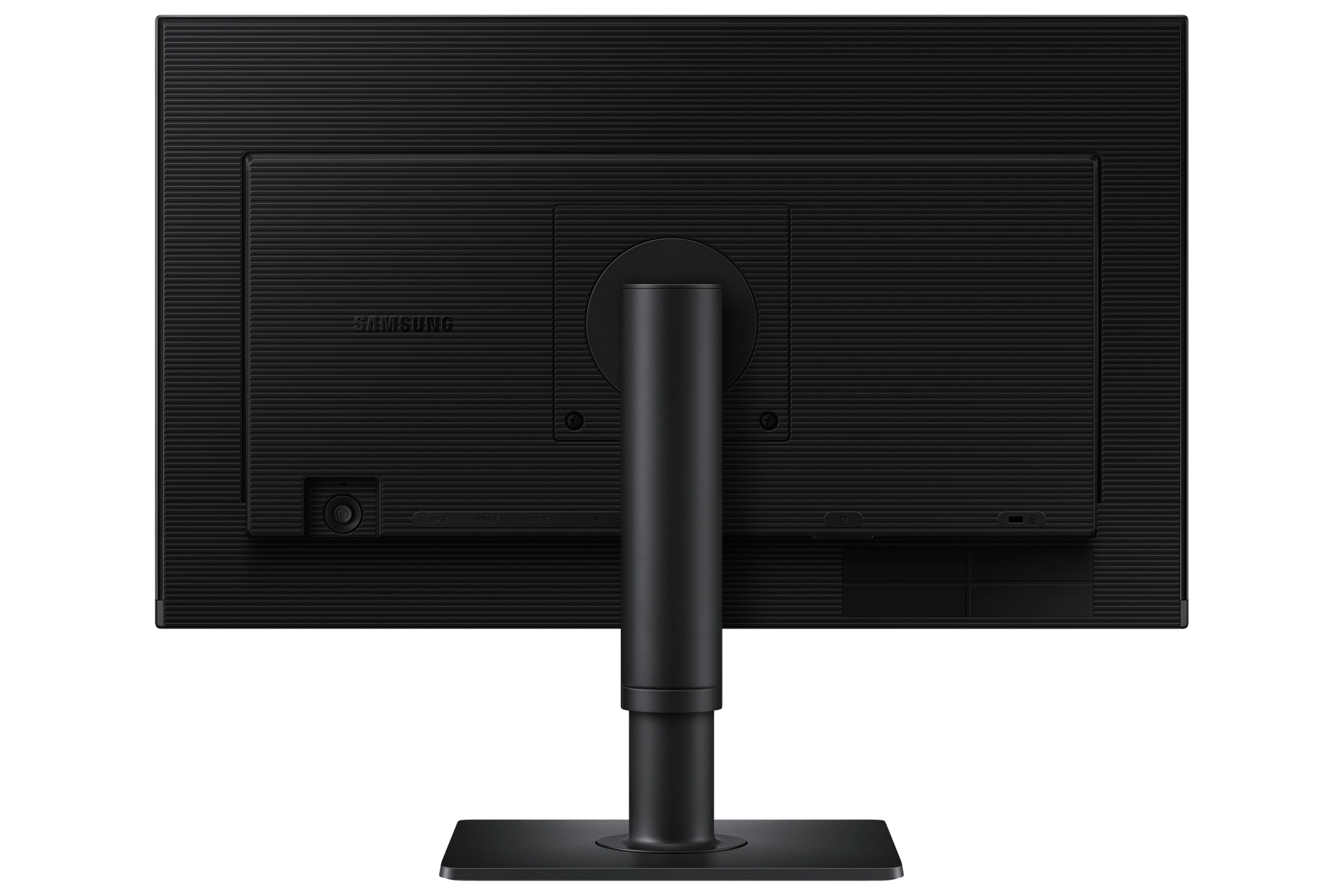


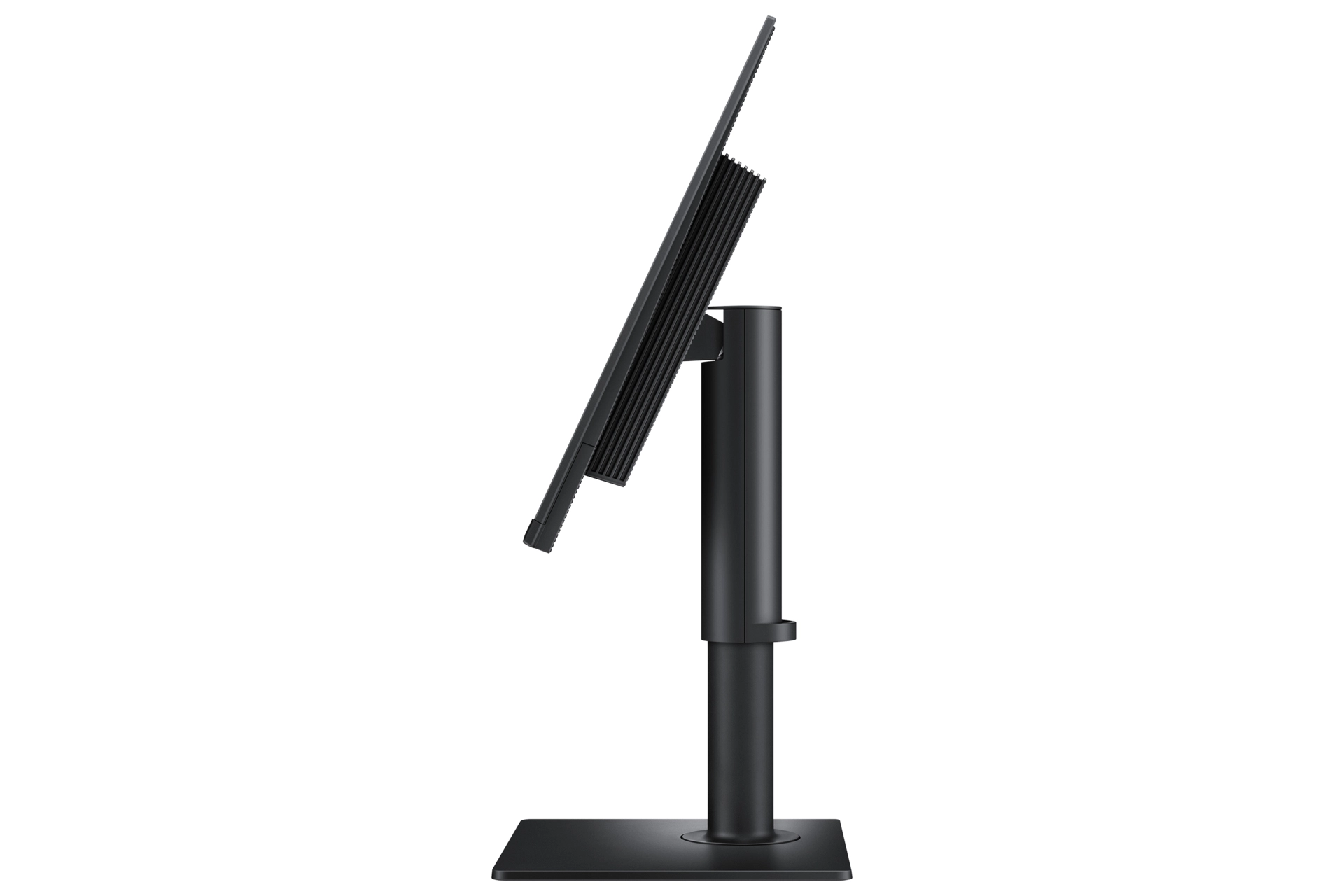


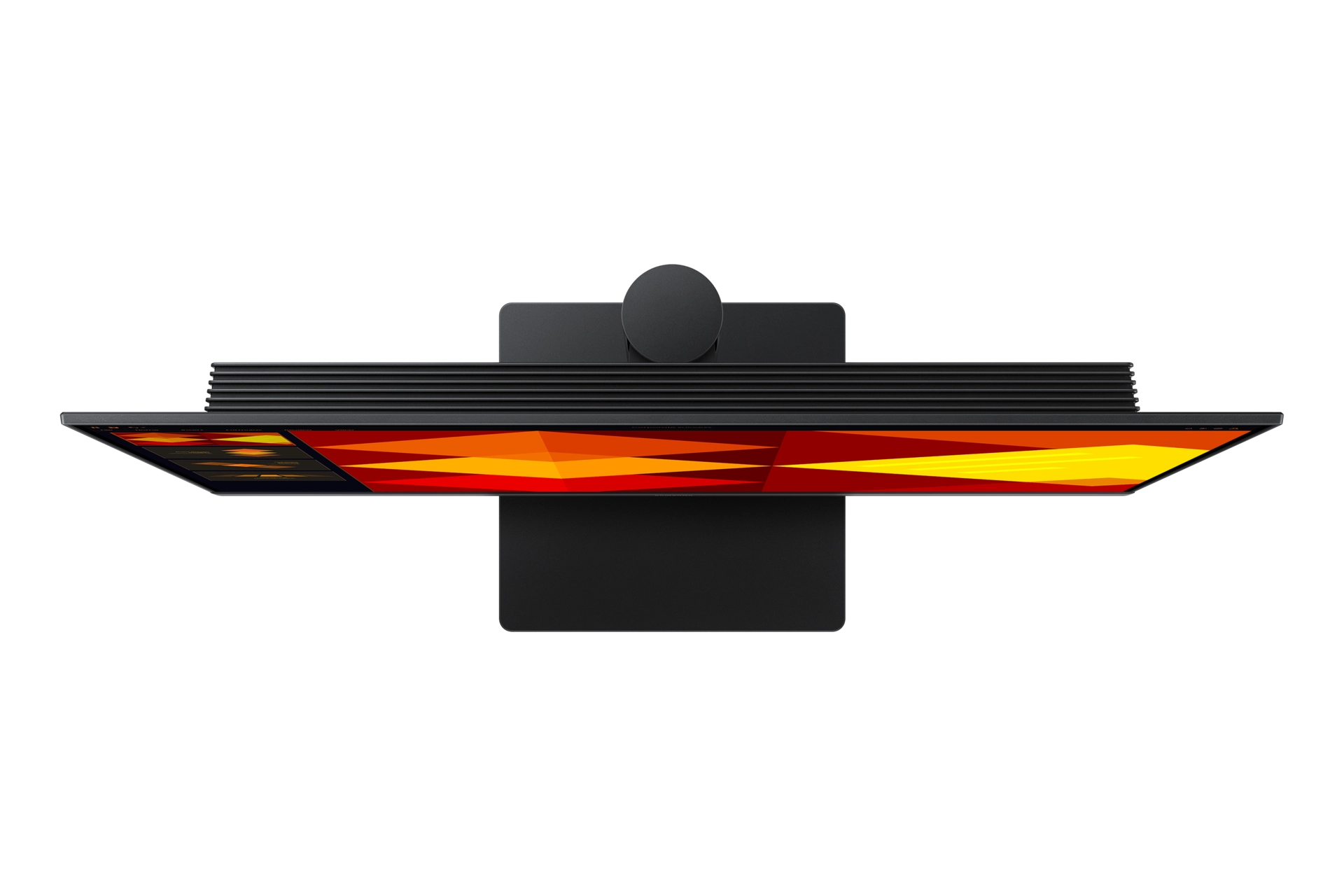
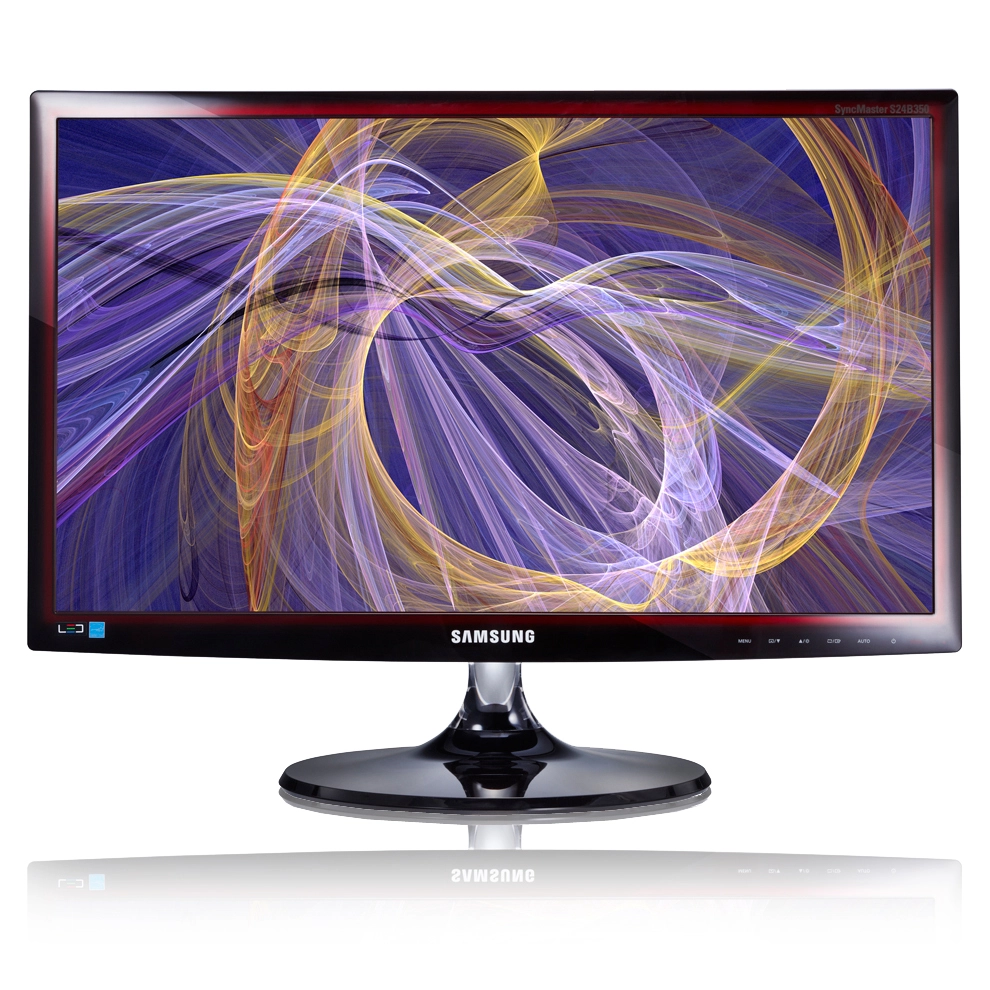
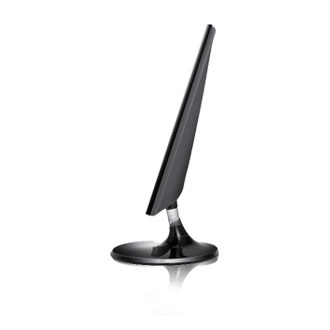
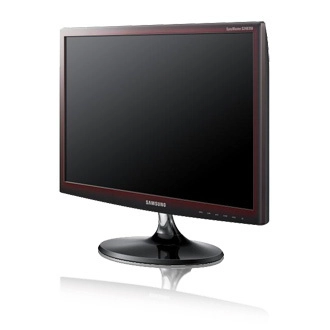
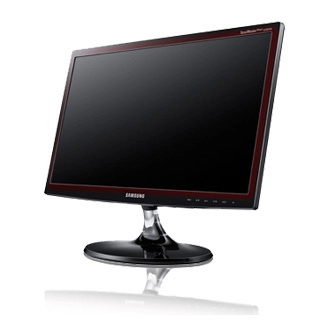


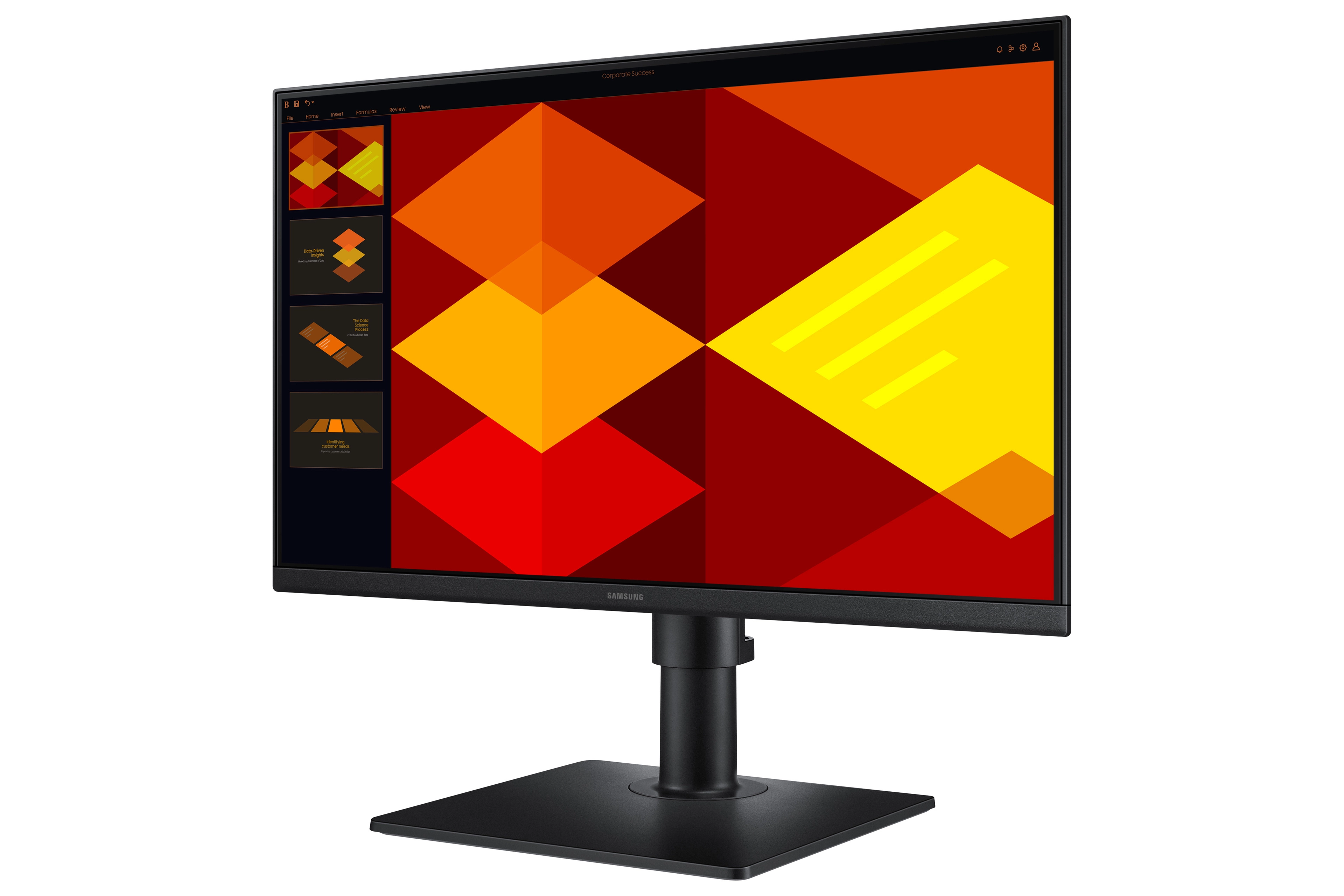


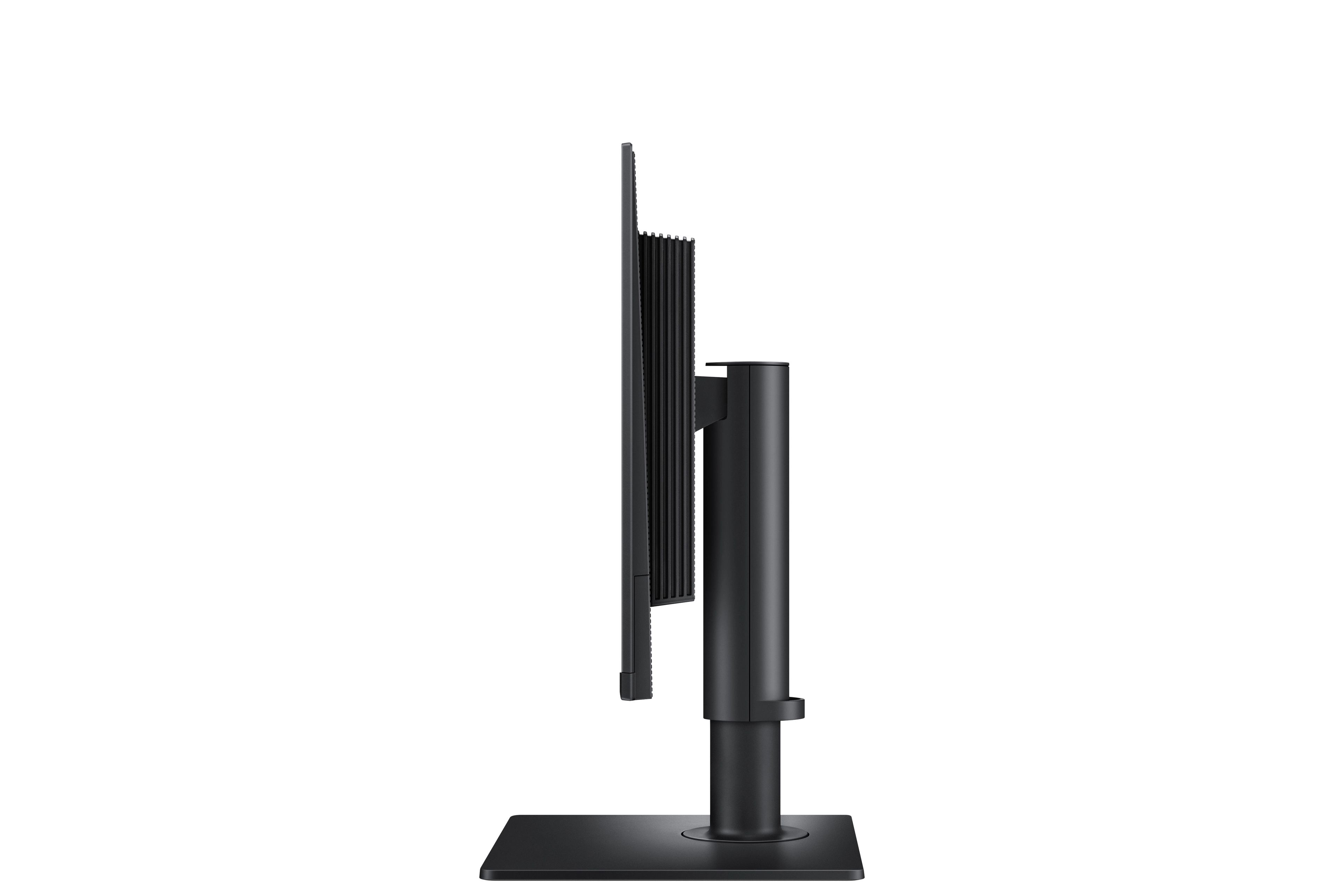


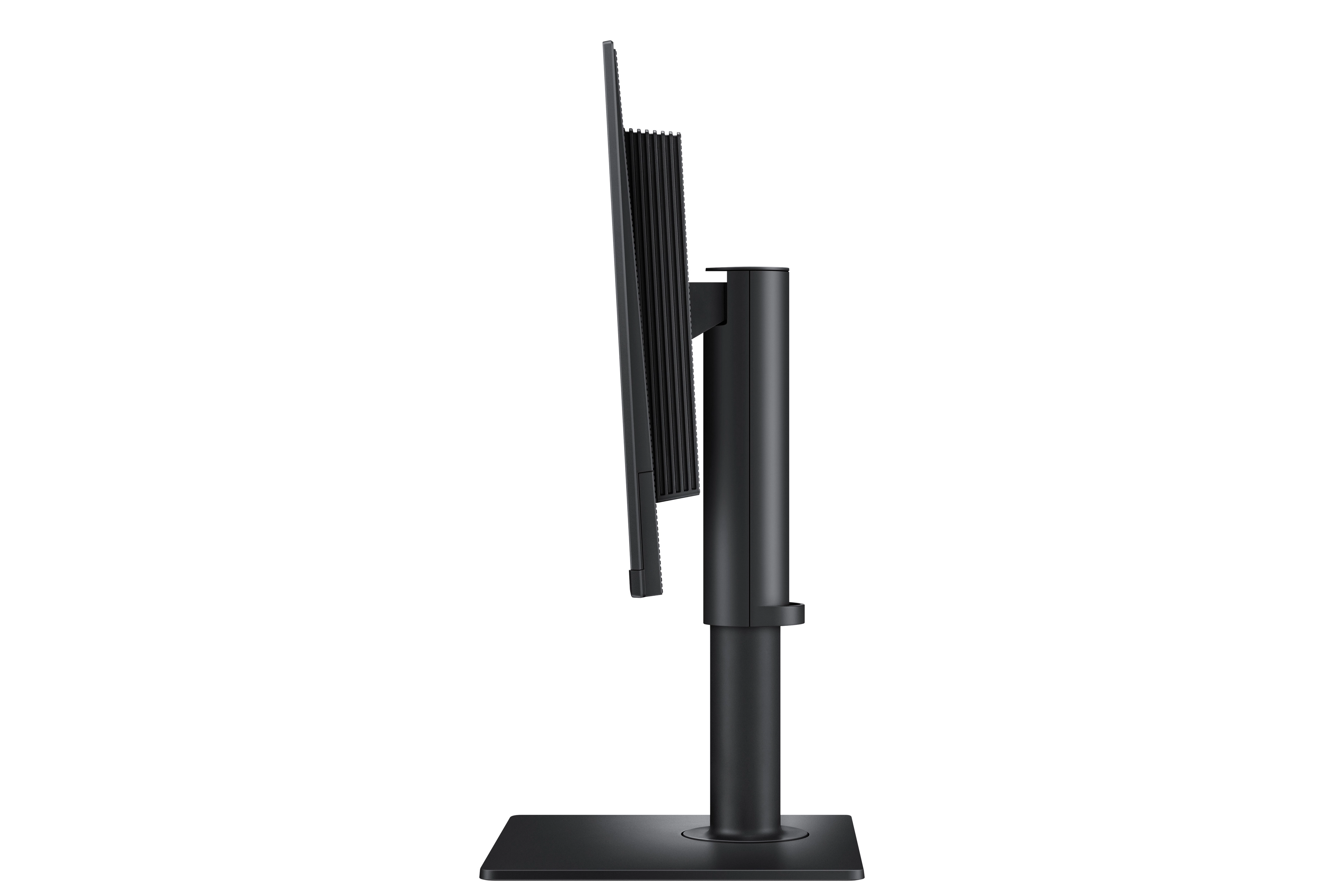




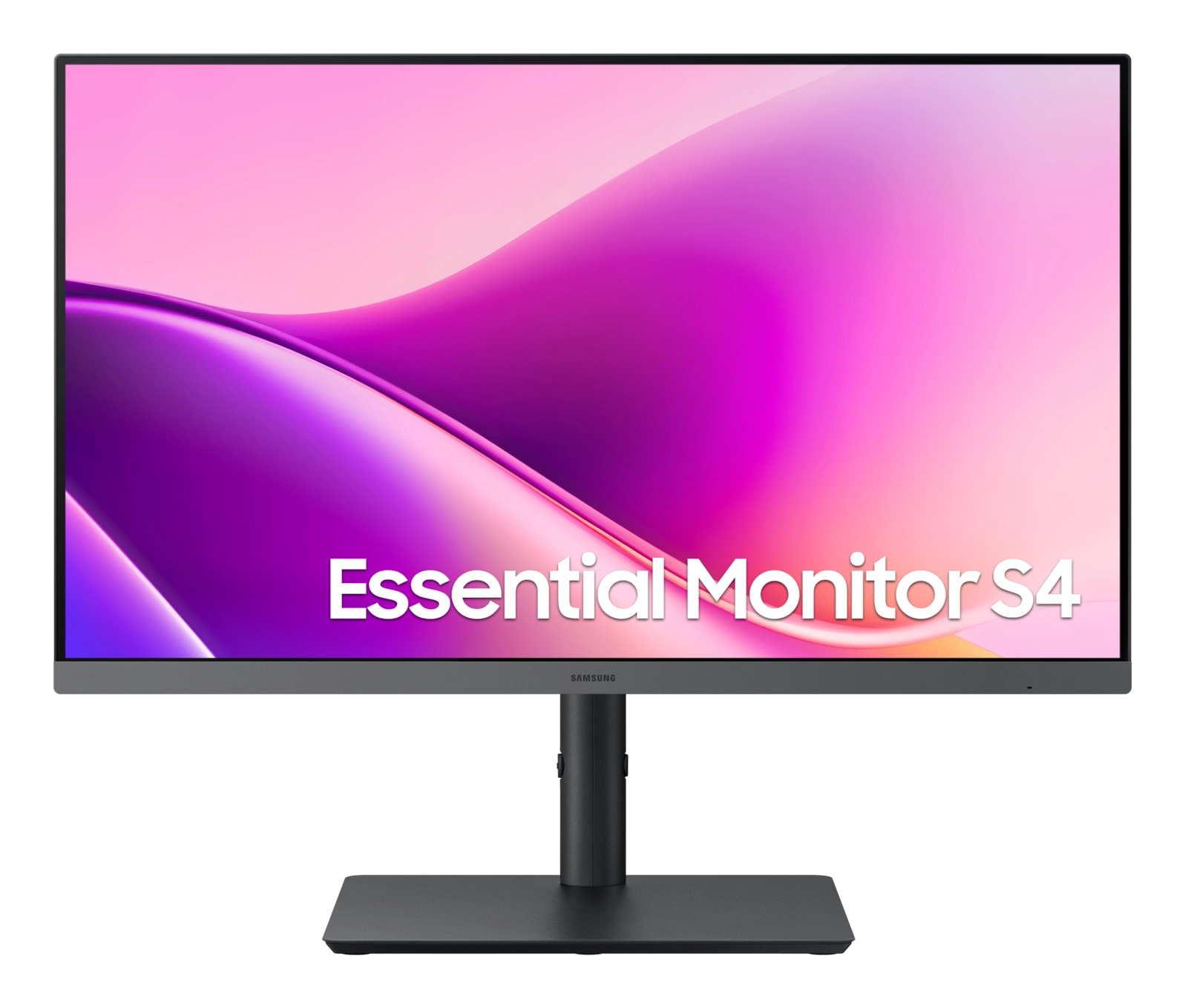
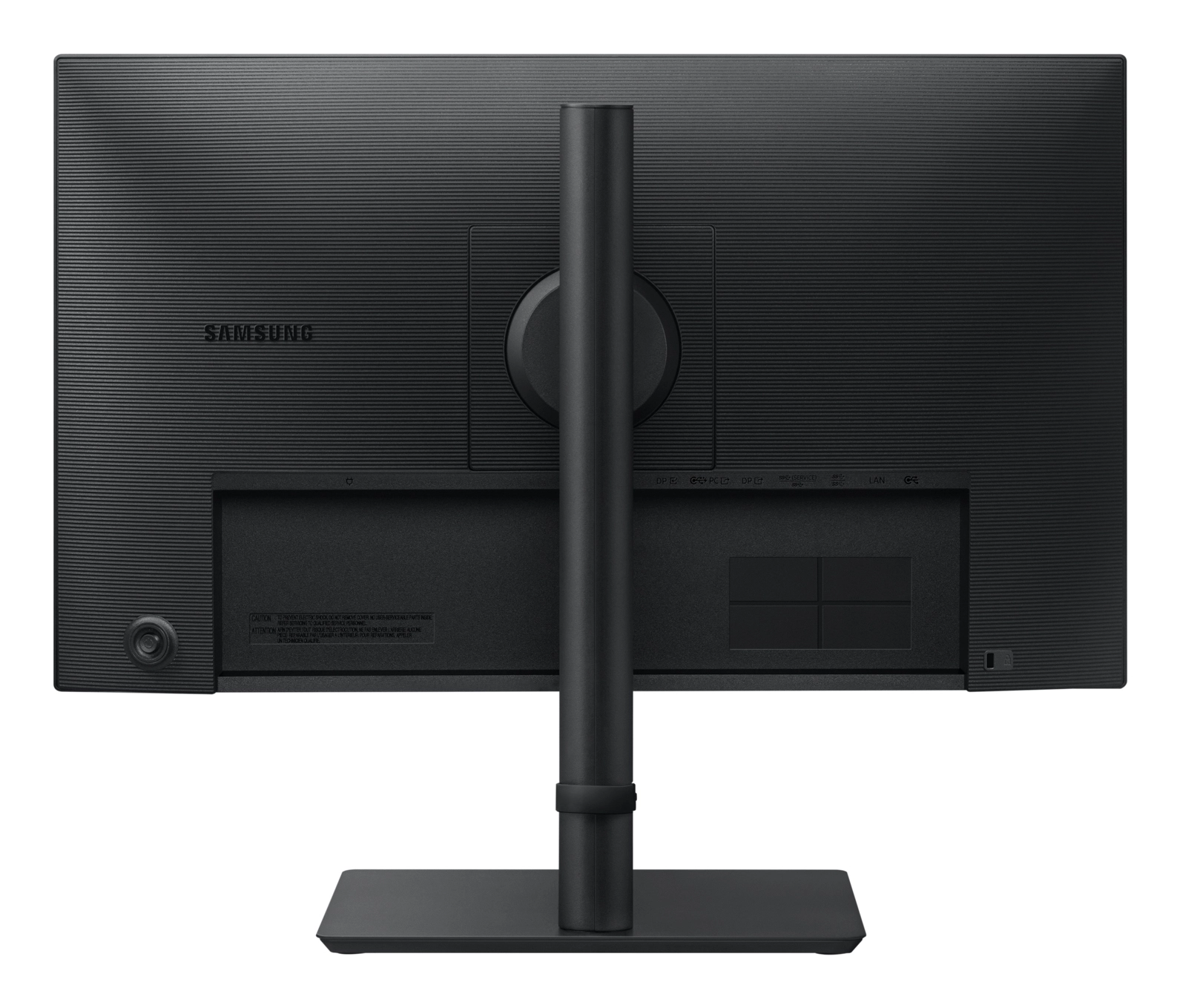
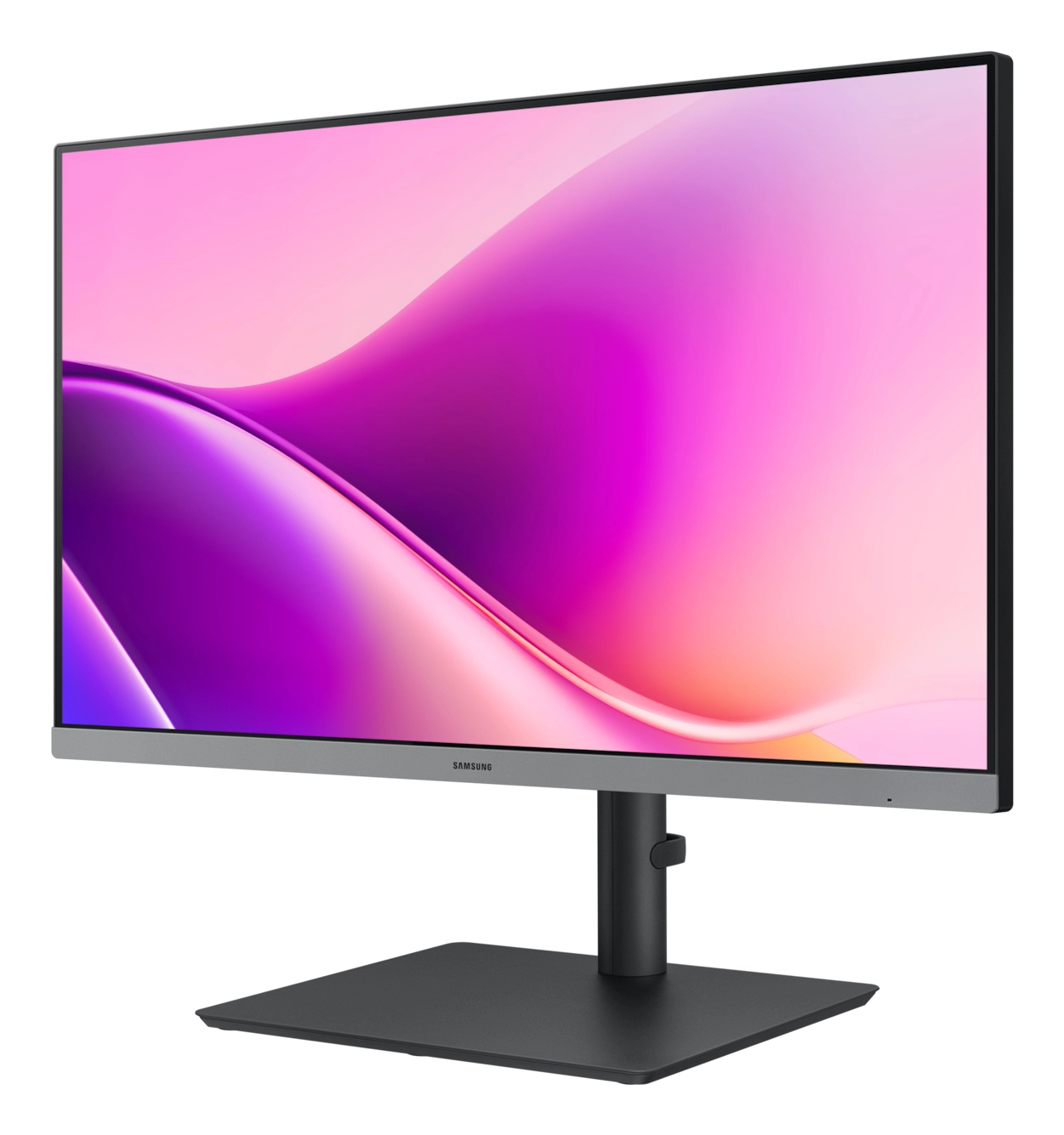
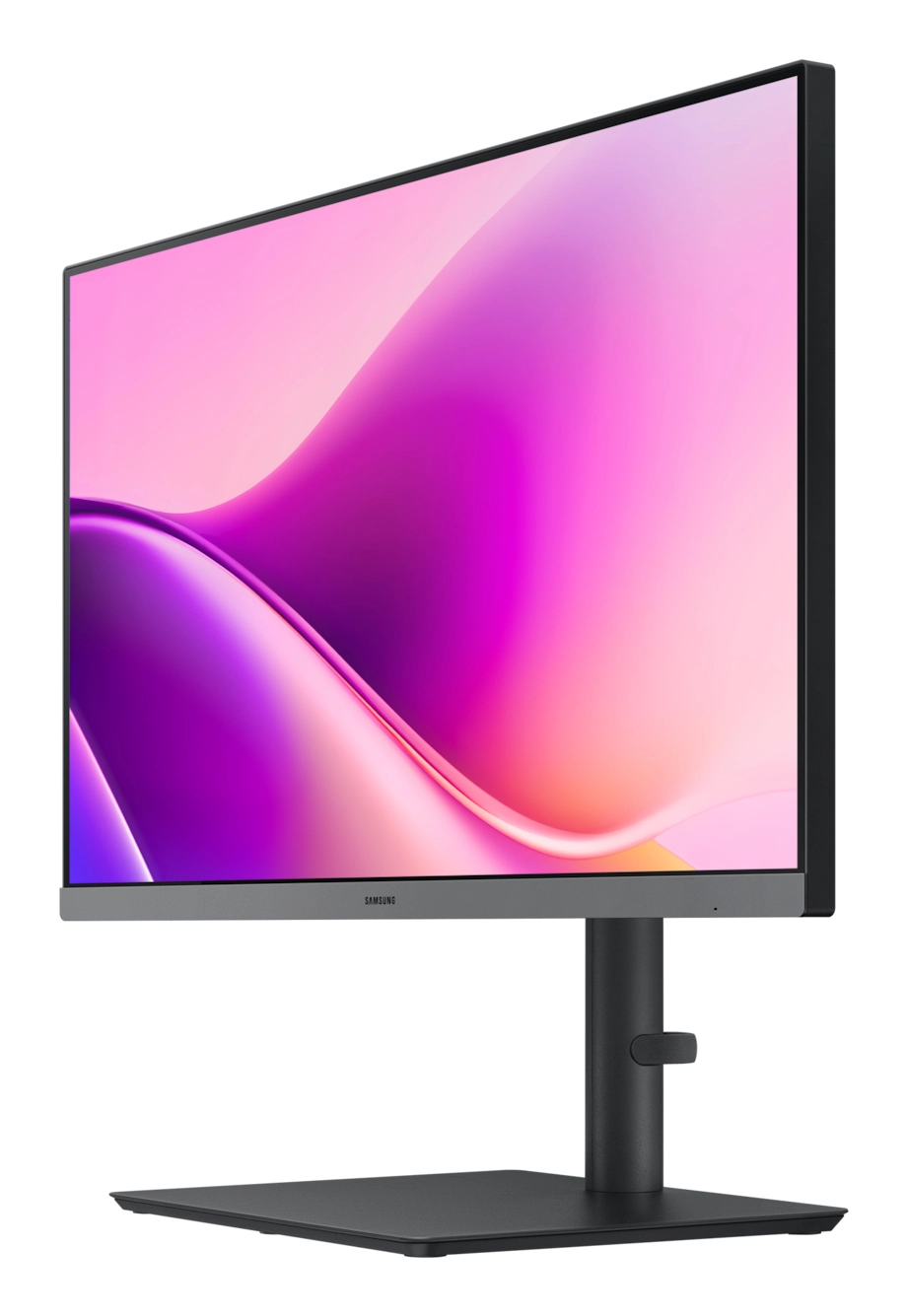
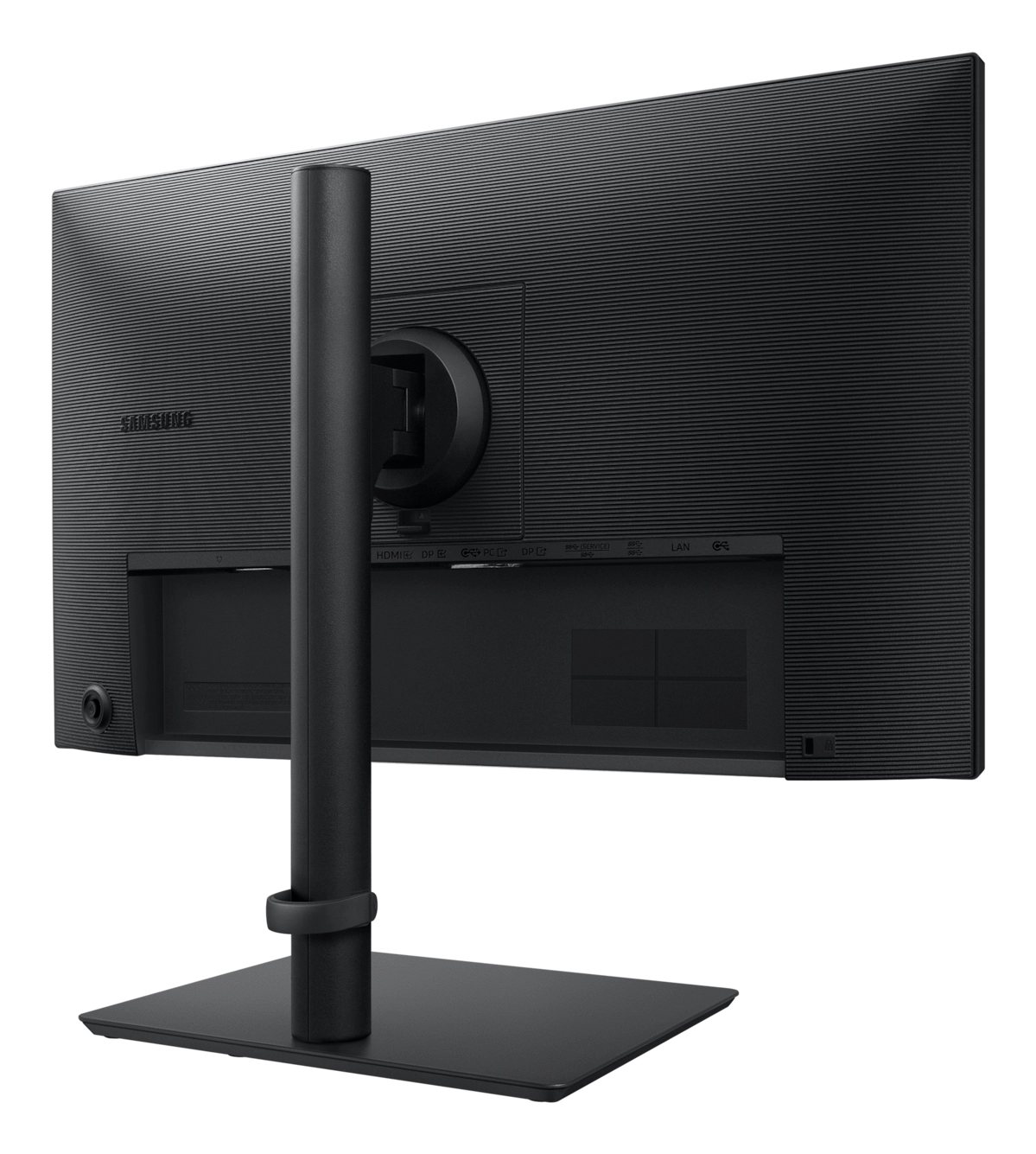
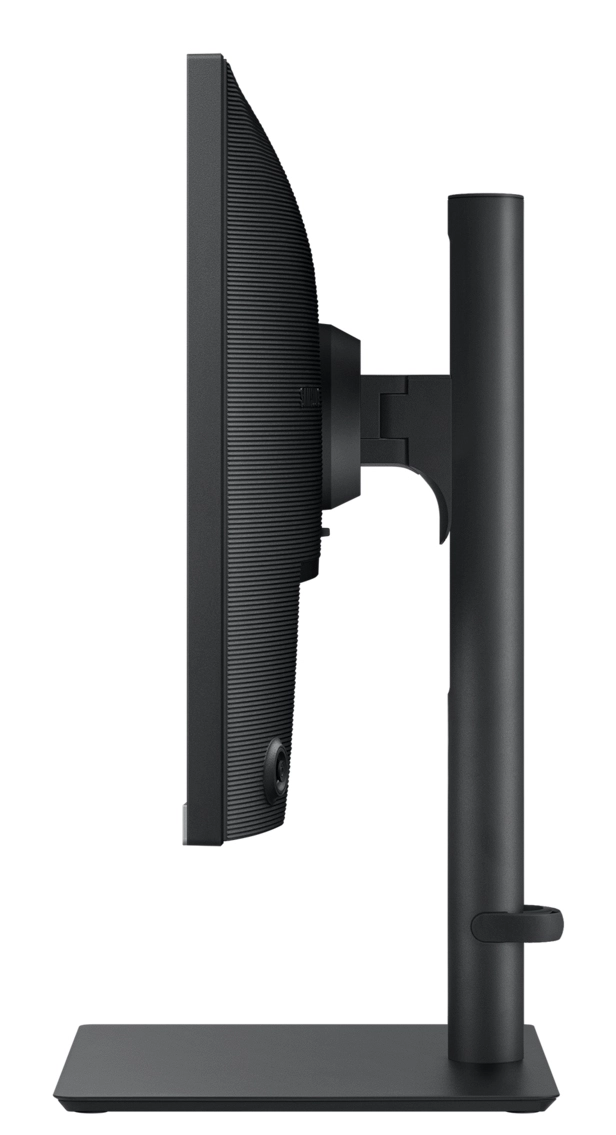
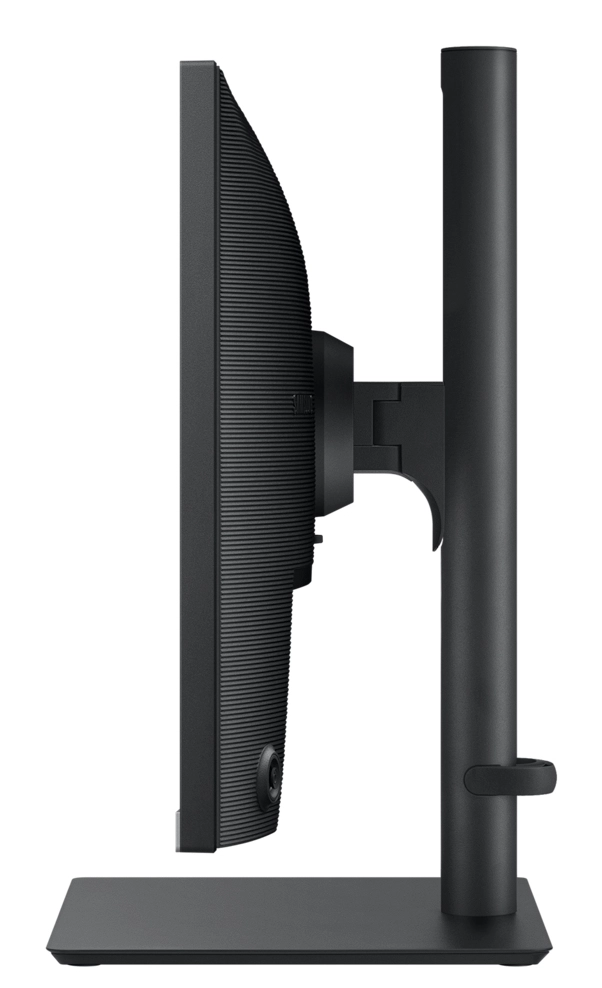
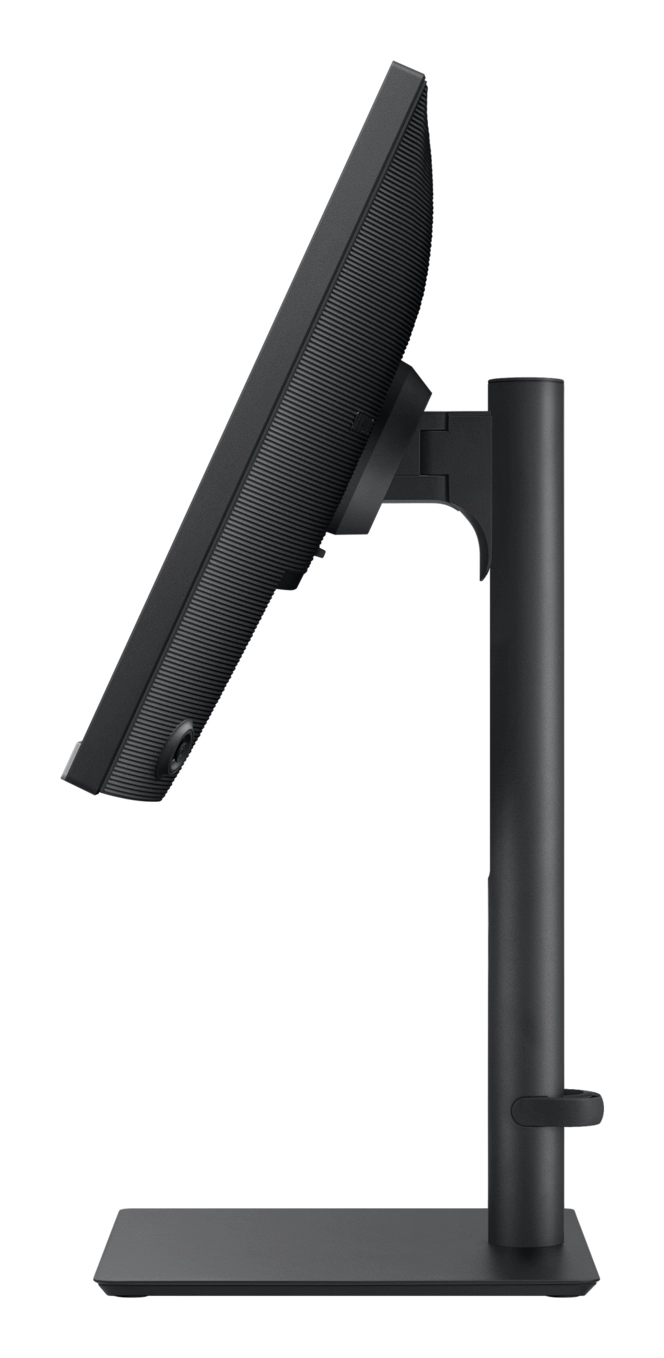


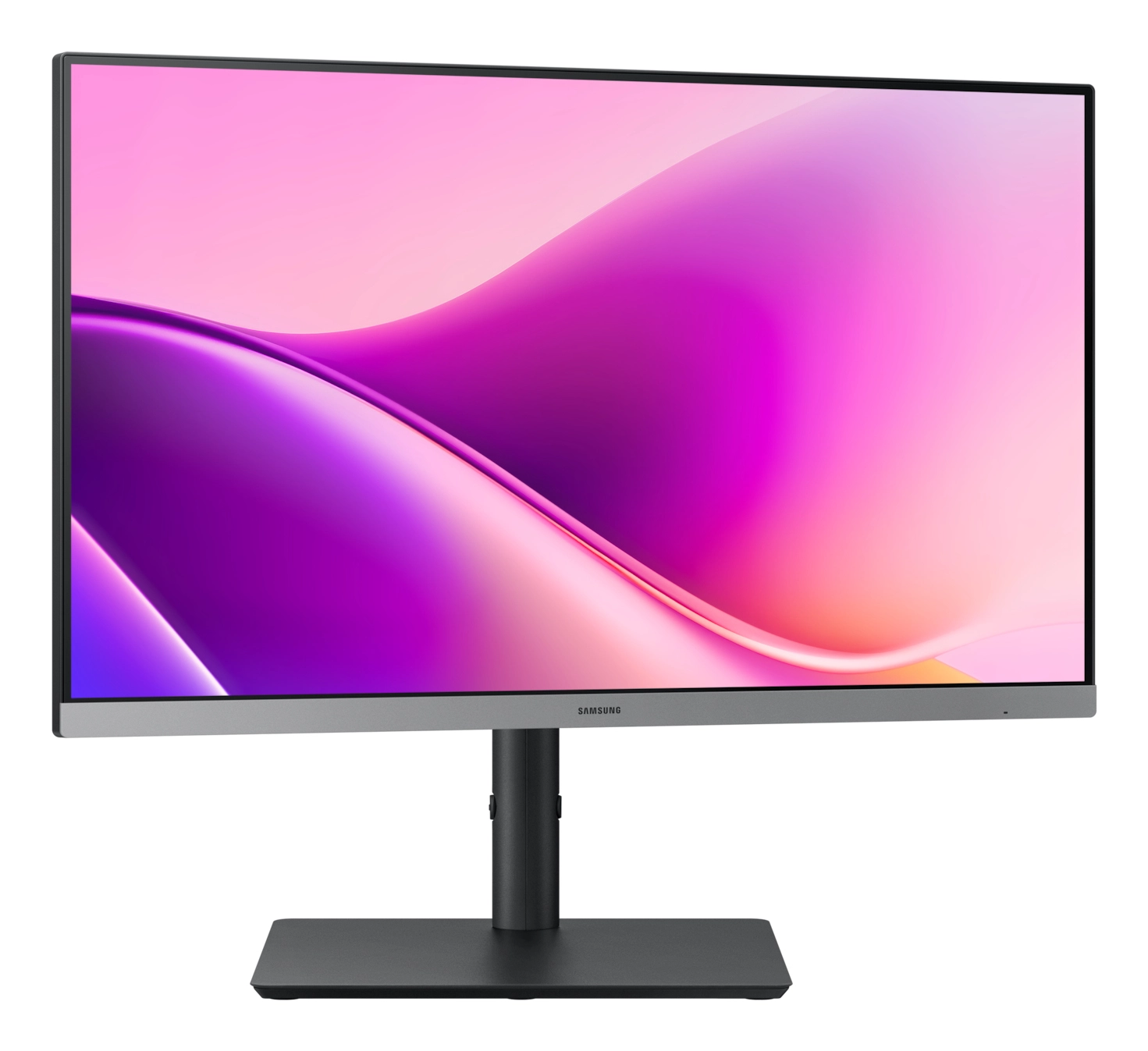
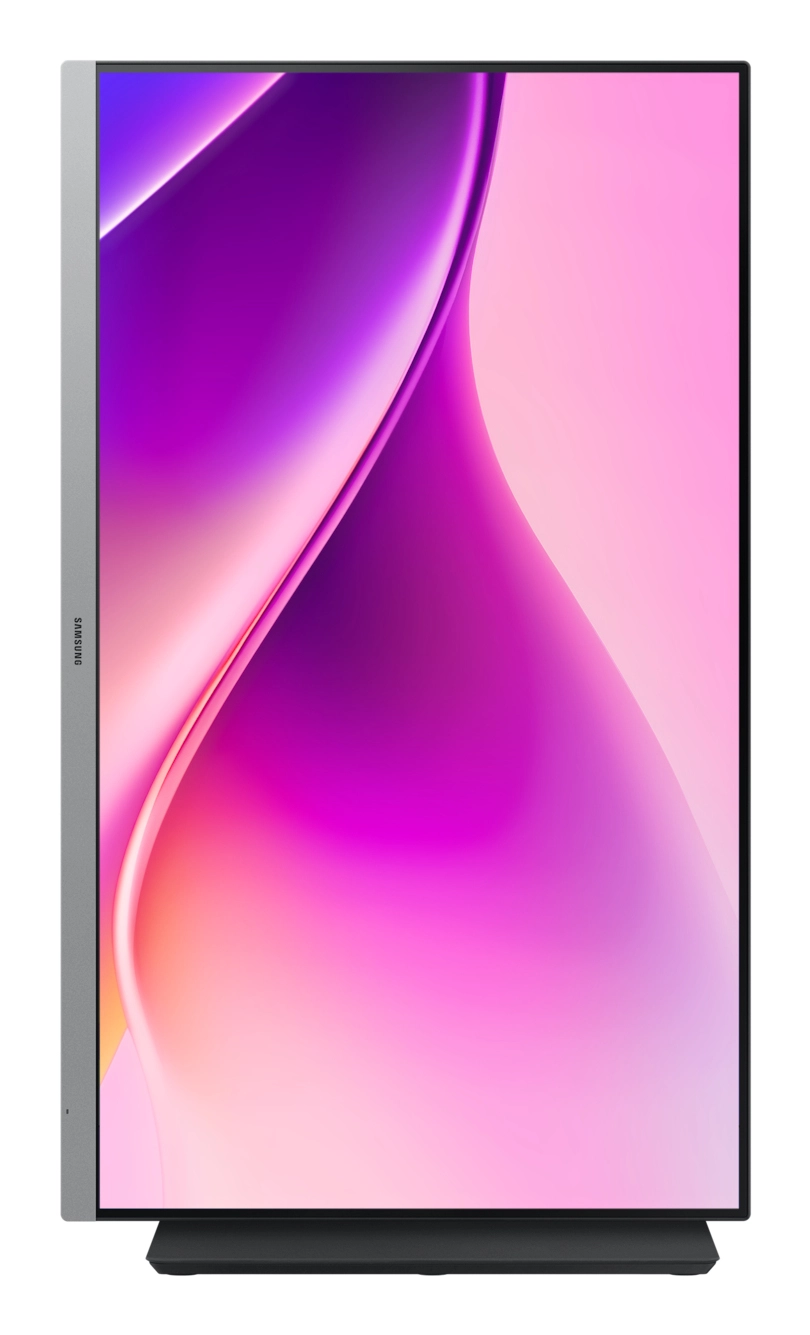
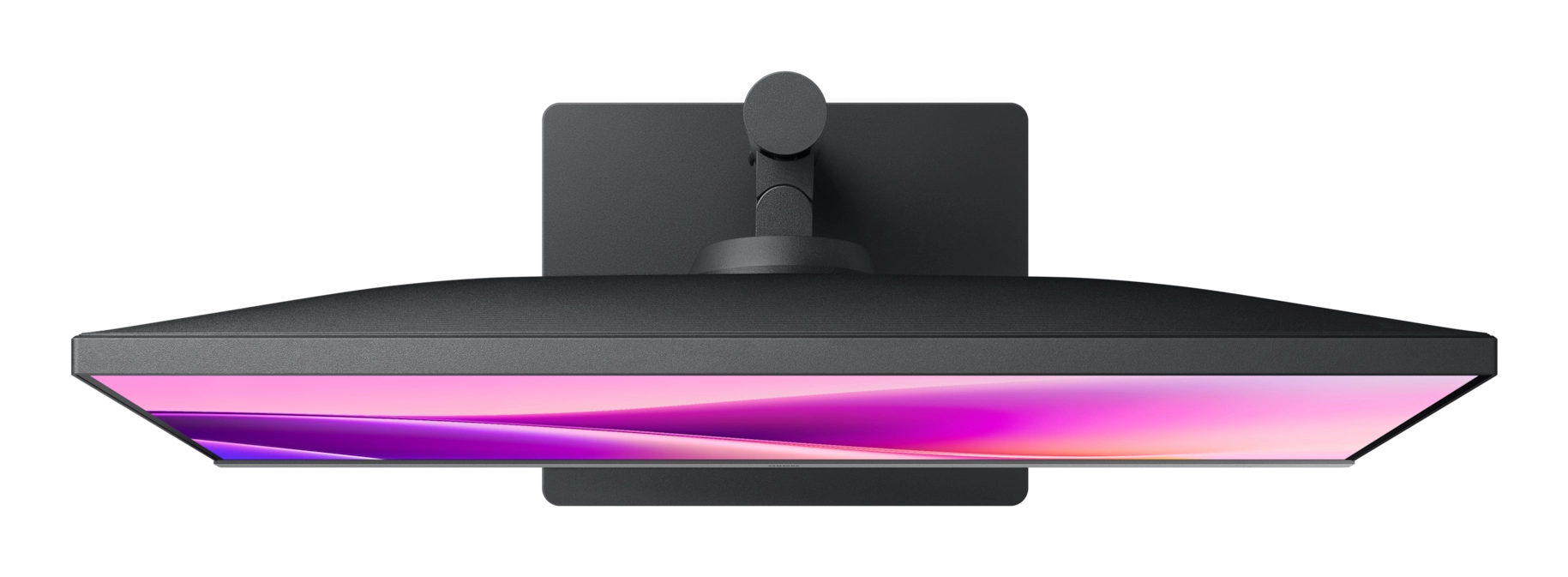
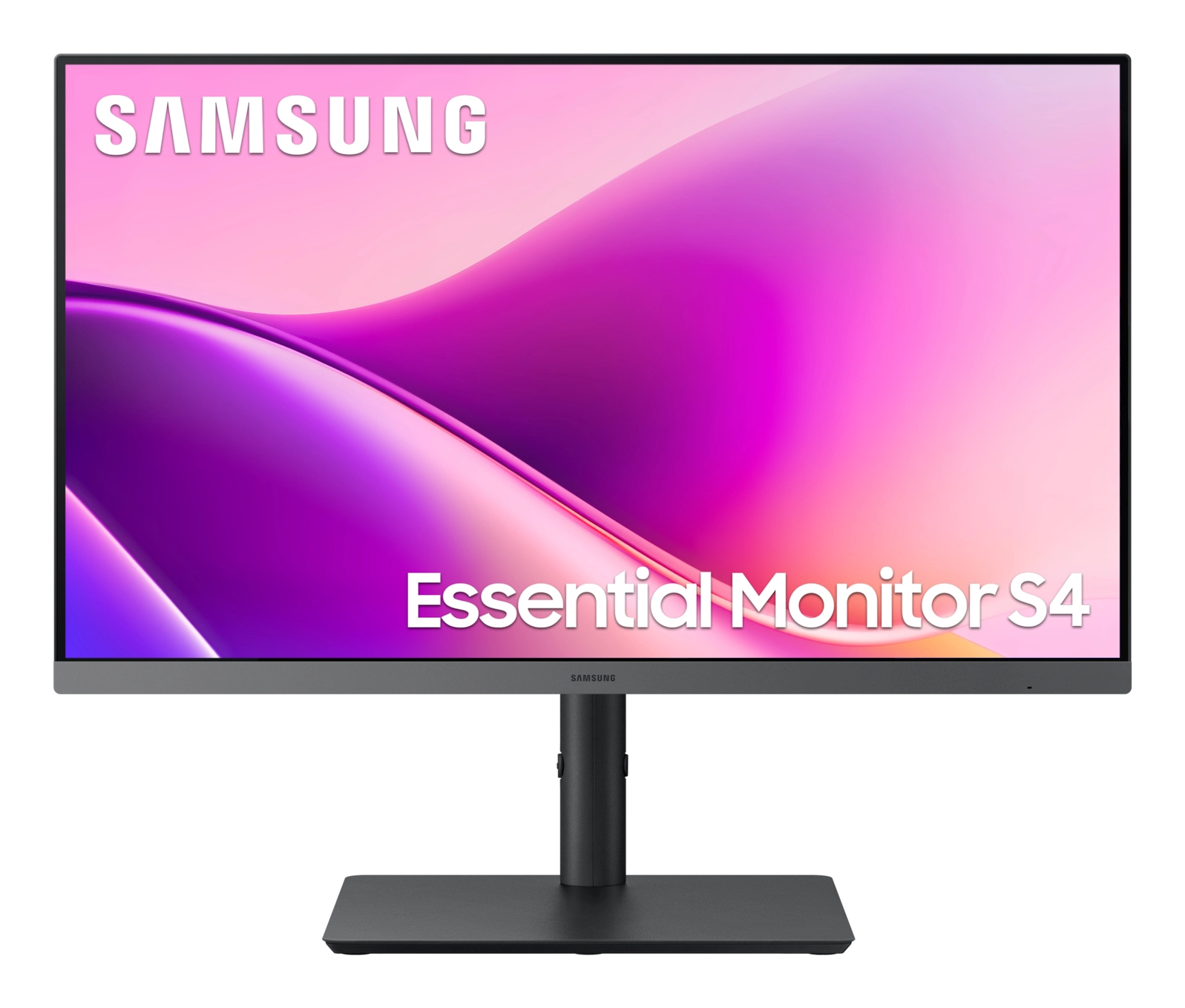
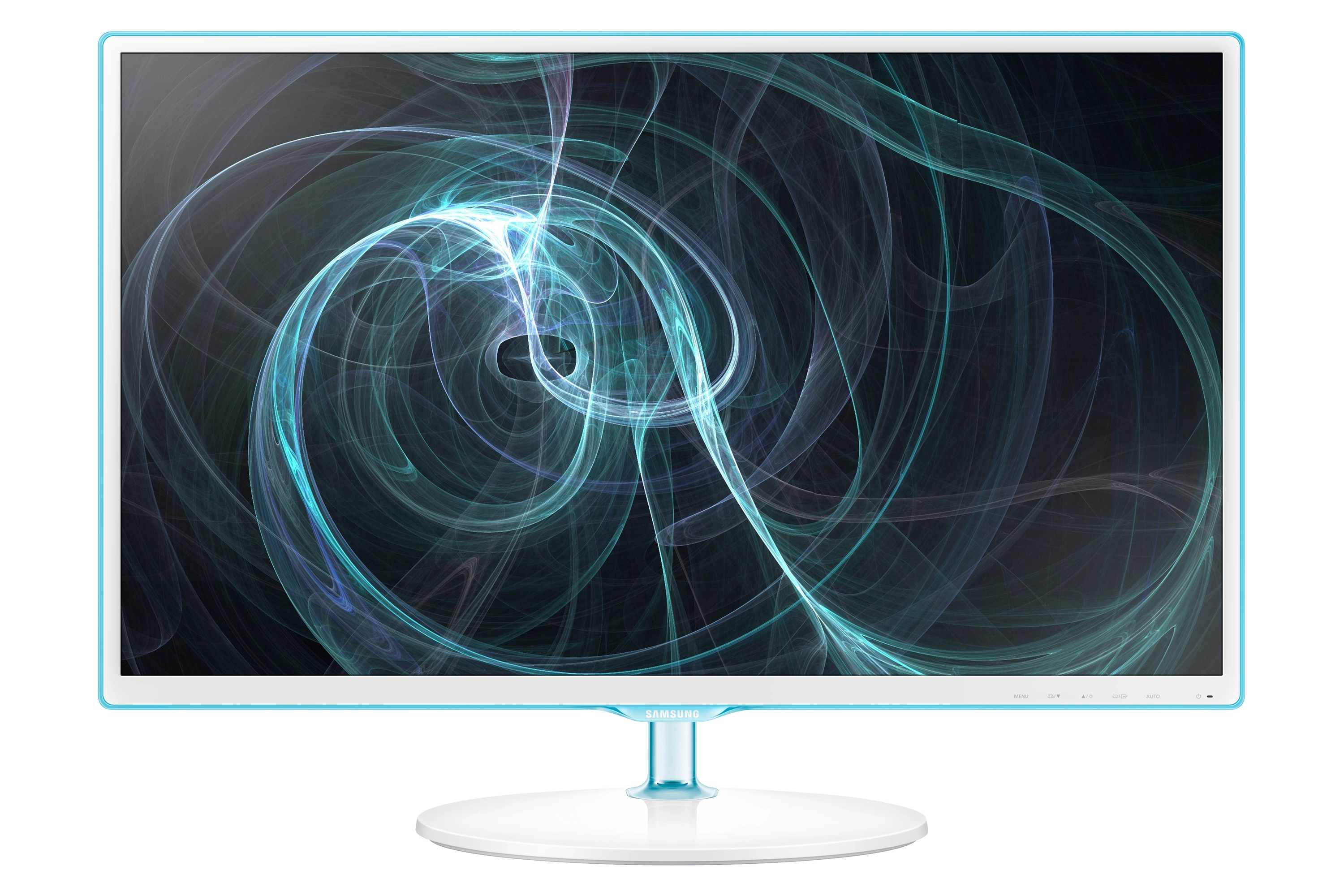
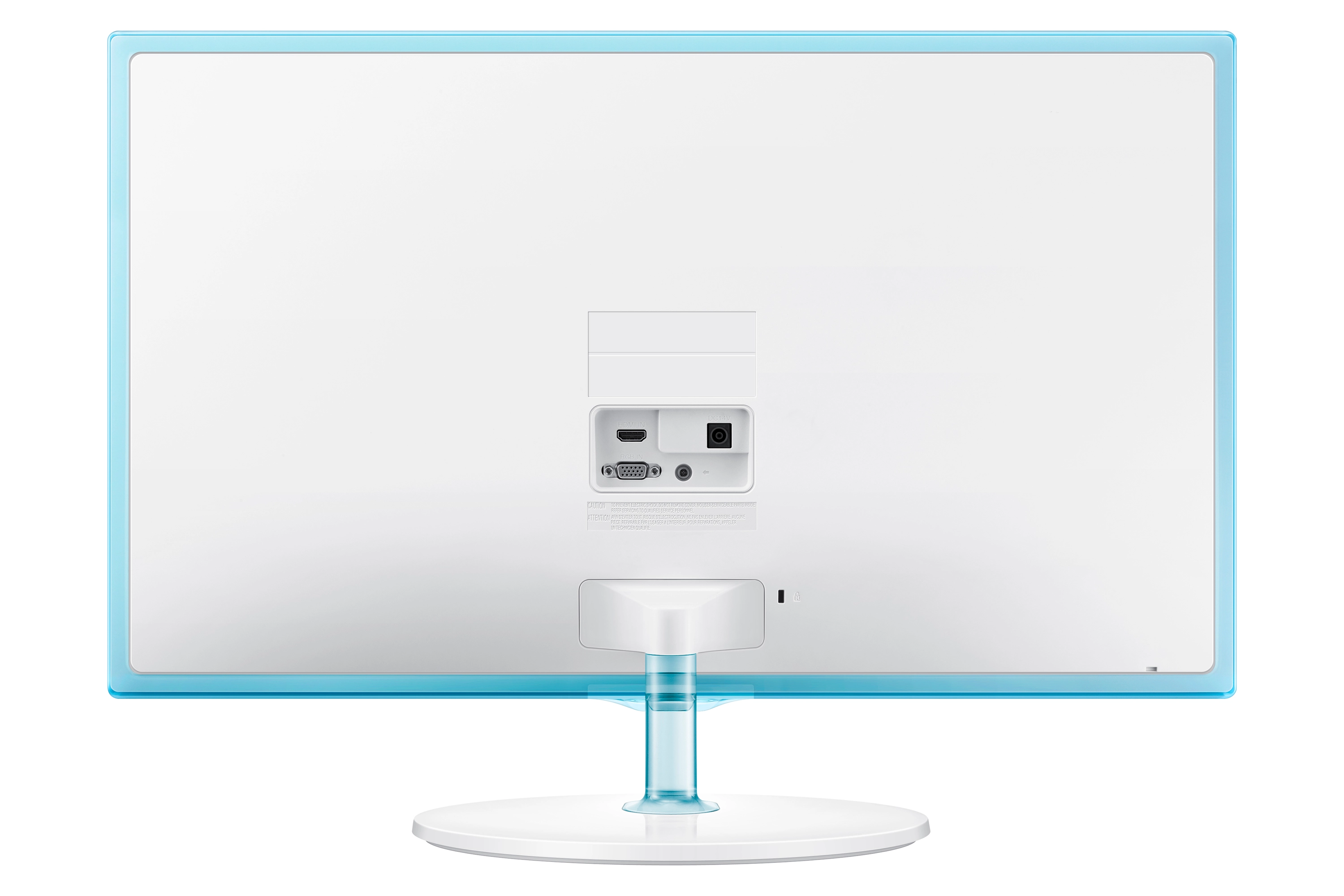
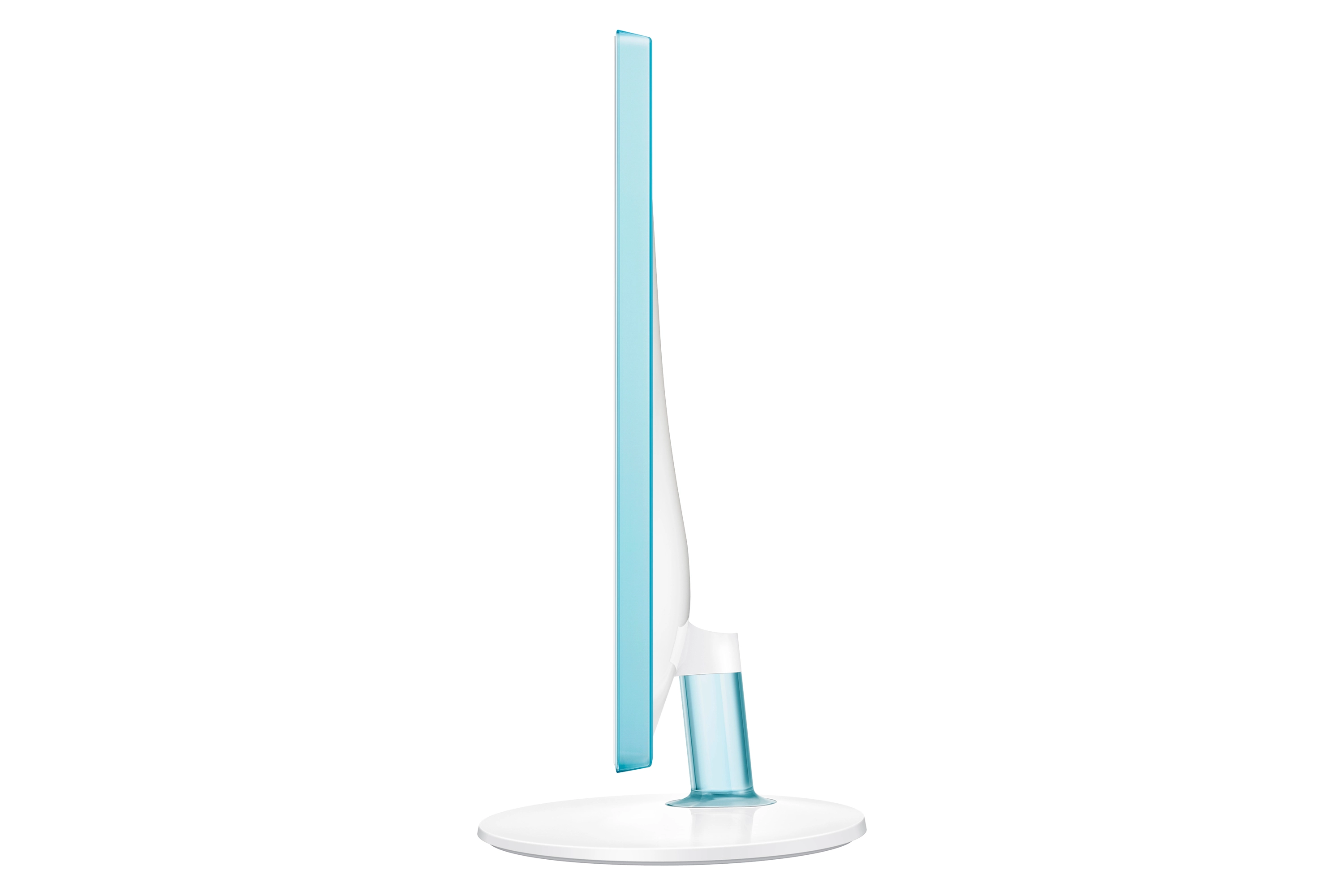
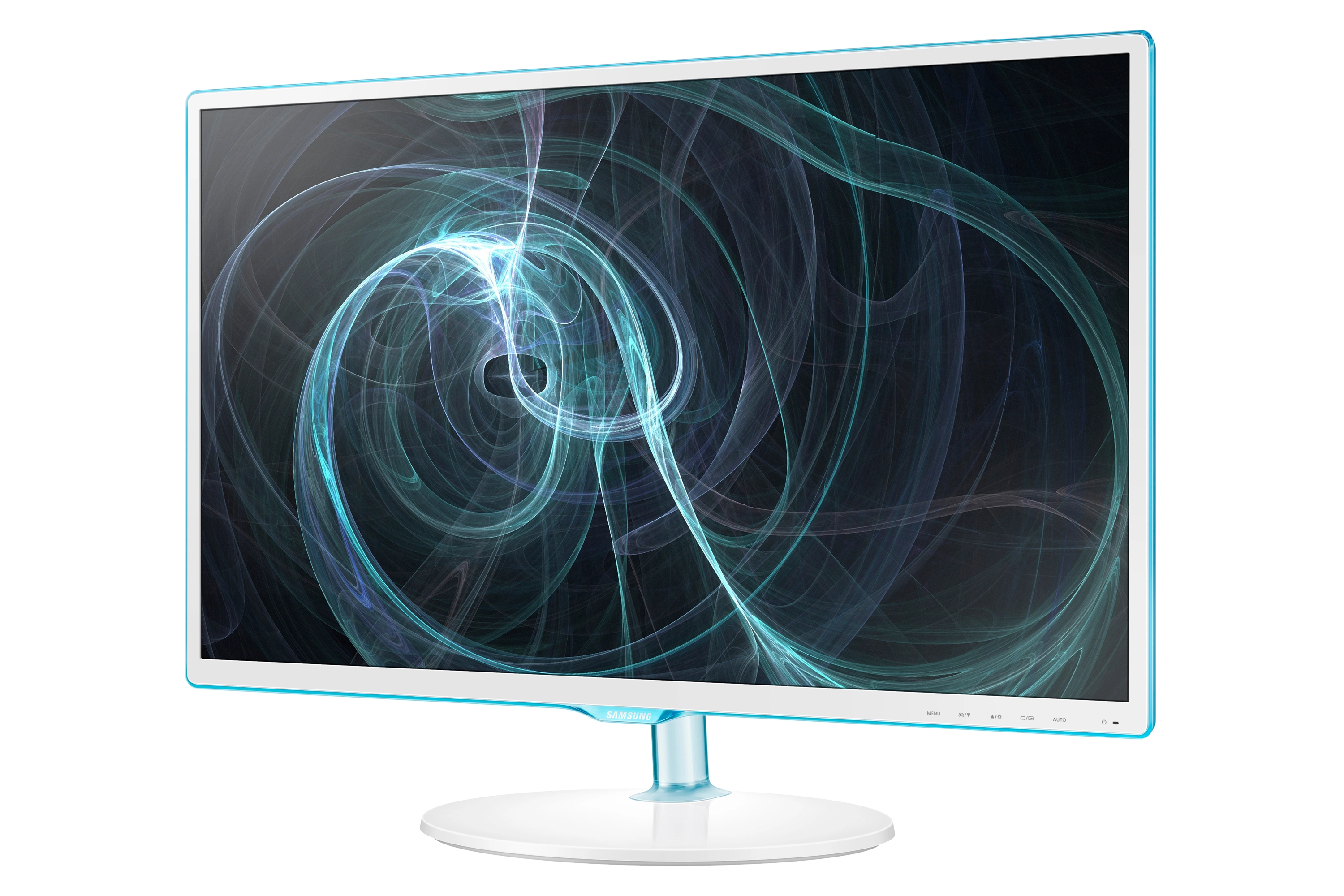


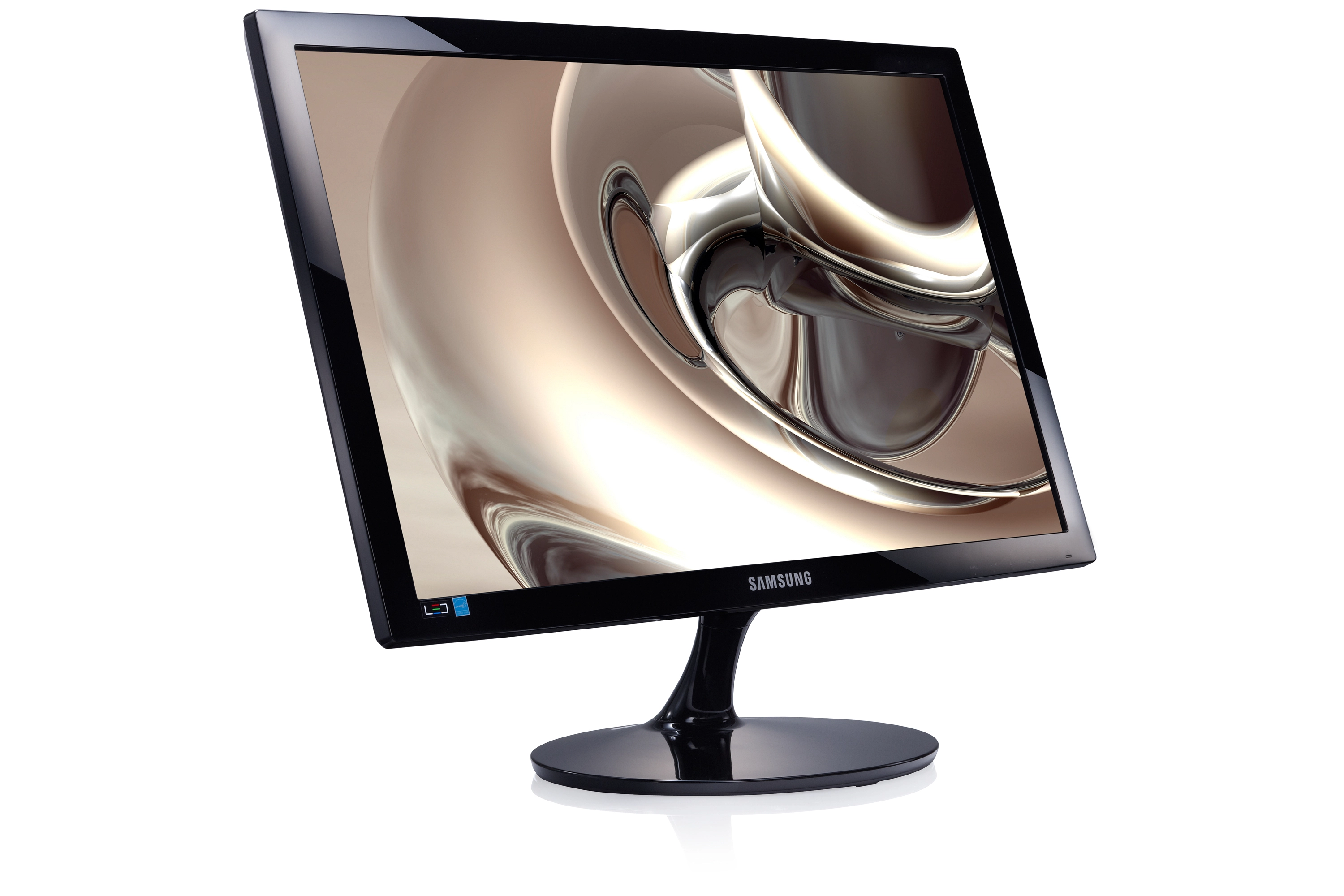


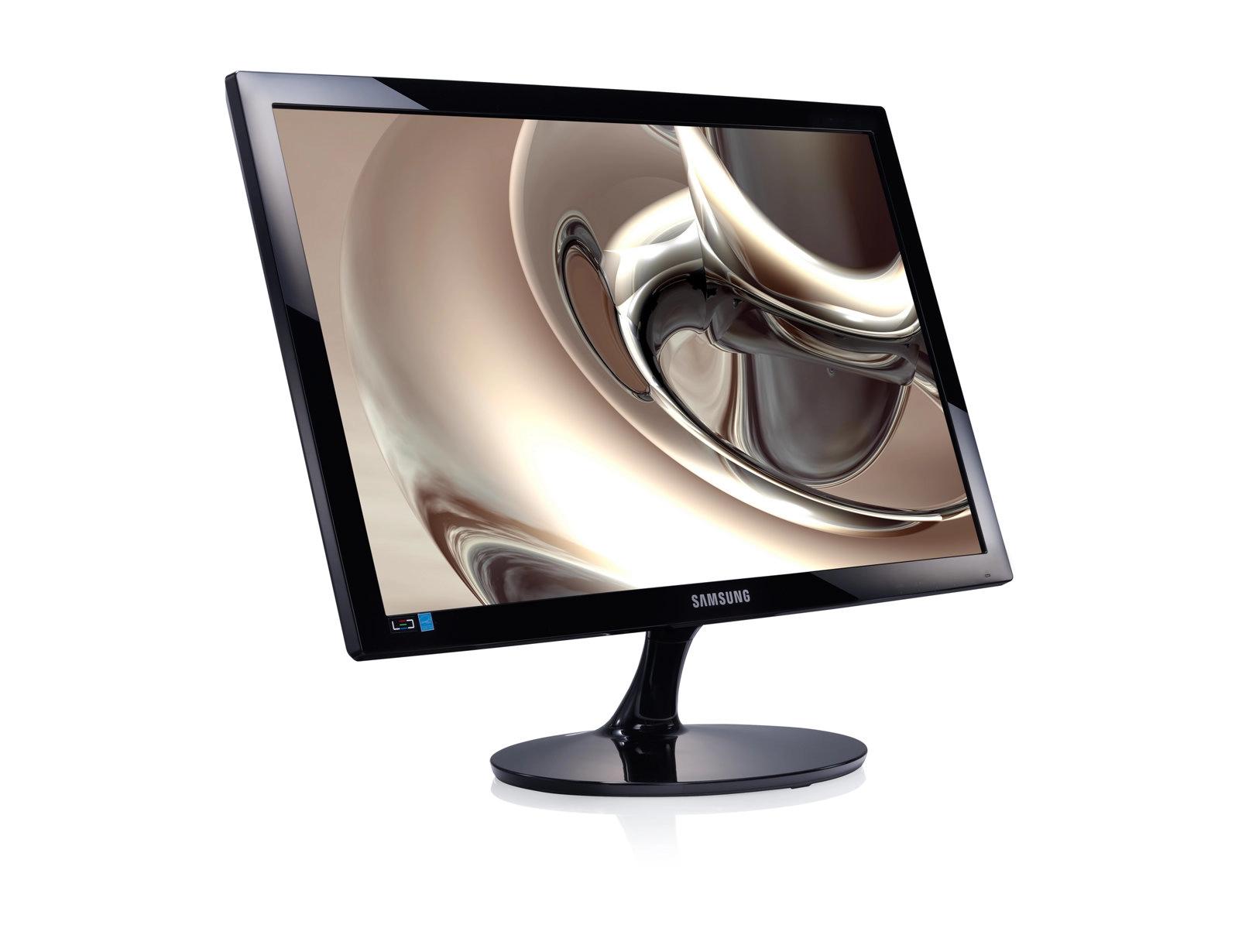

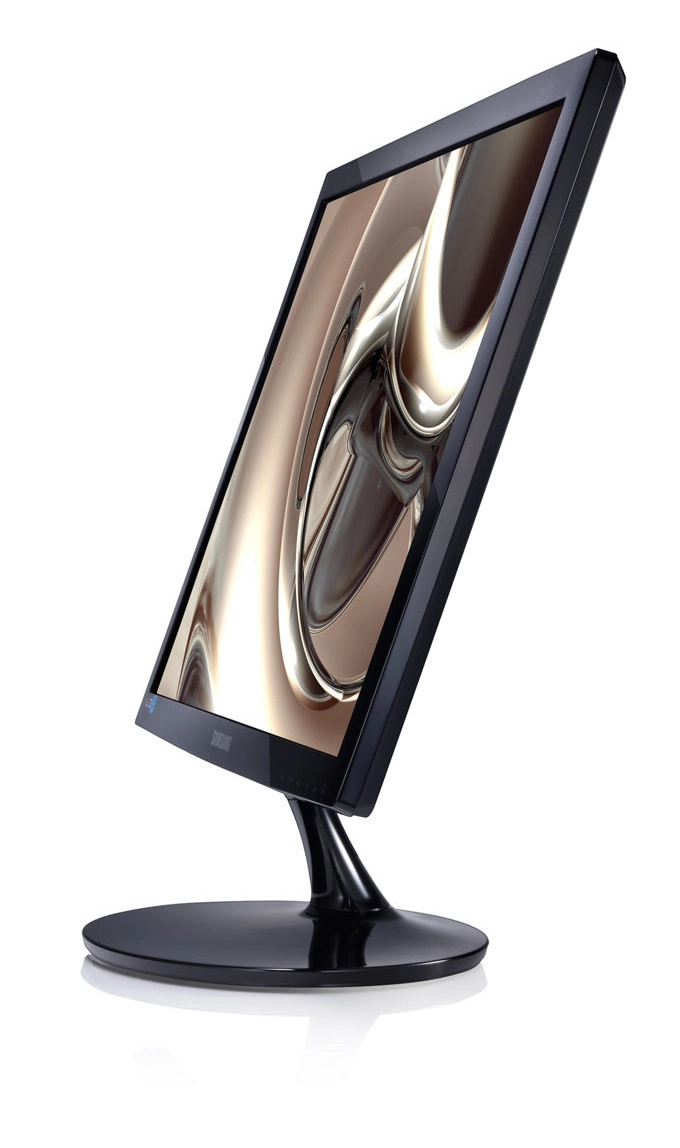


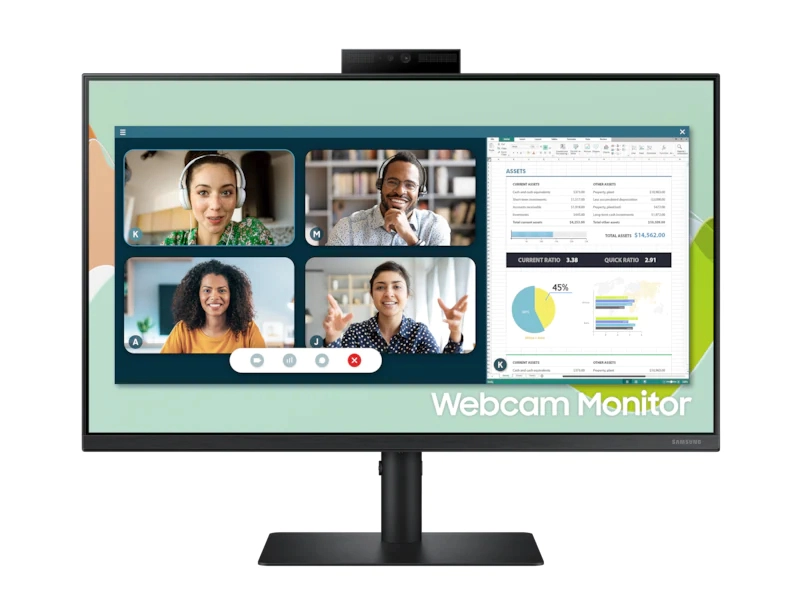
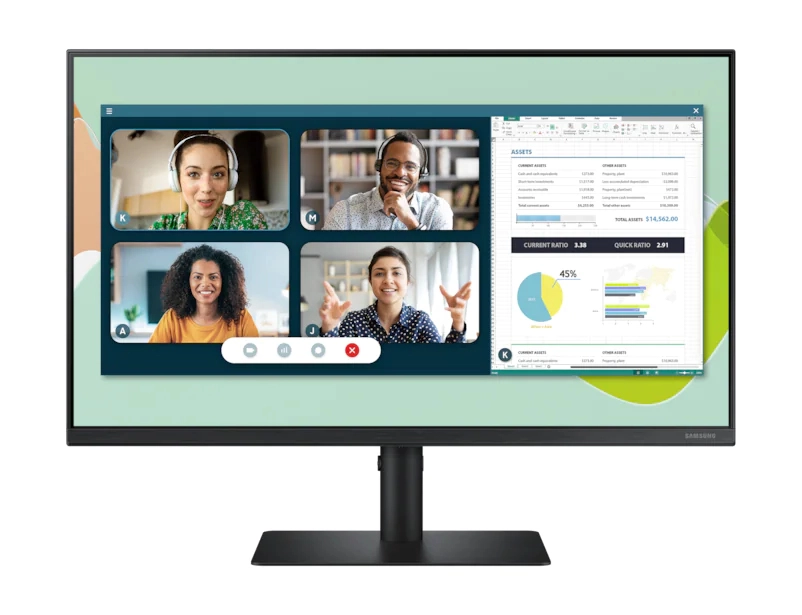
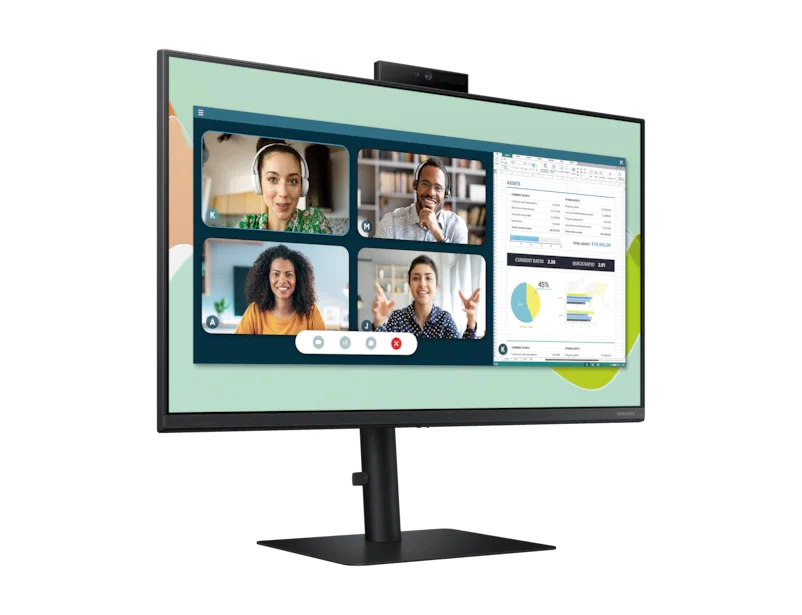
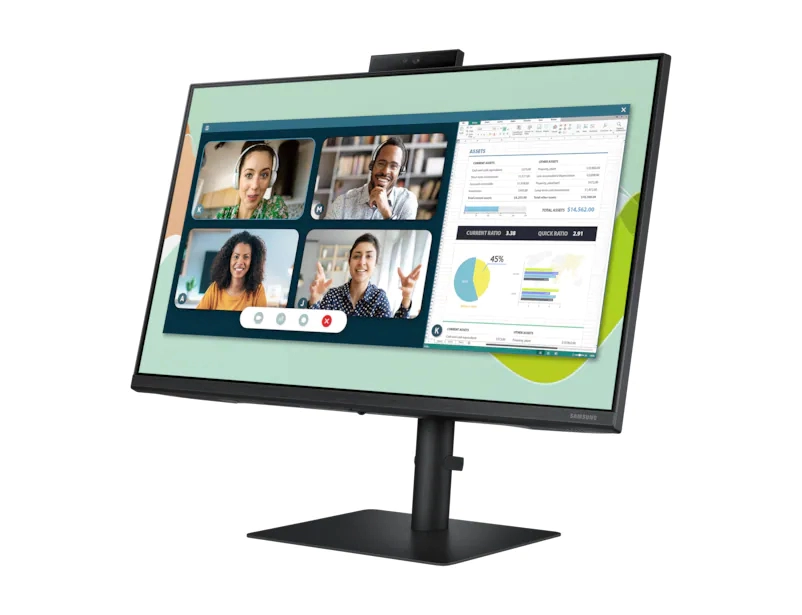
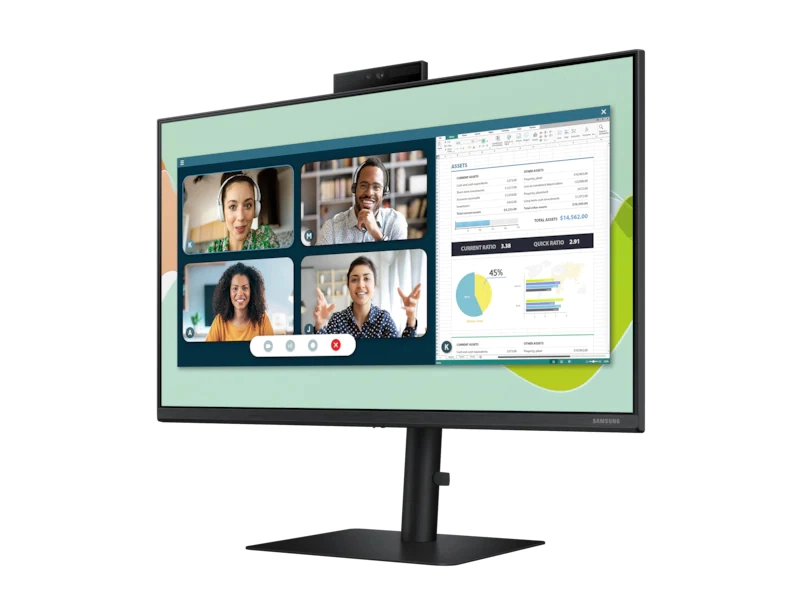
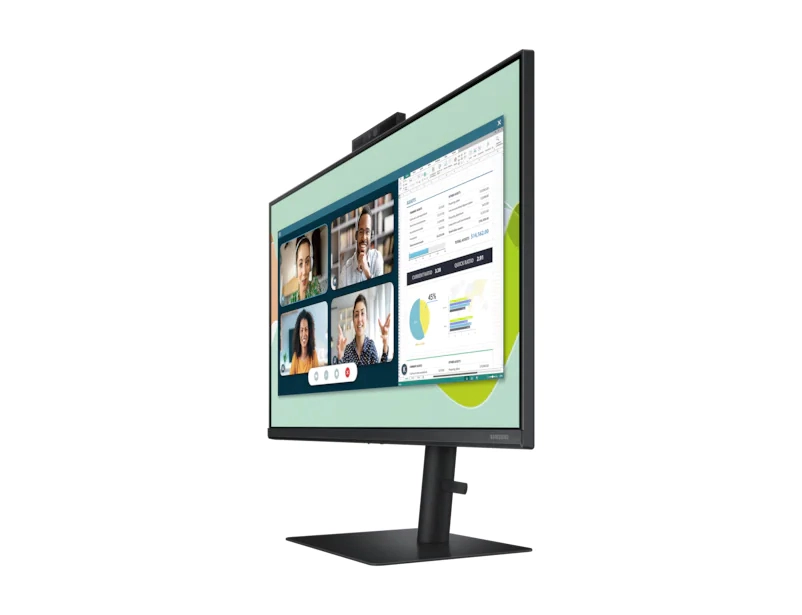
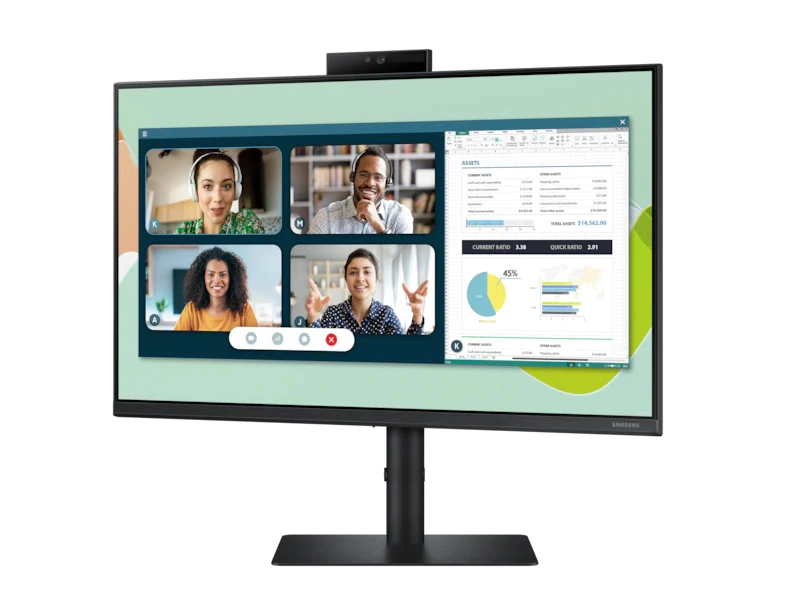
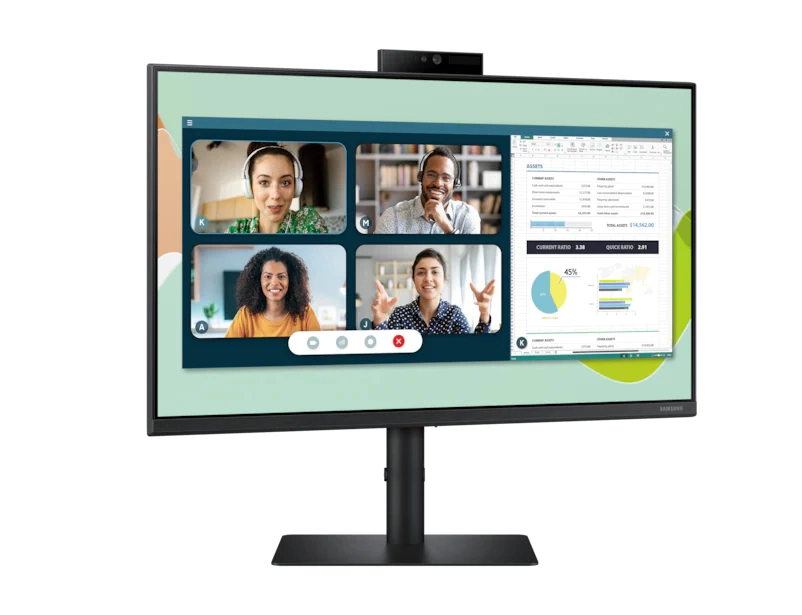
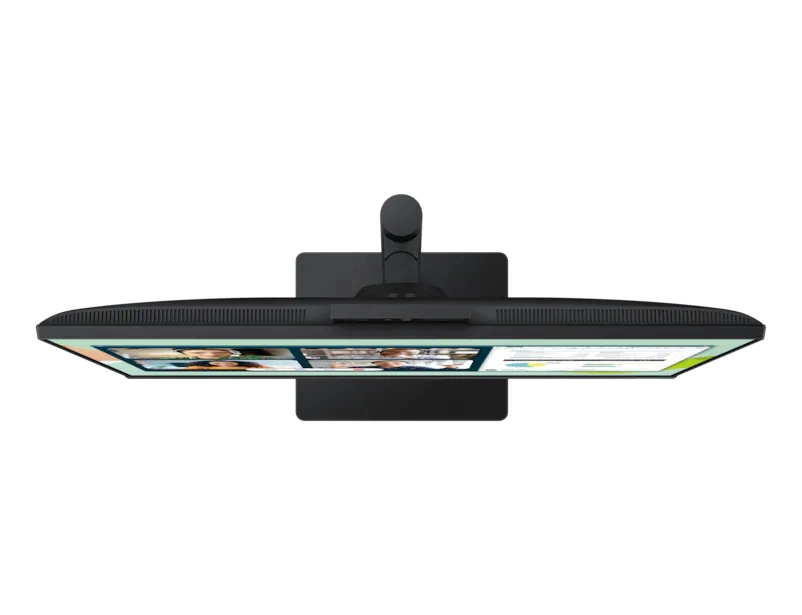
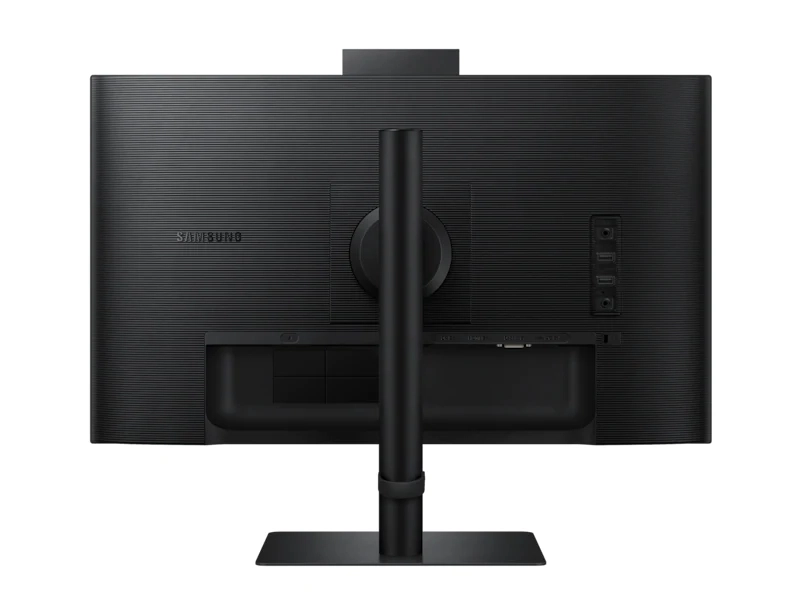
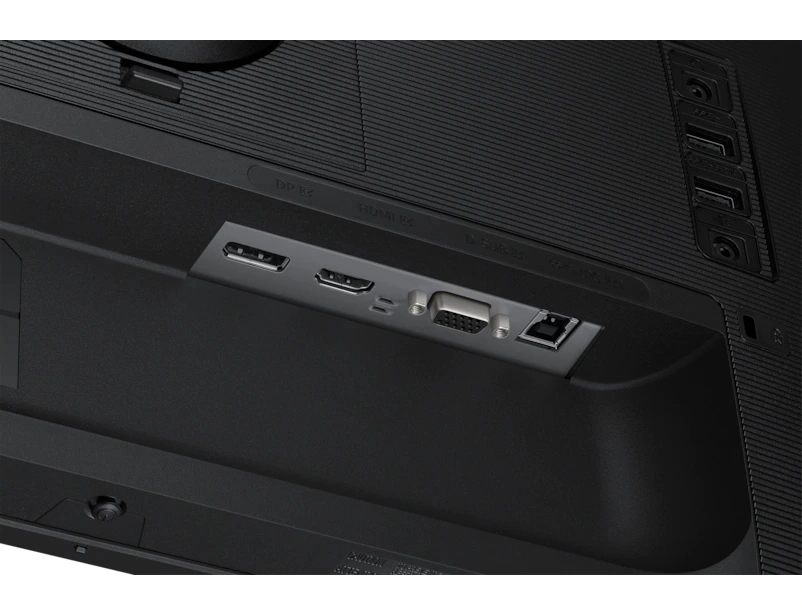
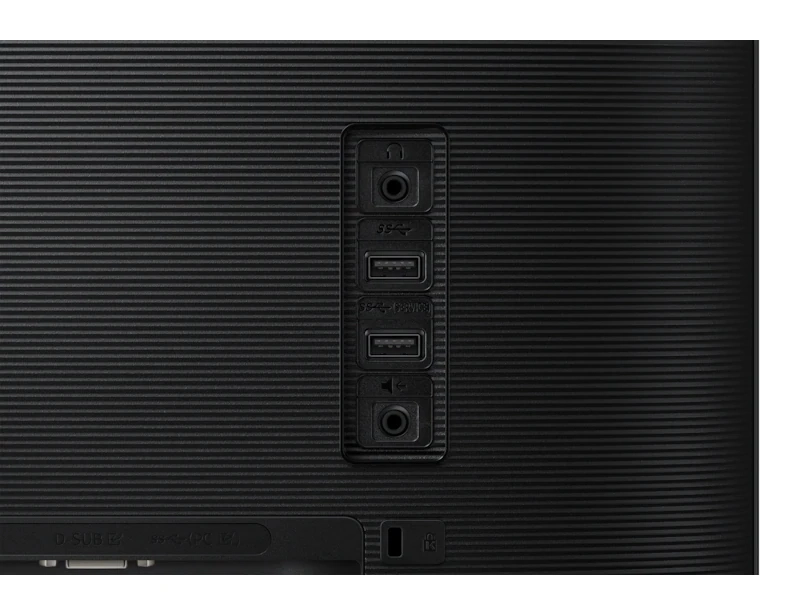
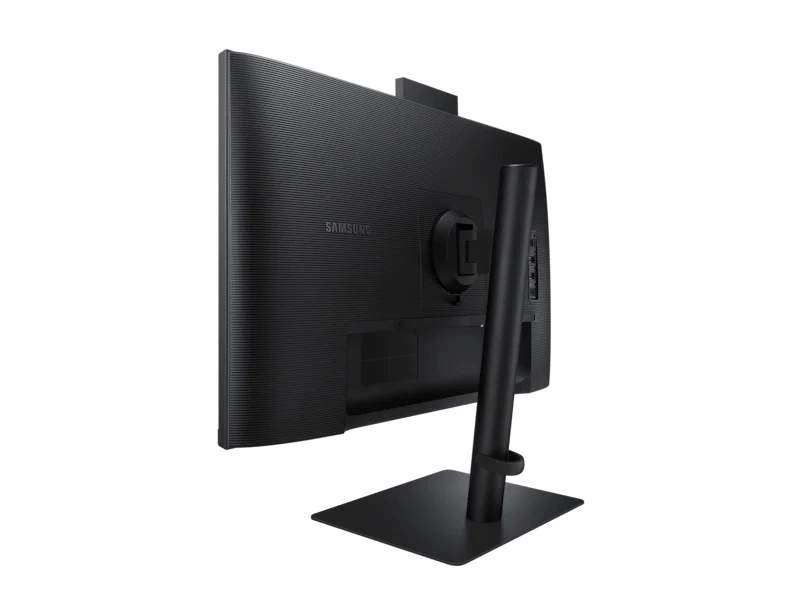
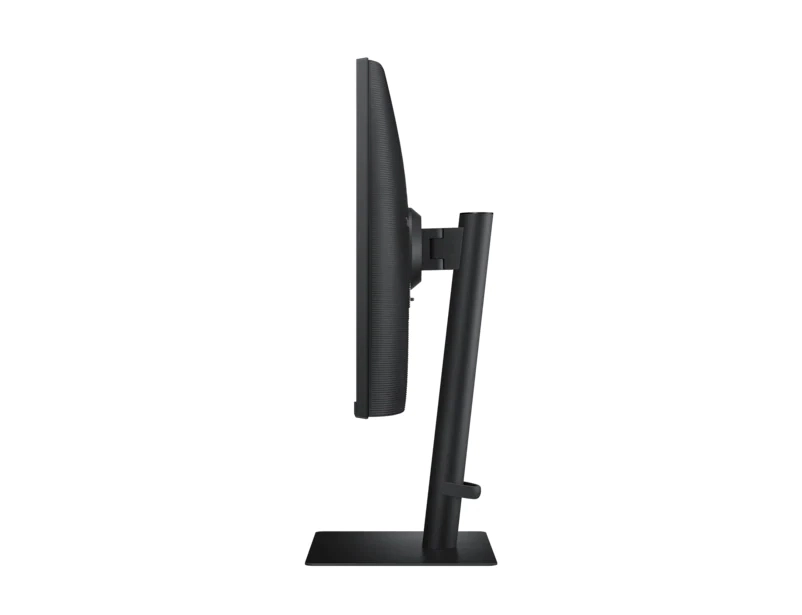
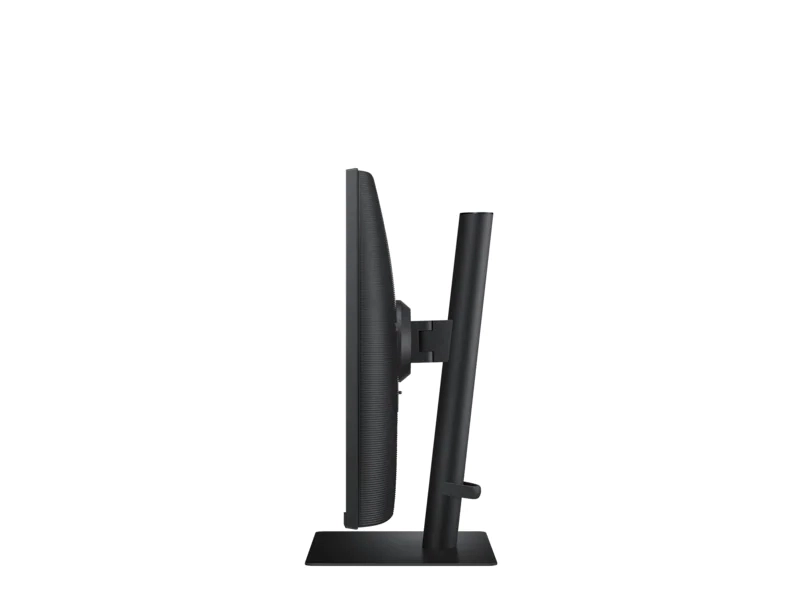
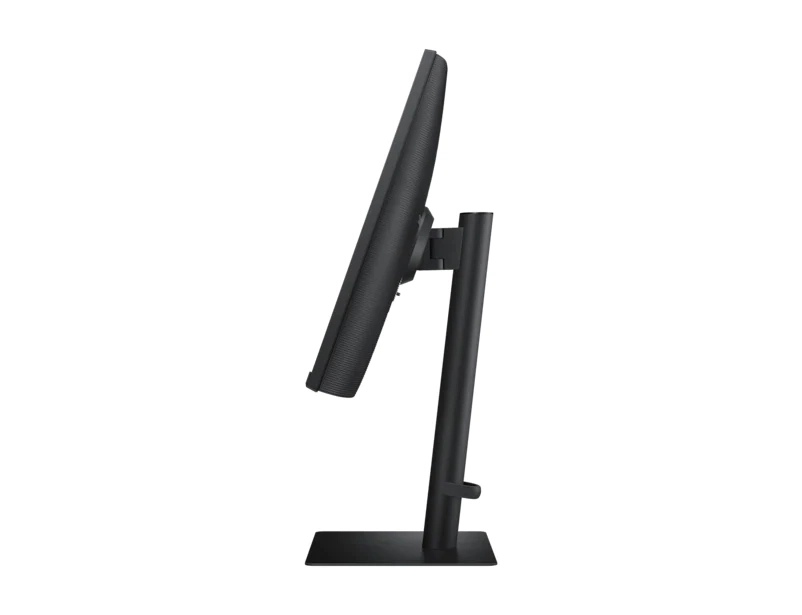
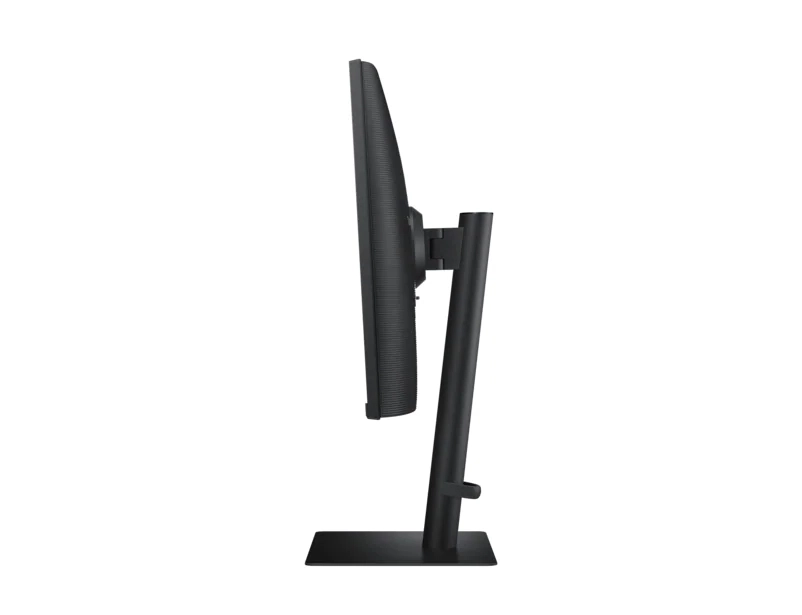





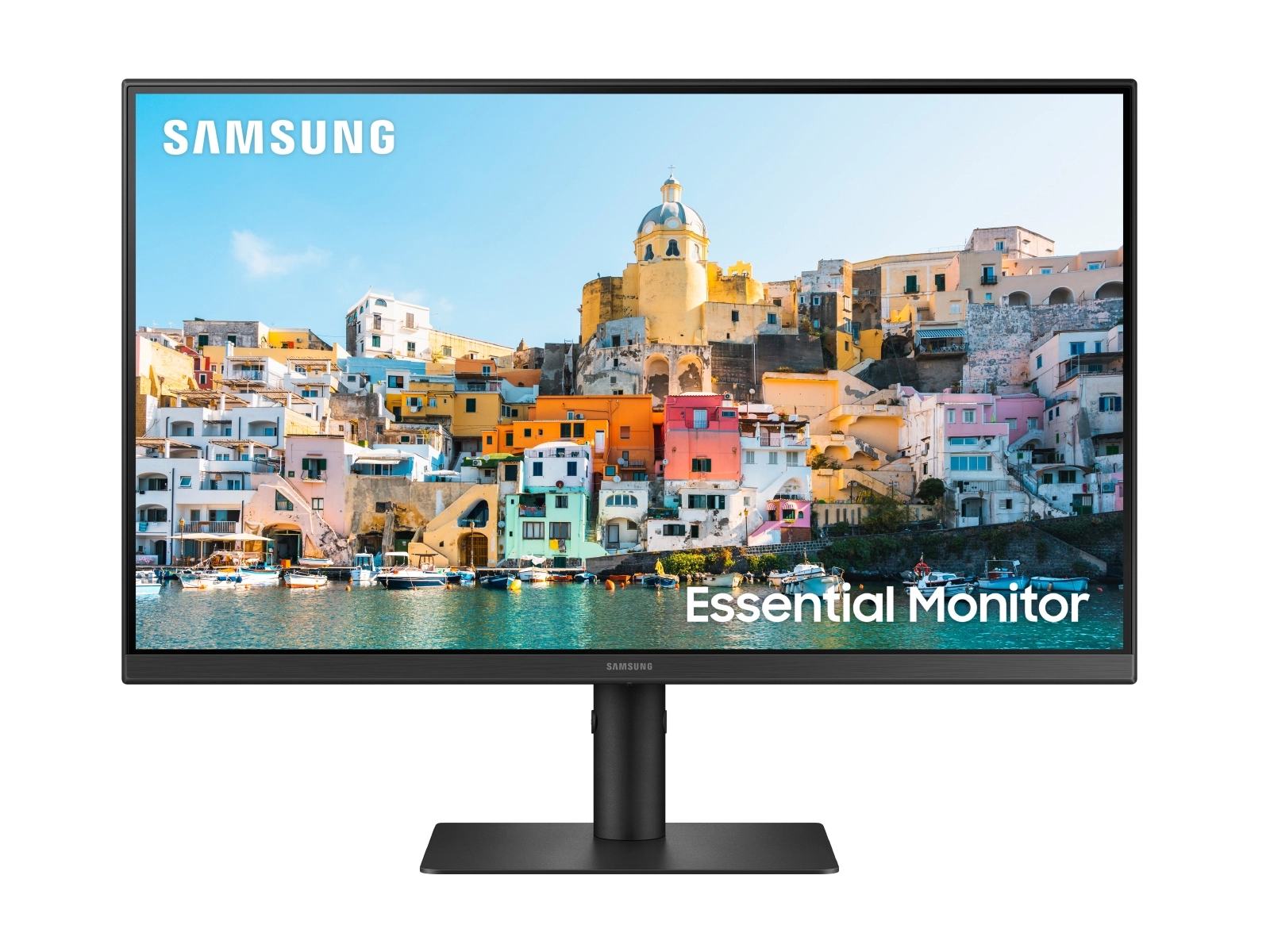
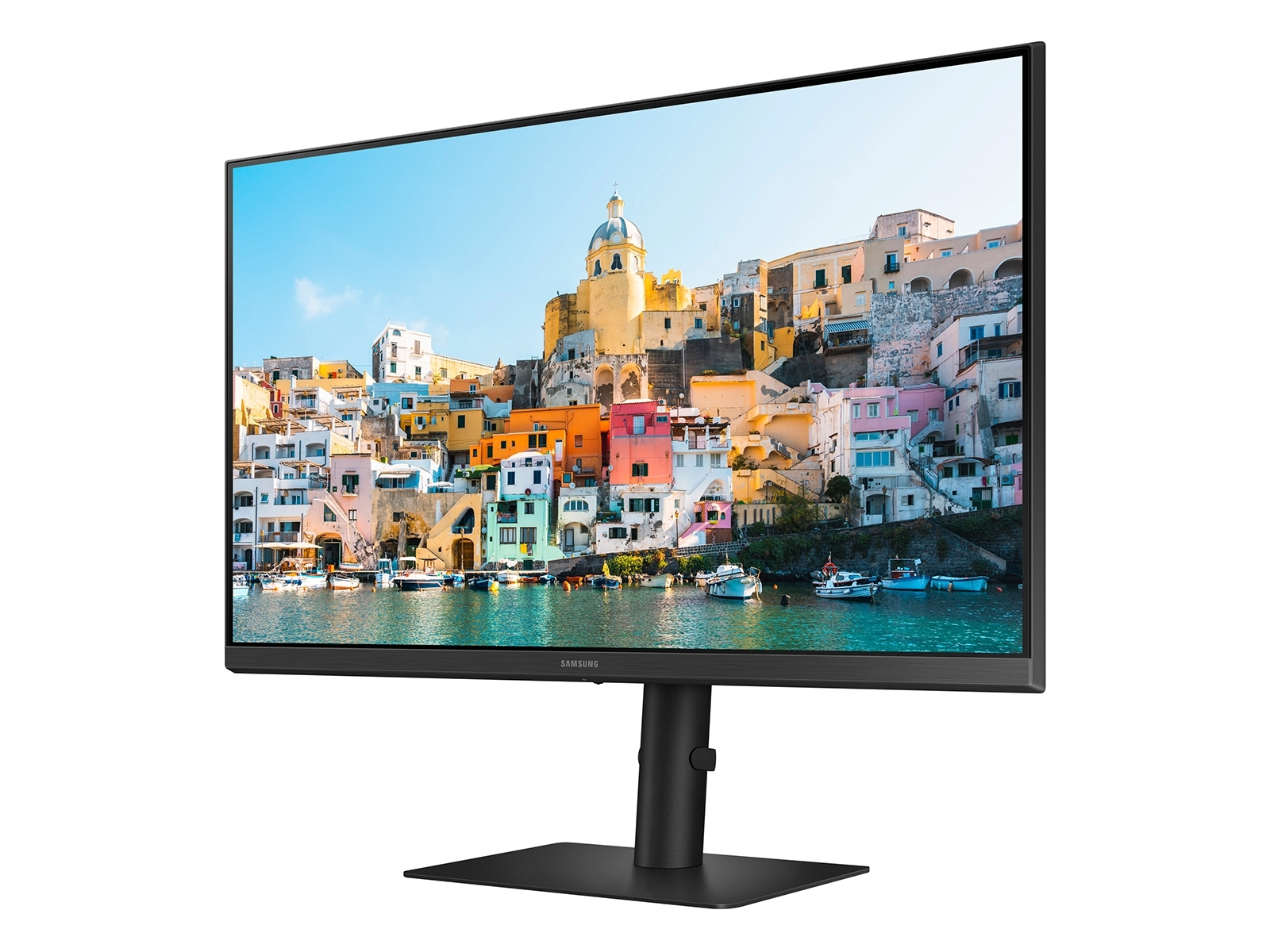
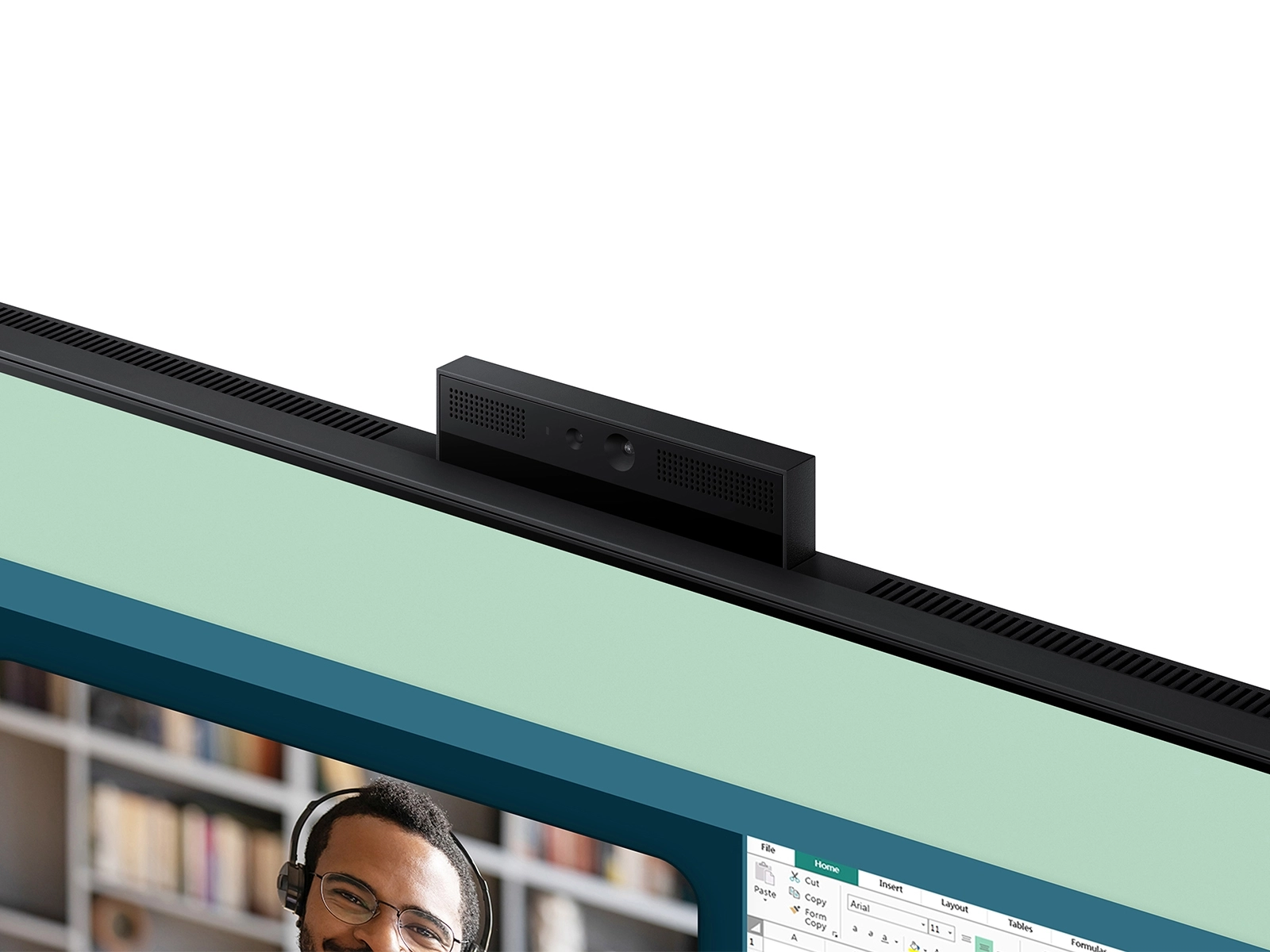
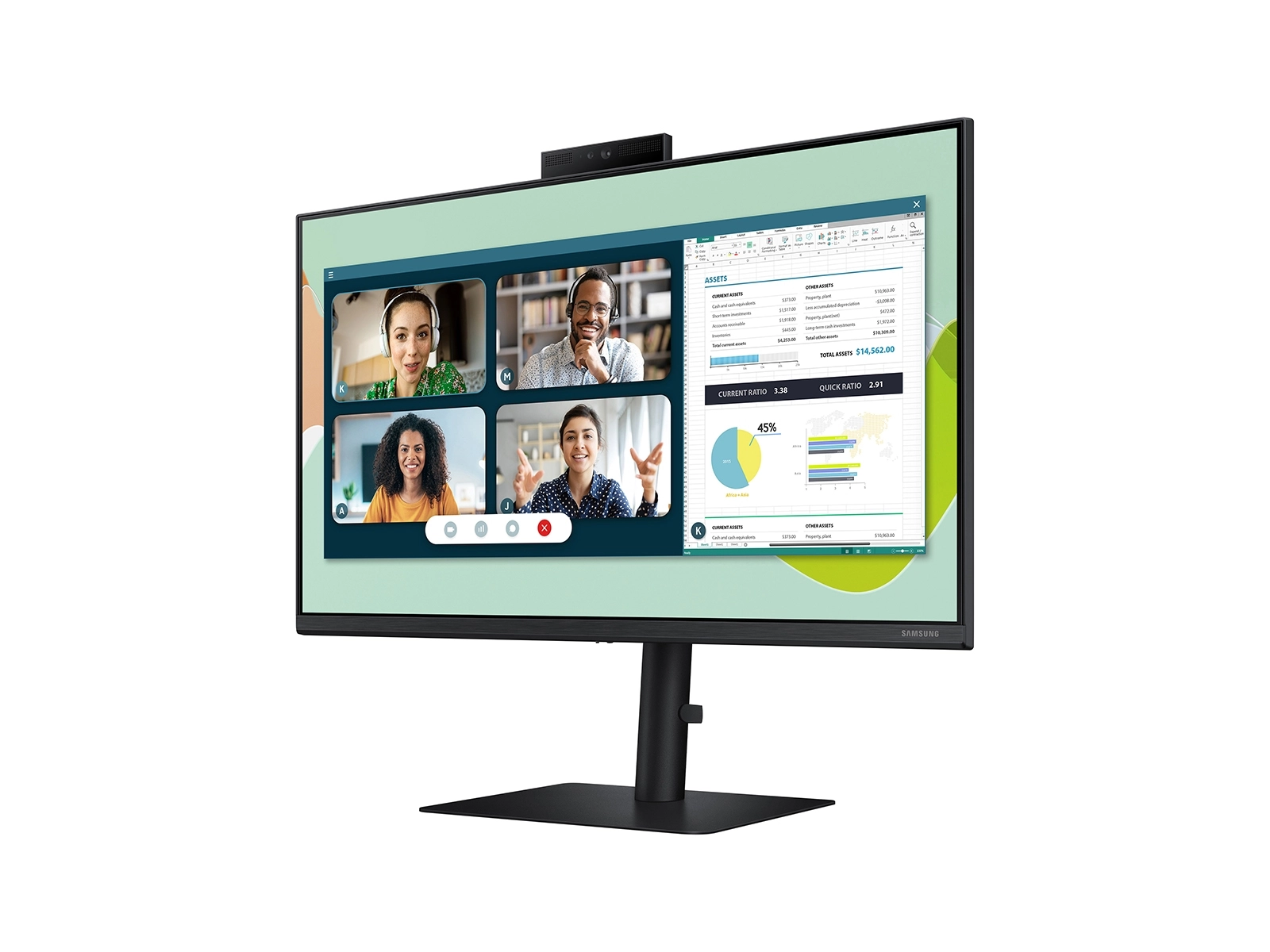
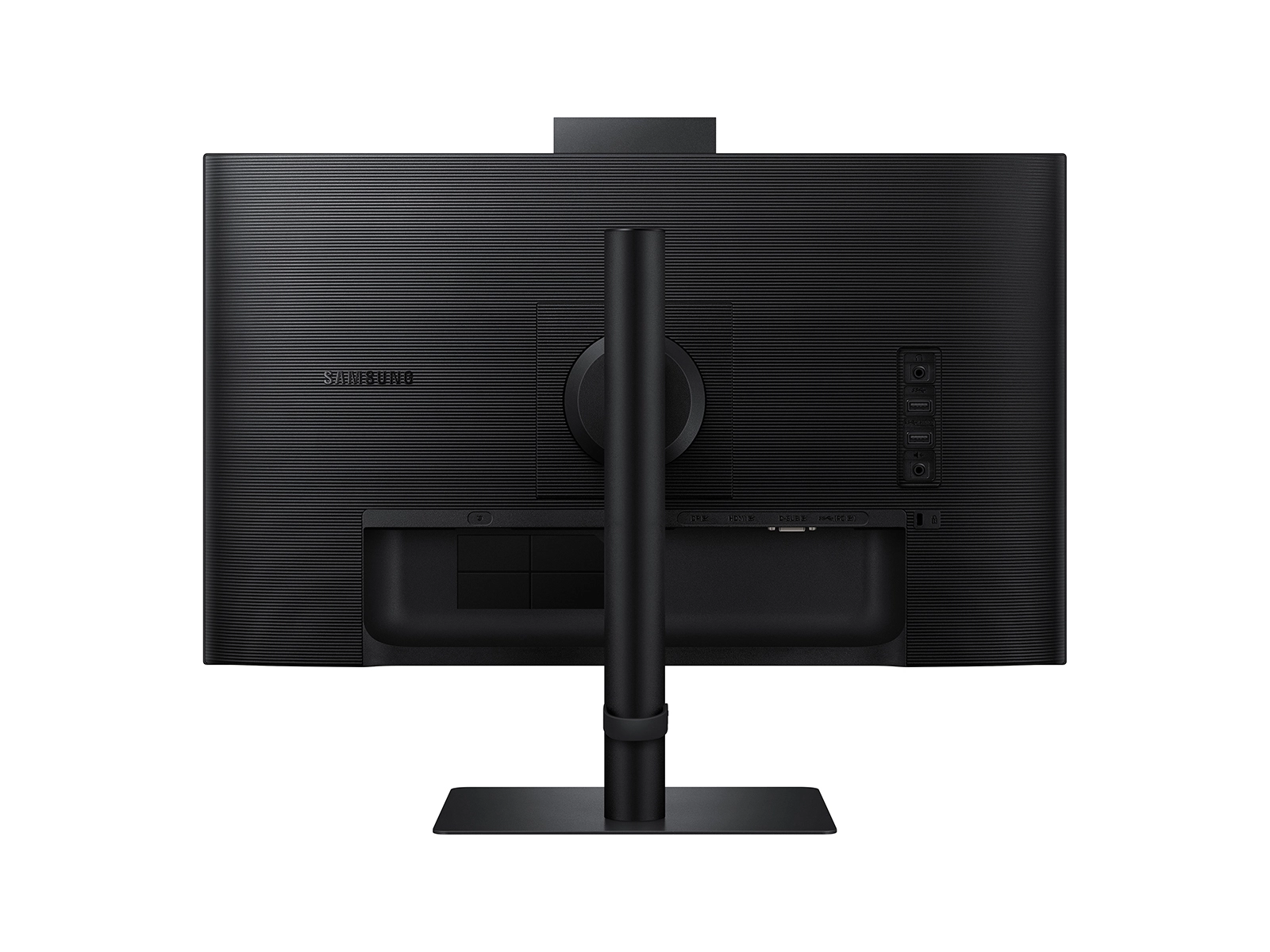
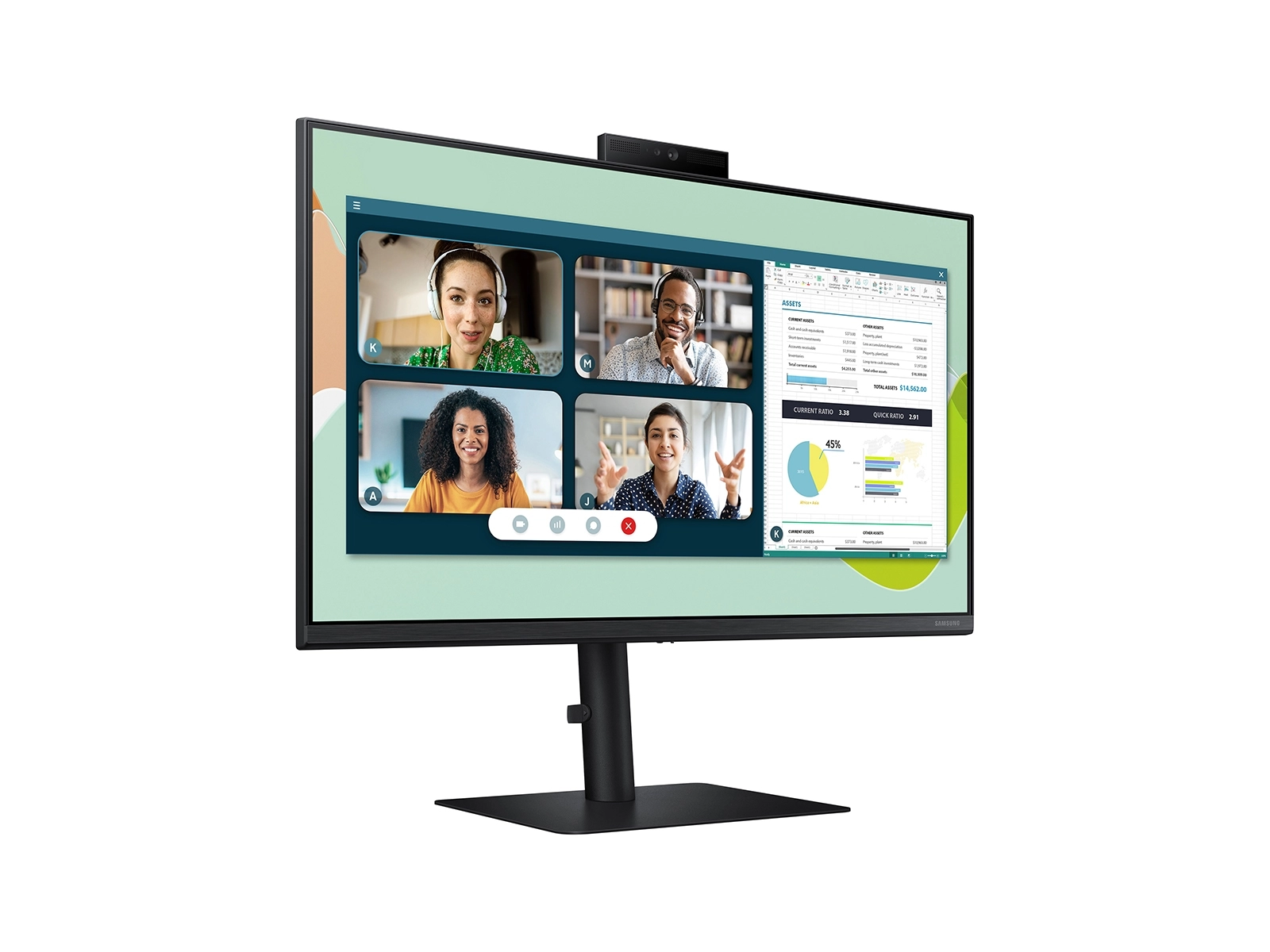
Samsung S24D400GAU - 24 inch 1920 X 1080
Key Features
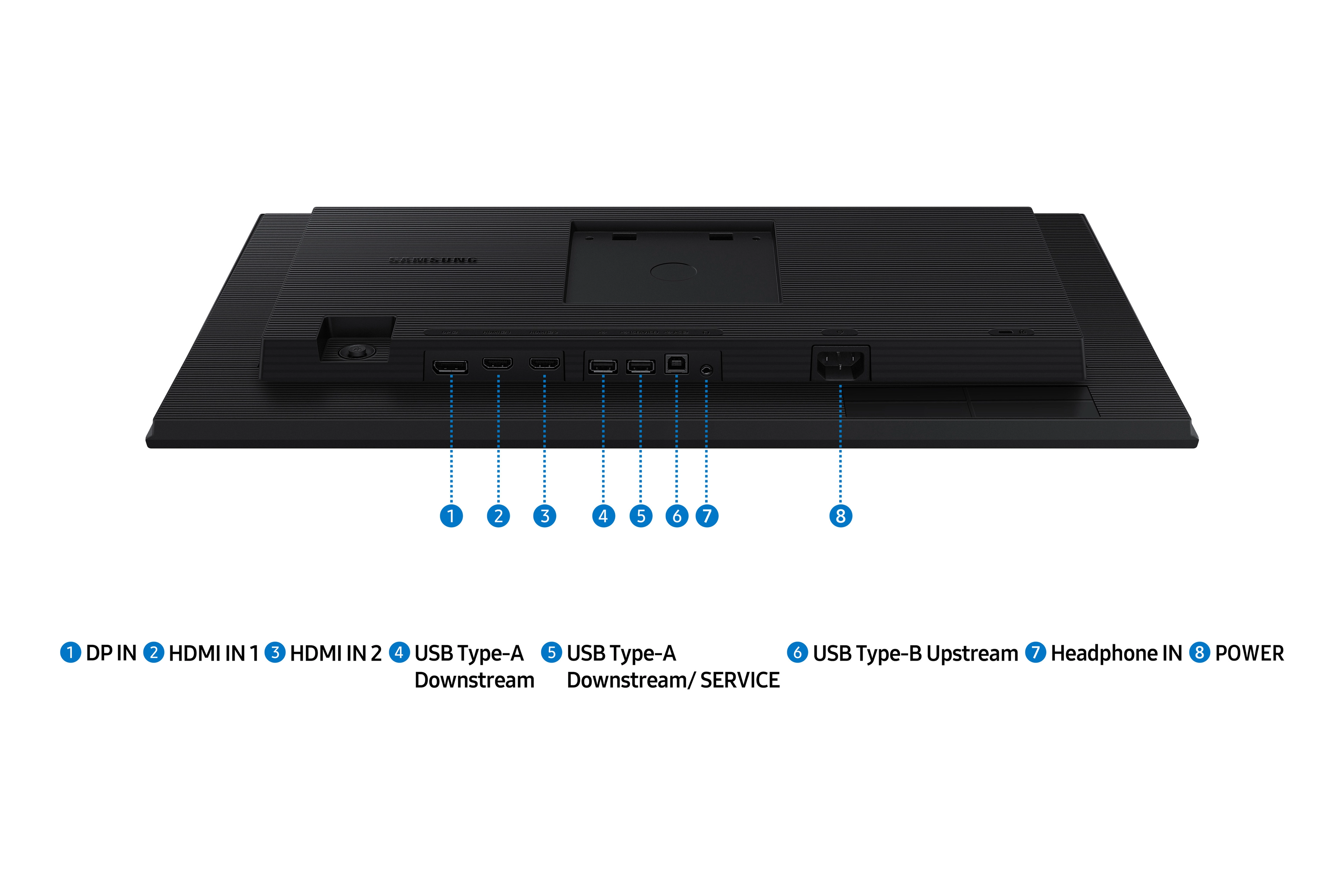
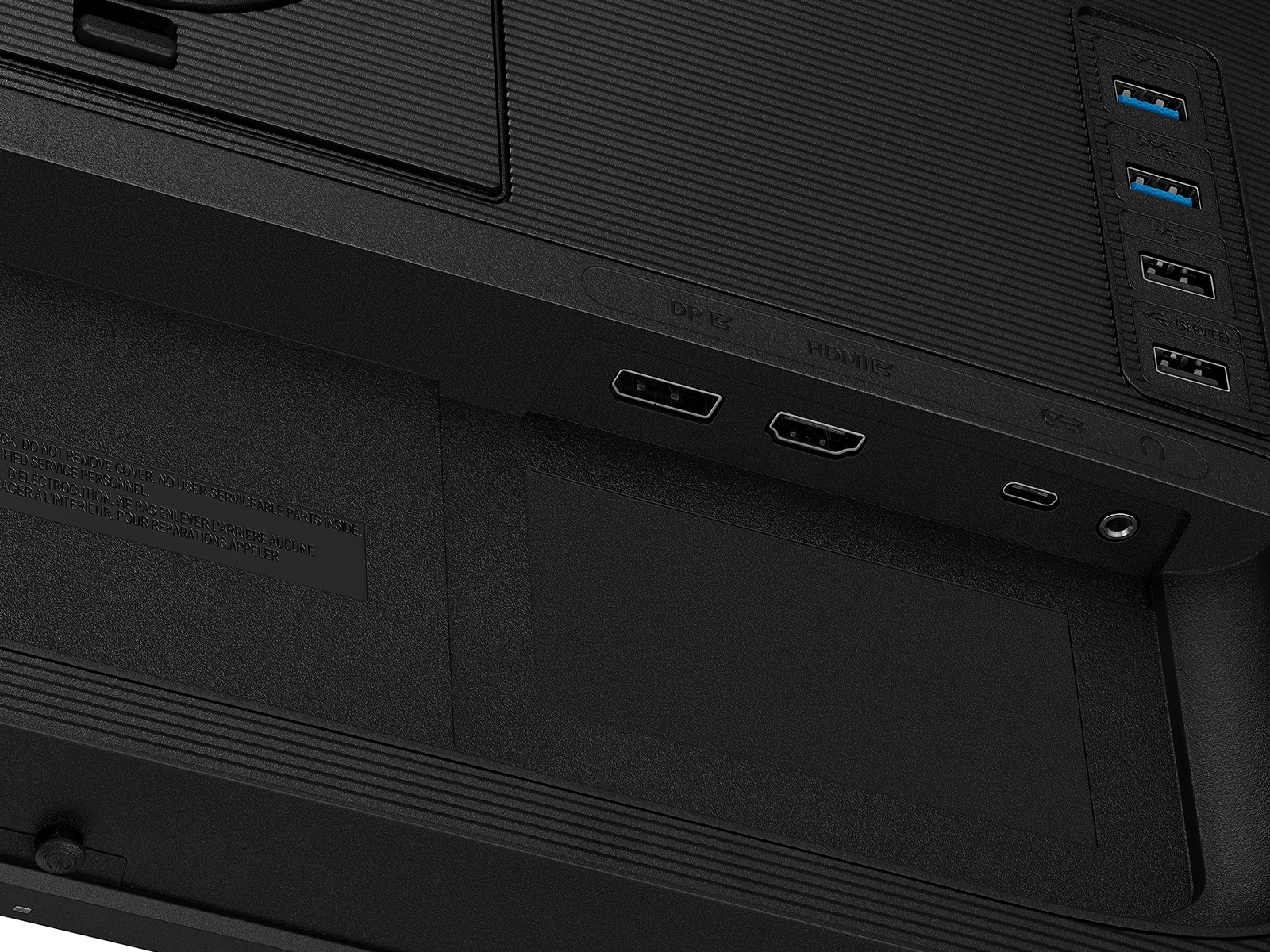
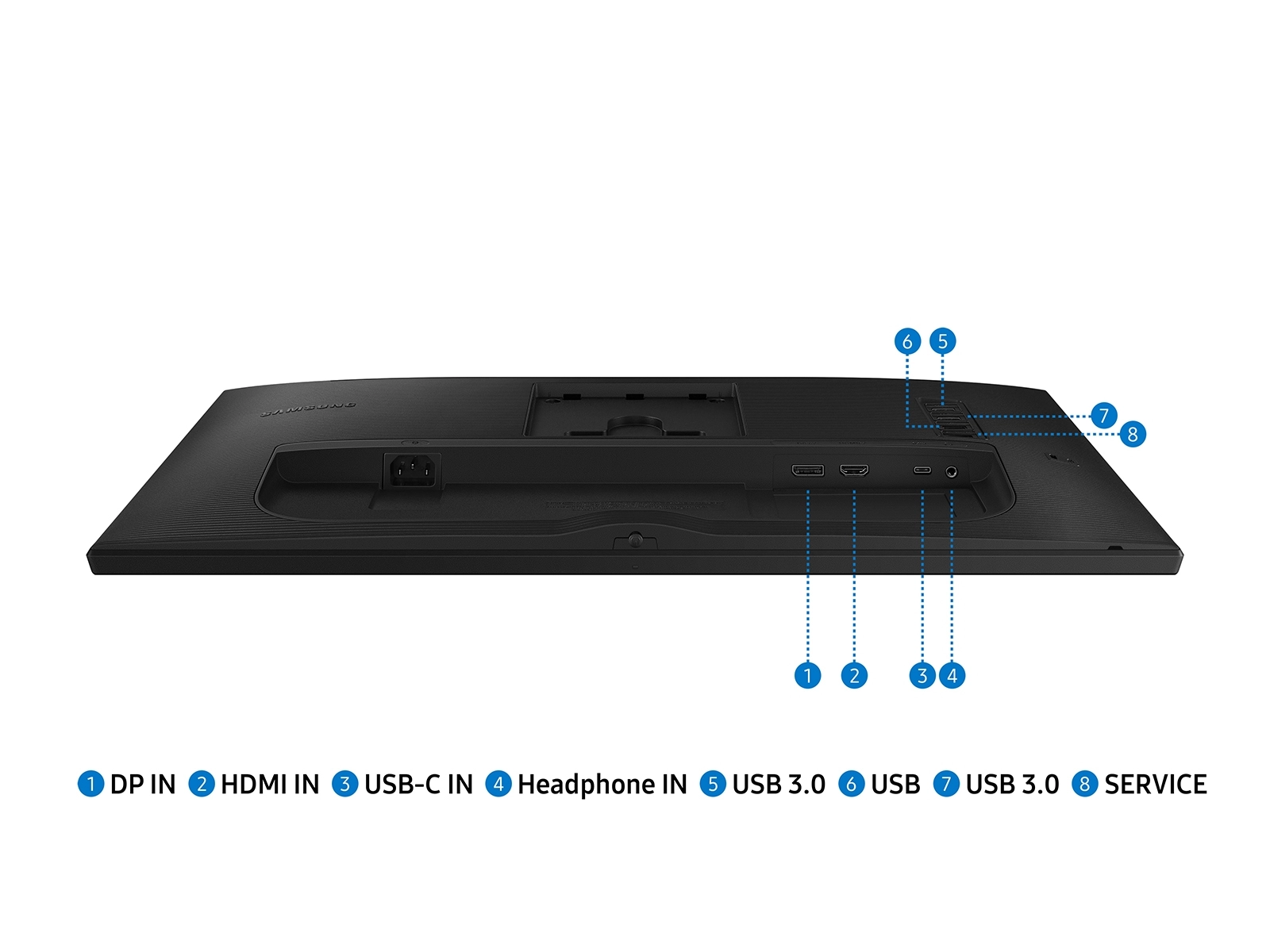
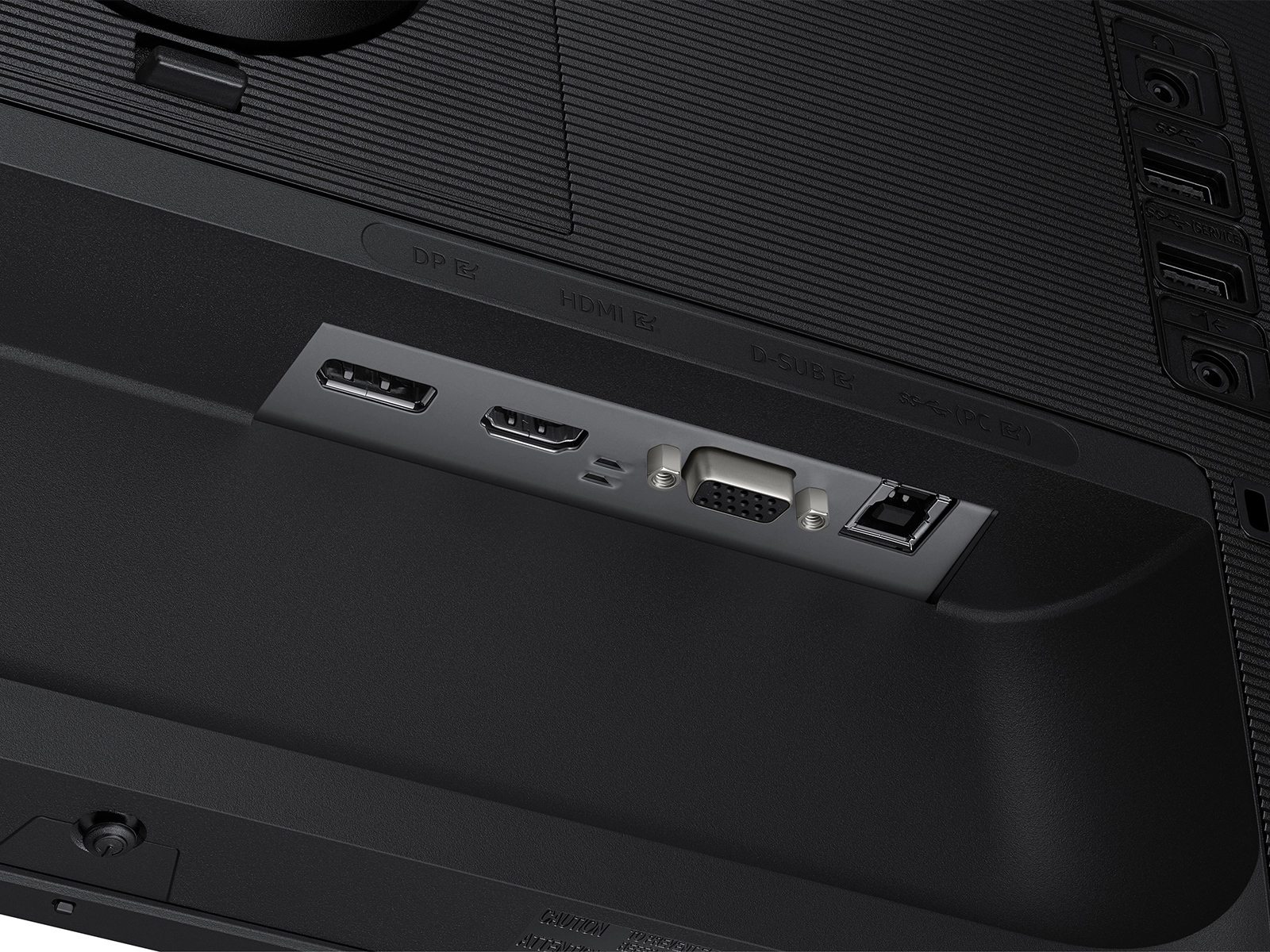
- USB upstream port type: USB Type-B
- Response time measurement type: GTG (Gray to Gray)
- Refresh rate optimizor: Yes
- DisplayPort out quantity: 1
- DisplayPort out version: 1.4
- Display brightness (typical): 250cd/m²
- Number of upstream ports: 1
- Number of USB Type-B upstream ports quantity: 1
- USB Type-A downstream ports quantity: 2
- USB Type-C downstream ports quantity: 1
- Number of USB Type-C upstream ports quantity: 1
- Thin client installed: No
- Flicker-free technology: Yes
- Screen curvature rating: 1800R
- Power consumption (DPMS): 0.3W
Specifications
Features
Compatible operating systems
Mac, Windows
Refurbished
✗
Plug and Play
✓
3D
✗
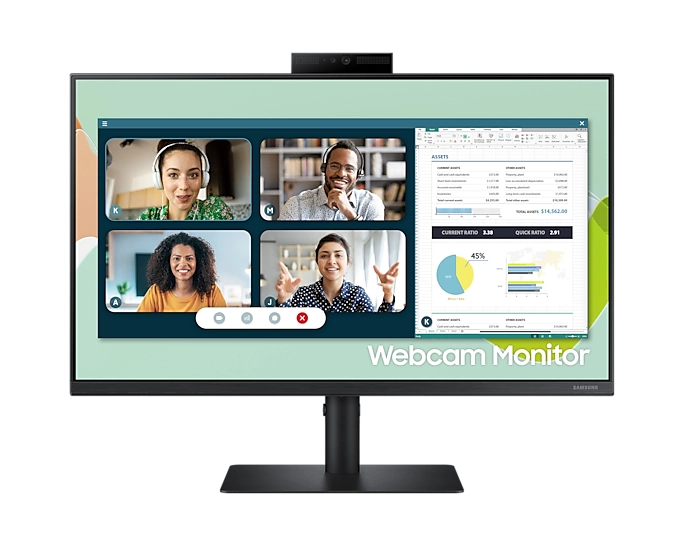
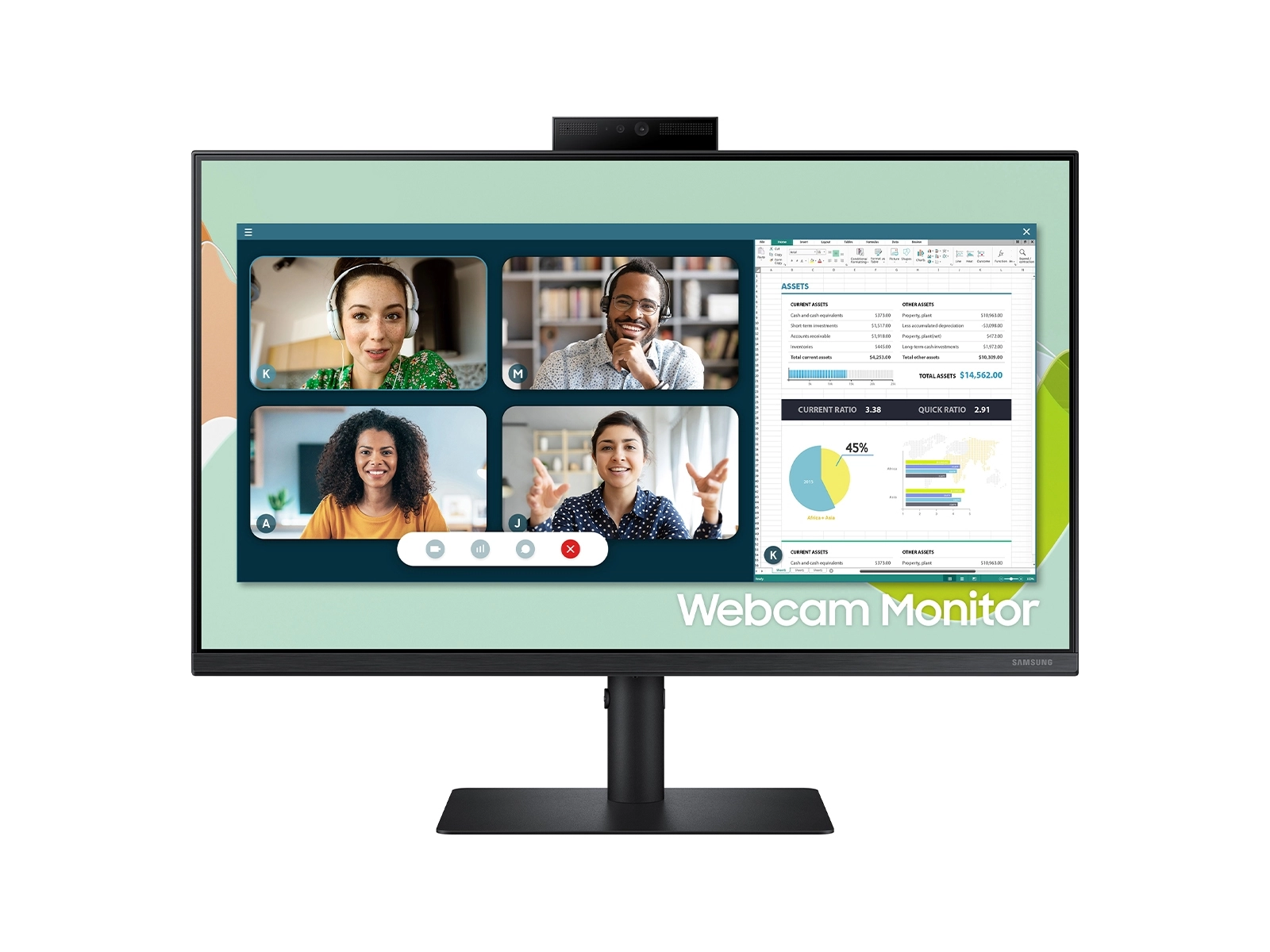
Built-in microphone
✓
Feet colour
Black
Power cable length
1.50 m
Viewable size, vertical
296 mm
On/off switch
✓
Viewable size, horizontal
527 mm
Digital vertical frequency
56 - 75 Hz
Digital horizontal frequency
30 - 81 kHz
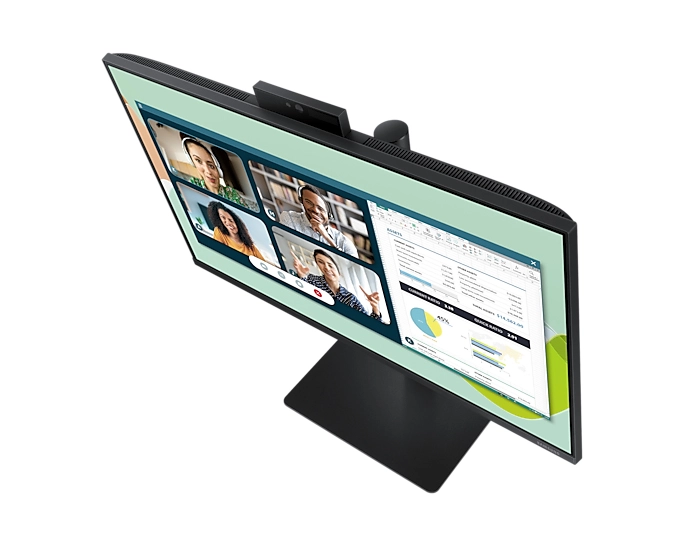
Tilt adjustment
✓
Maximum refresh rate
100 Hz
Product colour
Black
Audio input
No, Yes
Digital signal format system
Not supported
Wall mountable
✓
Colour gamut standard
NTSC, sRGB
Aspect ratio
16:9
Resolution
1920 x 1080 pixels
Display
LED
Supported graphics resolutions
1920 x 1080 (HD 1080)
ECO mode
✓
Display brightness (typical)
250 cd/m²
Packaging data
Package type
Box
Package weight
4800 g
Package height
100 mm
Package depth
447 mm
Package width
585 mm
Sustainability
European Product Registry for Energy Labelling (EPREL) code
649470
Weight & dimensions
Package weight
4.80 kg
Weight (with stand)
2400 g
Height (with stand)
417.20 mm
Depth (with stand)
175.10 mm
Width (with stand)
540.70 mm
Weight (without stand)
2000 g
Height (without stand)
320.40 mm
Width (without stand)
540.70 mm
Depth (without stand)
53.90 mm
Display
Display resolution
1920 x 1080 pixels
Display diagonal (metric)
60 cm
Panel type
IPS
Touchscreen
✗
Native aspect ratio
16:9
Colour gamut
72 %
Display technology
LCD, LED
Contrast ratio (typical)
1000:1
Display number of colours
16.7 million colours
NTSC coverage (typical)
72 %
sRGB coverage (typical)
99 %
Pixel pitch
0.27 x 0.27 mm
Viewing angle, horizontal
178 °
Viewing angle, vertical
178 °
LED backlight
✗
Dynamic contrast ratio marketing name
Mega Contrast
Response time
5 ms
Display brightness (min)
200 cd/m²
Screen curvature rating
1800R
Refresh rate optimizor
✓
Response time measurement type
GTG (Gray to Gray)
Power
Energy efficiency class (old)
A+++
Power supply type
External
External power adapter
✓
Energy efficiency scale
A+++ to G
Power consumption (typical)
18 W
AC input voltage
100 - 240 V
Energy consumption (SDR) per 1000 hours
12 kWh
Energy efficiency class (HDR)
Not available
Energy efficiency class (SDR)
E
AC input frequency
50 - 60 Hz
Power consumption (max)
25 W
AC adapter output voltage
100-240 V
Power consumption (standby)
0.50 W
Power consumption (off)
0.30 W
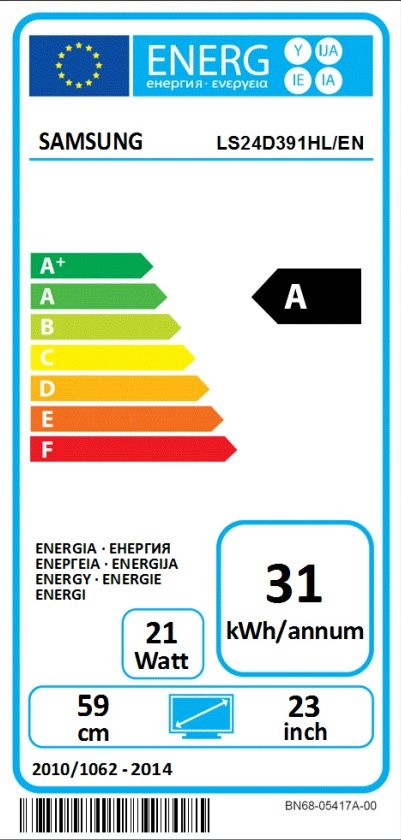
Annual energy consumption
34 kWh
Performance
Low Blue Light technology
✓
On Screen Display (OSD)
✓
HDCP version
1.4
HDCP
✓
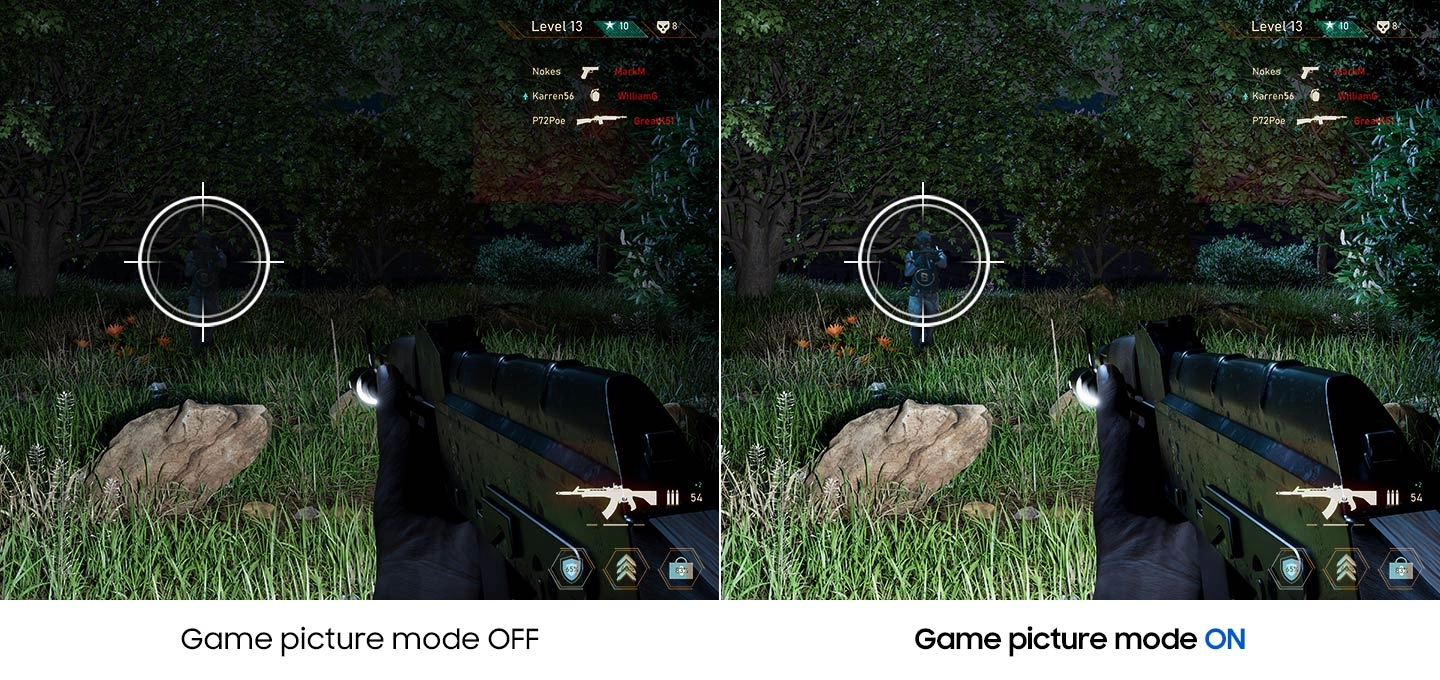
Game mode
✓
AMD FreeSync
✗
TV tuner integrated
✗
AMD FreeSync type
FreeSync
Flicker-free technology
✓
System requirements
Windows operating systems supported
Windows 11, Windows 8.1, Windows 8.1 Enterprise, Windows 8.1 Enterprise x64, Windows 8.1 Pro, Windows 8.1 Pro x64, Windows 8.1 x64
Other features
Samsung Magic Function
MagicUpscale
Eco Saving Plus
✓
Image size
Y
Auto source switch
✓
Off Timer Plus
✓
Peak luminance ratio
98 %
User Guide on CD-ROM
✓
Separate H/V sync
✓
Composite sync
✓
Sync-on-green (SOG)
✓
Samsung Eye Saver Mode
✓
Power consumption (DPMS)
0.30 W
Design
VESA mounting
✓
Housing material
Recycled plastic
Mercury content
0 mg
LED indicators
Power
Sleep timer
✓
Stand type
Simple stand
Cable lock slot
✗
Market positioning
Business
Panel mounting interface
100 x 100
Front bezel colour
Black
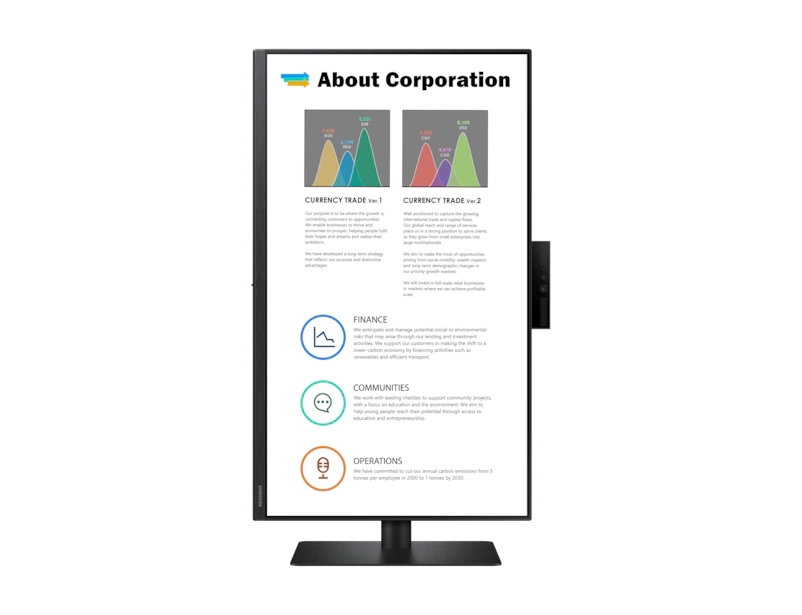
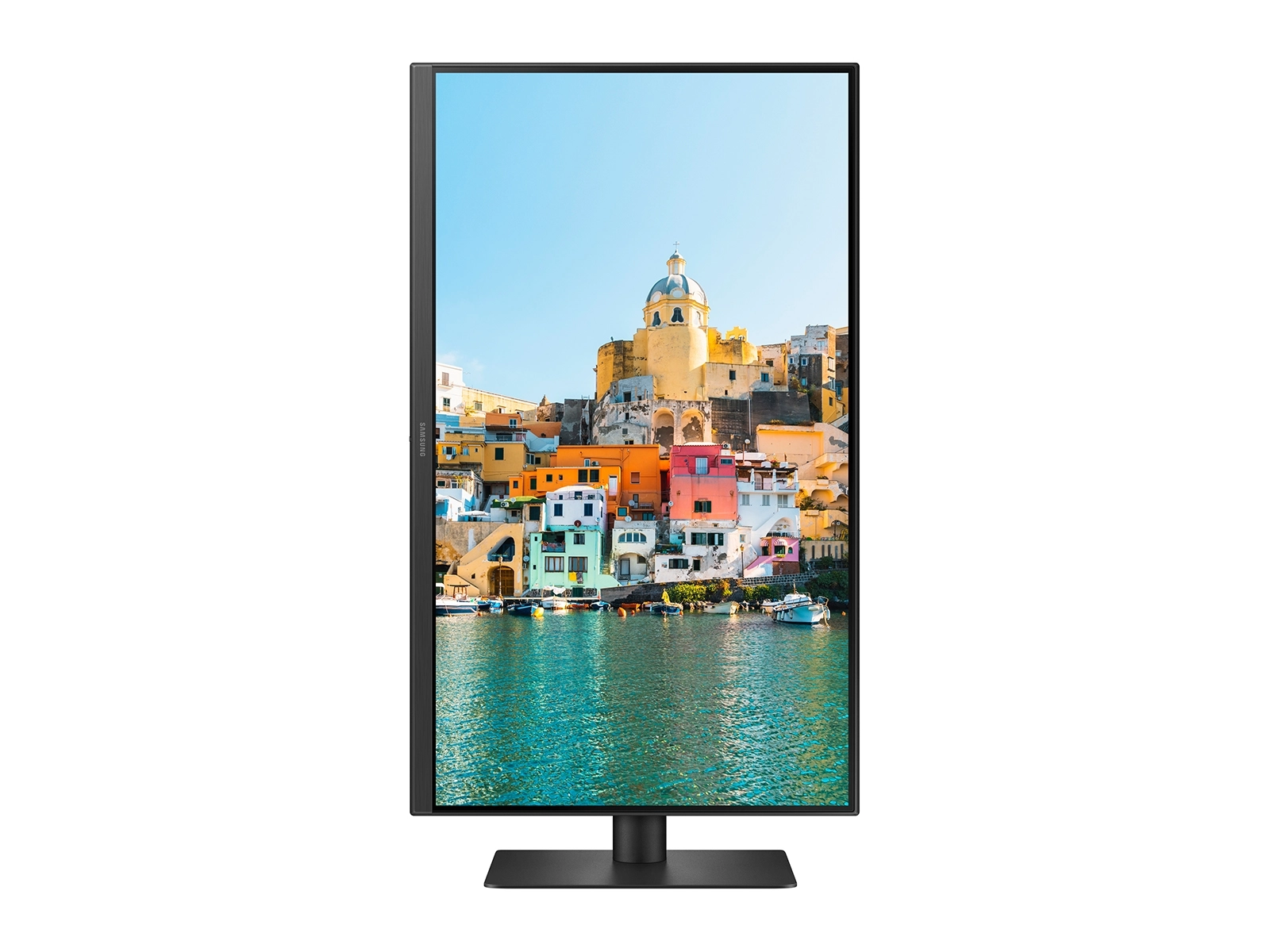
Pivot
✓
Screen shape
Flat
Swivelling
✓
Frameless design
✓
Height adjustment
✓
Detachable stand
✓
Graphics
NVIDIA G-SYNC
✗
Packaging content
Quick start guide
✓
Manual
✓
Remote control included
✓
Cables included
AC, DisplayPort, HDMI, Power, USB, USB Type-C, VGA
Stand included
✓
AC adapter included
✓
Camera included
✗
Network
Wi-Fi
✗
Bluetooth
✗
Ethernet LAN
✗
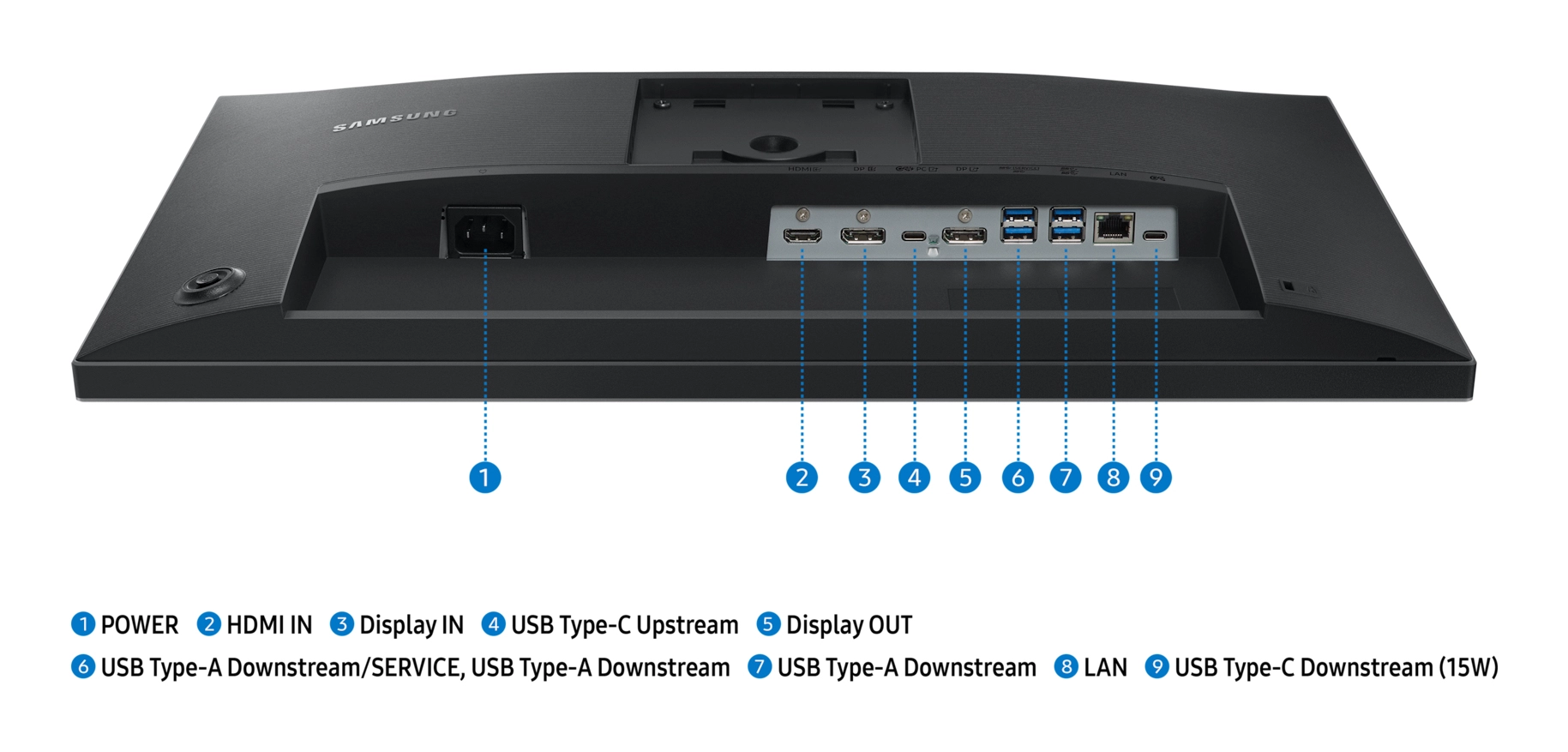
Ports & interfaces
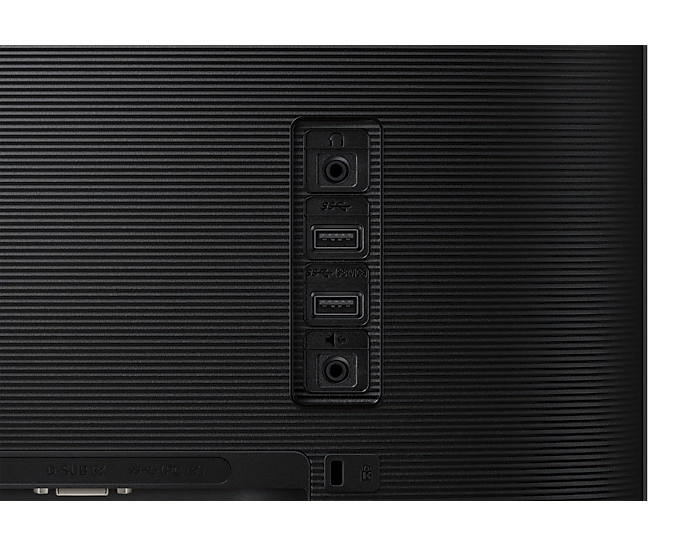
DC-in jack
✓
USB Power Delivery (USB PD)
✓
Headphone out
✓
Headphone outputs
1
Microphone in
✓
AC (power) in
✓
Headphone connectivity
3.5 mm
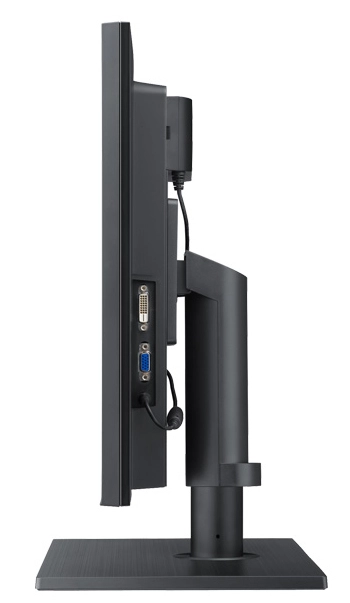
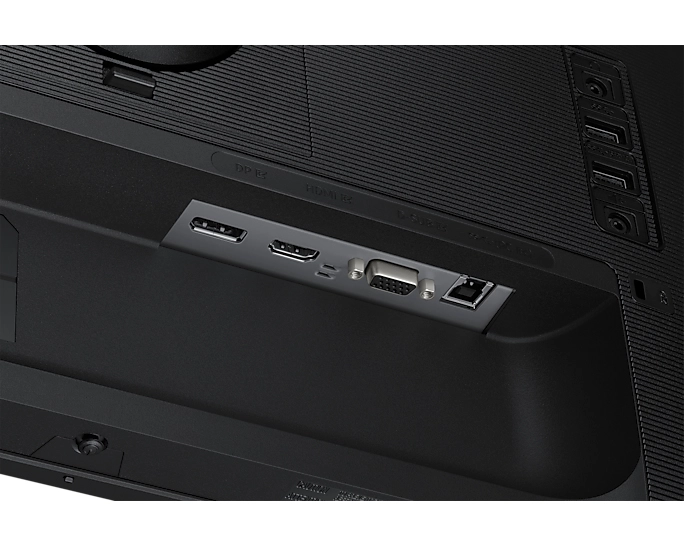
DVI-D ports quantity
1
VGA (D-Sub) ports quantity
1
DisplayPort version
1.2
Built-in USB hub
✓
USB hub version
2.0, 2.0 / 3.2 Gen 1 (3.1 Gen 1), 3.2 Gen 1 (3.1 Gen 1)
DisplayPorts quantity
1
HDMI version
1.4
HDMI
✓
Audio output
No, Yes
HDMI ports quantity
1
USB Power Delivery up to
90 W
DVI port
✗
Number of USB Type-C upstream ports quantity
1
USB Type-C downstream ports quantity
1
USB Type-A downstream ports quantity
2
Number of USB Type-B upstream ports quantity
1
Number of upstream ports
1
DisplayPort out version
1.4
DisplayPort out quantity
1
USB upstream port type
USB Type-B
Operational conditions
Operating temperature (T-T)
10 - 40 °C
Operating relative humidity (H-H)
10 - 80 %
Storage temperature (T-T)
10 - 80 °C
Technical details
Certification
Windows 11, Windows10
Sustainability certificates
ENERGY STAR, EPEAT Bronze, EPEAT Gold, TCO
Audio
Built-in speaker(s)
✗
Number of speakers
2
RMS rated power
2 W
Video
HD type
Full HD
Supported video modes
1080p
Camera
Built-in camera
✗
Megapixel (approx.)
2 MP
Thin Client
Thin client installed
✗
Logistics data
Harmonized System (HS) code
85285210
Product Details
You don’t have to neglect the environment for increased productivity. For a professional monitor offering great energy-saving features as well as performance enhancements like a high contrast ratio and wide viewing angle, choose a Samsung S24A650D Professional Monitor. Its innovative Eco light sensor and eco motion sensor limit energy usage in response to light levels and whether the monitor is idle or not.
Gentle on the Eyes and on the Environment
Save electricity and hassle with Samsung’s Eco light sensor. By adjusting screen brightness to match your surrounding environment, the SA650’s Eco light sensor creates a brilliant visual display while also minimising your energy consumption. You will benefit from a more comfortable viewing experience that is far better for the environment. Monitor brightness is adjusted to match your ambient light, which ensures that the screen is highly visible and appropriately set for your eyes. So, in a dark room the screen will reduce brightness, but when sitting in a room with plenty of light, it will increase brightness. The Eco light sensor is simply perfect for modern living - helping you conserve energy and keep comfortable.
Save Energy with New Smart Motion Technology
Step into the future with the SA650 monitor, which utilises the very latest in motion sensors to create a monitor that hangs on your every movement. With a built-in PIR (Pyrolectric Infrared Ray) sensor, the SA650 automatically detects movement within a specified area in front of the screen. This allows your monitor to automatically dim or power off, and then power back on or brighten once detecting a nearby viewer. Eco motion sensor is the easiest way to conserve energy.
A Business Tool That Produces Crystal-Clear Images
The Samsung Business Monitor produces the highest level of static contrast ratio of 3000:1. Compared to competitive models in the same class, the Samsung Business Monitor possesses a contrast ratio that is three times higher. This provides users with clear and sharp image representation which is a strong benefit for businesses that work heavily around graphics and other high-resolution images.
See Your Work from the Best Possible Angle
Provide employees with an optimal viewing experience in the office with the reasonably priced Samsung Business Monitor. While conventional monitors have a viewing angle of 170 degrees horizontally, the Samsung monitor has an extra wide viewing angle of 178 degrees. The additional 8 degrees is particularly useful when sharing on-screen information with one or more coworkers or presenting your ideas to clients. The Samsung Business Monitor has improved its vertical viewing angles by 18 degrees, making it the perfect display for giving presentations in front of a large audience or when viewing other content such as a video.
A Monitor Designed to Match Business Needs
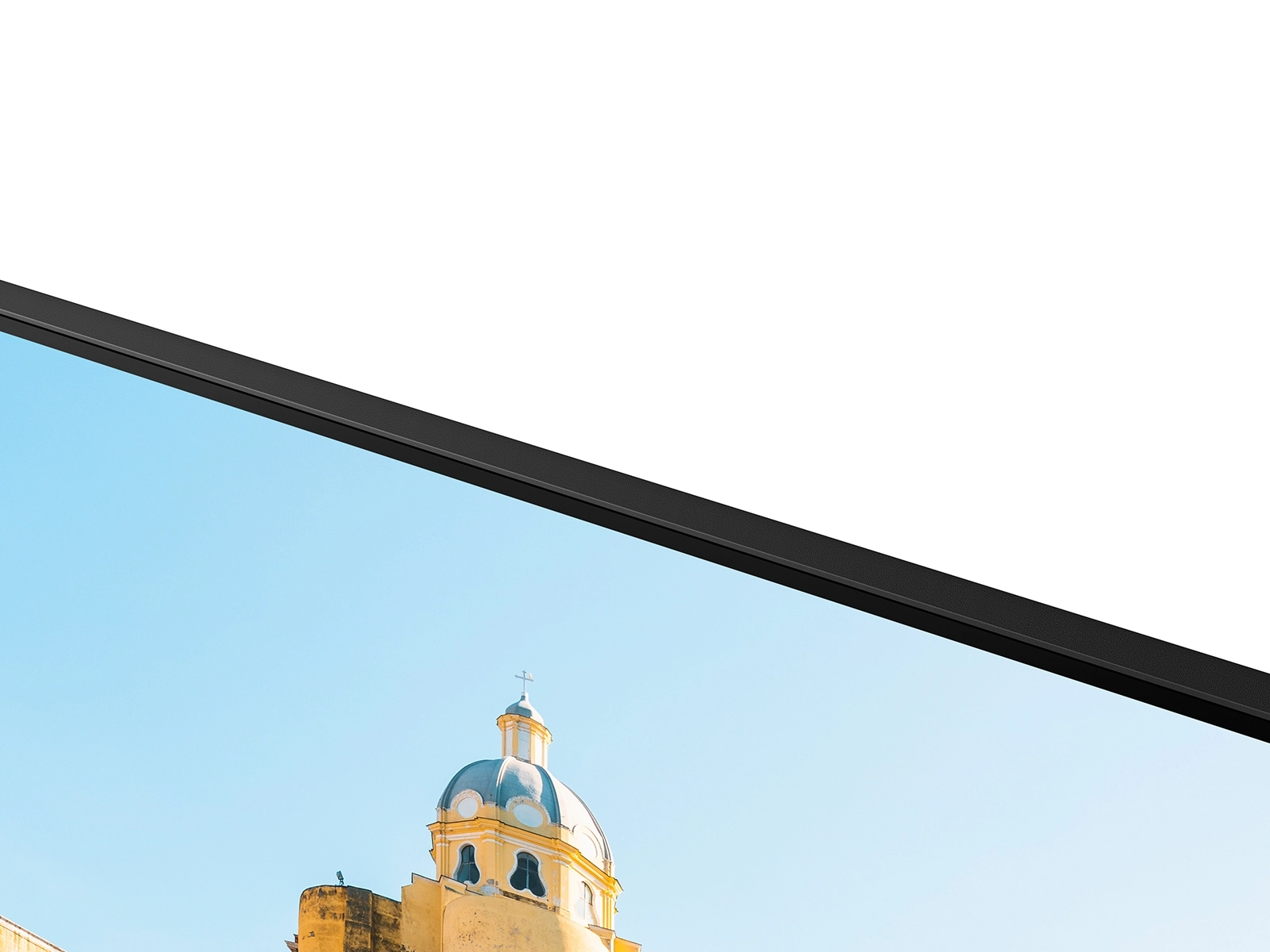
The Samsung LED Business Monitor SA650 has been designed to enhance work conditions and efficiency. Featuring Front Tactile Buttons, the SA650 minimises costly errors found with high usage, which is a common problem with touch type button monitors. Furthermore, with its smarter design, users can still access these buttons when wall mounted, which can be an issue when monitors feature side panel buttons. Adding to the visual experience, the SA650 features a Narrow Matt Bezel. This reduces distraction around display area and delivers an experience that is immersive and engaging.
Files
UK Energy Label
mmo_114965701_1700821582_0309_25947.pdf
PDF• 394.6 KB
EU Energy Label
mmo_122812207_1732706873_9635_3965992.pdf
PDF• 212.9 KB
EU Product Fiche
mmo_122901965_1741953235_7506_3407686.pdf
PDF• 638.1 KB
Ecodesign Information
mmo_124767074_1733903078_4994_810308.pdf
PDF• 293.3 KB
Networked Standby Information
mmo_124767074_1733903130_8654_1972801.pdf
PDF• 443.1 KB
UK Declaration of Conformity
mmo_124767074_1733904866_7316_811348.pdf
PDF• 324.2 KB
User manual
mmo_134877773_1760968236_808_827810.pdf
PDF• 4.8 MB
Images
 4-8210.png
 369-8176.png
 980-6359.png
 981-4623.png
 979-9412.png
 188-6515.png
 977-9367.png
Reviews
Loading...
Loading...
Loading...
Loading...
Loading...
Loading...
Loading...
Loading...
Loading...
Loading...
Loading...
Loading...
Loading...
Loading...
Loading...
Loading...
Loading...
Loading...
Loading...
Loading...
Loading...
Loading...
Loading...
Loading...
Loading...
Loading...
Loading...
Loading...
Loading...
Loading...
Loading...
Loading...
Loading...
Loading...
Loading...
Loading...
Loading...
Loading...
Loading...
Loading...
Loading...
Loading...
Loading...
Loading...
Loading...
Loading...
Loading...
Loading...
Loading...
Loading...
Loading...
Loading...
Loading...
Loading...
Loading...
Loading...
Loading...
Loading...
Loading...
Loading...
Loading...
Loading...
Loading...
Join our newsletter
Be the first to know about new arrivals, sales, and exclusive picks
Sign in to unlock newsletter access and stay in the loop