Allware
Loading...
  • News
  • Price drops
  • New arrivals
  • Featured categories
  1. Computers & Peripherals
  2. Data Input Devices
  3. Mice
PR-01 Mouse - Wireless

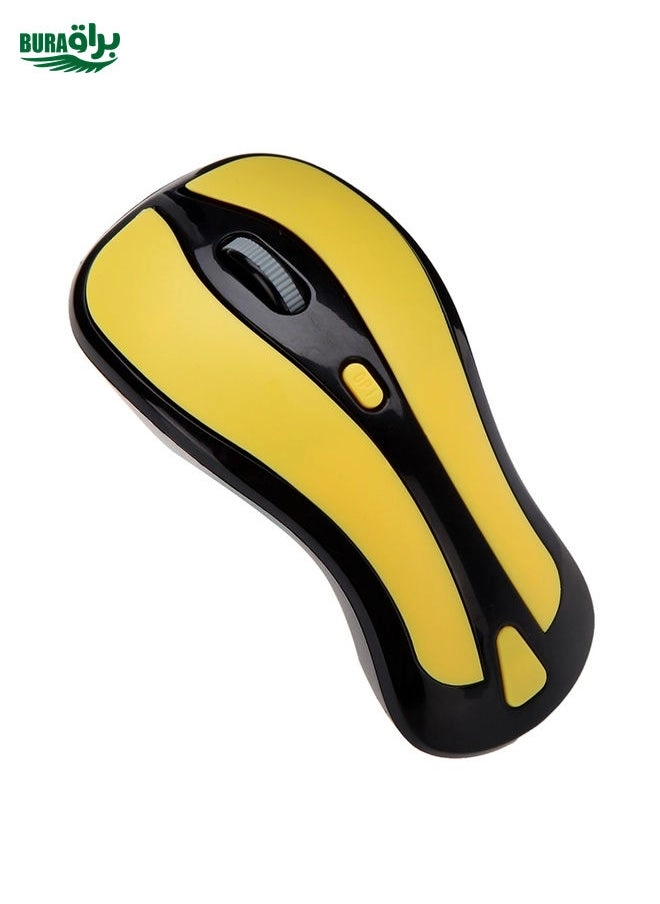
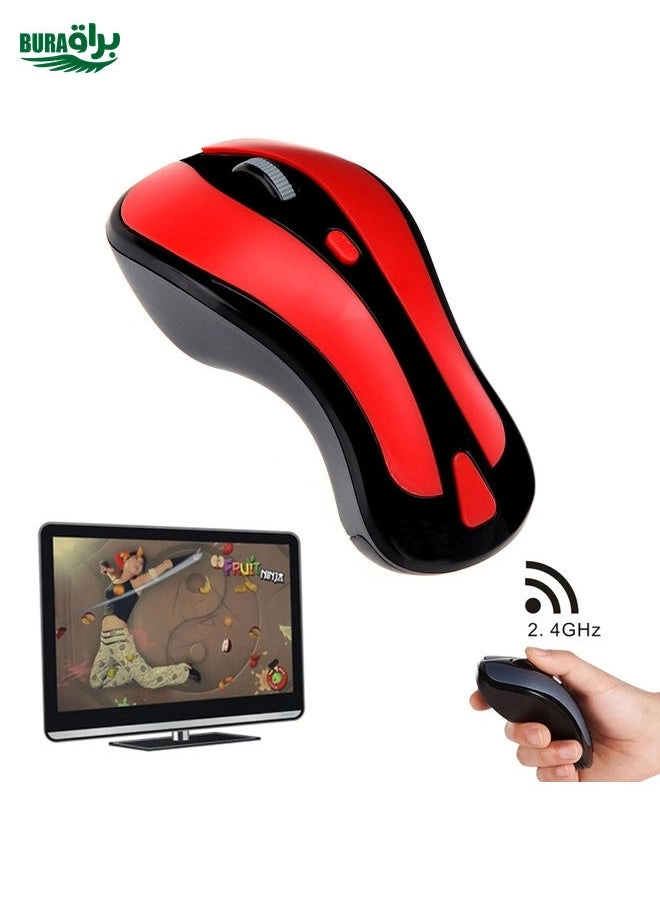
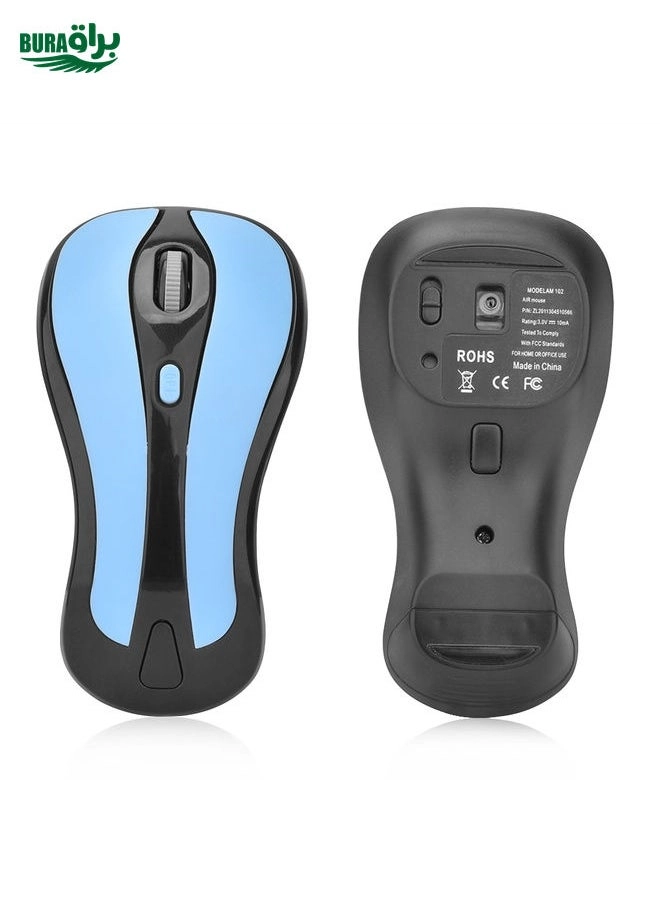
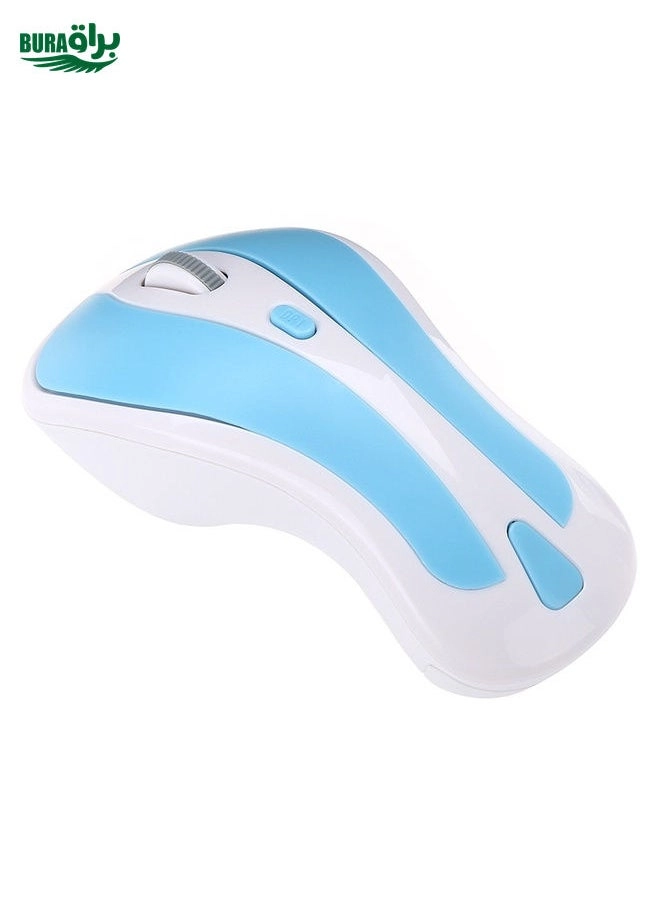
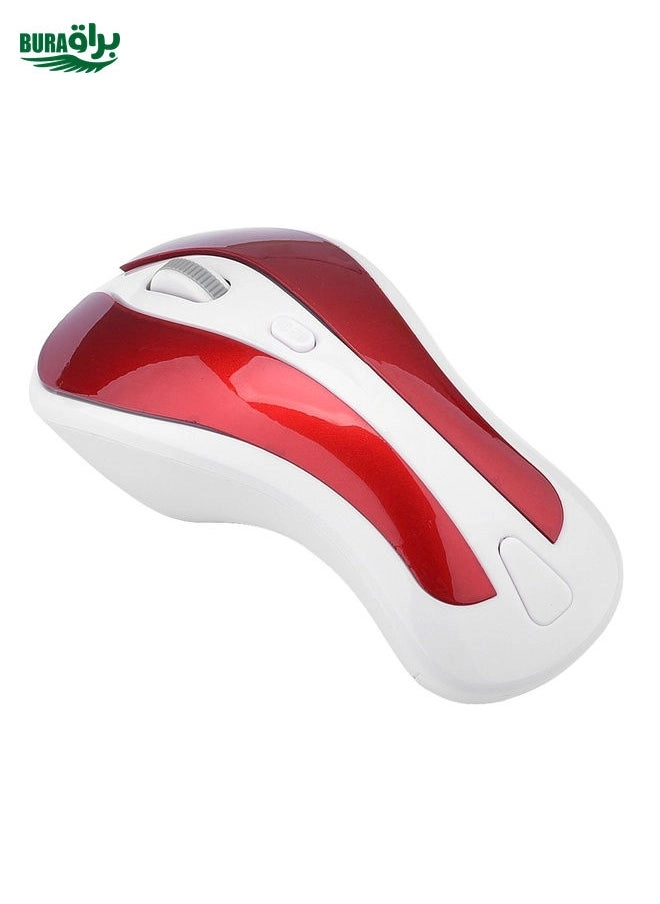
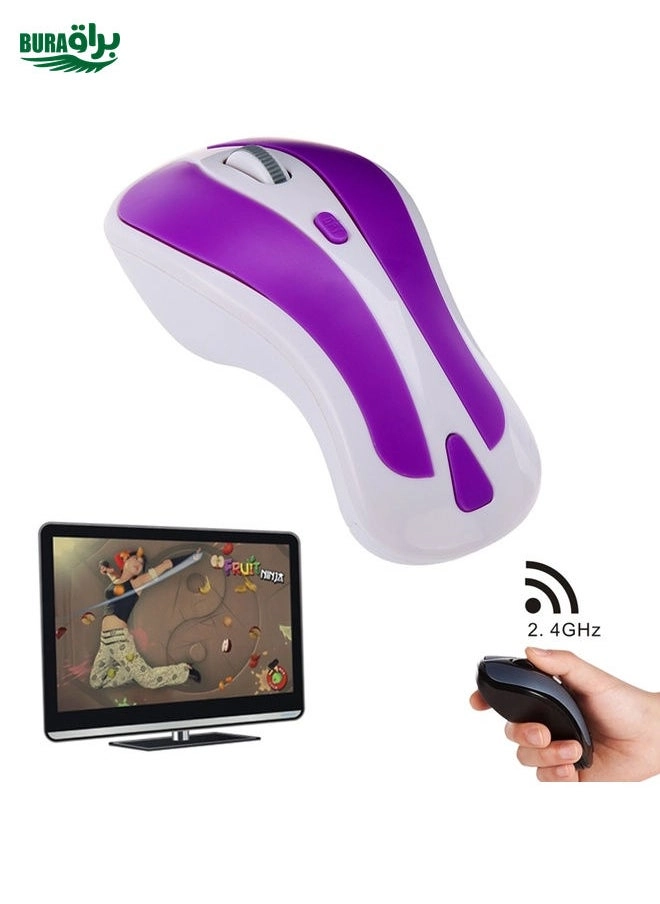
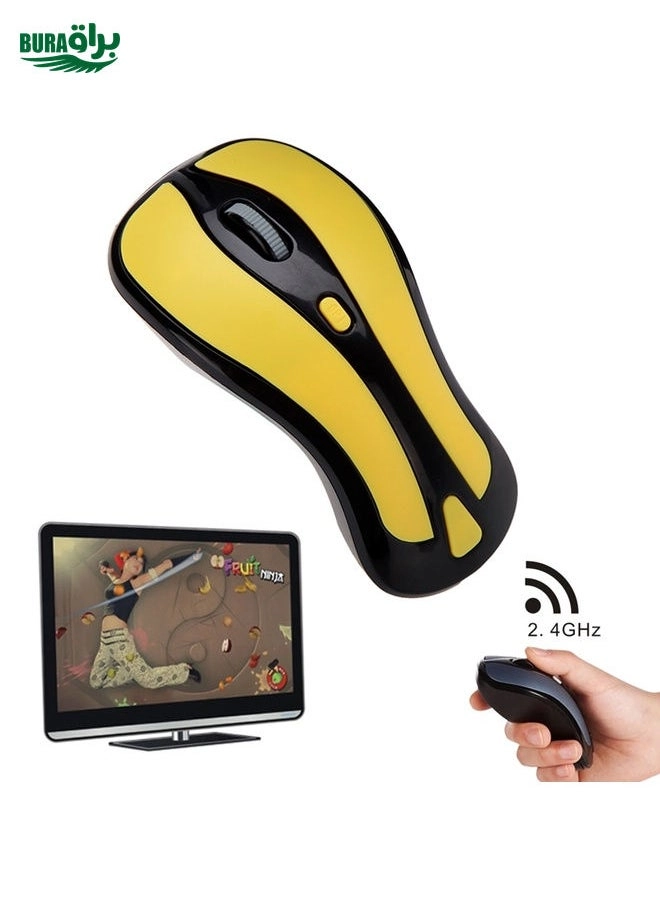
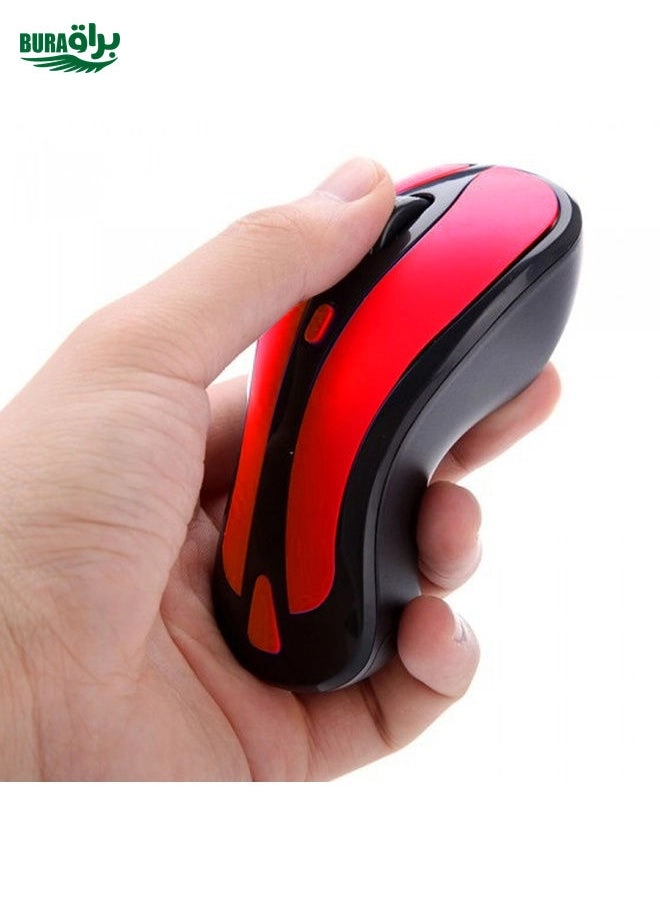
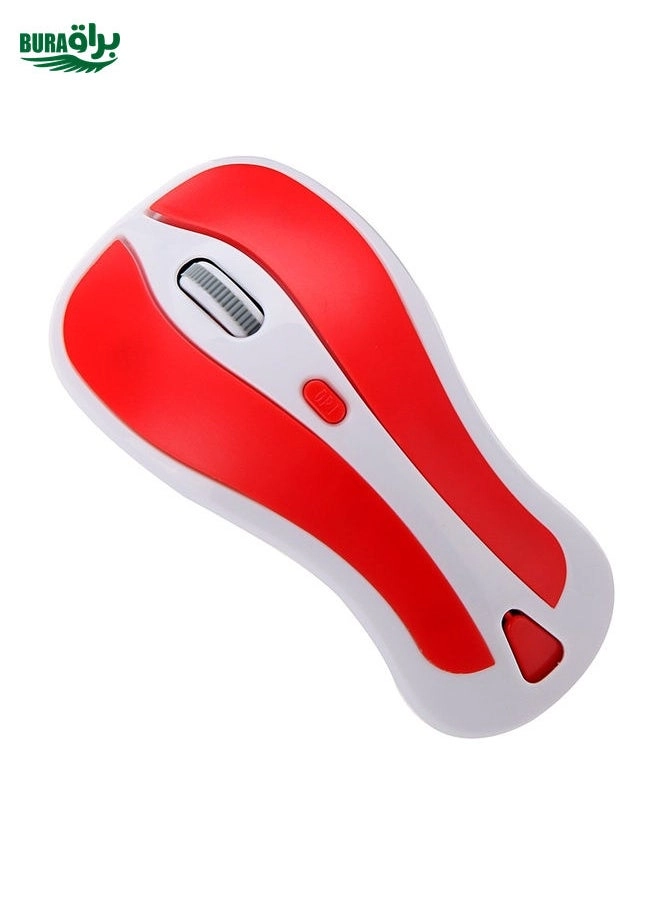
BURAQ PR-01 Mouse - Wireless

Key Features

  • Mouse weight: 0g
  • Features: ergonomic design, gaming mouse, ultra-thin
  • Wireless range: 10m
  • Movement resolution: 800DPI
  • Power source: Wireless
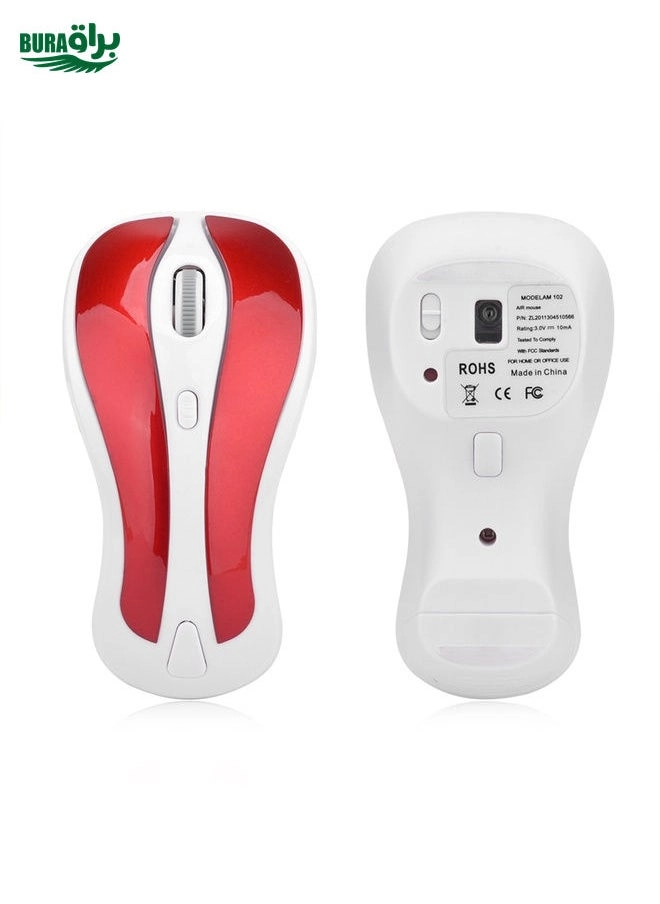
  • Product colour: Red
  • Rechargeable: No
  • Dimensions (WxDxH): 38 x 110 x 55mm
  • Battery life (max): 0h
  • Interface: USB
  • Weight: 55g
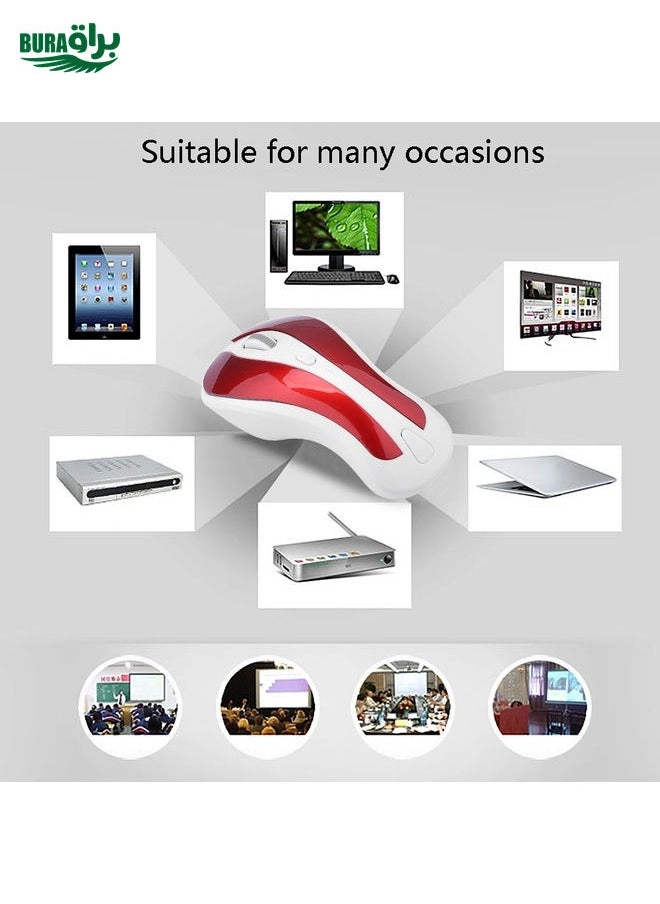
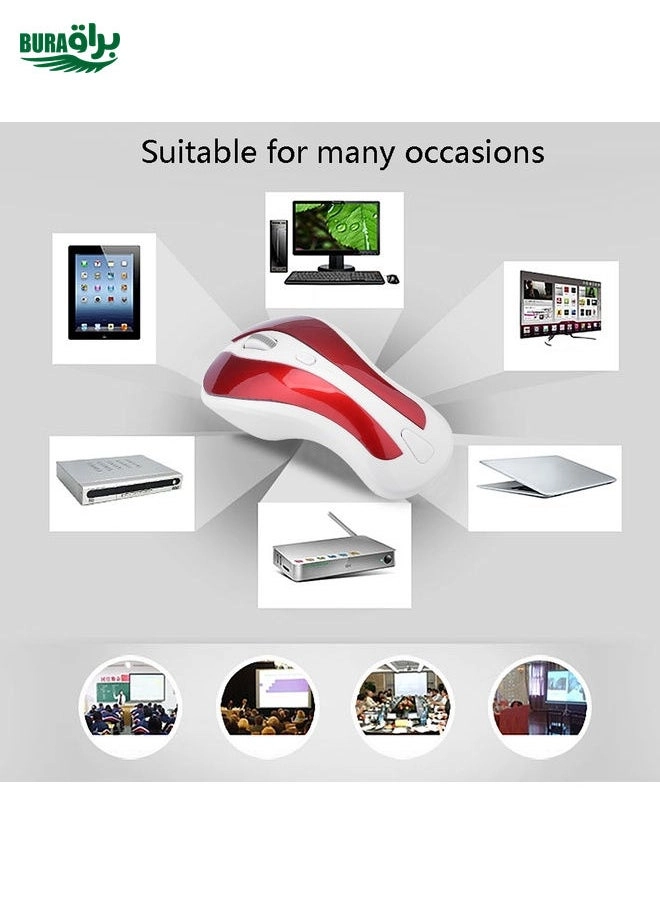
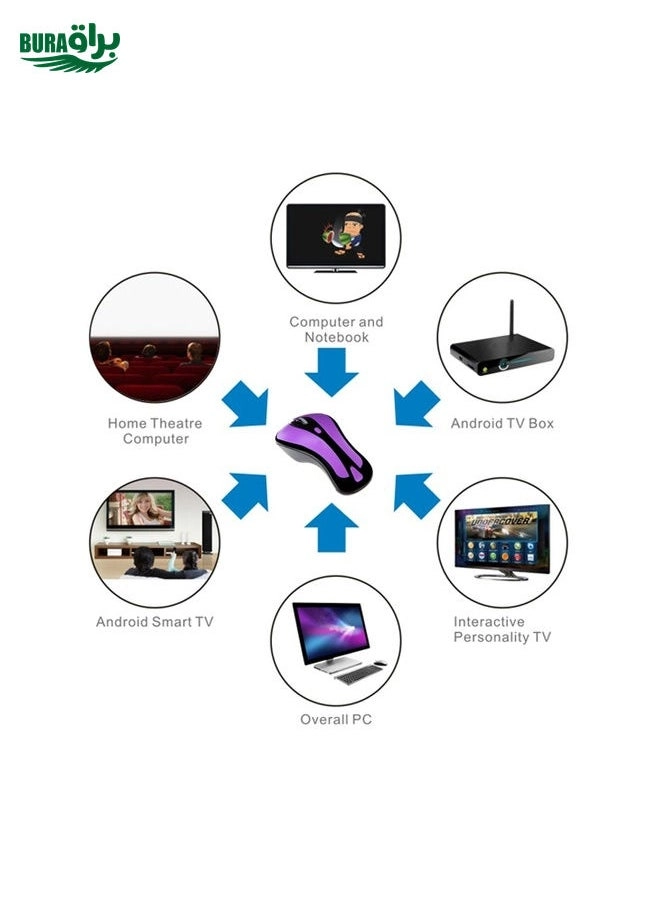
  • Other operating systems supported: Android
  • Plug and Play: Yes
  • Windows operating systems supported: Windows 2000, Windows 7, Windows Vista, Windows XP
  • Mac operating systems supported: MacOS
  • Offers
  • Price History
  • Specifications
  • Product Details
  • Review IconReviews

Specifications

Features

Material
ABS
Plug and Play
✓
Product colour
Red
Features
ergonomic design, gaming mouse, ultra-thin
Wireless range
10 m
Movement resolution
800 DPI

Weight & dimensions

Weight
55 gram
Weight
55 g
Mouse weight
0 g

Power

Number of batteries supported
2
Battery life (max)
0 h
Rechargeable
✗
Power source
Wireless

System requirements

Mac operating systems supported
MacOS
Windows operating systems supported
Windows 2000, Windows 7, Windows Vista, Windows XP
Other operating systems supported
Android

Other features

Dimensions (WxDxH)
110 x 55 x 38 mm

Ports & interfaces

Interface
USB

Technical details

Dimensions (W x D x H)
110 x 55 x 38 cm

Battery

Battery type
AAA

Product Details

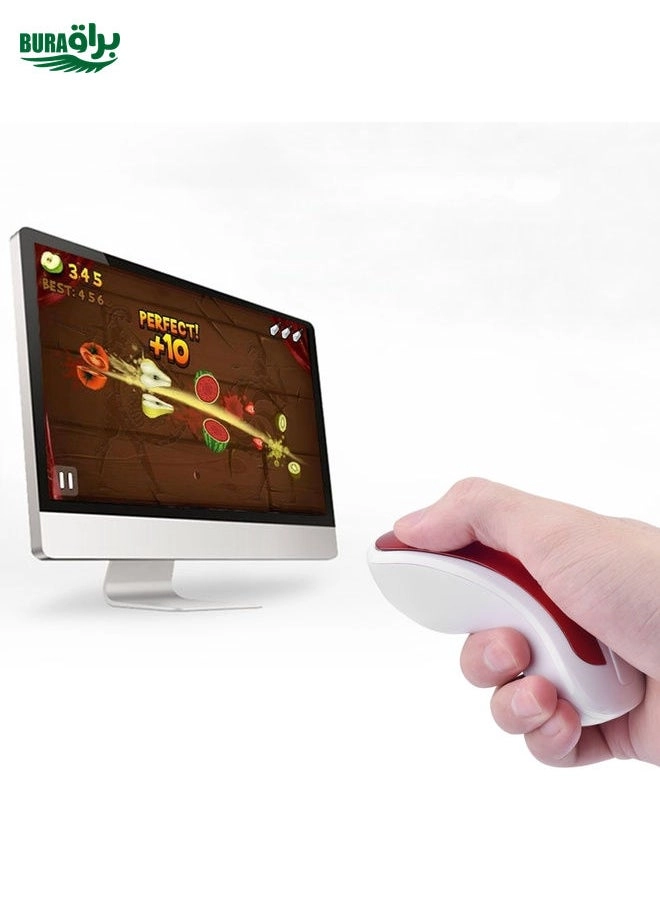
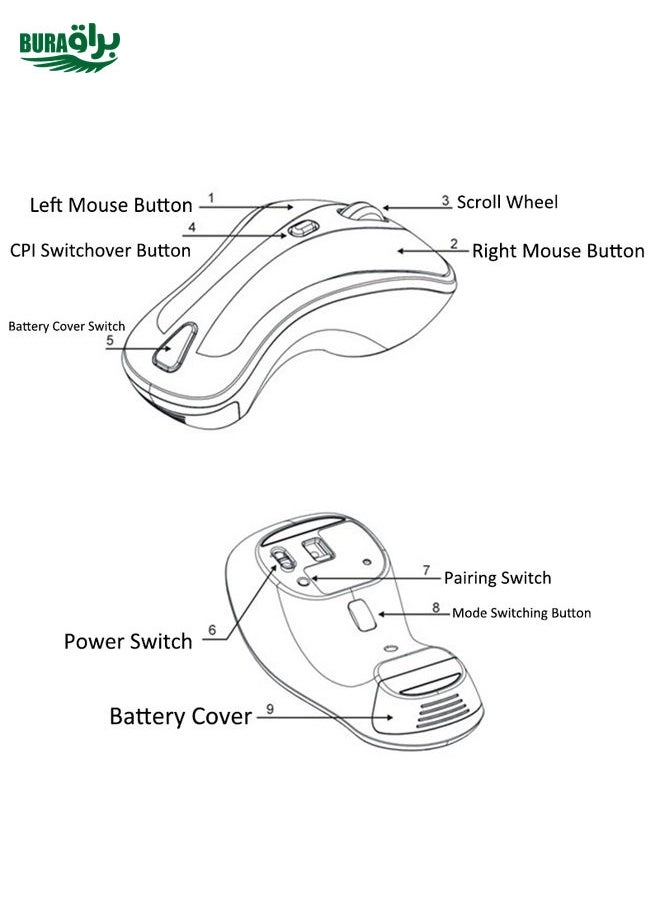
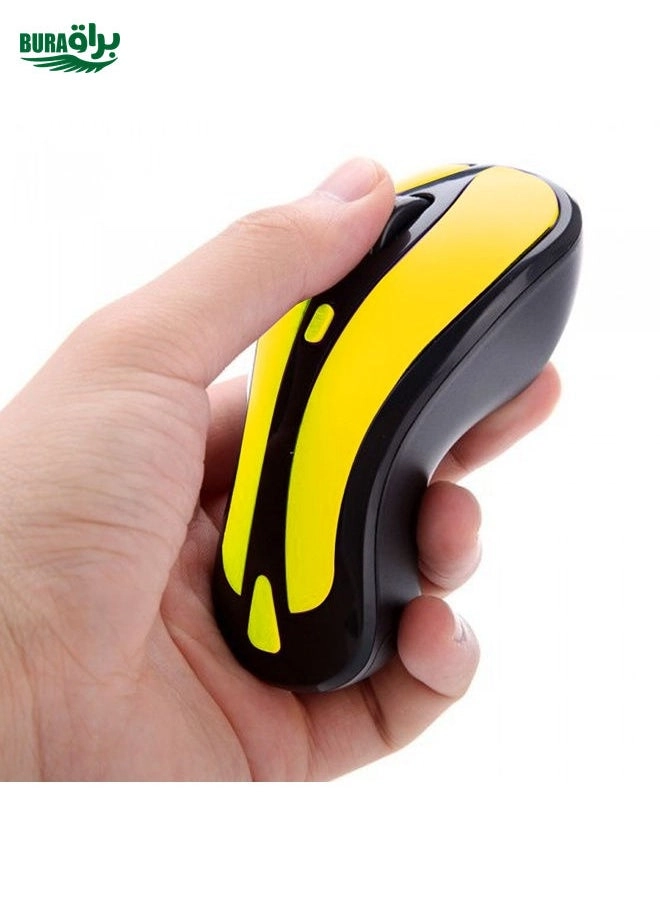
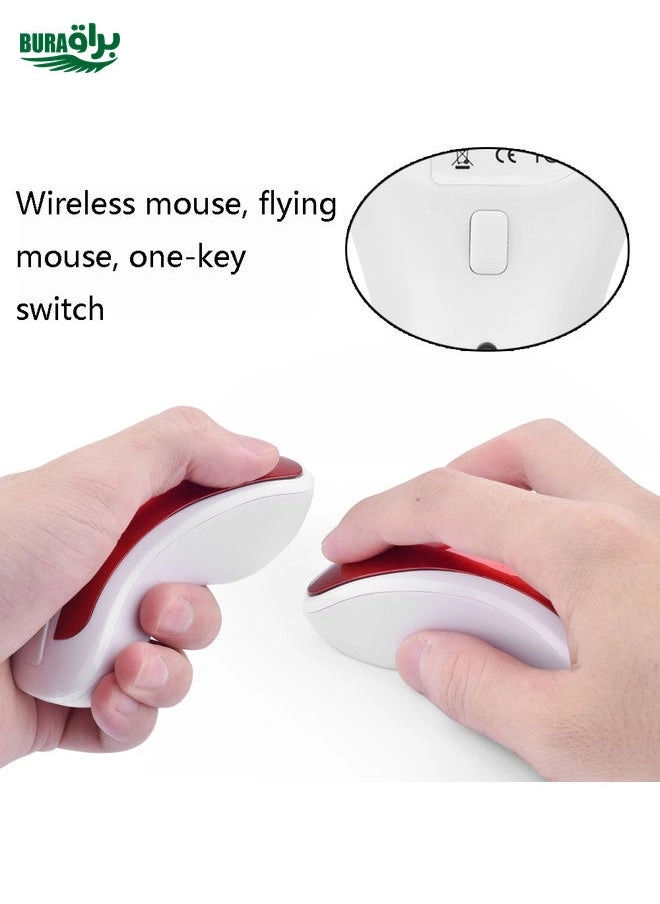
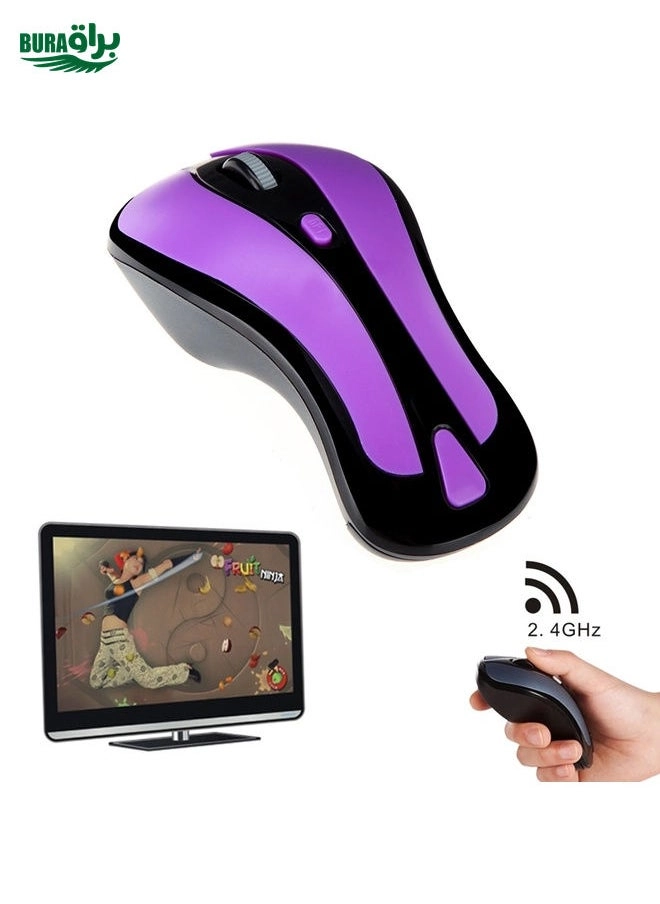
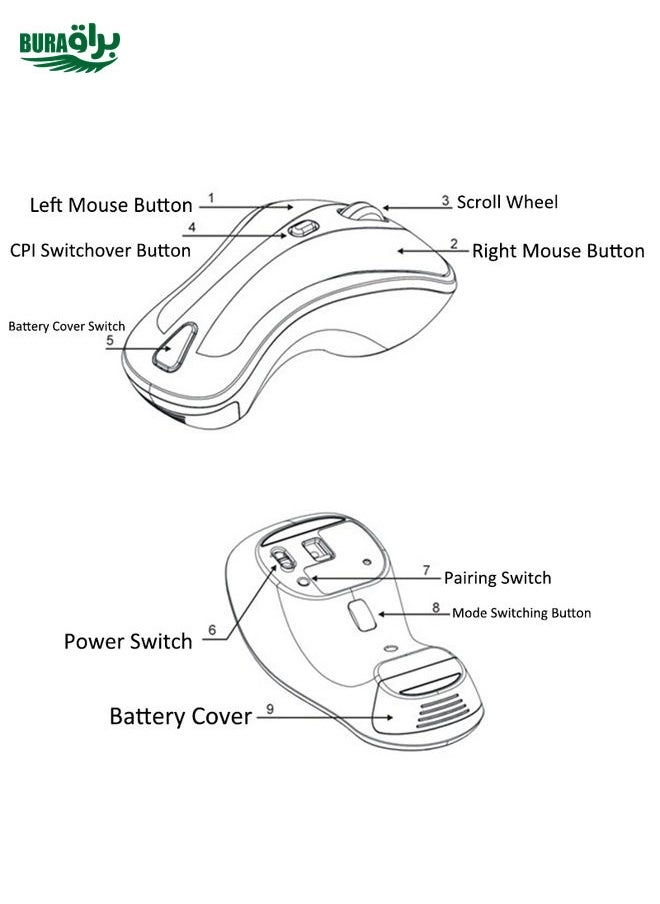
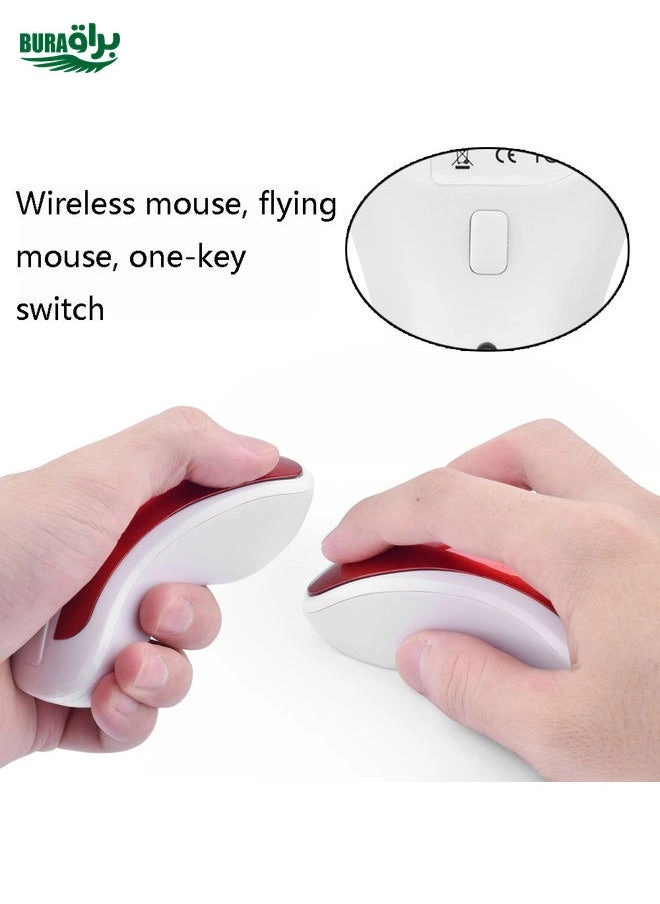
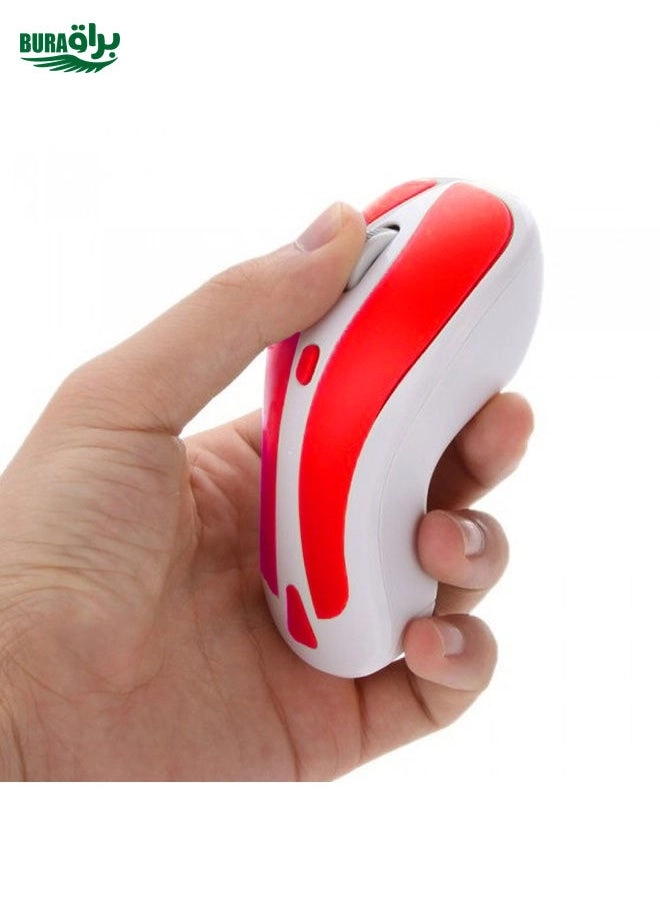
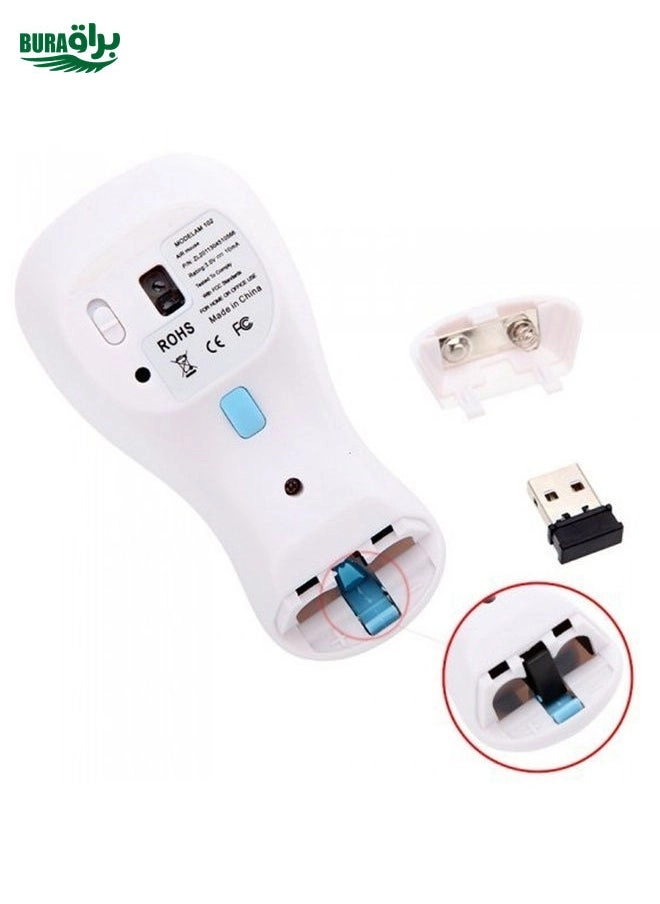
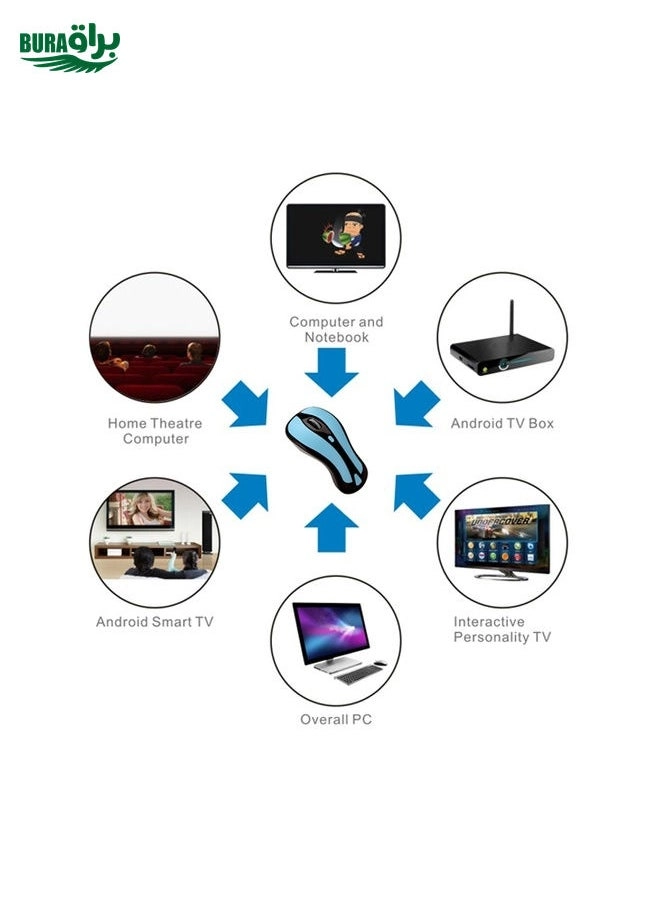
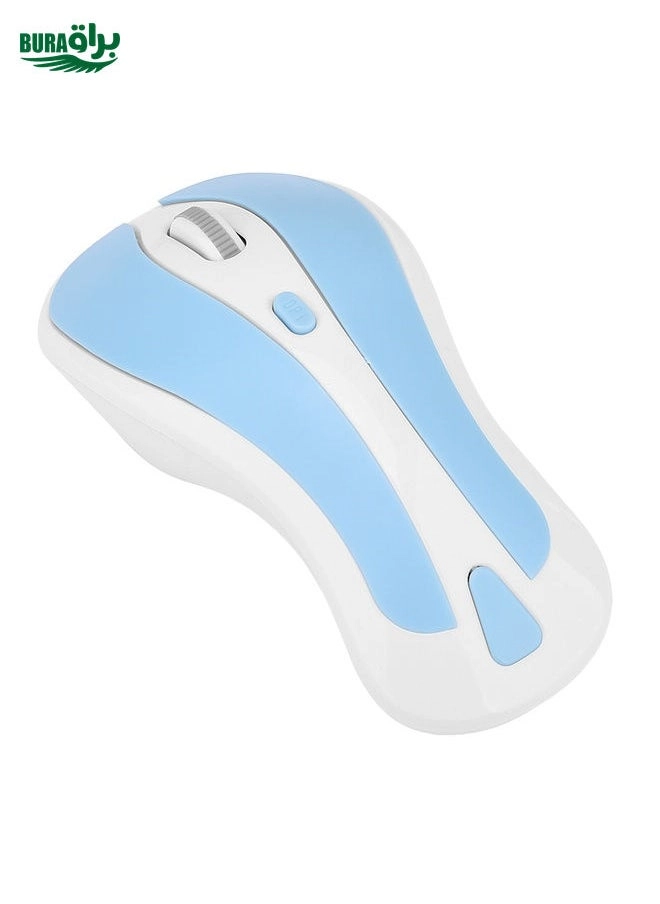
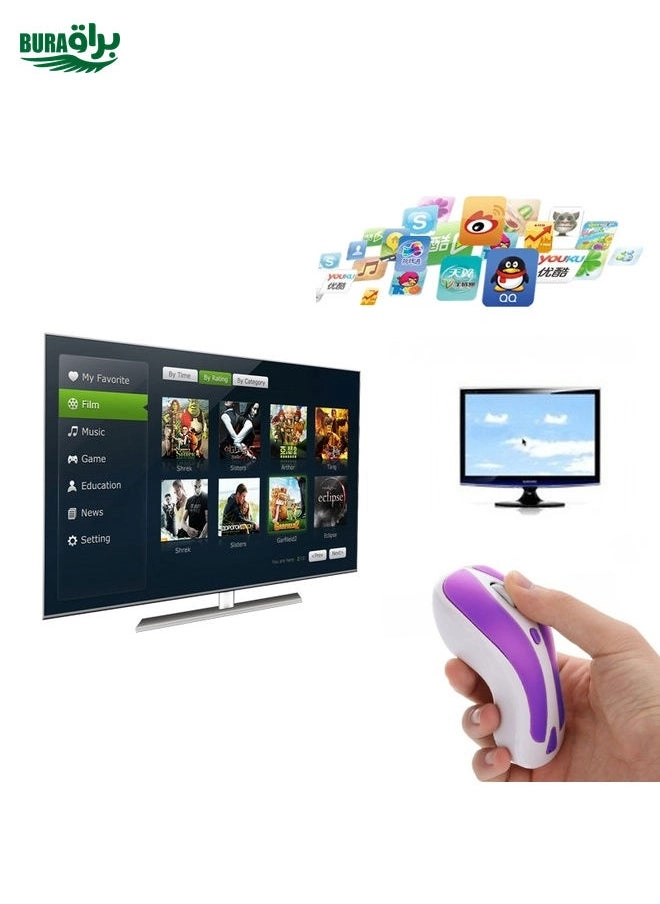
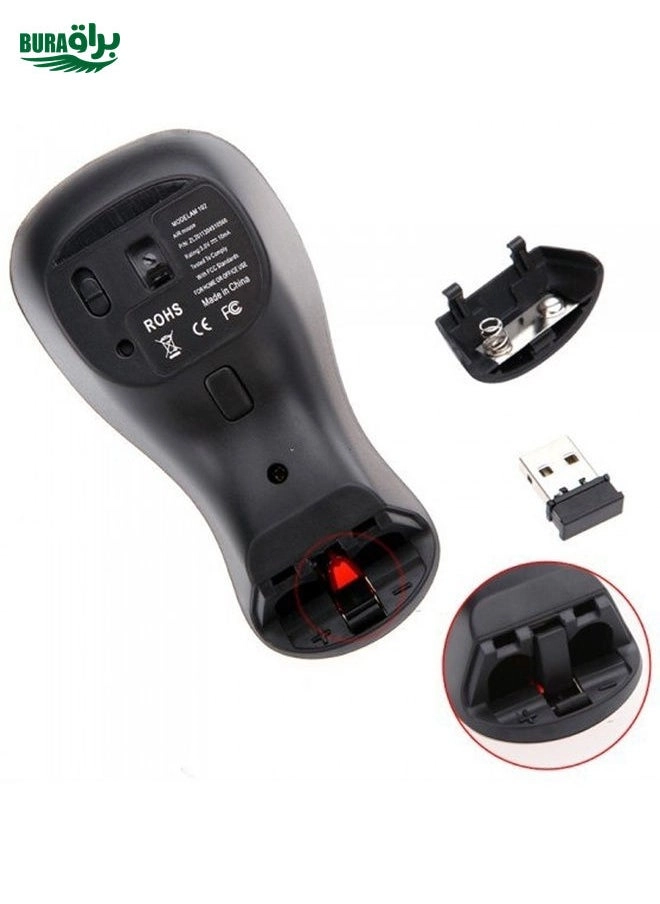
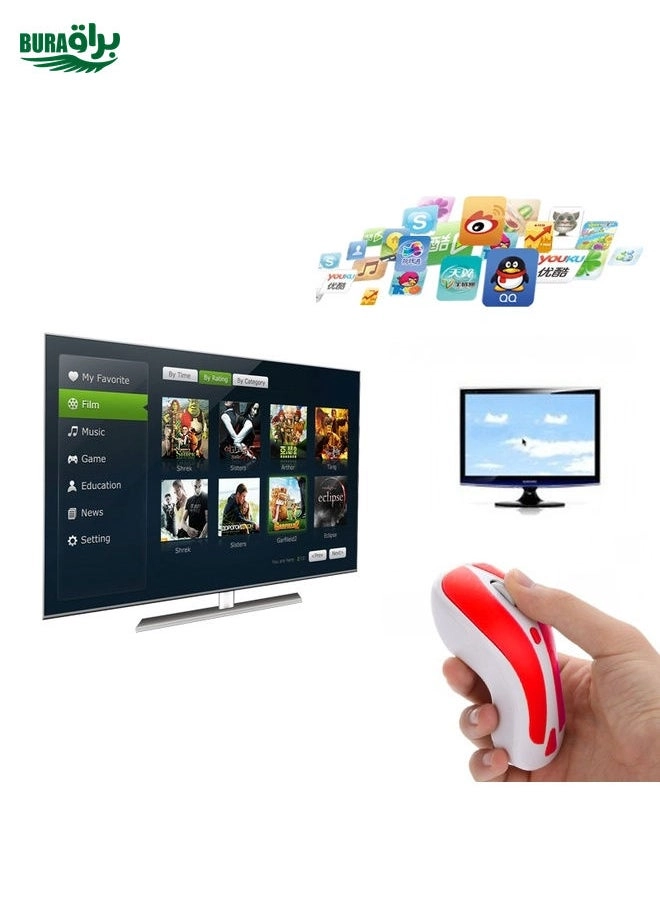
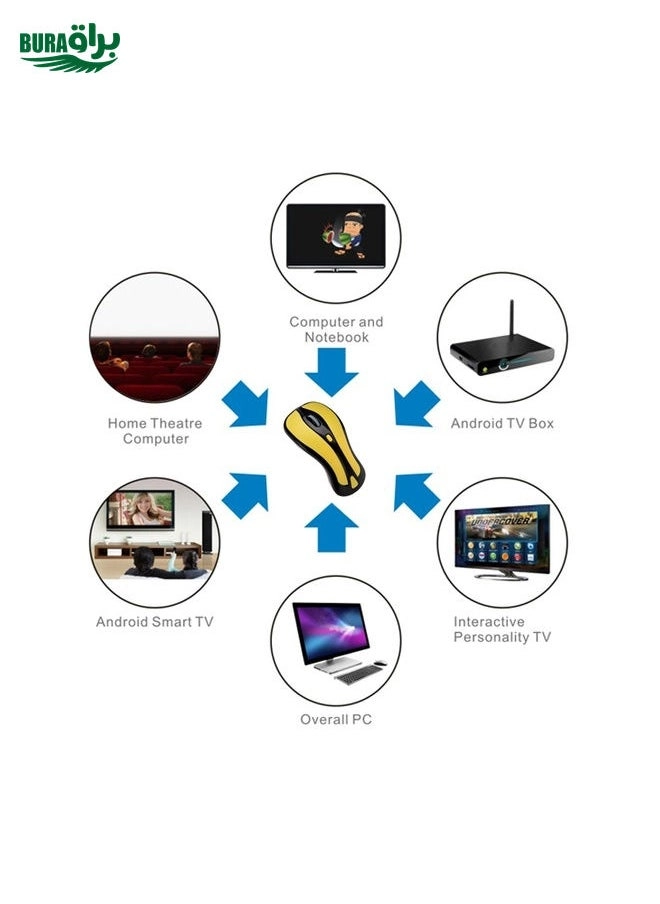
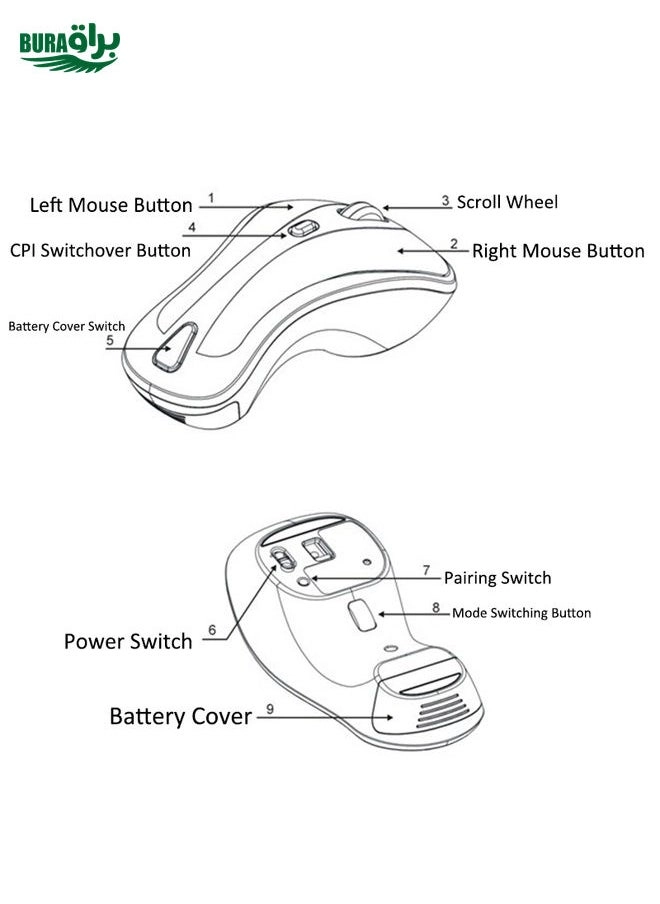
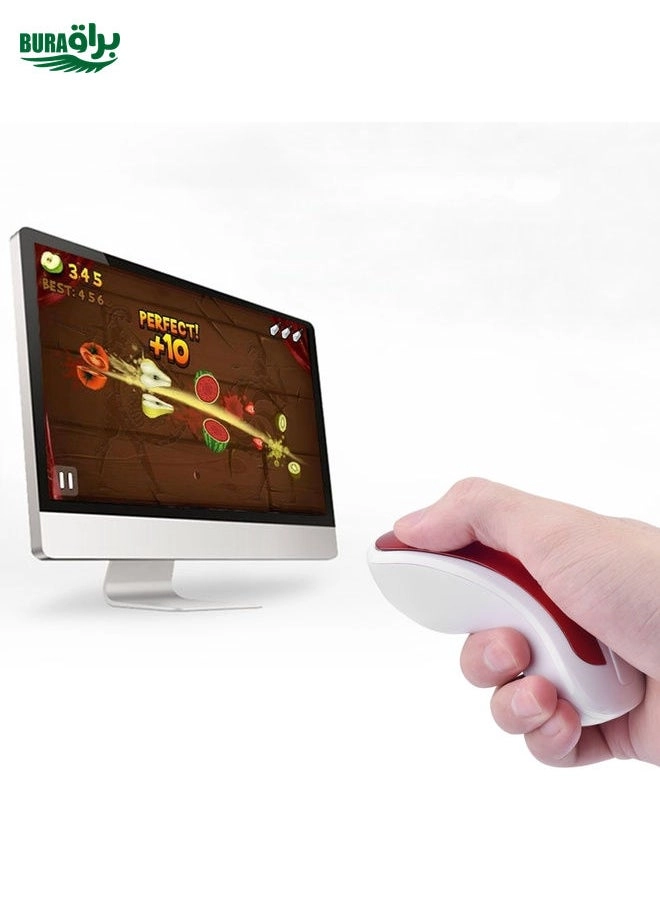
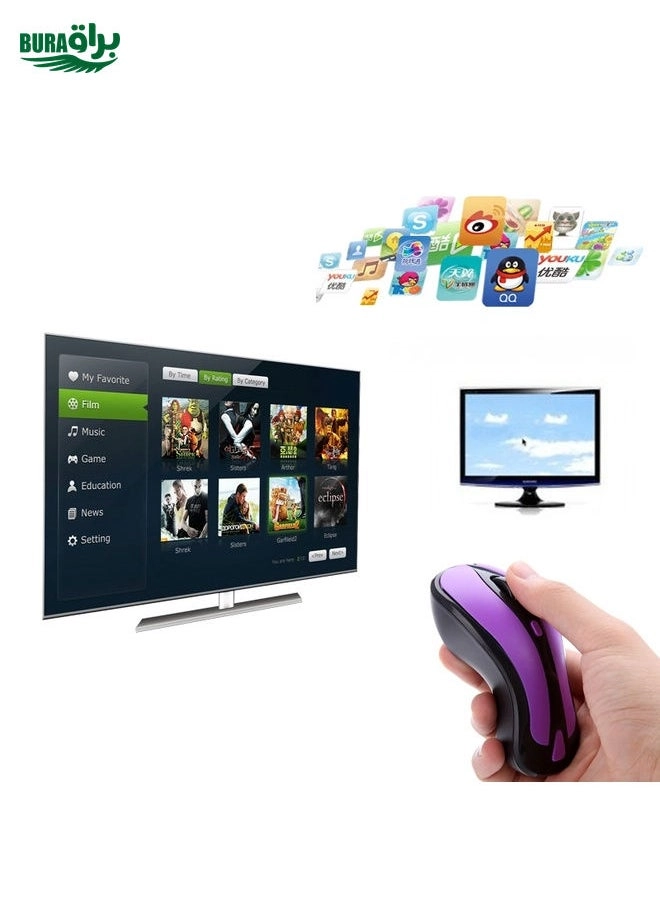
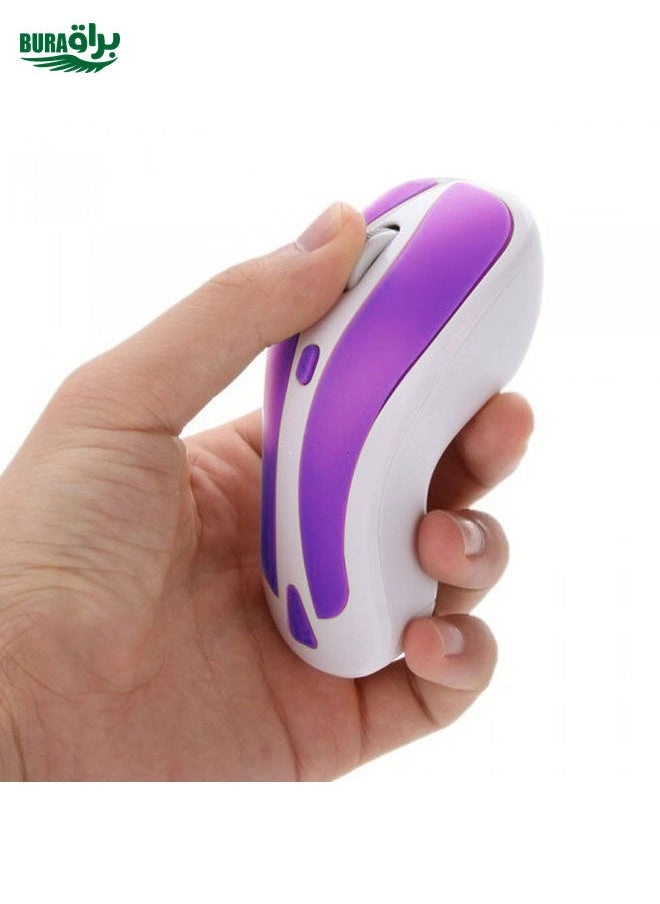
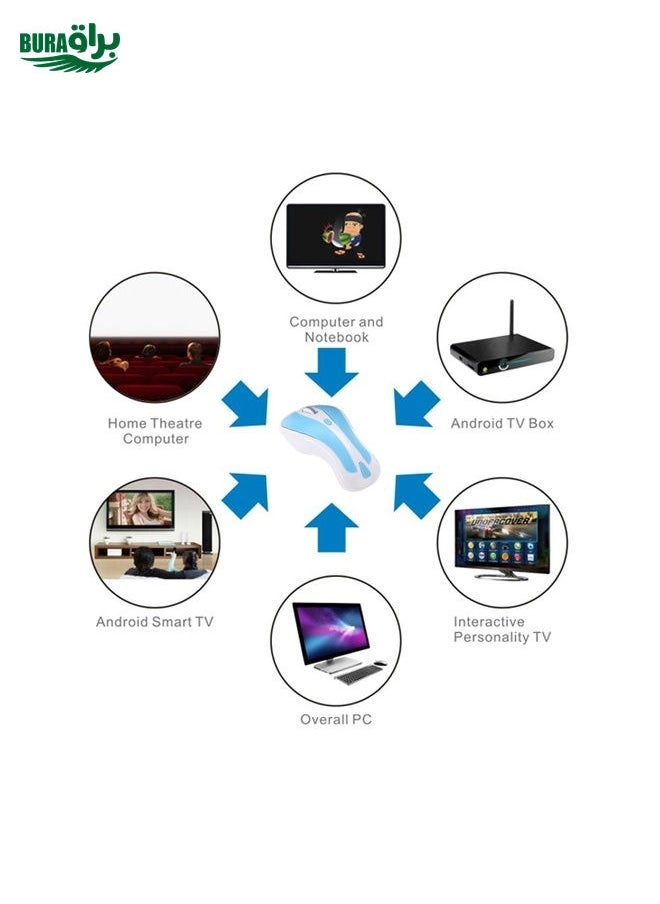
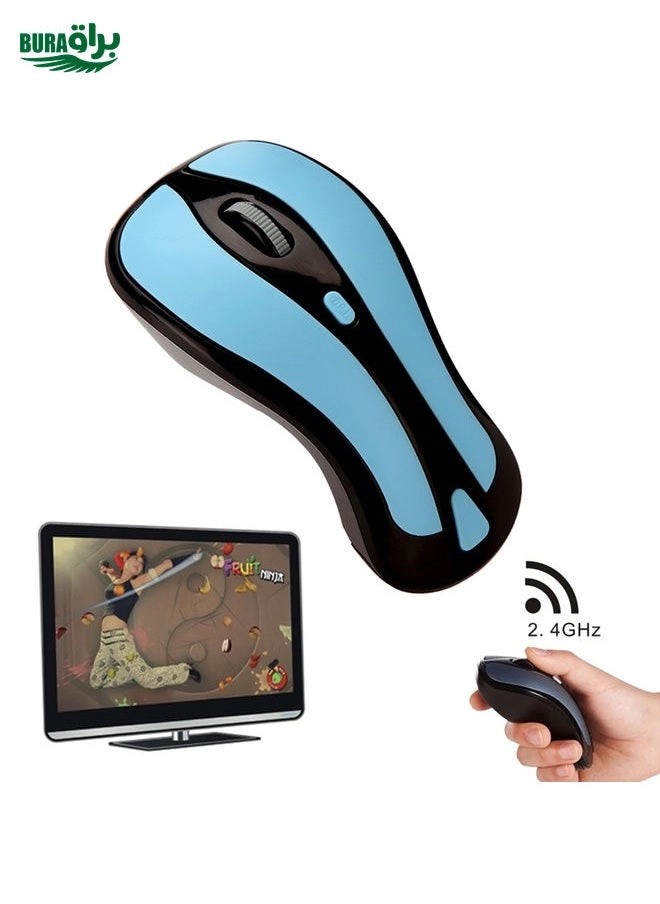
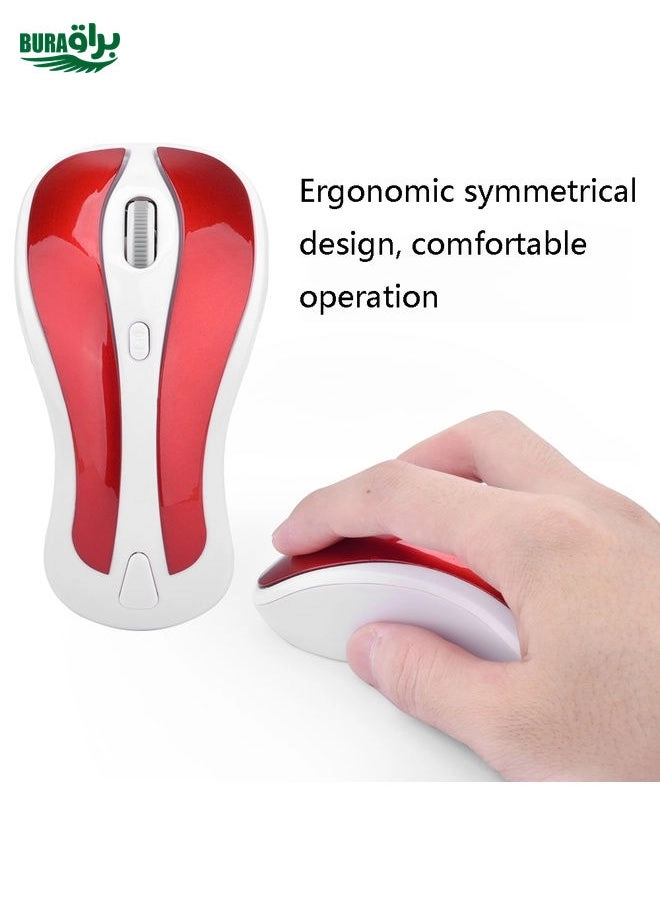
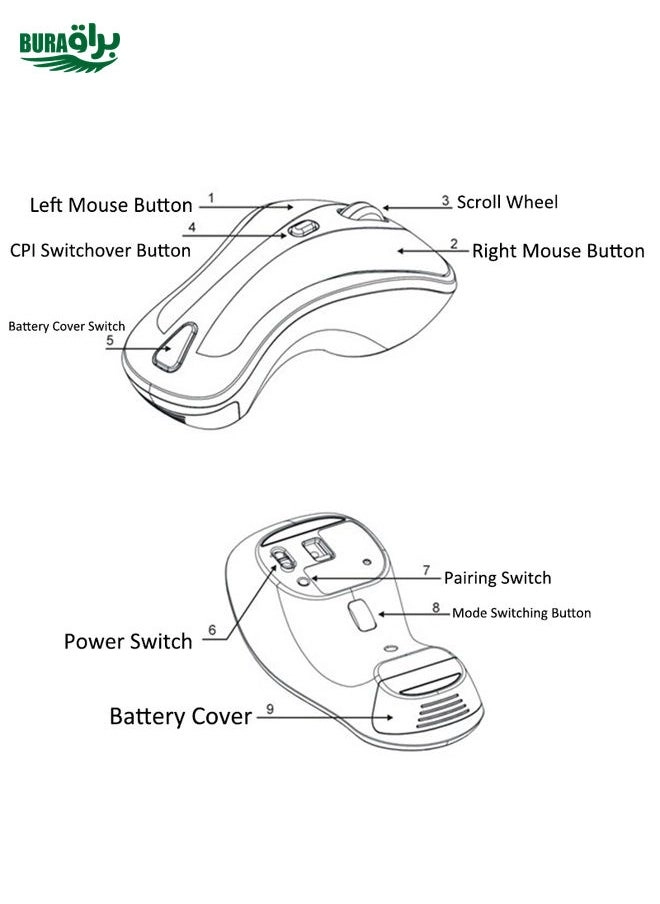
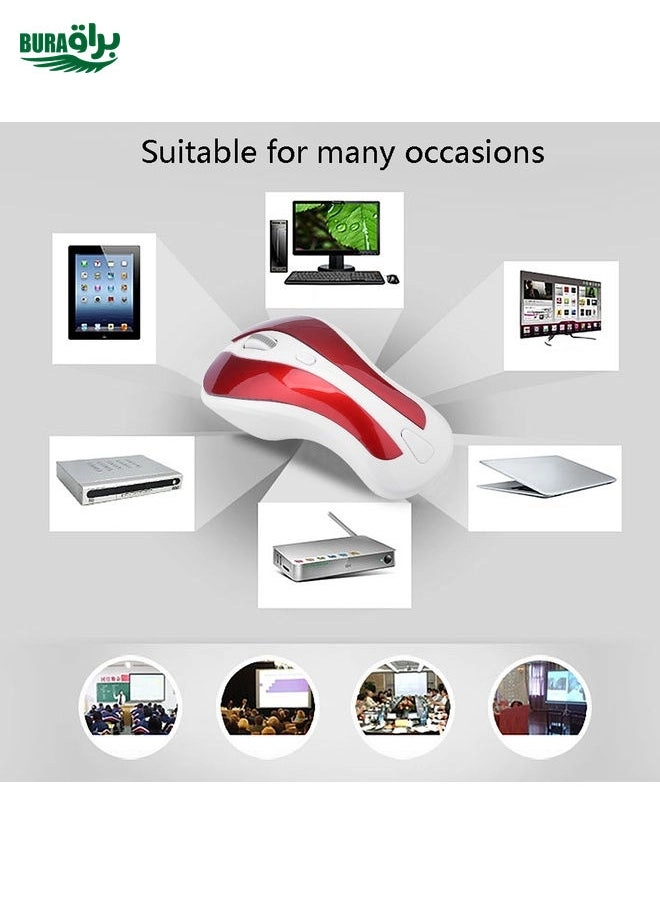
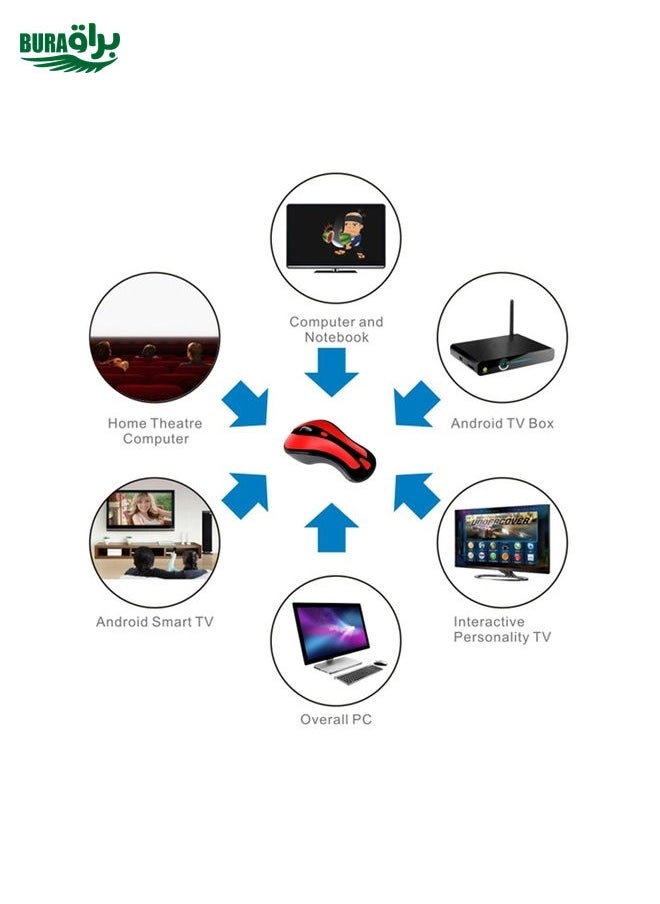
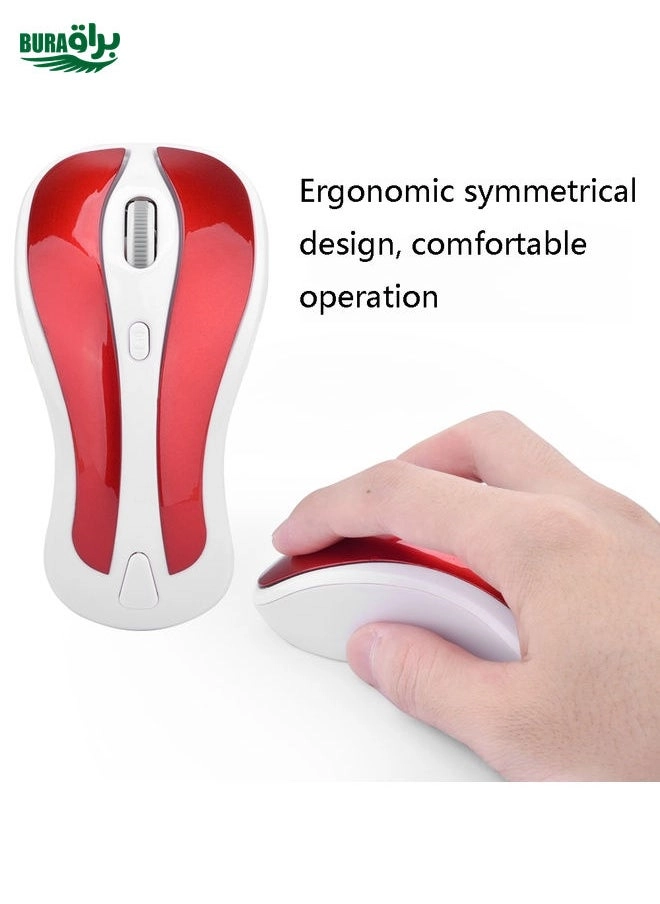
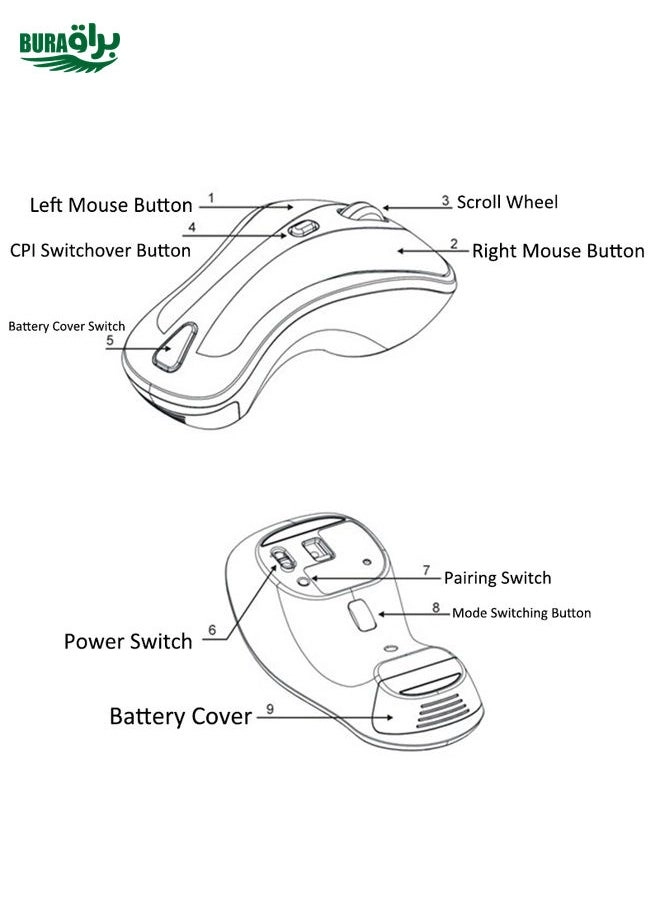
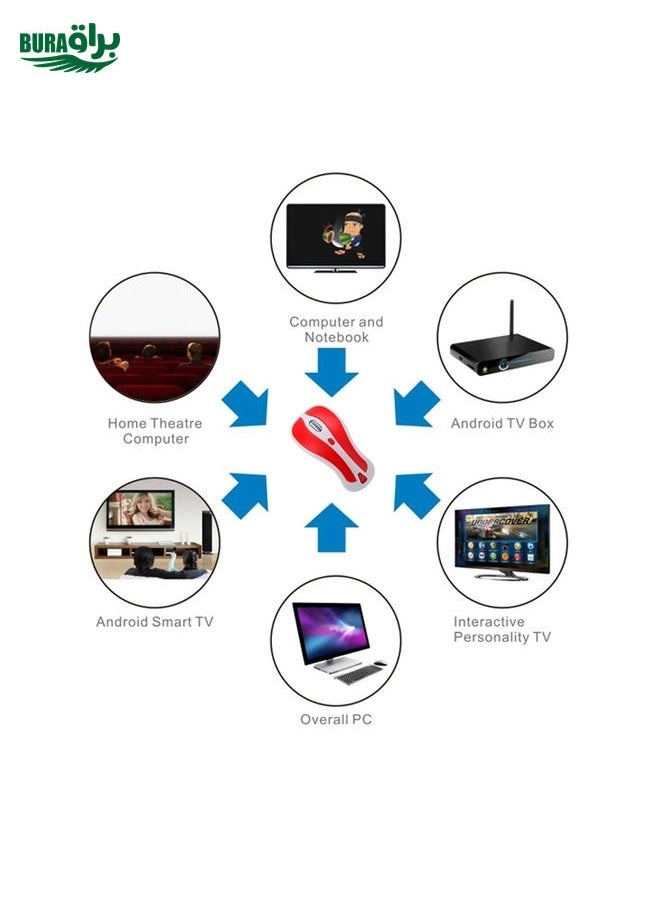
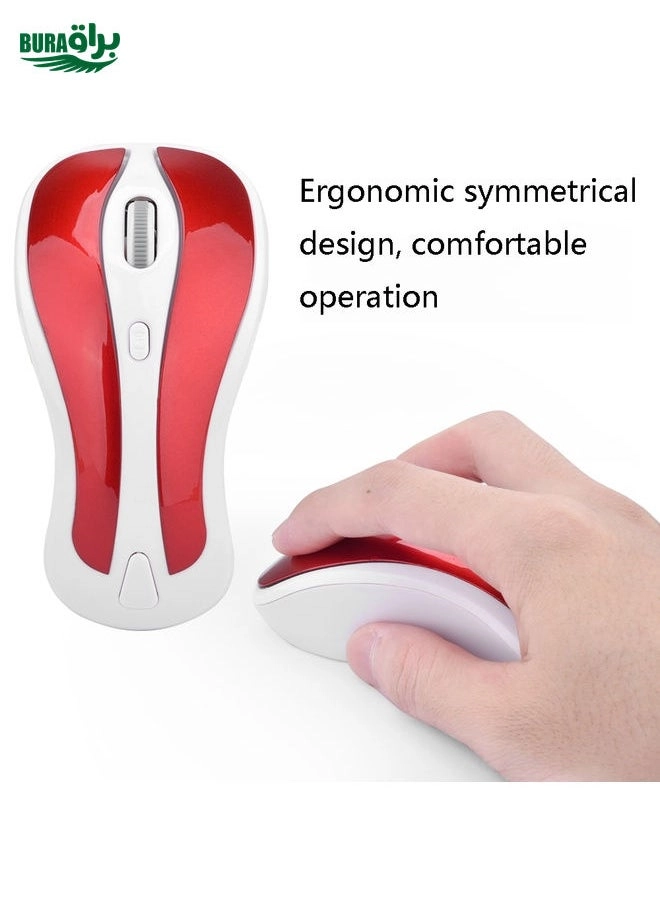
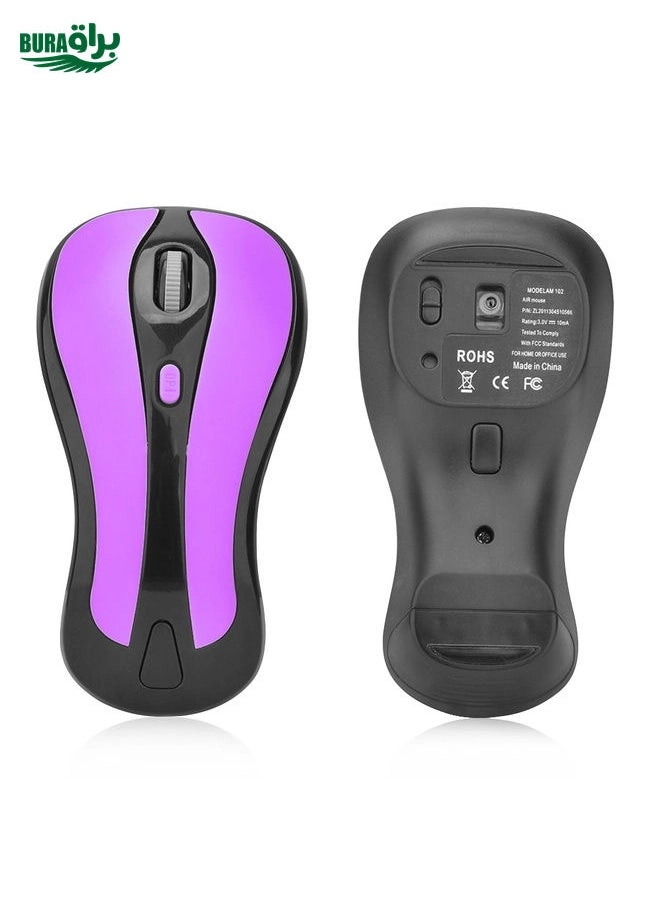
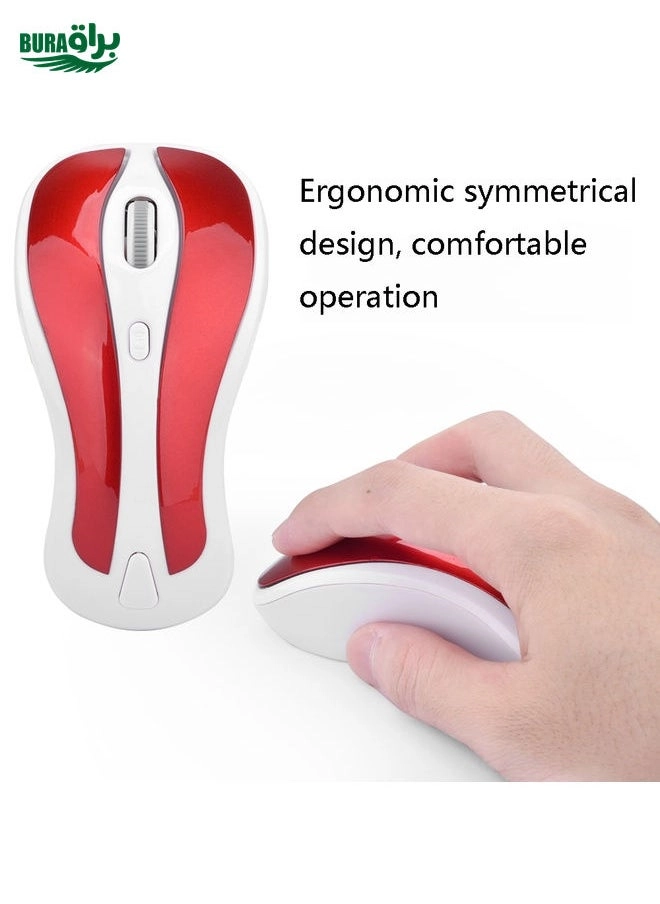
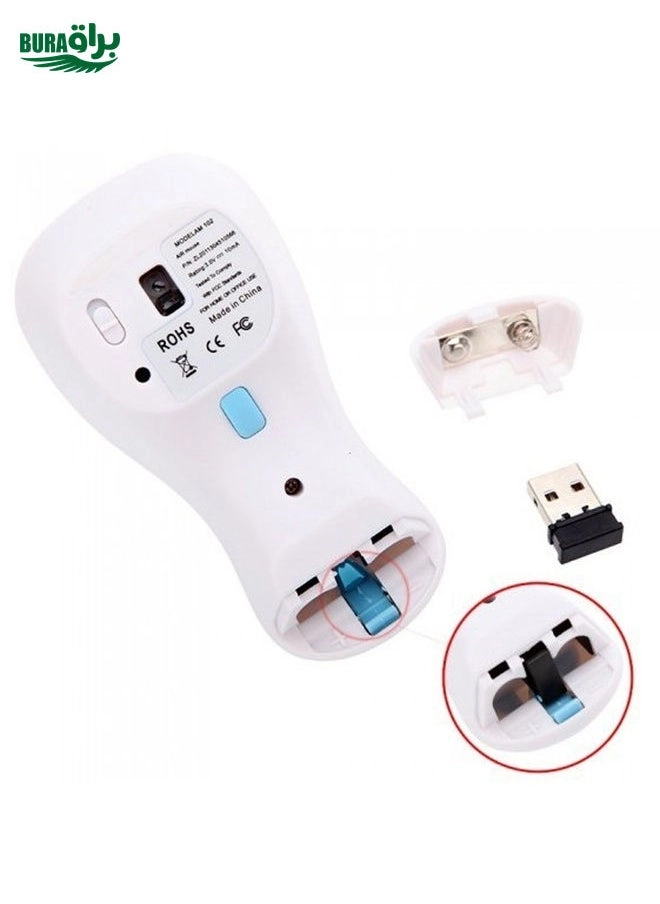
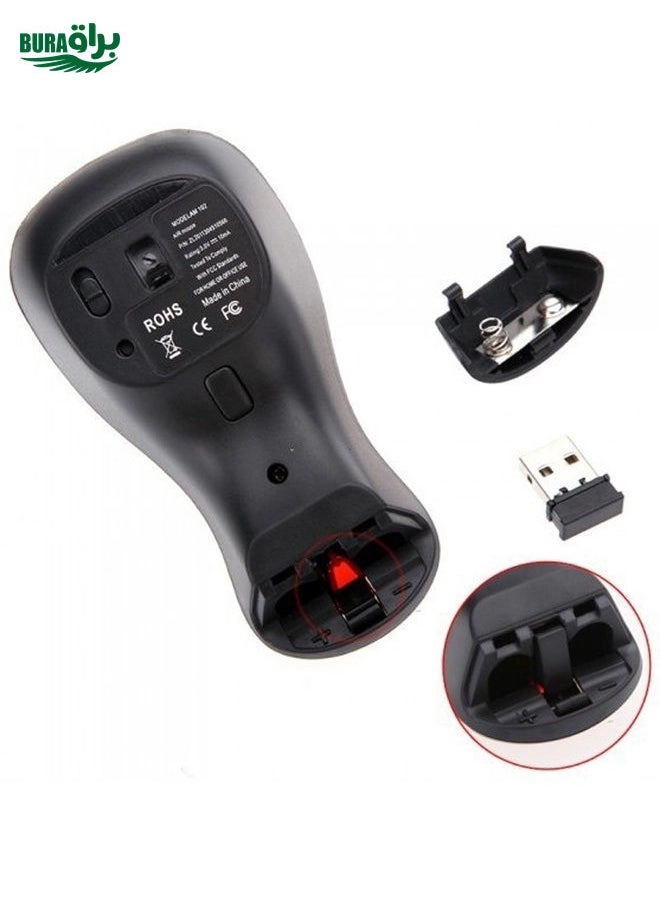
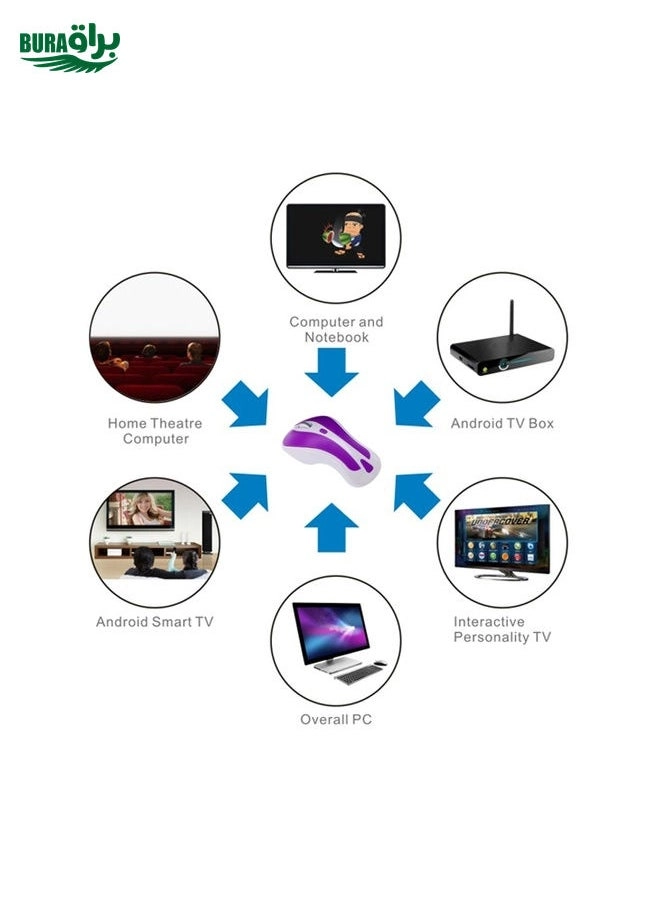
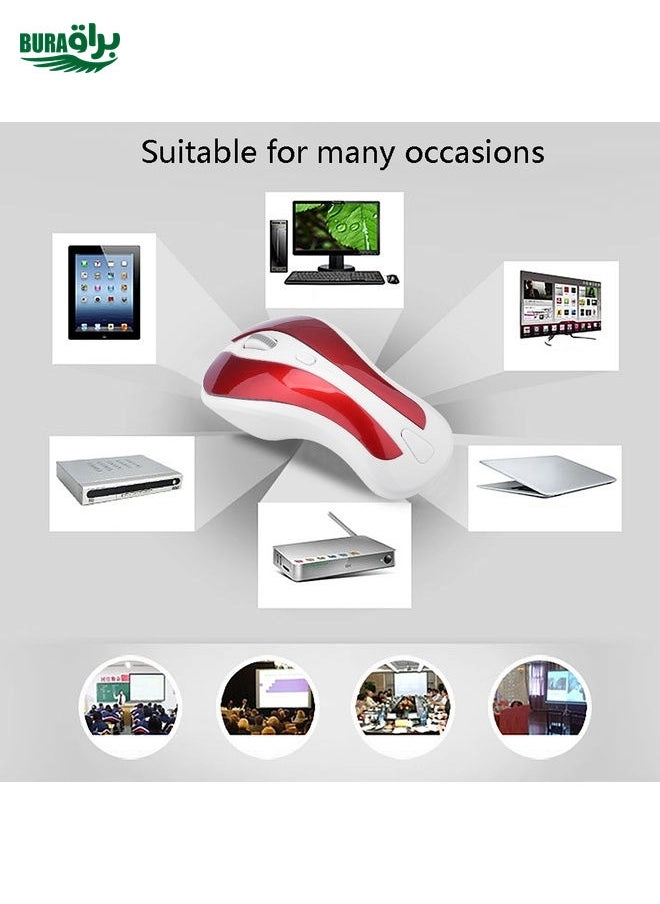
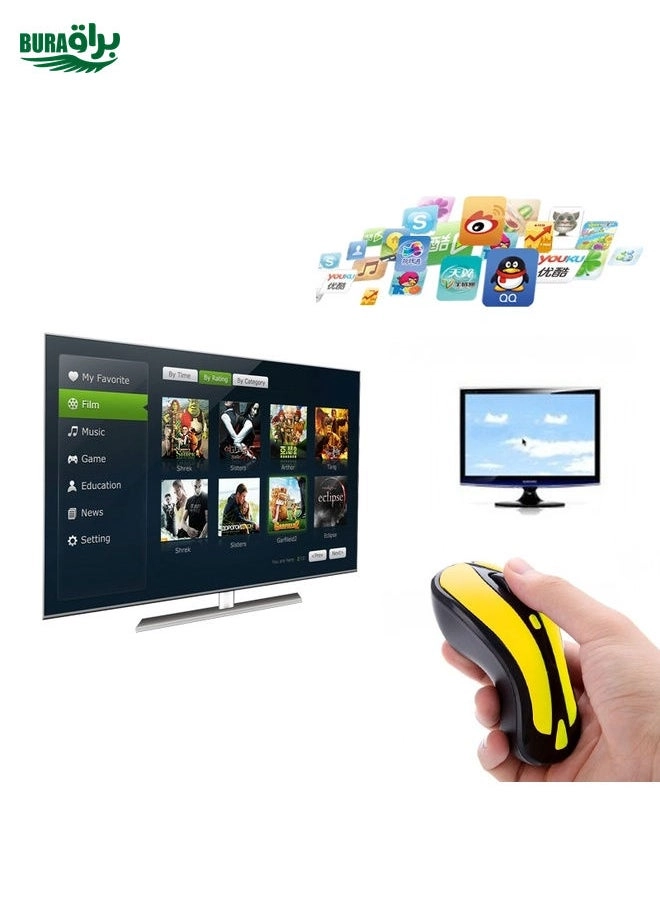
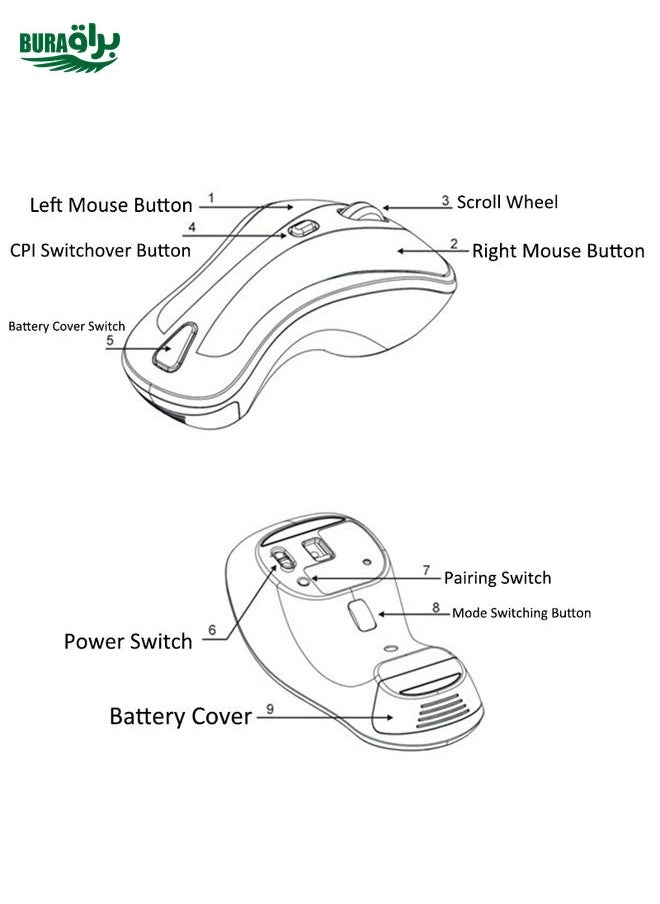
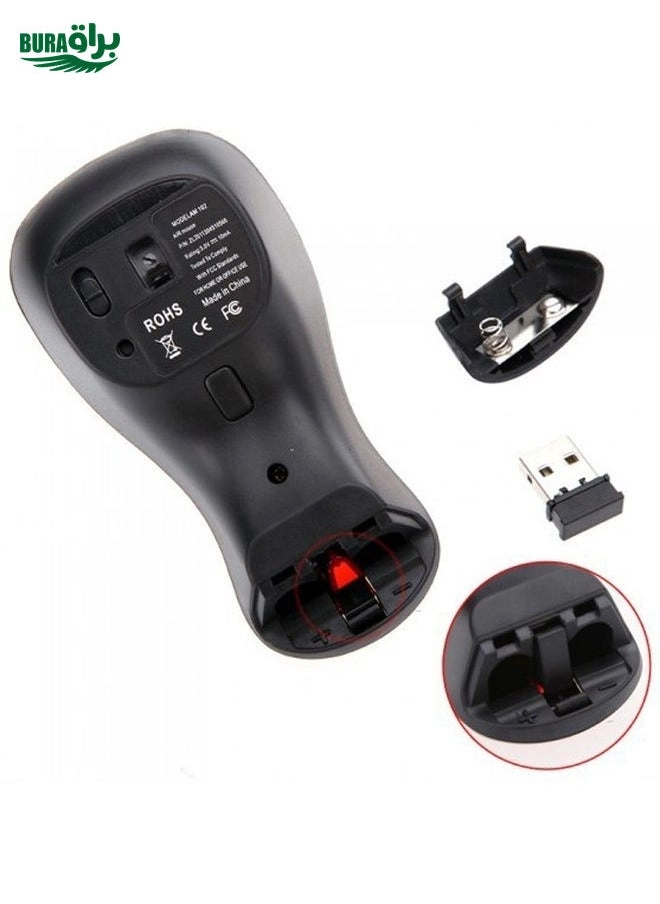
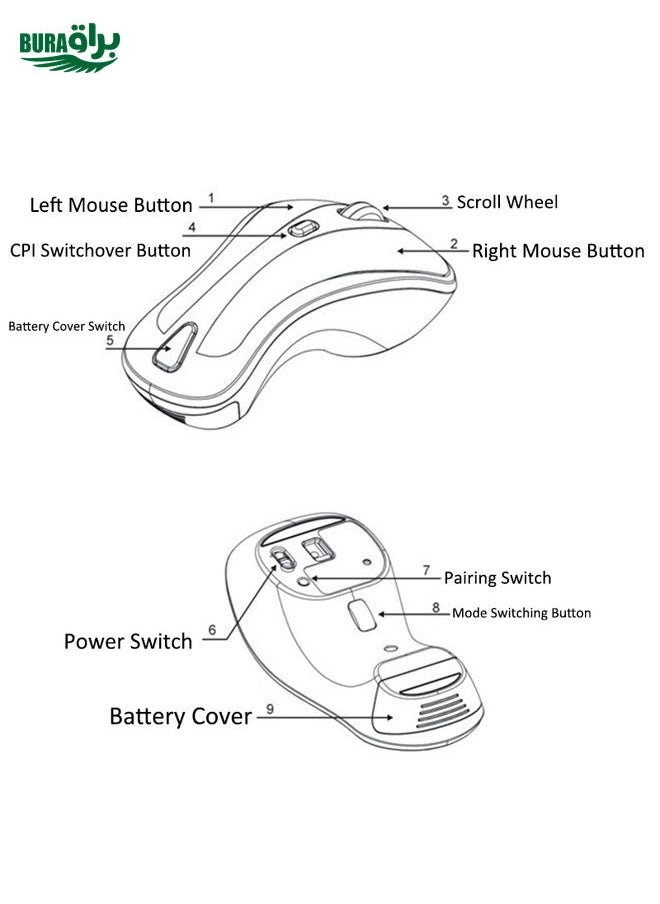
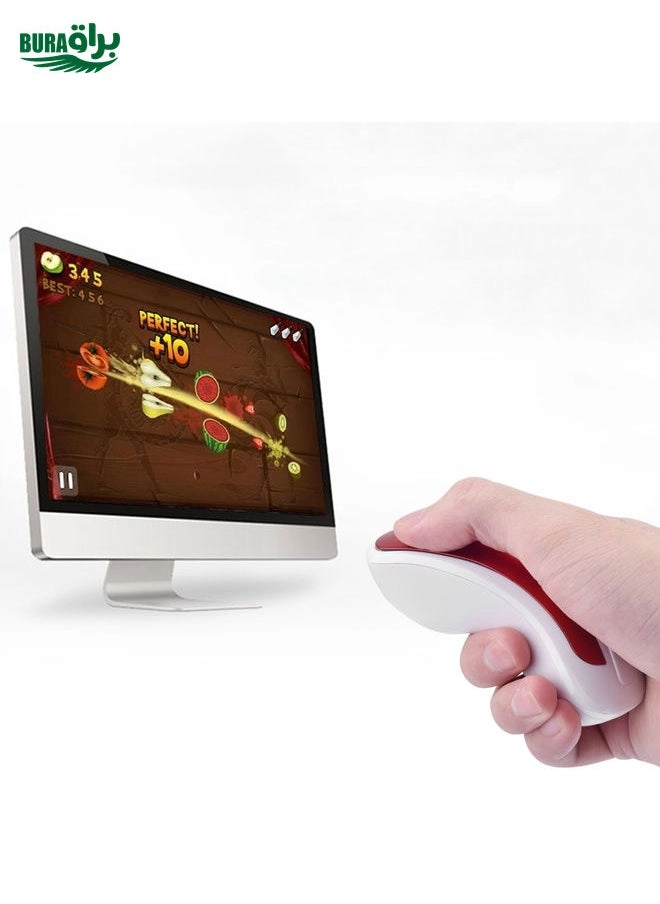
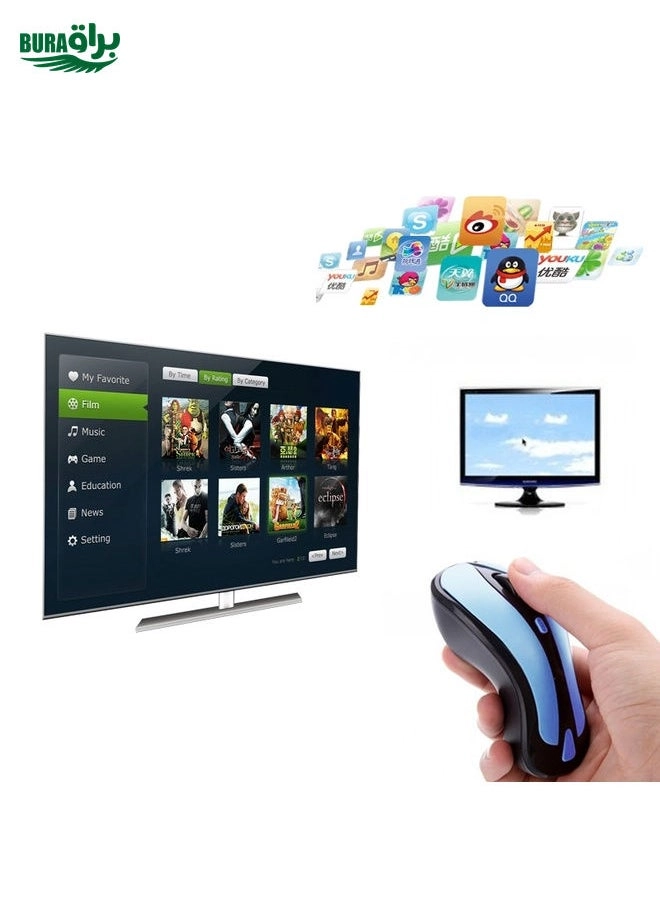
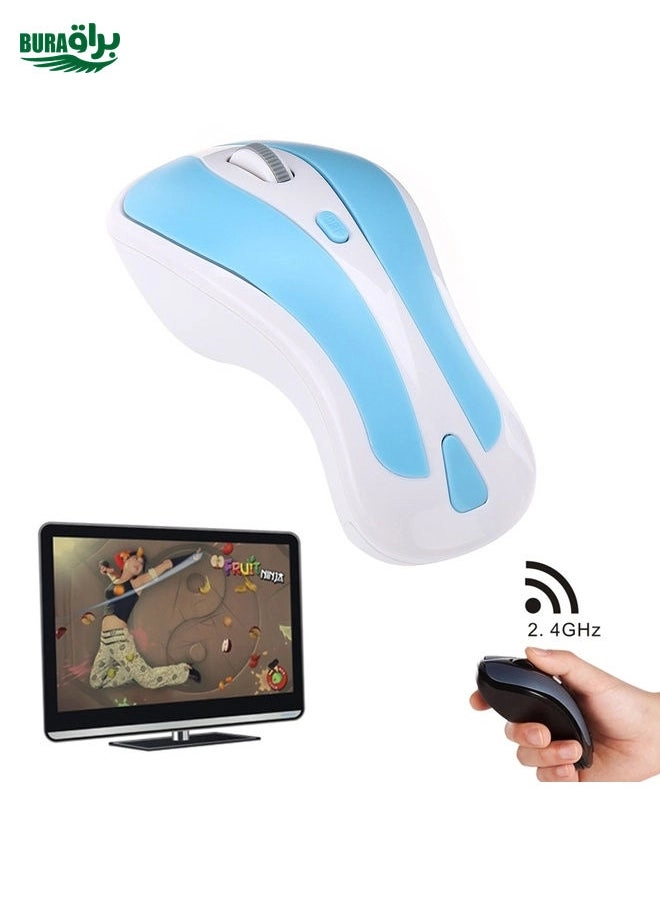
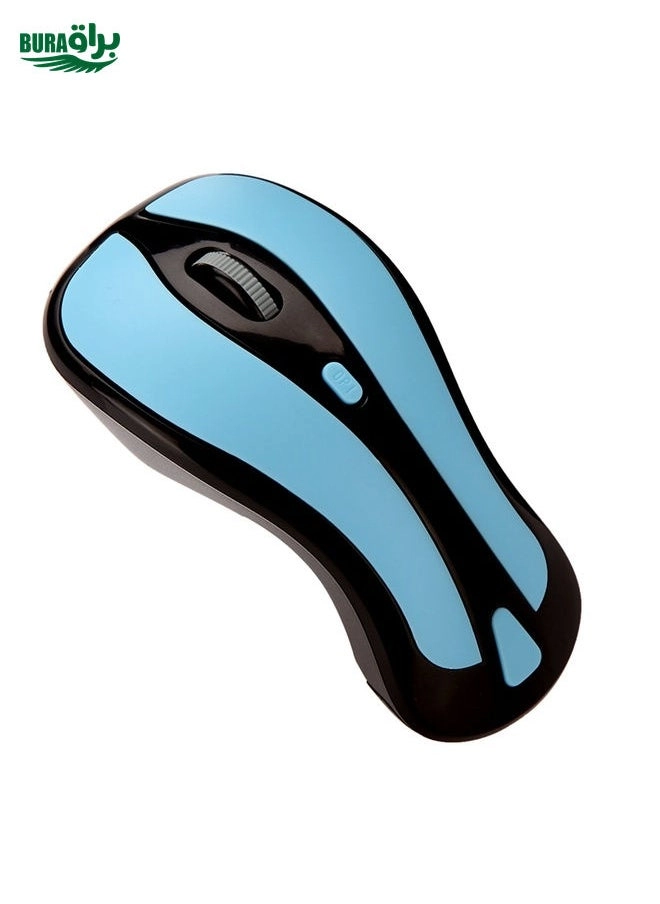
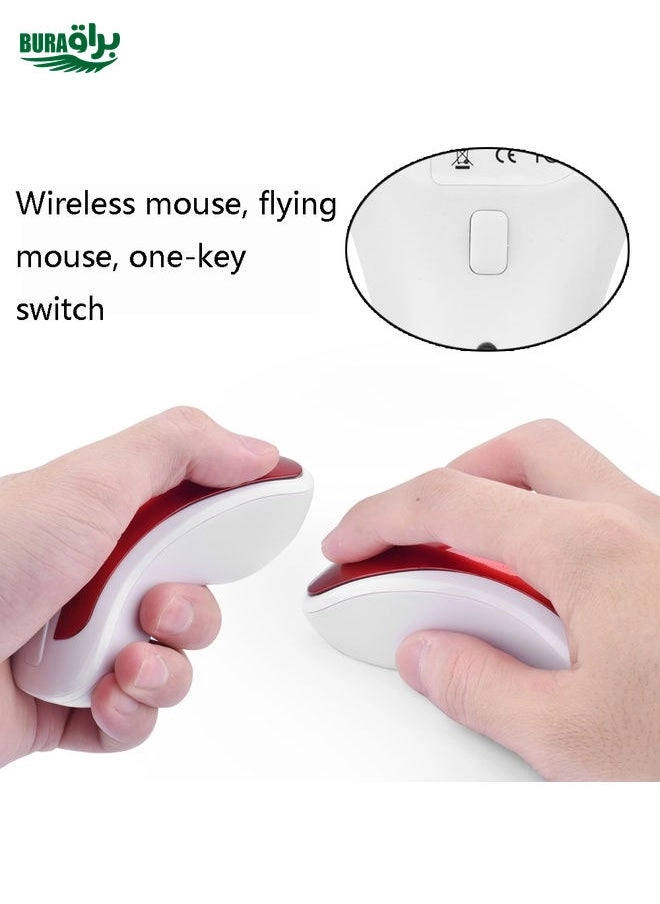
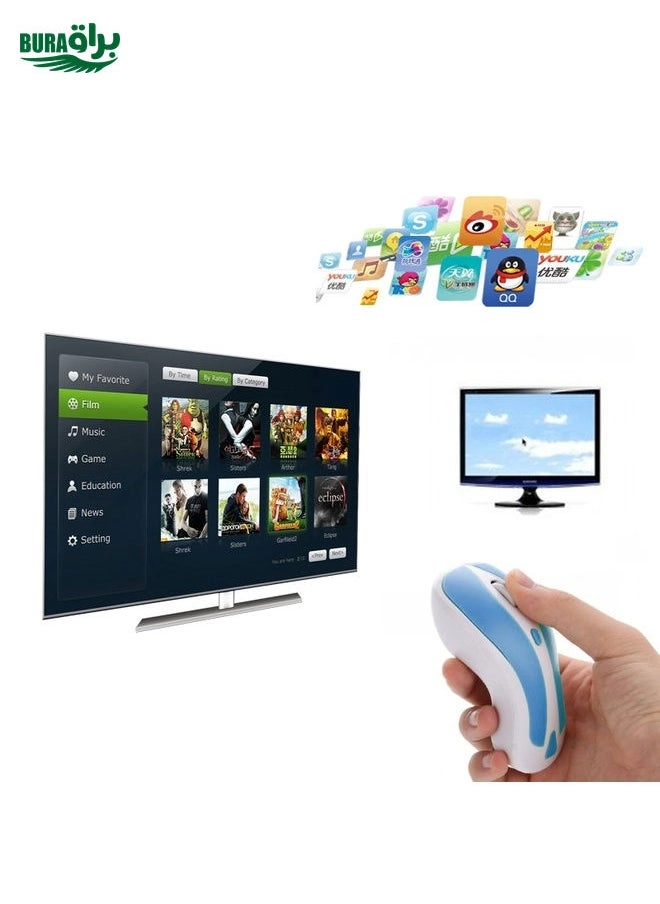
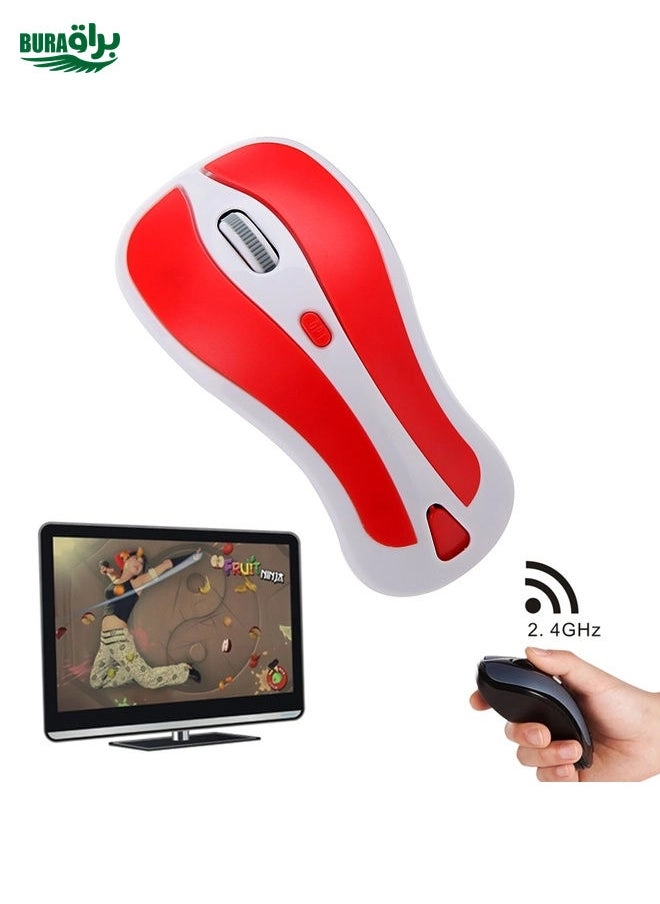
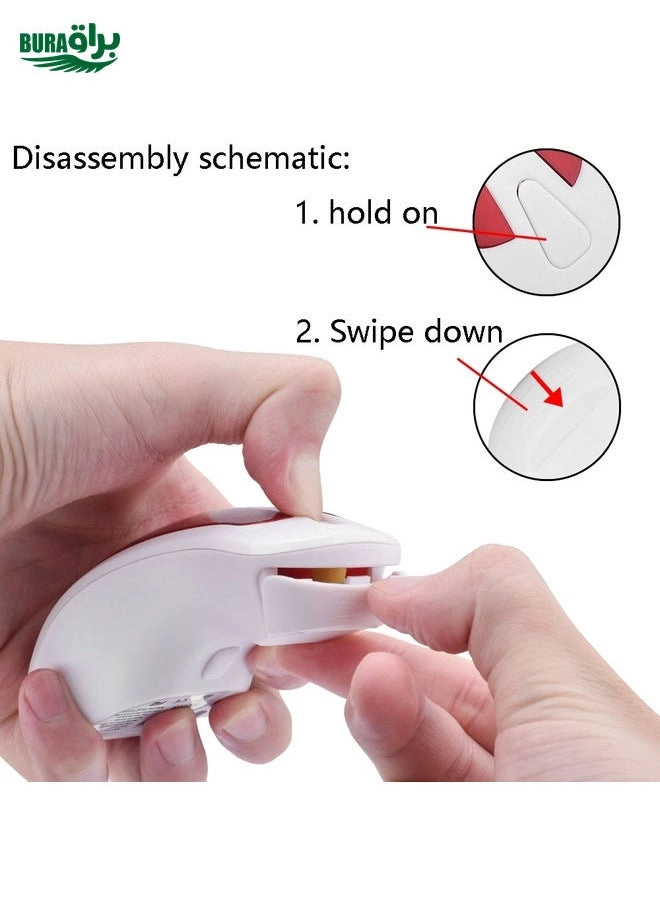
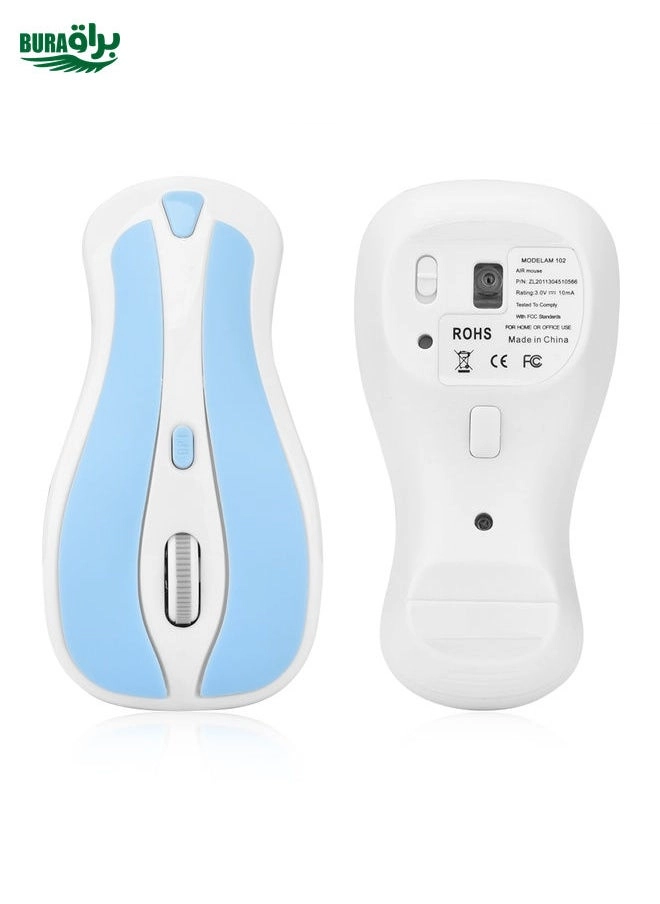
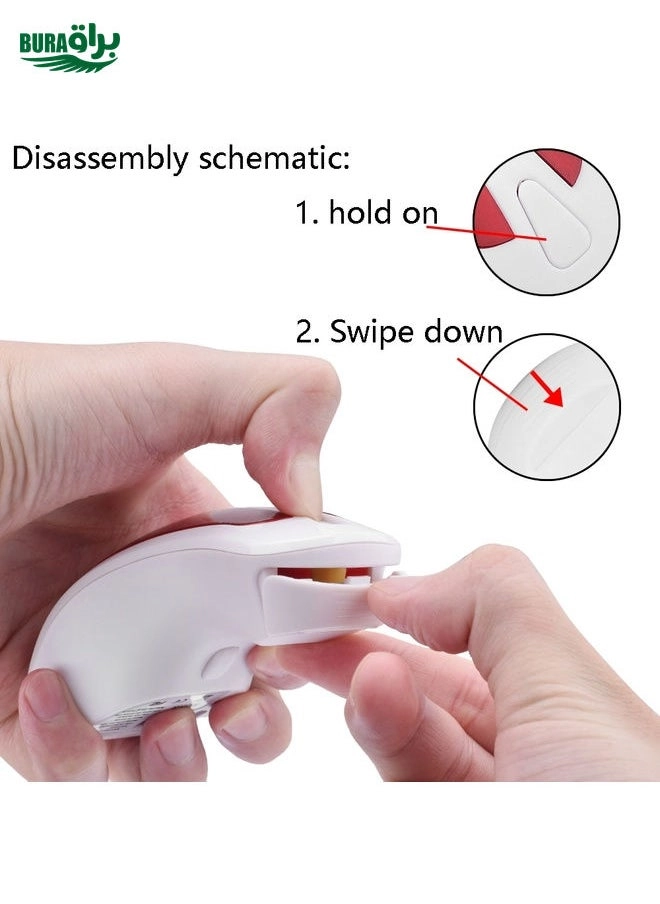
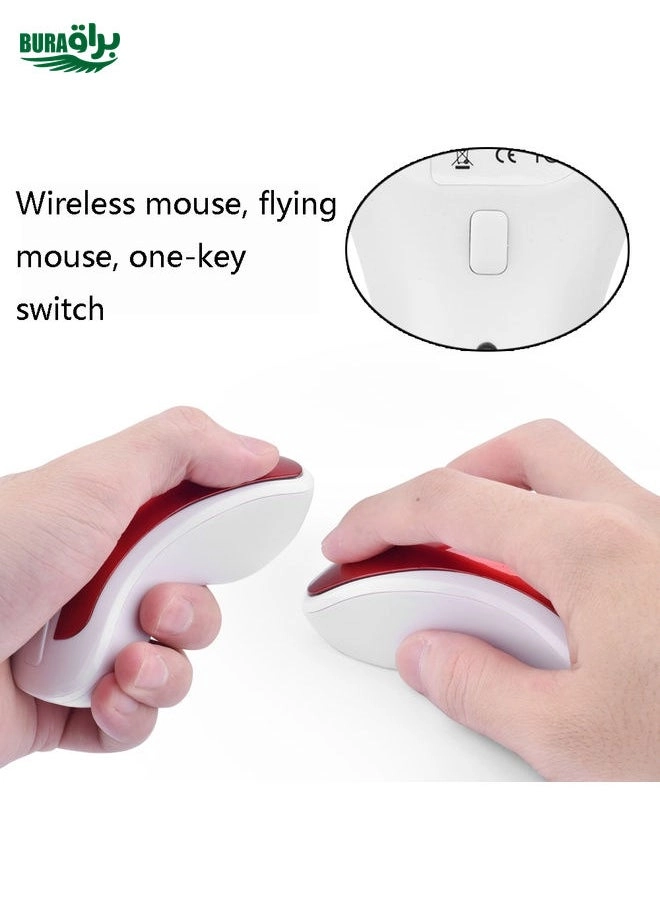
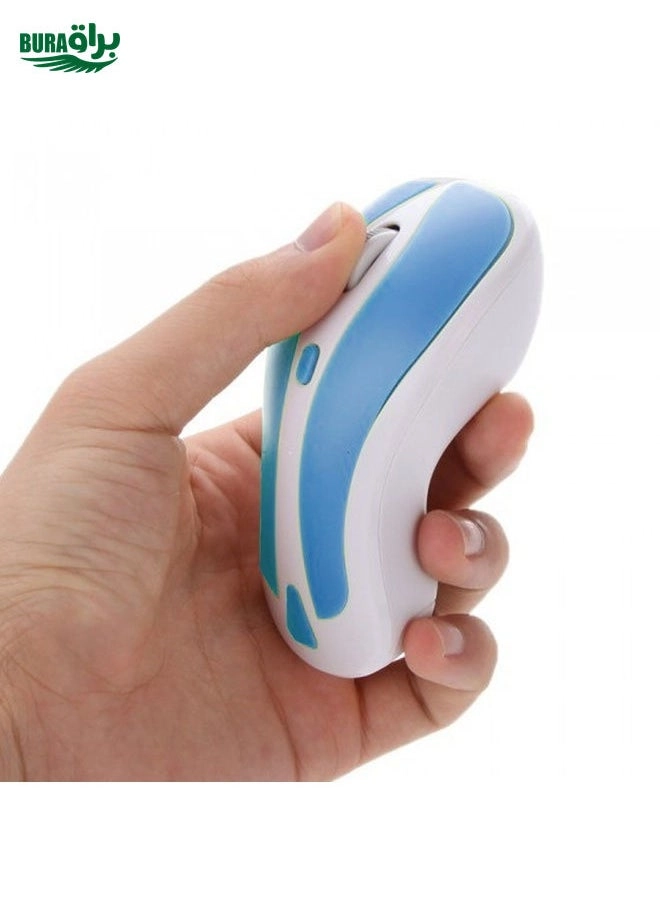
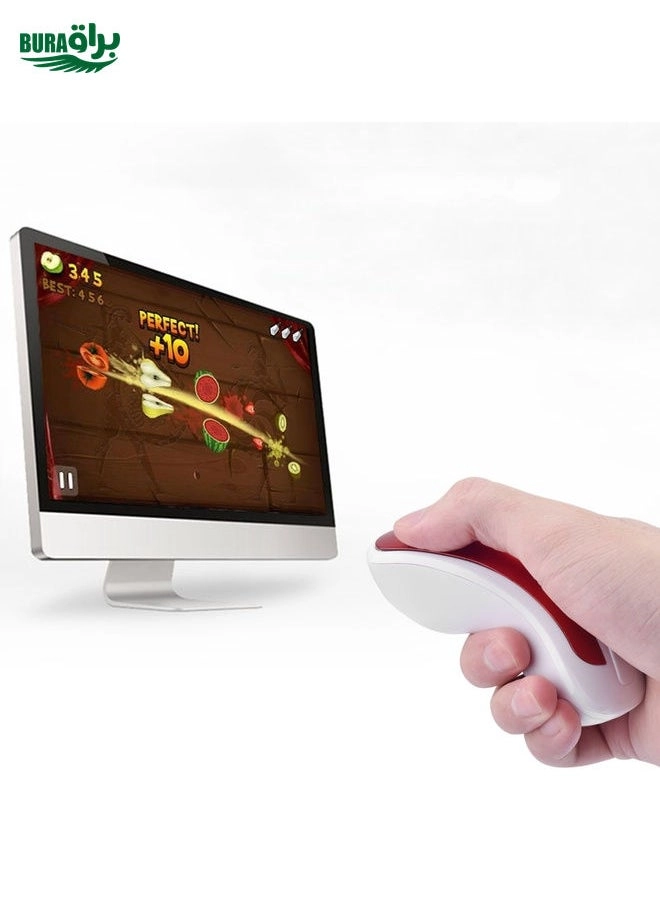
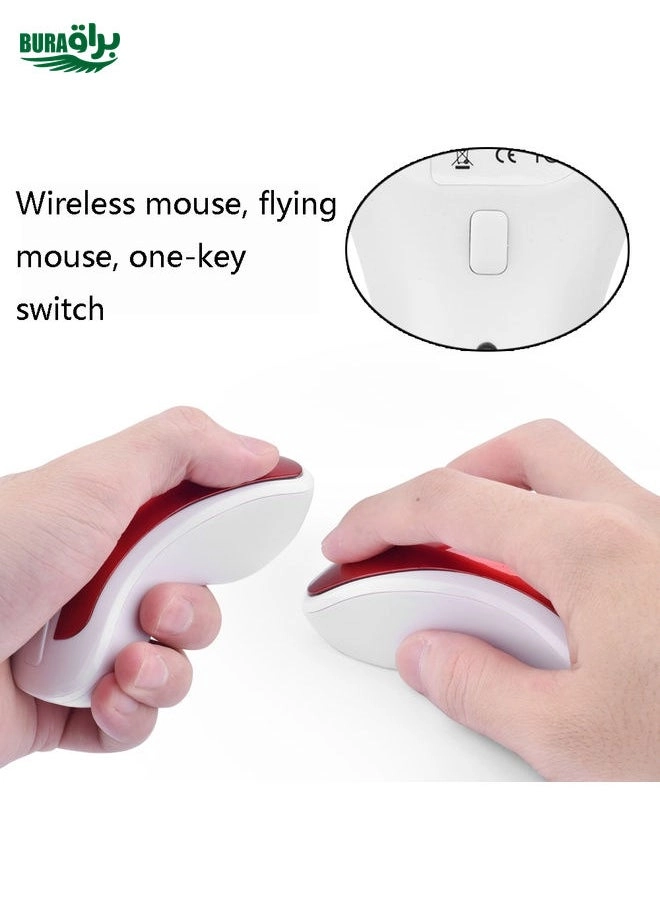
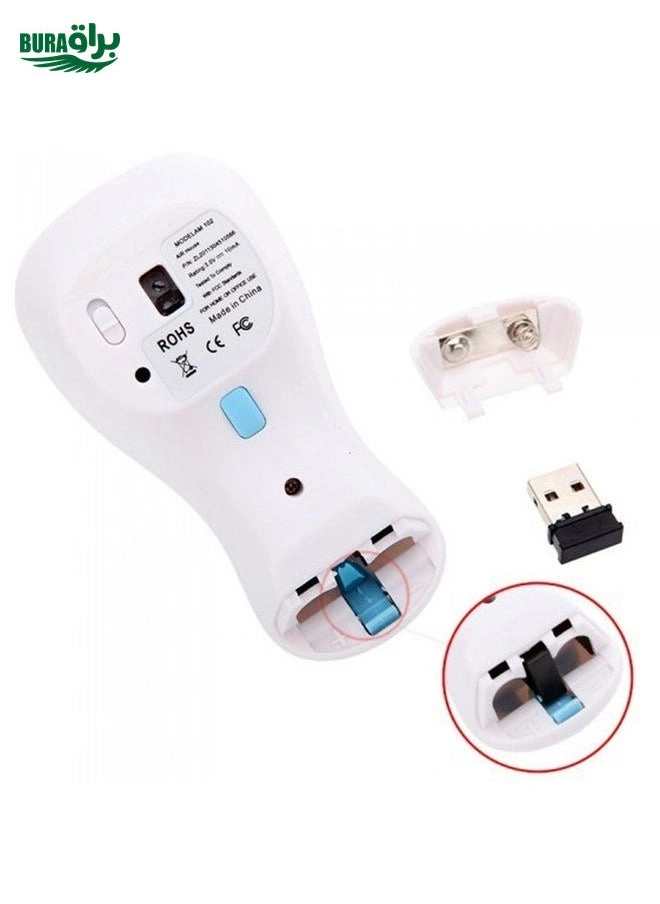
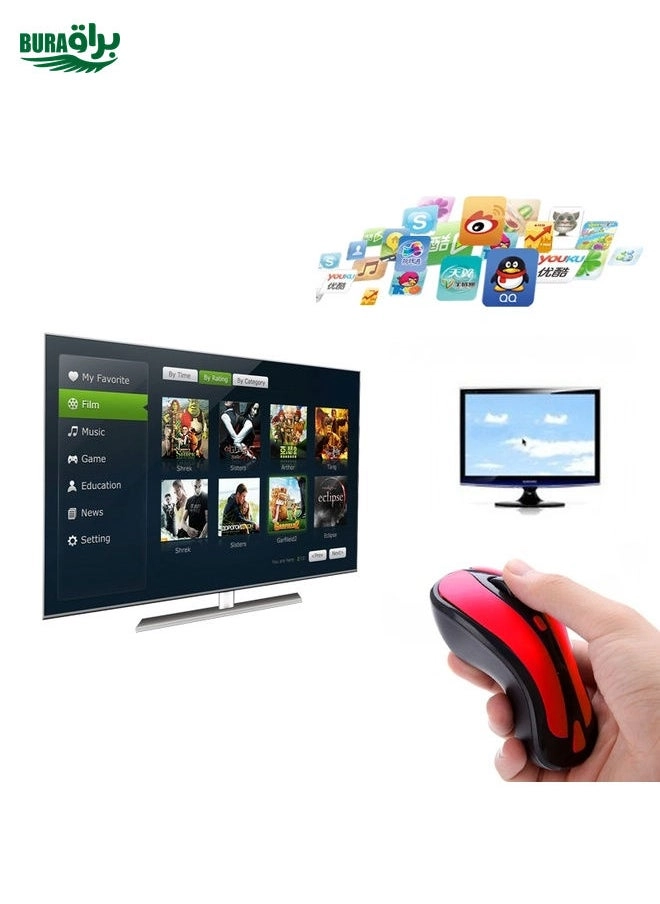
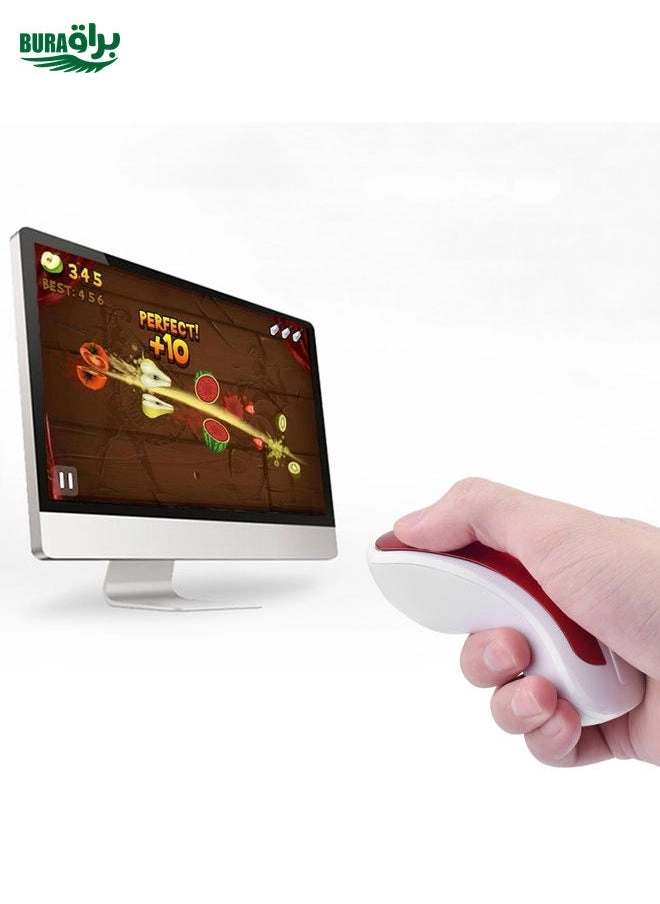
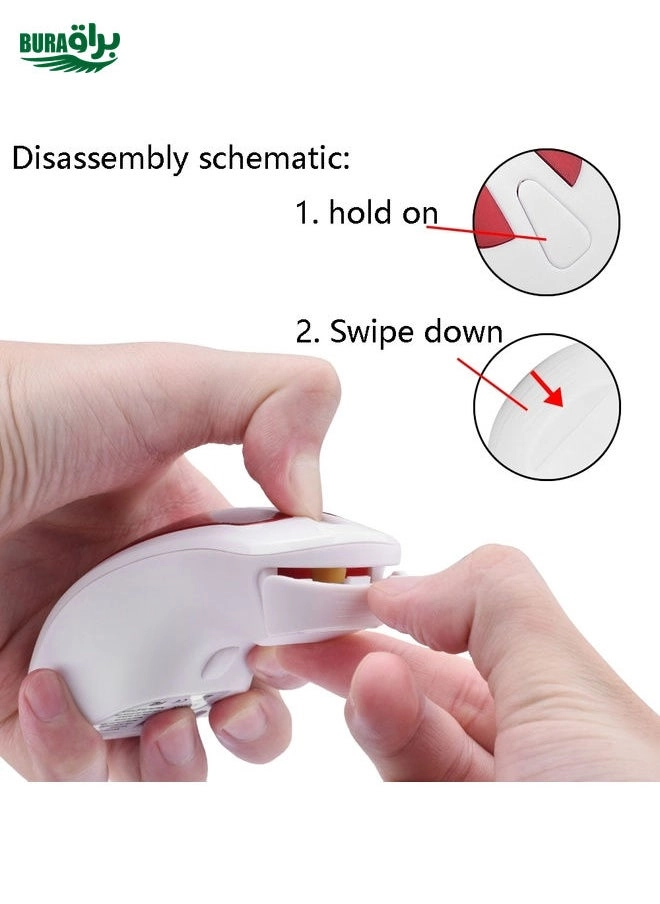
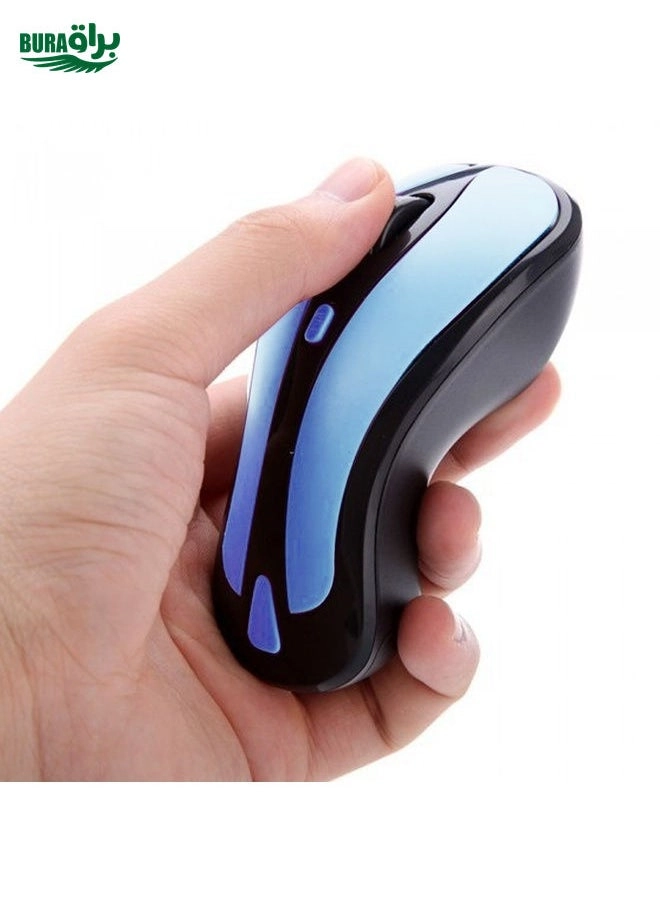
Main Features 1. 2 in 1 Mouse: 2.4GHz optical mouse + 6D gyroscope fly air mouse. 2. Wireless working distance: 10m. 3. 4-Levels DPI Adjustable: 600/800/1200/1600DPI. 4. Nano USB receiver, plug and play. 5. 6D gyroscope fly air mouse, control conveniently, easy to use. 6. Support system: Windows 2000 / XP / Vista / 7, Android, Mac OS etc. 7. Arched shape provides support for your hand in a natural and comfortable position. 8. Battery mode: 2 x AAA battery (not included). Instruction for use 1. Press the Storage Key to open the battery compartment. 2. Take out the USB receiver form the battery compartment, plus it into a USB host on your PC. 3. Insert 2 AAA batteries with correct polarity (+/-). 4. Close the battery compartment. 5. Slide the power switch to the ON position. 6. After use, insert the USB receiver into your mouse battery compartment for storage. Switch the mouse mode 1. The mouse is optical mouse default. 2. Click the Mode Select Key: The mouse goes to air mouse mode; Click the Mode Select Key again, the mouse returns to optical mouse mode. Pairing the mouse If the mouse not working while new batteries in the mouse, you should try to re-Pairing the mouse: 1. Click the pairing button one times, the mouse into pairing mode 2. Re-plug the USB wireless receiver into USB port of the PC 3. Wait 30 seconds, if the mouse still does not work, try again (1.2.), it may take several tries before you are successful.

Reviews

Loading...
Loading...
Loading...
Loading...
Loading...
Loading...
Loading...
Loading...
Loading...
Loading...
Loading...
Loading...
Loading...
Loading...
Loading...
Loading...
Loading...
Loading...
Loading...
Loading...
Loading...
Loading...
Loading...
Loading...
Loading...
Loading...
Loading...
Loading...
Loading...
Loading...
Loading...
Loading...
Loading...
Loading...
Loading...
Loading...
Loading...
Loading...
Loading...
Loading...
Loading...
Loading...
Loading...
Loading...
Loading...
Loading...
Loading...
Loading...
Loading...
Loading...
Loading...
Loading...
Loading...
Loading...
Loading...
Loading...
Loading...
Loading...
Loading...
Loading...
Loading...
Loading...
Loading...

Join our newsletter

Be the first to know about new arrivals, sales, and exclusive picks

Sign in to unlock newsletter access and stay in the loop

Allware
info@allware.com
+971522500911
World technology awards winner badge

Allware

  • About Us
  • Terms And Conditions
  • Privacy Policy
  • Contact Us

Partners

  • Why become a partner?
  • How to list your Online Shop?

Newsletter

  • Subscribe

Info

  • How Allware works
All Rights Reserved.
Please enable location access or select an emirate
-
00:00:00
Prayer timings

Product.Navigation.offersCount

Noon logo

Product.OfferList.offerCount

From
AED
Infinity

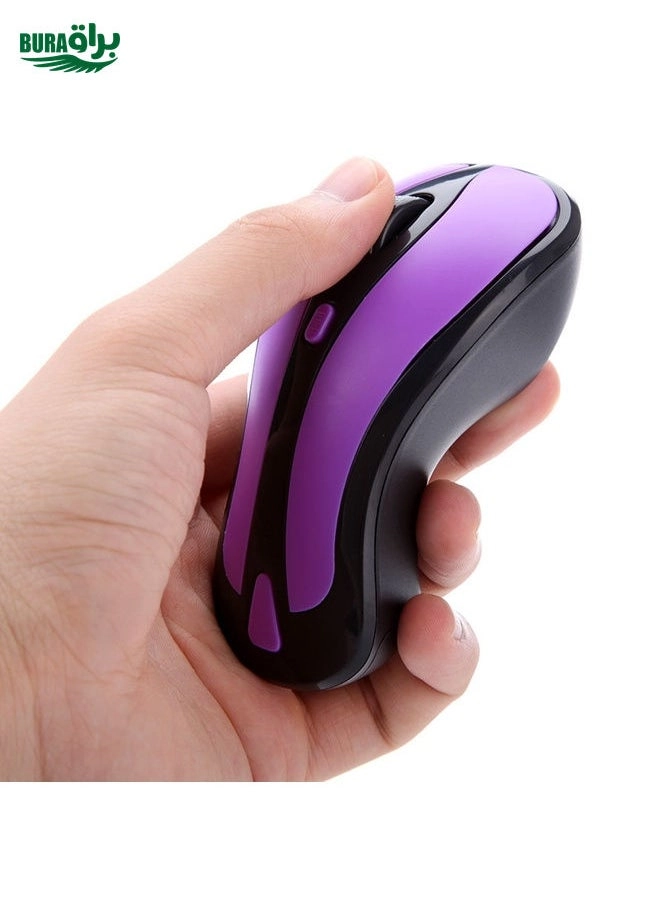
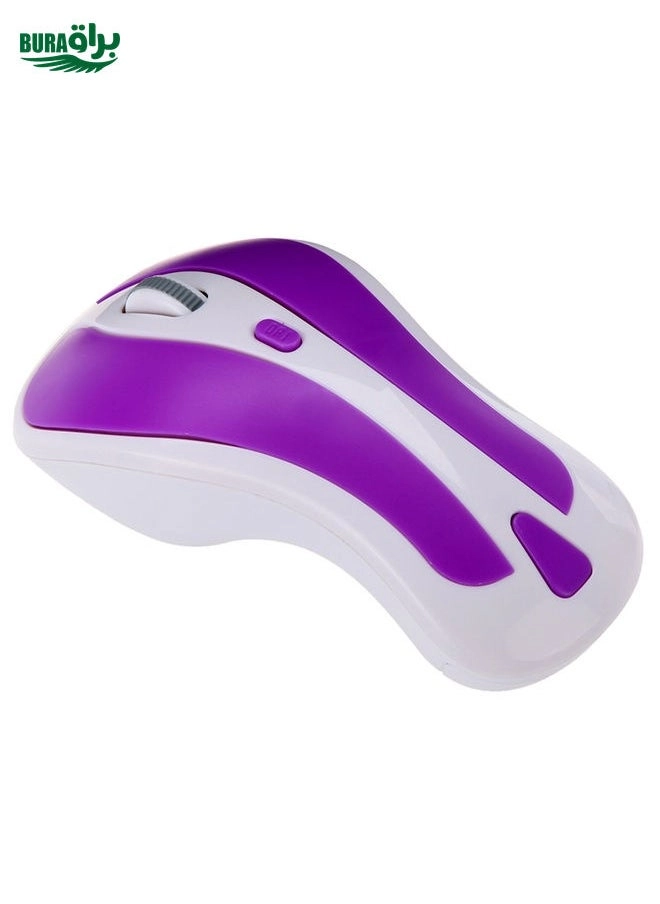
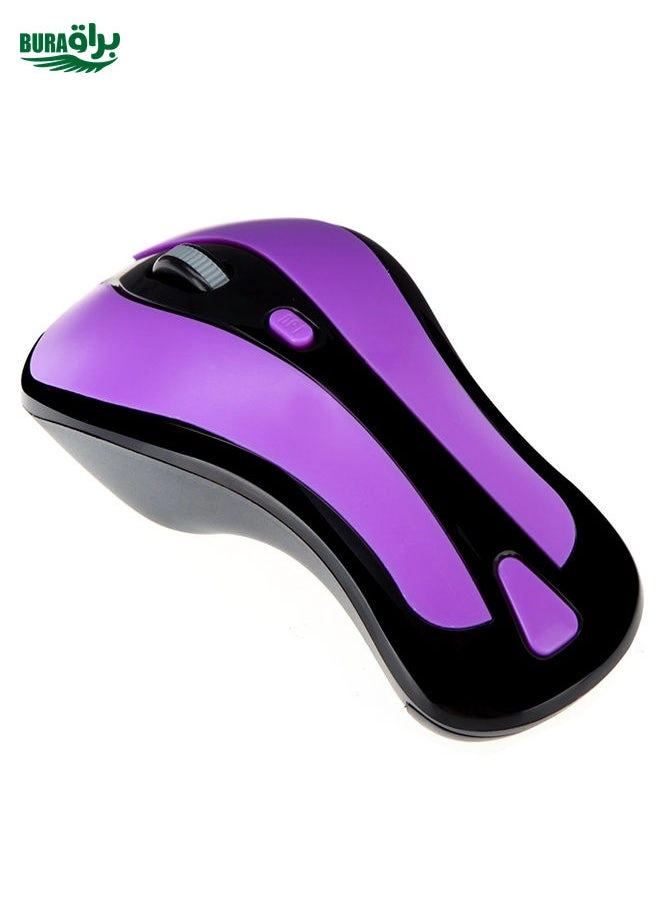
BURAQ PR-01 1600 DPI 7 Keys Flying Squirrel Wireless Mouse 2.4G Gyroscope Game Mouse(Black Purple)

Unavailable

Price History

Price History Skeleton
Price History Shimmer Effect
Loading price history...

Similar Products

See all
-8%
Logitech PRO X SUPERLIGHT 2 Gaming Mouse - Wireless

Logitech PRO X SUPERLIGHT 2 Gaming Mouse - Wireless

AED
47450
AED
43450
ProductCard.offer
Logitech M330 Optical Mute Mouse - Wireless

Logitech M330 Optical Mute Mouse - Wireless

AED
5800
ProductCard.offer
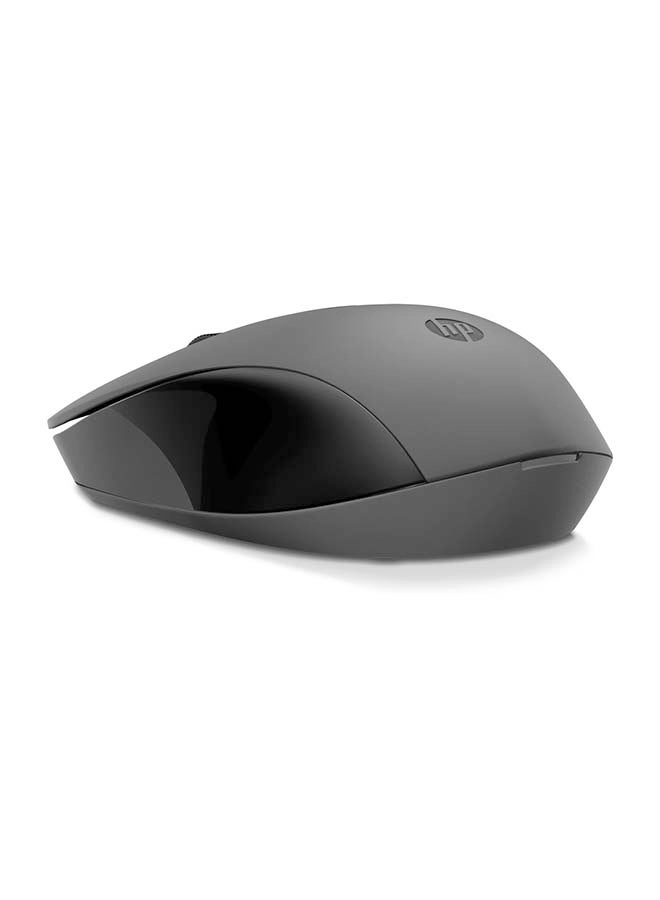
HP 150 Wireless Mouse - Wireless

HP 150 Wireless Mouse - Wireless

AED
3000
ProductCard.offer
Microsoft 1850 Wireless Mobile Mouse - Wireless

Microsoft 1850 Wireless Mobile Mouse - Wireless

AED
7500
ProductCard.offer
Razer Orochi V2 Gaming Mouse - Bluetooth/Wireless

Razer Orochi V2 Gaming Mouse - Bluetooth/Wireless

AED
13068
ProductCard.offer
-34%
Logitech G305 LIGHTSPEED Gaming Mouse - Bluetooth

Logitech G305 LIGHTSPEED Gaming Mouse - Bluetooth

AED
22100
AED
14500
ProductCard.offer
HP 250 Dual Mode Mouse - Wireless

HP 250 Dual Mode Mouse - Wireless

AED
5500
ProductCard.offer
-54%
Logitech G502 LIGHTSPEED Gaming Mouse - Wireless

Logitech G502 LIGHTSPEED Gaming Mouse - Wireless

AED
69930
AED
32000
ProductCard.offer
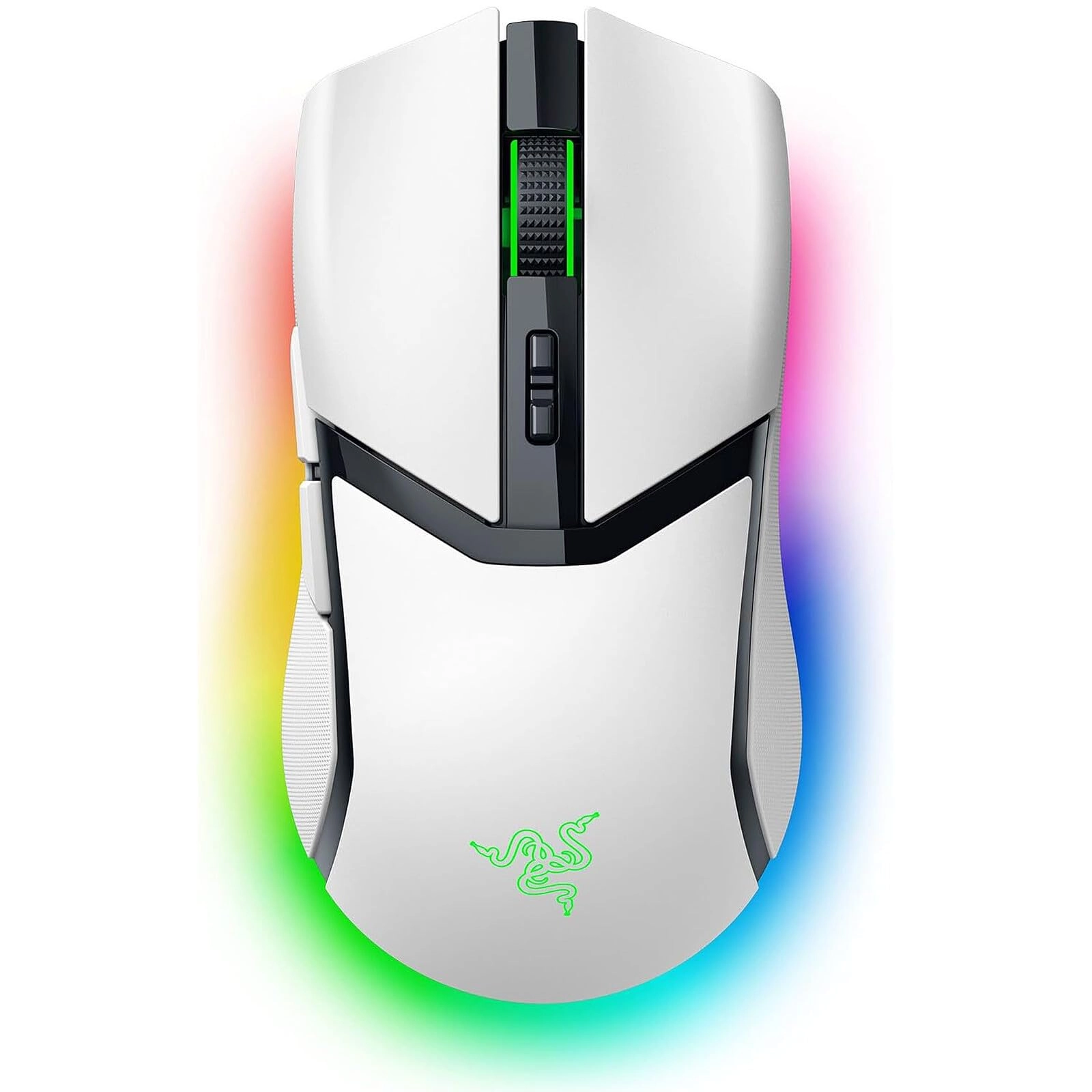
Razer Customizable Gaming Mouse - Wireless

Razer Customizable Gaming Mouse - Wireless

AED
36680
ProductCard.offer
Logitech G502 X PLUS Gaming Mouse - Wireless

Logitech G502 X PLUS Gaming Mouse - Wireless

AED
32448
ProductCard.offer

More from BURAQ

See all
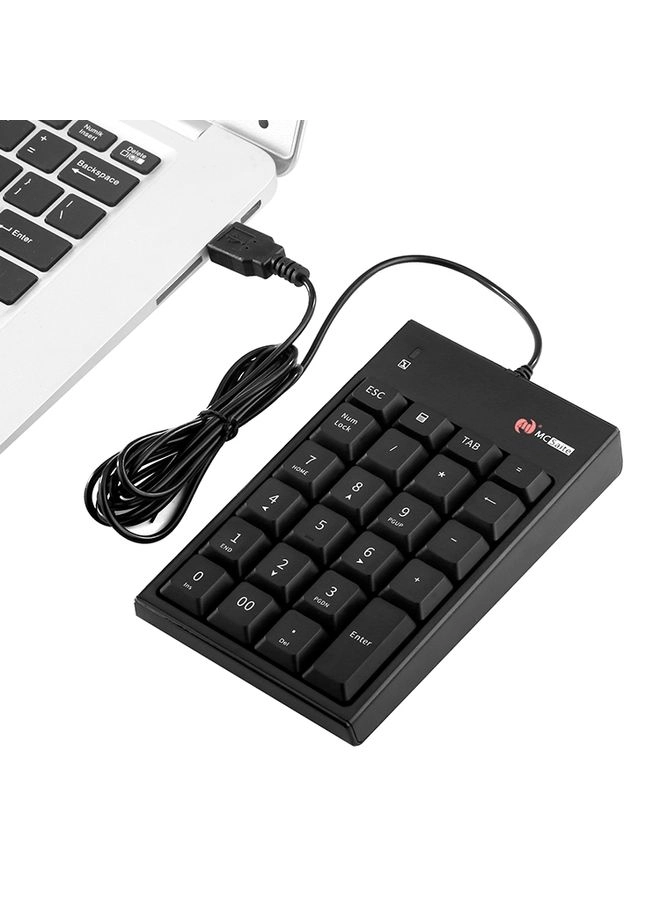
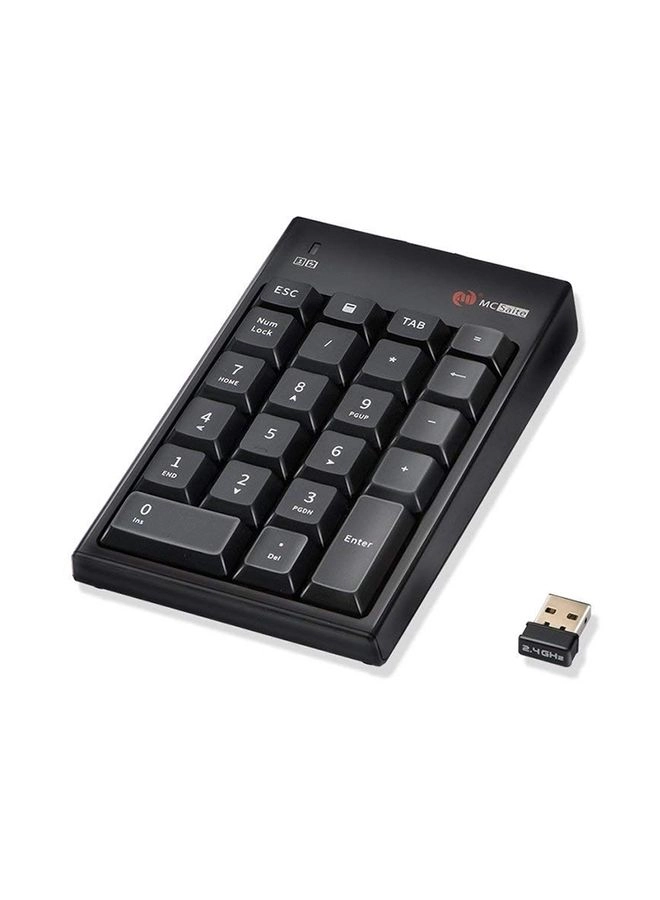
BURAQ MC-061 - 23 Keys Wired USB

BURAQ MC-061 - 23 Keys Wired USB

Unavailable
ProductCard.offer
BURAQ ZIYOU LANG T8 - 68-key layout Wired

BURAQ ZIYOU LANG T8 - 68-key layout Wired

Unavailable
ProductCard.offer
BURAQ K3 - Wired

BURAQ K3 - Wired

Unavailable
ProductCard.offer
BURAQ GM20 Gaming Mouse - Wired

BURAQ GM20 Gaming Mouse - Wired

Unavailable
ProductCard.offer
BURAQ FV-WI8 - Wireless

BURAQ FV-WI8 - Wireless

Unavailable
ProductCard.offer
BURAQ ZGB 119 Optical Gaming Mouse - Wired

BURAQ ZGB 119 Optical Gaming Mouse - Wired

Unavailable
ProductCard.offer
BURAQ MC-61AG

BURAQ MC-61AG

Unavailable
ProductCard.offer
BURAQ K81 - Wired

BURAQ K81 - Wired

Unavailable
ProductCard.offer
BURAQ 533 - Wireless

BURAQ 533 - Wireless

Unavailable
ProductCard.offer
BURAQ K990 - Wired

BURAQ K990 - Wired

Unavailable
ProductCard.offer
Loading...
Loading...
Loading...
Loading...
Loading...
Loading...
Loading...
Loading...
Loading...
Loading...
Loading...
Loading...
Loading...
Loading...
Loading...
Loading...
Loading...
Loading...
Loading...
Loading...
Loading...
Loading...
Loading...
Loading...
Loading...
Loading...
Loading...
Loading...
Loading...
Loading...
Loading...
Loading...
Loading...
Loading...
Loading...
Loading...
Loading...
Loading...
Loading...
Loading...
Loading...
Loading...
Loading...
Loading...
Loading...