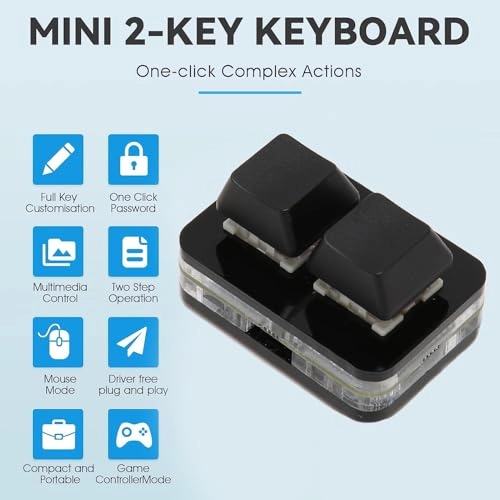
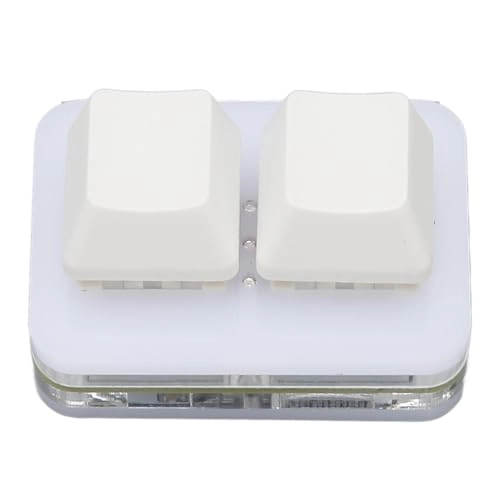
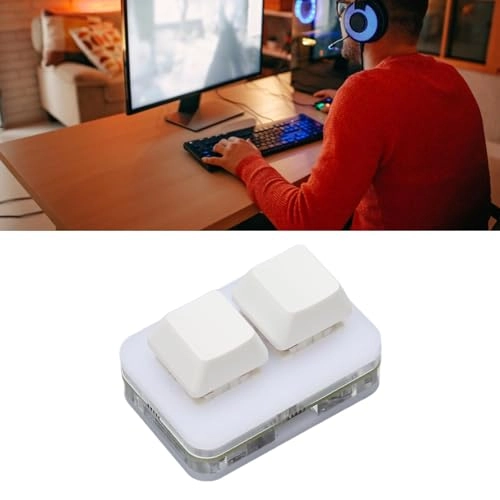
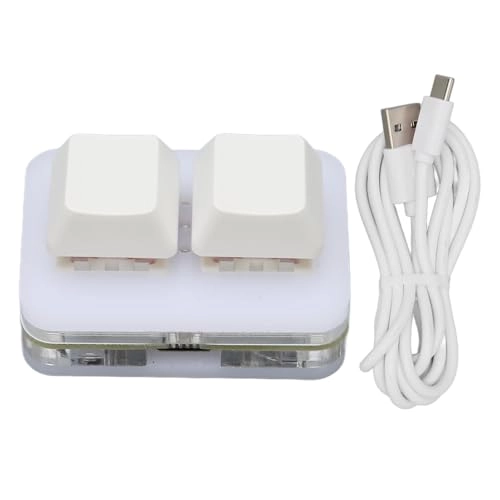
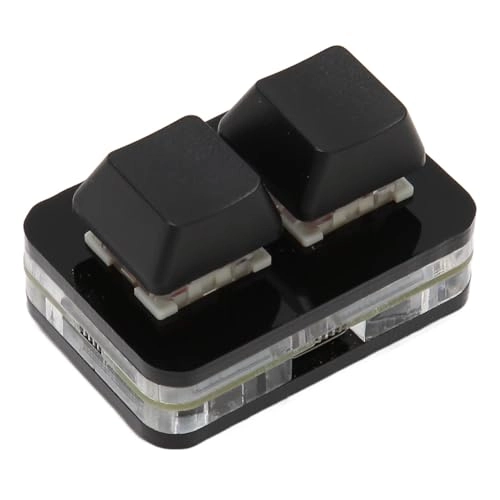
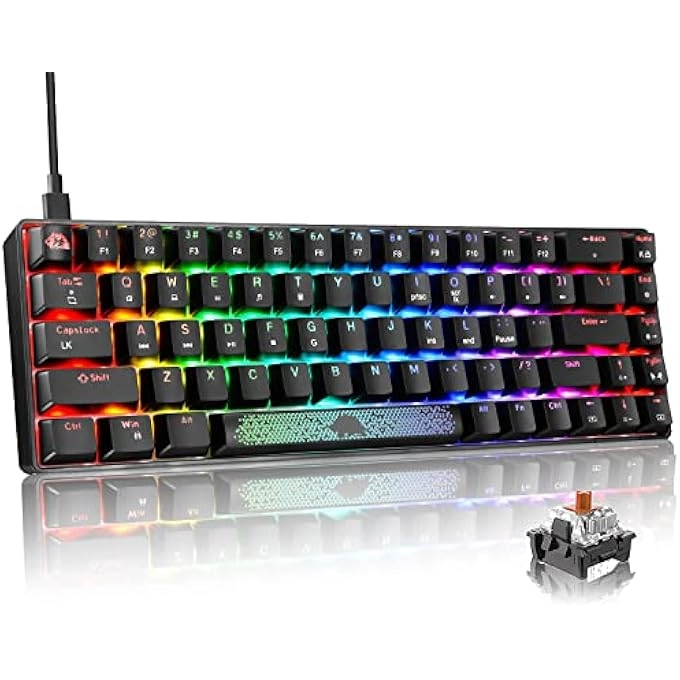
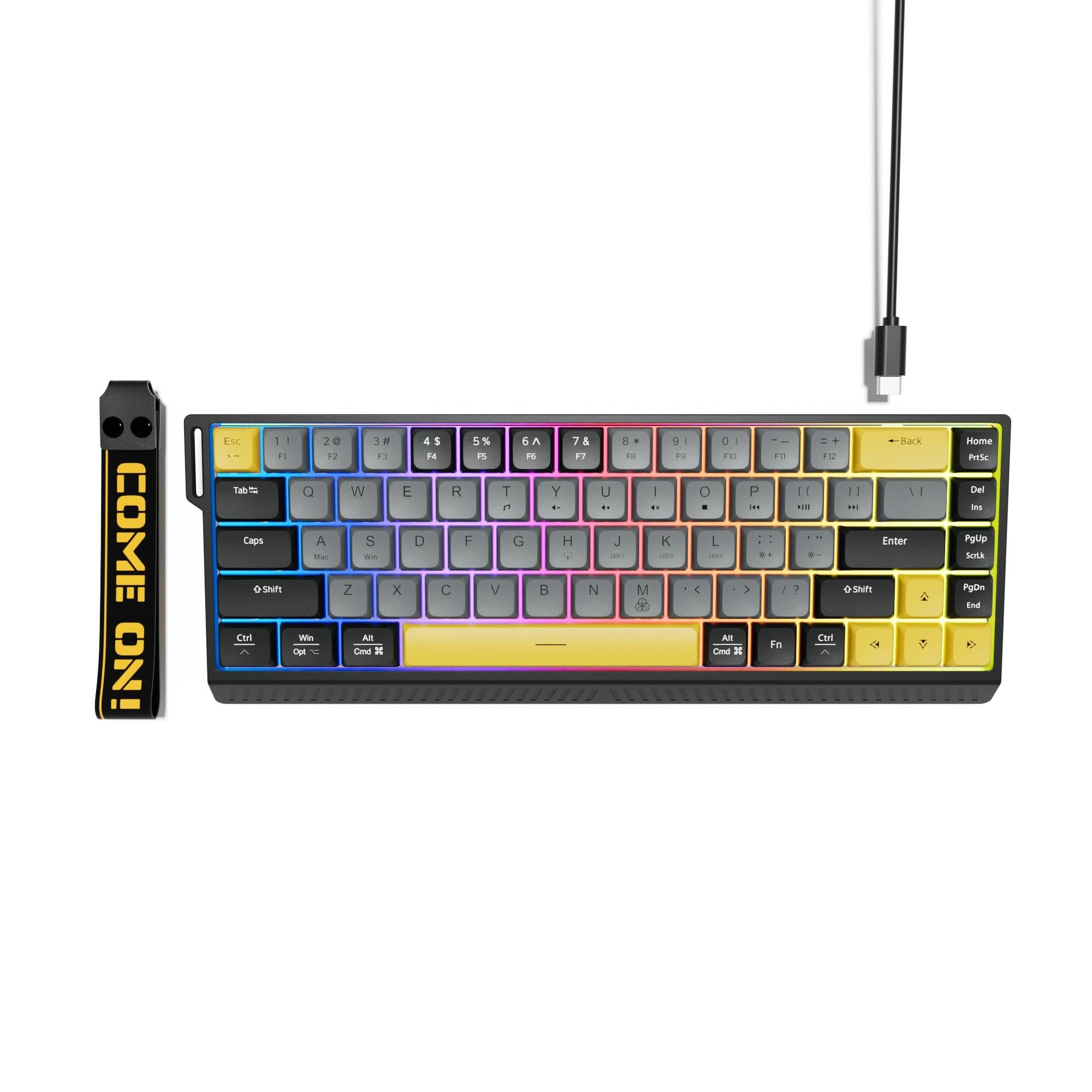
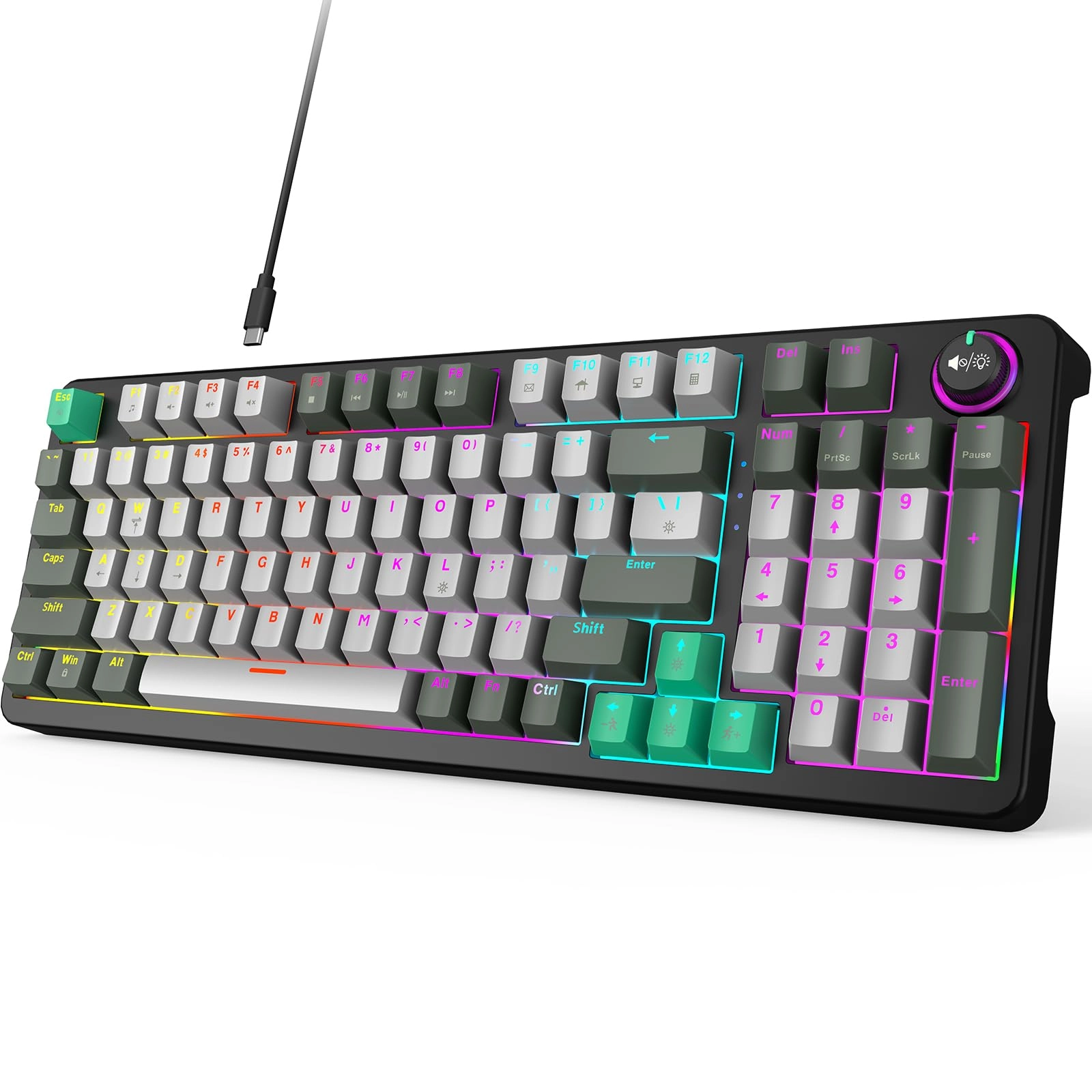
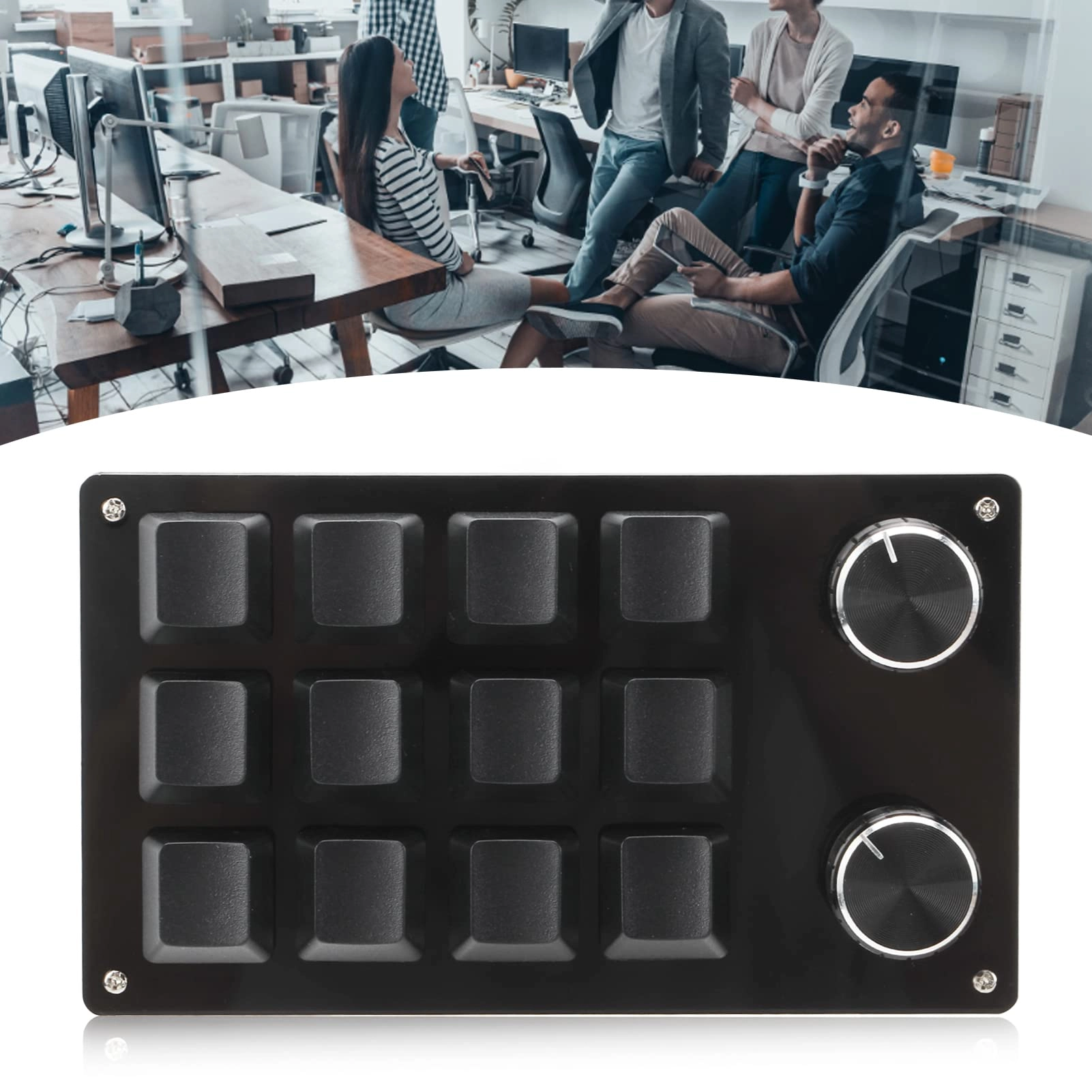
1. Plug and Play: 2 button gaming keyboard with Type C USB interface and driver . After set up on for 7 and above (excluding all in one and server), it is plug and play on for , for OS X, for , for Pi, phone and tablet, etc.
2. Memory Function: 2 key gaming keyboard has a memory function, so you don't need to set it up again next time. After setup, other computers can also be used. One computer can be plugged into multiple keyboards and all of them can be used normally. (OTG adapter cable is needed for phone and tablet, etc.)
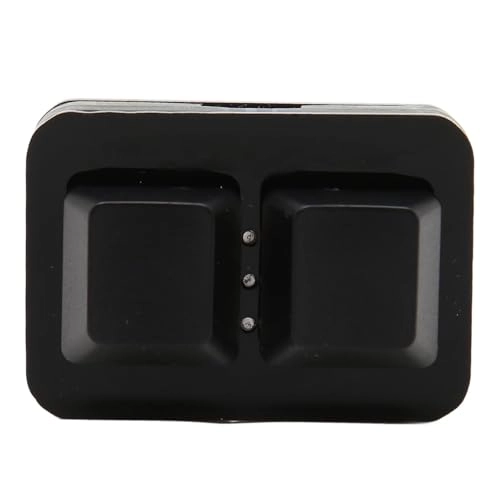
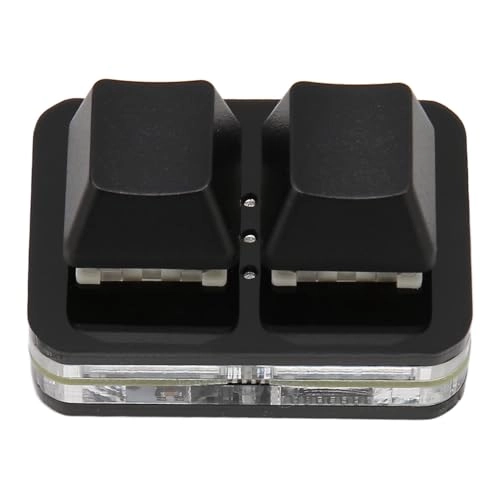
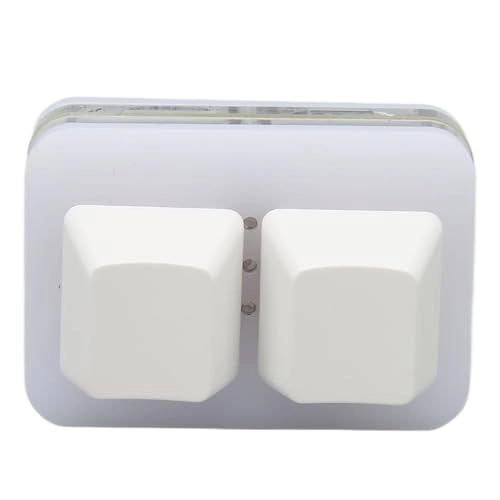
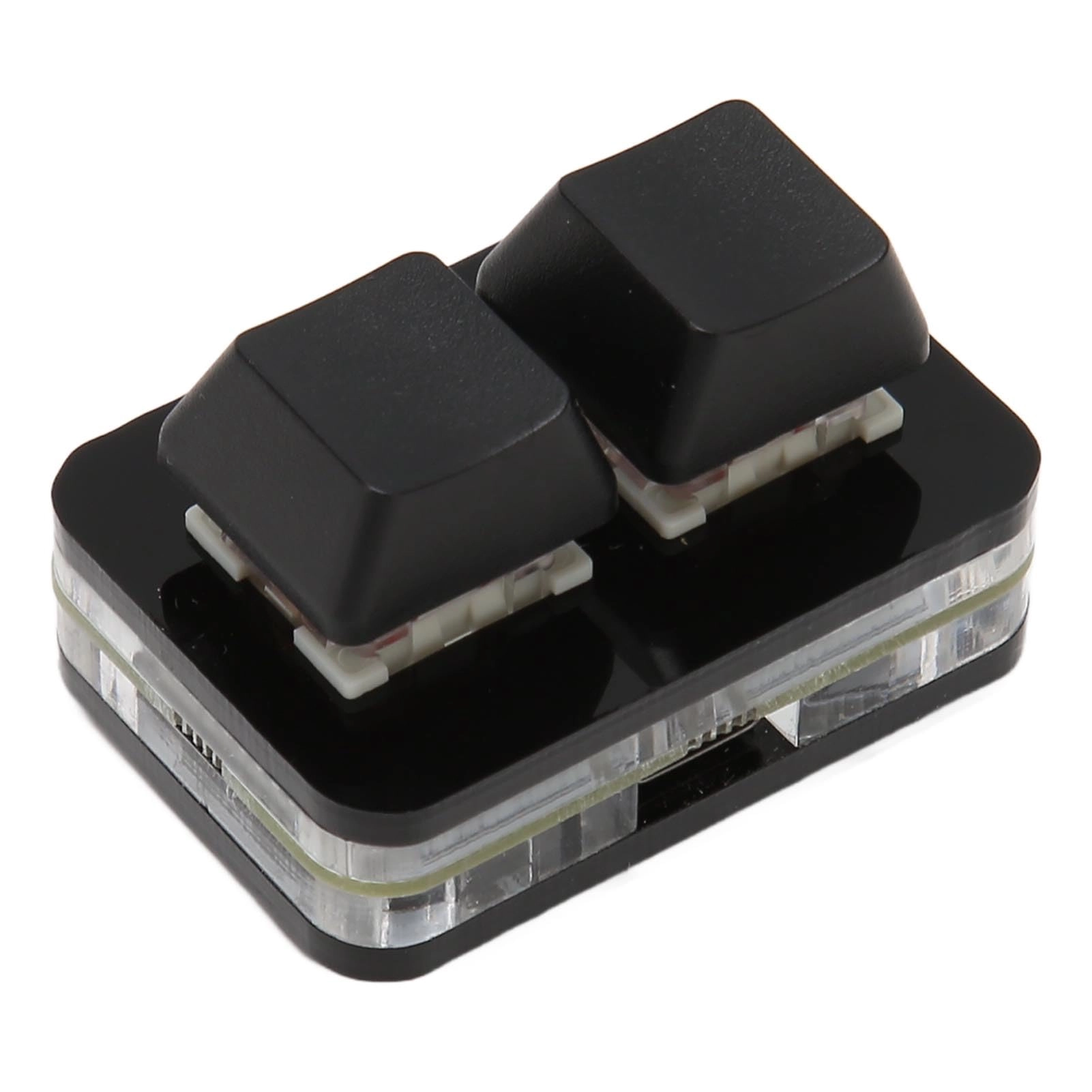
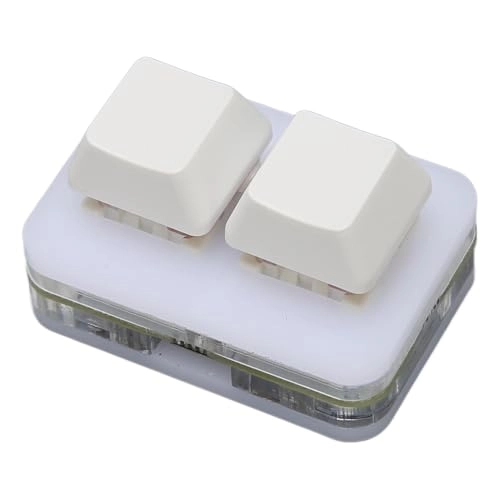
3. Custom Configuration: Mini keyboard supports a variety of functional modes, each button can be set to a different functional mode, do not affect each other. Four modes: keyboard, mouse, multimedia, multi key mode. You can replace the keycaps and crosshair base by yourself, suitable for cherry keyboard keycaps.
4. RGB Keyboard Macro Keys: RGB LED backlighting can be individually adjusted in the configuration software for key action display mode and on or off. The macro keyboard can be set up for one key macro . Pressing a single key is equivalent to pressing multiple individual keys in succession. The total length of each keystroke macro is 34 digits. It is also possible to add intervals, such as one key passwords.
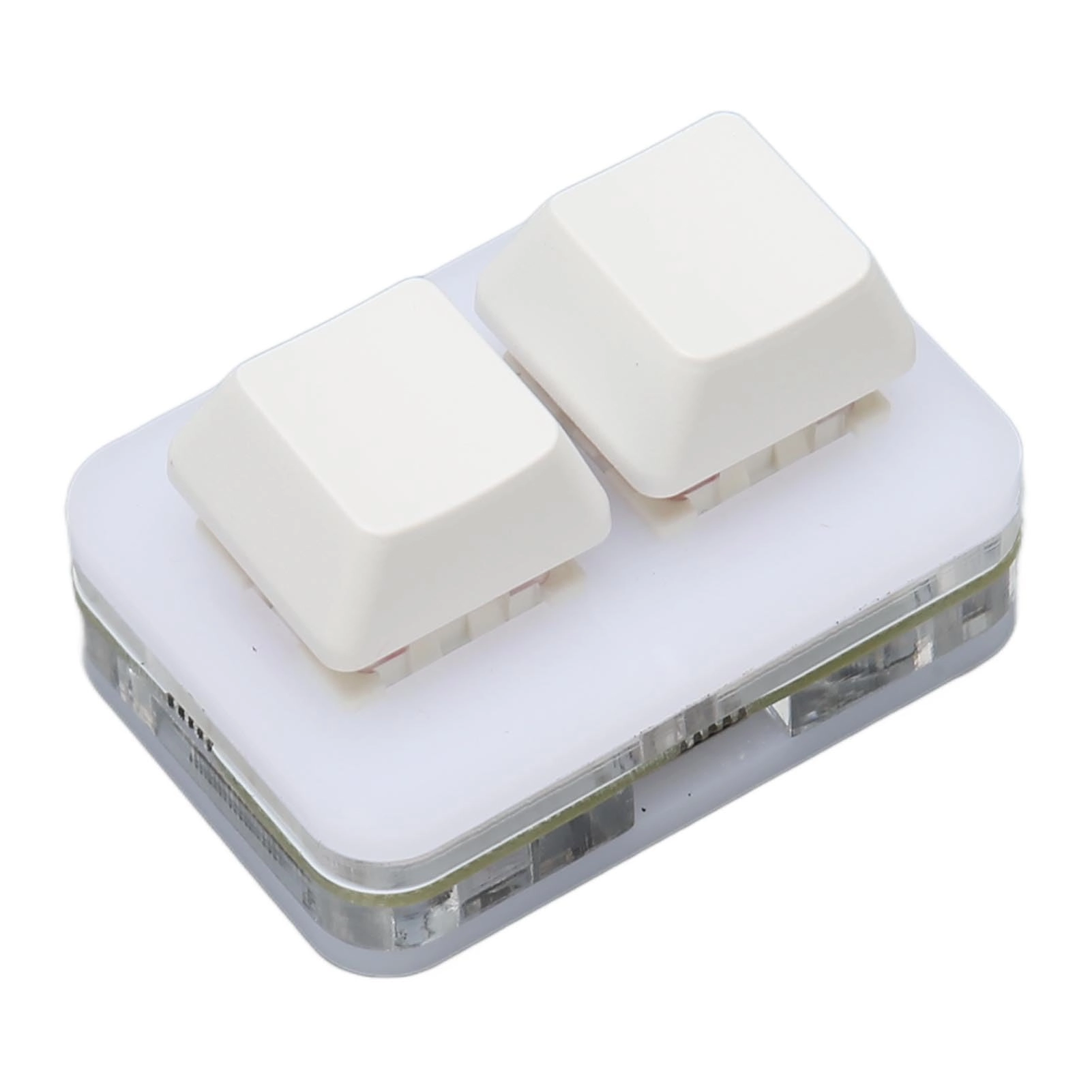
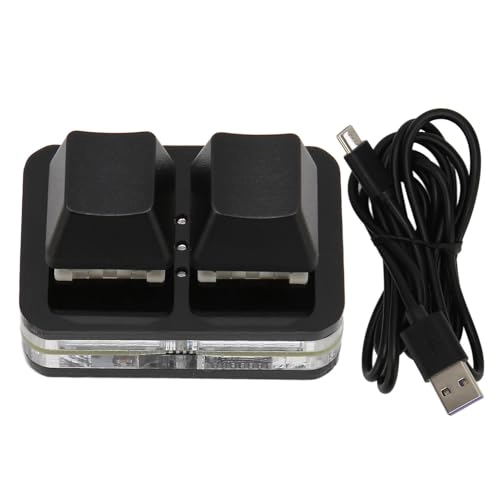
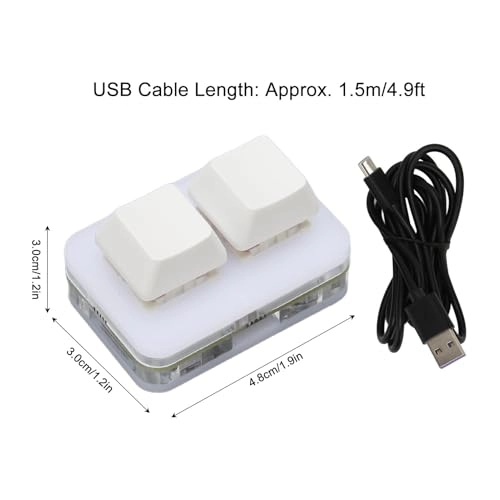
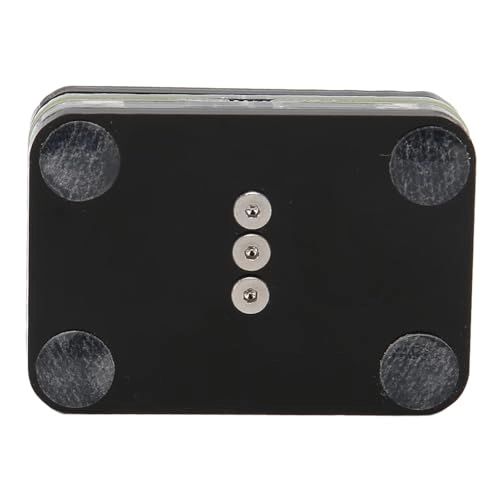
5. Portable and Mini: Portable mini keyboard with small size of 1.89x1.18x1.18 inches, effectively saving desktop space. The mini keyboard and 1.5m Type C USB cable can be plugged and unplugged at will, making it easy to carry in the . You can connect the keyboard (plug and play) and keyboard to the same computer at the same time, they will not interfere with each other.
Specification:
Item Type: USB 2 Key Mini Keypad
Material: ABS
Size: Approx. 4.8x3.0x 3.0cm / 1.9x1.2x1.2in
USB Cable Length: Approx. 1.5m/4.9ft
Compatible Interface: USB C
Macro Space: 34 Bits
RGB Light Effect: Support
Support: Partial BIOS
Support: Wake up From Computer Sleep
Suitable For:for , for OS X, , for Pi, Computer, Phone and Tablet
(If A USB C Port Computer, Phone or Tablet Uses This Keyboard, A Separate OTG Cable Is Required.)
How to Use:
1. Connect the USB cable of this plug and play keyboard to your PC; 2. Download the configuration software in the product description diagram (there are detailed download methods), it is best to close the PC protection software to avoid misjudging the exe executable file as a virus; 3. Unzip the zip package, double click to open the ".exe" file and start to configure the keyboard settings; 4. If you need to set it in OS X, please set it in for first before you can use it on OS X. After the settings are completed, the software can be deleted without residue.
PackageList:
1 x2 Key Mini Keypad
1 x USB Cable
1 x Manual
Note:
Manual measurement please allow some error.