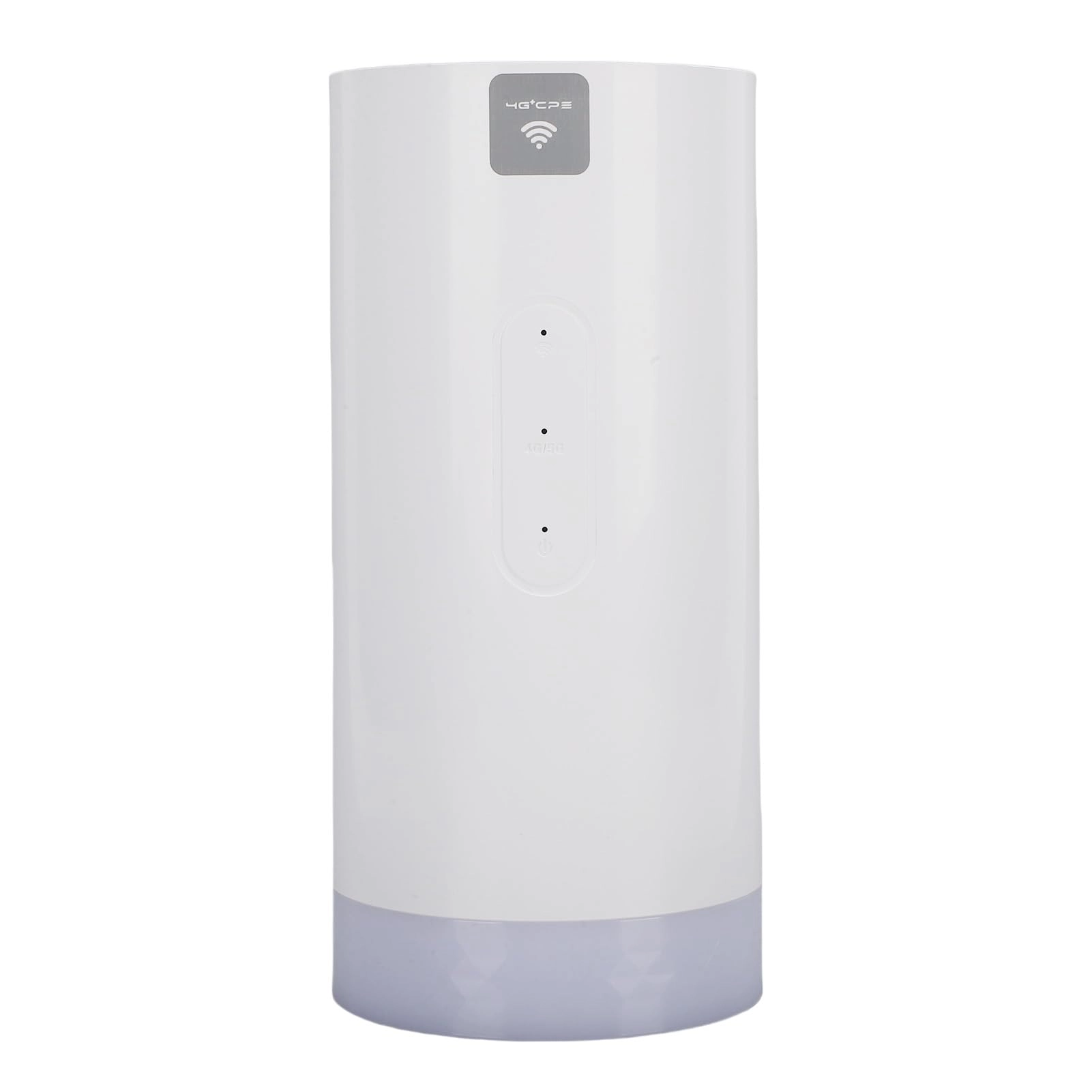
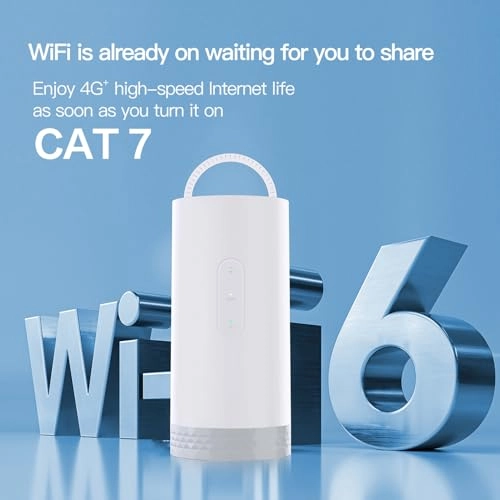
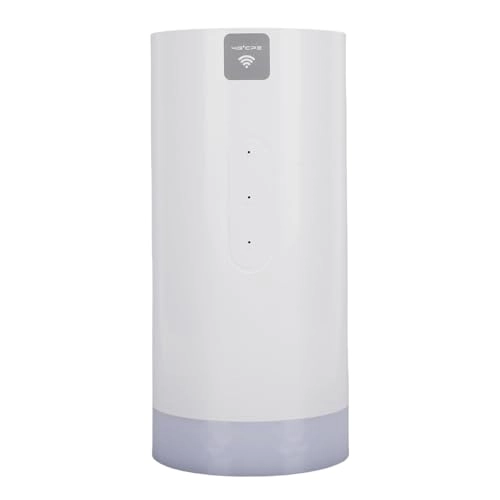
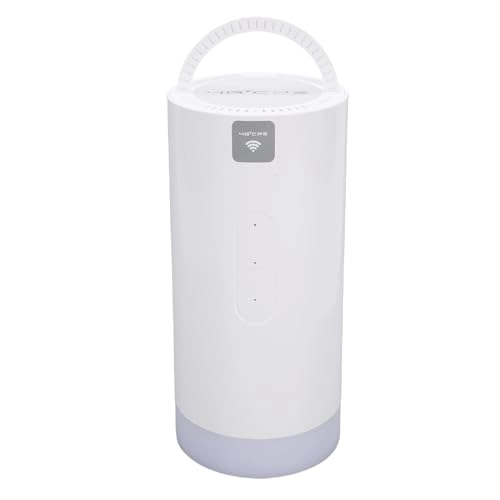
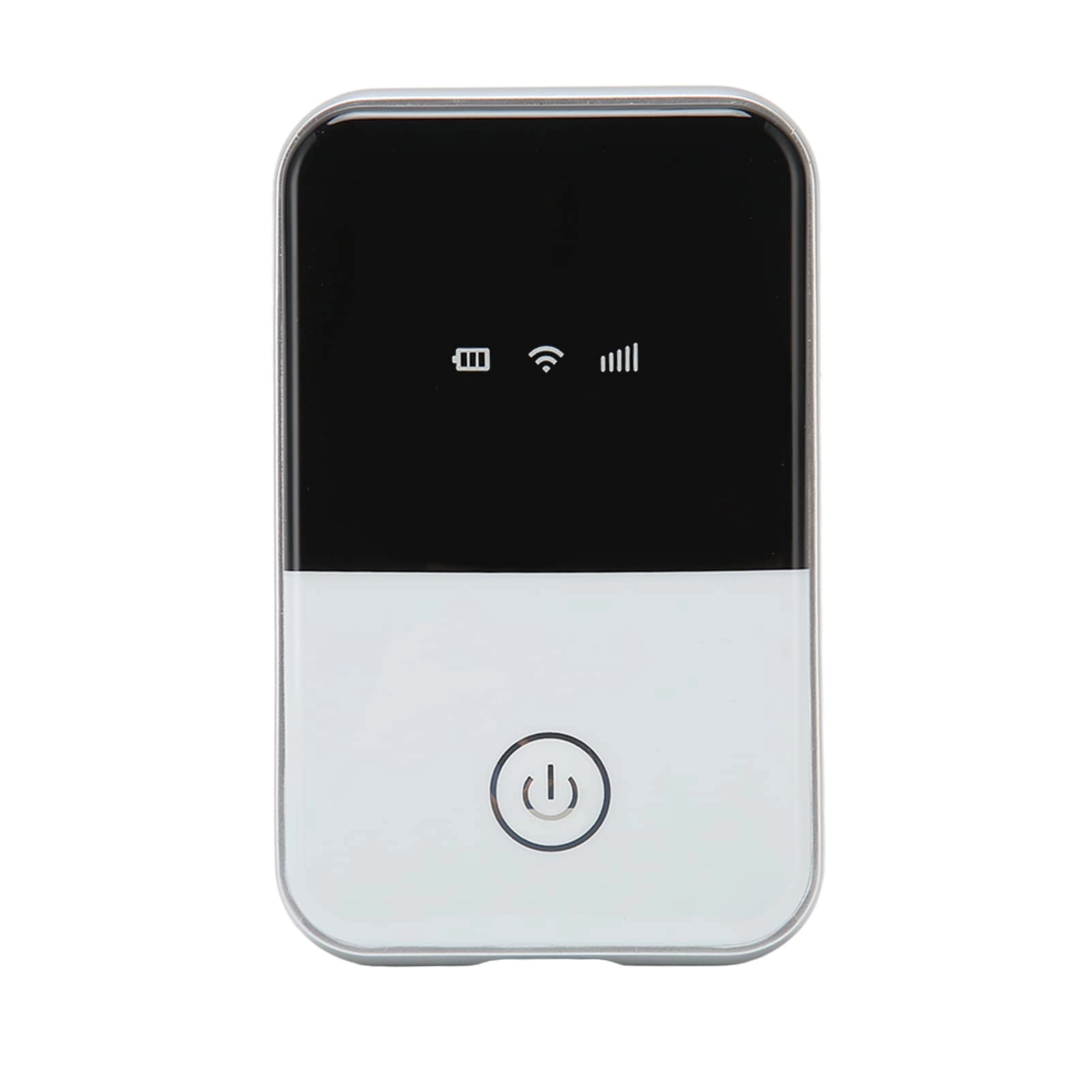
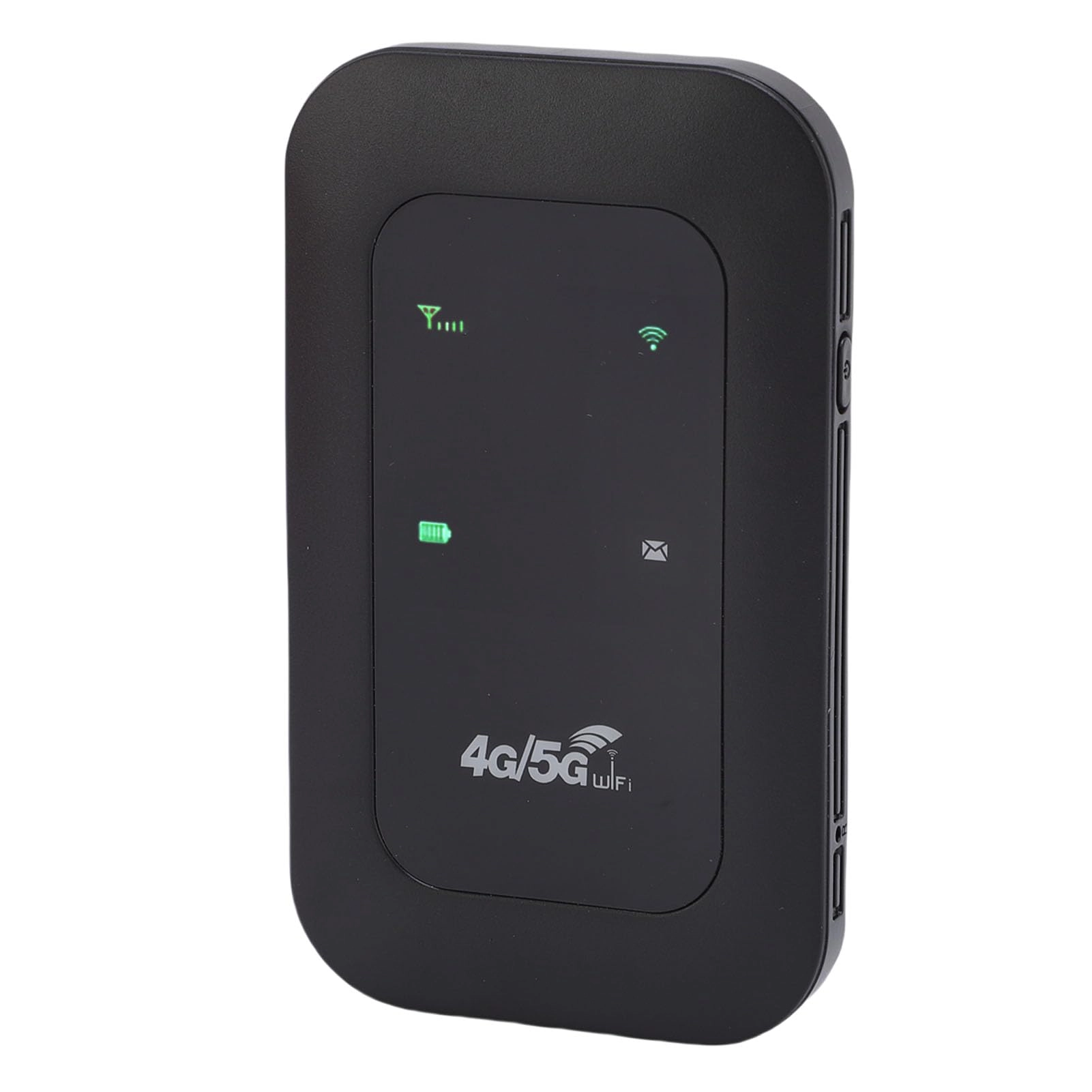
1. [SAFE INTERNET SHARING] Securely share high speed 4G internet on smartphones, tablets, and laptops with this CAT6 router.
2. [WIDE COMPATIBILITY] Works with global frequency bands, offering internet access in Europe, Asia, Africa, and other regions for seamless connectivity.
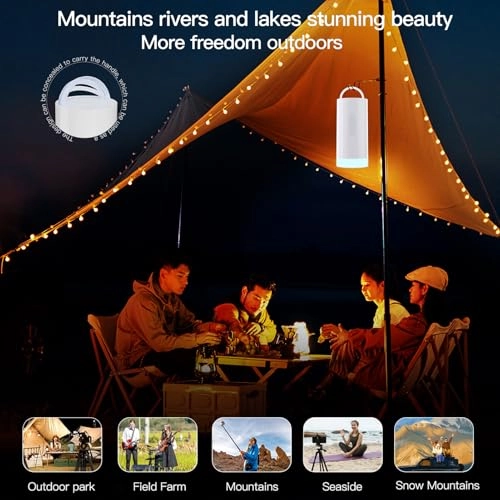
3. [FUN CAMPING LIGHT] Bring a colorful touch to outdoor adventures like camping with the built-in light feature.
4. [CONVENIENT LED INDICATORS] Easily monitor WiFi connection, status, and battery level with intuitive LED lights on the device.
5. [LONG-LASTING BATTERY] Enjoy extended hours of internet access with the 10000mAh built-in battery for uninterrupted connectivity.
Spec:
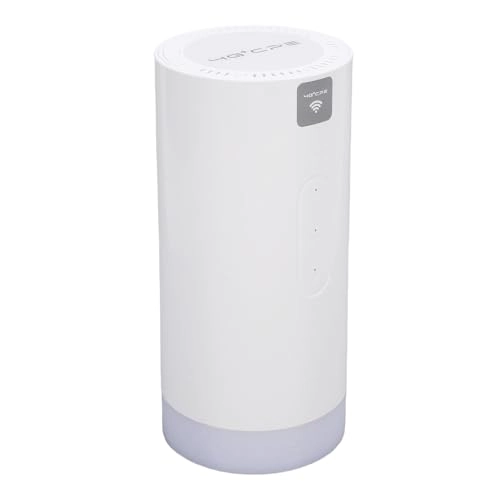
Item Type: 4G CPE CAT6 Router
Material: Plastic
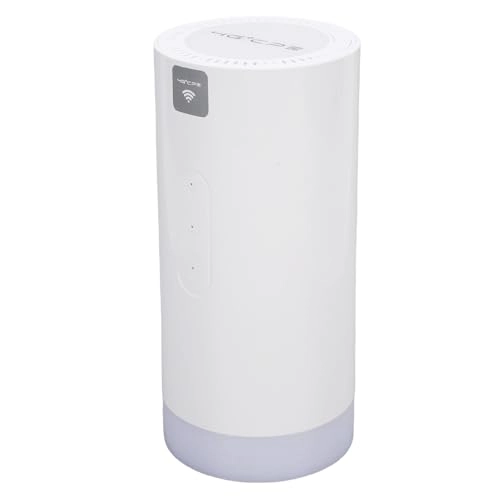
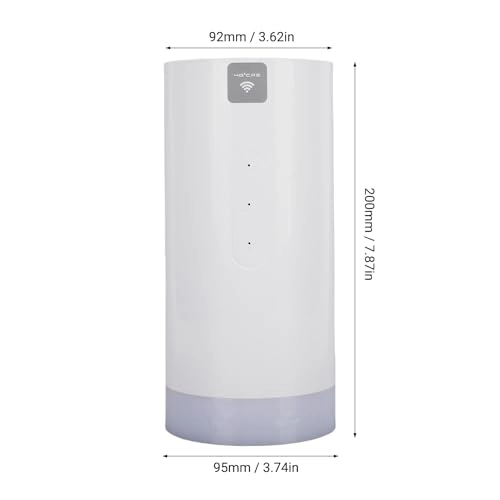
Size: Approx. 200x95x92mm / 7.87x3.74x3.62in
SIM: MICROSIM x 1 (Without)
Battery: Lithium Cell 10000mAh (Built in)
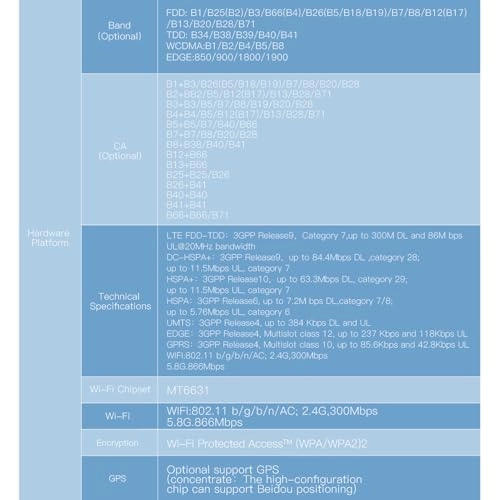
Frequency Bands:
FDD: B1/B25(B2)/B3/B66(B4)/B26(B5/B18/B19)/B7/B8B/B12(B17)/B13/B20/B28/B71
TDD: B34/B38/B39/B40/B41
WCDMA: B1/B2/B4/B5/B8
EDGE: 850/900/1800/1900
CA with Frequency Band Aggregation Function:
B1+B3/B26(B5/B18/B19)/B7/B8/B20/B28
B2+BB2/B5/B12(B17)/B13/B28/B71
B3+B3/B5/B7/B8/B19/B20/B28
B4+B4/B5/B12(B17)/B13/B28/B71
B5+B5/B7/B40/B66
B7+B7/B8/B20/B28
B8+B38/B40/B41
B12+B66
B13+B66
B25+B25/B26
B26+B41
B40+B40
B41+B41
B66+B66/B71
WiFi Chipset: MT6631
WiFi: WIFI: 802.11 b/g/b/n/AC; 2.4G, 300Mbps, 5.8G, 866Mbps
Encryption: WiFi Protected Access TM (WPA/WPA2) 2
Parameter:
LTE FDD-TDD: 3GPP Release9, Category 7, up to 300M DL and 86Mbps UL at 20MHz bandwidth
DC-HSPA+: 3GPP Release9, up to 84.4Mbps DL, category 28; up to 11.5Mbps UL, category 7
HSPA+: 3GPP Release10, up to 63.3Mbps DL, category 29; up to 11.5Mbps UL, category 7
HSPA: 3GPP Release6, up to 7.2Mbps DL, category 7/8; up to 5.76Mbps UL, category 6
UMTS: 3GPP Release4, up to 384Kbps DL and UL
EDGE: 3GPP Release4, Multislot class 12, up to 237Kbps and 118Kbps UL
GPRS: 3GPP Release4, Multislot class 10, up to 85.6Kbps and 42.8Kbps UL
Applicable Globally: Europe, Asia, Africa, South America, Latin America, Australia, Middle
LED Indicator: LED indicator lights can intuitively display the working status of the device
Battery Level Indicator (White Light):
Battery Level ≤100%, White Light Flashing: Continuously on
Battery Level ≤75%, White Light Flashing: Continuously on
Battery Level ≤50%, White Light Flashing: Continuously on
Battery Level ≤25%, White Light Flashing: Continuously on
WIFI Indicator Light: Displays the current WIFI connection status
Signal Indicator: Displays the current connection status (as described below)
Power Indicator Light: Displays the current power status (on or off)
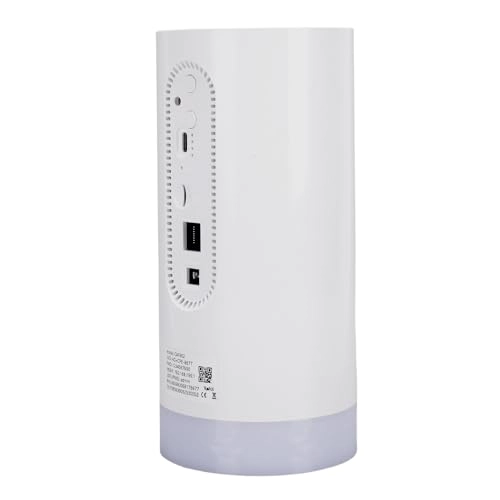
Power On/Off Button: Long press to turn on/off or wake up the device, (double click to switch between 2.4/5.8G WIFI)
Lighting Button: Turn on/off light and colored ambient light
Power On/Off: Charge the battery or connect to the computer
External Antenna Port (TS9): Expandable external antenna, enhance signal reception capability and environment
Battery Level Indicator: Displays the current battery level
Reset Button: Long press for 5 seconds to restore factory settings
SIM Card Slot: Please use a microSIM card
RJ45 Ethernet Port: Connect the computer through the LAN cable to access the Internet
DC Port: DC power supply/charging (or C type power supply) 12V 1A
Weight: Approx. 855g / 30.16oz
How to Use:
Backend Configuration
Log in to the WEB management interface
Please follow the steps below to log in to the management interface:
1. Ensure that the connection between your computer's wifi and the wifi device is working properly.
2. Open a web browser and enter router IP address in the address bar. If the IP conflicts with other IP addresses in the , the device will automatically update the IP address.
3. Enter the login password to access the management interface. The default username and password are admin.
packing list:
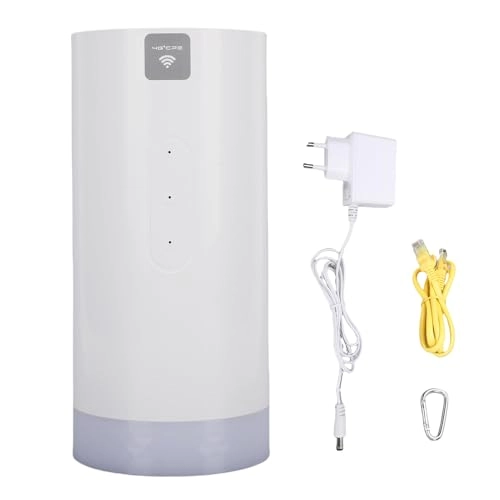
1 x Adapter
1 x User Manual
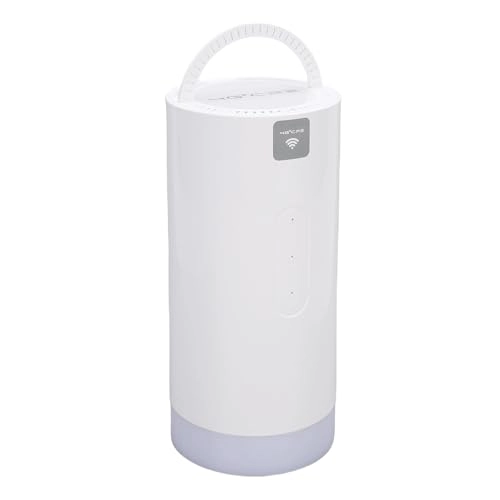
1 x Hanging Buckle
1 x Cable
1 x 4G CPE CAT6 Router (Without SIM Card, Built in Battery)
Notice:
The connection process depends on the system of each WiFi device, please follow the prompts to operate.