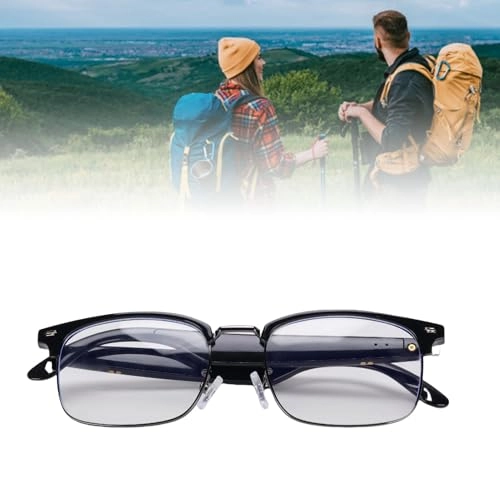
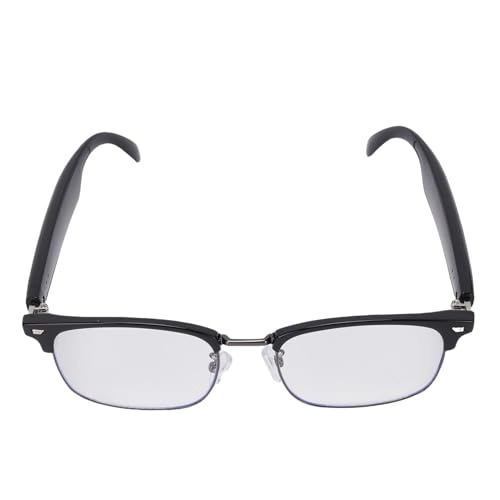
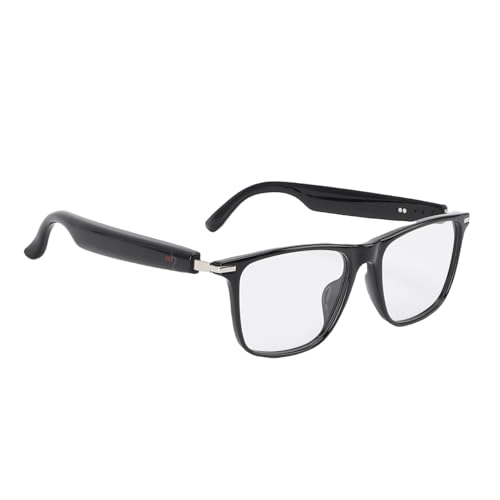
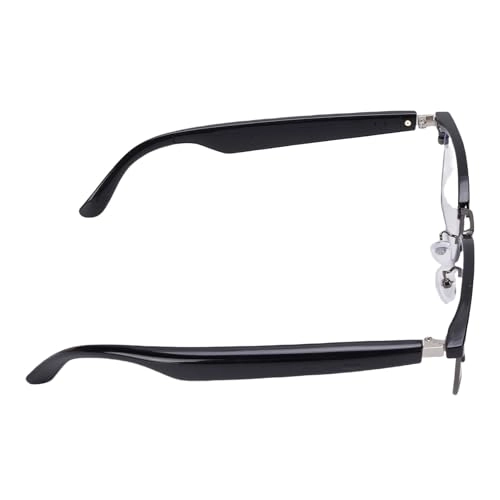
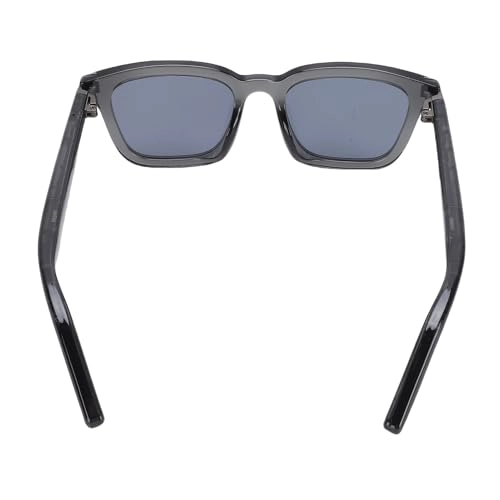
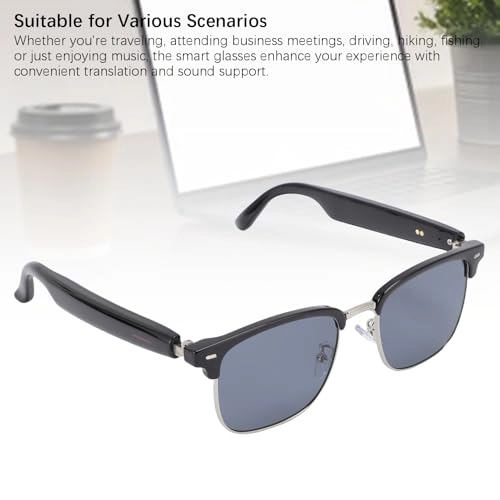
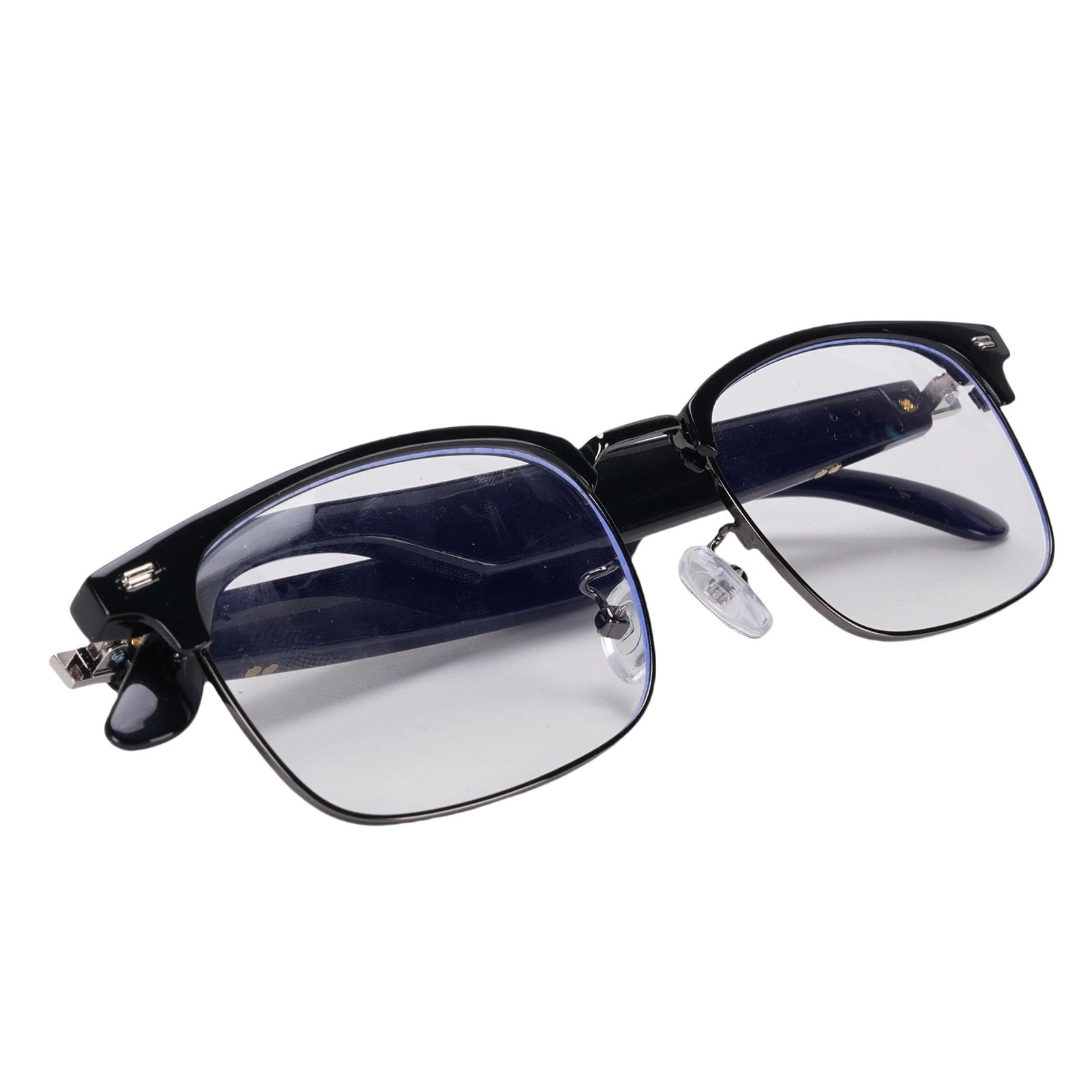
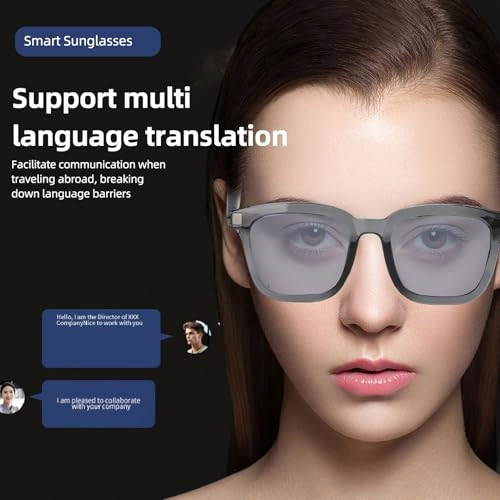
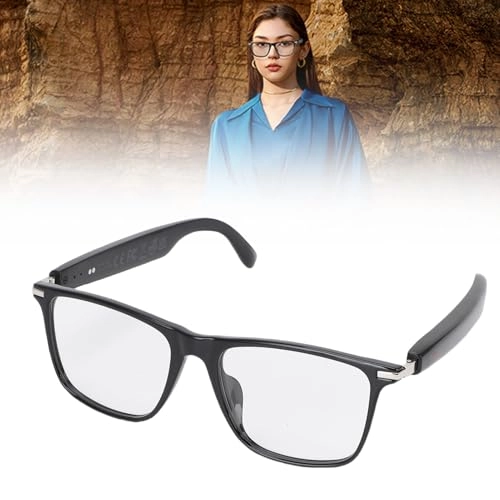
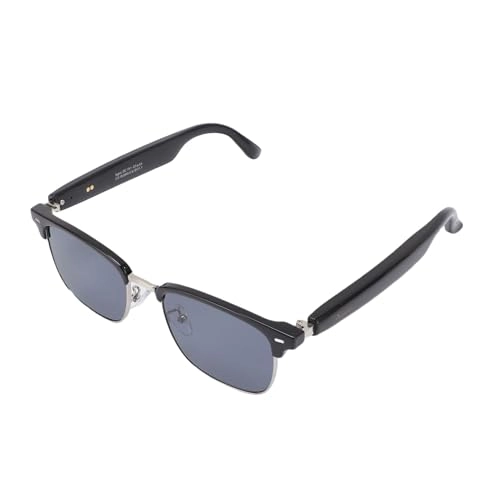
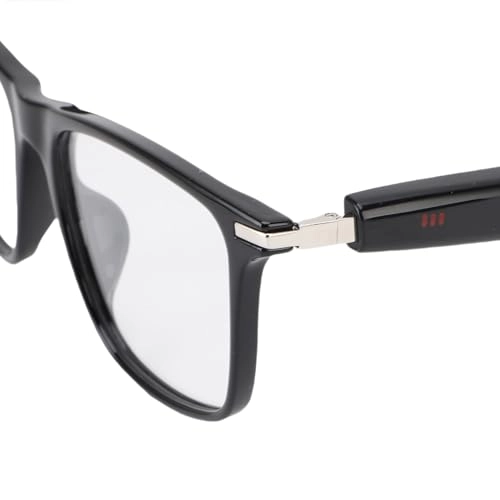
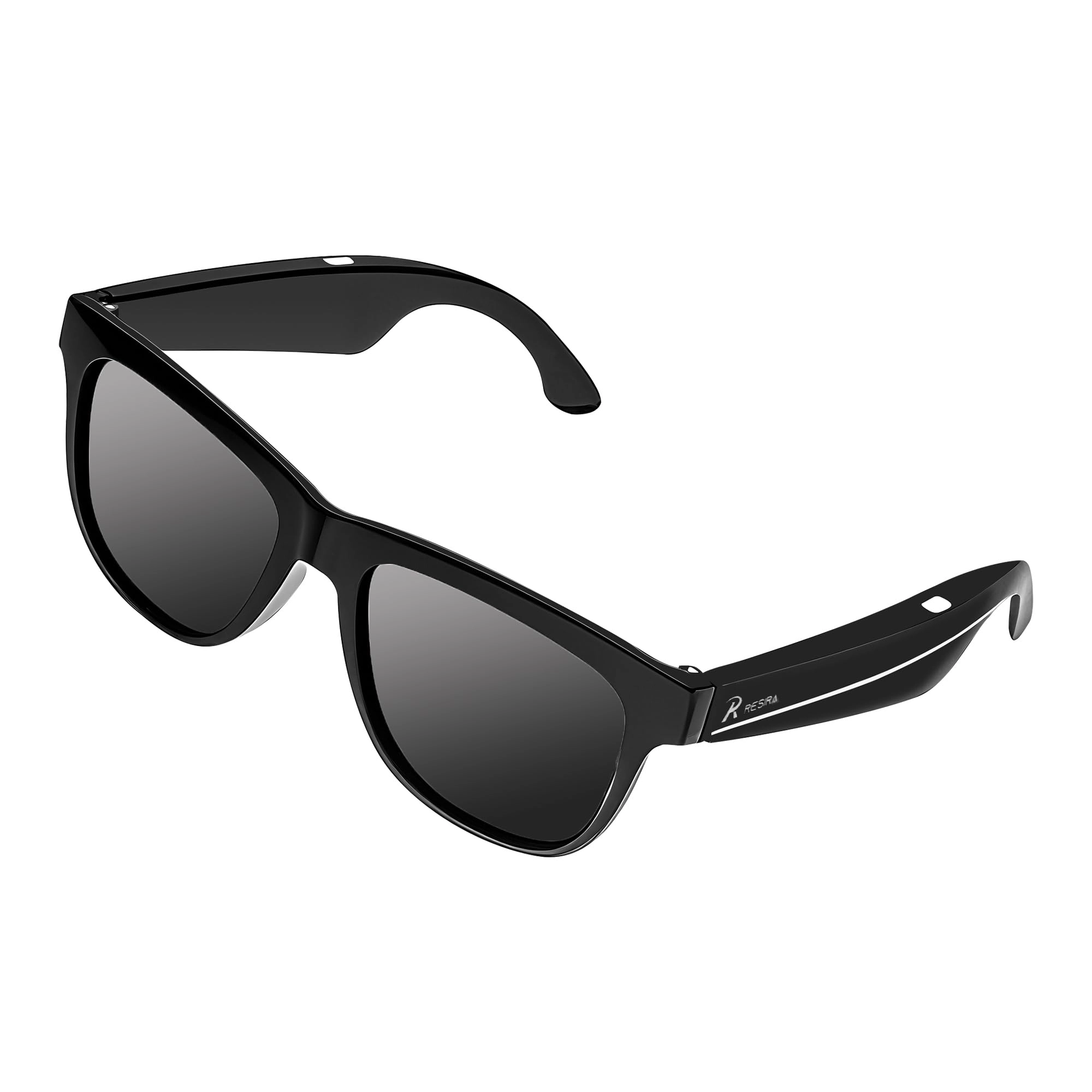
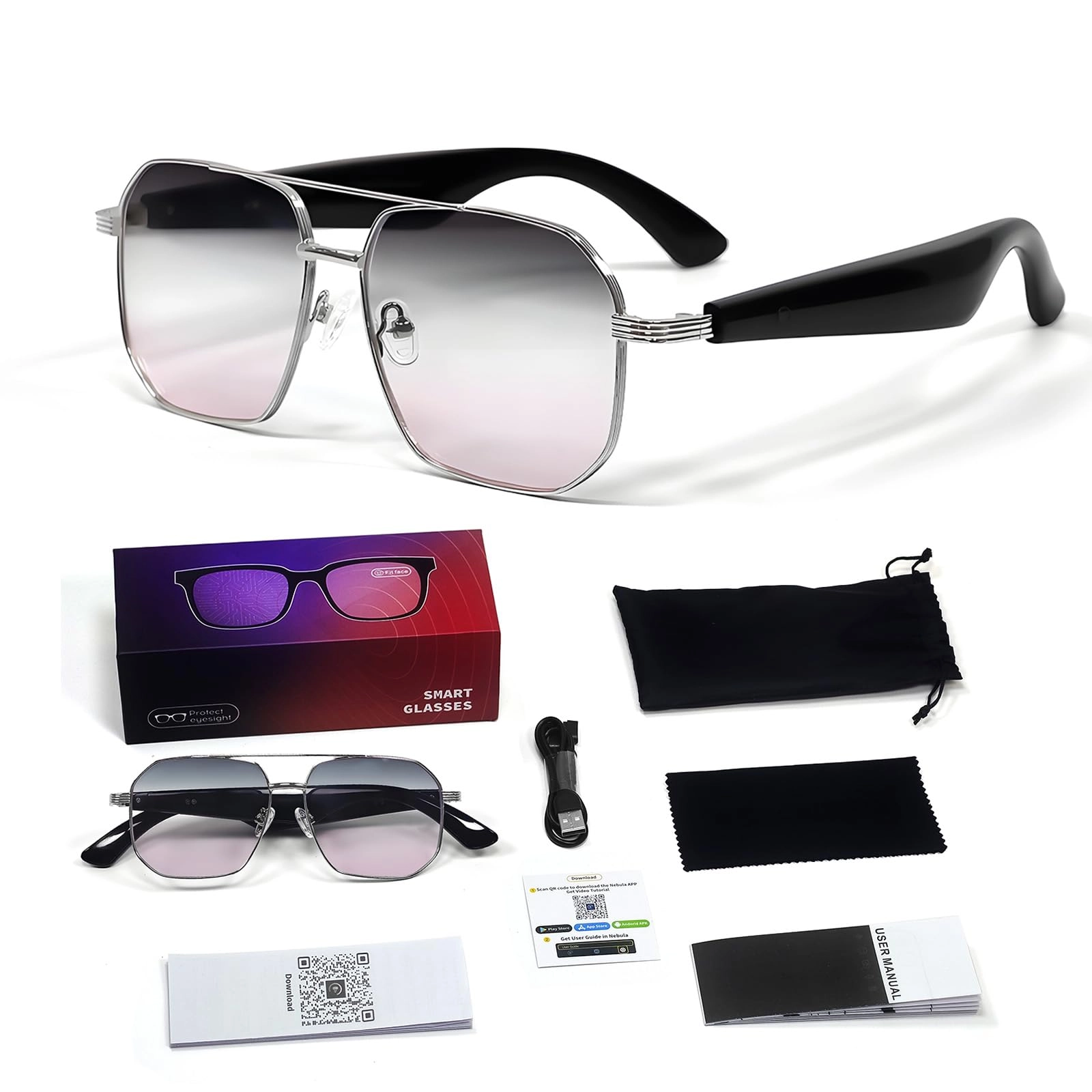
1. [VERSATILE USAGE] Perfect for various activities like work, music, calls, movies, photography, driving, and cycling, offering all-around convenience.
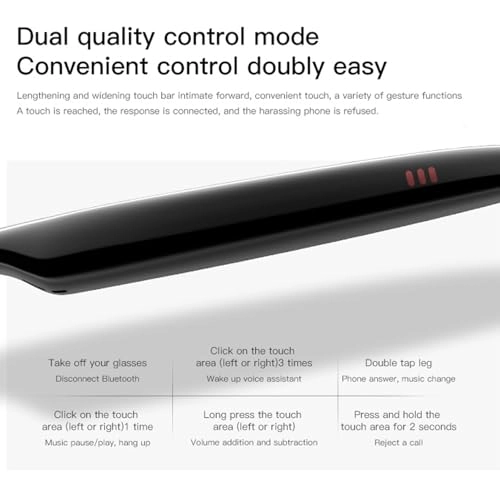
2. [SMART ASSISTANT INTEGRATION] Seamlessly navigate calls, music, and more with touch sensors and a smart AI voice assistant for hands-free control.
3. [EFFICIENT TOUCH CONTROLS] Answer calls, play music, and take photos with a simple tap, providing ease of use for everyday tasks.
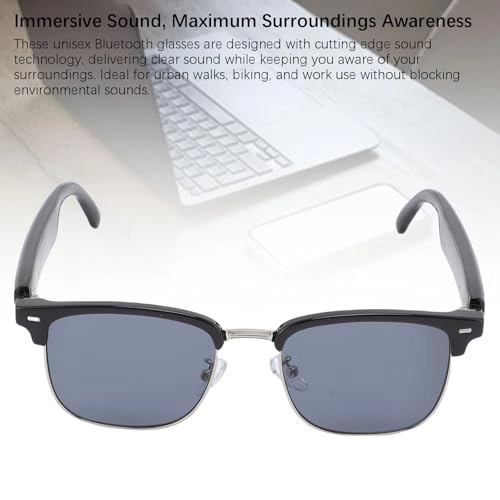
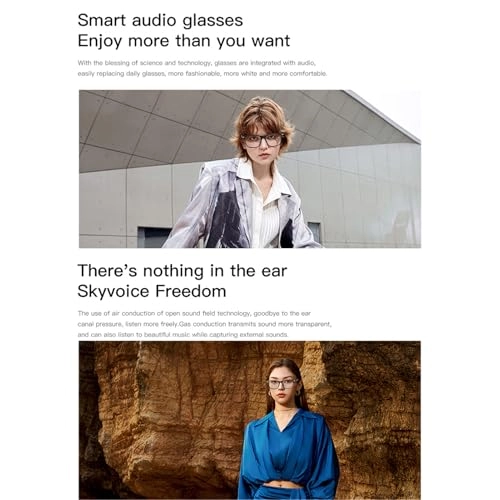
4. [IMMERSIVE SOUND QUALITY] Enjoy rich, clear with double channel sound, enhancing your listening experience while using the glasses.
5. [EXTENDED BATTERY LIFE] Quick charge in 1.5 hours for 5-6 hours of use at 60% volume, ensuring long-lasting performance for uninterrupted usage.
Specification:
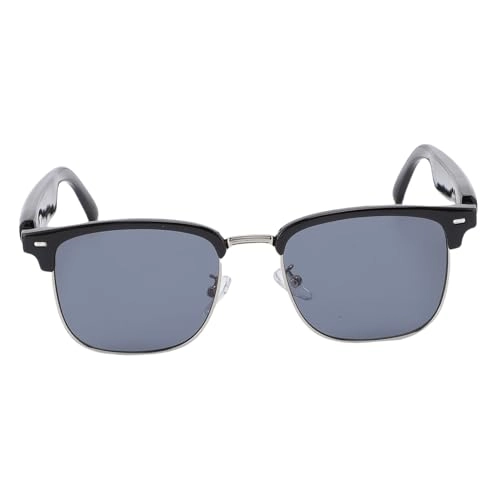
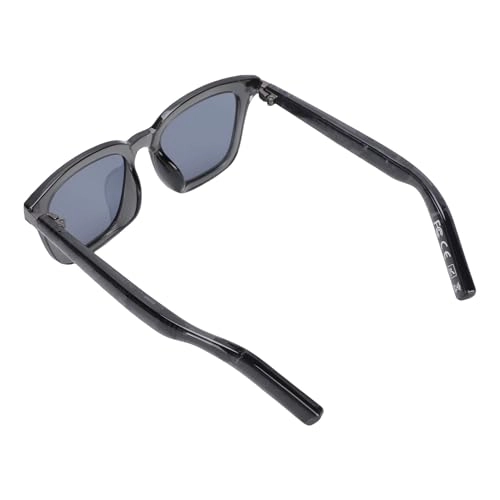
Item Type: Smart Glasses
Material: PC, ABS, Aluminum Alloy
Weight: Approx. 241g / 8.5oz
Languages: 150
Product Size: Approx. 140x40mm / 5.51x1.57in
Rated Voltage: 5V
Version: V5.3
Pairing Name: YJ005F
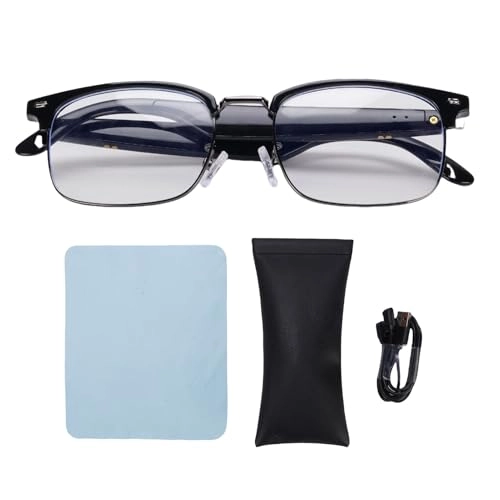
Charging Port: Magnetic Charging Column
Charging Time: About 1.5 Hours
Battery Life: 5-6 Hours (At 60% Volume)
Standby Time: Approx. 20 Hours
Battery (Built in): Li Battery 55mAh x 2
Sound Channel: Double Channel
Effective Distance:
Answers to Problems:
1. Can't turn on normally: insufficient power, or no power, please charge it in time.
2. No sound from earphone: please make sure the volume is adjusted to the lowest tone, or the is not properly connected to the phone.
3. device cannot be searched: Please make sure the headset is in pairing status, and make sure there is no obstacle between the devices or whether they are within range.
4. The sensitivity of the touchpad may be affected by body temperature and other factors, please try more for the first time.
Please try the best touch area and pay attention to the touch time.
Troubleshooting:
1. Smart music glasses can not be paired with cell phone?
A: Please check whether the smart music glasses are in pairing or reconnect mode, and whether the search function of the cell phone is turned on. And check the menu on the device, and delete or cancel the smart music glasses, and reconnect the smart music glasses according to the instruction manual.
2. Smart Music Glasses can't start?
A: Please check the battery level of the Smart Music Glasses.
3. Can I replace the battery of Smart Music Glasses?
A: No, this product uses non removable Li polymer battery.
4. Can I disconnect my Smart Music Glasses from my cell phone within 10 meters?
A: As is a wireless technology, it is sensitive to objects between the Smart Music Glasses and the linked device.
A: As is a wireless technology, it is very sensitive to the objects between the Smart Music Glasses and the linked device, please check whether there is any metal or other objects affecting the connection within the link range.
5. I can't hear the sound after connecting the Smart Music Glasses to my computer or cell phone?
A: Please check whether the output channel of your computer is set to sound device and whether the of your computer supports for A2DP protocol, and check the volume of your computer or cell phone.
6. Can I use Smart Music Glasses to control the applications on my cell phone after connecting the Smart Music Glasses to my cell phone?
A: The software settings of device applications may vary, and the functions of individual applications may not be supported by Smart Music Glasses.
How to