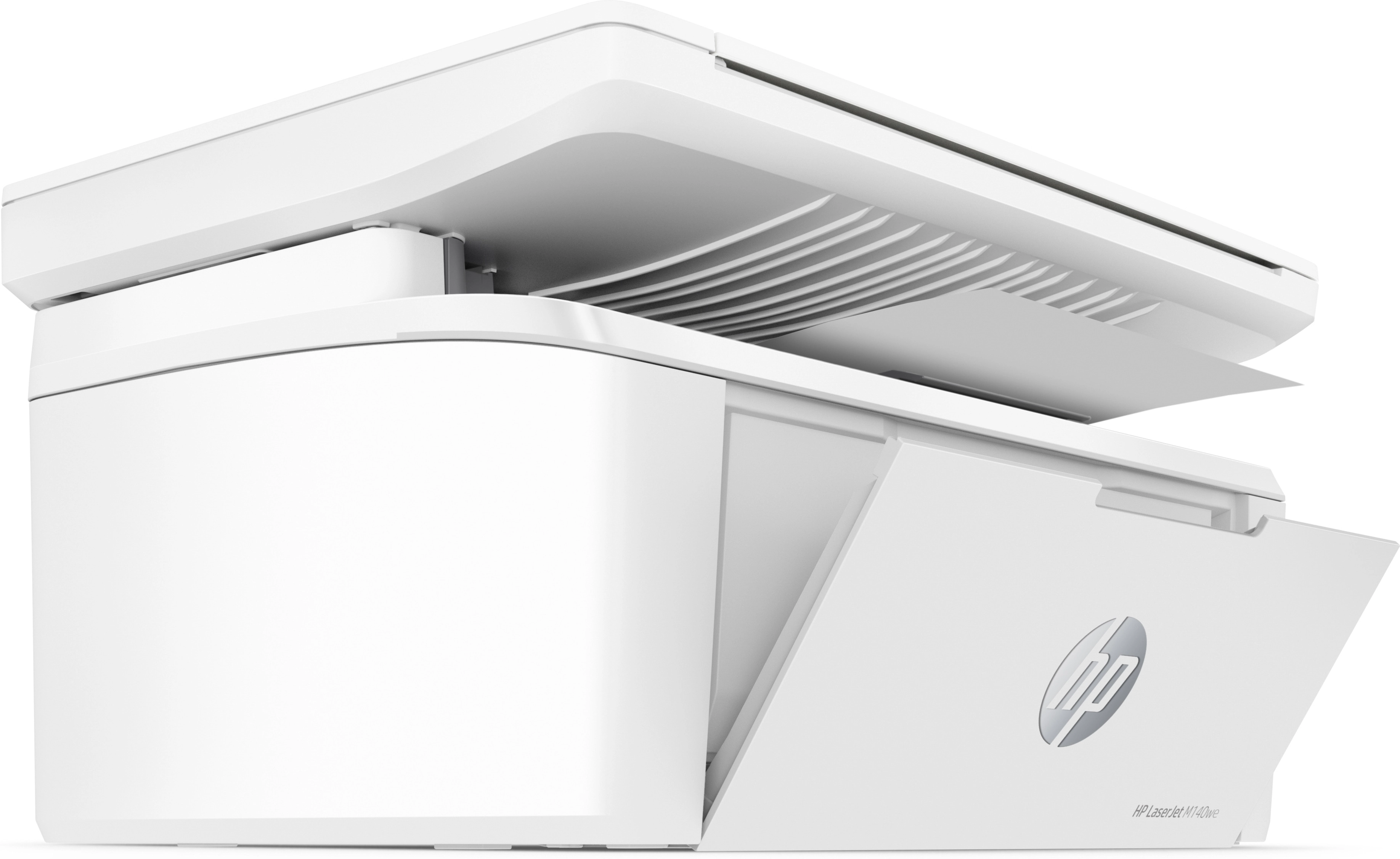
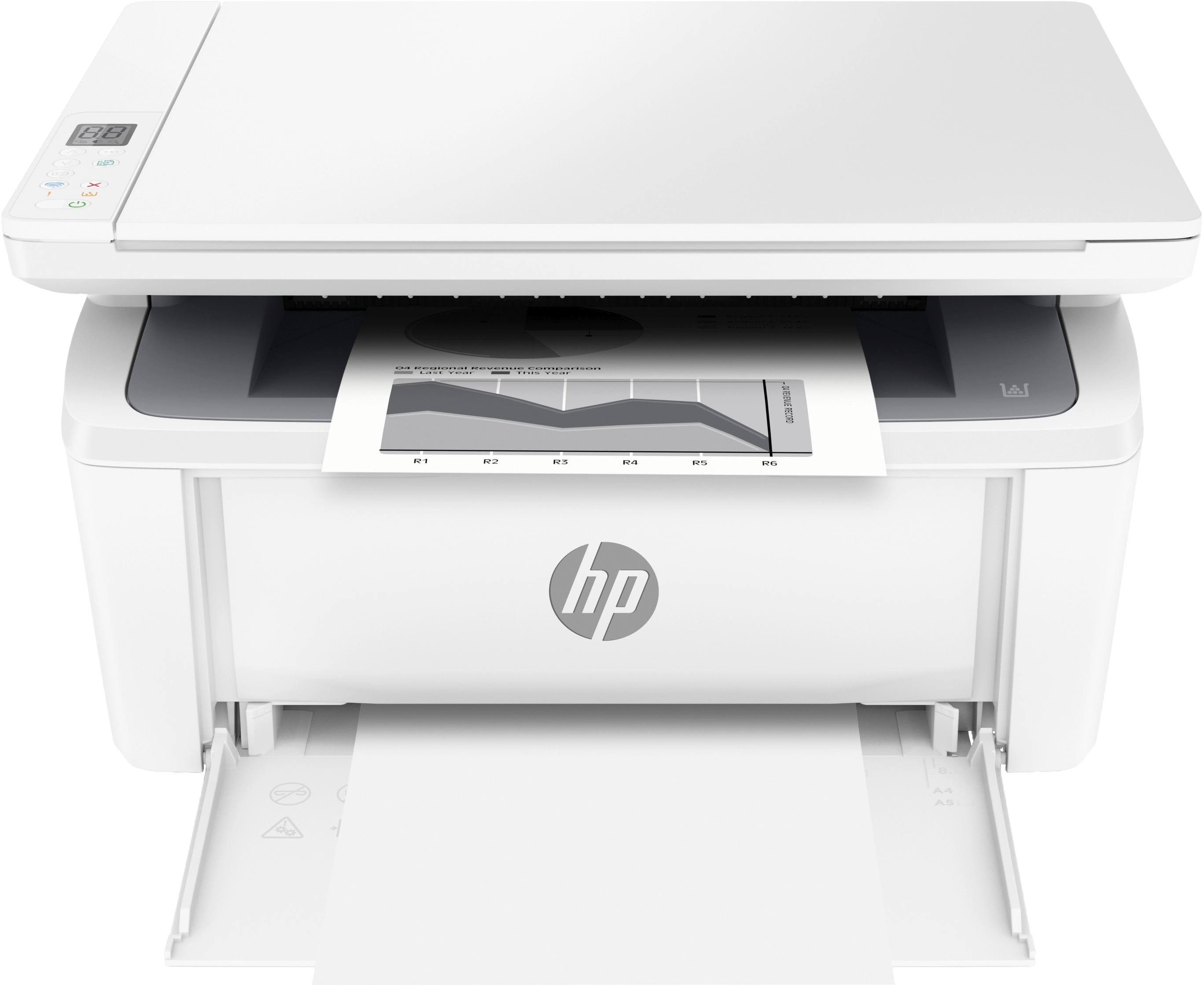
HP M141W - Laser White
Key Features
- Faxing: No
- Duplex copying: Yes
- Print resolution black: 600 x 600DPI
- Total number of input trays: 1
- Scanning: Colour scanning
- Auto fit function: Yes
- Total input capacity: 150sheets
- HP dynamic security: Yes
- Maximum copy resolution: 600 x 400DPI
- Paper tray media types: Envelopes, labels, Plain paper, Postcard
- Total output capacity: 100sheets
- Paper tray 1 input capacity: 150sheets
- Maximum ISO A-series paper size: A4
- Duplex functions: Not supported
- ISO C-series sizes (C0...C9): C5
Specifications
Features
Packaging data
Weight & dimensions
Power
Performance
Paper handling
Copying
Input & output capacity
System requirements
Other features
Design
Computer system
Packaging content
Network
Ports & interfaces
Operational conditions
Technical details
Memory
Printing
Scanning
Fax
File formats
Brand-specific features
Logistics data
Carbon footprint
Product Details

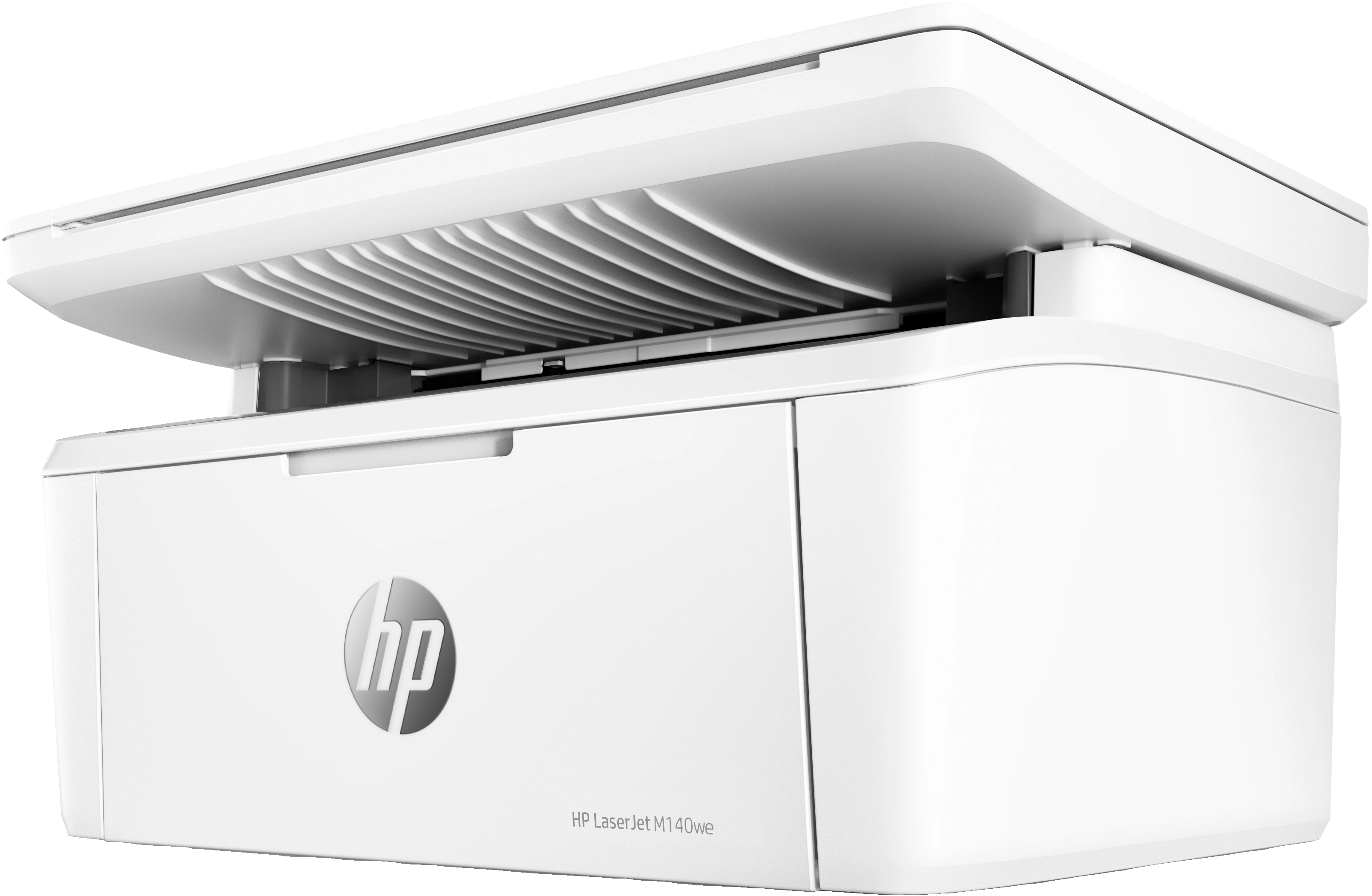
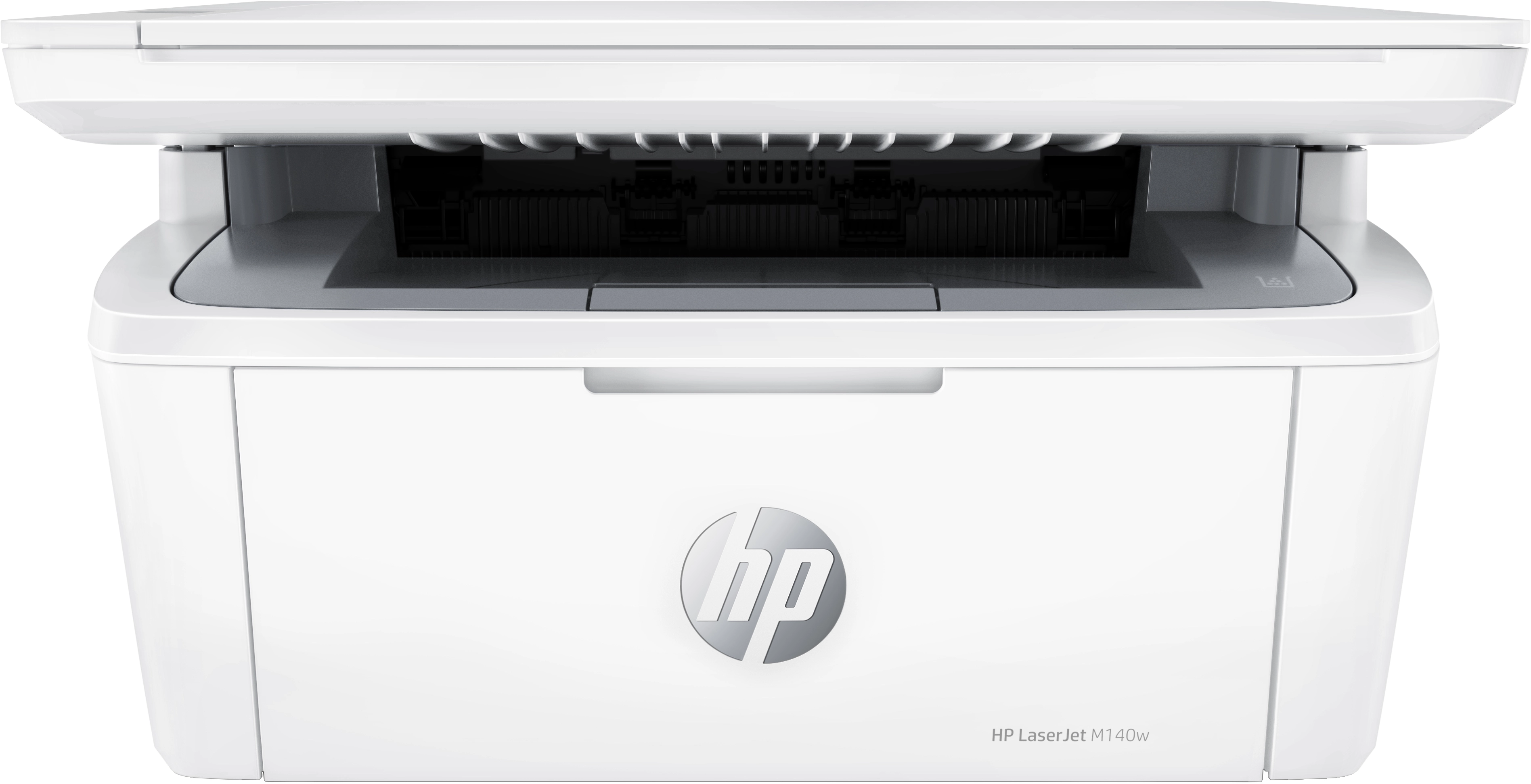
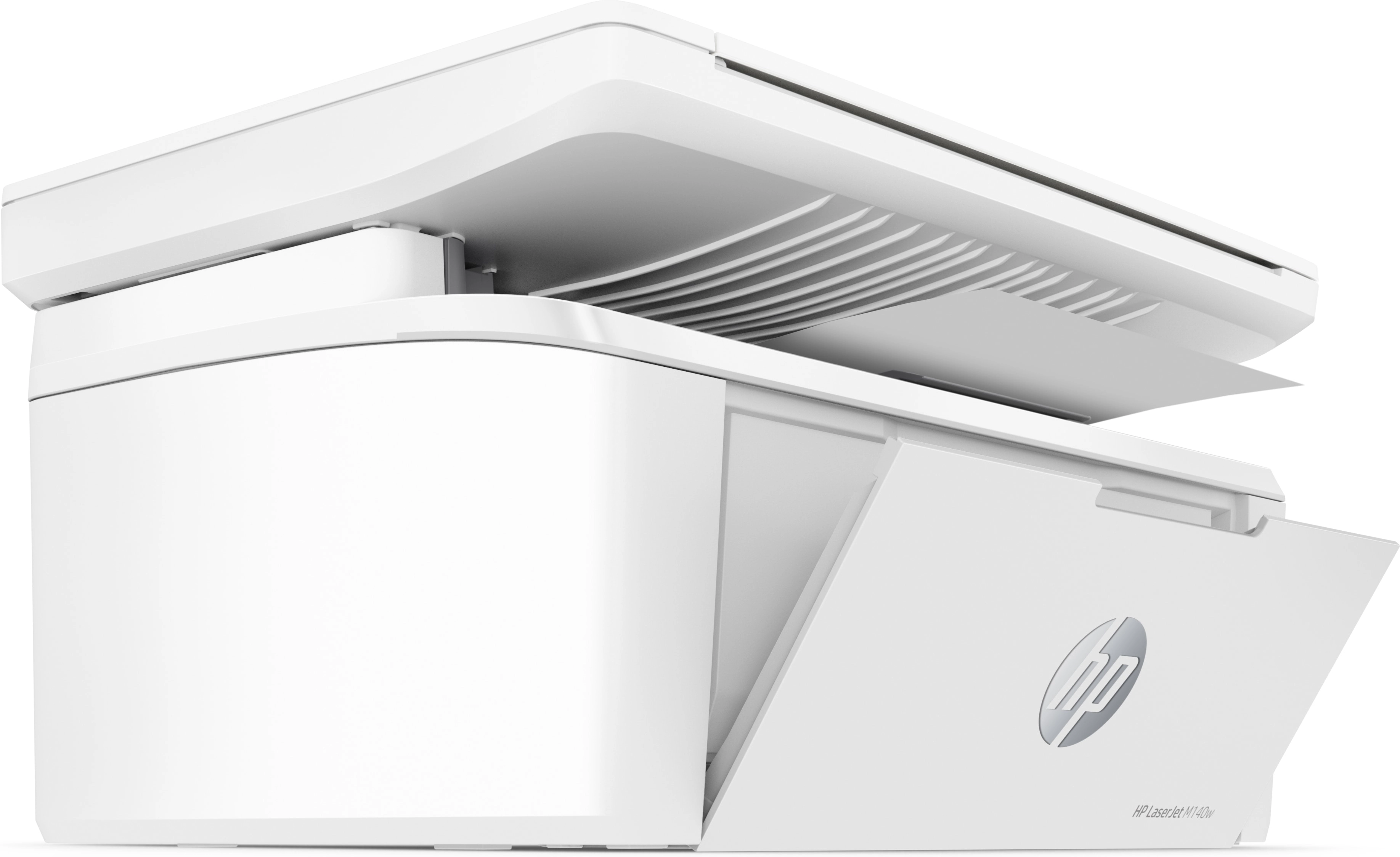
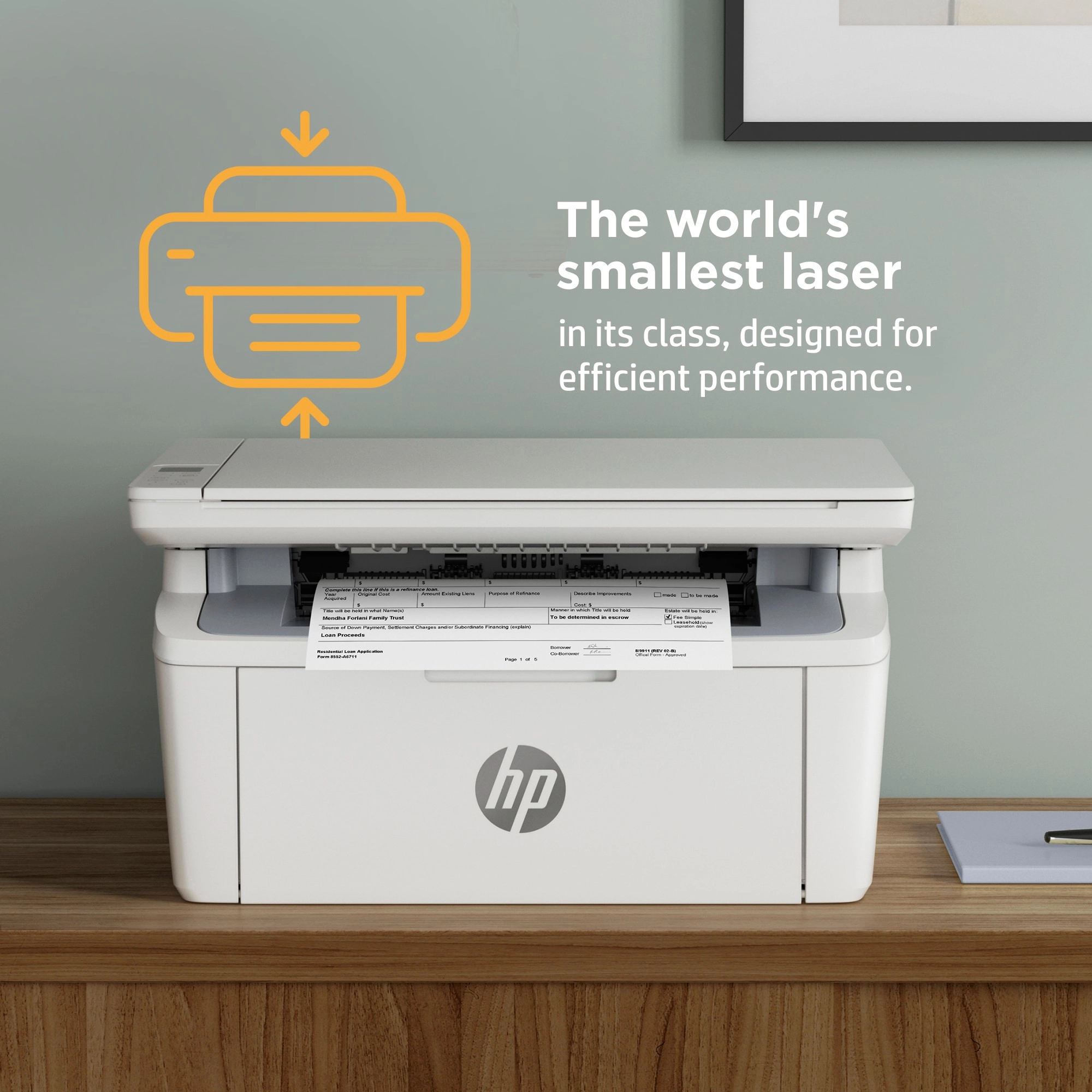
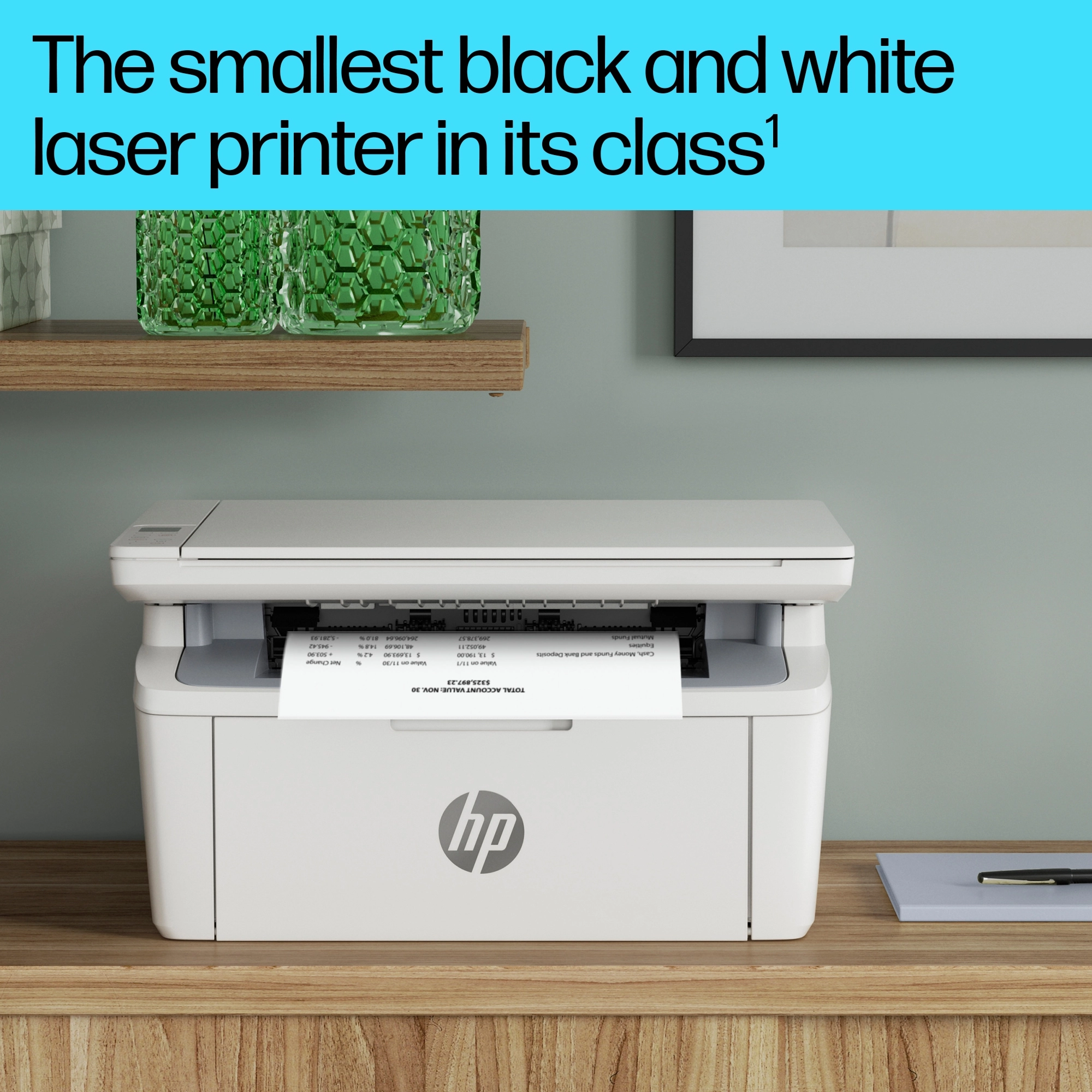
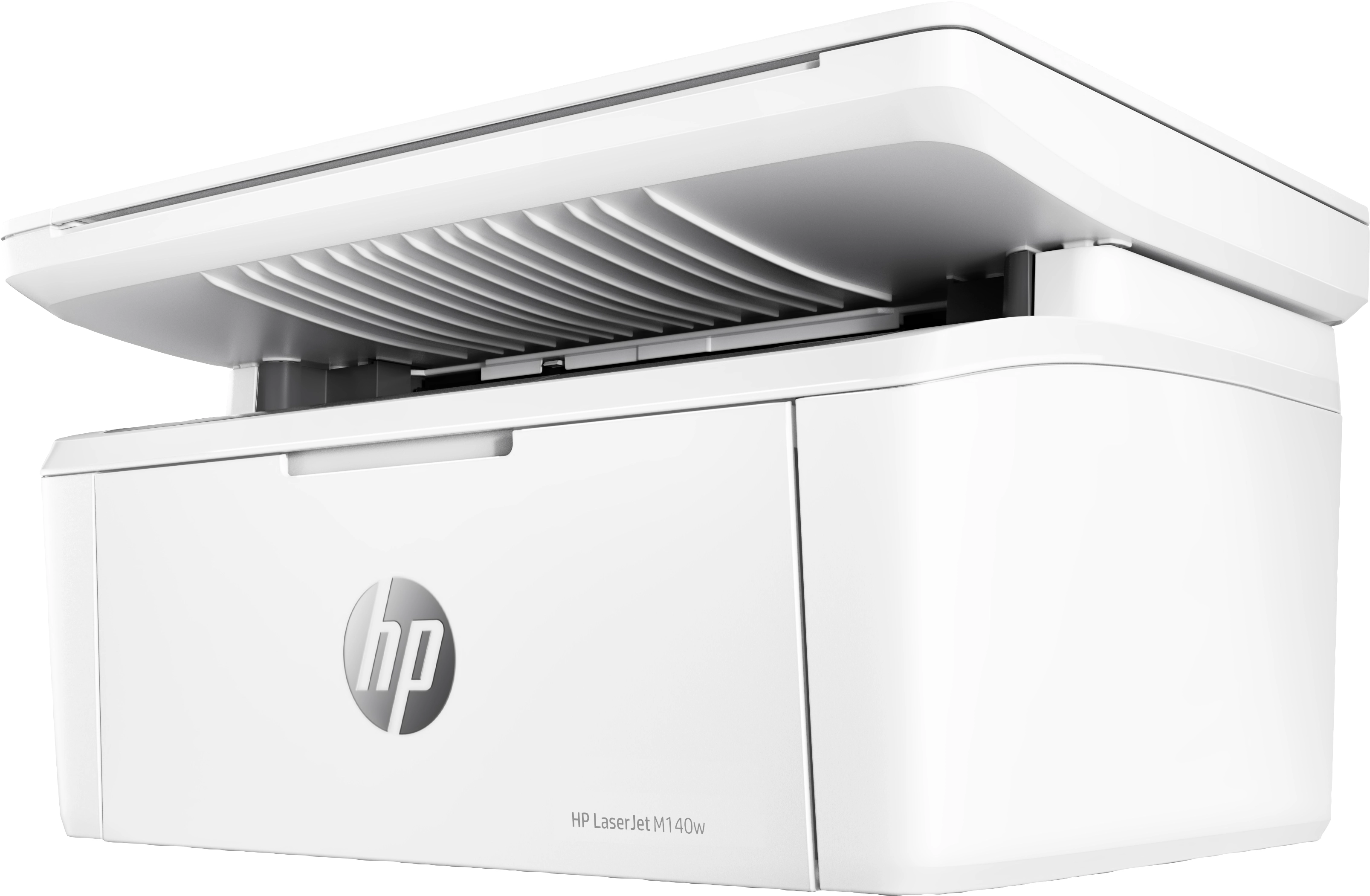
HP's smallest multifunction LaserJet
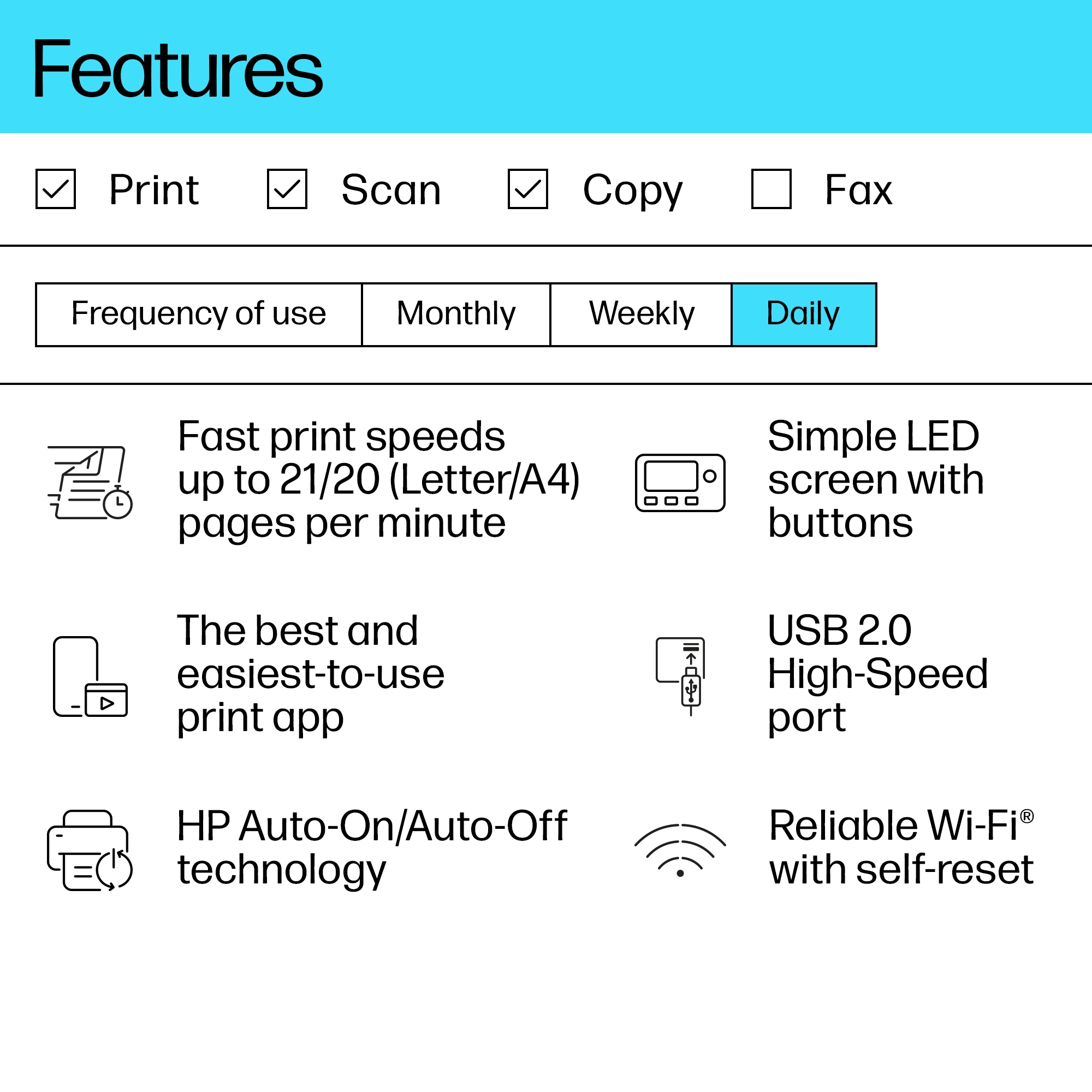
Efficient performance from HP's smallest multifunction laser. Business doesn’t need to wait for your printer. Maximise your uptime with print speeds up to 20 ppm in A4.<sup>[3]</sup> Smartly and elegantly designed, so it’s simple and intuitive to use. Easily handle tasks and get a lot from one device – print, scan, and copy.
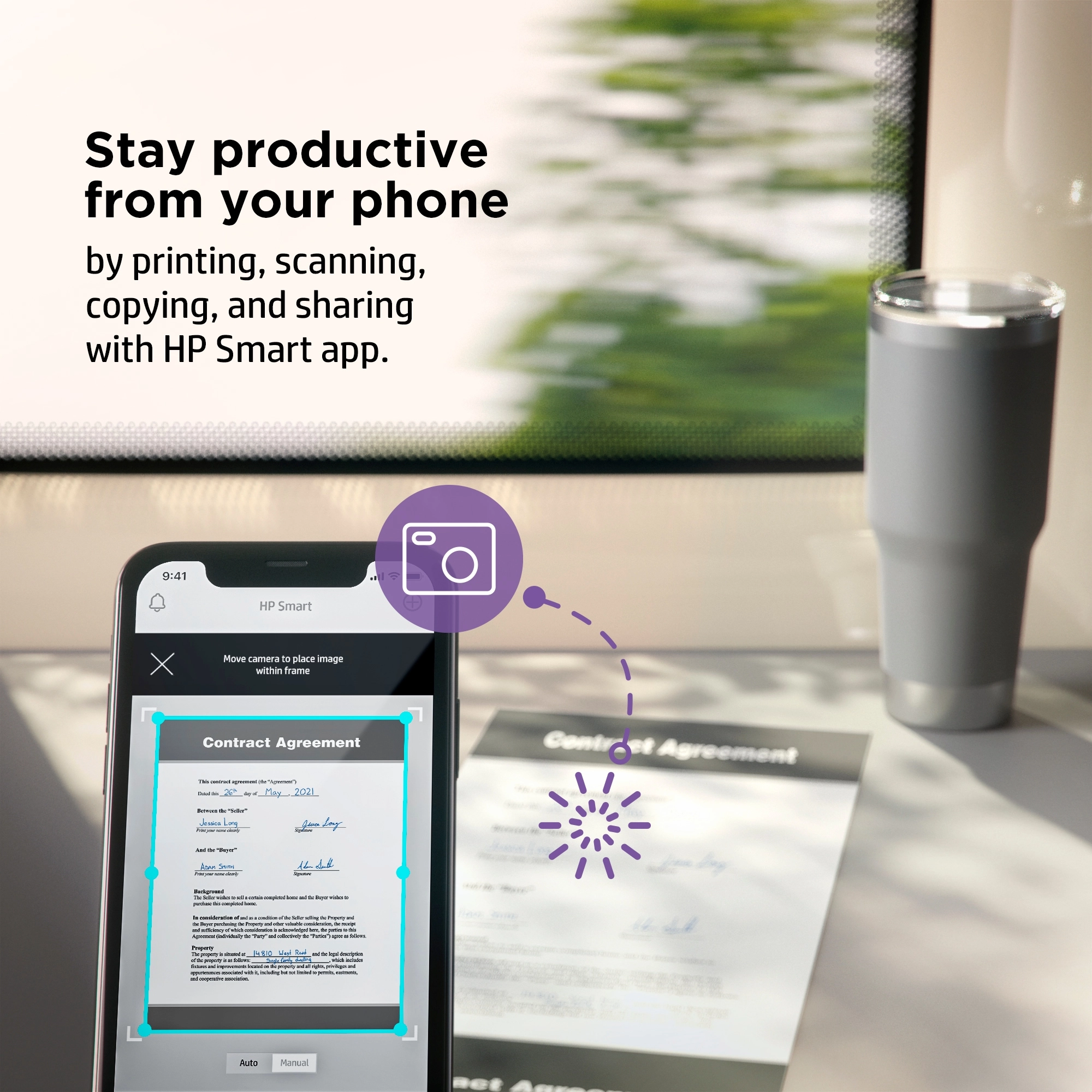
Productivity from your phone
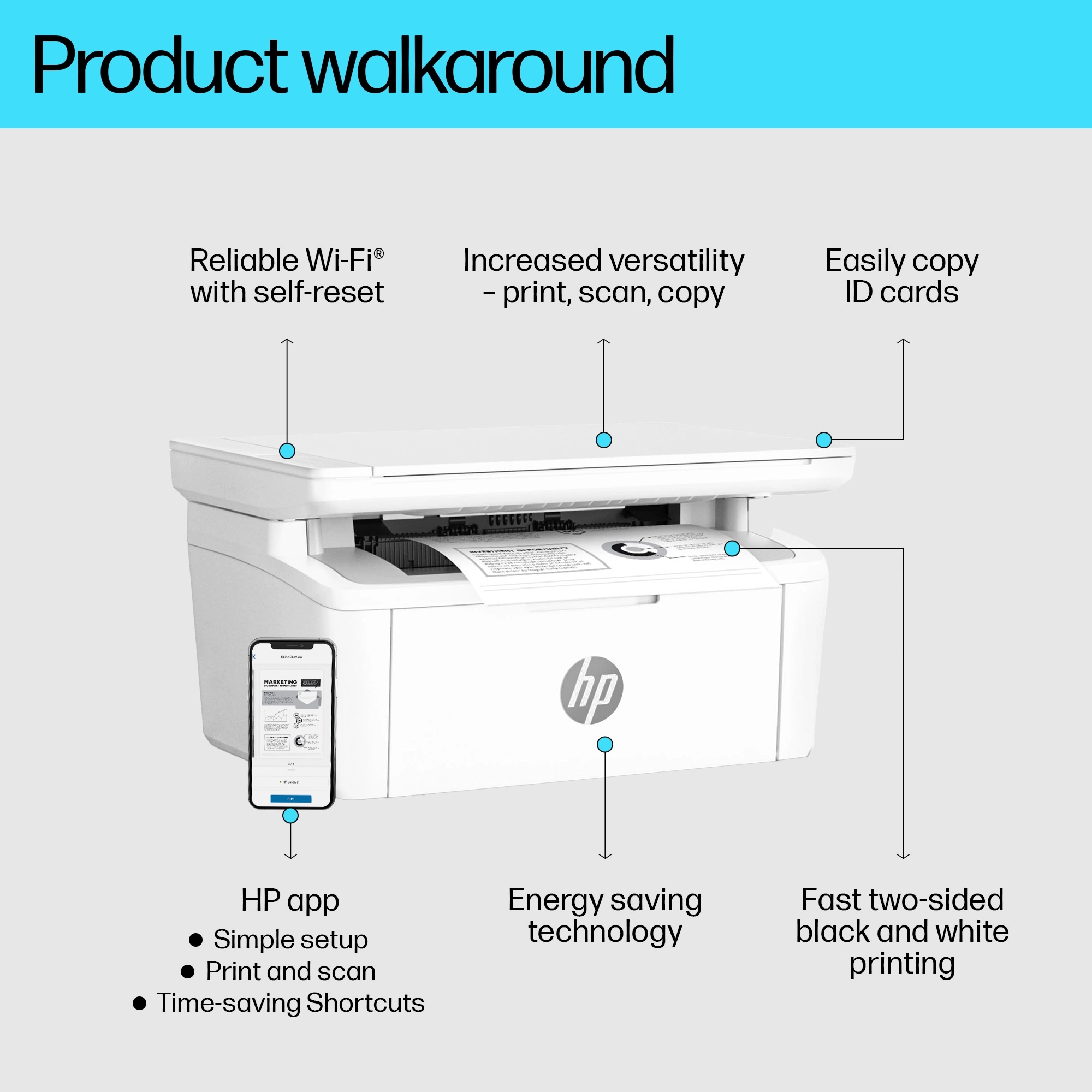
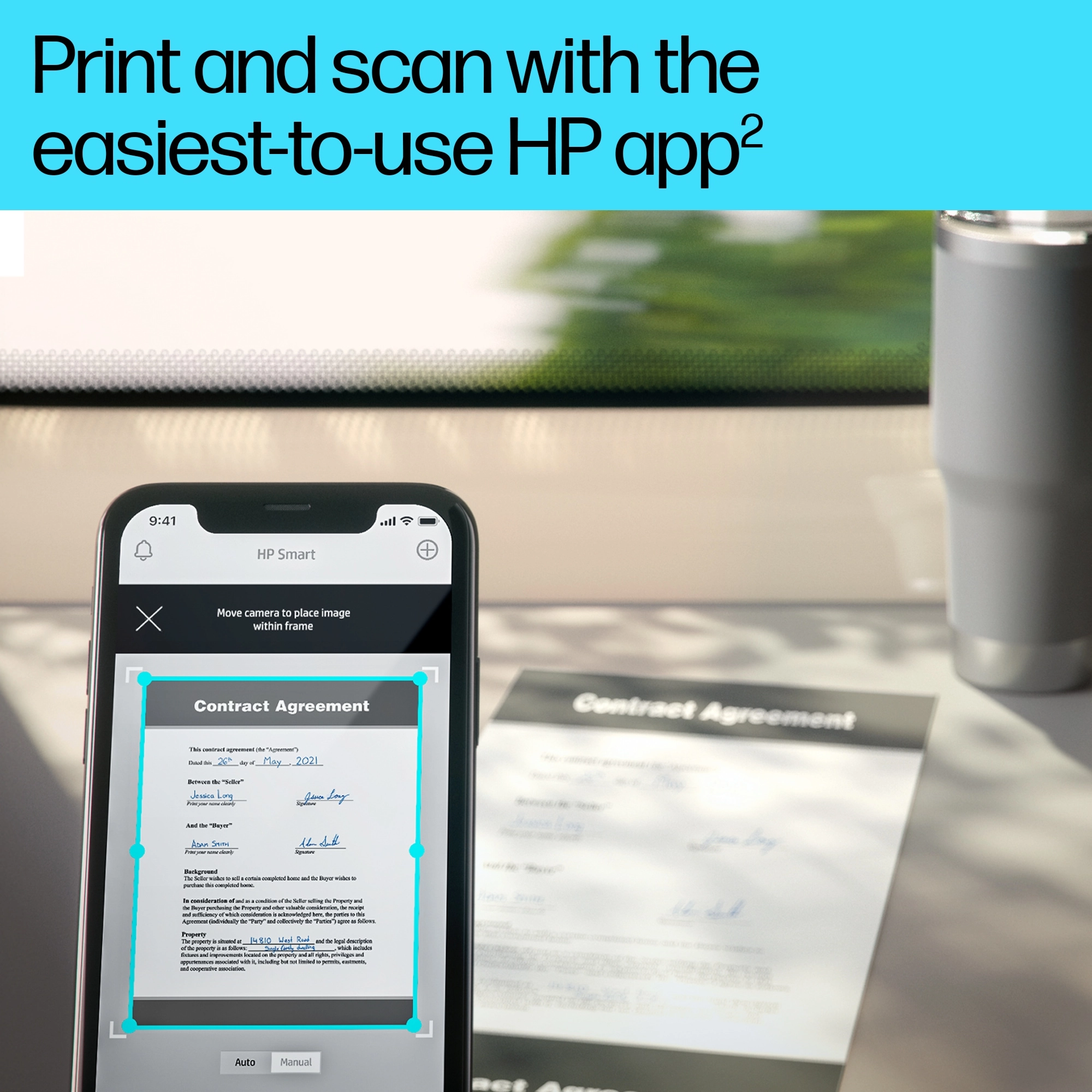
Get high-quality scanning, and share to Dropbox, Google Drive or cloud – from your phone with HP Smart app.<sup>[1]</sup> Access and print documents from your phone with HP Smart app, even from Dropbox and Google Drive.<sup>[1]</sup> With HP Smart app, take a photo as a copy, and send it to your printer from your smartphone.<sup>[1]</sup> Eliminate steps in repetitive tasks with Shortcuts.<sup>[1]</sup> Scan to the cloud, email, and more in just a tap.<sup>[1]</sup>
Trusted quality and convenience
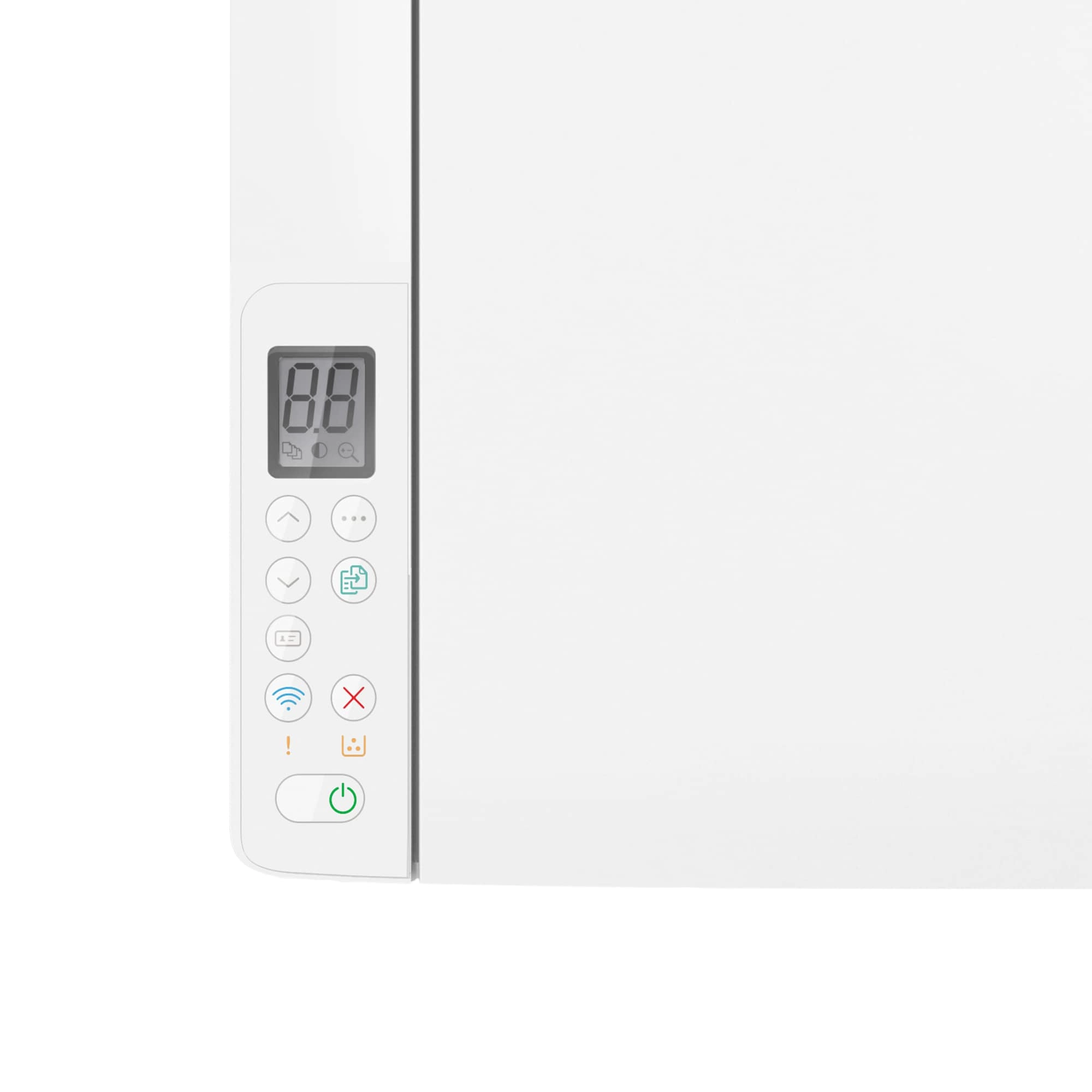
Count on getting consistently superb prints from a small laser, using Original HP Toner Cartridges. Simple setup with HP Smart app. It guides you through each step to seamlessly connect from any device.<sup>[1]</sup> Get connected and start printing. Easily connect your printer to your computer with the built-in USB port.<sup>[4]</sup> Start printing right away. The simple LED with buttons helps you complete projects quickly and easily.
Help save resources without sacrificing performance
HP Auto-On/Off Technology – intelligence can turn your printer on when you need it and off when you don’t.<sup>[5]</sup> This HP LaserJet meets ecolabel requirements, including BLUE ANGEL.
Tackle the essentials – print, scan, copy
Easily handle tasks and get a lot from one device – print, scan, and copy.
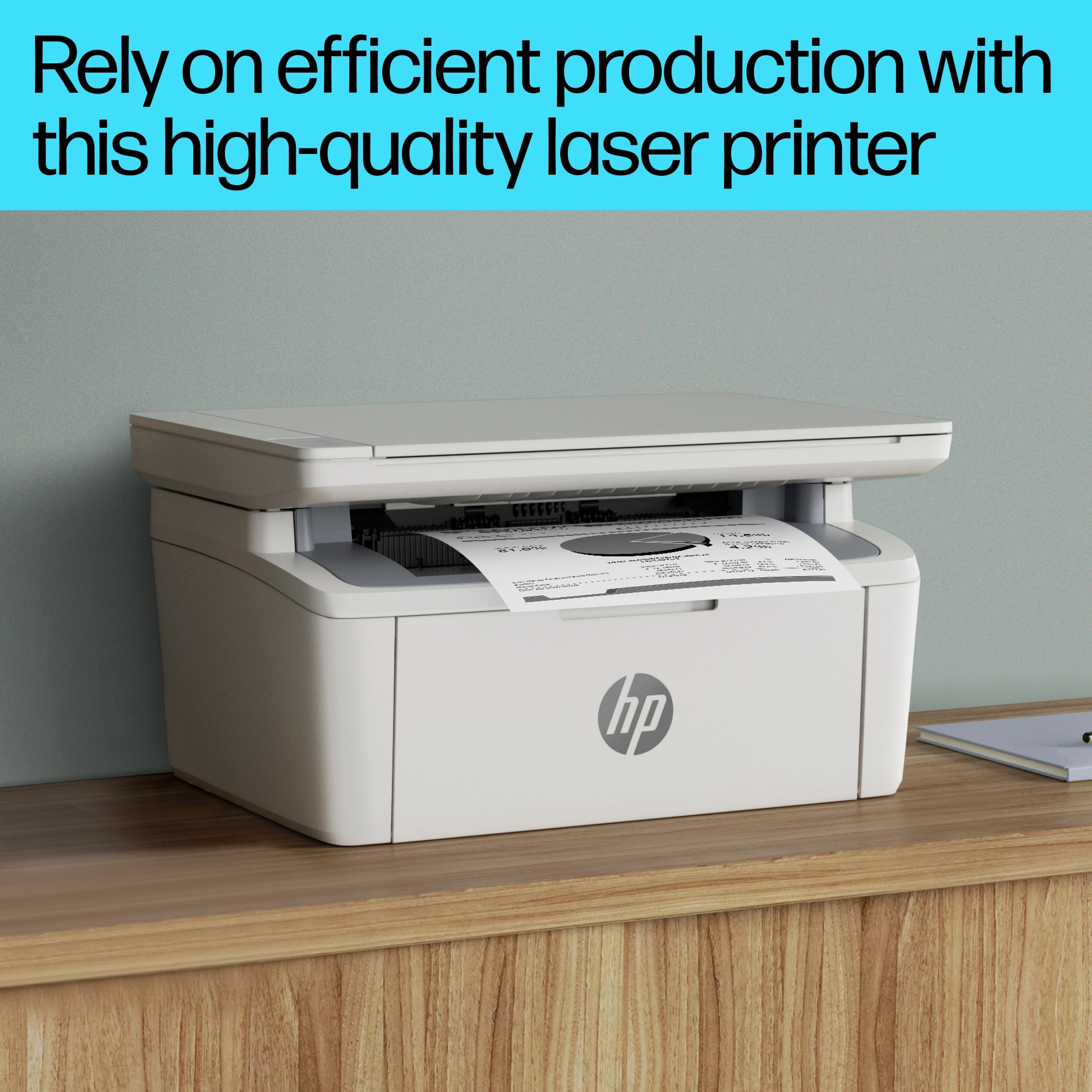
Legendary laser quality
This surprisingly small laser delivers exceptional quality, page after page.
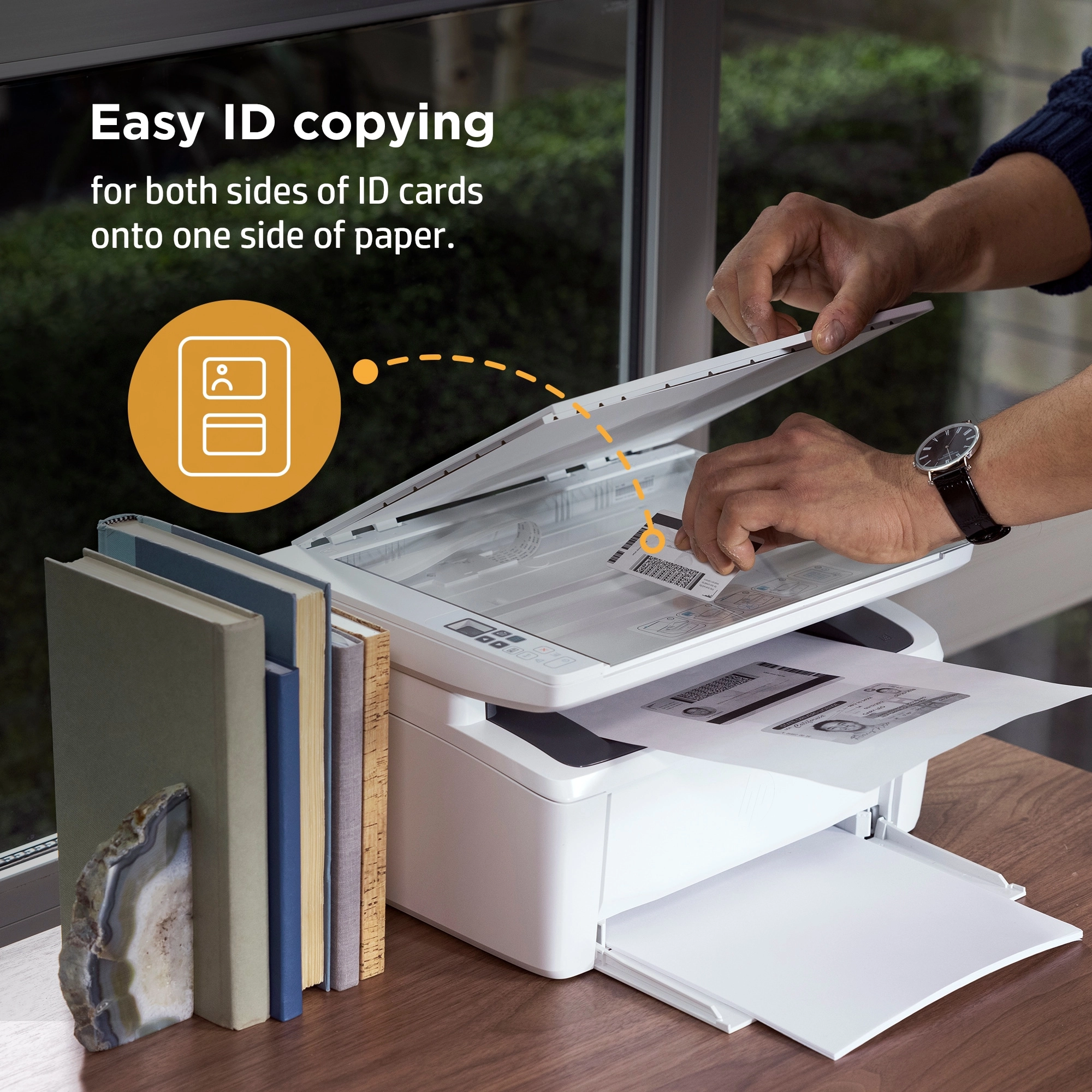
Easy ID copying
Easily copy both sides of identification cards onto one side of paper.
Fast printing
Get print speeds up to 21/20ppm.<sup>[3]</sup> <sup>[3]</sup>
Seamless setup
Get started fast with simple setup that guides you through each step, with HP Smart app.<sup>[1]</sup> <sup>[1]</sup>
Amazing scanning, now on your smartphone
Get high-quality scanning, and share to Dropbox, Google Drive, email, or the cloud - with HP Smart app.<sup>[1]</sup> <sup>[1]</sup>

Printing just got more productive
Quickly access and print documents and images on your smartphone, from Dropbox and Google Drive.<sup>[1]</sup> <sup>[1]</sup>
Extend your printing reach
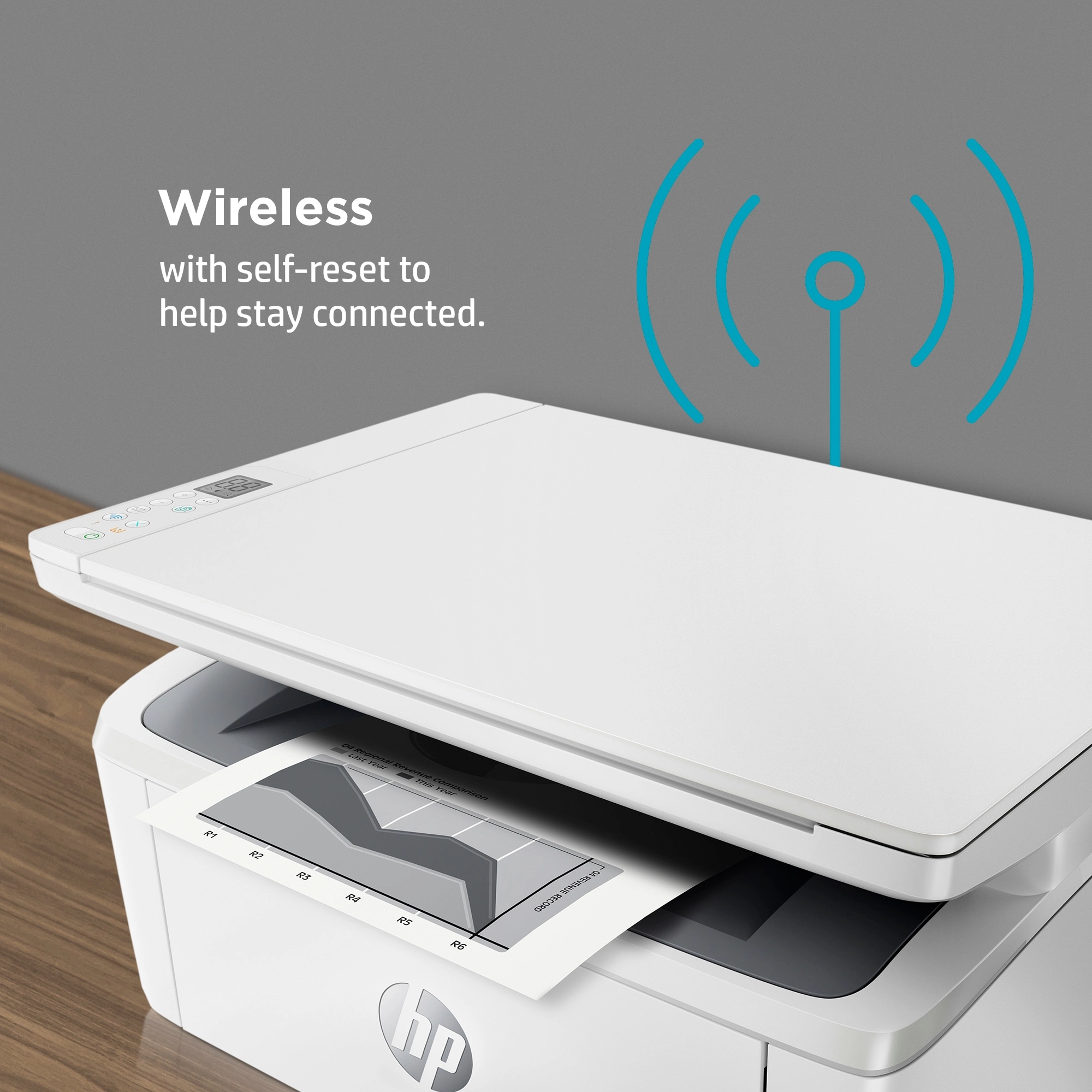
Get wireless with self-reset to help you stay connected.<sup>[7]</sup> <sup>[7]</sup>
Connect your printer with USB
Easily connect your printer to your computer with the built-in USB port.<sup>[4]</sup> <sup>[4]</sup>
On when you need it, off when you don’t
Help save energy with HP Auto-On/Auto-Off Technology.<sup>[5]</sup> <sup>[5]</sup>
Files
CE Marking
mmo_91262473_1716311860_1475_20618.pdf
Product Brochure
mmo_91262473_1698141463_499_21025.pdf
Images
 602-1778.png
 1133-6575.png
 1158-500.png
 1-8100.png
 4-8210.png
 12-2546.png
 368-5047.png
Reviews
Join our newsletter
Be the first to know about new arrivals, sales, and exclusive picks
Sign in to unlock newsletter access and stay in the loop