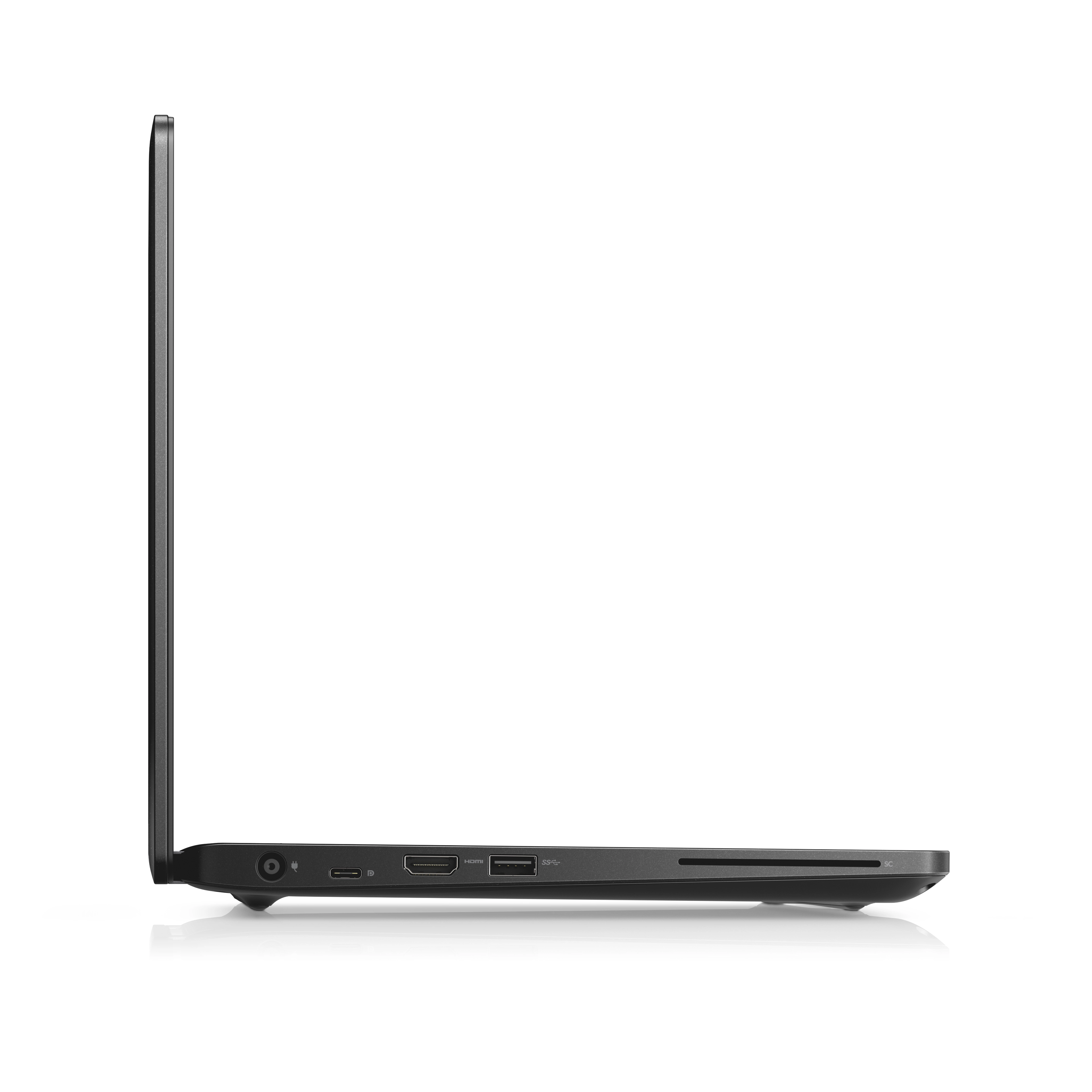


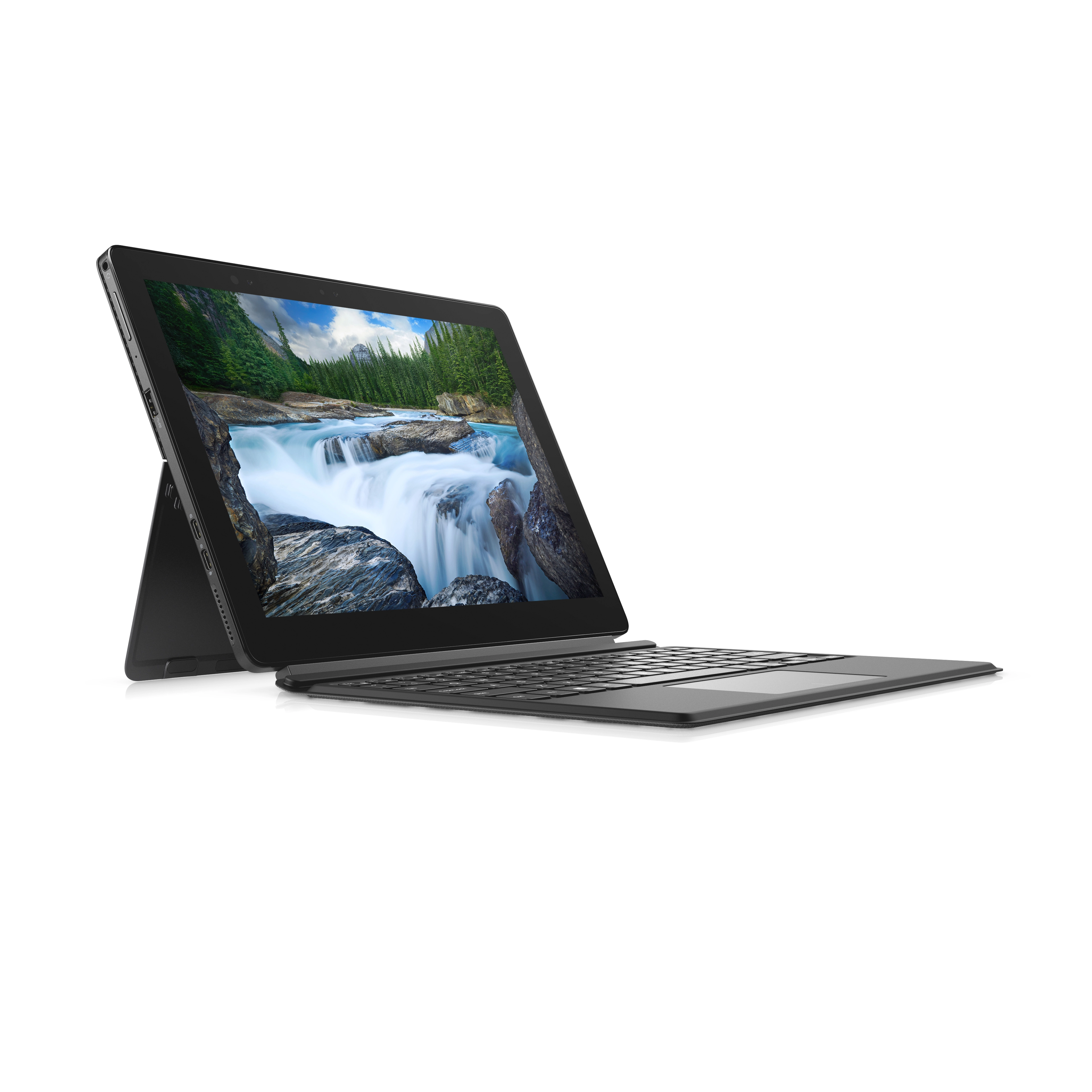

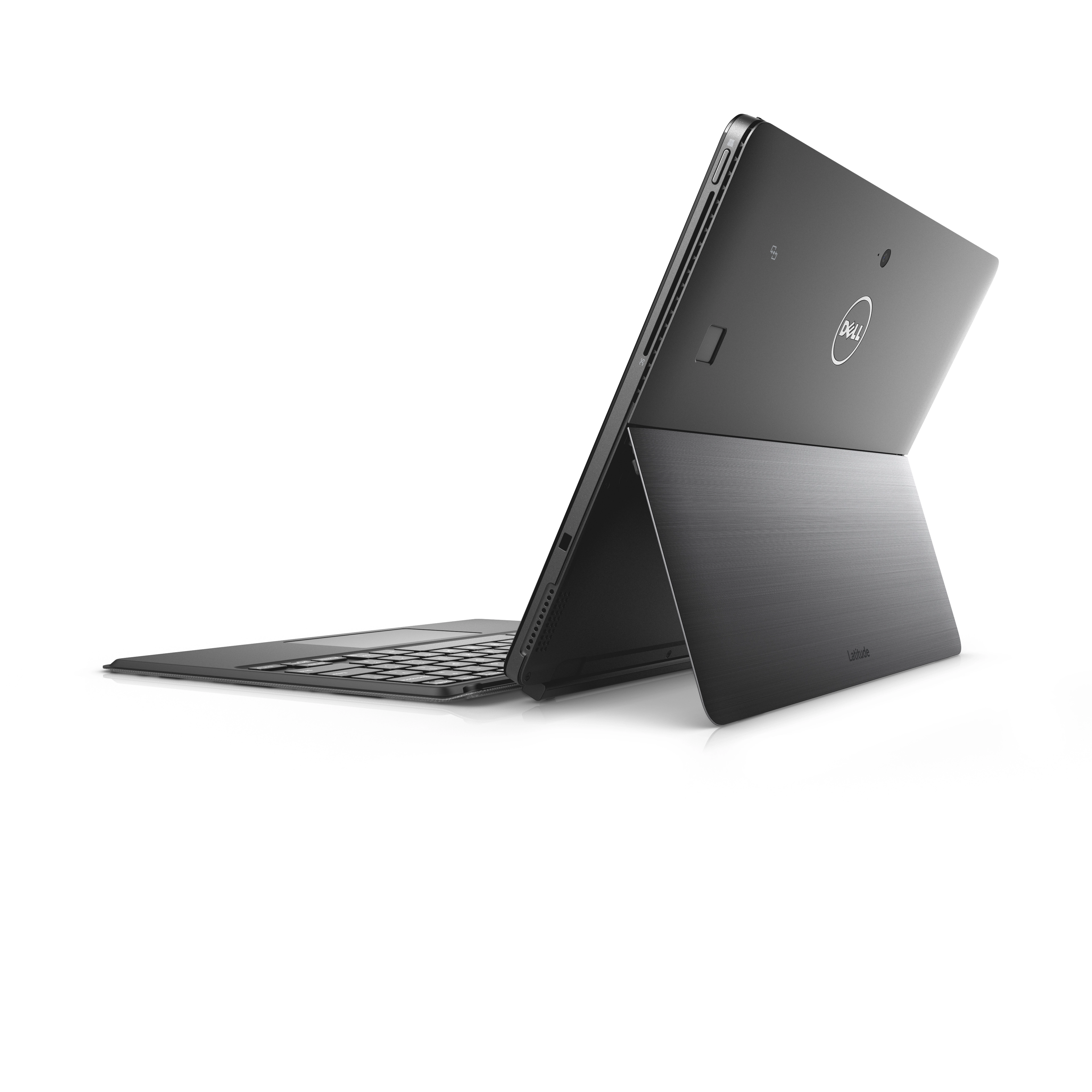
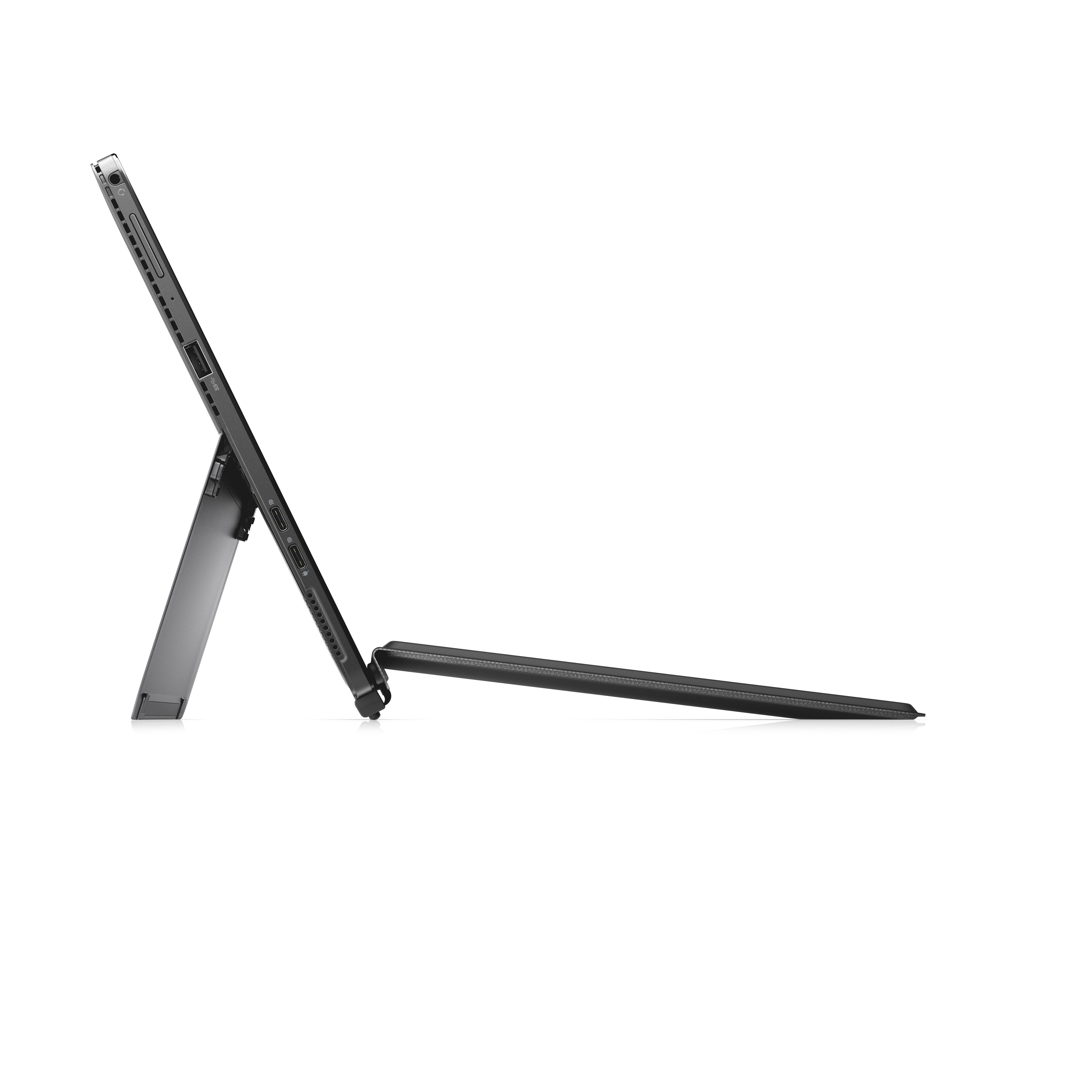




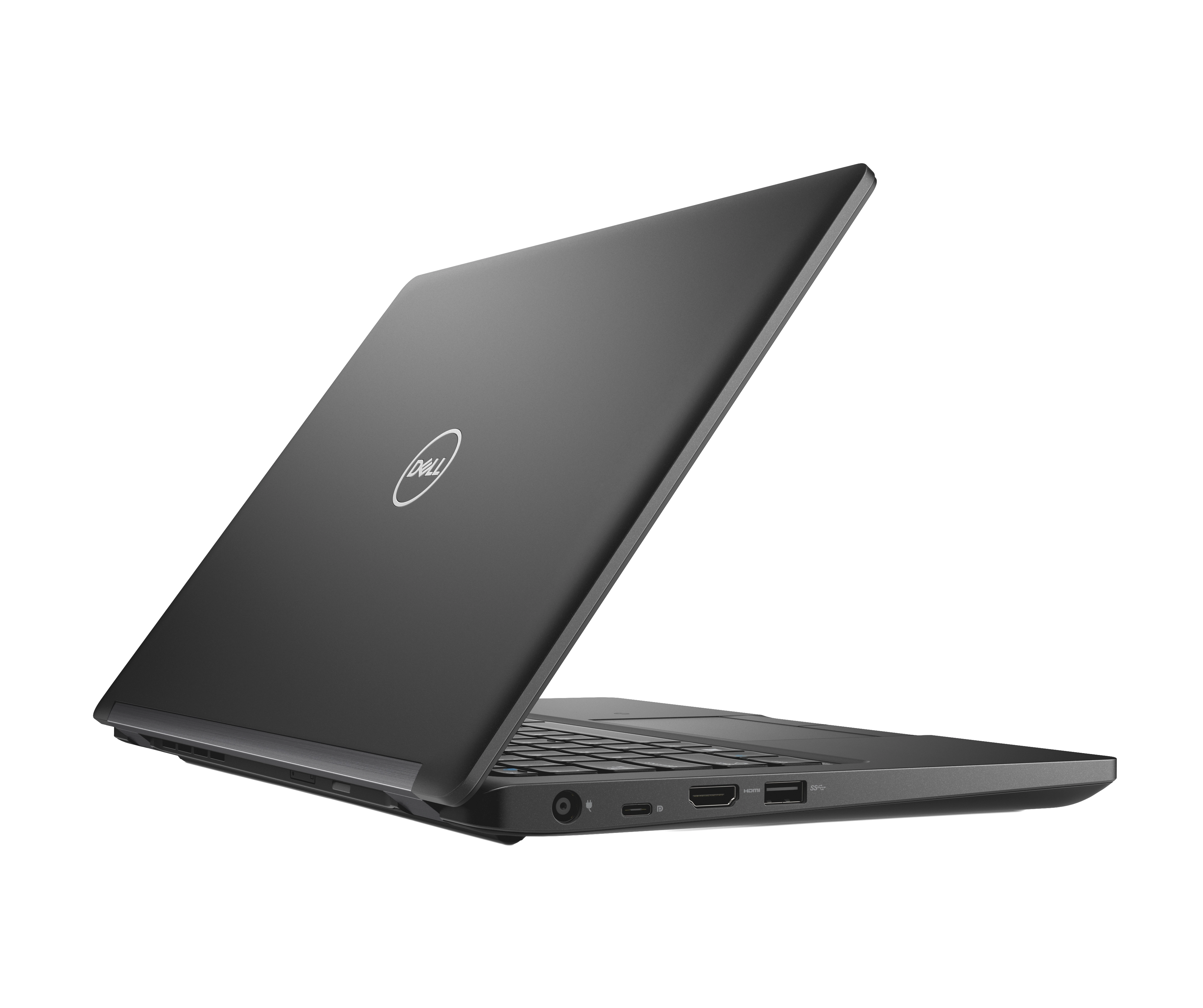


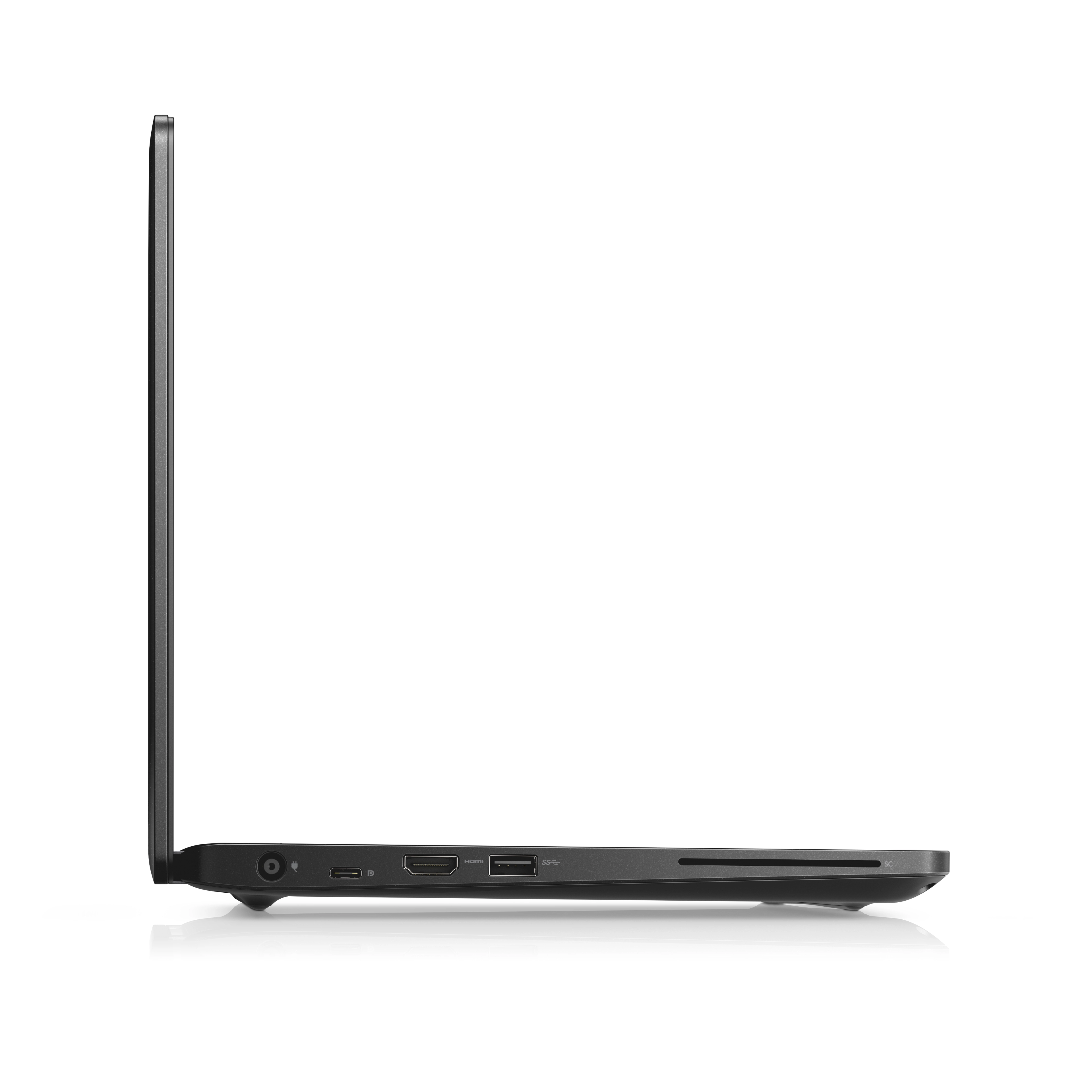


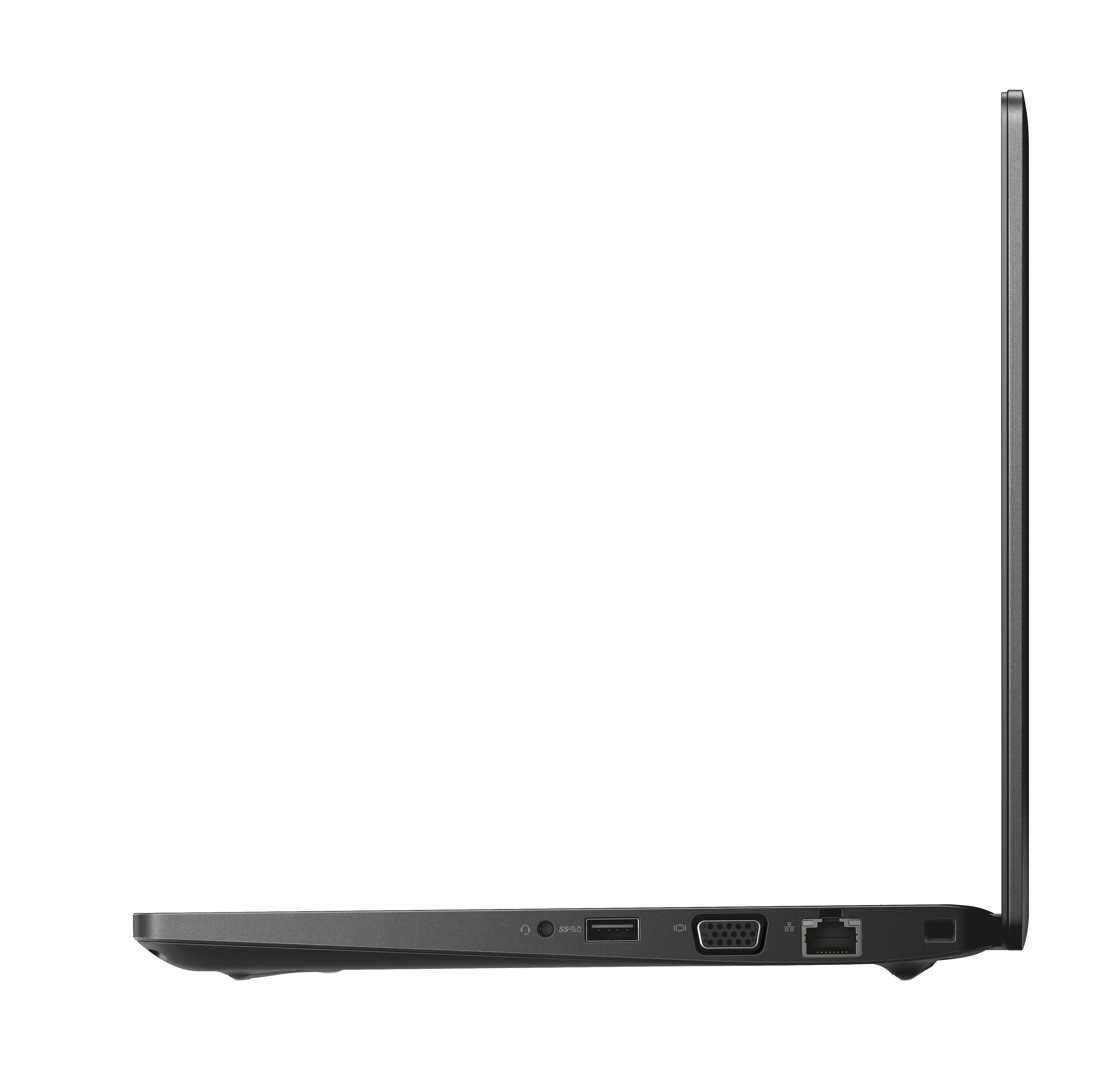
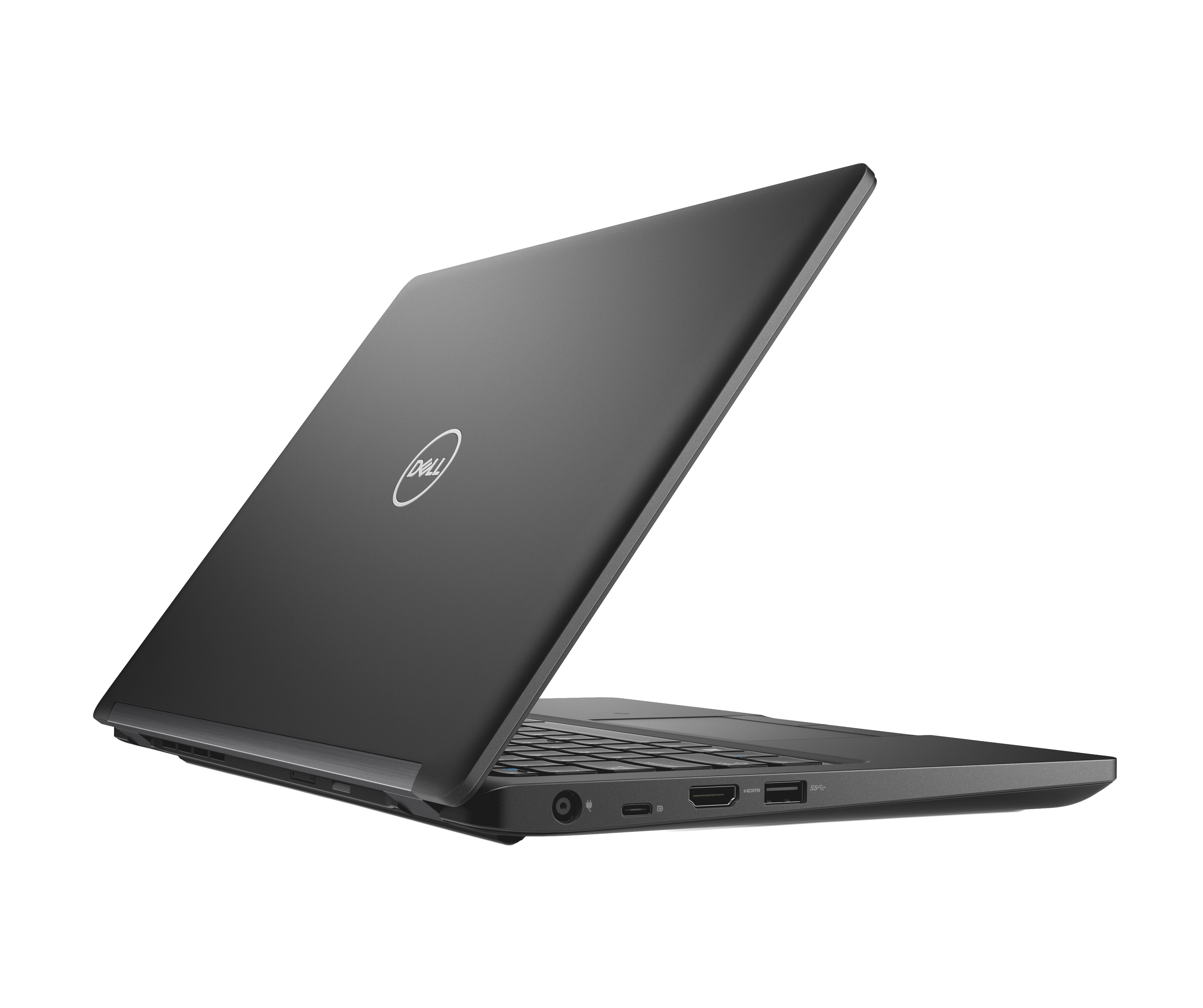


DELL (Refurbished) Latitude 5290 - 12.3'' Core i7 16GB DDR4 256GB SSD
Key Features
- Discrete graphics card: No
- On-board GPU manufacturer: Intel
- On-board graphics card family: Intel® UHD Graphics
- Maximum internal memory (64-bit): 8GB
- Processor threads: 4
- Front camera HD type: HD
- Front camera signal format: 720p
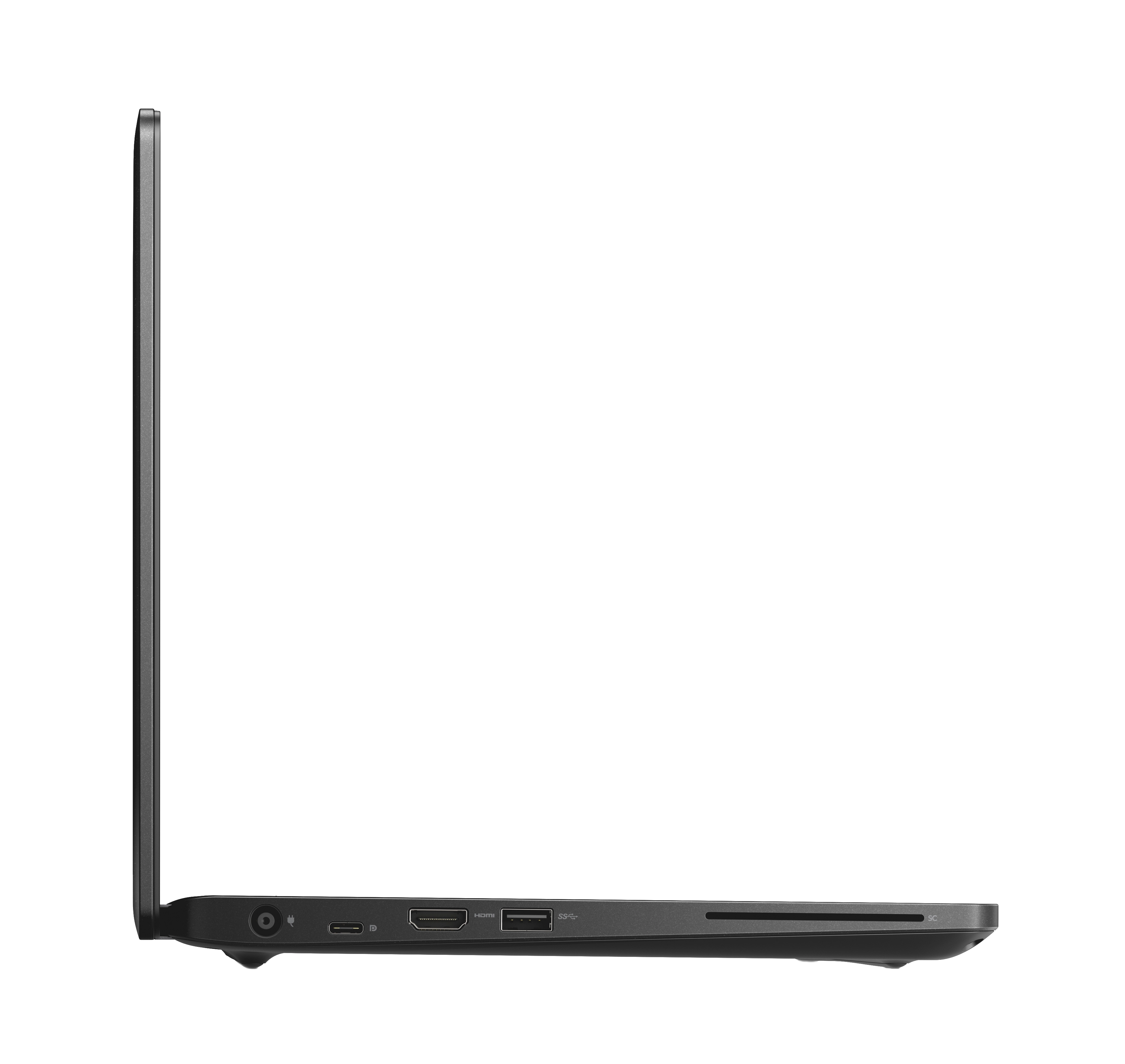
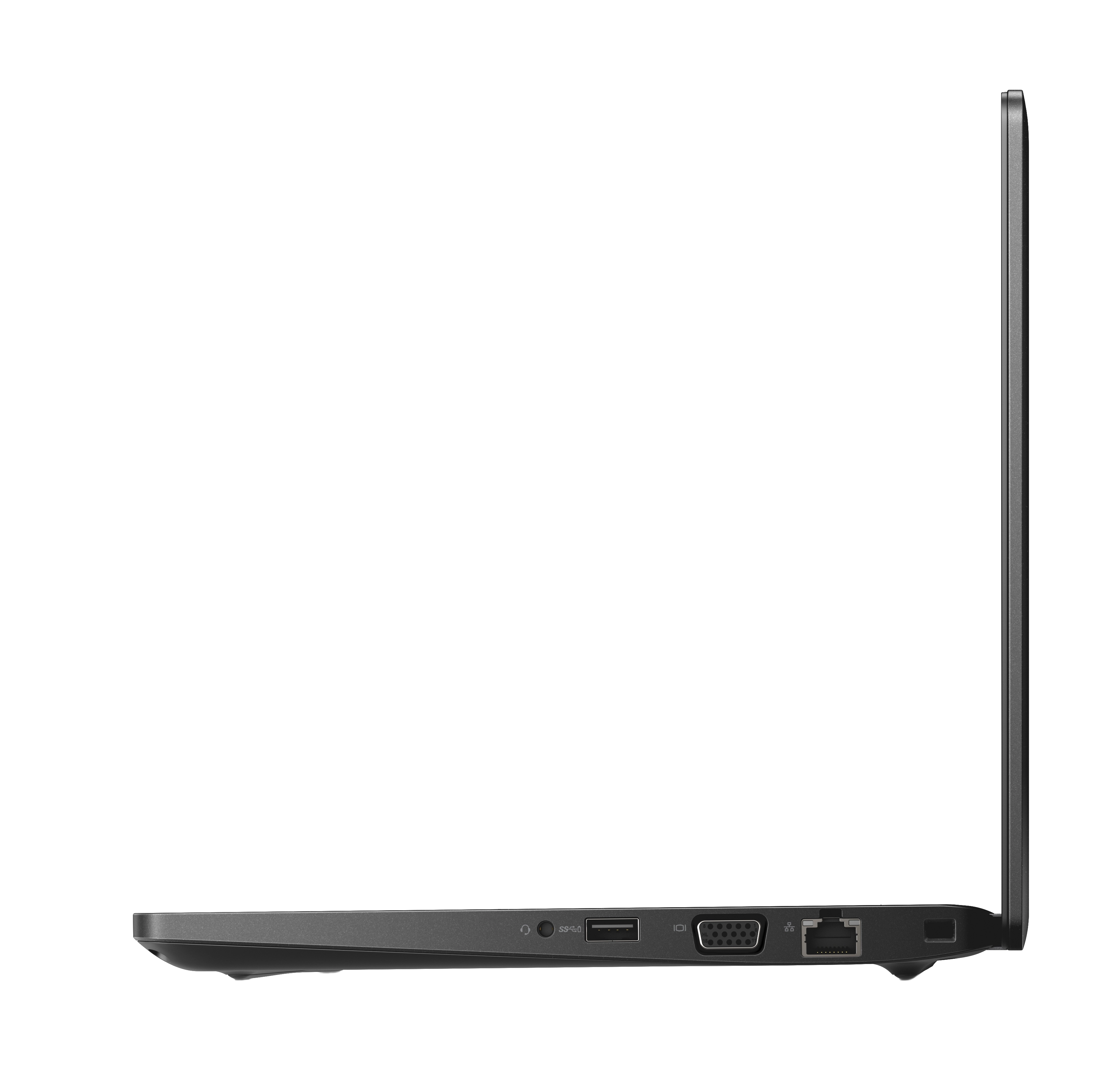
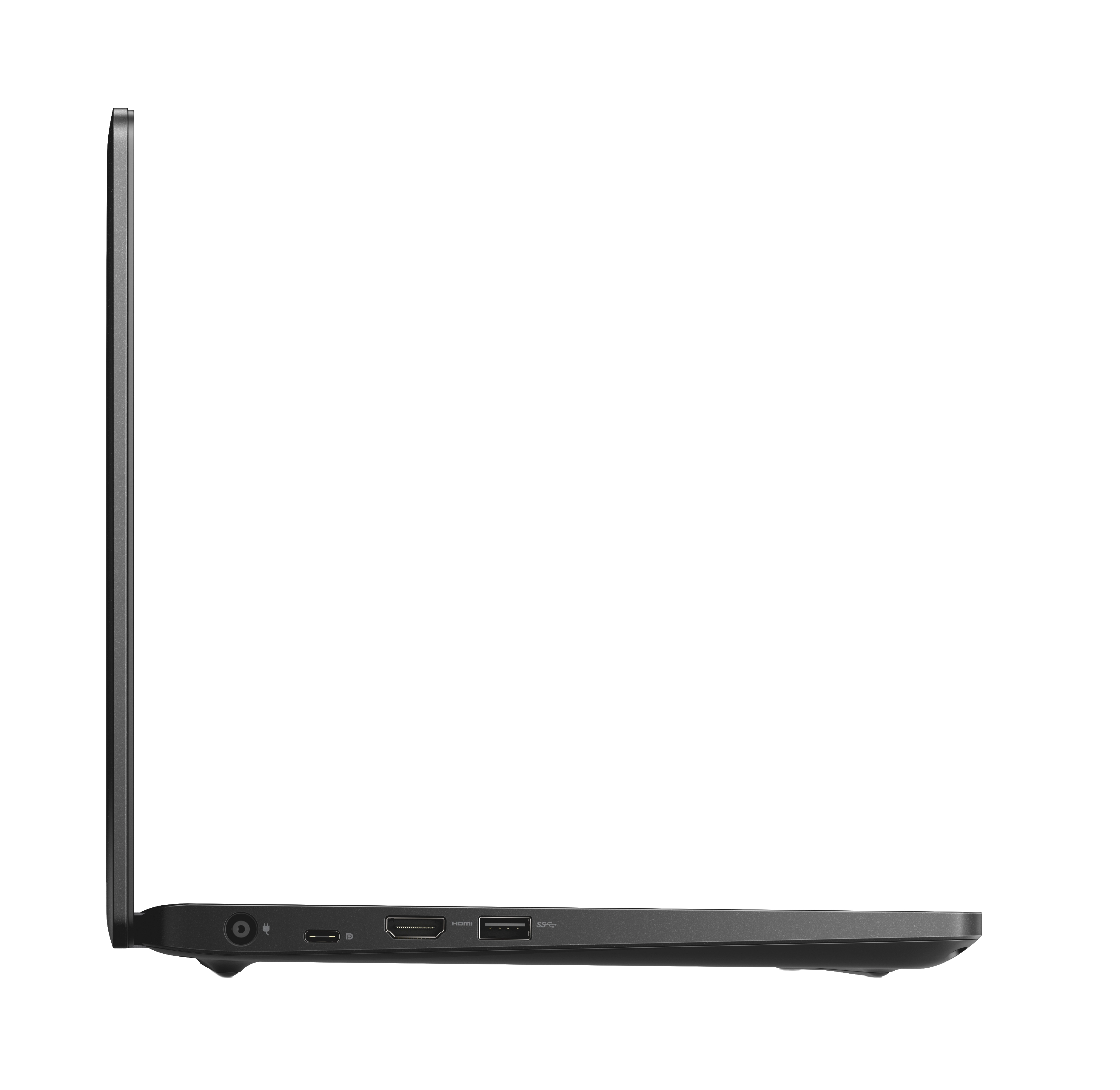
- USB 3.2 Gen 1 (3.1 Gen 1) Type-C ports quantity: 2
- Front camera: Yes
- Weight (tablet mode): 857g
- Total SSDs capacity: 256GB
- Width (tablet mode): 292mm
- Height (front): 14.9mm
- Depth (tablet mode): 209mm
- Height (rear): 15.9mm
Specifications
Features
Packaging data
Weight & dimensions
Display
Power
Performance
Optical drive
Other features
Processor special features
Storage
Design
Graphics
Computer system
Packaging content
Network
Ports & interfaces
Operational conditions
Technical details
Processor
Memory
Audio
Keyboard
Video
Camera
Battery
Solid state drive
Product Details
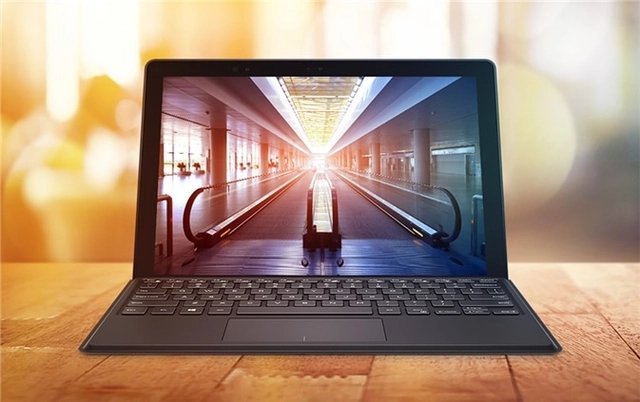
Office everywhere
Latitude laptops and 2-in-1s enable all day productivity with the most secure and manageable features all in a beautiful design you will be proud to carry. No matter where work takes you—whether you are on the go, at the desk or working from the café, we have the right solutions so you can office everywhere.
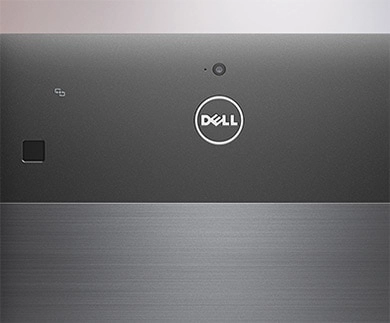
The ultimate defense system
Best-in-class hardware security: Protect your hardware when accessing your company’s network thanks to the with FIPS 140-2, TCG certified TPM2.0 and optional full security (Smart card reader, Finger print and NFC). Protect your identity: The Dell ControlVault™ provides the strongest authentication capabilities available. It stores and protects your passwords, biometric authentication, and security codes, so your credentials will be secured no matter where your work takes you. Control your data: Work worry free with powerful security solutions built into your Latitude 5290 2-in-1. Dell Data Protection includes Endpoint Security Suite Enterprise, Secure Lifecycle and Encryption for outstanding security that’s easily managed from one console.
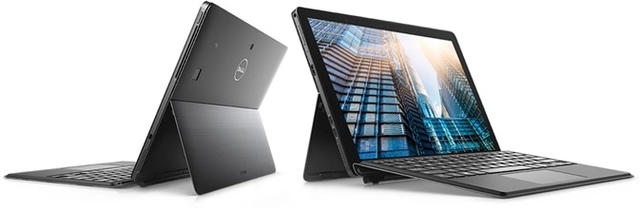
Set up for success
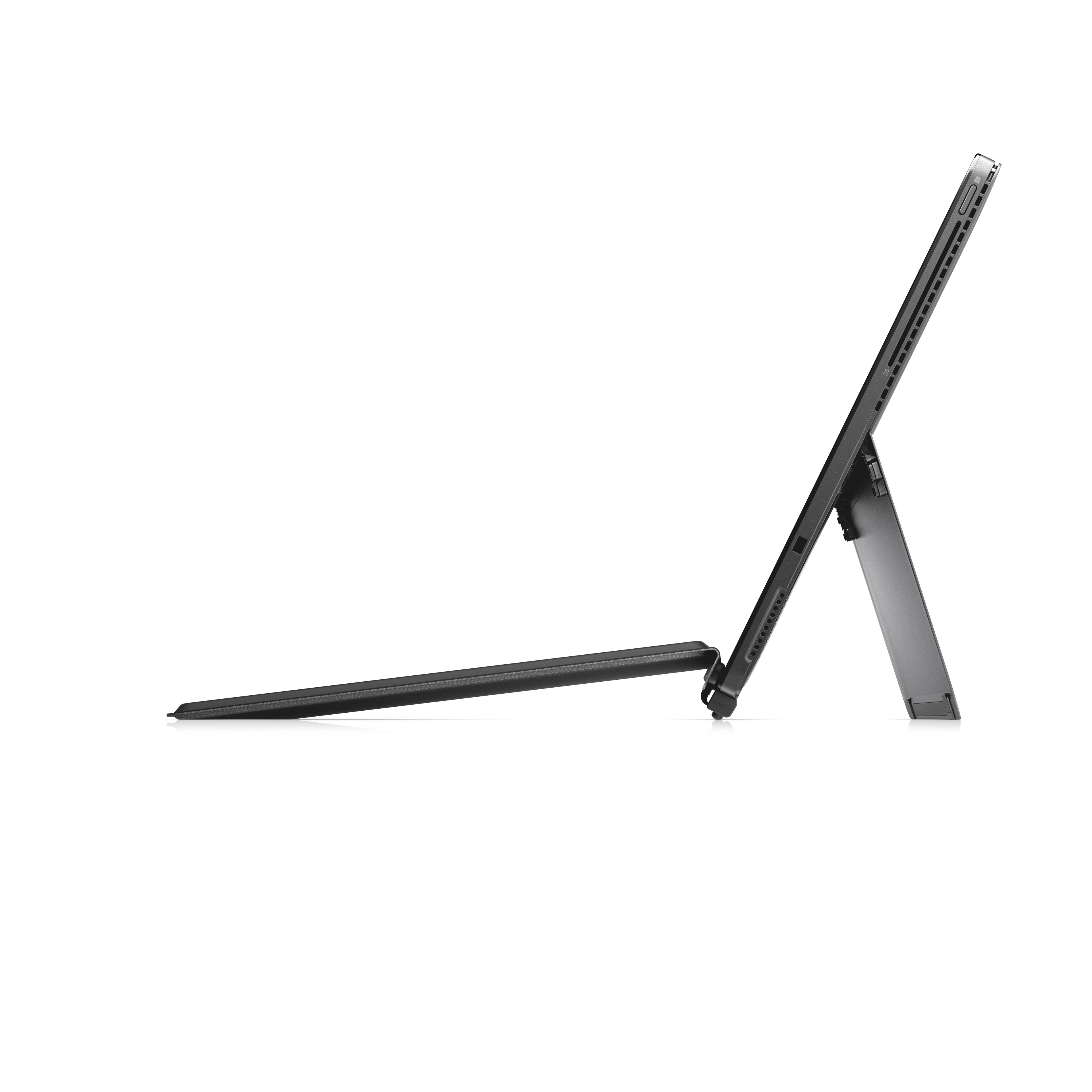
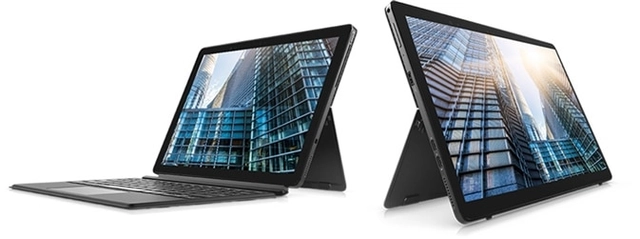
The auto-deploy kickstand is an industry-first feature designed for a smooth work experience. Place your Latitude 5290 2-in-1 on a flat surface and watch the kickstand automatically extend. It can rotate up to 150 degrees for multiple viewing angles.
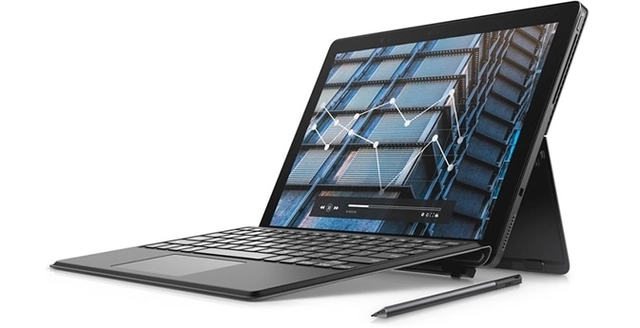
Innovative design
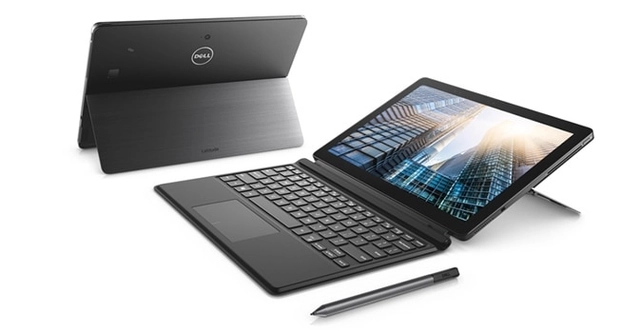
On-the-go flexibility: At less than 2lbs, the Latitude 5290 2-in-1 is built for mobility. From meetings around the office to traveling across the country, its small and light frame can fit anywhere. Enjoy the view, all day: Take in the 12.3" Full HD screen without sacrificing your battery life. The long lasting 42Whr battery keeps up with your screen’s performance, while Corning® Gorilla® Glass 4 guards against drops and rough surfaces. Boost productivity: Streamline your workflow with an optional travel keyboard and active pen. The thin, lightweight keyboard attaches magnetically for easy transitions between laptop and tablet modes, while the active pen lets you take notes directly on the screen and magnetically attaches to your device when not in use.
Powerful and easy to manage
Reliable performance: Equipped with the latest generation of either Intel® Core™ i Dual or Quad (15W) processors, you can choose the power you need to stand up to the longest workday. Automatic updates: Dell Client Command Suite comes with a set of automation tools that assists in device monitoring, deploying images, updating and more, to maximize your hardware and software investments and save time. Diagnostics, anywhere: Intel® vPro™ manages and protects your device from software attacks. Diagnose and repair your Latitude 5290 2-in-1 remotely, all while reducing power use. Extensive connectivity: Conveniently connect with a single cable with the optional Dell Business Dock, Dell Business Thunderbolt Dock or Dell Business Dock with Monitor Stand. Upgrade to 4G/LTE and stay connected anywhere.
Featuring Windows 10 Pro
Store your ideas: Windows Ink allows you to incorporate your thoughts and ideas into the digital space. Use your optional active pen to take notes, draw and comment with this feature that’s directly integrated into your apps. Seamlessly switch tasks: Continuum optimizes content for the screen you’re currently viewing. By smoothly transitioning from laptop to tablet mode, you can stay productive with or without your optional keyboard. Log in with ease: Activate Windows Hello via an optional infrared camera to facilitate facial recognition for easy and secure access.
Files
User manual
mmo_44564362_1516798440_4107_2817.pdf
Latitude 5285 / 5290 2-in-1 Fingerprint Reader Setup and Authentication
mmo_62335106_1540192446_4107_32041.pdf
Quick Start Guide
mmo_62335106_1540192462_5655_7111.pdf
Product Compliance Datasheet
mmo_62335106_1540192478_3872_31181.pdf
Global Product Compliance Engineering and Environmental Affairs
mmo_62335106_1540192492_0201_30080.pdf
Images
 <b>أداء أعلى عند الحاجة</b>
تعمل تقنية انتل® تيربو بوست- إصدار 2.01 على زيادة سرعة أداء المعالج والرسومات وذلك عن طريق زيادة تردد التشغيل عند العمل دون حدود المواصفات. يتفاوت أقصى تردد حسب عبء العمل، والمكونات المادية والبرمجيات المستخدمة، وتهيئة النظام بوجهٍ عام.
<b>أداء أعلى عند الحاجة</b>
تعمل تقنية انتل® تيربو بوست- إصدار 2.01 على زيادة سرعة أداء المعالج والرسومات وذلك عن طريق زيادة تردد التشغيل عند العمل دون حدود المواصفات. يتفاوت أقصى تردد حسب عبء العمل، والمكونات المادية والبرمجيات المستخدمة، وتهيئة النظام بوجهٍ عام. Does not contain "conflict minerals": tantalum, tin, tungsten, and gold.
 145-5610.png
 Процессоры Intel® Core™ — производительные решения для бесперебойной работы, досуга и творчества.
Высокое быстродействие, предоставляющее пользователям непревзойденные возможности для эффективной работы, творчества и связи.
Новый стандарт возможностей подключения.
Редактирование видео менее чем за минуту.
Процессоры Intel® Core™ — производительные решения для бесперебойной работы, досуга и творчества.
Высокое быстродействие, предоставляющее пользователям непревзойденные возможности для эффективной работы, творчества и связи.
Новый стандарт возможностей подключения.
Редактирование видео менее чем за минуту. 1241-3059
 <b>8th Generation Intel® Core™ i5 Processor</b><br><br>Intel® Core™ Processors - Work, play, and create as quickly and seamlessly as your heart desires.<br><br>-Faster performance empowering people to focus, create, and connect like never before.<br>-Raising the bar on connectivity.<br>-Video editing just under a minute.
Reviews
Join our newsletter
Be the first to know about new arrivals, sales, and exclusive picks
Sign in to unlock newsletter access and stay in the loop