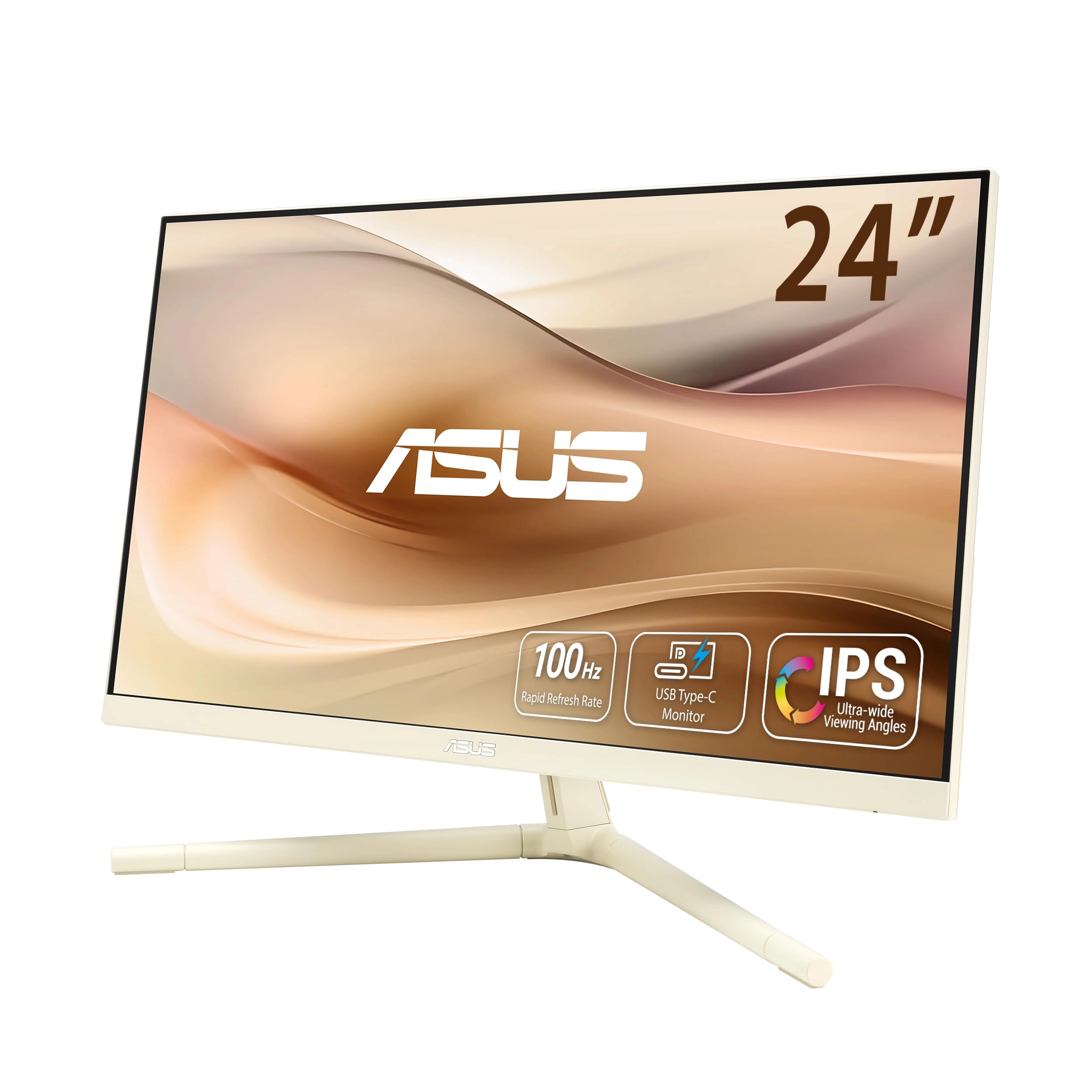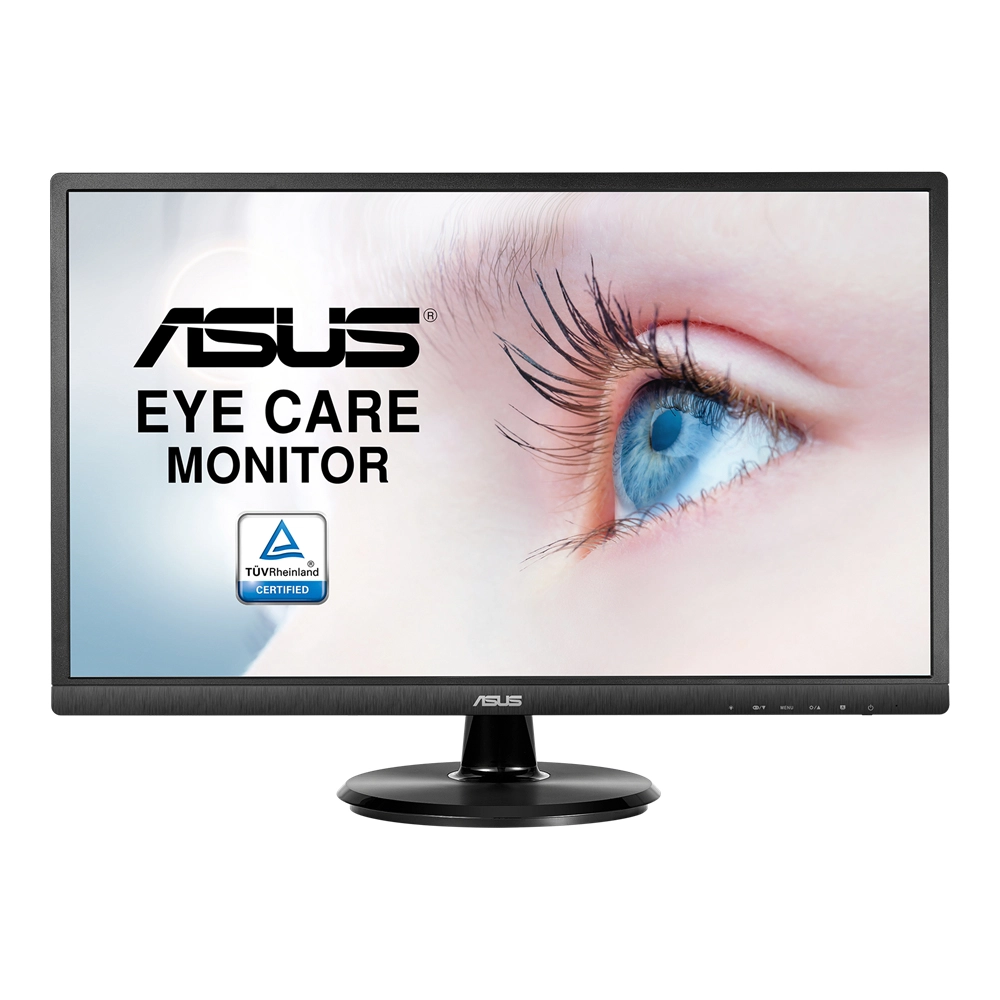
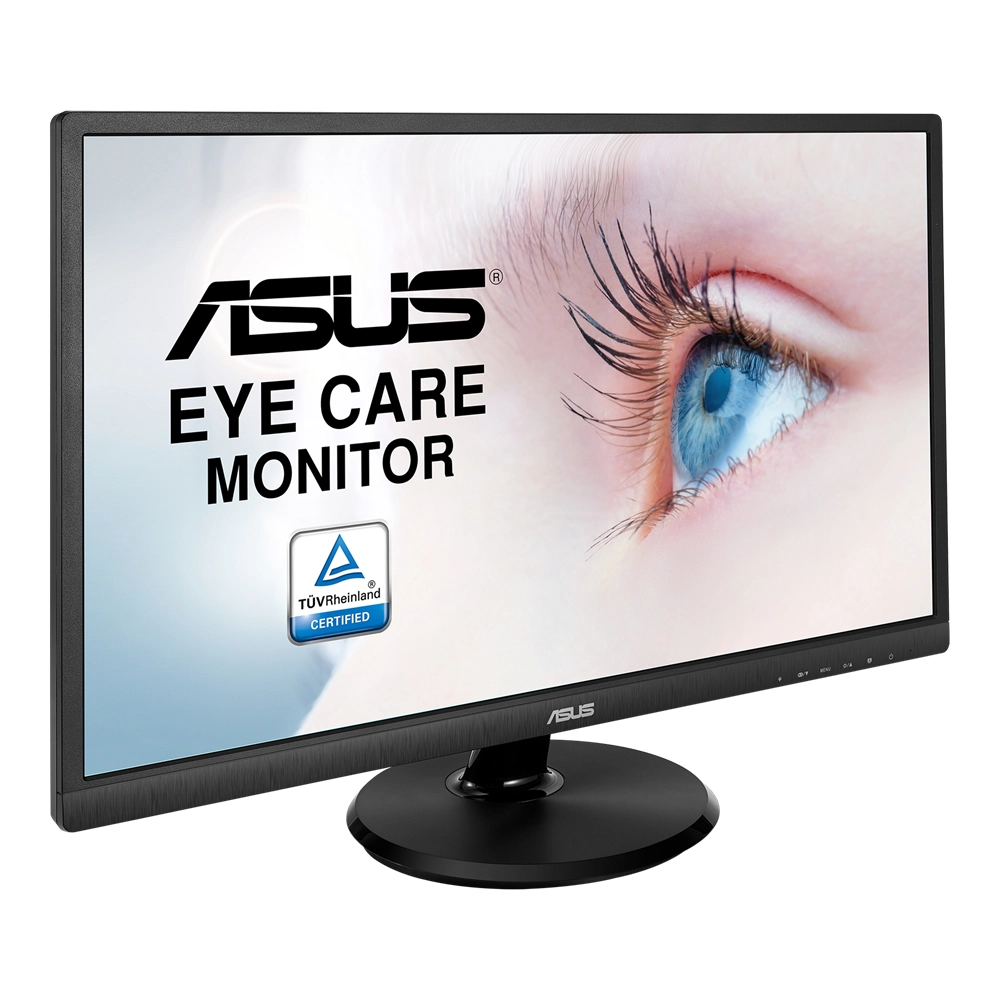
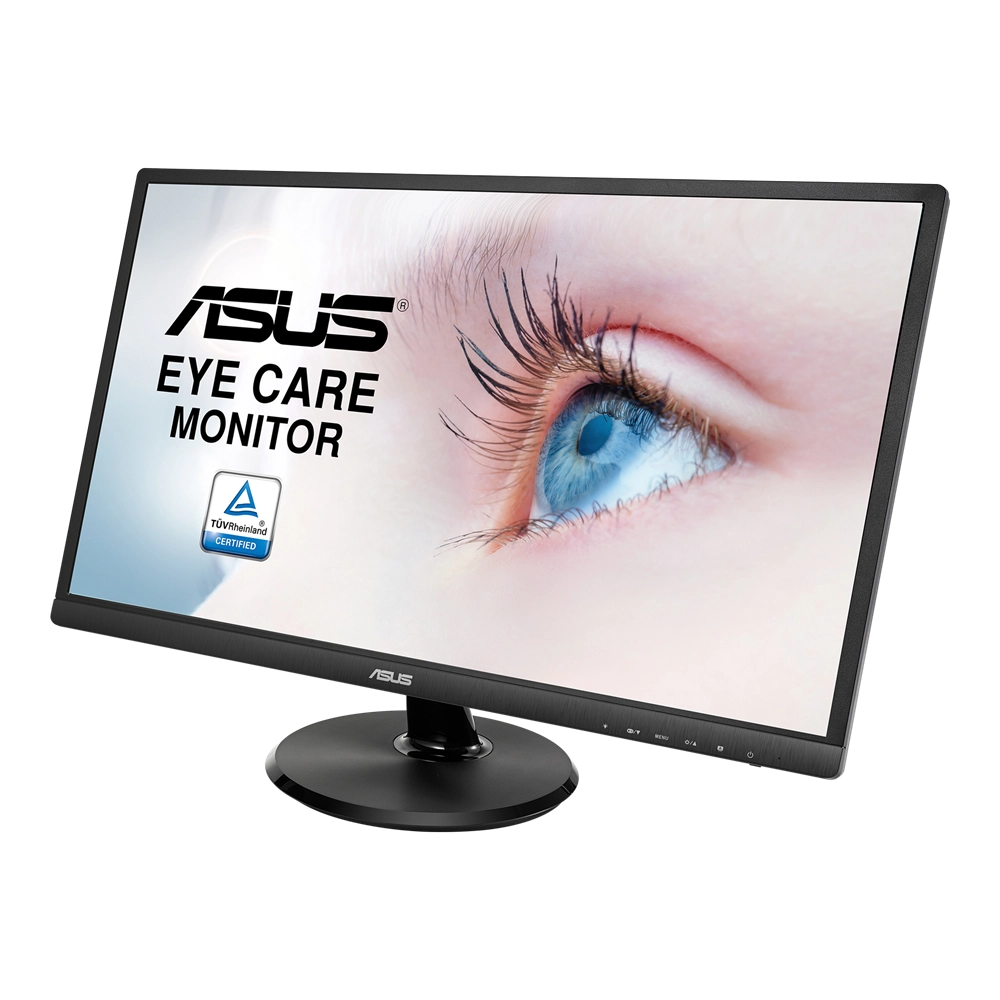


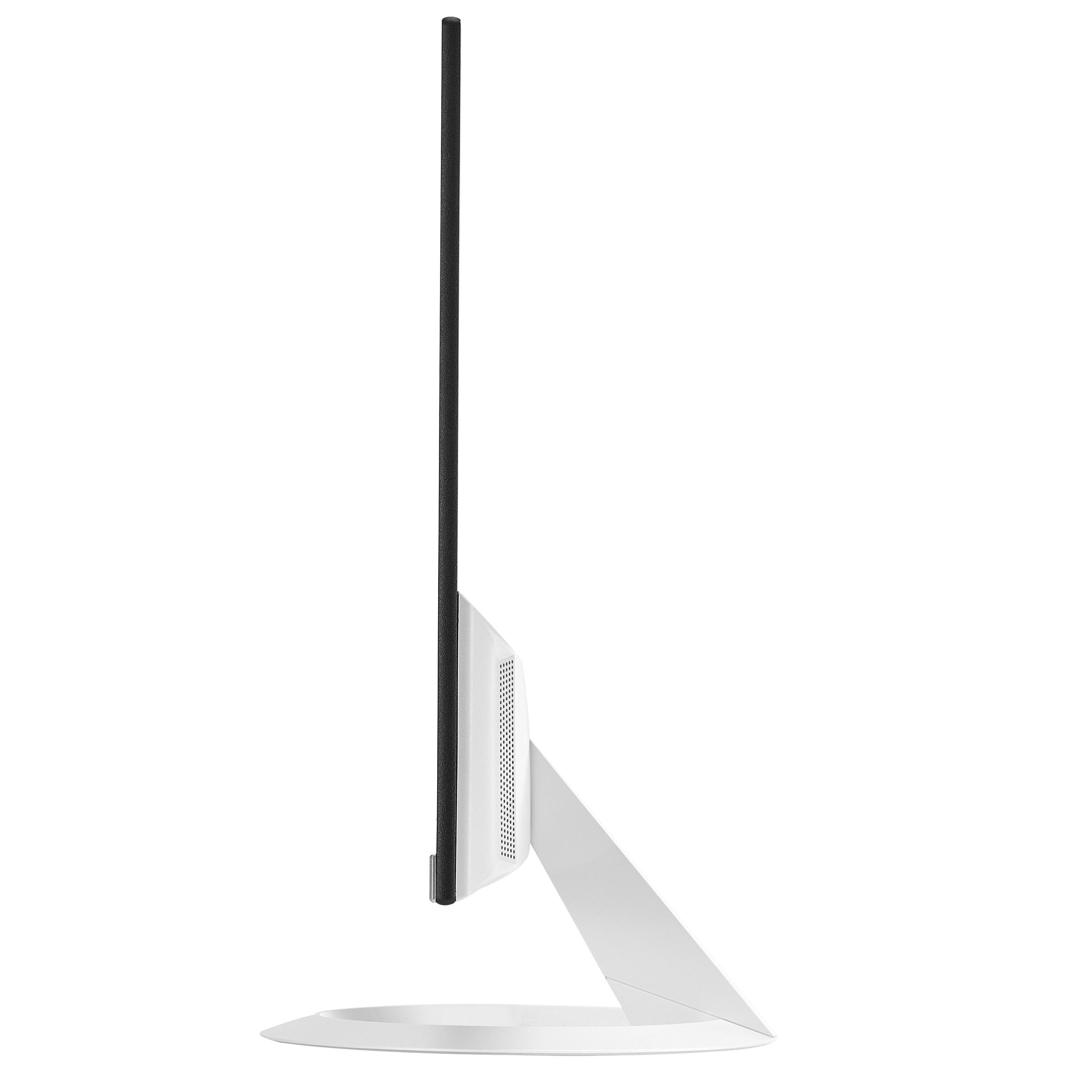


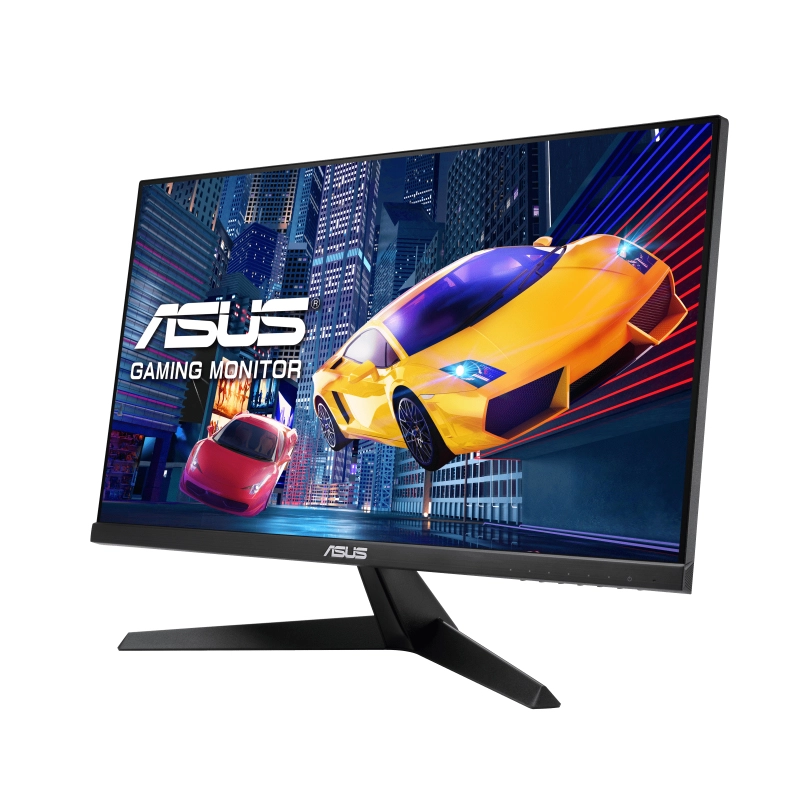
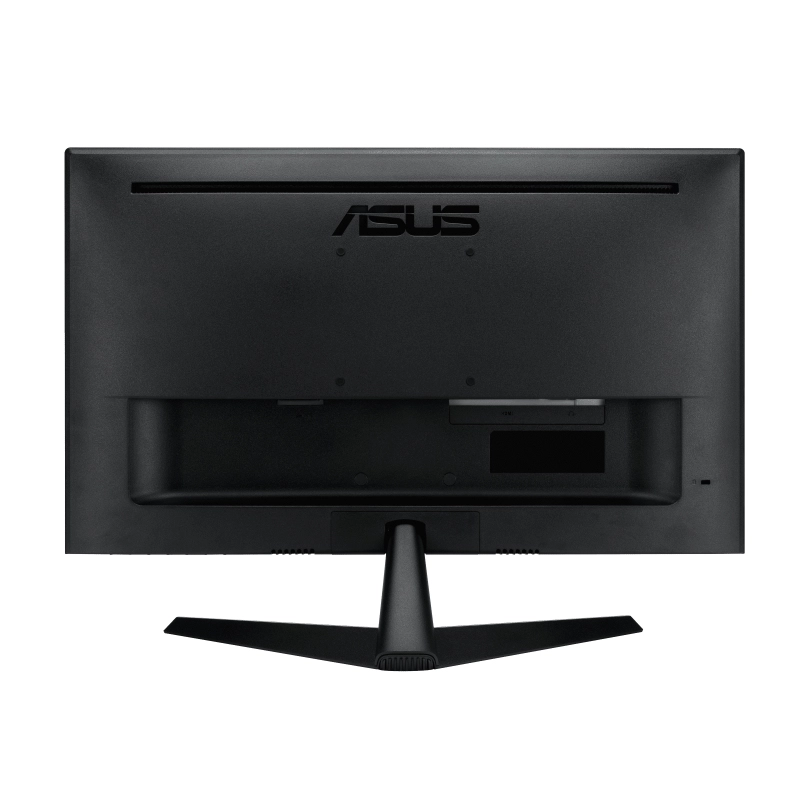
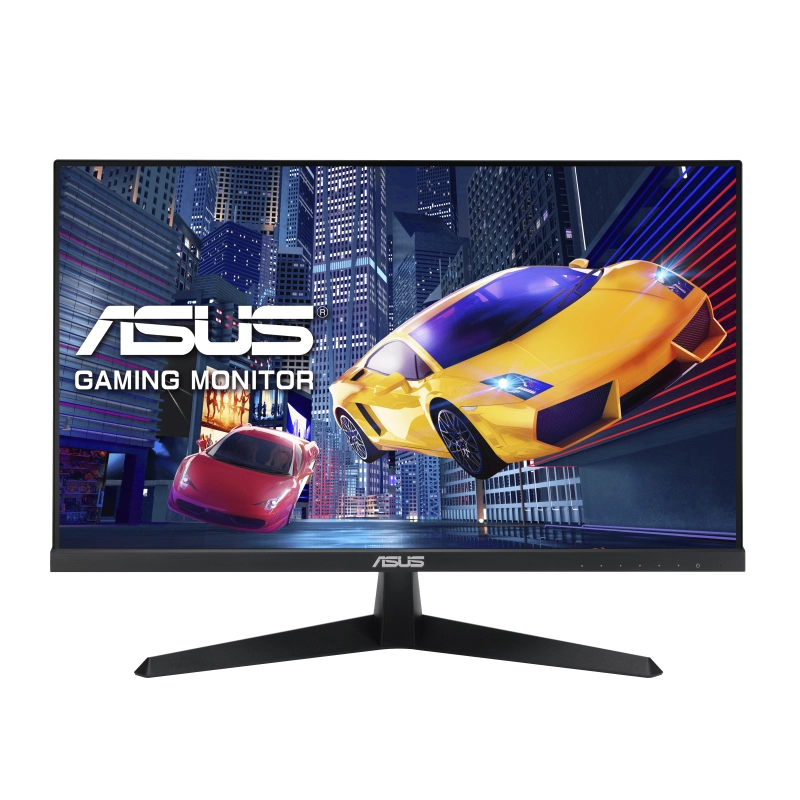
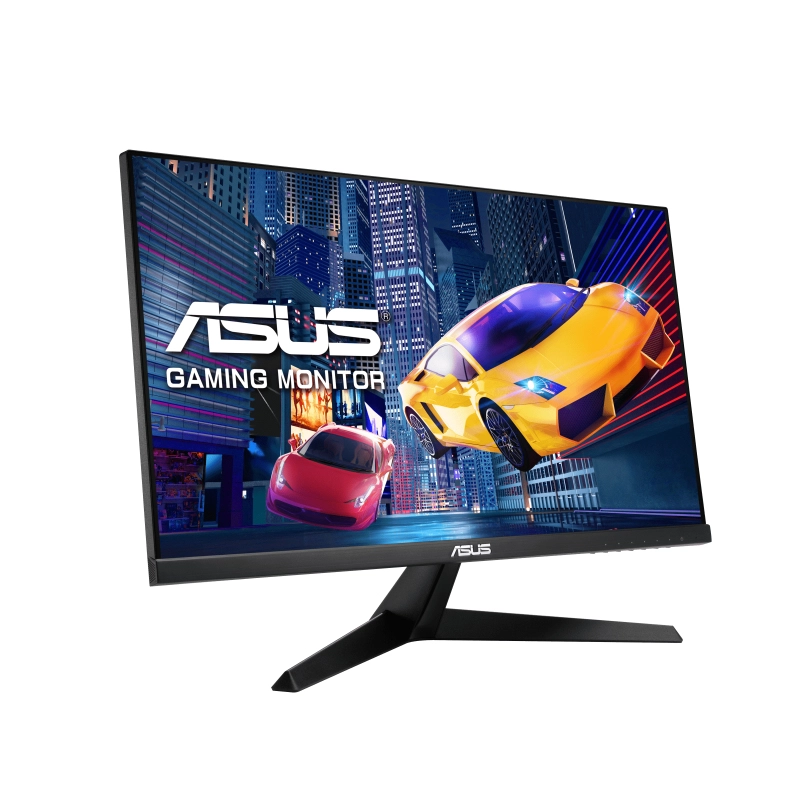






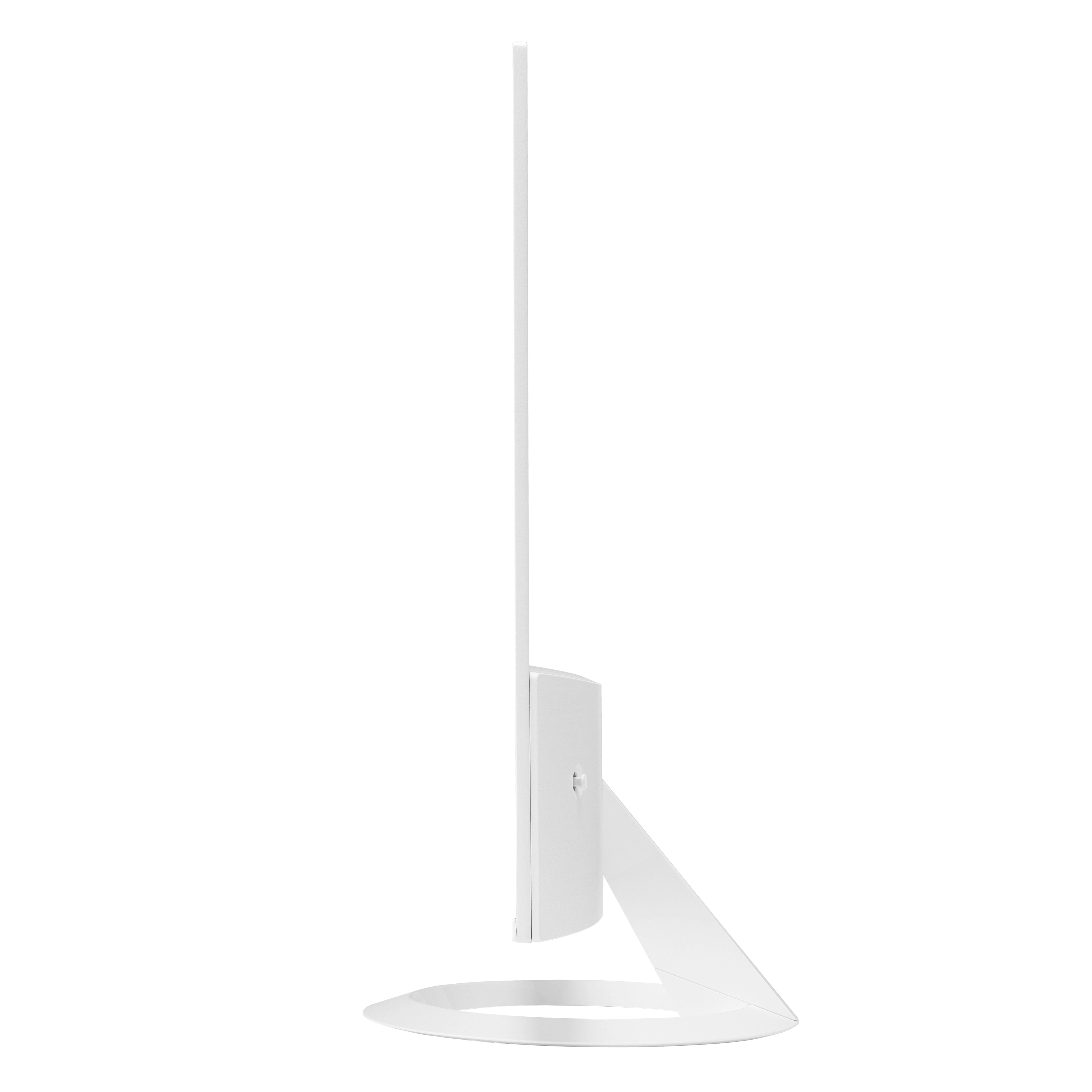
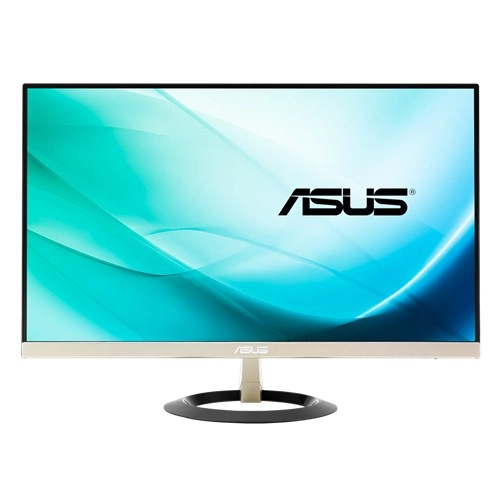

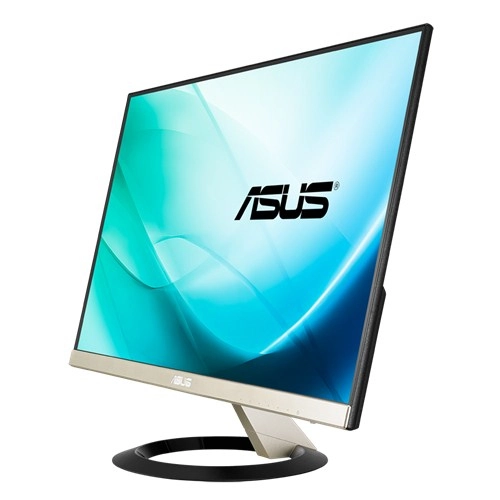
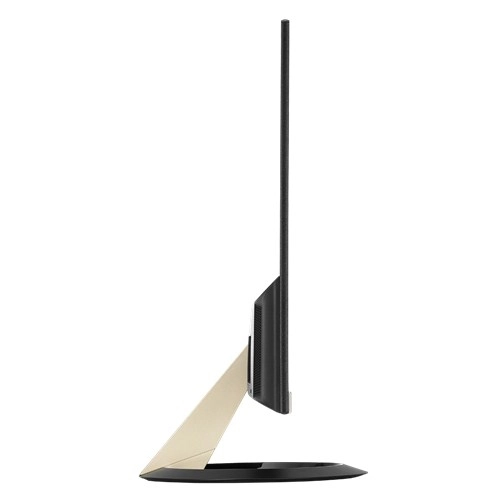
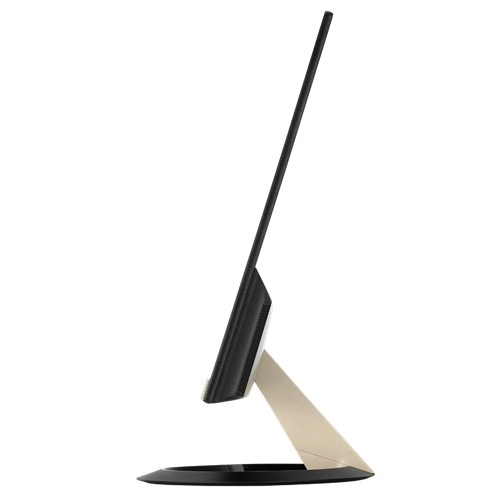

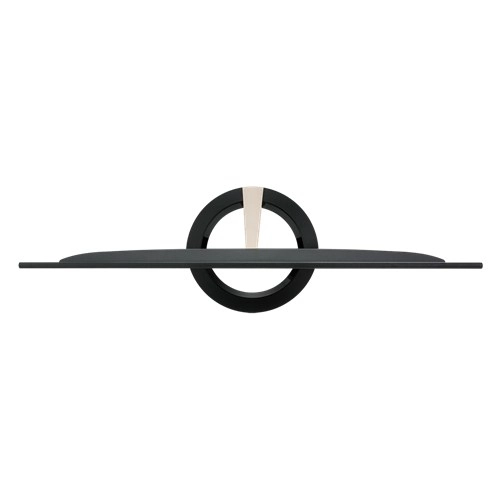
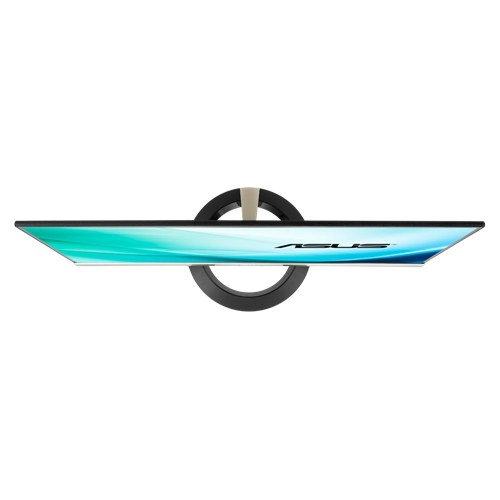
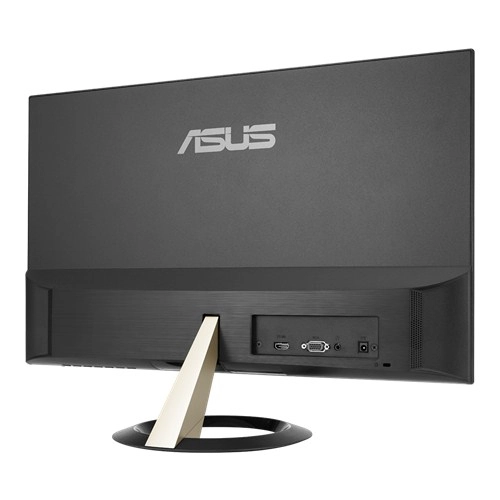


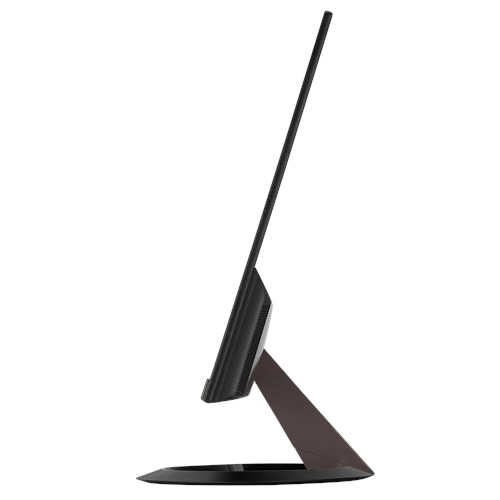




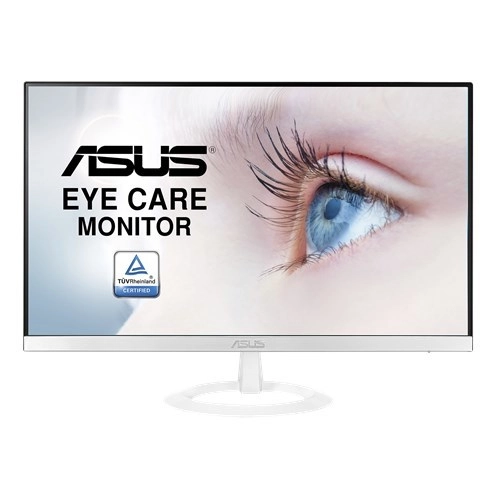
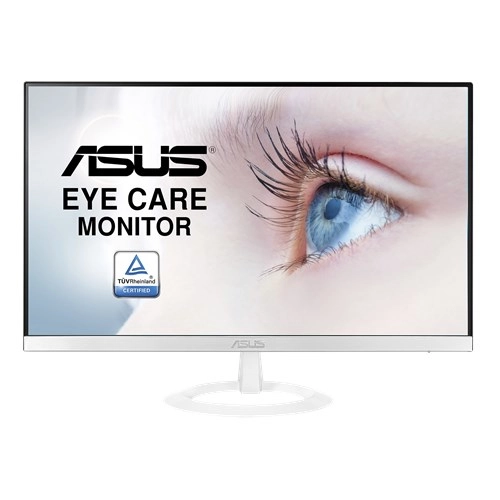
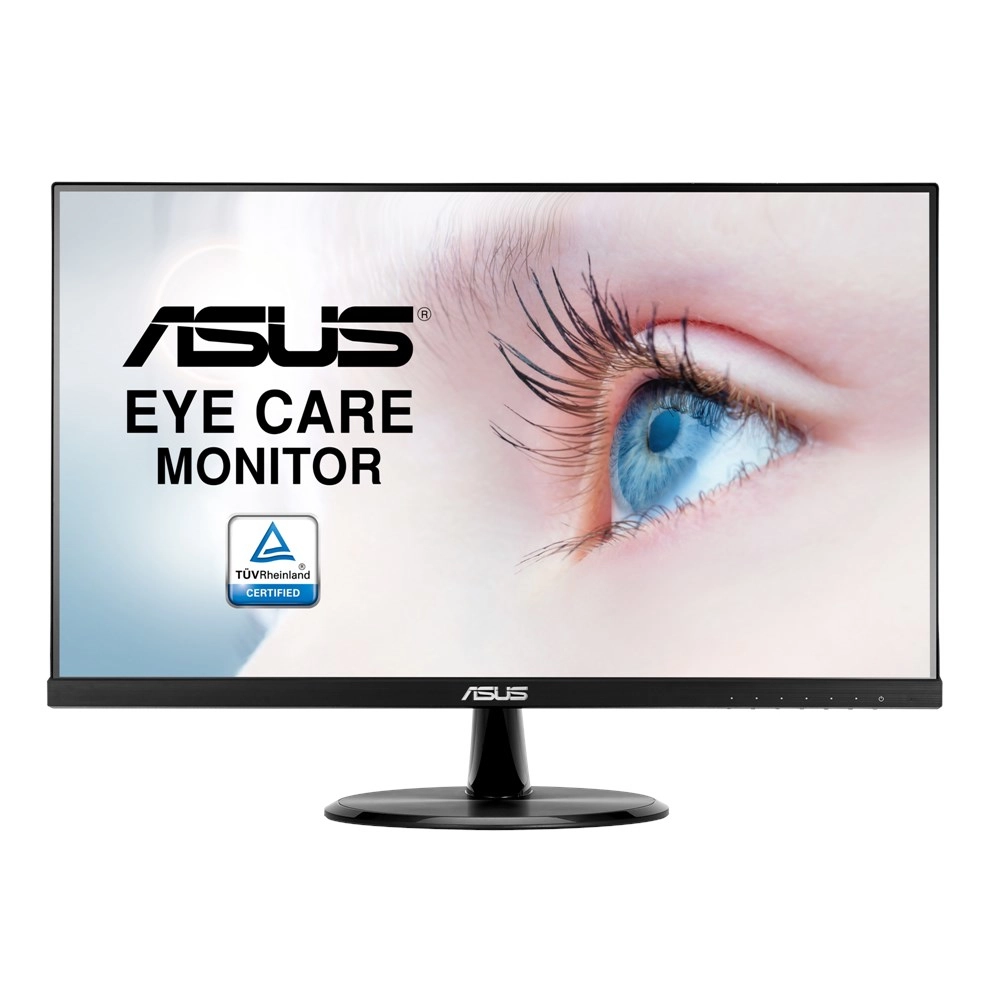
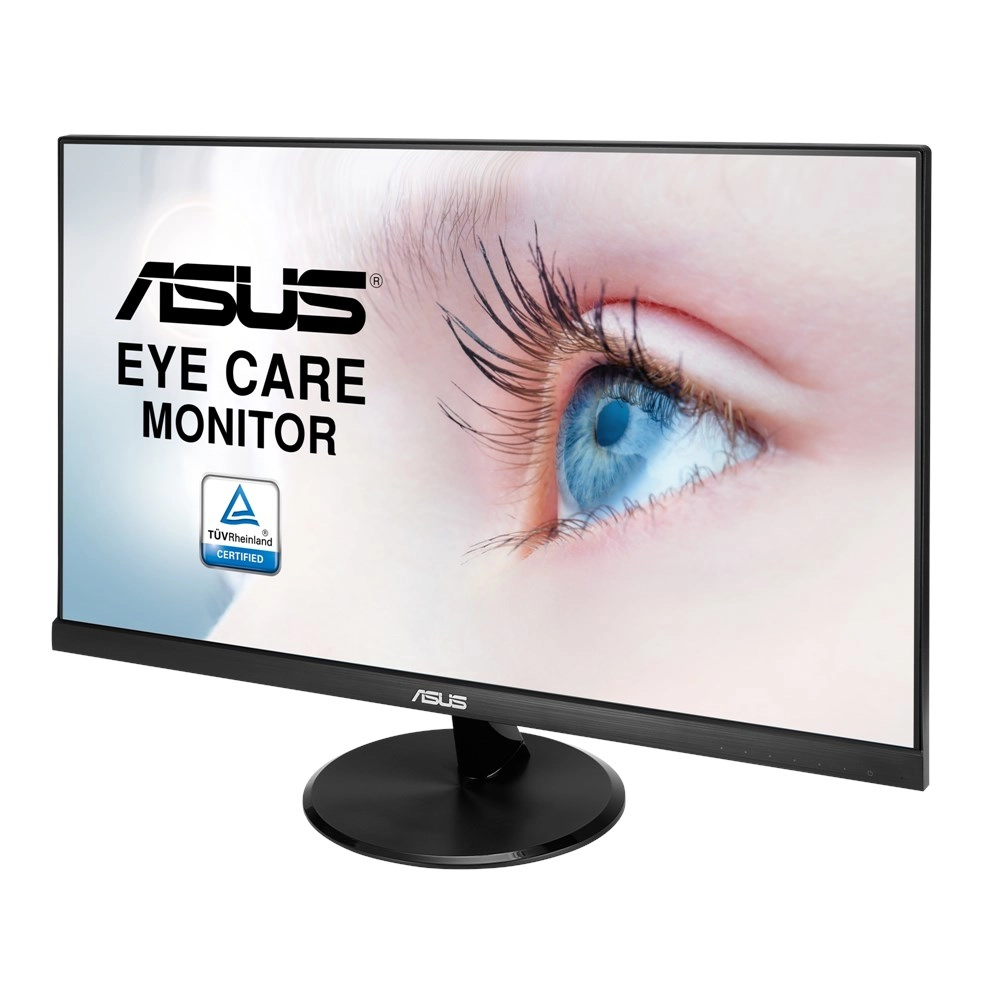
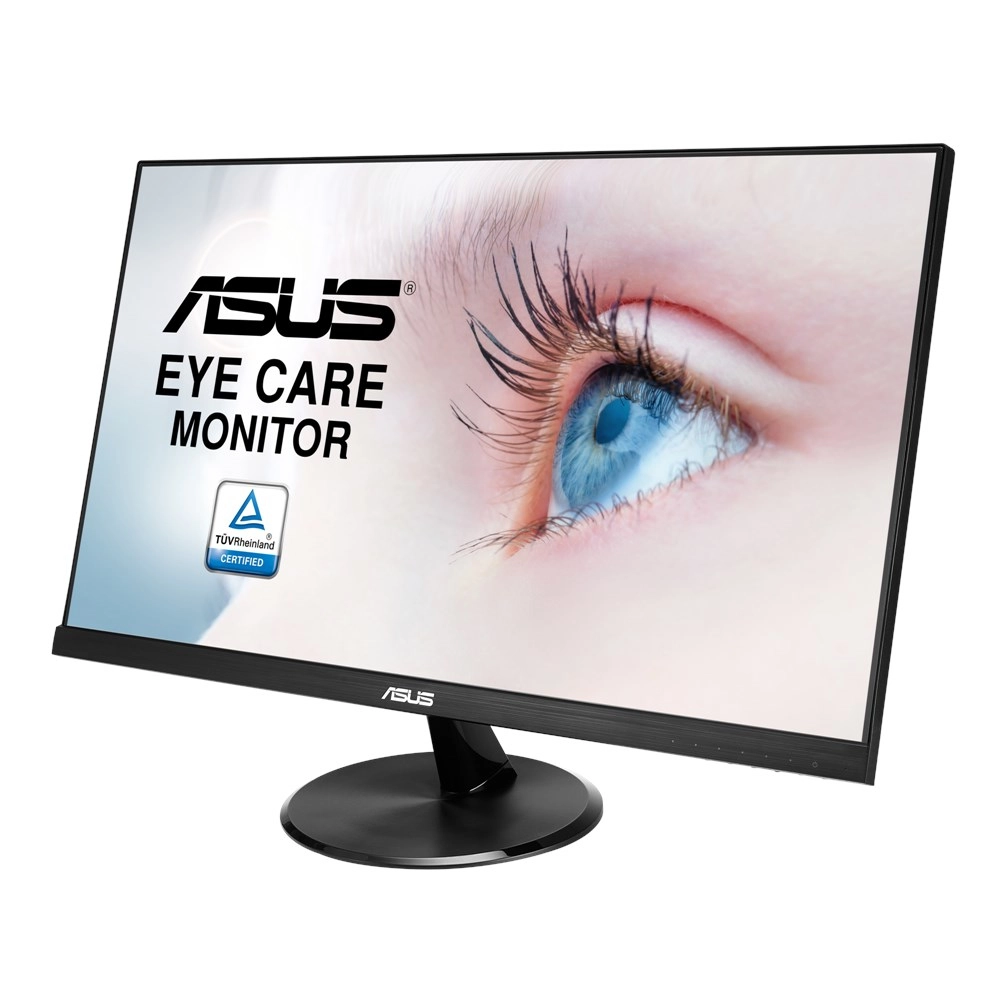
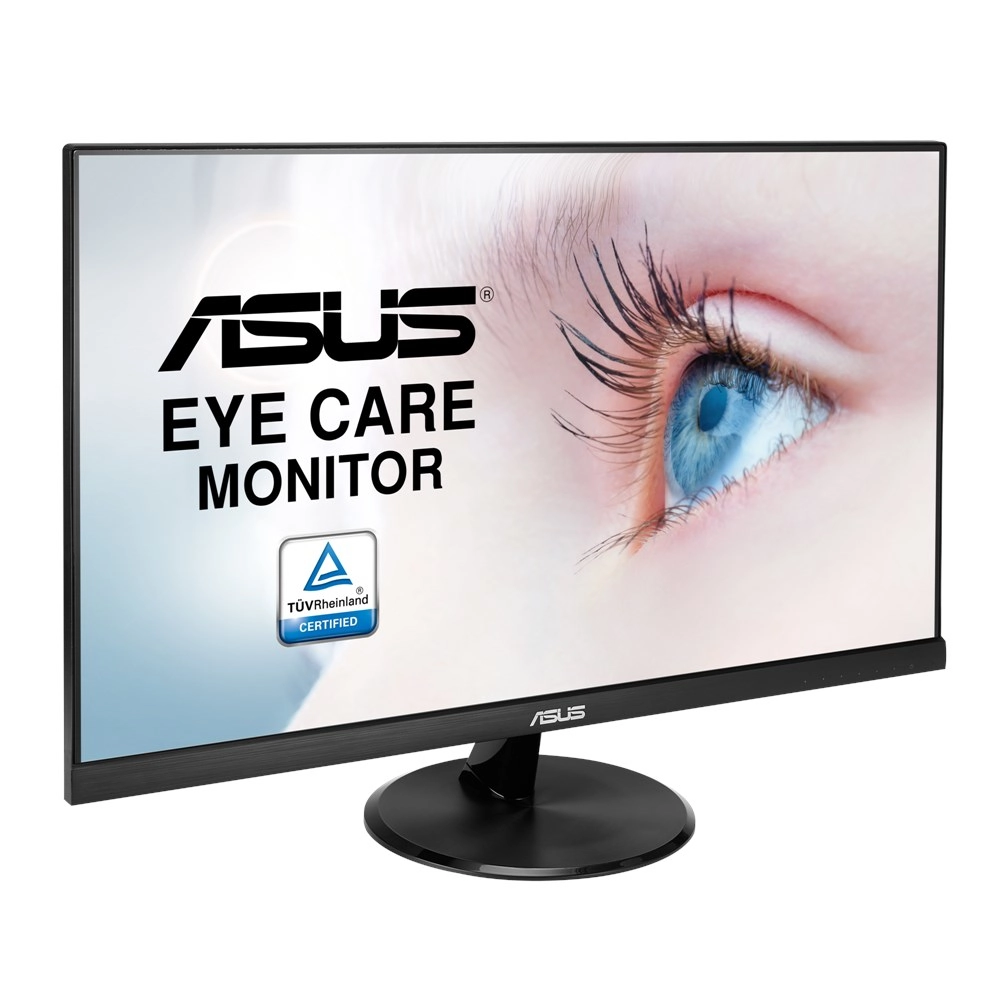
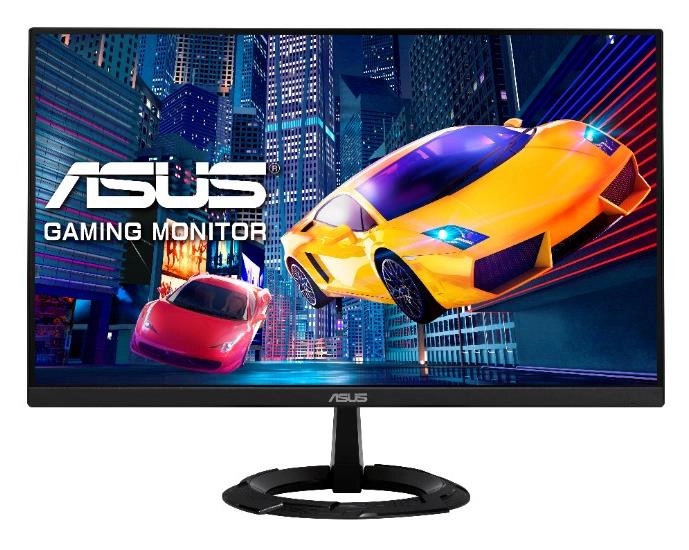
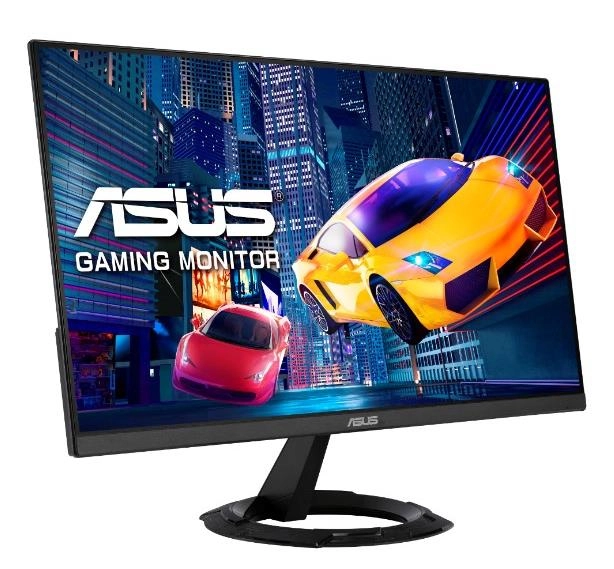
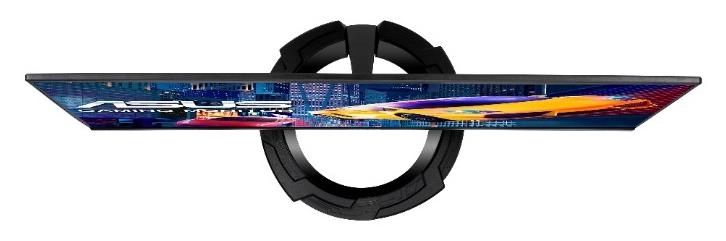
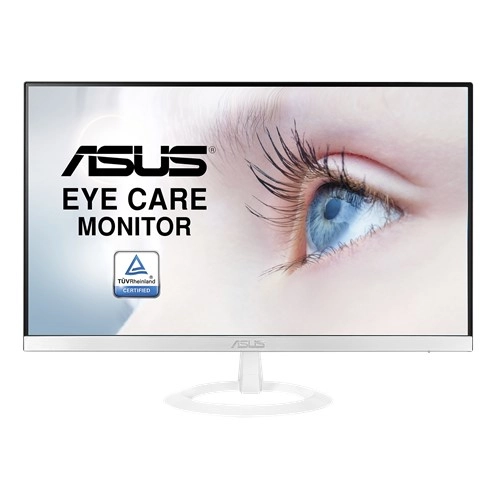
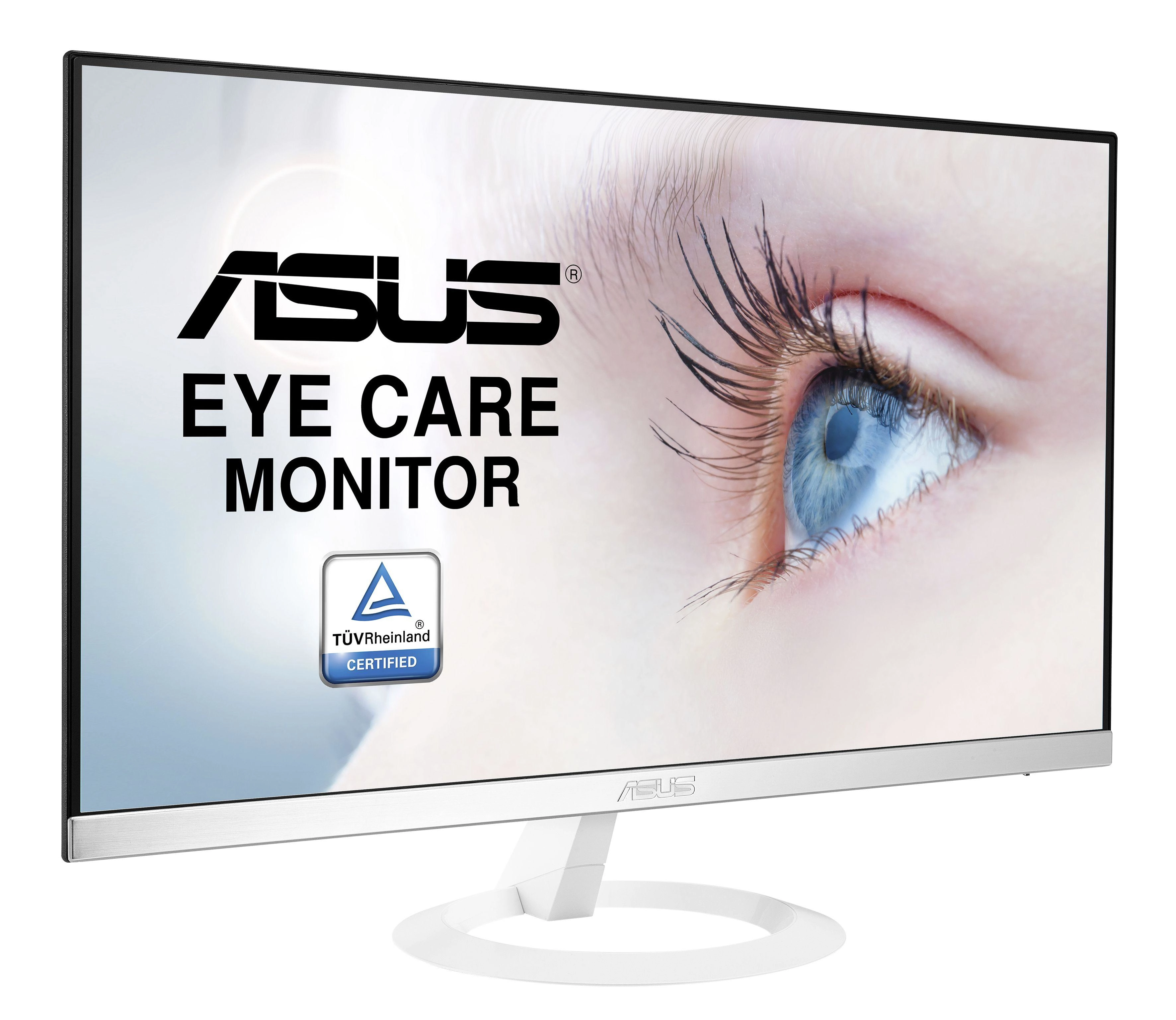


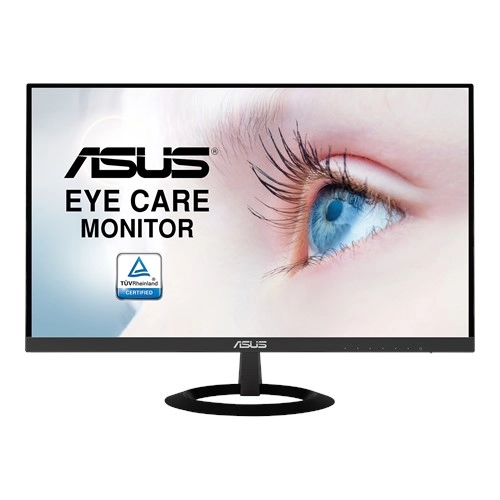


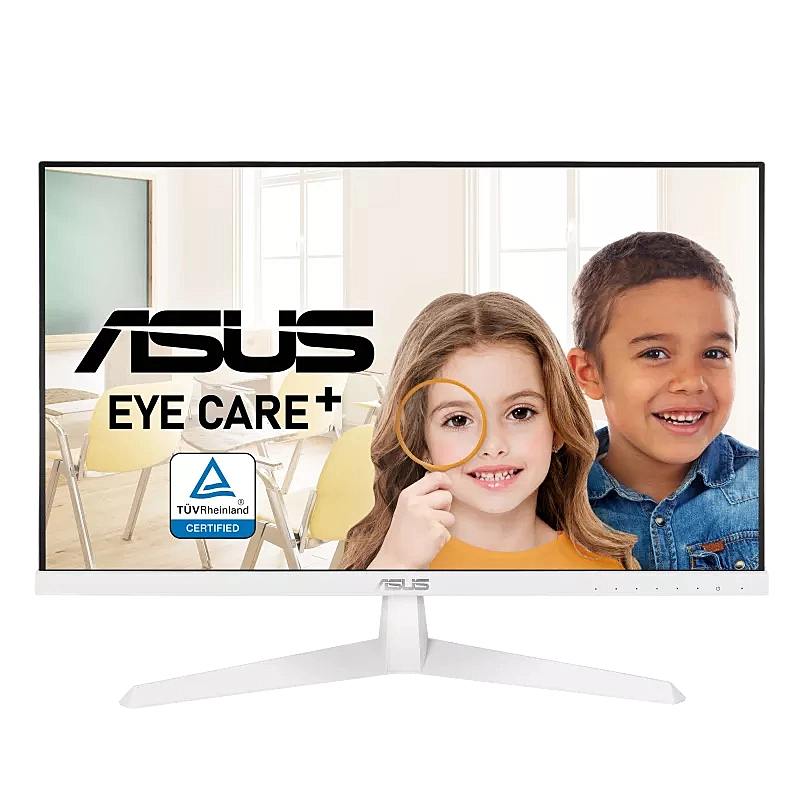
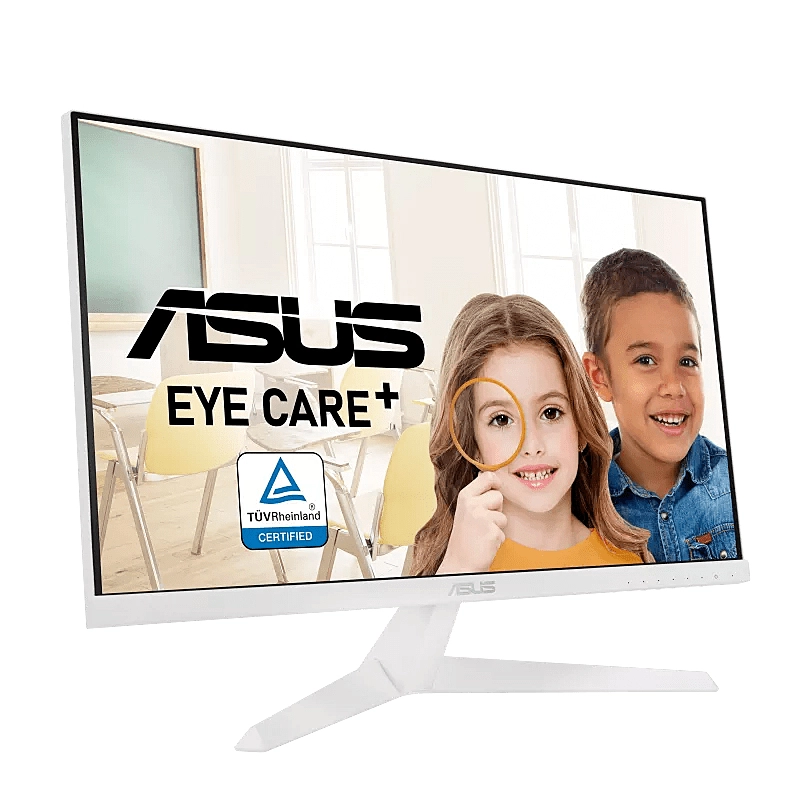
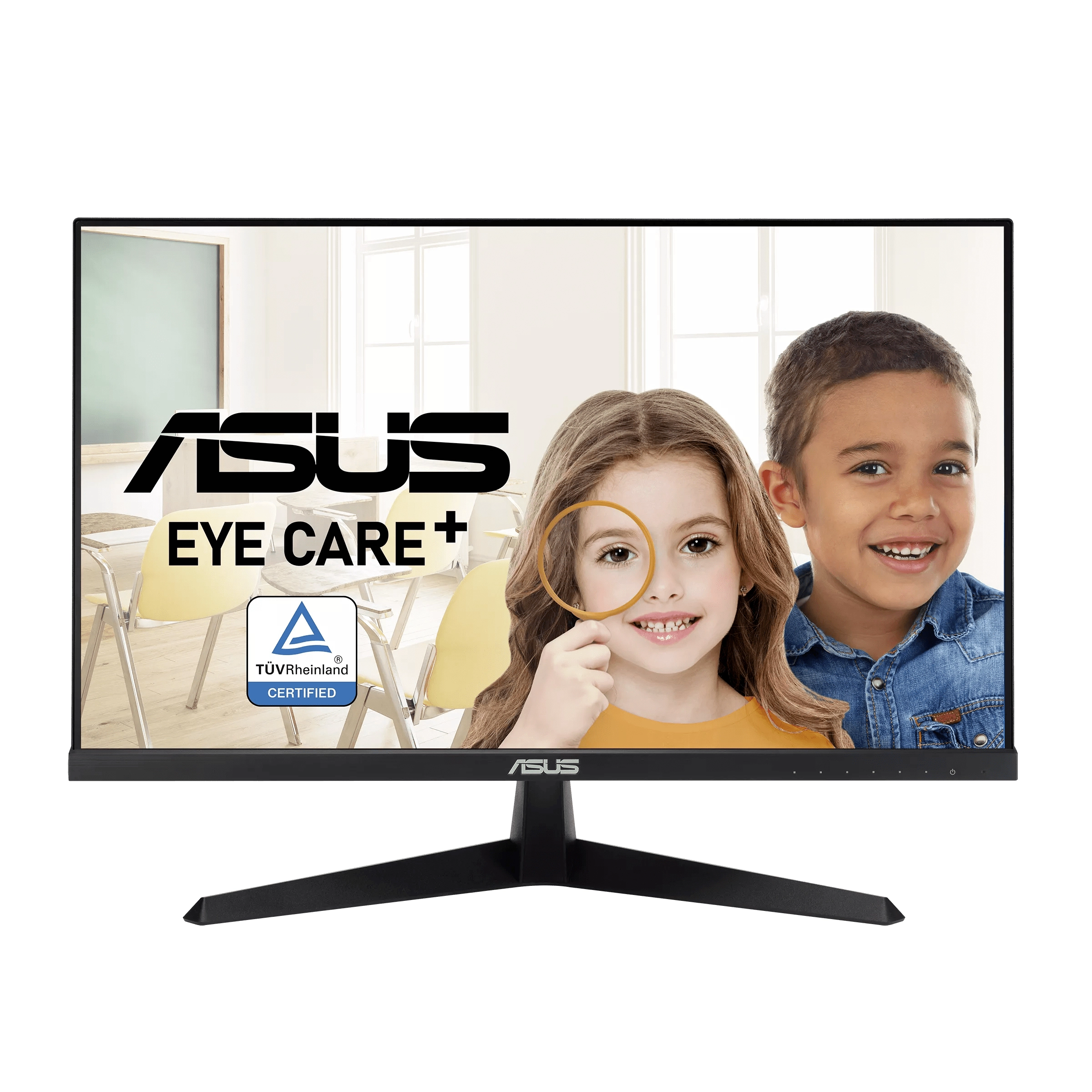
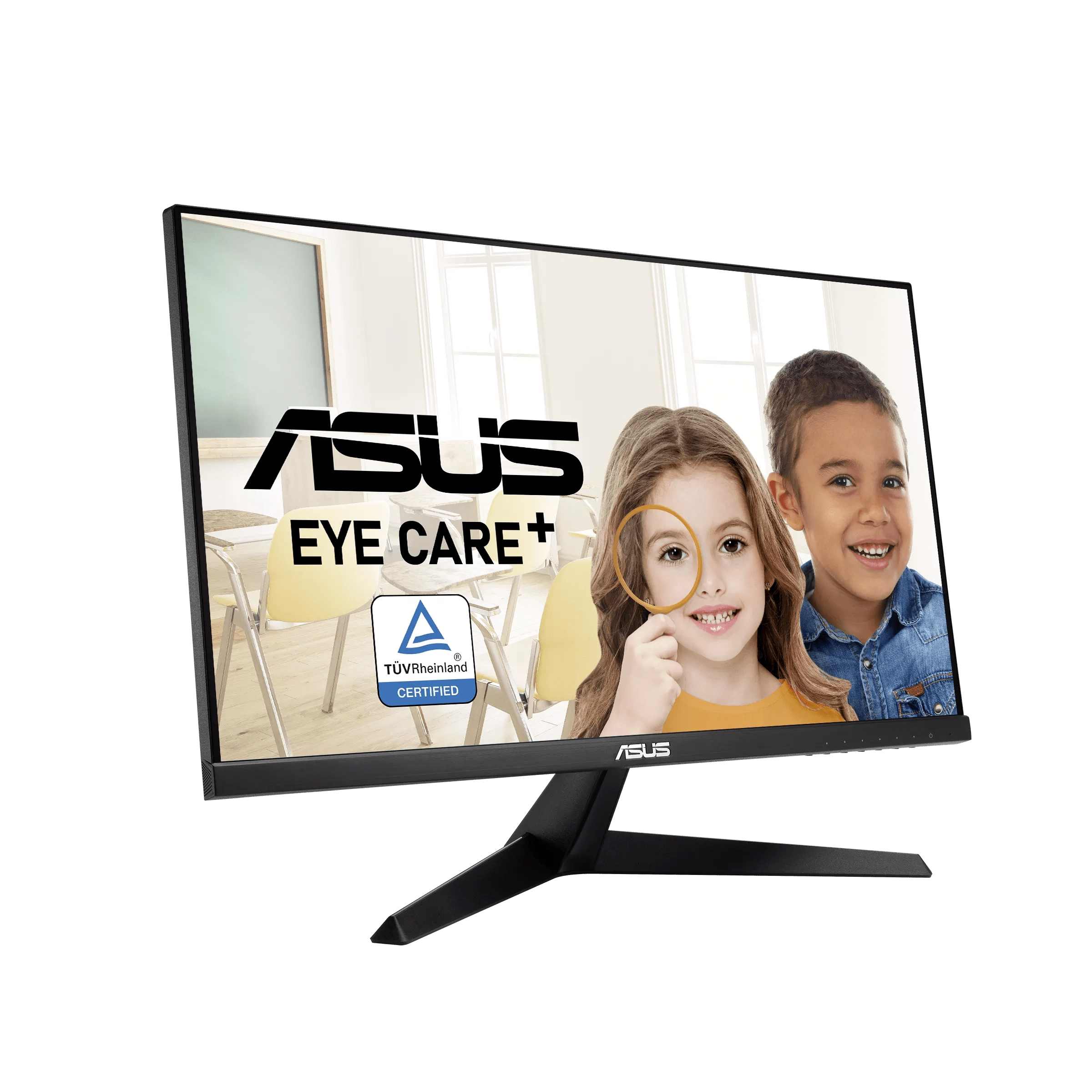
ASUS VZ249HE-W - 1920 x 1080 24"
Best offer
AED
1 83800
Key Features
- VESA Adaptive Sync support: Yes
- FPS counter: Yes
- Response time (MPRT): 1ms
- Display brightness (typical): 250cd/m²
- Thin client installed: No
- Flicker-free technology: Yes
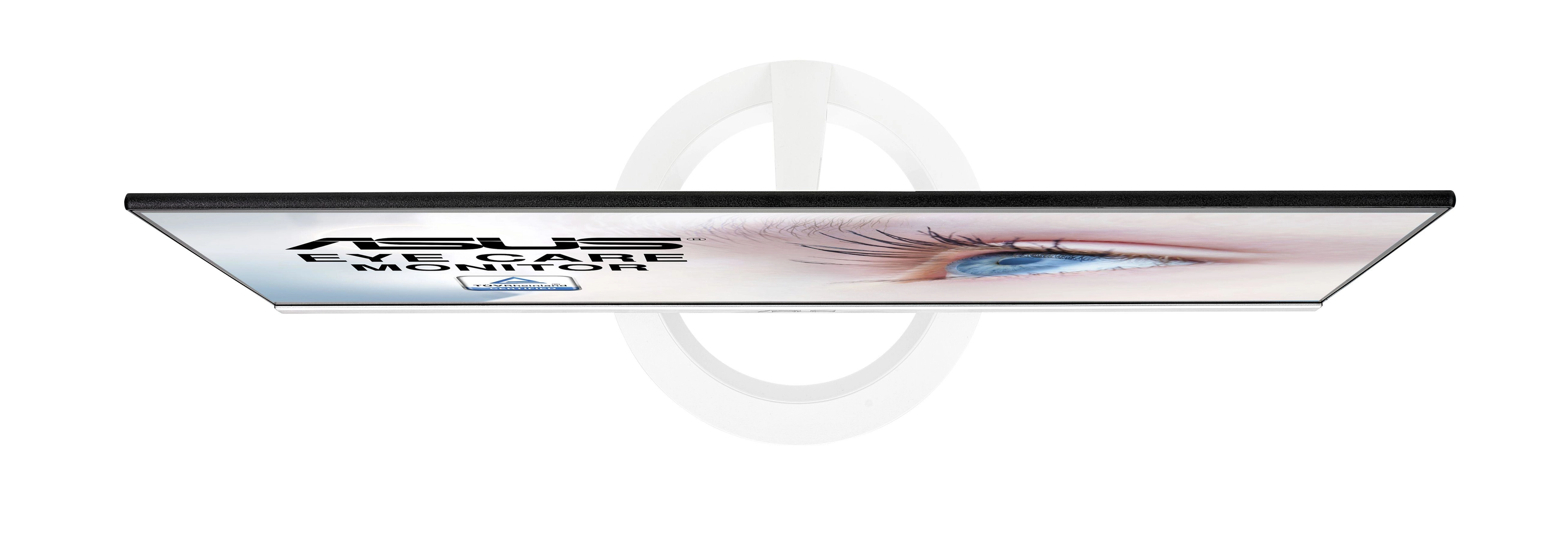
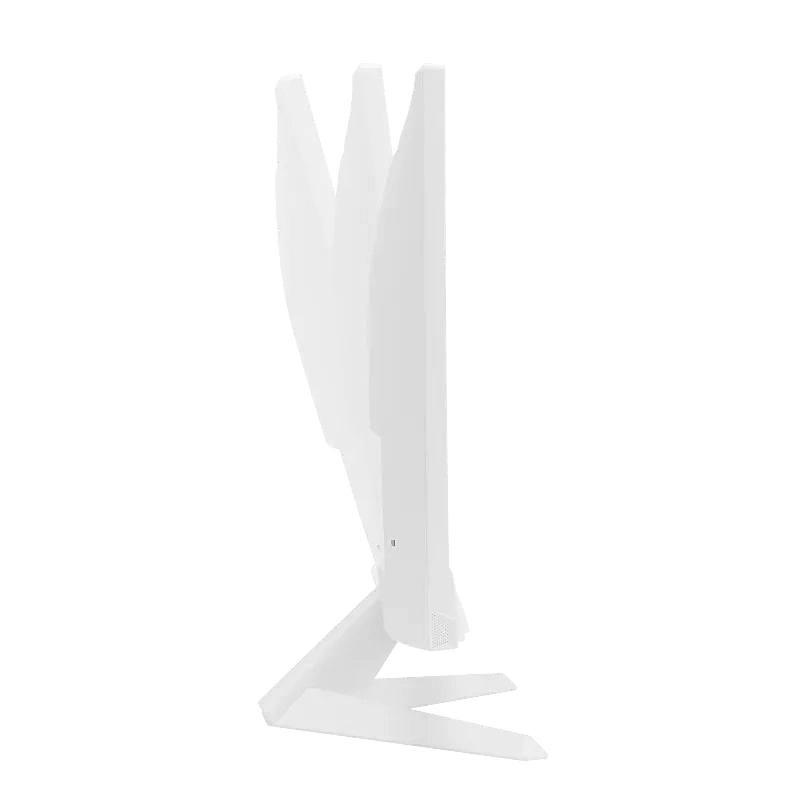
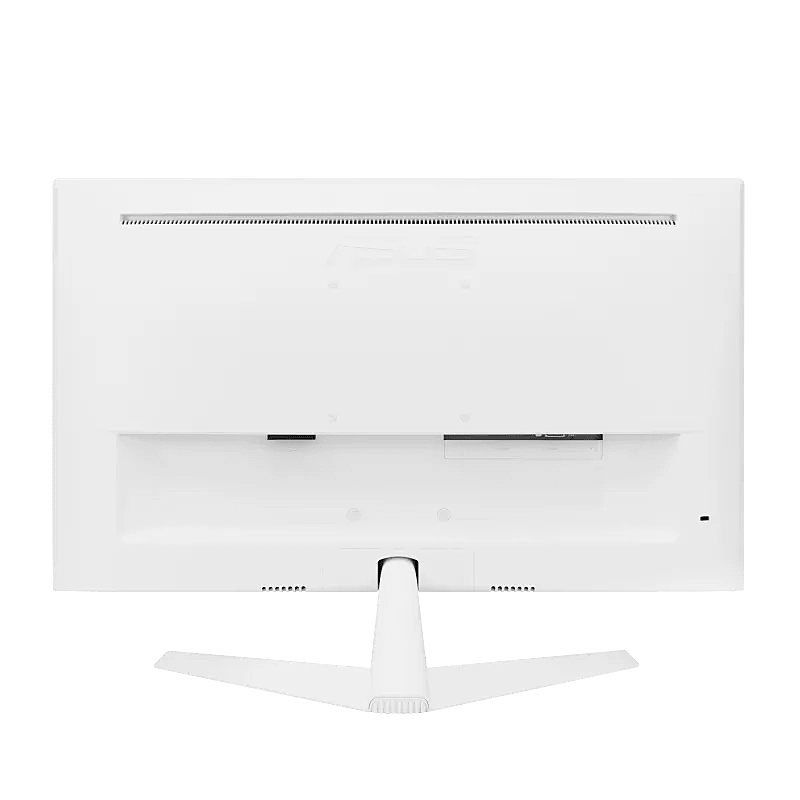
- Detachable stand: Yes
- AMD FreeSync type: FreeSync
- Wall mountable: Yes
- Colour gamut standard: sRGB
- Aspect ratio: 16:9
- Resolution: 1920 x 1080pixels
- Display: LED
- No flickering: Yes
- Display surface: Matt
Specifications
Features
Plug and Play
✓
3D
✗
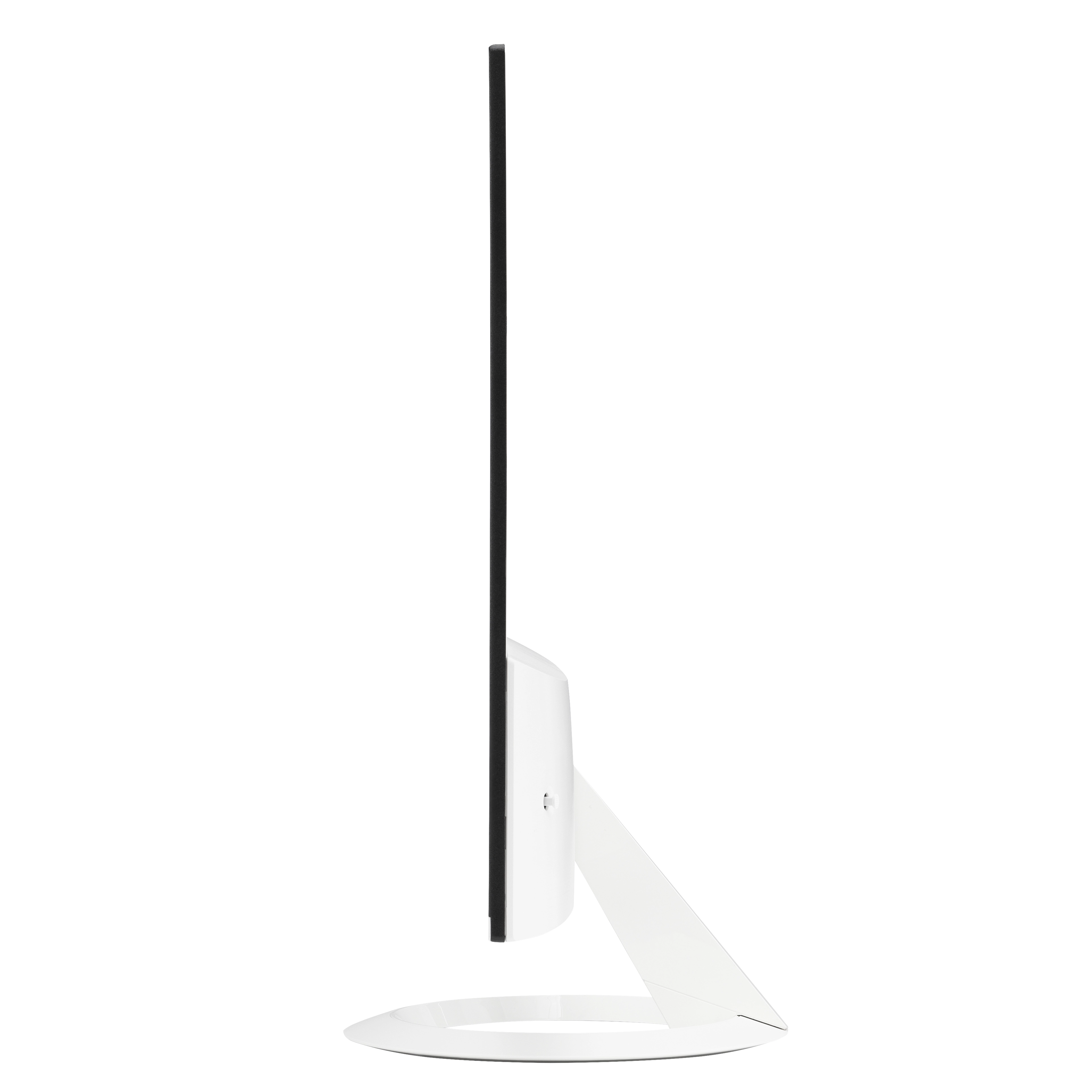
Feet colour
Black, White
Viewable size, vertical
296 mm
On/off switch
✓
Viewable size, horizontal
527 mm
Digital vertical frequency
48 - 75 Hz
Digital horizontal frequency
54 - 85.50 kHz
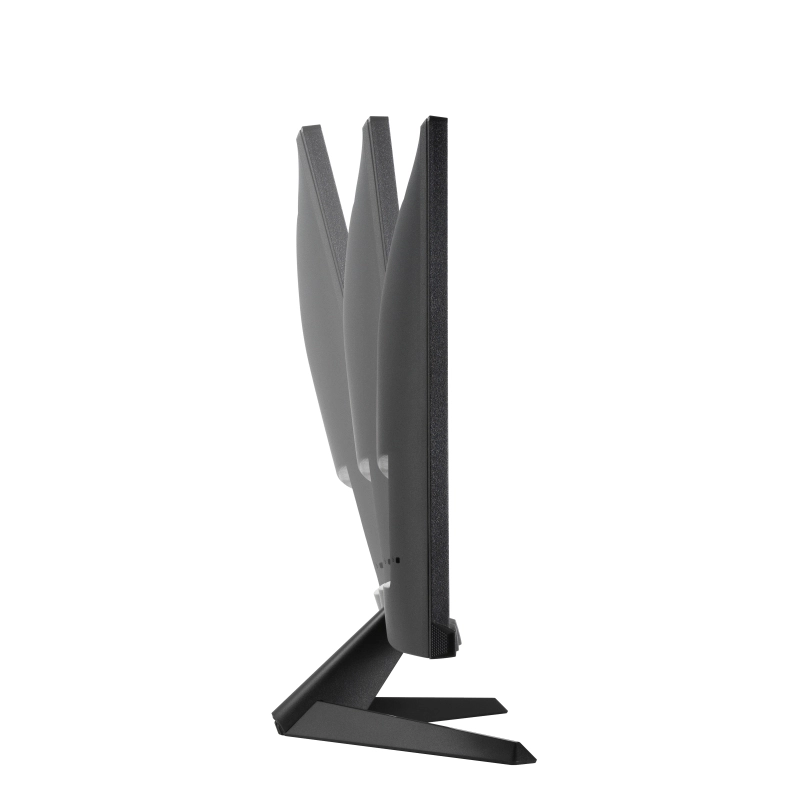
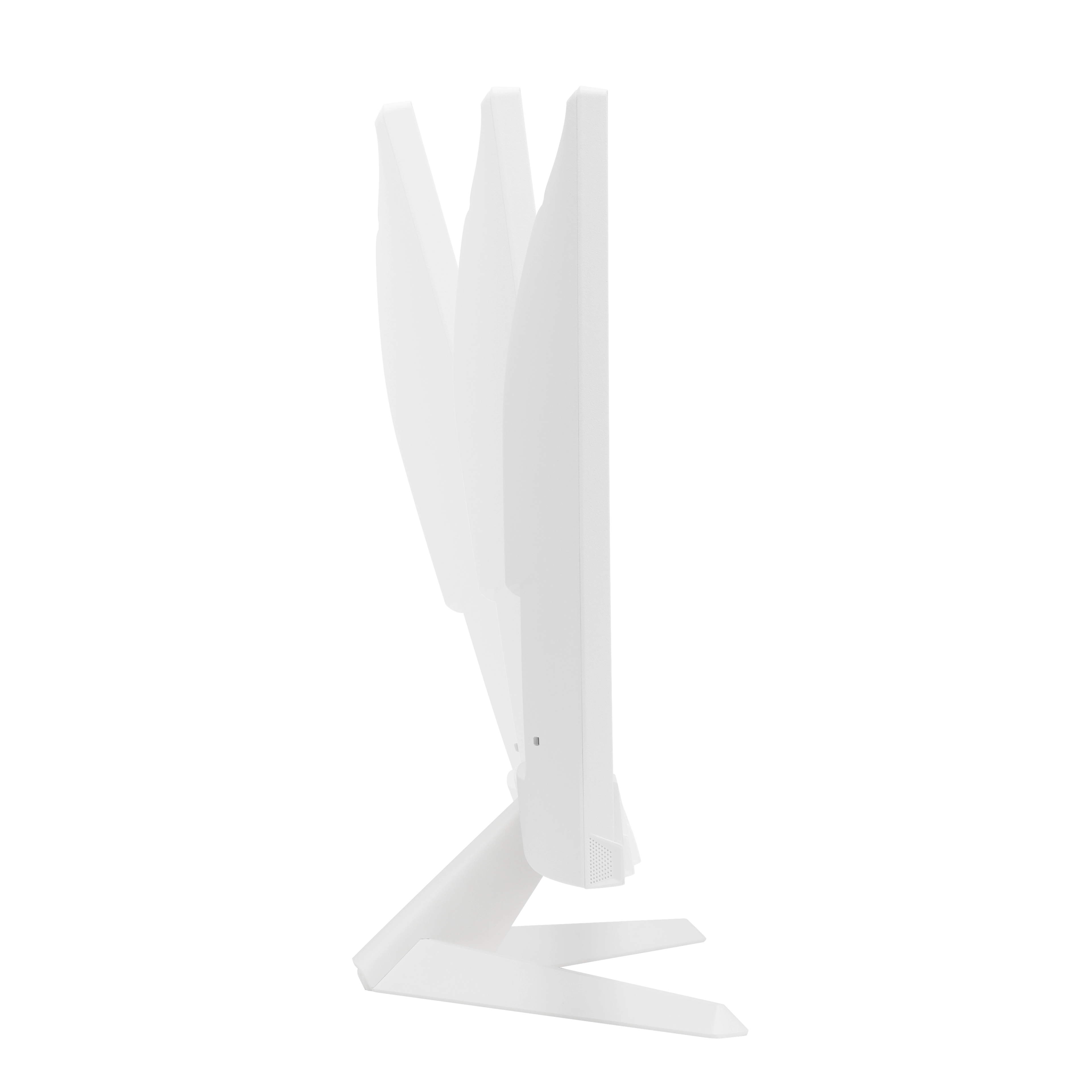
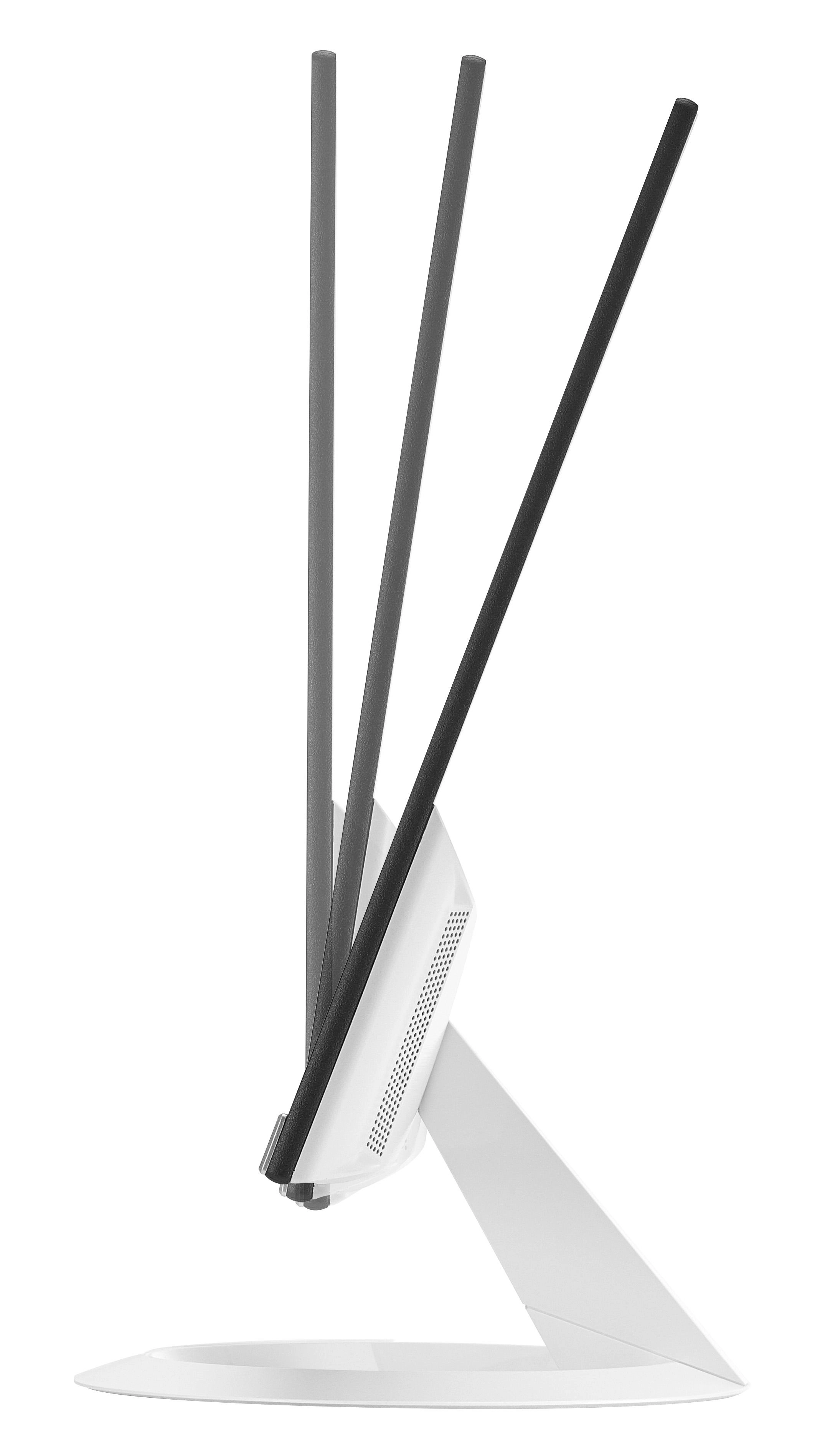
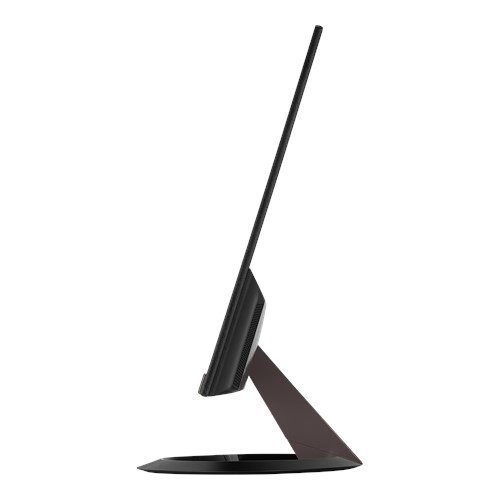
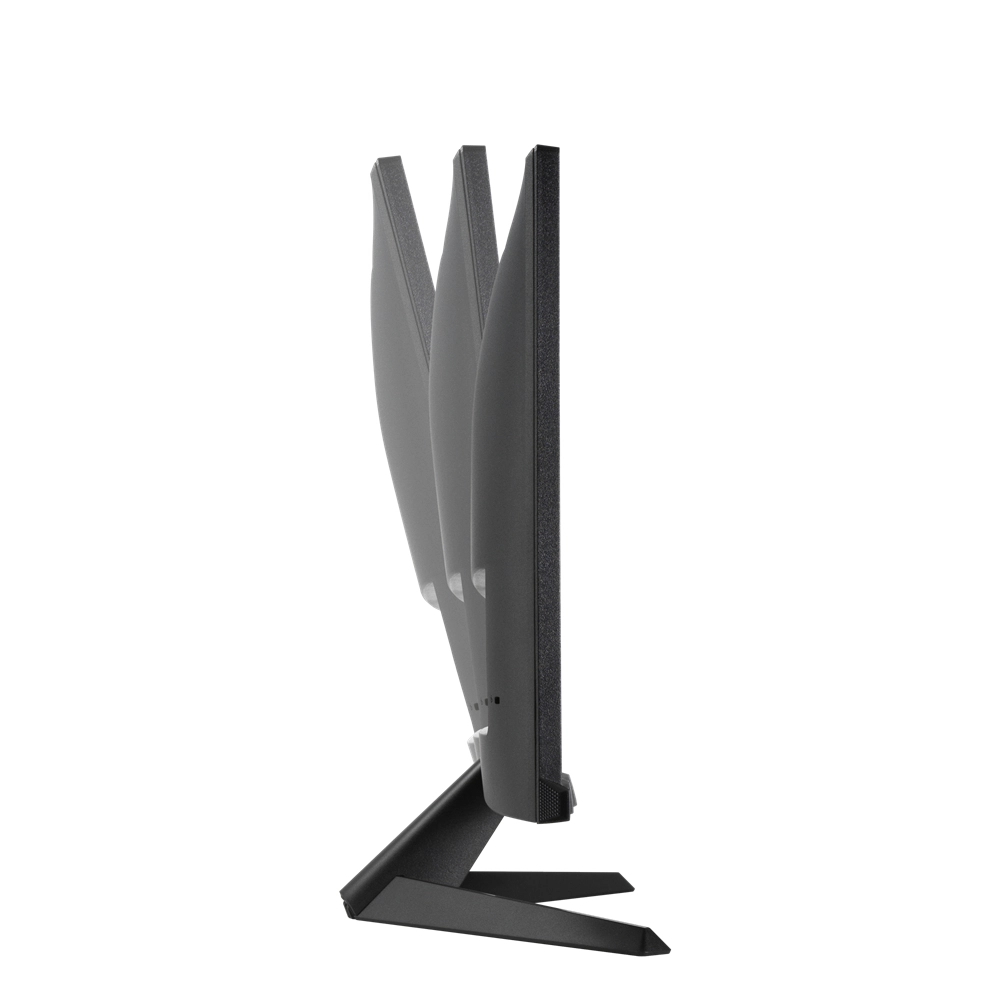
Tilt adjustment
✓
Maximum refresh rate
75 Hz
Product colour
Black
Audio input
No
Brand specific technologies
Crosshair, Eye Care+, SPLENDID
Wall mountable
✓
Colour gamut standard
sRGB
Aspect ratio
16:9
Resolution
1920 x 1080 pixels
Display
LED
No flickering
✓
Display surface
Matt
Supported graphics resolutions
1920 x 1080 (HD 1080)
Backlight type
LED
Display brightness (typical)
250 cd/m²
Packaging data
Package type
Box
Package weight
4400 g
Package height
392 mm
Package depth
130 mm
Package width
603 mm
Sustainability
European Product Registry for Energy Labelling (EPREL) code
388088
Weight & dimensions
Package weight
4.40 kg
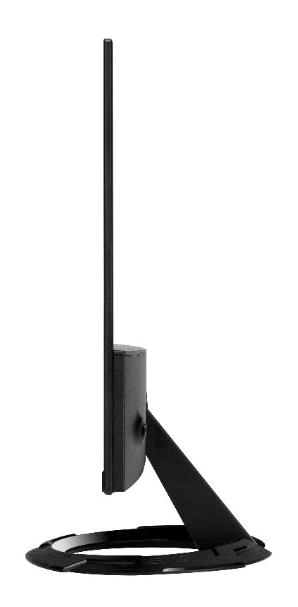
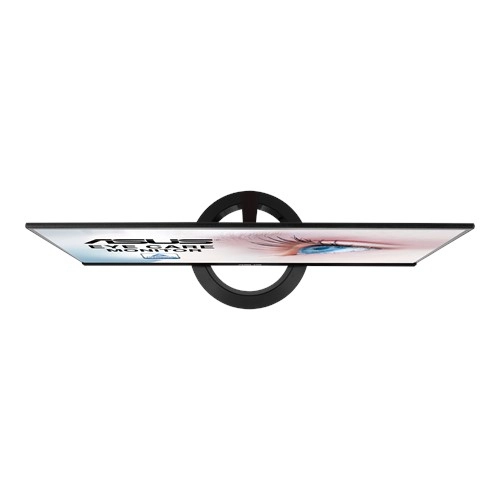
Weight (with stand)
3380 g
Height (with stand)
391 mm
Depth (with stand)
211 mm
Width (with stand)
540 mm
Weight (without stand)
2920 g
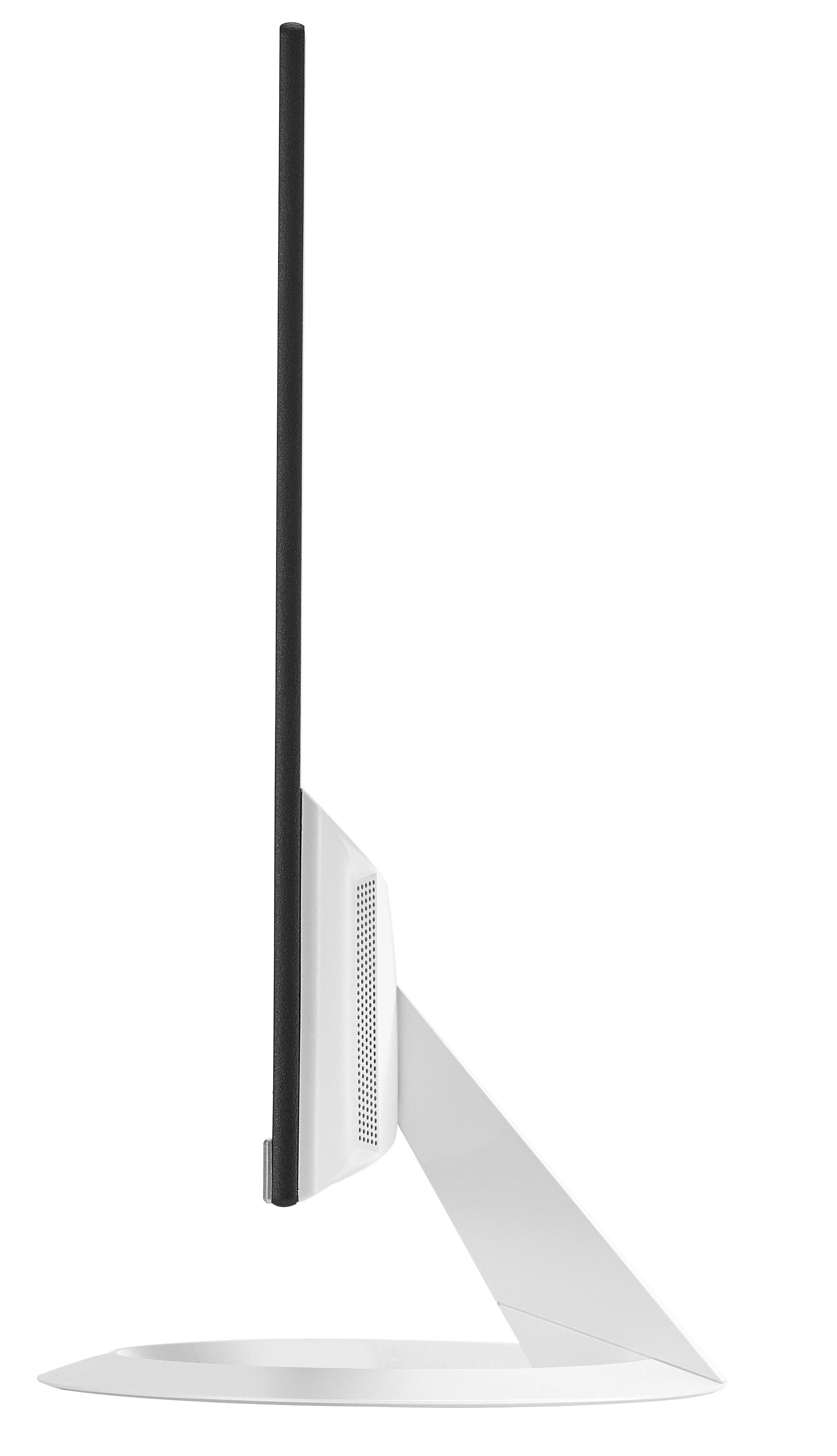
Height (without stand)
323 mm
Width (without stand)
540 mm
Depth (without stand)
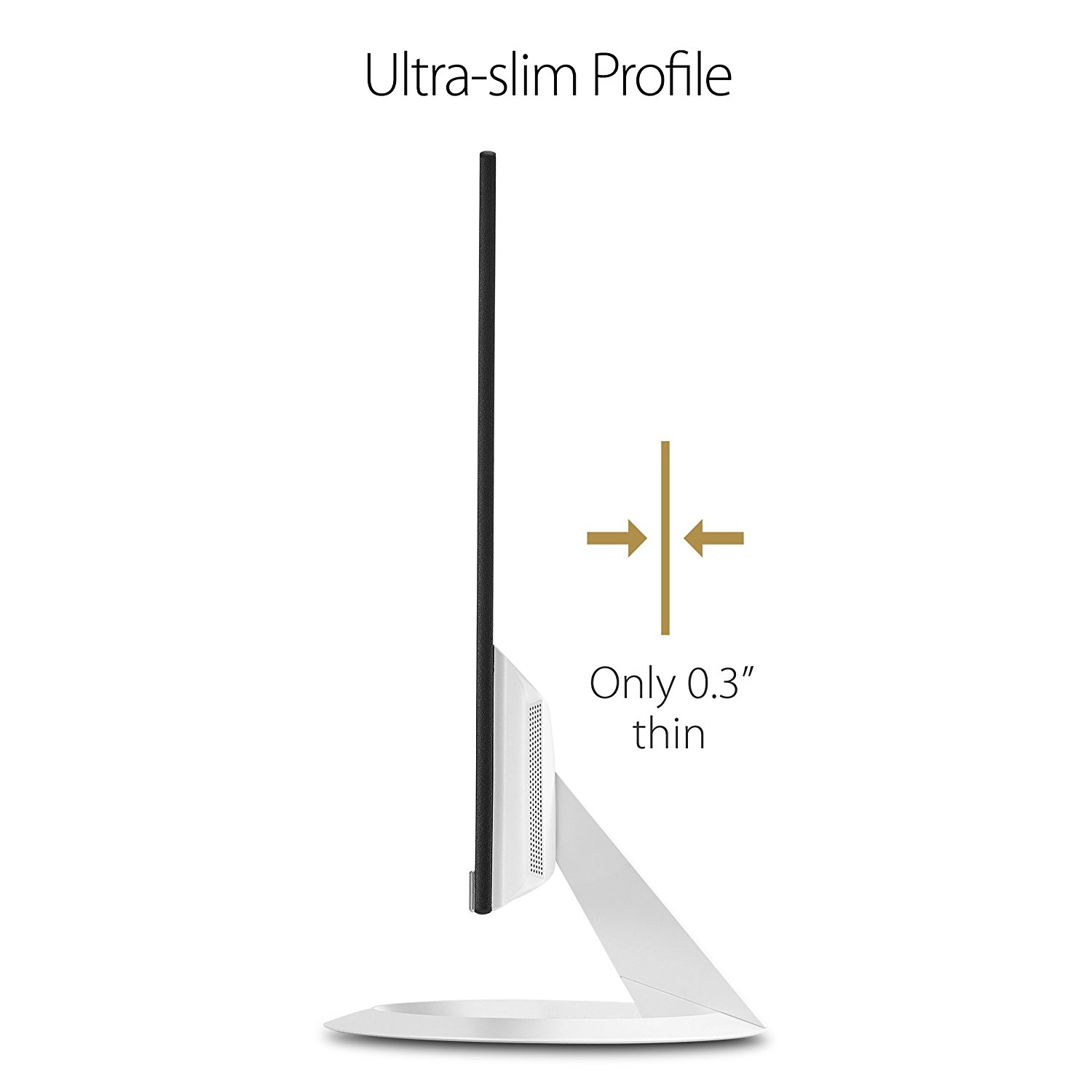
37 mm
Display
Display resolution
1920 x 1080 pixels
Display diagonal (metric)
61 cm
Panel type
IPS
Touchscreen
✗
Native aspect ratio
16:9
Colour gamut
72 %
Display technology
LCD, LED
Anti-glare screen
✓
Vertical scan range
48 - 75 Hz
Contrast ratio (typical)
1000:1
Horizontal scan range
54 - 85.50 kHz
Display number of colours
16.78 million colours
NTSC coverage (typical)
72 %
Pixel pitch
0.27 x 0.27 mm
Viewing angle, horizontal
178 °
Viewing angle, vertical
178 °
Contrast ratio (dynamic)
80000000:1
LED backlight
✓
Dynamic contrast ratio marketing name
SmartContrast
Pixel density
93 ppi
Response time
5 ms
Response time (MPRT)
1 ms
Power
Power supply type
Internal
Energy efficiency scale
A+++ to G
Power consumption (typical)
14.75 W
AC input voltage
100 - 240 V
Energy consumption (SDR) per 1000 hours
16 kWh
Energy efficiency class (HDR)
Not available
Energy efficiency class (SDR)
E
AC input frequency
50 - 60 Hz
Power consumption (max)
22 W
Power consumption (standby)
0.50 W
Power consumption (average)
16 W
Power consumption (off)
0.50 W
Power consumption (PowerSave)
0.50 W
Performance
Low Blue Light technology
✓
On Screen Display (OSD)
✓
HDCP version
1.4
HDCP
✓
Game mode
✓
AMD FreeSync
✗
TV tuner integrated
✗
AMD FreeSync type
FreeSync
Flicker-free technology
✓
VESA Adaptive Sync support
✓
Other features
Cable lock slot type
Kensington
Viewable size diagonal
605 mm
FPS counter
✓
Design
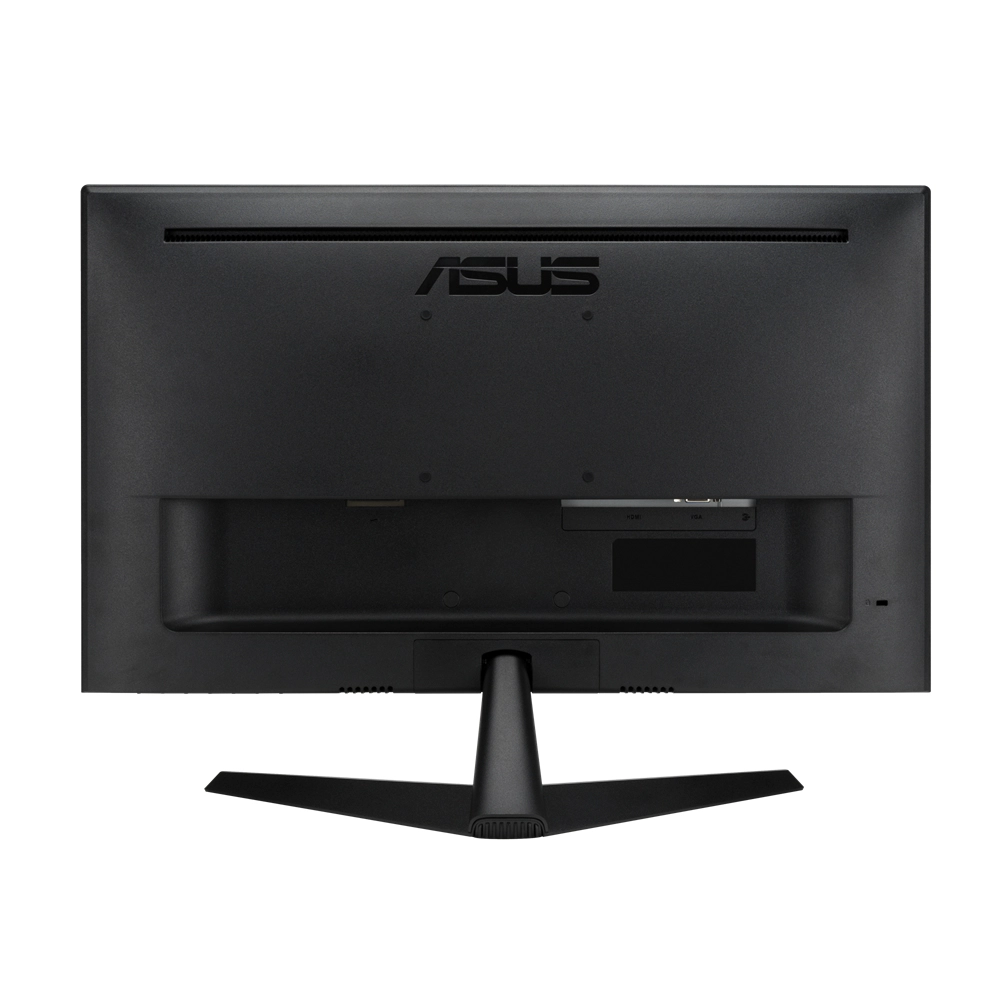
VESA mounting
✓
Cable lock slot
✓
Market positioning
Home
Panel mounting interface
100 x 100
Front bezel colour
Black, White
Screen shape
Flat
Frameless design
✓
Height adjustment
✗
Detachable stand
✓
Graphics
NVIDIA G-SYNC
✗
Packaging content
Quick start guide
✓
Manual
✓
Cables included
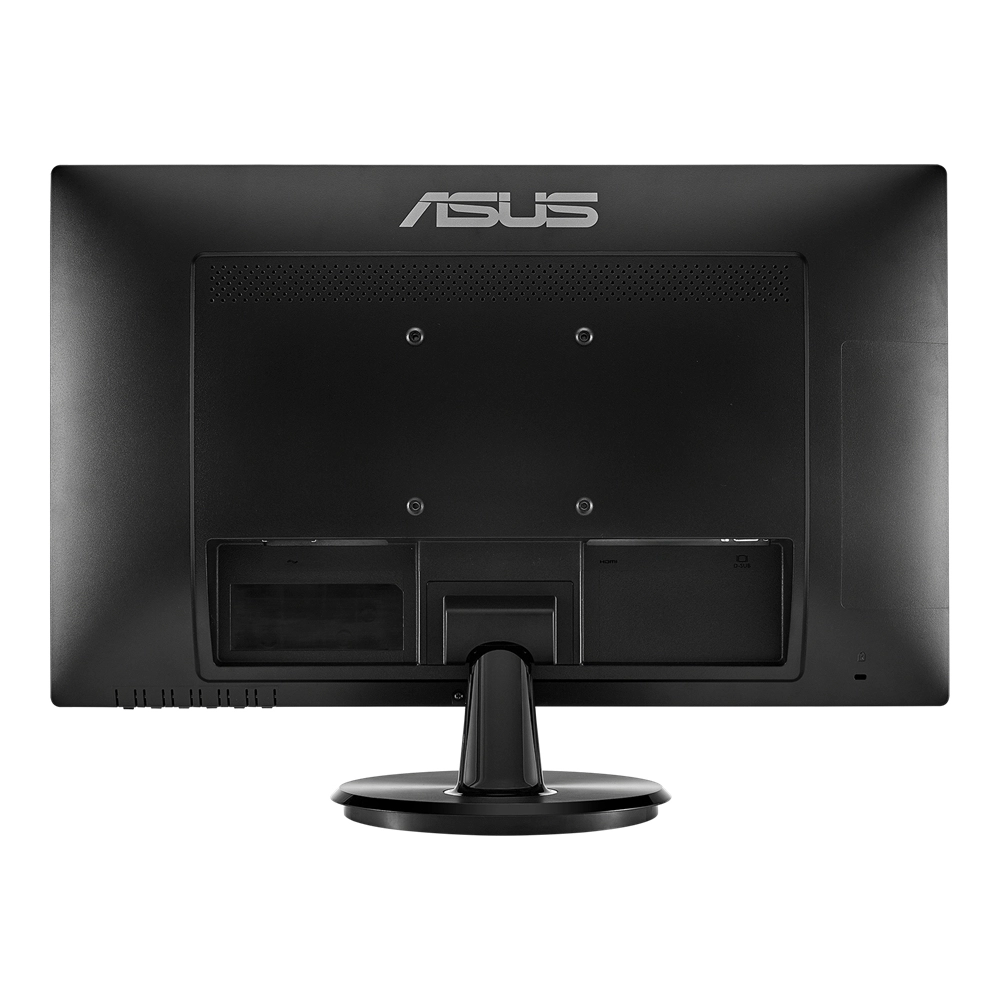
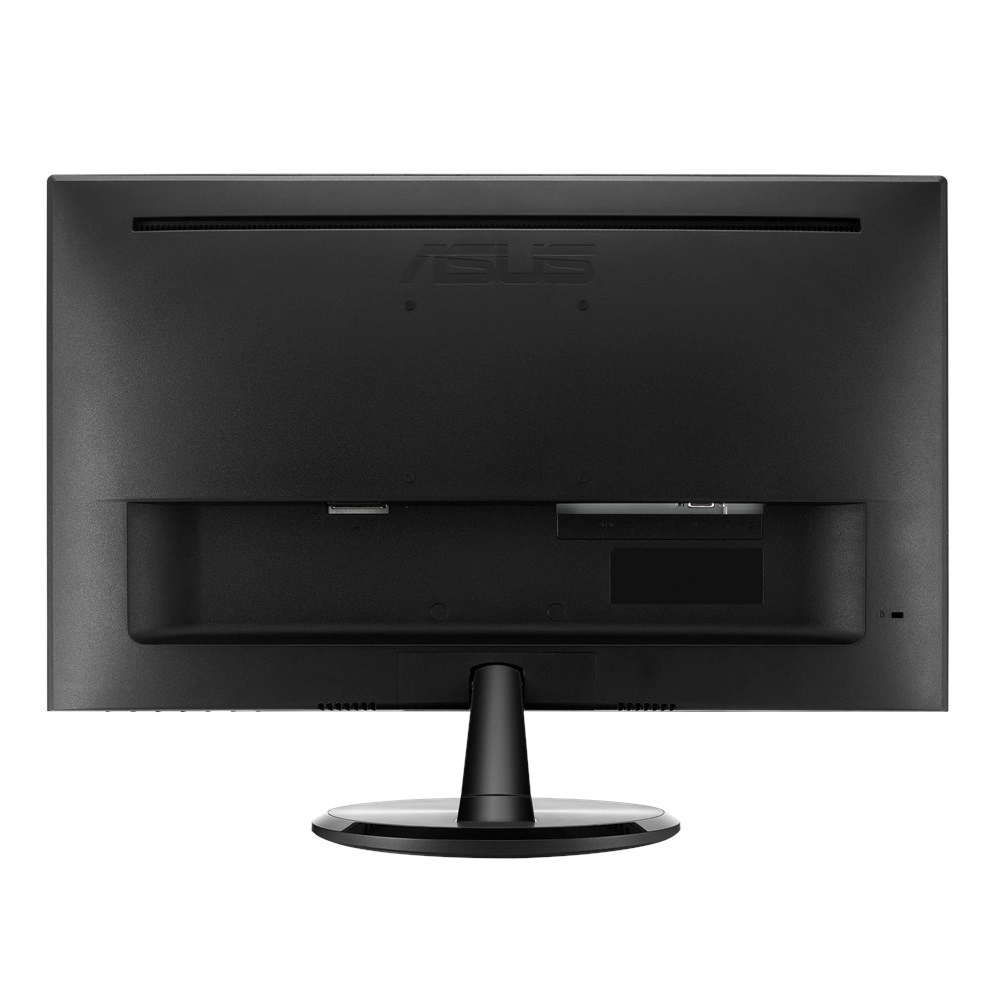
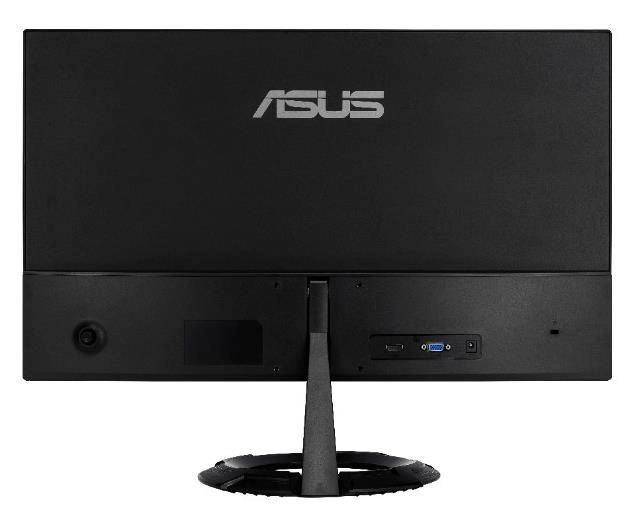
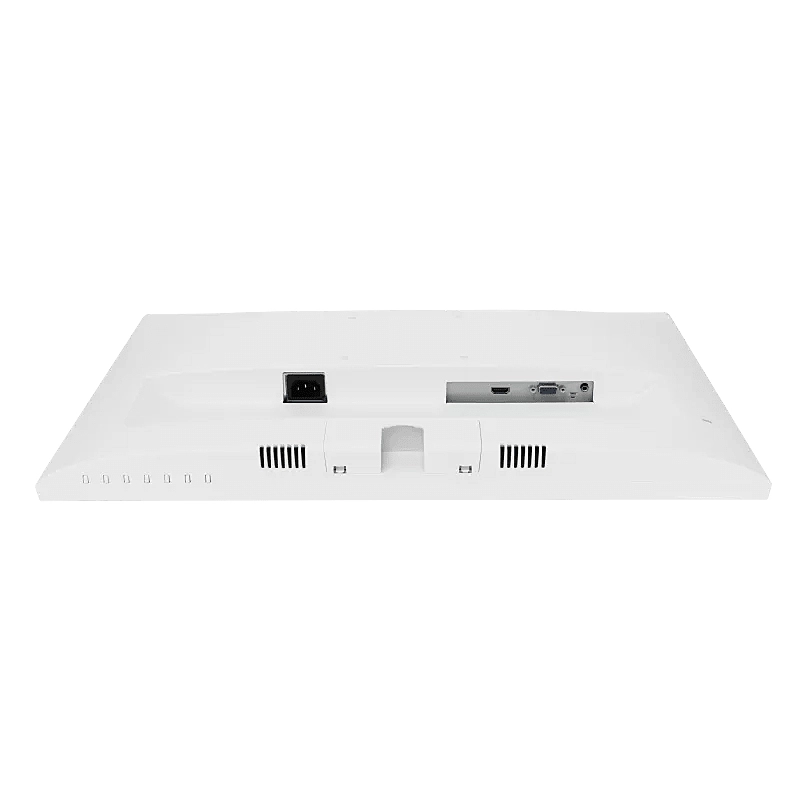
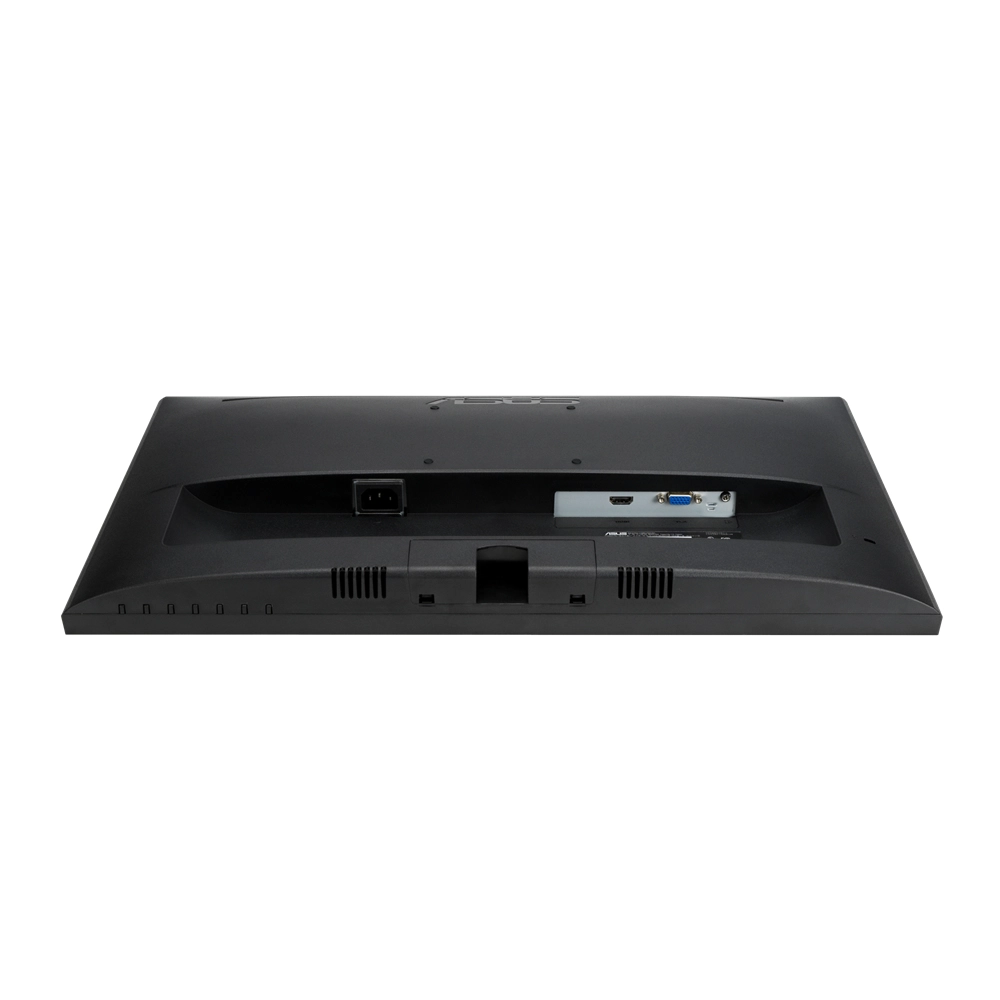
AC, Audio (3.5mm), HDMI, VGA
Stand included
✓
AC adapter included
✓
Camera included
✗
Power adapter included
✓
Ports & interfaces
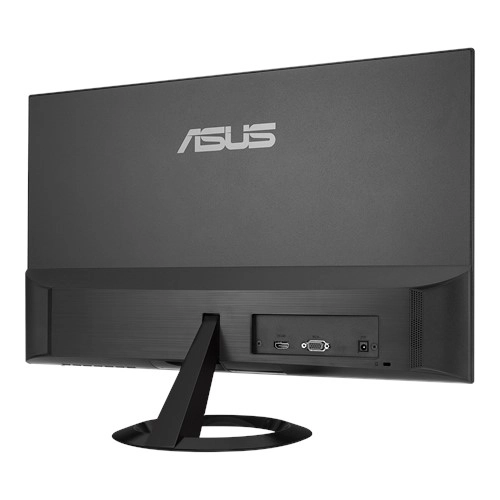
DC-in jack
✓
Headphone out
✗
Headphone outputs
1
AC (power) in
✓
Headphone connectivity
3.5 mm
VGA (D-Sub) ports quantity
1
Built-in USB hub
✗
HDMI version
1.4
HDMI
✓
PC Audio in
✓
HDMI ports quantity
1
DVI port
✗
Operational conditions
Operating temperature (T-T)
0 - 45 °C
Operating relative humidity (H-H)
0 - 65 %
Technical details
Sustainability compliance
✓
Certification
BSMI, C-Tick, CB, CCC, CE, CEL level 0, CEL level 1, CU, EPEAT () by region, EPEAT by region, EU BPR, EU POP, Energy Star, Energy Star®, ErP, FCC, ISO 22196: 2011, ISO 846 B, J-MOSS, JIS Z 2801, KC, KCC, MEPS, PSB, RCM, RoHS, TCO, TUV Flicker-free, TUV Low Blue Light, TÜV Flicker-free, TÜV Flicker-free
TÜV Low Blue Light, TÜV Low Blue Light, UL/cUL, VCCI, Vietnam MEPS, WEEE, WHQL, WHQL (Windows 10, Windows 7), Windows 8.1, eStandby
Sustainability certificates
ENERGY STAR, EPEAT Bronze, EPEAT Silver, Forest Stewardship Council (FSC) Mix
Audio
Built-in speaker(s)
✗
Number of speakers
2
RMS rated power
3 W
Video
HD type
Full HD
Supported video modes
1080p
Camera
Built-in camera
✗
Thin Client
Thin client installed
✗
Logistics data
Harmonized System (HS) code
85285210
Product Details
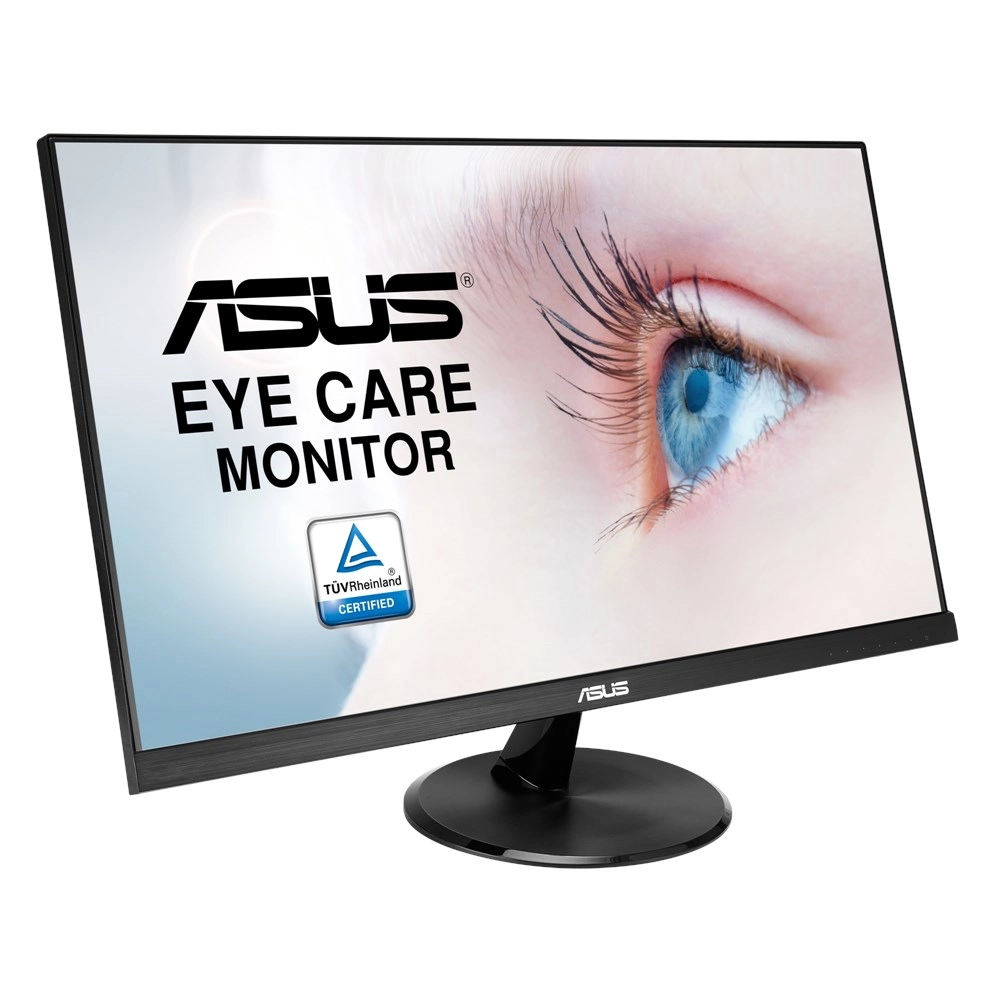
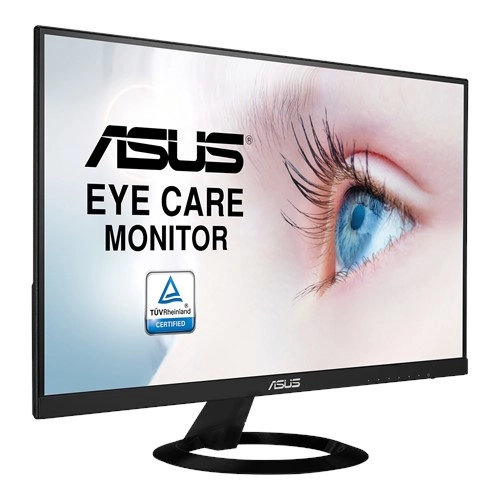
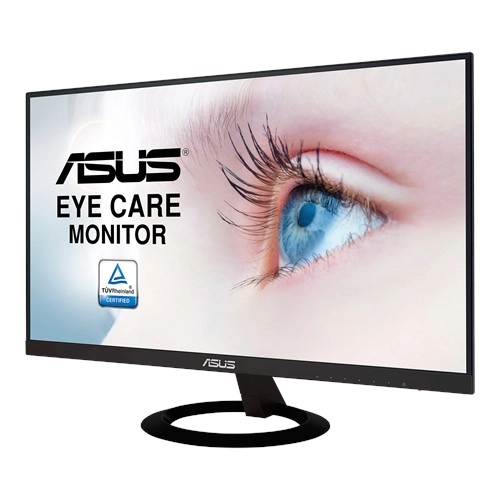
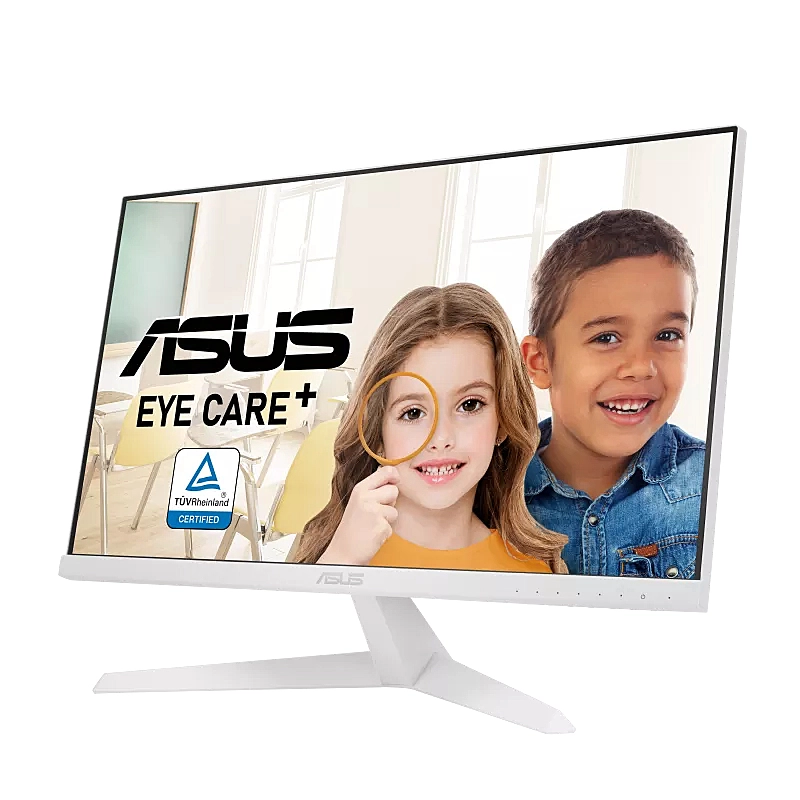
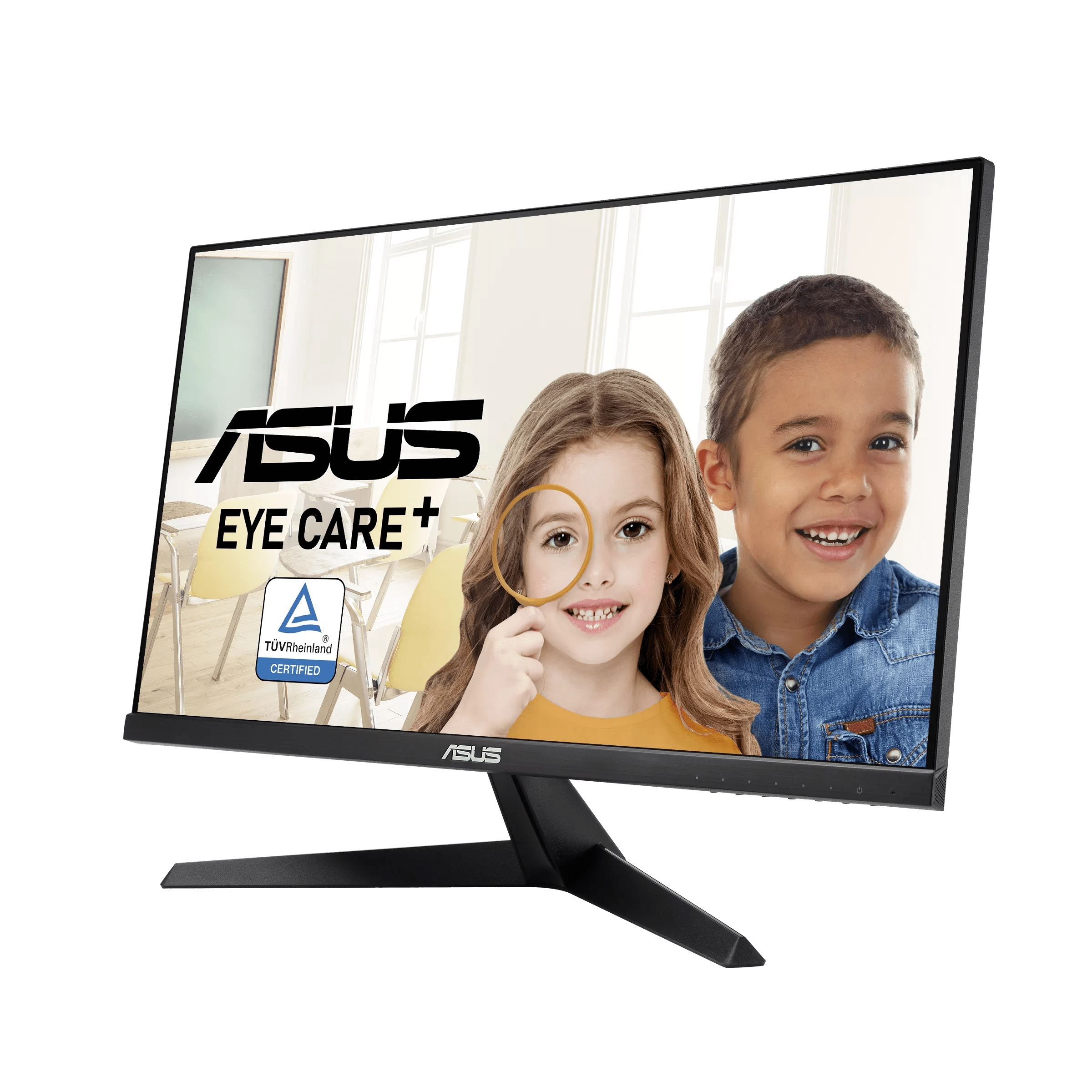
ASUS VY249HE-W Eye Care Monitor – 23.8 inch FHD (1920 x 1080), IPS, 75Hz, IPS, 1ms (MPRT), FreeSync™, Eye Care Plus technology, Color Augmentation, Rest Reminder, Blue Light Filter, Flicker Free, antibacterial treatment
VY249HE-W EYE CARE MONITOR
LEARN, WORK & PLAY,
THE HEALTHY WAY
ASUS VY249HE-W Eye Care monitor is designed with your health in mind. It features new ASUS Eye Care Plus technology, a proprietary long-lasting antibacterial treatment on the bezels and hotkeys, and an advanced IPS FHD panel that delivers exceptional visuals. Ideal for eLearning, work or entertainment, the combination of a 75Hz refresh rate and AMD FreeSync™ support ensures you’ll enjoy consistently smooth visuals with any content.
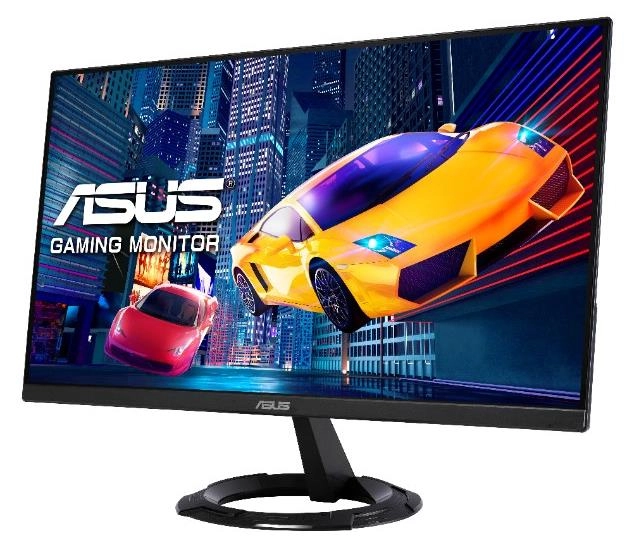
Perfect for work, everyday computing and casual gaming
Whether you’re working, learning, watching a movie or gaming, you’re sure to enjoy bright and smooth visuals with VY249HE-W.
IPS panel technology for an astounding 16.7 million colors
The 23.8-inch FHD (1920 x 1080) IPS panel offers a palette of 16.7 million colors, so photos and videos have stunning detail and realism. The panel also offers 178° viewing angles to ensure excellent image quality from almost any perspective.
75Hz refresh rate and AMD FreeSync™ for smooth visuals
A 75Hz refresh rate and 1ms Moving Picture Response Time (MPRT) help reduce smearing and motion blur, making VY249HE-W perfect for fast-paced games that require quick reactions to what’s happening onscreen. In addition, AMD FreeSync technology helps eliminate screen tearing and choppy frame rates for ultra-smooth gameplay.
Protect your eyes with
Eye Care+ technology
Color Augmentation Mode
Easily distinguish colors
Color Augmentation mode helps users with a color-vision deficiency differentiate colors. The mode lets users customize onscreen reds, greens, yellows and blues into hues that are easier to distinguish, improving the viewing experience.
Rest Reminder
It's time to take a break
Taking a brief 10-minute rest every half hour or so, or adopting the 20-20-20 rule, can help prevent eye strain. The Rest Reminder feature lets users set pop-up reminders at 5-minute intervals, noting when it’s time step away from the screen.
Adjustable ASUS Blue Light Filter
Viewing photos and videos
An integrated TÜV Rheinland-certified ASUS Blue Light Filter protects eyes from harmful blue light. Settings can be quickly accessed via the onscreen display (OSD) menu, and an intuitive slider makes it easy to adjust filter levels to suit any scenario or user preference.
Flicker Free Technology
Say goodbye to tired, strained eyes
Integrated TÜV Rheinland-certified ASUS Flicker Free technology reduces onscreen flicker to ensure comfortable viewing. This technology helps minimize instances of eyestrain that can result from long sessions in front of a display.
Long-lasting
antibacterial treatment
Stay clean, stay healthy
The bezels and hotkeys on VY249HE-W feature an antibacterial ionic silver treatment1. By preventing bacteria adhesion2. By up to 99.9%, it keeps key areas of the monitor clean and hygienic, potentially reducing the spread of harmful bacteria.
VY249HE-W has been subjected to the JIS Z 2801 and ISO 22196 Antimicrobial Activity and Efficacy tests conducted by independent testing lab TÜV Rheinland.
How Ionic Silver works
Positively-charged silver (Ag+) ions bind with the cell walls of negatively-charged microbes and bacteria, disrupting their internal functions and killing them off.
Check your eyes anytime!
Activate the built-in EyeCheck3 function via the monitor hotkey to view eye charts for short- or long-sightedness.
Don’t forget to blink
We tend to forget to blink, especially when focused on something onscreen. Blinking helps lubricate your eyes and keeps them healthy.
Posture
Sitting up straight decreases pressure on your neck and back. It’s also good practice to sit at least 20 inches, or an arm’s length, away from your computer screen, with the keyboard close and directly in front of you.
Healthy diet
Having a balanced diet that includes green leafy vegetables, citrus fruits, nuts, fish and carrots gives you Omega-3, Vitamins A, C and E — all vital for healthy eyes.
Files
EU Energy Label
mmo_101258177_1695030568_6399_15270.pdf
PDF• 68.3 KB
User manual
mmo_101258177_1683876345_1535_10695.pdf
PDF• 2.6 MB
EU Product Fiche
mmo_106276714_1724169280_1075_3576102.pdf
PDF• 42.5 KB
Images
 980-6359.png
 979-9412.png
 4-8210.png
 367-9451.png
 981-4623.png
 574-9239.png
 978-2656.png
Reviews
Loading...
Loading...
Loading...
Loading...
Loading...
Loading...
Loading...
Loading...
Loading...
Loading...
Loading...
Loading...
Loading...
Loading...
Loading...
Loading...
Loading...
Loading...
Loading...
Loading...
Loading...
Loading...
Loading...
Loading...
Loading...
Loading...
Loading...
Loading...
Loading...
Loading...
Loading...
Loading...
Loading...
Loading...
Loading...
Loading...
Loading...
Loading...
Loading...
Loading...
Loading...
Loading...
Loading...
Loading...
Loading...
Loading...
Loading...
Loading...
Loading...
Loading...
Loading...
Loading...
Loading...
Loading...
Loading...
Loading...
Loading...
Loading...
Loading...
Loading...
Loading...
Loading...
Loading...
Join our newsletter
Be the first to know about new arrivals, sales, and exclusive picks
Sign in to unlock newsletter access and stay in the loop