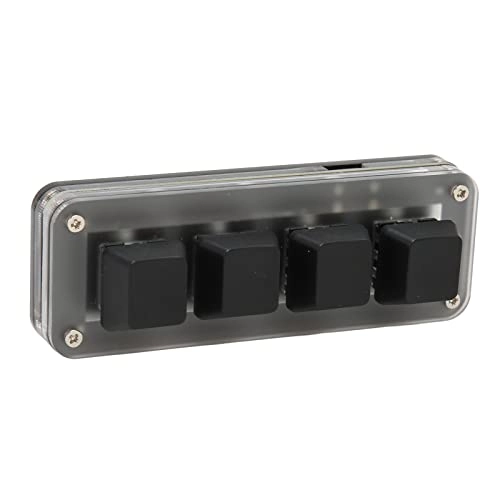
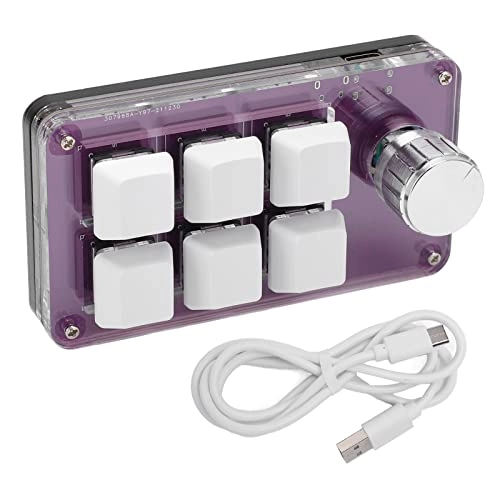
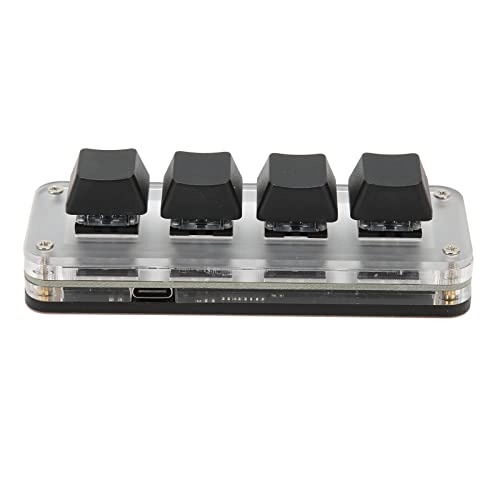
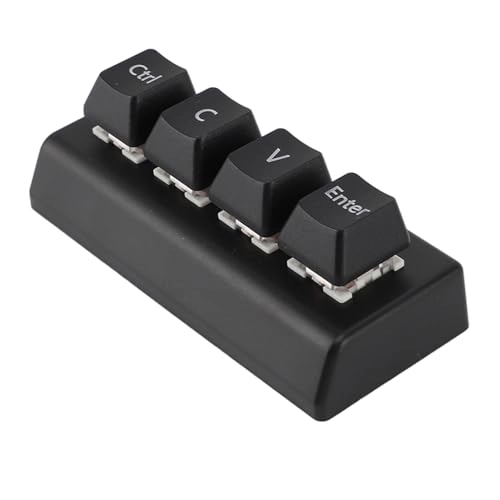
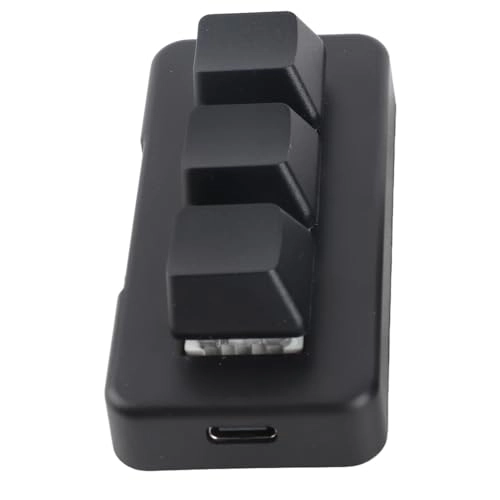
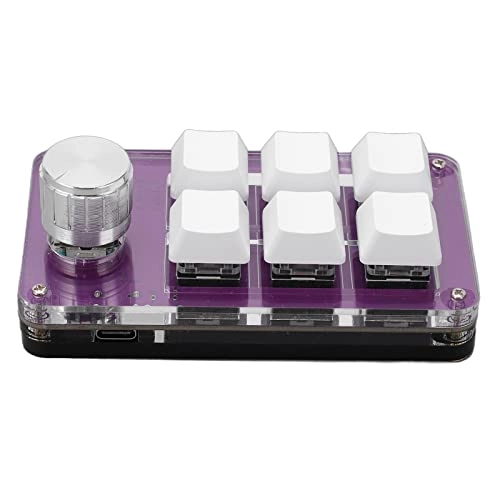
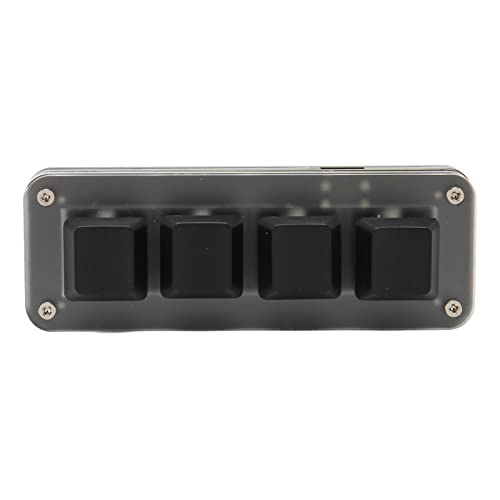
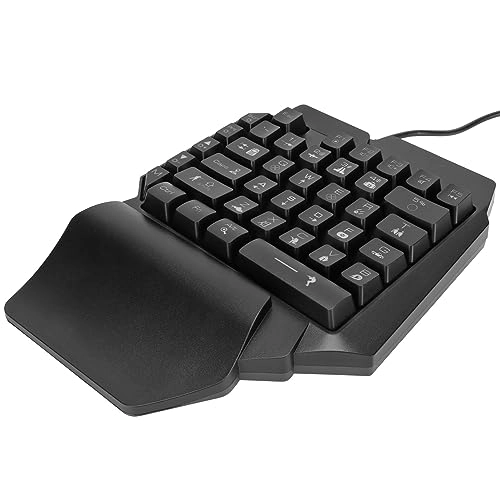
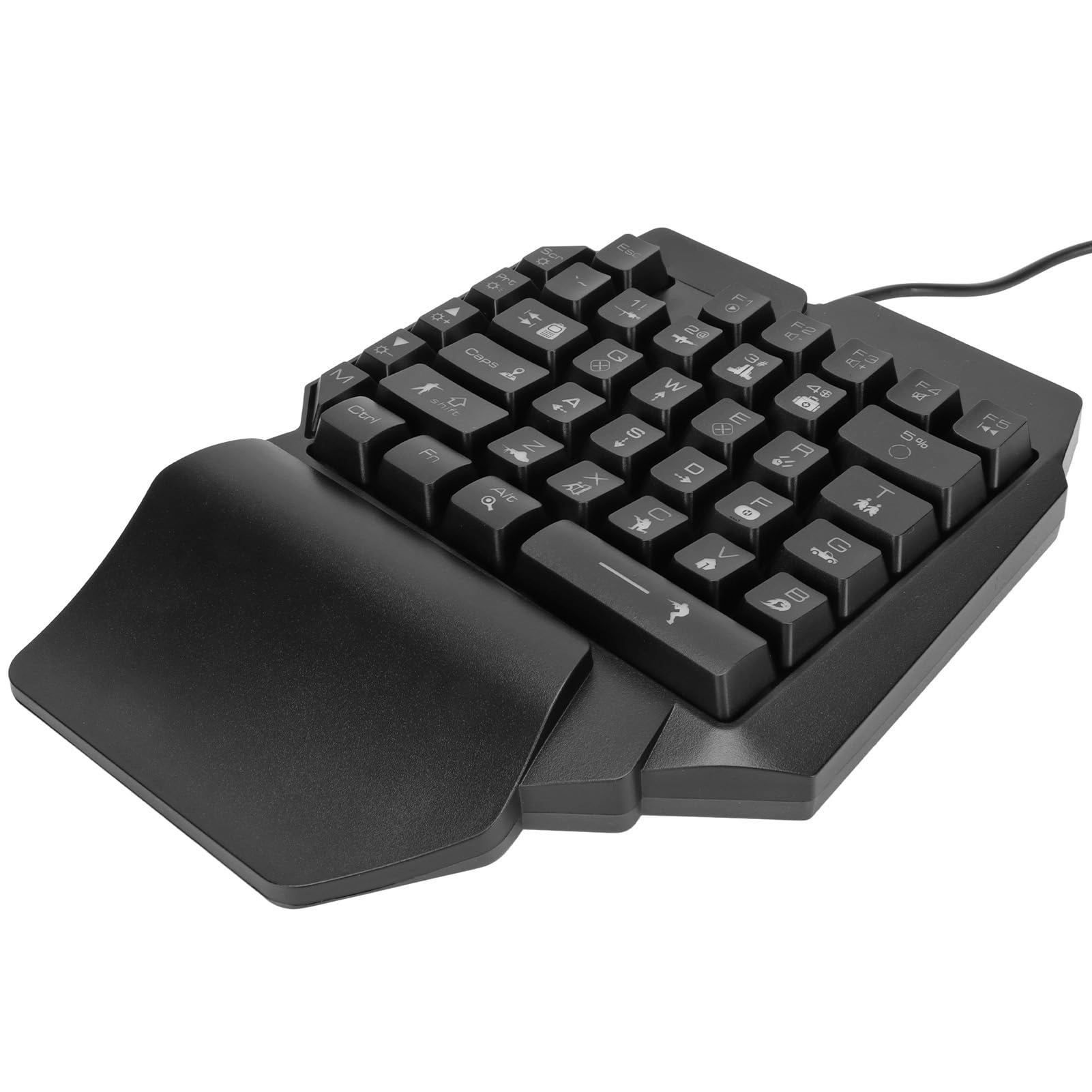
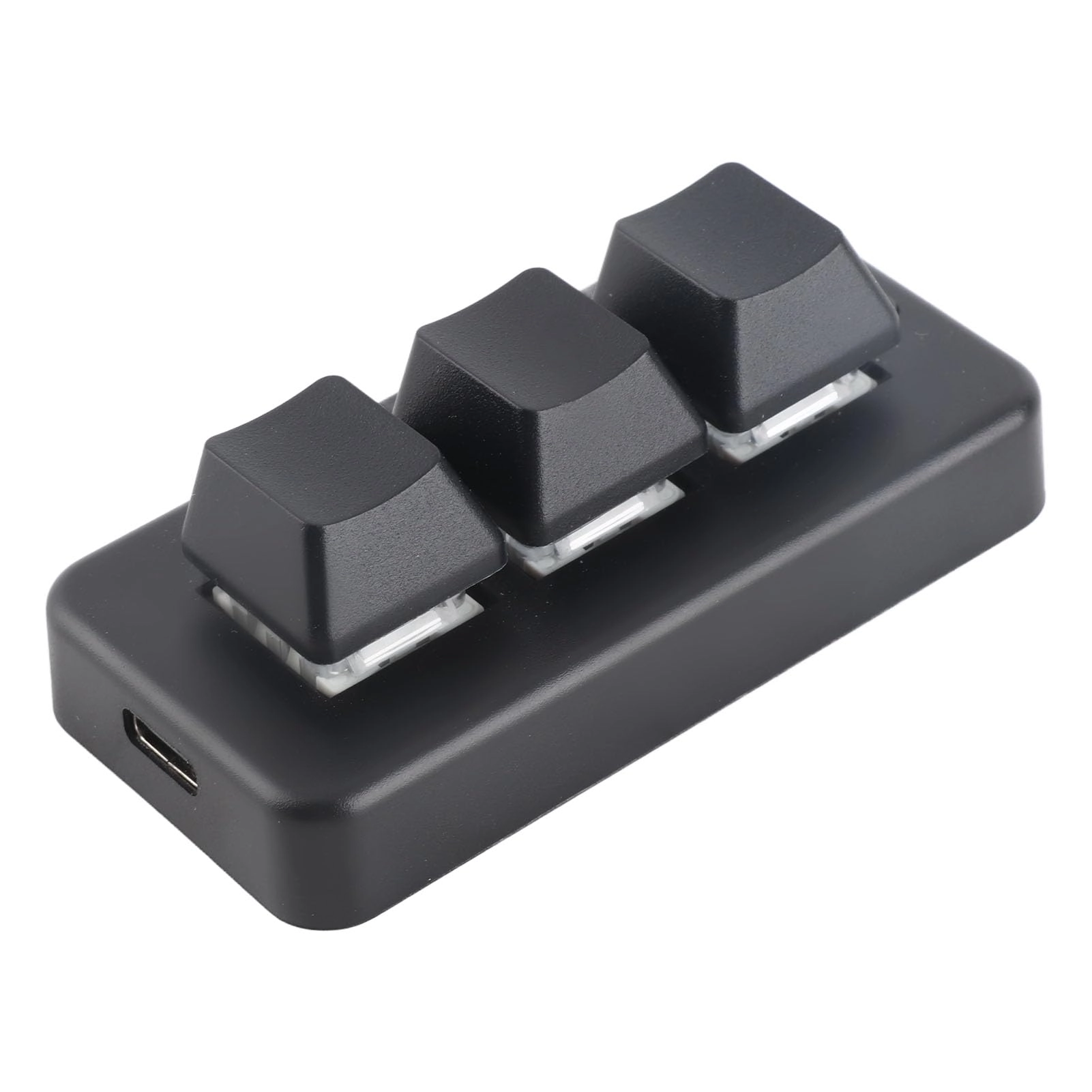
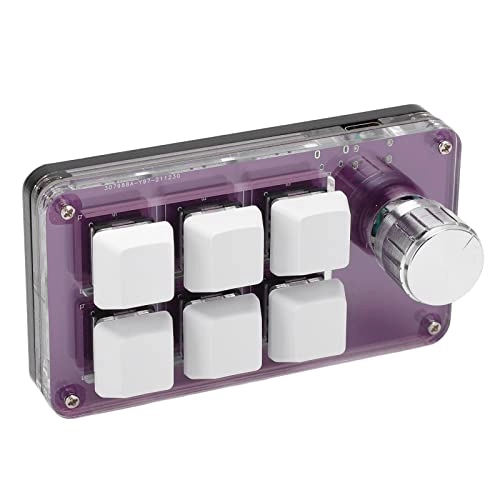
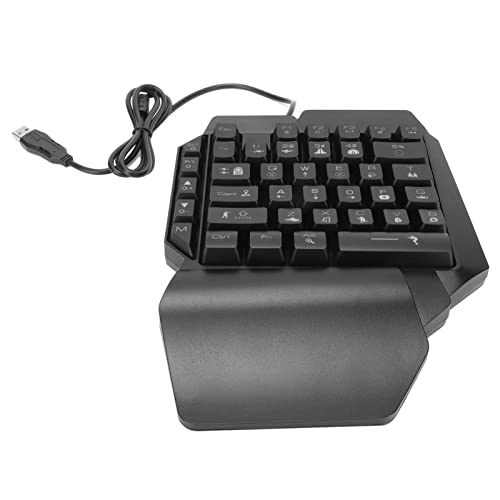
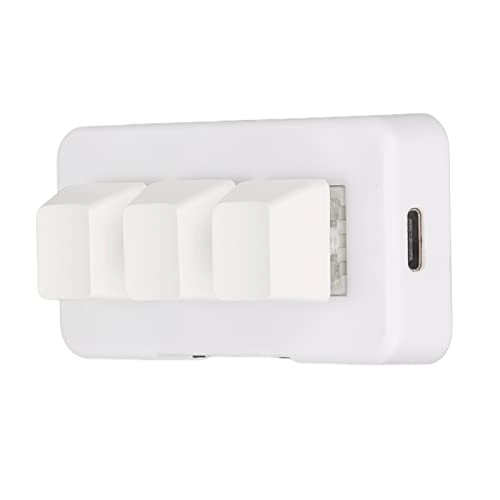
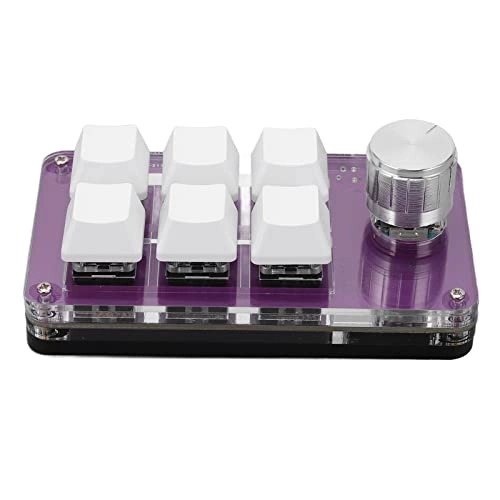
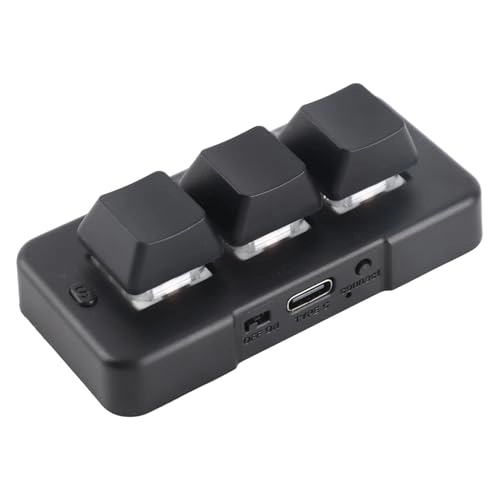
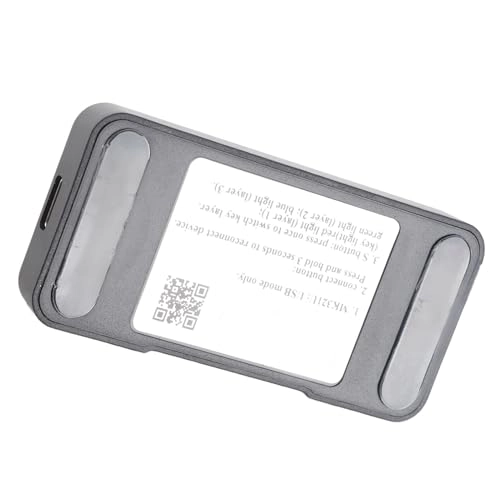
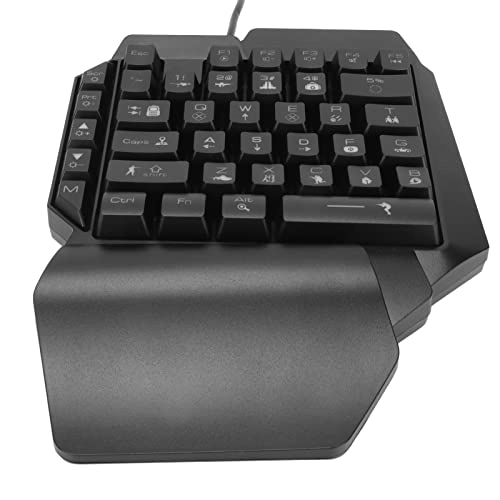
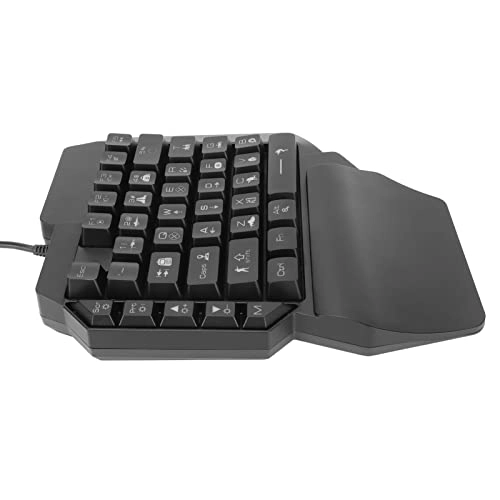
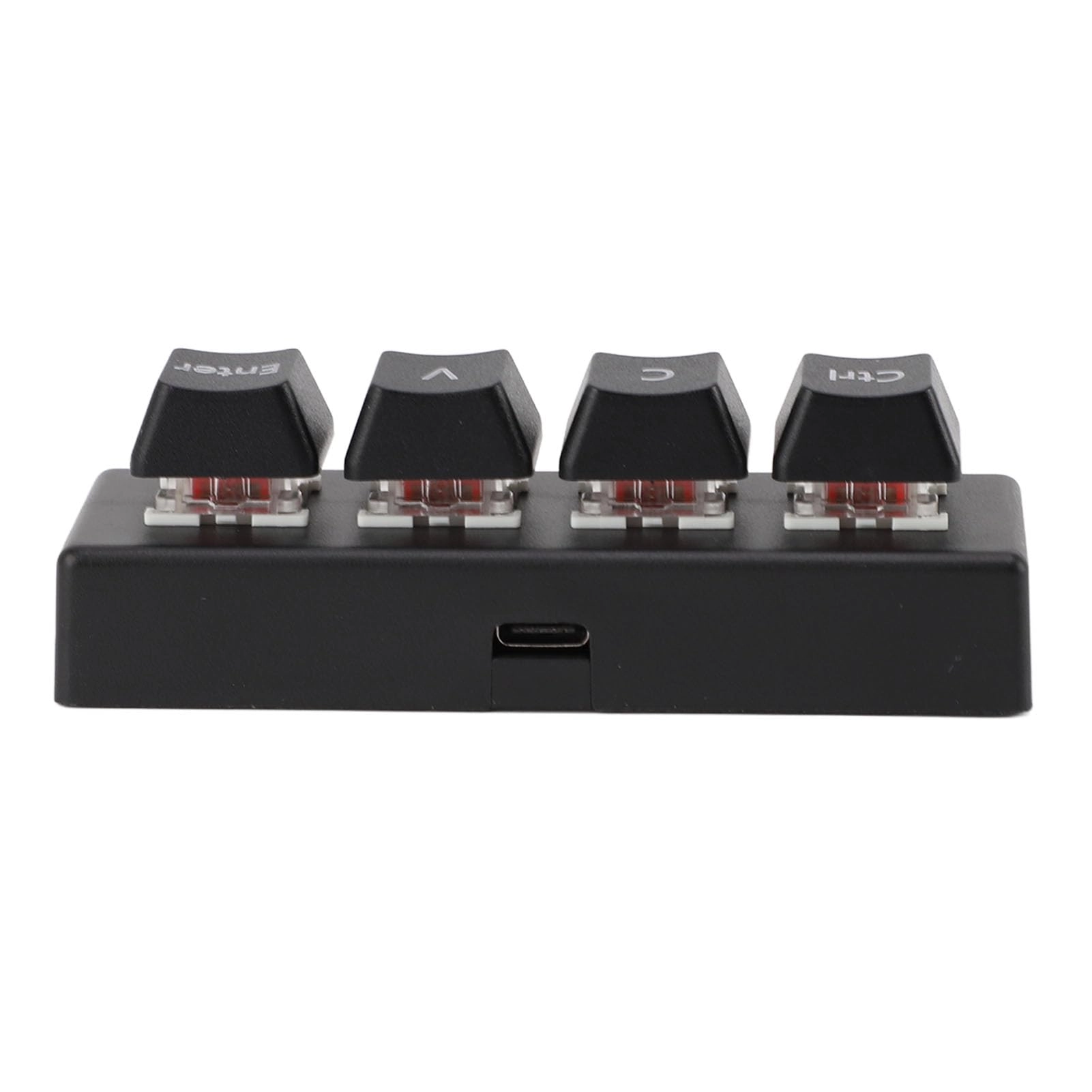
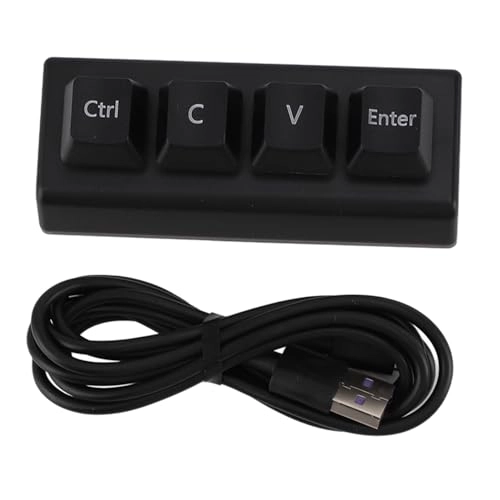
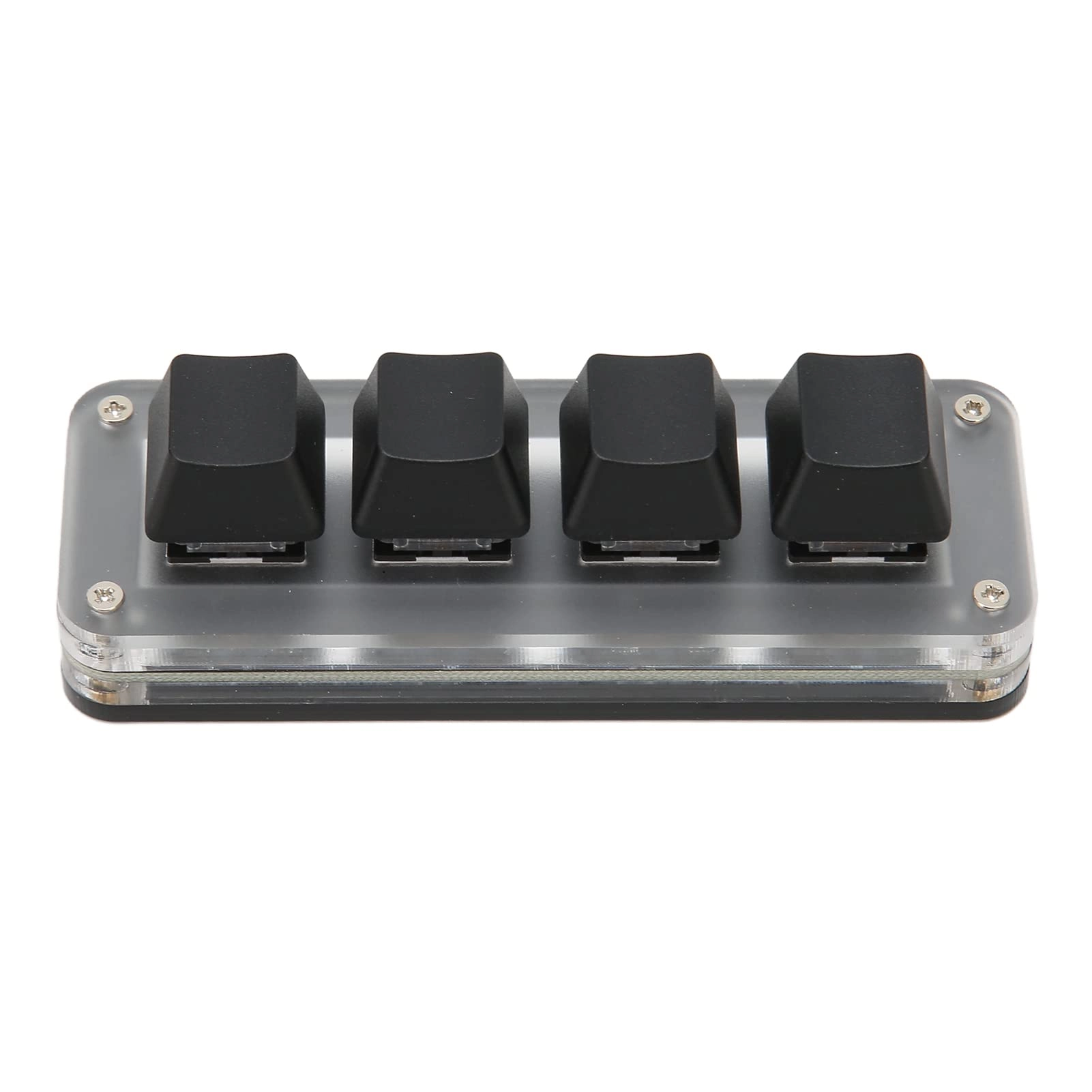
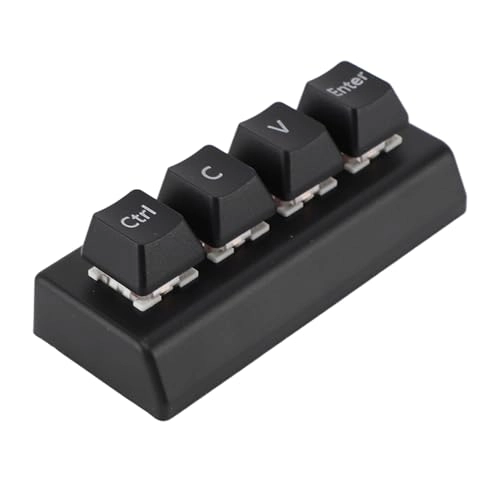
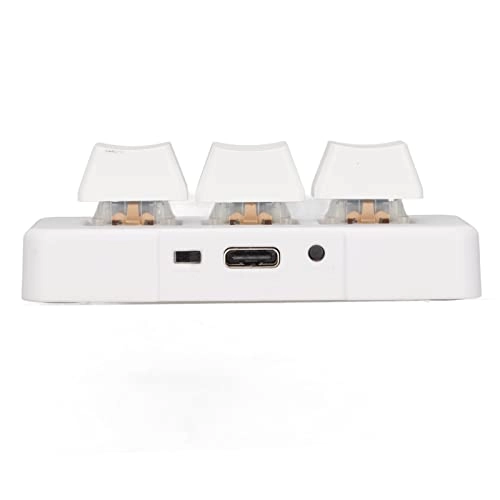
1. Easy installation: simple operation, no conflict with multiple keyboards, Type-C to USB interface, driver-, plug and play, easy to carry.
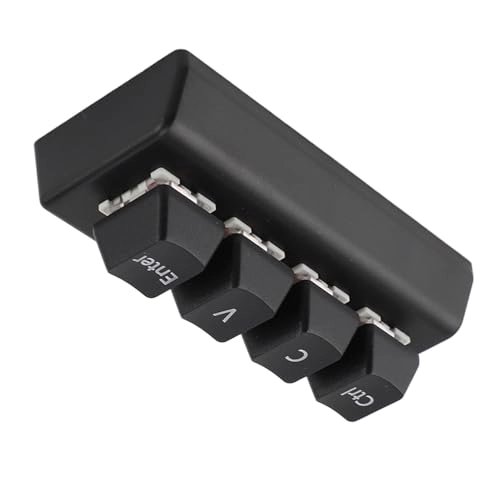
2. Shortcut: All basic functions of the standard keyboard can be configured to achieve complex shortcut key combinations with a single key.
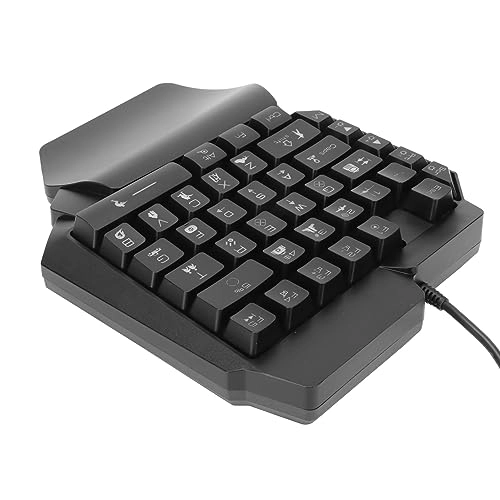
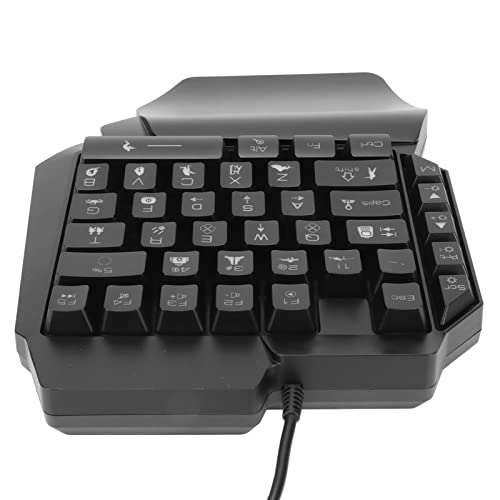
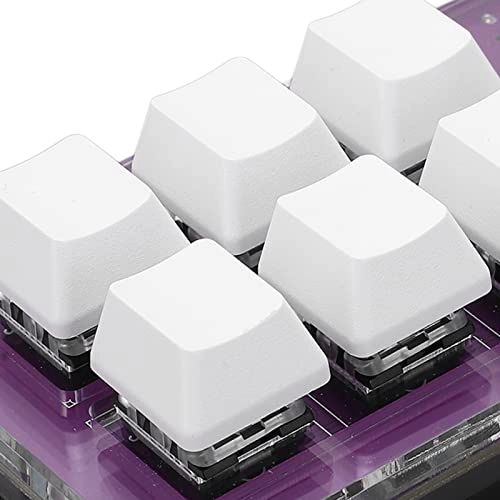
3. Multi-function: One-handed mechanical keyboard with storage and special function, convenient and practical.
4. Button function: The button can be set to zoom in and out, skip to the last or next song, adjust the volume, pause, play and other functions.
5. Wide Application: Mini keyboard suitable for office, games, music, media, industrial control, laboratory, production line testing and other fields.
Specification:
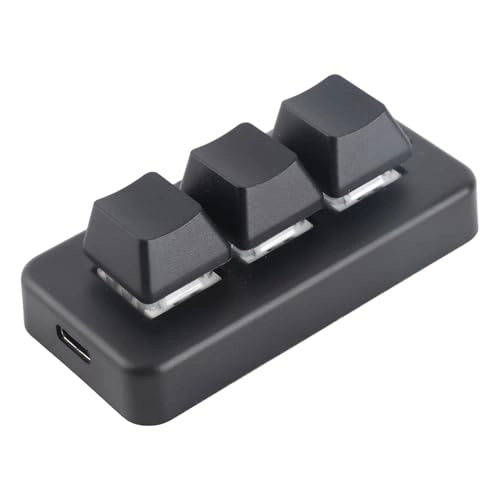
Item Type: Mini Keyboard
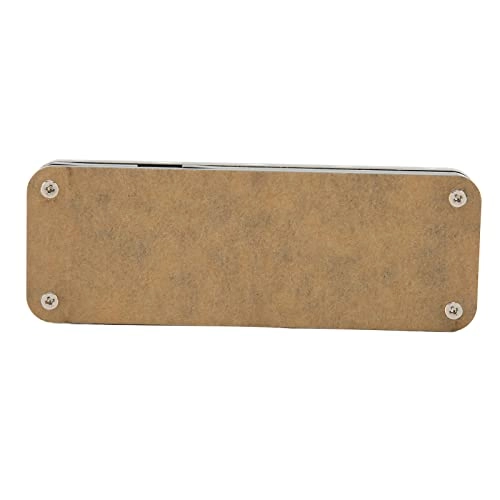
Material: acrylic, PCB
Application: Suitable for office, games, music, media, industrial control, laboratories, production line testing and other fields.
System support: for , for VISTA, for , for Macos
Button life: up to 50 million times
Size: approx. 102x57x38mm/4.02x2.24x1.50inch
Current voltage: DC 5V/1A.
Operating temperature: -10℃ -50℃
Instructions for use:
1. Small keyboard, open special software on the computer;2. In the custom ID software, click the "key setting area" or "button setting area" (yellow area), then click the 1-key 12 key you want to set or any key of button 1 or 2 (green area); Displayed in red when selected.3. Click the function key corresponding to the simulated keyboard in the custom software and click download to indicate that the download is successful and our custom keyboard can be used. For example, I want to set the 1 key on the keyboard as the keyboard shortcut for copying (Ctrl + C). Click “key configuration area” in the software, click “key1”, then click Ctrl and C on the software simulation keyboard and click download to indicate that the download is successful. Common Troubleshooting: Error 1: When the keyboard is connected, the computer does not respond or a message appears indicating that the device is operating abnormally. Solution: Check if the cable and interface are connected and reconnect; Replace the computer's USB port and plug it back in. Error 2: Custom software cannot be opened after downloading. Solution: Check if the antivirus software is blocking the operation and set it to a safe file. Question 3: Why does the letter "A" appear every time you press the button or button after connecting to the computer? Solution: Output A is the normal factory setting. Open custom software to redefine key functions.
Package Included:
1xMini keyboard
1 connection line.
Notes:
Tips: This software can only be run temporarily for system, as far as possible, please download it to the computer, configure the software to install, open the executable directly, it will be automatically stored in the chain plate set, USB protocol to make compatible again, use for MacOs systems (configure the antivirus software trust file to be released for the first time).