Allware
Loading...
  • News
  • Price drops
  • New arrivals
  • Featured categories
  1. Computers & Peripherals
  2. Networking
  3. Networking Hardware
  4. Wireless Routers
Archer MR3420
Archer MR3420
Archer MR3420
Archer MR3420
Archer MR3420
Archer MR3420
Archer MR3420
Archer MR3420
Archer MR3420

TP-Link Archer MR3420

Best offer
AED
5300

Key Features

  • 4G: Yes
  • Antenna type: 2 Antennas
  • USB 2.0 ports quantity: 1
  • Product colour: White
  • AC adapter included: Yes
  • WPS push button: Yes
  • Security algorithms: WPA/WPA2
  • Width: 226mm
  • Depth: 288mm
  • Height: 71mm
  • Parental control: Yes
  • Weight: 270g
  • Plug and Play: Yes
  • Offers
  • Price History
  • Specifications
  • Product Details
  • Review IconReviews

Specifications

Features

Plug and Play
✓
Security algorithms
WPA/WPA2
Product colour
White

Weight & dimensions

Weight
270 g
Height
71 mm
Depth
288 mm
Width
226 mm

Management features

WPS push button
✓

Other features

Parental control
✓

Computer system

Antenna type
2 Antennas

Packaging content

AC adapter included
✓

Ports & interfaces

USB 2.0 ports quantity
1

Mobile network

4G
✓

Product Details

Product Description

What This Product Does Share the freedom of 3G/4G! The TL-MR3420 3G/4G Wireless N Router allows users to share a 3G/4G mobile broadband connection with family and friends via wired or wireless connections. By connecting a 3G/4G USB modem to the routers, a Wi-Fi hotspot is instantly established, via which multiple devices can access the Internet and share data and applications wirelessly. Highlights: ∙ Compatible with LTE/HSPA+/HSUPA/HSDPA/UMTS/EVDO USB modems, tested in the field ∙ 3G/4G and WAN connection Backup guarantees an "Always-online" Internet connection ∙ Local wireless HD video sharing, with speeds up to 300Mbps ∙ Easy one-touch wireless security encryption with the WPS button ∙ Bandwidth control allows administrators to determine how much bandwidth is allotted to each PC Enjoy 3G/4G Wireless Sharing TL-MR3420 features blazing 4G speeds and backward compatible with 3G modems, allowing users to share a 3G/4G mobile broadband with family and friends via wired or wireless connection. Tests in the Field-High Compatibility Compatibility is the most important aspect to consider when you're selecting a 3G/4G router. To ensure the best compatibility between our routers and the modem you would use with the router, TP-LINK has made certain that our 3G/4G Routers are compatible with the ISPs in the regions in which they are sold. We have teams around the globe continually testing our Routers with newly emerged modems to ensure that end users can feel confident that their routers will operate flawlessly where they live and work. Comprehensive 3G/4G and WAN Connection Backup Strategy The TL-MR3420 stands out with its 3G/ 4G and WAN connection back-up, which keeps users online when one connection fails. TP-LINK's 3G/4G Router provides users with both 3G/4G Preferred and WAN Preferred back-up modes, while other brands provide one or the other. This brings users a high degree of flexibility when users are setting up the networks with considering connection costs and length of downtime. Wireless N Speed & Range Complying with the IEEE 802.11n standard, the TL-MR3420 can establish a wireless network with transmission speeds of up to 300Mbps, while mitigating data loss over long distances and through obstacles in a small office or a large apartment, even in a steel-and-concrete building. Above all, users can easily pick up their wireless network's signal at longer distances from the router, where with legacy 11g products they would have to be much closer. WPA / WPA2 Encryptions -Advanced Security In order to safeguard user‘s Wi-Fi networks, WEP encryption is no longer strong enough. The TL-MR3420 provides WPA/WPA2 encryptions (Both Personal and Enterprise),created by the WI-FI Alliance, promoting interpretabilities and security for WLAN, to protect against almost any threat that the Internet or intruders may harbor. Features ∙ Wireless security encryption easily at the push of the WPS button ∙ WDS wireless bridge provides seamless bridging to expand your wireless network ∙ IP based bandwidth control allows administrators to determine how much bandwidth is allotted to each PC ∙ Parental Control allows parents or administrators to establish restricted access policies for children or staff

Set Contains:

  • 3G/4G Wireless N Router TL-MR3420
  • 2 Antennas
  • Power supply unit
  • Ethernet Cable
  • Resource CD
  • Quick Installation Guide

Reviews

Loading...
Loading...
Loading...
Loading...
Loading...
Loading...
Loading...
Loading...
Loading...
Loading...
Loading...
Loading...
Loading...
Loading...
Loading...
Loading...
Loading...
Loading...
Loading...
Loading...
Loading...
Loading...
Loading...
Loading...
Loading...
Loading...
Loading...
Loading...
Loading...
Loading...
Loading...
Loading...
Loading...
Loading...
Loading...
Loading...
Loading...
Loading...
Loading...
Loading...
Loading...
Loading...
Loading...
Loading...
Loading...
Loading...
Loading...
Loading...
Loading...
Loading...
Loading...
Loading...
Loading...
Loading...
Loading...
Loading...
Loading...
Loading...
Loading...
Loading...
Loading...
Loading...
Loading...

Join our newsletter

Be the first to know about new arrivals, sales, and exclusive picks

Sign in to unlock newsletter access and stay in the loop

Allware
info@allware.com
+971522500911
World technology awards winner badge

Allware

  • About Us
  • Terms And Conditions
  • Privacy Policy
  • Contact Us

Partners

  • Why become a partner?
  • How to list your Online Shop?

Newsletter

  • Subscribe

Info

  • How Allware works
All Rights Reserved.
Please enable location access or select an emirate
-
00:00:00
Prayer timings

Product.Navigation.offersCount

Amazon logo

Product.OfferList.offerCount

From
AED
53

TP-Link 300 Mbps 3G/4G Wi-Fi Router, 1 UBS 2.0 Port, WPS Button, No Configuration Required, UK Plug (Archer MR3420)

Black/White
AED
5300

Price History

Price History Skeleton
Price History Shimmer Effect
Loading price history...

Similar Products

See all
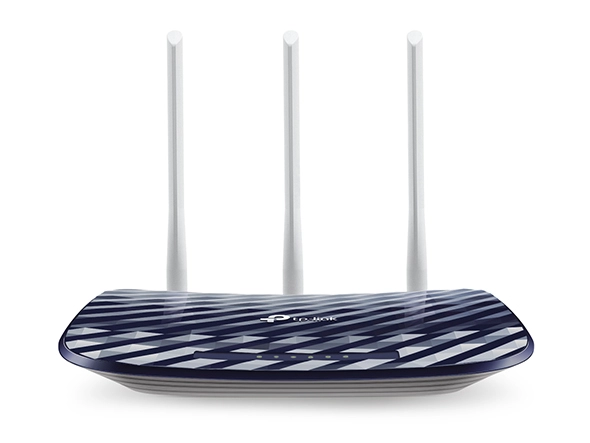
TP-Link Archer C20 AC750

TP-Link Archer C20 AC750

AED
5900
ProductCard.offer
TP-Link Archer NX200

TP-Link Archer NX200

AED
57900
ProductCard.offer
-16%
TP-Link Archer AC750 MR200

TP-Link Archer AC750 MR200

AED
17900
AED
15000
ProductCard.offer
TP-Link Archer C50 - 1.2Gbps 802.11ac

TP-Link Archer C50 - 1.2Gbps 802.11ac

AED
7468
ProductCard.offer
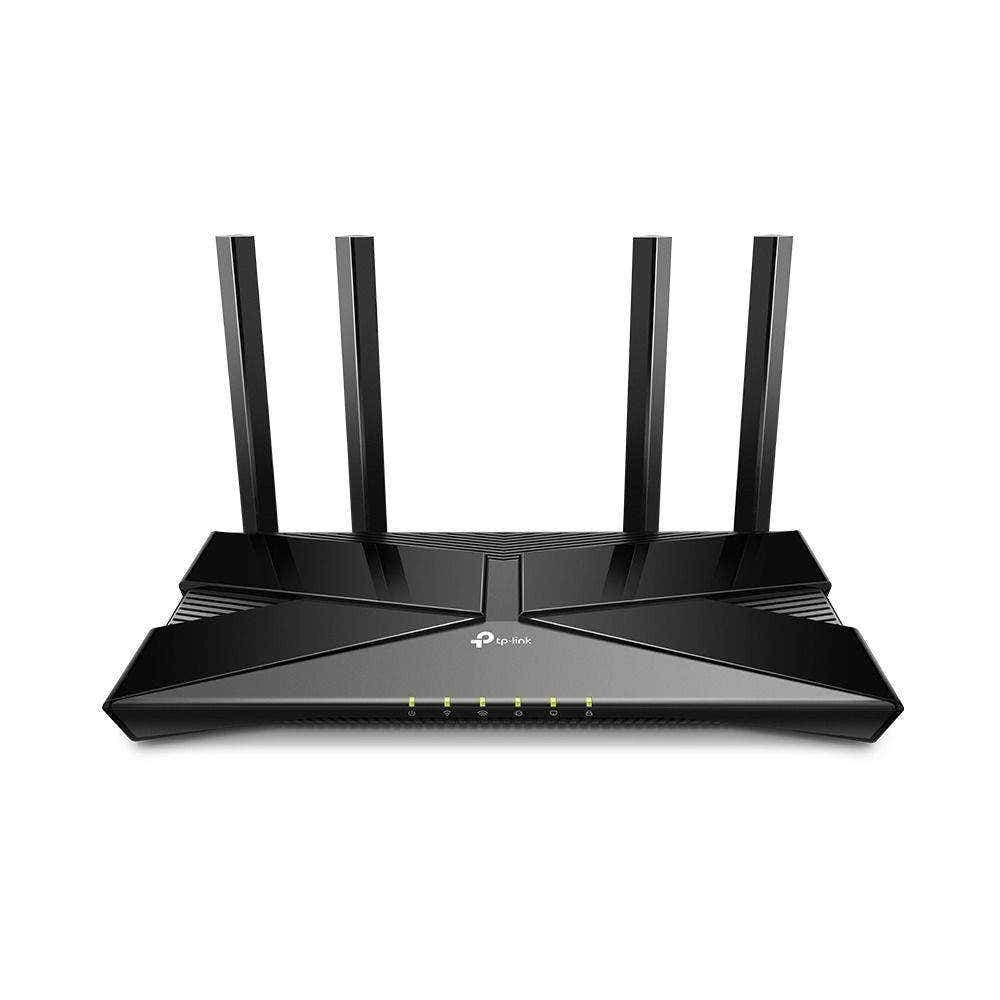
TP-Link Archer AX10

TP-Link Archer AX10

AED
11500
ProductCard.offer
TP-Link ARCHER AX72 PRO - AX5400 Wi-Fi 6

TP-Link ARCHER AX72 PRO - AX5400 Wi-Fi 6

AED
28900
ProductCard.offer
-25%
TP-Link BE400

TP-Link BE400

AED
69900
AED
51900
ProductCard.offer
TP-Link Archer GE230 - 3600 Mbps Wi-Fi 7

TP-Link Archer GE230 - 3600 Mbps Wi-Fi 7

AED
18900
ProductCard.offer
TP-Link Archer AX73

TP-Link Archer AX73

AED
30898
ProductCard.offer
TP-Link Archer BE550

TP-Link Archer BE550

AED
74460
ProductCard.offer

More from TP-Link

See all
TP-Link Festa FS308GP 8-ports

TP-Link Festa FS308GP 8-ports

AED
23900
ProductCard.offer
TP-Link T1600G-18TS 16-Ports

TP-Link T1600G-18TS 16-Ports

AED
87300
ProductCard.offer
TP-Link ER7406 - Gigabit

TP-Link ER7406 - Gigabit

Unavailable
ProductCard.offer
TP-Link C425 + Solar Panel

TP-Link C425 + Solar Panel

AED
29450
ProductCard.offer
TP-Link 934523

TP-Link 934523

AED
10700
ProductCard.offer
TP-Link AC12G - AC1200 802.11ac

TP-Link AC12G - AC1200 802.11ac

AED
8850
ProductCard.offer
TP-Link EAP115

TP-Link EAP115

AED
10490
ProductCard.offer
TP-Link C110 Pack

TP-Link C110 Pack

AED
18620
ProductCard.offer
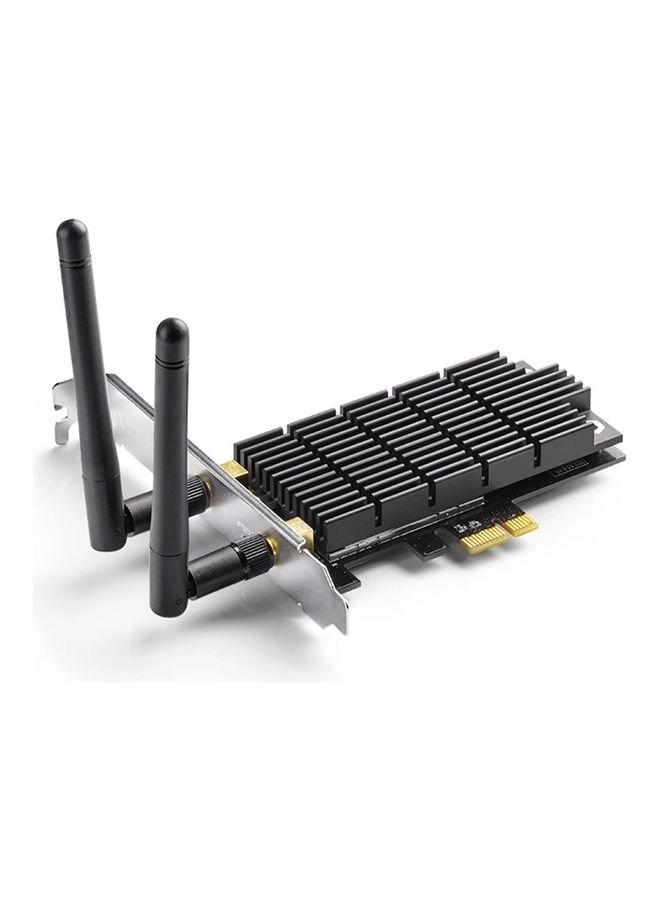
TP-Link Archer T6E - Dual Band

TP-Link Archer T6E - Dual Band

AED
19900
ProductCard.offer
TP-Link Festa F41-Outdoor

TP-Link Festa F41-Outdoor

AED
14257
ProductCard.offer
Loading...
Loading...
Loading...
Loading...
Loading...
Loading...
Loading...
Loading...
Loading...
Loading...
Loading...
Loading...
Loading...
Loading...
Loading...
Loading...
Loading...
Loading...
Loading...
Loading...
Loading...
Loading...
Loading...
Loading...
Loading...
Loading...
Loading...
Loading...
Loading...
Loading...
Loading...
Loading...
Loading...
Loading...
Loading...
Loading...
Loading...
Loading...
Loading...
Loading...
Loading...
Loading...
Loading...
Loading...
Loading...