Buy
Review: Exceeded My Expectations. Fantastic NAS for the Price -
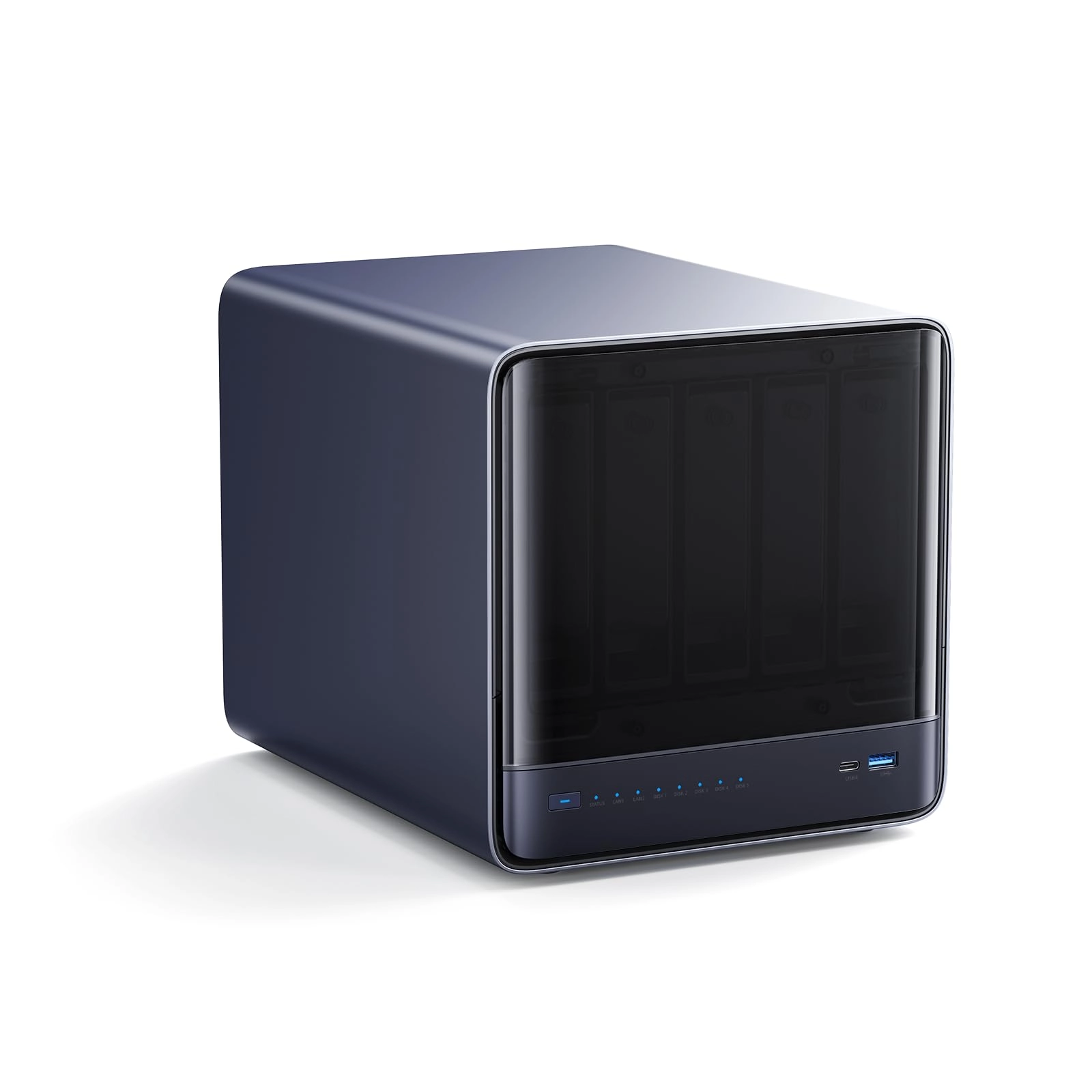
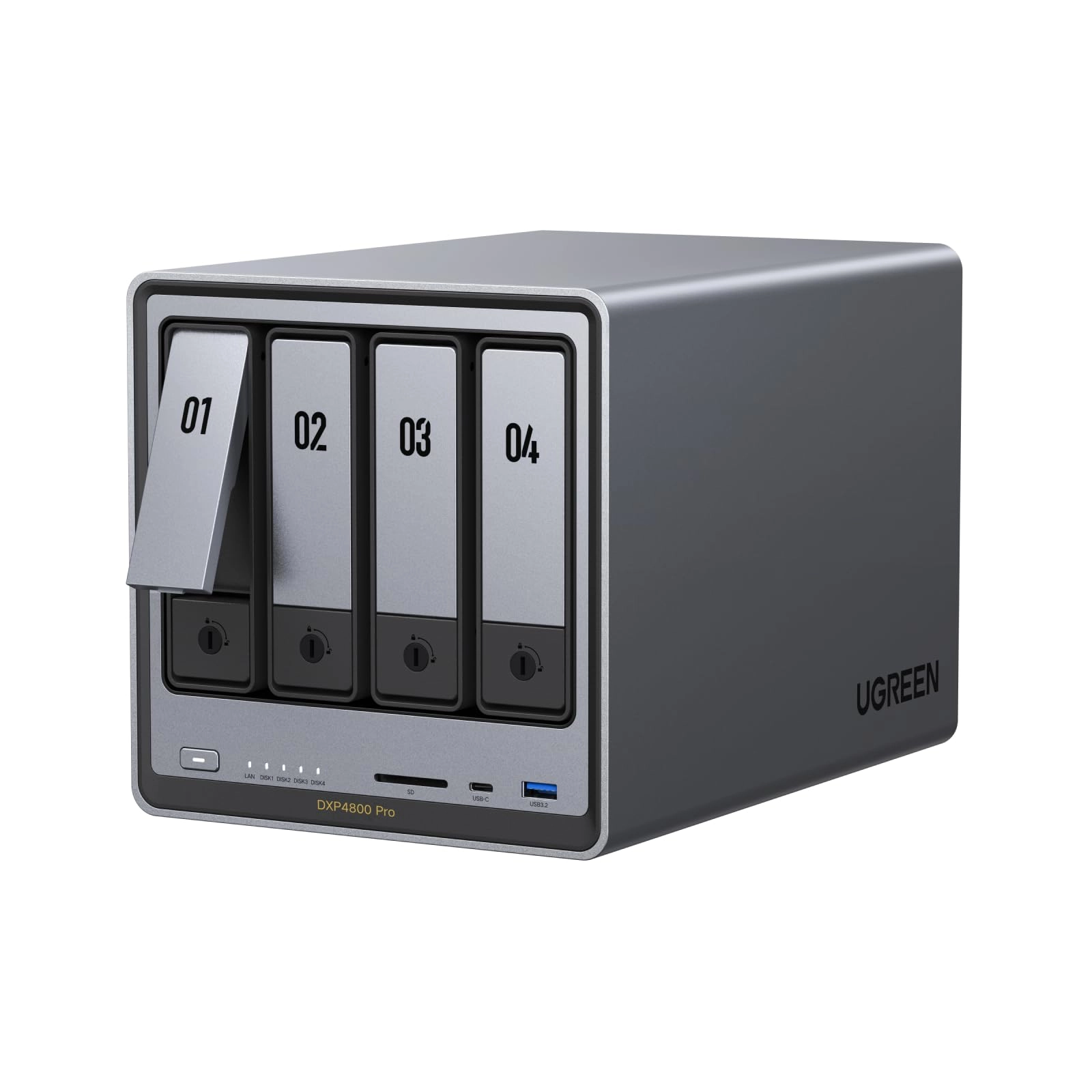
I’m genuinely impressed with the Ugreen NAsync DXP4800 Plus
4‑Bay. The build quality is excellent, the setup was quick, and
the interface is clean and easy to navigate. Even if you’re new
to NAS systems, this one feels approachable and well‑designed.
Performance has been outstanding. File transfers are fast, the
system stays cool and quiet, and it handles backups, media
streaming, and remote access without any hiccups. The 4‑bay
layout gives plenty of room to expand storage or set up RAID
however you like. What really stands out is how smooth and
reliable everything feels. It delivers the kind of experience
you’d expect from much more expensive brands, but at a far better
value. If you’re looking for a powerful, user‑friendly NAS that
won’t break the bank, this is an easy recommendation.
Review: Well done UGREEN 👏 - Tldr - this thing is incredible. If
you're reading this you're probably also in a deep rabbit hole
researching everything NAS related, you won't go wrong with this
one. // Needed a long term overhaul of my current setup. About a
decade of photos and videos from travel - 18TB across many
external hard drives, backed up onto many other external hard
drives. This existing setup was at capacity, and messy to
maintain. Buying more external HDDs would've been a step
backwards. NAS was the obvious solution. Researched the market
long and hard before deciding where my money went. UGREEN came
out on top - superior hardware at significantly better price than
competitors, and no vendor lock in for drives. My main
requirements were: - Be able to mount the NAS as a local drive on
the same network, to edit RAW photos and videos from - Restricted
on the network to access only from my Macbook - Be able to mount
it as a local drive from a DIFFERENT network, to read, write and
edit while travelling - Access everything from the phone
Researching how to achieve all of these things looked very
complicated. In the end, was incredibly simple. Started with 1x
22TB Toshiba NAS drive - didn't yet require parity in the NAS due
to keeping existing drives. First time setup was complete in 30
mins, configuring volumes, security, network and filesystem. I
went with btrfs due to scrubbing and snapshot capability. Btrfs
*IS* supported by UGREEN software as of writing this - you may
see otherwise elsewhere. This thing is INCREDIBLE. Easy to set up
local network mounting via SMB on Mac. Easy to set up remote
access via Tailscale as a drive, or with ugreenlink in browser.
The mobile app offers full control and is fast and responsive.
Easy to set up static IPs on a subnet to transfer direct between
NAS and laptop via the 2nd 2.5gbps port. Many useful features
such as sharing access with a link and options for expiry, number
of access allowed, password protection. Scheduled shutdown and
startup. Hard drive sleep config. Thumbnails build automatically
after data transfer, so files can be previewed instantly. It's
quiet, it looks good, many built in I/O ports. Simple, clean UI.
Native logging and monitoring of network, disk, CPU, RAM. I can
access my entire 18TB life's work just from my phone wherever I
have Internet. Not to mention the nvme ssd capacity as well,
which I haven't got into yet It just works. It's great. Well done
UGREEN. Two minor improvements to feedback if UGREEN see this,
both of which can just be fixed with a software update: - In the
UGREEN app (android), when viewing photos and videos in the files
section, clicking onto a photo thumbnail opens the photo in
fullscreen. It is then possible to swipe left and right between
the photos. However, if a video file is reached, it is no longer
possible to swipe left or right to the next files. The swiping
gesture becomes scrubbing. To go to the next or previous file,
the preview needs to be exited, back to the directory, and then
click on the next thumbnail to open the preview. It would be
better if swiping on a video also moves to the next or previous
file, instead of only scrubbing it. - A scheduled shutdown will
override a transfer activity. For example, if a shutdown is
scheduled for 10pm, and a 1TB smb transfer is in progress, the
NAS will still shutdown at 10pm mid transfer. There should be the
option to override the scheduled shutdown if a critical activity
such as a file transfer is in progress.