Allware
Loading...
  • News
  • Price drops
  • New arrivals
  • Featured categories
  1. Computers & Peripherals
  2. Computer Components
  3. System Components
  4. Network Cards
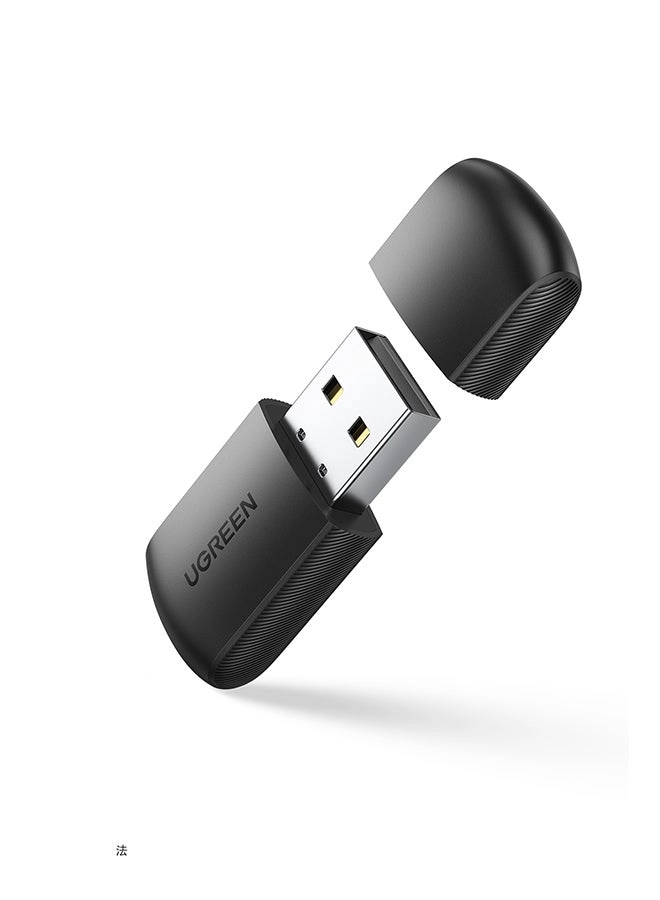
CM448 - Dual Band USB Wireless

Ugreen CM448 - Dual Band USB Wireless

Best offer
AED
4300
AED
5500
-21%

Key Features

  • Quantity per pack: 1pc(s)
  • Wireless standard: 5G
  • Offers
  • Price History
  • Specifications
  • Product Details
  • Review IconReviews

Specifications

Other features

Wireless standard
5G

Packaging content

Quantity per pack
1 pc(s)

Product Details

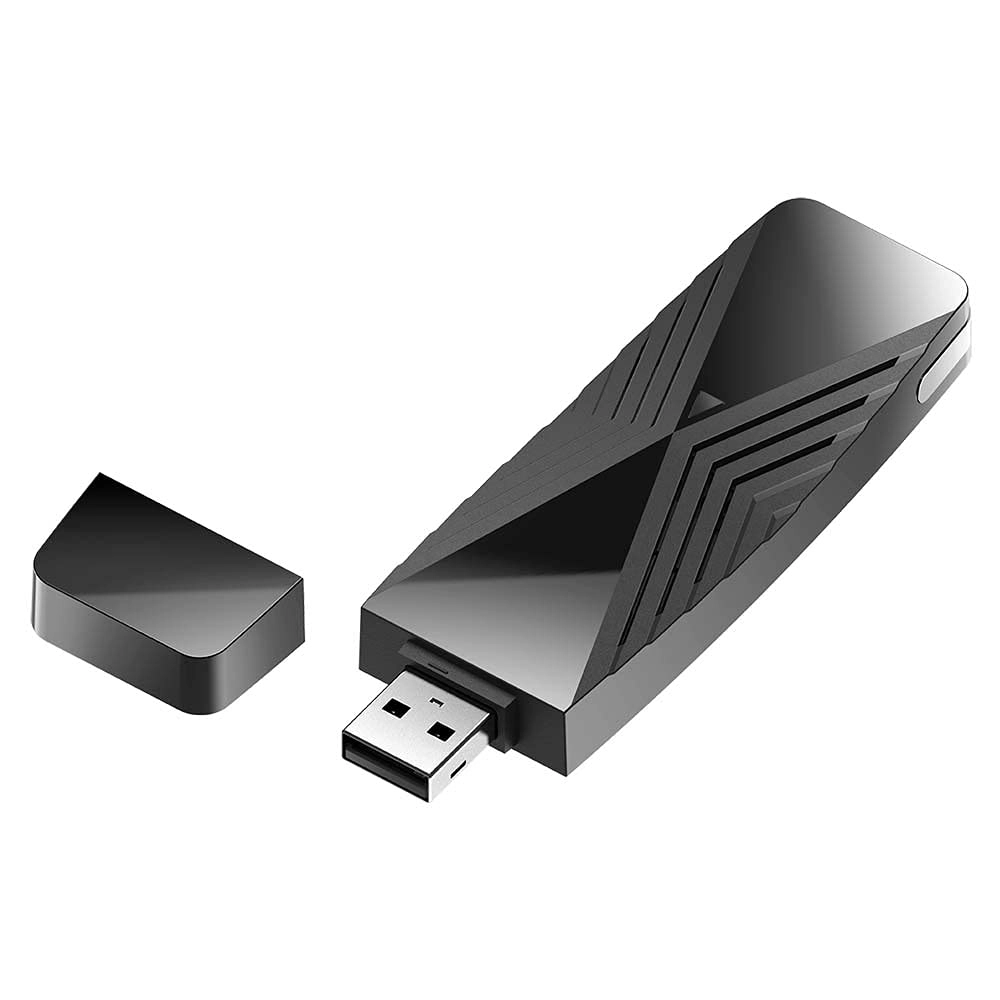
UGREEN AC650 USB Wifi Adapter

  • Say goodbye to wiring troubles, link to the net any time.
  • 5G/2.4G dual-band ensures the network is stable and fast.
  • Compact Mini Size meets the needs of carrying.
  • 433/200 Mbps high speed without loading and loss.
  • AP mode can convert your wired computer into a wifi hotspot.

Note: If your computer doesn't have a CD Drive to install the driver, you also can easily install the driver through the instructions of the User Manual. (Windows 11/10 doesn't need a driver)

433/200 Mbps High Speed Supported

Systems Supported

  • Windows 11/10/8.1/8/7. (Only Windows 11/10 driver free)

  • MacOS 10.11-11.6. (Require install driver)

  • Linux 2.6.18-5.3. (Require install driver)

  • Doesn't support other operating systems.

  • Doesn't compatible with the Macbook with M1/M1 Pro/M1 Max Chip.

Protective Cap

UGREEN USB wifi dongle is equipped with a dust protection cap, which can effectively avoid the oxidation or damage of the connector of the adapter when it's not in use.

High Performance Chip

UGREEN AC650 USB Wifi Adapter is made with an RTL8811CU chip, which has excellent compatibility and compact size. It also has great performance with low power consumption.

Led Indicator

UGREEN USB wireless network adapter design with a blue indicator light, which will stay on when the adapter works and flash with file transfer. Let you know the working status of the network card at all times.

QA & Troubleshooting

  • How can I troubleshoot if the internet speed is slower than expected?

(1) Try to use the WiFi adapter in a place that has a stronger signal.

(2) Manually adjust different channels for the router, and find out the optimal channel so that the interference is minimal.

(3) Set the router to 2.4Ghz from 5Ghz for a try.

(4) Check if the internet speed is normal if you connect a phone to the router’s WiFi in the same circumstance.

  • What can I do if the WiFi signal can be detected, but cannot be connected successfully?

(1) Check the signal strength. Try to connect the WiFi in a place that has a stronger signal.

(2) Ensure you have input the correct password.

(3) Check if the DHCP function of the router has been enabled. If not, the WiFi adapter won’t be able to obtain the IP address and connect the internet.

(4) Check if you have set the binding of your Mac address with the router. If yes, you need to set the binding of Mac address with the WiFi adapter.

(5) Ensure encryption type of your router is one of the WPA-PSK, WPA2-PSK, WPA/WPA2-PSK and 64/128-bit WEP.

  • How can I troubleshoot if the internet speed is slower than expected?

(1) Try to use the WiFi adapter in a place that has a stronger signal.

(2) Manually adjust different channels for the router, and find out the optimal channel so that the

interference is minimal.

(3) Set the router to 2.4Ghz from 5Ghz for a try.

(4) Check if the internet speed is normal if you connect a phone to the router’s WiFi in the same circumstance

Reviews

Loading...
Loading...
Loading...
Loading...
Loading...
Loading...
Loading...
Loading...
Loading...
Loading...
Loading...
Loading...
Loading...
Loading...
Loading...
Loading...
Loading...
Loading...
Loading...
Loading...
Loading...
Loading...
Loading...
Loading...
Loading...
Loading...
Loading...
Loading...
Loading...
Loading...
Loading...
Loading...
Loading...
Loading...
Loading...
Loading...
Loading...
Loading...
Loading...
Loading...
Loading...
Loading...
Loading...
Loading...
Loading...
Loading...
Loading...
Loading...
Loading...
Loading...
Loading...
Loading...
Loading...
Loading...
Loading...
Loading...
Loading...
Loading...
Loading...
Loading...
Loading...
Loading...
Loading...

Join our newsletter

Be the first to know about new arrivals, sales, and exclusive picks

Sign in to unlock newsletter access and stay in the loop

Allware
info@allware.com
+971522500911
World technology awards winner badge

Allware

  • About Us
  • Terms And Conditions
  • Privacy Policy
  • Contact Us

Partners

  • Why become a partner?
  • How to list your Online Shop?

Newsletter

  • Subscribe

Info

  • How Allware works
All Rights Reserved.
Allware does not sell products. Prices shown are aggregated from verified merchants.
Please enable location access or select an emirate
-
00:00:00
Prayer timings

Offers (1)

Noon logo

1 offer

From
AED
43

Ugreen USB WiFi Adapter for PC AC650 5G 2.4G Dual Band Dongle Mini Wireless USB Computer Network Adapter for Windows 11 10 8.1 8 7 MacOS 10.11-11.6 Linux 2.6.18-5.3 Black


AED
5500
-21%
AED
4300

Price History

Price History Skeleton
Price History Shimmer Effect
Loading price history...

Similar Products

See all
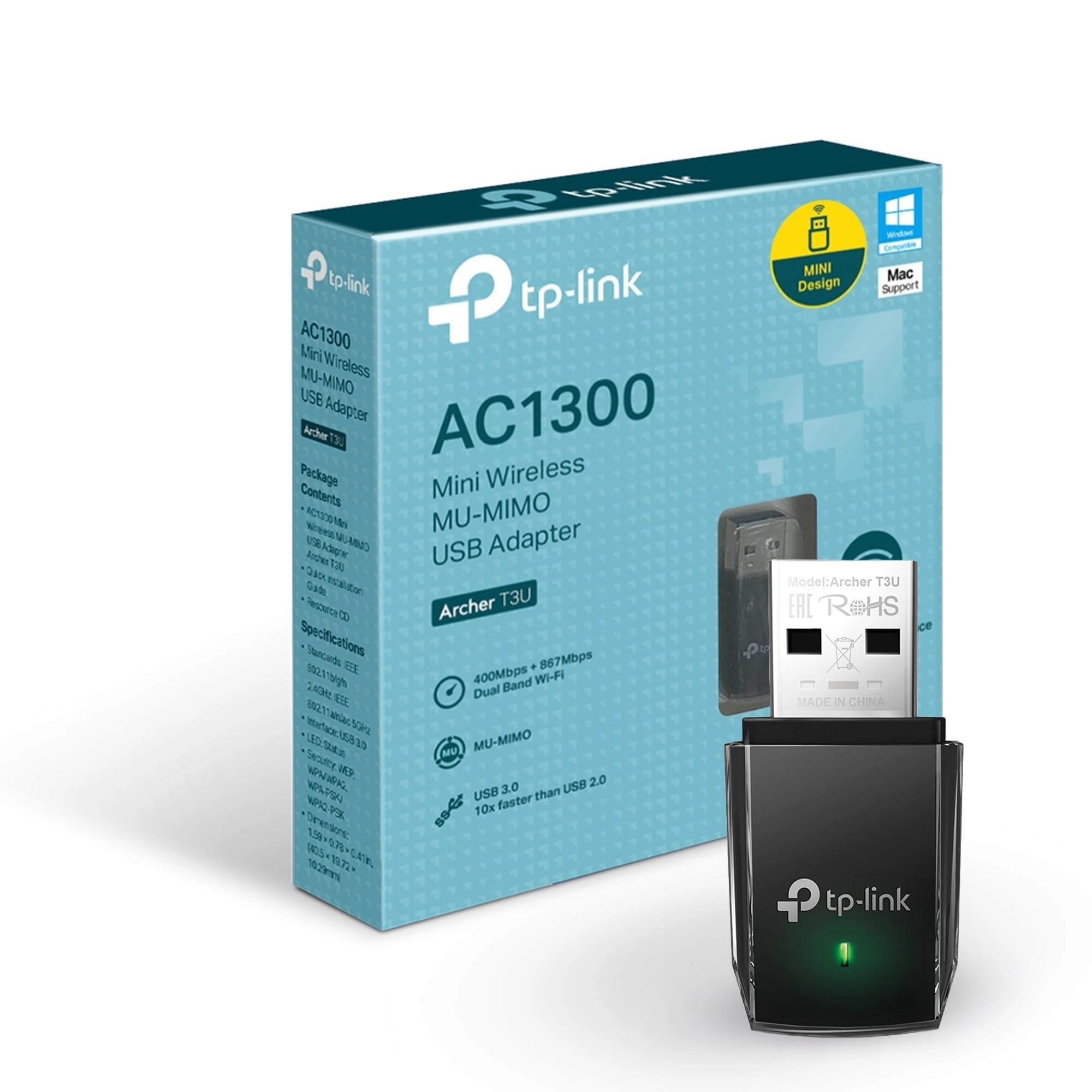
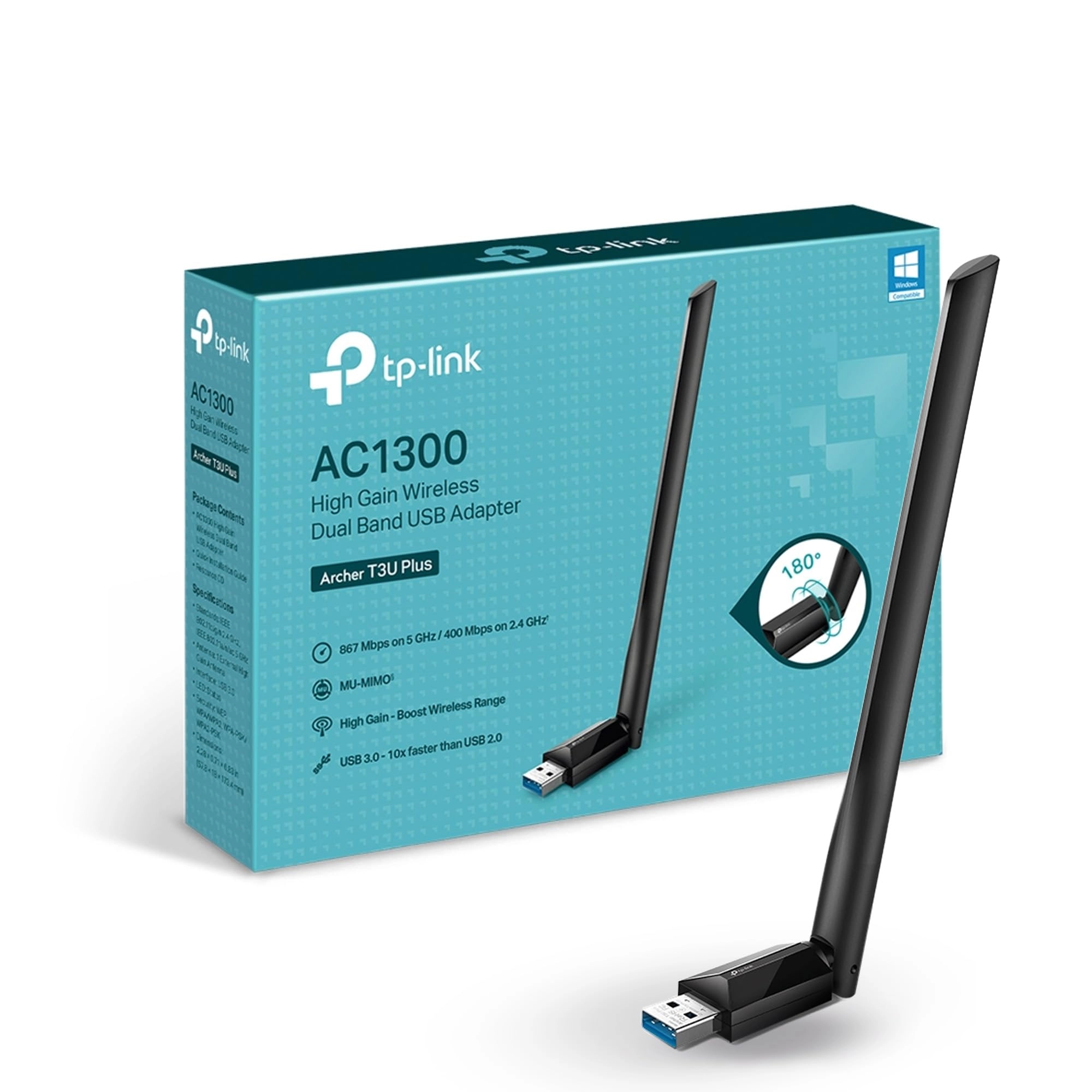
TP-Link Archer T3U - 2.4G/5G USB 3.0 Wireless

TP-Link Archer T3U - 2.4G/5G USB 3.0 Wireless

AED
4500
9 offers
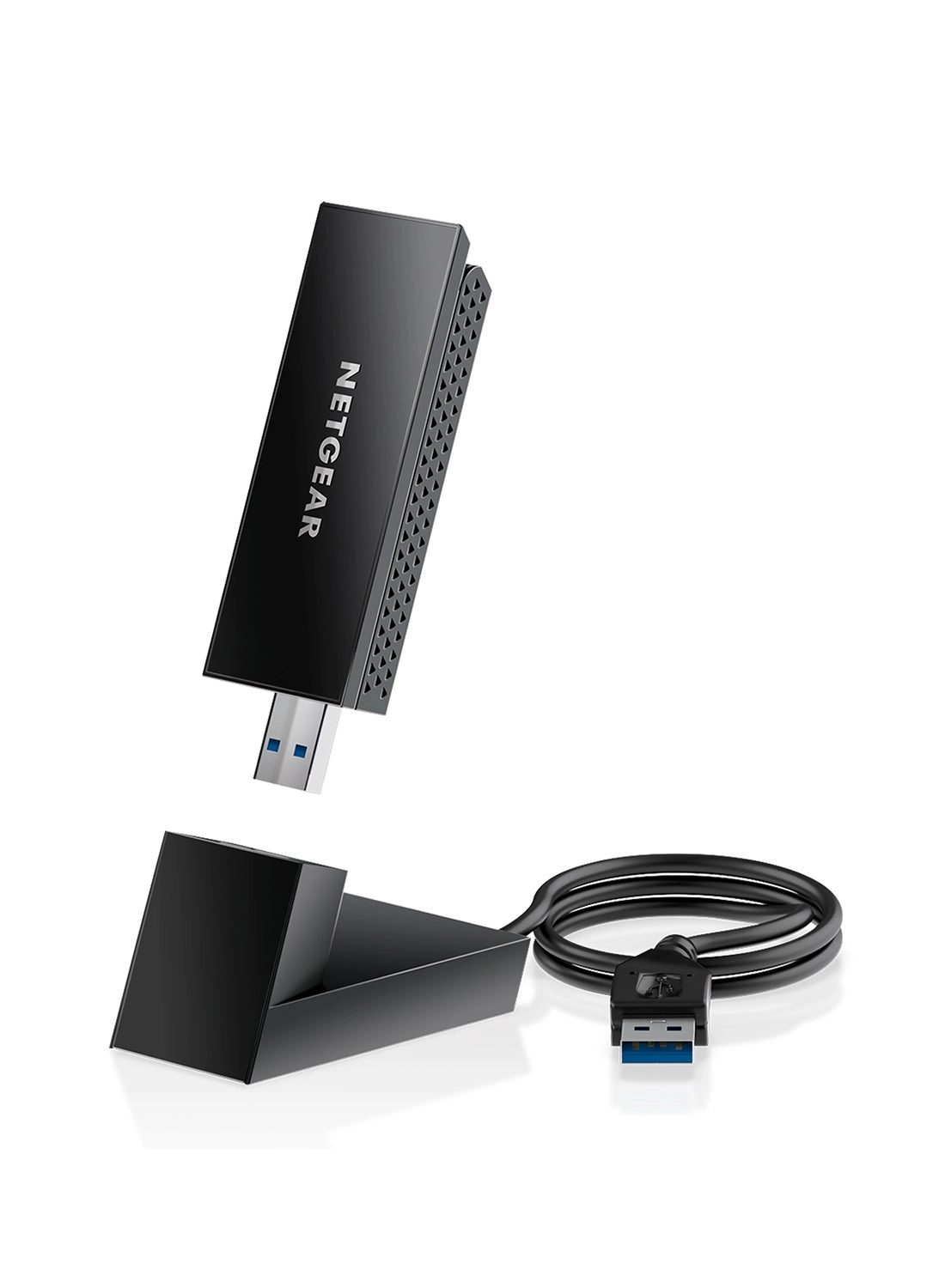
NETGEAR A8000 - WiFi 6E USB 3.0 Wireless

NETGEAR A8000 - WiFi 6E USB 3.0 Wireless

AED
24900
6 offers
-68%
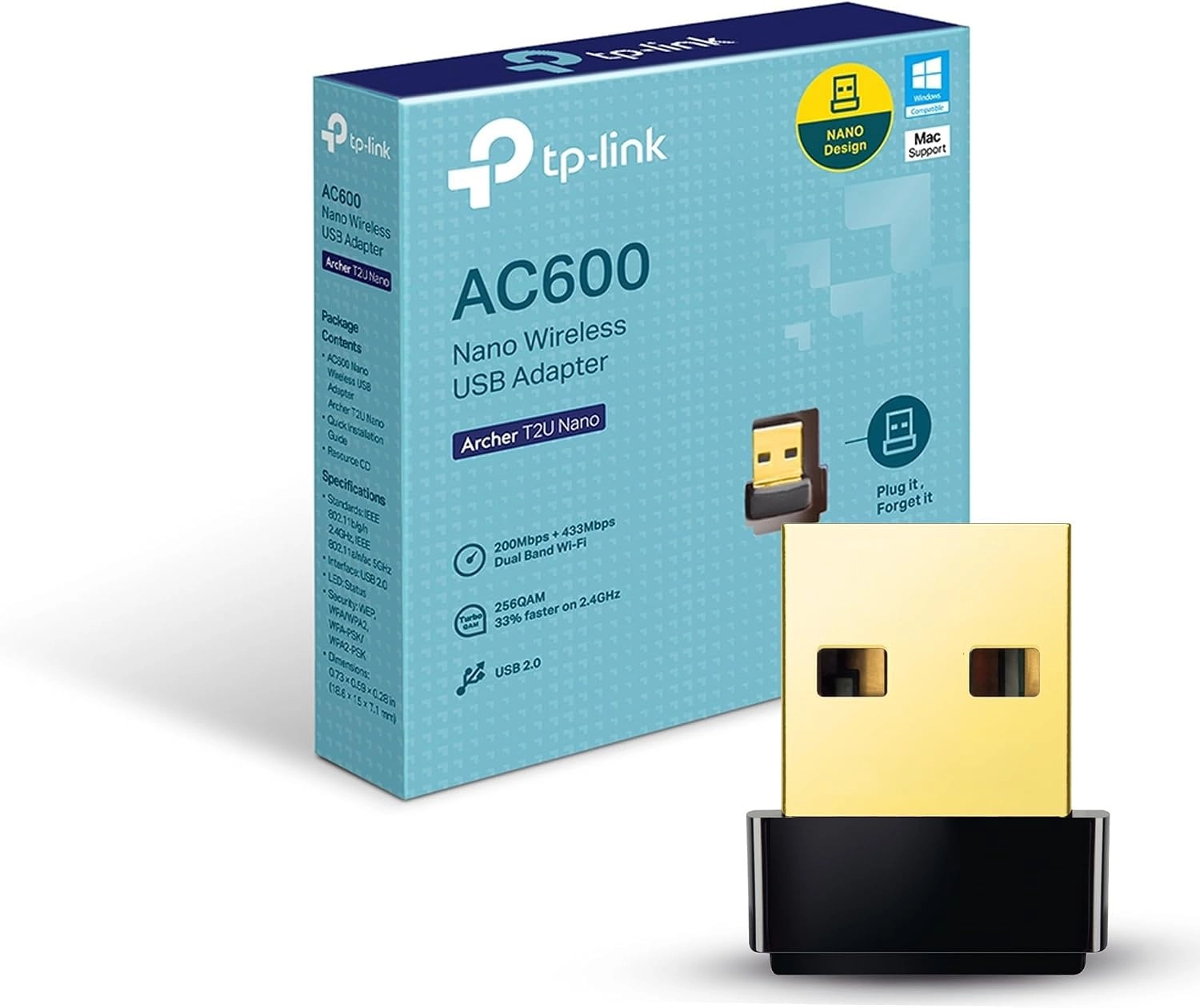
TP-Link Archer T2U Nano - Dual Band USB 2.0 Type A Wi-Fi

TP-Link Archer T2U Nano - Dual Band USB 2.0 Type A Wi-Fi

AED
9900
AED
3100
8 offers
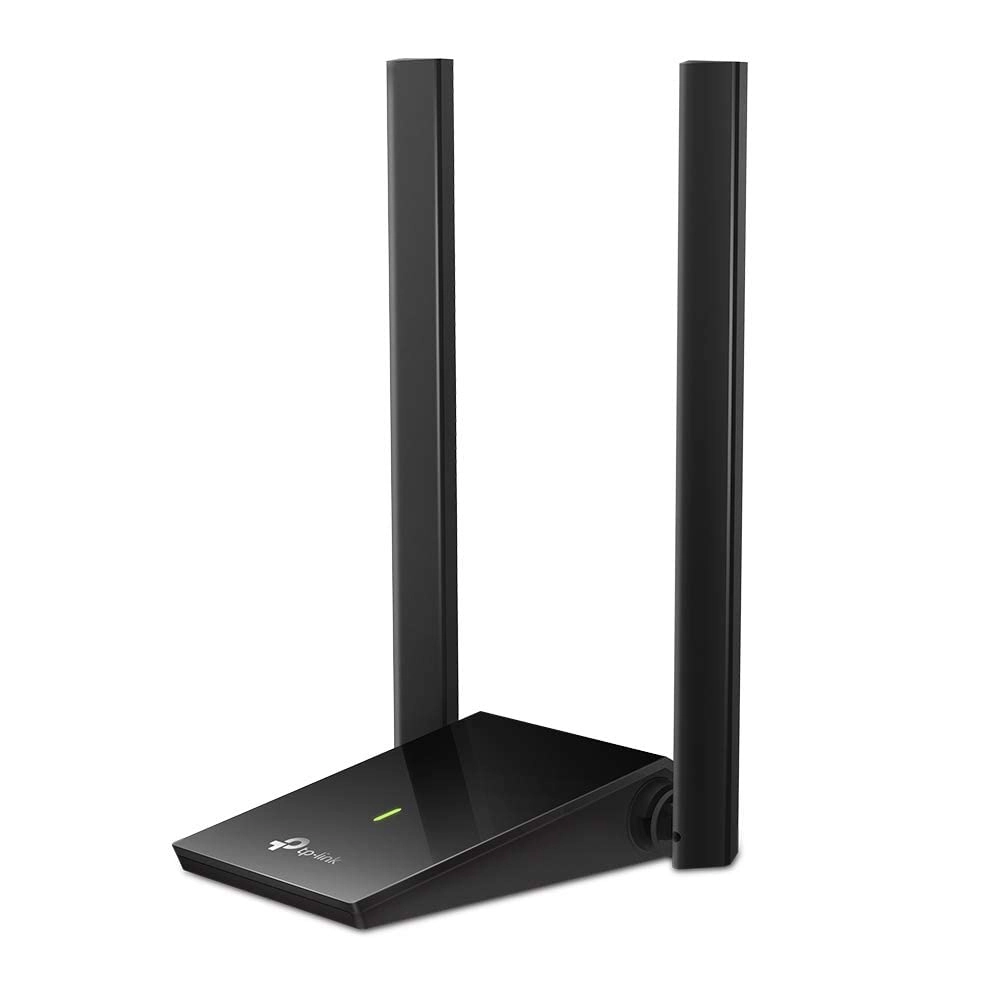
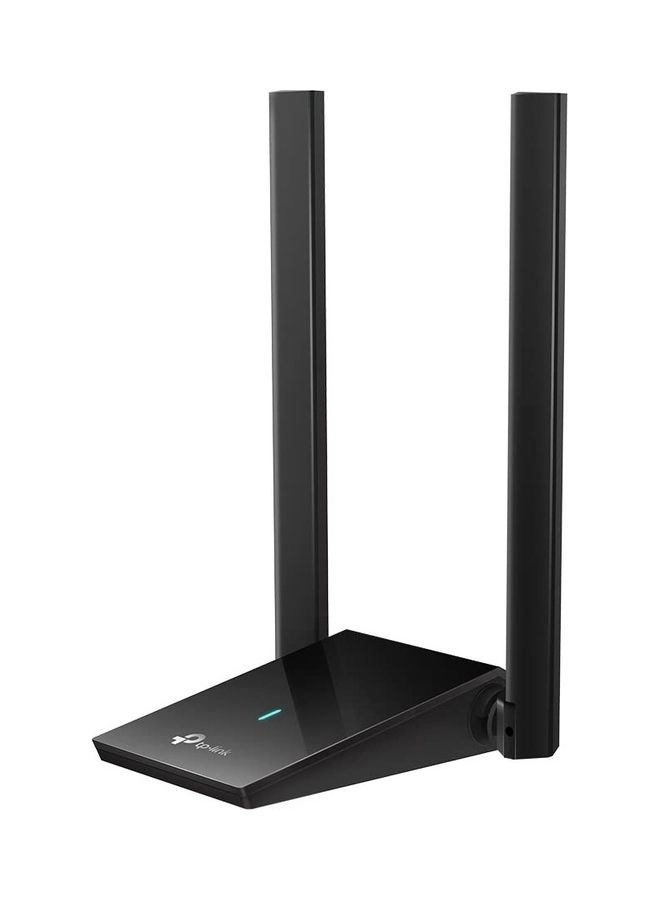
TP-Link Archer TX20U Plus - Dual-Band (2.4 GHz, 5 GHz) USB Wireless

TP-Link Archer TX20U Plus - Dual-Band (2.4 GHz, 5 GHz) USB Wireless

AED
7400
5 offers
-72%
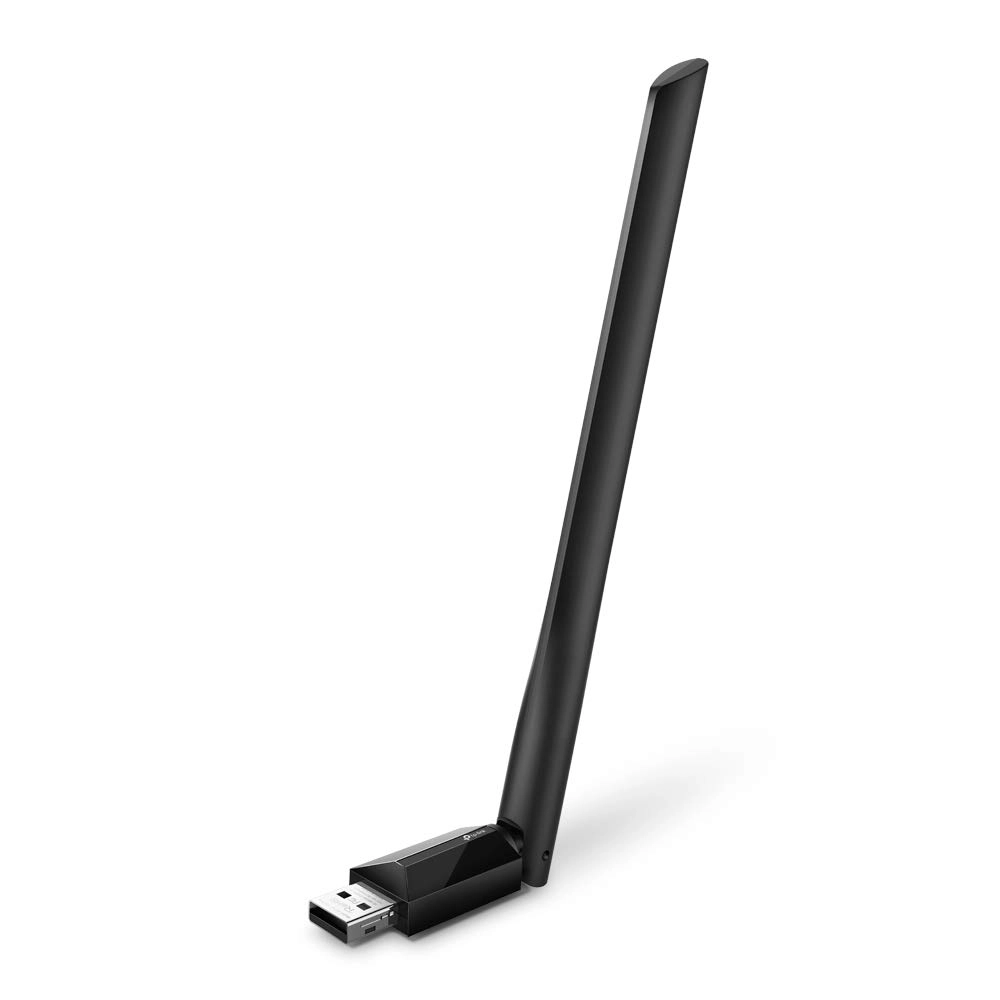
TP-Link Archer T2U plus - Dual band 2.4 GHz and 5 GHz USB 2.0 Wi-Fi

TP-Link Archer T2U plus - Dual band 2.4 GHz and 5 GHz USB 2.0 Wi-Fi

AED
16380
AED
4500
6 offers
ASUS USB-AX55 NANO - Dual Band USB WiFi 6

ASUS USB-AX55 NANO - Dual Band USB WiFi 6

AED
20000
4 offers
-46%
TP-Link Archer TXE70UH - Wi-Fi 6E USB 3.0

TP-Link Archer TXE70UH - Wi-Fi 6E USB 3.0

AED
39900
AED
21500
3 offers
NETGEAR AC1900 - Dual Band USB 3.0 Wireless

NETGEAR AC1900 - Dual Band USB 3.0 Wireless

AED
18900
3 offers
D-Link DWA-X582 - Dual Band PCI Express WiFi

D-Link DWA-X582 - Dual Band PCI Express WiFi

AED
10850
2 offers
ASUS PCE-AX3000 - Dual Band WiFi 6

ASUS PCE-AX3000 - Dual Band WiFi 6

AED
19900
Unavailable
2 offers

More from Ugreen

See all
Ugreen Adjustable Laptop Stand - 13|14|15|16|17.3 inch

Ugreen Adjustable Laptop Stand - 13|14|15|16|17.3 inch

AED
7500
4 offers
Ugreen Classy Back Case for iPhone 14

Ugreen Classy Back Case for iPhone 14

AED
8900
Unavailable
1 offer
Ugreen USB-A 3.0 Male To Male Cable USB-A to USB-A 1m

Ugreen USB-A 3.0 Male To Male Cable USB-A to USB-A 1m

AED
1999
1 offer
Ugreen 4K HDMI Cable 2m with Ethernet

Ugreen 4K HDMI Cable 2m with Ethernet

AED
2000
2 offers
-26%
Ugreen HiTune Wireless Earbud

Ugreen HiTune Wireless Earbud

AED
11900
AED
8698
4 offers
-15%
Ugreen PB502-25185 - 10000 mAh

Ugreen PB502-25185 - 10000 mAh

AED
12900
AED
10900
4 offers
Ugreen Cat6 Ethernet Cable - 2 m

Ugreen Cat6 Ethernet Cable - 2 m

Unavailable
1 offer
-24%
Ugreen HiTune T6 Wireless Earbud

Ugreen HiTune T6 Wireless Earbud

AED
24900
AED
18699
1 offer
Ugreen Cat8 Ethernet Cable - 0.5 m

Ugreen Cat8 Ethernet Cable - 0.5 m

AED
2500
1 offer
Ugreen Mobile Stand - Two Heights Multi-Angle Fits 4.7 to 7.9 Inch Smartphones

Ugreen Mobile Stand - Two Heights Multi-Angle Fits 4.7 to 7.9 Inch Smartphones

AED
4900
Unavailable
1 offer
Loading...
Loading...
Loading...
Loading...
Loading...
Loading...
Loading...
Loading...
Loading...
Loading...
Loading...
Loading...
Loading...
Loading...
Loading...
Loading...
Loading...
Loading...
Loading...
Loading...
Loading...
Loading...
Loading...
Loading...
Loading...
Loading...
Loading...
Loading...
Loading...
Loading...
Loading...
Loading...
Loading...
Loading...
Loading...
Loading...
Loading...
Loading...
Loading...
Loading...
Loading...
Loading...
Loading...
Loading...
Loading...