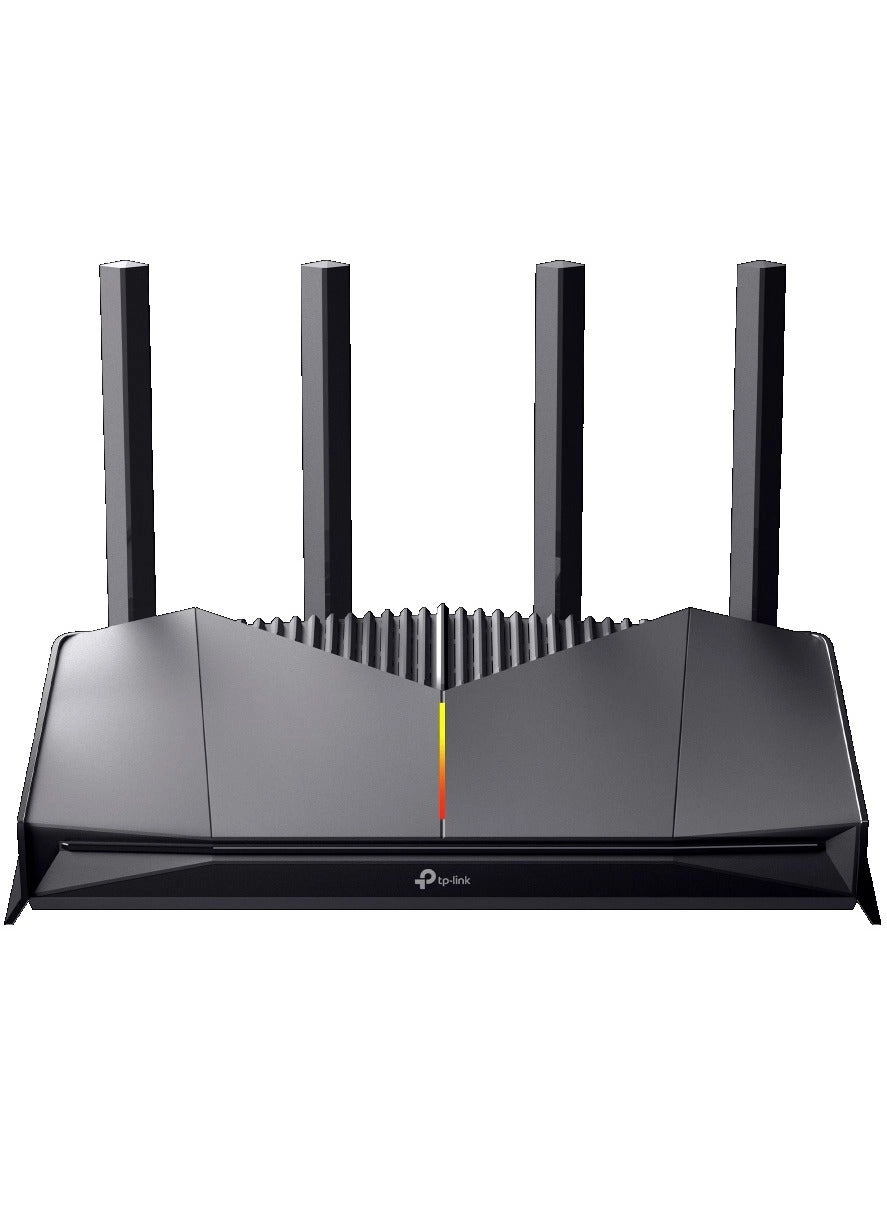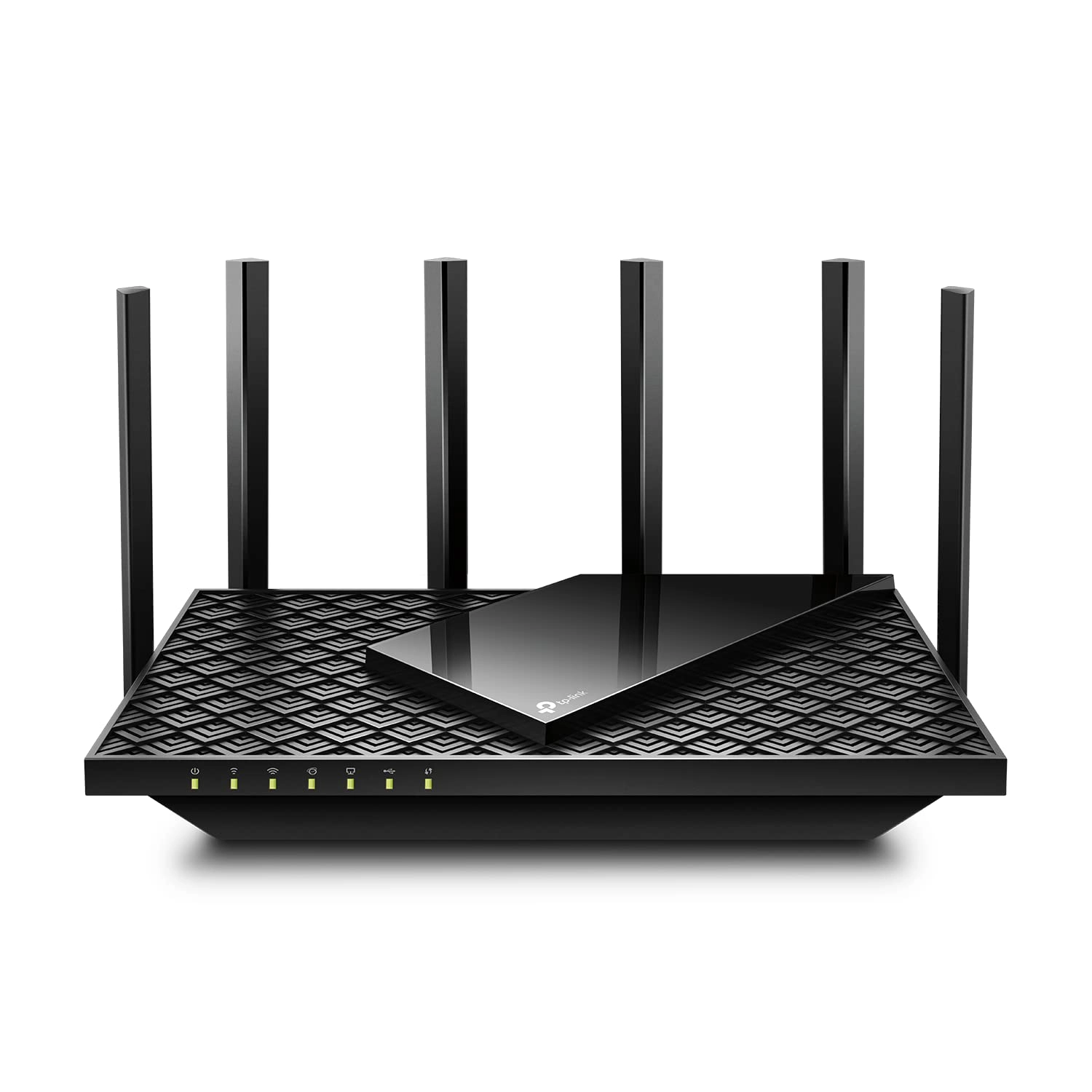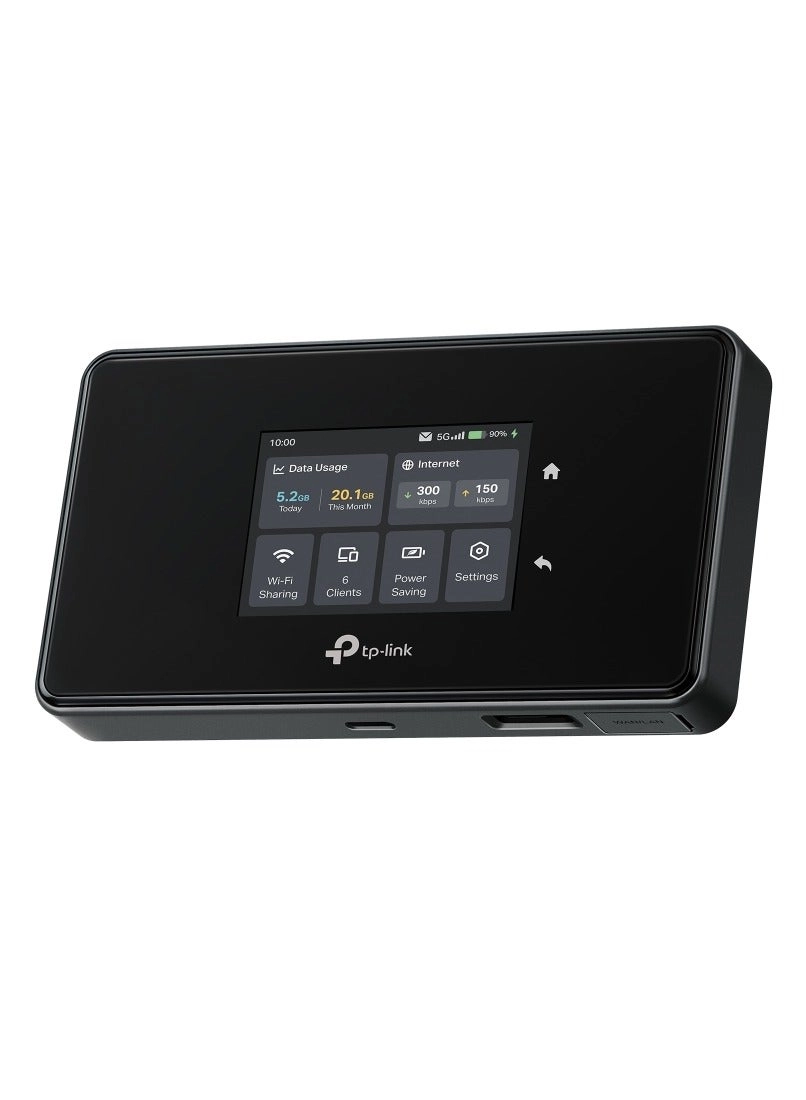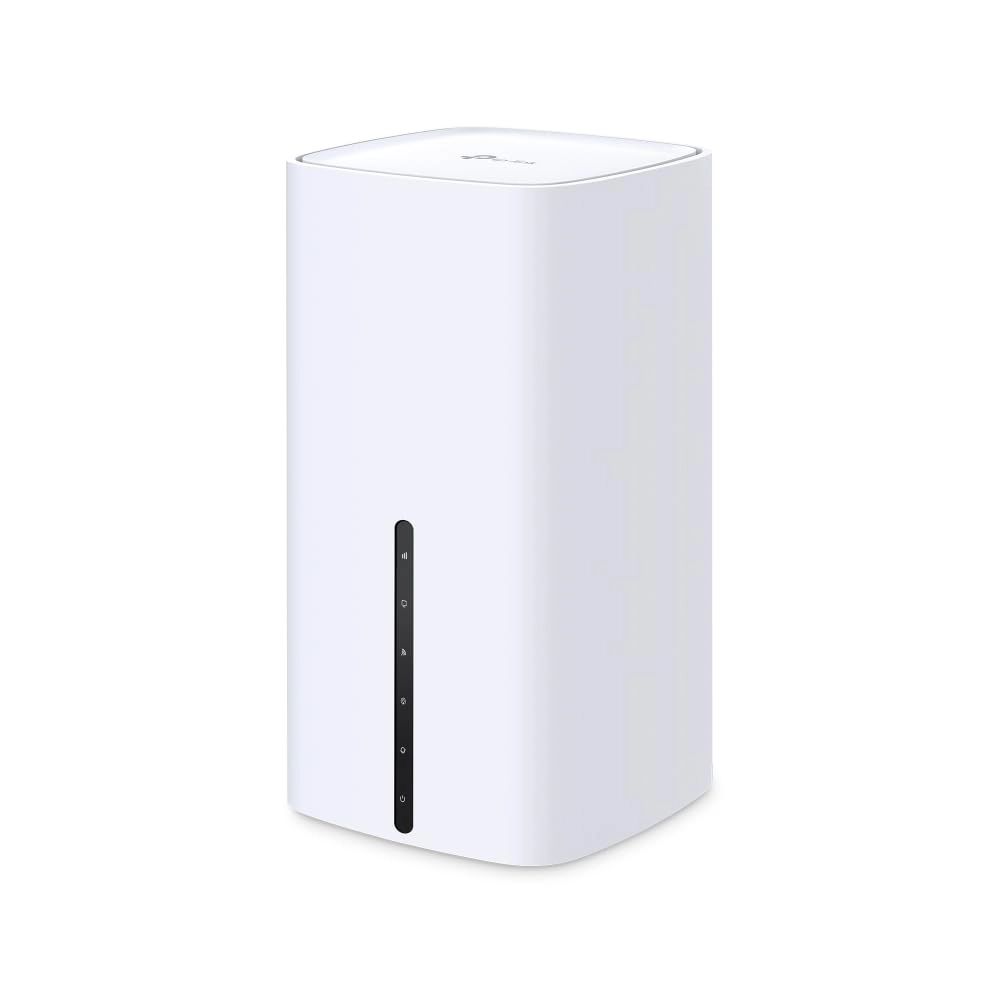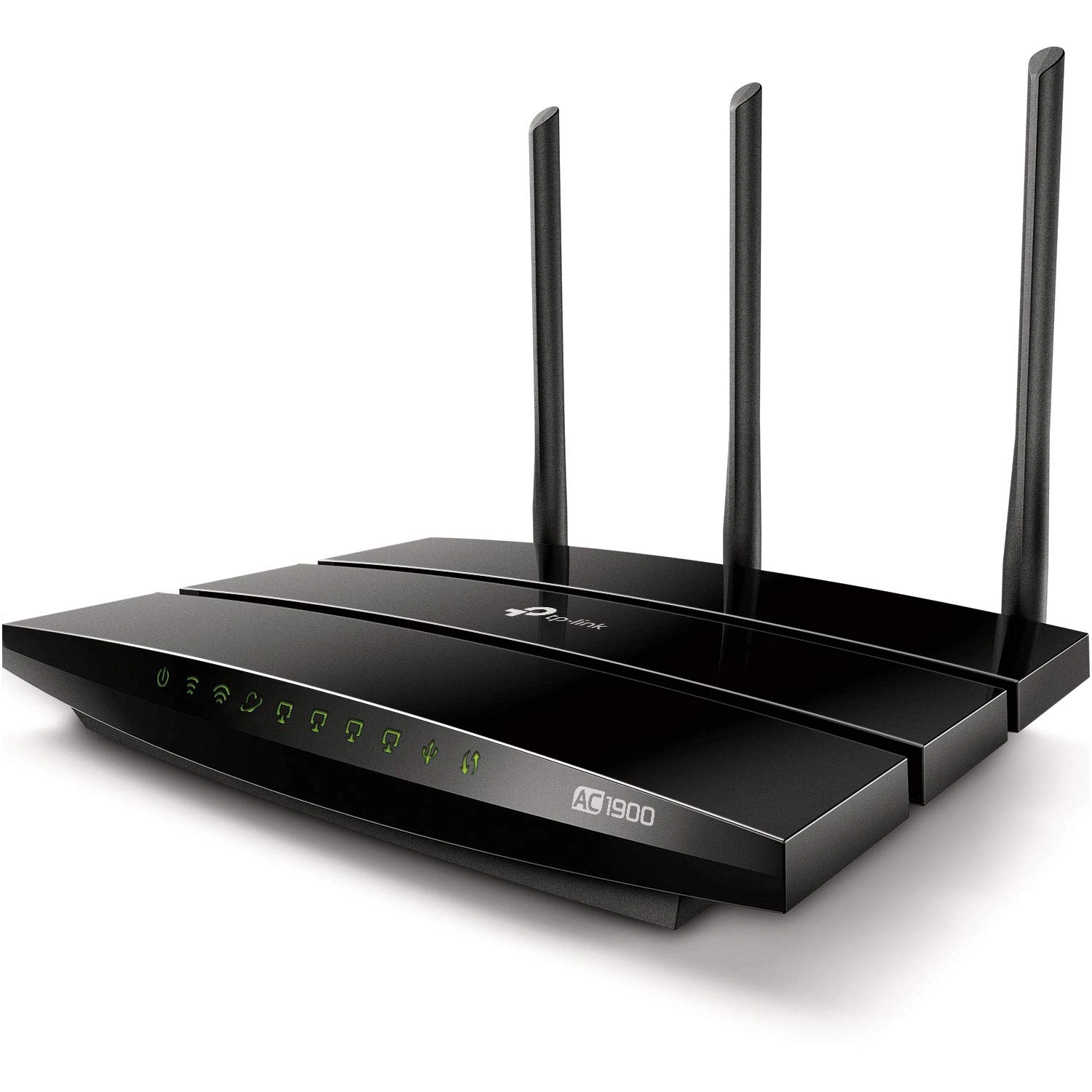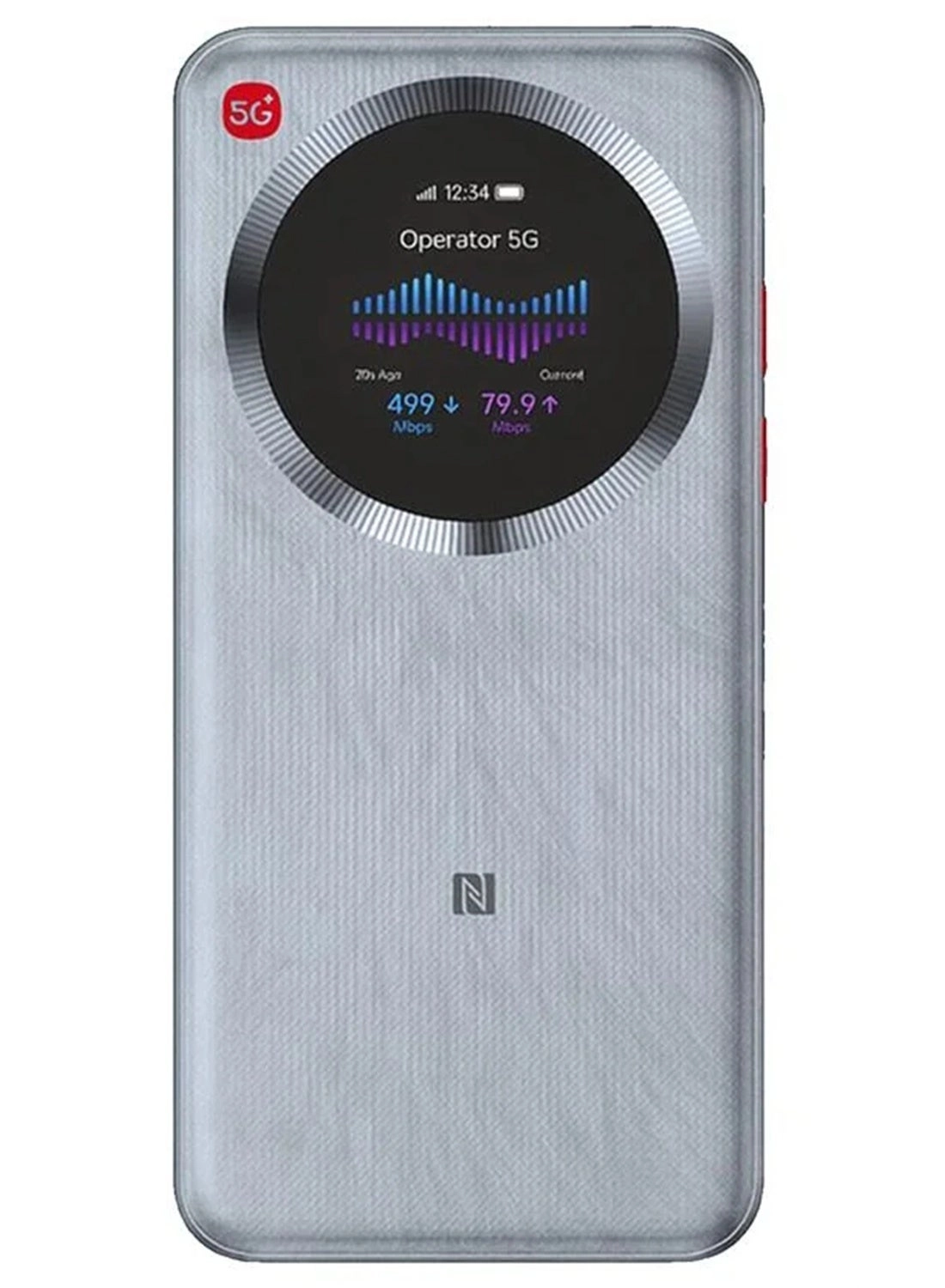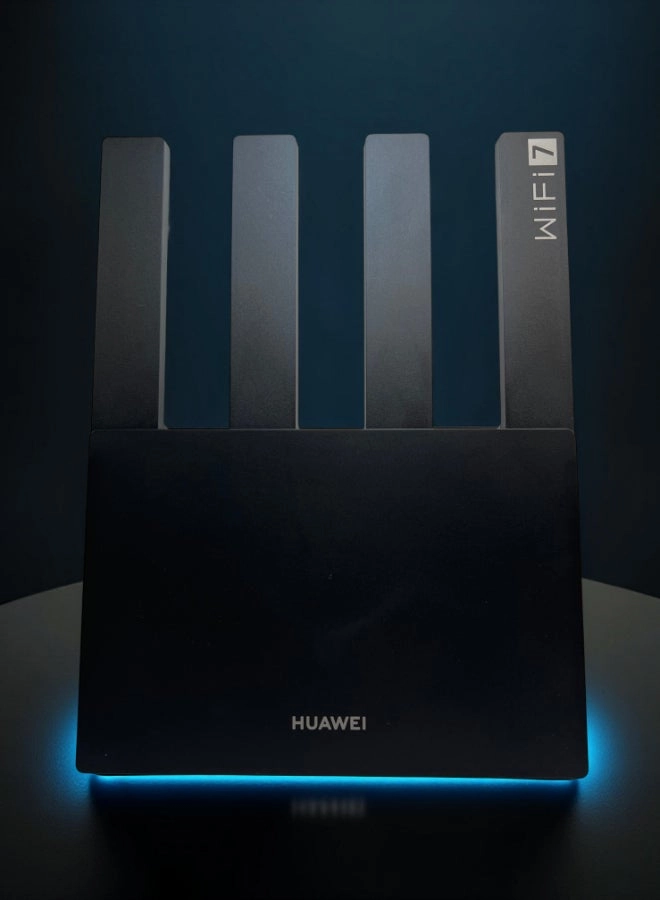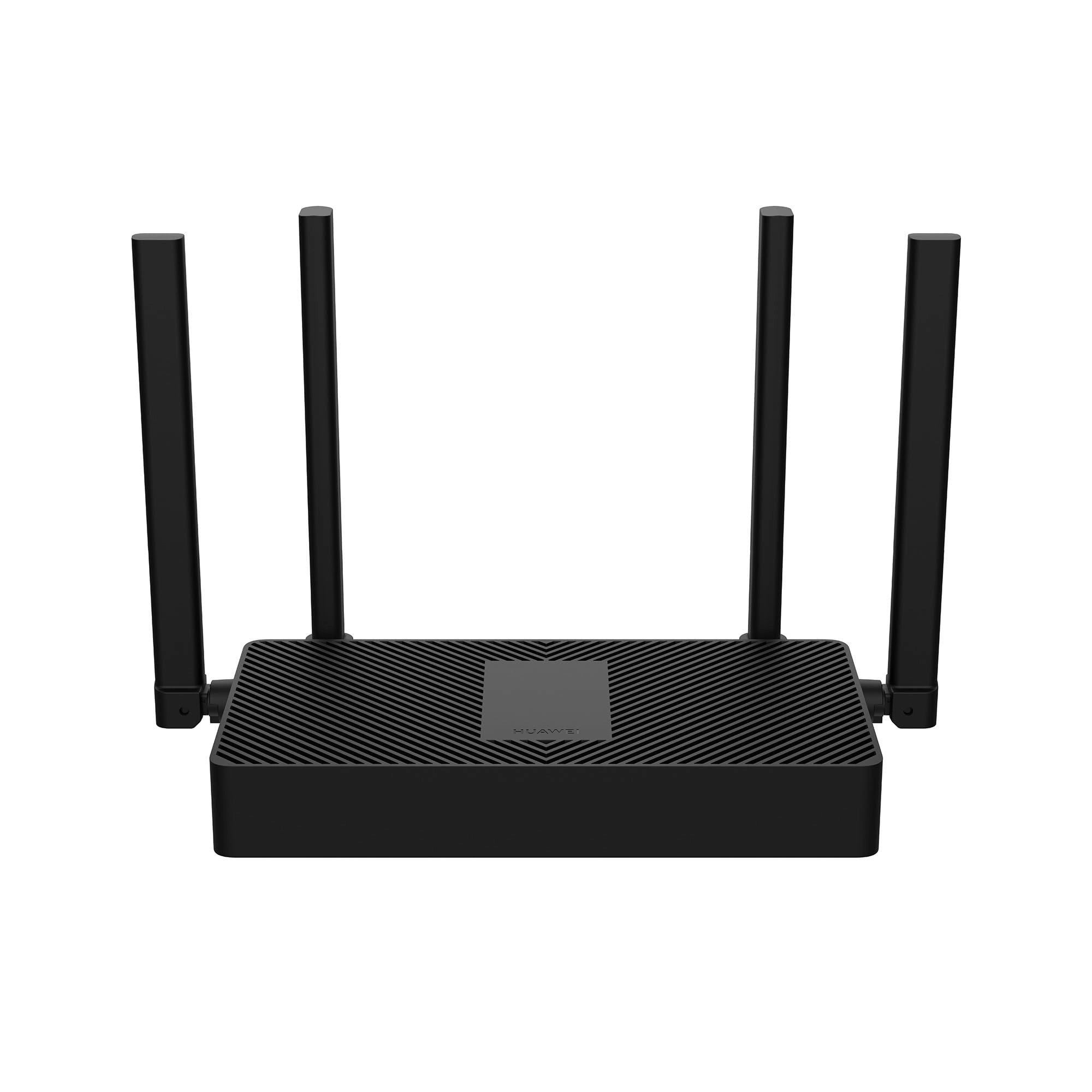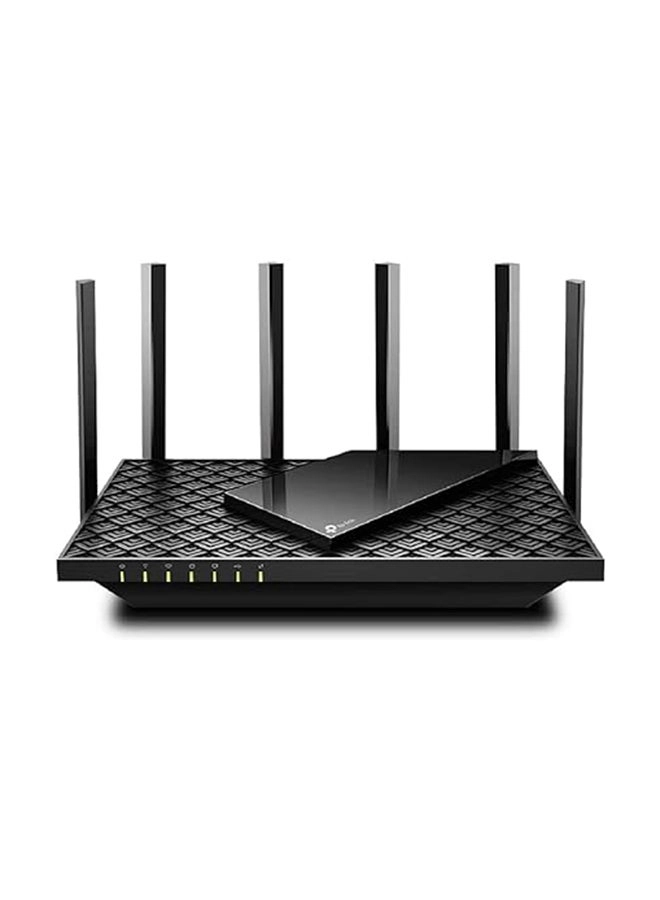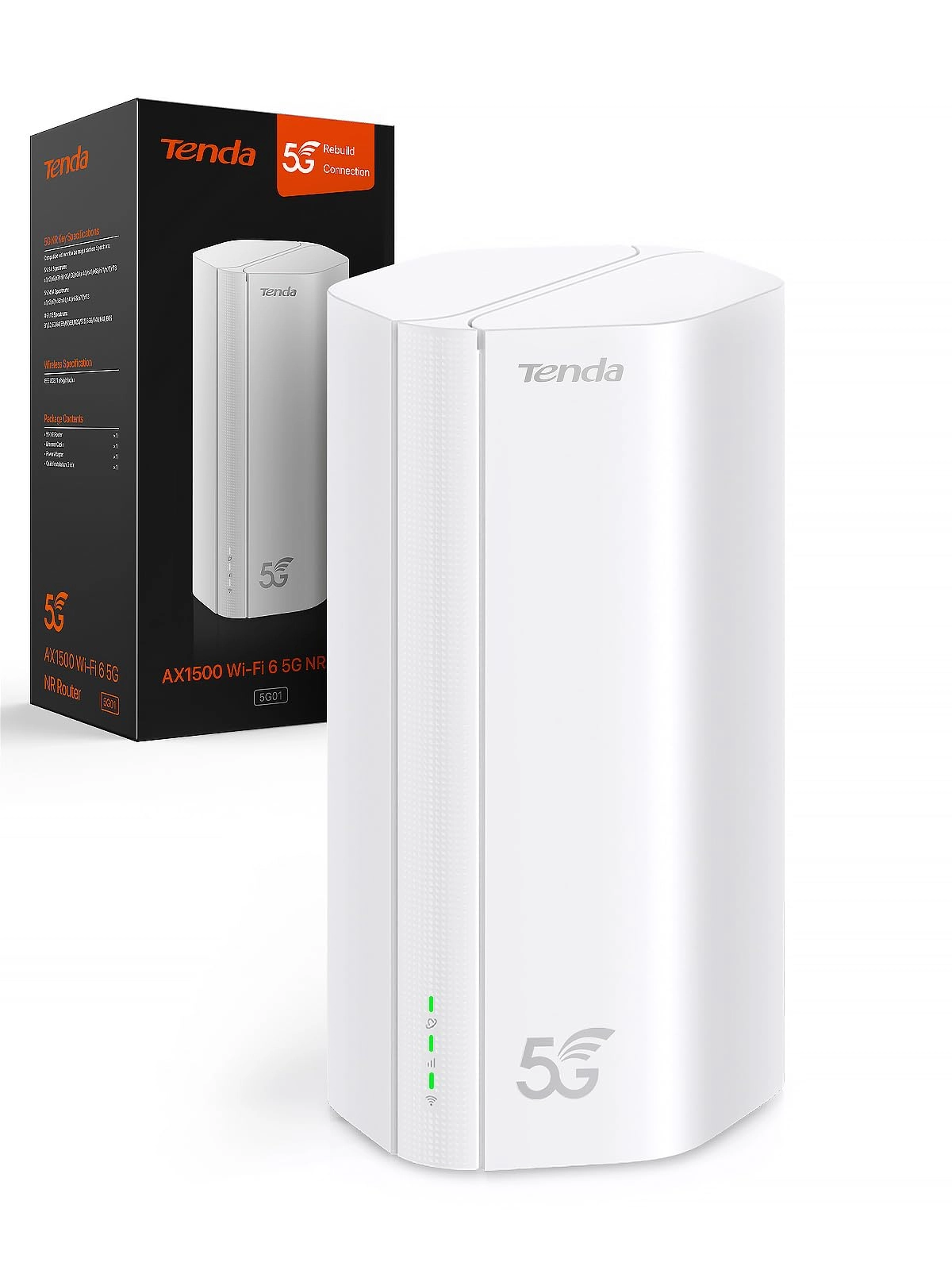
Tenda 5G NR Router Wi-Fi 6 - Entry Level
The 5G01 is designed for those who do not have fiber and broadband connection in their area, but good 5G/4G coverage. It is compatible with over 100 carriers around the world. It provides a hassle-free plug-and-play experience without the need for configuration. It is the ideal choice for those who live in remote areas such as rural areas, work in a temporary shop on the outskirts of the city, travel by caravan or car and for home surveillance. You can access the Internet anywhere, anytime.
Warm tips for use:
Check with your network provider to see if a special manual setting is required to get Internet access while traveling abroad. It supports the world's most important 4G/5G mobile network, access to the Internet wherever you are.
Actual wireless throughput and wireless coverage and number of connected devices cannot be guaranteed and vary due to network conditions, client restrictions and environmental factors, including building materials, obstacles, traffic volume and density, and location between base station and clients.
The device does not have a built-in battery. It is not recommended to use a power supply other than the original one. This may cause damage to the device, which will void the warranty. The specifications of the power supply: input of the power supply: 100-240 V~ 50-60 Hz 0.8 A output of the power supply: 12V - 2A.
1. How can you maintain a good Wi-Fi signal and good speed?
①It depends on the environment around the location of the router, the network of the 4G operator and the distance or obstacles between the router and the wireless devices. Please try to bring the device to another place with a good 4G signal.
②Too many clients use the Internet at the same time or some clients use high traffic operations, such as downloading large files, streaming or games, etc. Try disconnecting some client devices and test again if the client devices are only surfing the Internet normally.
③If the device still loses the signal and interrupts the connection, click the restart button and try to restart the device to see if it is back to normal.
2. How to use the mobile router abroad?
Wi-Fi in most countries and regions can be compatible with 5G/4G/3G network.
①Unlock the PIN code of your SIM card.
②Enable data roaming.
③Check if the ISP you are connecting to can work at the frequency that your device can support.
④Try to set APN, username and password manually on the web interface.
3. How to set the SIM card?
①Deactivate the PIN code by inserting the phone.
②Set the PIN code on the WEB page (192.168.0.1) to the status "Disable".
③Consult the APN parameters with the network operator.
4. What is the maximum number of wireless clients?
The specific number depends on your traffic load.