Product Description Instant Photo Fun for Every Occasion HP
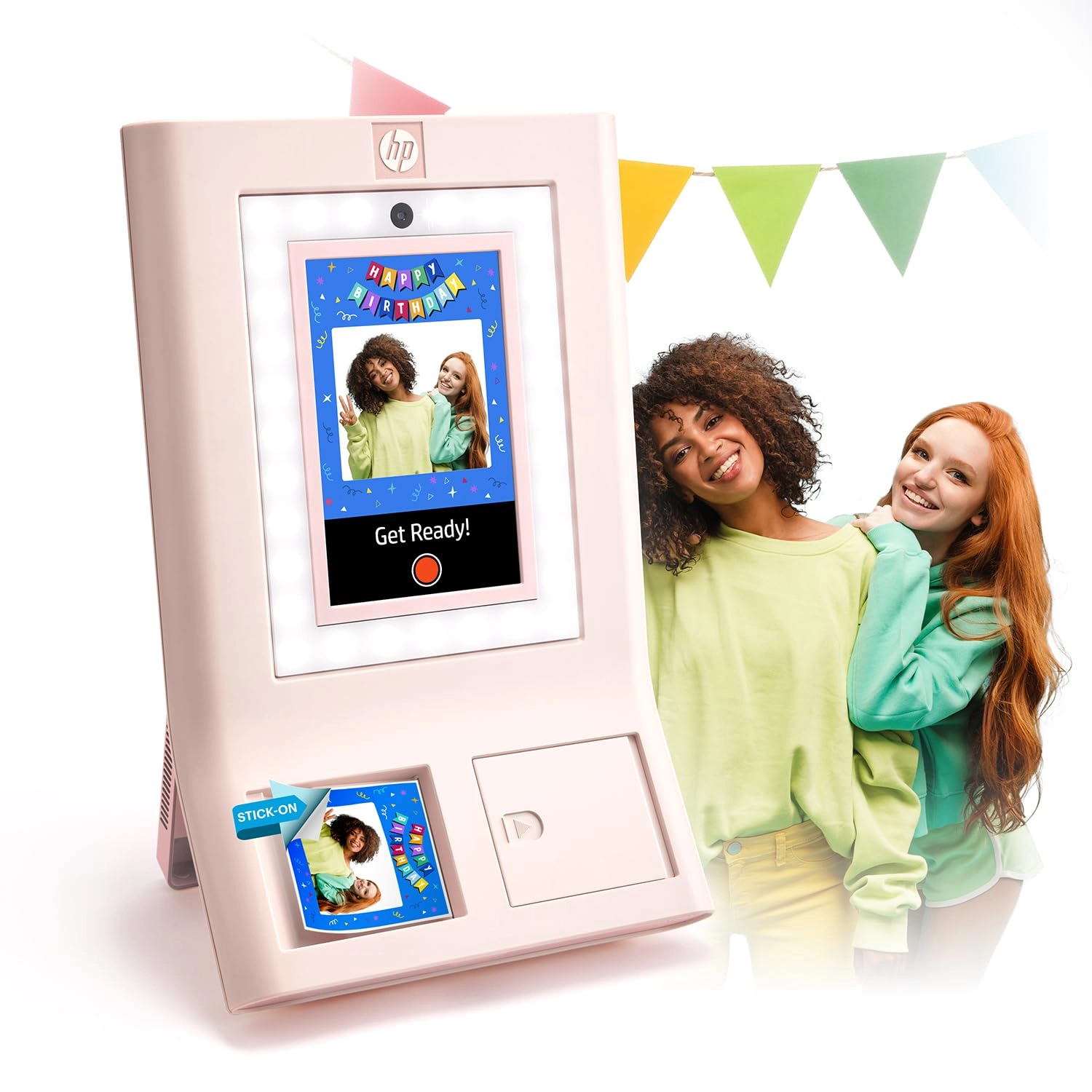
Sprocket PhotoBooth Instant Color Photo Printer Your Photo Booth,
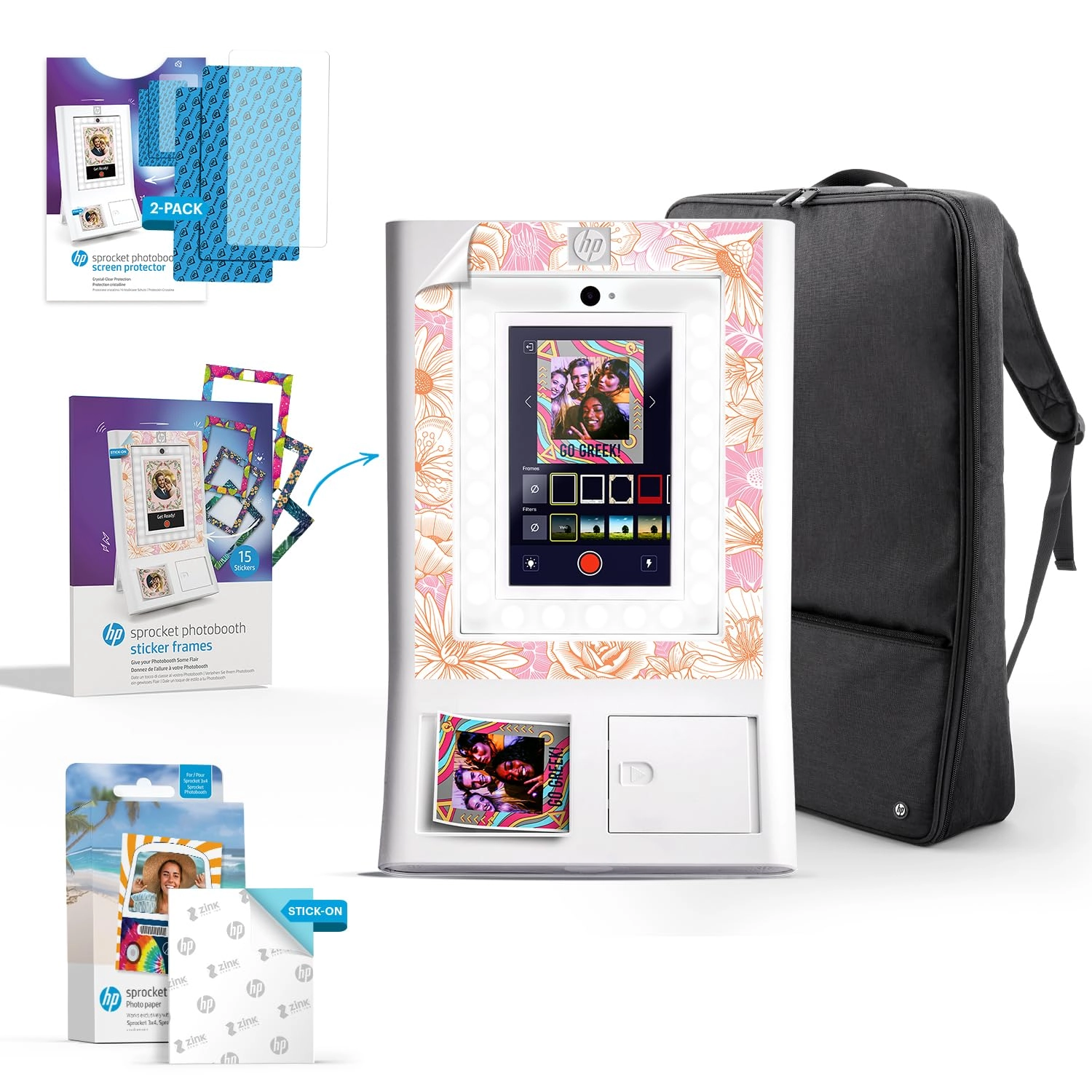
Your Way Frame it Your Way Choose from hundreds of fun frames to
find the perfect backdrop for any photo, any occasion. Sharing is
Caring Generate it via Wi-Fi for fast and easy digital photo
sharing with your friends. Shine the Perfect Light Built-in ring
light and flash create the perfect lighting for clear, bright
photos every time. Stay in the Know Download the Sprocket
Photobooth app for real-time updates on printer status, paper
jams, and more. Any Way You Mount It Find the perfect mounting
setup for any event - whether it's on a tabletop, door, wall, or
tripod. AC Adapter Port Use the included power plug to keep your
Photobooth up and running. AC Adapter Port Use the included power
plug to keep your Photobooth up and running. Photo Output Slot
Watch beautiful 3x4 photos print from the front of your device.
Photo Output Slot Watch beautiful 3x4 photos print from the front
of your device. Power Button Get the photobooth fun started at
the press of a button. Power Button Get the photobooth fun
started at the press of a button. LED Ring Light Capture every
detail with the powerful LED ring light. LED Ring Light Capture
every detail with the powerful LED ring light. Camera Capture the
moment in 8MP resolution. Camera Capture the moment in 8MP
resolution. 10.1" LCD Touch Screen Adjustable touch screen
provides a live view of your photo with frames and filters
applied. 10.1" LCD Touch Screen Adjustable touch screen provides
a live view of your photo with frames and filters applied. ZINK
ZERO INK Technology Your Photos, Your Way Long-Lasting Prints for
Long-Lasting Fun Print Like a Pro Stick to What You Love No Ink.
No Hassles. No Compromises. Choose from hundreds of available
frames and filters on the device to unleash your creativity and
give your pictures a personal touch. Capture every moment on
durable 3x4" Zero Ink paper - smudge-proof, water-resistant,
tear-resistant, and built to last. For picture-perfect prints,
insert 20 sheets (two packs of paper and cleaning sheets) at a
time and make sure the barcode is facing left and glossy side is
facing right. Peel off the adhesive backing and stick your
favorite photo memories in your scrapbook, journal, laptop, and
more. Zink technology works like magic without the need for ink.
Each sheet is embedded with heat-activated color crystals that
bring bright, vibrant photos to life. Unleash the Photobooth Fun
in Four Simple Steps Choose a Layout Select your event type from
the available categories - wedding, graduation, holidays, and
more. Personalize Event Choose your frames, customize your titles
and captions, and pick a screensaver. Customize Settings Take
control of the event. Set a print limit for guests,
enable/disable photo sharing, and more. Smile + Share! Smile,
snap, share the love! Print and share physical copies or go
digital. How do I create an event? Creating an event is fast and
easy. Simply choose and customize your layout from the available
categories, select event settings like print limits and more, and
get the party started. How do I create an event? Creating an
event is fast and easy. Simply choose and customize your layout
from the available categories, select event settings like print
limits and more, and get the party started. How do I take photos?
Once you've set up an event, taking a photo is simple. Just
choose your desired frame and filters and check out the live view
on the screen to make sure everything looks good. Simply tap the
camera icon, strike a pose, and let the countdown begin! How do I
take photos? Once you've set up an event, taking a photo is
simple. Just choose your desired frame and filters and check out
the live view on the screen to make sure everything looks good.
Simply tap the camera icon, strike a pose, and let the countdown
begin! How can I share photos? Share photos how you like. Digital
photo sharing is made easy by generating it via Wi-Fi that lets
you download and share photos in a snap. Otherwise, you can print
multiple physical copies at a time and share. How can I share
photos? Share photos how you like. Digital photo sharing is made
easy by generating it via Wi-Fi that lets you download and share
photos in a snap. Otherwise, you can print multiple physical
copies at a time and share. What ZINK paper can I use? The HP
Sprocket Photobooth is only compatible with HP 3x4 Zink photo
paper, which is specially designed to work with your photobooth.
Additional paper is available for purchase in the app or from
other retailers. What ZINK paper can I use? The HP Sprocket
Photobooth is only compatible with HP 3x4 Zink photo paper, which
is specially designed to work with your photobooth. Additional
paper is available for purchase in the app or from other
retailers. How do I connect to the HP Sprocket Photobooth app?
First, connect to Wi-Fi and download the app from Google Play or
the App Store on your Android or iOS device. Then, scan to pair
your photobooth with the app and stay notified on paper jams,
device status, and more. How do I connect to the HP Sprocket
Photobooth app? First, connect to Wi-Fi and download the app from
Google Play or the App Store on your Android or iOS device. Then,
scan to pair your photobooth with the app and stay notified on
paper jams, device status, and more.
Review: Perfect for party - Perfect kids loved it and the adults