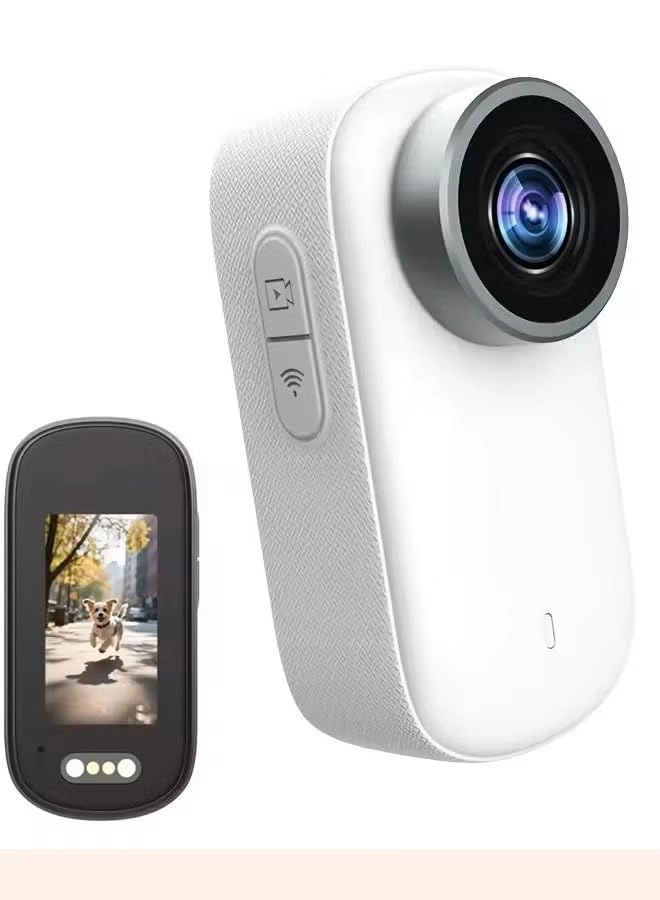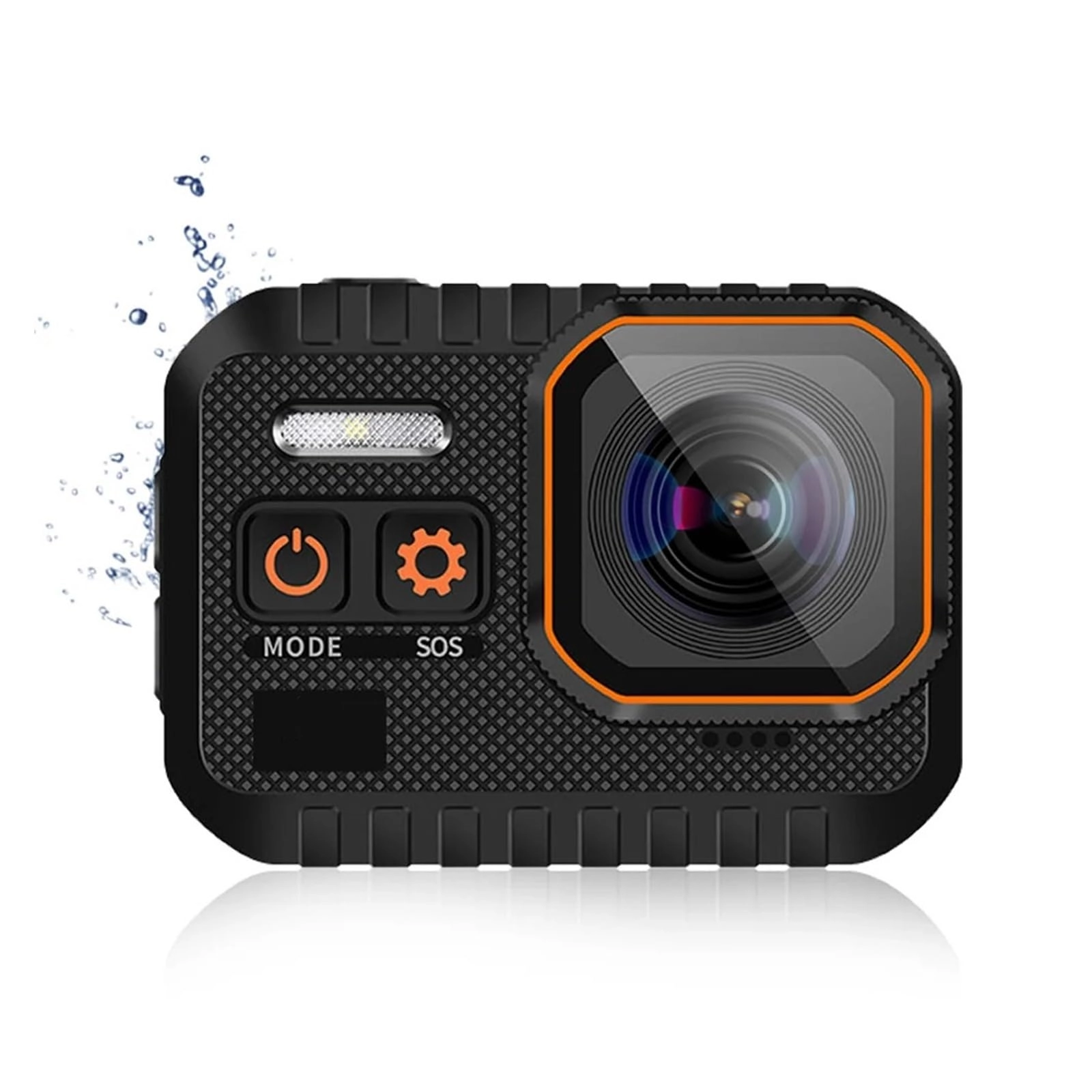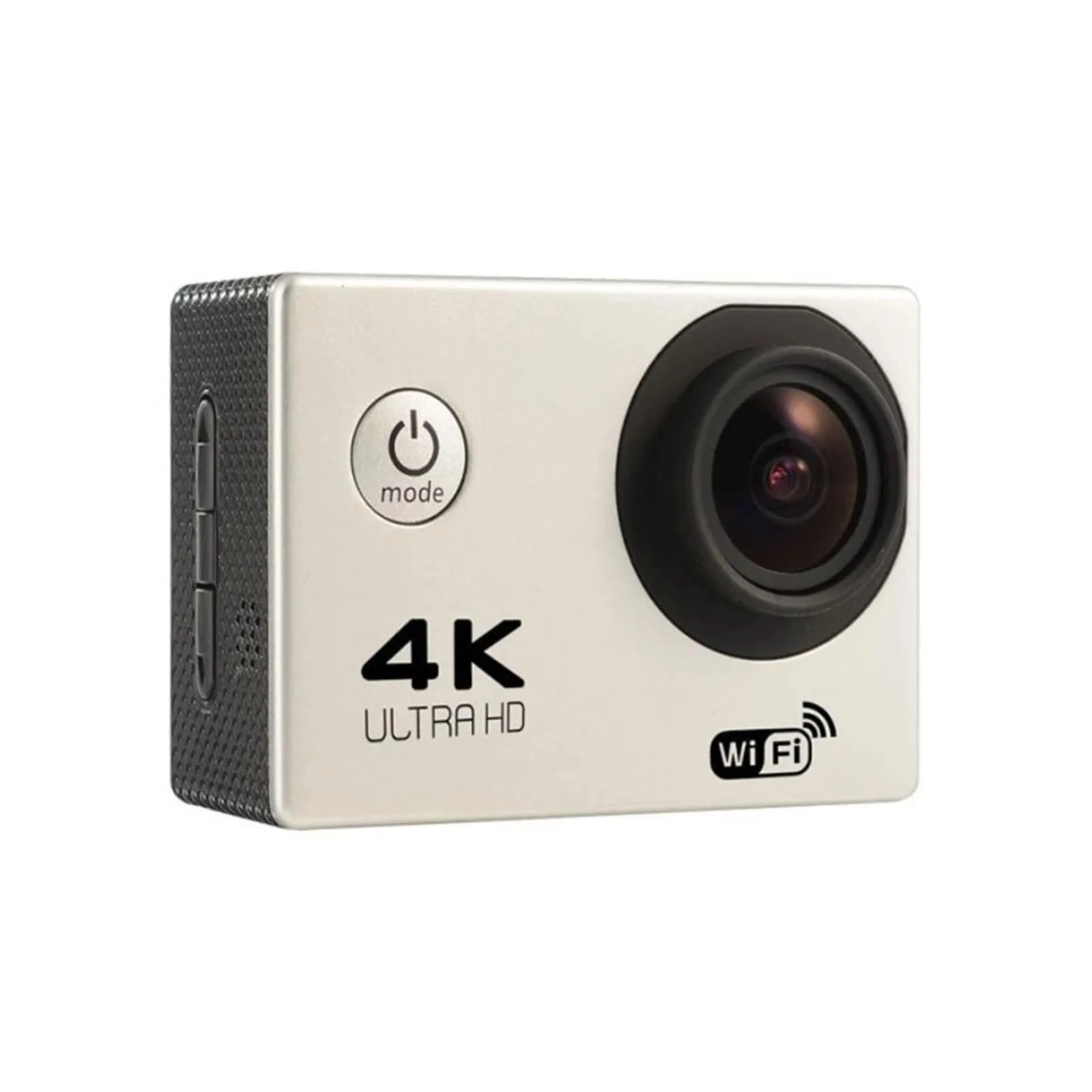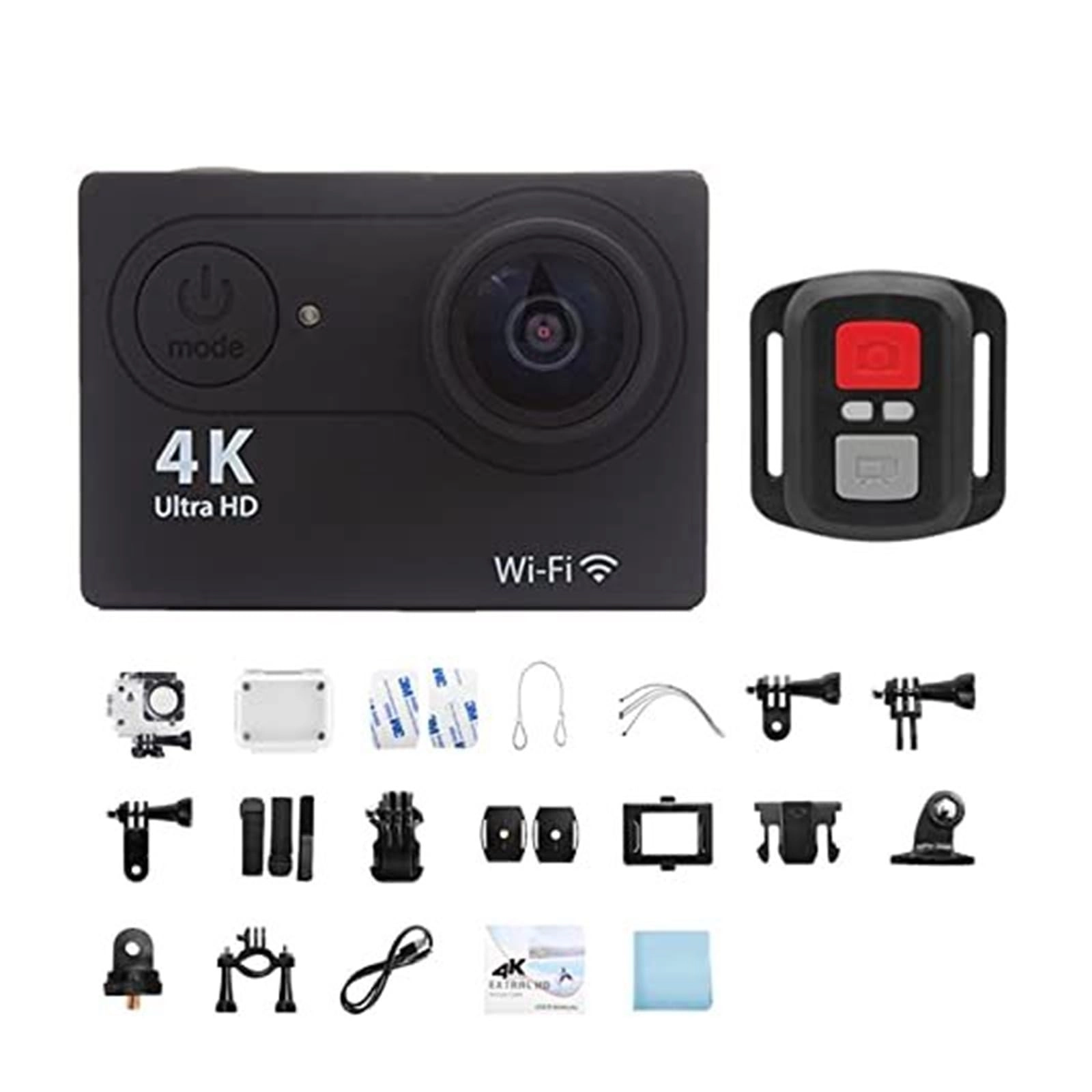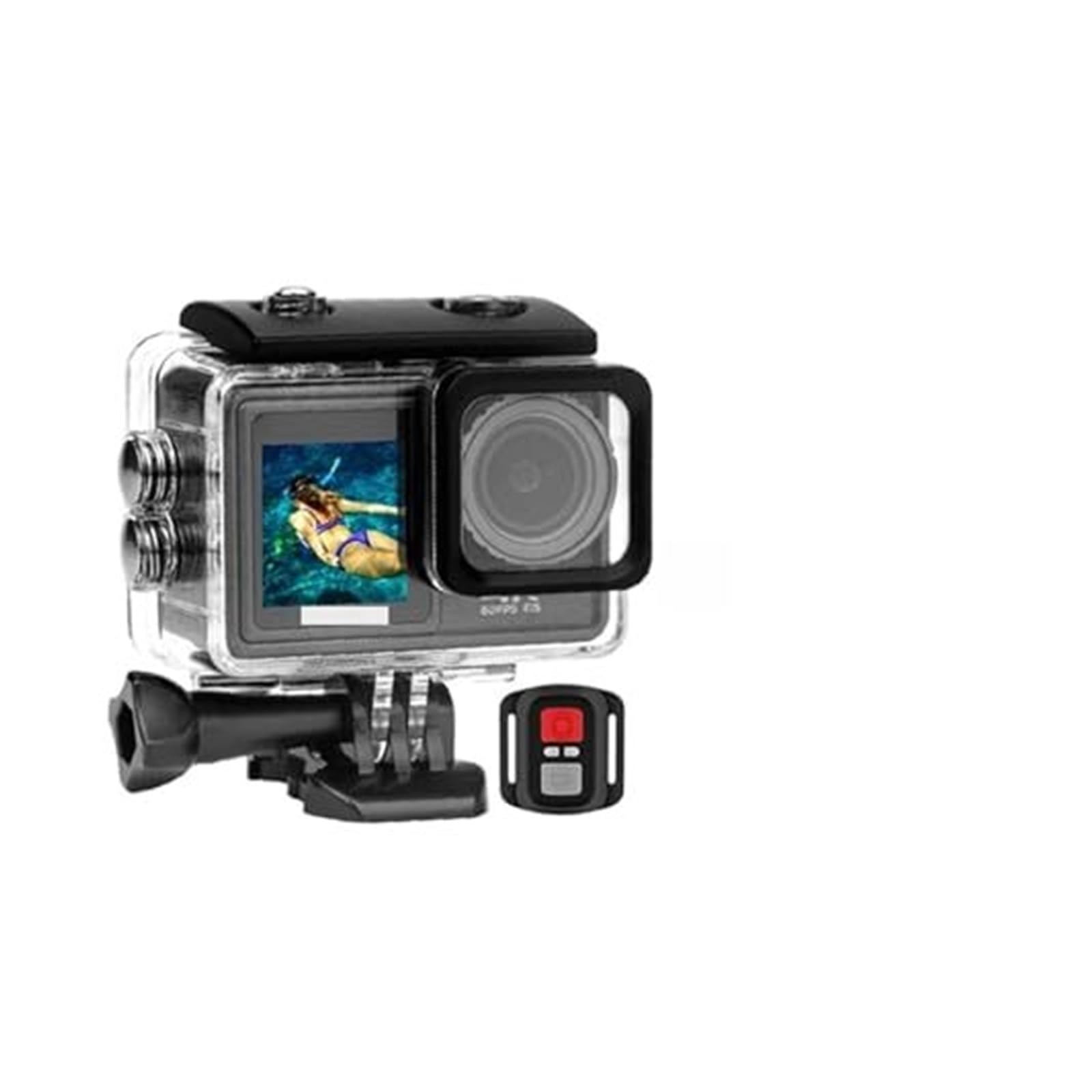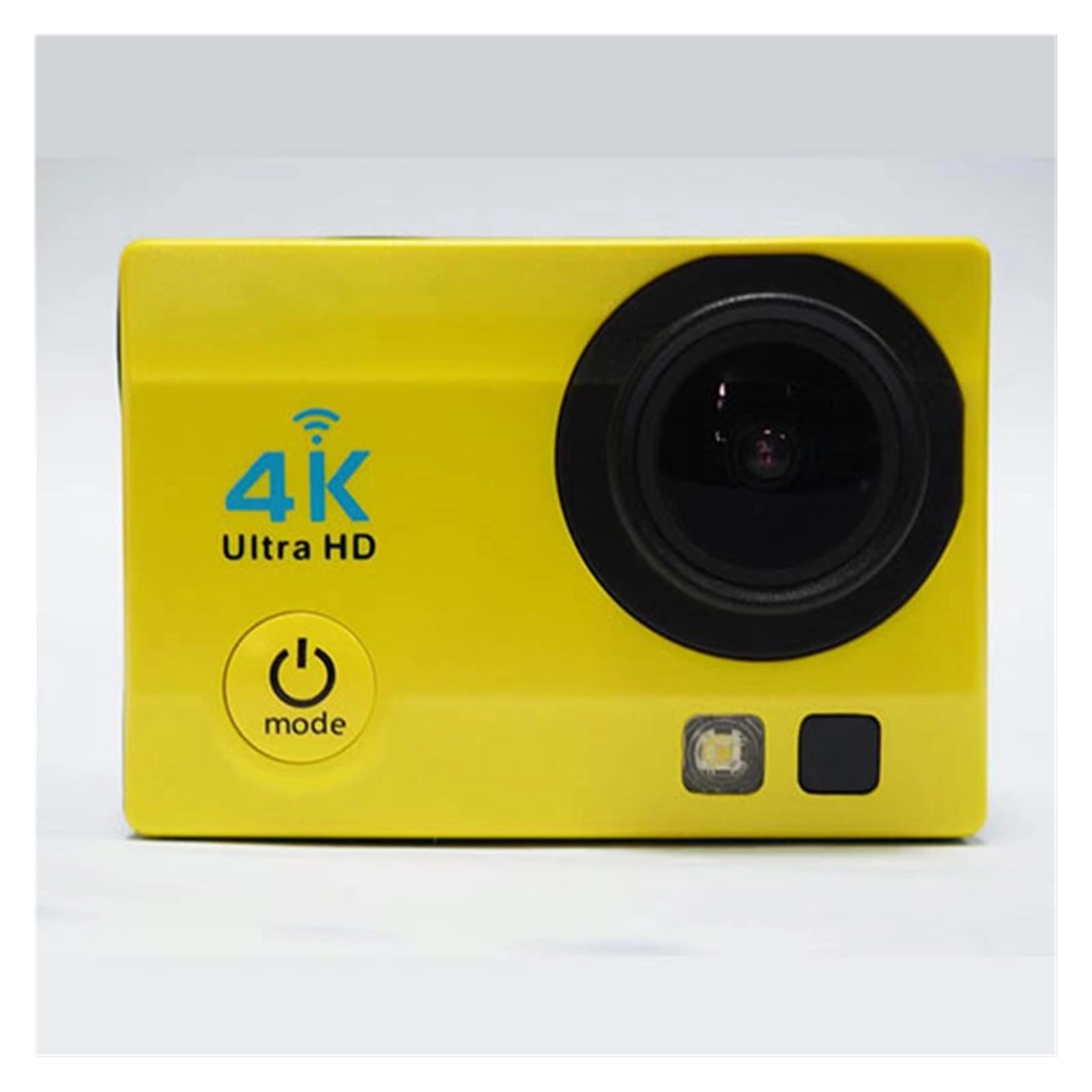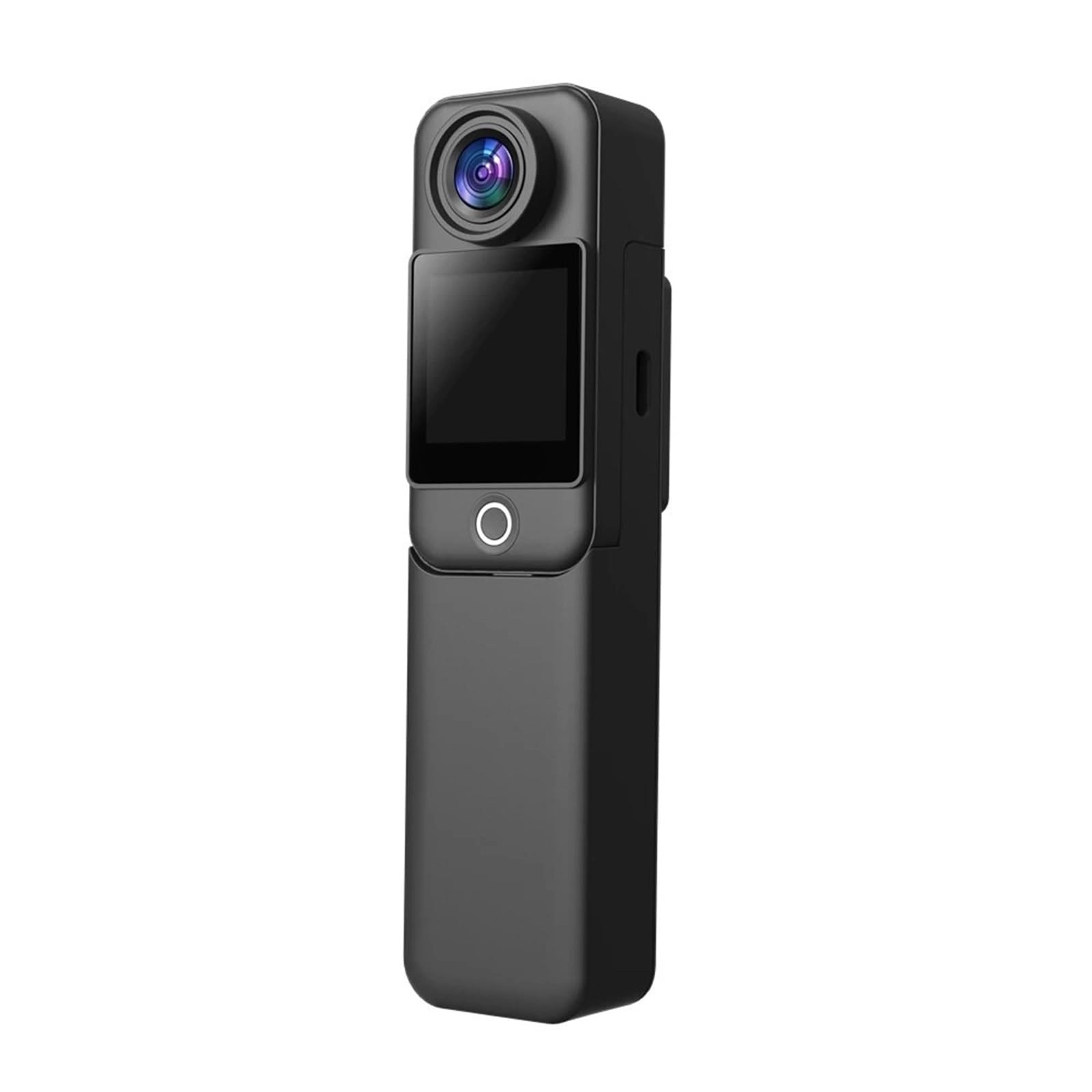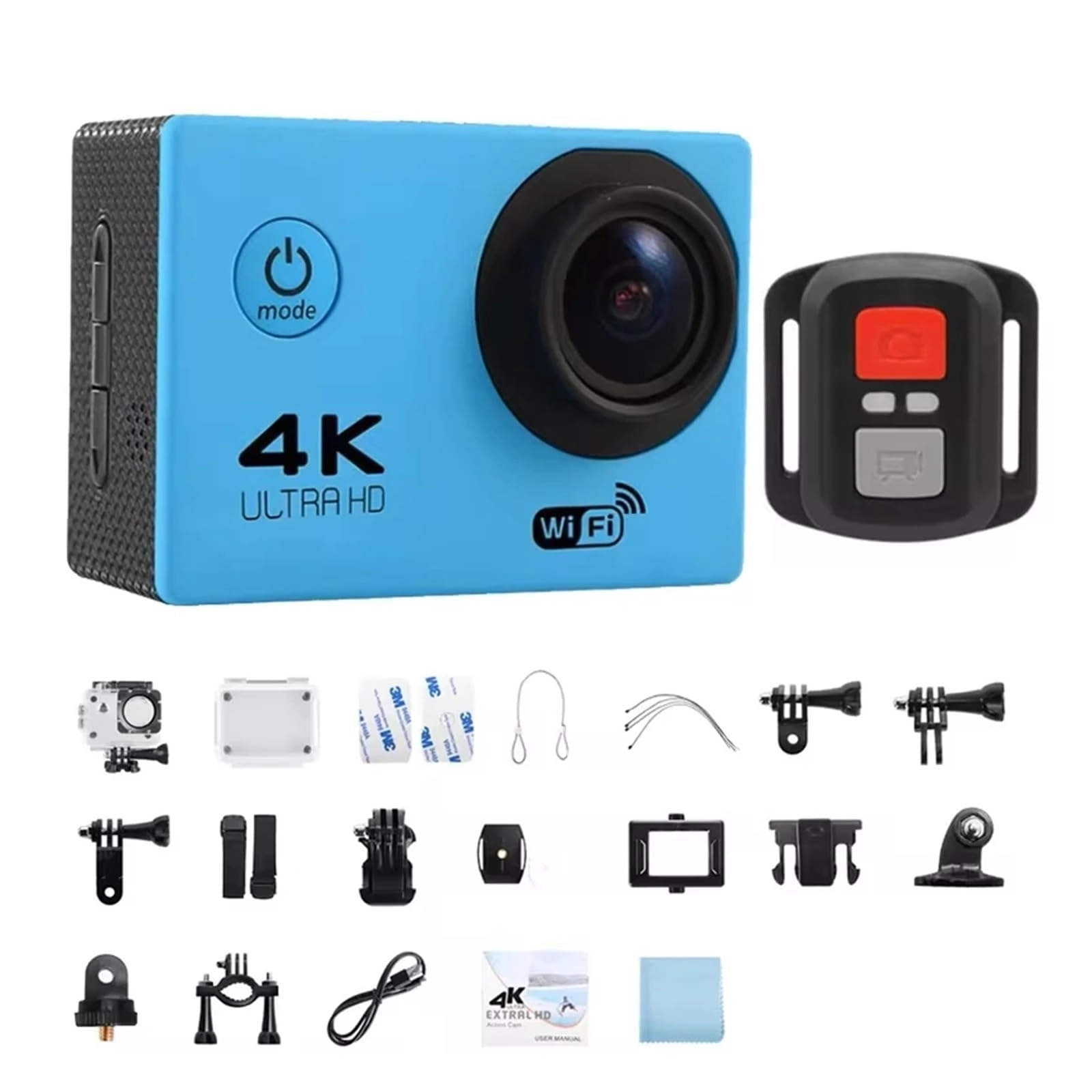
Sensor : imx175
waterproof level : IP68, waterproof,5meters (no waterproof case required)
WIFI : Support (Mobile APP control) (Remote control)
Display screen : 2.0inch IPS HD screen
SOS : SOS signal lamp
electric torch : Outdoor flashlight lighting
battery : 1050mAh polymer lithium battery
Lens : 170° wide-angle 6 glass lens
Video resolution :
4K(3840*2160)30/60fps,
2.7K(2704×1520)30fps,
1080P(1920*1080)30/60fps,
720P(1280*720) 60/120fps,
Stored photo resolution :
16M(4640x3480)
14M(4320x3240)
10M(3648x2736)
8M(3264x2448)
5M(2592x1944)
2M(1600x1200)
storage : SD card (up to 128GB)
data connection : USB2.0/ WIFI
Charging time : About 1.5 hours
Car mode : Support
camera function : Continuous shooting, with remote control, flash, etc
Video function : Loop recording, microfilm recording, slow photography, etc
Adjustable viewing angle : Support wide and narrow viewing angles
size : Length * width * height: 63.0 * 45.5 * 25.5mm
weight : 75g
Language : English, French, German, Italian, Japanese, Spanish, Portuguese, Russian, Simplified Chinese, Traditional Chinese
Application scenarios : Extreme sports, outdoor sports, cycling, diving, driving records, security, etc.
*Note: Specification parameters may be upgraded, updated and other reasons, subject to the physical object. 4K wide Angle lens:1/2 inch 16MP image sensor, Can shoot 4K 60fps video.
170 ° Wide Angle 6 glass lens:Custom aspheric lenses. Broad visual perception.
Front high resolution screen:Convenient for your compositio n creation and camera control.
Temperature -10°C/+ 55°C:It can be used normally in -10° C + 55° C temperature environment.
IP68 is 10 meters waterproof:waterproof, suitable In all kinds of adventure activities.
1050 mAh battery:Provide sufficient power supply without frequent charging.
Built-in WIFI connection:The phone can be directly controlled,Rapid sharing.
Remote Controller:Remote control camera for taking photos and recording. Novatek Smart Chip:High-speed processor adopts imported Novatek 96660 chip solution
The startup speed is only 3 seconds:35%
Increase shutter speed by: 20%
1050mAh battery increases by: 15%
Display Size 2.0 " : 5%
* Note: The above parameters are only a cerastes comparison between the old and new models of the brandSTORAGE:MICRO SD CARD (UP TO 128GB)
DATA CONNECTION:USB 2.0/WiFi
CHARGING TIME:ABOUT 1.5 HOURS
VEHICLE MODE:SUPPORT
MOTION DETECTION:SUPPORT
WDR WIDE DYNAMIC:SUPPORT
PHOTOGRAPHING FUNCTION:CONTINUOUS SHOOTING, REMOTE CONTROL SHOOTING, FLASH, ETC
VIDEO RECORDING FUNCTION:CYCLE VIDEOS, ETC.
FLASHLIGHT:OUTDOOR FLASHLIGHT LIGHT LIGHT
ADJUSTABLE PERSPECTIVE:SUPPORT WIDE AND NARROW PERSPECTIVES
DIMENSIONS:63*45.5 * 25.5mm
WEIGHT:75g
BATTERY:1050 mAh
CAMERA LENS:170 ° WIDE ANGLE 6-GLASS LENS
DISPLAY:2.0 "PS
APPLICATION SCENARIO:EXTREME SPORTS, OUTDOOR SPORTS, CYCLING, CAM, SECURITY, ETC
Use the operation
1. Insert the card
Note: Please choose the card. The ordinary neutral card can not be guaranteed for normal use. The first inserted memory card should be formatted on the camera.
2. Battery charging
A.The charger needs to select 5V2A
B.Connect the computer and the power adapter for charging.
C.Charging the car directly can also charge it on the car.
D.Video recording function while charging. (Need to set up in the menu to open the car mode)
E. Shutdown state can also be charged
3. Waterproof adhesive
Note: the waterproof rubber must be plugged tightly and pressed in place, otherwise it will affect the waterproof performance
4. Turn on and off the camera
Long press and hold the power switch for about 3 seconds to turn on / off.
5. Video mode
Turn the camera on and enter the video mode, appearing in the upper left corner of the screen, indicating that the camera has been set to video mode. After pressing the "OK" key, the yellow dot in the upper left corner will start to flash as 00:00:00 to start recording. Press OK again during recording to stop recording.
6. Photo mode
After opening the camera, press Mode, select photo mode, to appear in the upper left corner of the screenIcon indicates that the camera is in photo mode. Press the OK "to take a picture.
7.zooming
Long press the upper or down key on the video or camera interface
8. Set
A.The camera enters the camera mode, click on the "set key", and you can select the video resolution, cycle video, vehicle mode, etc.
B.When the camera enters the photo mode, click the "Set button", and you can select the photo size, continuous shooting, shooting method, image quality, exposure compensation and color, etc.
9. Flashlight and SOS
After opening the camera, long press the "setting button" to open the SOS, then long press the "setting button" to open the flashlight, and then long press the "setting button" to close
10. Image storage and playback
A.Use the USB cable or card reader to copy the image file in the camera to the computer