Allware
Loading...
  • News
  • Price drops
  • New arrivals
  • Featured categories
  1. Computers & Peripherals
  2. Data Storage
  3. Data Storage Devices
  4. Storage Drive Docking Stations
Hard Drive Dock - Dual Bay

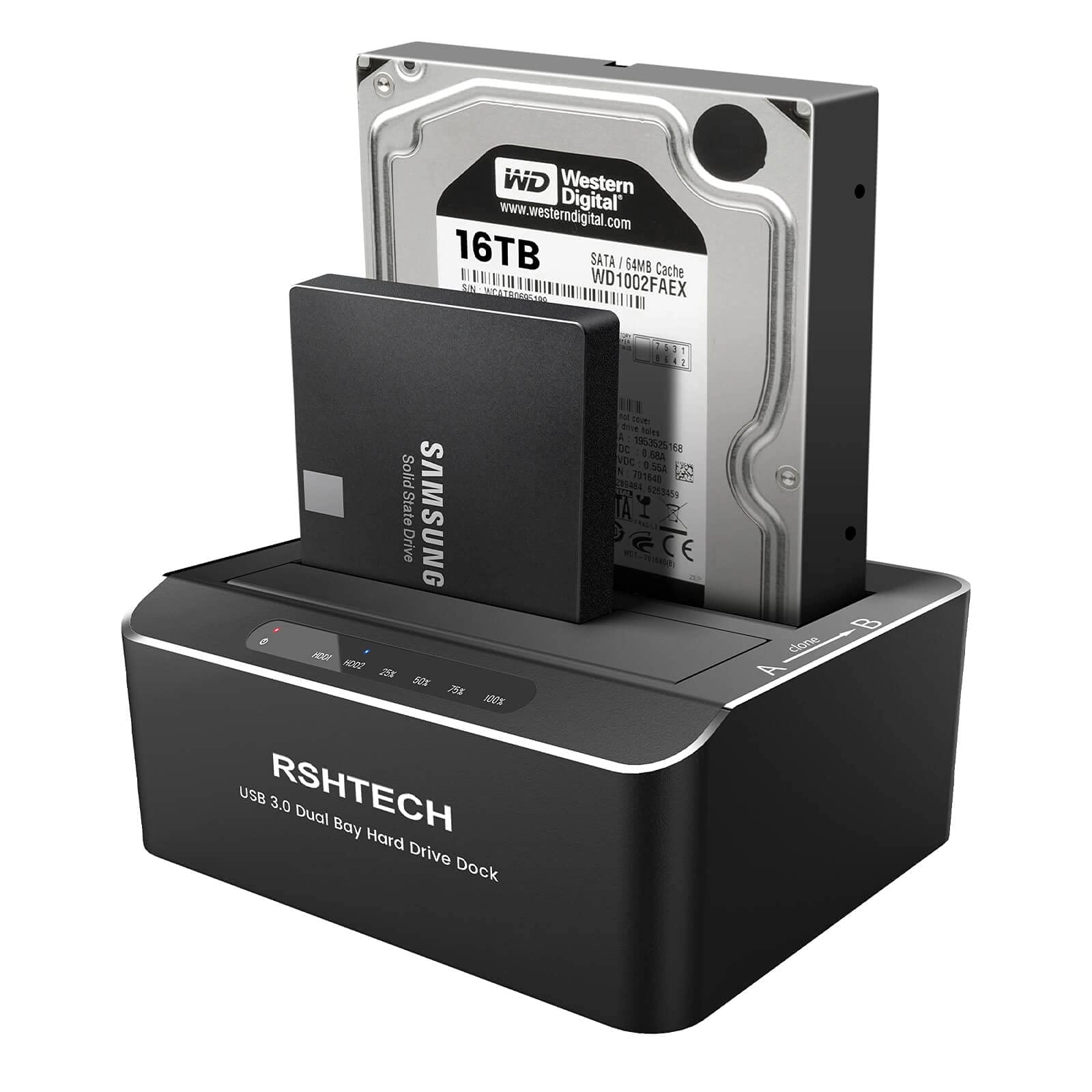
Rshtech Hard Drive Dock - Dual Bay

Best offer
AED
19131

Key Features

  • Product colour: Black
  • Material: Acrylonitrile Butadiene Styrene (ABS)
  • Offers
  • Price History
  • Specifications
  • Product Details
  • Review IconReviews

Specifications

Features

Material
Acrylonitrile Butadiene Styrene (ABS)
Product colour
Black

Product Details

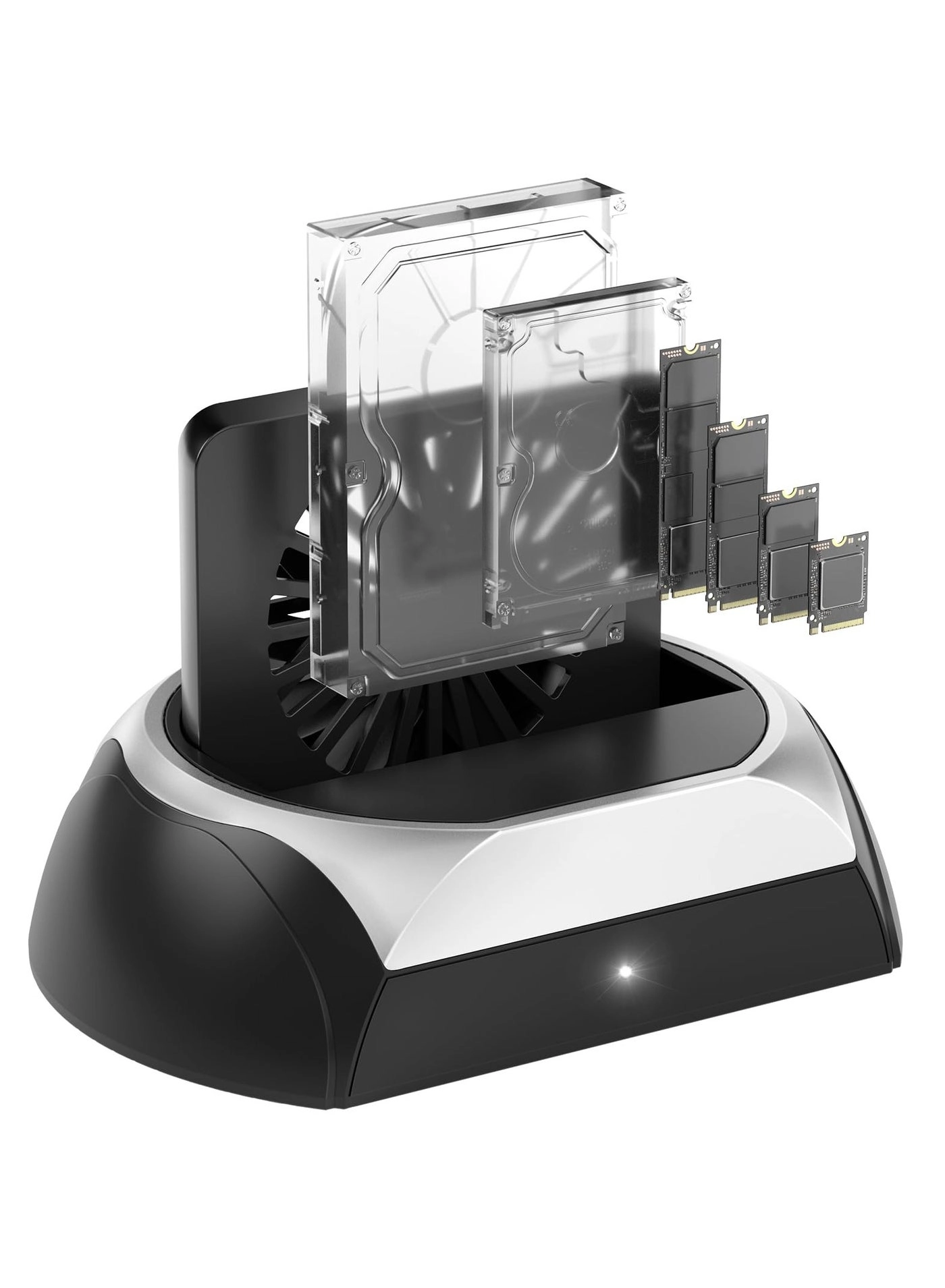
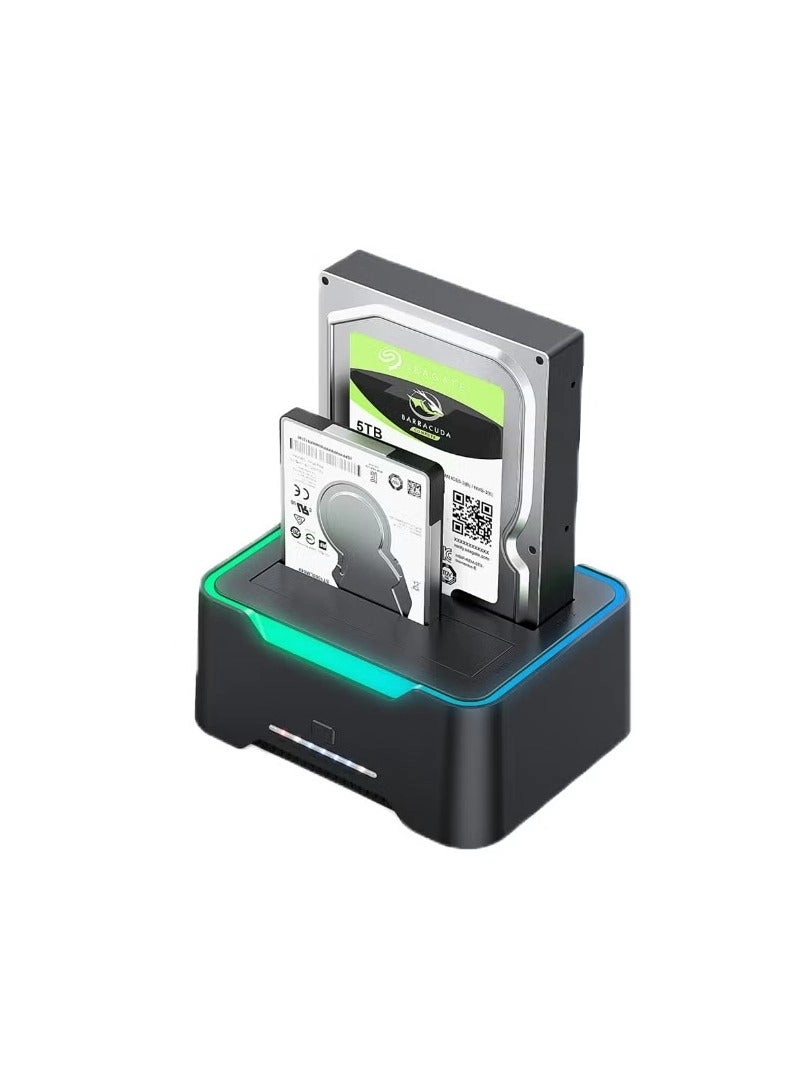
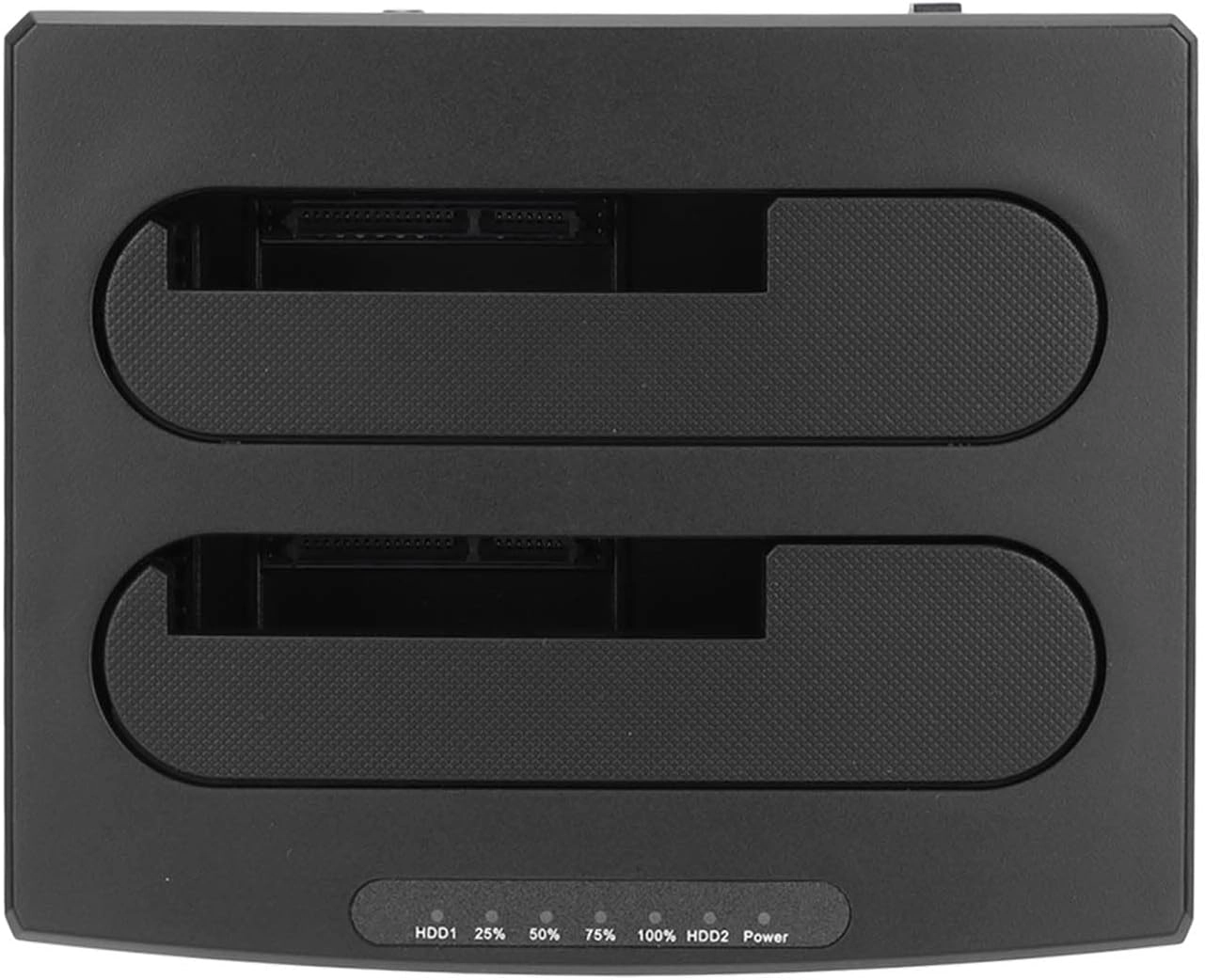
RSHTECH Dual Bay SATA Hard Drive Docking Station is the perfect solution for data transmission, batch processing, backup, cloning, etc. Supports UASP protocol: UASP (USB Attached SCSI Protocol): supports for HDD/SSD faster transfer performance, 70% faster than traditional USB 3.0, requires UASP capable host controller and operating system. (Real-world performance depends on the disk drive and host system.) Supports up to 2x 16TB hard drive: USB 3.0 dual-bay external hard drive reader can access both disks simultaneously. Maximum Capacity of 2x 16TB. Hard Drive Dock Offline Clone Function: -Ensure the Power Switch on the rear is in the OFF Position and plugged in properly. -Insert Both hard drives and identify Source Disk and Target Disk (Make sure the memory capacity of B drive is larger/equal than A drive ) - Make sure that the USB cable is disconnected from any computer during the cloning. - Press the "Clone" button for 3 seconds until the LED starts to flash and the cloning process begins. -Progress indicator with LED: 25% - 50% - 75%-100%. When offline clone operation is fully completed, all LEDs will constant on. Note: -The offline clone function cannot be processed if there are bad sectors or tracks on the hard disk. - Do not try to remove your HDD or SSD device while it is active. Please power off the docking station before removing. -Please backup files in the target hard drive before cloning. Any files in the target hard drive will be overwritten when offline cloning occurs. - If you are mounting a drive which larger than 2TB, please initialize with Partition Style GPT. -If there is no USB 3.0 port in the front of the desktop computer, it is recommended to connect the 3.5" hard drive enclosure to the rear USB 3.0 port to achieve the best transmission speed. Note: IDE drives are NOT supported.

Reviews

Loading...
Loading...
Loading...
Loading...
Loading...
Loading...
Loading...
Loading...
Loading...
Loading...
Loading...
Loading...
Loading...
Loading...
Loading...
Loading...
Loading...
Loading...
Loading...
Loading...
Loading...
Loading...
Loading...
Loading...
Loading...
Loading...
Loading...
Loading...
Loading...
Loading...
Loading...
Loading...
Loading...
Loading...
Loading...
Loading...
Loading...
Loading...
Loading...
Loading...
Loading...
Loading...
Loading...
Loading...
Loading...
Loading...
Loading...
Loading...
Loading...
Loading...
Loading...
Loading...
Loading...
Loading...
Loading...
Loading...
Loading...
Loading...
Loading...
Loading...
Loading...
Loading...
Loading...

Join our newsletter

Be the first to know about new arrivals, sales, and exclusive picks

Sign in to unlock newsletter access and stay in the loop

Allware
info@allware.com
+971522500911
World technology awards winner badge

Allware

  • About Us
  • Terms And Conditions
  • Privacy Policy
  • Contact Us

Partners

  • Why become a partner?
  • How to list your Online Shop?

Newsletter

  • Subscribe

Info

  • How Allware works
All Rights Reserved.
Please enable location access or select an emirate
-
00:00:00
Prayer timings

Offers (1)

Amazon logo

1 offer

From
AED
191

RSHTECH Hard Drive Dock, Aluminum USB 3.0 to SATA Dual Bay External Hard Drive Docking Station for 2.5 & 3.5 inch SATA HDD SSD with Offline Clone/Duplicator Function, Support UASP & 2x16TB (RSH-DS01)


Black
AED
19131

Price History

Price History Skeleton
Price History Shimmer Effect
Loading price history...

Similar Products

See all
-50%
Generic Dual-disk USB 3.0 Hard Disk Base

Generic Dual-disk USB 3.0 Hard Disk Base

AED
29380
AED
14690
17 offers
Icy Dock MB992SK-B - 2

Icy Dock MB992SK-B - 2

AED
38099
2 offers
-49%
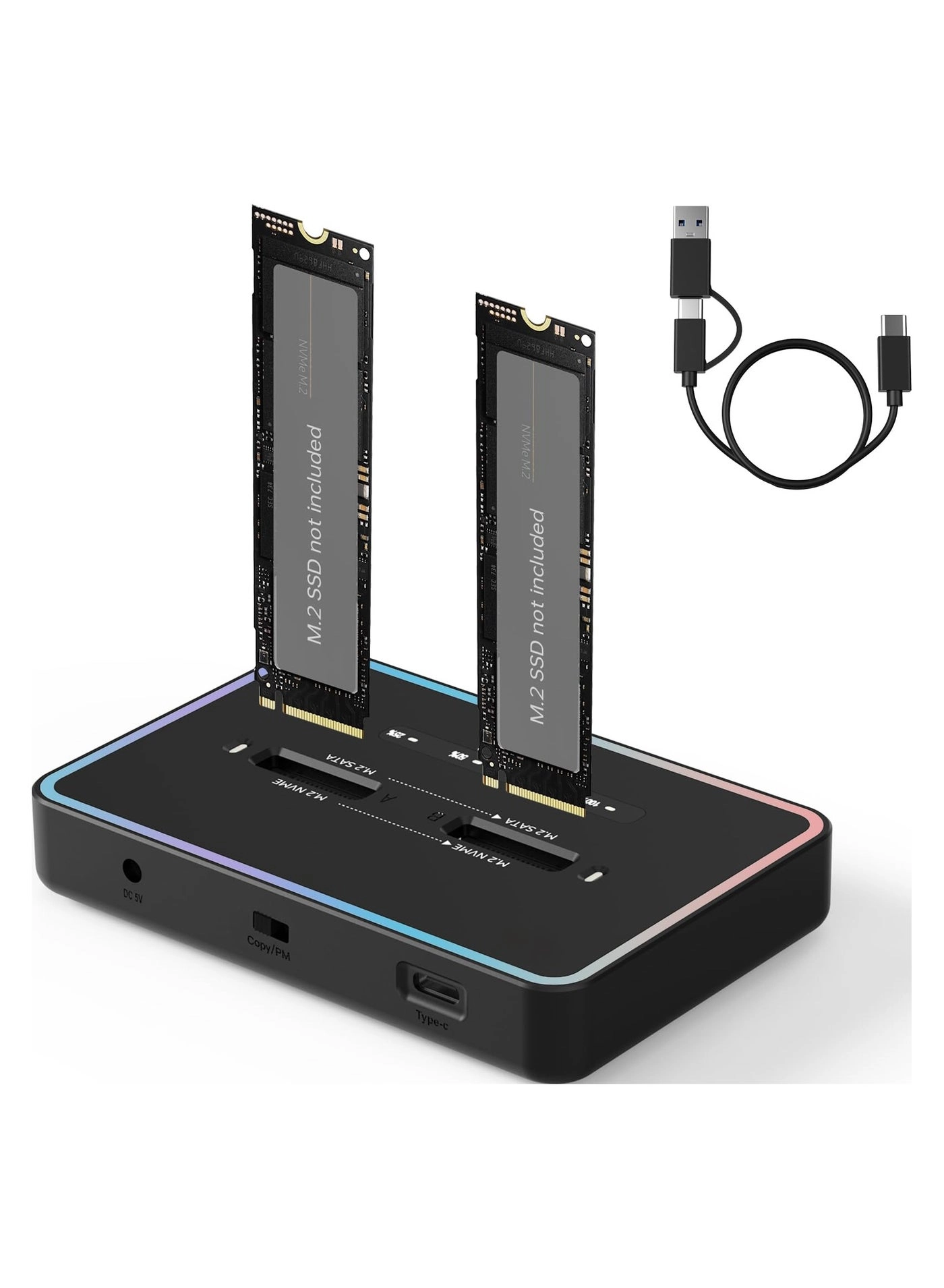
Generic Dual-Bay M.2 SSD Base

Generic Dual-Bay M.2 SSD Base

AED
15903
AED
7952
16 offers
-7%
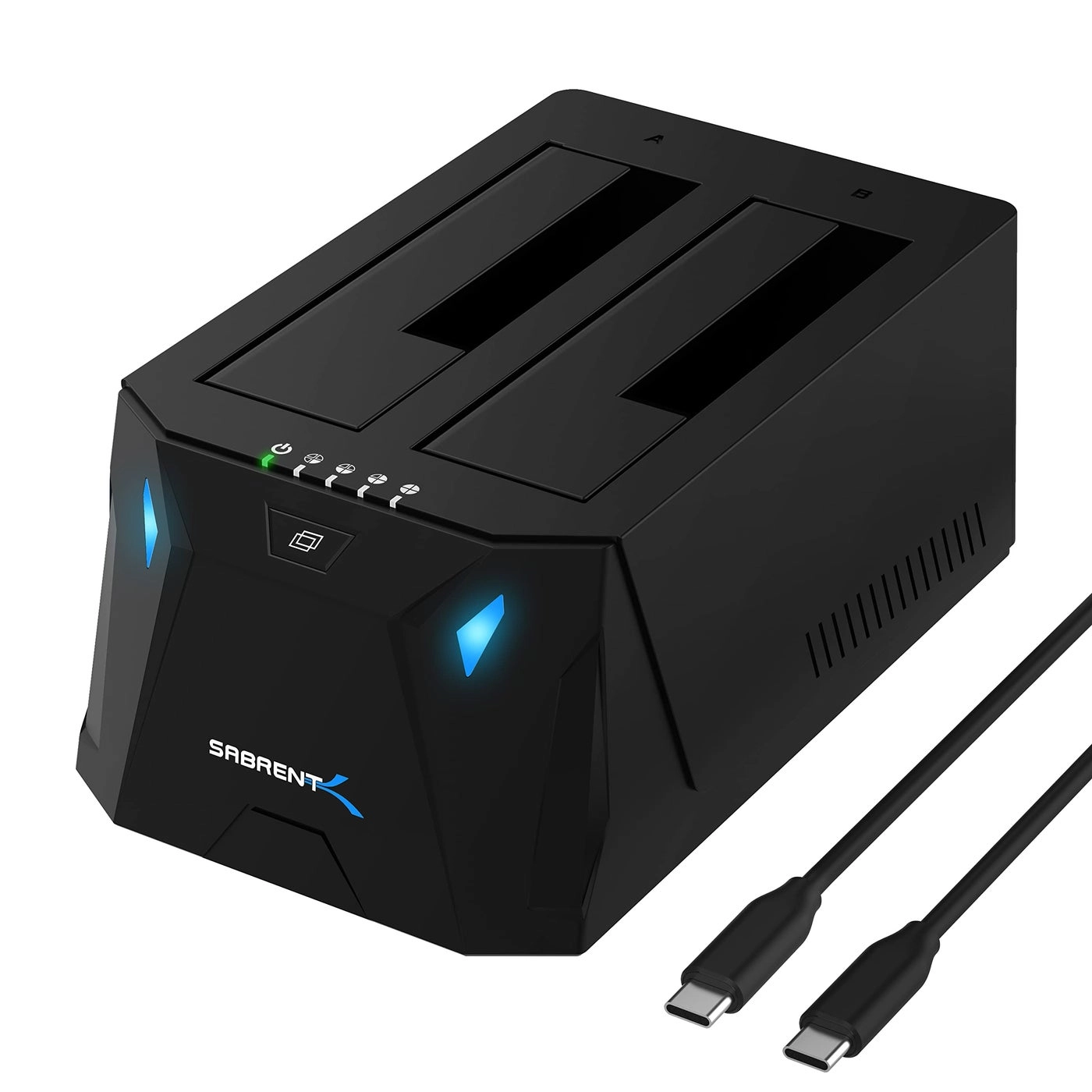
Sabrent DS-UTC2 - Dual Bay

Sabrent DS-UTC2 - Dual Bay

AED
30656
AED
28355
5 offers
-6%
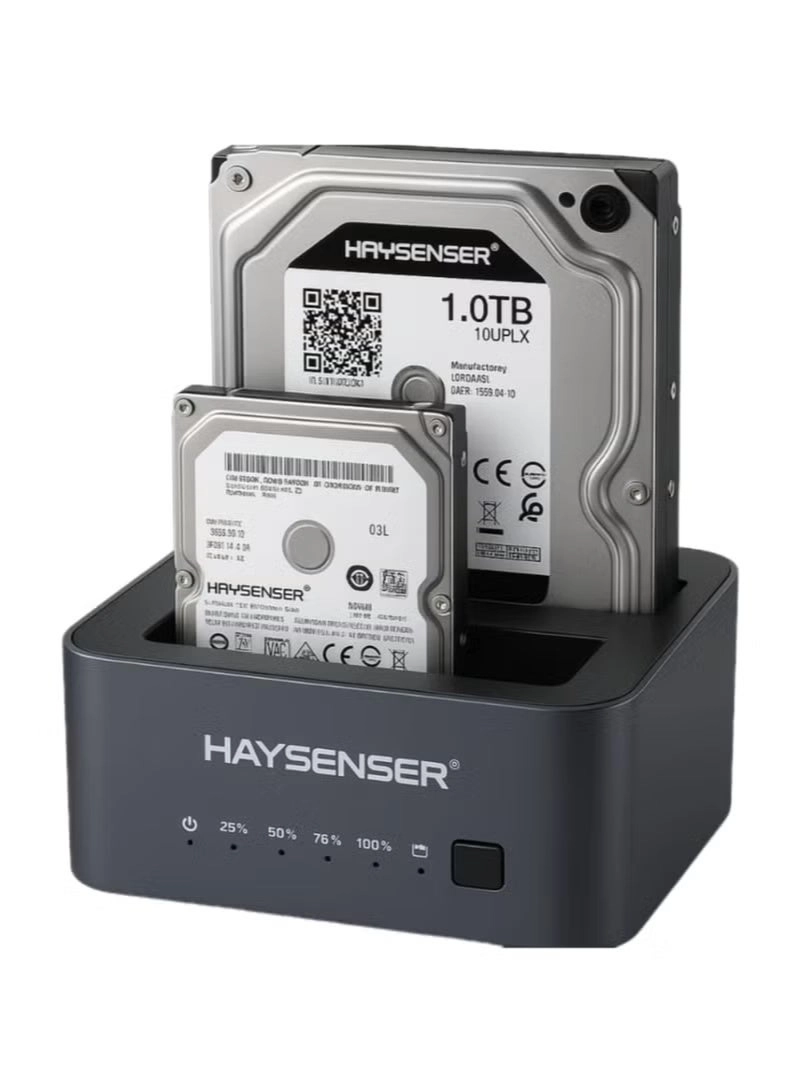
Haysenser HY-D08 - Dual Bay

Haysenser HY-D08 - Dual Bay

AED
11800
AED
11000
4 offers
-53%
SYOSI M.2 NVME SSD Docking Station - Cooling Fan 2.5" & 3.5" SATA Support

SYOSI M.2 NVME SSD Docking Station - Cooling Fan 2.5" & 3.5" SATA Support

AED
79998
AED
37499
4 offers
<1%
Sabrent EC DFFN Lay Flat Docking Station - USB 3.0 22TB 2.5"/3.5"

Sabrent EC DFFN Lay Flat Docking Station - USB 3.0 22TB 2.5"/3.5"

AED
19595
AED
19594
3 offers
StarTech.com Dual-Bay USB 3.1 to SATA Hard Drive Docking Station - Dual-Bay

StarTech.com Dual-Bay USB 3.1 to SATA Hard Drive Docking Station - Dual-Bay

AED
69808
2 offers
-8%
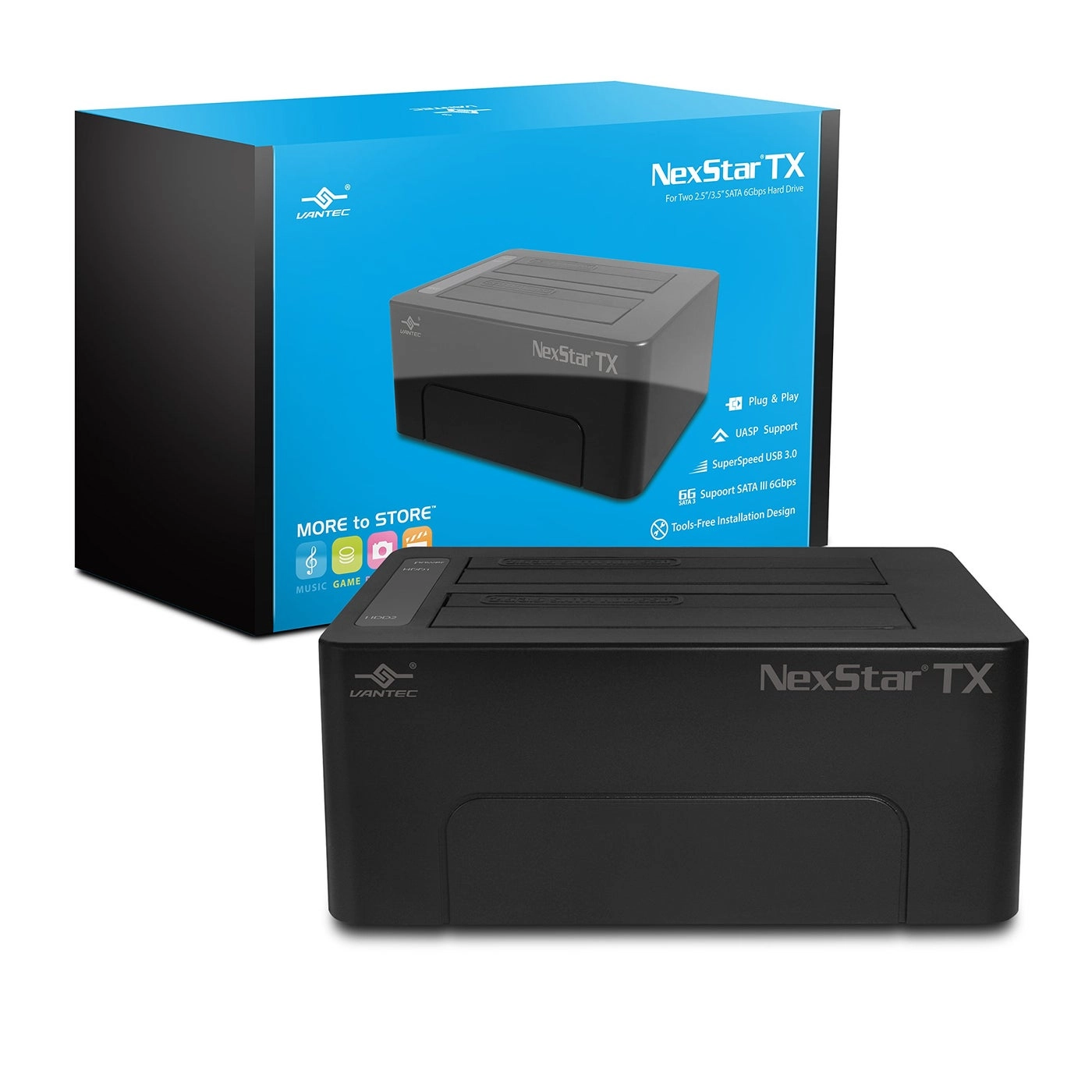
Vantec NexStar TX - Dual Bay

Vantec NexStar TX - Dual Bay

AED
22406
AED
20403
2 offers
-50%
SYOSI Dual Bay SSD Cloner - two

SYOSI Dual Bay SSD Cloner - two

AED
1 59998
AED
79999
2 offers

More from Rshtech

See all
Rshtech Hard Drive Dock - Dual Bay

Rshtech Hard Drive Dock - Dual Bay

AED
19131
1 offer
Rshtech USB 3.0 Active Extension Cable Male to Female 9.75m

Rshtech USB 3.0 Active Extension Cable Male to Female 9.75m

AED
24900
2 offers
Loading...
Loading...
Loading...
Loading...
Loading...
Loading...
Loading...
Loading...
Loading...
Loading...
Loading...
Loading...
Loading...
Loading...
Loading...
Loading...
Loading...
Loading...
Loading...
Loading...
Loading...
Loading...
Loading...
Loading...
Loading...
Loading...
Loading...
Loading...
Loading...
Loading...
Loading...
Loading...
Loading...
Loading...
Loading...
Loading...
Loading...
Loading...
Loading...
Loading...
Loading...
Loading...
Loading...
Loading...
Loading...