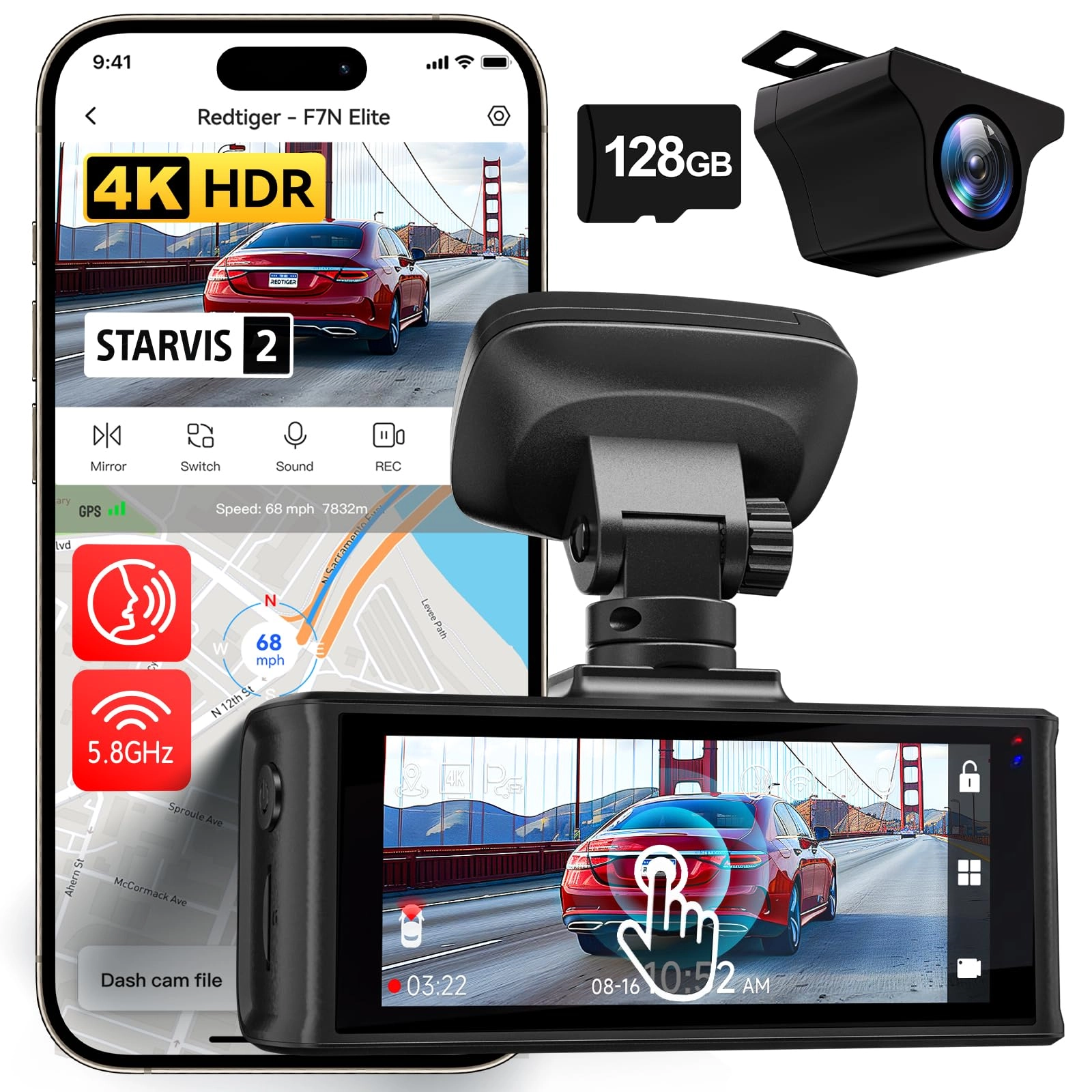
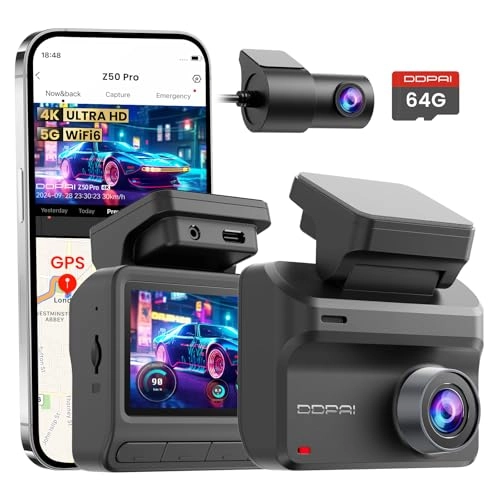
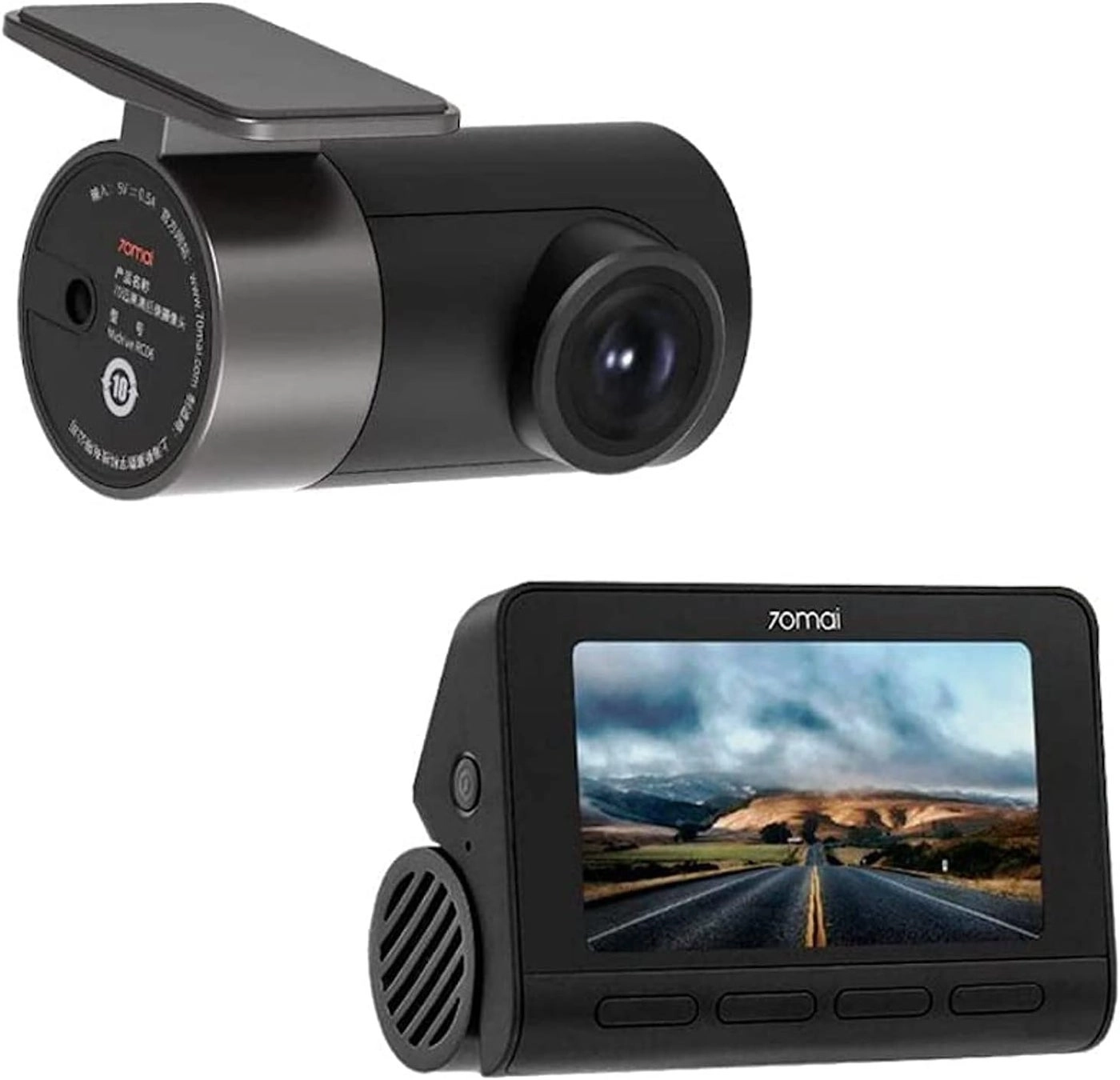
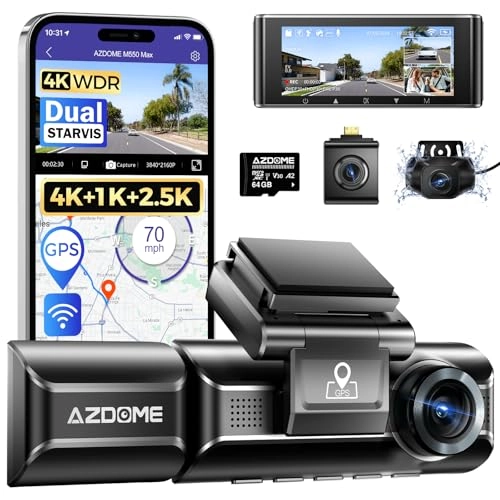
Product description hero-video ROVE Dash Cams Comparison Chart
ROVE R2-4K ROVE R2-4K PRO ROVE R2-4K DUAL ROVE R3
Review: FANTASTIC CAM!!! - This camera is clear and it is easy to
use once you get to know what each button does. I sat down and
read the book that came with it way before using it so that I
could get a good understanding of everything. The video provided
is at default settings, so I haven't even set it to 4K yet and it
is this clear. I do recommend the 128 Samsung 10 class u3 SD card
for it as it records without freezing. I haven't had any
problems, but if I do, I will post an update. So far so good
though. I can't comment on the app yet because I haven't used it,
but when I do I will update. Also, I haven't used the player yet
either, but I did download it for Mac, so it is Mac and PC
compatible. Once I use these features, I will update again.
Update (2/15/2019): I finally used the app and it seemed to work
well for me. It was very easy to connect to and I was able to see
my videos. I can't figure out how to use the player though. I
thought if I insert the sd card to my computer, it would read
from the video player and show me the data, but that wasn't the
case. If anyone figures out how to do this, please let me know.
Also, I have integrated the camera into my video, meaning that I
bought a kit so that I could plug it into the fuse box for a
direct power source. I like the fact that it was easy to do and
it now turns off the minute that the vehicle is turned off. The
only time it will turn back on is if you have parking mode on,
but it shuts off about 3 minutes after it has recorded an impact
while parked ( i tested it by shaking my vehicle, I did not get
hit). When I turned my vehicle back on, it spoke to me and said,
"parking mode was activated," so I knew right away that I needed
to check what happened (of course, this was only a test though).
Anyway, so far so good and the video is fantastic. When I learn
to work with the player, I will update again. :) Update
(12-18-2019) So I figured out everything and so far so good. I
ended up buying another one because my son wanted one just like
it. He loved how easy it was and the updates that Rove puts out
for the cam. They also contacted us when we ordered it. They just
said that if we needed anything they would be more than happy to
speak to us over the phone with a live agent. What a live agent!
They were very nice. I have not had a problem with this cam at
all and I do recommend it to others. I just saw that they are
having a sale on their website for it, so I might buy another one
for my husband. Can you say Christmas gift :) They have a 25% off
code on the website. I believe it is ROVEVIP25 to get 25% off.
Anyway, this is a great dashcam and I couldn't have asked for
more. I am a loyal customer!
Review: so far so good =SEE EDIT FOR SOME GUIDANCE IF YOU
EXPERIENCE CHOPPY VIDEO PLAYBACK= - i'm writing this review on my
literal day 1 of owning the camera and only just now finished
installing it in my car. (the pic attached is from when i had
JUST turned it on while i was in the passenger seat and was still
fiddling with the angle. I also blocked out the location
coordinates, but thats something you can toggle off in the
settings as well) the setup is simple. there are tons of quick
short videos to help guide you on how you might want to tuck away
the wiring. you just plug it into the car charging socket (you
can also hard wire it into your car if you're knowledgeable and
comfortable doing so) i read the booklet that came with it. a lot
of useful info in it. Tons of features and settings you can use
to customize it to what suits you best. i like that it has
'parking mode' which means the camera will automatically turn on
and record for a bit if it detects a sudden impact/movement while
the car is parked (and while you are presumably away). i
experienced ended up testing this while i was carrying the
dashcam with my hands full. i accidentally dropped the camera,
and even though it was off, it suddenly turned on and stating
something along the lines of "parking mode has been activated".
It started recording, but since i didn't fully charge it at the
time, it only stayed on for a few seconds (which is normal for
these type of dash cams. The manual states that the camera
typically should be able to sustain a recording of 3-5 minutes on
a fully charged battery). I also tried the app. it lets you
view/download your footage in real-time by connecting to the
dashcam's built-in wifi. i HIGHLY recommend downloading the newer
beta app (which currently has an all orange UI. the old app
hasn't been updated since 2019 and had tons of negative feedback,
so i didn't even bother with that). I think the app is a nice
benefit. It's nice if you need to quickly share a photo or
footage of what just happened on the road, but you don't have the
time or ability to connect the dashcam to a computer or other
device. and you do this by connecting to the dashcam's BUILT-IN
wifi. you don't have to do anything special or complicated to set
it up. it's pretty self explanatory. BTW If you have any trouble
connecting to the app, you might have to disable mobile data on
your phone to properly connect). I'll be sure to update this
review if anything comes up that greatly impacts my impression on
the product, but so far i'm satisfied. I'll be sure to take care
of this one (my last dashcam stopped functioning properly because
i would leave it in the car 24/7, even during extreme summer heat
or extreme winter cold). ===EDIT 4-10-22=== i've owned this for a
few weeks now. I recently decided to hook it up to my pc to check
on the videos, just to make sure video/audio were being captured
properly and that there were no issues. i was pretty horrified at
first to see that the videos seemed really glitchy/choppy. it was
practically unwatchable! i did some quick googling and saw some
people suggest it could be the framerate/resolution that it's
recording in. and then i remembered that the instruction manual
mentioned using a decent video player- specifically something
like VLC. so that's what i did. I already use VLC for other
things on my pc, so i opened some videos in it. no more
choppy/jittery video! everything was smooth and amazing! So, in
short, if you're noticing that your videos appear choppy and
strange i'd suggest either playing back your videos in something
like VLC and NOT your basic windows media player. It'd also be
worth it to maybe try lowering the camera's FPS/resolution
settings if that still doesn't work for you (Although I would say
lowering the quality should probably be a last resort... since,
you know, the whole point of a dashcam is so that you can capture
everything on the road in perfect quality) the only gripe i have
now is that the dashcam itself seems to slightly shake/jitter
when driving at certain speeds/roads. I think this is a result of
the cars vibrations. I'll try to see if this'll be fixed by
tightening the mount or repositioning it a little. it's possible
that we just didn't have it locked in properly (I haven't been
the one personally driving with the webcam lately. So maybe my
family members flubbed on that) It's nothing too crazy, though.
Still happy with this device! very worth it! ==final edit
7-21-22=== it's been 4 months since i owned it and its STILL
incredible i've even connected to it to share a clip of a dicey
moment i had on the highway! (i did this by connecting to my pc.
the app is still an amazing option to connect remotely/on the
spot, but i was already at my pc anyways) i wanted to take a
moment to commend their support team as well. i recently
contacted support because i somehow managed to push the power
button in so far that it got stuck. i was surprised that this
happened! this made it difficult to turn the camera on/off at
will. i contacted their support team directly after finding their
email on their website. i described the issue, provided picture
evidence & proof of purchase, then they were able to process a
replacement as it was still under warranty! the entire process
was smooth and hasslefree. it didnt take very long at all for the
replacement to come in. i customized the settings and took some
video footage + photos as a test. Everything was perfect. I
didn't have to wait long at all for their replies/solution
(something i was extremely wary of after dealing with support
teams from other products/services) Anyways, I support this
brand/small team VERY much! I think its VERY important to have a
dashcam. Even if u don't feel comfortable hot-wiring or whatever,
i feel that even a USB/car charger-type of cam is better than
nothing-- like i said, i've already reviewed & shared footage to
friends & family at least once after having a spooky moment on
the highway. It's not only good for urself, but others as well. U
never kno wat could happen. Video doesnt lie. ur footage/photos
could do a lot to help u or even a stranger if u ever come across
a sticky situation.