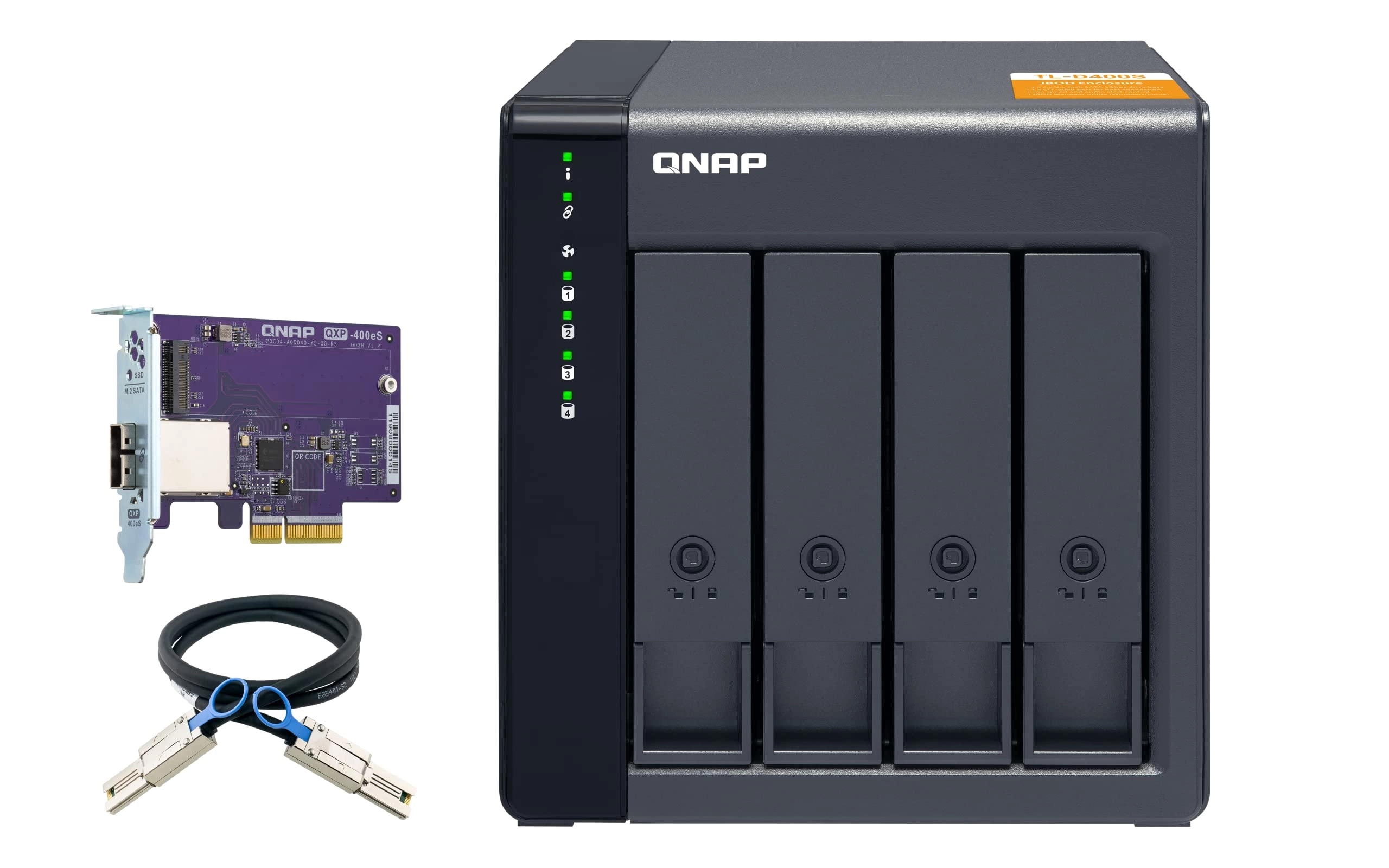
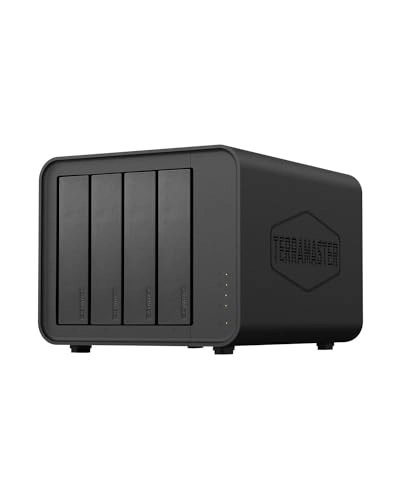
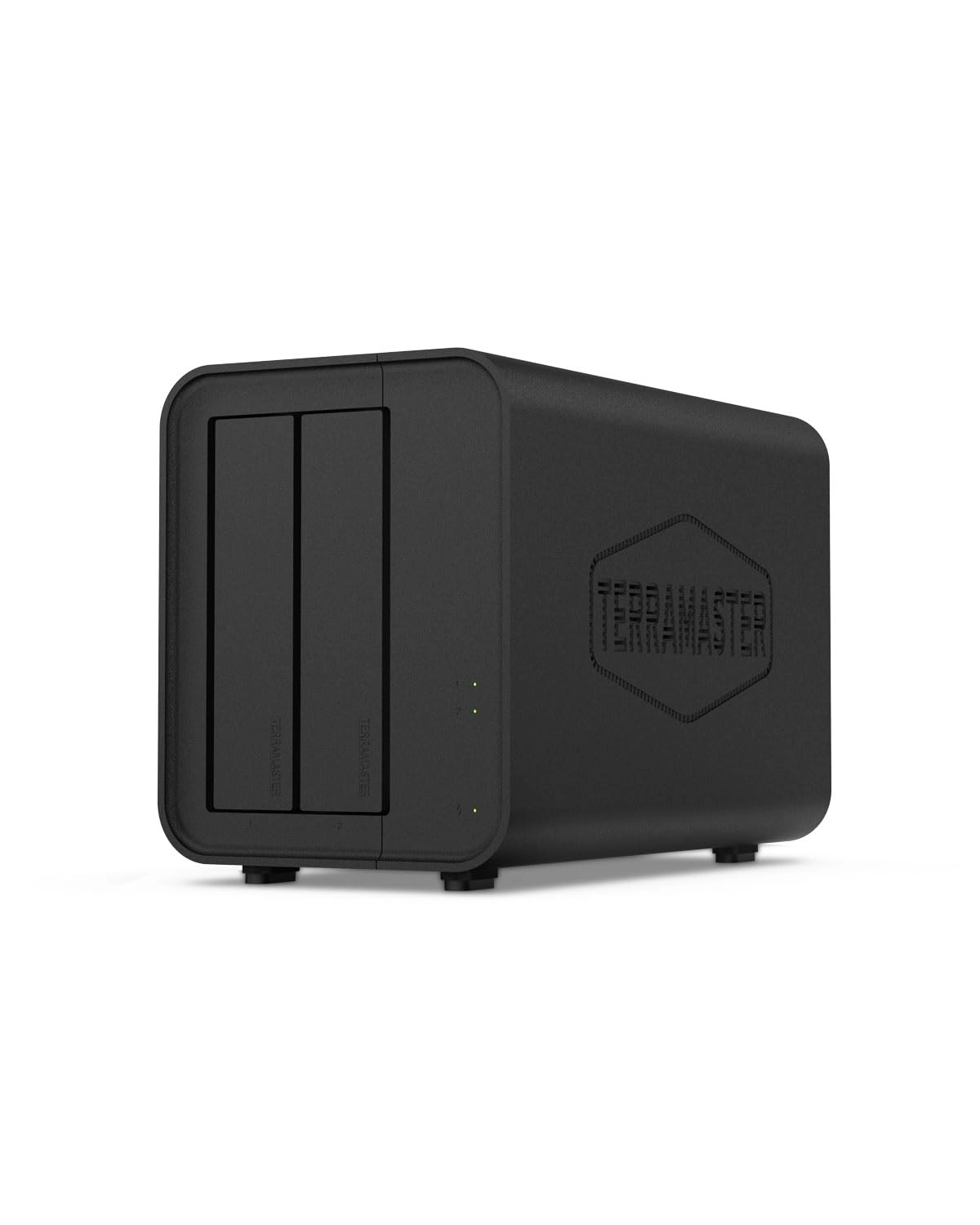
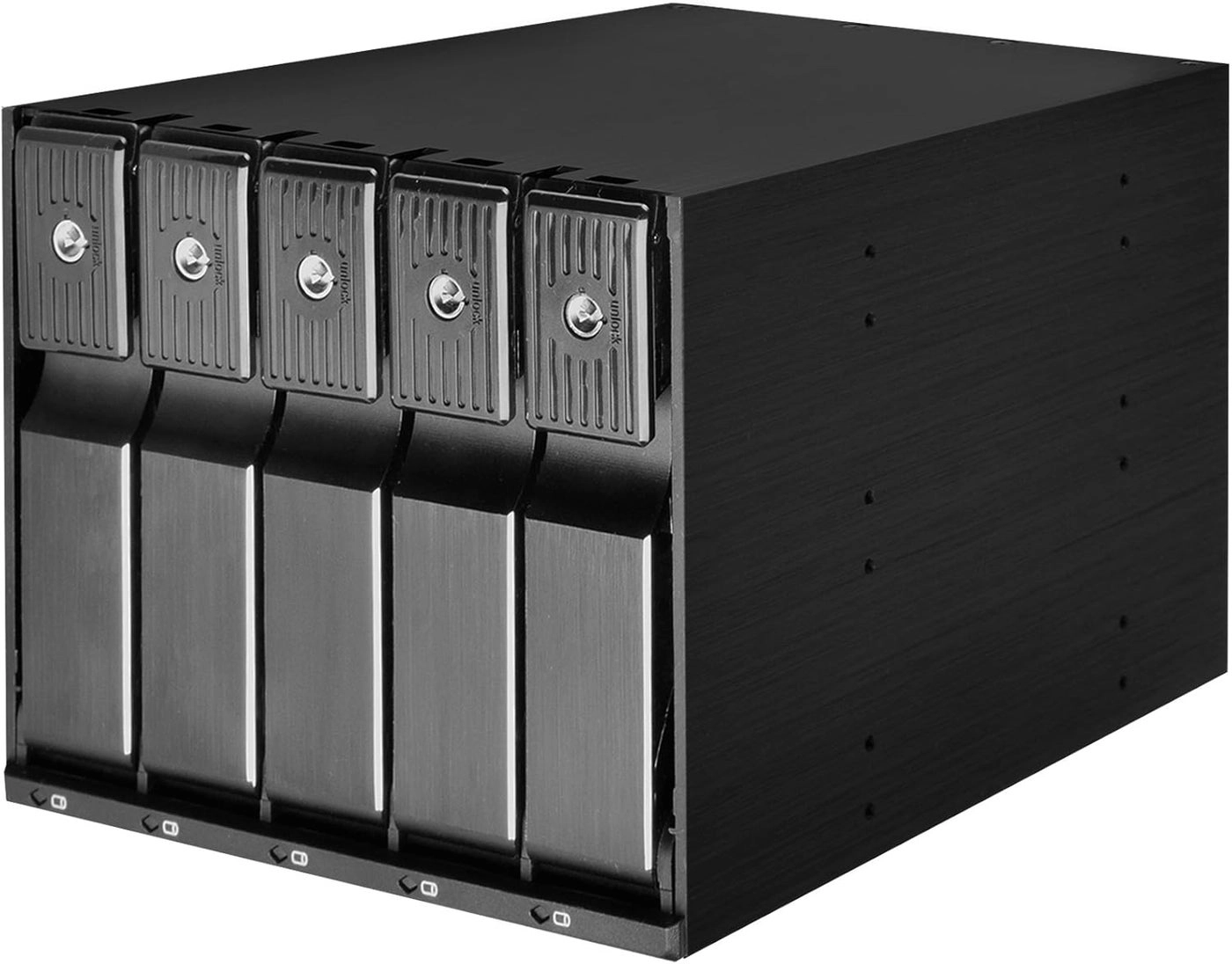
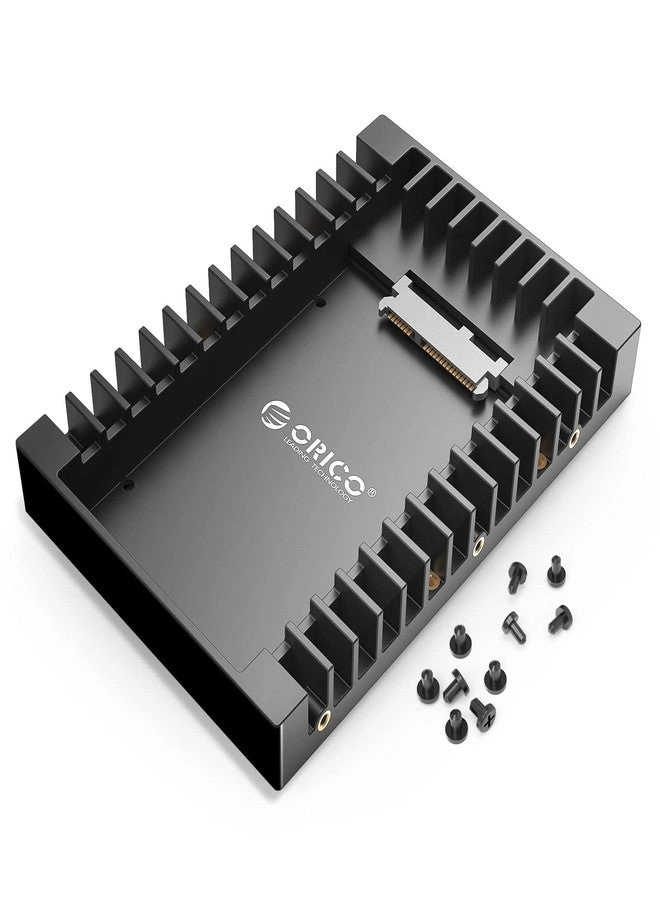
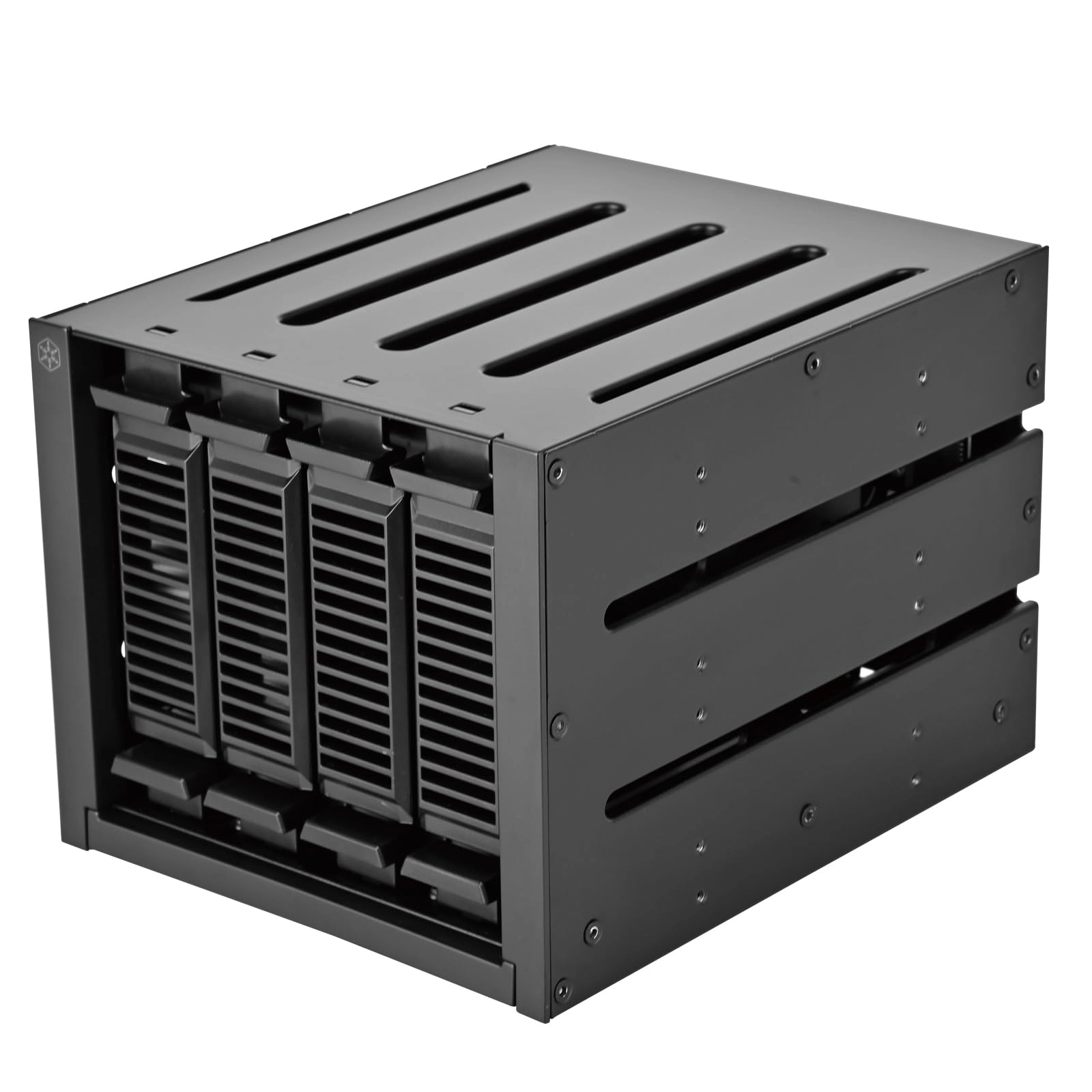
The JBOD TL-D400S rack-mounted expansion enclosure lets you back up and expand your QNAP NAS as well as your Windows and Ubuntu computers and servers. The TL-D400S includes four 3.5" SATA 6Gbps drive bays; the shallow rack design is ideal for installing the TL-D400S in a compact rack, or in places with plenty of cabling. The TL-D400S comes with a QXP PCIe card to connect the enclosure using a SFF-8088 (or SFF-8644) cable. It provides reliable read/write performance for smooth storage and backup tasks. High performance of TL SATA JBOD. The JBOD SATA TL supports SATA 6Gbps multi-channel transfer; and each SATA port connects directly to a single SATA drive to help improve performance. Thanks to the high-speed 1-1 channel, the TL SATA JBOD delivers excellent transfer performance. Flexible storage configuration and management. The TL-D400S provides software-controlled storage configuration for flexibility and superior management. You can configure RAID and monitor JBOD enclosure and disk integrity with Storage and Snapshots if you are connected to a QTS or QTS hero NAS, or with the QNAP JBOD Manager application if you are connected to a computer. What you need to know. You can connect your TL-D400S to Windows® and Ubuntu® computers and servers via the SFF-8088 (or SFF-8644) high-speed cable and run the built-in utility to manage the RAID configuration. Flexibly increase connectivity with QXP PCIe cards. Install a proprietary QXP PCIe card on your QNAP NAS, PC and Windows or Ubuntu servers to connect the JBOD enclosure via a SFF-8088 (or SFF-8644) cable, for simple and flexible storage expansion. Versatile use cases to meet storage expansion needs. The TL-D400S meets many storage expansion requirements for home and business use. Below you will find a list of example use cases:. . Scenario 1: Increase the capacity of your NAS. The TL-D400S offers an alternative method for users to increase the storage capacity of their NAS. By connecting the TL-D400S to their NAS and using Storage and Snapshot Manager in QTS or QTS hero, users can easily configure and manage their storage extension. The TL-D400S supports a range of storage and file management functions on QNAP NAS; allowing users to establish storage pools, retrieve files with Qsirch, and organize files with Qfiling. Scenario 2: External storage for your NAS. You can use the TL-D400S to increase the storage of your NAS. You can select drives to create storage pools to increase the capacity of your NAS, or you can treat each drive as an individual external storage space and use it as a removable drive for greater flexibility. No matter what mode you use, you can always use Storage & Snapshot Manager in QTS or QTS hero to set up and manage your TL-D400S and use the S.M.A.R.T hard drives and Notification Center to check status anytime and anywhere. Scenario 3: Increase storage space for your Windows and Ubuntu computers and servers. You can use your TL-D400S with Windows and Ubuntu computers and servers to further increase storage space. You can set the RAID configuration of your TL-D400S to further secure data protection. Also, you can use single disk mode and format with the exFAT file system for more convenient file access and sharing between Windows and Ubuntu computers. Scenario 4: Third-party hardware RAID card for advanced protection. You can install third-party hardware RAID cards on your TL-D400S for advanced hardware protection RAID 1, RAID 5, RAID 6, RAID 10, RAID 50, and RAID 60 and use Windows utility software to manage your TL-D400S. The TL-D400S offers better performance than other JBOD USB and eSATA solutions. The TL-D400S includes SFF-8088 (or SFF-8644) connectivity and multiple SATA 6Gbps arrays. This delivers better sequential read performance and faster transfer speeds than existing USB and eSATA expansion enclosures, while being a more cost-effective option over a QNAP REXP SAS enclosure.
Reviews
Loading...
Loading...
Loading...
Loading...
Loading...
Loading...
Loading...
Loading...
Loading...
Loading...
Loading...
Loading...
Loading...
Loading...
Loading...
Loading...
Loading...
Loading...
Loading...
Loading...
Loading...
Loading...
Loading...
Loading...
Loading...
Loading...
Loading...
Loading...
Loading...
Loading...
Loading...
Loading...
Loading...
Loading...
Loading...
Loading...
Loading...
Loading...
Loading...
Loading...
Loading...
Loading...
Loading...
Loading...
Loading...
Loading...
Loading...
Loading...
Loading...
Loading...
Loading...
Loading...
Loading...
Loading...
Loading...
Loading...
Loading...
Loading...
Loading...
Loading...
Loading...
Loading...
Loading...
Join our newsletter
Be the first to know about new arrivals, sales, and exclusive picks
Sign in to unlock newsletter access and stay in the loop
Please enable location access or select an emirate