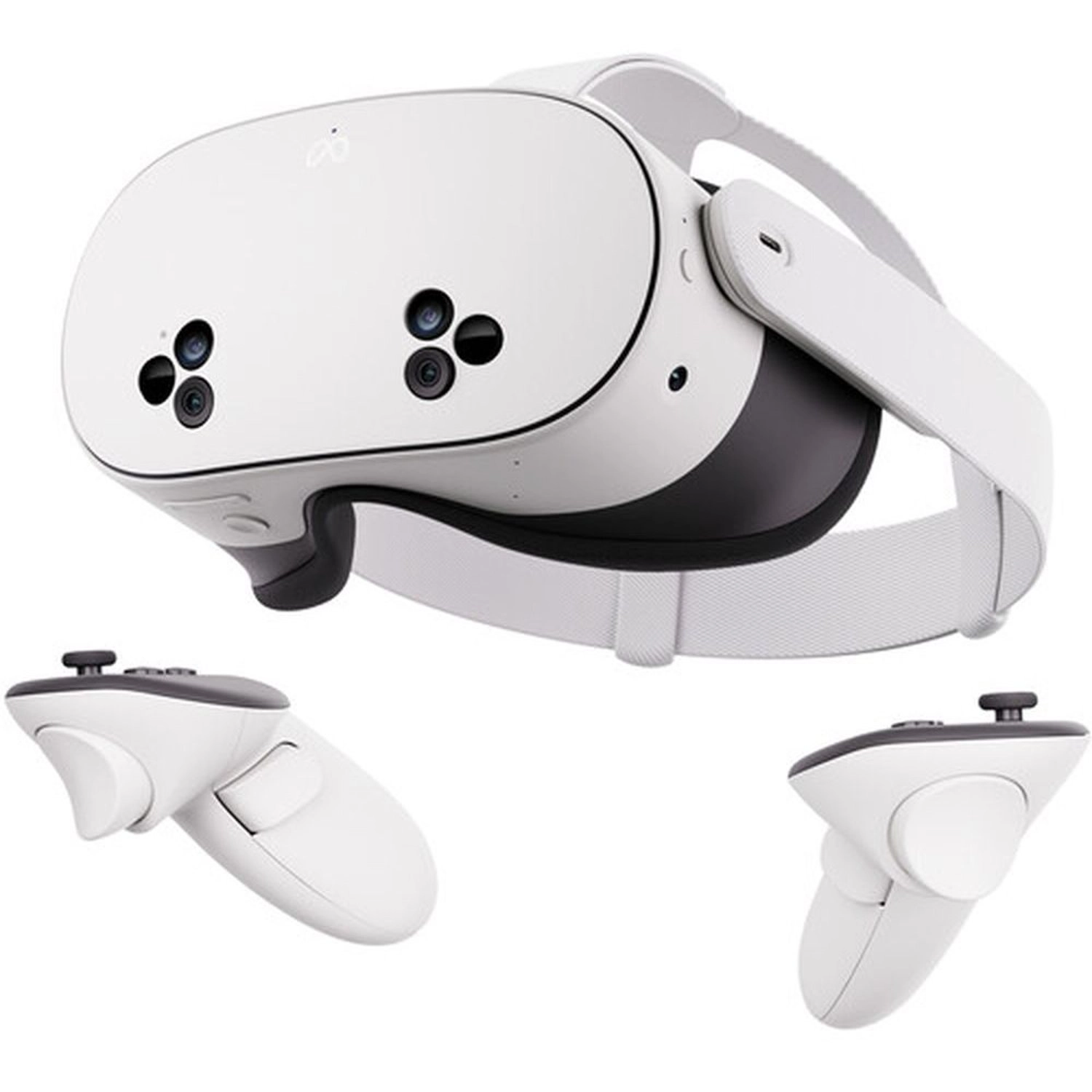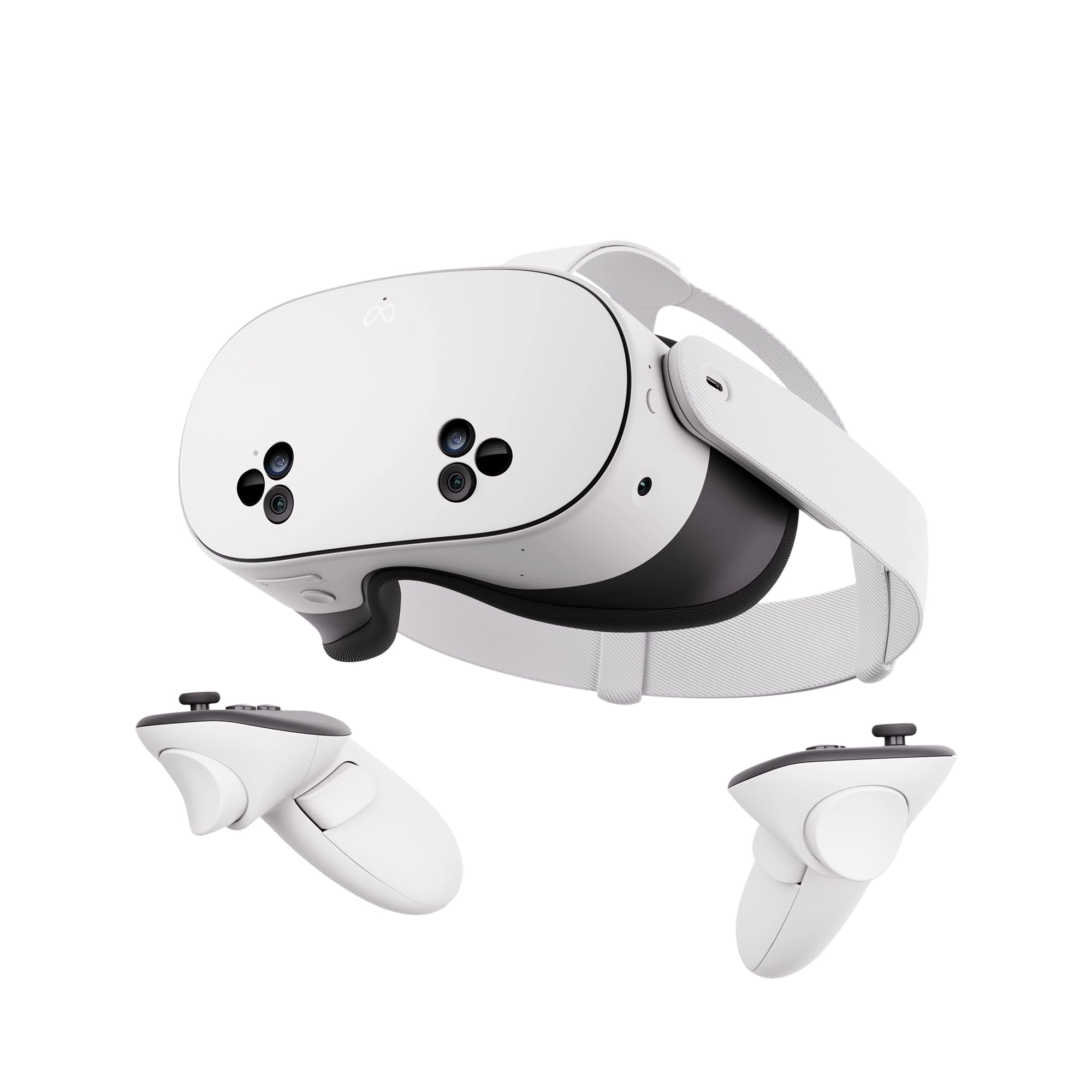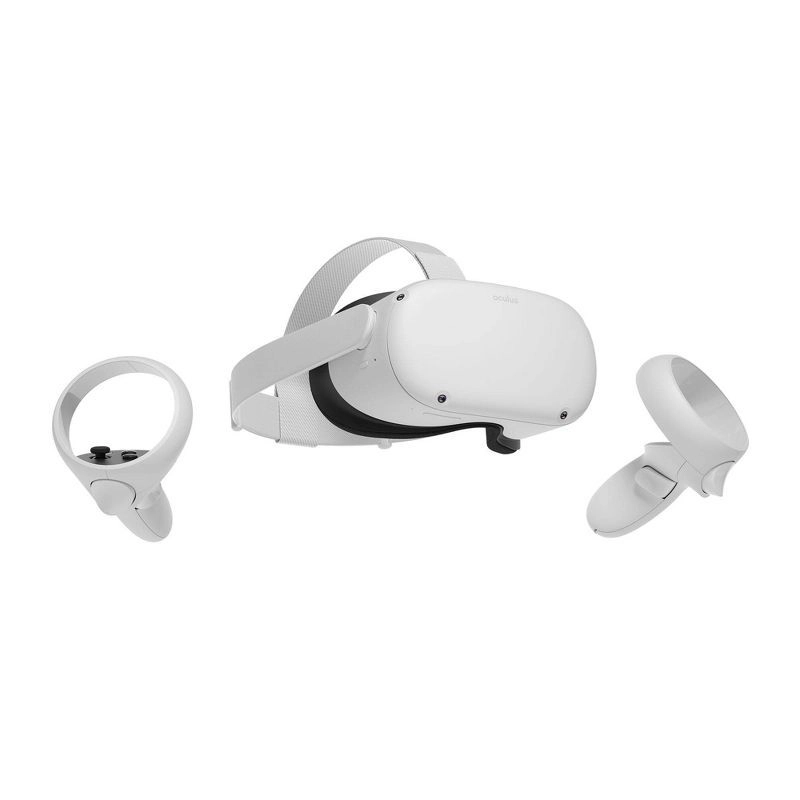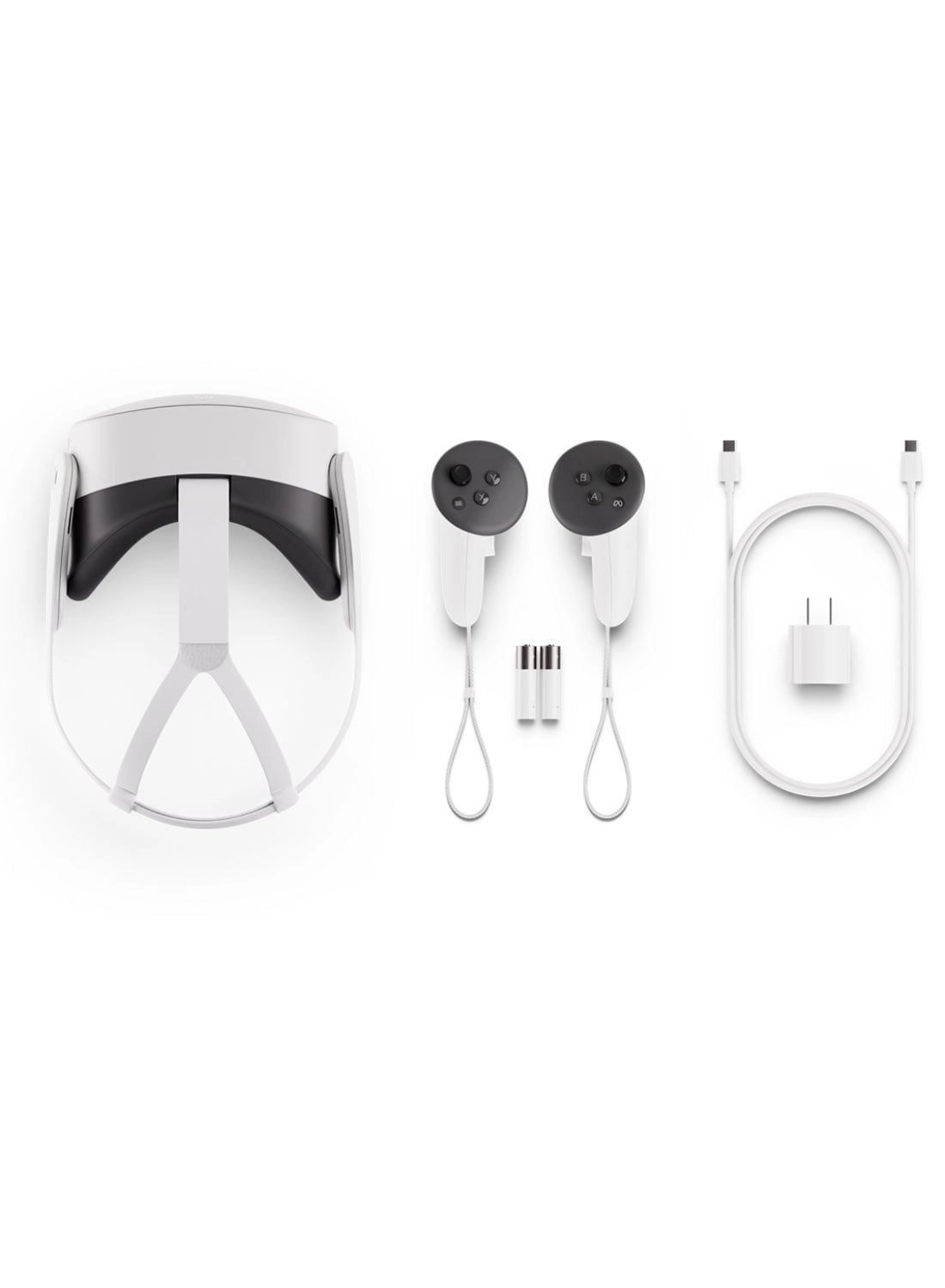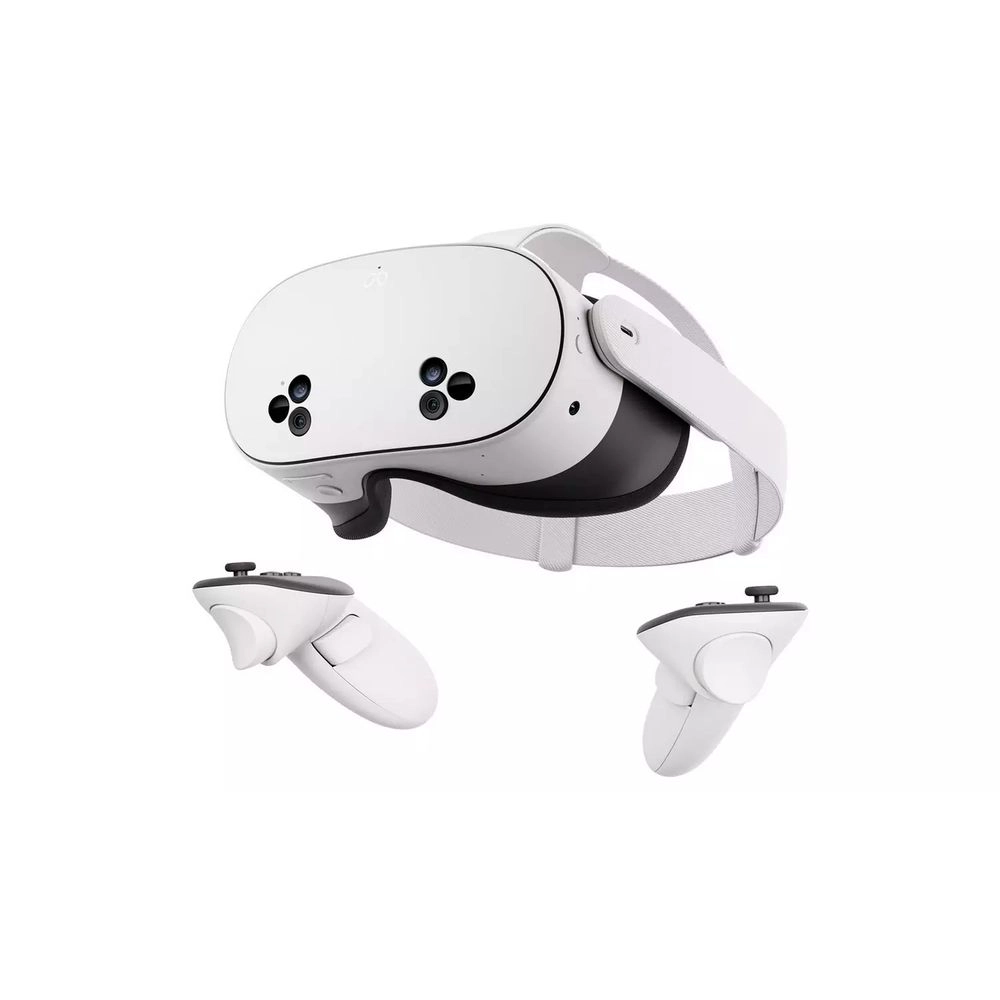
Discover the magic of Meta Quest 3S and get ready to experience
your favorite apps in a totally new way. The possibilities are
endless when you can blend digital content into your physical
space. Watch movies and shows on a vibrant screen that turns any
room of your house into a giant theater. Bring games to life in
your living room, or step right into the action with full
immersion. Hang out with friends from anywhere, but feel like
you’re in the same place, watching a concert or meeting up in
Meta Horizon. Wireless and light, enjoy out-of-this-world
workouts with Quest 3S that make fitness fun. With unreal
experiences at an unreal price, where will you begin? See child
safety guidance online; Accounts for 10+.
Review: Great Headset with Drawbacks - Review from a professional
VR dev with loads of different headsets. The Quest 3S is a great
budget headset that can play games on par with the Quest 3 and
most other current gen (late 2024) headsets. It provides similar
color passthrough and is a solid platform with access to both the
native Quest store for standalone play (no external PC required
after setup) and (through the Meta Link app) SteamVR when linked
to an appropriate computer. The build quality is fairly good,
although the included head strap is likely worth an upgrade for
most active apps and the glasses adjustment should be changed
with care to avoid damaging the mechanism. Overall this is a
great headset, but when compared to the Quest 3, the lenses in
the 3S both limit the field of view and the in-focus viewing
angles. This introduces some fiddliness in getting a perfect fit
to see content as clearly as possible - these issues are much
less pronounced in the Quest 3. If you've never used a Quest 3
then the difference isn't critical, but it is noticeable to those
of us who use both frequently. The headset might not last more
than a year or two for a number of reasons. Firstly, VR tech
changes rapidly and has generally had large steps in quality and
convenience every few years both in hardware and software. The
headset might not be able to keep up with new technical
requirements for fresh updates and apps after a few years. Meta
has already stopped allowing app updates for Gen 1 Quests.
Secondly, these devices are extremely sensitive to strong light
sources such as the sun. When the lenses get direct rays from the
sun into them they are likely to take some damage. Of the seven
or so Quests I have had for work, which see an occasional trip to
the car (once a month or so), all but the newest one have had at
least one dead pixel (attributed to sun focusing through the
lenses, but could be from something else). If you spend the money
on a headset like this, it is likely worth getting a carrying
case and not leaving it by windows. All-in-all this is a good
headset on a solid platform. It is probably not a super long-term
headset and could benefit from accessories such as a rigid head
strap and protective storage case to get the most out of it. If
you are new to VR or want something easy to use without breaking
the bank, this is a relatively recommendable option. If you want
the most out of a standalone headset, maybe look at the Quest 3
(or whatever the flagship is at the time).
Review: The Best VR Headset for Gaming and Everyday Use –
Unmatched Value and Performance - The Meta Quest 3 is hands down
one of the best VR headsets you can buy right now, and it offers
incredible value for the cost. It’s packed with features that
make it stand out in today’s market as both a top-tier gaming
headset and a user-friendly device for all kinds of VR
applications. As someone who has tried a range of VR headsets,
the Quest 3 has truly impressed me on all fronts. Here’s why I
think this is a must-have for VR enthusiasts and newcomers alike.
Design and Comfort – Built for Long Sessions The Meta Quest 3’s
design is sleek, comfortable, and clearly well thought out. The
headset is lighter and more compact than its predecessors, making
it comfortable for extended sessions. The padding is soft and
conforms well to the face, while the strap system ensures a snug
fit without feeling too tight. This is a huge plus for anyone who
wants to game for hours on end or explore virtual worlds without
constantly adjusting the headset. Display Quality – Crystal Clear
Visuals One of the most noticeable upgrades in the Meta Quest 3
is the stunning display. The high-resolution screens make
everything look incredibly sharp and vibrant. Whether I’m playing
high-intensity games or just exploring VR apps, the clarity makes
everything feel immersive and lifelike. The colors pop, and
there’s little to no screen-door effect, which makes a big
difference in overall visual quality. Gaming Experience – Truly
Exceptional As a gaming device, the Meta Quest 3 shines brightly.
It delivers smooth performance across a wide variety of games,
from intense action titles to relaxing VR experiences. The
headset’s improved refresh rate and powerful processors ensure
that even graphically demanding games run seamlessly, with
minimal lag or stuttering. The Meta Quest Store offers a huge
selection of VR games, so you’re not limited to a few
options—there’s something for everyone, no matter your taste in
games. Additionally, the Meta Quest 3’s controllers feel great in
the hands, with responsive buttons and intuitive motion tracking.
I’ve noticed that games feel more responsive, and the improved
tracking makes it easier to aim, grab, and interact within the VR
world. The Meta Quest 3 easily rivals the gaming performance of
more expensive headsets, proving you don’t need to spend a
fortune to get an incredible VR gaming experience. Ease of Use –
Perfect for Beginners and Veterans Alike One of the best things
about the Meta Quest 3 is how easy it is to use. The setup
process is straightforward and user-friendly, taking just a few
minutes to get started. Meta has done a fantastic job with its
user interface, making it easy to navigate settings, download
apps, and customize the experience to your liking.