Allware
Loading...
  • News
  • Price drops
  • New arrivals
  • Featured categories
  1. Computers & Peripherals
  2. Data Input Devices
  3. Mice
Gaming Mouse - Wireless

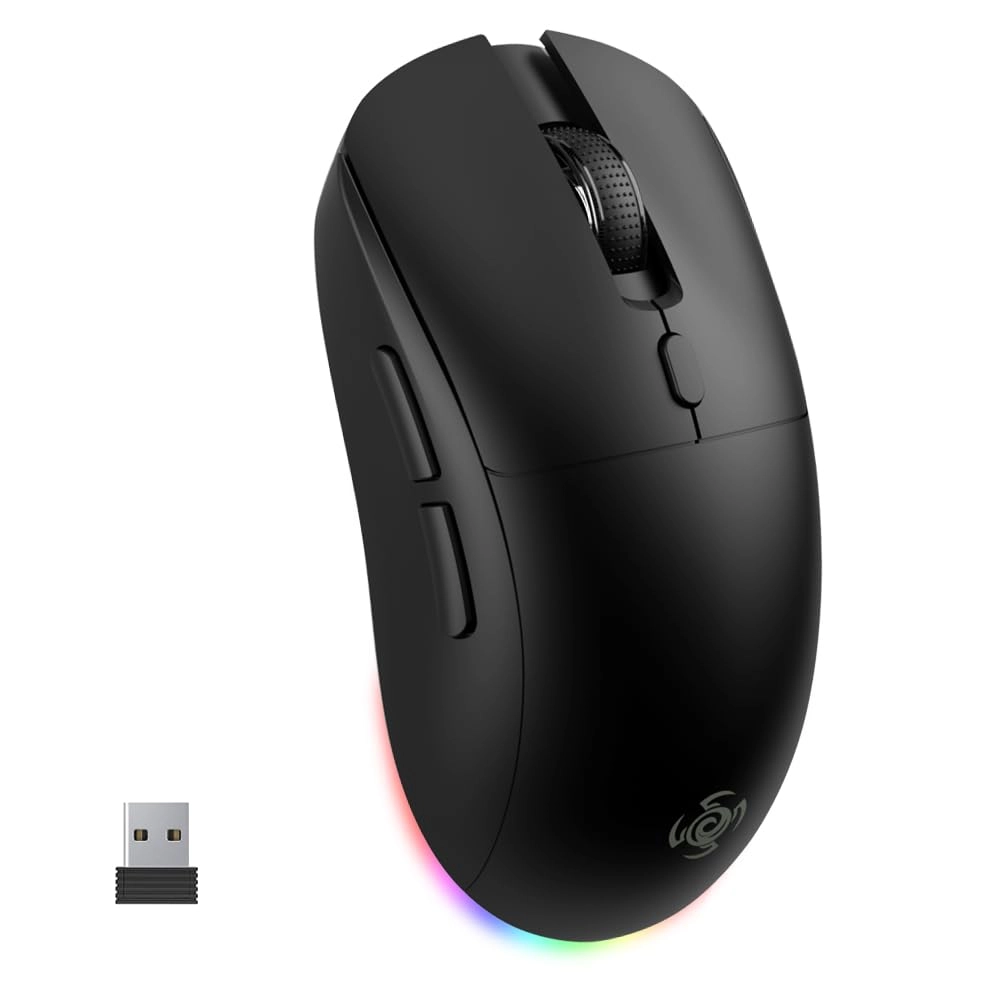
LORERAN Gaming Mouse - Wireless

Best offer
AED
11288

Key Features

  • Movement detection technology: Optical
  • Product colour: Black
  • Connectivity technology: Bluetooth, RF Wireless, Wired, Wireless
  • Product dimensions: 85 g
  • Special features: 800mAh Large battery capacity, LED Lights, Portable, Programmable Buttons, Rechargeable, Wireless
  • Batteries: 1 A batteries required. (included)
  • Offers
  • Price History
  • Specifications
  • Product Details
  • Review IconReviews

Specifications

Features

Special features
800mAh Large battery capacity, LED Lights, Portable, Programmable Buttons, Rechargeable, Wireless
Connectivity technology
Bluetooth, RF Wireless, Wired, Wireless
Product colour
Black
Movement detection technology
Optical

Weight & dimensions

Product dimensions
85 g

Technical details

Batteries
1 A batteries required. (included)

Product Details

LORERAN OMW143 Wireless Mouse:

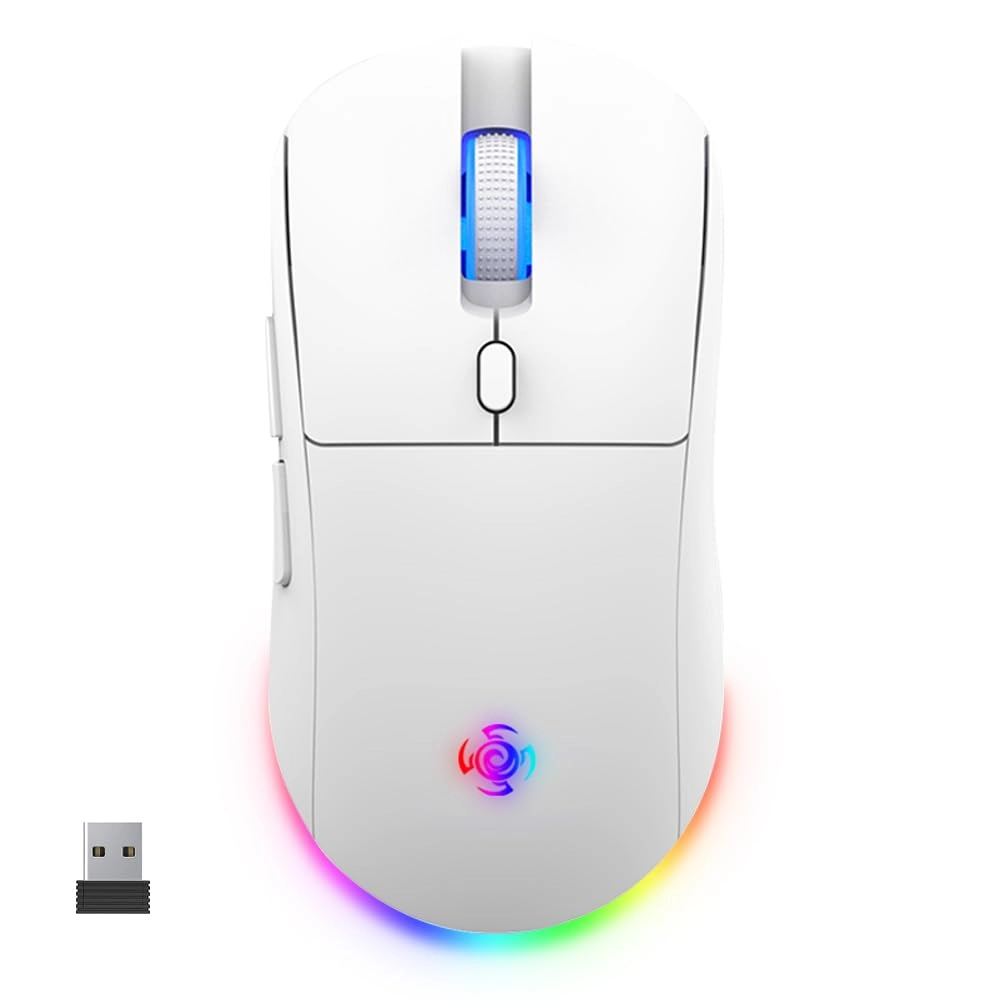
Using wireless Bluetooth technology, built-in 800mAH lithium battery, type-c interface, like a mobile phone, charging is convenient and more scientific, the charging time is about 2-3 hours, the mouse no longer needs to buy batteries, there are 6 ergonomic buttons, the comfortable contoured shape follows the natural curves of your hand, allowing you to stay productive longer.

Dimensions: 123mm x 63mm x 40mm

Weight: 85g

Packaging: Bluetooth mouse x1

How to connect Bluetooth mode?

  1. Set the bottom switch of the mouse to the “BT” position.
  2. Press and hold the left button + scroll wheel button+ right button for 5 seconds, then release. At this time, the blue light at the scroll wheel will continuously flash, indicating that the mouse is in pairing mode.
  3. Open the Bluetooth device, search for and select the Bluetooth name OMW143, click on "Connect", and begin the Bluetooth pairing. Once the pairing is successful, the indicator light will turn off, indicating that the connection is successful and ready for use.

Note:

*Bluebooth connectivity is not supported on Windows 7 and earlier.

Reviews

Loading...
Loading...
Loading...
Loading...
Loading...
Loading...
Loading...
Loading...
Loading...
Loading...
Loading...
Loading...
Loading...
Loading...
Loading...
Loading...
Loading...
Loading...
Loading...
Loading...
Loading...
Loading...
Loading...
Loading...
Loading...
Loading...
Loading...
Loading...
Loading...
Loading...
Loading...
Loading...
Loading...
Loading...
Loading...
Loading...
Loading...
Loading...
Loading...
Loading...
Loading...
Loading...
Loading...
Loading...
Loading...
Loading...
Loading...
Loading...
Loading...
Loading...
Loading...
Loading...
Loading...
Loading...
Loading...
Loading...
Loading...
Loading...
Loading...
Loading...
Loading...
Loading...
Loading...

Join our newsletter

Be the first to know about new arrivals, sales, and exclusive picks

Sign in to unlock newsletter access and stay in the loop

Allware
info@allware.com
+971522500911
World technology awards winner badge

Allware

  • About Us
  • Terms And Conditions
  • Privacy Policy
  • Contact Us

Partners

  • Why become a partner?
  • How to list your Online Shop?

Newsletter

  • Subscribe

Info

  • How Allware works
All Rights Reserved.
Allware does not sell products. Prices shown are aggregated from verified merchants.
Please enable location access or select an emirate
-
00:00:00
Prayer timings

Offers (3)

Amazon logo

3 offers

From
AED
112

LORERAN Wireless Gaming Mouse, 3 Modes 4800 DPI Bluetooth/2.4G/Wired Mouse with Type-C Rchargeable Nano Receiver 6 DPI Levels, 6 Macro Buttons, RGB LED Backlit & Pro Software/Drive for PC/Mac/Laptop


Black
AED
11288

Price History

Price History Skeleton
Price History Shimmer Effect
Loading price history...

Similar Products

See all
-21%
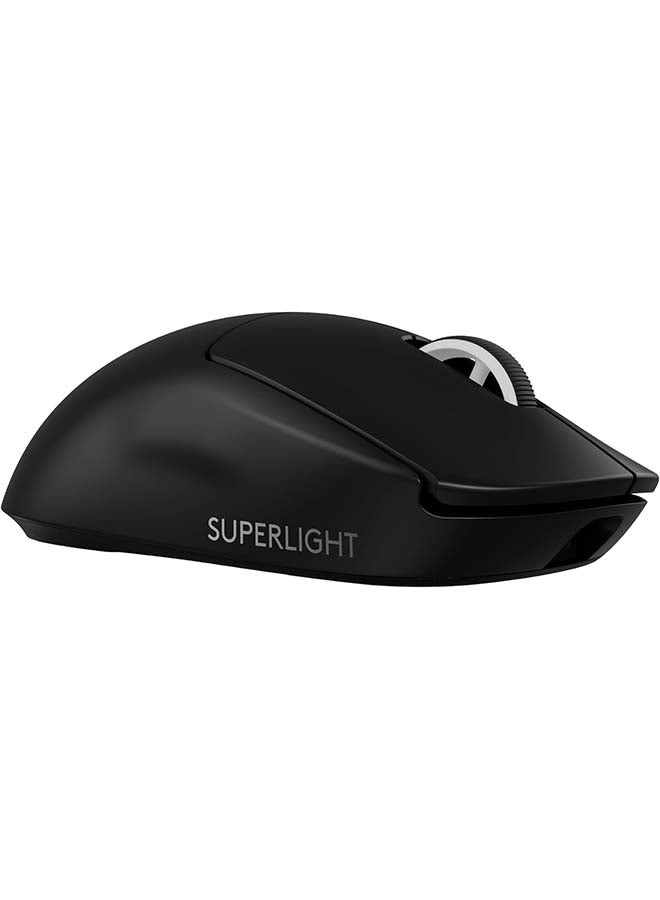
Logitech PRO X SUPERLIGHT 2 Gaming Mouse - Wireless

Logitech PRO X SUPERLIGHT 2 Gaming Mouse - Wireless

AED
56900
AED
44800
70 offers
-34%
Logitech MX Anywhere 3S - Wireless

Logitech MX Anywhere 3S - Wireless

AED
34900
AED
22900
34 offers
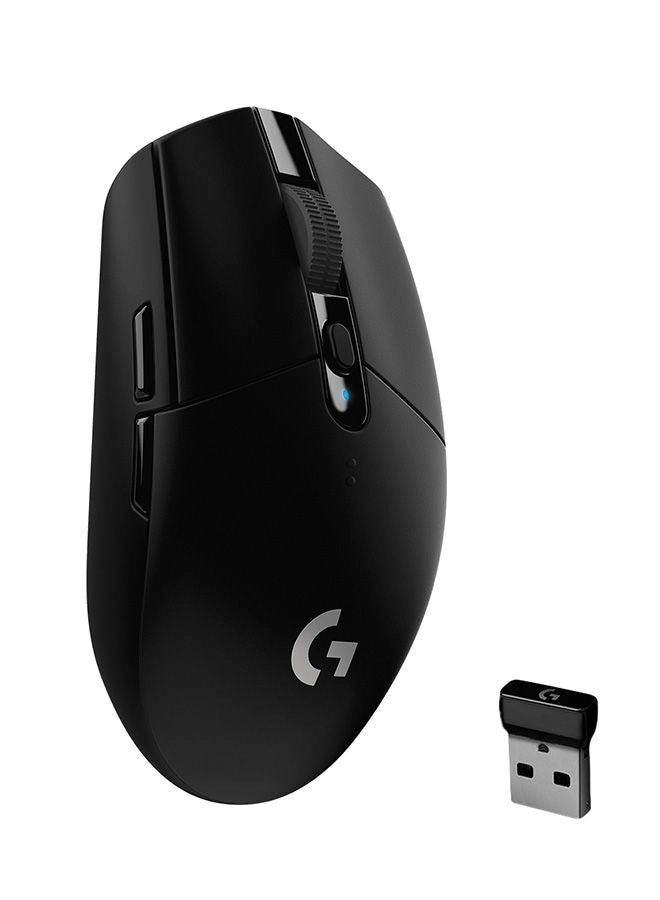
Logitech G305 LIGHTSPEED Gaming Mouse - Bluetooth

Logitech G305 LIGHTSPEED Gaming Mouse - Bluetooth

AED
15800
21 offers
-30%
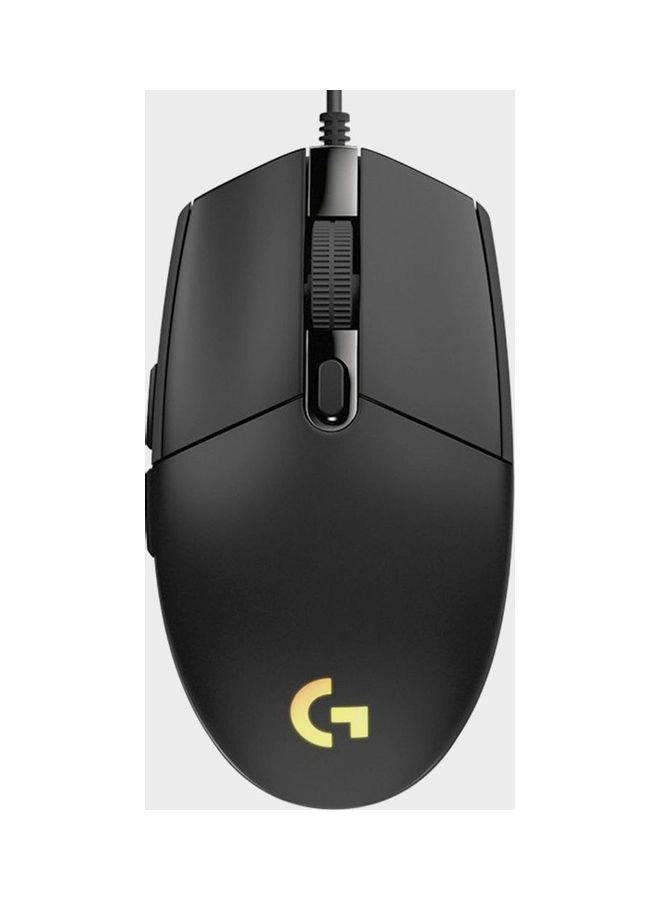
Logitech G203 HERO LightSync - USB

Logitech G203 HERO LightSync - USB

AED
9900
AED
6900
24 offers
Logitech G502 X PLUS Gaming Mouse - Wireless

Logitech G502 X PLUS Gaming Mouse - Wireless

AED
38900
21 offers
-26%
Logitech G Pro X Superlight Gaming Mouse - Wireless

Logitech G Pro X Superlight Gaming Mouse - Wireless

AED
49400
AED
36500
19 offers
Razer Orochi V2 Gaming Mouse - Bluetooth/Wireless

Razer Orochi V2 Gaming Mouse - Bluetooth/Wireless

AED
14303
19 offers
-51%
Razer DeathAdder Essential Gaming Mouse - Wired

Razer DeathAdder Essential Gaming Mouse - Wired

AED
12900
AED
6300
16 offers
-15%
Razer DeathAdder V3 Gaming Mouse - USB

Razer DeathAdder V3 Gaming Mouse - USB

AED
22500
AED
18904
10 offers
Razer Basilisk V3 Pro - Wireless

Razer Basilisk V3 Pro - Wireless

AED
34322
23 offers

More from LORERAN

See all
LORERAN Gaming Mouse - Wireless

LORERAN Gaming Mouse - Wireless

AED
11288
3 offers
LORERAN Dual Mode Silent Mouse - 2.4G Wireless Bluetooth

LORERAN Dual Mode Silent Mouse - 2.4G Wireless Bluetooth

Unavailable
1 offer
Loading...
Loading...
Loading...
Loading...
Loading...
Loading...
Loading...
Loading...
Loading...
Loading...
Loading...
Loading...
Loading...
Loading...
Loading...
Loading...
Loading...
Loading...
Loading...
Loading...
Loading...
Loading...
Loading...
Loading...
Loading...
Loading...
Loading...
Loading...
Loading...
Loading...
Loading...
Loading...
Loading...
Loading...
Loading...
Loading...
Loading...
Loading...
Loading...
Loading...
Loading...
Loading...
Loading...
Loading...
Loading...