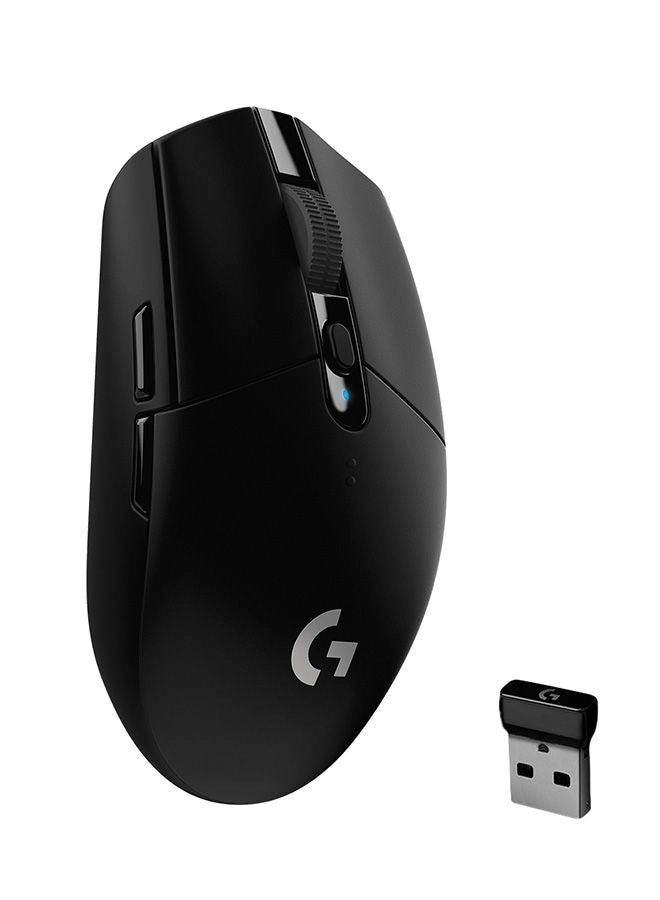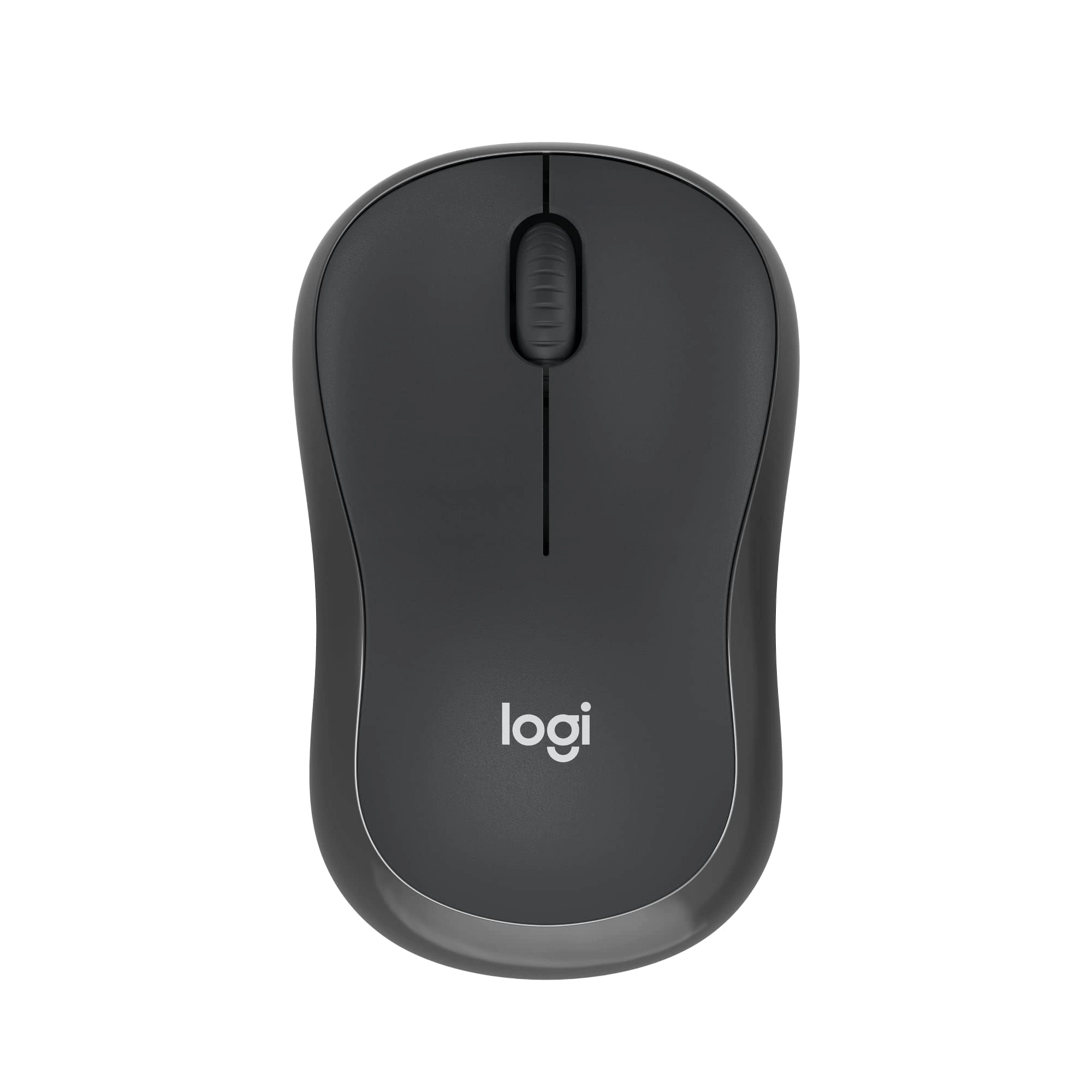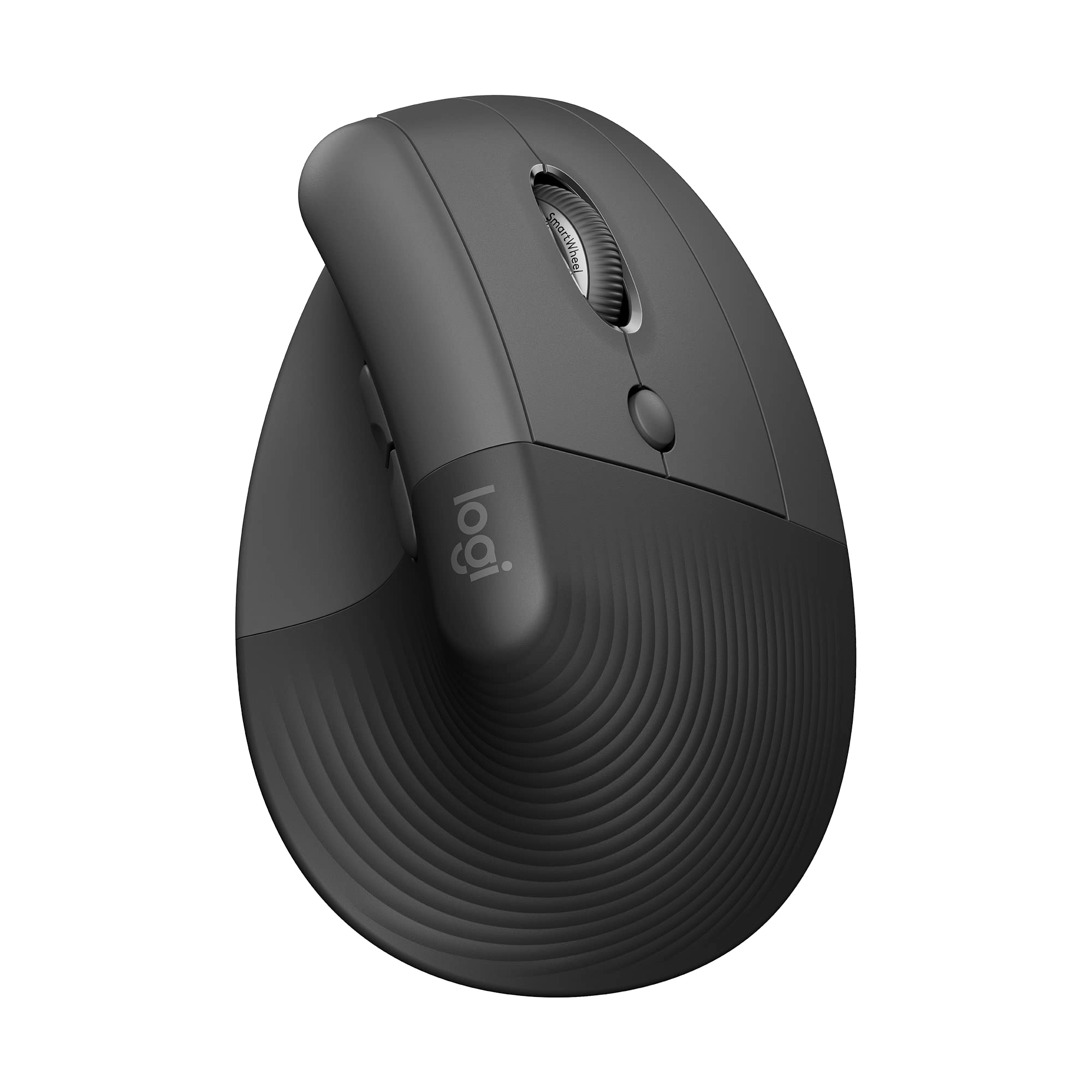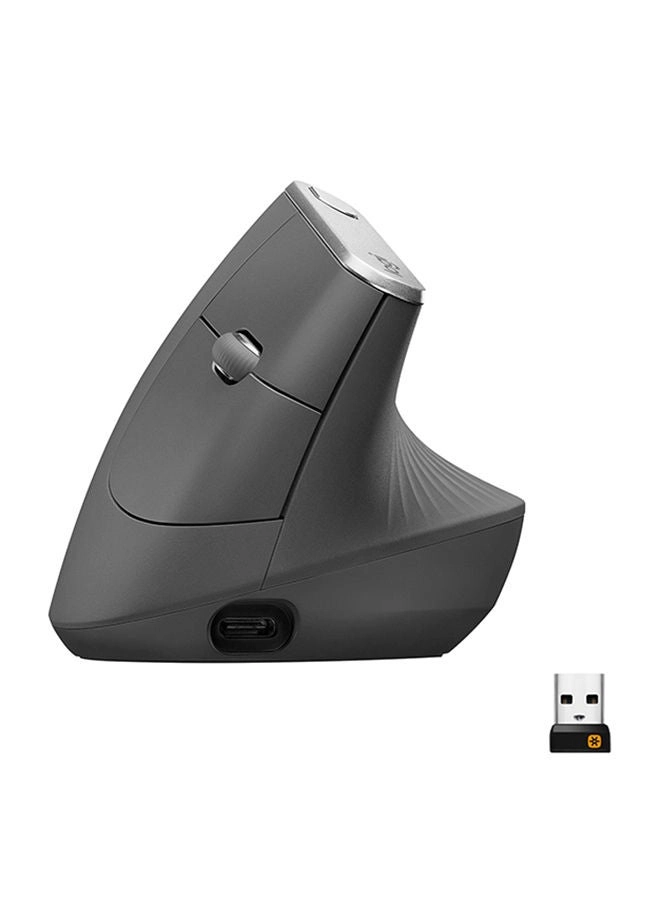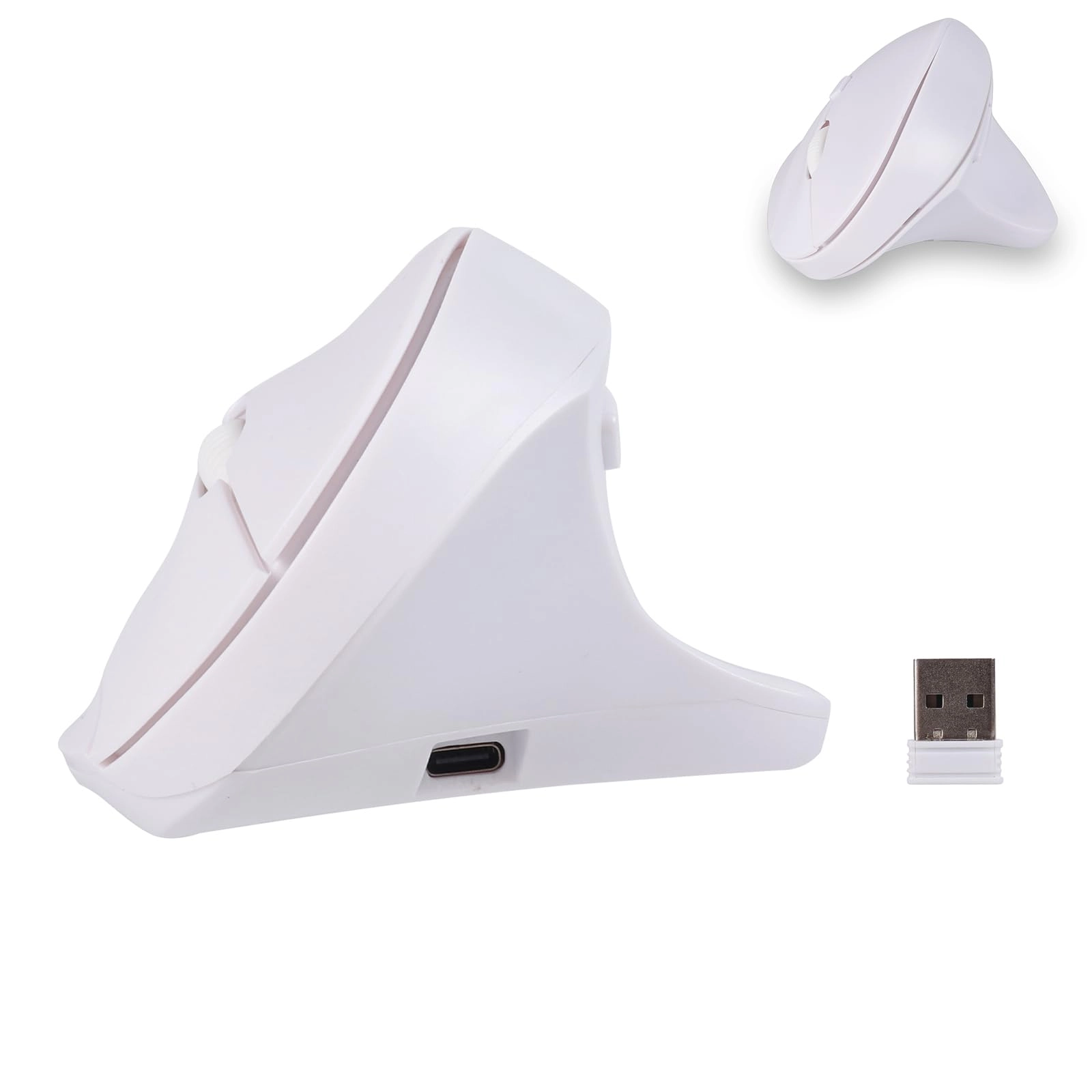
Meet the elecSpace USB-C & USB-A Dual Receiver Wireless Bluetooth Dual Mode Mouse—a next-generation “core keyword” wireless Bluetooth mouse built for modern devices and flexible workflows. This dual-mode mouse combines 2.4 GHz wireless via USB-A/USB-C receivers and Bluetooth mode, so you can simply plug in the included USB-A or Type-C receiver, or pair the Bluetooth mode, and start working instantly.
Key Features & Benefits
USB-A + USB-C Dual Receiver: No adapter needed—insert the USB-A or Type-C receiver depending on your device and switch to the correct mode.
2.4G + Bluetooth Dual Mode: Use the 2.4G wireless connection for desktops or laptops needing ultra-stable response, or simply switch to Bluetooth mode for tablets, ultra-books or mobile devices.
Type-C Rechargeable Battery & Indicator Lights: Charge the mouse with the included Type-C cable from any 5 V USB port; charging takes about 3 hours. The red indicator beside the scroll wheel stays on during charging and goes off when full. The three top LEDs show power status: top blinking = <25 % (charge soon), 2 lights = <75 %, 3 lights = >75 %. ⚠️ Do not use fast-charging adapters or any power source above 5 V, as damage may occur. Ships with low battery; please charge ~3 h before first use.
Silent Click & Precision Tracking: This “core keyword” wireless Bluetooth mouse offers smooth cursor control, quiet clicks and reliable tracking—perfect for offices, remote work, students or nighttime use without disturbing others.
Up to 10 Metre Wireless Range & Broad Compatibility: Offers up to 10 metre transmission distance; works across Windows, macOS, Android, iPadOS.
Easy Mode Switching:
2.4G Mode: Remove the receiver, insert into device’s USB-A or Type-C port, power on the bottom switch, press the bottom mode button to choose USB or “TC” depending on which receiver is in use, then click any button to start.
Bluetooth Mode: Power on bottom switch, press mode button to select Bluetooth, open your device’s Bluetooth, search for “BT5.1mouse”, connect and begin.
⚠️ For iPhone/iPad users: Go to Settings → Accessibility → Touch → AssistiveTouch and enable before use.
What’s in the Box: 1 × 2.4G + Bluetooth Dual Mode Mouse, 1 × USB-A Receiver, 1 × Type-C Receiver, 1 × Type-C Charging Cable, 1 × User Manual.
The elecSpace high-performance “core keyword” wireless Bluetooth dual mode mouse is perfect for professionals, students, mobile workers and anyone needing a portable, quiet, versatile mouse that works across modern and legacy devices. Whether you’re working at a desk, studying in a library, or travelling with your laptop, this mouse has you covered.