Allware
Loading...
  • News
  • Price drops
  • New arrivals
  • Featured categories
  1. Computers & Peripherals
  2. Data Input Devices
  3. Keyboards
f2ngz80tb9-11 - Wired

KIMISS f2ngz80tb9-11 - Wired

Best offer
AED
15158

This price may no longer be valid

Key Features

  • Product colour: Black/White
  • Connectivity technology: USB
  • Weight: 250g
  • Batteries included: No
  • Offers
  • Price History
  • Specifications
  • Product Details
  • Review IconReviews

Specifications

Features

Connectivity technology
USB
Product colour
Black/White

Weight & dimensions

Weight
250 g

Packaging content

Batteries included
✗

Product Details

Technical data: Item Type: Macro Mechanical Keyboard Material: Acrylic, PCB Usage: suitable for office, games, music, media, industrial control, laboratory, production line testing and other fields System support: for , for VISTA, for , for OS > Size: approx. 132 x 77 x 38 mm / 5.2 x 3 x 1.5 inches (L x W x H). Current and voltage: DC 5V/1A. Working temperature: -10℃-50℃. Application: 1. Small keyboard, open the custom software on the computer. 2. In the custom software, click on the "button setting area" or "button setting area" (yellow area) and then on the key1-key12 button or any button of button 1 or button 2 (green area) to be adjusted; when selected, it will be displayed red. 3. Click the function key corresponding to the simulated keyboard in the custom software, click "Download" to view the successful download. The custom keyboard can be used. For example, if you want to set the small keyboard key 1 as a key combination to copy (Ctrl+C), click "Key Settings Area" in the software, click "KEY1", and then click Ctrl and C on the software simulation keyboard. Click "Download" and the message "Download successful" will appear. Common troubleshooting methods: Problem 1: When the keyboard is connected to the computer, there is no response or message The device is not running normally. Solution: Check that the cable and interface are connected correctly, then remove and plug it back in. Replace the USB port on the computer and plug it back in. Error 2: Custom software cannot be opened after downloading

Reviews

Loading...
Loading...
Loading...
Loading...
Loading...
Loading...
Loading...
Loading...
Loading...
Loading...
Loading...
Loading...
Loading...
Loading...
Loading...
Loading...
Loading...
Loading...
Loading...
Loading...
Loading...
Loading...
Loading...
Loading...
Loading...
Loading...
Loading...
Loading...
Loading...
Loading...
Loading...
Loading...
Loading...
Loading...
Loading...
Loading...
Loading...
Loading...
Loading...
Loading...
Loading...
Loading...
Loading...
Loading...
Loading...
Loading...
Loading...
Loading...
Loading...
Loading...
Loading...
Loading...
Loading...
Loading...
Loading...
Loading...
Loading...
Loading...
Loading...
Loading...
Loading...
Loading...
Loading...

Join our newsletter

Be the first to know about new arrivals, sales, and exclusive picks

Sign in to unlock newsletter access and stay in the loop

Allware
info@allware.com
+971522500911
World technology awards winner badge

Allware

  • About Us
  • Terms And Conditions
  • Privacy Policy
  • Contact Us

Partners

  • Why become a partner?
  • How to list your Online Shop?

Newsletter

  • Subscribe

Info

  • How Allware works
All Rights Reserved.
Please enable location access or select an emirate
-
00:00:00
Prayer timings

Offers (1)

Amazon logo

1 offer

From
AED
151

KIMISS Gaming Mechanical Keyboard, One-Hand Macro Mechanical Keyboard, 12-Key Multifunction DIY Programmable Keyboard for Office Gaming Laboratory (Black/White)


Black/White
Price expired

This price may no longer be valid

AED
15158

Price History

Price History Skeleton
Price History Shimmer Effect
Loading price history...

Similar Products

See all
-30%
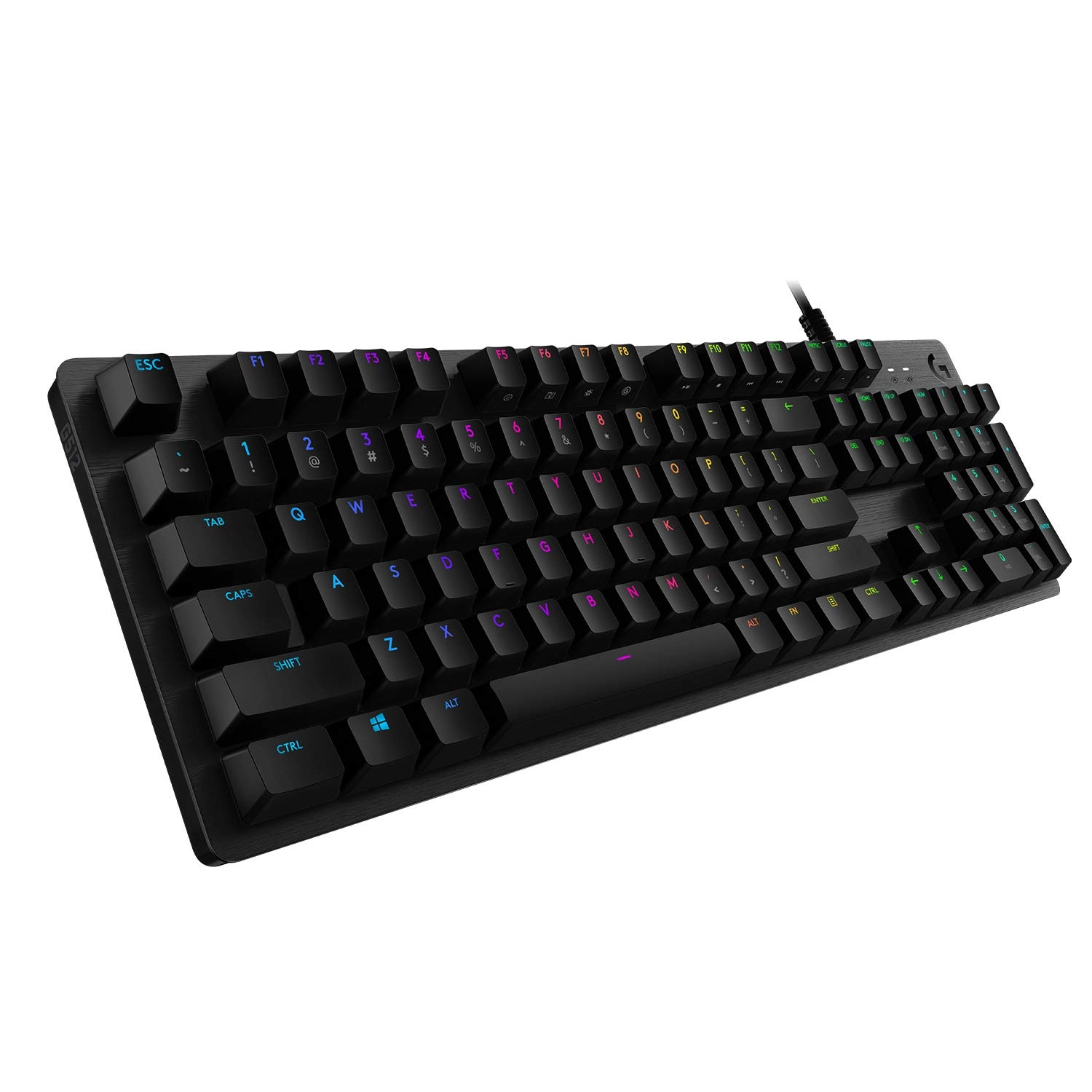
Logitech G512 - UK Wired

Logitech G512 - UK Wired

AED
3 13500
AED
2 19450
8 offers
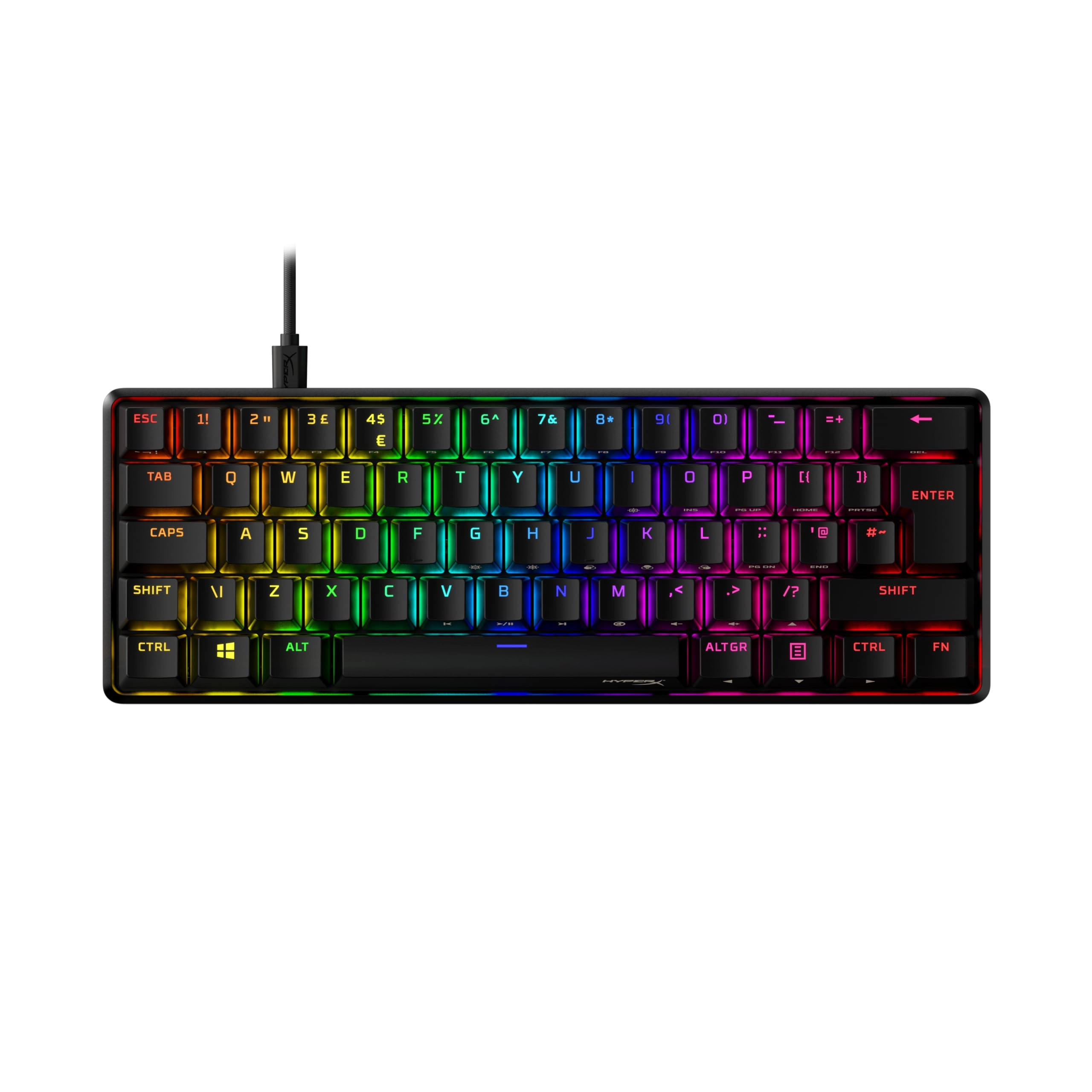
HyperX Alloy Origins 60 - Wired

HyperX Alloy Origins 60 - Wired

AED
50500
9 offers
-19%
Logitech G413 SE - US Wired

Logitech G413 SE - US Wired

AED
31500
AED
25500
11 offers
Razer Cynosa V2 - 110 keys + 6 multimedia keys Wired

Razer Cynosa V2 - 110 keys + 6 multimedia keys Wired

AED
24900
5 offers
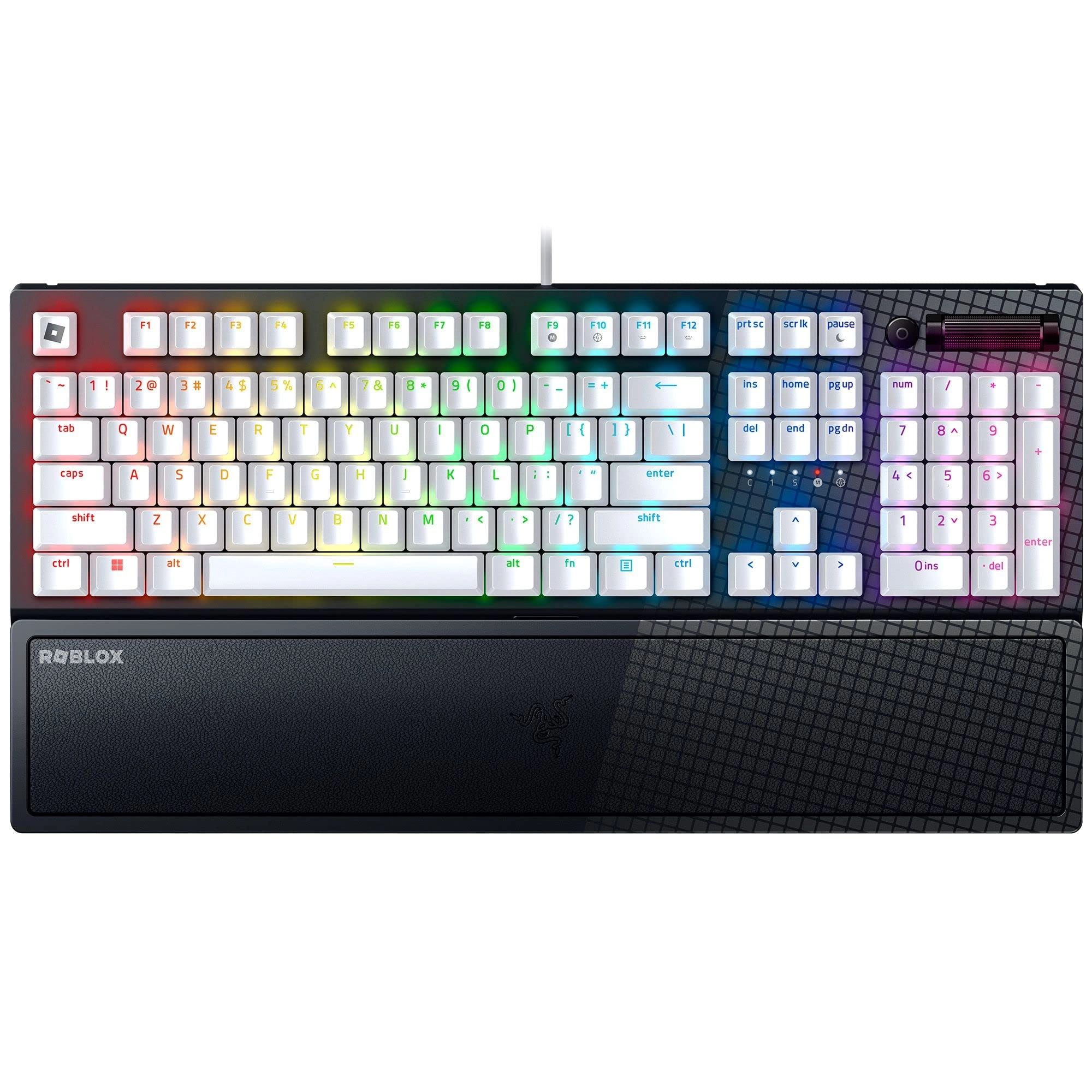
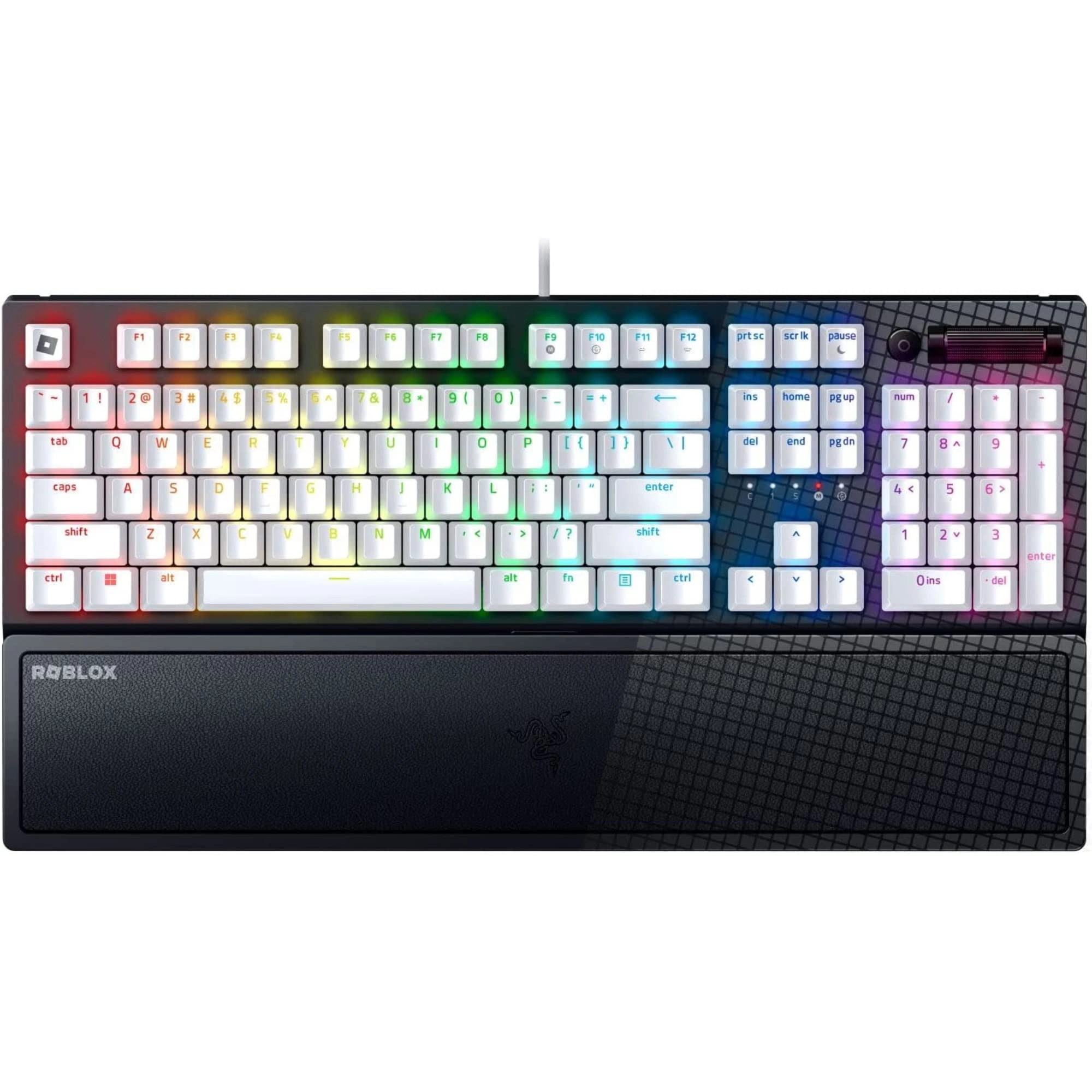
Razer BlackWidow V4 - UK Wired

Razer BlackWidow V4 - UK Wired

AED
54900
9 offers
Razer Blackwidow V3 - US Wired

Razer Blackwidow V3 - US Wired

AED
34835
7 offers
Corsair K70 PRO RGB - ES Wired

Corsair K70 PRO RGB - ES Wired

AED
89900
15 offers
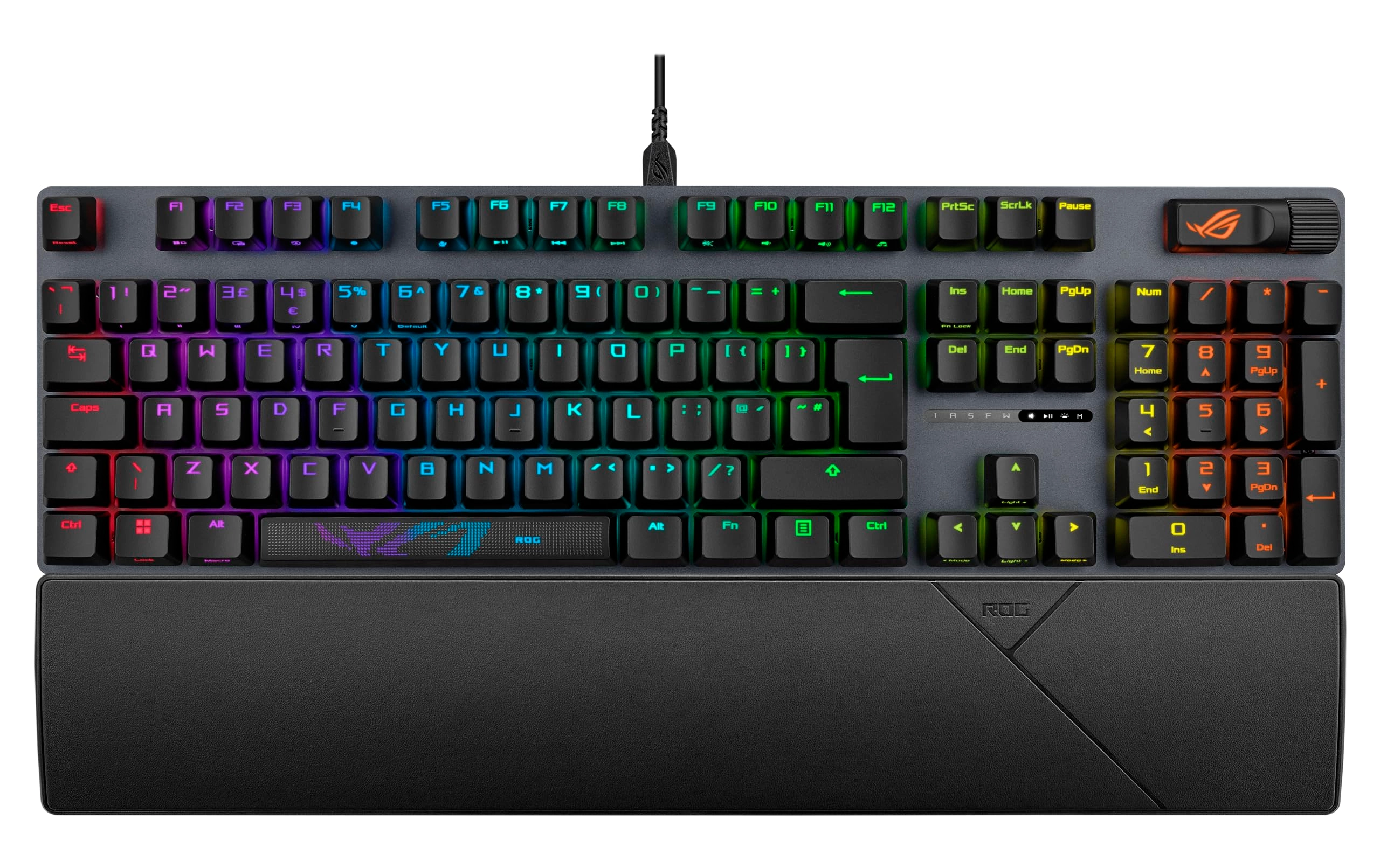
ASUS Strix Scope II - AR Wired

ASUS Strix Scope II - AR Wired

AED
45900
9 offers
-35%
Lenovo Legion K510 Mini Pro - US Wired

Lenovo Legion K510 Mini Pro - US Wired

AED
36900
AED
23800
4 offers
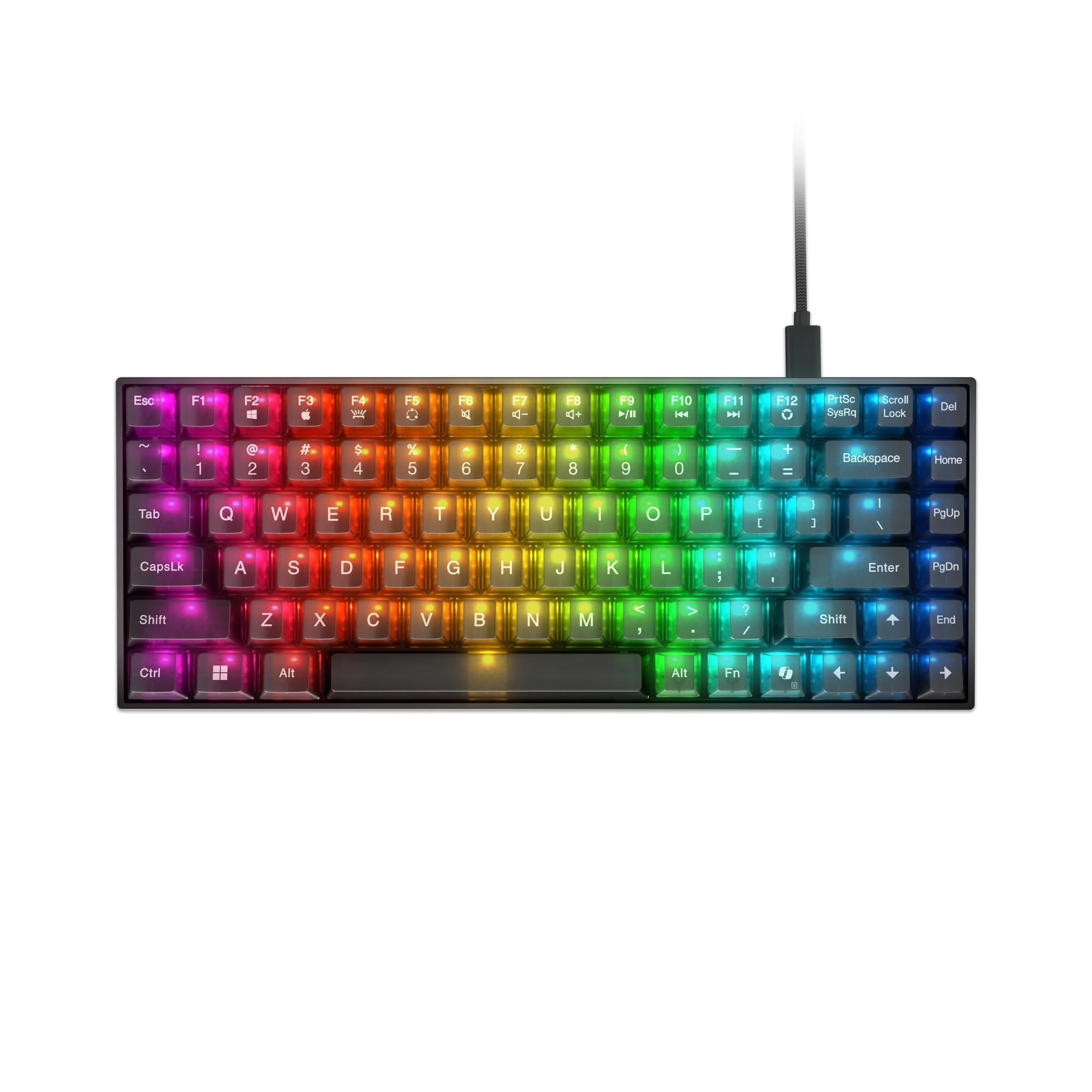
ASUS Falchion Ace - US Wired

ASUS Falchion Ace - US Wired

AED
31026
7 offers

More from KIMISS

See all
KIMISS POE Injector - 24V 24W IEEE 802.3

KIMISS POE Injector - 24V 24W IEEE 802.3

Unavailable
1 offer
KIMISS Film and Slide Scanner - mini_usb

KIMISS Film and Slide Scanner - mini_usb

AED
27353
1 offer
KIMISSw1gb8ugzq7 1920 X 1080 pixels

KIMISSw1gb8ugzq7 1920 X 1080 pixels

Unavailable
1 offer
KIMISS Reversing Camera

KIMISS Reversing Camera

AED
14702
1 offer
KIMISS S650 Wireless Earbud

KIMISS S650 Wireless Earbud

AED
5321
2 offers
KIMISS Portable Car Mouse - USB

KIMISS Portable Car Mouse - USB

AED
7324
1 offer
KIMISS Portable 4G Hotspot - 4G IEEE802.11b/g/n 150 Mbps

KIMISS Portable 4G Hotspot - 4G IEEE802.11b/g/n 150 Mbps

AED
13854
2 offers
KIMISS Q2 1080 X 720

KIMISS Q2 1080 X 720

Unavailable
1 offer
KIMISS 4G LTE Mobile WiFi Access Point - 4G LTE 802.11ac 300Mbps

KIMISS 4G LTE Mobile WiFi Access Point - 4G LTE 802.11ac 300Mbps

Unavailable
1 offer
KIMISS Roll Up Keyboard - Wired

KIMISS Roll Up Keyboard - Wired

AED
7342
1 offer
Loading...
Loading...
Loading...
Loading...
Loading...
Loading...
Loading...
Loading...
Loading...
Loading...
Loading...
Loading...
Loading...
Loading...
Loading...
Loading...
Loading...
Loading...
Loading...
Loading...
Loading...
Loading...
Loading...
Loading...
Loading...
Loading...
Loading...
Loading...
Loading...
Loading...
Loading...
Loading...
Loading...
Loading...
Loading...
Loading...
Loading...
Loading...
Loading...
Loading...
Loading...
Loading...
Loading...
Loading...
Loading...