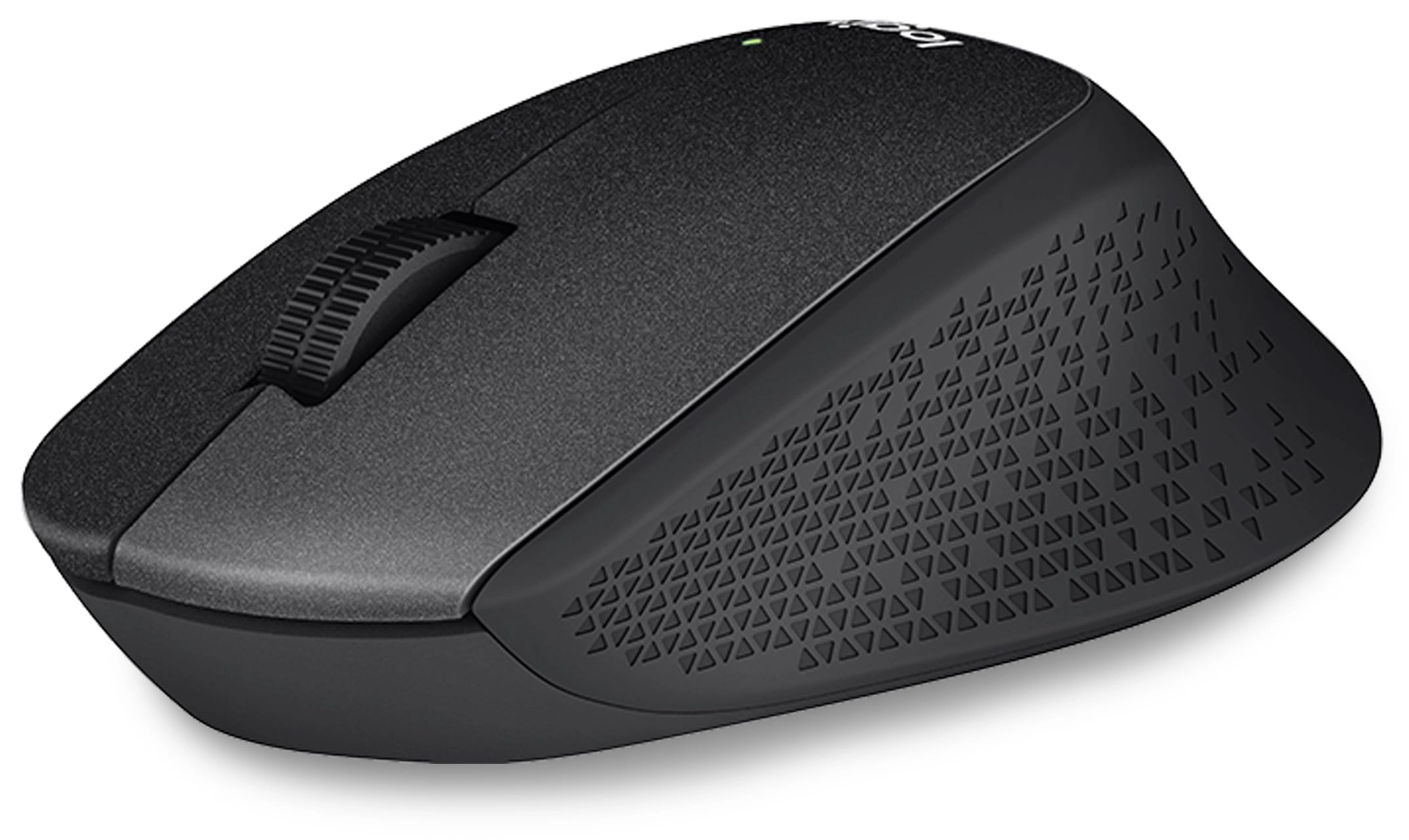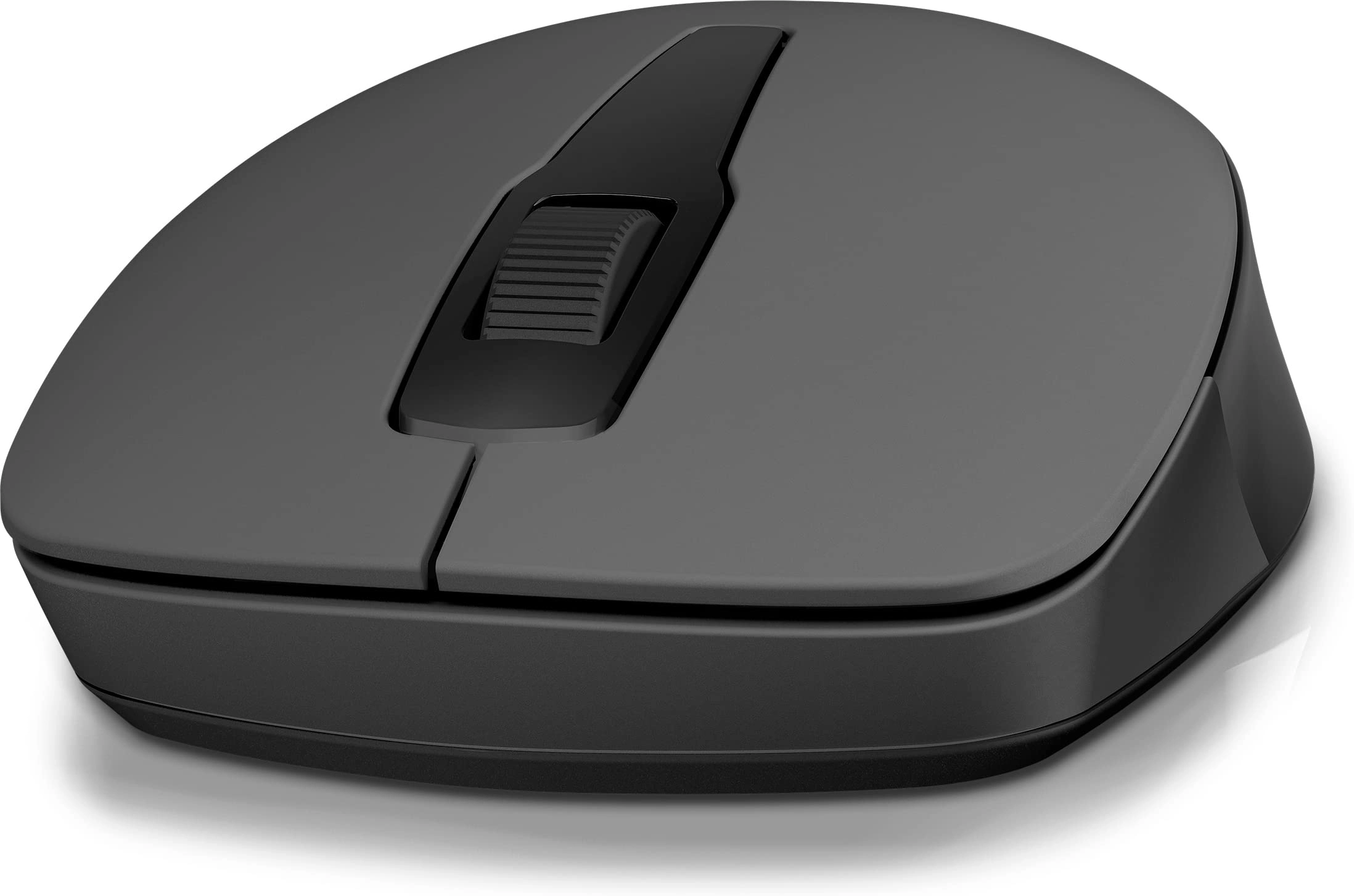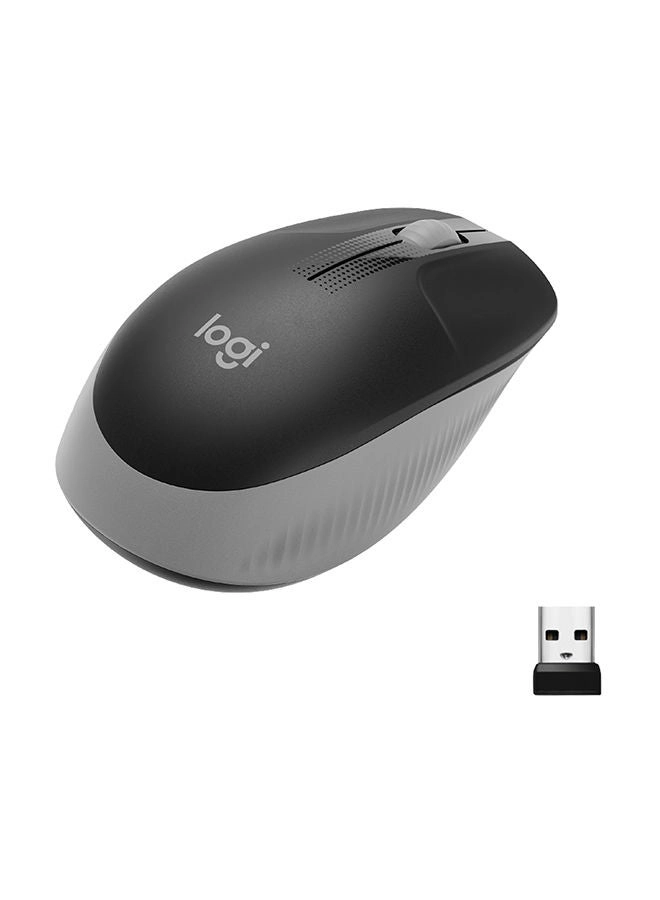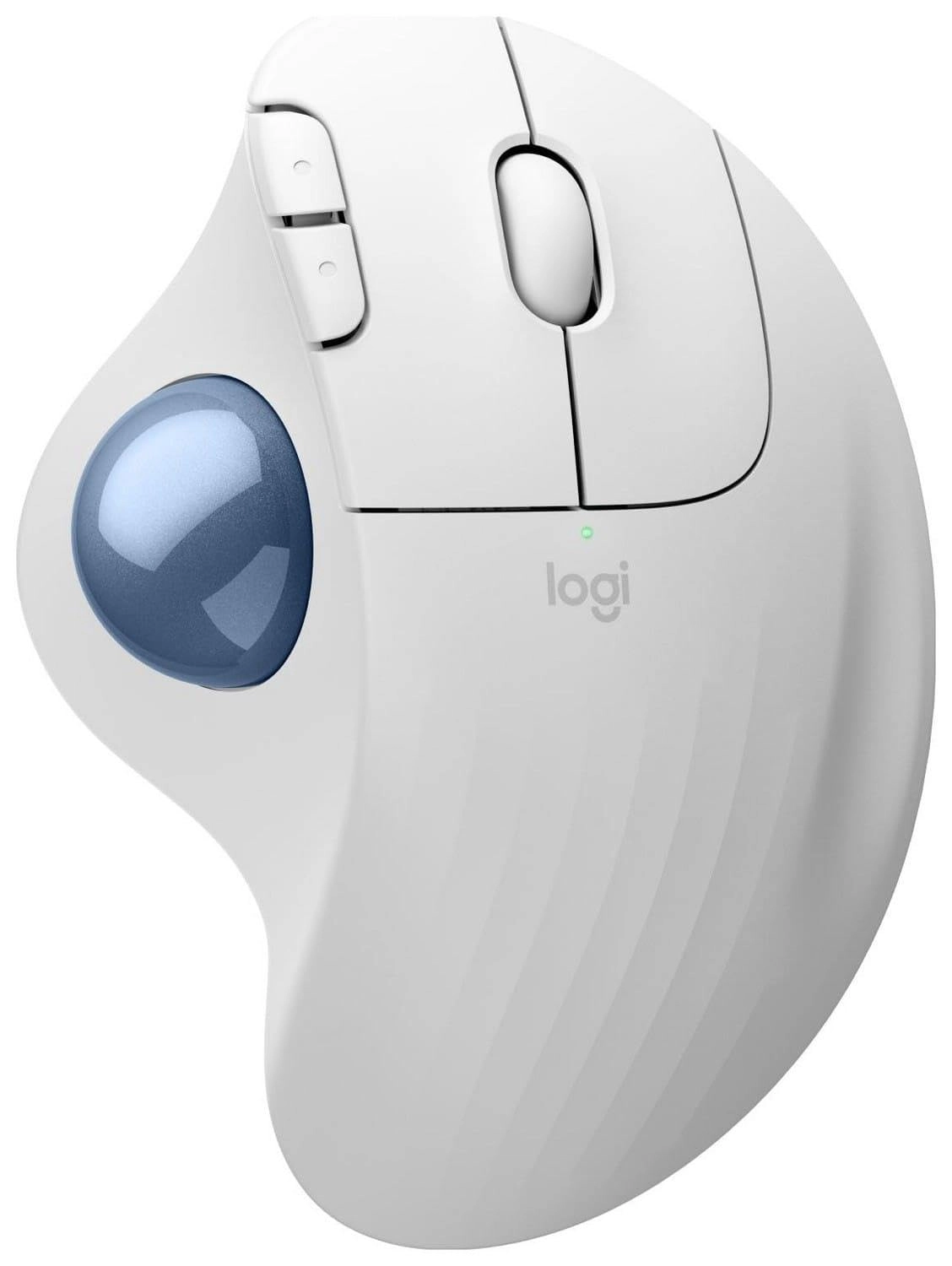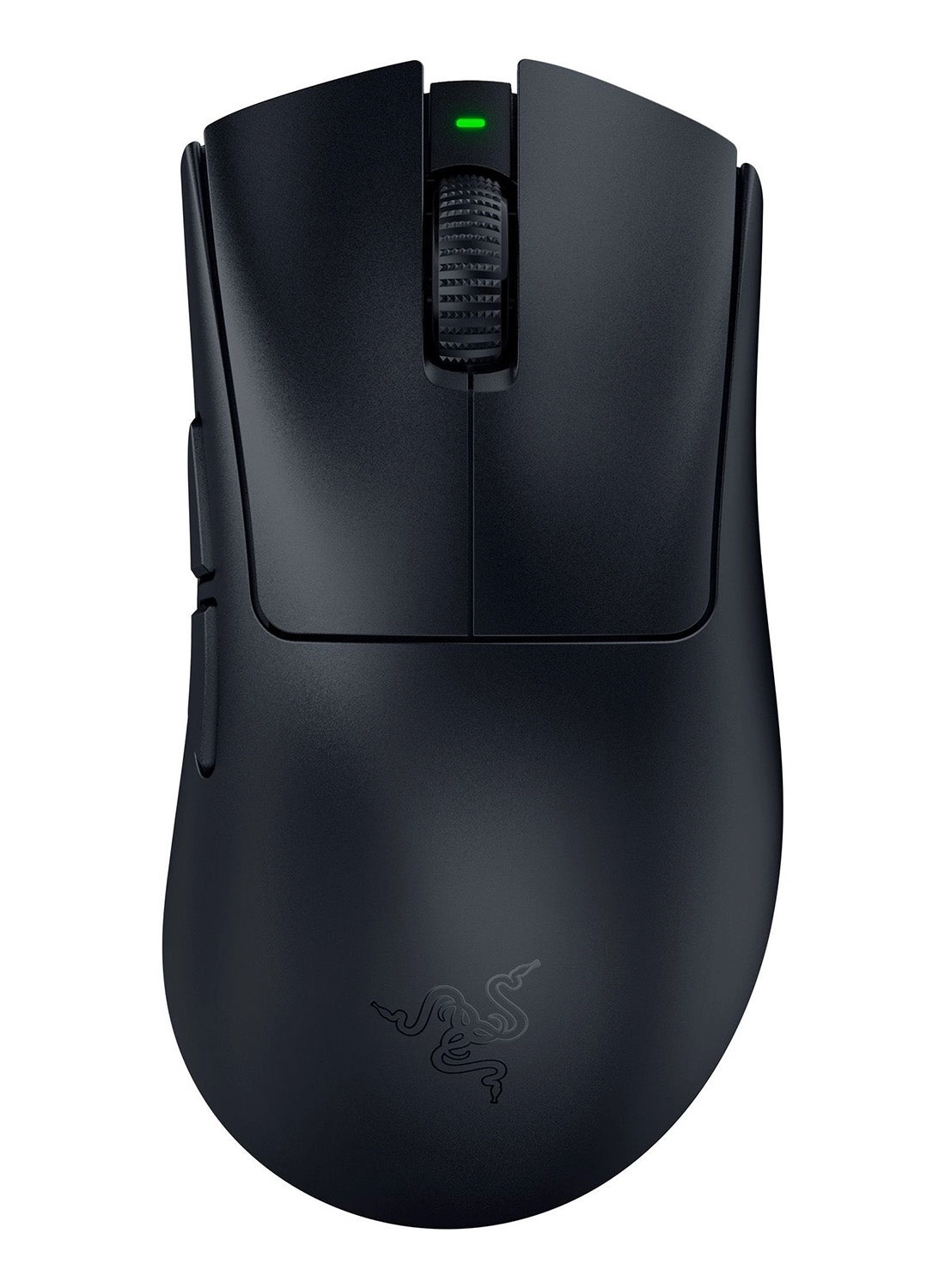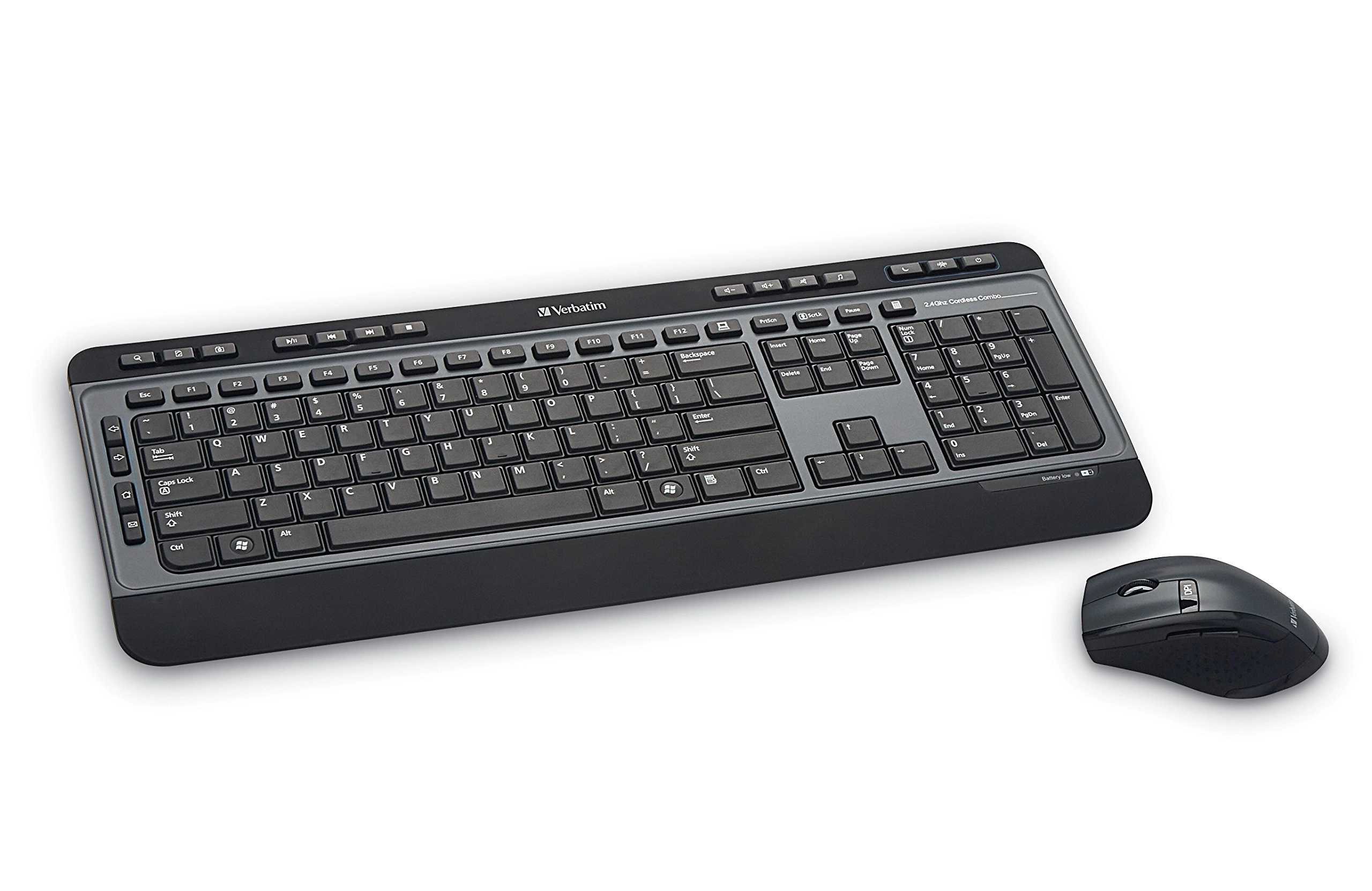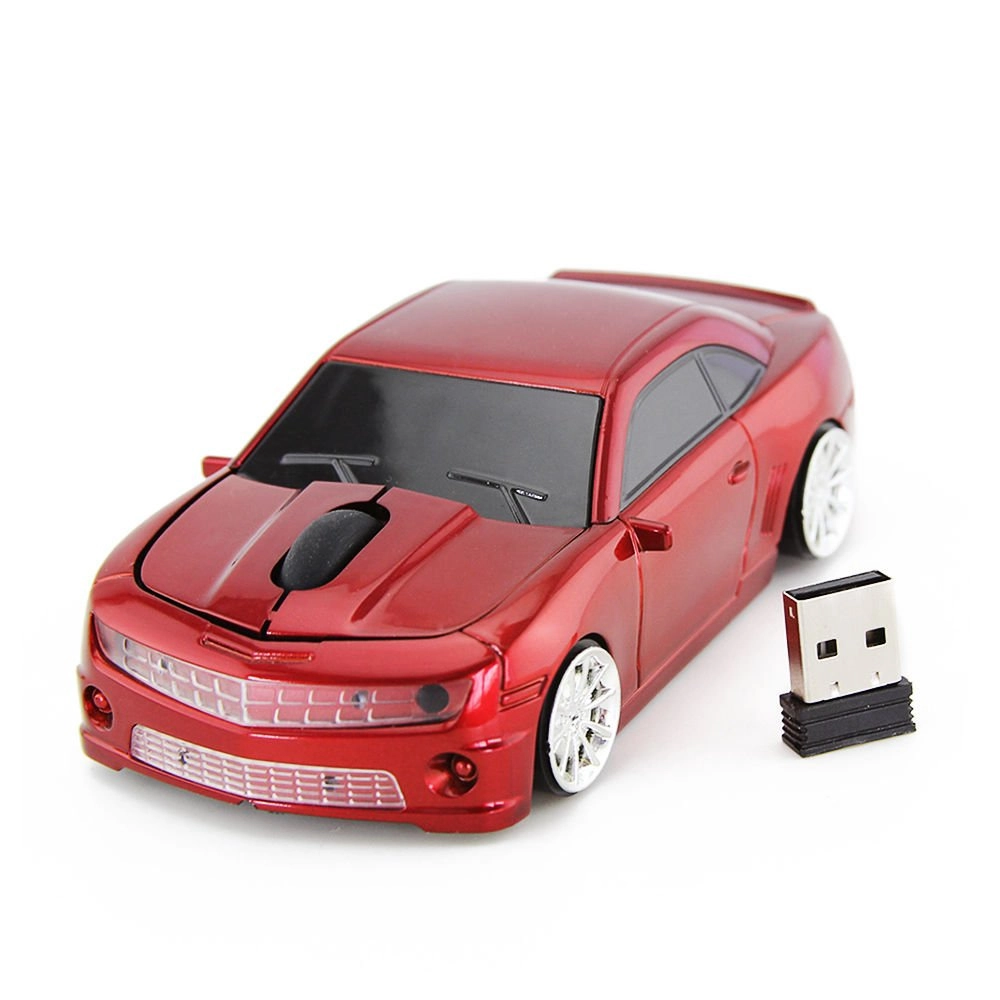
Usage:
1 The USB receiver is placed at the bottom of the mouse; Take out the USB receiver, and then insert the USB into the computer
2 . Prepare 1 AA battery (not included) for the first use; The mouse and receiver will automatically connect in a few seconds
3.2. If you cannot enter the pairing mode, the mouse needs to pair with USB again: turn off the switch, pull down the USB receiver from the computer,
then insert USB and turn on the mouse switch again, and use the USB receiver to obtain the distance of the mouse
4. If you don't continue to work, please try to put the USB receiver on another USB port of the computer
features
5 If you encounter that the mouse doesn't work properly when you use it for the first time, please don't worry.
first, unplug the receiver, insert it in a few seconds, turn off and turn on the power.
if the mouse still doesn't work, please leave a message to us, and we will solve
★ plug and play for you, without any driver
★ high performance chip, stable performance
★ 5million key time, better than other products
★ 33 foot launch distance, 2.4 GHz wireless transmission
★ mini, very fine nano receiver, small and exquisite
★ car appearance design, trendy appearance, high-end configuration
★ light weight, can be carried everywhere, is a great choice for home and travel
★ compatible with Windows 2000, Windows XP, Windows 7, windows 10, Windows Vista, Windows 98, Mac OS, windows me, Windows 8
★ cool sports car shaped wireless mouse is suitable for notebook computers, notebook computers, eye-catching ergonomic design,
for children, teenagers Good choice for students, teachers, girls, women and men
product specification
★ interface: USB 2.0/3.0
★ tracking method: optical
★ rated working voltage: 3.0V
★ optical resolution: 1600dpi
★ rated working current: 25mA
★ switching life: 5million cycles
★ buttons: 2 buttons + 1 roller
★ battery: 1 AA battery (not included)
★ wireless operating distance: up to 10m