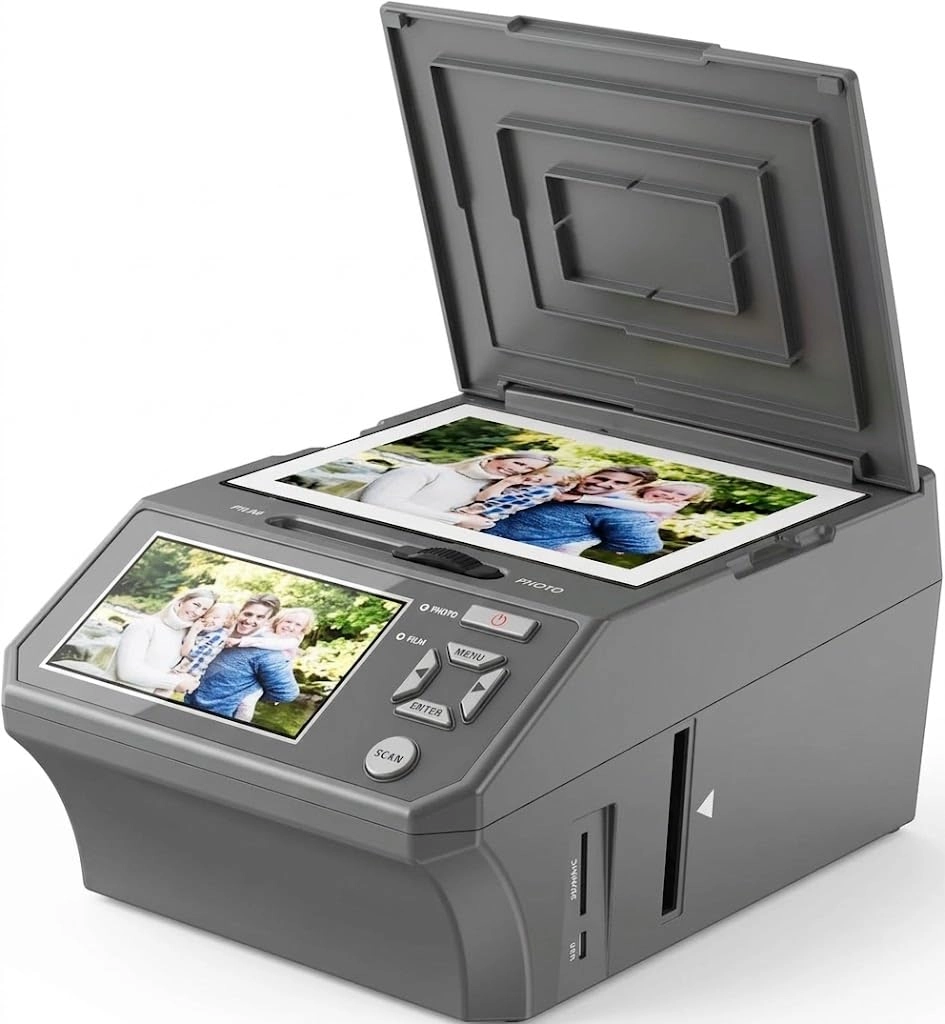
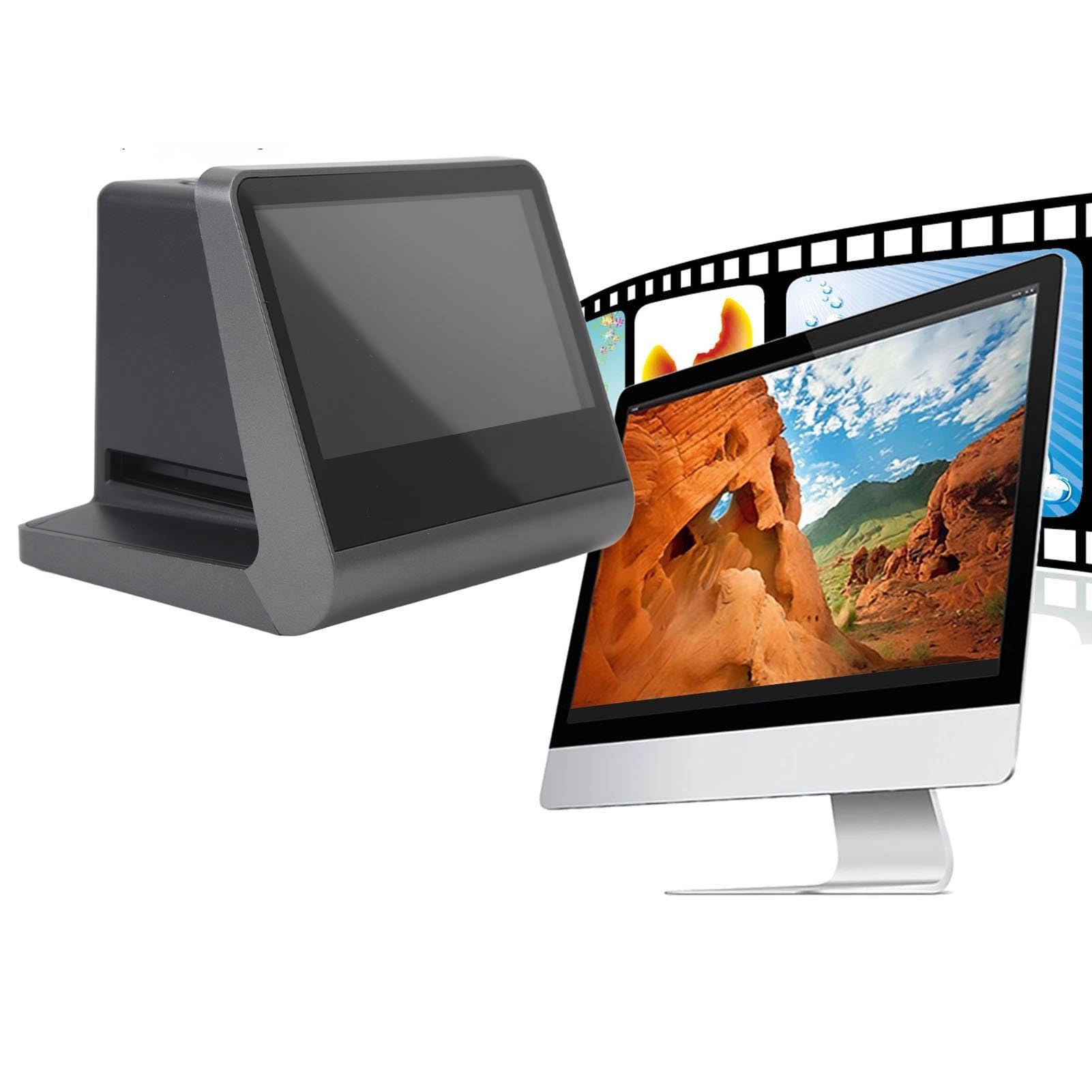
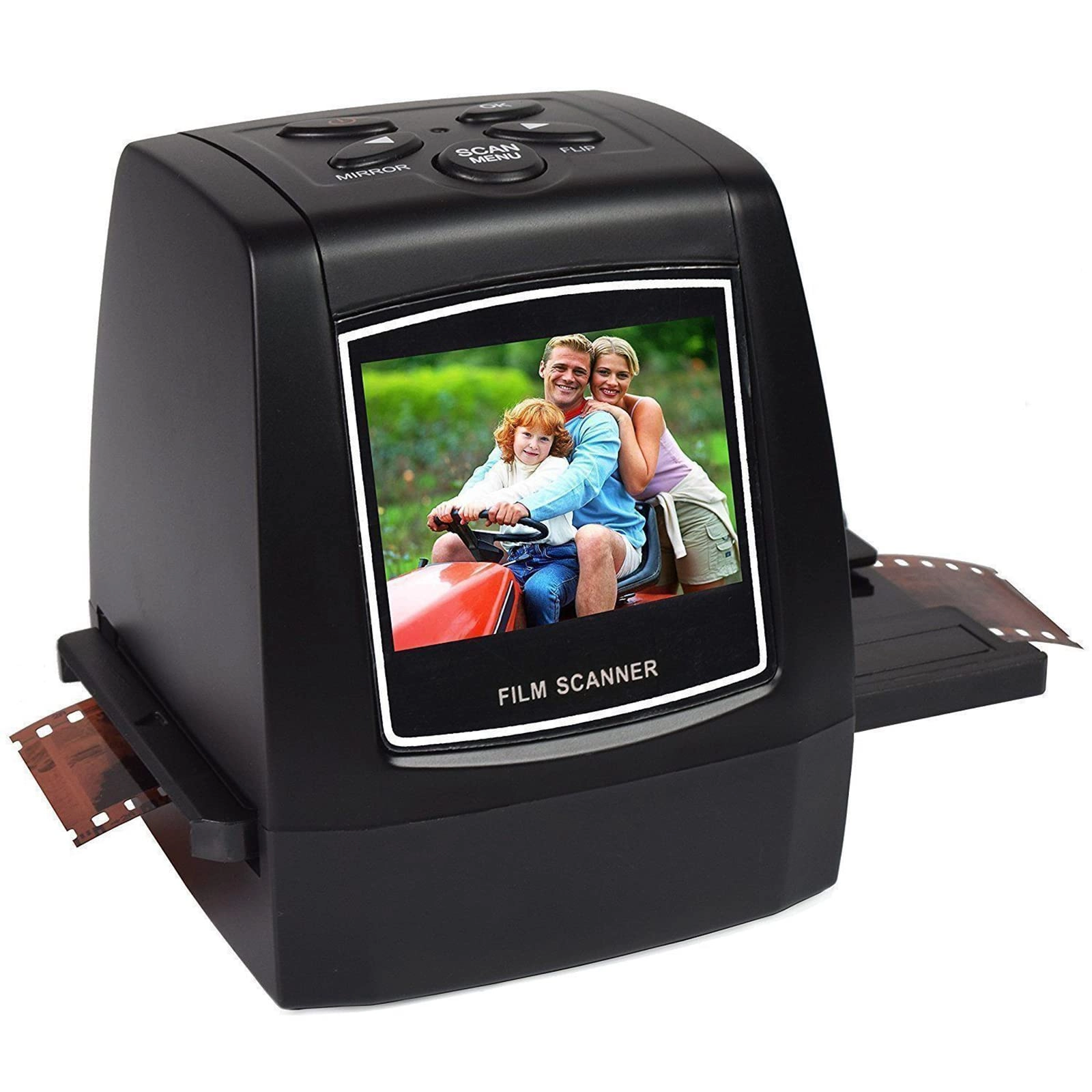
1. [HASSLE-FREE FILM SCANNING] Easily convert old 35mm, 126mm, and Super 8 slides into crisp 22MP JPEG photos without complex computer software.
2. [GALLERY MODE DISPLAY] Color 5in LCD screen with 178° viewing angle allows real-time preview and editing of scanned photos, acting as a digital photo frame.
3. [FAST AND EFFICIENT] The scanner features a specially designed adapter for quick, continuous loading and scanning of negatives and slides.
4. [ONE-CLICK EDITING] Edit photos instantly during scanning with mirror, flip, exposure, and RGB adjustment options, no additional memory card needed.
5. [BUILT-IN 16GB MEMORY] Save scanned photos directly to the device with the large 16GB memory, compatible with various computer systems for easy transfer.
Spec:
Item Type: Film Scanner
Function: 22MP film and slide scanner
Material: ABS
Size: Approx. 13.2 x 11.5 x 11cm / 5.2 x 4.5 x 4.3in
Interface: 1 x USB C, 1 x micro High Definition Multimedia Interface
Lens: 14MP (4416x3312), 1/2.33in for CMOS sensor
Display: 5in Color HD LED screen
Exposure Control: Auto or manual (-2.0EV~+2.0EV)
White Balance: Auto
Resolution: 14 MP or 22 MP (interpolated)
Compatible Film Types: 35mm, 126mm, 110mm color and black, white negatives, 135mm, 126mm, 110mm, 50mm, for Super 8 slides, monochrome slides
Image Effects: Black and white, slides, negatives
File Format: JPEG
Video Output Type: NTSC/PAL
Built in Memory: 16GB
Power: DC 5V adapter or USB C port
Language: Simplified Chinese, Traditional Chinese, English, French, German, Italian, Spanish, Japanese
System Support: For Vista, for 7 8 10 11 12, for OS X 10.7.3 and above
How to Use:
Take out the product reference manual for use.
packing list:
1 x Scanner
2 x Slide Holder
3 x Film Adapter
1 x USB Cable
1 x Wiping Brush
1 x High Definition Multimedia Interface Cable
1 x User Manual
Note:
If you need to export photos stored in your film scanner to your computer, connect it to your computer using the included Type C to USB cable(not an High Definition Multimedia Interface cable, which cannot be used for data transfer), and turn on the device(usually the USB port on your computer will power the film scanner). Then select USB function in the menu interface. After successfully connecting to your computer, you can view, edit and export the pictures you have taken.