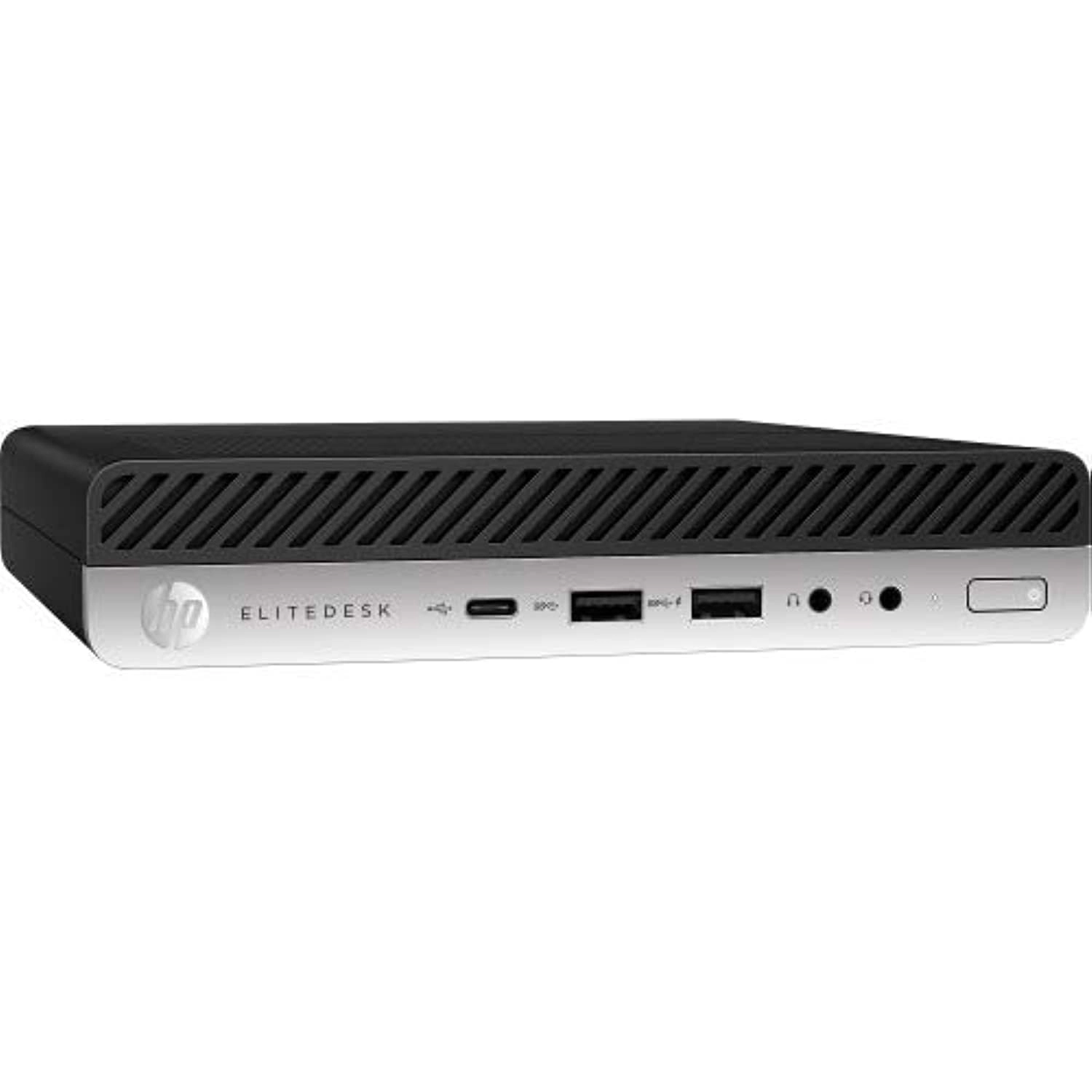
desertcart.com: HP EliteDesk 800 G1 SFF High Performance Business
Desktop Computer, Intel Quad Core i5-4590 Upto 3.7GHz, 16GB RAM,
1TB HDD, 256GB SSD (Boot), WiFi, Windows 11 Professional
(Renewed) : Electronics
Review: Perfectly functioning, well packed, super clean, very
expandable, and completely reliable! - What I needed: I needed a
computer for my electronics lab. It didn't need to be immensely
powerful, but I wanted something that would be easy to expand as
needed. This PC met my needs almost perfectly, and at a very
economical price. I purchased this 6 months ago (almost to the
day), so this is not an "out of the box" impression, but one
based on months of experience. It has been powered on (or
sleeping) continuously, so I can remote access it when needed. My
uses are primarily centered around my lab work: Electronic
Design, PCB Layout, and 3D Rendering of PCBs, along with Design
of small enclosures and modest software development. I also have
several PC connected pieces of bench equipment: Digital Scope,
Power Supplies, Function Generator, and whatever thing I'm
creating. Most of these connect via USB, and one via RS-232. This
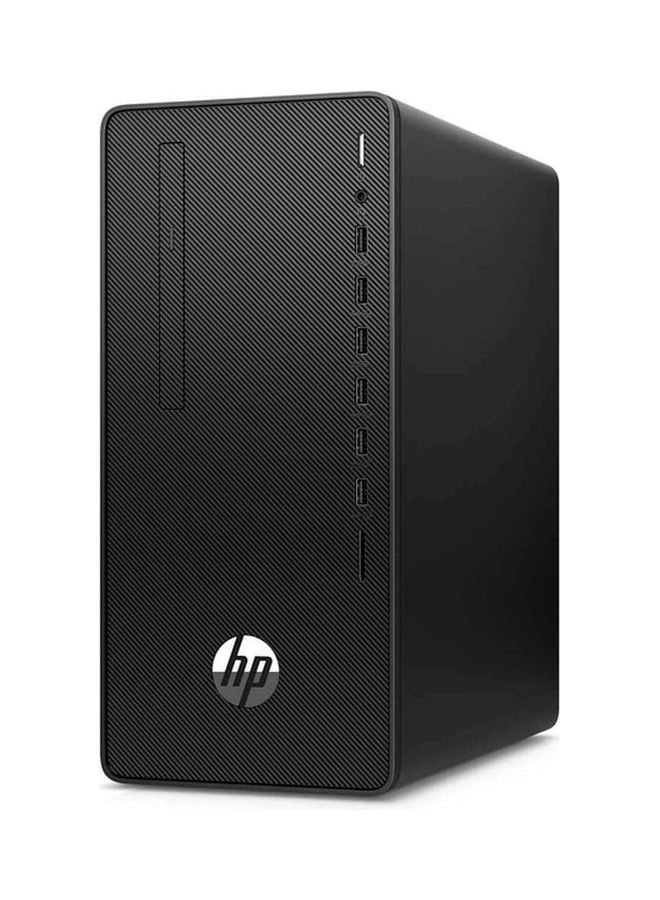
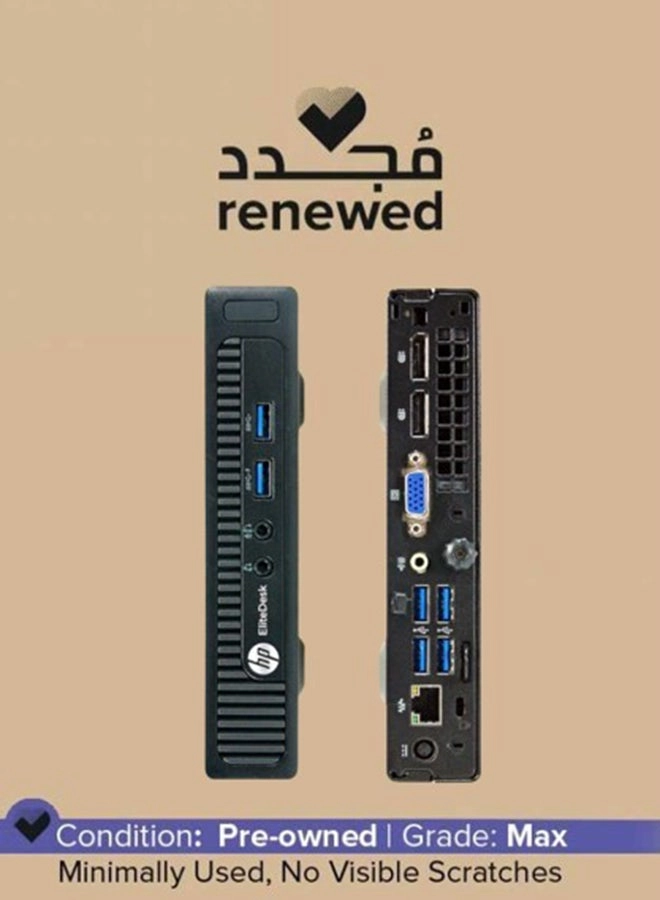
PC: You can see in the pictures that the front panel has 4 USB
ports - 2 are SuperSpeed. These have already proven valuable for
quick attachments. The rear panel is loaded up with 6 more USB
ports (2 of which are SuperSpeed), and I've used most of them. If
I had to, I could easily dig out an old PS2 Keyboard to free up
another USB port - but with 4 empty ports on the front I'm ok for
now. As noted above, I needed RS-232, and this PC had one - which
is a bonus. Of course, I could have plugged in a USB to RS-232
adapter. Beneath the back-panel RS-232 port (the gray plug in the
picture) is a VGA connector, which I don't expect to use. To the
left of those are a couple of Display Ports - one connected to my
big screen (3440 x 1440). The specs say that each can support a
4K monitor, but my bench doesn't have space (and the screen
resolution works for my eyeballs and needs). The host processor
in the unit I purchased is an i5-4590 quad core running at 3.3
GHz. The motherboard memory slots are full, loaded with 16 GB of
RAM. The motherboard has 3 SATA ports, but they are fully
occupied, connected to a 240 GB SSD hosting Win10 Pro, a 1GB
spinning HDD, and a DVD drive. The graphics is served with an
integrated Intel HD 4600. For further expansion, there are 4 PCIe
slots: 2 x X1, 1 x X4 and 1 x X16. Other Discoveries: * The BIOS
still had the name of the prior "owner" (a company), which is
probably where many of these came from. It was simple to change,
so now is hosts a name appropriate for my lab. * This PC is not
for gaming, so I didn't rate that since I've never run a game on
it. With my single high-resolution monitor connected, spinning a
3D model of a modestly complex circuit board is fast - it more
than meets my needs. * And I had no need for Tech Support, so I
didn't rate that either. My Expansion: * In the pictures you'll
see one of the PCI slots is occupied - with the 4-channel SATA
adapter that I added. The 3 on the motherboard were occupied but
I needed one more for an external HD dock. * I expect to add a
Webcam soon. * I also expect to add one more PCI card to it, to
add USB-C connectors. My newest gear (Laptop, Phone, etc.) all
have USB-C, so this will be necessary. My Summary: This was the
right PC for my needs. It was also relatively inexpensive. It has
been running close to non-stop since my unboxing. It "seems"
quiet enough for most any location, but my lab isn't the best
place to judge that. It didn't have support for every interface I
needed but was more than expandable enough to add to it. I do
wish the overall unit was a bit smaller (for my lab space), and
in years prior I had a large tower PC, but tired of crawling
under the desk to swap cables around.
Review: Above expectations very happy with this HP EliteDesk 800
G1 SFF - It was delivered on time and was in like-new condition
as advertised. It has a smaller footprint than a full-size
desktop which I had concerns about before I got it. However, once
I opened the access panel, I was impressed. It has a recessed
latched pull handle that removes the whole access panel exposing
everything and no screws to unscrew or lose. Inside, not a speck
of dust, literally, like a new computer, you can't tell that it's
renewed/upgraded. Even though it's smaller everything is easy to
see and get to so if you need or want to do anything inside it's
awesome. You can see everything and get to it with ease. You
don't have to be a contortionist or have tiny hands and fingers.
The drives and optical reader (DVD) are contained within a rack
that you just pivot upward to release and you have full easy
access to them. Additional expansion slots to add what you like.
If you should want to increase RAM from 16 to 32 GB there is
nothing around them so removing and replacing them in the slots
would be effortless. I was surprised how cool this computer runs
even when using multiple high resource software at the same time
with no lag. As for the USB Keyboard and Mouse, USB WiFi Adapter.
These are low cost and just so you have something. As low cost as
keyboard and mouse are I really like them. If you use something
else don't throw them out as others have said. Save them as an
emergency back up or give them to someone. I have a Logitech
wireless keyboard and mouse but still using the ones that came
with this computer. USB WiFi Adapter isn't the best it's not real
fast and not great for long-distance so I did buy a better one at
the same time. There are a lot of cheap USB WiFi Adapters that
stop working after 2-3 months but here is a low-cost $17 good one
I use so can avoid the hassle. Just search desertcart for -
TP-Link AC600 USB WiFi Adapter for PC (Archer T2U Plus)- Wireless
Network Adapter for Desktop with 2.4GHz, 5GHz High Gain Dual Band
5dBi Antenna, Supports Windows 10/8.1/8/7/XP, Mac OS 10.9-10.14
It increased my transfer speed from 300 Mbps or less and 3 bars
signal strength to a transfer speed of 433 to 490 Mbps and 5 bars
signal strength. All you have to do is connect a monitor, the
keyboard, mouse, and USB wifi adapter and power up. You do need
to set up you user account like any new computer. This is
Microsoft so it wants you to use a Microsoft account to have a
better "online experience". But all you need to do is enter your
login for a Microsoft email account or create one during set up.
That step requires connecting to the internet and entering the
password. Or you can create an offline user account like the old
days. The rest of the setup questions are about your preferences
and you're ready to go. Windows 10 Pro works perfectly. My
daughter got one of these a while ago and wouldn't stop praising
it so I got one. She gave me a heads up about the USB WiFi
Adapter solution too. I couldn't be happier with this purchase.