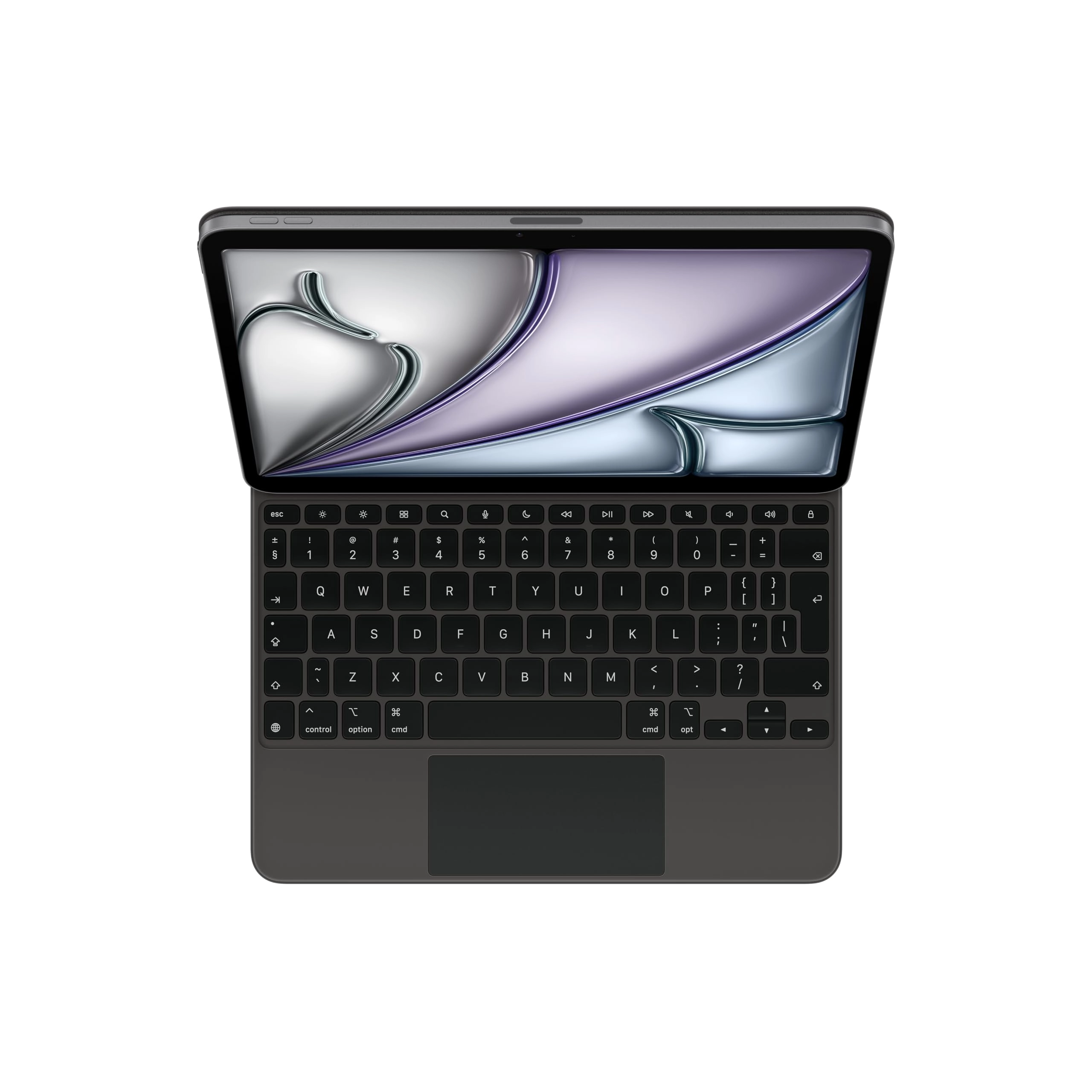
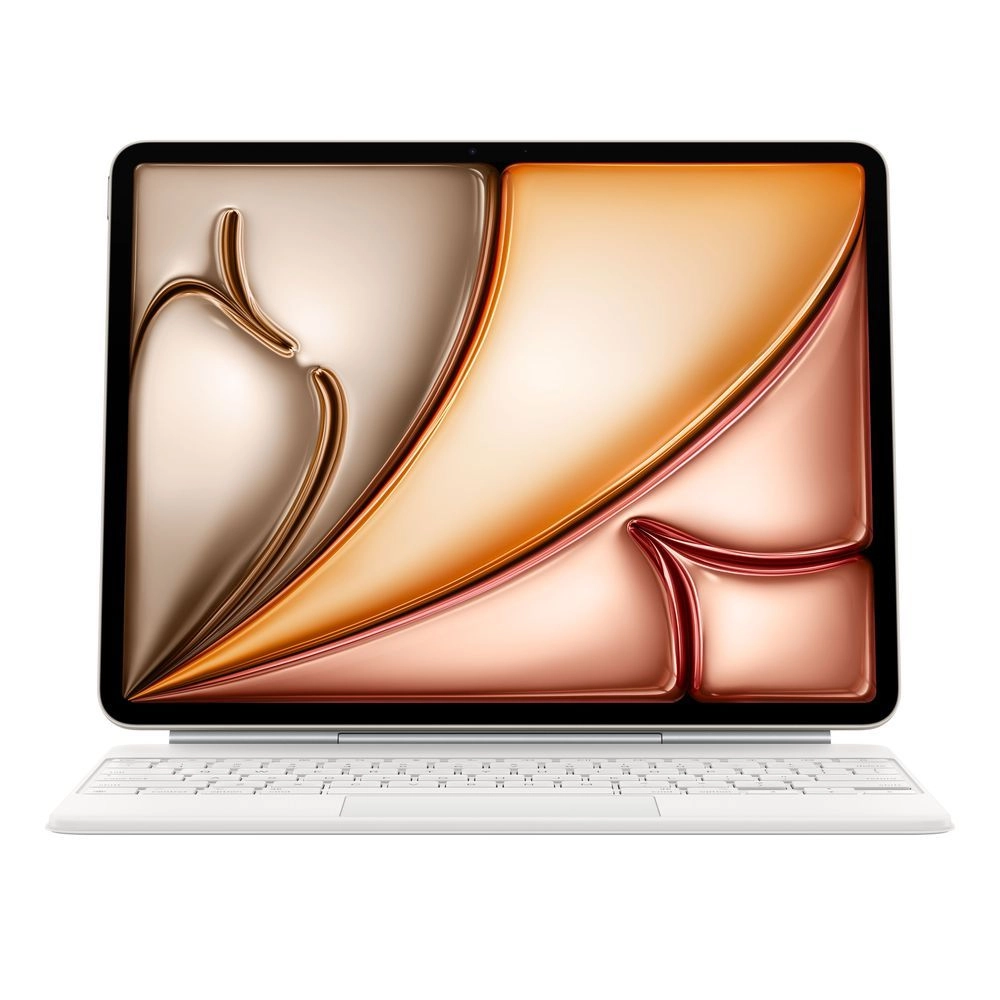
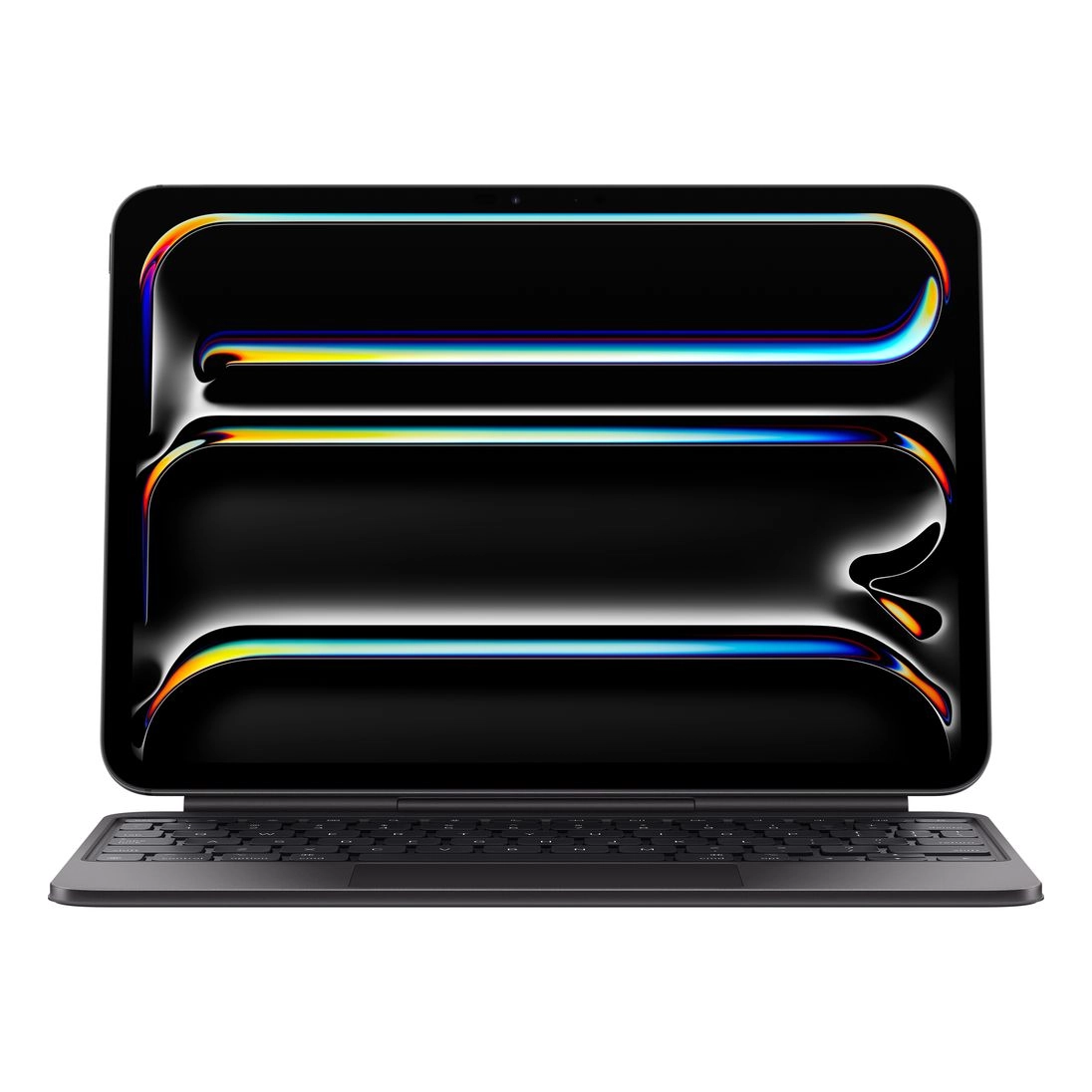
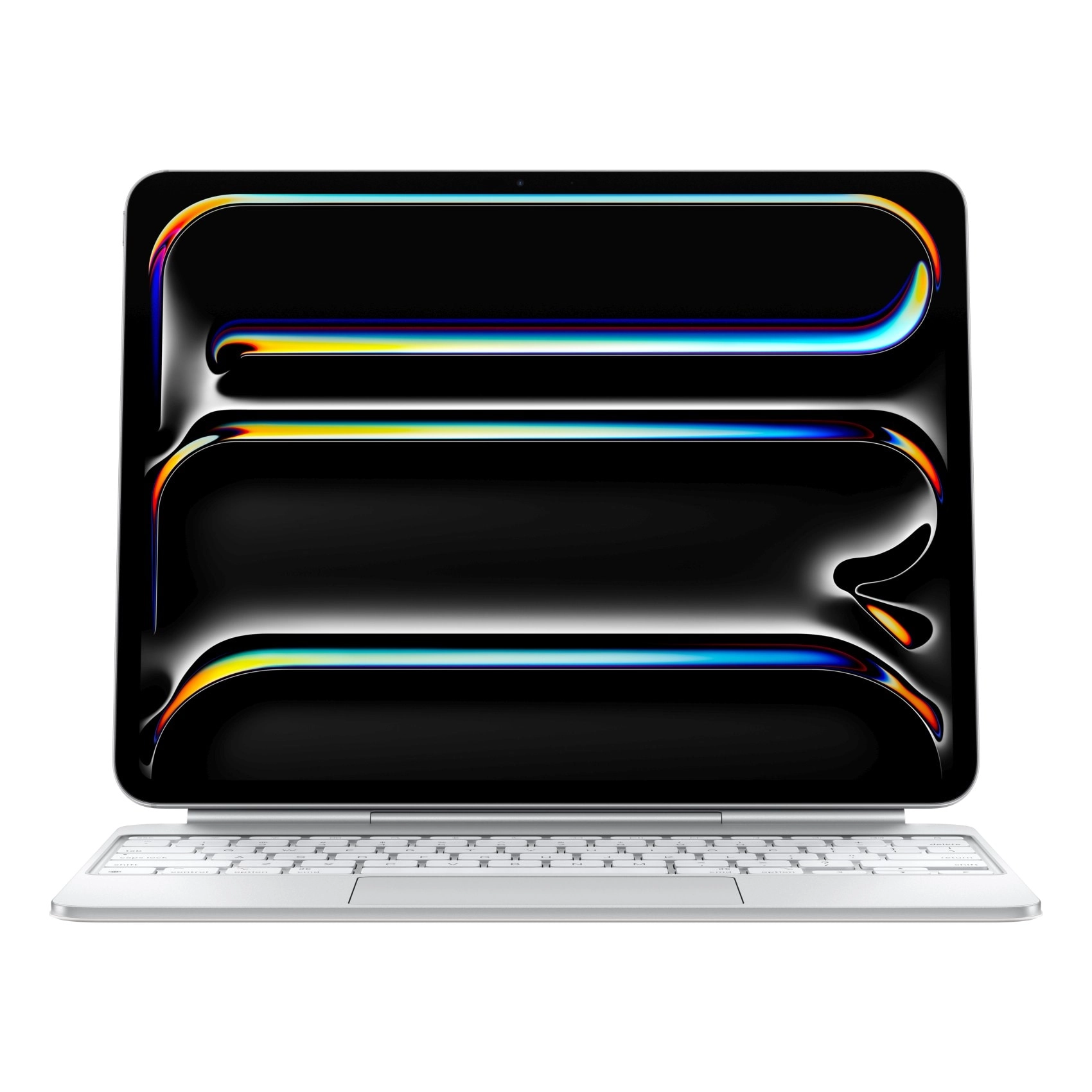
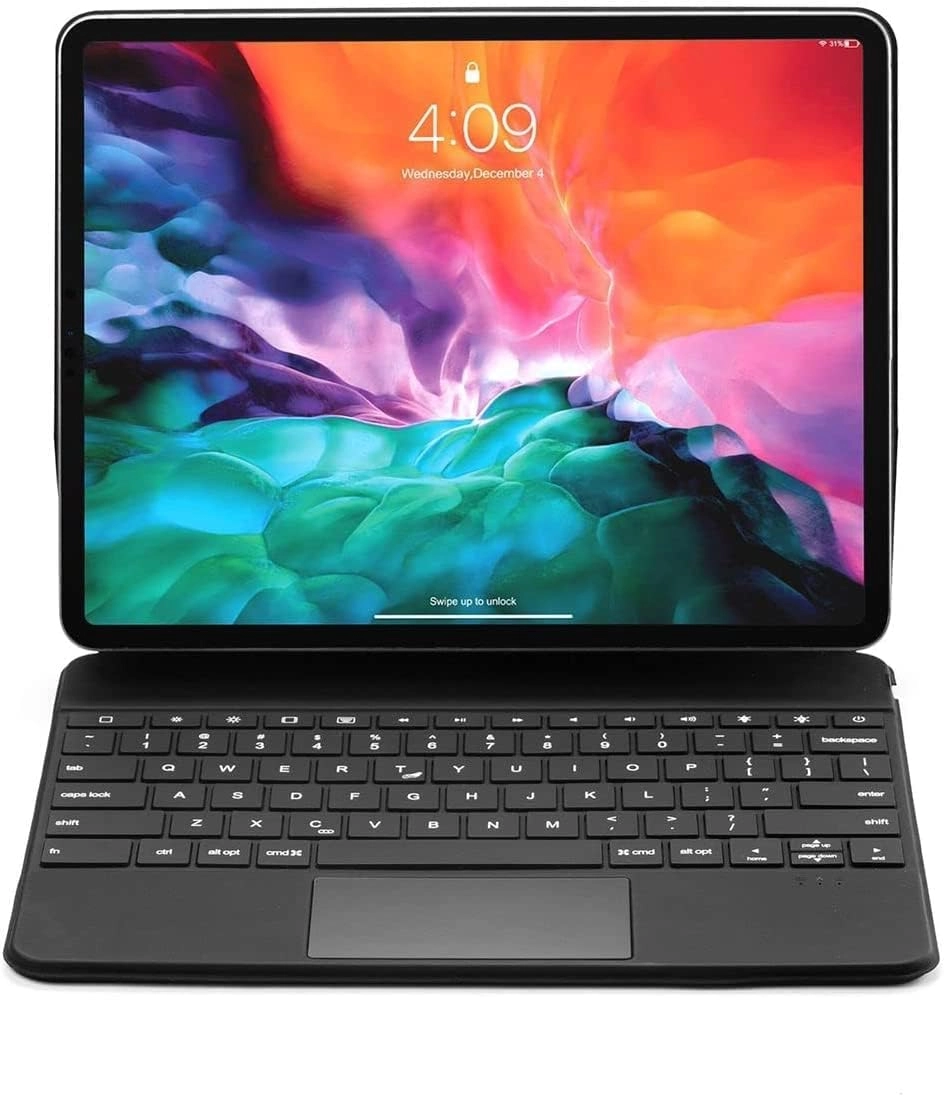
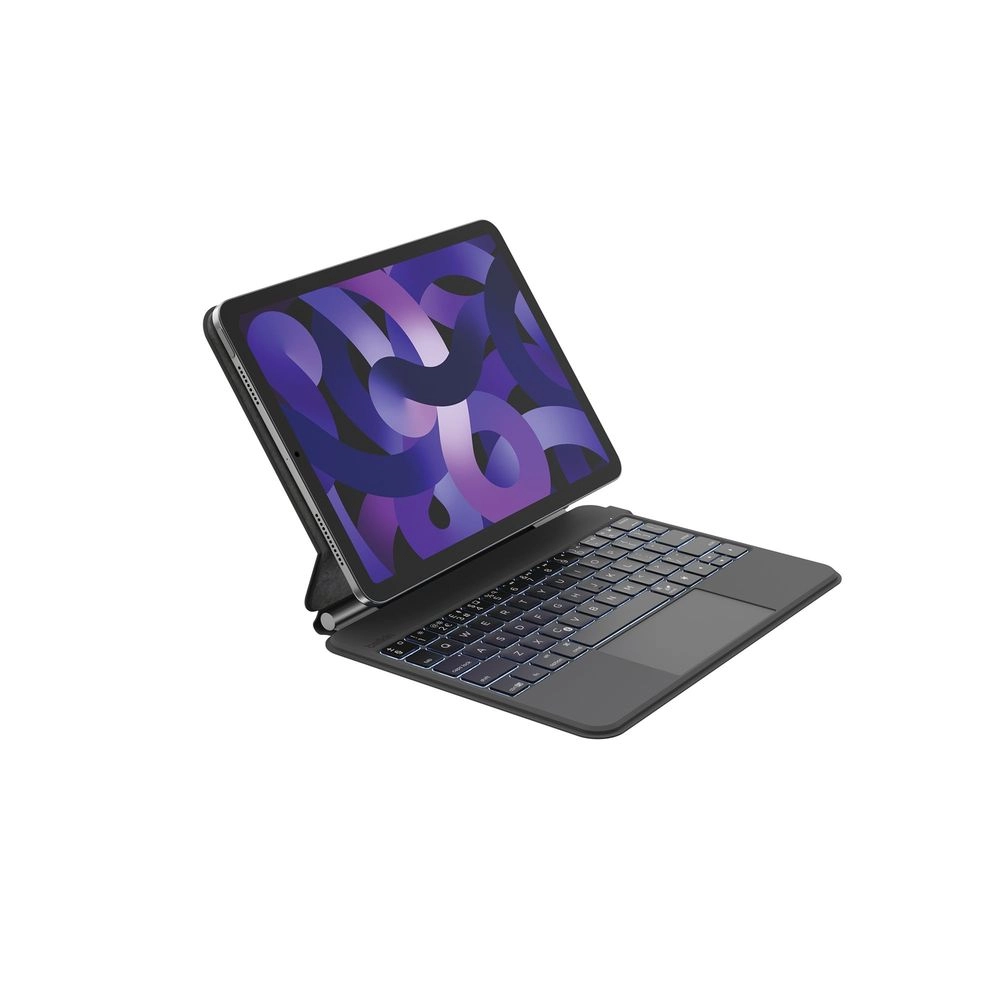
FARYODI Magic Keyboard for 11-inch iPad Pro (4th / 3rd / 2nd / 1st Generation), Air 5/4th (US English)
Best offer
AED
32200
Key Features
Colour name: All-in-one(Black)
Power source: Battery Powered
Product colour: Black
Connectivity technology: Bluetooth
Weight: 890g
Batteries included: Yes
Specifications
Features
Connectivity technology
Bluetooth
Product colour
Black
Colour name
All-in-one(Black)
Weight & dimensions
Weight
890 g
Power
Power source
Battery Powered
Packaging content
Batteries included
✓
Product Details
SPECIAL DESIGN:
Use a familiar laptop-like keyboard to type comfortably and accurately. With well-spaced backlit keys, you can optimize your work efficiency anytime, anywhere, day or night. This keyboard with the iPadOS shortcuts is more convenient.
Floating Design: The magic keyboard for iPad Pro 11/ iPad Air 5/4th adopts a floating design, which makes your iPad magnetically attached to the cantilever of the keyboard case, be used as a laptop to stand. It can also be folded into a lightweight protective case to provide front and back protection for the iPad, which can be removed when the iPad needs to be removed. Whether you are in a coffee shop, office or school, you can use it, easy to carry.
Smart Auto Sleep / Wake Function: The vegan leather cover folding as a light-duty shell to prevent bumps and scratches, ensures your iPad stays safe. The auto sleep/wake function initiates when you open or close the magic keyboard iPad Pro 11.
Only Fit for iPad Air 5th Gen 2022 (Model No.A2591/A2589/A2588),iPad Air 4th Generation 2020 (A2325/A2324/A2316/A2072),iPad Pro 11 3rd Generation 2021 (Model No.A2301/A2377/A2459/A2460),iPad Pro 11 2nd Generation 2020 (Model No.A2228/A2068/A2230/ A2231),iPad Pro 11 1st Generation 2018 (Model No.A1980/A2013/A1934/A1979).(Not fit for other devices, please turn over your iPad to check the model number before purchase)
How to connect the Bluetooth?
1. Turn on the power of the keyboard. press "Fn+C" on the keyboard, the keyboard will be in a waiting state for searching within 3 minutes.
2. Open the settings of your iPad.
3. Open the Bluetooth in your iPad, and let the Bluetooth be in the "ON" search state.
4. Search for the keyboard wireless signal "iPad keyboard" on the "other devices" of the iPad, and click to connect.
Reviews
Loading...
Loading...
Loading...
Loading...
Loading...
Loading...
Loading...
Loading...
Loading...
Loading...
Loading...
Loading...
Loading...
Loading...
Loading...
Loading...
Loading...
Loading...
Loading...
Loading...
Loading...
Loading...
Loading...
Loading...
Loading...
Loading...
Loading...
Loading...
Loading...
Loading...
Loading...
Loading...
Loading...
Loading...
Loading...
Loading...
Loading...
Loading...
Loading...
Loading...
Loading...
Loading...
Loading...
Loading...
Loading...
Loading...
Loading...
Loading...
Loading...
Loading...
Loading...
Loading...
Loading...
Loading...
Loading...
Loading...
Loading...
Loading...
Loading...
Loading...
Loading...
Loading...
Loading...
Join our newsletter
Be the first to know about new arrivals, sales, and exclusive picks
Sign in to unlock newsletter access and stay in the loop
Please enable location access or select an emirate
-
00:00:00
Prayertimings
Offers (1)
1 offer
From
AED
322
FARYODI Magic Keyboard for 11-inch iPad Pro (4th / 3rd / 2nd /1st Generation), Air5/4th - US English-Black